
Off Duty Fashion Magazine Cover
Generates a minimalist high-fashion magazine cover with a seated denim editorial portrait and luxury typography.

- Prompt included
- Model and format preset
- Premium template
The prompt behind this image
Copy the exact prompt behind Off Duty Fashion Magazine Cover, or open it in the studio and make it yours.
Create a vertical 3:4 high-end fashion magazine cover poster featuring {argument name="model description" default="a young woman with wavy brown hair, colorful braided strands, and a confident studio-fashion pose"} as the main subject, photographed in a minimalist private studio against a warm light-gray seamless backdrop. The model sits low and slightly reclined with one oversized denim-clad leg dominating the foreground in dramatic perspective, wearing very loose dark blue jeans and a fitted white ribbed crop tank top. Her upper body is on the right side of the frame, one hand raised near her mouth, the other arm relaxed to the side; place translucent cream sunglasses on top of her hair. Preserve realistic skin texture, natural proportions, and a candid editorial attitude rather than heavy beauty retouching. Use soft studio lighting, shallow depth of field, subtle film grain, and muted neutral tones with deep denim blues and small red typography accents. Design the image as a niche luxury fashion magazine cover. Use elegant high-contrast serif typography for the main title on the upper left, stacked in three lines reading {argument name="cover title" default="OFF\nDUTY\nICON"}; make the word “ICON” include one red letter “O” while the rest is black. Add small uppercase sans-serif text at the top left reading “PRIVATE STUDIO EDIT” and top right reading “ISSUE No.27” with “No.27” in red. On the right side, place two compact editorial callouts: “MINIMAL\nMOOD.” above a short red dash, then “BOLD\nSIMPLICITY.” Below the left knee area, add a small red dash and the stacked white caption “EFFORTLESS\nCONFIDENCE,\nNATURAL\nALLURE.” At the bottom center, add a large refined serif tagline reading {argument name="bottom tagline" default="SIMPLE. STRONG. UNAPOLOGETIC."}, with “UNAPOLOGETIC.” in red and the rest white. Under it, add small spaced uppercase text: “A PRIVATE EDIT FEATURING AUTHENTIC EXPRESSION\nAND MODERN FEMININITY.” and beneath that “STUDIO ARCHIVE\n2024 COLLECTION.” Add exactly one small vertical barcode block at the bottom left with tiny numbers. Keep the layout clean, editorial, and asymmetrical, with generous negative space on the upper left and typography integrated around the model. No extra logos, no watermark, no additional cover lines beyond the specified text.
How to use Off Duty Fashion Magazine Cover in 3 steps
- 1Upload ImagePNG, JPG or paste
Add your photo
Upload the photo the template builds on. The prompt, model and format are already set.
- 2…a portrait of your subject in softgolden-hour light, 85mm…
Personalize
Edit the subject and creative details for your destination.
- 3Generate
Generate
Press Generate — your image is created in PicX Studio, so you can compare it with the original and refine one variable at a time.
More like this
Templates with the same subject, style or setup. Open one to see its prompt.

High-Fashion Editorial Magazine Cover ICON

Korean Model Floating Magazine Pages Campaign

High-Fashion Magazine Cover Portrait

Blue Hour Editorial Fashion Portrait
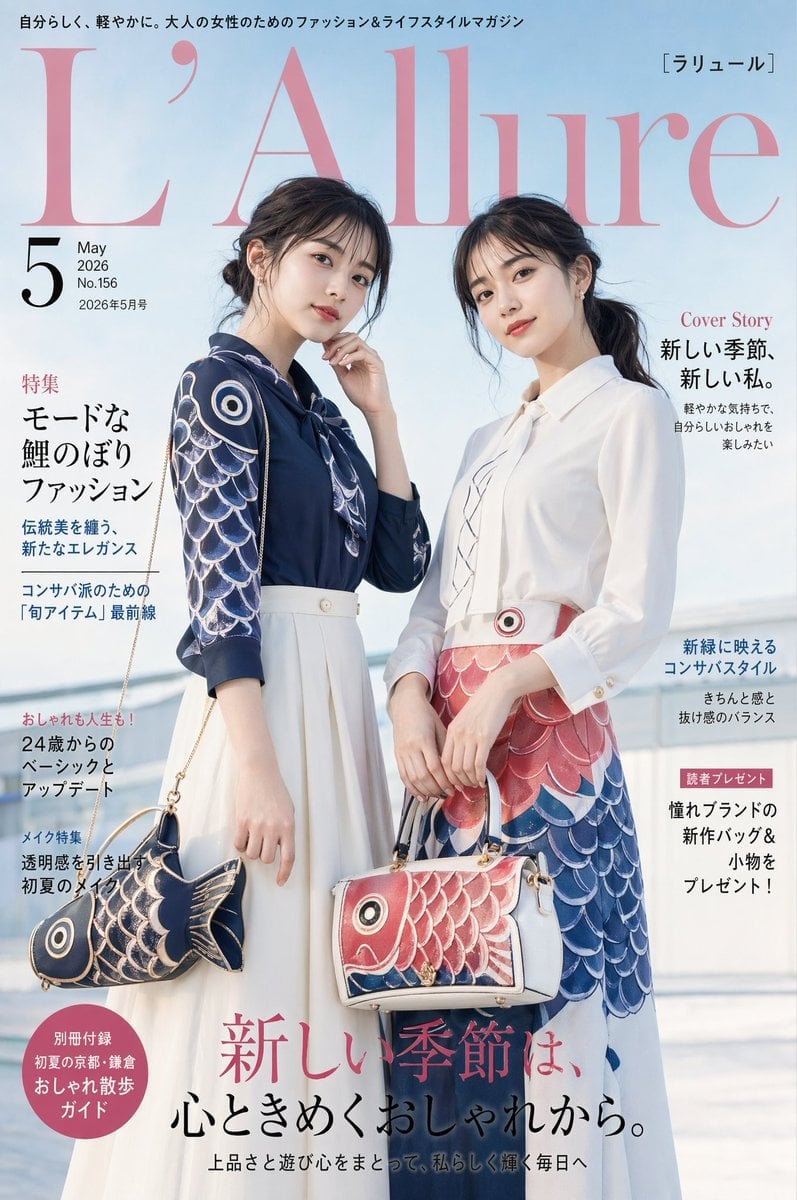
Japanese Koinobori Fashion Magazine Cover
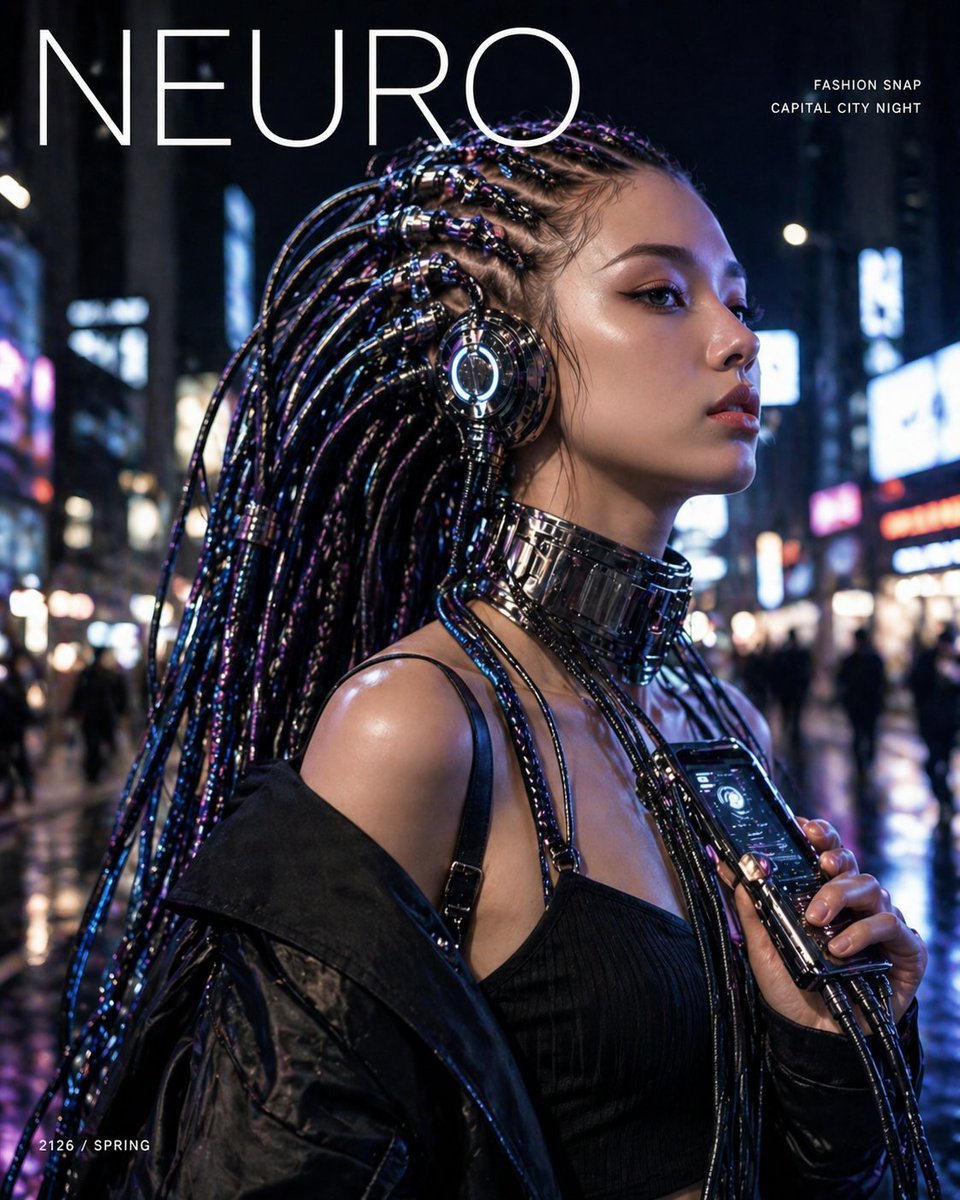
Cyberpunk Fashion Magazine Cover
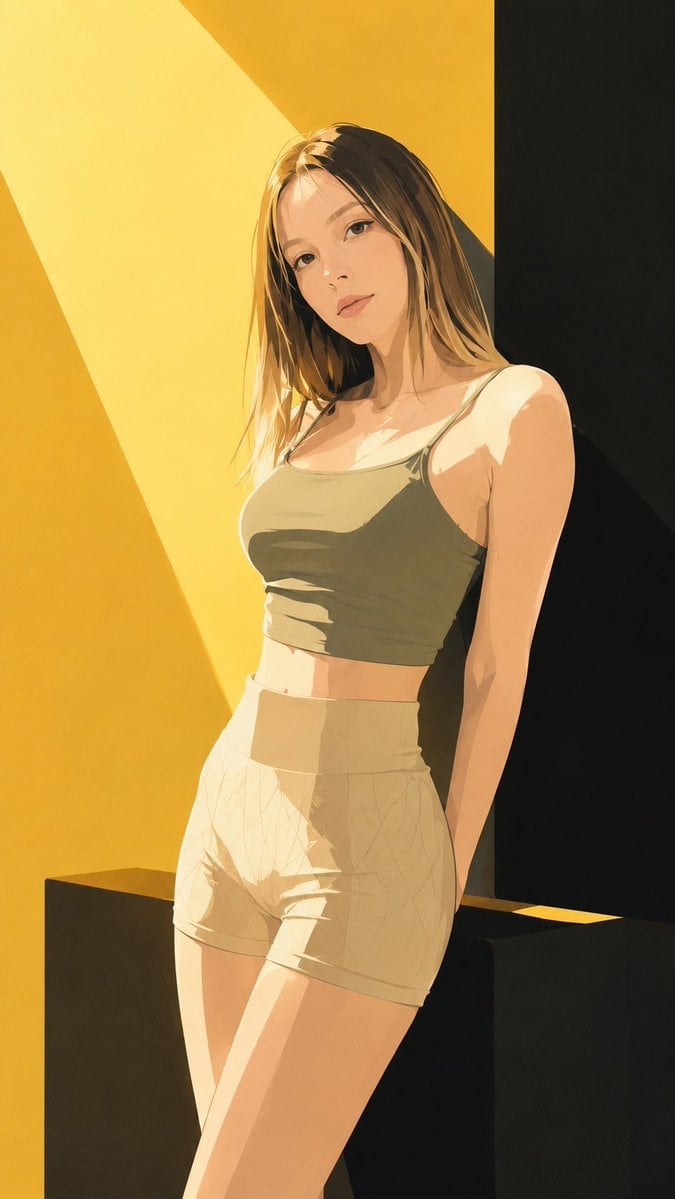
Japanese Fashion Magazine Anime Cover

80s College Gate

1988 Mall Style

80s Polka Dot Saree

Japanese Tatami Lifestyle Magazine Cover

Ethereal Bloom Magazine Cover
Make it yours
Off Duty Fashion Magazine Cover works as-is. These are the safest ways to change it without losing the look.
Change one field
Copy a single group, rewrite it, and generate again so you can see what that field is doing.
Keep the frame, change the subject
Hold the composition and light of Off Duty Fashion Magazine Cover, then swap wardrobe, props or the person for a new take.
| If the result… | Why | Fix |
|---|---|---|
| The result drifts from the preview | Too many fields changed at once. | Reuse Off Duty Fashion Magazine Cover as-is first, then change one group — subject, light, or setting. |
| The model over-stylizes the scene | The prose prompt leaves finish and camera underspecified. | Add one camera or lighting sentence and stay on GPT Image 2. |
More GPT Image 2 templates
Other prompts made for GPT Image 2.

Six VTuber Japanese Logo Sheet

Realistic Portrait of Woman and Deer

The Vista Modular Condo Poster

AI Model Routing Comparison Infographic

2.5D Anime Art Board

Isometric Productivity Desk Scene

New York Double Exposure Poster

Four-Panel AI Landscape Comparison

NESCAFÉ Coffee Map Poster

Brutalist Cogito Chinese Typography Poster
More image prompts
Fresh picks from across the catalog.
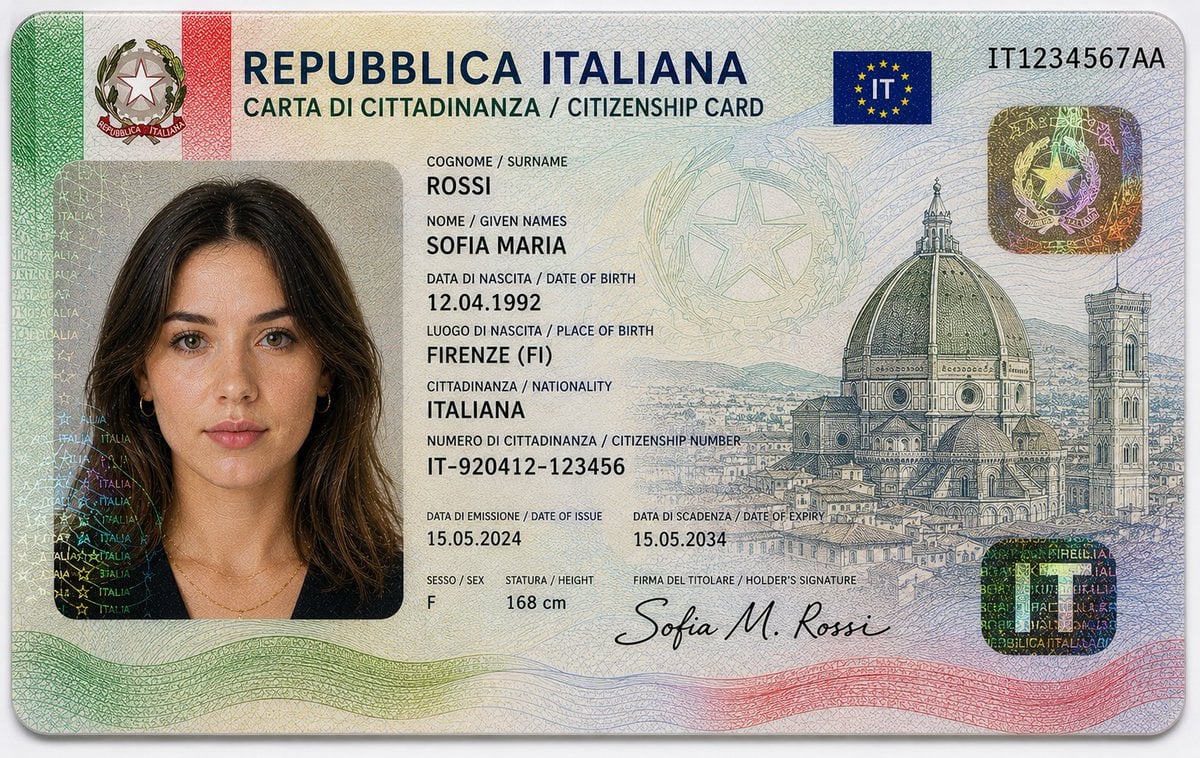
Realistic Identity Card Macro Photography
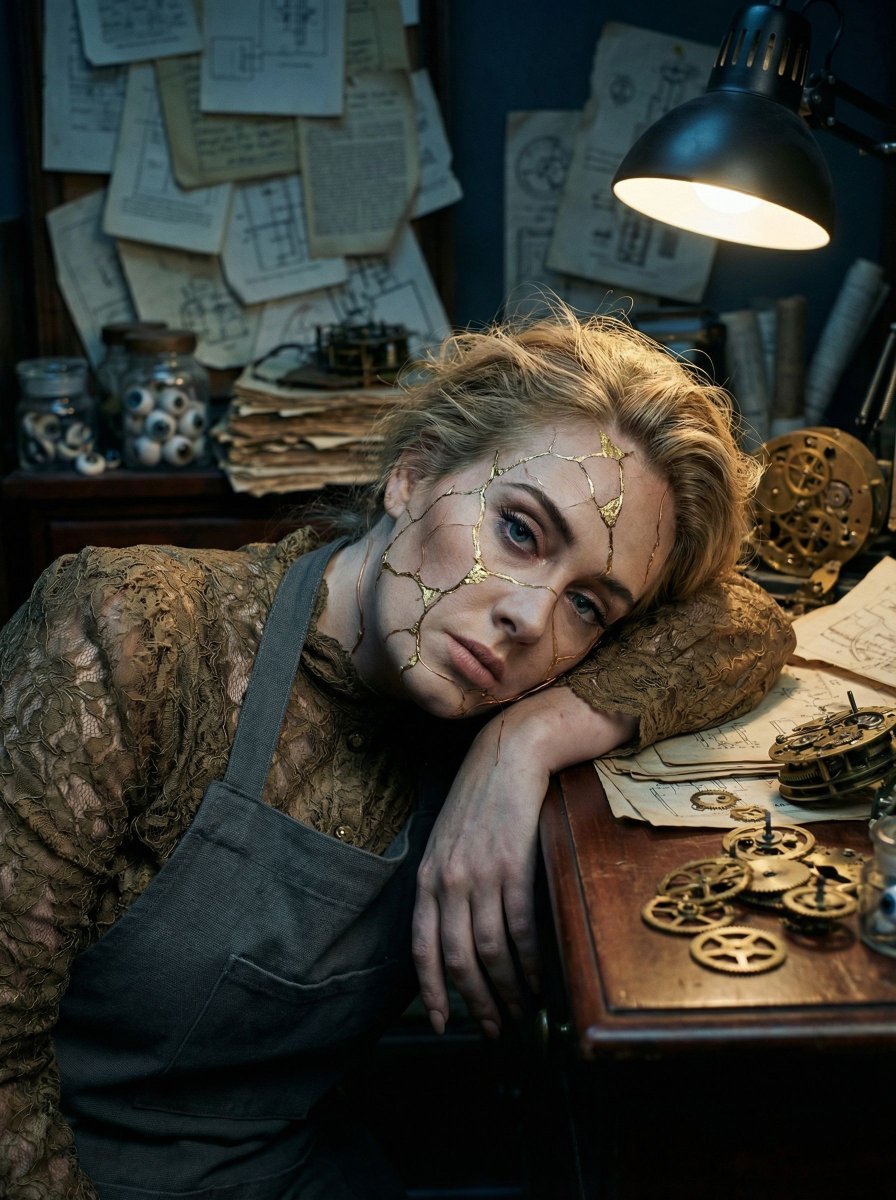
Surreal Kintsugi Portrait in an Automaton Workshop
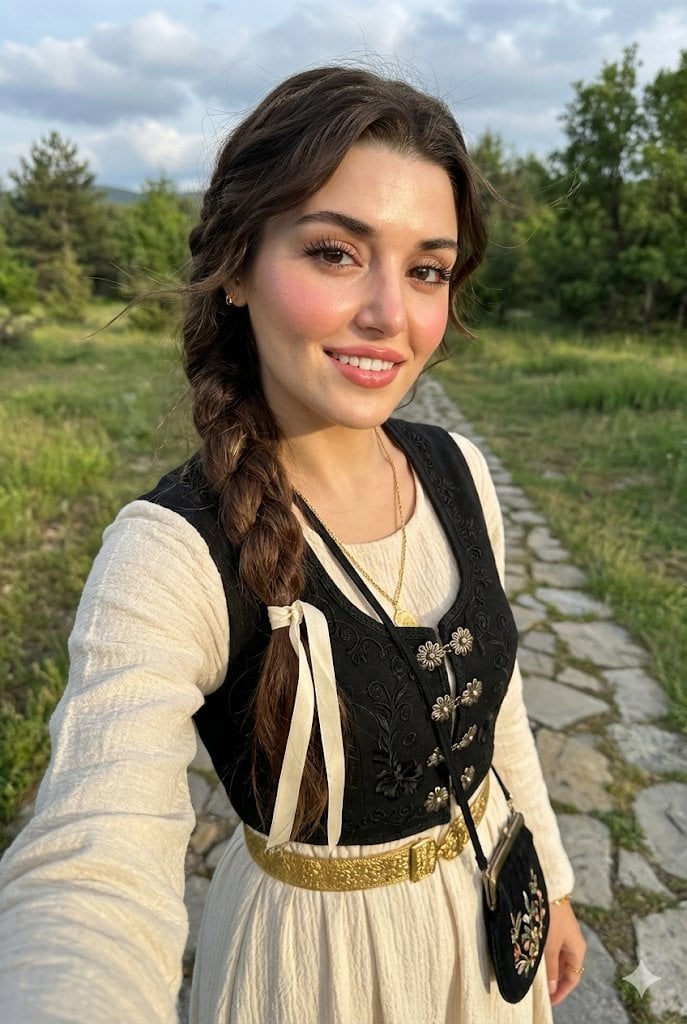
Full-Body Selfie Portrait with Traditional Clothing and Face Lock
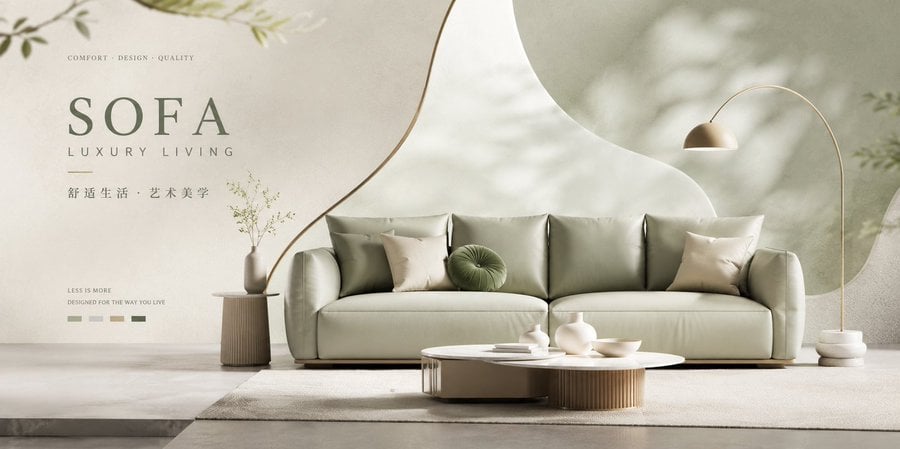
Premium Brand Visual Poster Template
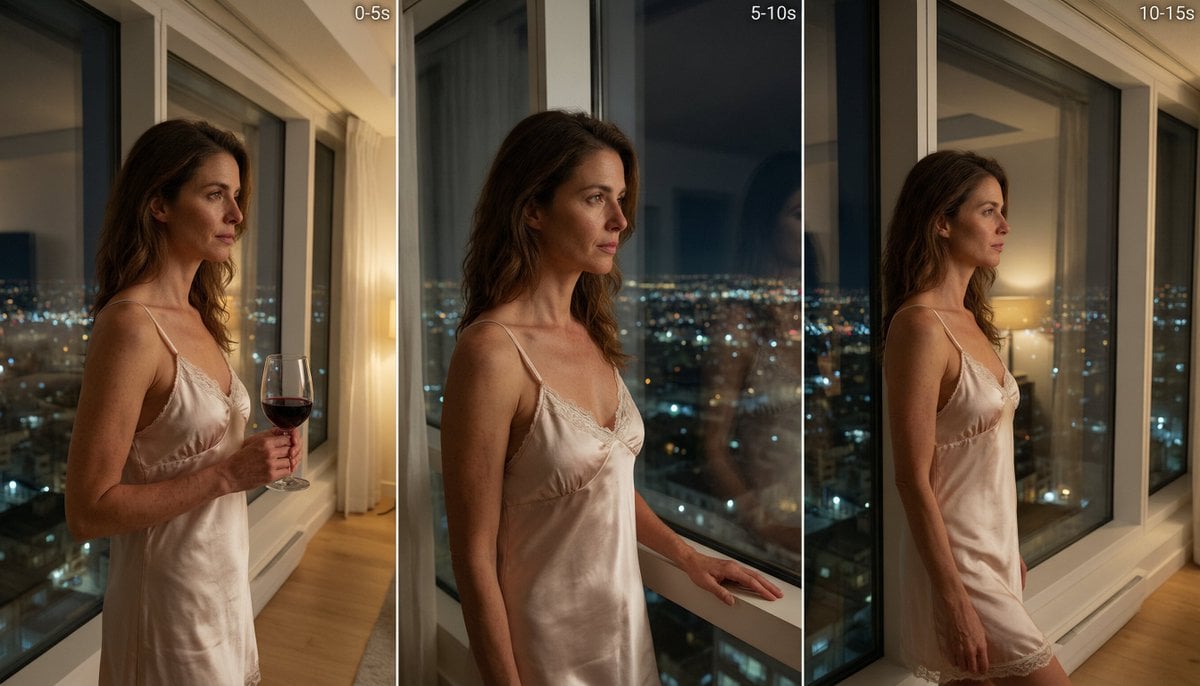
Cinematic Night Window Triptych
Ultra-Realistic Illustrated Portrait with Identity Preservation
Hyper-Realistic Dessert Commercial Photography (JSON Format)
Sci-fi cinematic triptych and expansions
Legendary Portuguese Footballer Portrait
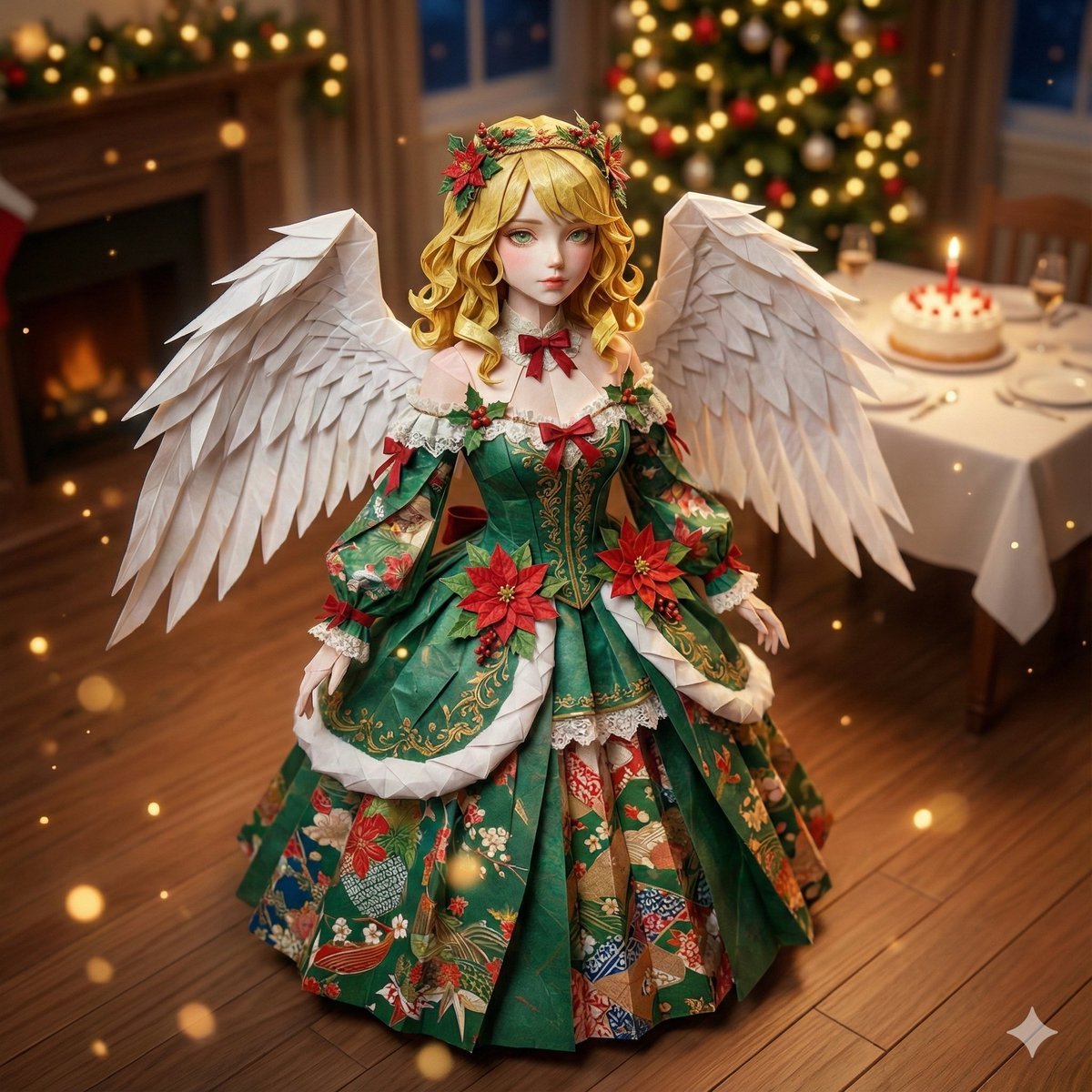
Origami Style Conversion Prompt for Nano Banana Pro
Browse template categories
Off Duty Fashion Magazine Cover questions
How do I use the Off Duty Fashion Magazine Cover template?
Add your photo if the template asks for one, edit the prompt if you like — the template's model and format are already selected — and press Generate. Your version opens in PicX Studio.
Can I customize the Off Duty Fashion Magazine Cover template?
Yes. You can change the subject, setting, lighting, mood, format, and available model controls before creating your image.
Is the Off Duty Fashion Magazine Cover template free?
Opening and editing this template is free. Generating uses credits, shown on the Generate button when you are signed in.
Which AI model should I use?
Start with GPT Image 2, which is the model associated with this template. You can compare another compatible model for a different finish.
Looking for something else? Browse all templates.

Your photo, any look
Thousands of ready templates for every top image and video model, from one credit balance.