
Surreal Kintsugi Portrait in an Automaton Workshop
A highly complex cinematic editorial prompt for generating a surreal portrait with a Steampunk Baroque aesthetic.
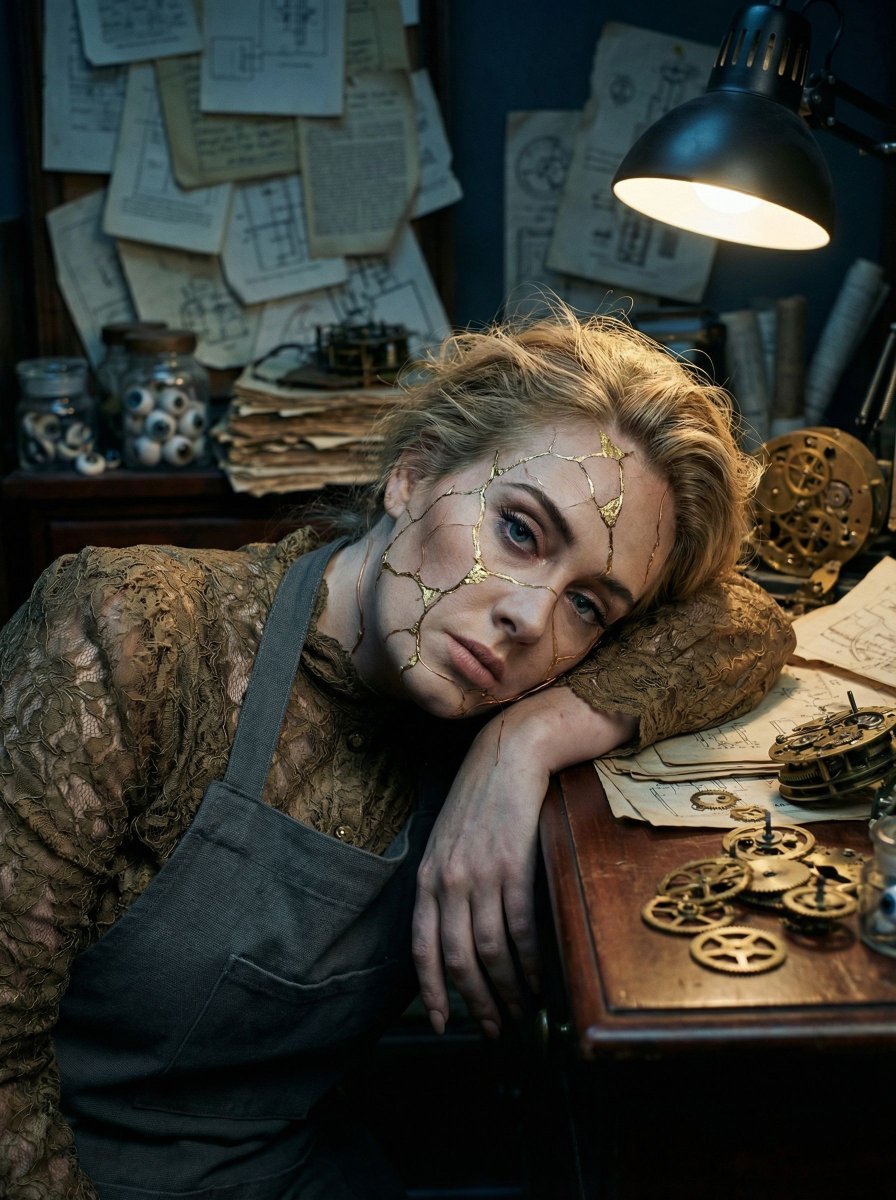
- Prompt included
- Model and format preset
- Free template
The prompt behind this image
Copy the exact prompt behind Surreal Kintsugi Portrait in an Automaton Workshop, or open it in the studio and make it yours.
- Vibe Title En
- Mechanical Exhaustion
- Master Prompt
- A cinematic, 25-degree Dutch angle close-up capturing The Protagonist in a state of 'Aftermath Calm' inside a dense, cluttered Antiquarian Automaton Workshop. The subject leans heavily against a mahogany workbench, shoulders dropped in sheer exhaustion, gazing strictly into the middle distance. In a display of Photographic Surrealism, the subject's face is textured with hyper-realistic 'Kintsugi' fractures—cracks filled with physical gold leaf and fine copper wiring that weave in and out of the skin pores, appearing as practical prosthetic effects rather than digital art. The environment is overwhelmingly busy: stacks of yellowed schematics, scattered brass gears, jars of porcelain eyes, and dismantled clockwork mechanisms fill the frame. Lighting is high-contrast chiaroscuro: a harsh, directional tungsten beam highlights the gold textures on the face, cutting through a dim, atmospheric Blue Hour gloom. Captured on a Hasselblad H6D-100c with an 80mm f/1.9 lens to render tactile skin texture and metallic sheen, with the organic grain structure of Kodak Portra 800.
- Meta › Intent
- Editorial Fashion / Surrealist Narrative
- Meta › Priorities
- Texture fidelity, surreal realism, chaotic environment
- Meta › Device Profile
- High-End Desktop / Large Format Print
- Frame › Aspect
- 4:5
- Frame › Composition
- Dutch Angle Close-Up
- Frame › Layout
- Off-center subject, clutter dominant in foreground/background
- Frame › Camera Angle
- Eye level but tilted
- Frame › Tilt Roll Degrees
- 25 degrees counter-clockwise
- Subject › Gender
- Female
- Subject › Identity
- The Artificer
- Subject › Demographics
- Universal/Neutral
- Subject › Face
- Hyper-realistic skin texture with physical gold-leaf cracks and copper wire implants (Kintsugi style)
- Subject › Hair
- Swept back, slightly disheveled, interwoven with metallic thread
- Subject › Body
- Slumped shoulders, leaning heavily, projecting weight and fatigue
- Subject › Expression
- Neutral, exhausted, thousand-yard stare
- Subject › Pose
- Leaning diagonally against a surface, head slightly tilted following the camera roll
- Wardrobe Accessories › Garments › 0 › Item
- Worksmith's Apron
- Wardrobe Accessories › Garments › 0 › Material
- Heavy canvas and leather
- Wardrobe Accessories › Garments › 0 › Color
- Charcoal grey with oil stains
- Wardrobe Accessories › Garments › 0 › Fit
- Loose, utilitarian
- Wardrobe Accessories › Garments › 1 › Item
- High-Collar Blouse
- Wardrobe Accessories › Garments › 1 › Material
- Victorian lace and silk
Raw JSON
{
  "vibe_title_en": "Mechanical Exhaustion",
  "master_prompt": "A cinematic, 25-degree Dutch angle close-up capturing The Protagonist in a state of 'Aftermath Calm' inside a dense, cluttered Antiquarian Automaton Workshop. The subject leans heavily against a mahogany workbench, shoulders dropped in sheer exhaustion, gazing strictly into the middle distance. In a display of Photographic Surrealism, the subject's face is textured with hyper-realistic 'Kintsugi' fractures—cracks filled with physical gold leaf and fine copper wiring that weave in and out of the skin pores, appearing as practical prosthetic effects rather than digital art. The environment is overwhelmingly busy: stacks of yellowed schematics, scattered brass gears, jars of porcelain eyes, and dismantled clockwork mechanisms fill the frame. Lighting is high-contrast chiaroscuro: a harsh, directional tungsten beam highlights the gold textures on the face, cutting through a dim, atmospheric Blue Hour gloom. Captured on a Hasselblad H6D-100c with an 80mm f/1.9 lens to render tactile skin texture and metallic sheen, with the organic grain structure of Kodak Portra 800.",
  "meta": {
    "intent": "Editorial Fashion / Surrealist Narrative",
    "priorities": "Texture fidelity, surreal realism, chaotic environment",
    "device_profile": "High-End Desktop / Large Format Print"
  },
  "frame": {
    "aspect": "4:5",
    "composition": "Dutch Angle Close-Up",
    "layout": "Off-center subject, clutter dominant in foreground/background",
    "camera_angle": "Eye level but tilted",
    "tilt_roll_degrees": "25 degrees counter-clockwise"
  },
  "subject": {
    "gender": "Female",
    "identity": "The Artificer",
    "demographics": "Universal/Neutral",
    "face": "Hyper-realistic skin texture with physical gold-leaf cracks and copper wire implants (Kintsugi style)",
    "hair": "Swept back, slightly disheveled, interwoven with metallic thread",
    "body": "Slumped shoulders, leaning heavily, projecting weight and fatigue",
    "expression": "Neutral, exhausted, thousand-yard stare",
    "pose": "Leaning diagonally against a surface, head slightly tilted following the camera roll"
  },
  "wardrobe_accessories": {
    "garments": [
      {
        "item": "Worksmith's Apron",
        "material": "Heavy canvas and leather",
        "color": "Charcoal grey with oil stains",
        "fit": "Loose, utilitarian"
      },
      {
        "item": "High-Collar Blouse",
        "material": "Victorian lace and silk",
        "color": "Tarnished Bronze",
        "fit": "Fitted neck, loose sleeves"
      }
    ],
    "accessories": [
      {
        "item": "Headpiece",
        "color": "Gold and Oxidized Copper",
        "material": "Brass filigree and fiber optics",
        "brand_style": "Steampunk Baroque"
      }
    ]
  },
  "environment": {
    "setting": "Antiquarian Automaton Restoration Workshop",
    "surfaces": "Scratched mahoga"
  }
}How to use Surreal Kintsugi Portrait in an Automaton Workshop in 3 steps
- 1
Open
The prompt is already in the box next to the preview, with the template's model and format selected.
- 2…a portrait of your subject in softgolden-hour light, 85mm…
Personalize
Edit the subject and creative details for your destination.
- 3Generate
Generate
Press Generate — your image is created in PicX Studio, so you can compare it with the original and refine one variable at a time.
More like this
Templates with the same subject, style or setup. Open one to see its prompt.
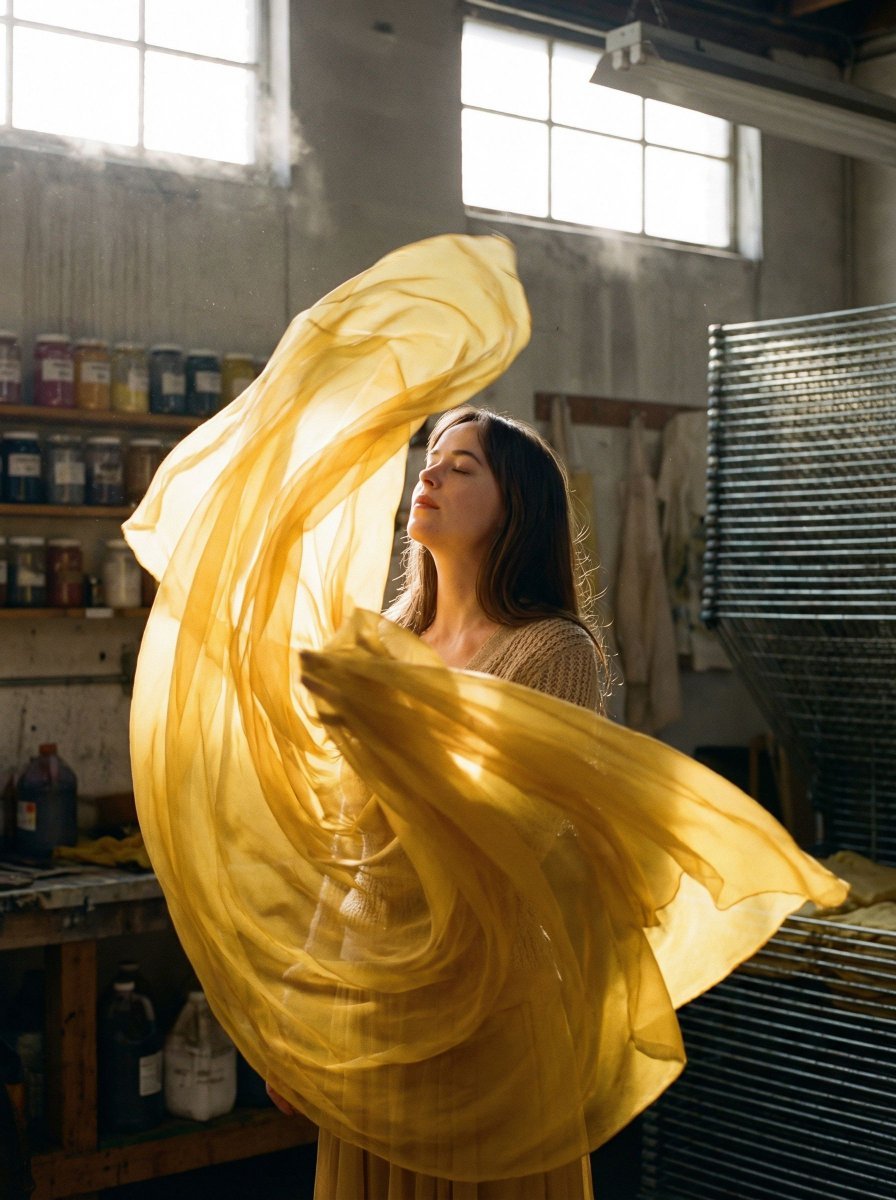
Surreal Fashion Portrait in a Textile Dye Workshop

Found Photograph: Us, 1970

80s Couple Studio Portrait

80s Bollywood Star

80s Golden Hour Cinema

Me in 1985

1985 Studio Portrait

Hyper-Realistic Minecraft POV Portrait

Rooftop Fisheye — Cat-Ear Balaclava at Golden Hour

Surreal Cat Astronaut — Humanoid Face Freefall

Rainy Café Window Moody Portrait
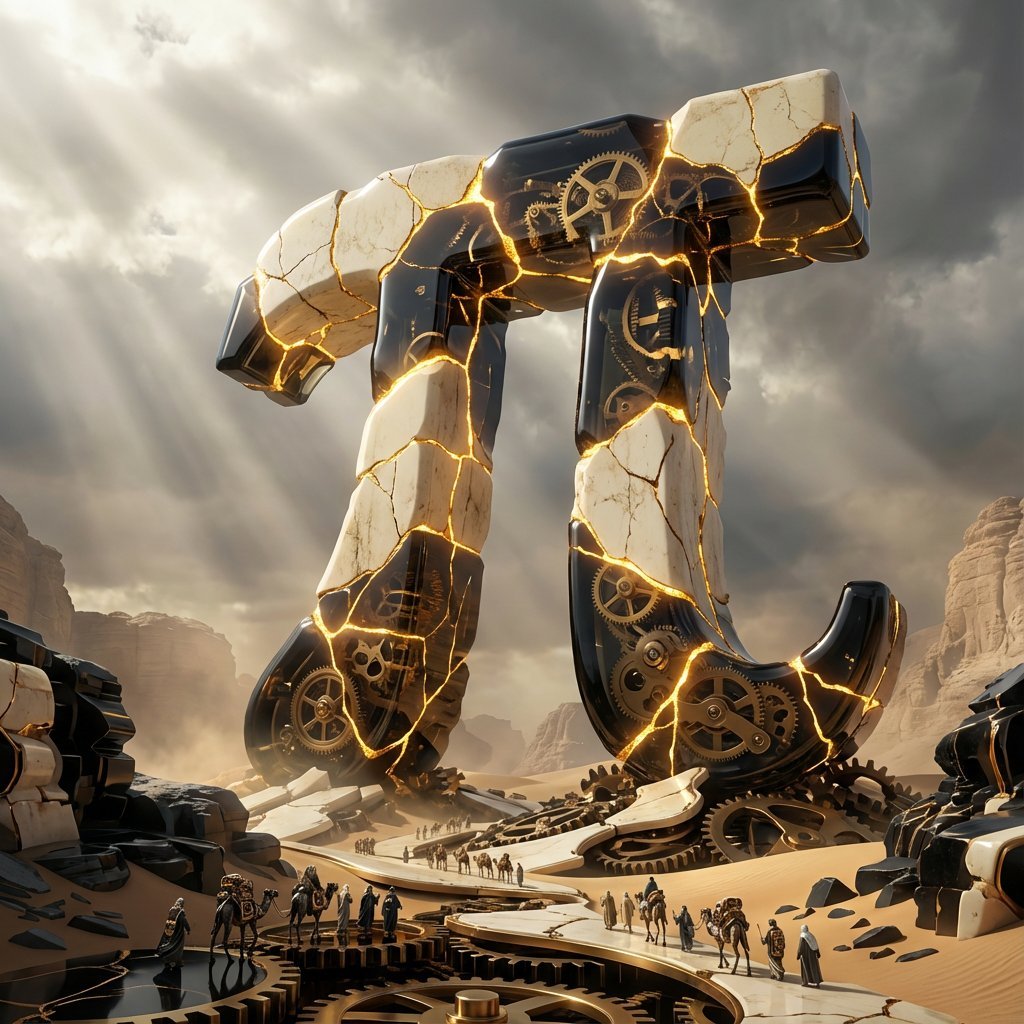
Obsidian Kintsugi Automaton Style Transfer Prompt
Make it yours
Surreal Kintsugi Portrait in an Automaton Workshop works as-is. These are the safest ways to change it without losing the look.
Swap the setting
Keep the rest of the prompt and replace the location block. The current setting is “Antiquarian Automaton Restoration Workshop”.
Change one field
Copy a single group, rewrite it, and generate again so you can see what that field is doing.
Keep the frame, change the subject
Hold the composition and light of Surreal Kintsugi Portrait in an Automaton Workshop, then swap wardrobe, props or the person for a new take.
| If the result… | Why | Fix |
|---|---|---|
| The result drifts from the preview | Too many fields changed at once. | Reuse Surreal Kintsugi Portrait in an Automaton Workshop as-is first, then change one group — subject, light, or setting. |
| Nano Banana 2 ignores part of the JSON | Some models flatten or skip nested keys. | Keep the same values and paste them as a short paragraph instead. |
More Nano Banana 2 templates
Other prompts made for Nano Banana 2.

Photorealistic Leaf Shaped Like a Dragon

K-Pop Idol Portrait Grid for Rapid Selection

Poetic Rain Forest Portrait During Golden Hour

Urban Street Portrait with Cartoon Inner Self Duo

Candid Nighttime Photo with Cat Prompt

High-Concept 3D Diorama Generation Prompt

Cinematic Futuristic Studio Portrait Template

Skincare Editorial Photography Collage Prompt

Hyper-Realistic Commercial Product Photography (Splash Effect)

Hyper-Realistic Nightclub Portrait Prompt
More image prompts
Fresh picks from across the catalog.
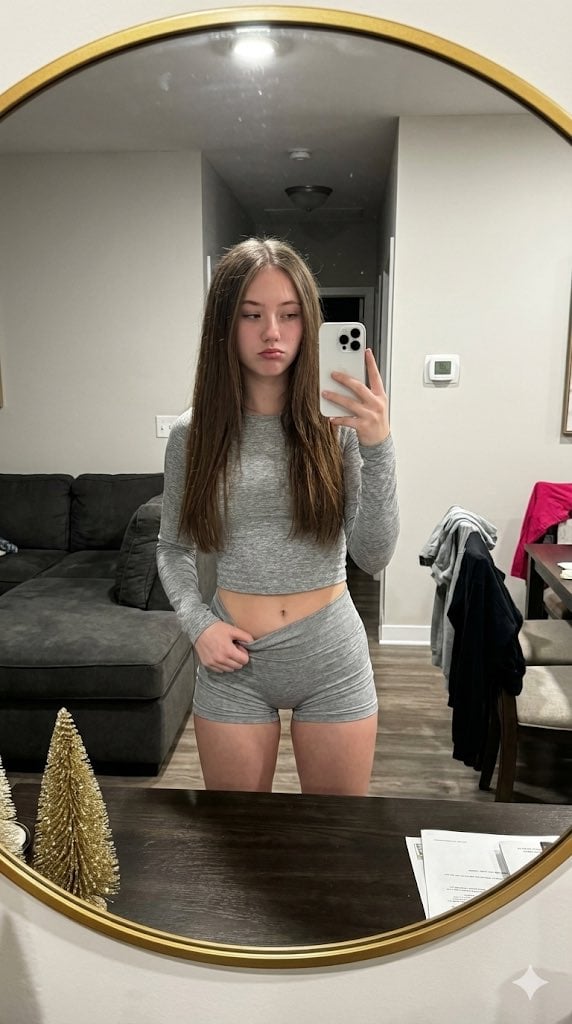
Raw High-Contrast Mirror Selfie JSON Prompt
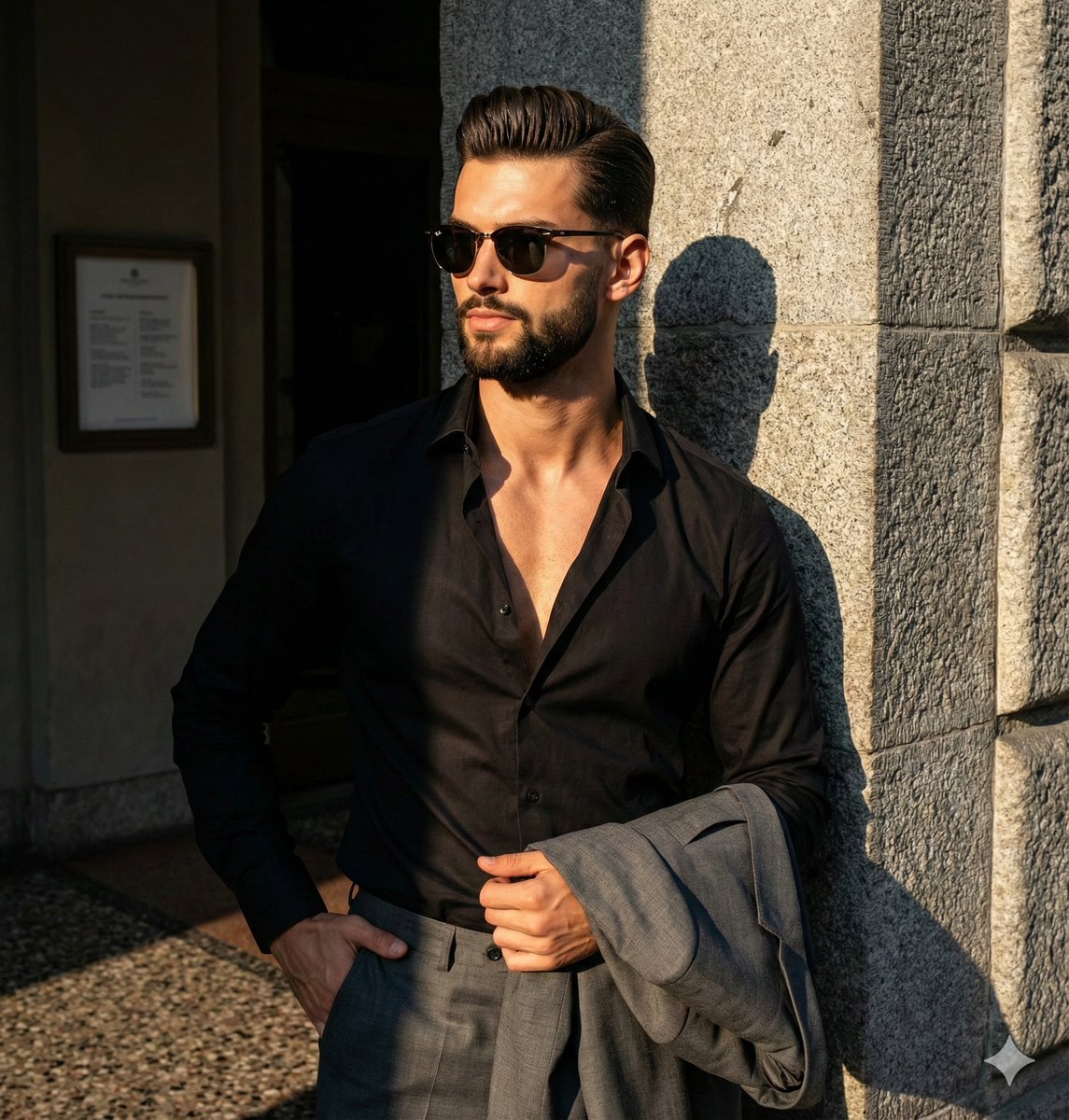
Dramatic High-Contrast Editorial Portrait Prompt
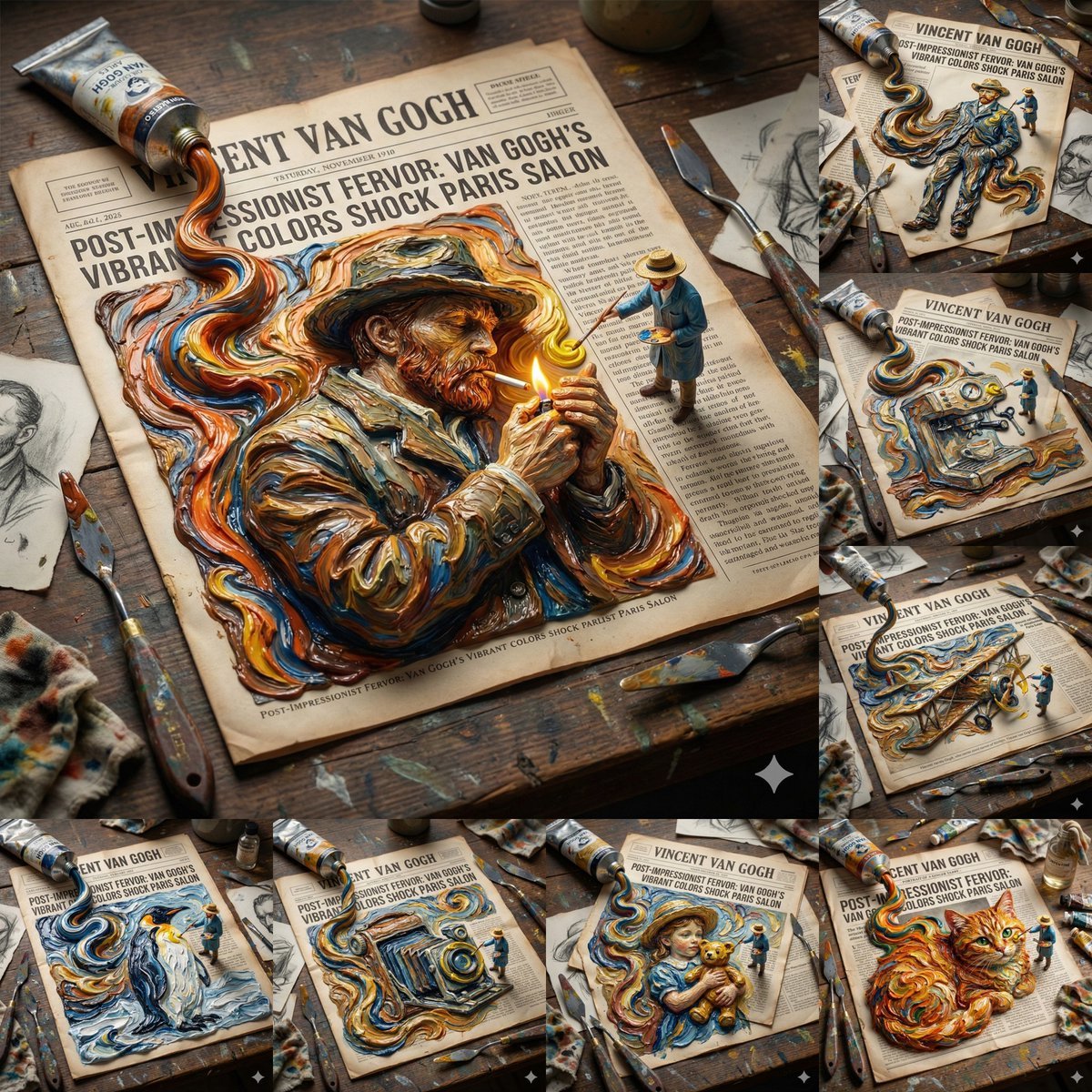
Van Gogh Style Transfer (JSON Template)
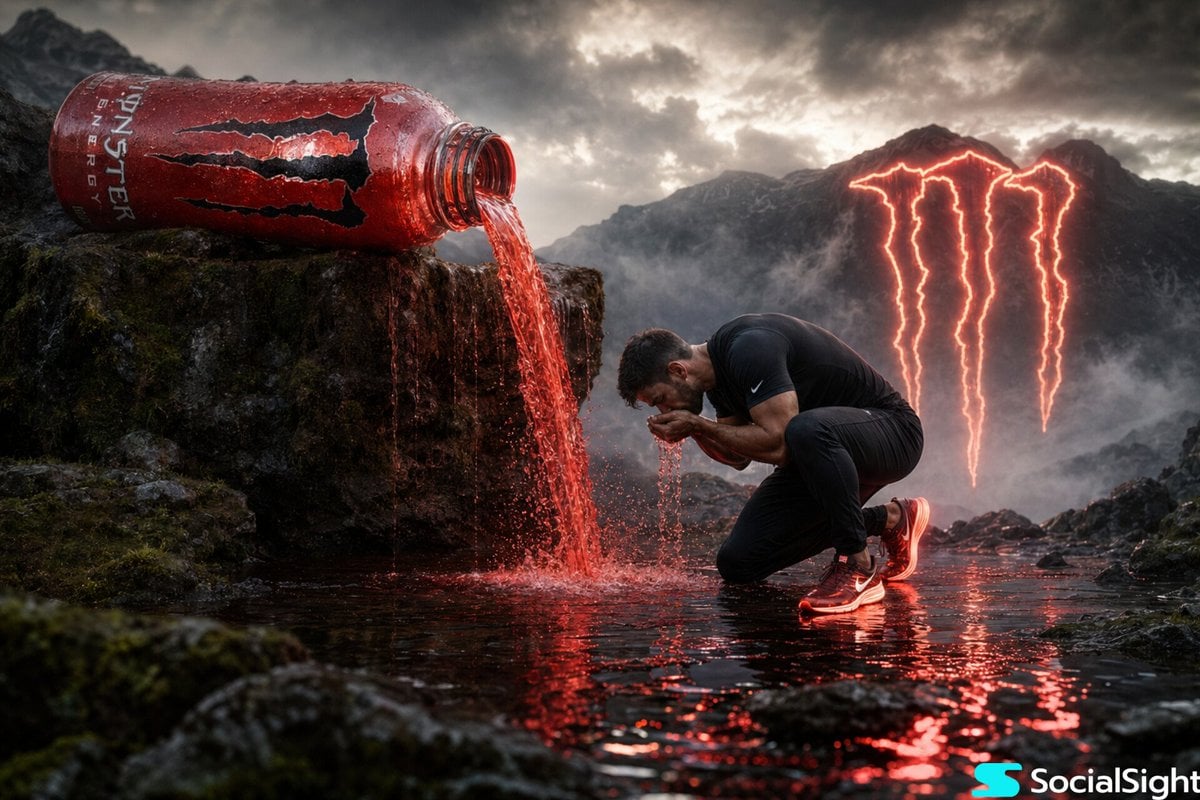
Cinematic Energy Drink Ad
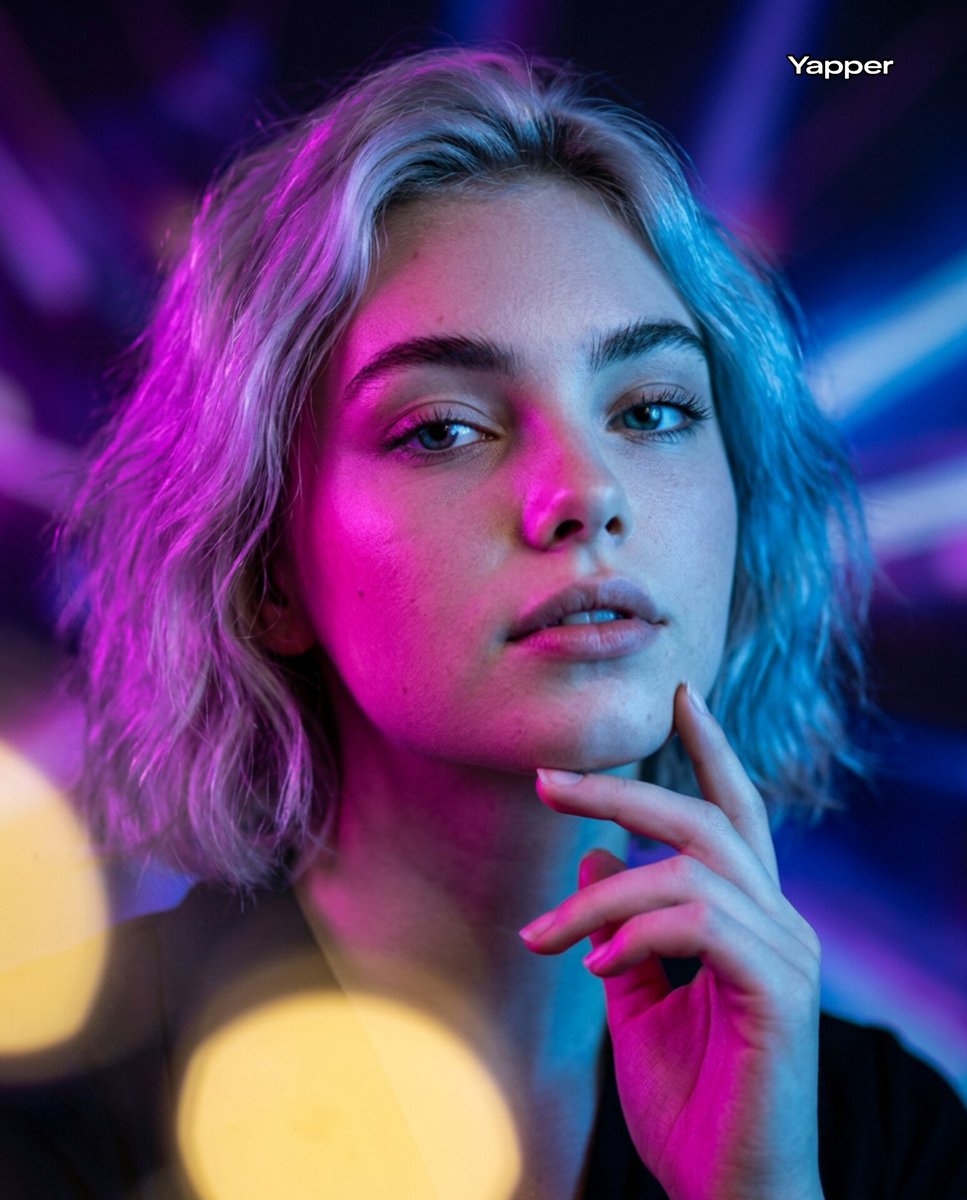
Neon Bi-Color Cinematic Portrait
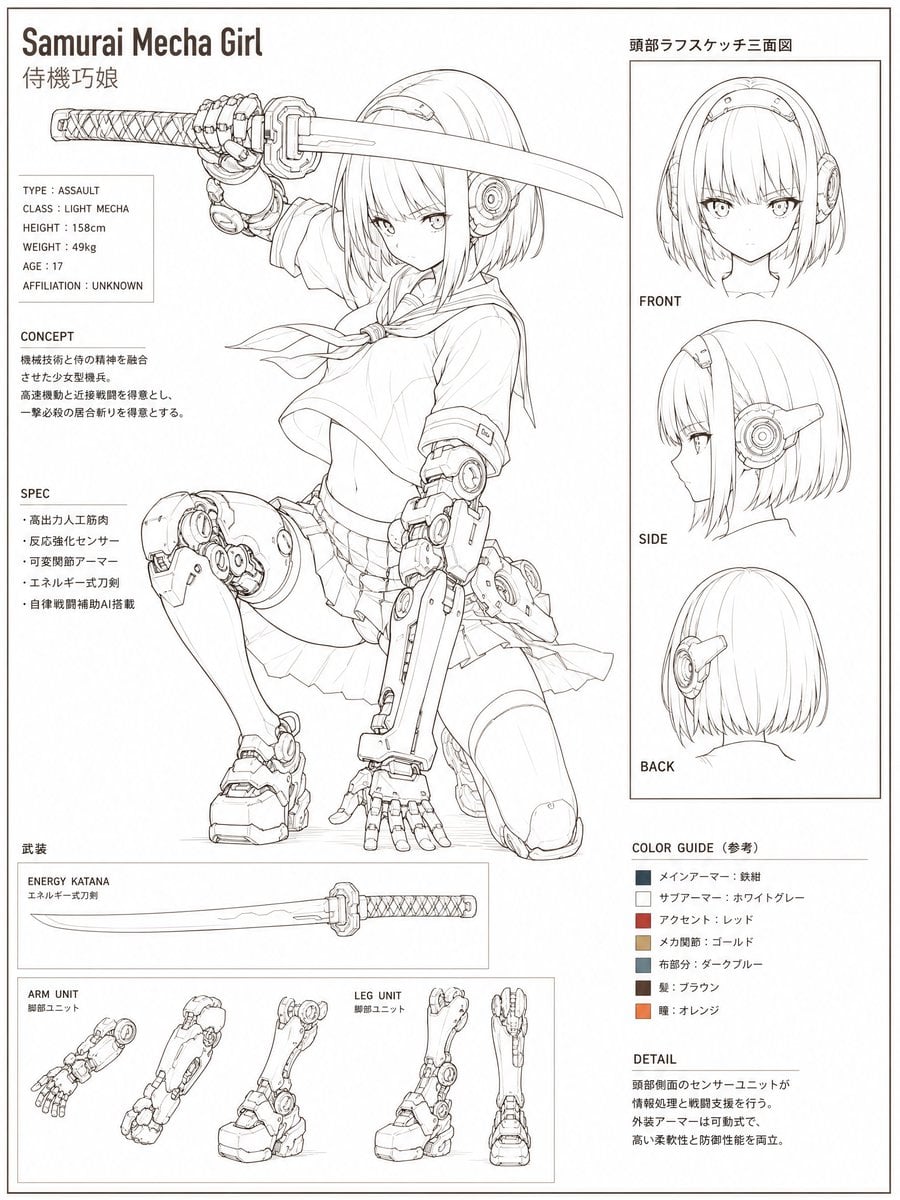
Samurai Mecha Girl Reference Sheet
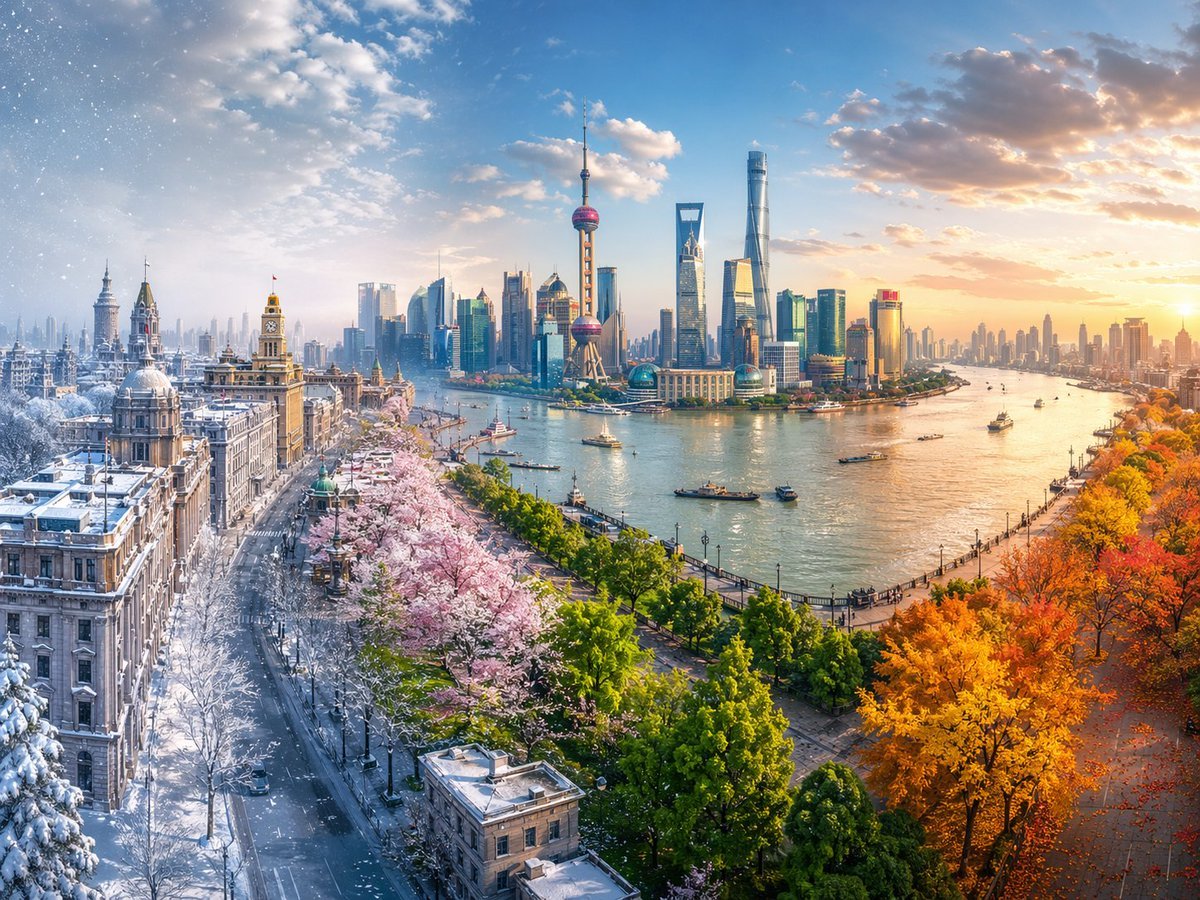
Four Seasons Continuous Panorama
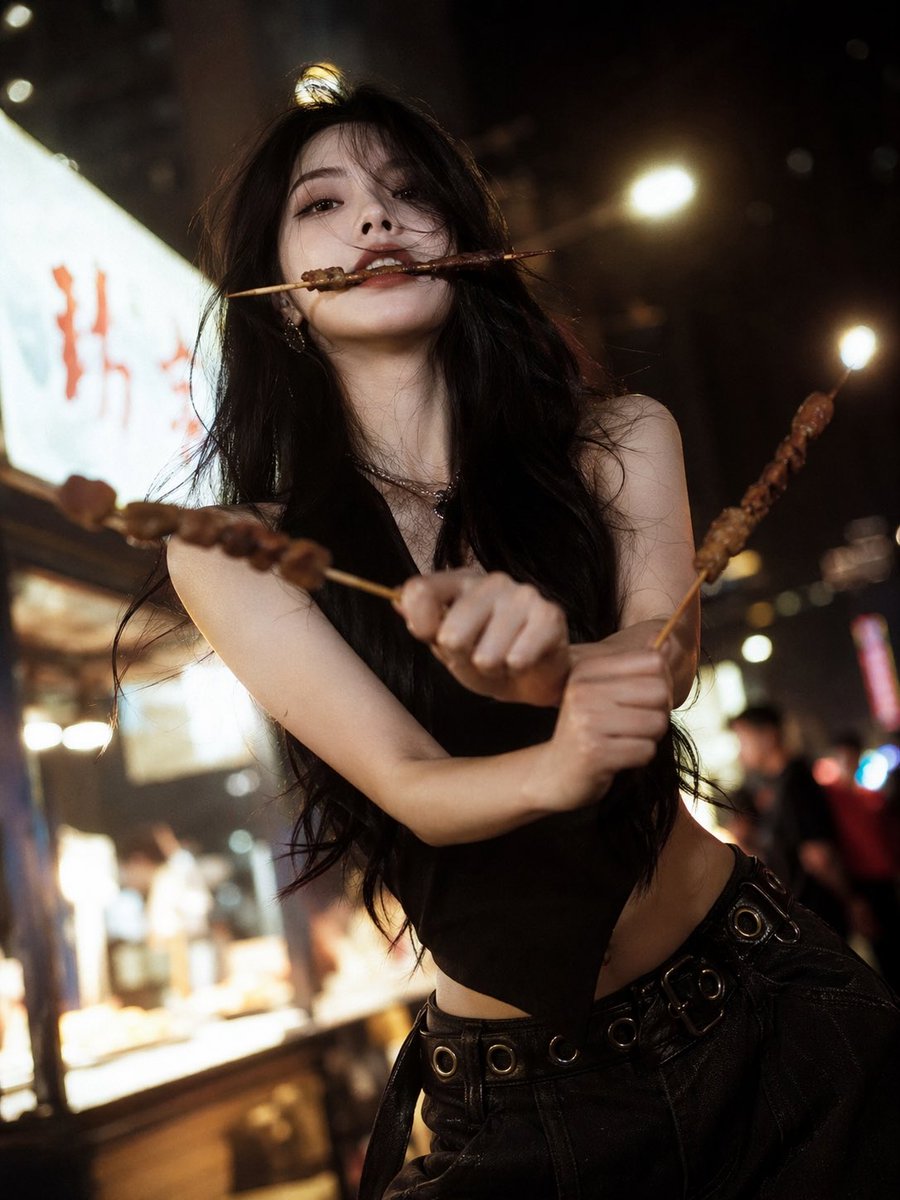
High-Fashion Anime Homage Portrait
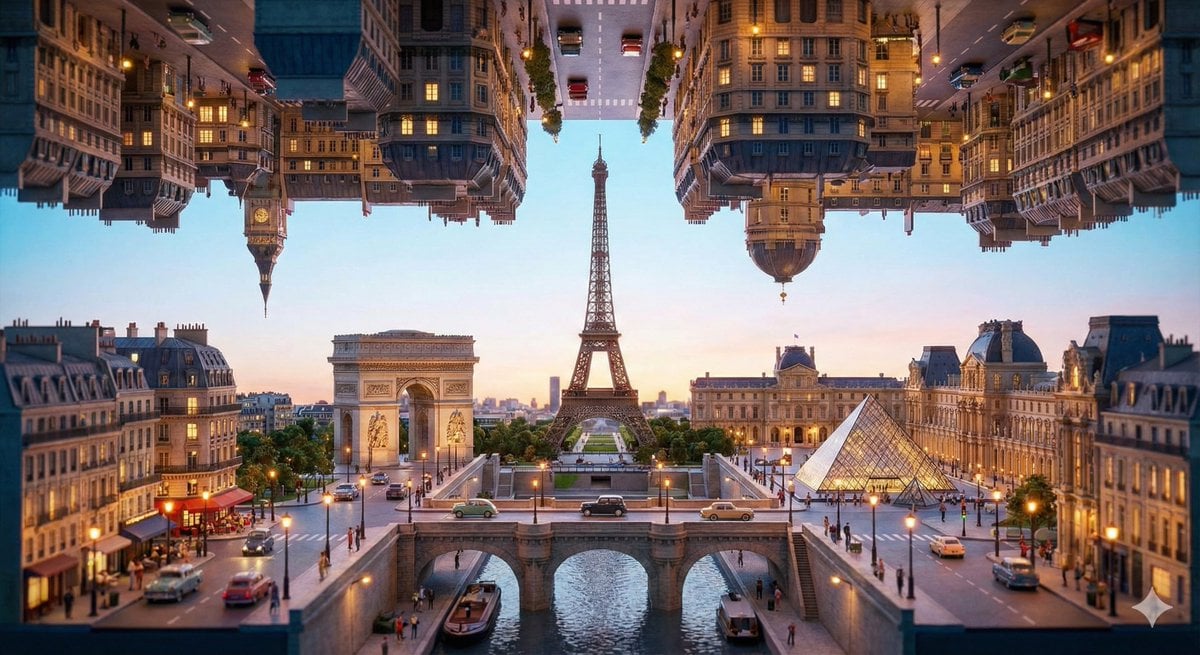
Inception-Style Folding City Diorama Prompt
Pixar Style Headshot Prompt (Fixing Glasses Glare)
Browse template categories
Surreal Kintsugi Portrait in an Automaton Workshop questions
How do I use the Surreal Kintsugi Portrait in an Automaton Workshop template?
Add your photo if the template asks for one, edit the prompt if you like — the template's model and format are already selected — and press Generate. Your version opens in PicX Studio.
Can I customize the Surreal Kintsugi Portrait in an Automaton Workshop template?
Yes. You can change the subject, setting, lighting, mood, format, and available model controls before creating your image.
Is the Surreal Kintsugi Portrait in an Automaton Workshop template free?
Opening and editing this template is free. Generating uses credits, shown on the Generate button when you are signed in.
Which AI model should I use?
Start with Nano Banana 2, which is the model associated with this template. You can compare another compatible model for a different finish.
Looking for something else? Browse all templates.

Your photo, any look
Thousands of ready templates for every top image and video model, from one credit balance.