
Samurai Mecha Girl Reference Sheet
A detailed anime production reference sheet for a school-uniform samurai girl with mechanical limbs, weapon diagrams, head turnarounds, and technical notes.
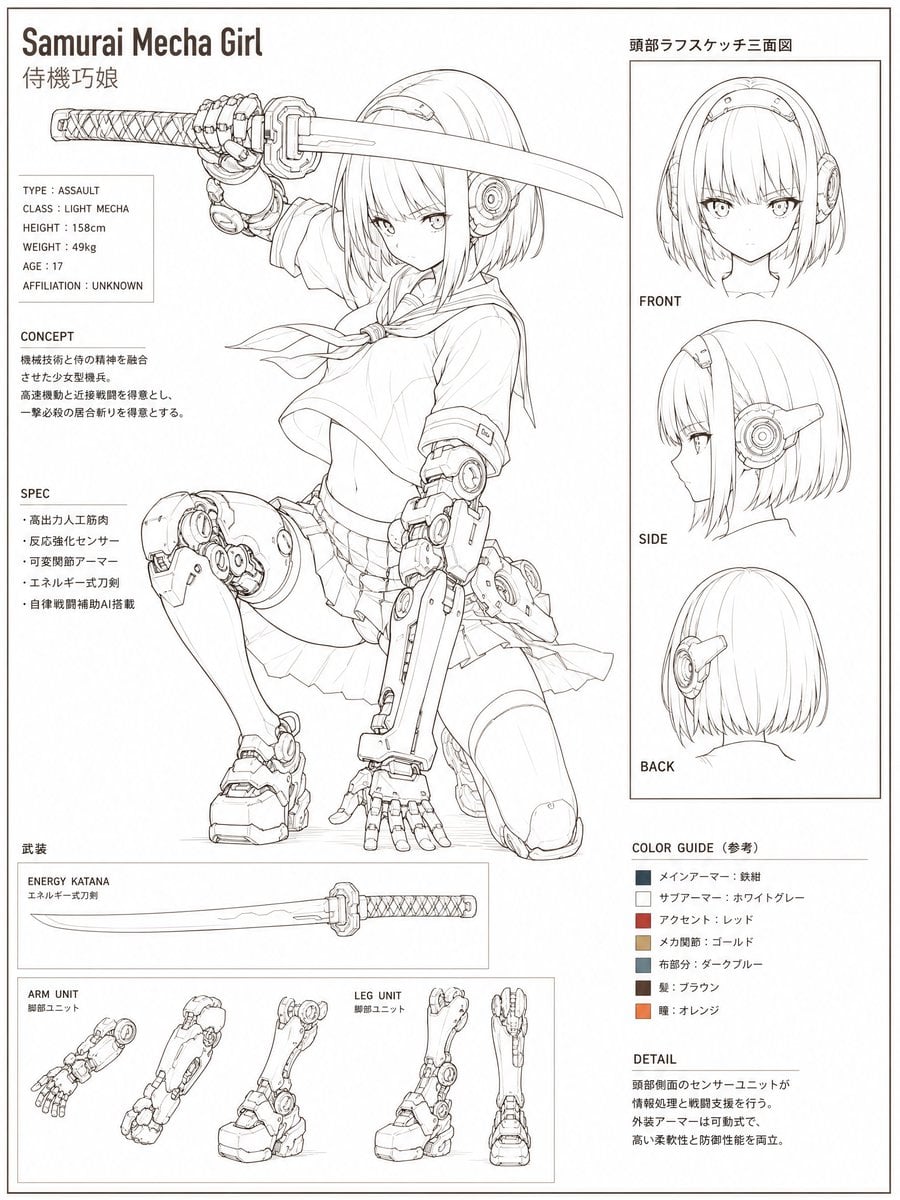
- Prompt included
- Model and format preset
- Free template
The prompt behind this image
Copy the exact prompt behind Samurai Mecha Girl Reference Sheet, or open it in the studio and make it yours.
Goal: Create a clean anime concept art reference sheet for a {argument name="character name" default="Samurai Mecha Girl"}, combining a school-uniform samurai heroine with exposed light-mecha prosthetic limbs, presented as high-resolution monochrome production-design line art with small technical notes. Canvas: Vertical portrait character sheet, off-white paper background, thin black outer border, 3:4 aspect ratio. Use crisp black and gray pencil/ink linework, minimal shading, no full color except a small color guide. The overall look is a Japanese setting-materials sheet, precise and highly detailed. Layout: Top-left large English title “Samurai Mecha Girl” with smaller Japanese subtitle “侍機巧娘” below it. The left and center two-thirds contain the main full-body character illustration. The right third is a boxed head-turnaround panel. The bottom area contains weapon and mechanical-part diagrams. Keep the page airy, technical, and neatly ruled with thin divider lines. Main subject: A 17-year-old anime girl with {argument name="hair style" default="short straight bob hair with blunt bangs"}, serious eyes, and circular mechanical ear/head sensor modules. She wears a sailor-style school uniform with scarf, short pleated skirt, thigh-high stockings, and mechanical armor integrated into one arm and one leg. Pose her kneeling dynamically: one knee down, one cybernetic leg raised, torso angled forward, one mechanical hand braced near the ground, and the other hand holding a katana horizontally above her head. The katana has a wrapped handle and a long slightly curved blade. Her mecha limbs are detailed with pistons, circular joints, armor plates, cables, segmented fingers, and heavy boot components. Visible text and labeled sections: Include exactly 7 major text/detail blocks: 1) top-left title block with “Samurai Mecha Girl” and “侍機巧娘”; 2) a stats box listing “TYPE : ASSAULT”, “CLASS : LIGHT MECHA”, “HEIGHT : 158cm”, “WEIGHT : 49kg”, “AGE : 17”, “AFFILIATION : UNKNOWN”; 3) a “CONCEPT” block with short Japanese paragraph lines; 4) a “SPEC” block with Japanese bullet points; 5) a bottom weapon section labeled “武装” and “ENERGY KATANA / エネルギー式刀剣”; 6) a bottom mechanical parts section labeled “ARM UNIT / 腕部ユニット” and “LEG UNIT / 脚部ユニット”; 7) a right-side lower notes area with “COLOR GUIDE(参考)” and “DETAIL”. Right-side head turnaround panel: Add one bordered panel titled “頭部ラフスケッチ三面図”. Inside it, show exactly 3 head drawings stacked vertically and labeled “FRONT”, “SIDE”, and “BACK”: front view with face and headband, side profile showing the circular ear mechanism, and back view showing the bob haircut and rear of the mechanical module. Bottom diagrams: In the weapon box, show exactly 1 horizontal energy katana diagram with a wrapped grip. In the mechanical parts box, show exactly 5 separate component drawings: two arm-unit views on the left and three leg-unit views on the right, each rendered as detailed mechanical line-art studies. Color guide: Include exactly 6 small square swatches with labels: main armor dark iron, sub armor white gray, accent red, mechanical joints gold, cloth dark blue, hair brown, plus a small orange eye/accent swatch if needed; keep these as the only colored elements on the page. Style constraints: Use refined monochrome anime drafting, thin clean outlines, technical callout-sheet composition, high-detail mechanical design, subtle paper texture, sharp readable typography, no background scenery, no dramatic lighting, no painterly rendering, no extra characters.
How to use Samurai Mecha Girl Reference Sheet in 3 steps
- 1Upload ImagePNG, JPG or paste
Add your photo
Upload the photo the template builds on. The prompt, model and format are already set.
- 2…a portrait of your subject in softgolden-hour light, 85mm…
Personalize
Edit the subject and creative details for your destination.
- 3Generate
Generate
Press Generate — your image is created in PicX Studio, so you can compare it with the original and refine one variable at a time.
More like this
Templates with the same subject, style or setup. Open one to see its prompt.

Dancer Character - Four View Reference Sheet

Movement Sheet - Dance Reference (Seedance 2.0)
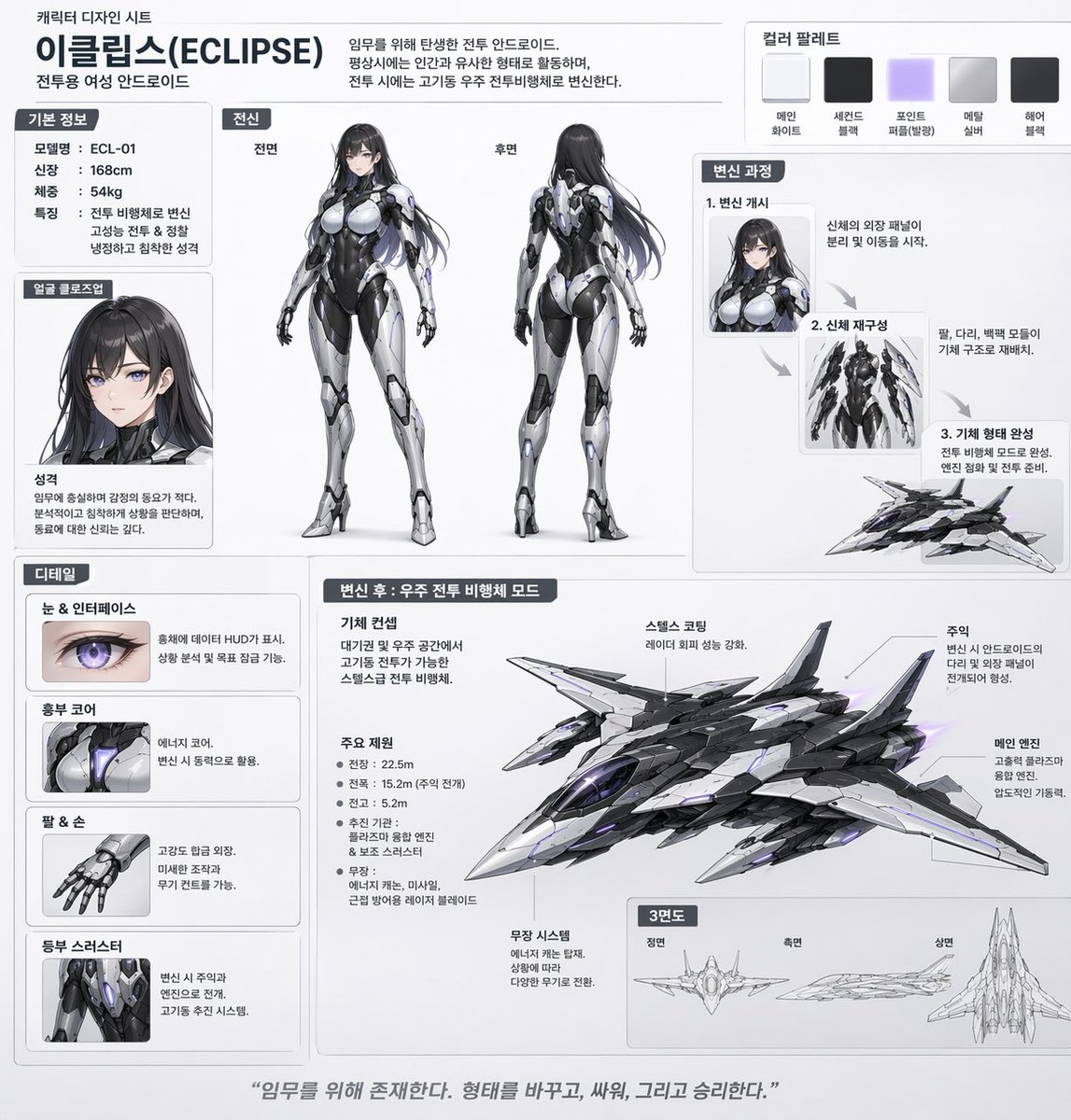
Mecha-Girl Character Design Sheet

Teen Girl Alpine Lake Mountain View

Gray Studio Character Reference Sheet

Anime Lantern Girl Character Sheet

Anime Character Sheet Reference Prompt

Gothic Girl Character Turnaround Sheet
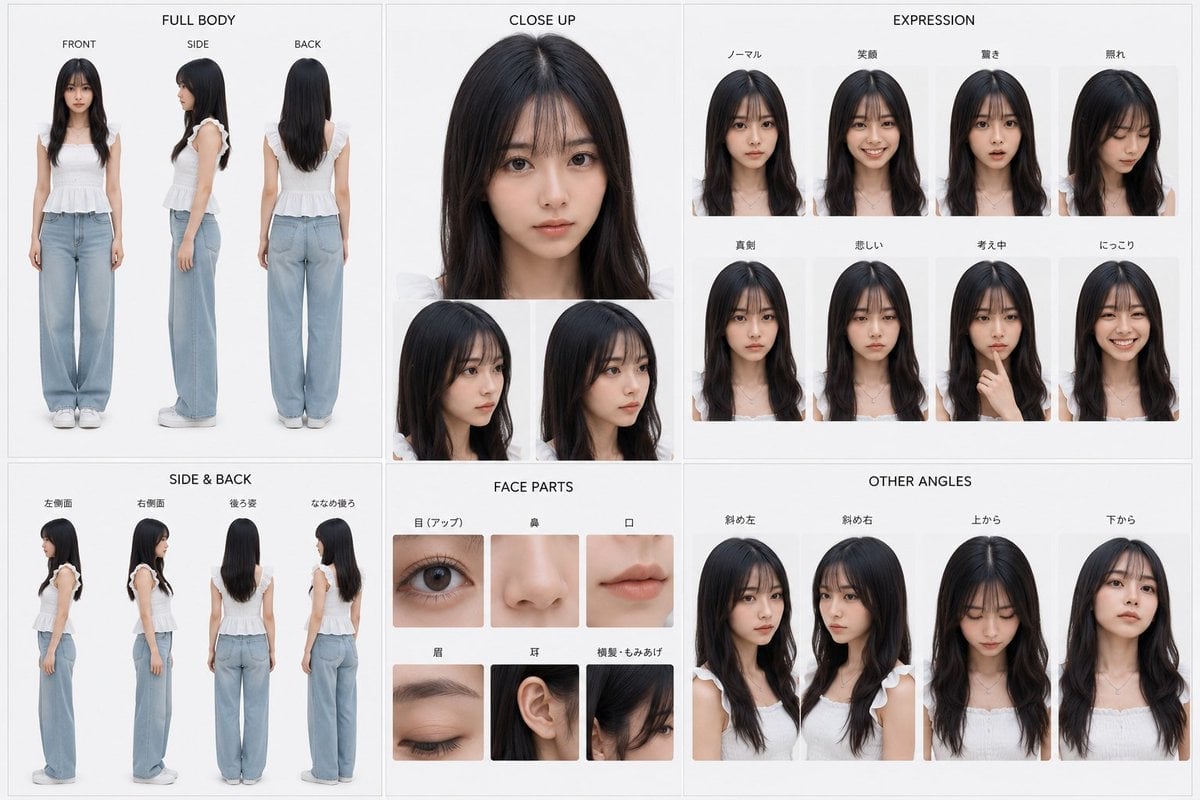
Photoreal Character Reference Sheet
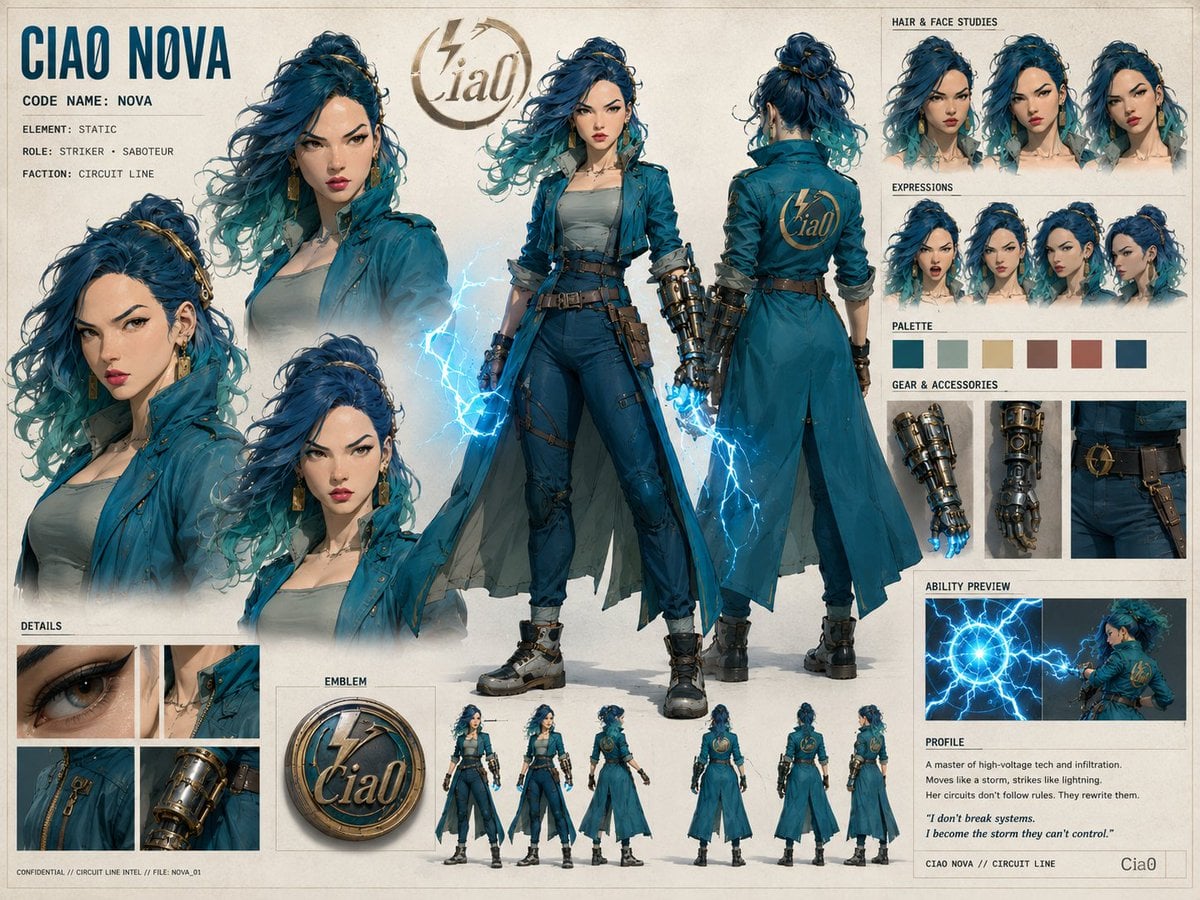
Ciao Nova Character Reference Sheet
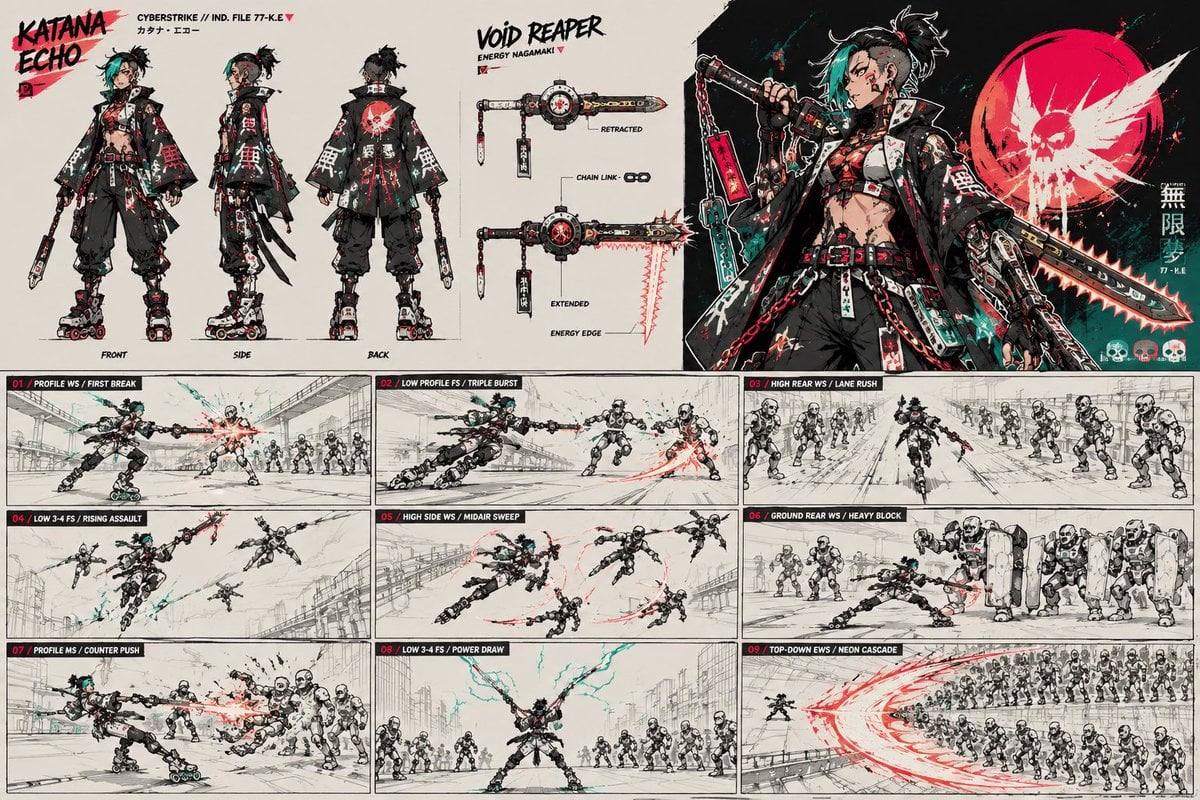
Cyberpunk Samurai Character Sheet
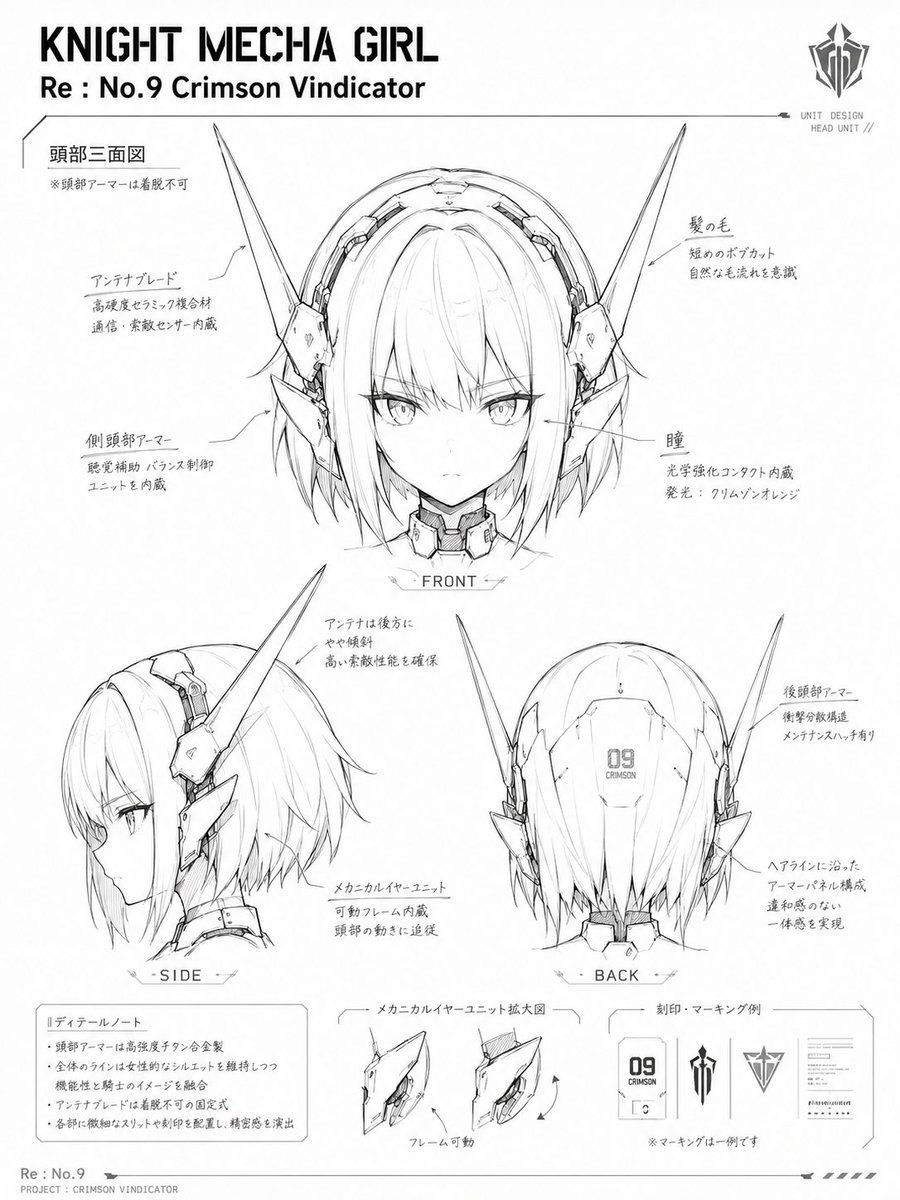
Knight Mecha Girl Model Kit Style
Make it yours
Samurai Mecha Girl Reference Sheet works as-is. These are the safest ways to change it without losing the look.
Change one field
Copy a single group, rewrite it, and generate again so you can see what that field is doing.
Keep the frame, change the subject
Hold the composition and light of Samurai Mecha Girl Reference Sheet, then swap wardrobe, props or the person for a new take.
| If the result… | Why | Fix |
|---|---|---|
| The result drifts from the preview | Too many fields changed at once. | Reuse Samurai Mecha Girl Reference Sheet as-is first, then change one group — subject, light, or setting. |
| The model over-stylizes the scene | The prose prompt leaves finish and camera underspecified. | Add one camera or lighting sentence and stay on GPT Image 2. |
More GPT Image 2 templates
Other prompts made for GPT Image 2.

Six VTuber Japanese Logo Sheet

Realistic Portrait of Woman and Deer

The Vista Modular Condo Poster

AI Model Routing Comparison Infographic

2.5D Anime Art Board

Isometric Productivity Desk Scene

New York Double Exposure Poster

Four-Panel AI Landscape Comparison

Japanese Tatami Lifestyle Magazine Cover

NESCAFÉ Coffee Map Poster
More image prompts
Fresh picks from across the catalog.
Dynamic Hyper-Realistic Biryani Hero Shot (JSON)

Ultra-Realistic Passport Photo Generation
Nano Banana Pro Image Generation Prompt for Sunecat
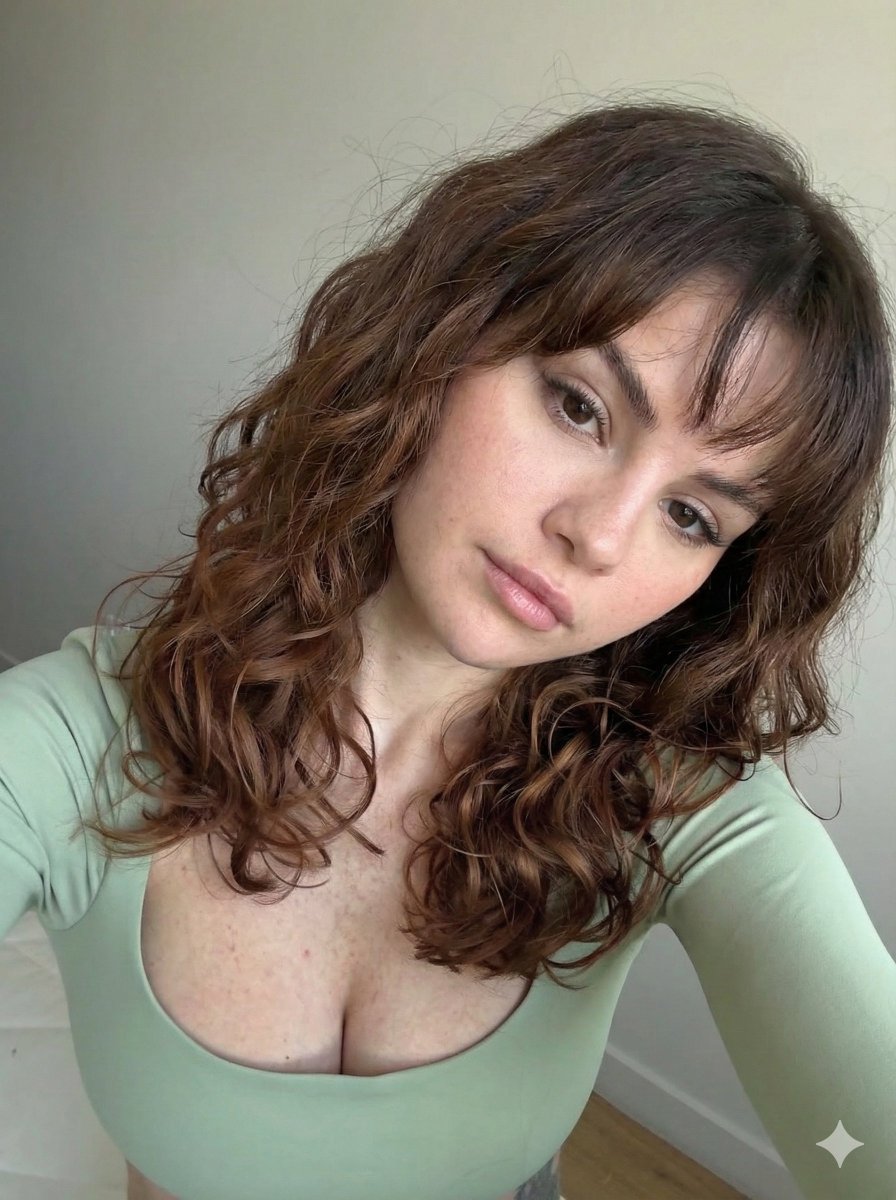
Ultra Photorealistic Selfie with Auburn Hair and Freckles

3D Diorama of Ahmedabad Landmark
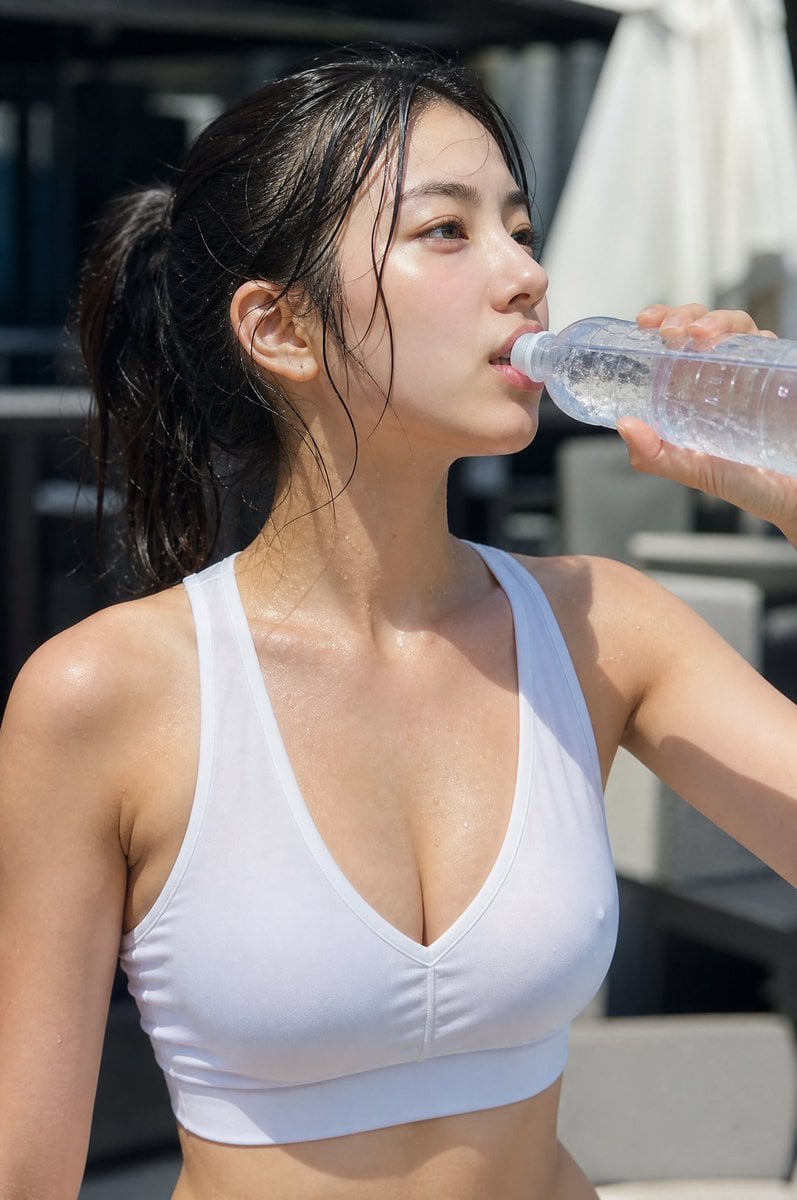
Minimalist Athletic Fashion Close-up
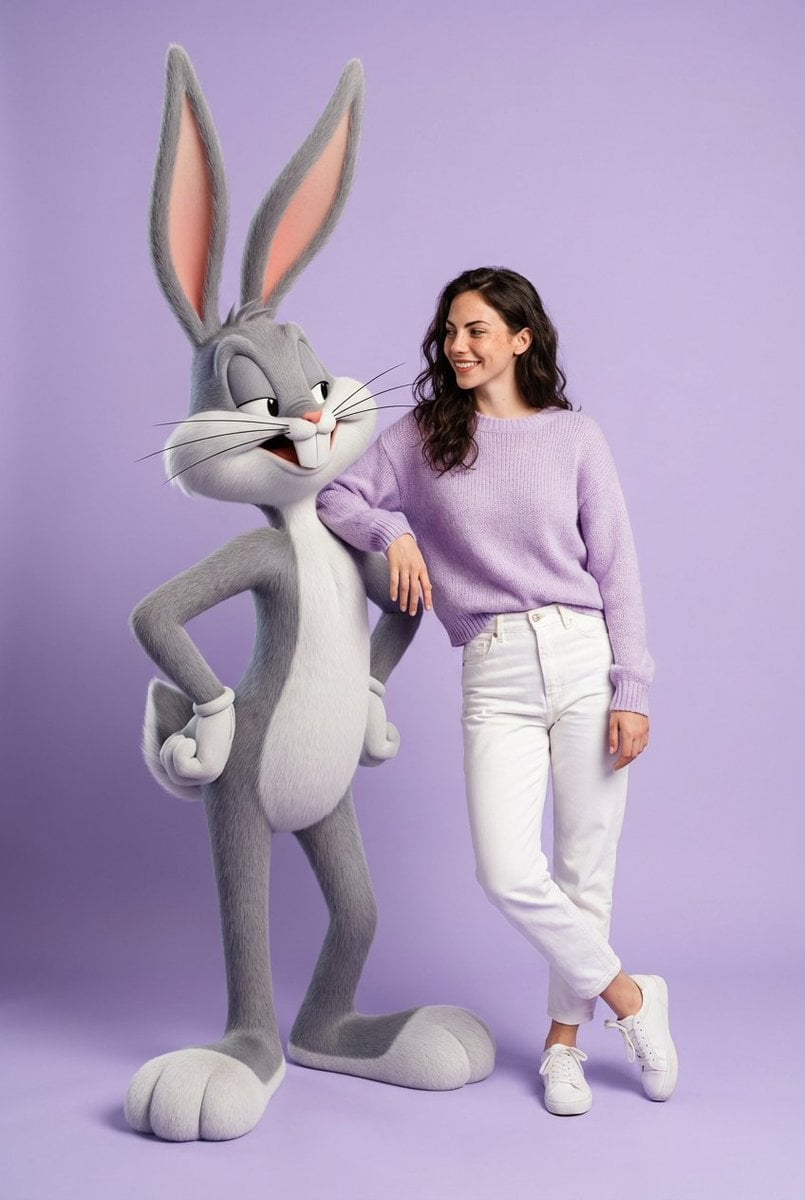
Playful Fashion Shoot with Giant Bugs Bunny
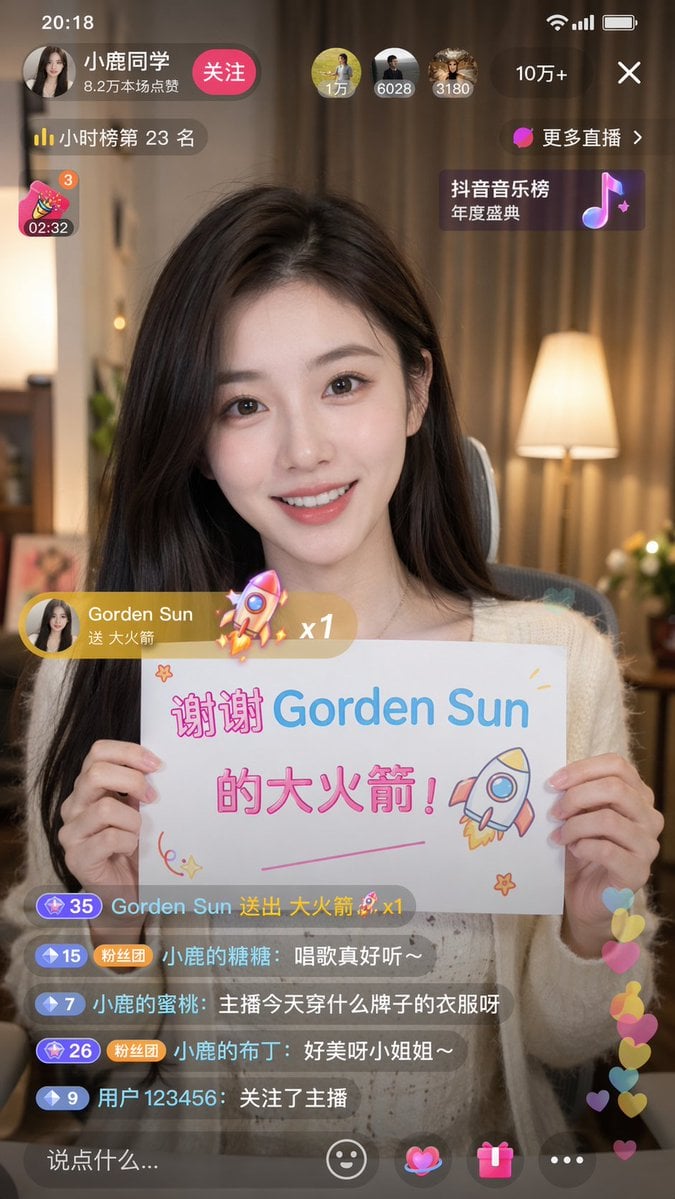
Douyin Live Stream Screenshot

Comic Book Cover with Obi Prompt
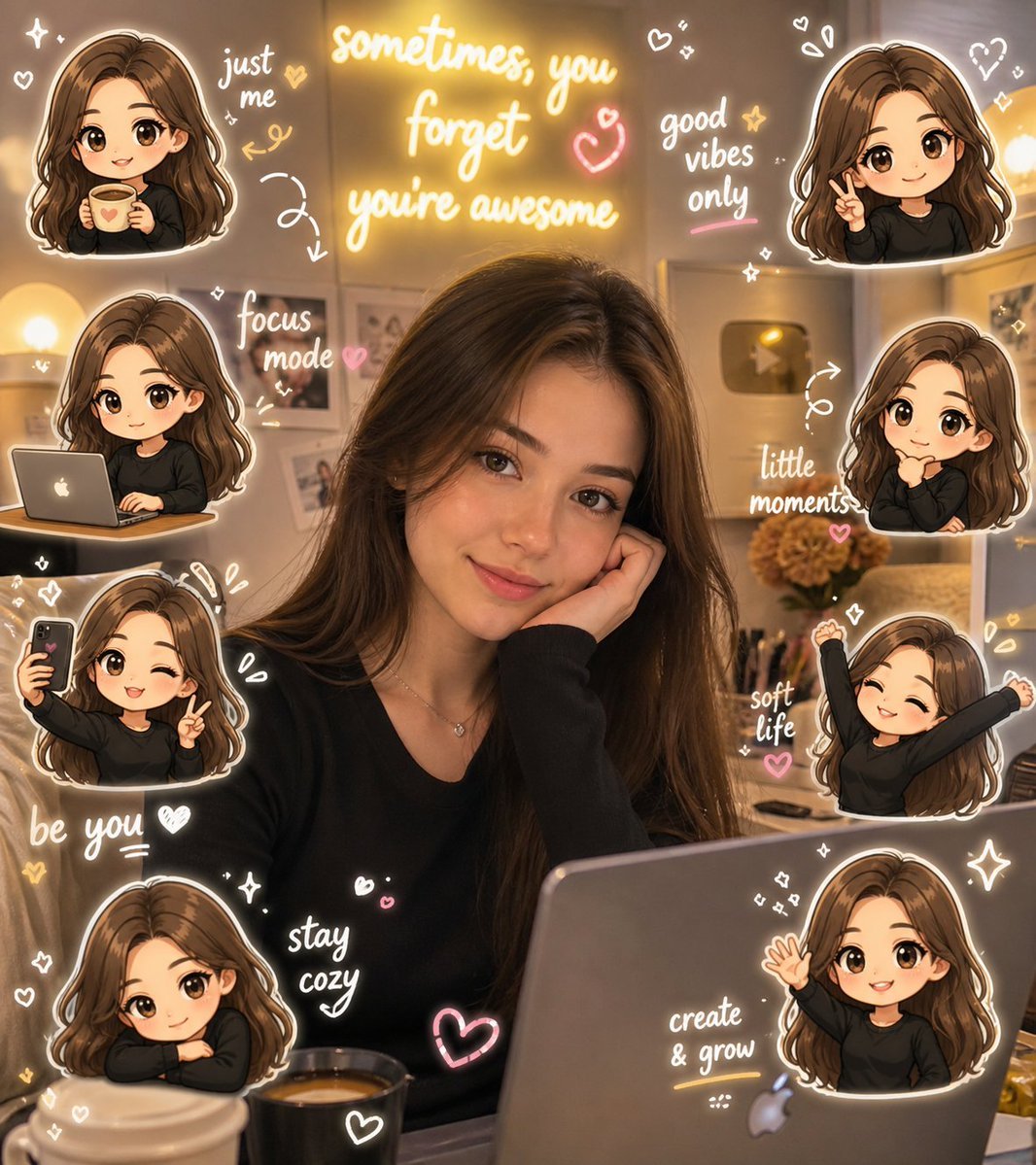
Chibi Avatar Scrapbook Photo
Browse template categories
Samurai Mecha Girl Reference Sheet questions
How do I use the Samurai Mecha Girl Reference Sheet template?
Add your photo if the template asks for one, edit the prompt if you like — the template's model and format are already selected — and press Generate. Your version opens in PicX Studio.
Can I customize the Samurai Mecha Girl Reference Sheet template?
Yes. You can change the subject, setting, lighting, mood, format, and available model controls before creating your image.
Is the Samurai Mecha Girl Reference Sheet template free?
Opening and editing this template is free. Generating uses credits, shown on the Generate button when you are signed in.
Which AI model should I use?
Start with GPT Image 2, which is the model associated with this template. You can compare another compatible model for a different finish.
Looking for something else? Browse all templates.

Your photo, any look
Thousands of ready templates for every top image and video model, from one credit balance.