
Cyberpunk Samurai Character Sheet
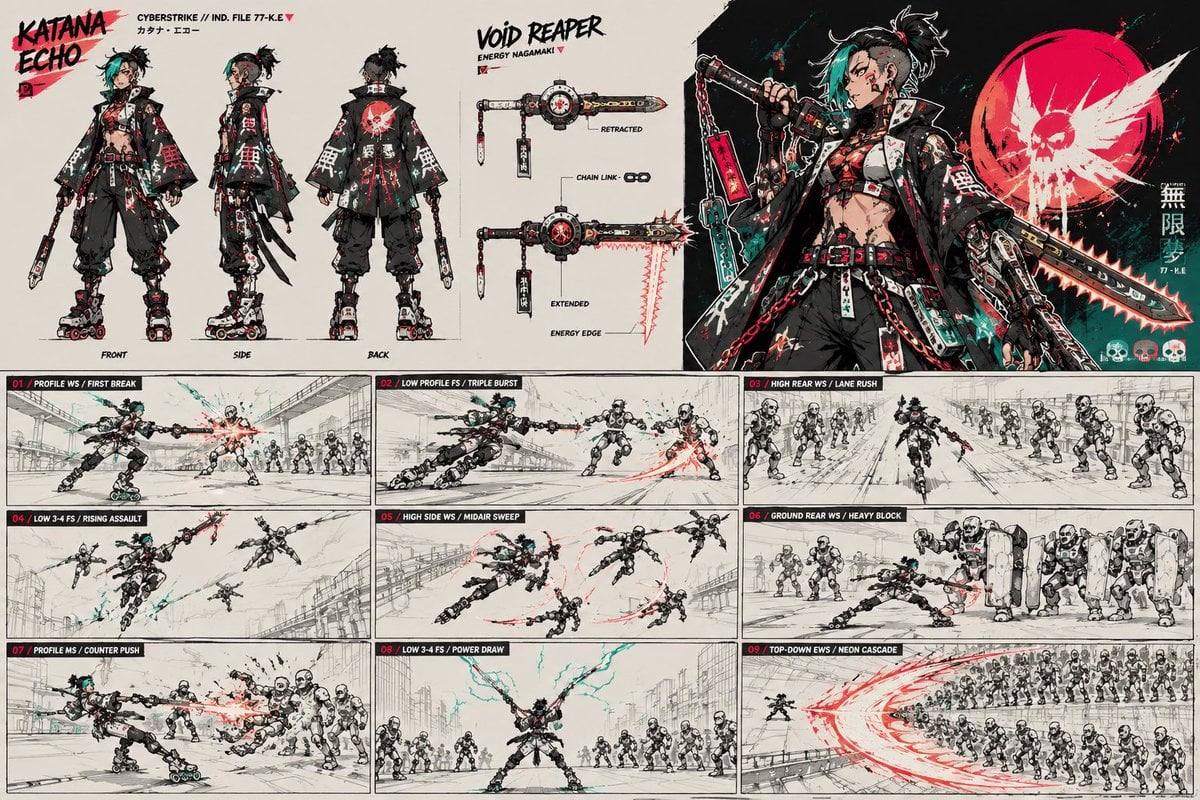
Generates a dense anime cyberpunk character turnaround, weapon spec, hero art, and nine-panel combat storyboard for concept design use.
- Prompt included
- Model and format preset
- Premium template
The prompt behind this image
Copy the exact prompt behind Cyberpunk Samurai Character Sheet, or open it in the studio and make it yours.
Goal: Create a high-detail cyberpunk anime character sheet and action storyboard for {argument name="character name" default="Katana Echo"}, a rebellious street samurai with techwear styling and a transforming energy nagamaki weapon. Canvas: Wide horizontal concept art sheet, 16:9 aspect ratio, off-white paper background with black ink, gritty red and teal accents, manga production-board energy. Use thin panel borders, rough sketch construction lines, splattered paint, handwritten labels, and sharp graphic design. Top layout: Divide the top half into three main sections. Left section shows exactly 3 full-body turnaround views of the character labeled FRONT, SIDE, and BACK. Center section is a weapon spec panel titled "VOID REAPER" with subtitle "ENERGY NAGAMAKI" and exactly 2 weapon states: "RETRACTED" and "EXTENDED". Add small callouts reading "CHAIN LINK" and "ENERGY EDGE". Right section is a dramatic hero illustration of the character holding the weapon, with a large red circular skull emblem behind them and vertical Japanese-style decorative text. Include file text near the title such as "CYBERSTRIKE // IND. FILE 77-K.E" and small katakana-style name text. Character details: The character is an androgynous punk cyber-samurai with {argument name="hair color" default="black hair with teal bangs"}, shaved-side messy topknot hair, piercings, red eye makeup, cropped layered jacket, exposed midriff, belts, straps, red chains, utility tags, oversized black hakama-style pants, mechanical roller-blade boots, fingerless gloves, and a black-red-white-teal color palette. Their jacket back has a bold red skull/sun graphic. The pose language is aggressive, fast, and cocky. Weapon details: The weapon is a hybrid chained nagamaki/chainsaw blade with a black handle, red tags, metal hardware, circular mechanical hub, black-and-white seals, red glowing blade edge, and teal cables. Show it compact in the retracted state and long serrated glowing in the extended state. Bottom layout: The bottom half is a 3 by 3 storyboard grid with exactly 9 action panels. Each panel has a black header strip with a red number and white tactical move label. Depict the character fighting squads of white humanoid robots in industrial streets and overpasses, with speed lines, red energy arcs, teal sparks, and rough monochrome background perspective. Storyboard panels, exactly 9: 01 "PROFILE WS / FIRST BREAK" shows a side attack blasting one robot while a row of robots waits behind; 02 "LOW PROFILE FS / TRIPLE BURST" shows the character sliding low and slashing through three targets; 03 "HIGH REAR WS / LANE RUSH" shows a rear chase down a lane between two robot lines; 04 "LOW 3-4 FS / RISING ASSAULT" shows the character leaping upward against airborne robots; 05 "HIGH SIDE WS / MIDAIR SWEEP" shows a midair horizontal sweep cutting multiple robots; 06 "GROUND REAR WS / HEAVY BLOCK" shows the character bracing low against a wall of shielded heavy robots; 07 "PROFILE MS / COUNTER PUSH" shows a close side counterstrike against clustered robots; 08 "LOW 3-4 FS / POWER DRAW" shows the character centered with both arms extended, drawing teal lightning while robots surround them; 09 "TOP-DOWN EWS / NEON CASCADE" shows a bird's-eye massive red crescent slash sweeping through a large robot formation. Visual style: High-energy Japanese game concept art, cyberpunk manga storyboard, gritty ink linework, cel-shaded accents, limited palette of black, bone white, scarlet red, and electric teal. Keep the page dense but readable, with crisp character silhouettes and dynamic weapon trails. Text constraints: Use the main title {argument name="title text" default="KATANA ECHO"} in a bold brush font at top left, the weapon title {argument name="weapon title" default="VOID REAPER"} in rough black lettering near the center, and the faction/file label {argument name="file label" default="CYBERSTRIKE // IND. FILE 77-K.E"}. Keep all visible labels in English except small decorative katakana/Japanese glyphs, which may be stylized and secondary. Do not add extra panels, extra turnaround views, or extra weapon states.
How to use Cyberpunk Samurai Character Sheet in 3 steps
- 1Upload ImagePNG, JPG or paste
Add your photo
Upload the photo the template builds on. The prompt, model and format are already set.
- 2…a portrait of your subject in softgolden-hour light, 85mm…
Personalize
Edit the subject and creative details for your destination.
- 3Generate
Generate
Press Generate — your image is created in PicX Studio, so you can compare it with the original and refine one variable at a time.
More like this
Templates with the same subject, style or setup. Open one to see its prompt.
Cyberpunk Operative Character Sheet

Rainy Night Android Cyberpunk Portrait

Korean Idol Partial Shadow Editorial Portrait

Cinematic Sci-Fi Interface Side Profile

Cyberpunk Neon Profile Fashion Portrait

Cinematic Neon Light Strip Studio Portrait

Futuristic Studio Neon Ring Minimalist Portrait

Neon Violet Streetwear Fashion Portrait

Neon Night Crosswalk Candid Portrait

Red Futuristic Sport Motorcycle POV
Rainy Night Android Cyberpunk Portrait
Cinematic Sci-Fi Commander Side Profile Portrait
Make it yours
Cyberpunk Samurai Character Sheet works as-is. These are the safest ways to change it without losing the look.
Change one field
Copy a single group, rewrite it, and generate again so you can see what that field is doing.
Keep the frame, change the subject
Hold the composition and light of Cyberpunk Samurai Character Sheet, then swap wardrobe, props or the person for a new take.
| If the result… | Why | Fix |
|---|---|---|
| The result drifts from the preview | Too many fields changed at once. | Reuse Cyberpunk Samurai Character Sheet as-is first, then change one group — subject, light, or setting. |
| The model over-stylizes the scene | The prose prompt leaves finish and camera underspecified. | Add one camera or lighting sentence and stay on GPT Image 2. |
More GPT Image 2 templates
Other prompts made for GPT Image 2.

Six VTuber Japanese Logo Sheet

Realistic Portrait of Woman and Deer

The Vista Modular Condo Poster

AI Model Routing Comparison Infographic

2.5D Anime Art Board

Isometric Productivity Desk Scene

New York Double Exposure Poster

Four-Panel AI Landscape Comparison

Japanese Tatami Lifestyle Magazine Cover

NESCAFÉ Coffee Map Poster
More image prompts
Fresh picks from across the catalog.
Mecha Protagonist Design
Black and White Sticker Bomb Street Poster

Minimalist Typography Travel Poster
Anime Fantasy Painter in Blue Atelier
Tactical Sniper Urban Photography
Epic Frozen Cliff Warrior Scene

Kimetsu no Yaiba-style anime transformation with brush calligraphy
Dating Sim UI Overlay Prompt
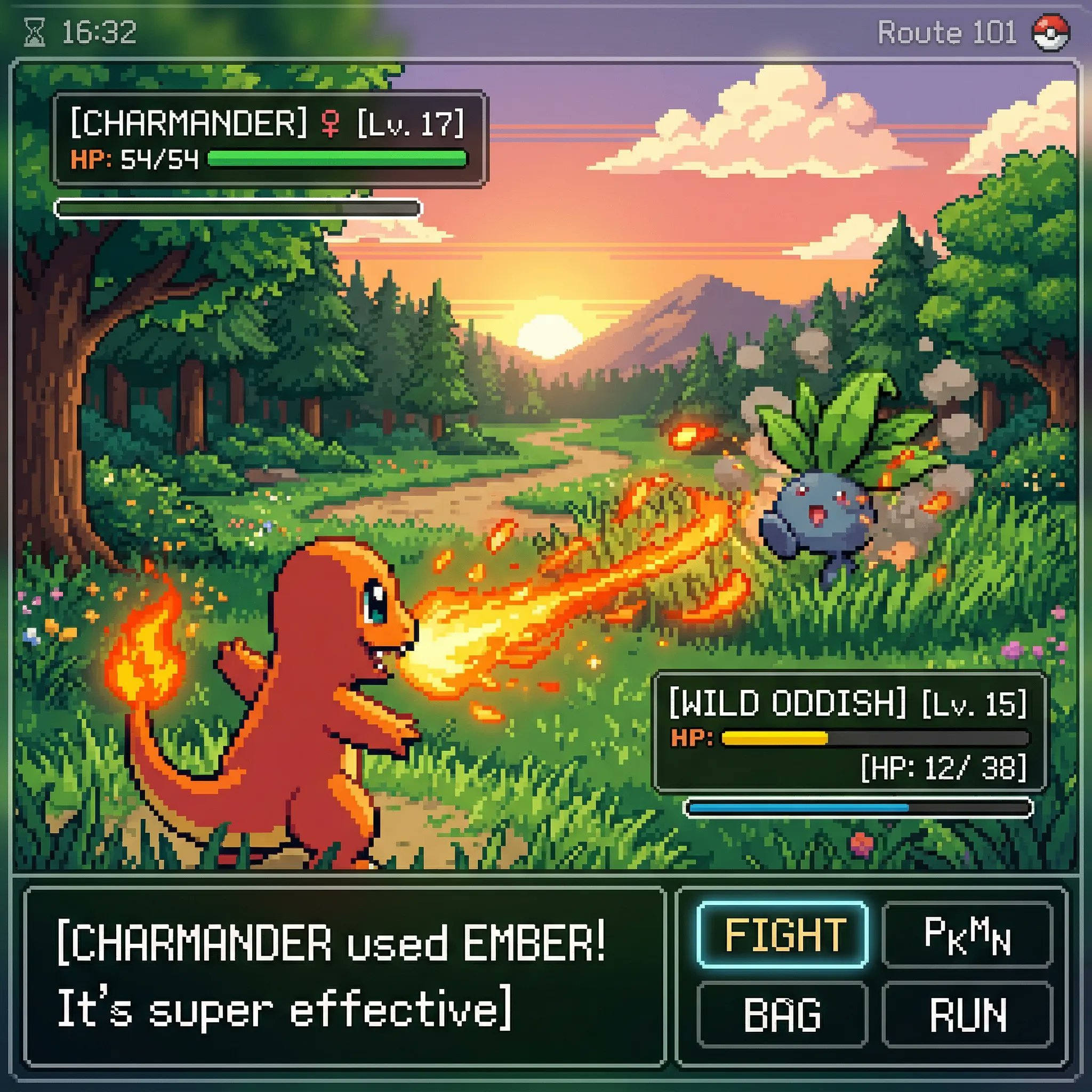
Classic Gameboy Pokemon Style Pixel Art
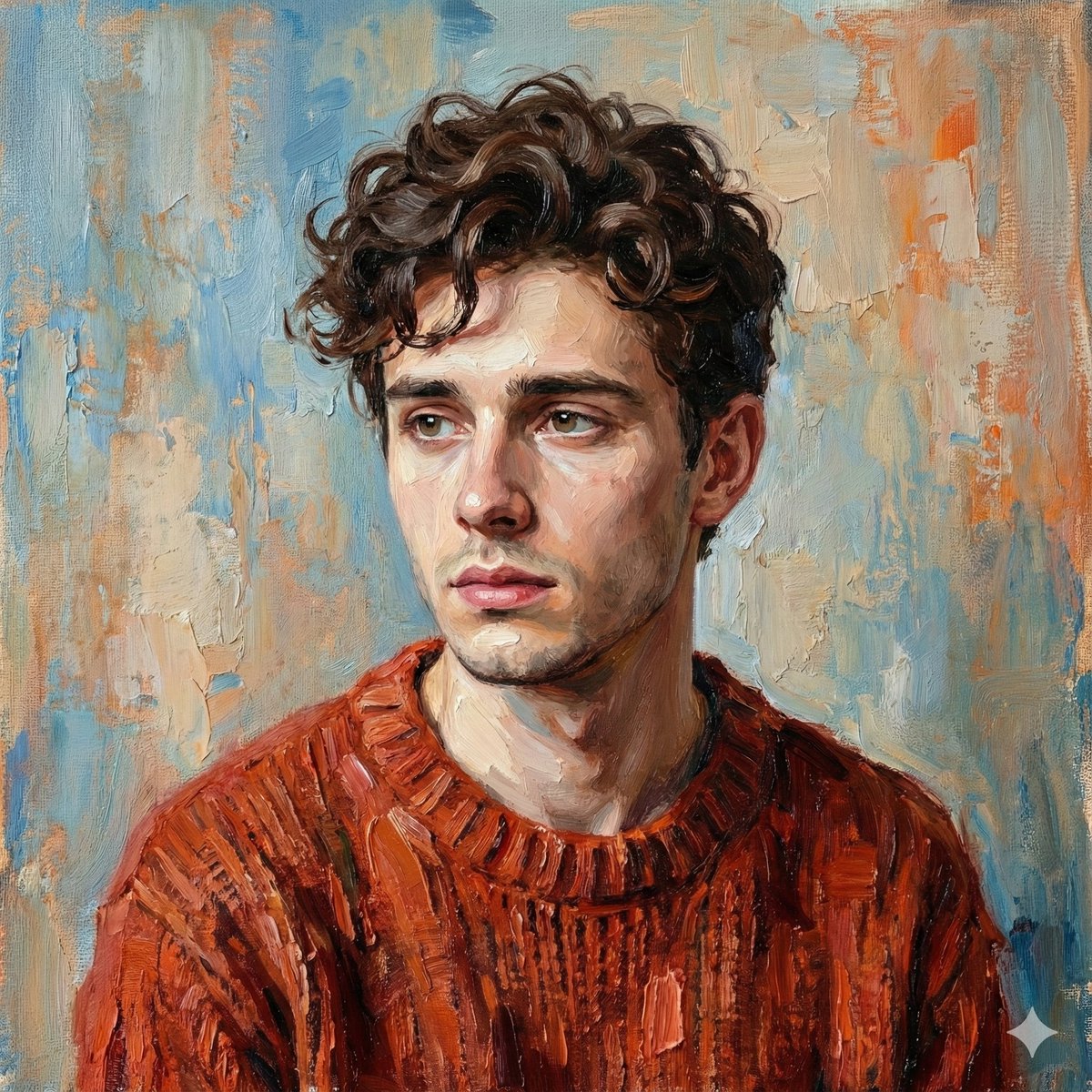
Digital Oil-Painted Bust Portrait
Browse template categories
Cyberpunk Samurai Character Sheet questions
How do I use the Cyberpunk Samurai Character Sheet template?
Add your photo if the template asks for one, edit the prompt if you like — the template's model and format are already selected — and press Generate. Your version opens in PicX Studio.
Can I customize the Cyberpunk Samurai Character Sheet template?
Yes. You can change the subject, setting, lighting, mood, format, and available model controls before creating your image.
Is the Cyberpunk Samurai Character Sheet template free?
Opening and editing this template is free. Generating uses credits, shown on the Generate button when you are signed in.
Which AI model should I use?
Start with GPT Image 2, which is the model associated with this template. You can compare another compatible model for a different finish.
Looking for something else? Browse all templates.

Your photo, any look
Thousands of ready templates for every top image and video model, from one credit balance.