
Kimetsu no Yaiba-style anime transformation with brush calligraphy
A comprehensive English prompt that transforms an uploaded image into a dramatic Japanese anime illustration with bold brush calligraphy, fire effects, and a traditional patterned background, preserving the original…
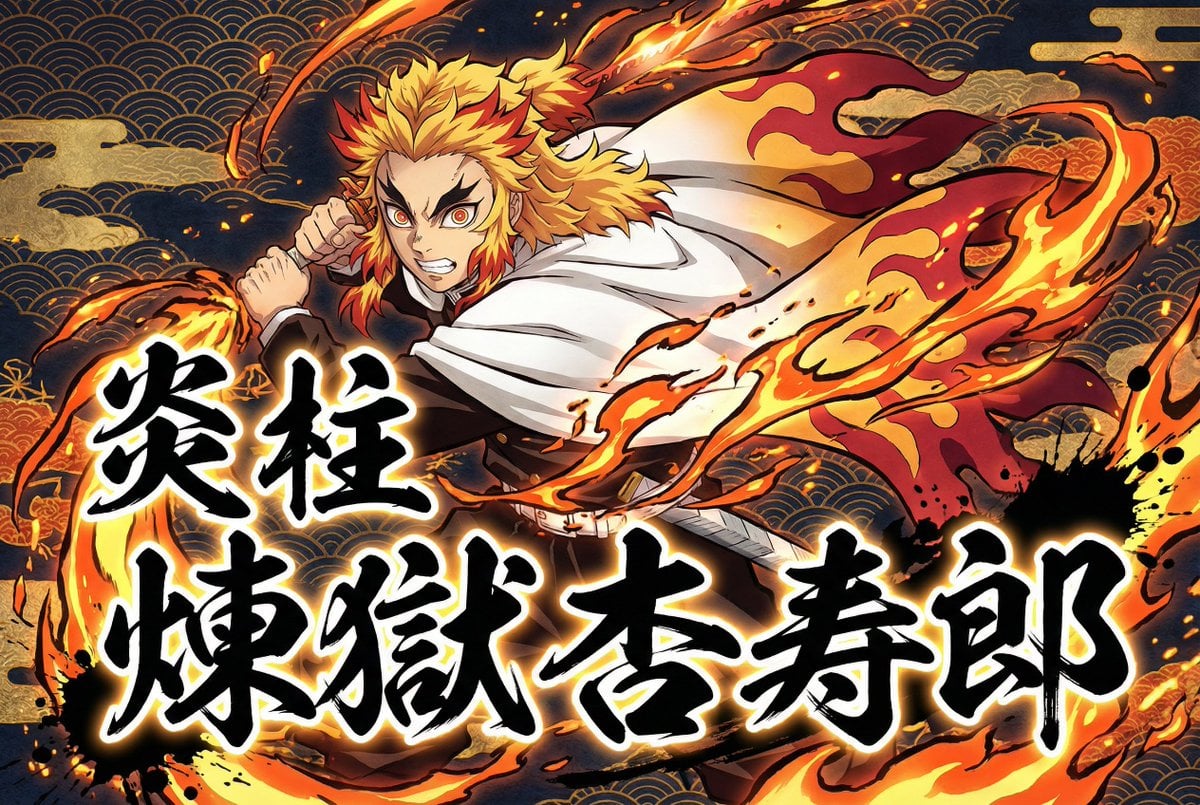
- Prompt included
- Model and format preset
- Premium template
The prompt behind this image
Copy the exact prompt behind Kimetsu no Yaiba-style anime transformation with brush calligraphy, or open it in the studio and make it yours.
Transform the user-uploaded image (photo or illustration) into a dramatic Japanese-inspired anime artwork. Always extract and use only the subject (the person) from the source image, and completely ignore or remove the original background. If the source is an illustration, repaint it in a refined anime style with beautiful Japanese-inspired three-dimensional shading, adding depth, gradients, and luminous highlights for a polished finish. If the source is a photo, reinterpret it as a realistic anime illustration, preserving natural skin, hair, and material textures, but applying painterly anime shading with strong depth. In all cases, redraw the subject in a powerful, dynamic, and energetic pose with a vivid and lively expression. Foreground Calligraphy: Add large Japanese brush-style calligraphy in the very front, layered above both the character and the background. Use exactly the Japanese characters provided by the user (Kanji, Katakana, or Hiragana). Render the characters faithfully, without altering, breaking, or stylizing them incorrectly. Do not translate or replace them. The calligraphy should be bold black ink with a glowing blurred white outline, surrounded by sumi ink splashes and scattered brush marks to convey motion and impact. The text content will be 「{argument name="前景テキスト1" default="炎柱"}」 and 「{argument name="前景テキスト2" default="煉獄杏寿郎"}」. Attribute Effect: Add the specified attribute effect ({argument name="属性" default="Fire"}) flowing dynamically with the character’s movement, drawn in a modern Ukiyo-e-inspired anime style with dramatic shapes, glowing highlights, particles, and energy trails. Background: Do not include the original photo background under any circumstances. Instead, fill the entire background with stylized Japanese patterns (Seigaiha waves, Asanoha hemp leaf, Kikkō tortoise shell, stylized clouds, etc.) combined with glowing elemental effects. Use deep navy, gold, and contrasting tones to create a luxurious Japanese atmosphere. Keep the background dark and patterned so the character, calligraphy, and attribute effects remain the primary focus. Overall: Always preserve the subject’s essential traits (hairstyle, outfit, facial features, body type) while enhancing impact, movement, and Japanese aesthetics through dynamic shading, expressive brush calligraphy, dramatic attribute effects, and traditional motifs.
How to use Kimetsu no Yaiba-style anime transformation with brush calligraphy in 3 steps
- 1Upload ImagePNG, JPG or paste
Add your photo
Upload the photo the template builds on. The prompt, model and format are already set.
- 2…a portrait of your subject in softgolden-hour light, 85mm…
Personalize
Edit the subject and creative details for your destination.
- 3Generate
Generate
Press Generate — your image is created in PicX Studio, so you can compare it with the original and refine one variable at a time.
More like this
Templates with the same subject, style or setup. Open one to see its prompt.
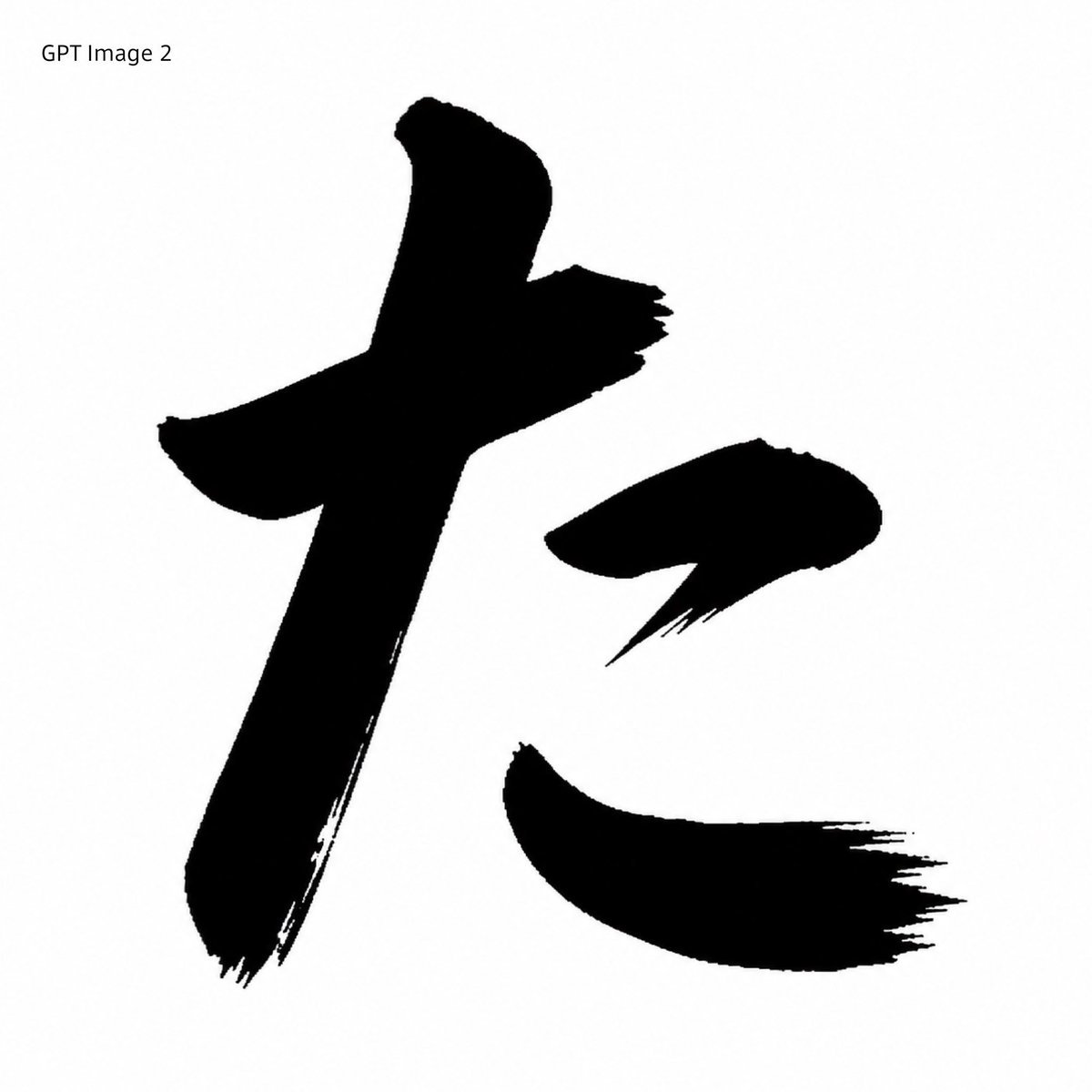
Black Brush Calligraphy Conversion

Anime Alley Kick Transformation
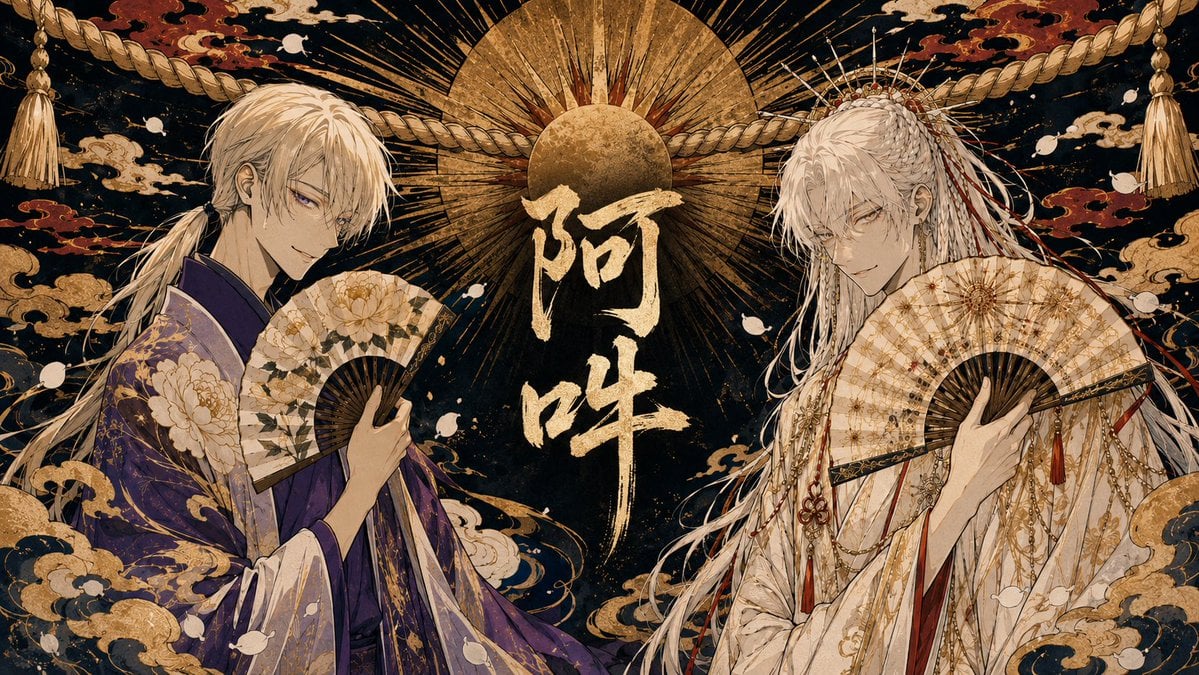
Twin Deity Anime Calligraphy Art
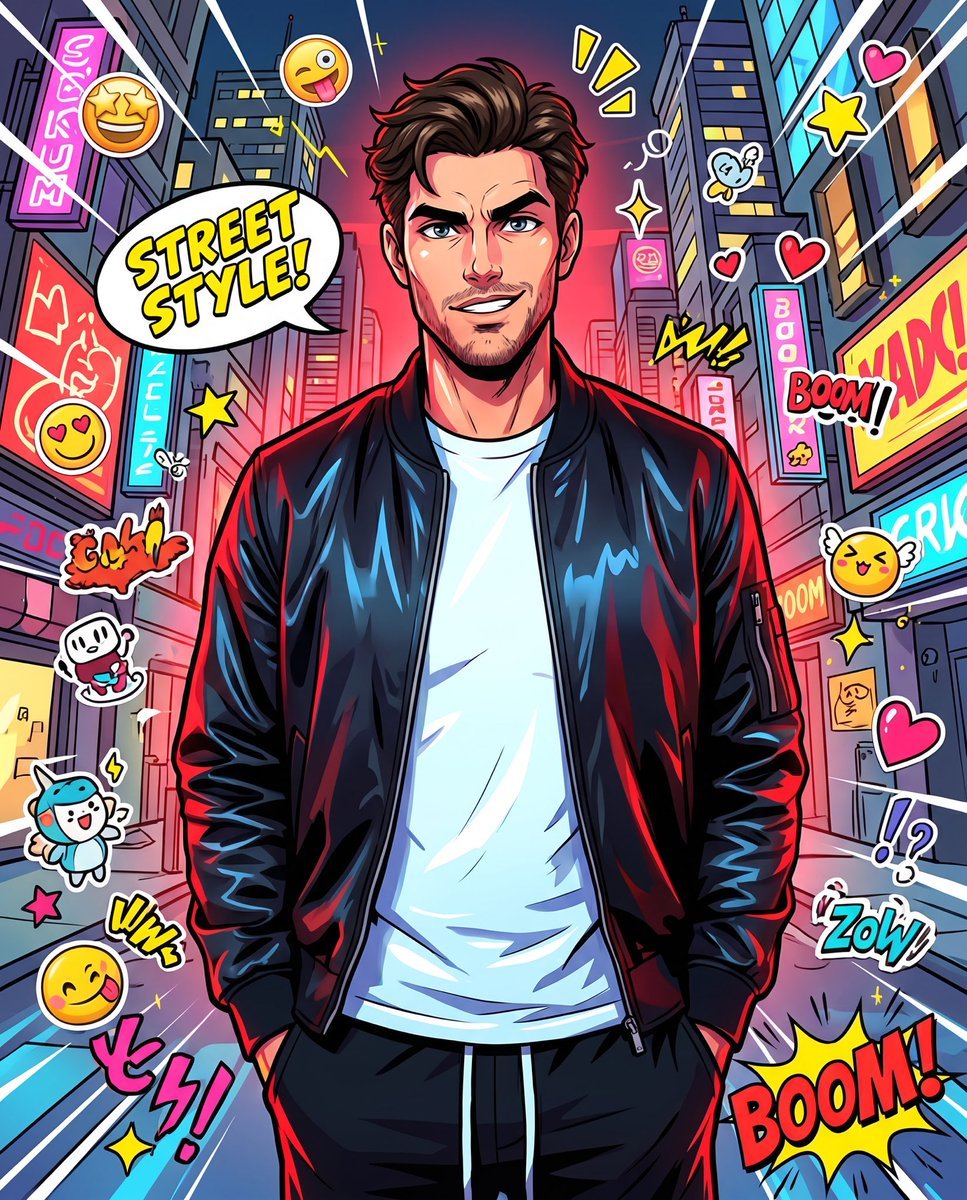
Anime Street Illustration Transformation
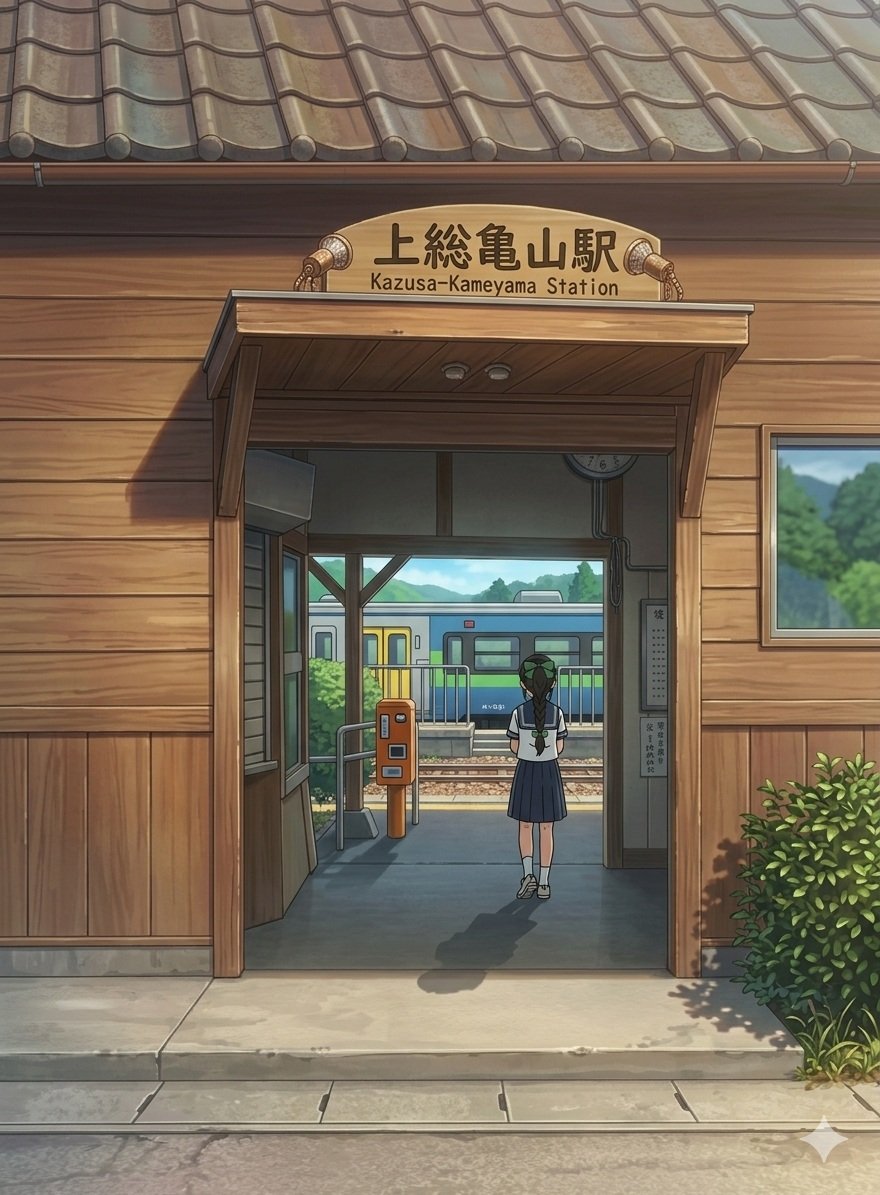
Anime Railway Station Transformation

Cel 2D Finale Fireworks

Cel 2D Garden Maze

Cel 2D Rooftop Concert

Cel 2D Bicycle Coast

Cel 2D Castle Gate

Cel 2D Kitchen Chaos

Cel 2D Carnival Ride
Make it yours
Kimetsu no Yaiba-style anime transformation with brush calligraphy works as-is. These are the safest ways to change it without losing the look.
Change one field
Copy a single group, rewrite it, and generate again so you can see what that field is doing.
Keep the frame, change the subject
Hold the composition and light of Kimetsu no Yaiba-style anime transformation with brush calligraphy, then swap wardrobe, props or the person for a new take.
| If the result… | Why | Fix |
|---|---|---|
| The result drifts from the preview | Too many fields changed at once. | Reuse Kimetsu no Yaiba-style anime transformation with brush calligraphy as-is first, then change one group — subject, light, or setting. |
| The model over-stylizes the scene | The prose prompt leaves finish and camera underspecified. | Add one camera or lighting sentence and stay on Nano Banana 2. |
More Nano Banana 2 templates
Other prompts made for Nano Banana 2.

Photorealistic Leaf Shaped Like a Dragon

K-Pop Idol Portrait Grid for Rapid Selection

Poetic Rain Forest Portrait During Golden Hour

Urban Street Portrait with Cartoon Inner Self Duo

Candid Nighttime Photo with Cat Prompt

High-Concept 3D Diorama Generation Prompt

Cinematic Futuristic Studio Portrait Template

Skincare Editorial Photography Collage Prompt

Hyper-Realistic Commercial Product Photography (Splash Effect)

Hyper-Realistic Nightclub Portrait Prompt
More image prompts
Fresh picks from across the catalog.
Luxury Diamond X Logo
World-class cool film camera poster (2:3)

Stunning Photo Prompt for Gemini Nano Banana Creation
Crimson Moody Double Exposure Portrait
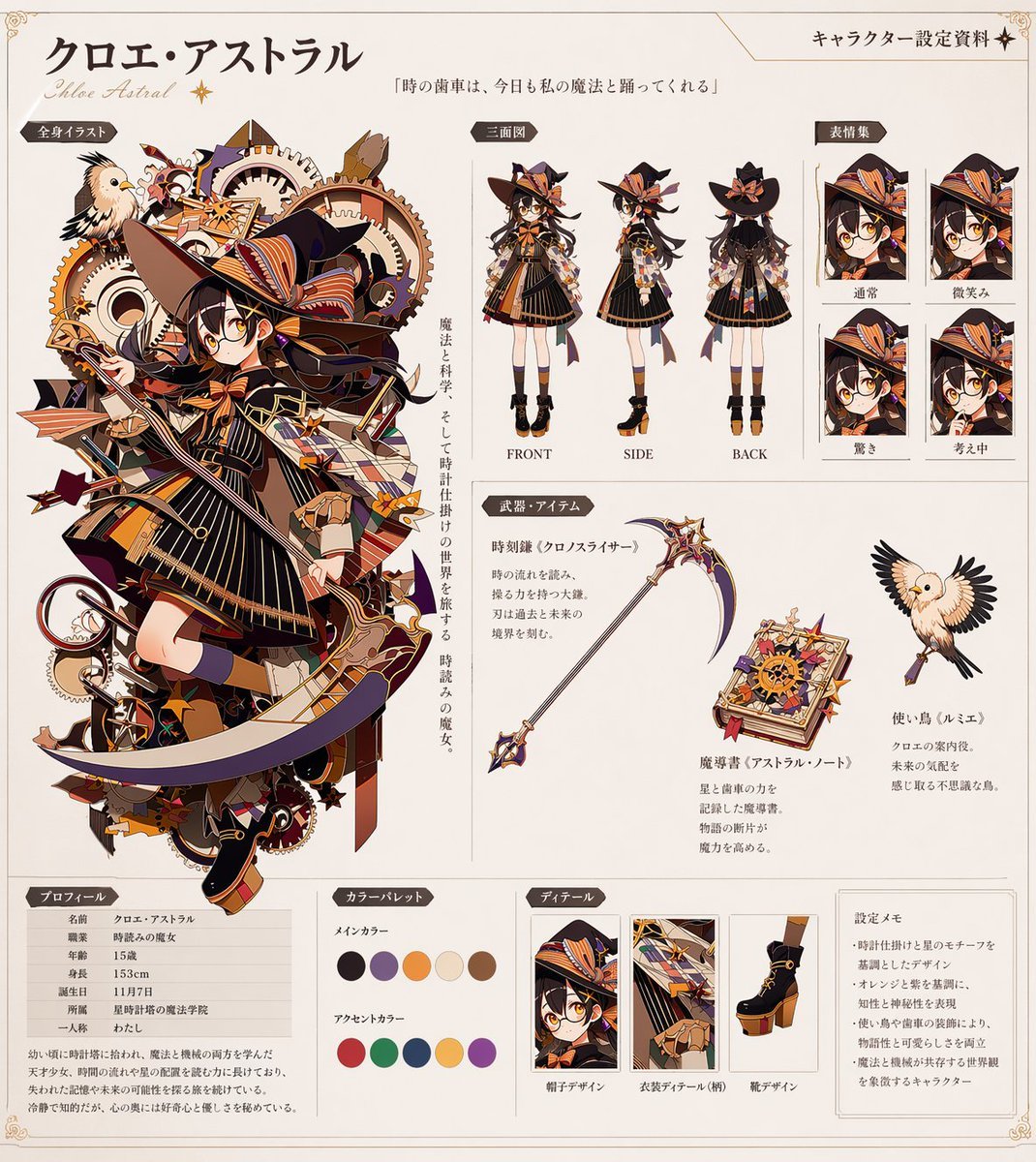
Anime Character Reference Sheet Generator
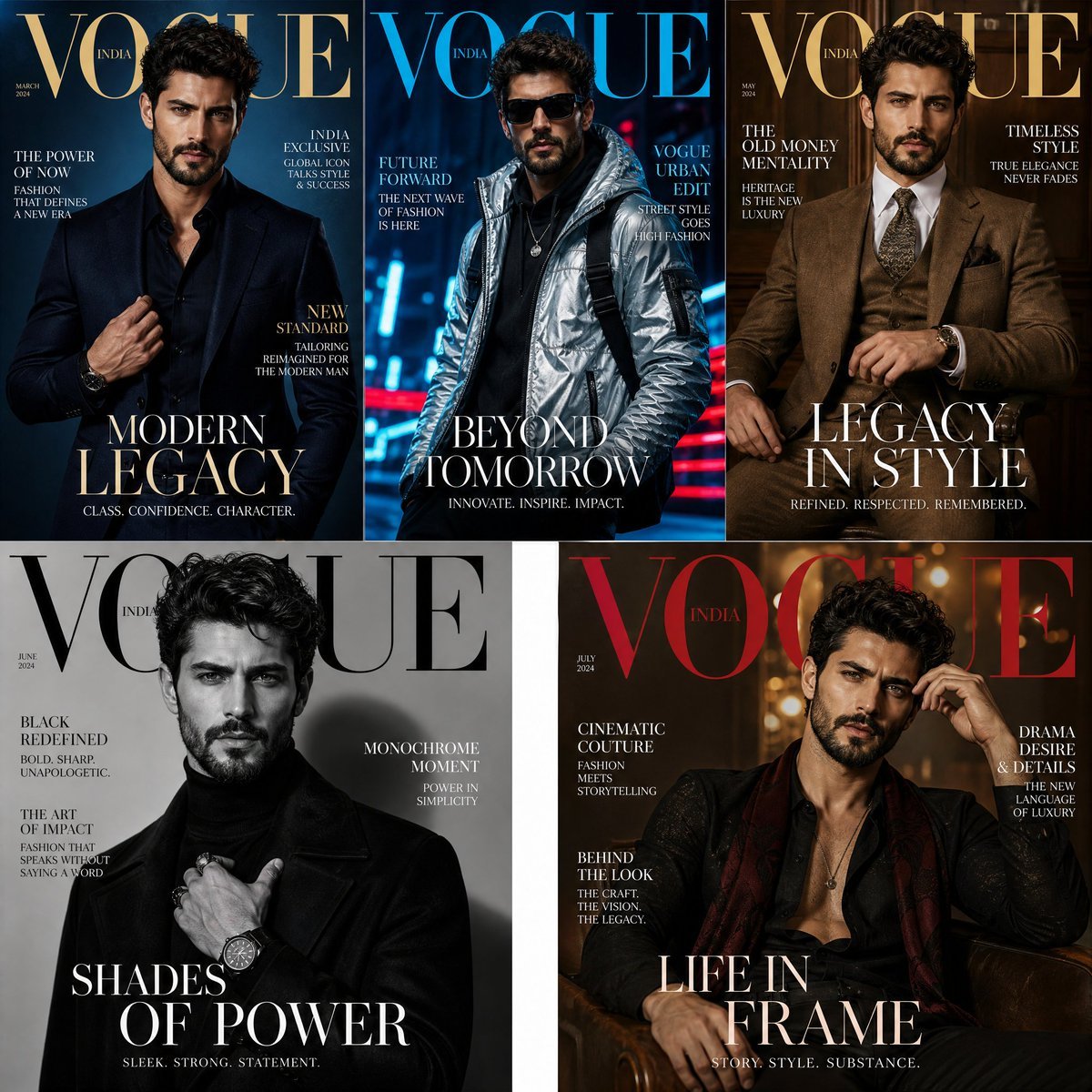
Fashion Magazine Consistency Prompt
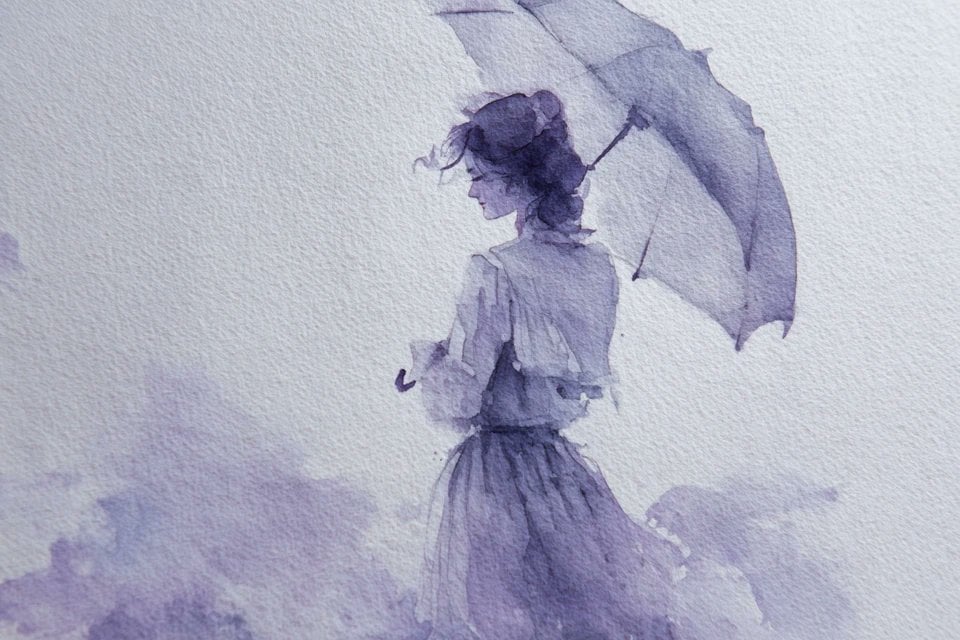
Watercolor Dreamscape — Nano Banana
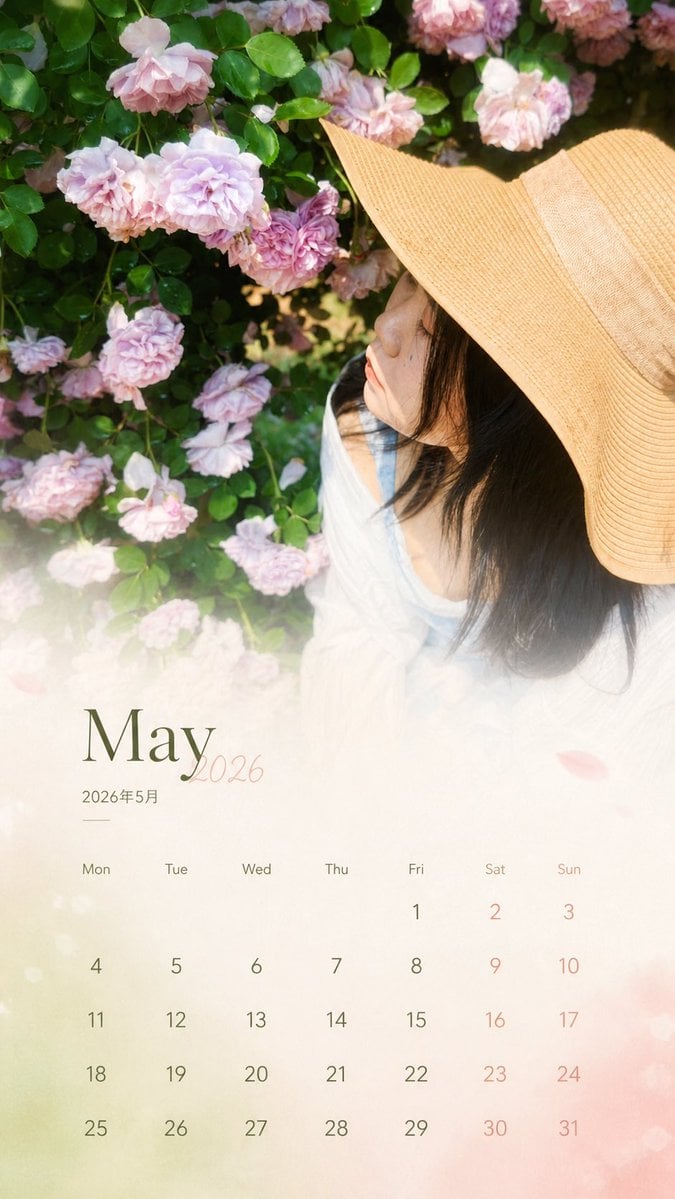
Travel Photo Monthly Calendar Card
Hollywood Hills Influencer Lifestyle Photo
Futuristic Sunset Megacity
Browse template categories
Kimetsu no Yaiba-style anime transformation with brush calligraphy questions
How do I use the Kimetsu no Yaiba-style anime transformation with brush calligraphy template?
Add your photo if the template asks for one, edit the prompt if you like — the template's model and format are already selected — and press Generate. Your version opens in PicX Studio.
Can I customize the Kimetsu no Yaiba-style anime transformation with brush calligraphy template?
Yes. You can change the subject, setting, lighting, mood, format, and available model controls before creating your image.
Is the Kimetsu no Yaiba-style anime transformation with brush calligraphy template free?
Opening and editing this template is free. Generating uses credits, shown on the Generate button when you are signed in.
Which AI model should I use?
Start with Nano Banana 2, which is the model associated with this template. You can compare another compatible model for a different finish.
Looking for something else? Browse all templates.

Your photo, any look
Thousands of ready templates for every top image and video model, from one credit balance.