How do I use the Anime Street Illustration Transformation template?
Choose the primary action to open PicX Studio with the available template settings. Review the model and format, personalize the creative direction, and generate when ready.
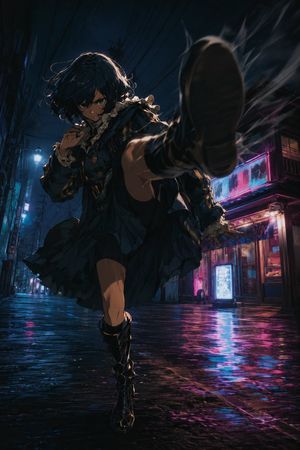
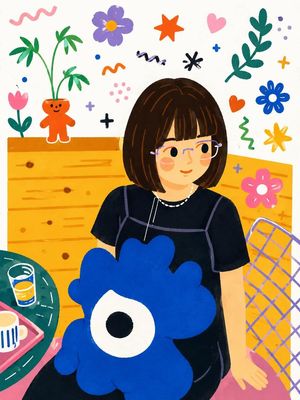
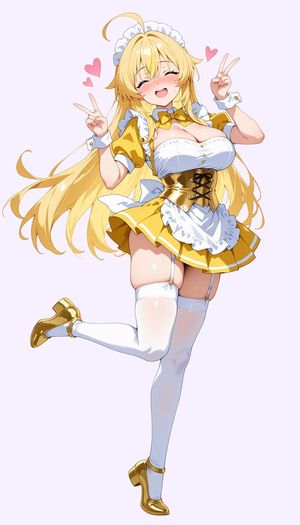
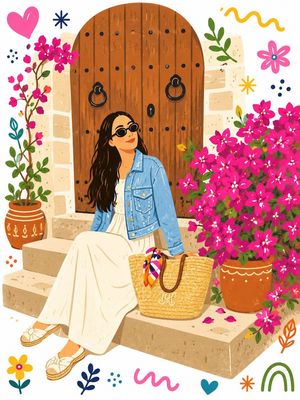
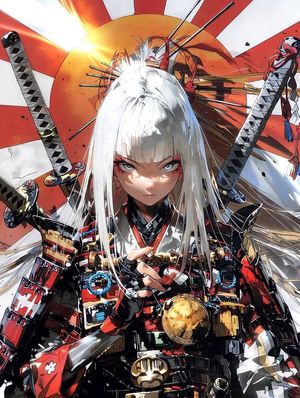
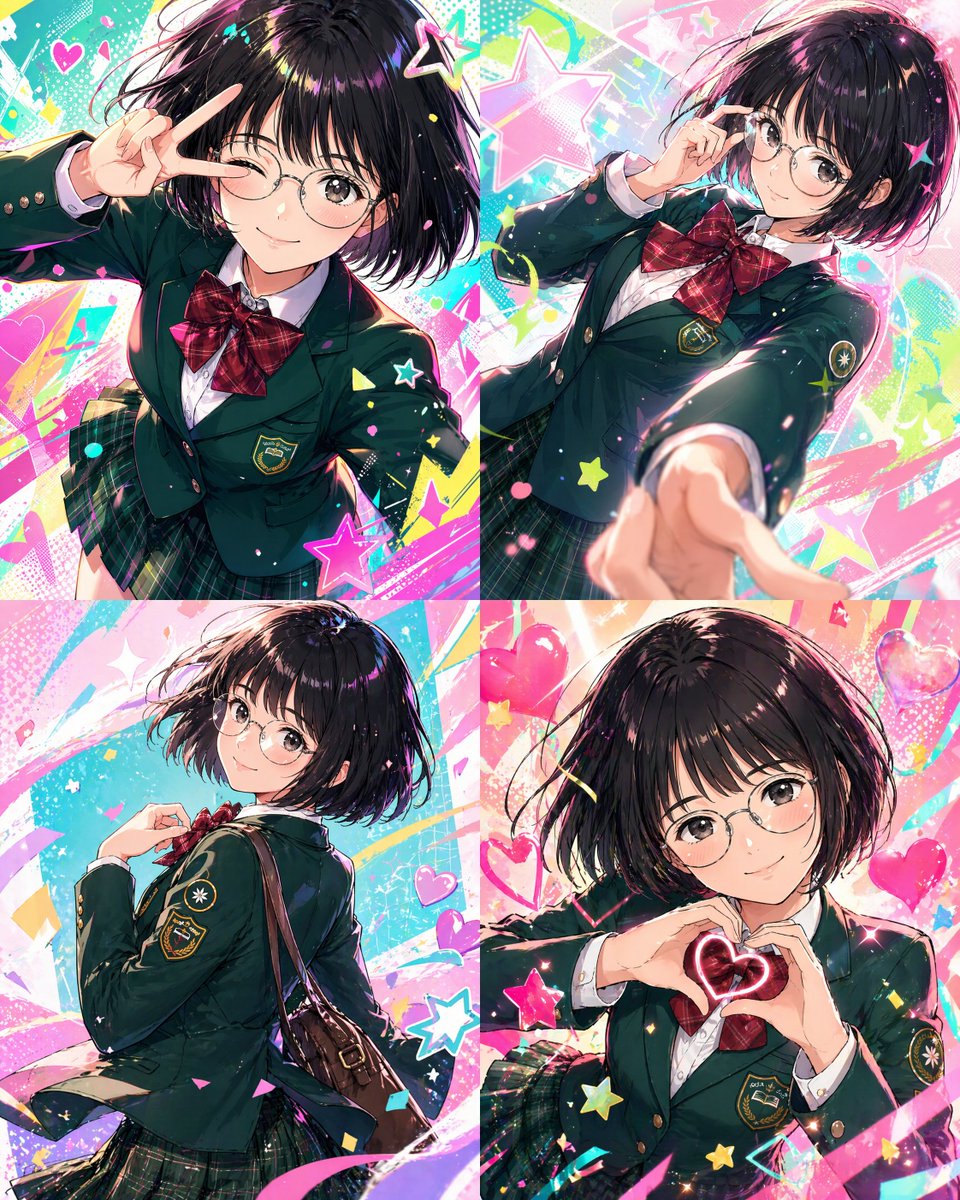
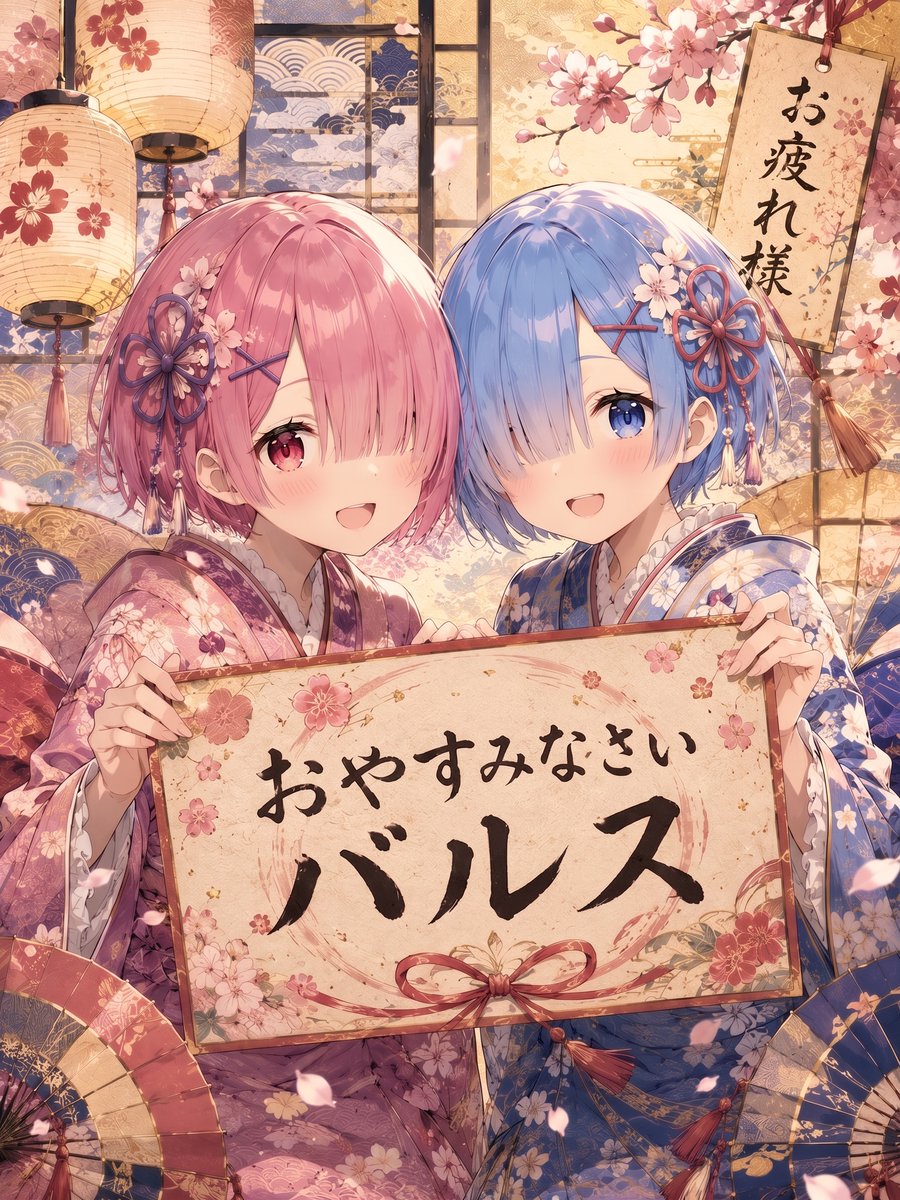
A stylization prompt to transform a photo into a vibrant, high-energy anime street illustration with bold lines and saturated colors.
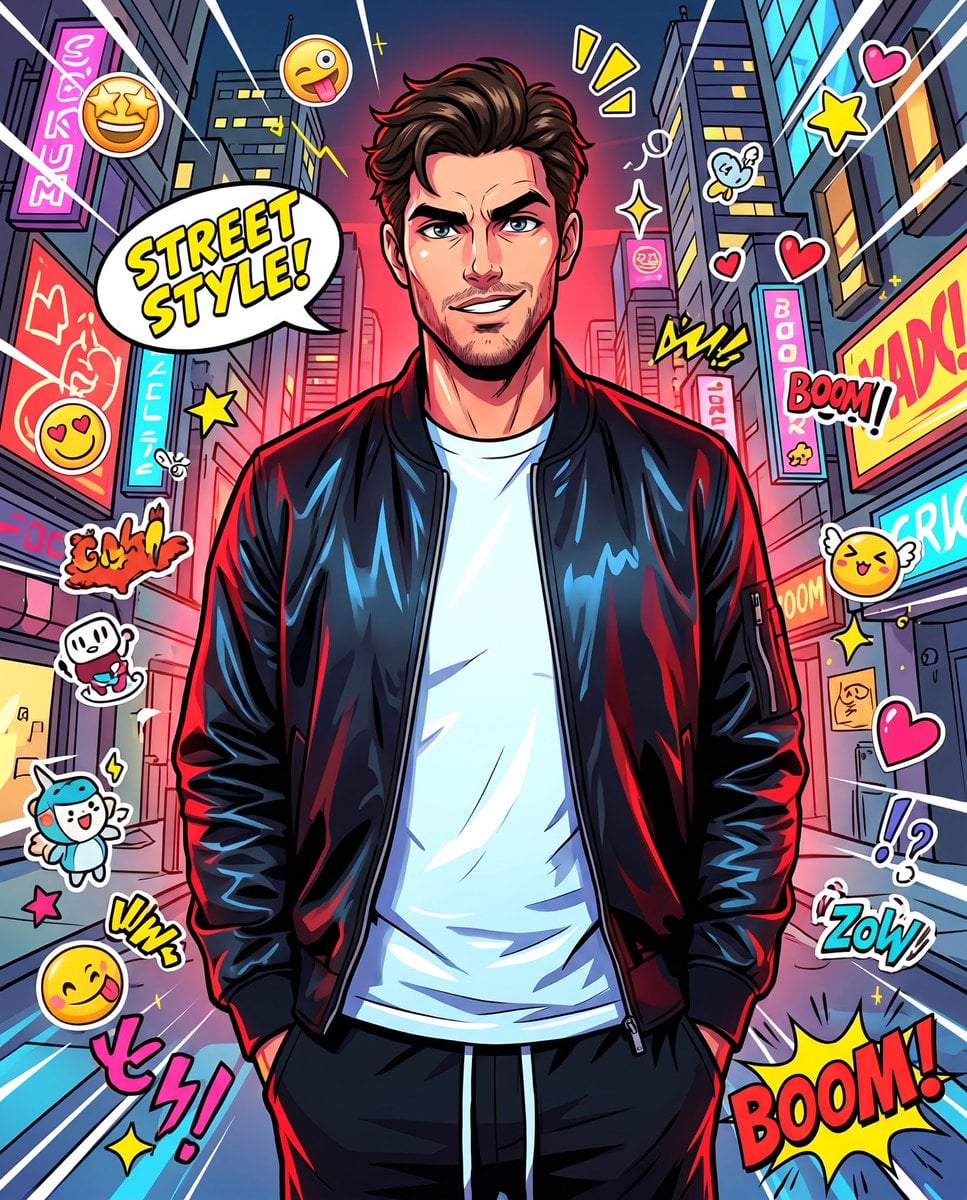
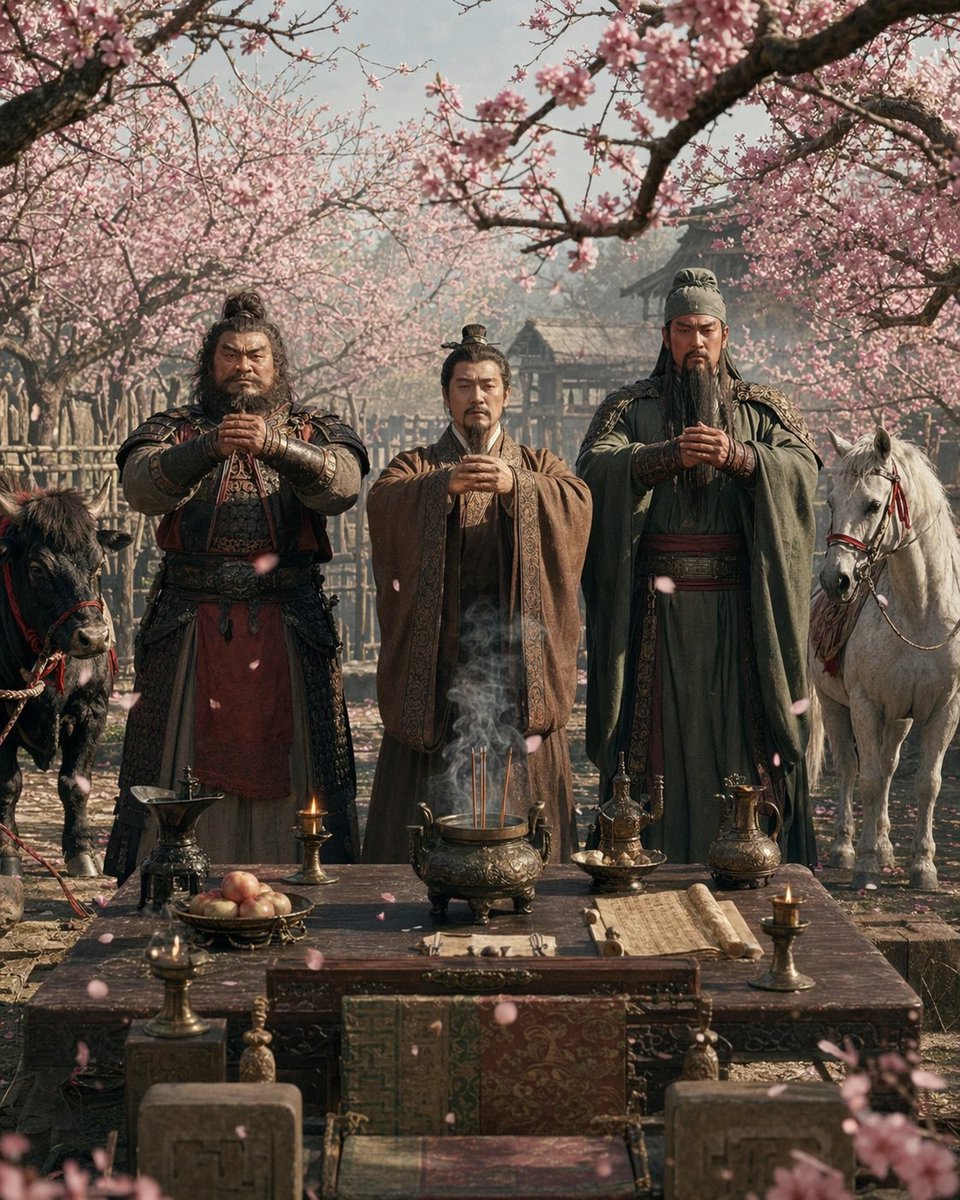
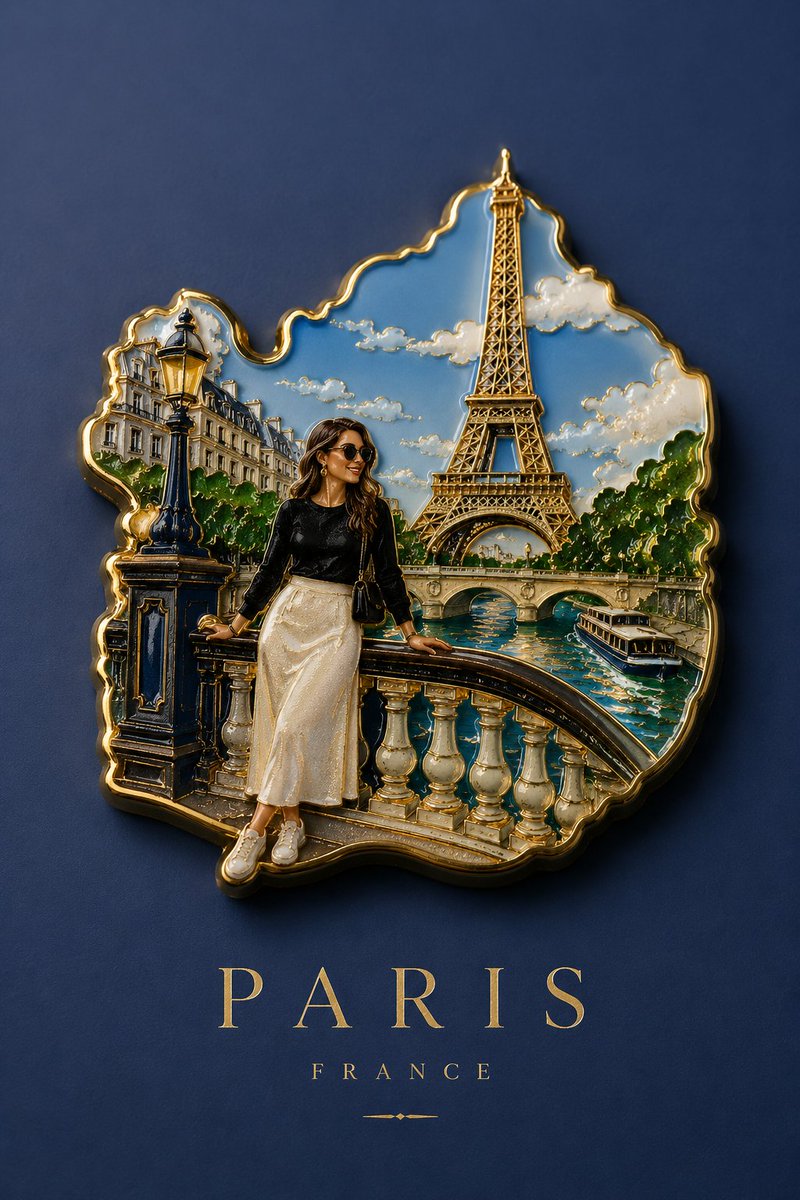
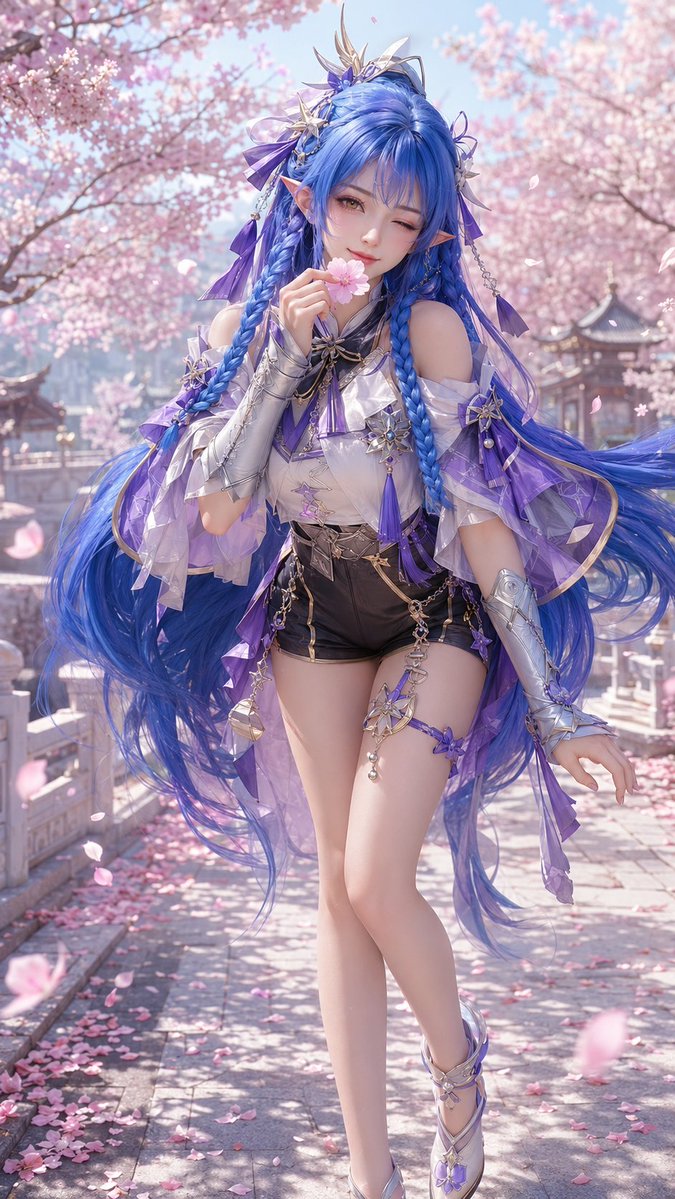
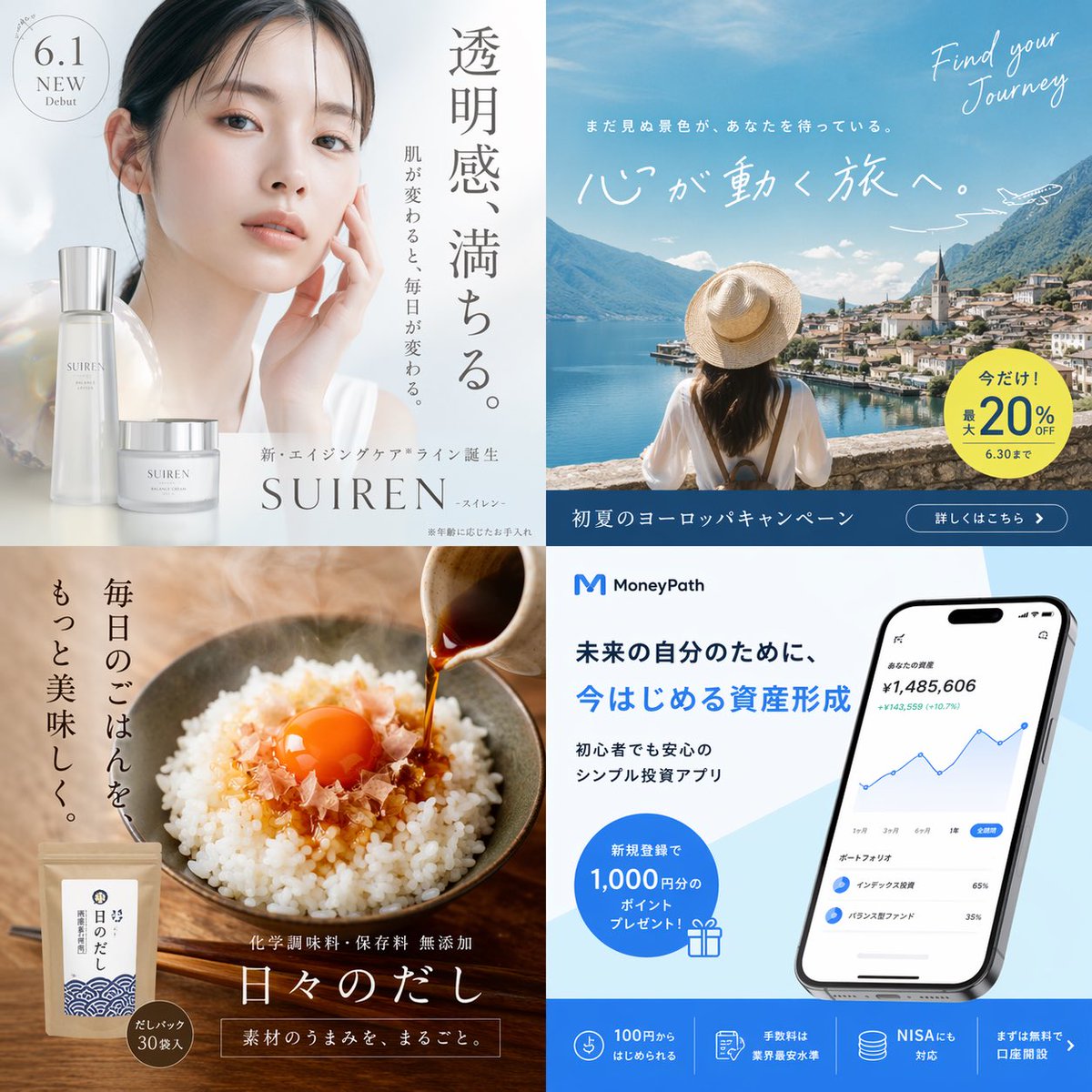
Transform the uploaded photo into a {argument name="art style" default="vibrant high energy anime inspired street illustration"} while preserving the character’s core identity including face shape, facial structure, hairstyle essence, and overall vibe. The artwork should feel fully stylized and non realistic, inspired by modern pop anime posters and playful manga aesthetics. Use bold expressive linework with dynamic thickness variation, clean cel shading, oversized highlights, and ultra saturated colors with strong contrast. Exaggerate expressions, poses, perspective, and body language for maximum personality and visual impact while keeping the character recognizable. Reimagine the environment into a {argument name="environment" default="whimsical cartoon universe"} with dramatic wide angle perspective, curved space distortion, and kinetic motion. Add fun graphic elements such as stickers, floating emojis, comic speech bubbles, stars, hearts, sparkles, doodles, tiny mascots, exaggerated props, and stylized sound effect text.
Choose the primary action to open PicX Studio with the available template settings. Review the model and format, personalize the creative direction, and generate when ready.
Yes. You can change the subject, setting, lighting, mood, format, and available model controls before creating your image.
This template is free to open and customize. Generation usage is shown in PicX Studio before you create.
Start with Nano Banana 2, which is the model associated with this template. You can compare another compatible model for a different finish.
Follow a topic to a crawlable collection of related PicX Studio templates.