
Retro Pixel Space Shooter Sprites
A structured prompt for generating a production-ready pixel-art sprite sheet of spaceships and power-ups for a vertical mobile shoot’em-up game.
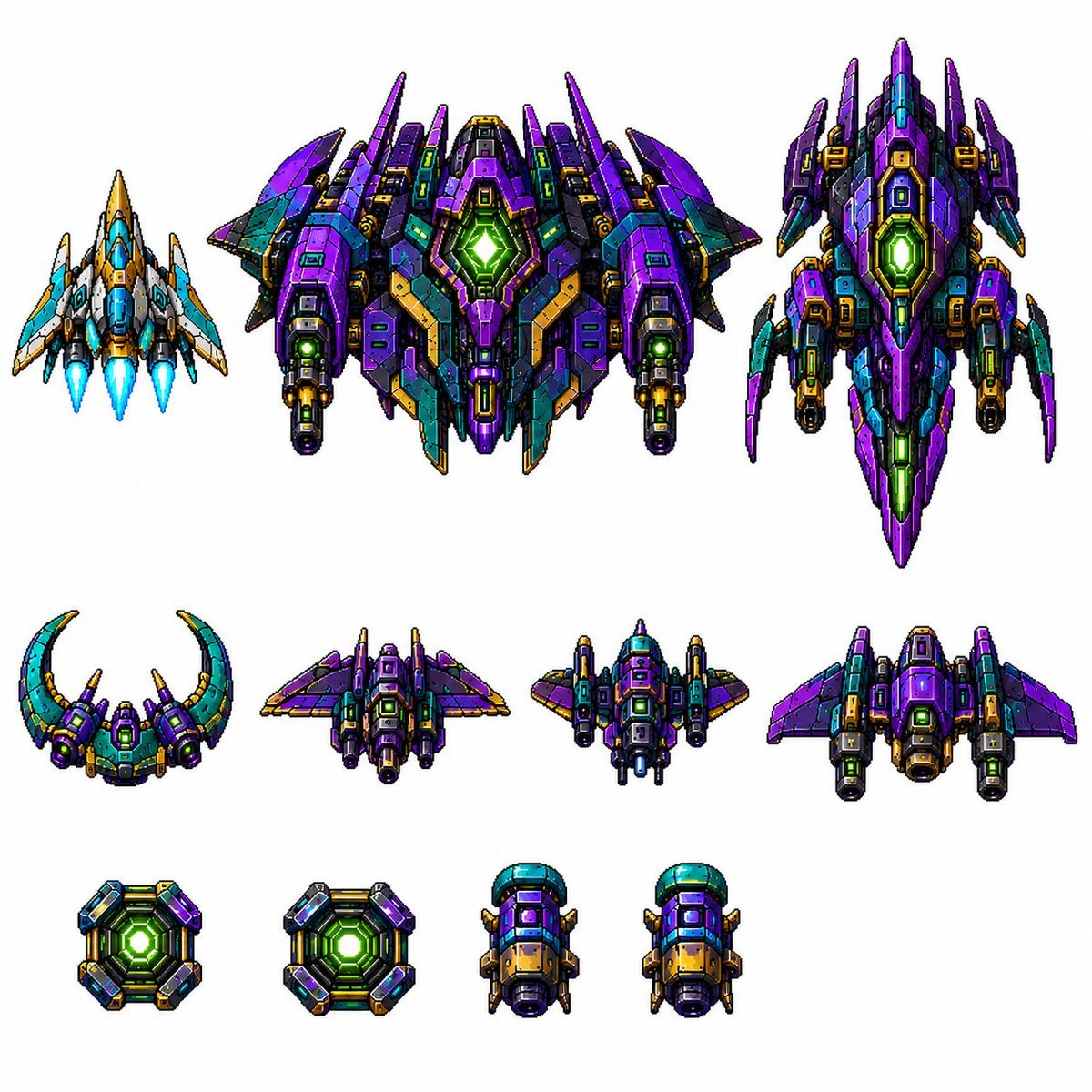
- Prompt included
- Model and format preset
- Free template
The prompt behind this image
Copy the exact prompt behind Retro Pixel Space Shooter Sprites, or open it in the studio and make it yours.
Create a clean sprite-sheet style asset image for a vertical retro pixel-art space shooter, on a plain white background with no grid and no labels. Show exactly 11 separate pixel-art spaceship and power-up sprites arranged in three rows, all with crisp black outlines, high-contrast shading, metallic panels, tiny vents, glowing cores, and 16-bit arcade detailing. Use a saturated sci-fi palette dominated by {argument name="main ship color" default="deep violet purple"}, teal/cyan, dark navy, black, gold/orange armor accents, and neon green energy lights. Layout: top row contains exactly 3 large player/enemy ships: left is a small blue-white-and-gold triangular fighter with three bright cyan engine flames; center is the largest wide boss ship, symmetrical and heavily armored, purple and teal with multiple wing spikes, twin side cannons, gold trim, and a large glowing green hexagonal reactor in the middle; right is a tall vertical purple capital ship with pointed nose, side fins, teal panels, gold details, and a glowing green central reactor. Middle row contains exactly 4 medium enemy ships: a crescent-shaped teal and purple craft with two upward curved horns and a green cockpit glow; a compact rear-view purple winged fighter with side thrusters; a squat central gunship with teal cockpit dome, purple wings, gold barrels, and twin cannons; a broad purple bomber with swept wings, side engine pods, and a large dark central intake. Bottom row contains exactly 4 small collectible or module sprites: two square neon-green reactor power-up tiles with beveled purple/teal/gold frames, followed by two identical small cylindrical engine or booster pods with teal top caps, purple bodies, gold front panels, black exhausts, and tiny side fins. Style constraints: production-ready pixel art, orthographic/top-down view, transparent-asset feel but rendered on white, sharp square pixels, no anti-aliased painterly look, no text, no watermark, no shadows beyond pixel-art contact shading, consistent scale hierarchy and spacing, like a polished mobile shoot’em-up tileset.
How to use Retro Pixel Space Shooter Sprites in 3 steps
- 1Upload ImagePNG, JPG or paste
Add your photo
Upload the photo the template builds on. The prompt, model and format are already set.
- 2…a portrait of your subject in softgolden-hour light, 85mm…
Personalize
Edit the subject and creative details for your destination.
- 3Generate
Generate
Press Generate — your image is created in PicX Studio, so you can compare it with the original and refine one variable at a time.
More like this
Templates with the same subject, style or setup. Open one to see its prompt.
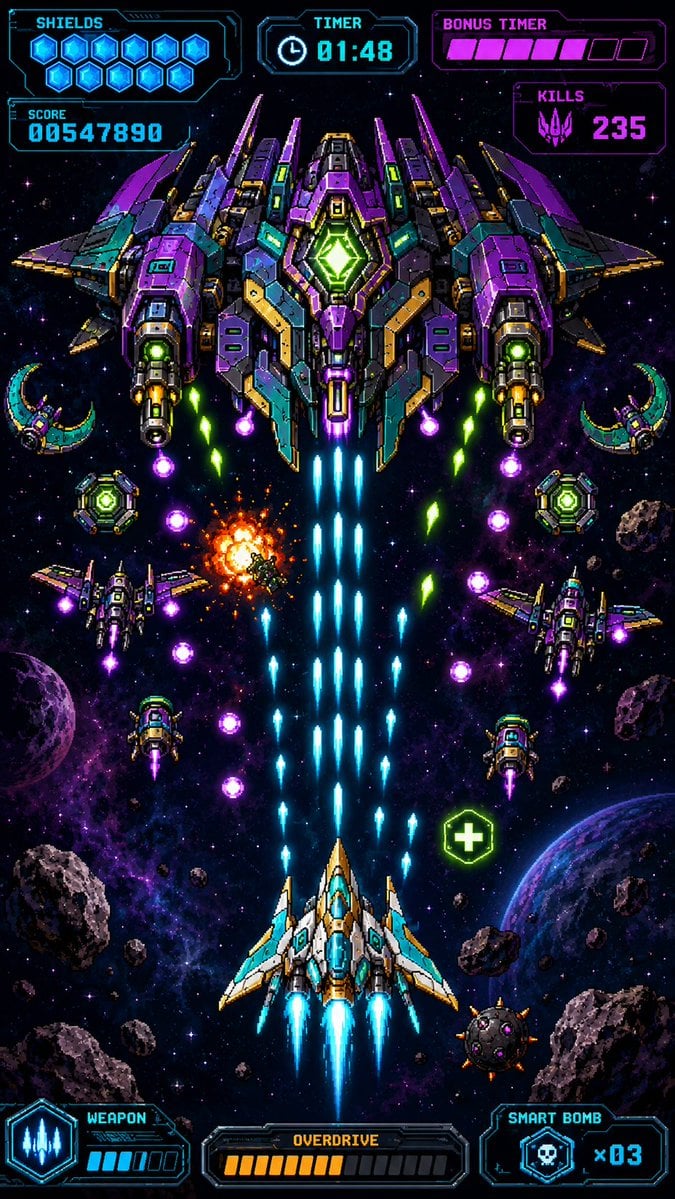
Retro Pixel Space Shooter HUD
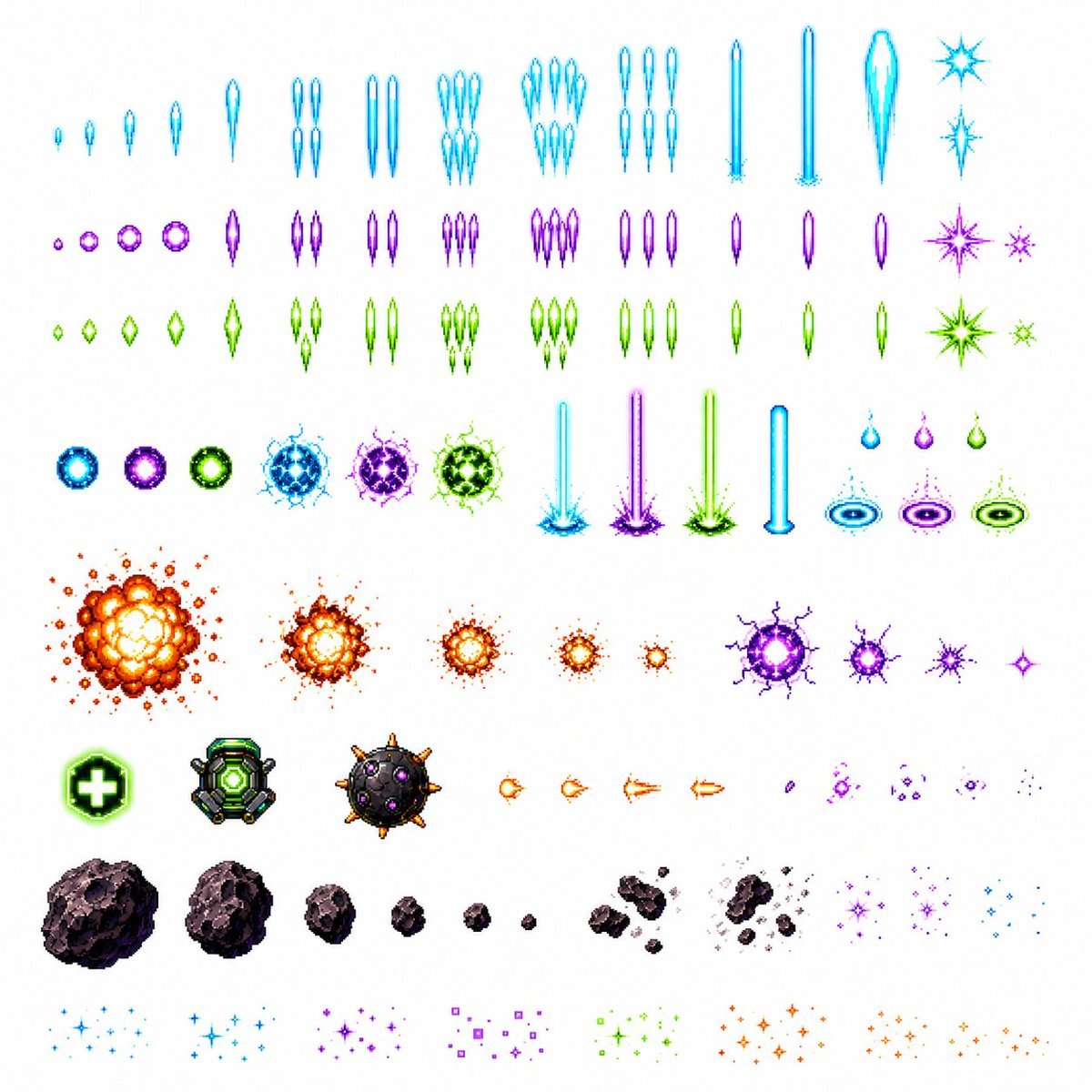
Retro Space Shooter VFX Sprite Sheet
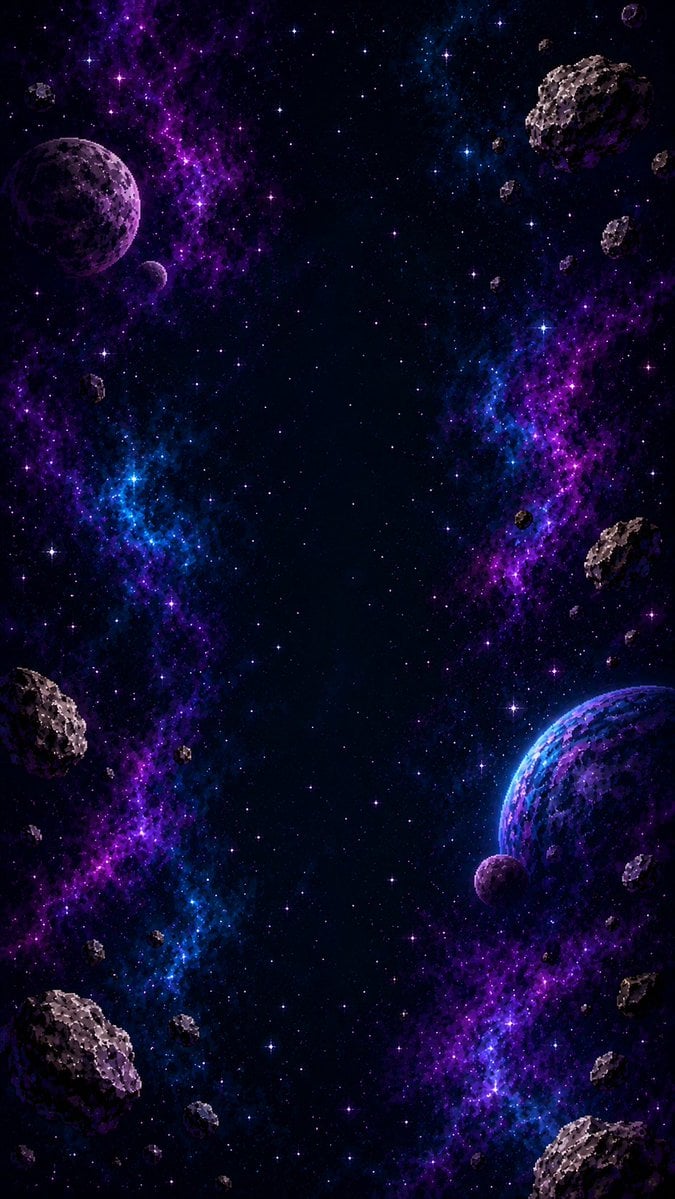
Vertical Pixel Space Shooter Background

Sunday Afternoon, 1988

Two Tickets, One Night

If We Met in 1985

Found Photograph: Us, 1970

One Dance Before Midnight

Before We said Goodbye

Our Song was on a Cassette

Meet Me When It Rains

The Date After College
Make it yours
Retro Pixel Space Shooter Sprites works as-is. These are the safest ways to change it without losing the look.
Change one field
Copy a single group, rewrite it, and generate again so you can see what that field is doing.
Keep the frame, change the subject
Hold the composition and light of Retro Pixel Space Shooter Sprites, then swap wardrobe, props or the person for a new take.
| If the result… | Why | Fix |
|---|---|---|
| The result drifts from the preview | Too many fields changed at once. | Reuse Retro Pixel Space Shooter Sprites as-is first, then change one group — subject, light, or setting. |
| The model over-stylizes the scene | The prose prompt leaves finish and camera underspecified. | Add one camera or lighting sentence and stay on GPT Image 2. |
More GPT Image 2 templates
Other prompts made for GPT Image 2.

Six VTuber Japanese Logo Sheet

Realistic Portrait of Woman and Deer

The Vista Modular Condo Poster

AI Model Routing Comparison Infographic

2.5D Anime Art Board

Isometric Productivity Desk Scene

New York Double Exposure Poster

Four-Panel AI Landscape Comparison

Japanese Tatami Lifestyle Magazine Cover

NESCAFÉ Coffee Map Poster
More image prompts
Fresh picks from across the catalog.
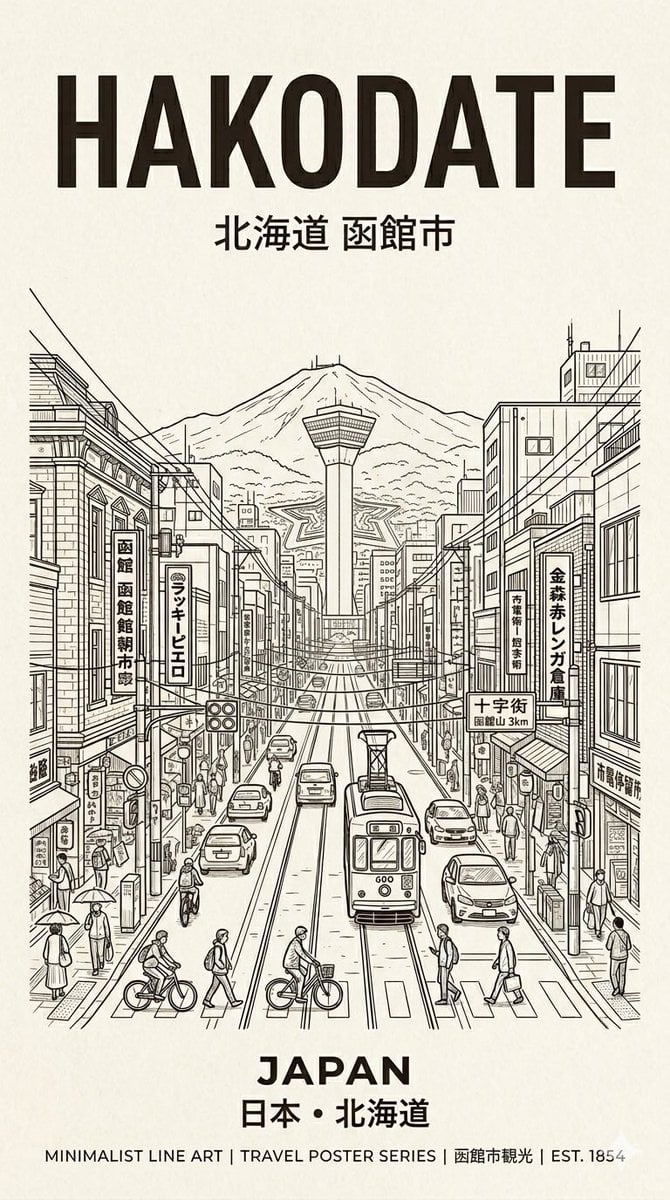
Hakodate Vintage Travel Poster
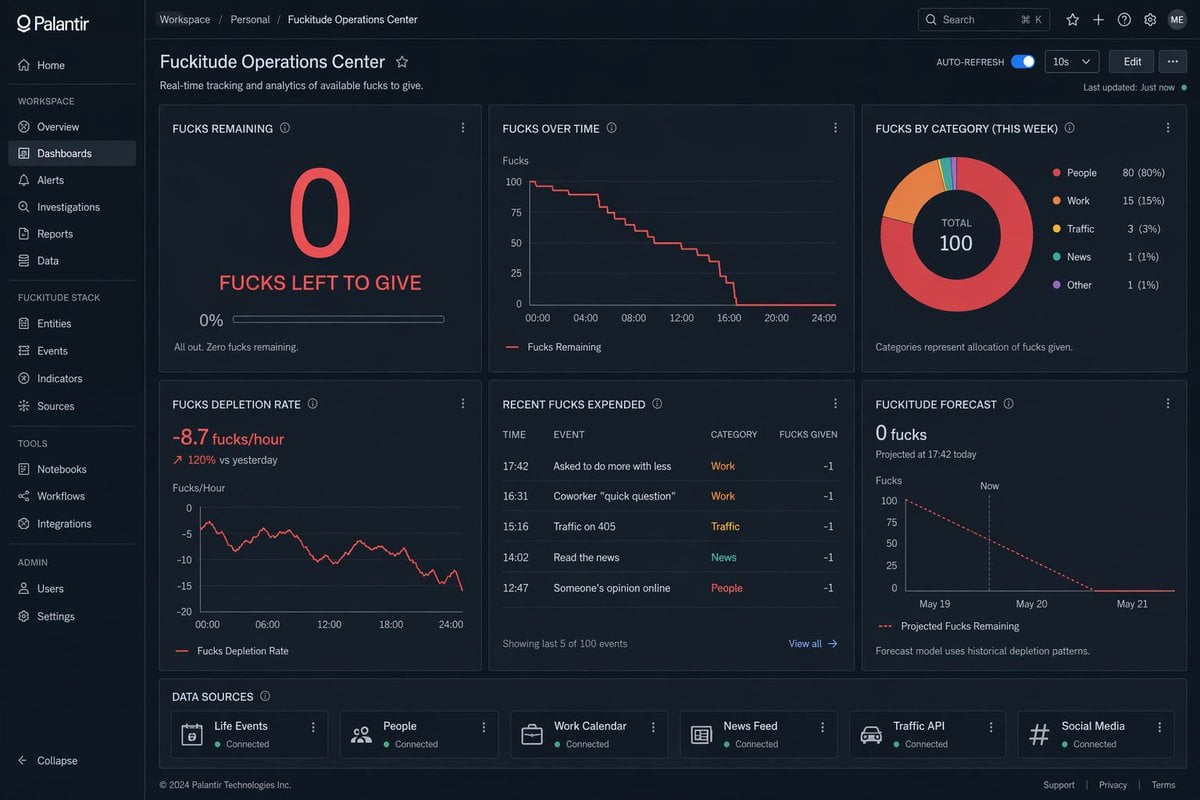
Creative Dashboard UI Screenshot
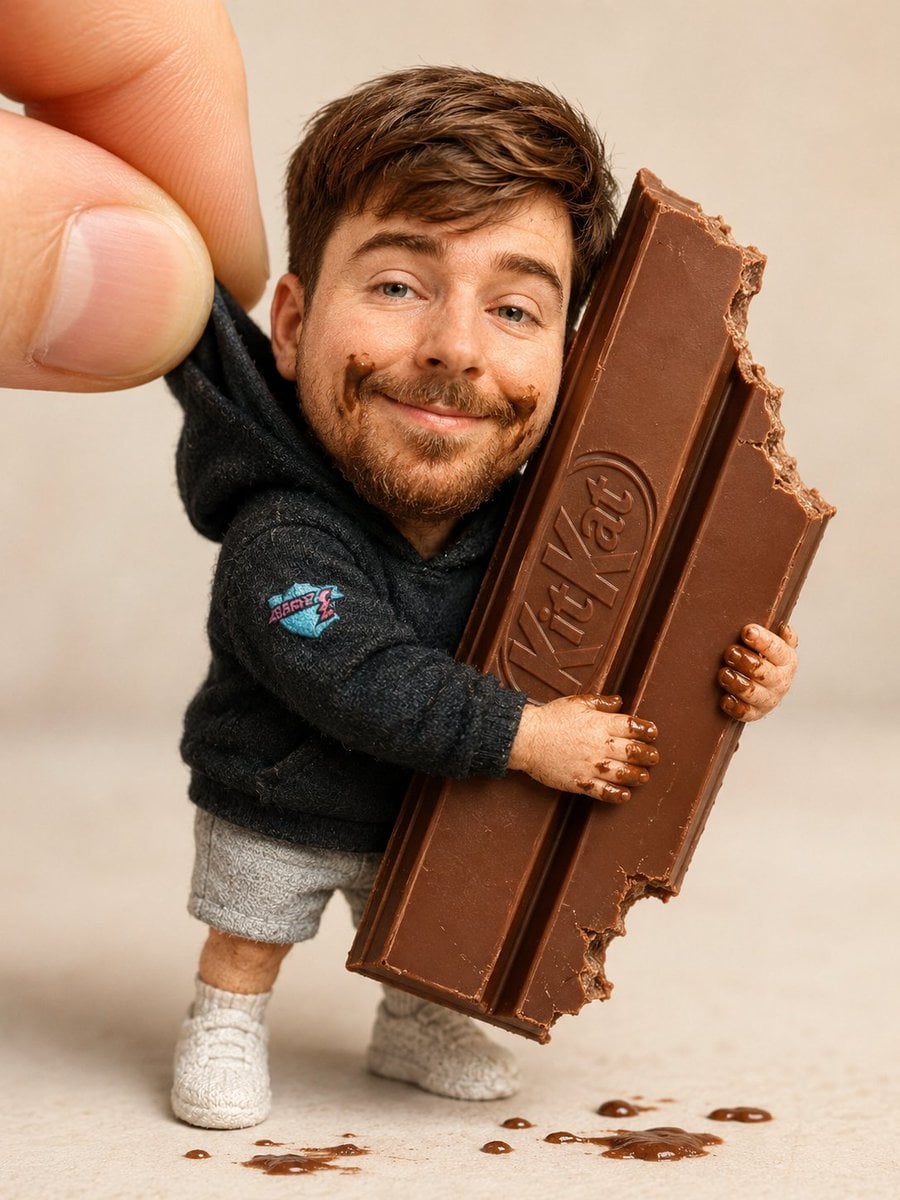
Handmade Collectible Male Doll
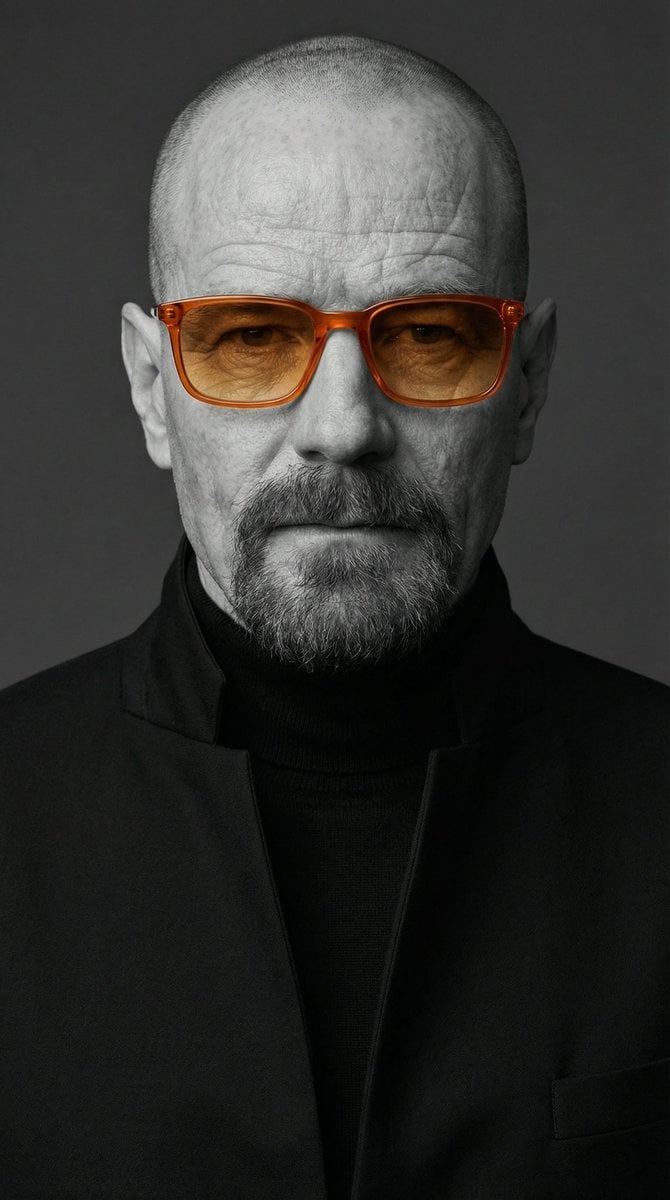
Selective Color Monochrome Studio Portrait
Dominance portrait generation prompt (Gemini - Thinking mode)
Mirror Selfie of Two Women in Velour Tracksuits
Candid Mirror Selfie with a Fluffy Cat

High-Contrast Monochrome Portrait Prompt
Helmeted Scooter Rider With Face Block

Transformation the Burger Seedance 2 0 a
Browse template categories
Retro Pixel Space Shooter Sprites questions
How do I use the Retro Pixel Space Shooter Sprites template?
Add your photo if the template asks for one, edit the prompt if you like — the template's model and format are already selected — and press Generate. Your version opens in PicX Studio.
Can I customize the Retro Pixel Space Shooter Sprites template?
Yes. You can change the subject, setting, lighting, mood, format, and available model controls before creating your image.
Is the Retro Pixel Space Shooter Sprites template free?
Opening and editing this template is free. Generating uses credits, shown on the Generate button when you are signed in.
Which AI model should I use?
Start with GPT Image 2, which is the model associated with this template. You can compare another compatible model for a different finish.
Looking for something else? Browse all templates.

Your photo, any look
Thousands of ready templates for every top image and video model, from one credit balance.