
Moonlit Koto Player Manga
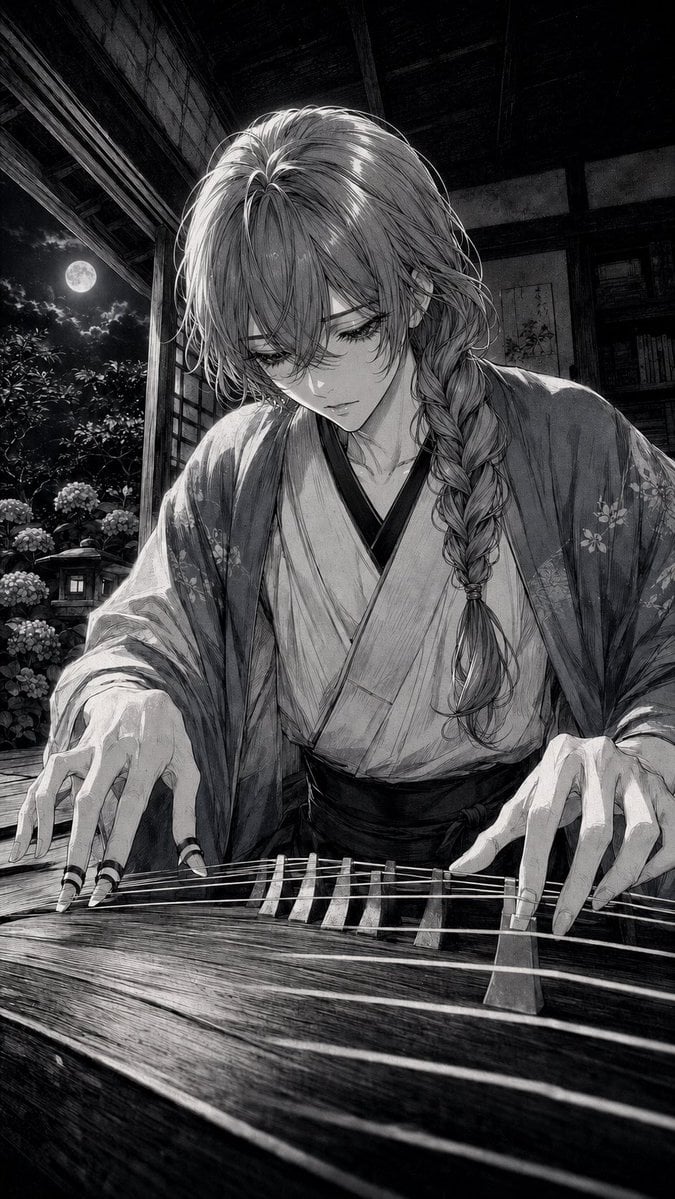
A monochrome manga prompt for creating a melancholic kimono-clad musician playing koto in a moonlit traditional Japanese room.
- Prompt included
- Model and format preset
- Free template
The prompt behind this image
Copy the exact prompt behind Moonlit Koto Player Manga, or open it in the studio and make it yours.
Create a vertical black-and-white manga illustration of a serene, androgynous young Japanese musician playing a koto at night. The character has {argument name="hair color" default="silver-gray"} long layered hair with loose bangs partly covering the eyes and one thick braid draped over the right shoulder, delicate facial features, downcast closed eyes, and a quiet melancholy expression. They wear a traditional {argument name="outfit" default="light kimono with a dark obi and a translucent floral haori"}, with soft folds and subtle flower patterns on the sleeves. Show both hands in the foreground actively plucking the koto strings, with long elegant fingers and black finger picks or rings on multiple fingers; the koto fills the lower third of the image with visible wood grain, bridges, and taut parallel strings receding in perspective. Set the scene in an old Japanese room or veranda with wooden beams, shoji-style framing, shelves and hanging scrolls in shadow, opening to a moonlit garden. Outside, include exactly one full moon, clusters of hydrangea flowers, leafy shrubs, and one small stone lantern. Use dramatic moonlight from the left, deep shadows, high-detail crosshatching, fine ink linework, grayscale tones, cinematic contrast, and a slightly low close-up perspective focused on the musician’s hands and sorrowful face. No modern objects, no color, no text, no watermark.
How to use Moonlit Koto Player Manga in 3 steps
- 1Upload ImagePNG, JPG or paste
Add your photo
Upload the photo the template builds on. The prompt, model and format are already set.
- 2…a portrait of your subject in softgolden-hour light, 85mm…
Personalize
Edit the subject and creative details for your destination.
- 3Generate
Generate
Press Generate — your image is created in PicX Studio, so you can compare it with the original and refine one variable at a time.
More like this
Templates with the same subject, style or setup. Open one to see its prompt.
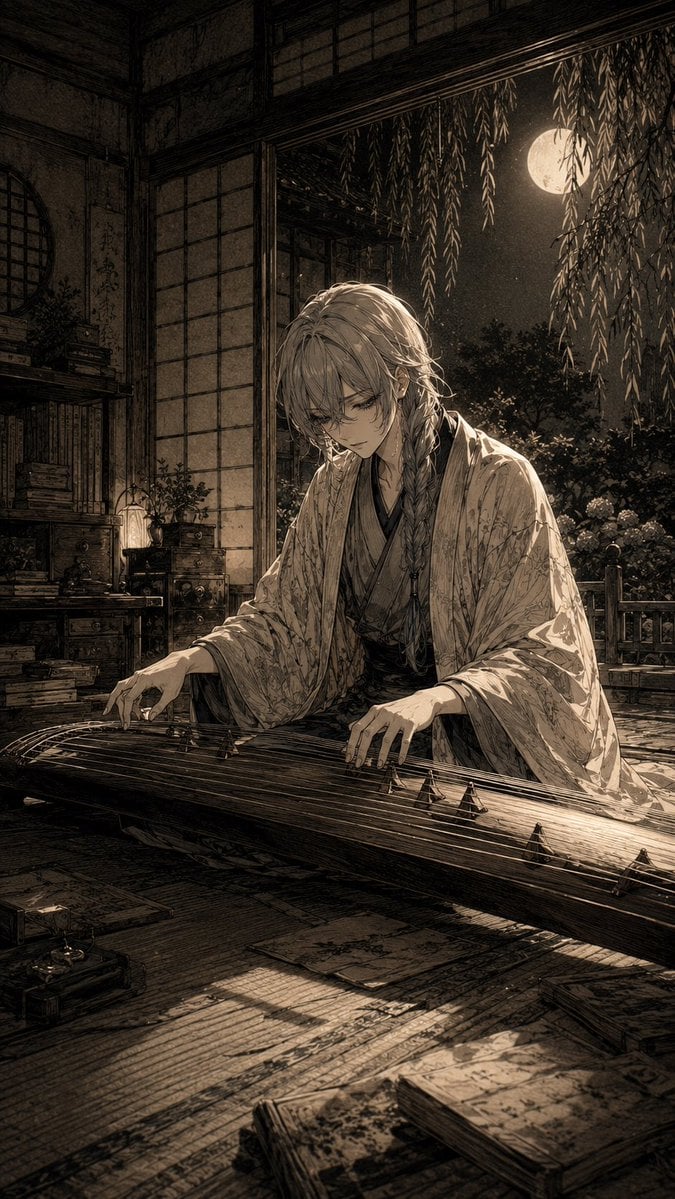
Moonlit Koto Player
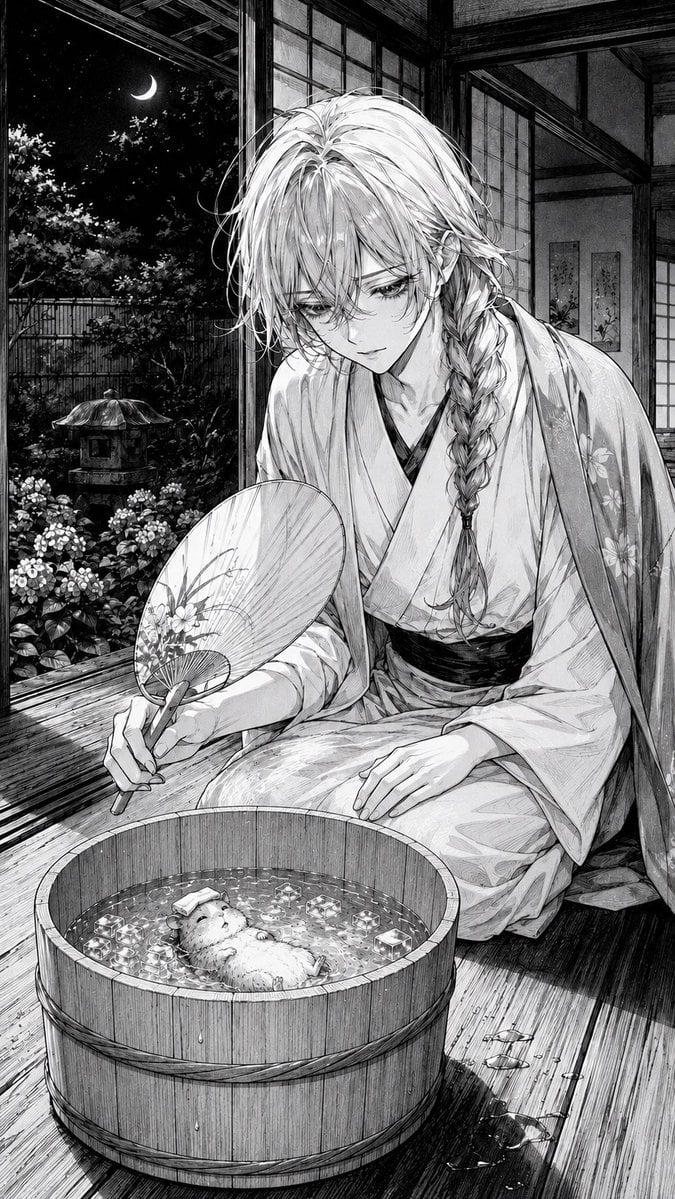
Moonlit Hamster Ice Bath Manga

Moonlit Fox Mask Night Market

Lone Mountaineer in Moonlit Snow

Moonlit Ghost Lotus Anime Portrait
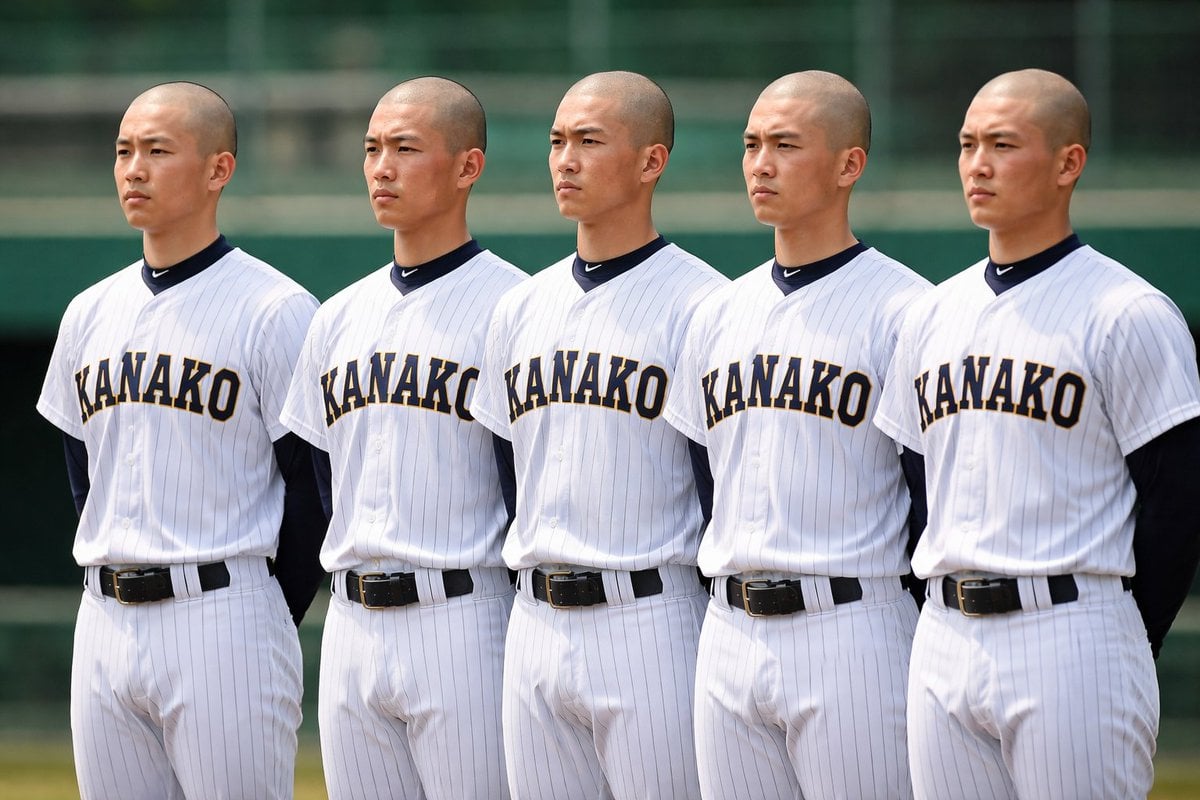
Identical Baseball Players Lineup
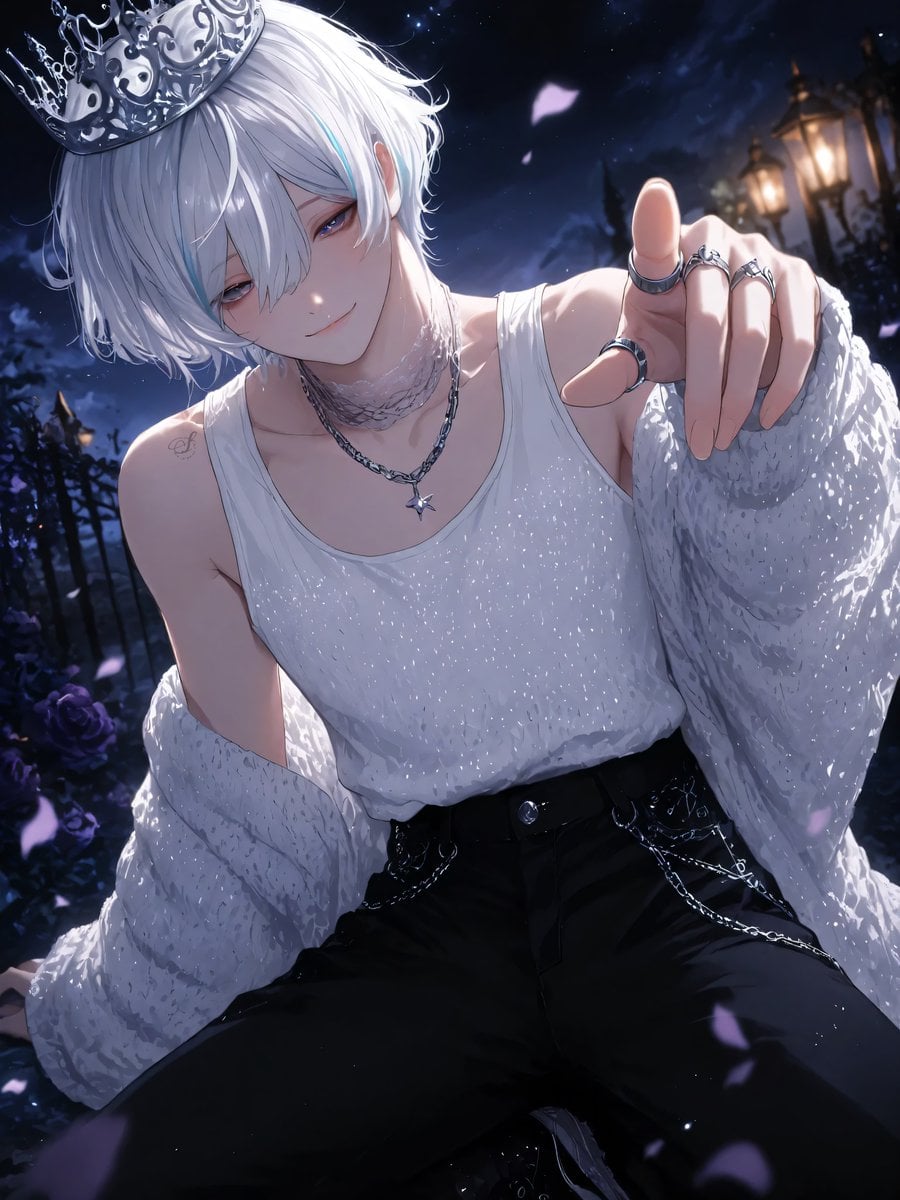
Moonlit Lace Prince Portrait
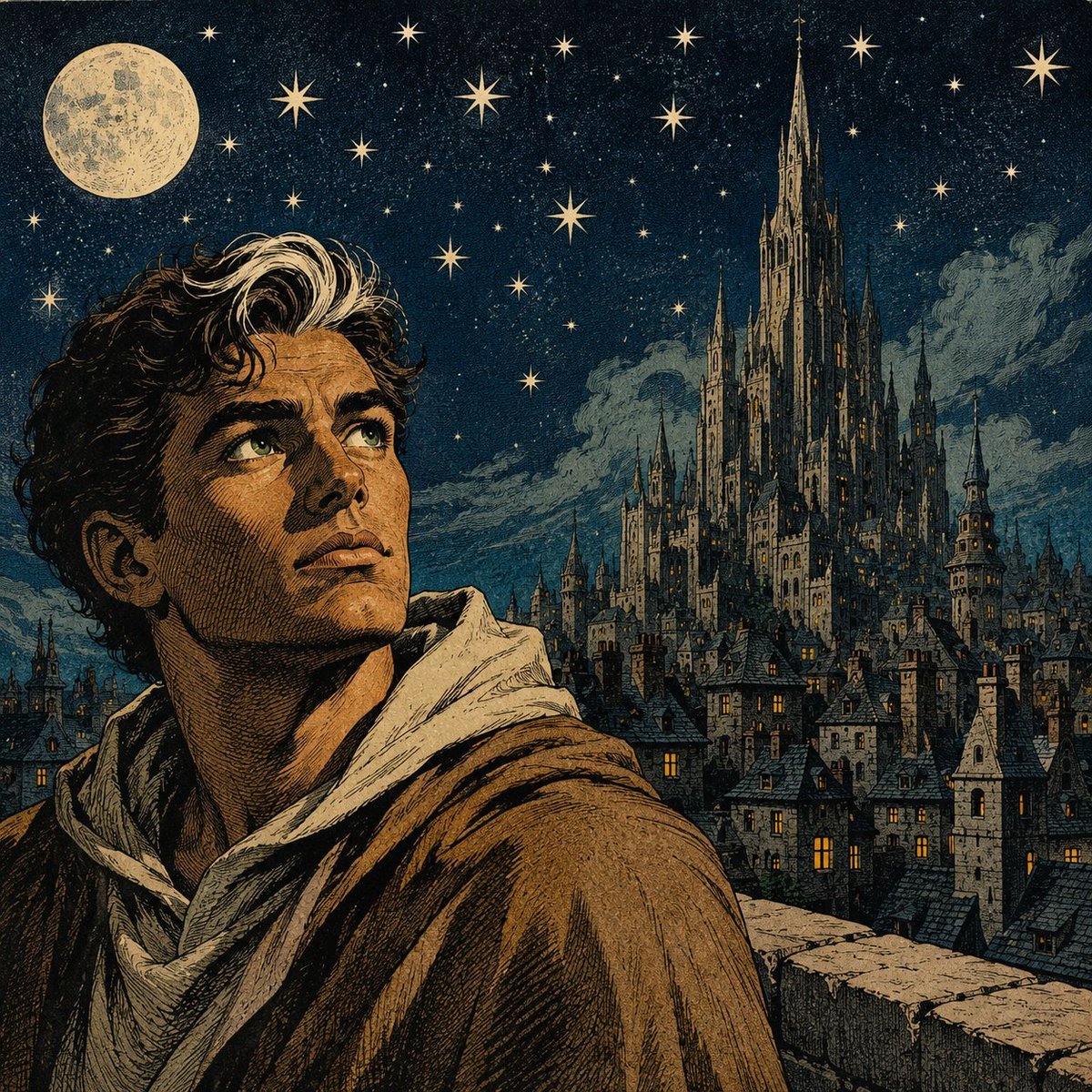
Moonlit Gothic Fantasy Traveler
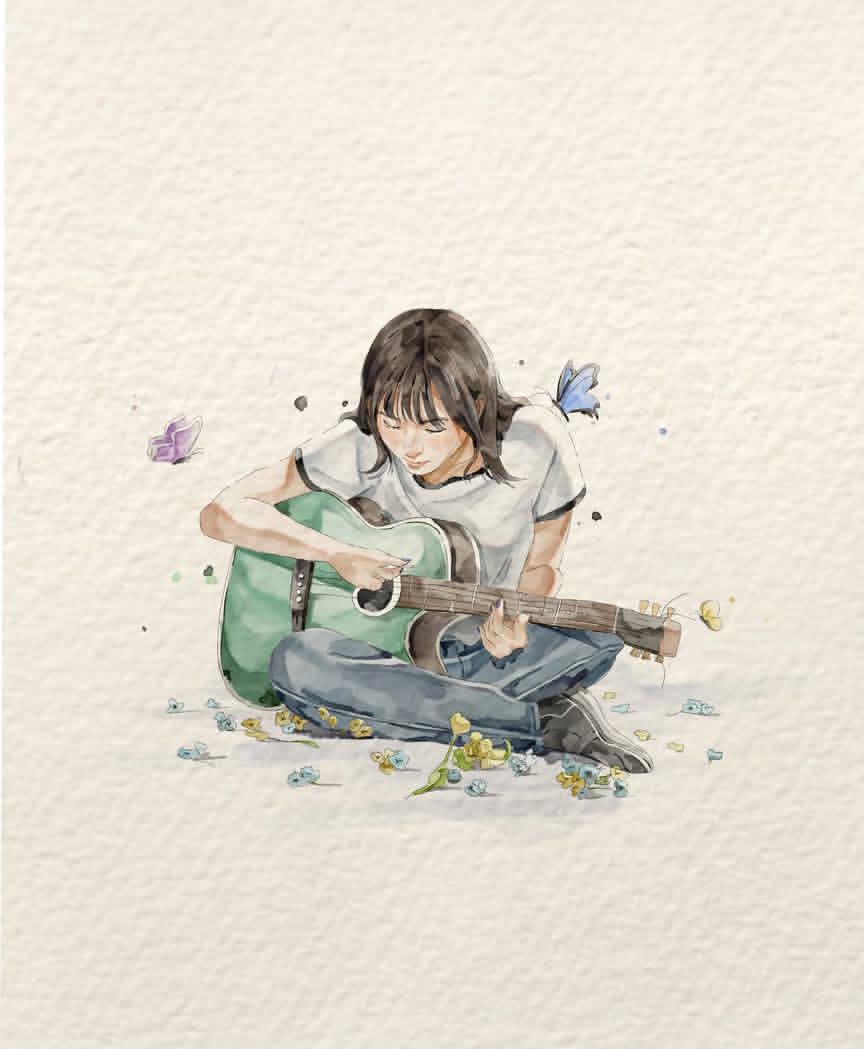
Watercolor Illustration of Guitar Player
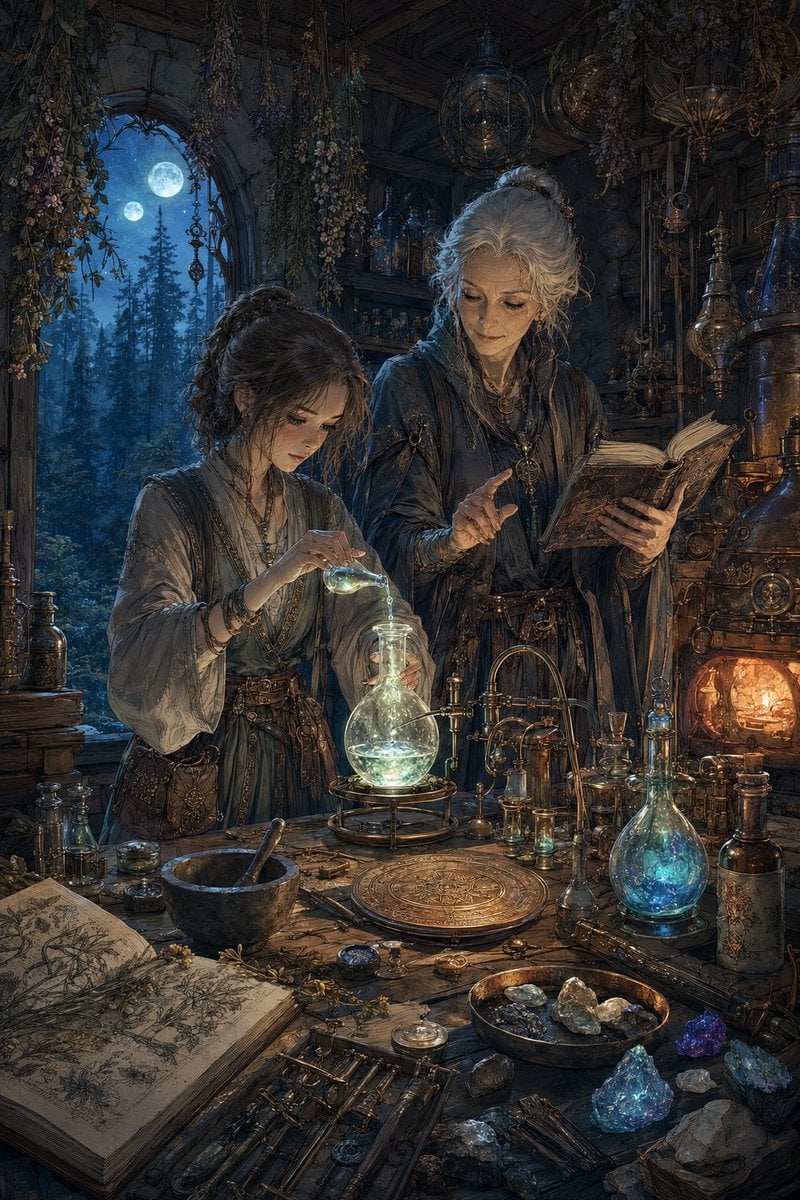
Moonlit Fantasy Alchemy Workshop
Football Player Turnaround Sheet
Colored Pencil Football Player Illustration
Make it yours
Moonlit Koto Player Manga works as-is. These are the safest ways to change it without losing the look.
Change one field
Copy a single group, rewrite it, and generate again so you can see what that field is doing.
Keep the frame, change the subject
Hold the composition and light of Moonlit Koto Player Manga, then swap wardrobe, props or the person for a new take.
| If the result… | Why | Fix |
|---|---|---|
| The result drifts from the preview | Too many fields changed at once. | Reuse Moonlit Koto Player Manga as-is first, then change one group — subject, light, or setting. |
| The model over-stylizes the scene | The prose prompt leaves finish and camera underspecified. | Add one camera or lighting sentence and stay on GPT Image 2. |
More GPT Image 2 templates
Other prompts made for GPT Image 2.

Six VTuber Japanese Logo Sheet

Realistic Portrait of Woman and Deer

The Vista Modular Condo Poster

AI Model Routing Comparison Infographic

2.5D Anime Art Board

Isometric Productivity Desk Scene

New York Double Exposure Poster

Four-Panel AI Landscape Comparison

Japanese Tatami Lifestyle Magazine Cover

NESCAFÉ Coffee Map Poster
More image prompts
Fresh picks from across the catalog.
High-Fidelity Mirror Selfie with Identity Lock
Gothic Violet Throne Fantasy
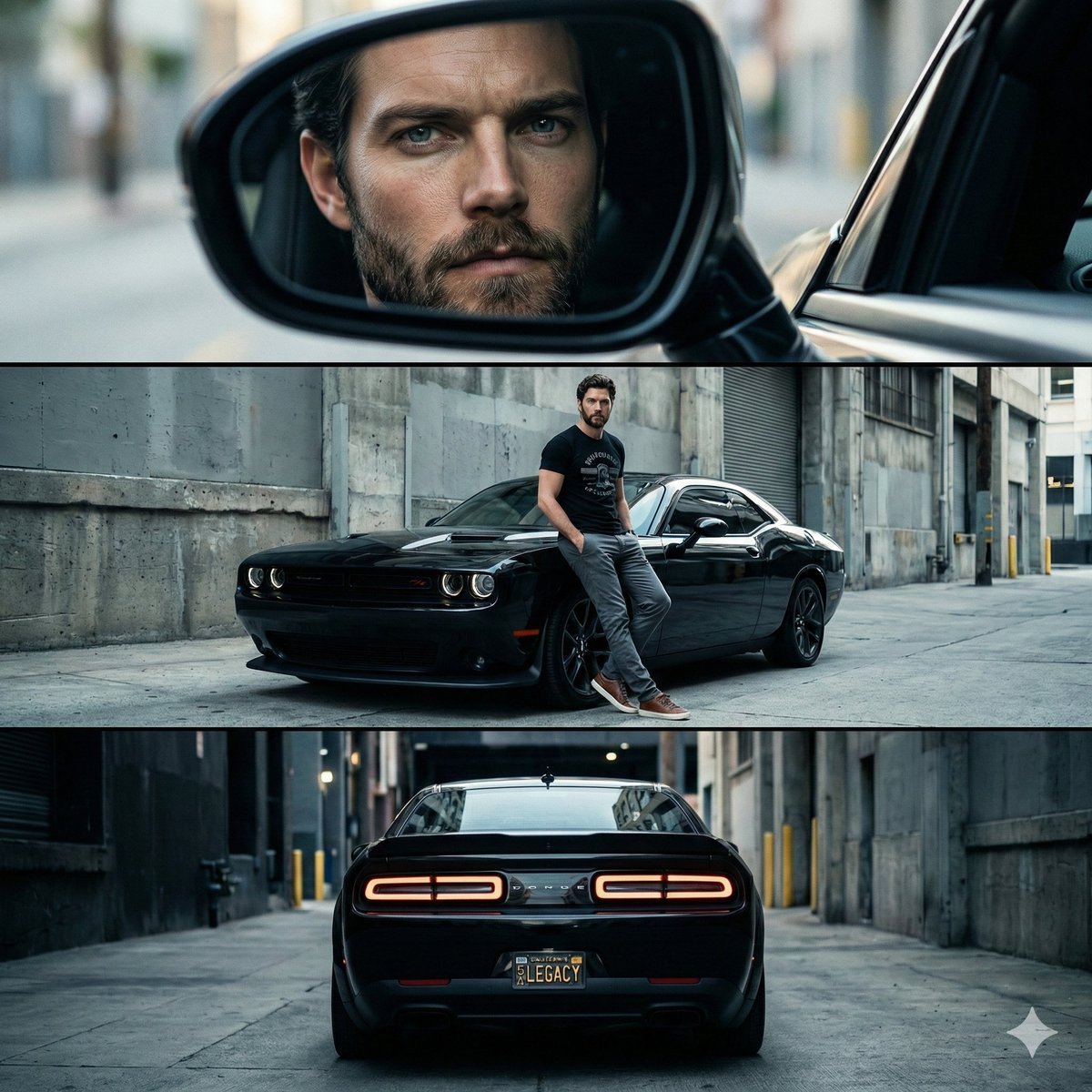
Cinematic Automotive Triptych Portrait Prompt
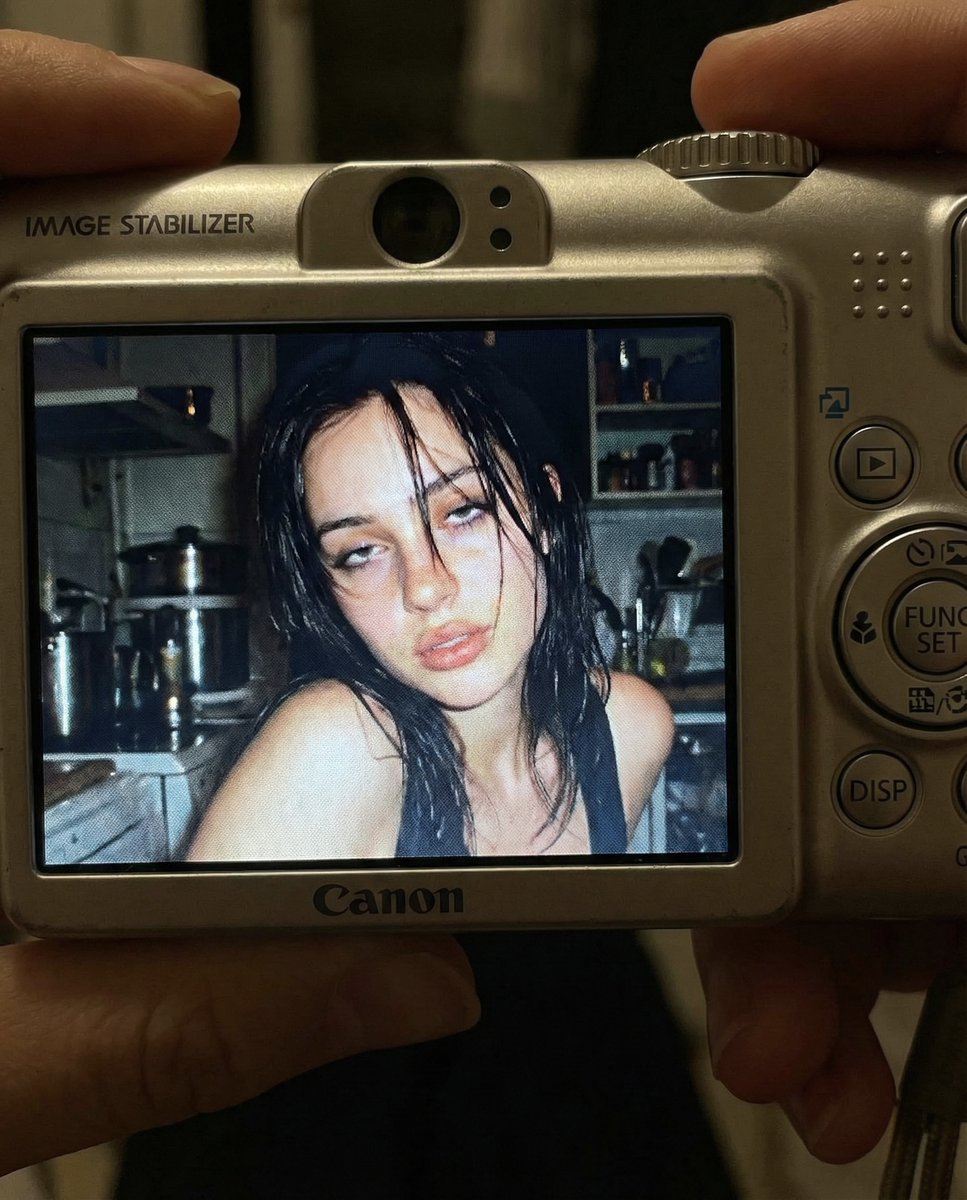
Early 2000s Digital Camera Snapshot Prompt
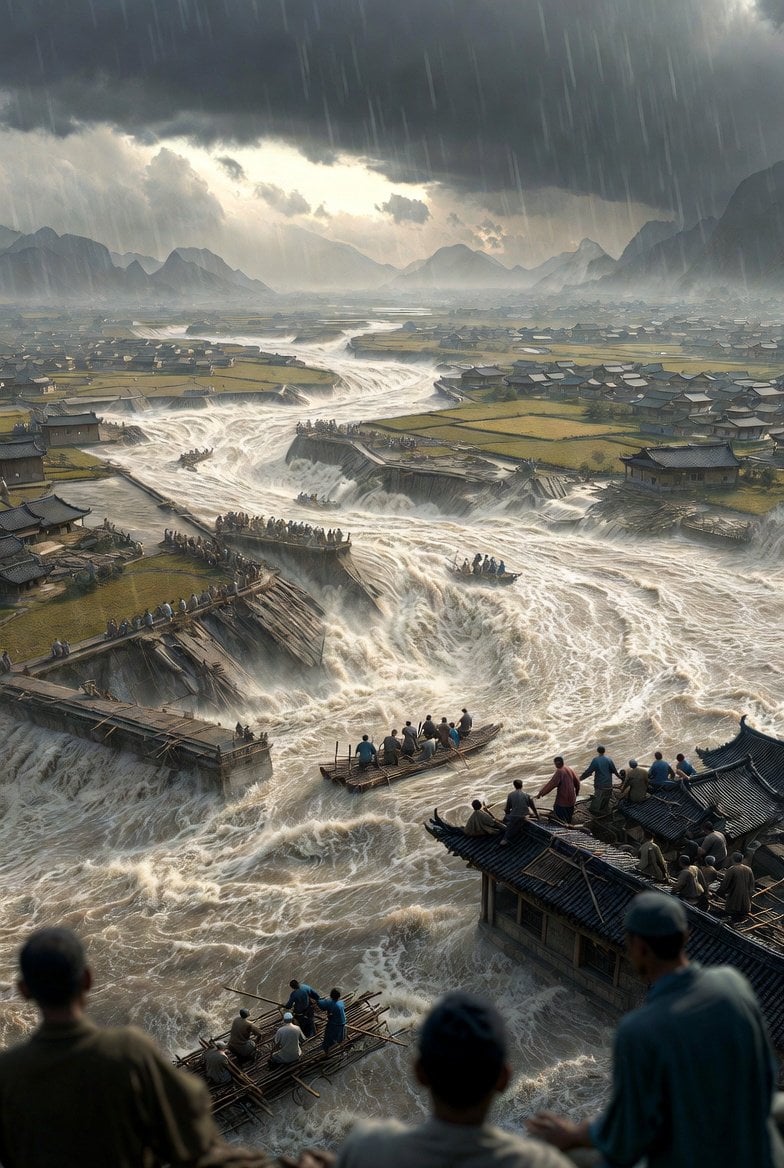
Historical Epic Scene: 1887 Yellow River Flood
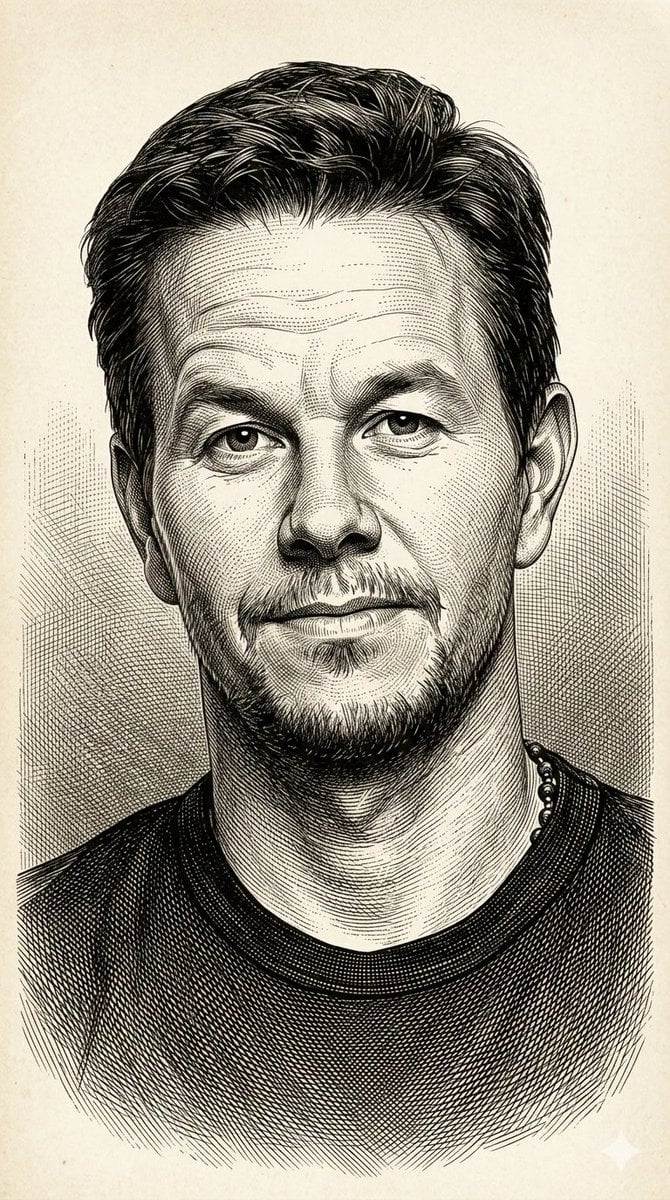
Image-to-Illustration Style Transfer Prompt (Gustave Doré)
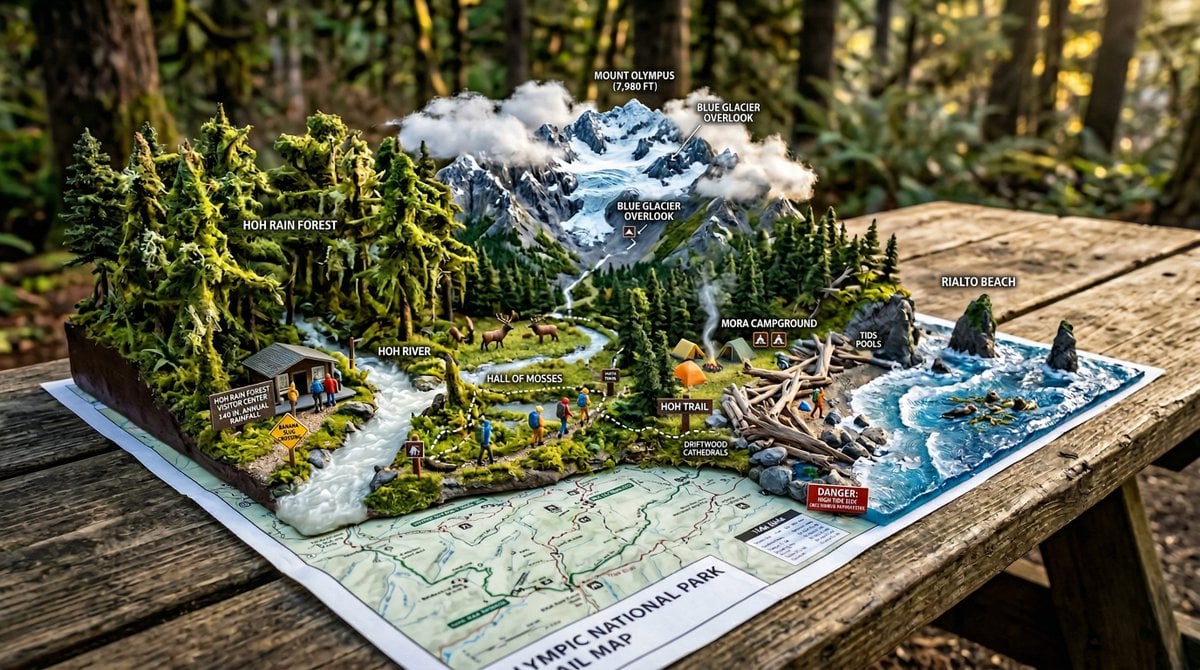
National Park Trail Map Miniature Ecosystem Diorama
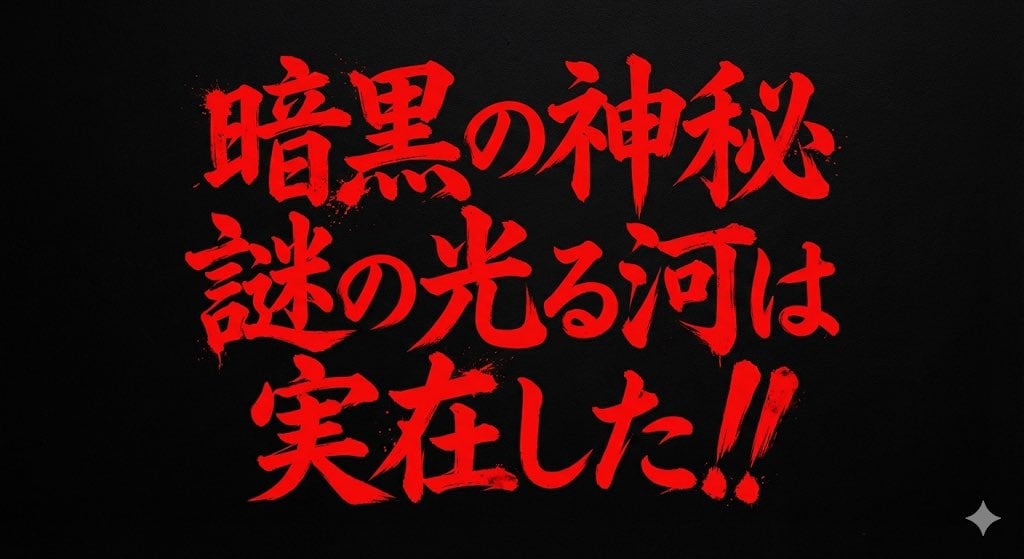
Horror-Style Text Banner Prompt (Kawakuchi Hiro Exploration Team Style)
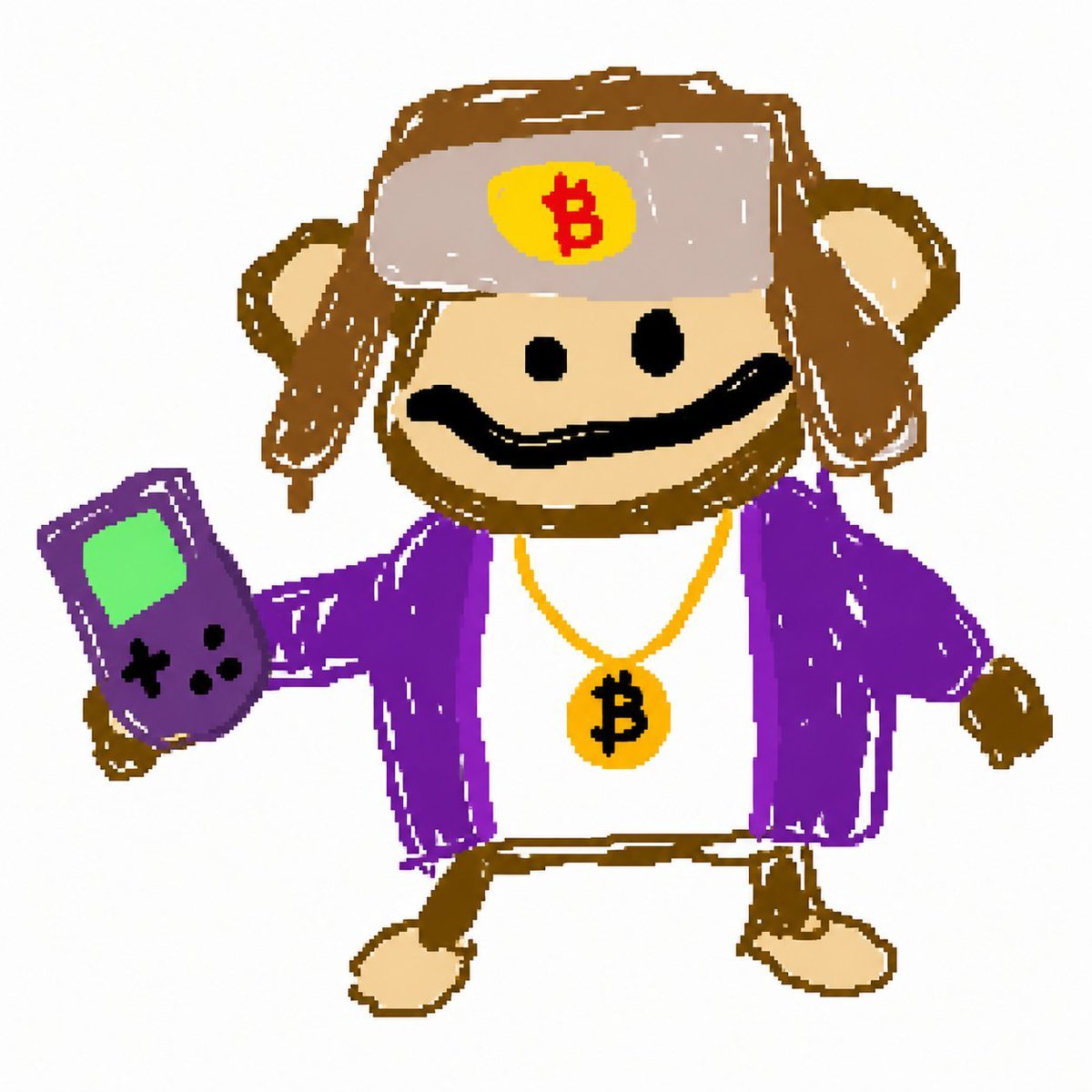
Bitcoin Monkey MS Paint Doodle
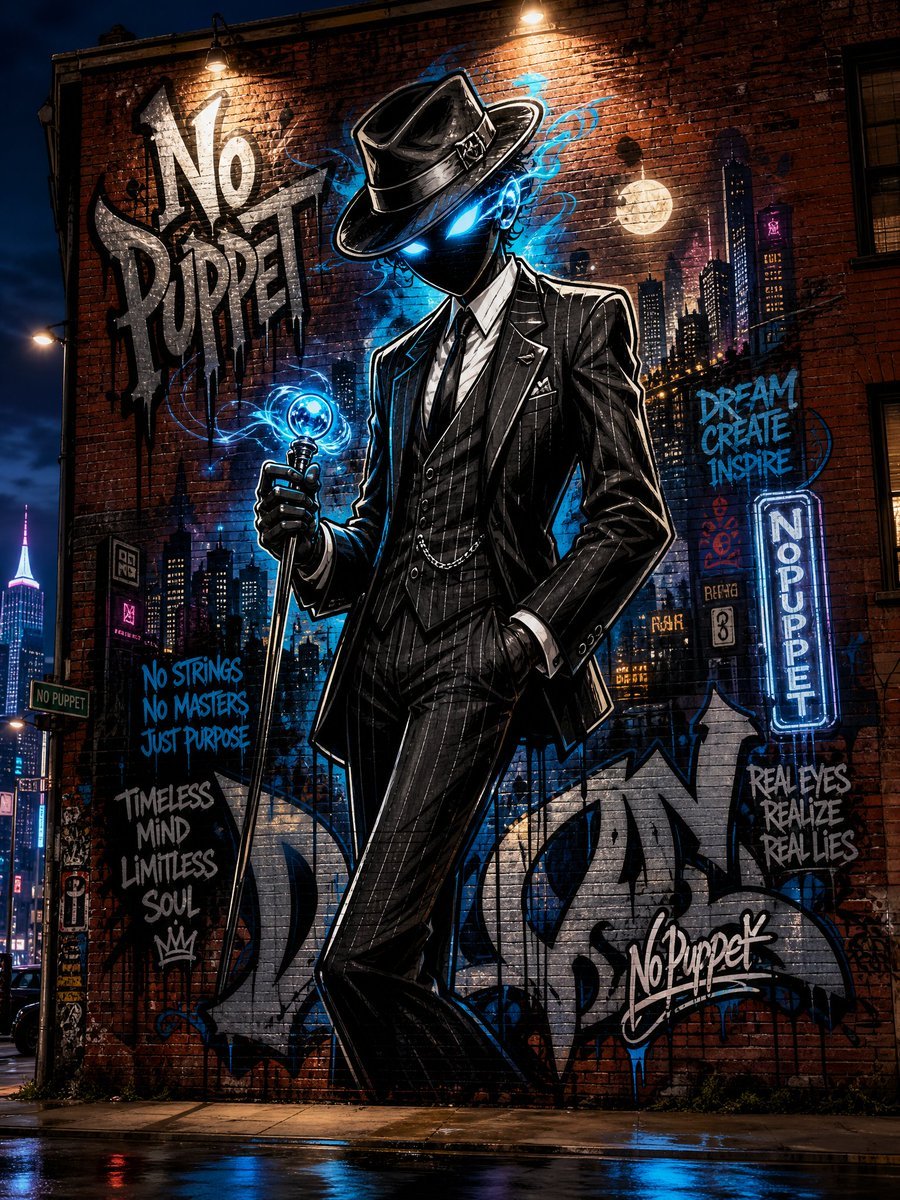
No Puppet Noir Graffiti Mural
Browse template categories
Moonlit Koto Player Manga questions
How do I use the Moonlit Koto Player Manga template?
Add your photo if the template asks for one, edit the prompt if you like — the template's model and format are already selected — and press Generate. Your version opens in PicX Studio.
Can I customize the Moonlit Koto Player Manga template?
Yes. You can change the subject, setting, lighting, mood, format, and available model controls before creating your image.
Is the Moonlit Koto Player Manga template free?
Opening and editing this template is free. Generating uses credits, shown on the Generate button when you are signed in.
Which AI model should I use?
Start with GPT Image 2, which is the model associated with this template. You can compare another compatible model for a different finish.
Looking for something else? Browse all templates.

Your photo, any look
Thousands of ready templates for every top image and video model, from one credit balance.