
Moonlit Gothic Fantasy Traveler
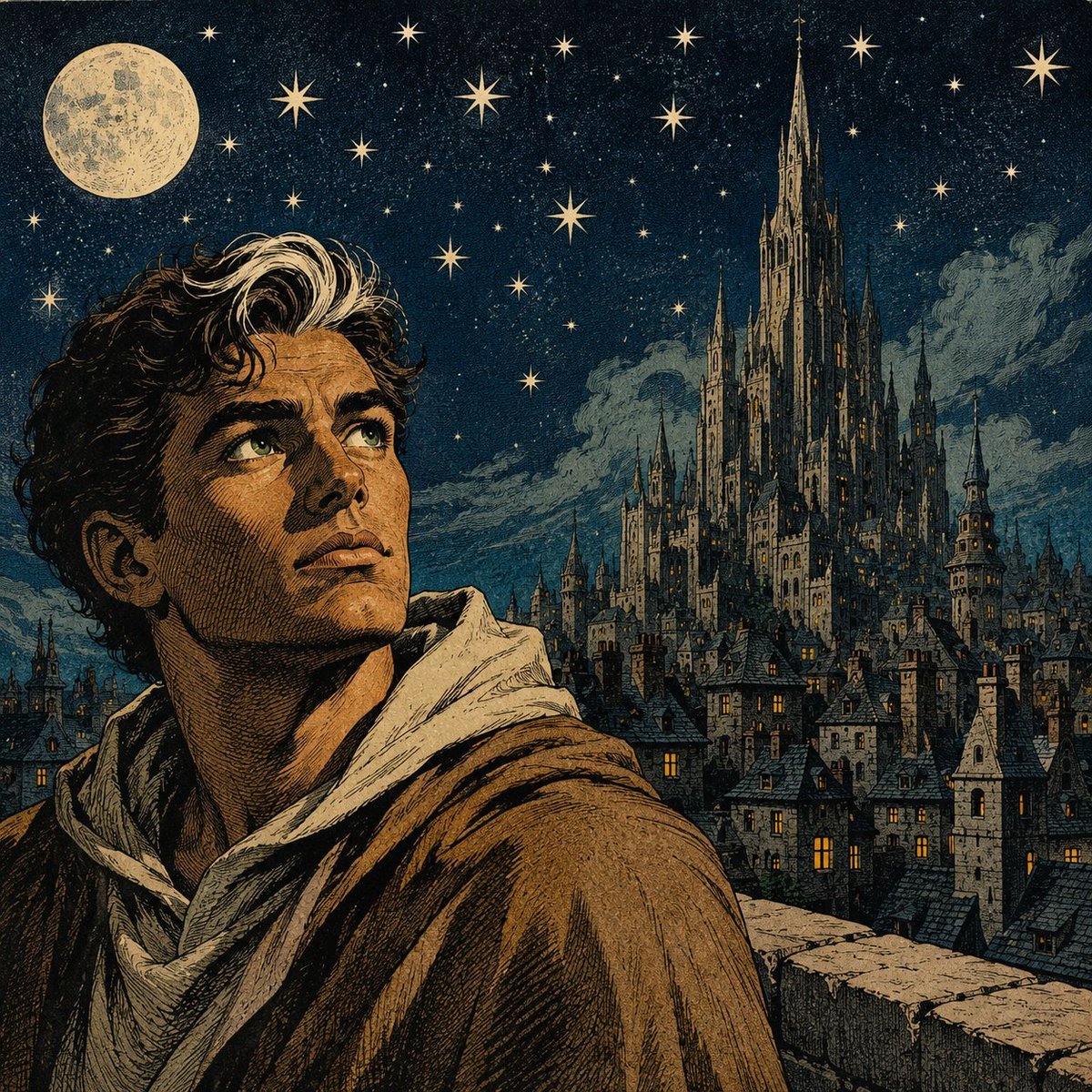
A vintage engraved fantasy illustration of a young traveler overlooking a moonlit medieval city and towering Gothic castle under a star-filled sky.
- Prompt included
- Model and format preset
- Free template
The prompt behind this image
Copy the exact prompt behind Moonlit Gothic Fantasy Traveler, or open it in the studio and make it yours.
Create a richly detailed square fantasy illustration in the style of a vintage engraved storybook plate with hand-colored ink washes. In the foreground, show {argument name="character name" default="a young male traveler"} from the chest up, positioned left of center, with {argument name="hair color" default="dark wavy hair with pale moonlit highlights"}, strong brows, tan skin, and an upward, contemplative gaze toward the starry sky. He wears a rough medieval cloak in {argument name="cloak color" default="warm brown"} over a pale hooded tunic or scarf, with heavy cross-hatching, etched shadows, and textured fabric folds. Behind him, create a vast nocturnal medieval city of tightly packed steep-roofed houses, narrow towers, chimneys, and tiny glowing amber windows. On the right side of the horizon, make an immense Gothic cathedral-castle rise above the city, with many spires, flying buttress-like details, needle towers, and warm lights in selected windows. The sky is deep indigo-black and filled with exactly 25 prominent golden eight-point stars of varied sizes plus dense tiny speckled starlight; place a large full moon in the upper left, cream colored and cratered. Add moody blue-gray clouds behind the cathedral and along the skyline. Include a stone parapet or wall along the lower right foreground to suggest the traveler is standing on a high overlook. Use a limited palette of midnight blue, ochre gold, sepia brown, cream, and muted gray, with dramatic moonlit rim light, old-world romantic fantasy atmosphere, meticulous linework, visible paper grain, no modern objects, no text, no watermark.
How to use Moonlit Gothic Fantasy Traveler in 3 steps
- 1Upload ImagePNG, JPG or paste
Add your photo
Upload the photo the template builds on. The prompt, model and format are already set.
- 2…a portrait of your subject in softgolden-hour light, 85mm…
Personalize
Edit the subject and creative details for your destination.
- 3Generate
Generate
Press Generate — your image is created in PicX Studio, so you can compare it with the original and refine one variable at a time.
More like this
Templates with the same subject, style or setup. Open one to see its prompt.
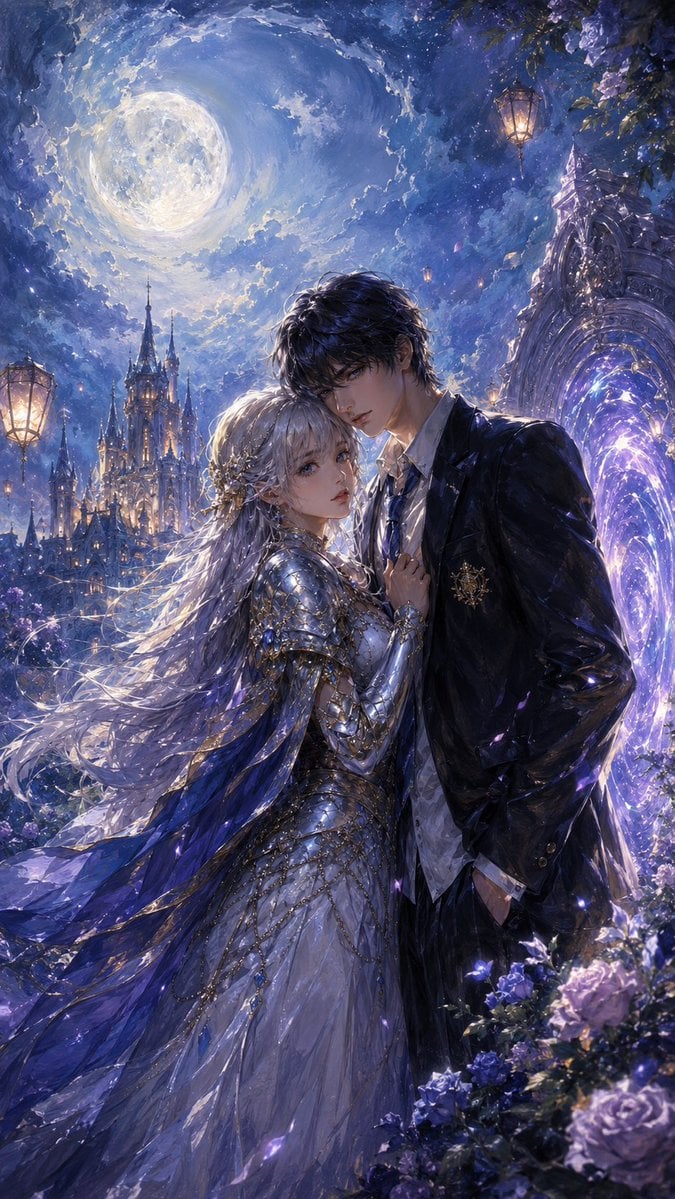
Moonlit Gothic Fantasy Couple
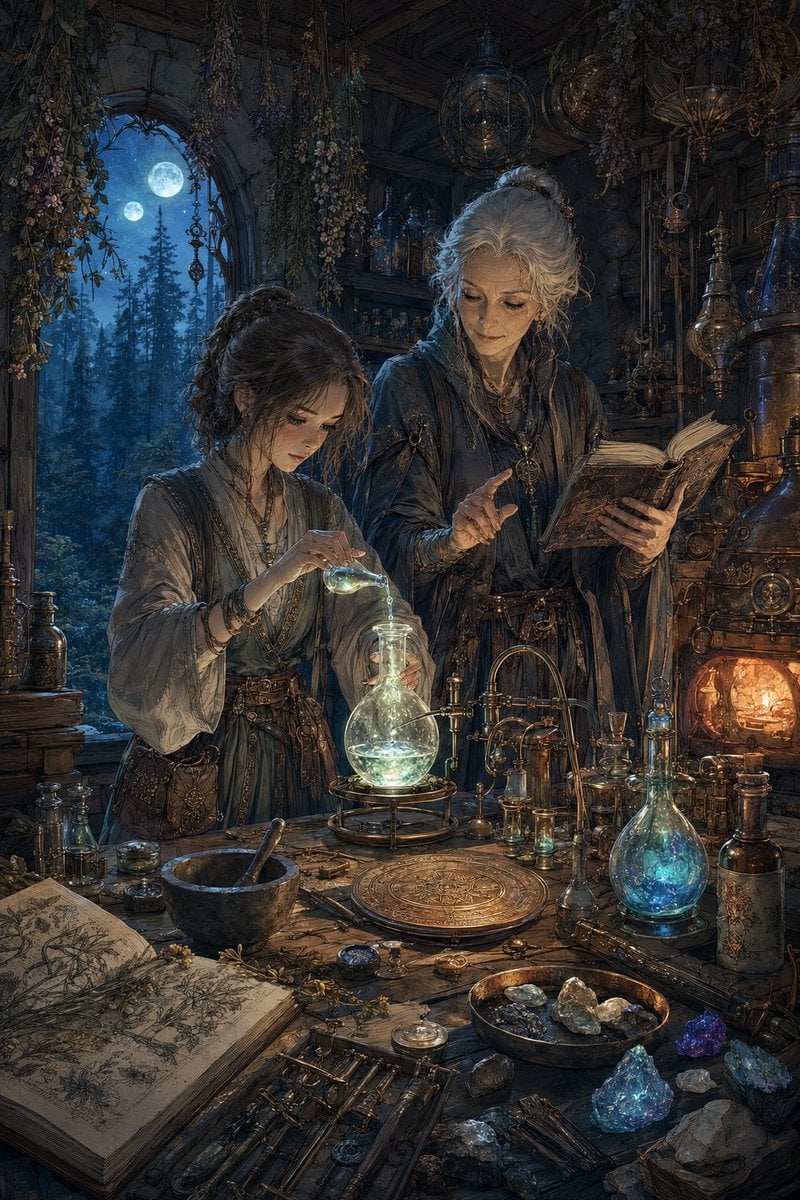
Moonlit Fantasy Alchemy Workshop
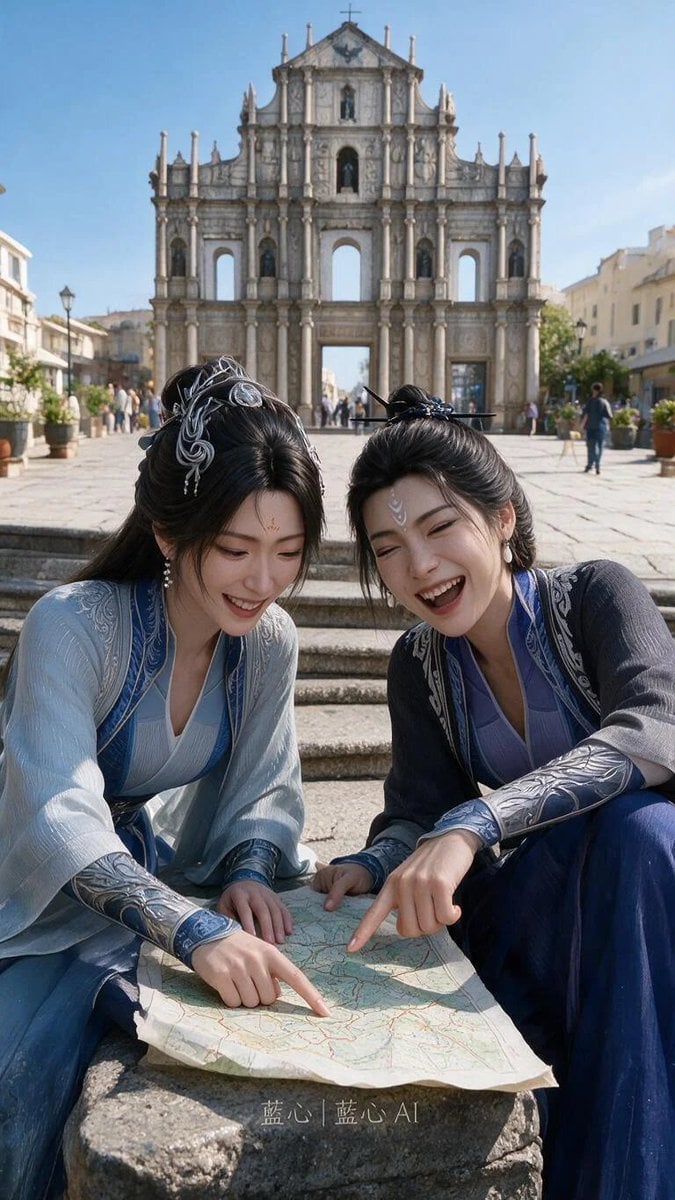
Fantasy Hanfu Travelers at Historic Church
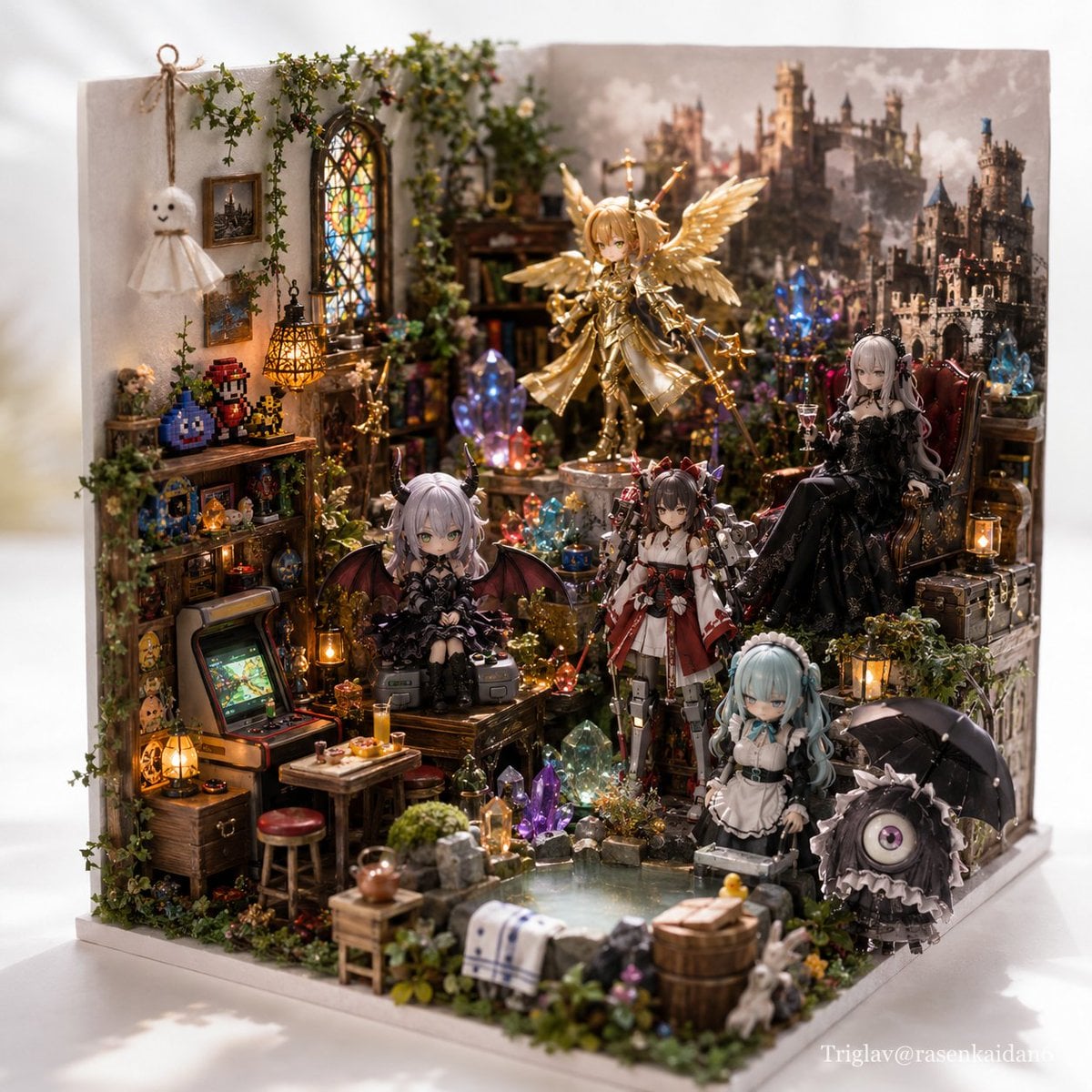
Gothic Fantasy Diorama Room

Anime Fantasy Celestial Movie Poster
Anime Fantasy Celestial Movie Poster

Minecraft Fantasy Kingdom Voxel Landscape

Unfinished Sketch Comes Alive Portrait

Open Travel Journal Overhead Still Life

Tiny Woman Miniature Fantasy Macro Scene
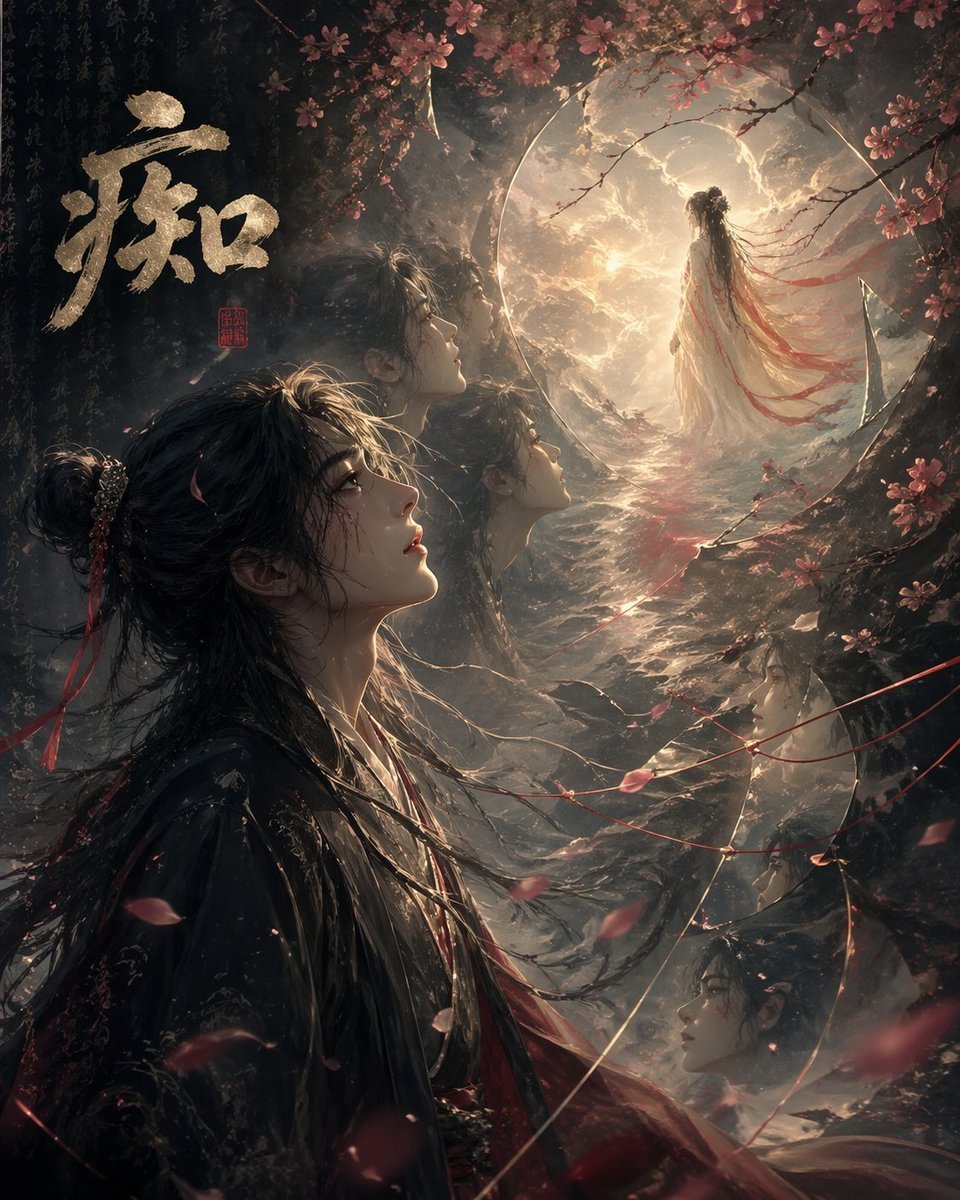
Chinese Obsession Moonlit Fantasy
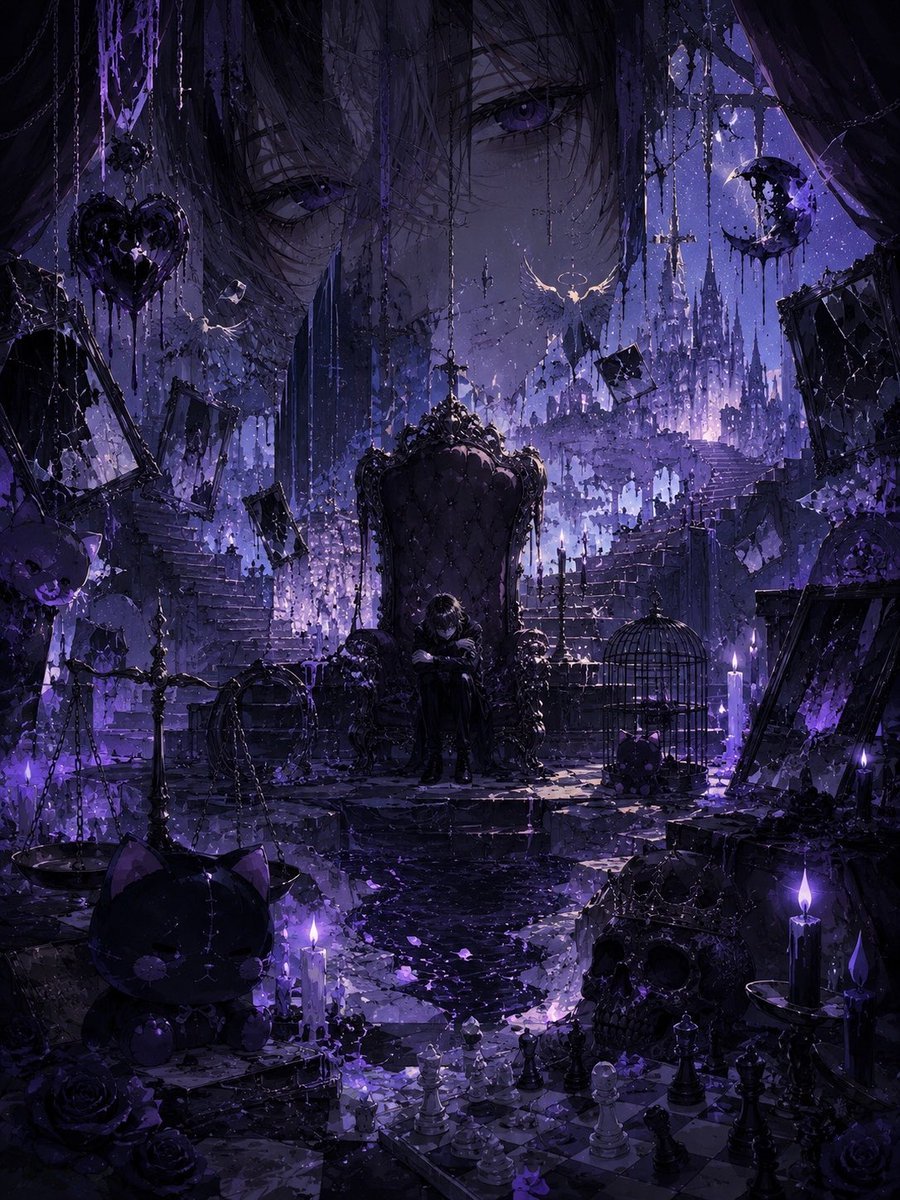
Gothic Violet Throne Fantasy
Make it yours
Moonlit Gothic Fantasy Traveler works as-is. These are the safest ways to change it without losing the look.
Change one field
Copy a single group, rewrite it, and generate again so you can see what that field is doing.
Keep the frame, change the subject
Hold the composition and light of Moonlit Gothic Fantasy Traveler, then swap wardrobe, props or the person for a new take.
| If the result… | Why | Fix |
|---|---|---|
| The result drifts from the preview | Too many fields changed at once. | Reuse Moonlit Gothic Fantasy Traveler as-is first, then change one group — subject, light, or setting. |
| The model over-stylizes the scene | The prose prompt leaves finish and camera underspecified. | Add one camera or lighting sentence and stay on GPT Image 2. |
More GPT Image 2 templates
Other prompts made for GPT Image 2.

Six VTuber Japanese Logo Sheet

Realistic Portrait of Woman and Deer

The Vista Modular Condo Poster

AI Model Routing Comparison Infographic

2.5D Anime Art Board

Isometric Productivity Desk Scene

New York Double Exposure Poster

Four-Panel AI Landscape Comparison

Japanese Tatami Lifestyle Magazine Cover

NESCAFÉ Coffee Map Poster
More image prompts
Fresh picks from across the catalog.
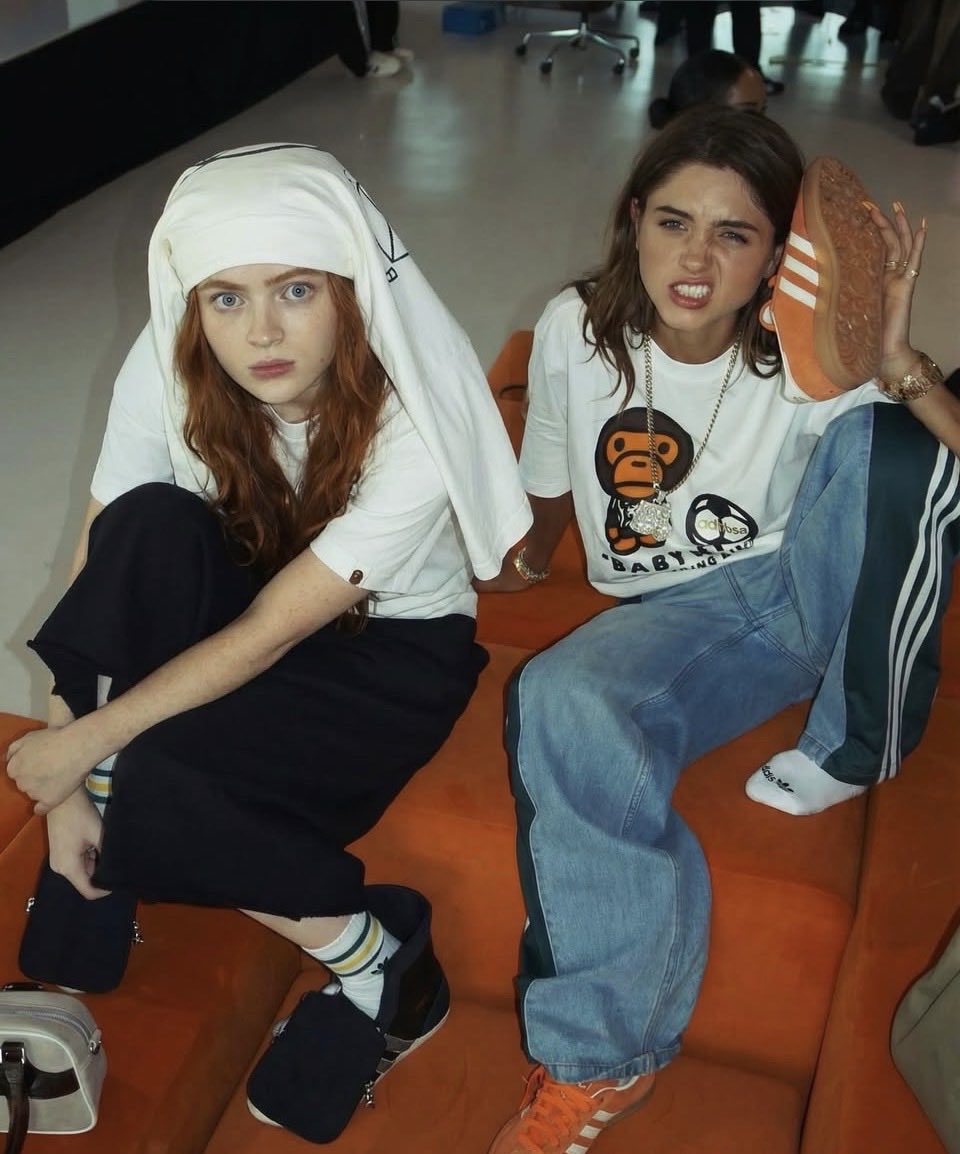
Nancy and Max Realistic Portrait
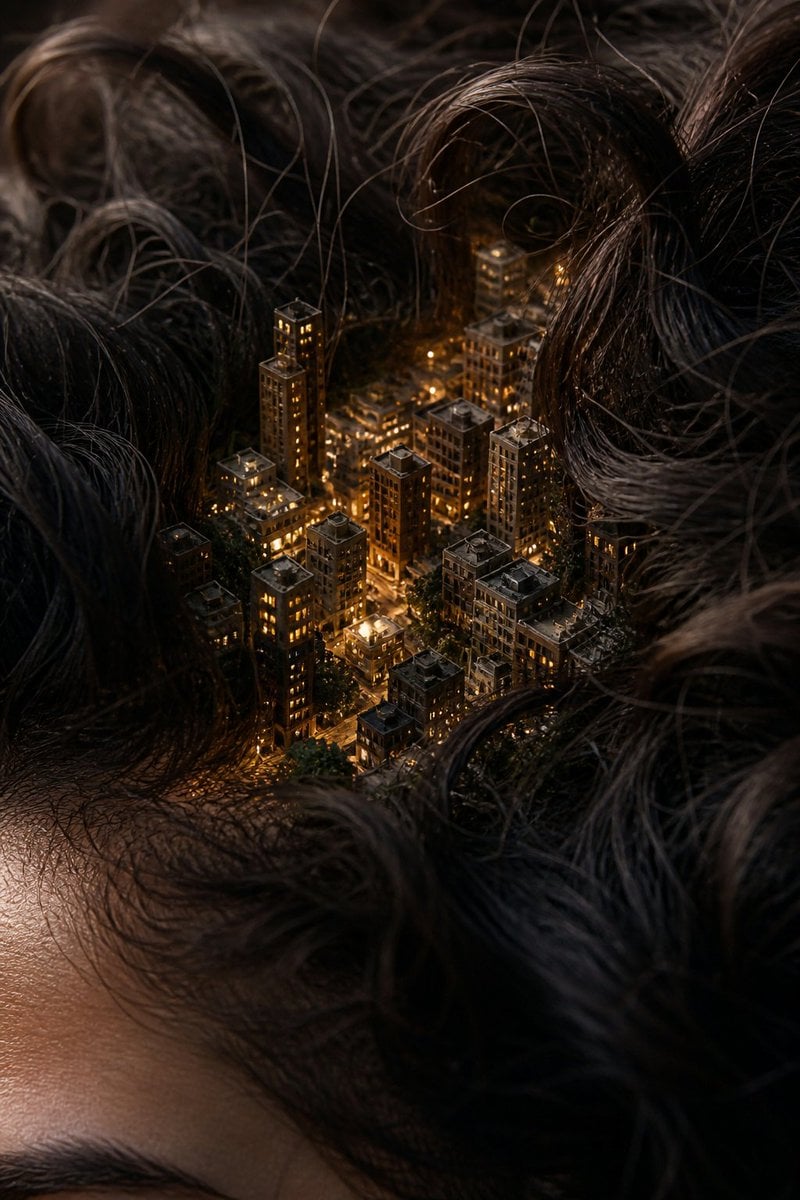
Miniature City Tiny Worlds
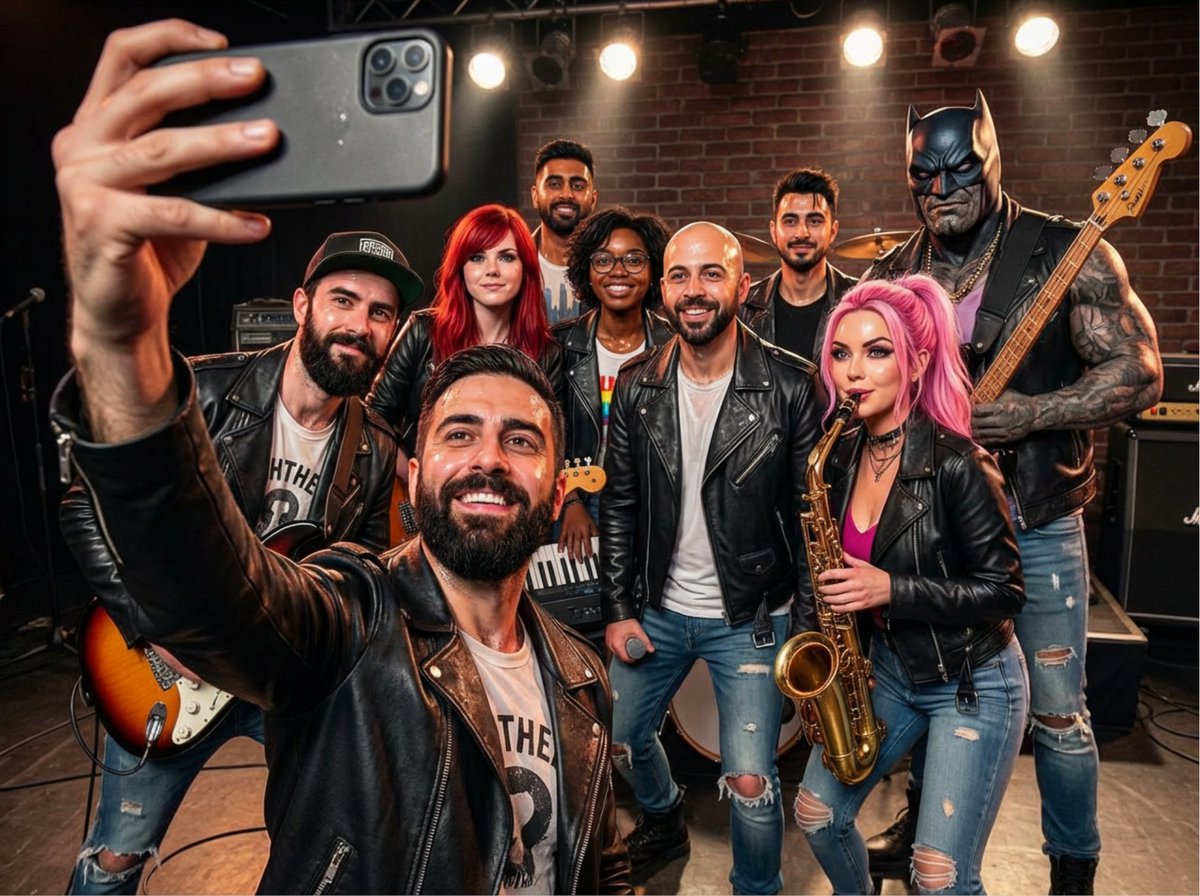
Rock band poster with consistent faces
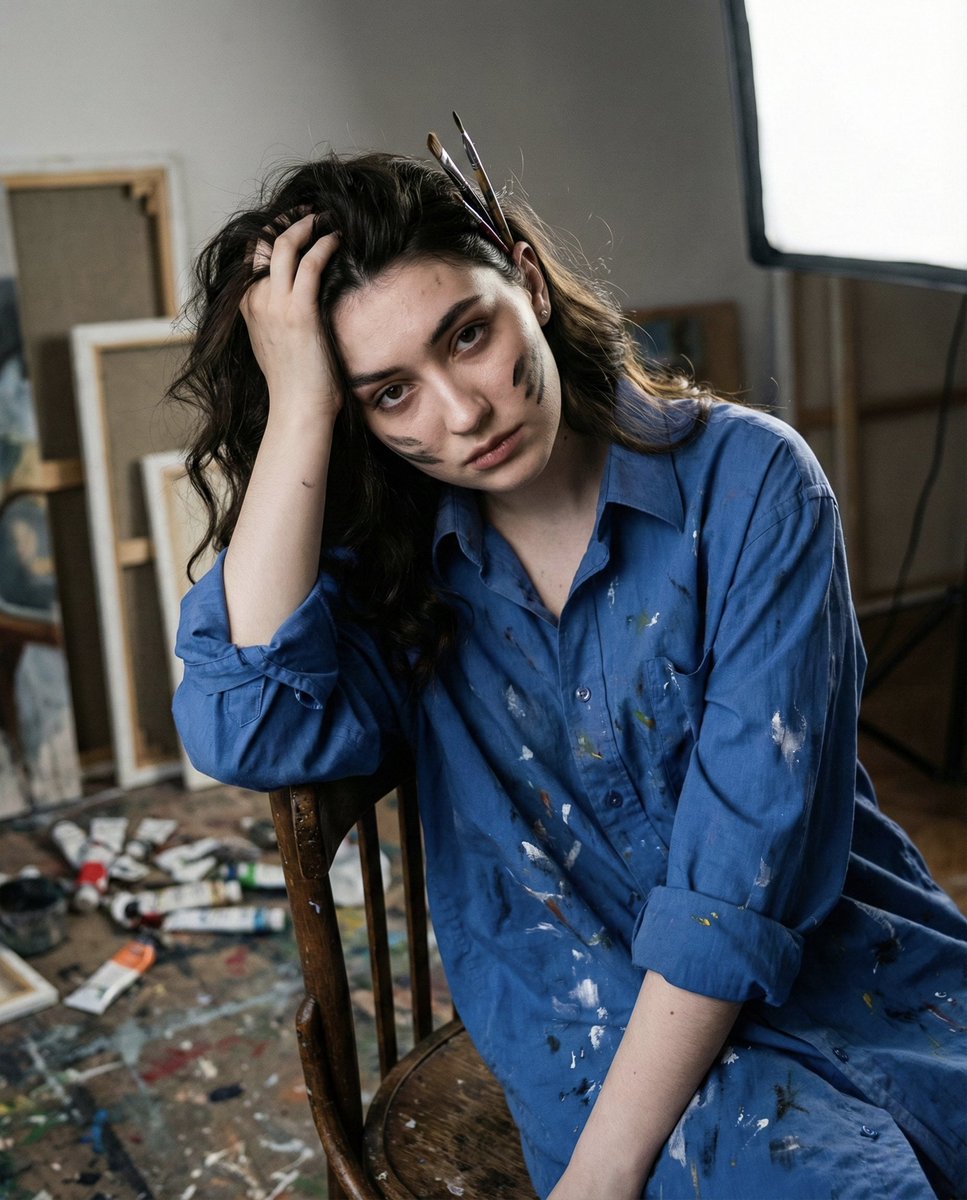
Chiaroscuro Portrait of an Exhausted Artist
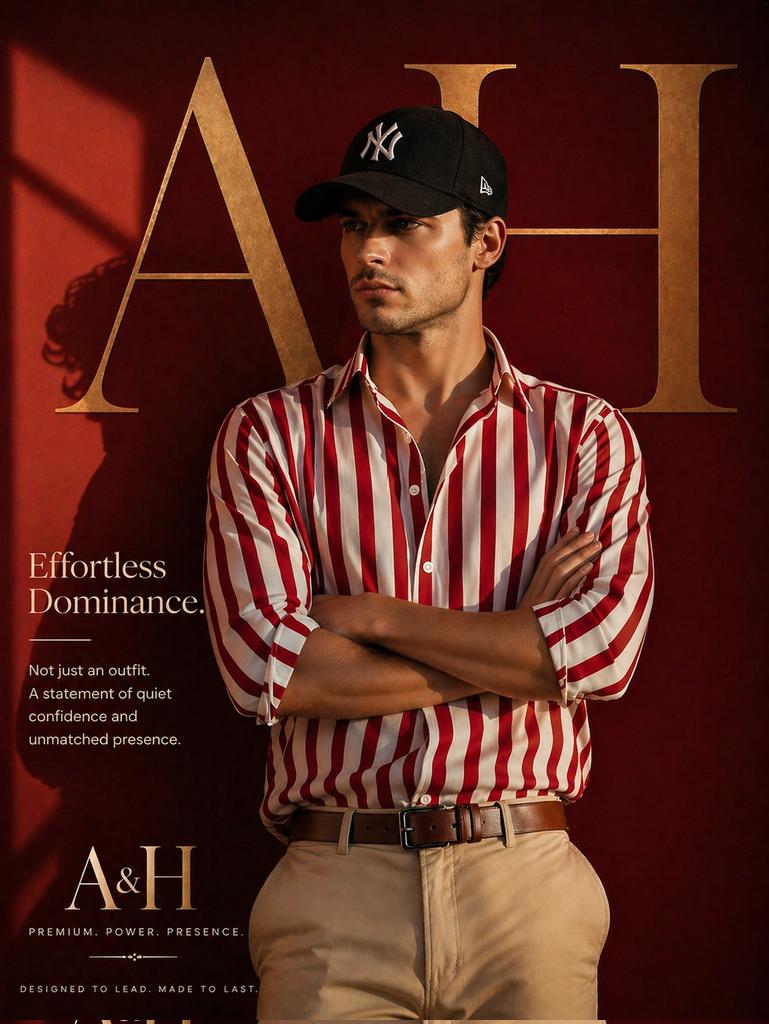
Luxury Fashion Brand Ad
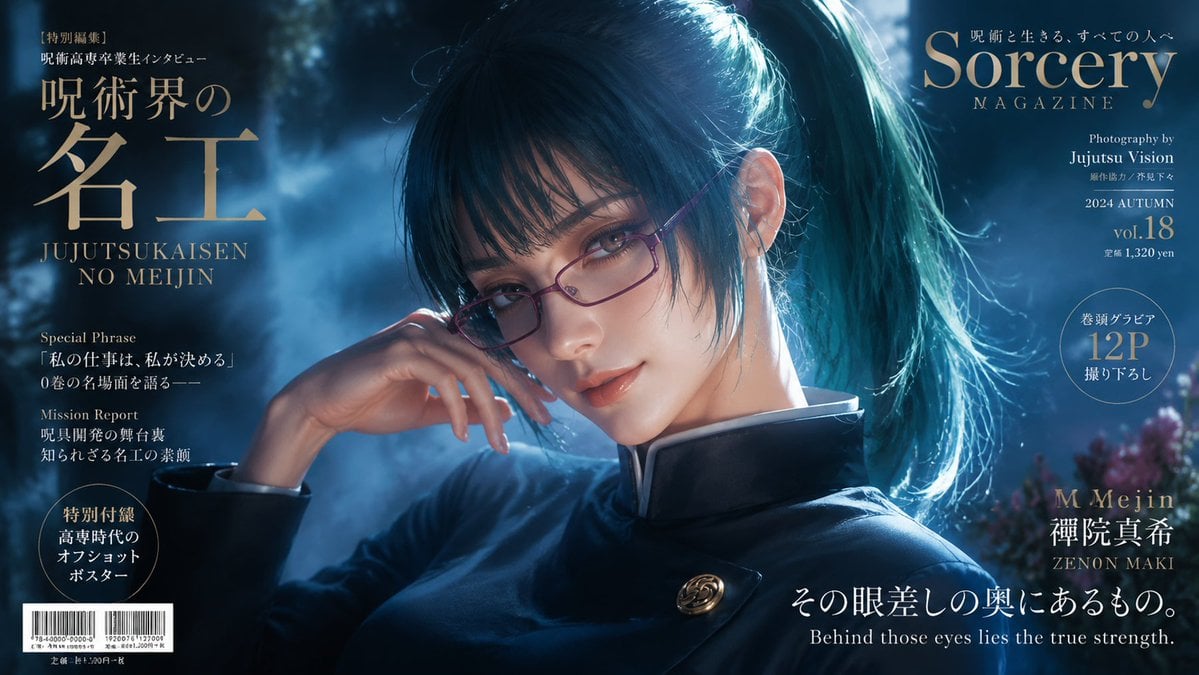
Sorcery Magazine Anime Cover
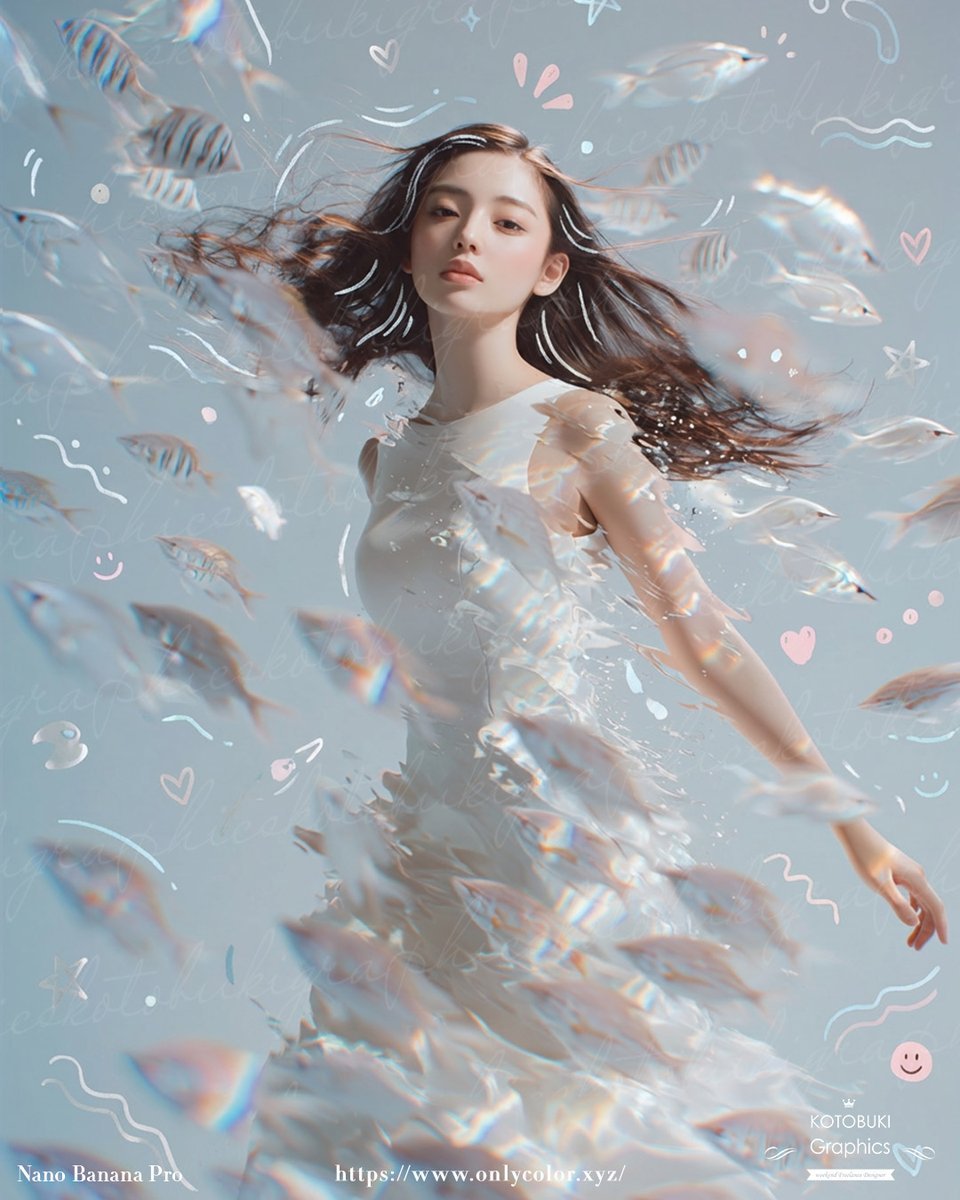
Dreamy Underwater Woman With Translucent Fish
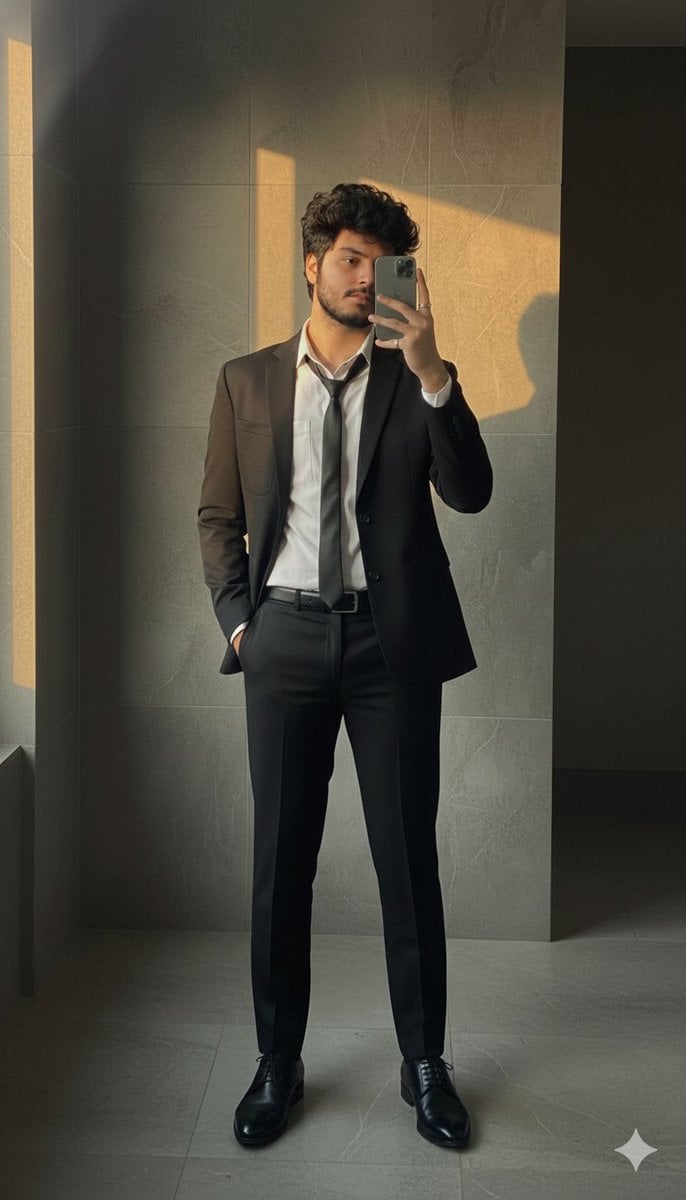
Formal Suit Mirror Selfie with Face Reference Prompt
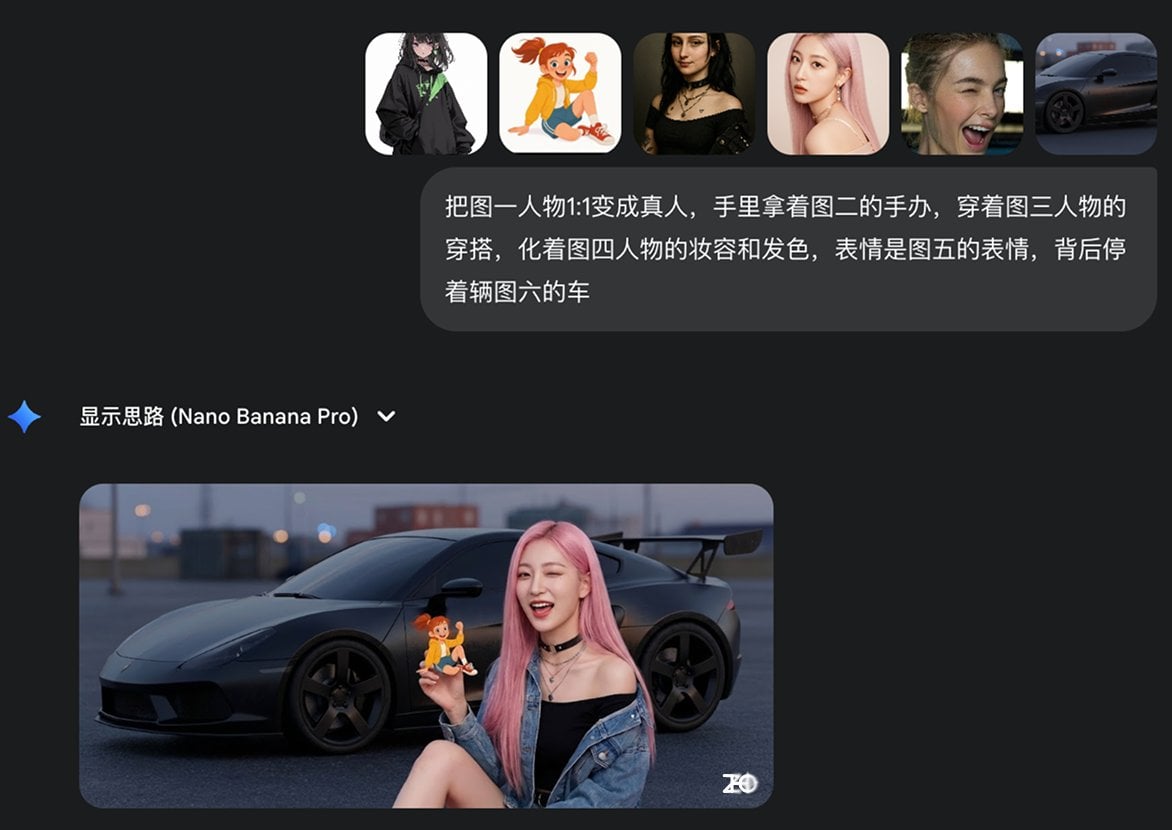
Multi-image fusion character transformation
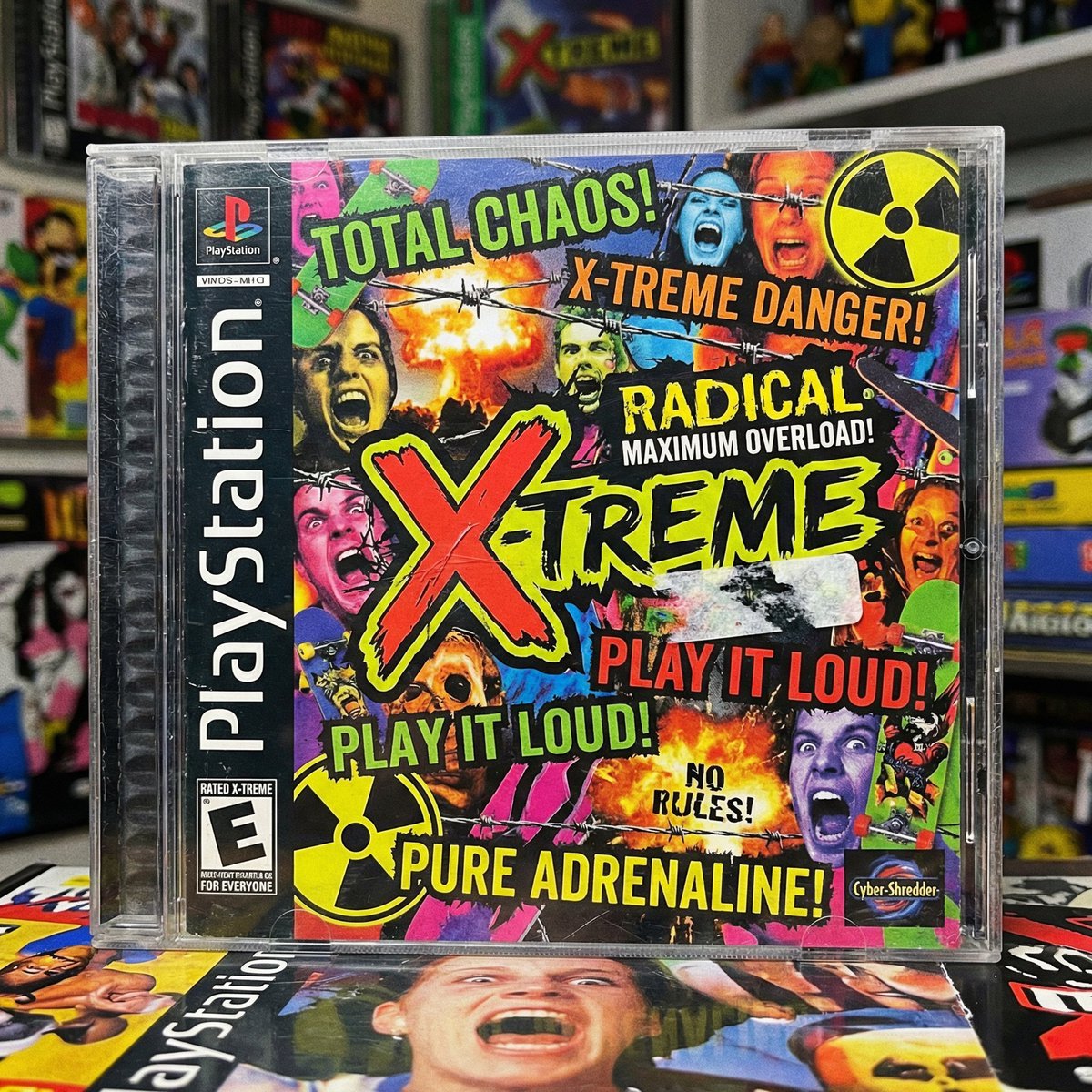
X-Treme 90s PlayStation Game Case
Browse template categories
Moonlit Gothic Fantasy Traveler questions
How do I use the Moonlit Gothic Fantasy Traveler template?
Add your photo if the template asks for one, edit the prompt if you like — the template's model and format are already selected — and press Generate. Your version opens in PicX Studio.
Can I customize the Moonlit Gothic Fantasy Traveler template?
Yes. You can change the subject, setting, lighting, mood, format, and available model controls before creating your image.
Is the Moonlit Gothic Fantasy Traveler template free?
Opening and editing this template is free. Generating uses credits, shown on the Generate button when you are signed in.
Which AI model should I use?
Start with GPT Image 2, which is the model associated with this template. You can compare another compatible model for a different finish.
Looking for something else? Browse all templates.

Your photo, any look
Thousands of ready templates for every top image and video model, from one credit balance.