
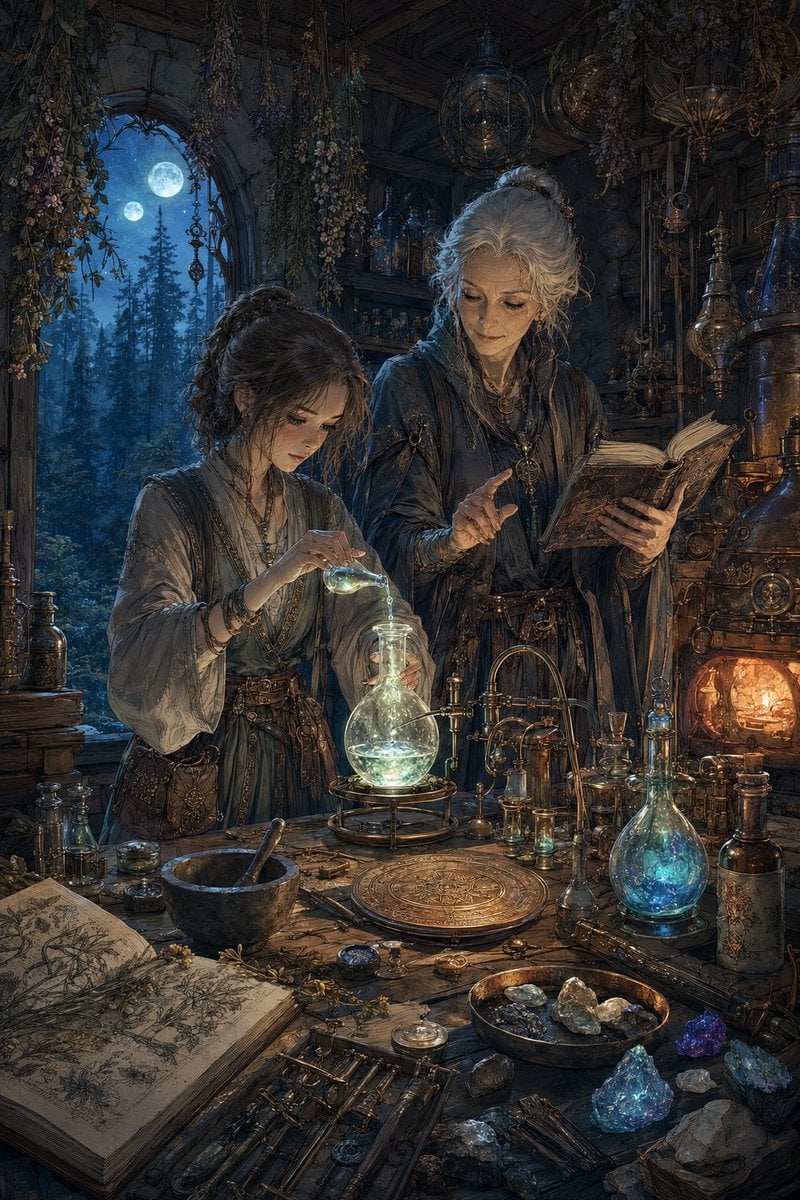
Moonlit Fantasy Alchemy Workshop
A detailed prompt for generating a dark fantasy alchemist laboratory scene with two robed figures, glowing potions, ancient books, and moonlit gothic atmosphere.
- Prompt included
- Model and format preset
- Free template
The prompt behind this image
Copy the exact prompt behind Moonlit Fantasy Alchemy Workshop, or open it in the studio and make it yours.
Create an ultra-detailed dark fantasy alchemist workshop scene at night, vertical 2:3 composition. Inside a cramped medieval stone-and-timber laboratory filled with hanging dried herbs, brass astrolabes, glassware, old books, crystals, and copper apparatus, show exactly two female alchemists: a younger apprentice on the left with dark curly hair, layered gray-brown robes, belts, pouches, bracelets, and necklaces, carefully pouring luminous liquid from a small glass vial into a round-bottom flask; and an older mentor on the right with {argument name="mentor hair color" default="silver-gray hair"} tied up, wearing dark layered robes and jewelry, holding an open ancient book while gesturing as if instructing. Both faces are intentionally covered by plain soft-edged brown square privacy masks, with no facial features visible. The central workbench contains exactly three major glowing vessels: one large round flask glowing pale green at center, one pear-shaped flask glowing blue on the right, and one small blue vial near the furnace. Include one open illustrated botanical grimoire in the lower left, one black mortar and pestle, one ornate circular brass plate, one shallow bowl of stones, and scattered crystals in blue, purple, clear, and smoky tones. On the right, include one warm orange furnace or alchemical boiler with copper pipes and gauges. In the background, show one arched window opening to a moonlit pine forest with exactly two visible moons in the blue night sky. Lighting should mix cold moonlight from the left window with warm firelight from the right furnace and magical cyan-green glow from the liquids. Use intricate painterly realism, highly textured wood, stone, aged metal, glass reflections, botanical clutter, gothic witchcraft atmosphere, cinematic depth, and no modern objects or readable text.
How to use Moonlit Fantasy Alchemy Workshop in 3 steps
- 1Upload ImagePNG, JPG or paste
Add your photo
Upload the photo the template builds on. The prompt, model and format are already set.
- 2…a portrait of your subject in softgolden-hour light, 85mm…
Personalize
Edit the subject and creative details for your destination.
- 3Generate
Generate
Press Generate — your image is created in PicX Studio, so you can compare it with the original and refine one variable at a time.
More like this
Templates with the same subject, style or setup. Open one to see its prompt.
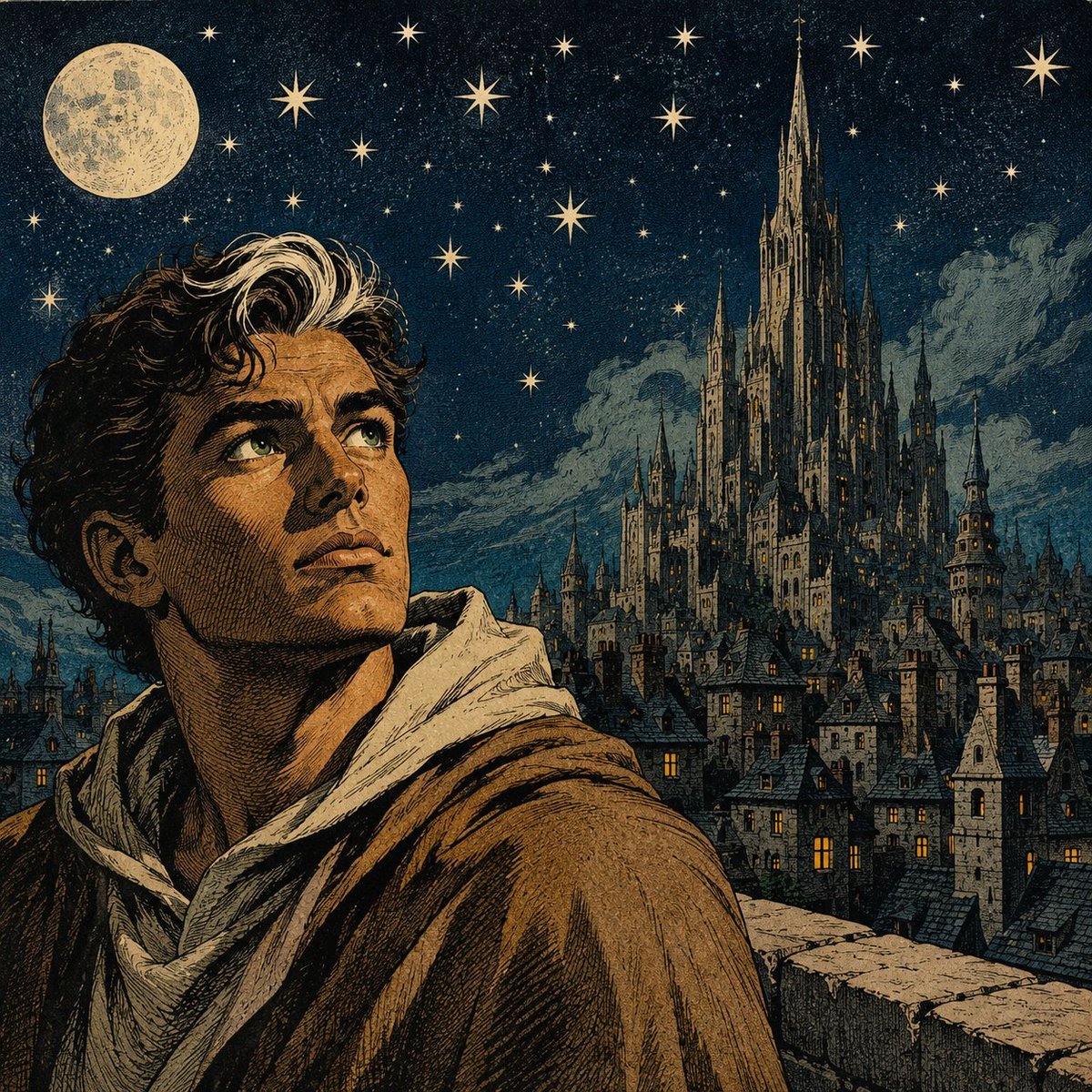
Moonlit Gothic Fantasy Traveler

Anime Fantasy Celestial Movie Poster
Anime Fantasy Celestial Movie Poster

Minecraft Fantasy Kingdom Voxel Landscape

Unfinished Sketch Comes Alive Portrait

Open Travel Journal Overhead Still Life

Tiny Woman Miniature Fantasy Macro Scene
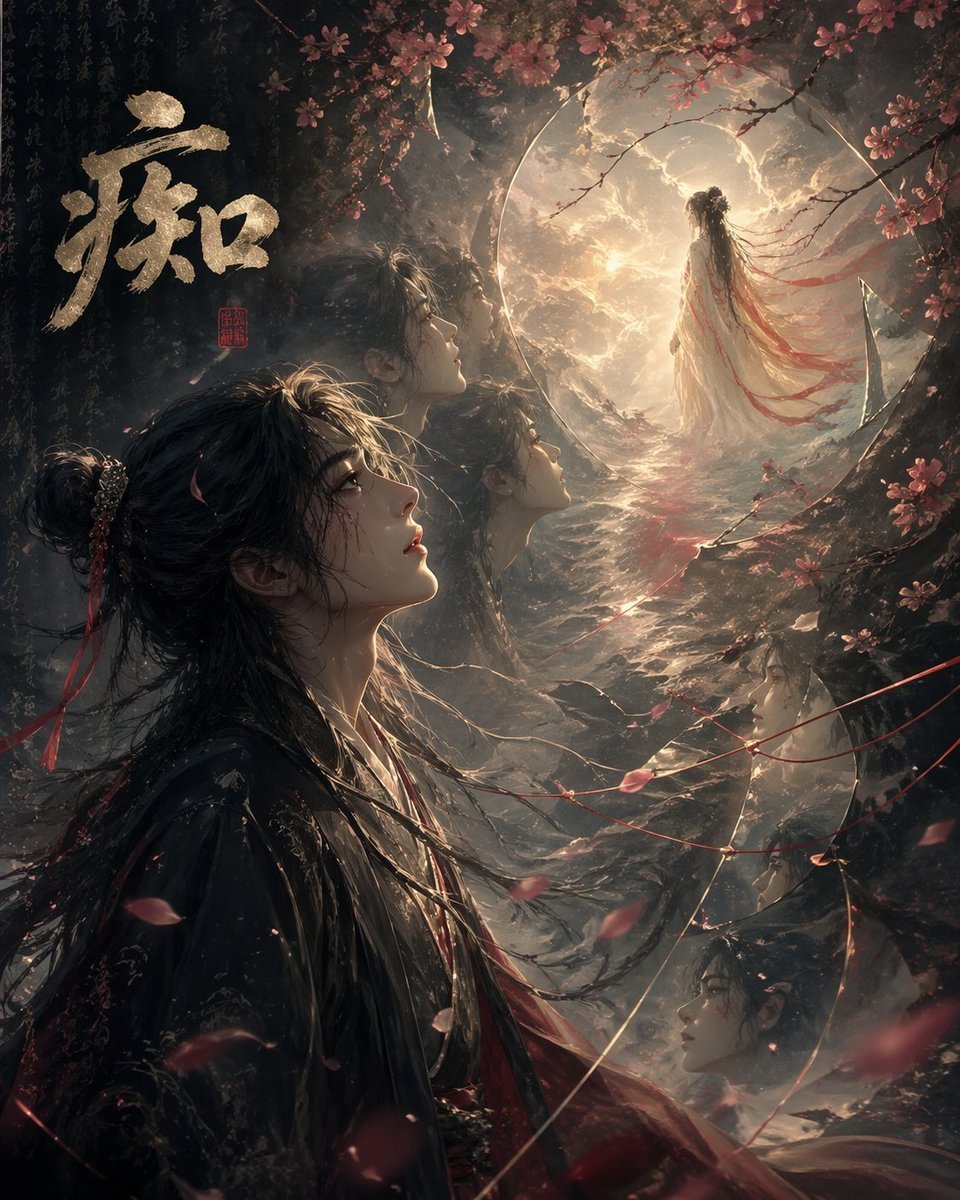
Chinese Obsession Moonlit Fantasy
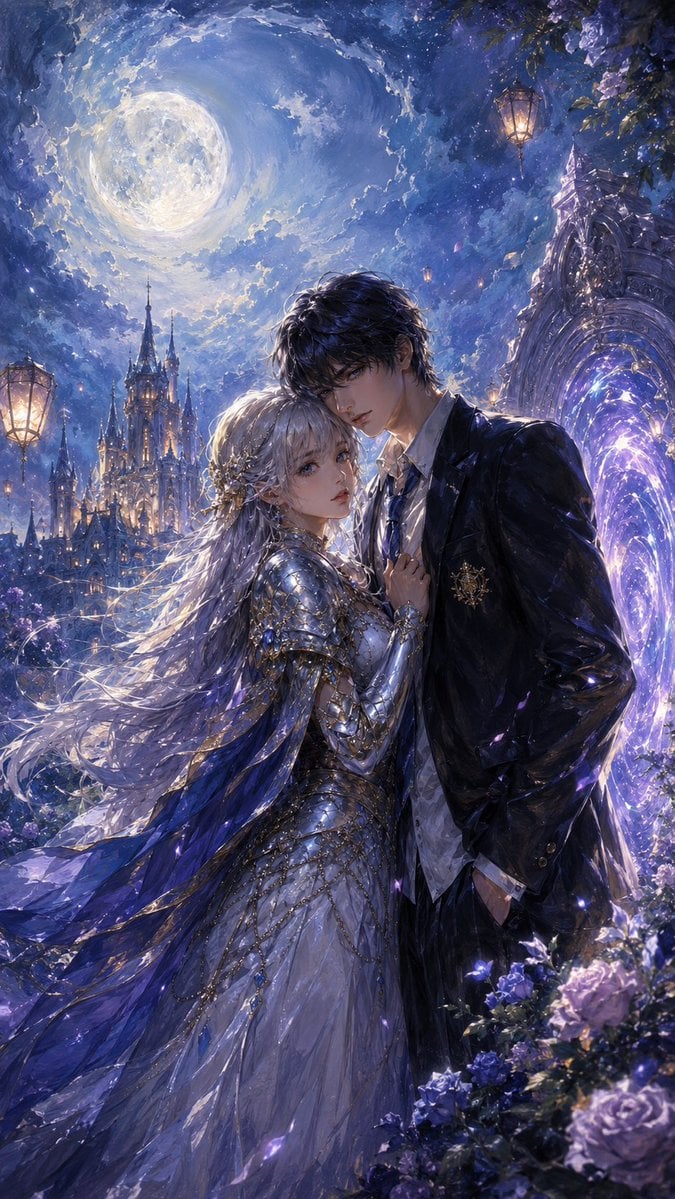
Moonlit Gothic Fantasy Couple
JSON Seedance - Fairy Macro Flight
Videogame Cinematic Trailer - Seedance 2.0

Moonlit Fox Mask Night Market
Make it yours
Moonlit Fantasy Alchemy Workshop works as-is. These are the safest ways to change it without losing the look.
Change one field
Copy a single group, rewrite it, and generate again so you can see what that field is doing.
Keep the frame, change the subject
Hold the composition and light of Moonlit Fantasy Alchemy Workshop, then swap wardrobe, props or the person for a new take.
| If the result… | Why | Fix |
|---|---|---|
| The result drifts from the preview | Too many fields changed at once. | Reuse Moonlit Fantasy Alchemy Workshop as-is first, then change one group — subject, light, or setting. |
| The model over-stylizes the scene | The prose prompt leaves finish and camera underspecified. | Add one camera or lighting sentence and stay on GPT Image 2. |
More GPT Image 2 templates
Other prompts made for GPT Image 2.

Six VTuber Japanese Logo Sheet

Realistic Portrait of Woman and Deer

The Vista Modular Condo Poster

AI Model Routing Comparison Infographic

2.5D Anime Art Board

Isometric Productivity Desk Scene

New York Double Exposure Poster

Four-Panel AI Landscape Comparison

Japanese Tatami Lifestyle Magazine Cover

NESCAFÉ Coffee Map Poster
More image prompts
Fresh picks from across the catalog.
Tokyo Candid Smartphone Photography
School Uniform Portrait on White Mattress
Soft-Glow Night Portrait with On-Camera Flash
Retro Chinese Catering Badge Logo
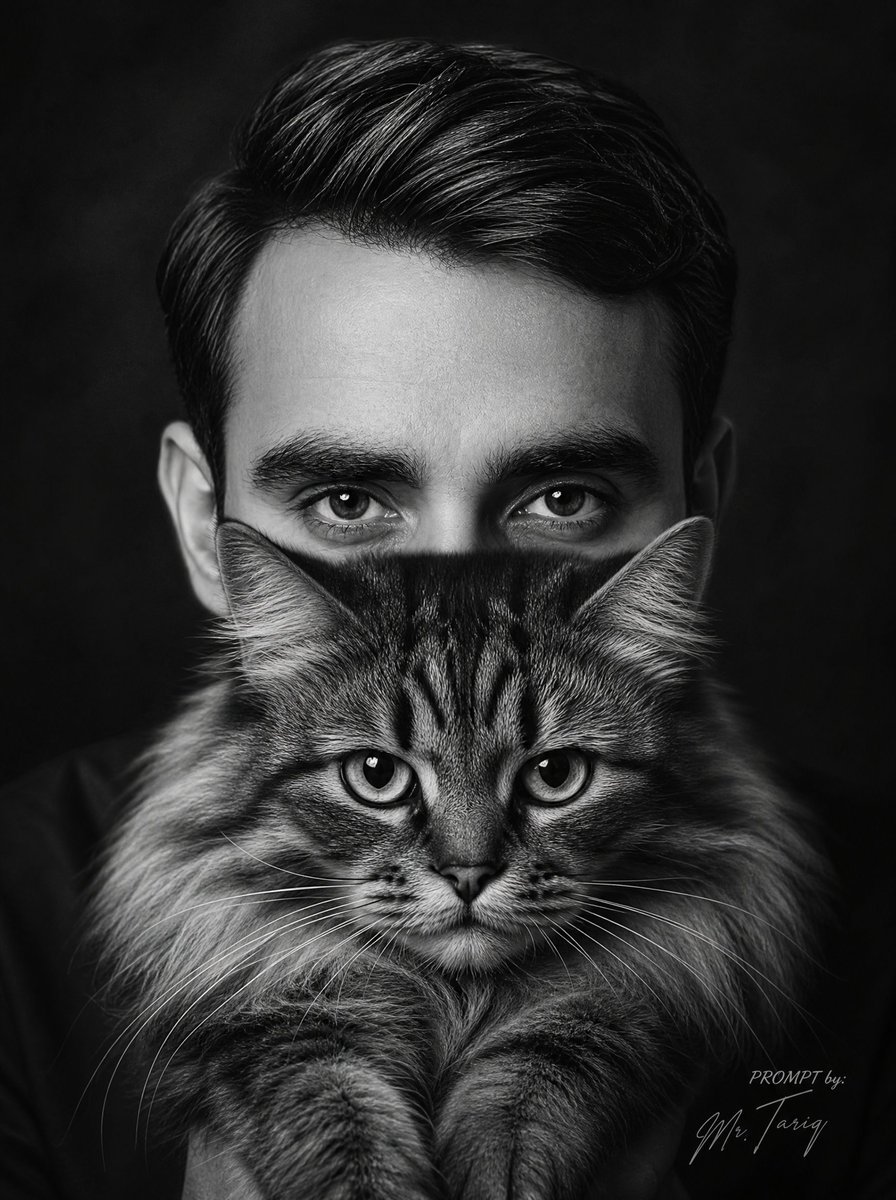
Censored Man Holding Cat Portrait
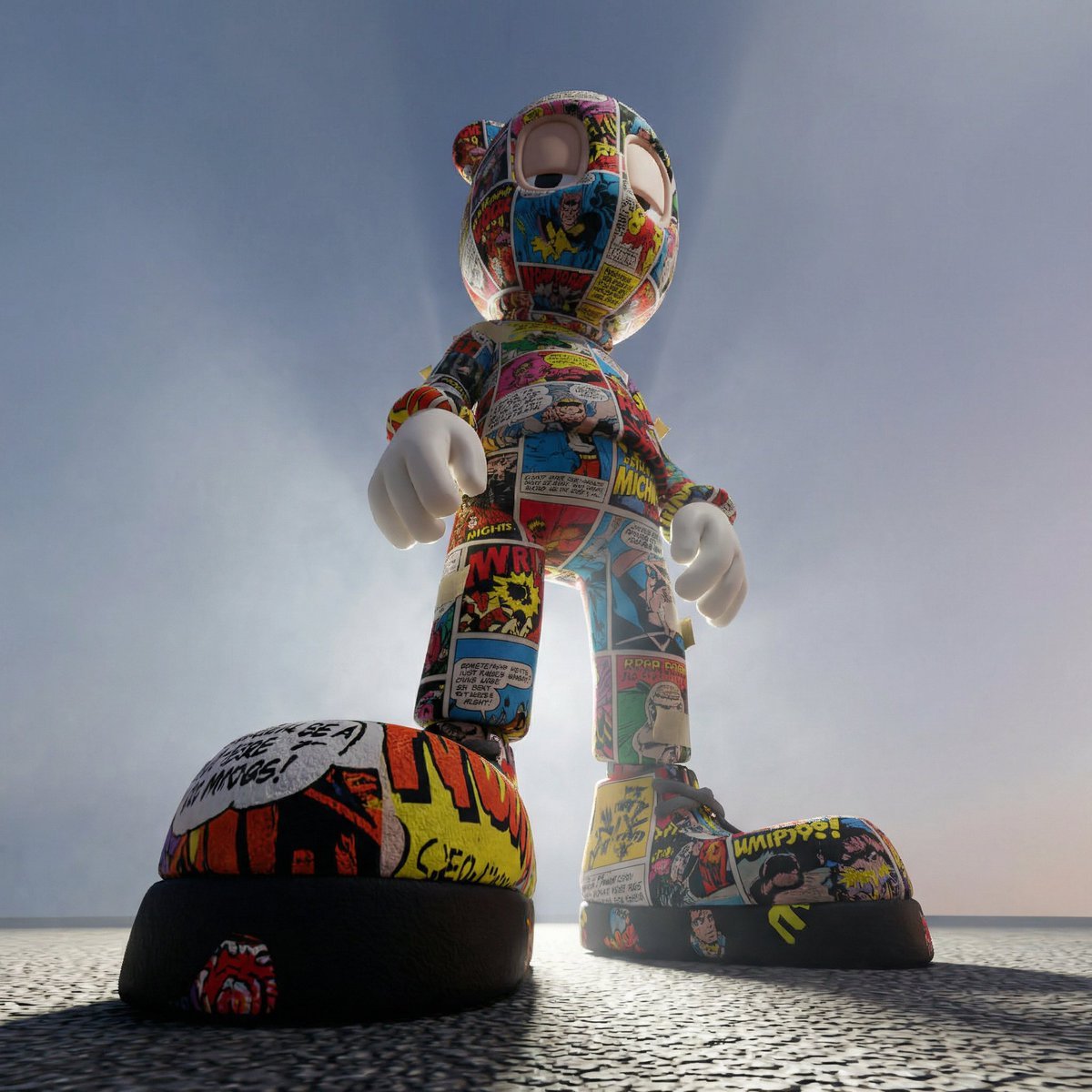
Worm's-Eye Perspective Character Shot (Likeness Preservation)
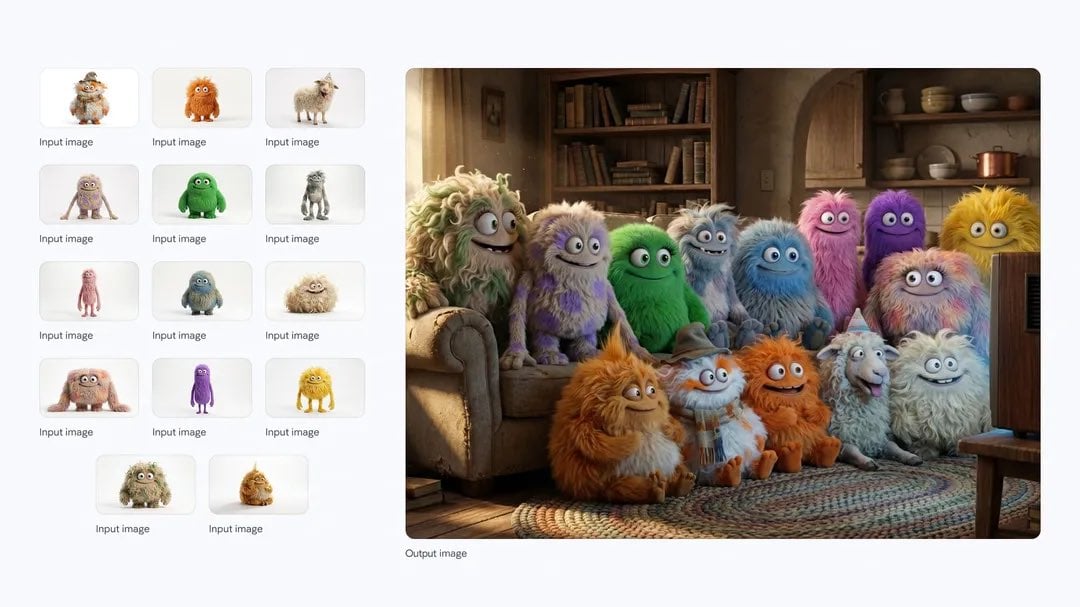
Cozy TV-watching group of fluffy characters
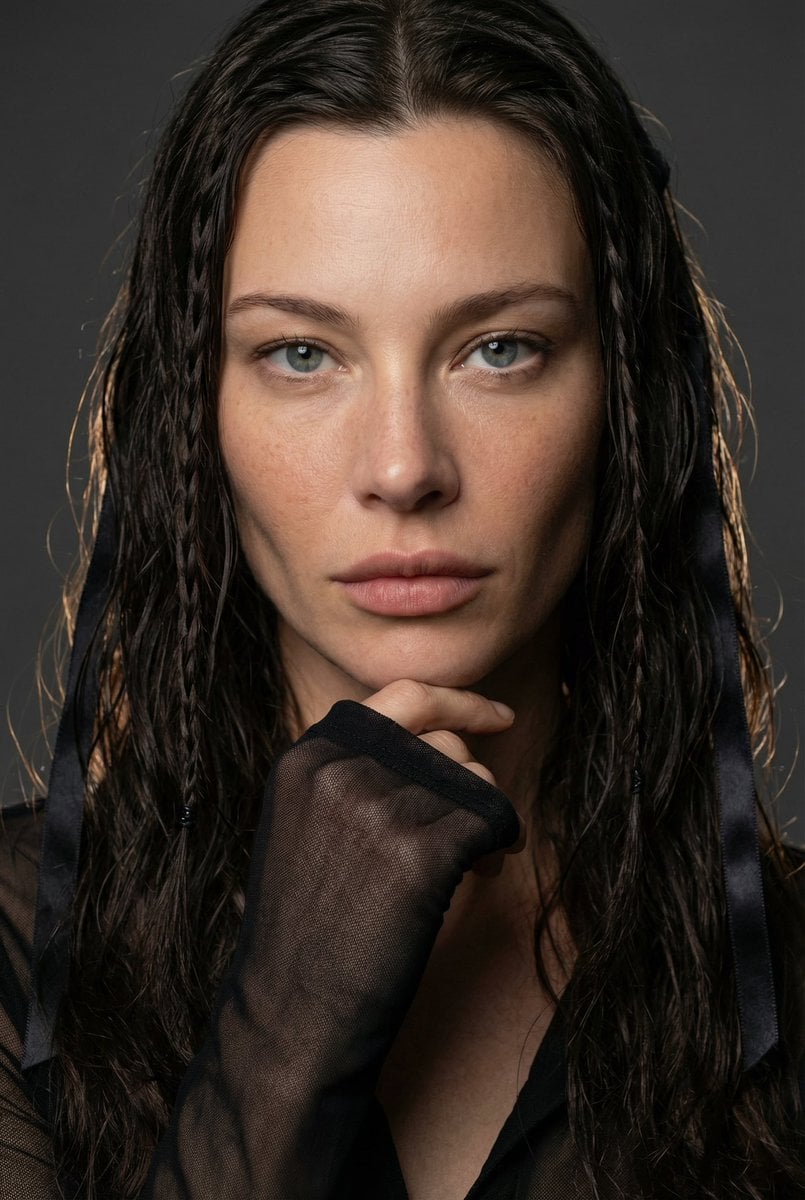
High-End Editorial Beauty Portrait
Cinematic Mirror Reflection Portrait Prompt
Helical Tower Sculpture Prompt for Visualizing Historical Evolution
Browse template categories
Moonlit Fantasy Alchemy Workshop questions
How do I use the Moonlit Fantasy Alchemy Workshop template?
Add your photo if the template asks for one, edit the prompt if you like — the template's model and format are already selected — and press Generate. Your version opens in PicX Studio.
Can I customize the Moonlit Fantasy Alchemy Workshop template?
Yes. You can change the subject, setting, lighting, mood, format, and available model controls before creating your image.
Is the Moonlit Fantasy Alchemy Workshop template free?
Opening and editing this template is free. Generating uses credits, shown on the Generate button when you are signed in.
Which AI model should I use?
Start with GPT Image 2, which is the model associated with this template. You can compare another compatible model for a different finish.
Looking for something else? Browse all templates.

Your photo, any look
Thousands of ready templates for every top image and video model, from one credit balance.