
Tokyo Candid Smartphone Photography
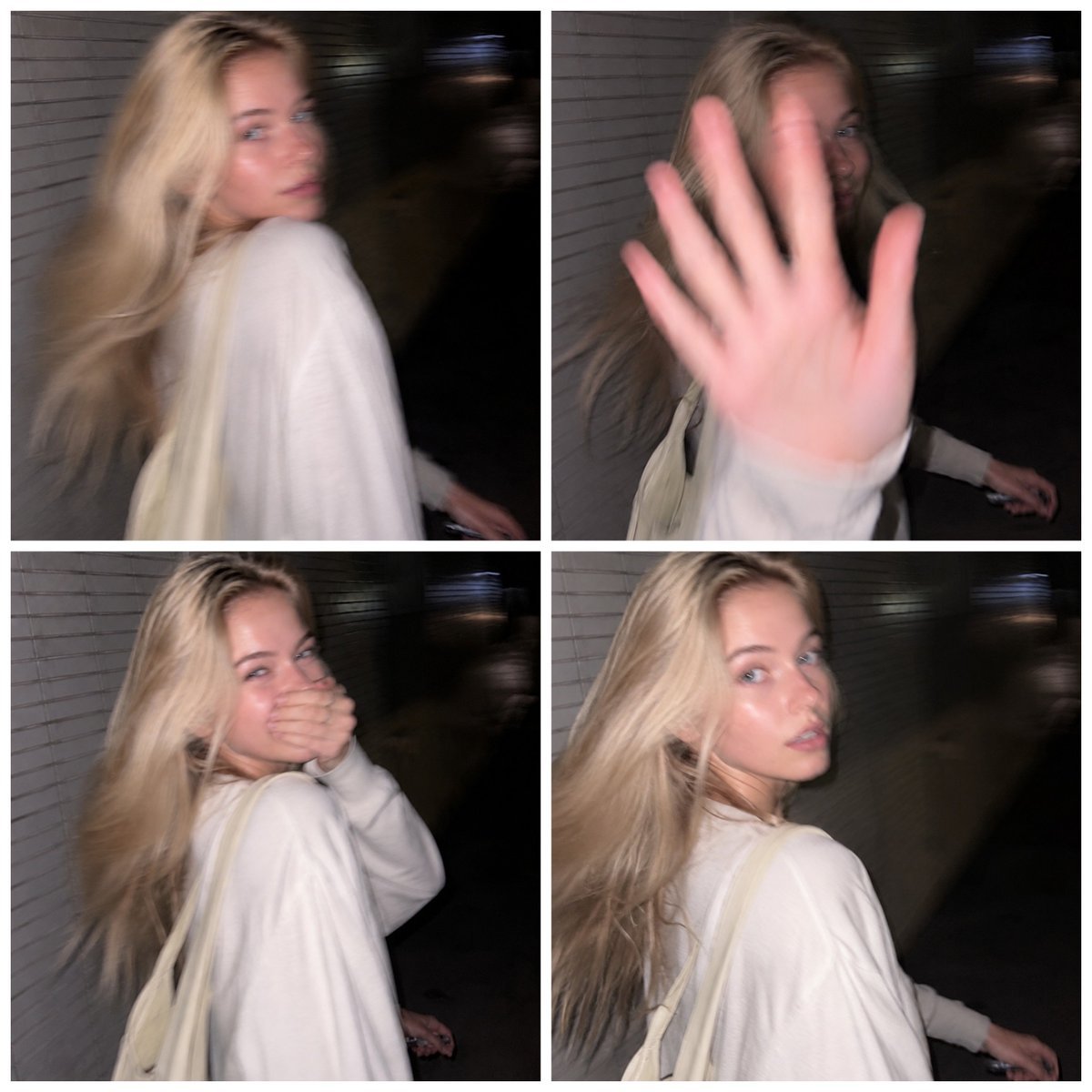
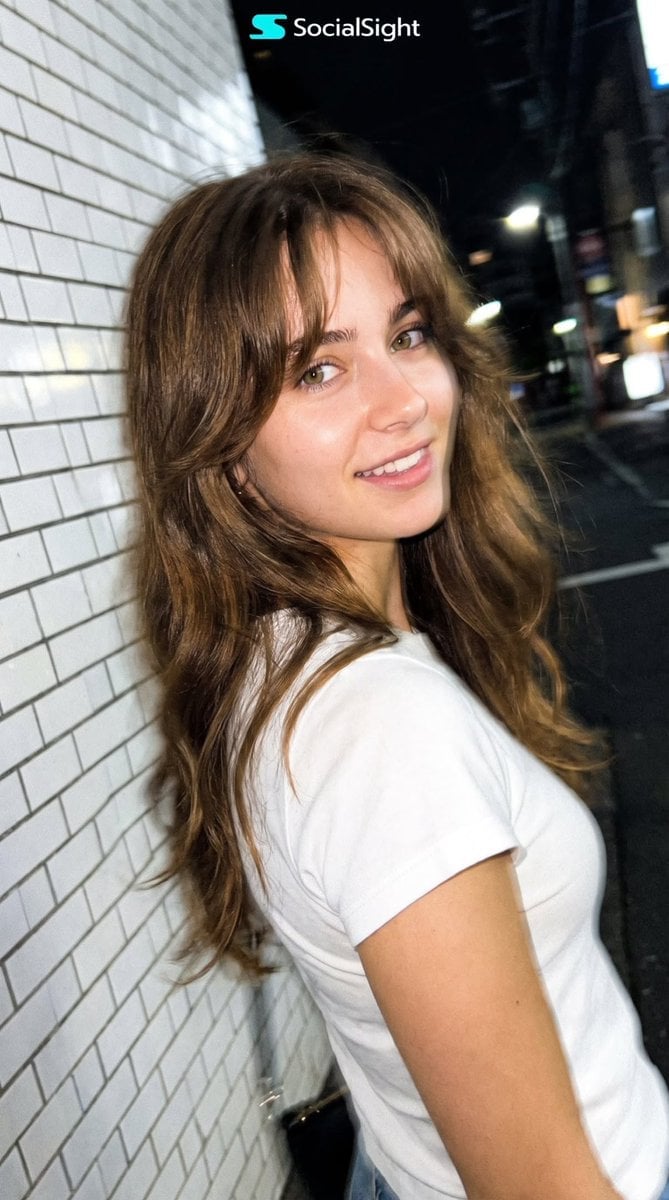
Simulates an authentic, candid smartphone photo of a person walking on a Tokyo sidewalk at night with realistic flash and motion blur.
- Prompt included
- Model and format preset
- Free template
The prompt behind this image
Copy the exact prompt behind Tokyo Candid Smartphone Photography, or open it in the studio and make it yours.
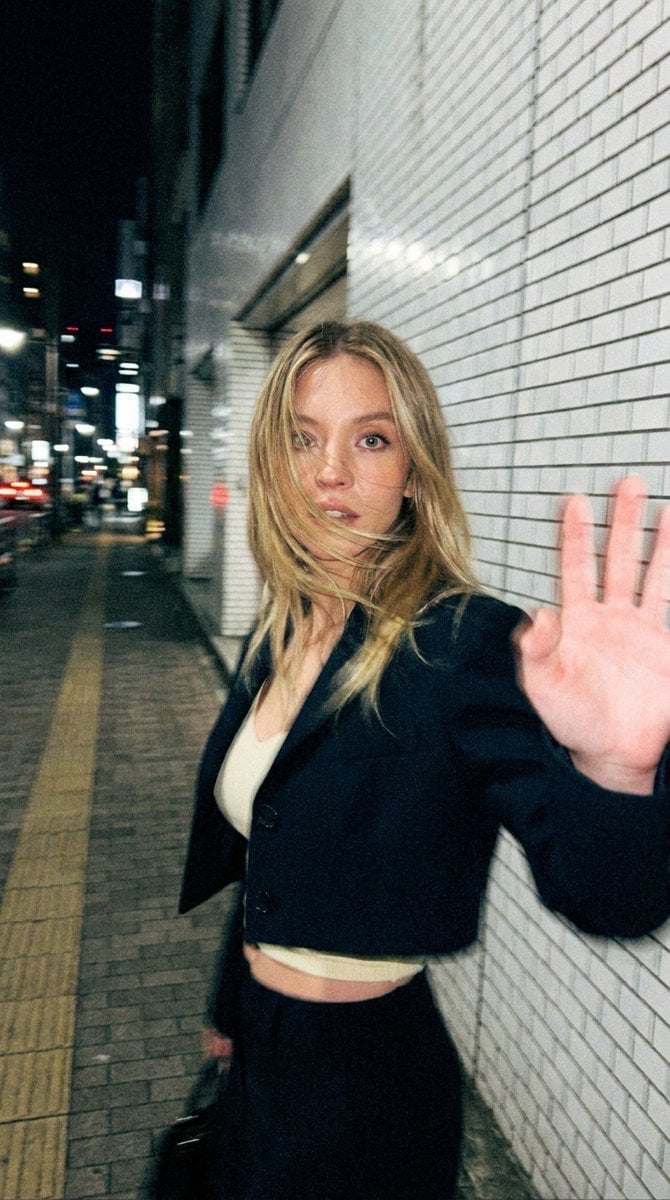
Ultra-realistic candid smartphone photograph, 9:16 vertical. Use the attached image only as a strong visual inspiration for general facial proportions and vibe, while ensuring the generated subject remains fully original, non-identifiable, and not a face copy. Scene: Nighttime on a quiet {argument name="location" default="Tokyo city sidewalk"} beside a building with white ceramic tile walls. The subject is walking past the camera, partially side-on, captured mid-step in a rushed, accidental moment. Poses & Gestures: The subject reacts instinctively to being photographed: turning her head back mid-walk as if surprised, raising one hand close to the lens to partially block the camera, shy, restrained smile forming as she suppresses laughter. Expressions are subtle and spontaneous — embarrassed, playful, fleeting — never posed. Camera & Motion: Shot on a modern smartphone, handheld, rushed capture. Strong uncontrolled camera shake. Heavy directional motion blur across the raised hand, hair, and face. Lighting: Flash-only lighting fired mid-motion. Harsh flash highlights on skin and hand. Deep surrounding darkness. Background: White ceramic tile wall stretches into streaked light bands due to motion blur. Image Quality: Extremely noisy. Heavily blurred. Raw smartphone look. Not cinematic. Not editorial. Action: Walking ahead, suddenly turning her head back toward the camera as if she just noticed someone calling her name. Eyes slightly widened, surprised expression, hair moving from the turn. One arm swinging naturally while walking. Strong motion blur, imperfect framing, candid accidental capture.
How to use Tokyo Candid Smartphone Photography in 3 steps
- 1Upload ImagePNG, JPG or paste
Add your photo
Upload the photo the template builds on. The prompt, model and format are already set.
- 2…a portrait of your subject in softgolden-hour light, 85mm…
Personalize
Edit the subject and creative details for your destination.
- 3Generate
Generate
Press Generate — your image is created in PicX Studio, so you can compare it with the original and refine one variable at a time.
More like this
Templates with the same subject, style or setup. Open one to see its prompt.

A 3x3 grid storyboard contact sheet comprised of nine candid, cinematic
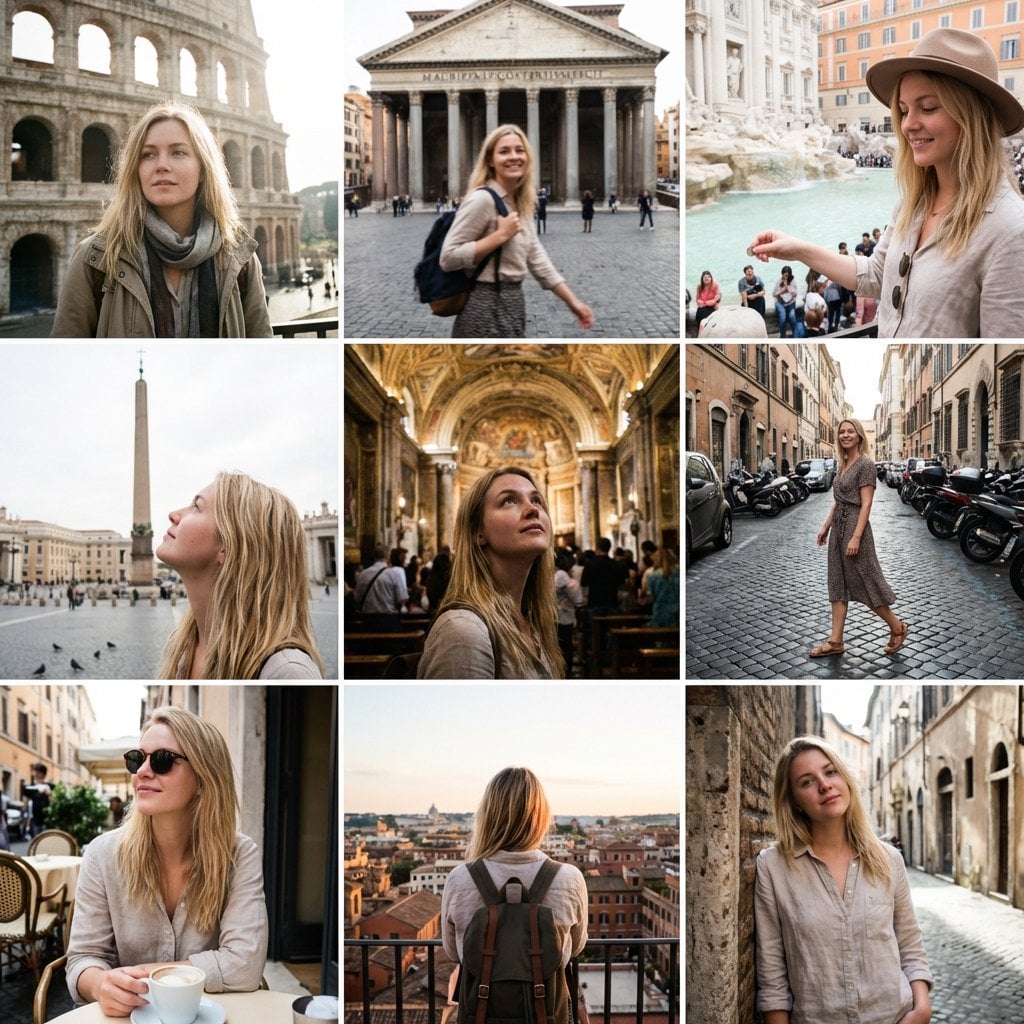
3x3 Instagram-style grid of low-quality smartphone photos featuring
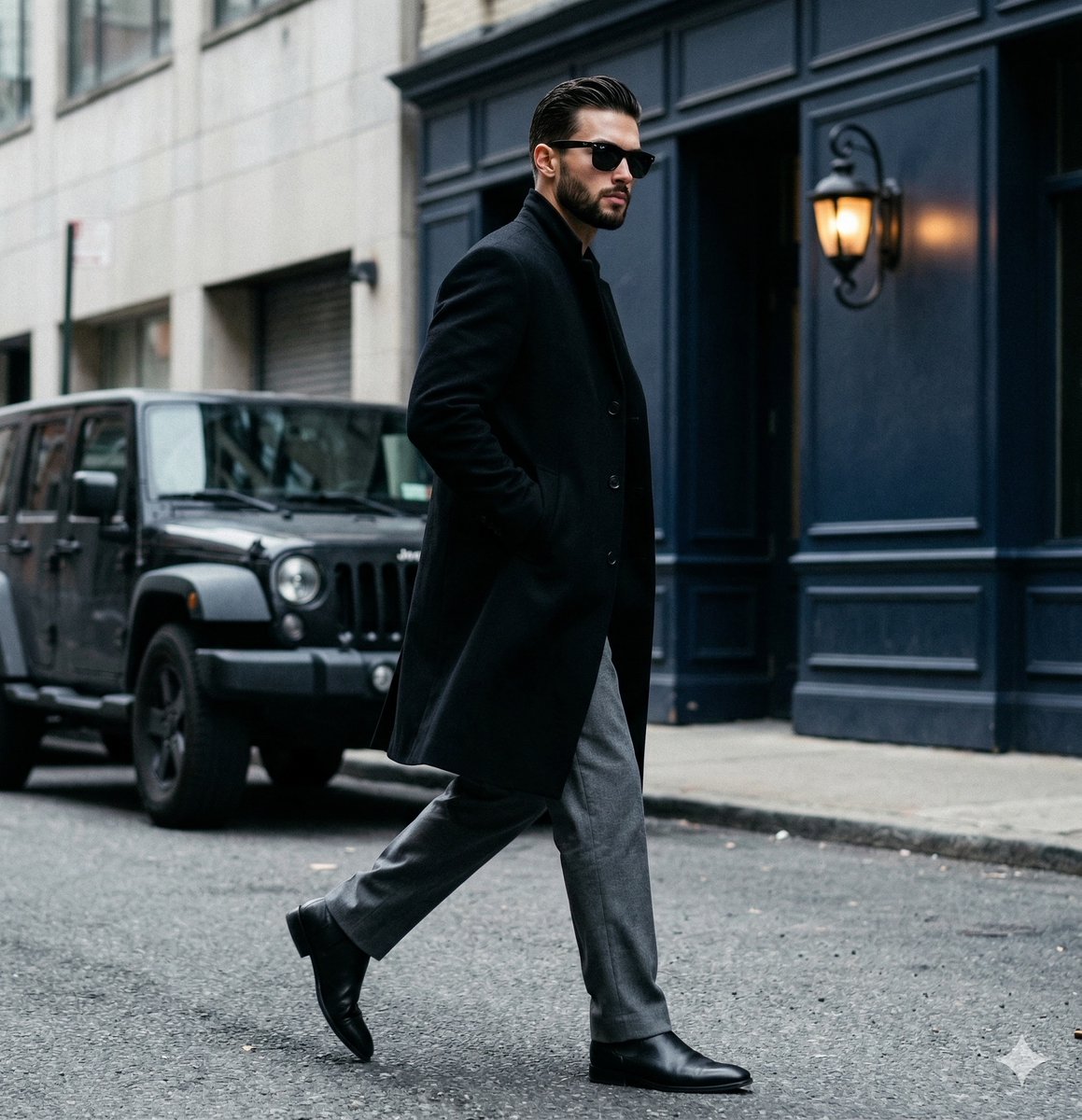
A candid paparazzi-style street photography shot of a handsome man
Candid Tokyo Night Smartphone Snapshot

Candid Tokyo Smartphone Night Photo
Candid Tokyo Smartphone Night Photo
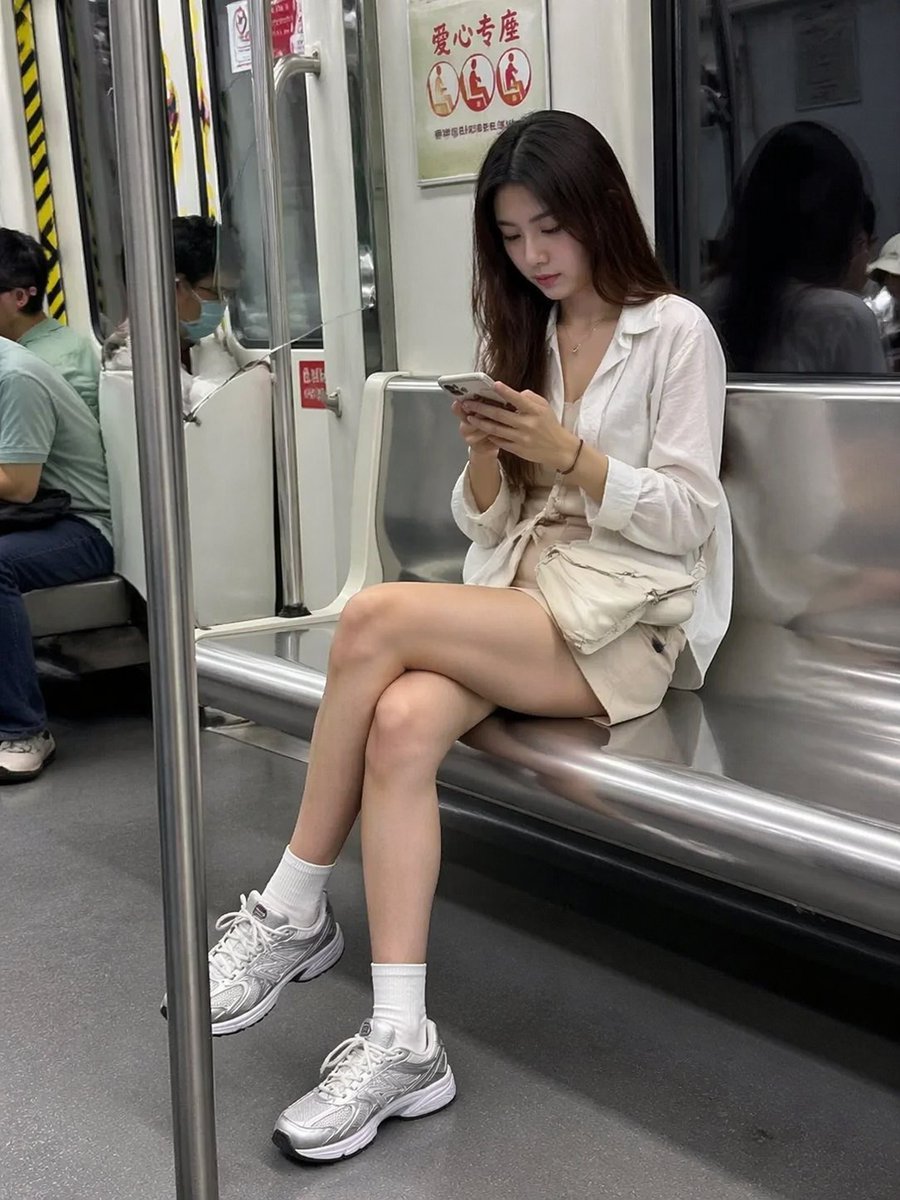
Candid Subway Smartphone Photography
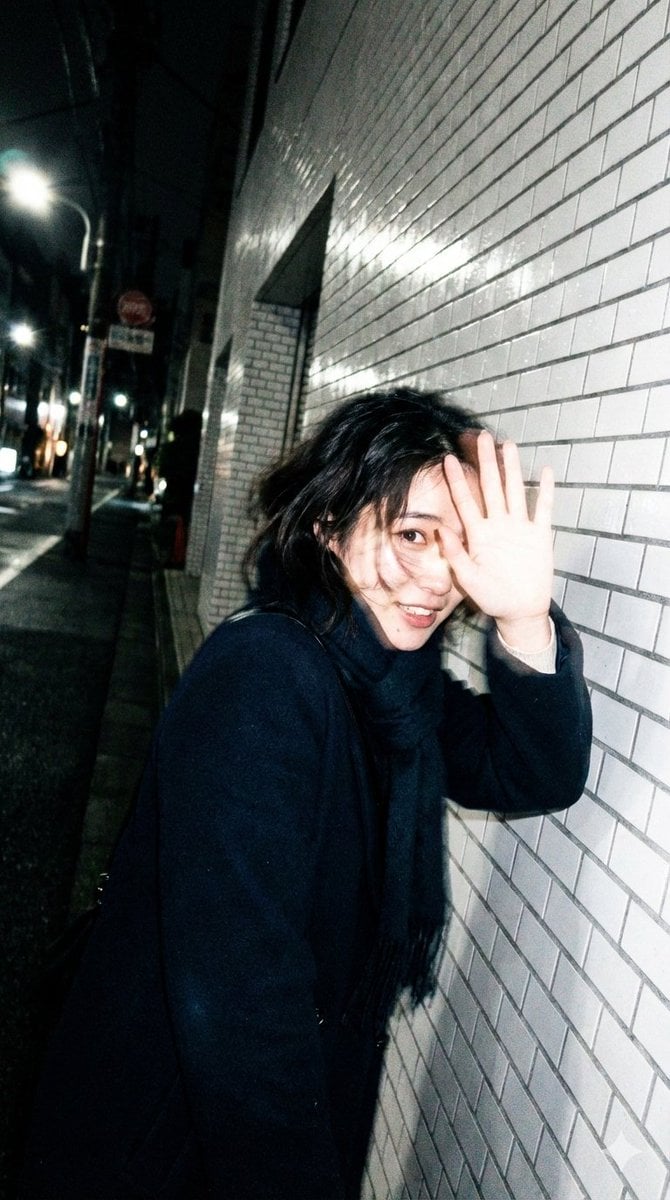
Candid, Imperfect Nighttime Smartphone Photo in Tokyo

Sunday Afternoon, 1988

Our Song was on a Cassette

The Date After College

80s College Gate
Make it yours
Tokyo Candid Smartphone Photography works as-is. These are the safest ways to change it without losing the look.
Change one field
Copy a single group, rewrite it, and generate again so you can see what that field is doing.
Keep the frame, change the subject
Hold the composition and light of Tokyo Candid Smartphone Photography, then swap wardrobe, props or the person for a new take.
| If the result… | Why | Fix |
|---|---|---|
| The result drifts from the preview | Too many fields changed at once. | Reuse Tokyo Candid Smartphone Photography as-is first, then change one group — subject, light, or setting. |
| The model over-stylizes the scene | The prose prompt leaves finish and camera underspecified. | Add one camera or lighting sentence and stay on GPT Image 2. |
More GPT Image 2 templates
Other prompts made for GPT Image 2.

Six VTuber Japanese Logo Sheet

Realistic Portrait of Woman and Deer

The Vista Modular Condo Poster

AI Model Routing Comparison Infographic

2.5D Anime Art Board

Isometric Productivity Desk Scene

New York Double Exposure Poster

Four-Panel AI Landscape Comparison

Japanese Tatami Lifestyle Magazine Cover

NESCAFÉ Coffee Map Poster
More image prompts
Fresh picks from across the catalog.
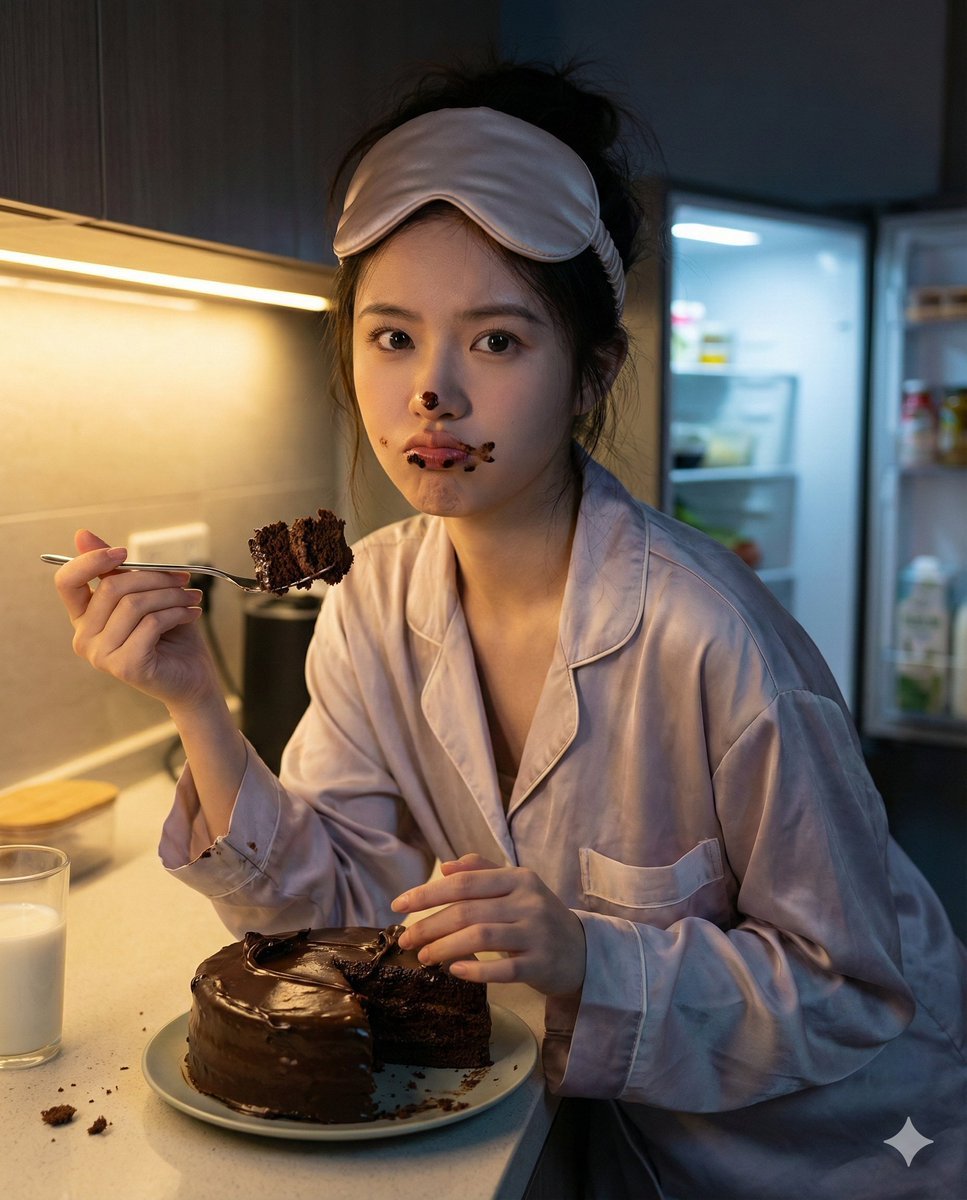
Nano Banana Pro Hyper-Realistic Midnight Snack Portrait Prompt
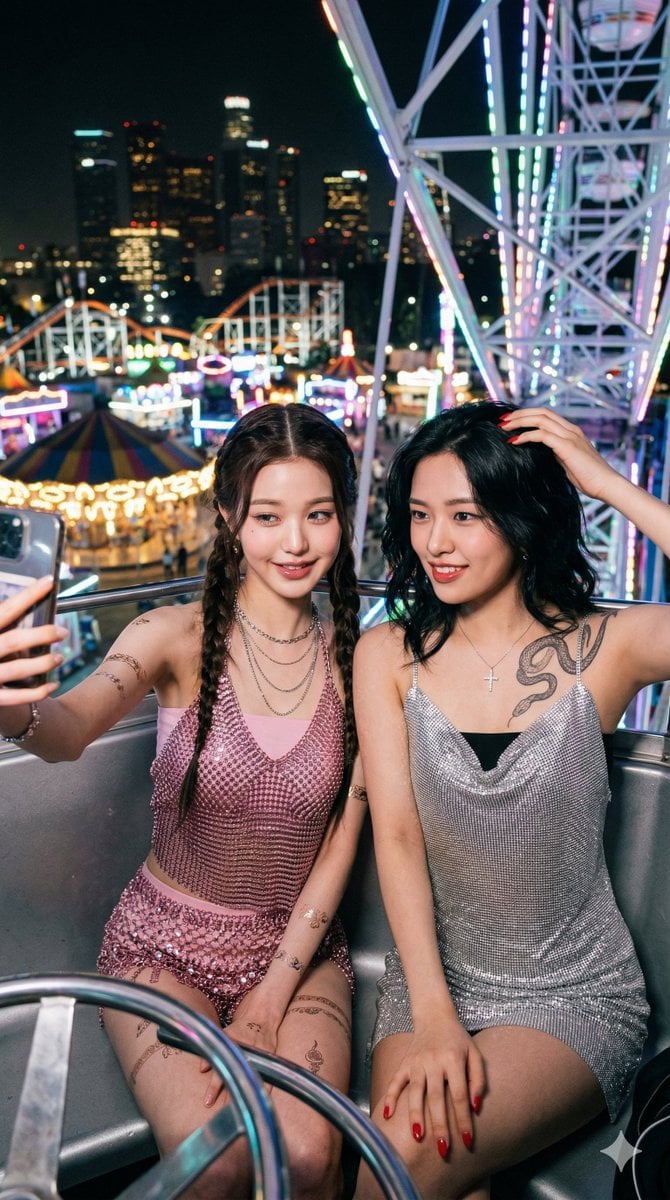
Photorealistic Night Selfie on a Ferris Wheel

Futuristic Apple Campaign Concept
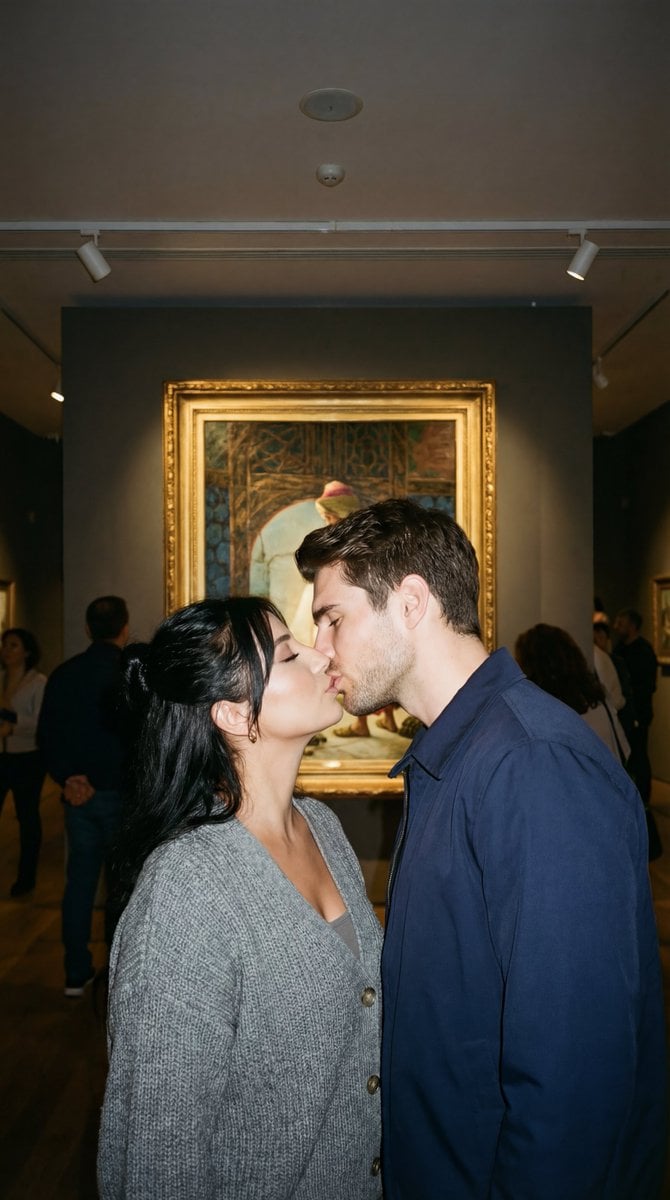
Candid Kiss in Pera Museum Film Still
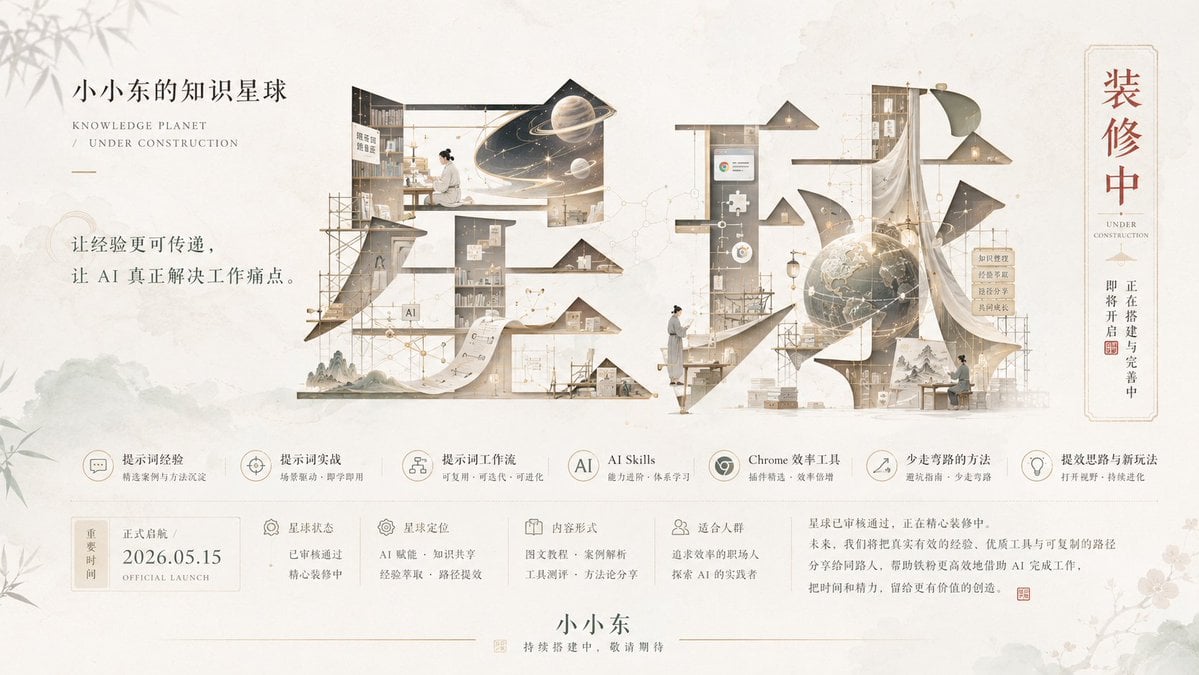
Bright Korean Minimalist Typography Graphic

Granular Gym Mirror Selfie Prompt
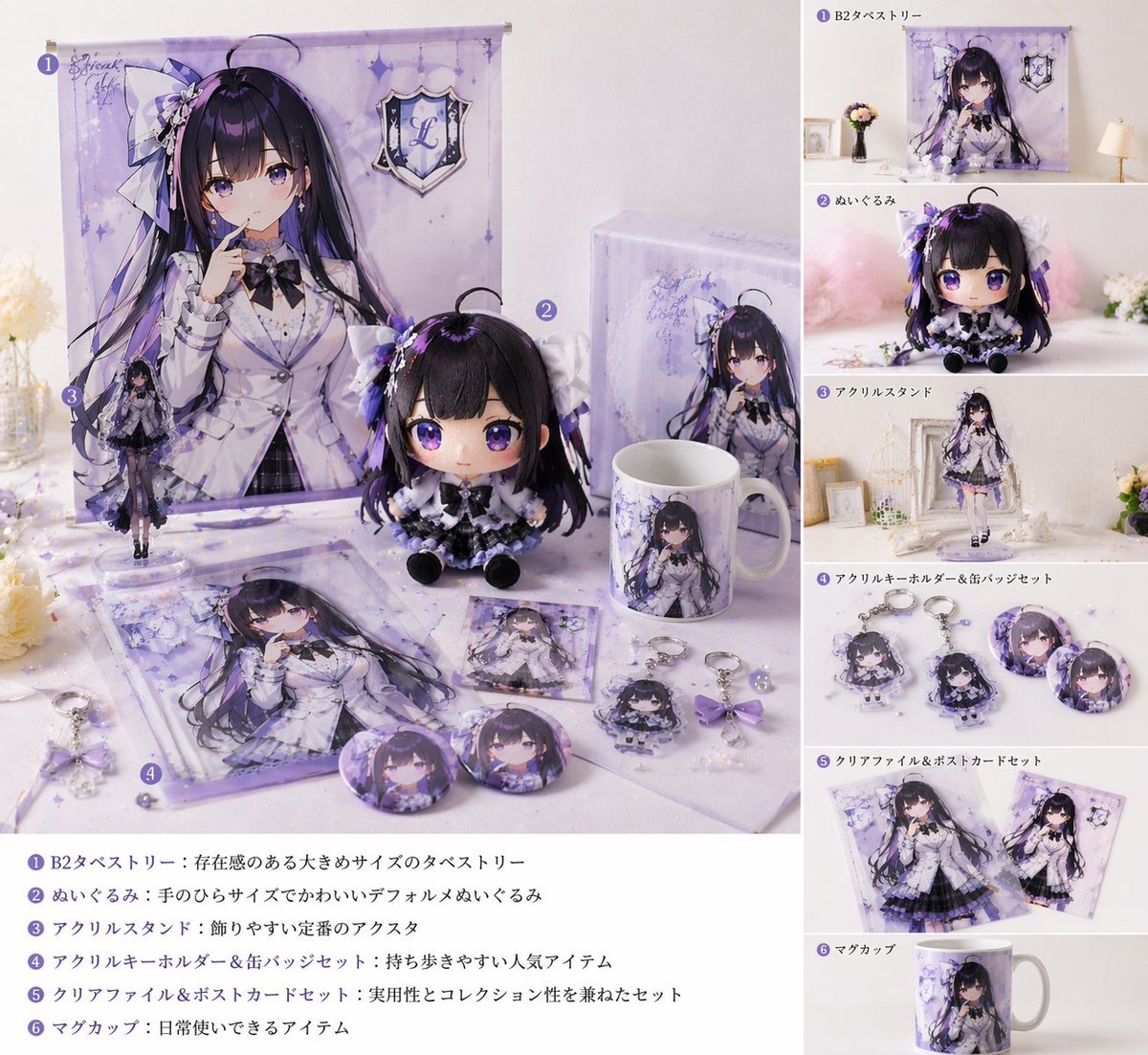
Realistic VTuber Merchandise Mockup

Minimalist Nano Banana Poster Layout

Minimalist Fashion Runway Illustration
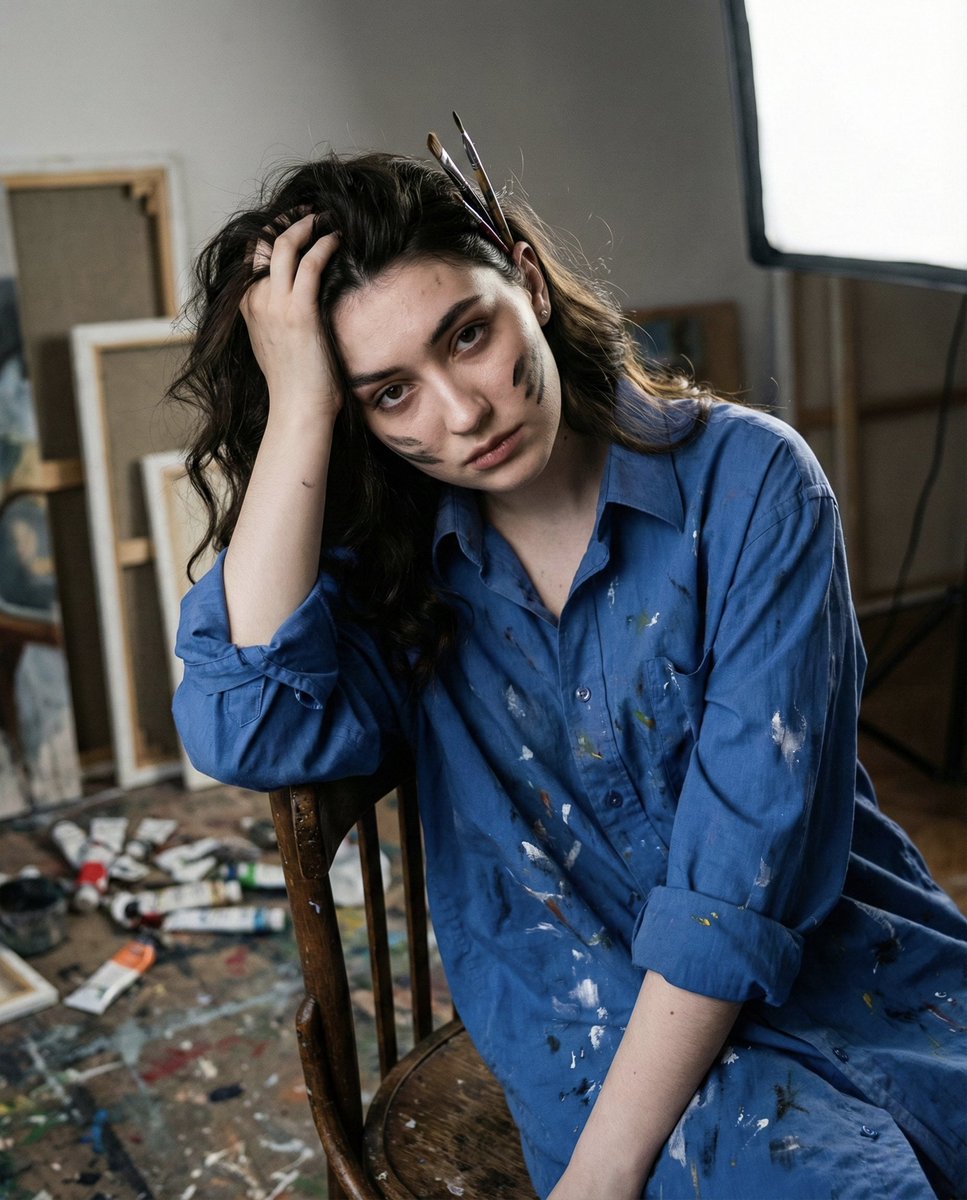
Chiaroscuro Portrait of an Exhausted Artist
Browse template categories
Tokyo Candid Smartphone Photography questions
How do I use the Tokyo Candid Smartphone Photography template?
Add your photo if the template asks for one, edit the prompt if you like — the template's model and format are already selected — and press Generate. Your version opens in PicX Studio.
Can I customize the Tokyo Candid Smartphone Photography template?
Yes. You can change the subject, setting, lighting, mood, format, and available model controls before creating your image.
Is the Tokyo Candid Smartphone Photography template free?
Opening and editing this template is free. Generating uses credits, shown on the Generate button when you are signed in.
Which AI model should I use?
Start with GPT Image 2, which is the model associated with this template. You can compare another compatible model for a different finish.
Looking for something else? Browse all templates.

Your photo, any look
Thousands of ready templates for every top image and video model, from one credit balance.