
Minimalist Nano Banana Poster Layout
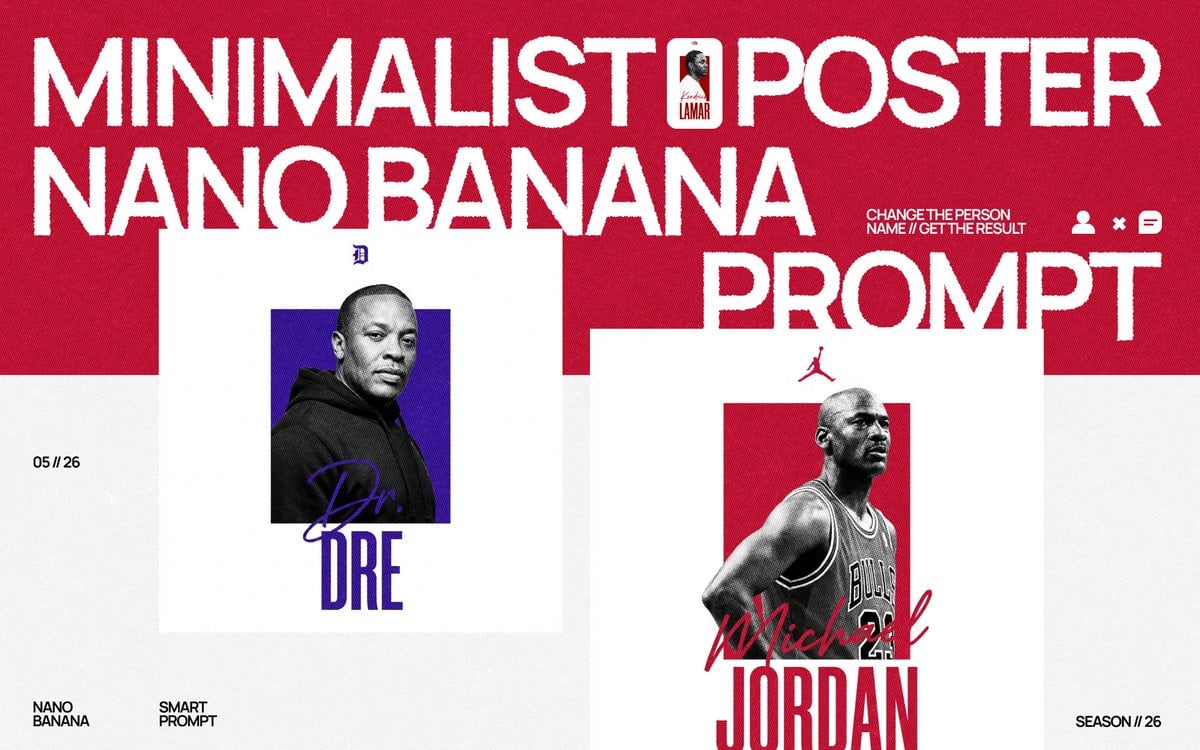
Generates a bold red-and-white minimalist editorial poster showcasing two customizable celebrity-style poster mockups with oversized distressed typography.
- Prompt included
- Model and format preset
- Free template
The prompt behind this image
Copy the exact prompt behind Minimalist Nano Banana Poster Layout, or open it in the studio and make it yours.
Goal: Create a bold minimalist sports/music poster prompt showcase with a red-and-white editorial layout, oversized distressed typography, and two clean square portrait poster mockups. Canvas: Wide horizontal 16:9 composition, approximately 1200×675. Use a textured paper or halftone grain finish across the whole image. The top half is deep crimson red, the bottom half is off-white/light gray, with large white blocks behind the poster mockups. Layout: Place huge all-caps white headline typography across the red header. The text is arranged in three dominant lines: “MINIMALIST POSTER” across the top, “NANO BANANA” below on the left, and “PROMPT” large on the right. Keep the type bold, condensed, slightly rough-edged, and screen-printed. Add a tiny vertical thumbnail card embedded near the word “POSTER,” showing a small portrait and the name “Kendrick LAMAR.” Add small helper text near the right headline: “CHANGE THE PERSON NAME // GET THE RESULT,” followed by three small white UI-like icons: a person icon, an X, and a menu/chat icon. Main visual elements: Include exactly 2 large minimalist poster mockups in the lower half. Poster 1, left-center: a clean white square poster with a black-and-white cropped portrait of {argument name="left person" default="Dr. Dre"} wearing a dark hoodie, placed over a vivid purple rectangle; add a small dark blue “D” emblem at the top, a purple handwritten signature crossing the bottom of the portrait, and huge stacked blue condensed text “DRE” at the bottom. Poster 2, right-center: a clean white square poster partly overlapping under the word “PROMPT,” with a black-and-white basketball player portrait of {argument name="right person" default="Michael Jordan"} in a Bulls jersey, placed over a red rectangle; add a small red Jumpman-style silhouette at the top, a red handwritten “Michael” signature over the lower torso, and huge stacked red condensed text “JORDAN” at the bottom. Small text details: Add the date “05 // 26” on the left side of the off-white lower area. Add exactly 2 small footer labels at bottom left: “NANO BANANA” and “SMART PROMPT.” Add “SEASON // 26” at bottom right. Style: High-contrast minimalist poster design, modern streetwear editorial aesthetic, sports-card/music-poster fusion, crisp geometric composition, bold negative space, distressed print texture, grainy halftone, limited palette of crimson red, white, black, purple, and dark blue. Constraints: Use exactly 2 main poster mockups, exactly 3 large headline phrases, exactly 2 footer labels, and exactly 3 small helper icons. Keep faces intentionally stylized or softly obscured rather than detailed. No extra branding, no watermark, no additional people, no extra text beyond the specified elements.
How to use Minimalist Nano Banana Poster Layout in 3 steps
- 1Upload ImagePNG, JPG or paste
Add your photo
Upload the photo the template builds on. The prompt, model and format are already set.
- 2…a portrait of your subject in softgolden-hour light, 85mm…
Personalize
Edit the subject and creative details for your destination.
- 3Generate
Generate
Press Generate — your image is created in PicX Studio, so you can compare it with the original and refine one variable at a time.
More like this
Templates with the same subject, style or setup. Open one to see its prompt.

Premium Fashion Editorial Cover Layout System

Minimalist Fashion Editorial Split Layout

Premium Vintage Travel Poster Landscape
Dual Editorial Poster Layout
Artistic Magazine Design Poster Layout

Japan Travel Brochure Poster
Minimalist Marker Travel Poster

Minimalist Olive Green Editorial Poster
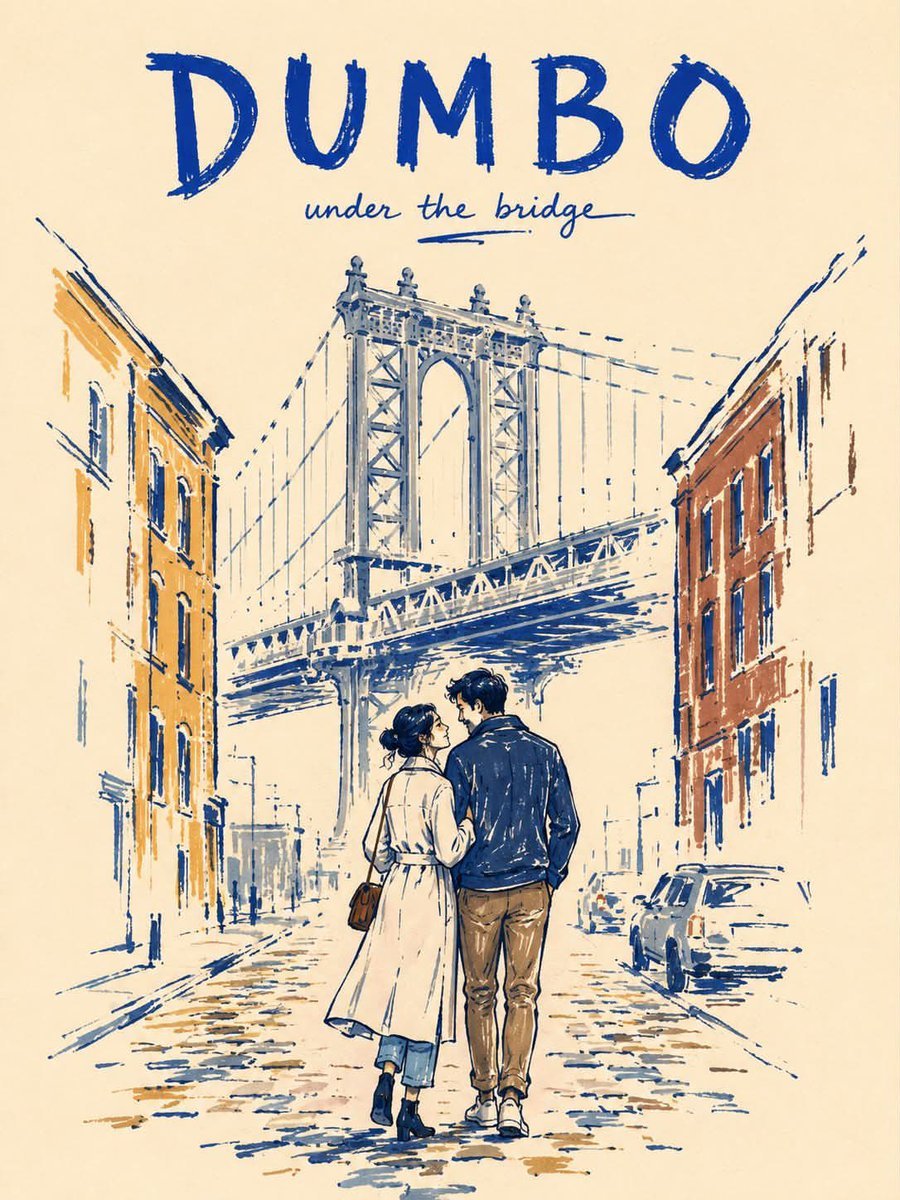
Minimalist Marker Pen NYC Travel Poster
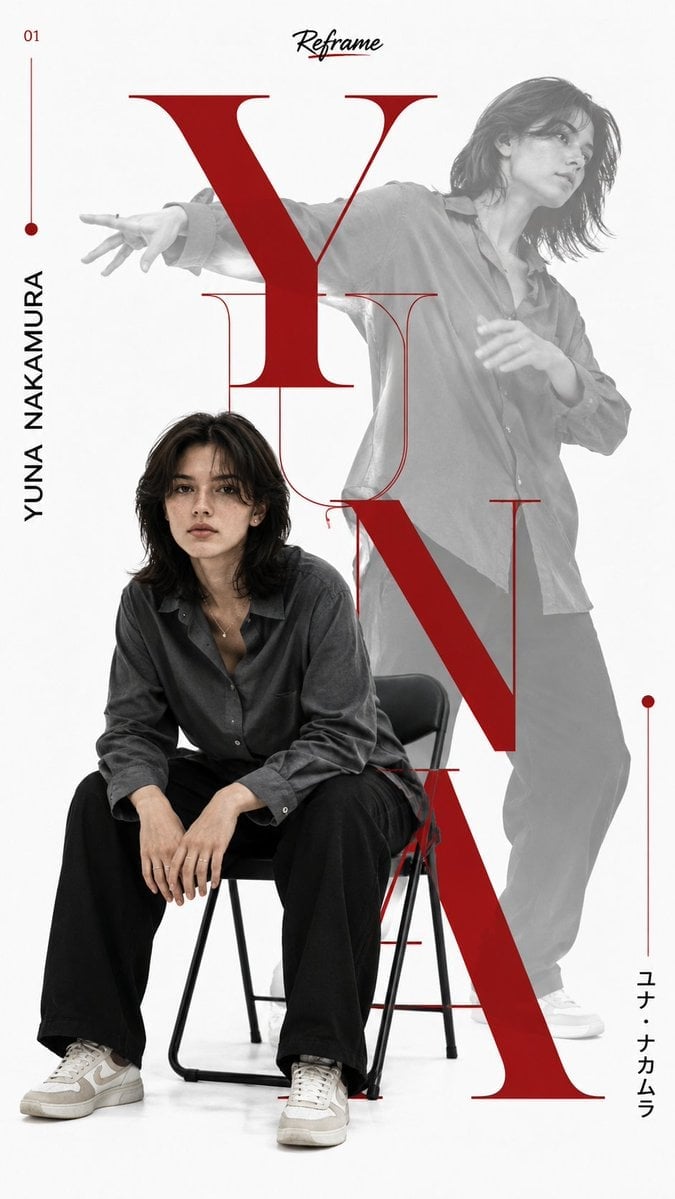
Japanese Minimalist Editorial Fashion Poster
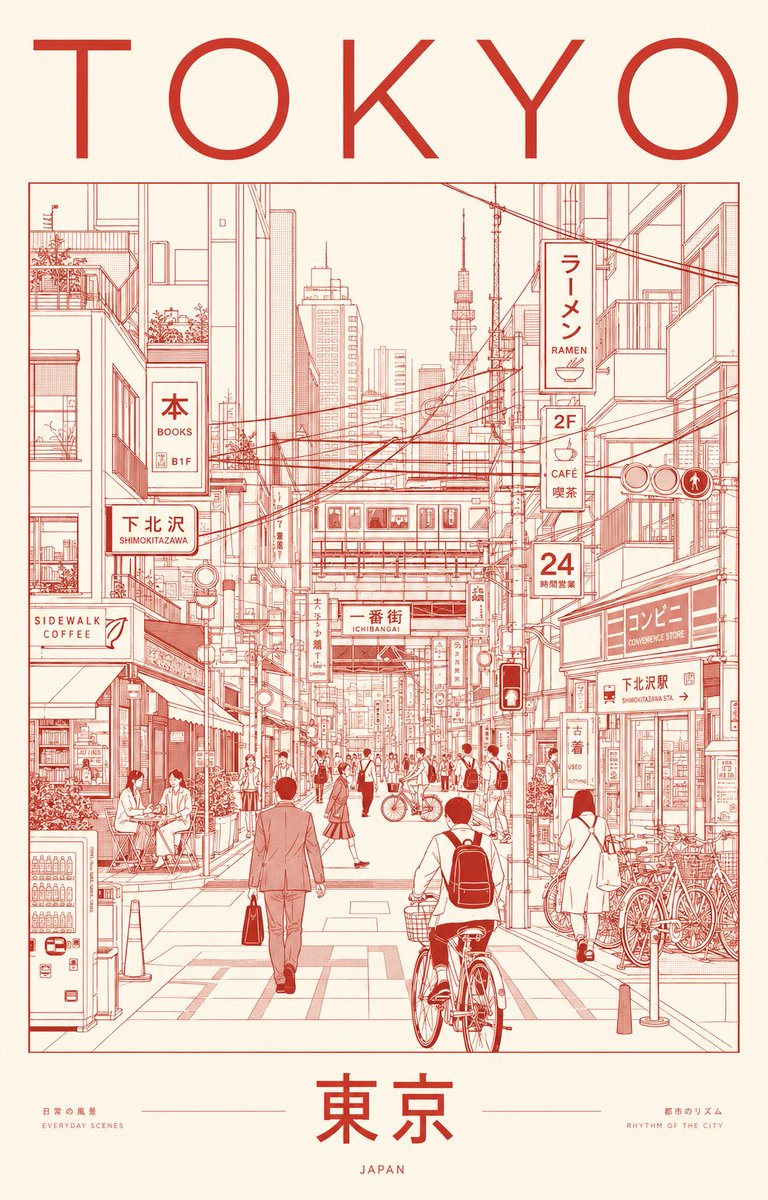
Minimalist Tokyo City Line-Art Poster
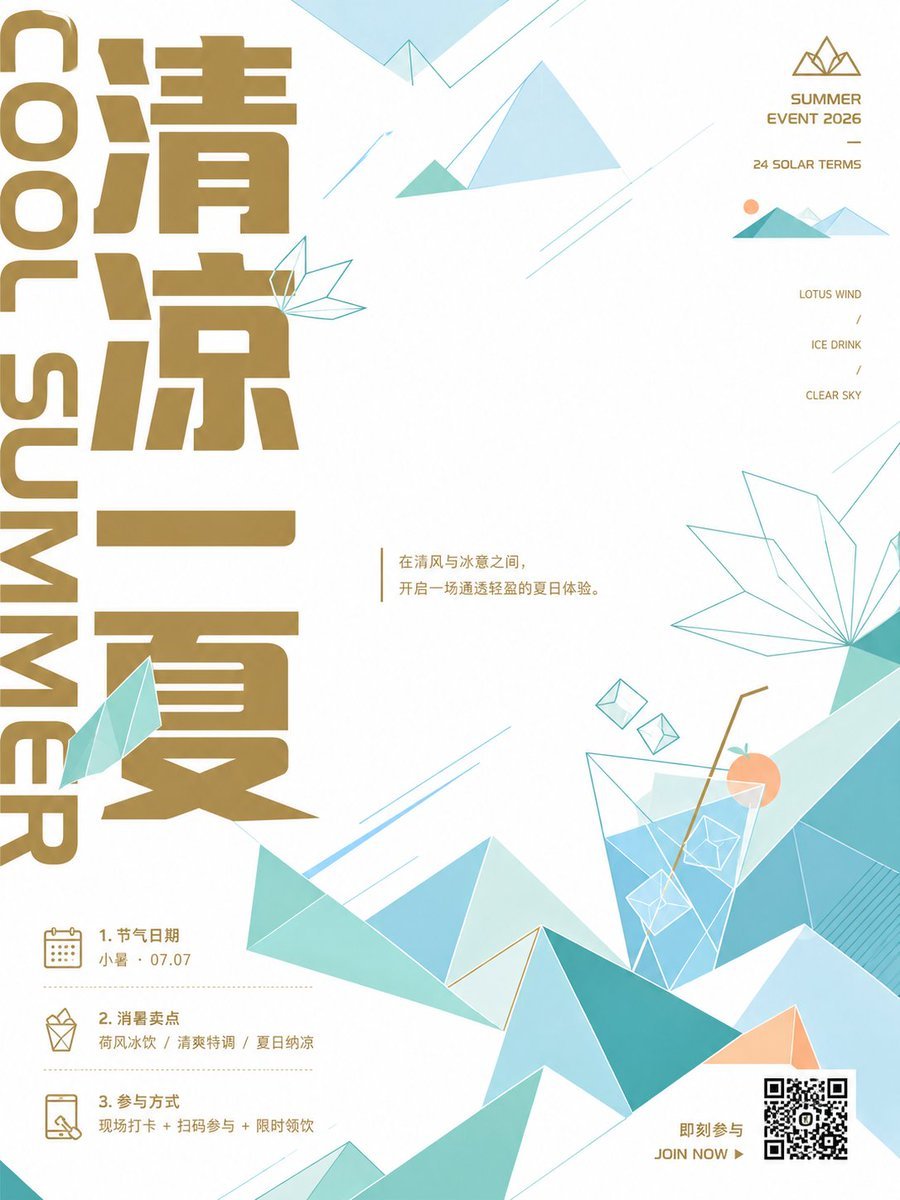
Minimalist Chinese Summer Solar Term Poster
Make it yours
Minimalist Nano Banana Poster Layout works as-is. These are the safest ways to change it without losing the look.
Change one field
Copy a single group, rewrite it, and generate again so you can see what that field is doing.
Keep the frame, change the subject
Hold the composition and light of Minimalist Nano Banana Poster Layout, then swap wardrobe, props or the person for a new take.
| If the result… | Why | Fix |
|---|---|---|
| The result drifts from the preview | Too many fields changed at once. | Reuse Minimalist Nano Banana Poster Layout as-is first, then change one group — subject, light, or setting. |
| The model over-stylizes the scene | The prose prompt leaves finish and camera underspecified. | Add one camera or lighting sentence and stay on GPT Image 2. |
More GPT Image 2 templates
Other prompts made for GPT Image 2.

Six VTuber Japanese Logo Sheet

Realistic Portrait of Woman and Deer

The Vista Modular Condo Poster

AI Model Routing Comparison Infographic

2.5D Anime Art Board

Isometric Productivity Desk Scene

New York Double Exposure Poster

Four-Panel AI Landscape Comparison

Japanese Tatami Lifestyle Magazine Cover

NESCAFÉ Coffee Map Poster
More image prompts
Fresh picks from across the catalog.
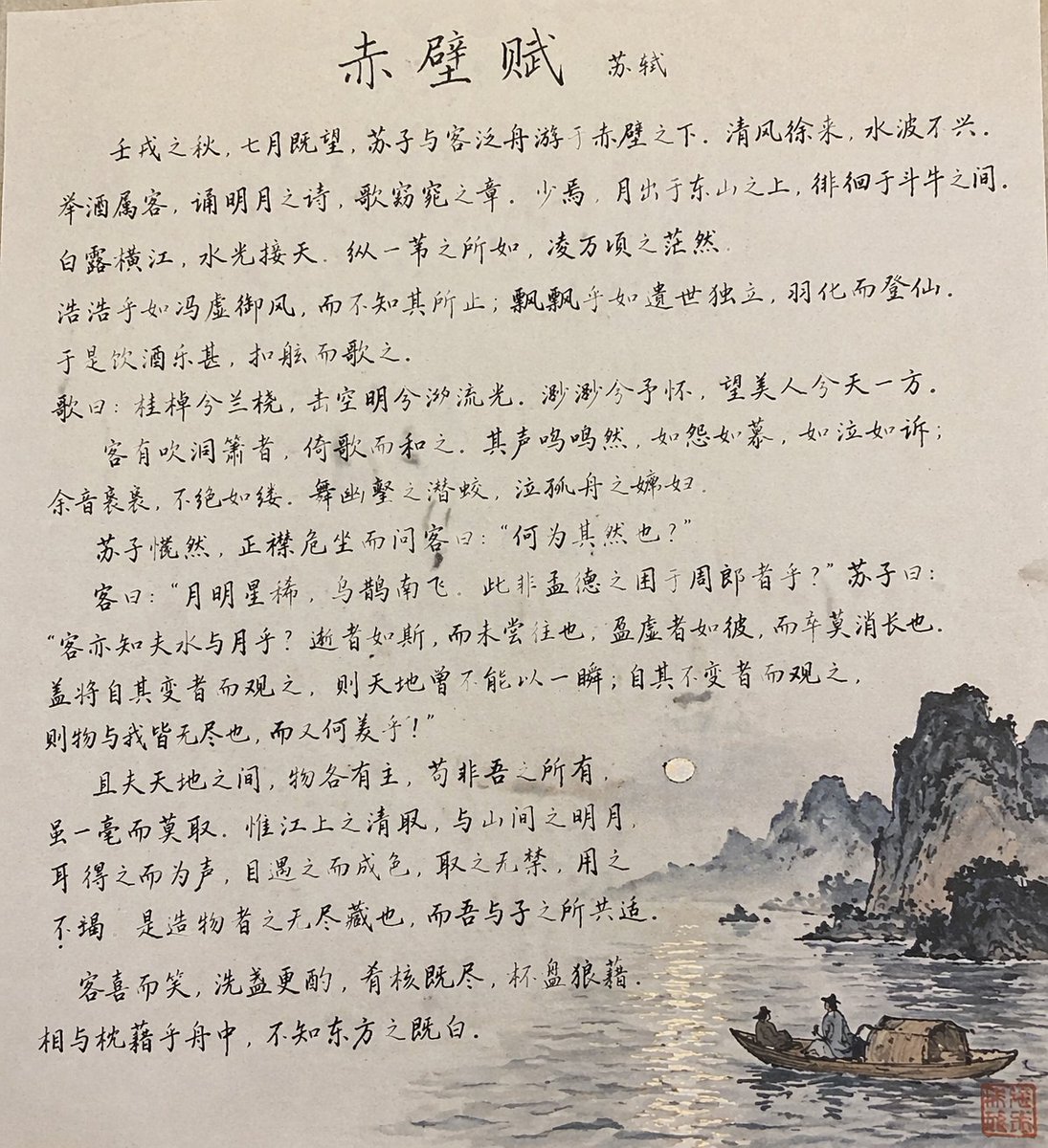
Traditional Chinese Calligraphy and Ink Painting
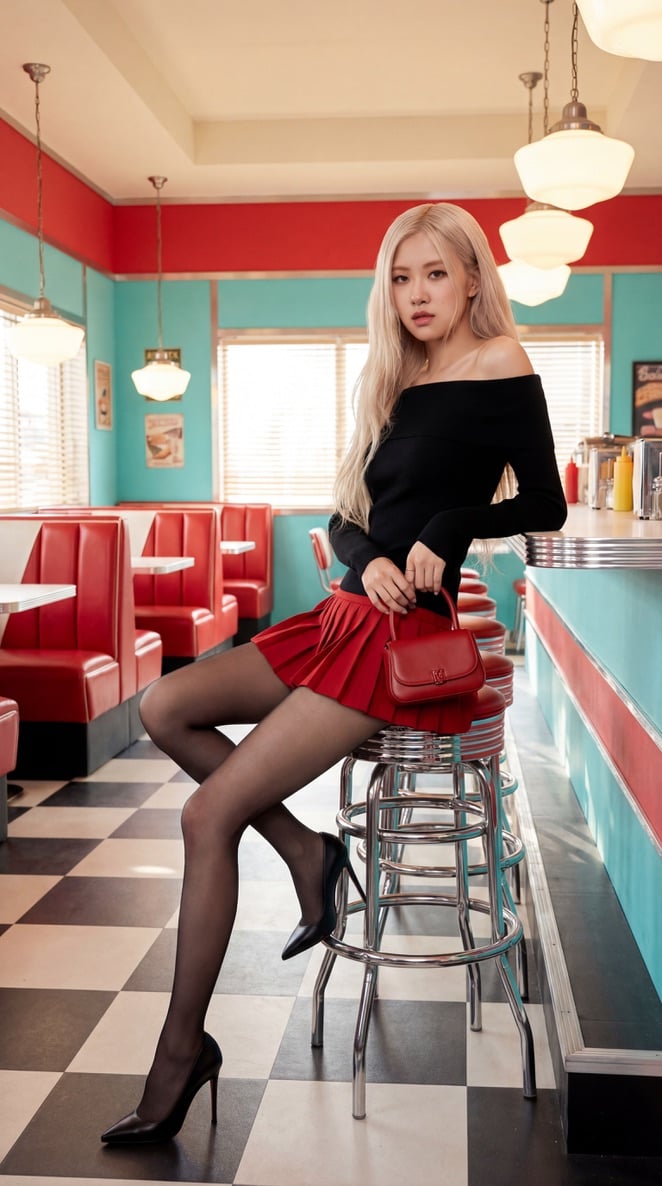
Blackpink Rosé Retro Diner Fashion Shoot
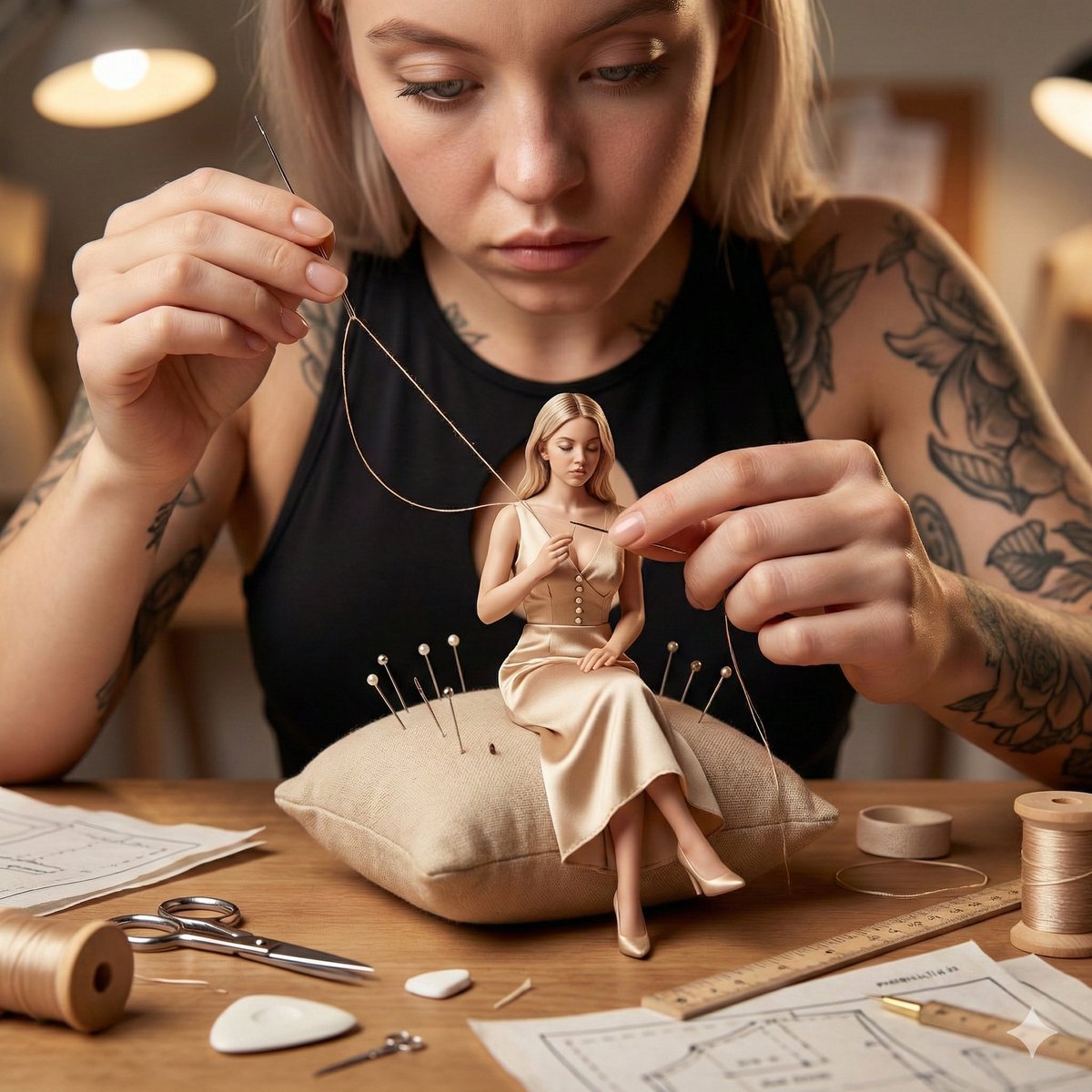
Cinematic Miniature Tailoring Realism
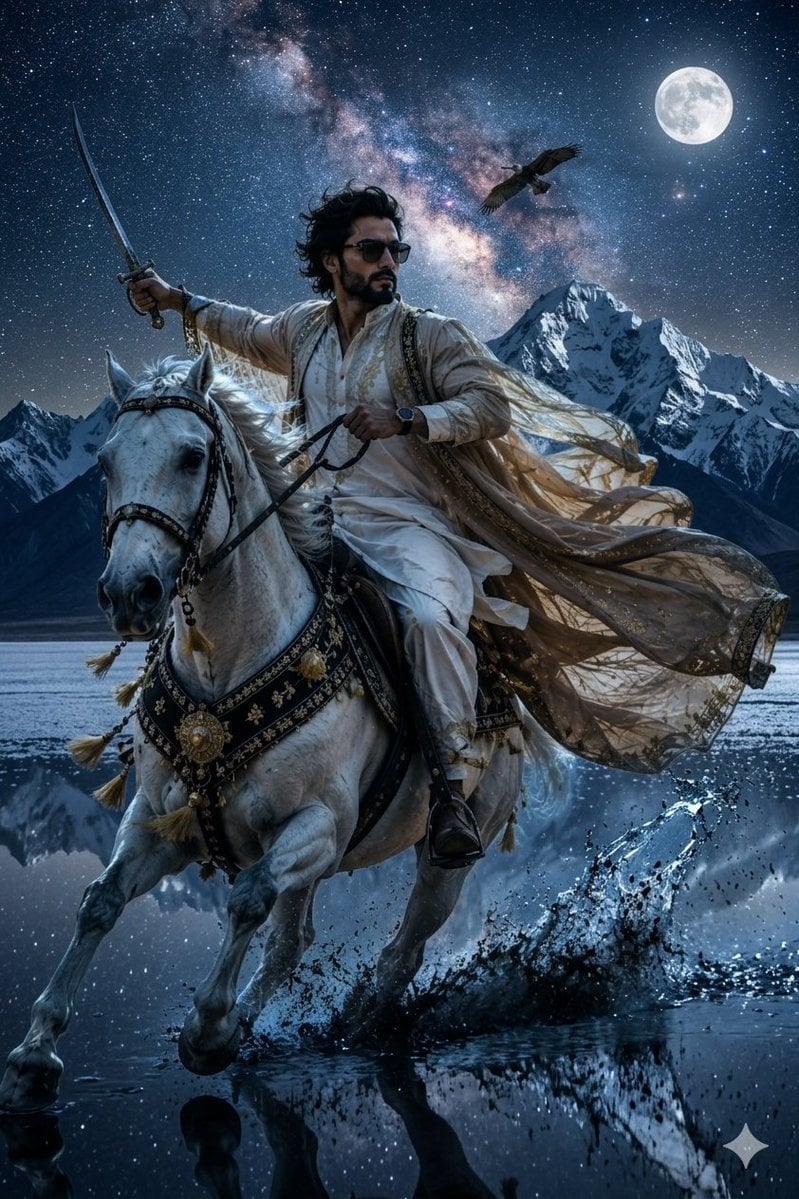
Epic Midnight Warrior Fantasy Scene
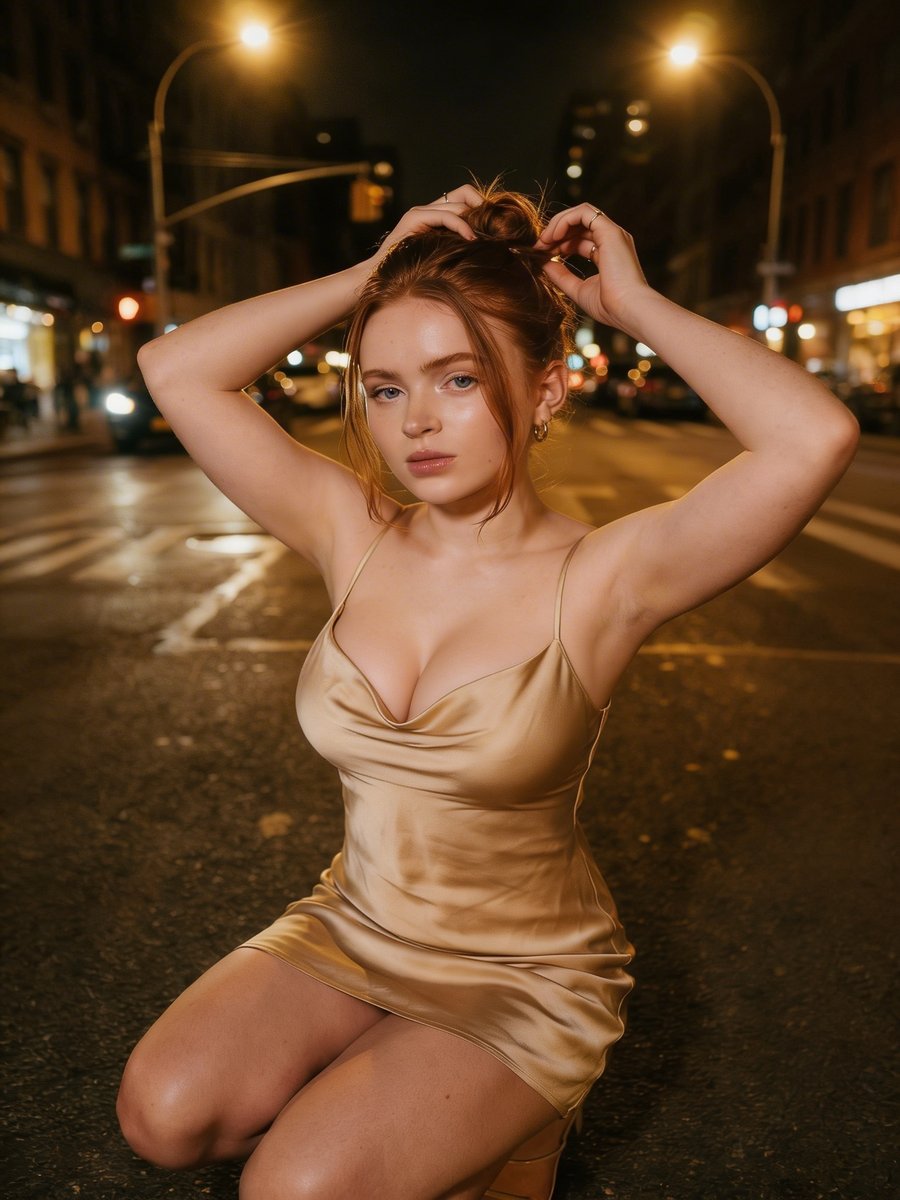
Cinematic Night Street Photography
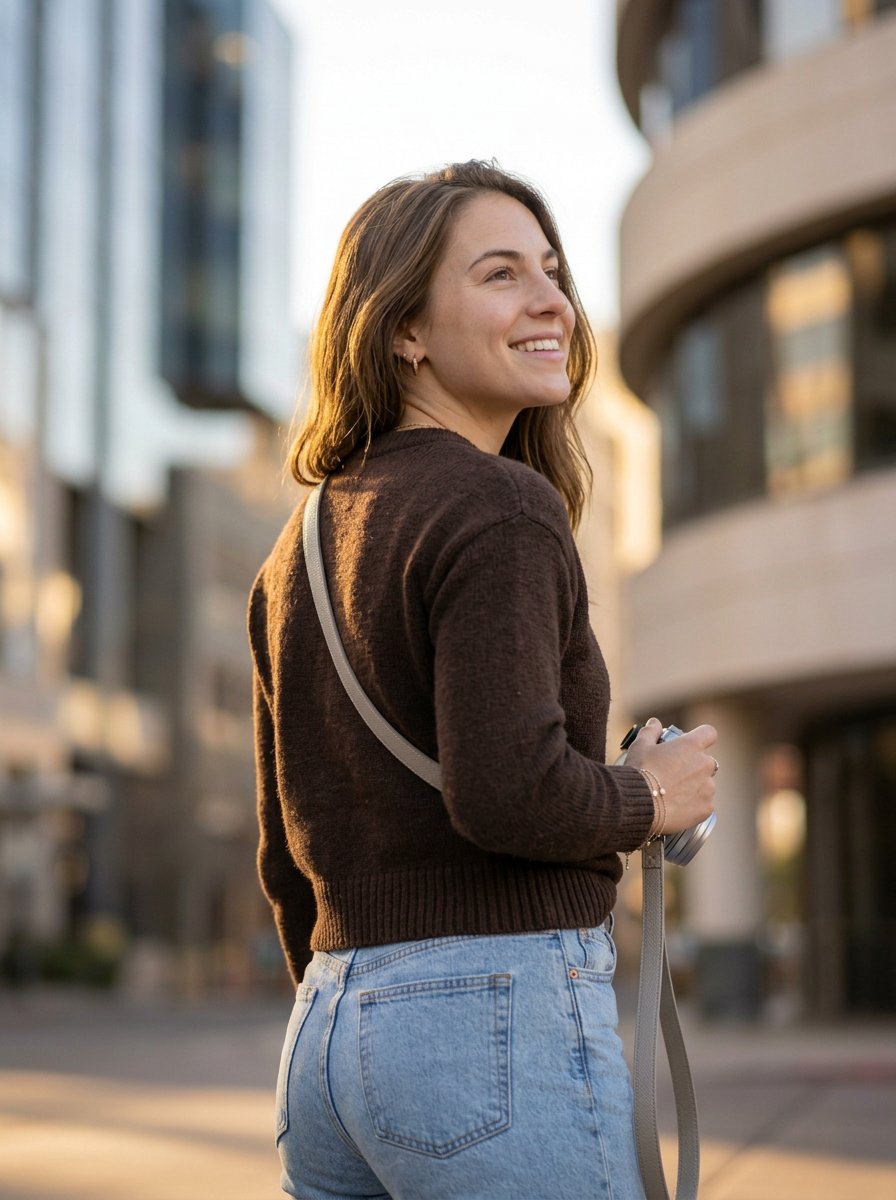
Urban Photographer Lifestyle Portrait
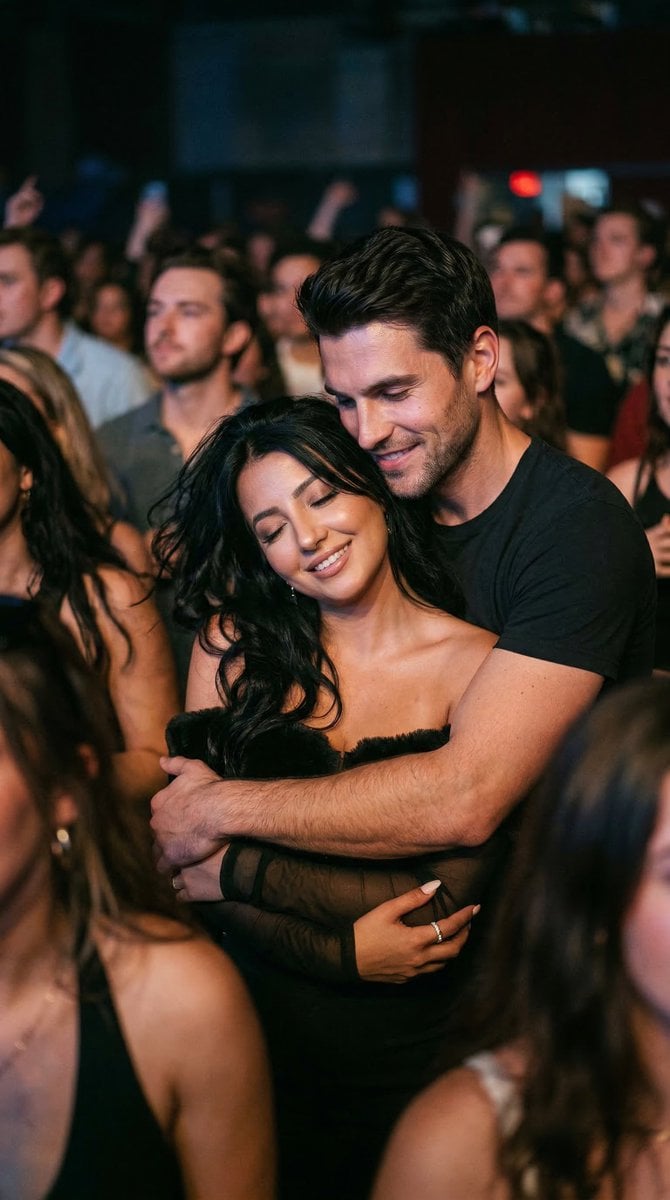
Photorealistic Concert Embrace Scene
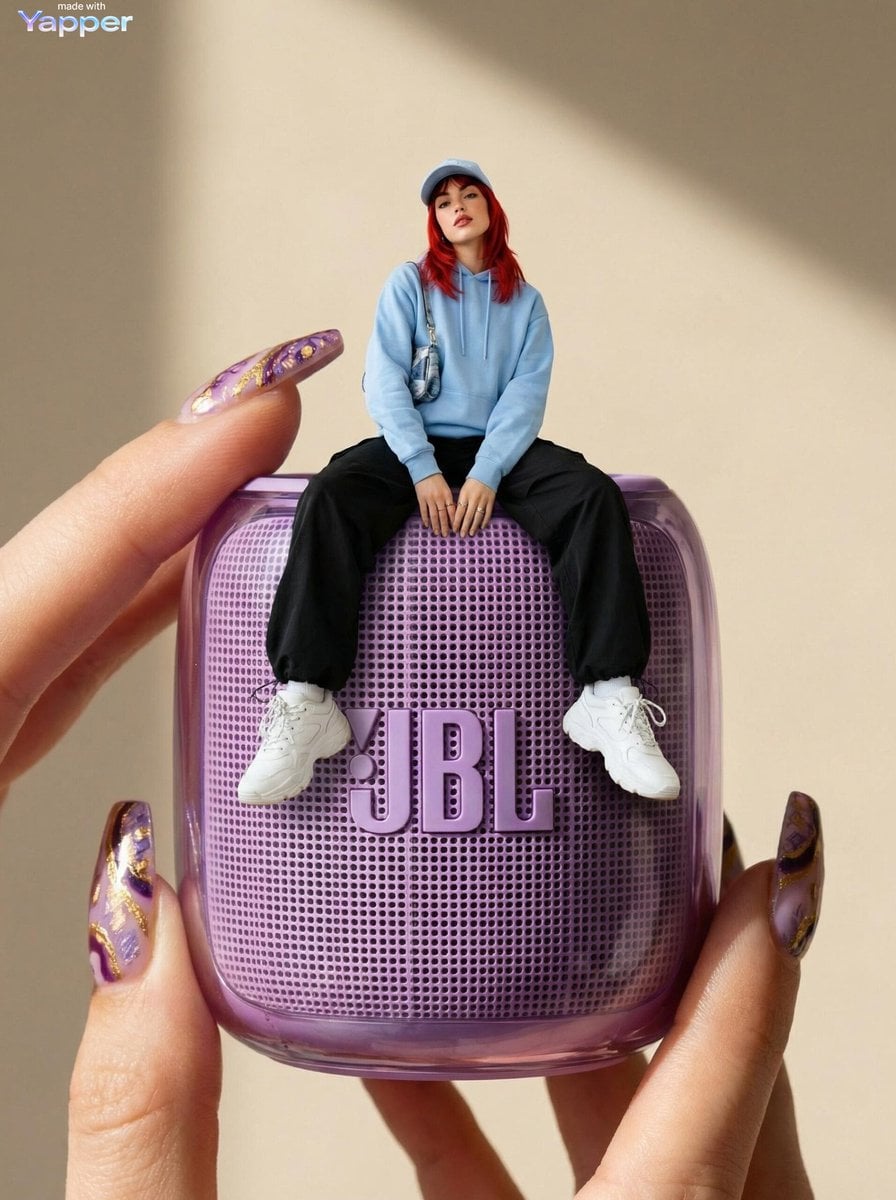
Forced Perspective Miniature Woman on Speaker
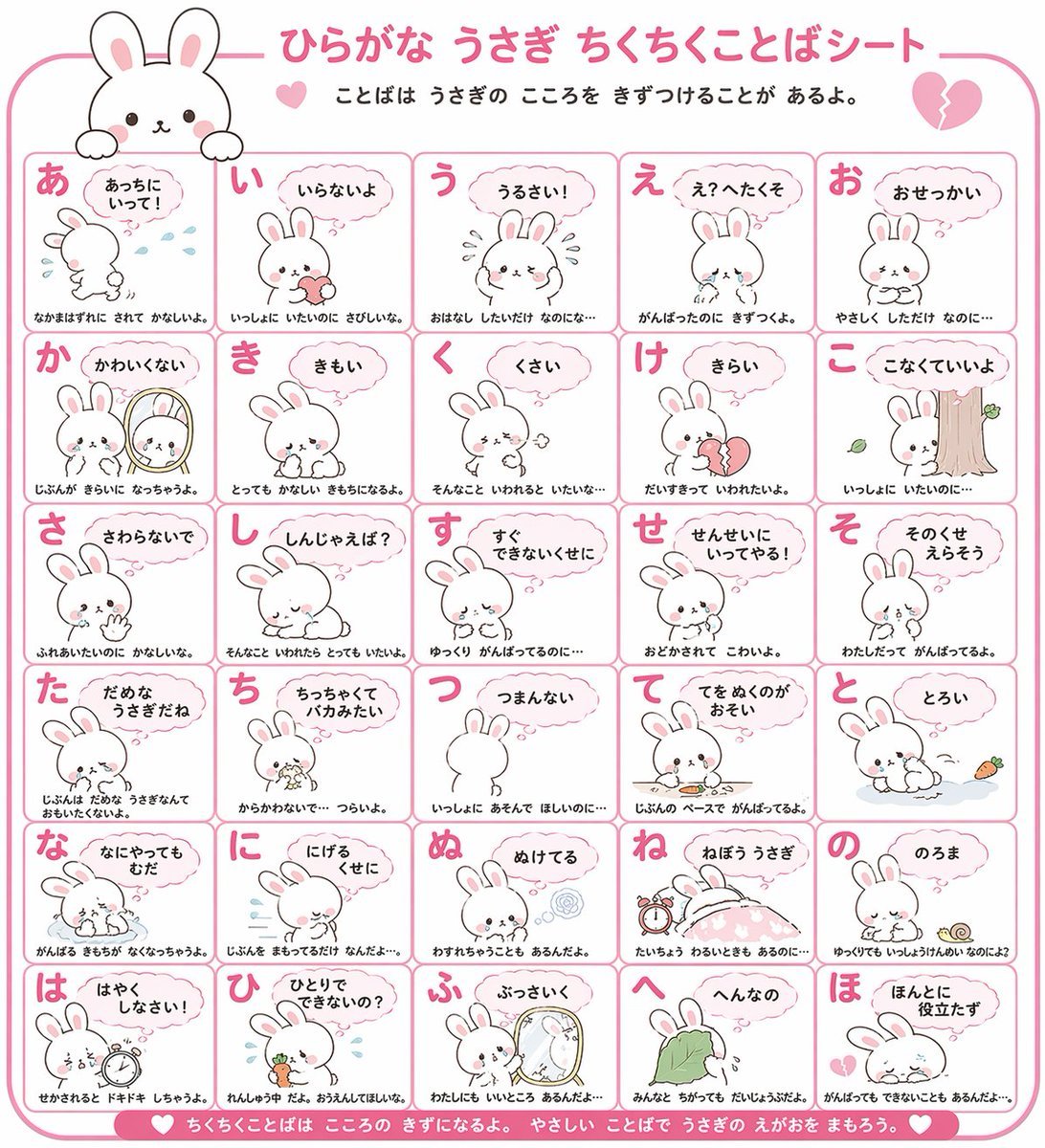
Animal Hiragana Study Sheet
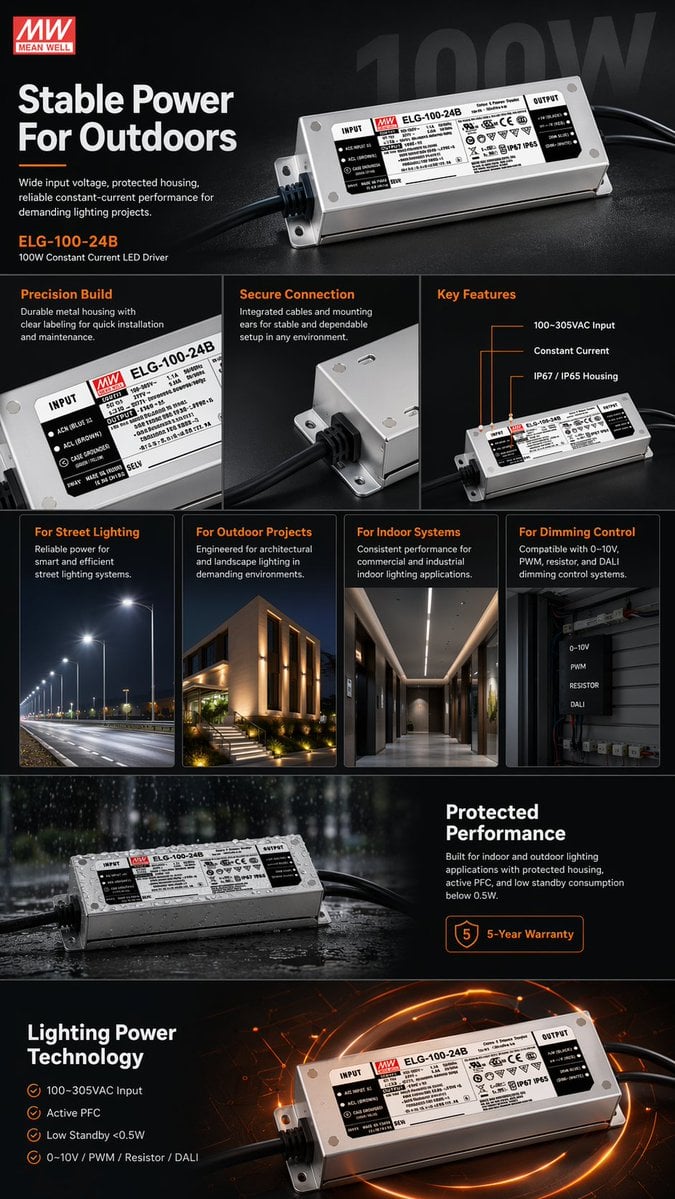
E-commerce LED Driver Infographic
Browse template categories
Minimalist Nano Banana Poster Layout questions
How do I use the Minimalist Nano Banana Poster Layout template?
Add your photo if the template asks for one, edit the prompt if you like — the template's model and format are already selected — and press Generate. Your version opens in PicX Studio.
Can I customize the Minimalist Nano Banana Poster Layout template?
Yes. You can change the subject, setting, lighting, mood, format, and available model controls before creating your image.
Is the Minimalist Nano Banana Poster Layout template free?
Opening and editing this template is free. Generating uses credits, shown on the Generate button when you are signed in.
Which AI model should I use?
Start with GPT Image 2, which is the model associated with this template. You can compare another compatible model for a different finish.
Looking for something else? Browse all templates.

Your photo, any look
Thousands of ready templates for every top image and video model, from one credit balance.