
Photorealistic Concert Embrace Scene
A highly structured prompt for generating an ultra-photorealistic, intimate, and emotionally rich image of a couple embracing at a live concert.
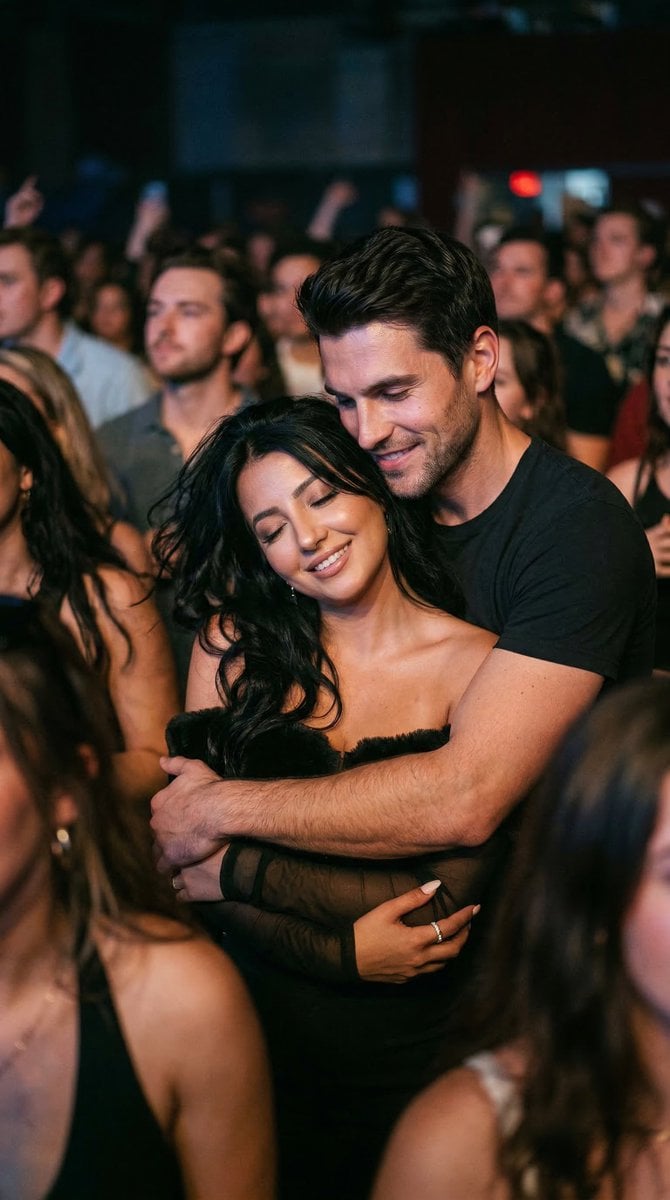
- Prompt included
- Model and format preset
- Free template
The prompt behind this image
Copy the exact prompt behind Photorealistic Concert Embrace Scene, or open it in the studio and make it yours.
{ "generation_request": { "meta_data": { "tool": "Nano Banana 2", "task_type": "concert_return_embrace_realistic", "version": "LOVE_Hug" }, "input": { "mode": "text_to_image", "notes": "Ultra photoreal candid moment of a couple at a live concert, now fully in love, standing close and wrapped around each other in the crowd. Must feel warm, intimate, real, and emotionally full, like a spontaneous concert memory, not staged." }, "scene": { "location": "live concert venue", "time": "night", "environment": "crowded concert atmosphere, dim venue, soft colored stage lights, blurred people moving in the foreground and background, realistic nightlife energy" }, "subjects": { "interaction": "they stand very close in the crowd, bodies fully touching, the man wrapping his arms around the woman from behind or around her waist while she leans back into him, both smiling softly and absorbed in the music and in each other", "emotion": "togetherness, comfort, romance, joy, deep connection, feeling at home in each other", "micro_expression": "soft happy eyes, relaxed cheeks, small genuine smiles, calm affectionate faces, no exaggerated excitement", "body_language": "natural full-body closeness, relaxed shoulders, slight swaying with the music, realistic weight distribution, no pose-like stiffness" }, "styling": { "woman": "concert-night outfit different from the first concert scene, stylish but realistic, same established hair color, softly styled hair with natural movement, flattering but wearable look", "man": "dark or neutral concert outfit with natural fabric texture and realistic wrinkles, relaxed fit, attractive but grounded styling" }, "camera": { "lens": "50mm handheld low-light photography", "aperture": "f1.8", "depth_of_field": "shallow with natural crowd blur", "framing": "medium shot, slightly off-center, both subjects visible within the crowd, intimate but documentary-like composition", "angle": "eye-level from inside the audience", "motion": "subtle handheld realism, slight background motion blur from the crowd" }, "lighting": { "type": "real concert lighting only", "behavior": "soft colored stage spill mixed with warm venue ambience, uneven highlights on faces and shoulders, realistic shadow falloff, no studio effect", "skin_response": "natural skin texture, slight nightlife sheen, no smoothing, no plastic finish" }, "color": { "palette": "deep blacks, charcoal, warm amber, muted red and gold stage light accents, realistic concert-night tones", "grade": "cinematic but restrained, natural skin tones, soft contrast, no HDR, no oversaturated nightclub look" }, "realism": { "faces": "fully natural human faces, realistic proportions, no AI beauty filter, no over-perfect symmetry", "skin":
How to use Photorealistic Concert Embrace Scene in 3 steps
- 1
Open
The prompt is already in the box next to the preview, with the template's model and format selected.
- 2…a portrait of your subject in softgolden-hour light, 85mm…
Personalize
Edit the subject and creative details for your destination.
- 3Generate
Generate
Press Generate — your image is created in PicX Studio, so you can compare it with the original and refine one variable at a time.
More like this
Templates with the same subject, style or setup. Open one to see its prompt.

Cozy Knit Sweater Window Portrait

Gen Z Triple Selfie Collage — Y2K Flash Photography

Mountain Lake Sunset Landscape

Cinematic Destination Letter Panel Poster

Spider-Man Rooftop Golden Hour Cinematic Photo

Face-Locked Train Window Lifestyle Portrait

Face-Locked Cream Half-Zip Street Walk

Luxury Toothpaste Commercial Storyboard

Unfinished Sketch Comes Alive Portrait

Open Travel Journal Overhead Still Life

Face-Locked City Skyline Double Exposure

Face-Locked Identity Reference Portrait
Make it yours
Photorealistic Concert Embrace Scene works as-is. These are the safest ways to change it without losing the look.
Change one field
Copy a single group, rewrite it, and generate again so you can see what that field is doing.
Keep the frame, change the subject
Hold the composition and light of Photorealistic Concert Embrace Scene, then swap wardrobe, props or the person for a new take.
| If the result… | Why | Fix |
|---|---|---|
| The result drifts from the preview | Too many fields changed at once. | Reuse Photorealistic Concert Embrace Scene as-is first, then change one group — subject, light, or setting. |
| The model over-stylizes the scene | The prose prompt leaves finish and camera underspecified. | Add one camera or lighting sentence and stay on Nano Banana 2. |
More Nano Banana 2 templates
Other prompts made for Nano Banana 2.

Photorealistic Leaf Shaped Like a Dragon

K-Pop Idol Portrait Grid for Rapid Selection

Poetic Rain Forest Portrait During Golden Hour

Urban Street Portrait with Cartoon Inner Self Duo

Candid Nighttime Photo with Cat Prompt

High-Concept 3D Diorama Generation Prompt

Cinematic Futuristic Studio Portrait Template

Skincare Editorial Photography Collage Prompt

Hyper-Realistic Commercial Product Photography (Splash Effect)

Hyper-Realistic Nightclub Portrait Prompt
More image prompts
Fresh picks from across the catalog.
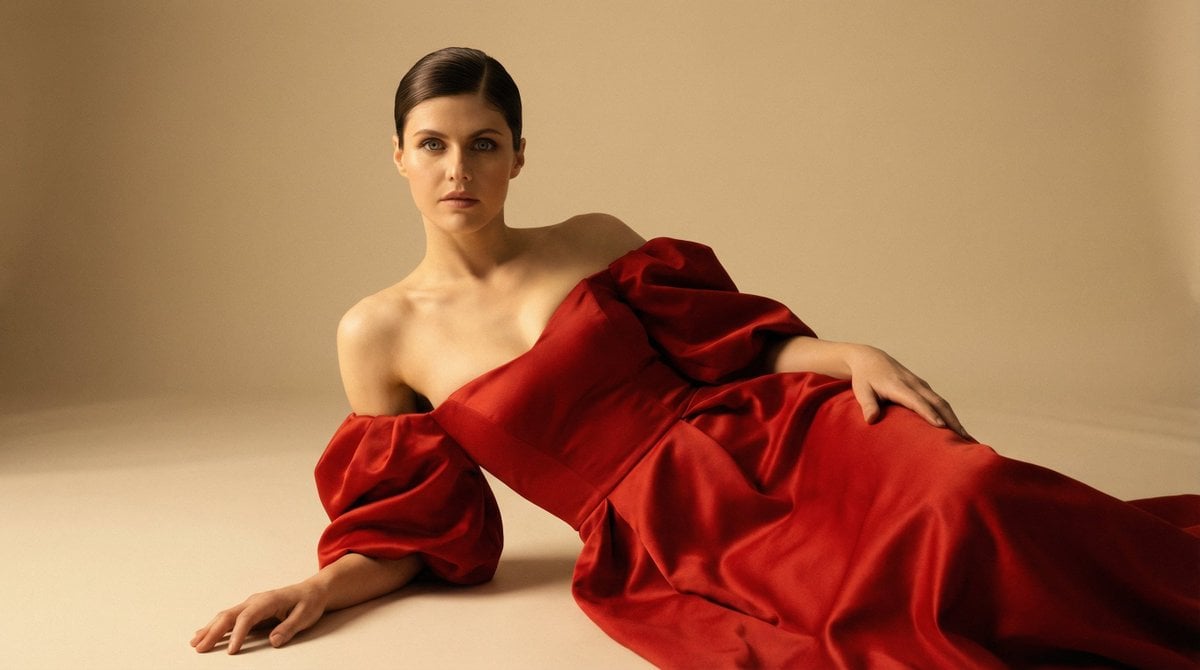
Cinematic Studio Portrait in Red Gown
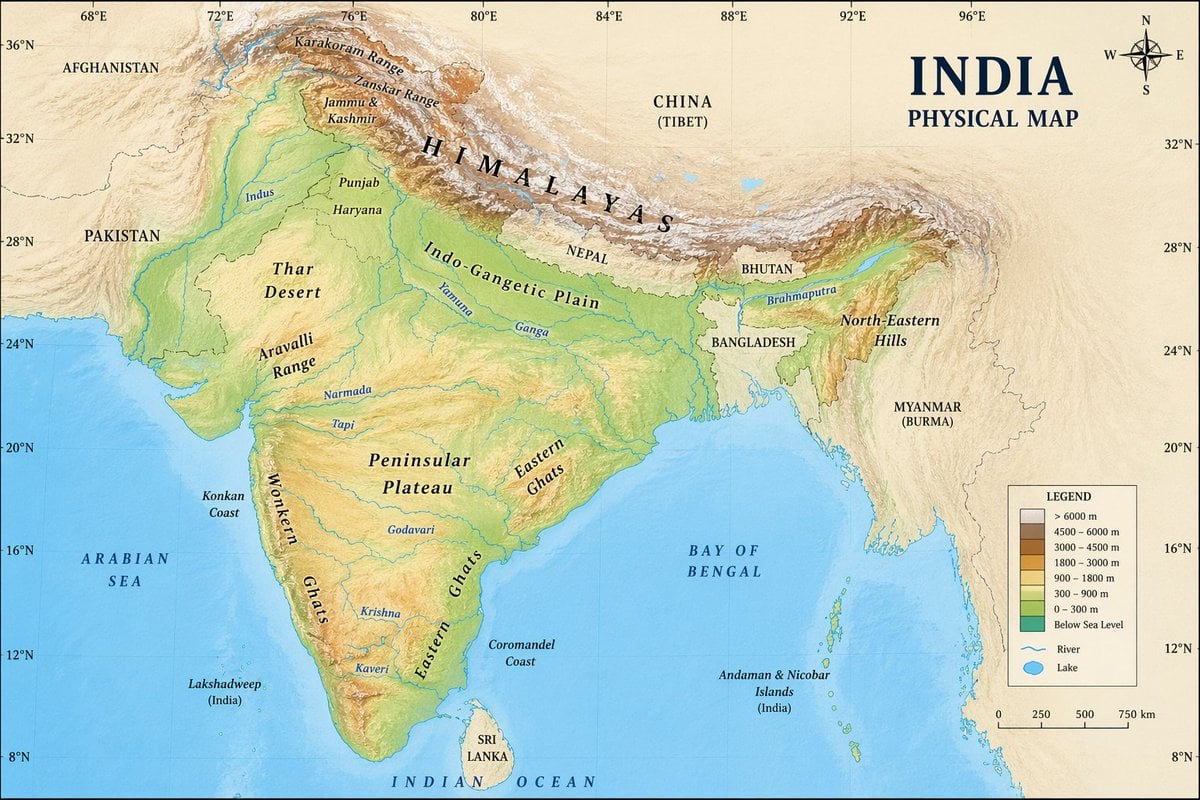
Geographic Map Illustration
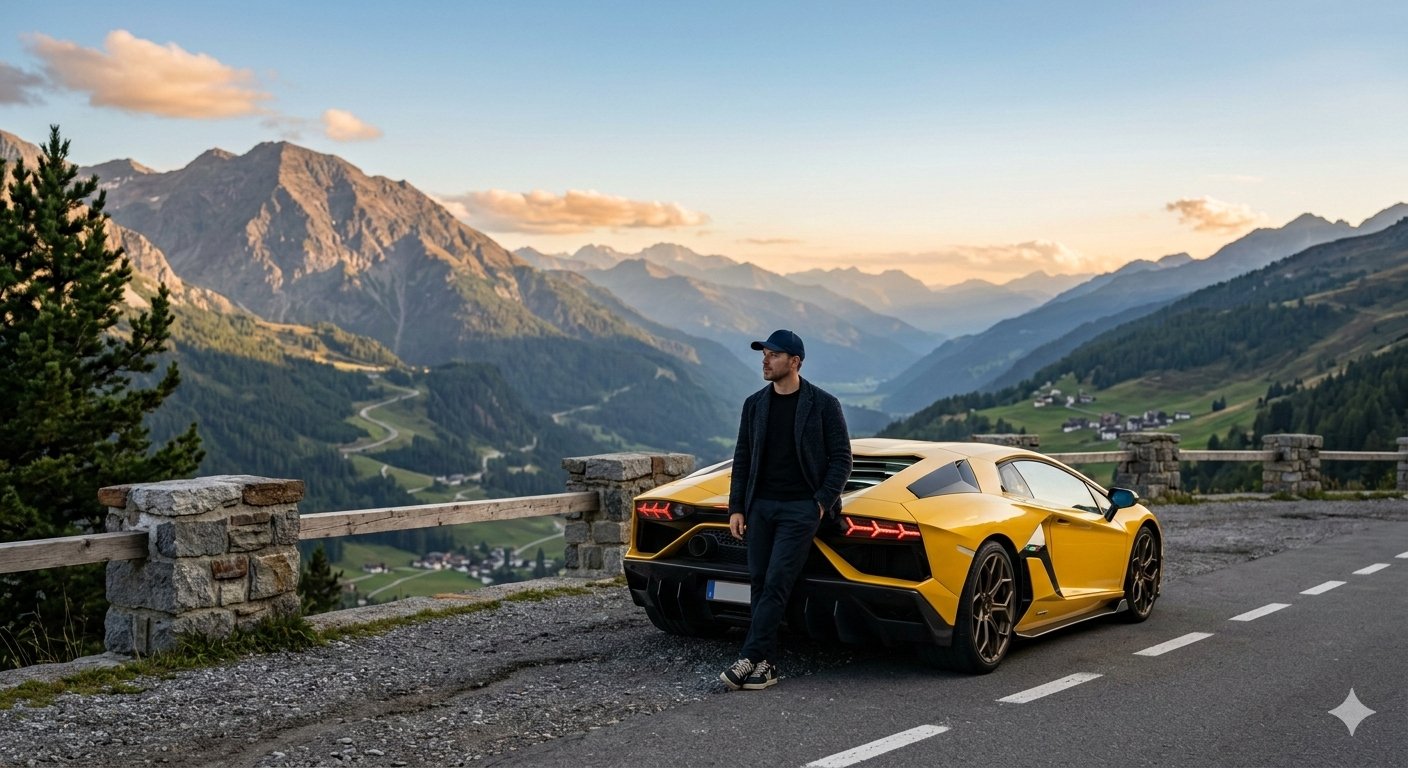
Google Gemini Nano Banana 2 Cinematic Mo

Classical Chinese Phone Case Design
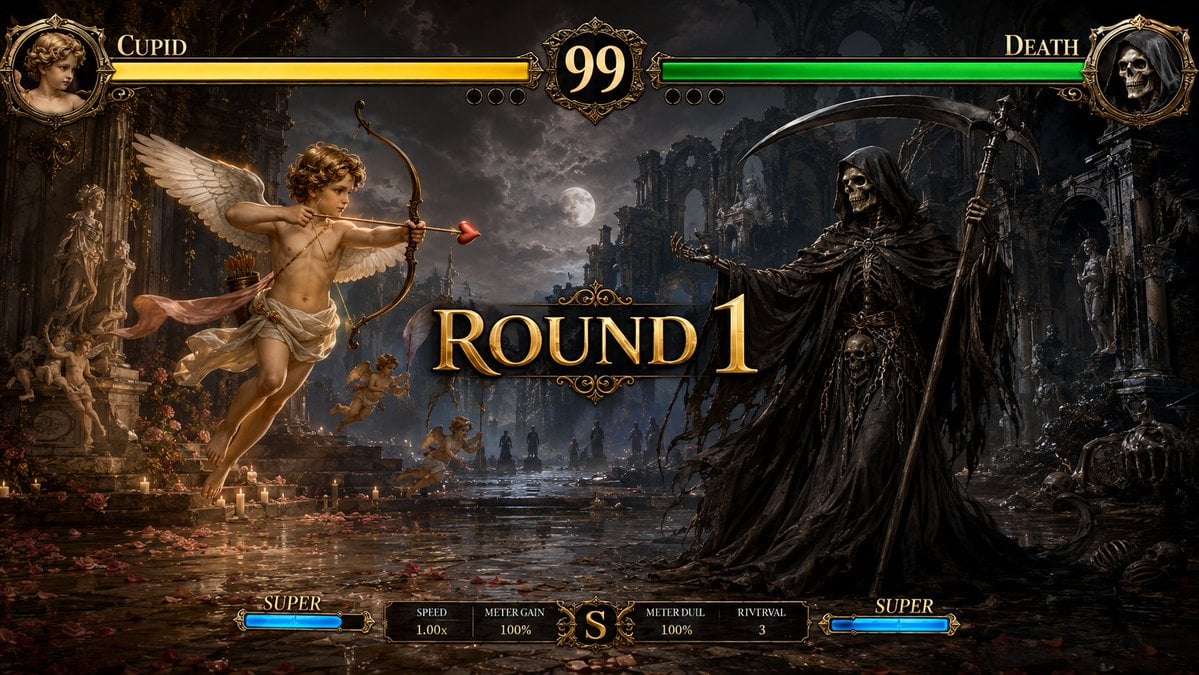
Mythological Fighting Game Versus Screen
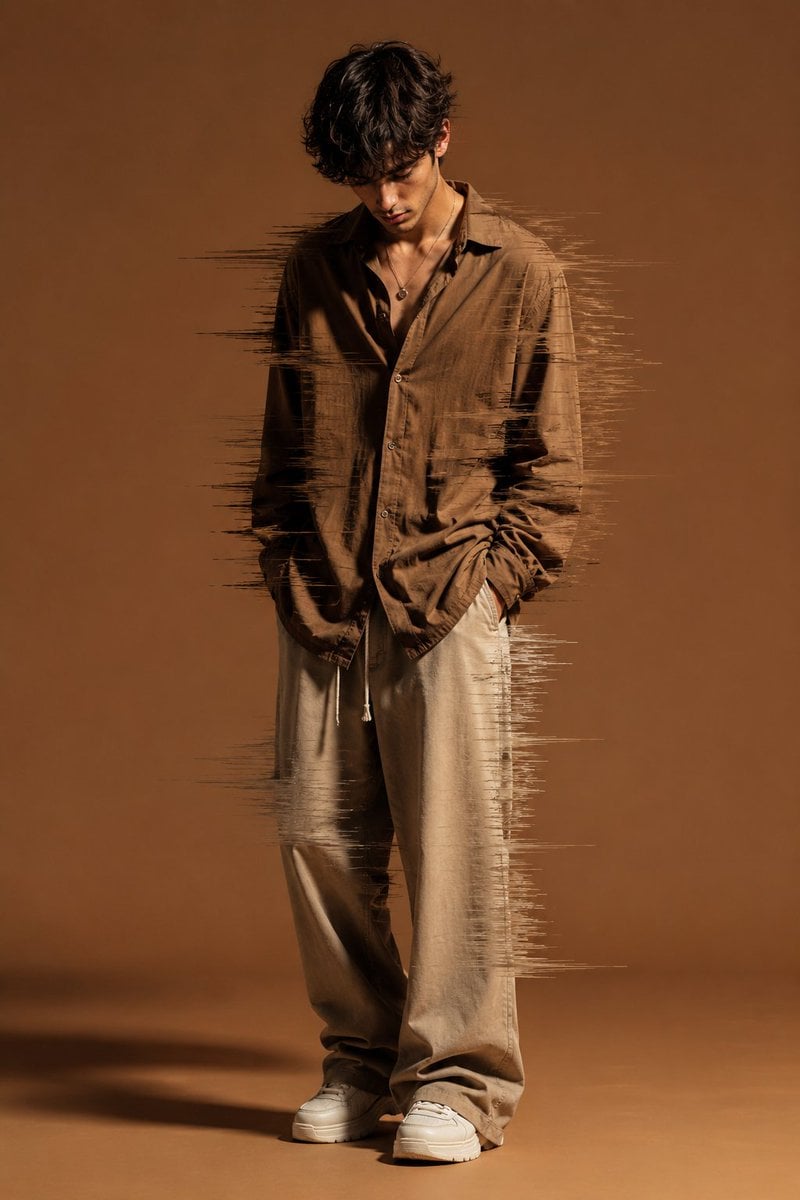
Editorial Fashion Glitch Portrait
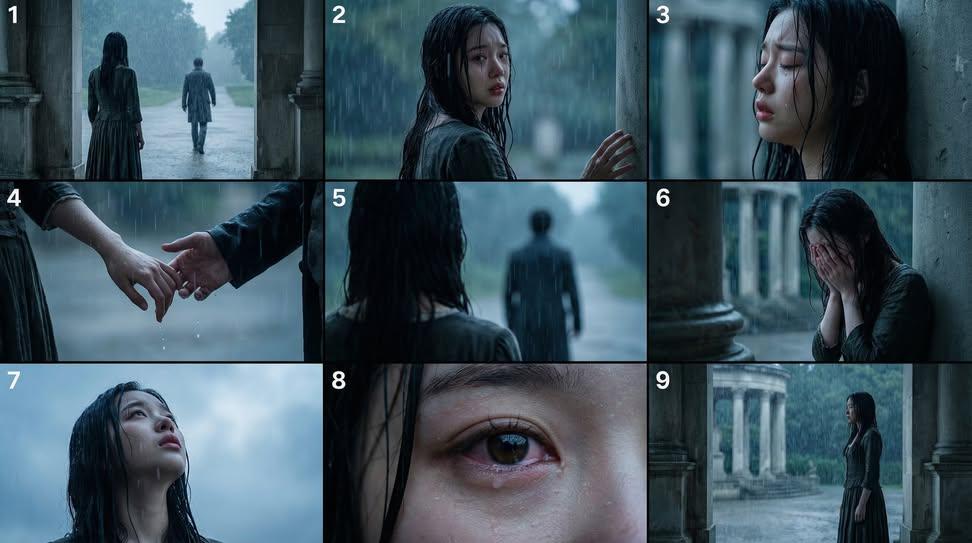
Cinematic Storyboard Generation Prompt
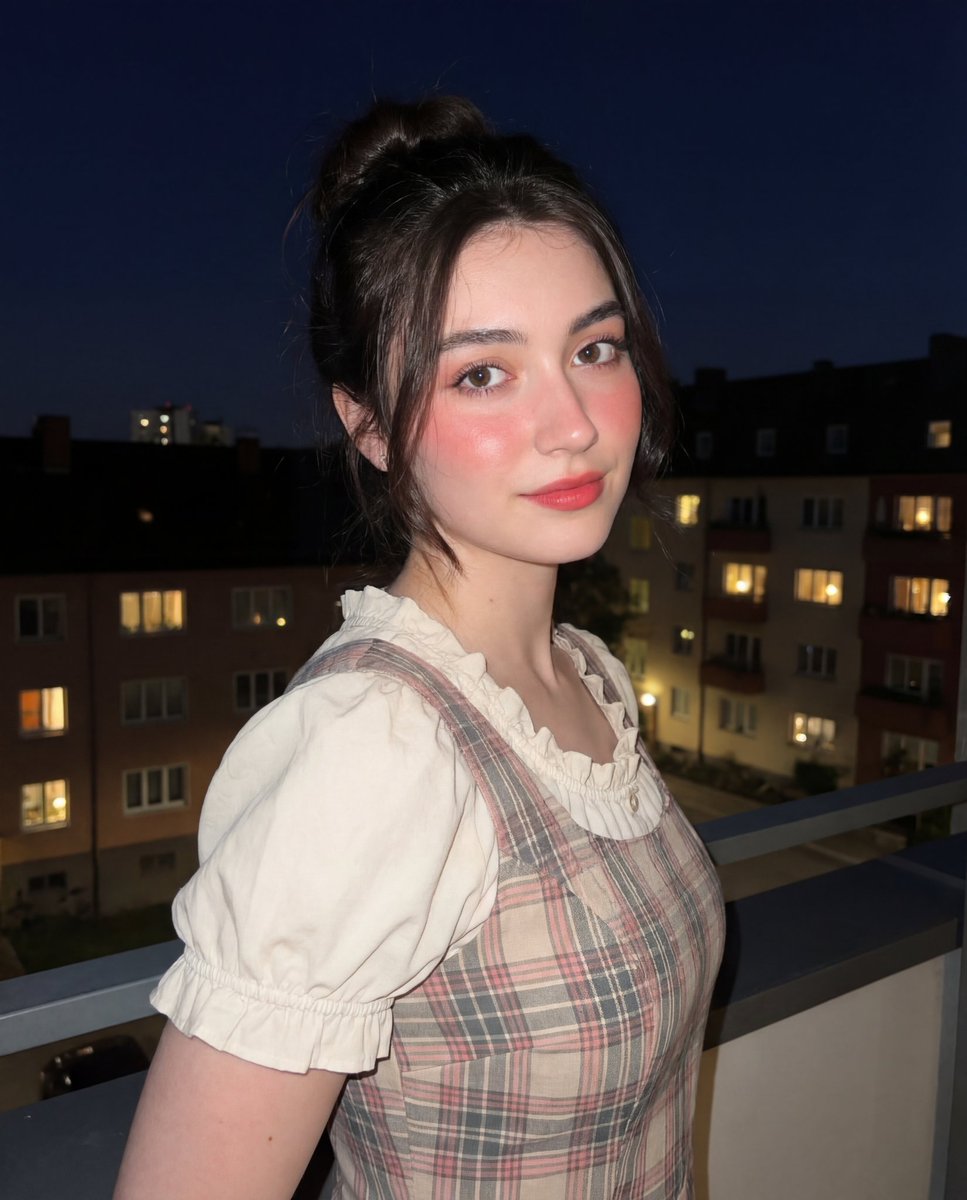
Soft-Glow Night Portrait with On-Camera Flash
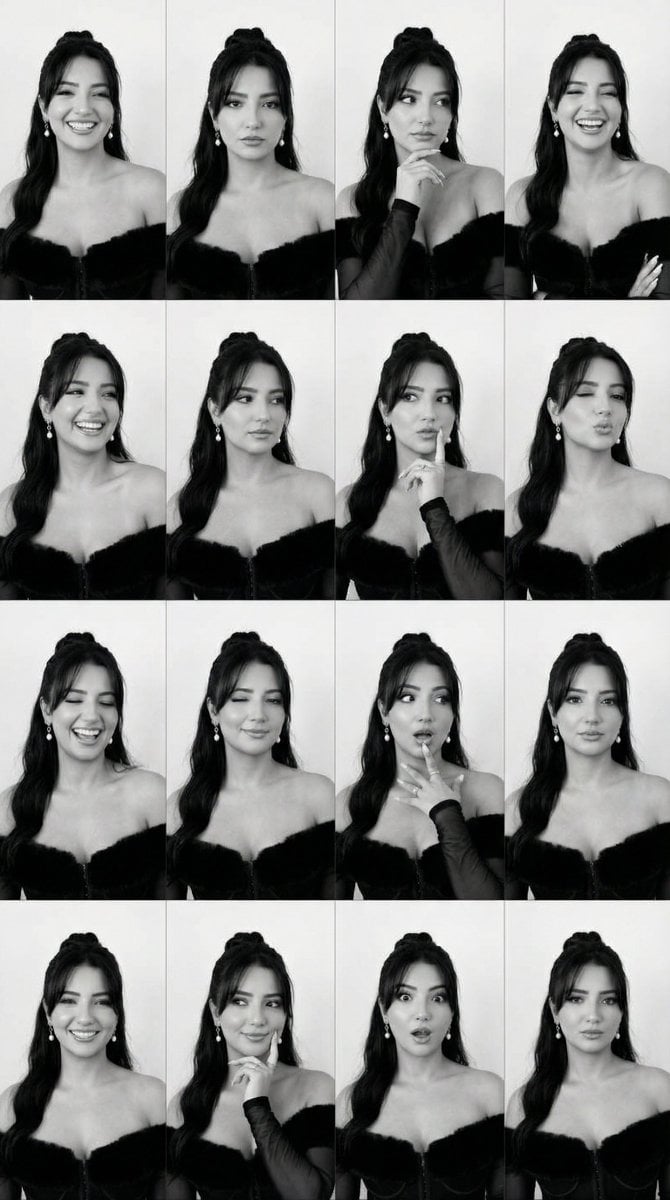
Identity Swap on Expression Grid (4x4)

Himalayan Hiker Adventure Poster
Browse template categories
Photorealistic Concert Embrace Scene questions
How do I use the Photorealistic Concert Embrace Scene template?
Add your photo if the template asks for one, edit the prompt if you like — the template's model and format are already selected — and press Generate. Your version opens in PicX Studio.
Can I customize the Photorealistic Concert Embrace Scene template?
Yes. You can change the subject, setting, lighting, mood, format, and available model controls before creating your image.
Is the Photorealistic Concert Embrace Scene template free?
Opening and editing this template is free. Generating uses credits, shown on the Generate button when you are signed in.
Which AI model should I use?
Start with Nano Banana 2, which is the model associated with this template. You can compare another compatible model for a different finish.
Looking for something else? Browse all templates.

Your photo, any look
Thousands of ready templates for every top image and video model, from one credit balance.