
Soft-Glow Night Portrait with On-Camera Flash
A detailed prompt for a vertical, soft-glow night portrait with a cottagecore aesthetic.
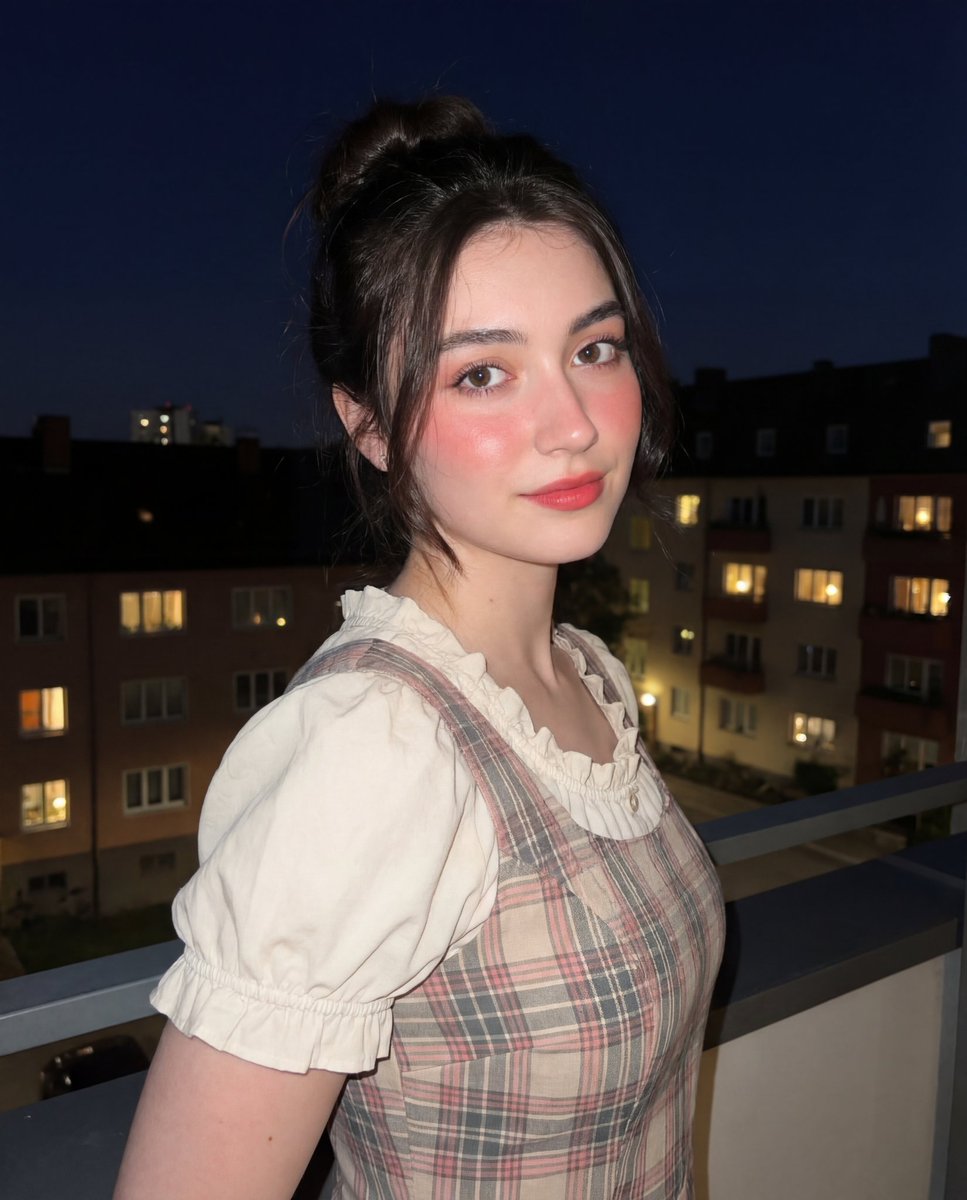
- Prompt included
- Model and format preset
- Free template
The prompt behind this image
Copy the exact prompt behind Soft-Glow Night Portrait with On-Camera Flash, or open it in the studio and make it yours.
{ "composition": { "framing": "vertical portrait orientation", "shot_type": "medium shot from waist to head", "camera_angle": "eye-level with slight rightward angle", "subject_position": "center-right of frame", "pose": "three-quarter profile facing left with head turned toward camera", "negative_space": "large dark sky occupying upper half of frame", "depth_of_field": "shallow to moderate, subject sharply in focus, background softly blurred" }, "subject": { "type": "human female-presenting subject", "age_appearance": "young adult", "expression": "soft, calm, slightly inquisitive", "gaze": "direct eye contact with camera", "skin_tone": "fair with warm undertones", "facial_features": { "eyes": "large, dark brown appearance, enhanced contrast", "cheeks": "pronounced rosy blush", "lips": "soft red-pink, matte finish", "nose": "natural shape with subtle highlight" }, "hair": { "color": "dark brown", "style": "messy updo with loose face-framing strands", "texture": "smooth with slight flyaways" } }, "wardrobe": { "outfit_type": "dress with layered blouse", "dress": { "pattern": "plaid", "colors": ["muted pink", "beige", "gray"], "fit": "fitted bodice" }, "blouse": { "color": "off-white", "fabric": "lightweight, semi-sheer", "sleeves": "short puff sleeves with soft ruffled hems" }, "style_influence": "soft vintage / cottagecore aesthetic" }, "lighting": { "primary_light": "on-camera flash", "light_quality": "hard frontal light", "direction": "front-facing, slightly above eye level", "effect_on_subject": "brightly illuminated face and torso with crisp edges", "background_lighting": "ambient city lights and house lights", "shadow_behavior": "minimal facial shadows, slight falloff behind subject" }, "color_palette": { "dominant_colors": ["black", "soft pink", "cream", "warm beige"], "accent_colors": ["warm yellow lights", "cool blue window light"], "overall_tone": "warm subject against cool-dark background" }, "background": { "environment": "outdoor residential area at night", "elements": [ "balcony railing in foreground", "houses and buildings", "windows with warm interior lighting", "dark night sky" ], "setting_mood": "quiet, intimate nighttime atmosphere" }, "artistic_style": { "aesthetic": "soft-glow night portrait", "mood": "romantic, gentle, slightly dreamy", "influences": ["social media portrait photography", "modern cottagecore"], "retouching_style": "beauty-focused with emphasis on skin smoothness and blush" }, "technical_details": { "camera_type_assumption": "smartphone camera", "lens_equivalent": "wide to standard (24–35mm equivalent)", "flash_usage": "enabled", "iso_appearance": "low to moderate with minimal noise", "sharpness": "high on subject, reduced in background", "contrast": "moderate with lifted highlights" }, "post_processing": { "skin_smoothing": "moderate", "color_grading": "warm highlights, neutral shadows", "blush_enhancement": "strong", "eye_enhancement": "subtle brightness and contrast increase"}
How to use Soft-Glow Night Portrait with On-Camera Flash in 3 steps
- 1
Open
The prompt is already in the box next to the preview, with the template's model and format selected.
- 2…a portrait of your subject in softgolden-hour light, 85mm…
Personalize
Edit the subject and creative details for your destination.
- 3Generate
Generate
Press Generate — your image is created in PicX Studio, so you can compare it with the original and refine one variable at a time.
More like this
Templates with the same subject, style or setup. Open one to see its prompt.
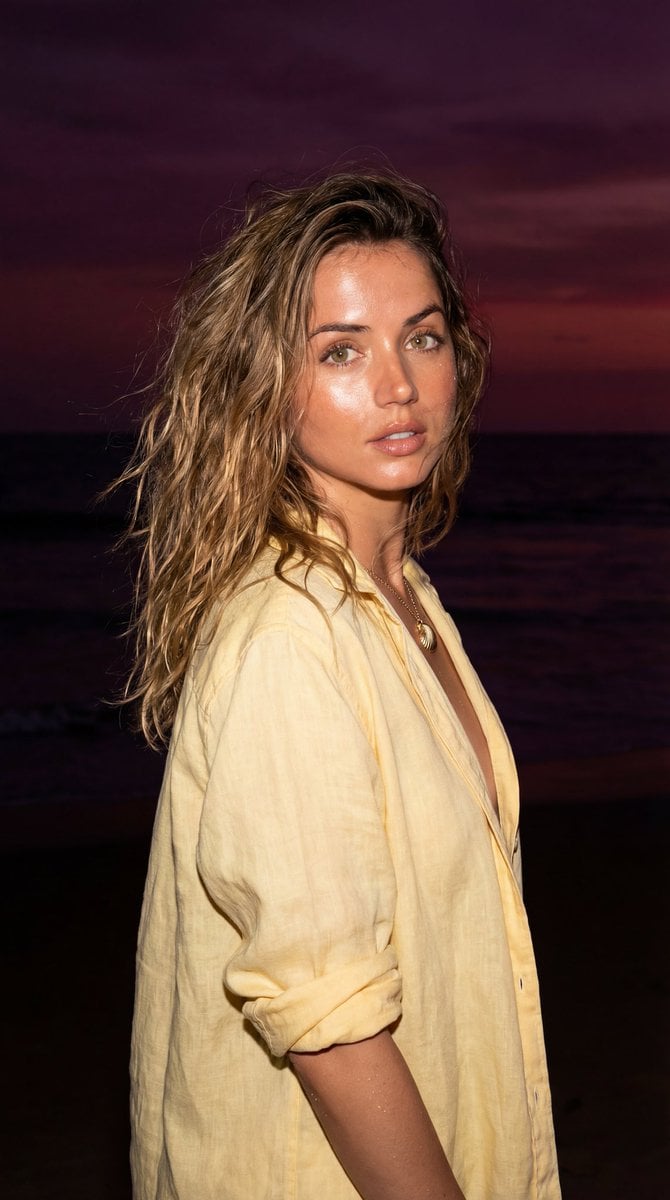
Late-Night Coastal Portrait with Flash and Sunset Glow
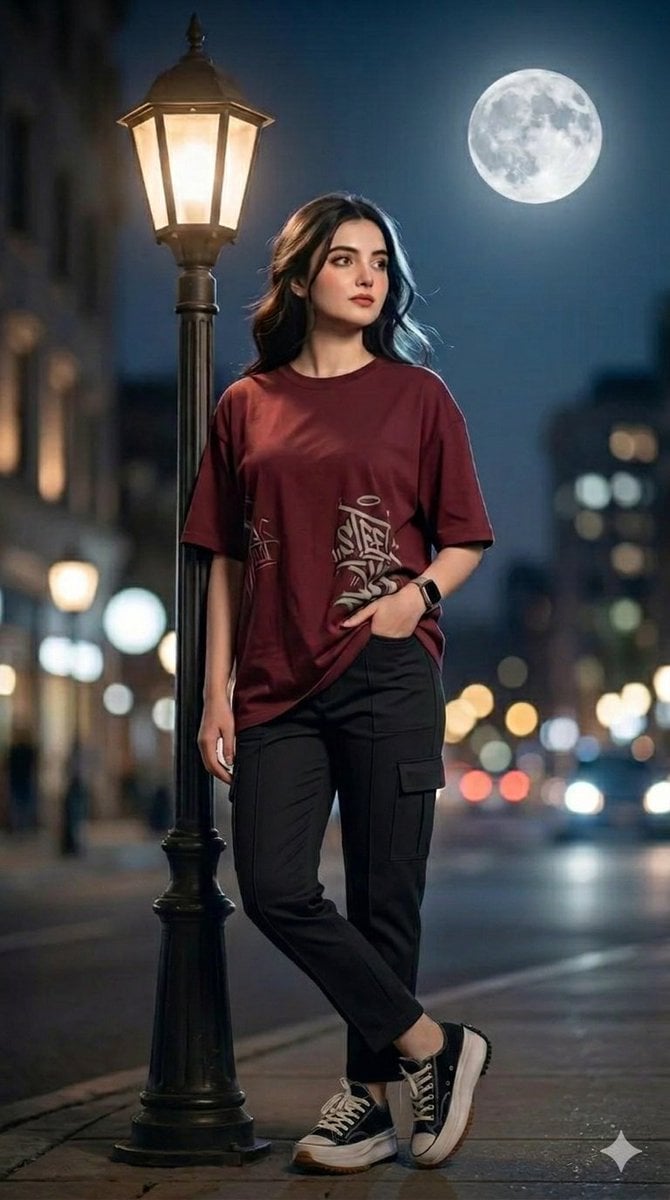
Urban Night Portrait with Soft Bokeh
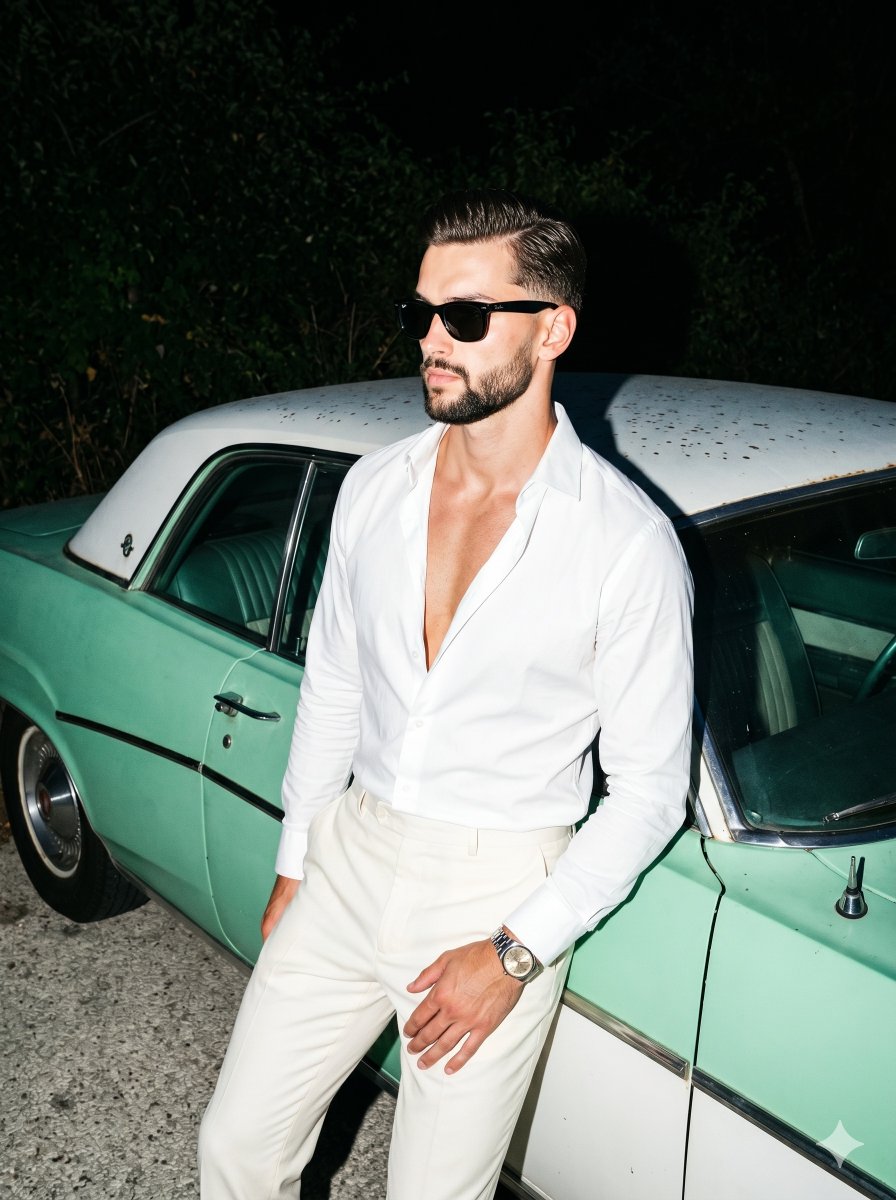
Retro Nightlife Flash Portrait
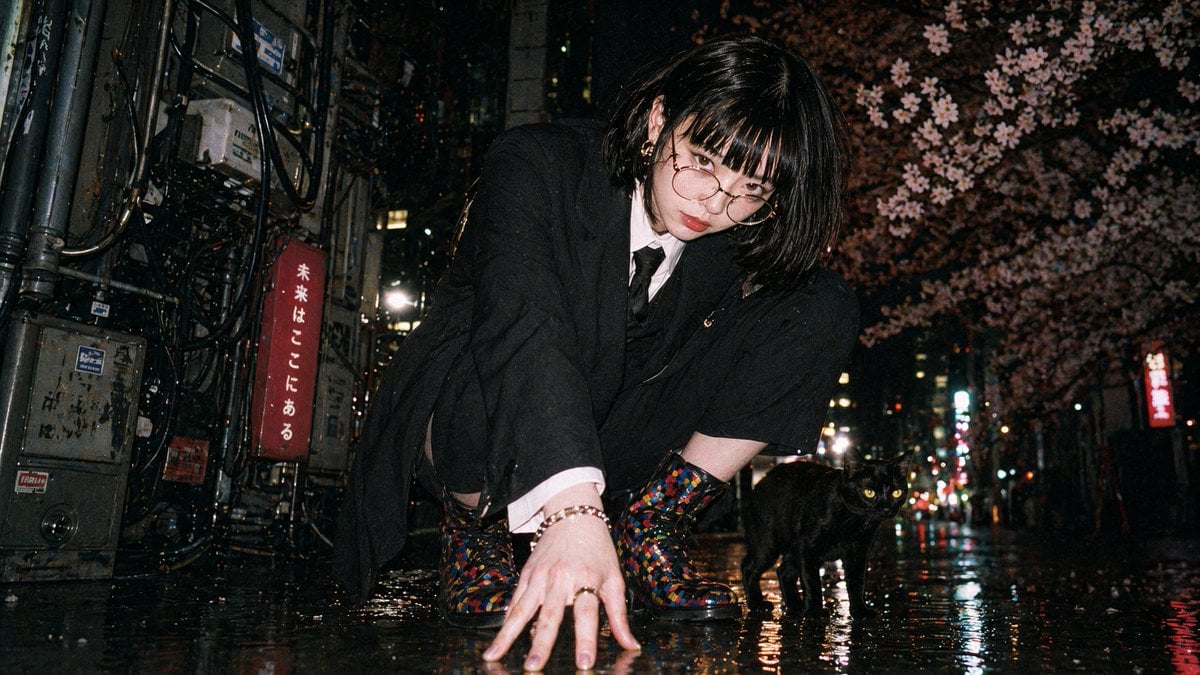
Disposable Flash Tokyo Night Portrait
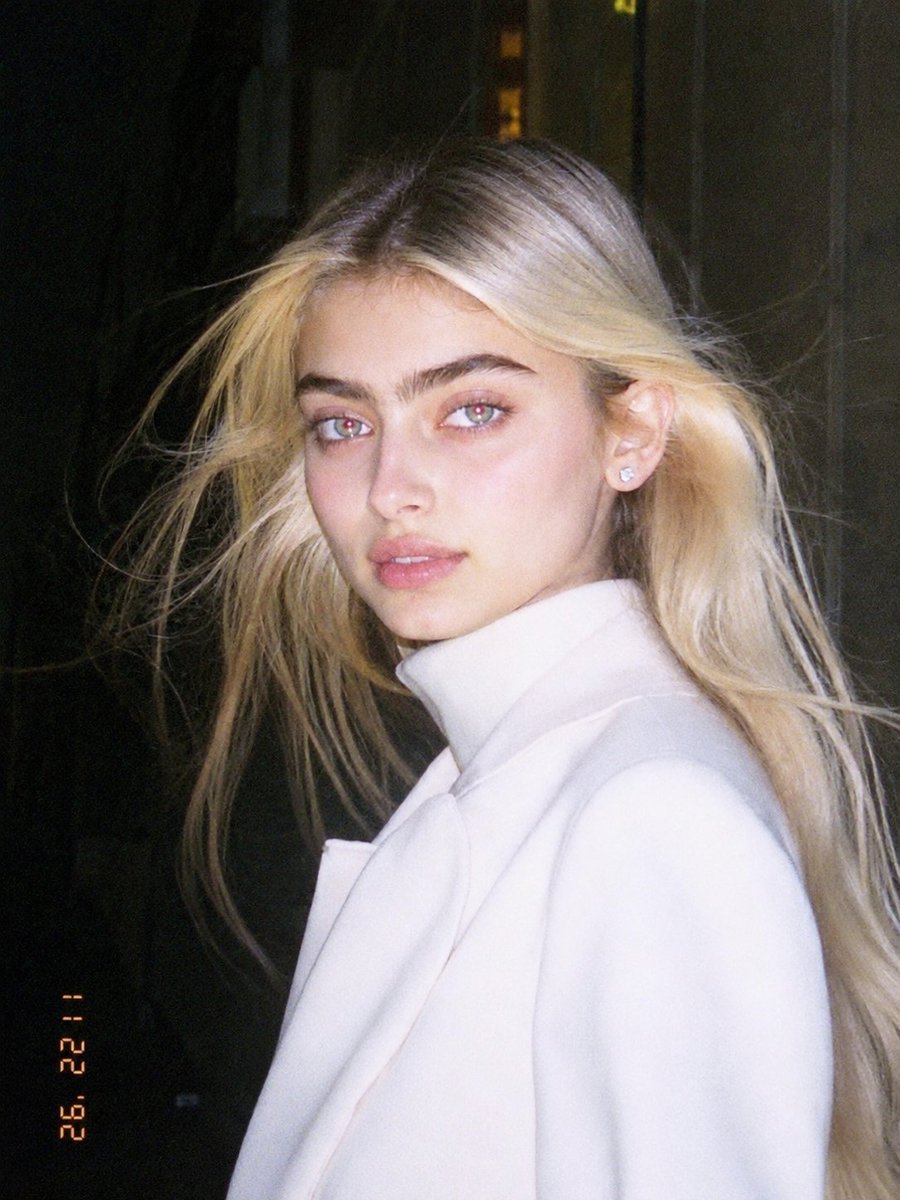
1990s Flash Camera Snapshot Portrait
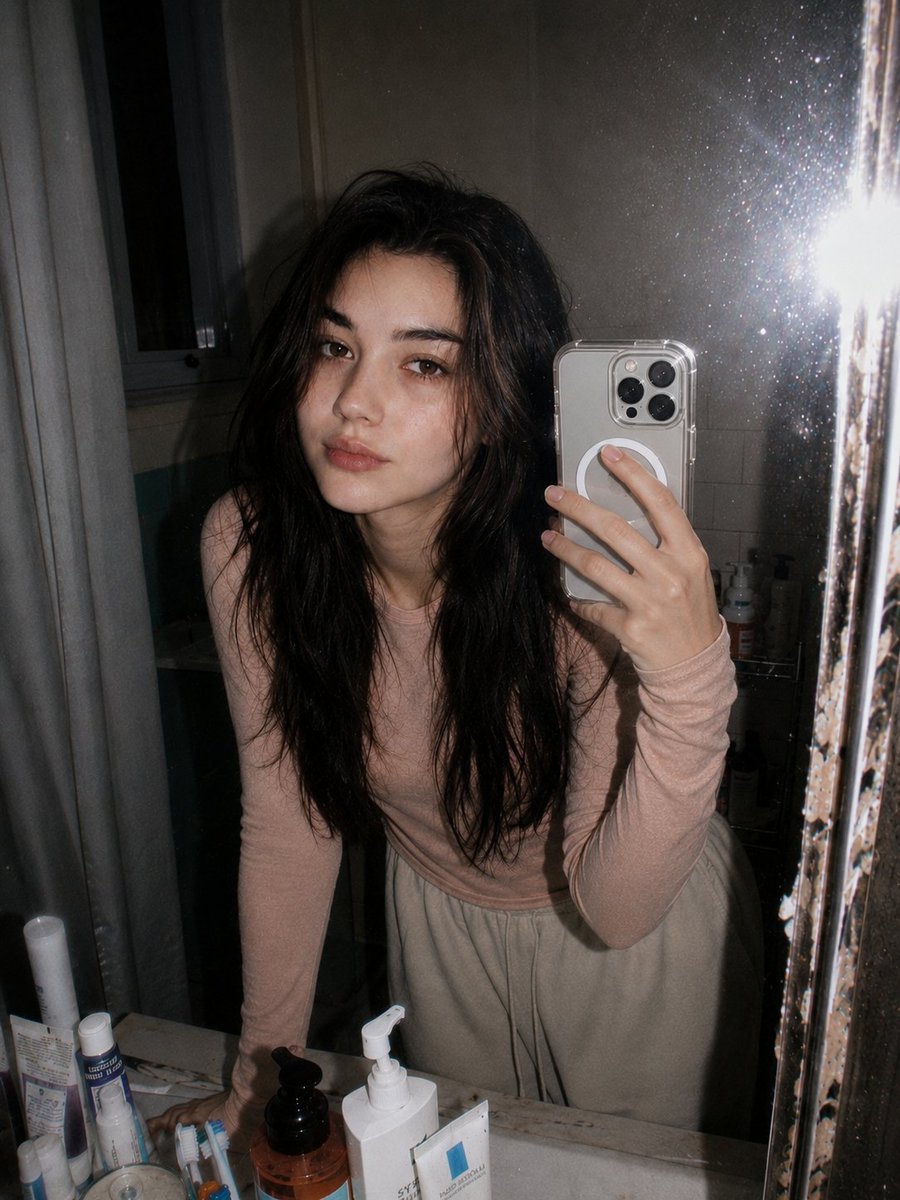
Retro 90s Disposable Camera Flash Portrait
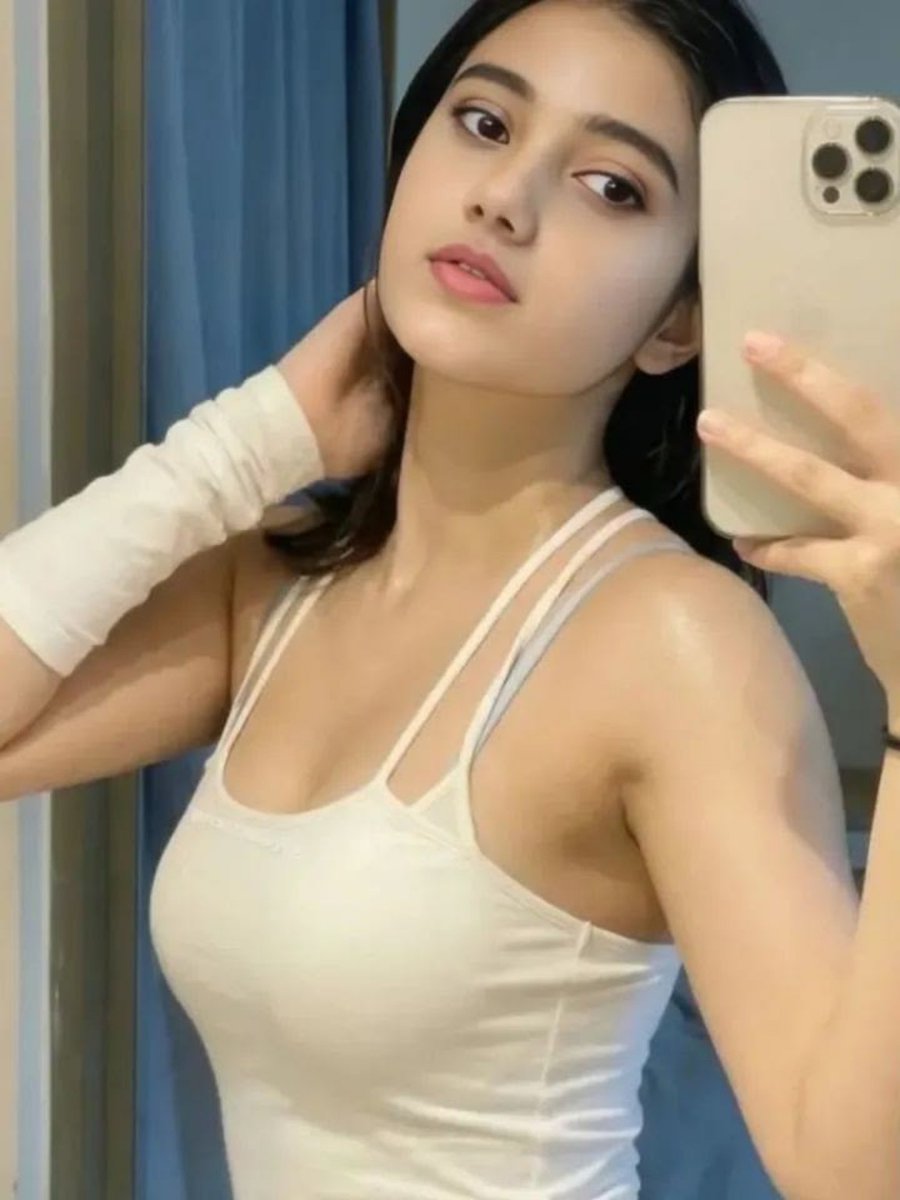
Soft Glow Indoor Mirror Selfie Portrait

Found Photograph: Us, 1970

80s Couple Studio Portrait

80s Bollywood Star

80s Golden Hour Cinema

Me in 1985
Make it yours
Soft-Glow Night Portrait with On-Camera Flash works as-is. These are the safest ways to change it without losing the look.
Change one field
Copy a single group, rewrite it, and generate again so you can see what that field is doing.
Keep the frame, change the subject
Hold the composition and light of Soft-Glow Night Portrait with On-Camera Flash, then swap wardrobe, props or the person for a new take.
| If the result… | Why | Fix |
|---|---|---|
| The result drifts from the preview | Too many fields changed at once. | Reuse Soft-Glow Night Portrait with On-Camera Flash as-is first, then change one group — subject, light, or setting. |
| The model over-stylizes the scene | The prose prompt leaves finish and camera underspecified. | Add one camera or lighting sentence and stay on Nano Banana 2. |
More Nano Banana 2 templates
Other prompts made for Nano Banana 2.

Photorealistic Leaf Shaped Like a Dragon

K-Pop Idol Portrait Grid for Rapid Selection

Poetic Rain Forest Portrait During Golden Hour

Urban Street Portrait with Cartoon Inner Self Duo

Candid Nighttime Photo with Cat Prompt

High-Concept 3D Diorama Generation Prompt

Cinematic Futuristic Studio Portrait Template

Skincare Editorial Photography Collage Prompt

Hyper-Realistic Commercial Product Photography (Splash Effect)

Hyper-Realistic Nightclub Portrait Prompt
More image prompts
Fresh picks from across the catalog.
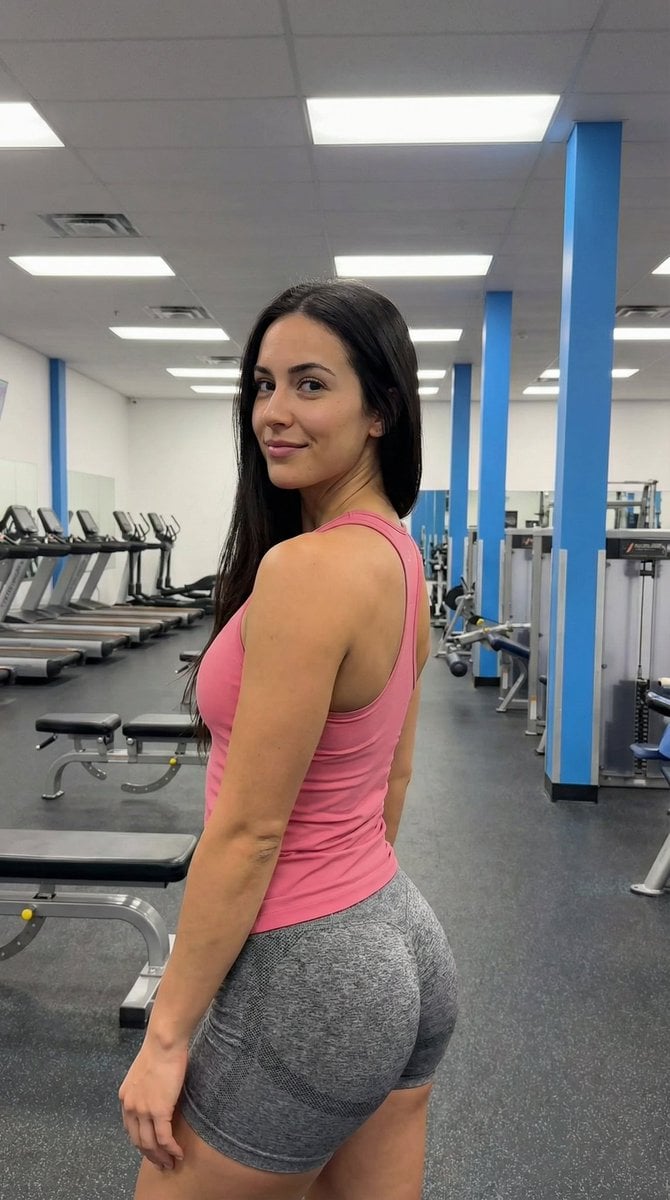
Gym Pose Portrait with Reference Image Adherence
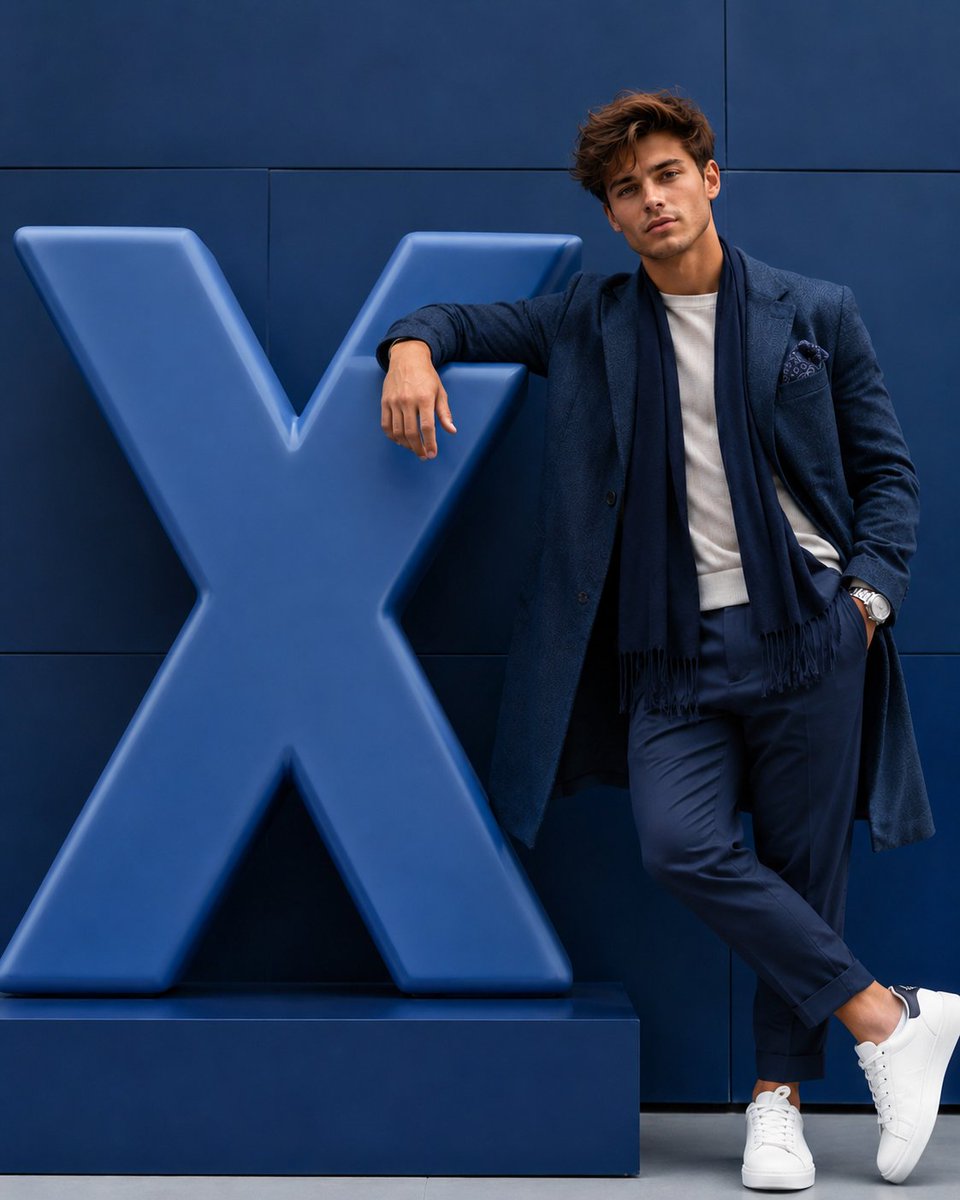
Hyper-realistic Fashion Editorial with 3D Brand Logo
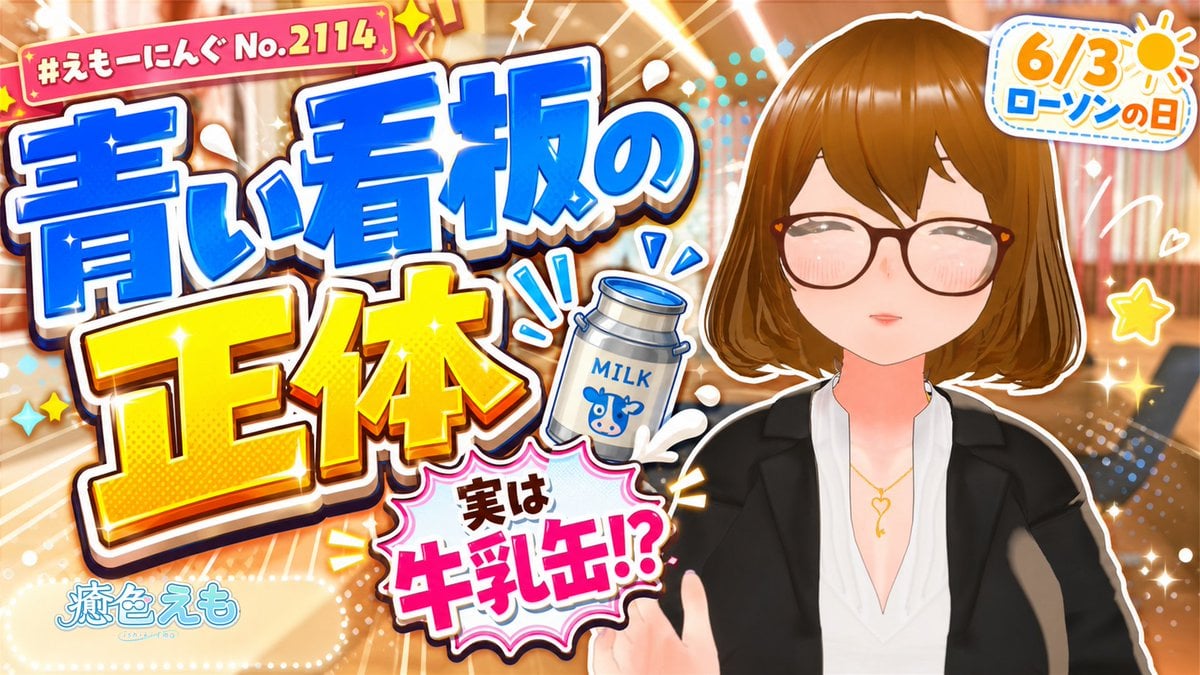
Japanese Lawson Milk Can Thumbnail
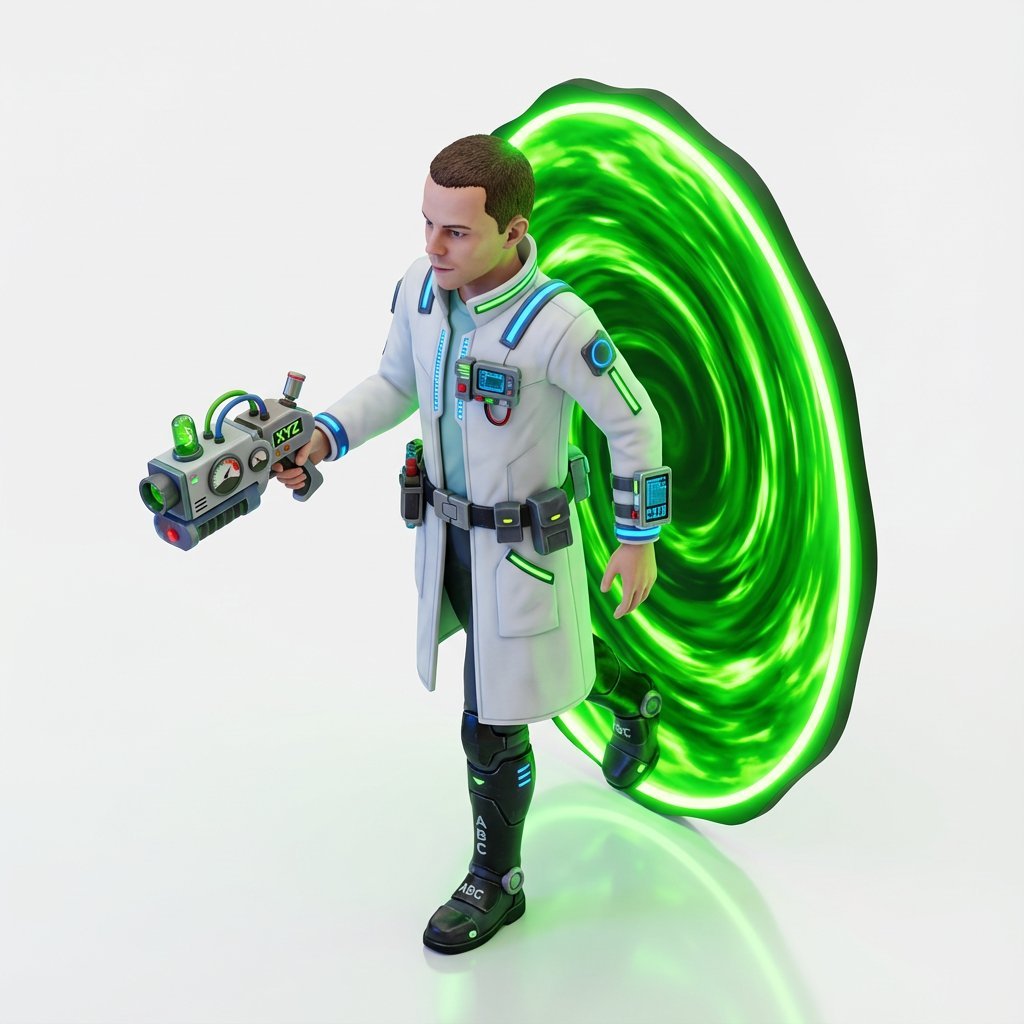
Miniature Isometric Figurine Prompt for nano banana pro

Pastel Zodiac Avatar Grid
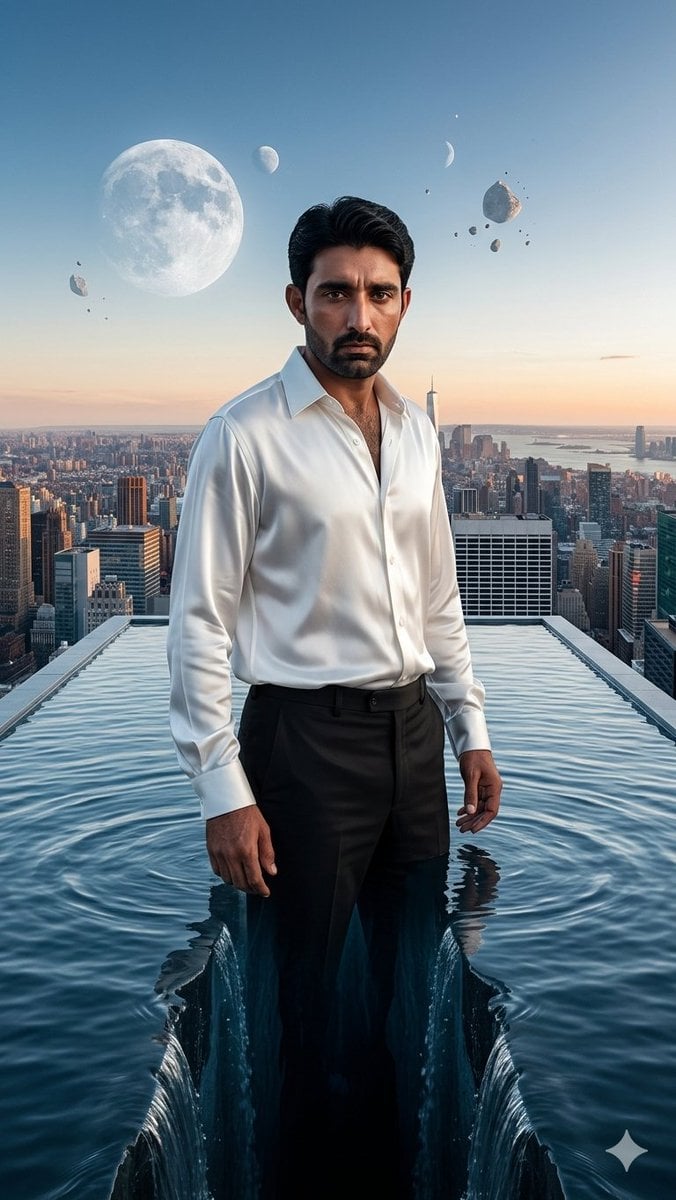
Surreal Rooftop Infinity Pool Portrait
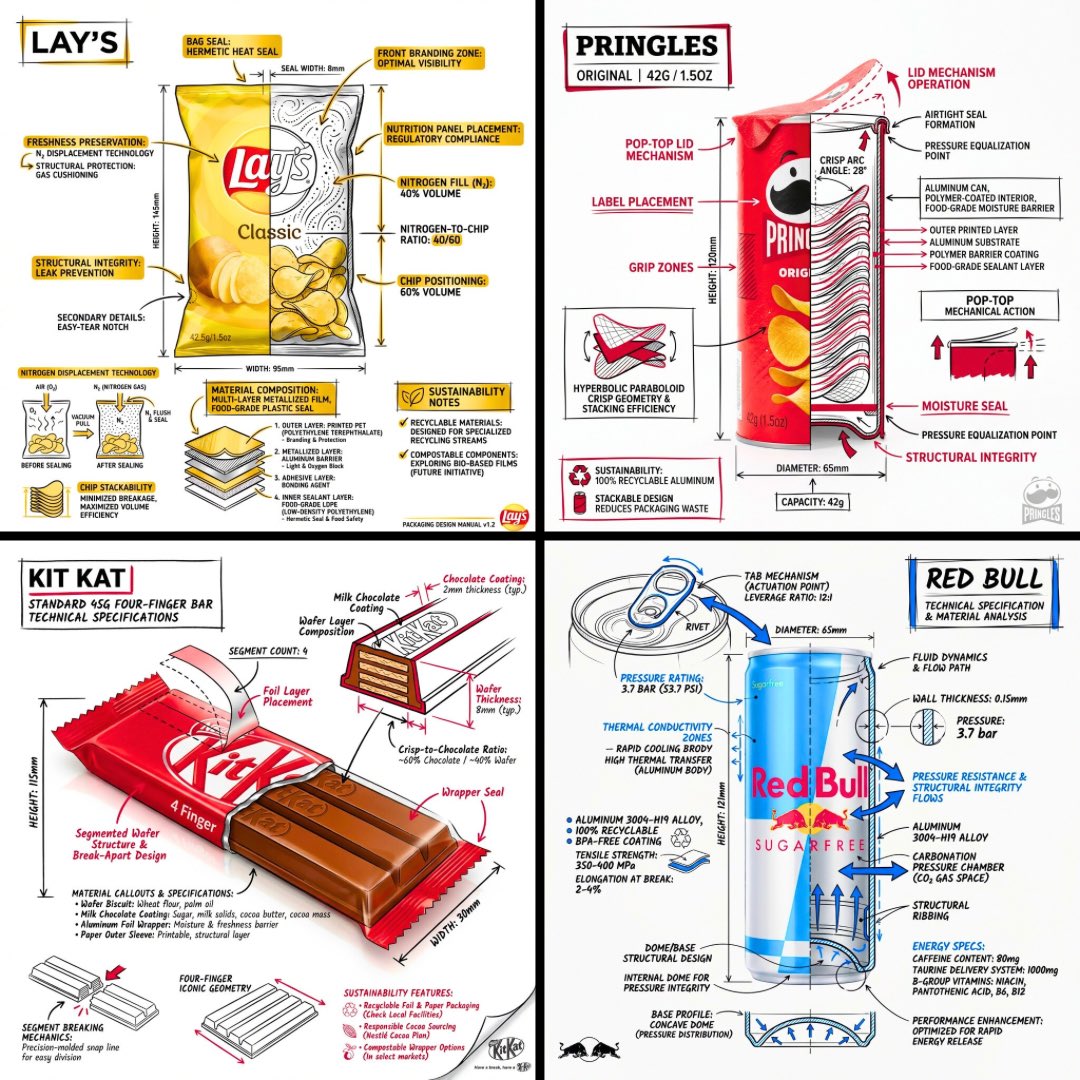
Technical Engineering Product Infographic
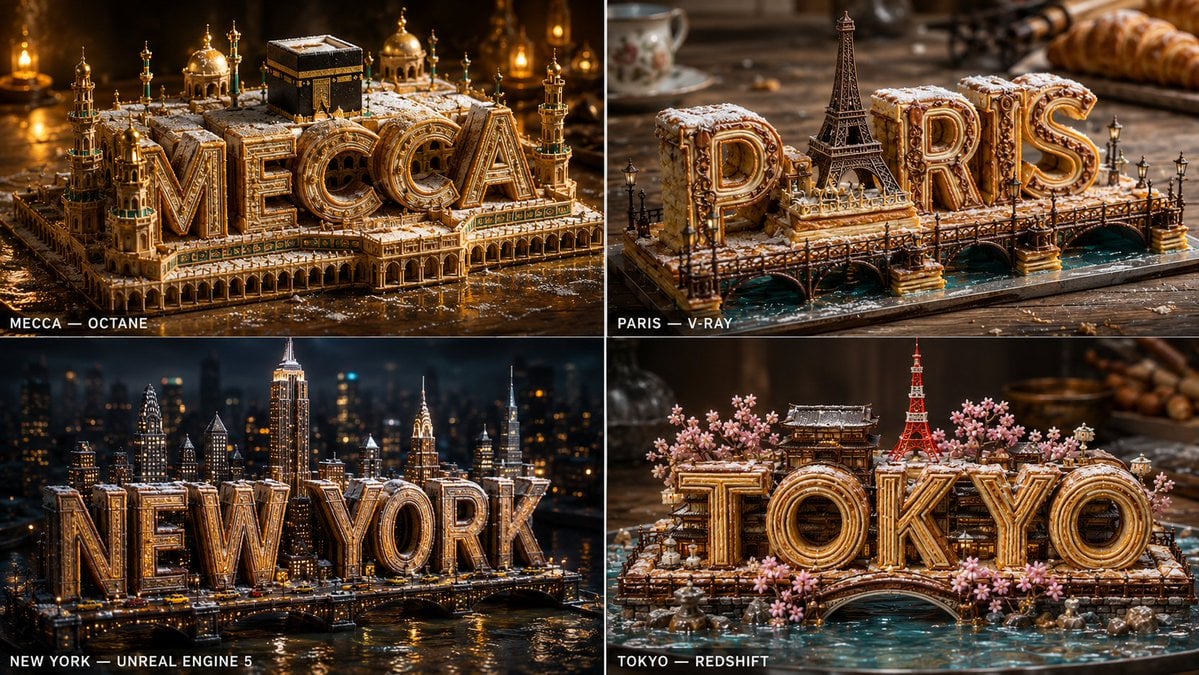
Pastry City Architectural Showpiece
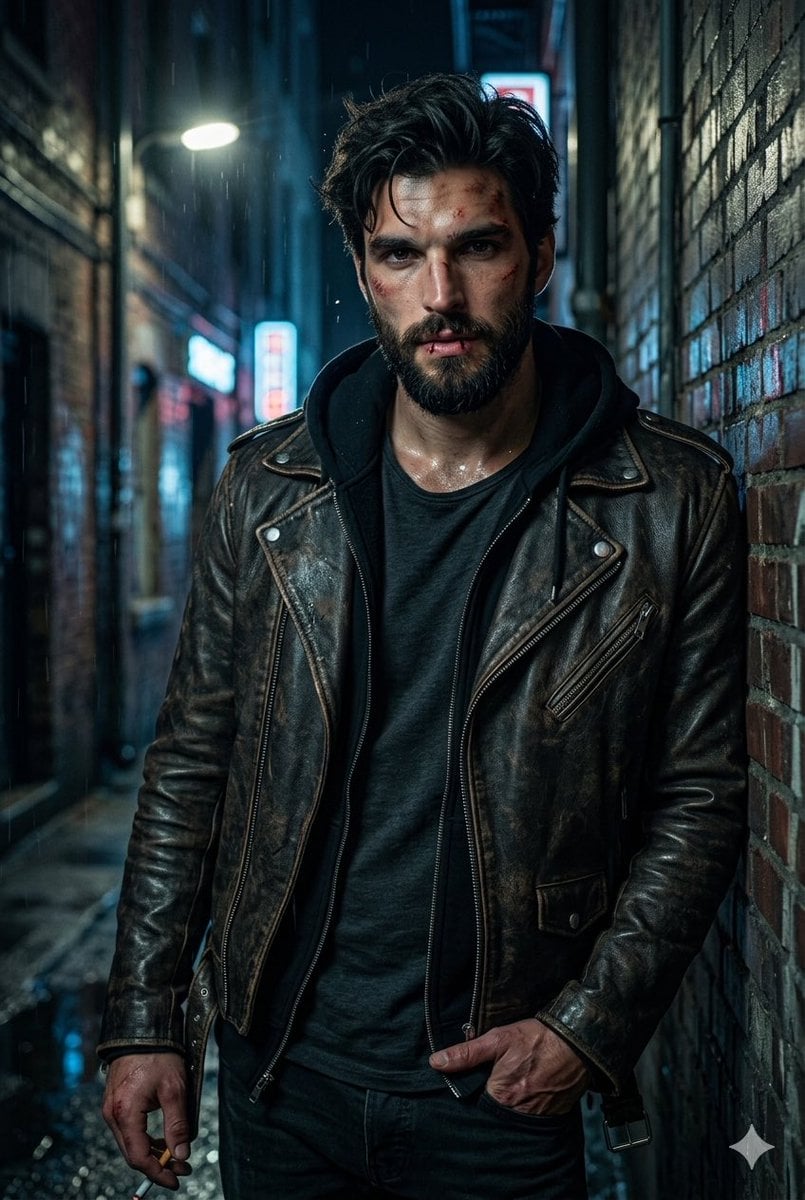
Rugged Urban Portrait
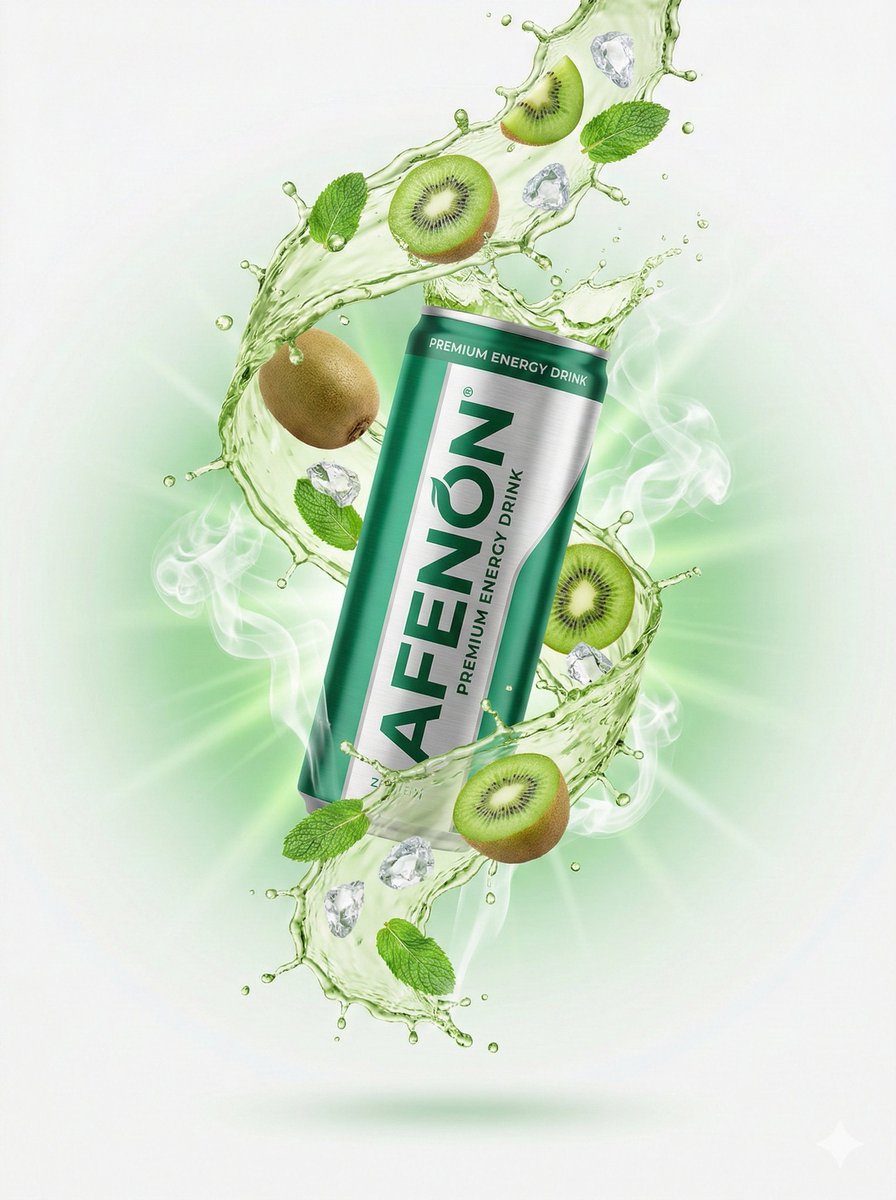
High-End Commercial Product Photography for an Energy Drink
Browse template categories
Soft-Glow Night Portrait with On-Camera Flash questions
How do I use the Soft-Glow Night Portrait with On-Camera Flash template?
Add your photo if the template asks for one, edit the prompt if you like — the template's model and format are already selected — and press Generate. Your version opens in PicX Studio.
Can I customize the Soft-Glow Night Portrait with On-Camera Flash template?
Yes. You can change the subject, setting, lighting, mood, format, and available model controls before creating your image.
Is the Soft-Glow Night Portrait with On-Camera Flash template free?
Opening and editing this template is free. Generating uses credits, shown on the Generate button when you are signed in.
Which AI model should I use?
Start with Nano Banana 2, which is the model associated with this template. You can compare another compatible model for a different finish.
Looking for something else? Browse all templates.

Your photo, any look
Thousands of ready templates for every top image and video model, from one credit balance.