
Japanese Lawson Milk Can Thumbnail
A vibrant anime-style Japanese YouTube thumbnail featuring a presenter, bold headline text, a Lawson Day badge, and a milk-can visual gag.
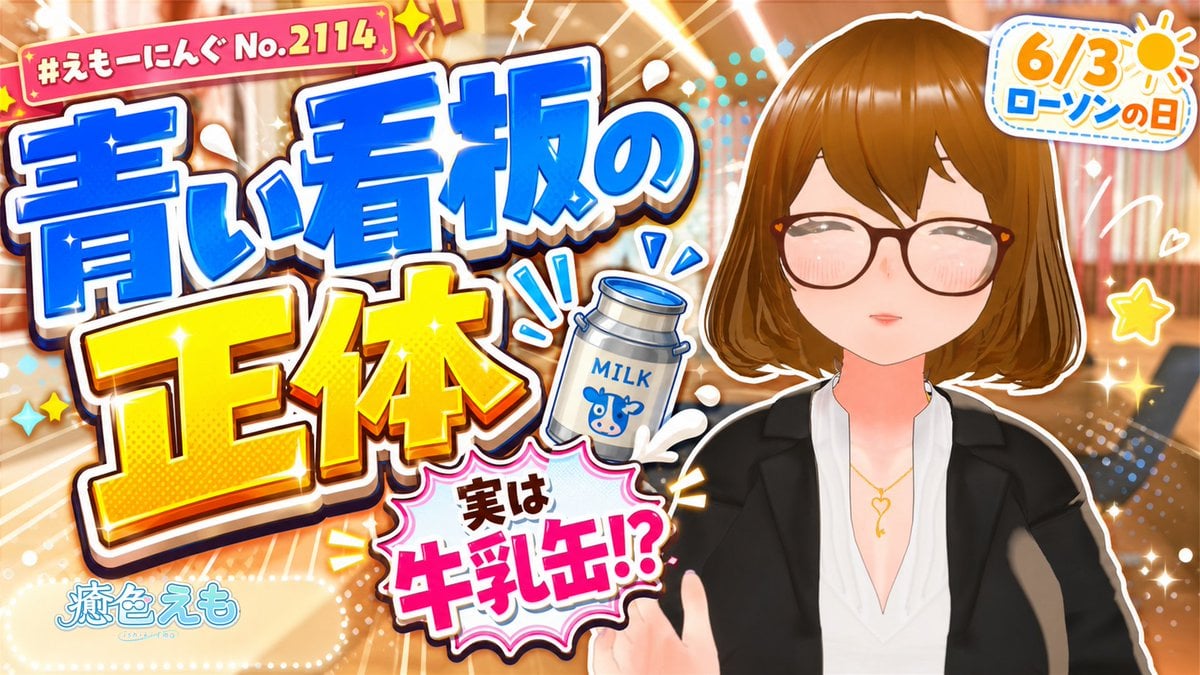
- Prompt included
- Model and format preset
- Free template
The prompt behind this image
Copy the exact prompt behind Japanese Lawson Milk Can Thumbnail, or open it in the studio and make it yours.
Create a bright Japanese YouTube thumbnail in a high-energy variety-show style about the urban legend that the blue Lawson sign is actually a milk can. Use a 16:9 horizontal canvas, glossy anime/Vtuber thumbnail design, warm blurred convenience-store or city-light background, heavy white outlines, sparkles, radial speed lines, halftone dots, comic splashes, and strong drop shadows. On the right side, place one anime-style young woman presenter from chest up: short brown bob haircut with side-swept bangs, large black glasses, closed smiling eyes with blush, fair skin, wearing a black blazer over a deep V-neck white blouse and a delicate gold necklace; her hand is partly raised near the bottom as if explaining. On the left and center, add huge stacked Japanese headline typography with thick white and dark outlines: 「青い看板の」 in bright blue at the top, and 「正体」 in oversized yellow below, angled slightly for impact. Add a red rounded label at the top left reading 「#えもーにんぐ No.2114」 with small star decorations. Add a small illustrated silver milk can near the center-right of the headline, labeled “MILK” with a blue cow icon, with blue motion marks around it. Add a pink comic burst near the lower center reading 「実は 牛乳缶!?」 with 「牛乳缶!?」 very large in hot pink. Add a rounded white badge at the top right with an orange sun icon and text 「6/3 ローソンの日」 in orange and blue. Add the channel logo-like text 「癒色えも」 at the bottom left in pale blue. Include exactly 6 main text elements: top-left episode label, blue headline, yellow headline, pink burst claim, top-right date badge, bottom-left channel name. Make the image colorful, cute, glossy, and attention-grabbing, with no photorealism, no extra characters, no watermark, and keep all Japanese text crisp and readable. Allow the headline to be customized as {argument name="main headline" default="青い看板の 正体"}, the episode label as {argument name="episode label" default="#えもーにんぐ No.2114"}, the claim burst as {argument name="claim text" default="実は 牛乳缶!?"}, the date badge as {argument name="date badge text" default="6/3 ローソンの日"}, and the presenter style as {argument name="presenter style" default="anime young woman with short brown bob hair, black glasses, black blazer, white blouse, gold necklace"}.
How to use Japanese Lawson Milk Can Thumbnail in 3 steps
- 1Upload ImagePNG, JPG or paste
Add your photo
Upload the photo the template builds on. The prompt, model and format are already set.
- 2…a portrait of your subject in softgolden-hour light, 85mm…
Personalize
Edit the subject and creative details for your destination.
- 3Generate
Generate
Press Generate — your image is created in PicX Studio, so you can compare it with the original and refine one variable at a time.
More like this
Templates with the same subject, style or setup. Open one to see its prompt.
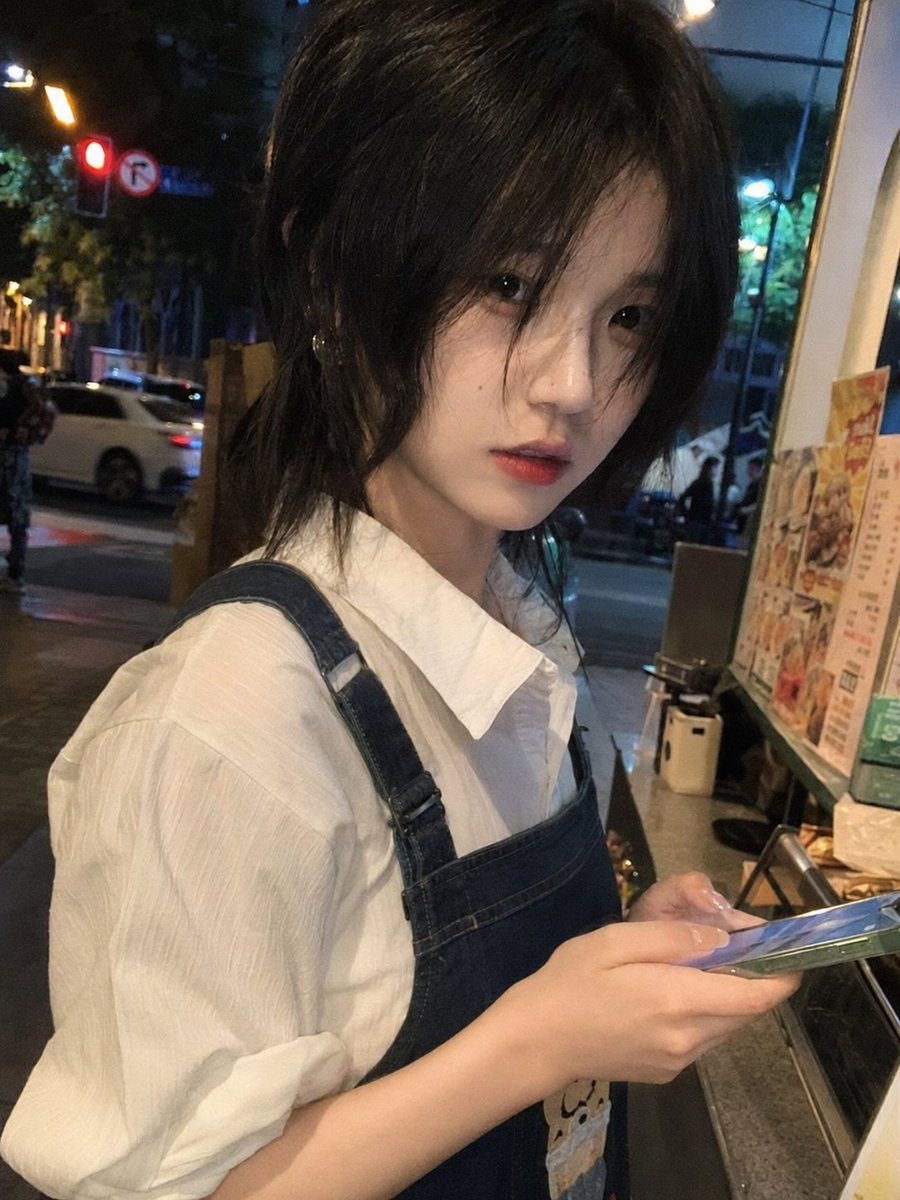
Candid Night Milk Tea Girl Portrait

Minecraft Japanese Research Lab Exploration

Japanese Architectural Concrete Studio Fashion Campaign

Japanese Minimalist Concrete Studio Fashion Editorial

Blue Backdrop Luxury Fashion Portrait Campaign

Japanese Film Reflection Idol
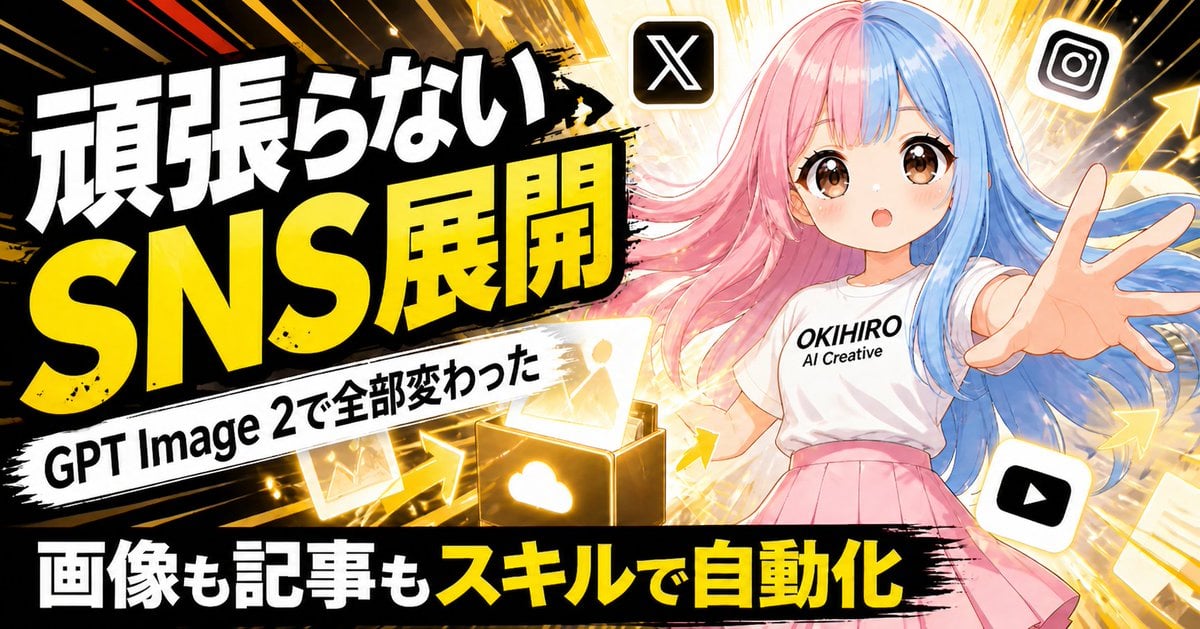
Japanese SNS Automation Thumbnail
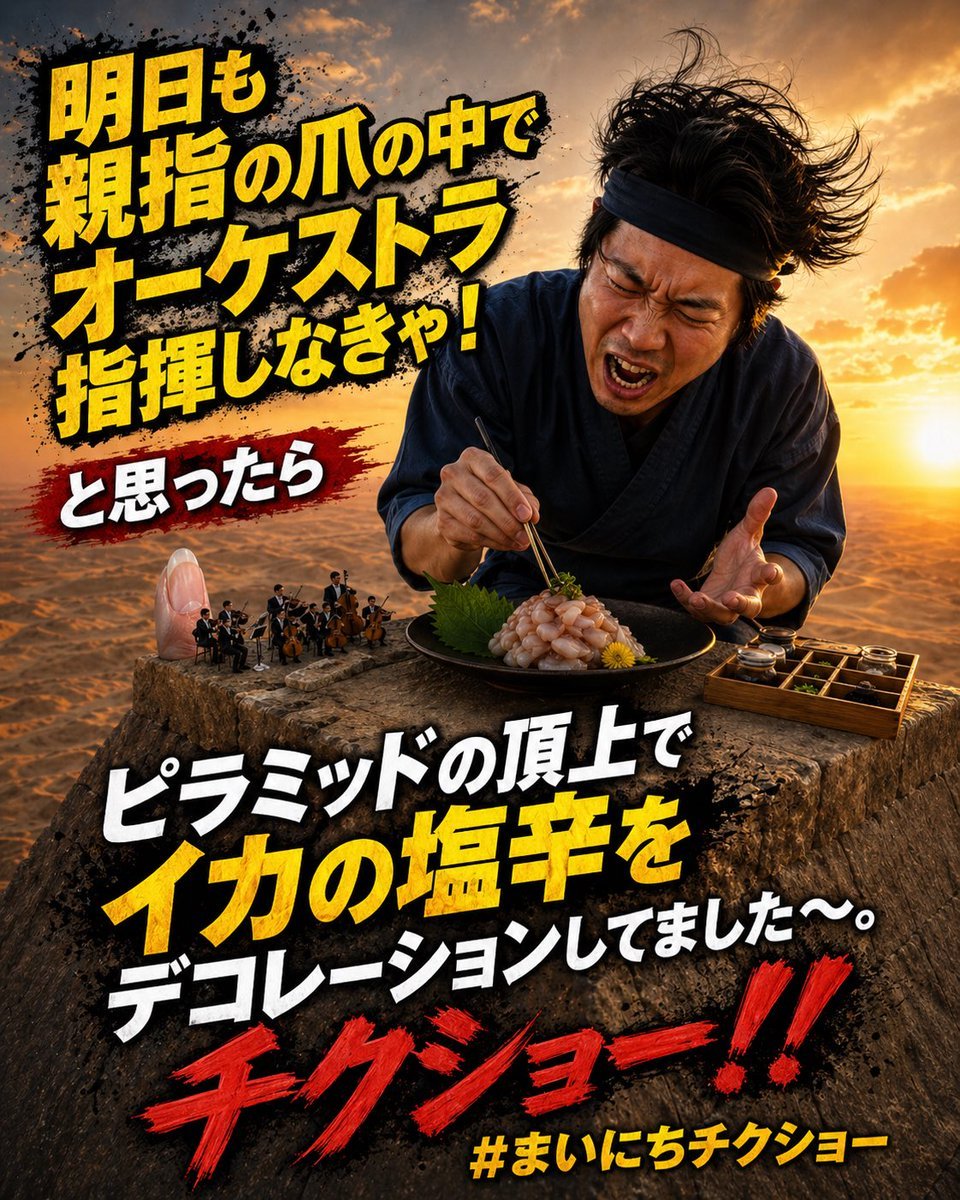
Surreal Japanese Meme Thumbnail at Pyramid
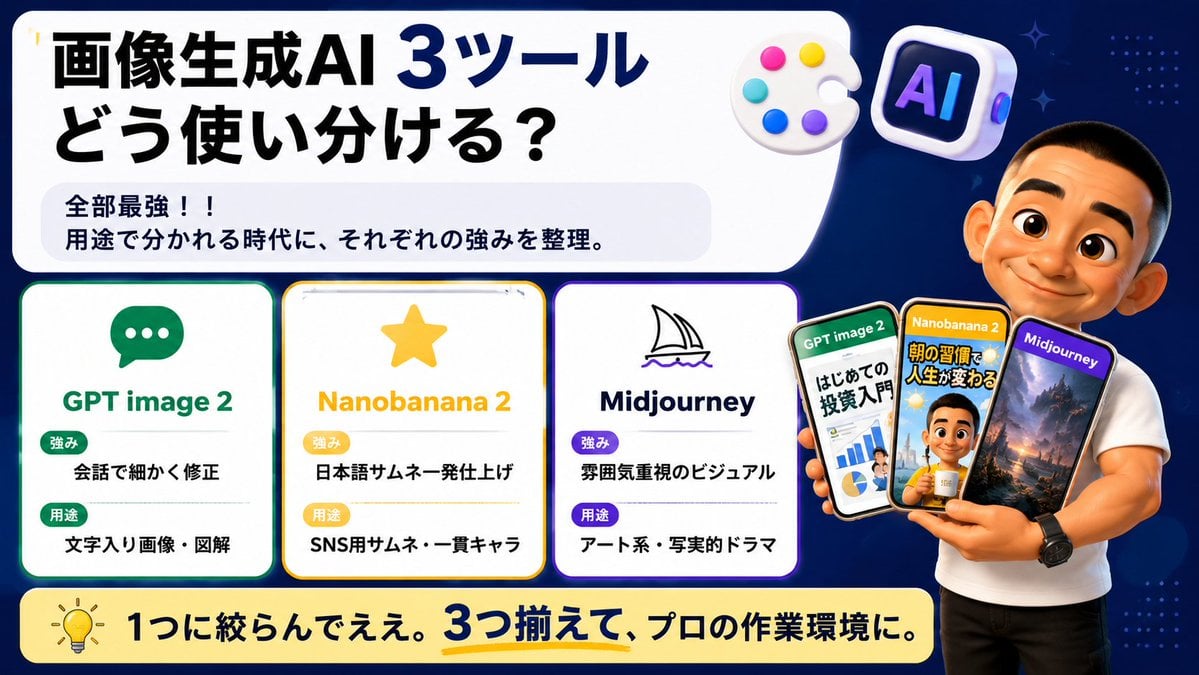
Japanese AI Tool Comparison Thumbnail

Explosive Japanese X Monetization Thumbnail

Japanese X Monetization Thumbnail

Japanese Udemy Course Sale Thumbnail
Make it yours
Japanese Lawson Milk Can Thumbnail works as-is. These are the safest ways to change it without losing the look.
Change one field
Copy a single group, rewrite it, and generate again so you can see what that field is doing.
Keep the frame, change the subject
Hold the composition and light of Japanese Lawson Milk Can Thumbnail, then swap wardrobe, props or the person for a new take.
| If the result… | Why | Fix |
|---|---|---|
| The result drifts from the preview | Too many fields changed at once. | Reuse Japanese Lawson Milk Can Thumbnail as-is first, then change one group — subject, light, or setting. |
| The model over-stylizes the scene | The prose prompt leaves finish and camera underspecified. | Add one camera or lighting sentence and stay on GPT Image 2. |
More GPT Image 2 templates
Other prompts made for GPT Image 2.

Six VTuber Japanese Logo Sheet

Realistic Portrait of Woman and Deer

The Vista Modular Condo Poster

AI Model Routing Comparison Infographic

2.5D Anime Art Board

Isometric Productivity Desk Scene

New York Double Exposure Poster

Four-Panel AI Landscape Comparison

Japanese Tatami Lifestyle Magazine Cover

NESCAFÉ Coffee Map Poster
More image prompts
Fresh picks from across the catalog.
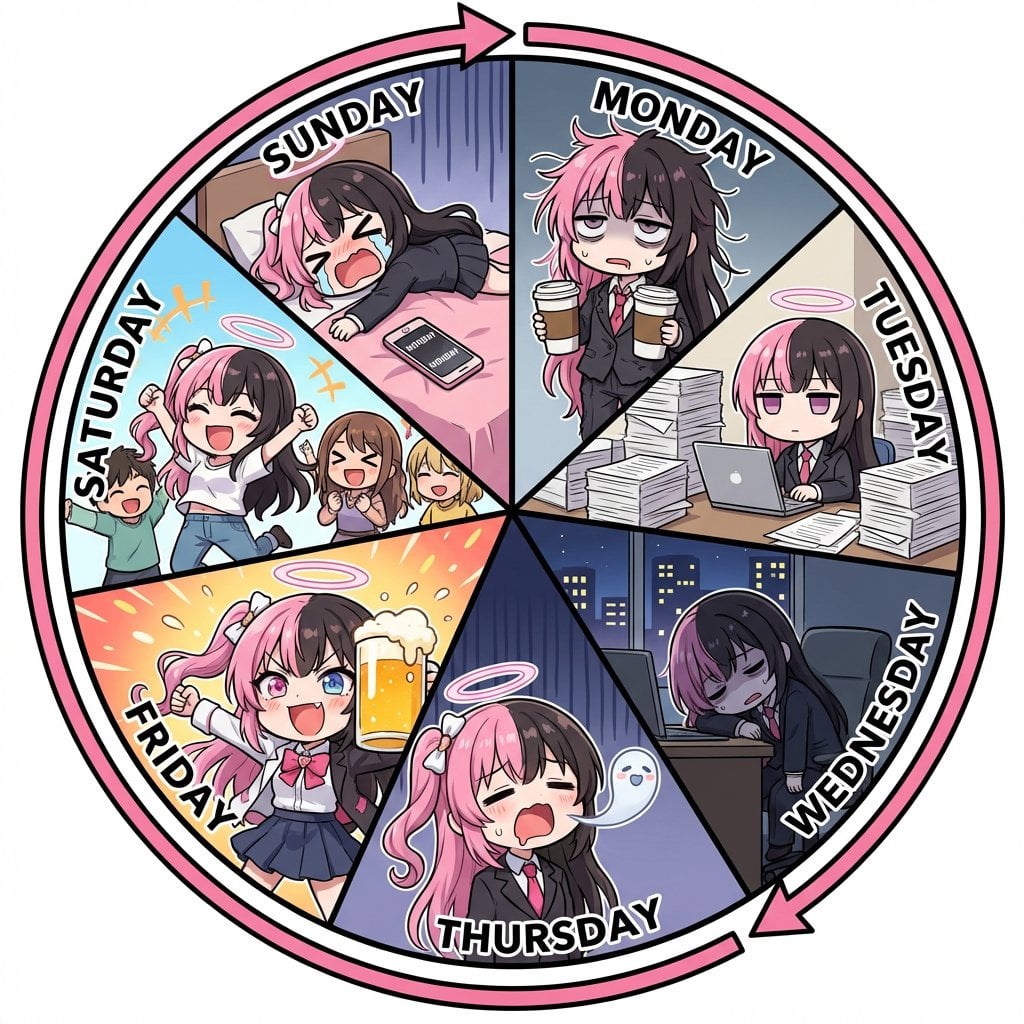
Infographic prompt for 'Monday to Sunday' infinite loop manga
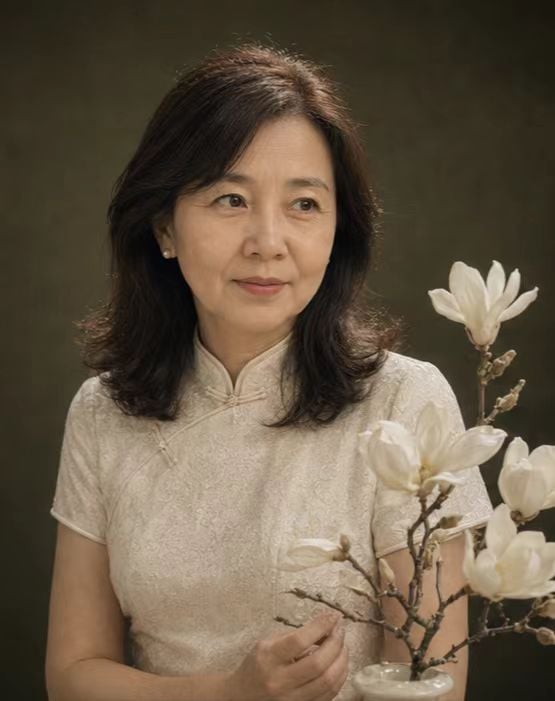
Retro New Chinese Qipao Portrait Grid
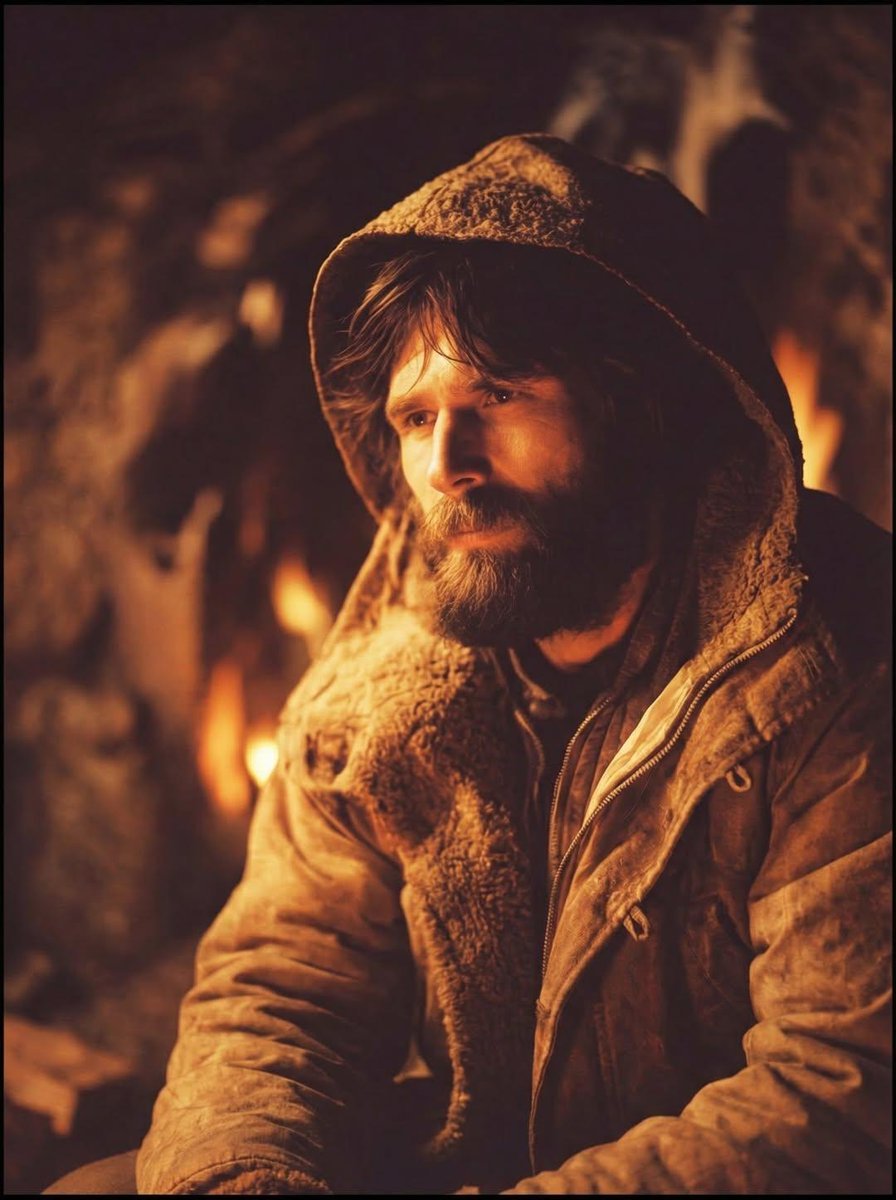
Cinematic Portrait of a Rugged Survivalist Prompt
untitled
untitled
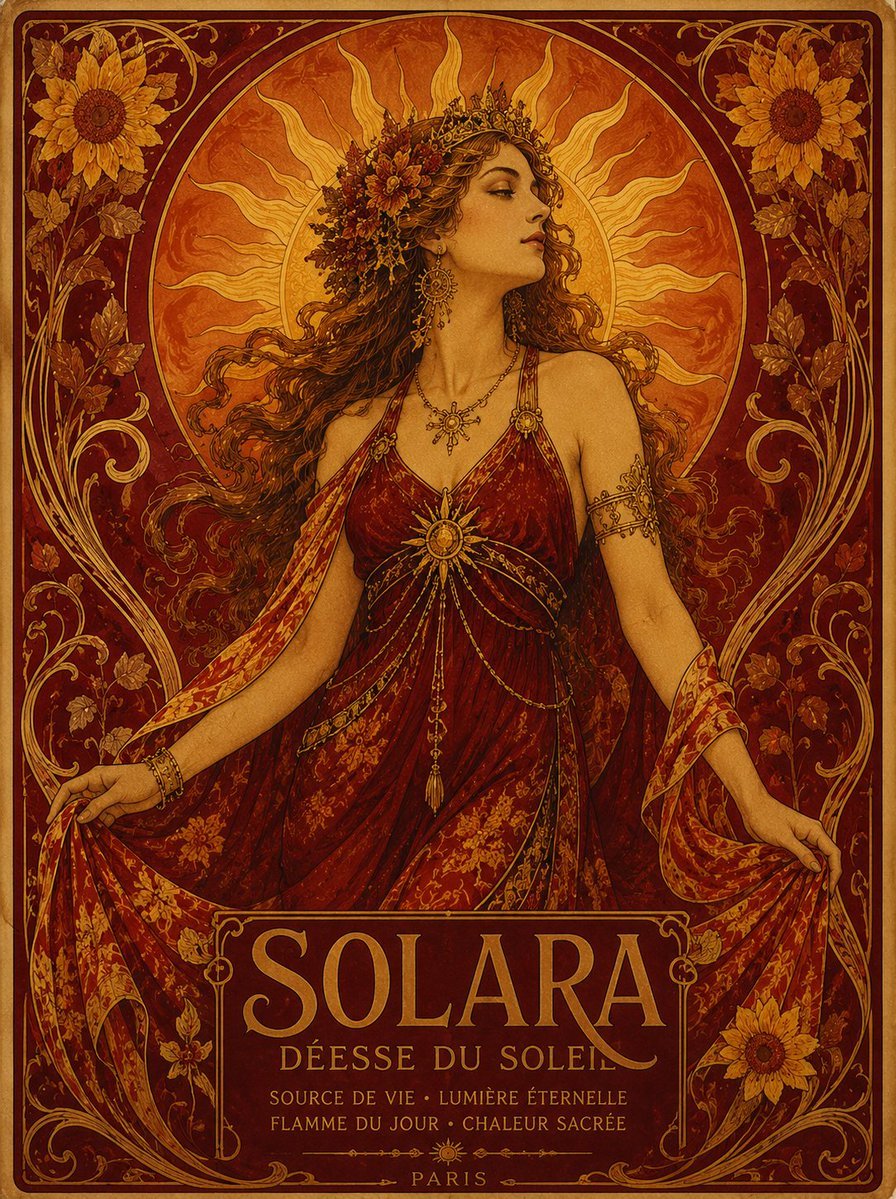
Solara Art Nouveau Sun Goddess Poster

Quiet Luxury Travel Photography (Amalfi Coast)
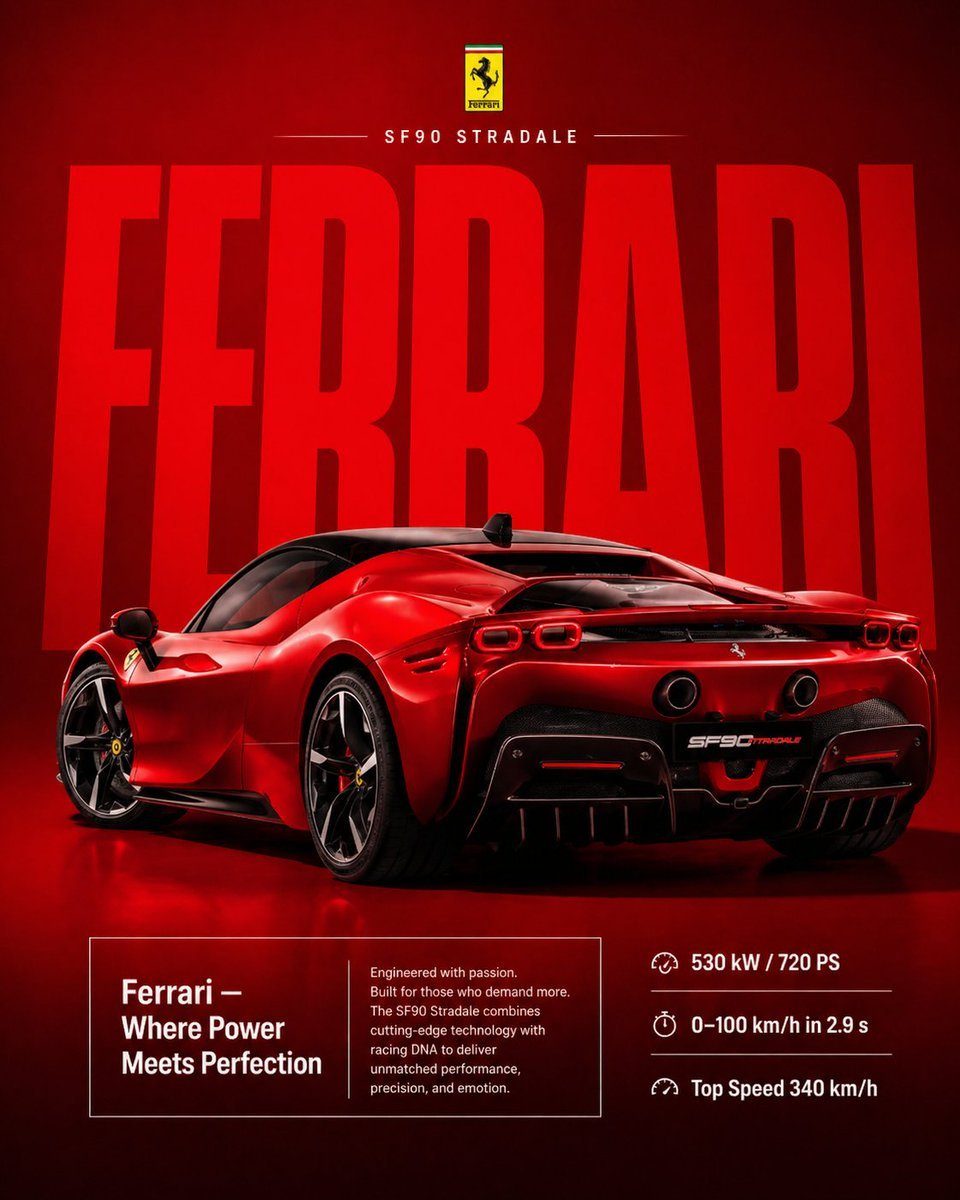
Premium Ferrari Advertisement Poster
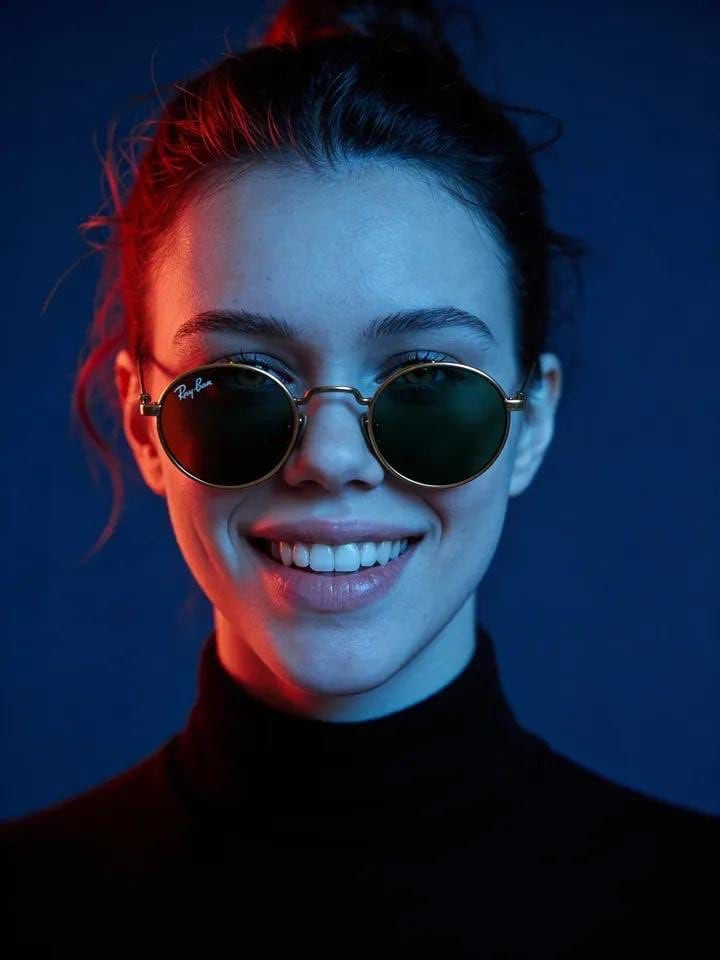
Cyber-Noir Cinematic Portrait

Gemini Nano Banana 2 Logo in Wet Sand Be
Browse template categories
Japanese Lawson Milk Can Thumbnail questions
How do I use the Japanese Lawson Milk Can Thumbnail template?
Add your photo if the template asks for one, edit the prompt if you like — the template's model and format are already selected — and press Generate. Your version opens in PicX Studio.
Can I customize the Japanese Lawson Milk Can Thumbnail template?
Yes. You can change the subject, setting, lighting, mood, format, and available model controls before creating your image.
Is the Japanese Lawson Milk Can Thumbnail template free?
Opening and editing this template is free. Generating uses credits, shown on the Generate button when you are signed in.
Which AI model should I use?
Start with GPT Image 2, which is the model associated with this template. You can compare another compatible model for a different finish.
Looking for something else? Browse all templates.

Your photo, any look
Thousands of ready templates for every top image and video model, from one credit balance.