
Japanese SNS Automation Thumbnail
Generates a bold Japanese promotional thumbnail about GPT Image 2, SNS expansion, and AI-powered content automation.
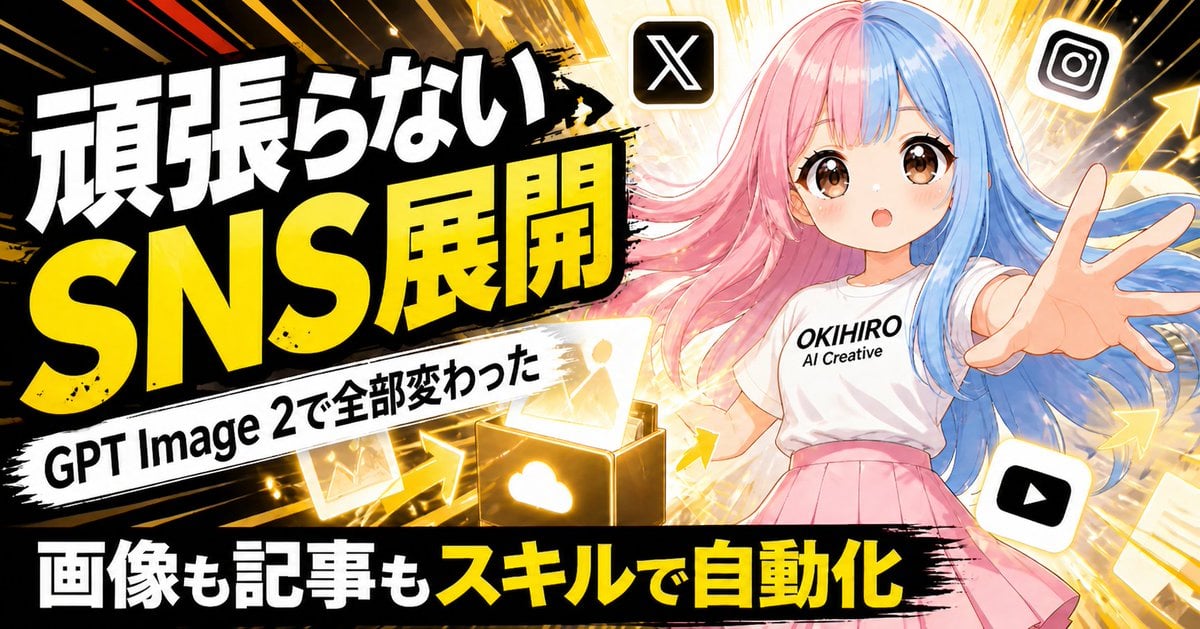
- Prompt included
- Model and format preset
- Free template
The prompt behind this image
Copy the exact prompt behind Japanese SNS Automation Thumbnail, or open it in the studio and make it yours.
Create a high-energy Japanese YouTube thumbnail / social media banner in a 16:9 widescreen format, using a dramatic black, white, and electric yellow color scheme with explosive manga-style speed lines, paint-brush textures, glowing arrows, sparks, and a futuristic AI automation atmosphere. The left half is dominated by huge bold Japanese headline typography reading {argument name="main headline text" default="頑張らない SNS展開"}, with the first line in thick white characters on a black brush-stroke background and “SNS” plus the following characters in oversized bright yellow block letters with black shadowing. Beneath it, add a slanted white brush-stroke strip containing black text reading {argument name="subheadline text" default="GPT Image 2で全部変わった"}. Along the bottom, place a wide black brush-stroke banner with large white and yellow Japanese text reading {argument name="bottom banner text" default="画像も記事もスキルで自動化"}, emphasizing the final yellow phrase. On the right half, show an anime-style young woman with very long flowing split-color hair, pink on the left side and blue on the right side, wearing a white T-shirt printed with {argument name="shirt text" default="OKIHIRO AI Creative"} and a pink skirt; her face is intentionally covered by a centered square mosaic-like block in muted pink and gray tones, while her right hand reaches toward the viewer in a dynamic foreshortened pose. Include exactly three floating social media icons: one black square X icon near the top center, one Instagram icon in a rounded white square at the upper right, and one YouTube play icon in a rounded white square at the lower right. Add glowing AI/content automation elements around the center, including a bright open cube with a cloud symbol, floating image cards, yellow directional arrows, and golden light rays radiating outward. Use crisp anime illustration mixed with bold advertising graphic design, high contrast, sharp outlines, saturated colors, motion blur accents, and a polished viral thumbnail composition optimized for clicks.
How to use Japanese SNS Automation Thumbnail in 3 steps
- 1Upload ImagePNG, JPG or paste
Add your photo
Upload the photo the template builds on. The prompt, model and format are already set.
- 2…a portrait of your subject in softgolden-hour light, 85mm…
Personalize
Edit the subject and creative details for your destination.
- 3Generate
Generate
Press Generate — your image is created in PicX Studio, so you can compare it with the original and refine one variable at a time.
More like this
Templates with the same subject, style or setup. Open one to see its prompt.
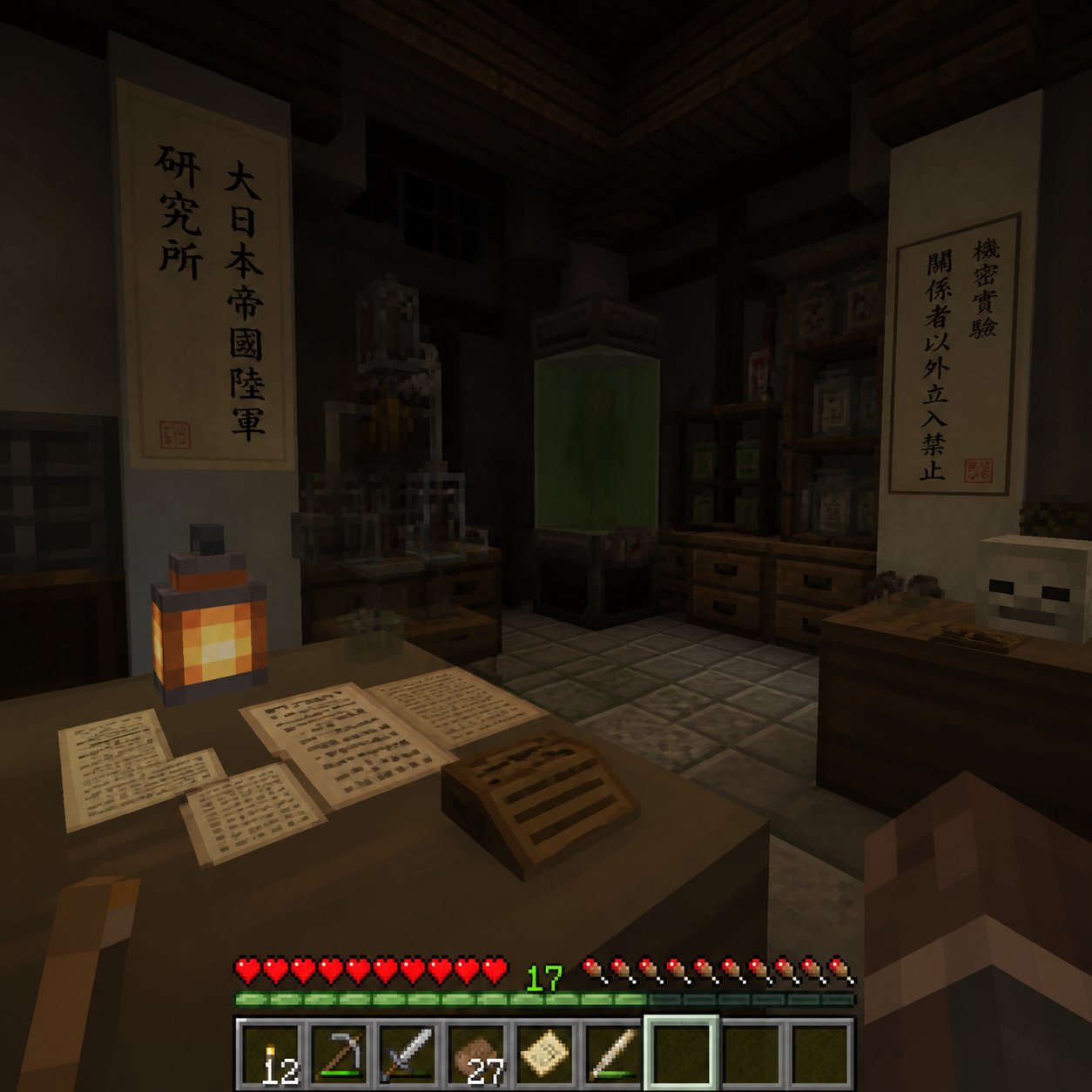
Minecraft Japanese Research Lab Exploration
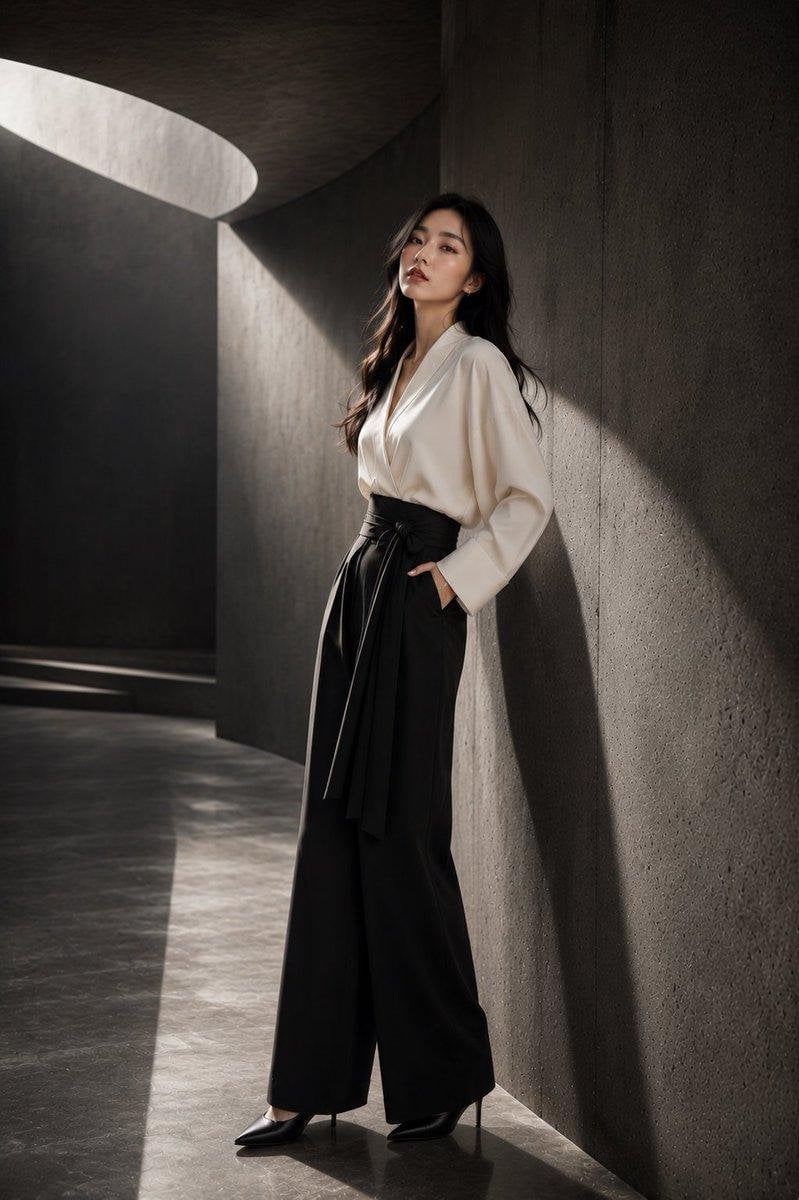
Japanese Architectural Concrete Studio Fashion Campaign
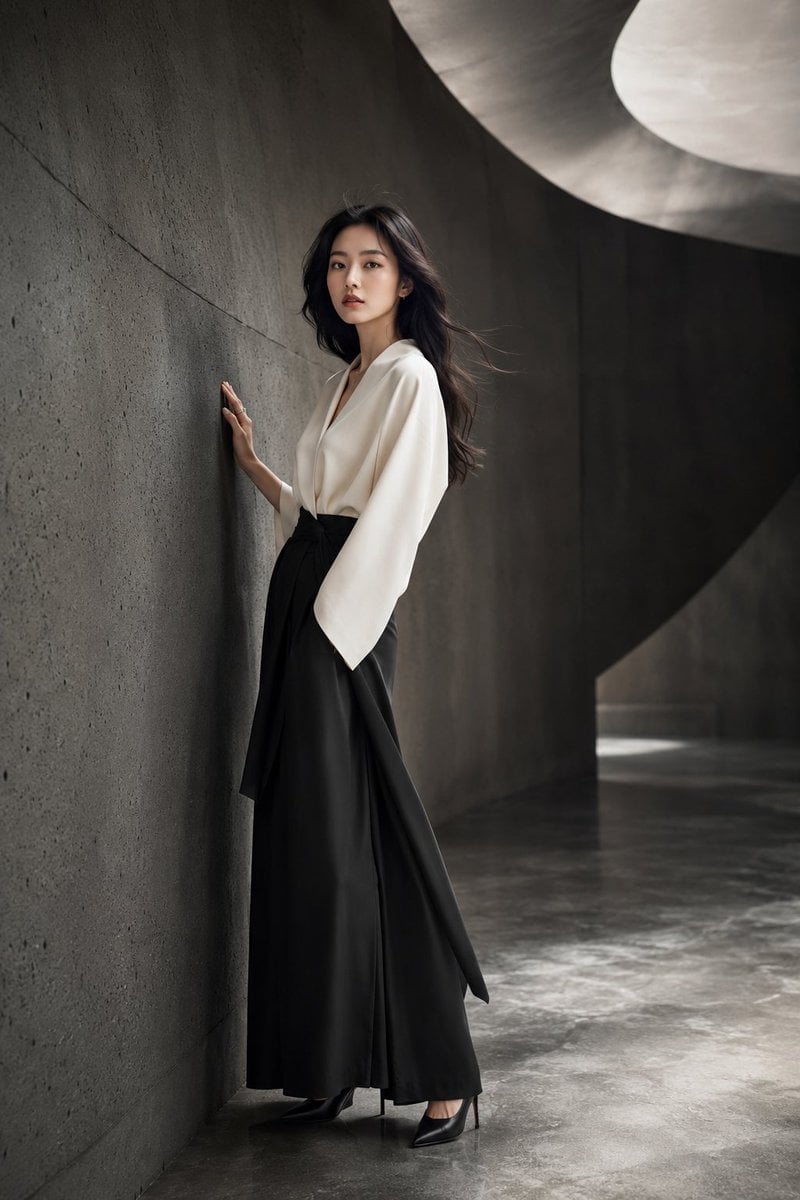
Japanese Minimalist Concrete Studio Fashion Editorial
Blue Backdrop Luxury Fashion Portrait Campaign
Japanese Film Reflection Idol
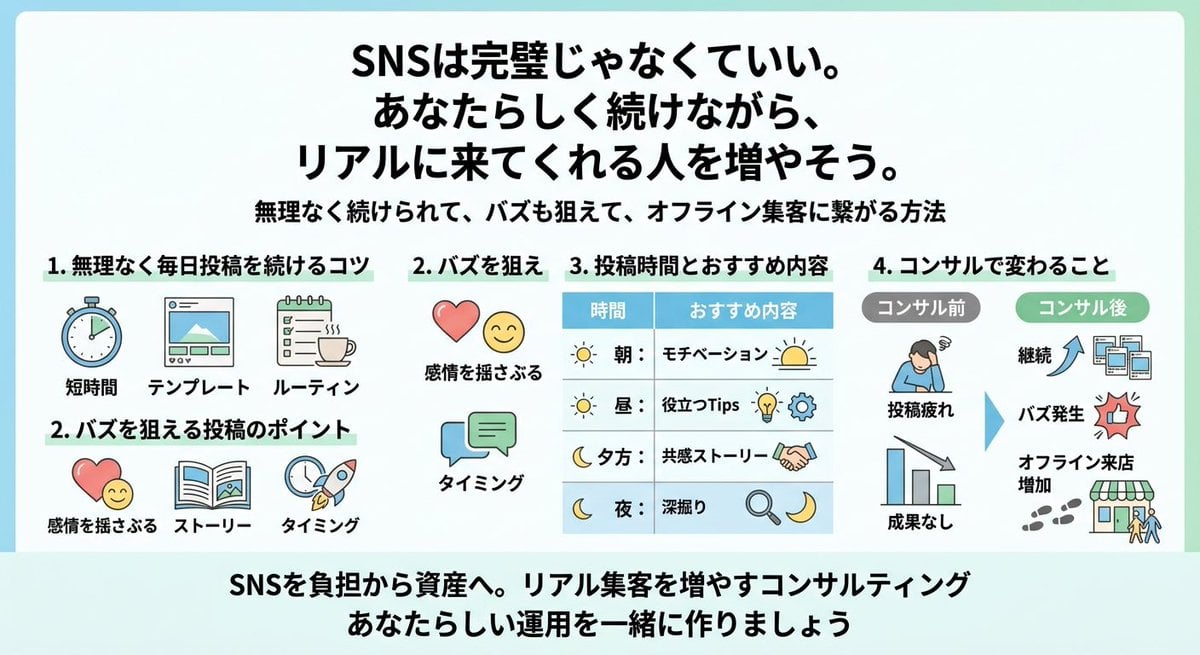
Japanese SNS Consulting Infographic
Surreal Japanese Meme Thumbnail at Pyramid
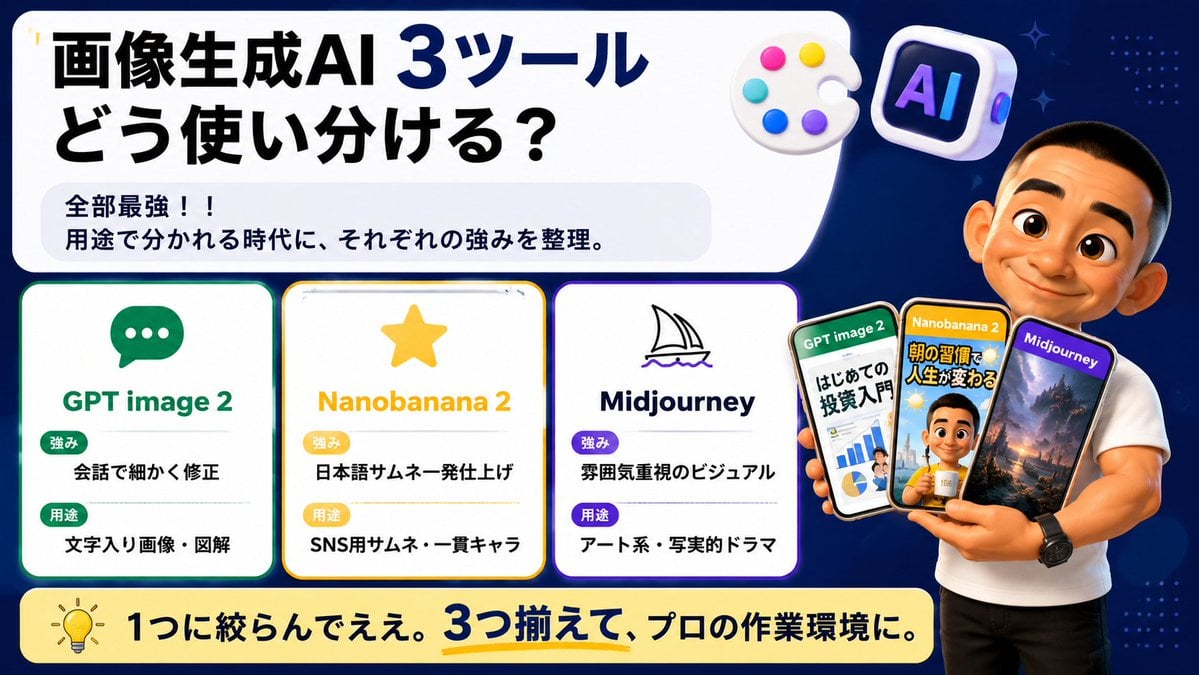
Japanese AI Tool Comparison Thumbnail

Explosive Japanese X Monetization Thumbnail

Japanese X Monetization Thumbnail
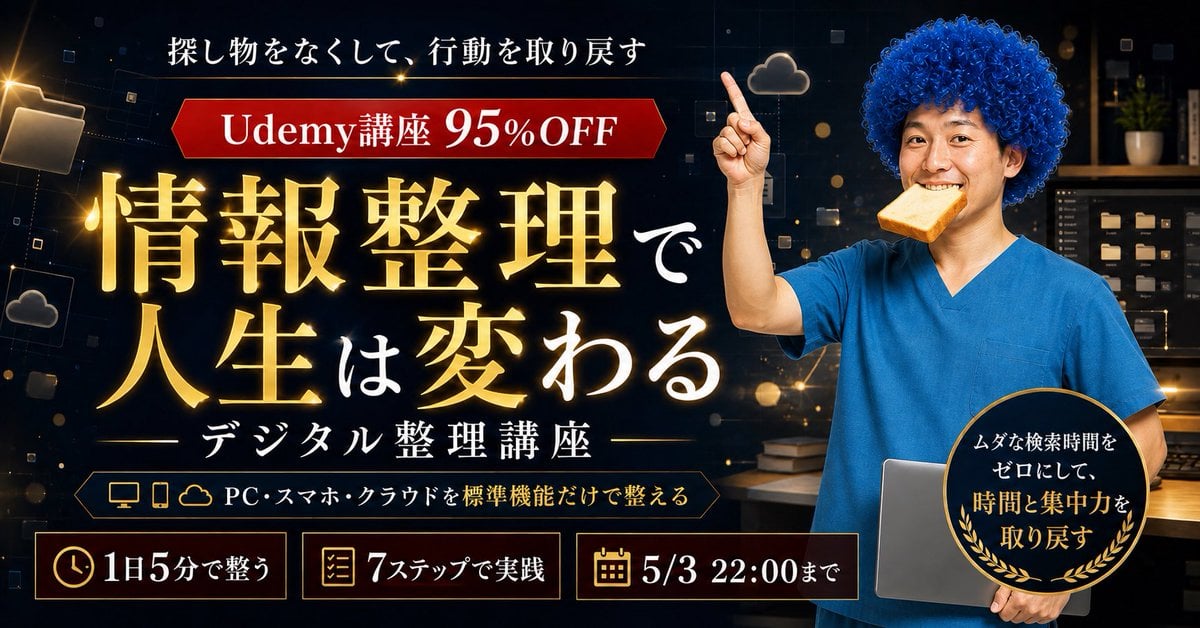
Japanese Udemy Course Sale Thumbnail
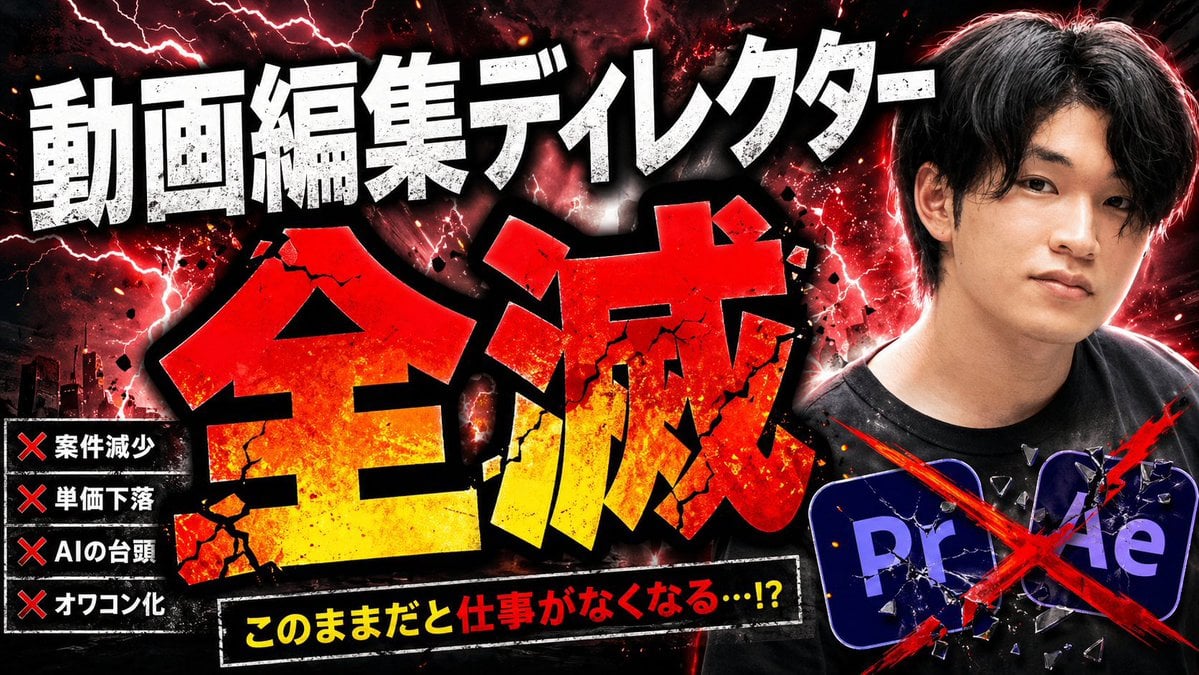
Explosive Japanese AI Threat Thumbnail
Make it yours
Japanese SNS Automation Thumbnail works as-is. These are the safest ways to change it without losing the look.
Change one field
Copy a single group, rewrite it, and generate again so you can see what that field is doing.
Keep the frame, change the subject
Hold the composition and light of Japanese SNS Automation Thumbnail, then swap wardrobe, props or the person for a new take.
| If the result… | Why | Fix |
|---|---|---|
| The result drifts from the preview | Too many fields changed at once. | Reuse Japanese SNS Automation Thumbnail as-is first, then change one group — subject, light, or setting. |
| The model over-stylizes the scene | The prose prompt leaves finish and camera underspecified. | Add one camera or lighting sentence and stay on GPT Image 2. |
More GPT Image 2 templates
Other prompts made for GPT Image 2.

Six VTuber Japanese Logo Sheet

Realistic Portrait of Woman and Deer

The Vista Modular Condo Poster

AI Model Routing Comparison Infographic

2.5D Anime Art Board

Isometric Productivity Desk Scene

New York Double Exposure Poster

Four-Panel AI Landscape Comparison

Japanese Tatami Lifestyle Magazine Cover

NESCAFÉ Coffee Map Poster
More image prompts
Fresh picks from across the catalog.
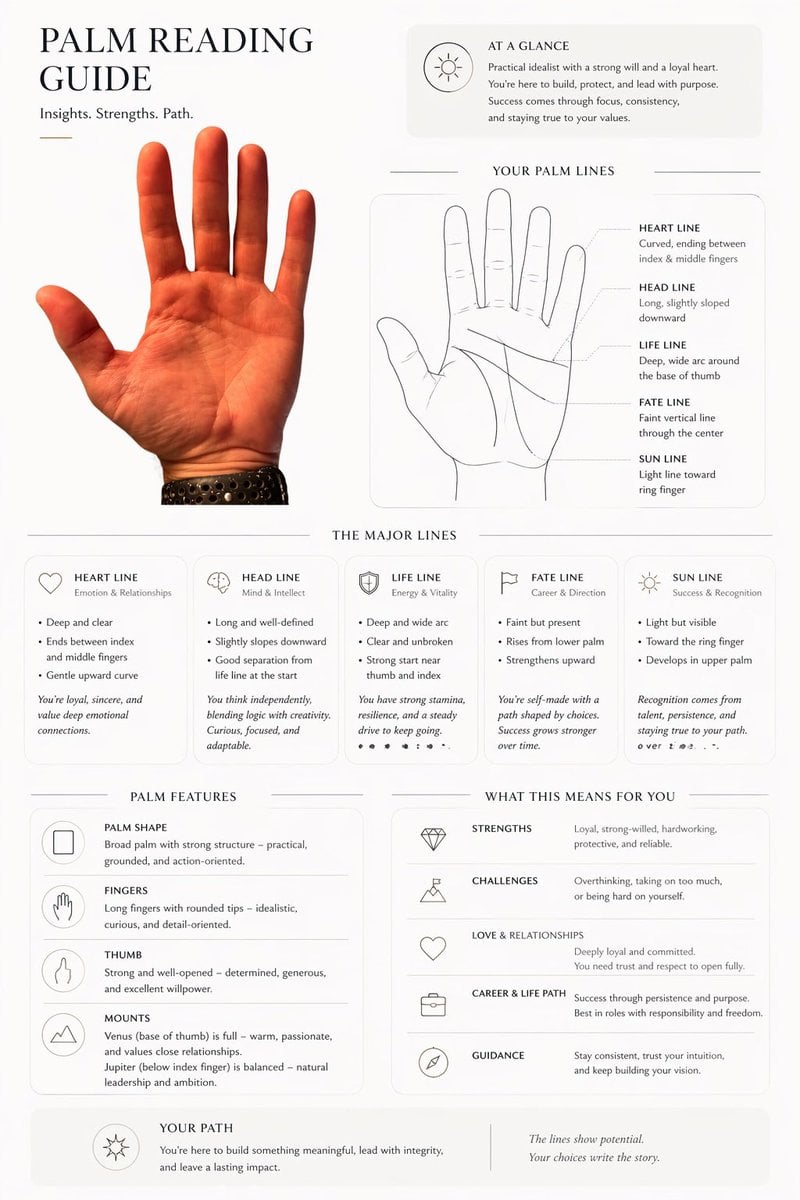
Editorial Palm Reading Infographic
Japanese AI Prompt Gallery UI

Sleepy Girl at Laptop Illustration
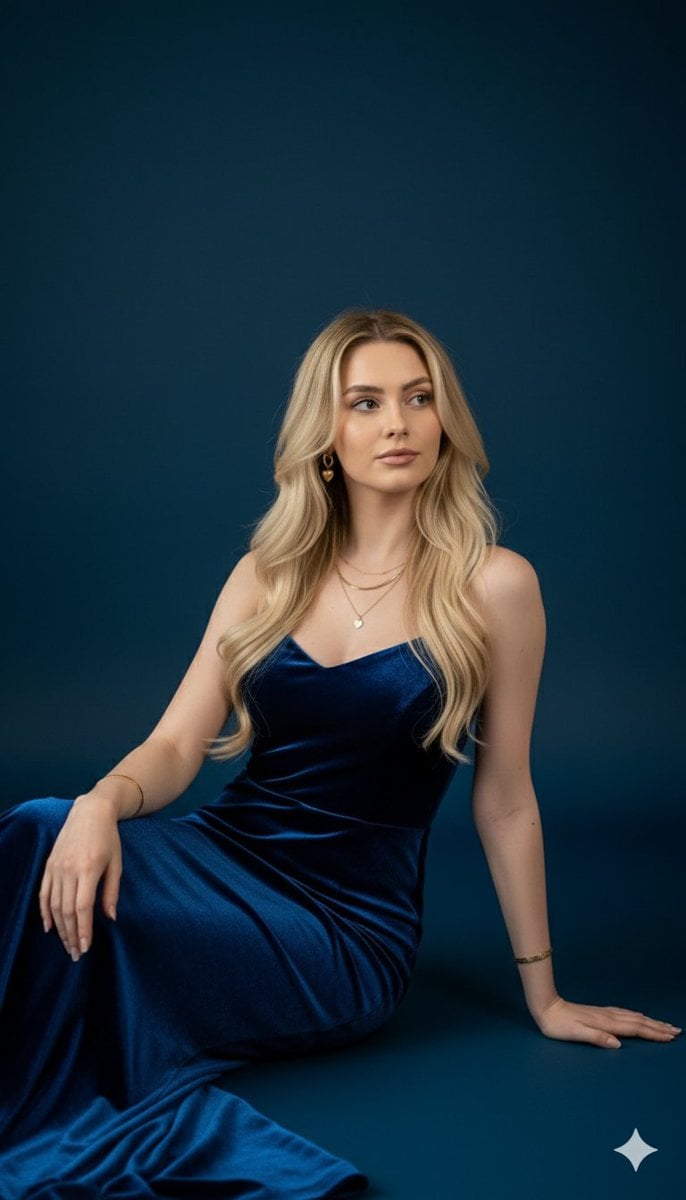
Royal Blue Velvet Evening Gown Portrait Prompt

X Ozayrr Irl Chatgpt Image 2 Vs Google
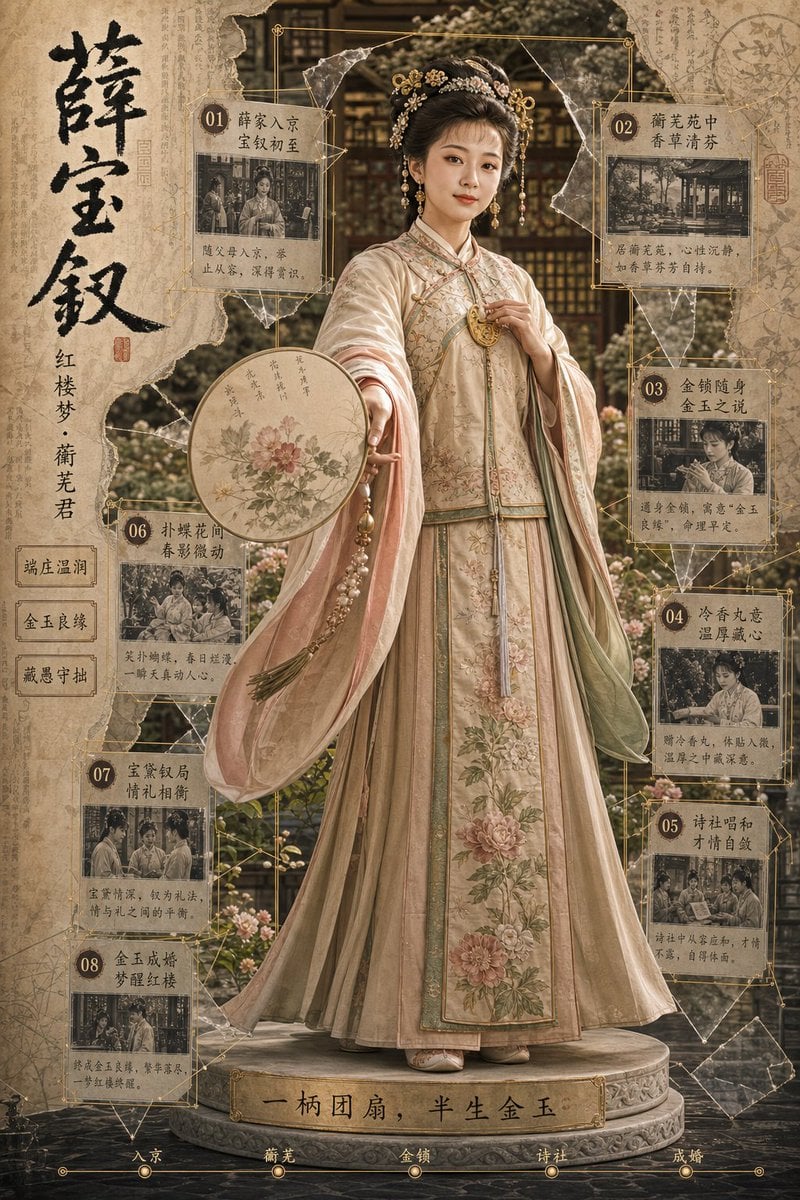
Antique Chinese Noblewoman Poster
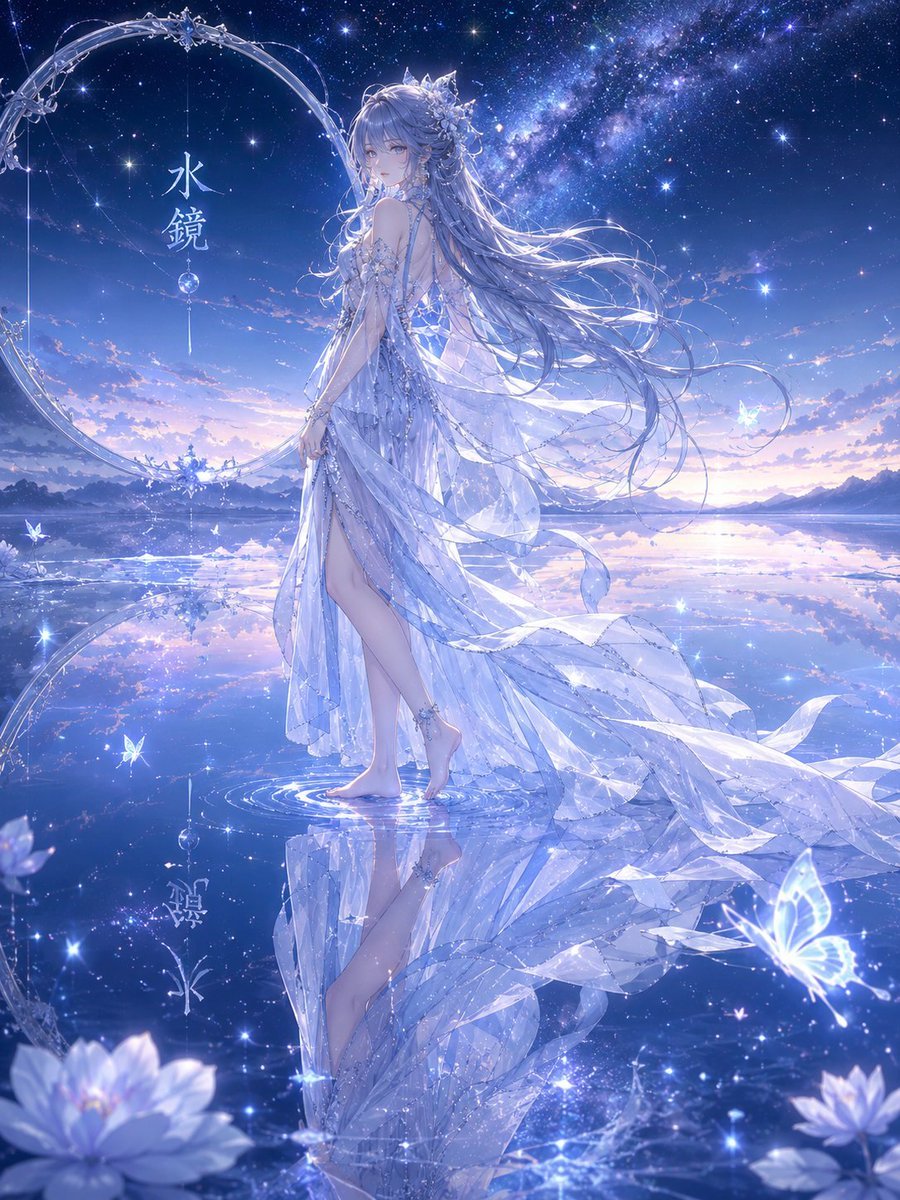
Water Mirror Fantasy Maiden

Dreamy Man Holding Calico Cat Portrait
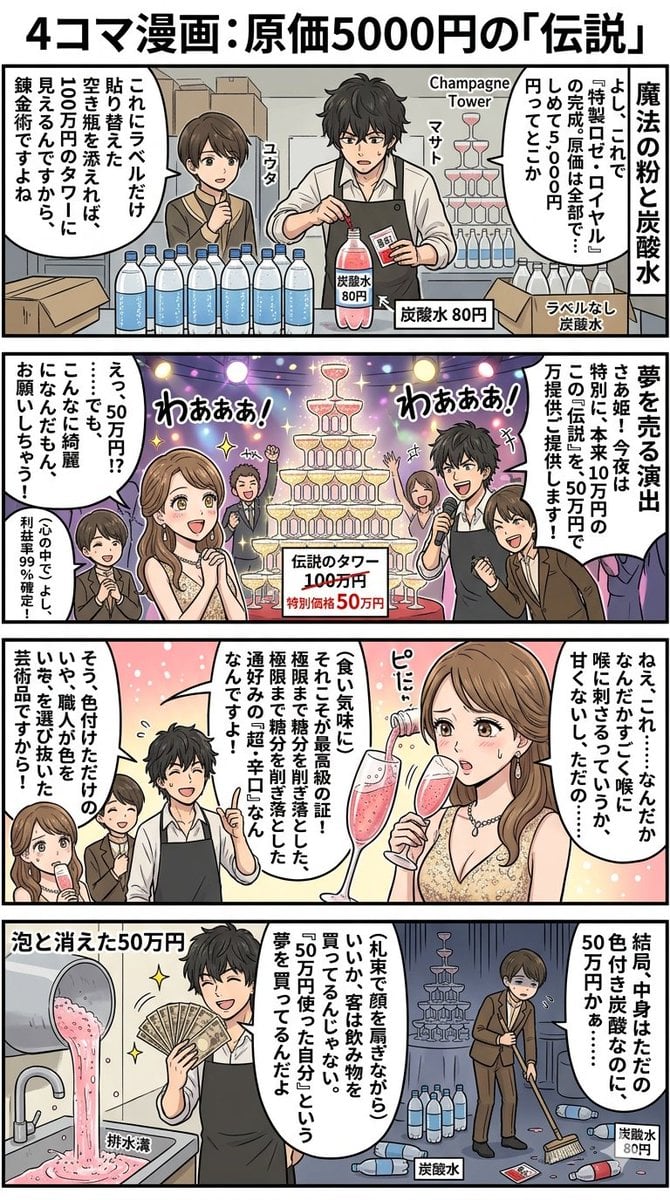
Four-Panel Manga: The Legend of the 5000 Yen Cost
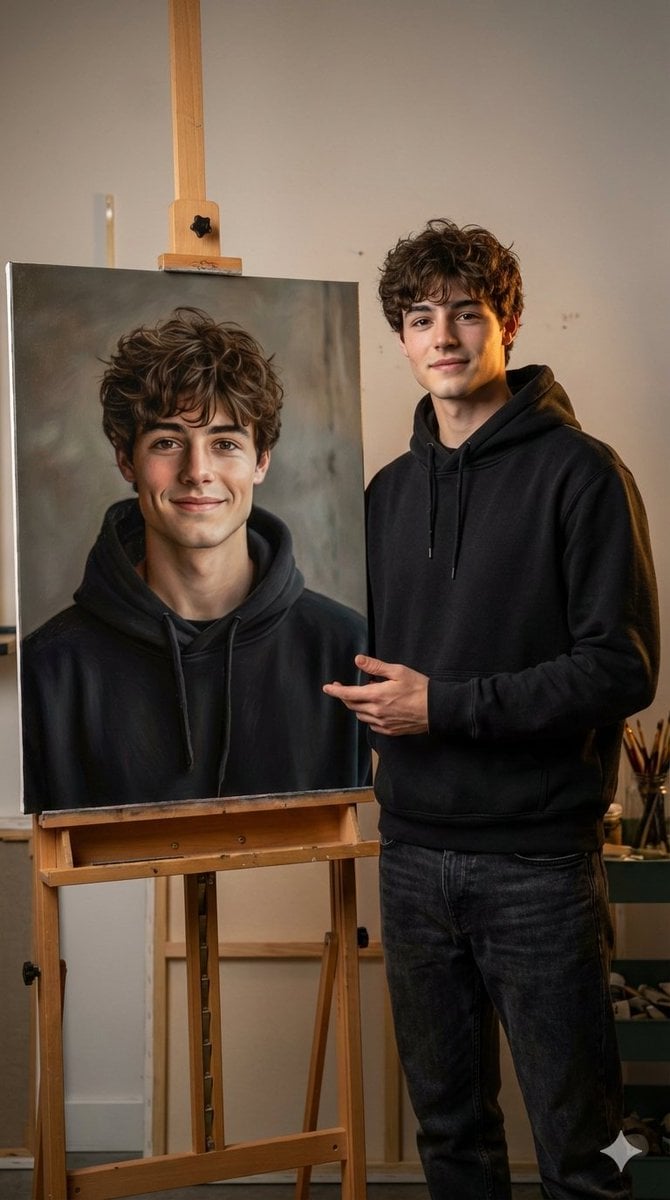
Hyper-realistic portrait with a painting of the subject
Browse template categories
Japanese SNS Automation Thumbnail questions
How do I use the Japanese SNS Automation Thumbnail template?
Add your photo if the template asks for one, edit the prompt if you like — the template's model and format are already selected — and press Generate. Your version opens in PicX Studio.
Can I customize the Japanese SNS Automation Thumbnail template?
Yes. You can change the subject, setting, lighting, mood, format, and available model controls before creating your image.
Is the Japanese SNS Automation Thumbnail template free?
Opening and editing this template is free. Generating uses credits, shown on the Generate button when you are signed in.
Which AI model should I use?
Start with GPT Image 2, which is the model associated with this template. You can compare another compatible model for a different finish.
Looking for something else? Browse all templates.

Your photo, any look
Thousands of ready templates for every top image and video model, from one credit balance.