
Japanese X Monetization Thumbnail
A flashy anime-style Japanese YouTube thumbnail for a beginner-focused X monetization guide, ideal for social media growth, income strategy, and online business video covers.

- Prompt included
- Model and format preset
- Free template
The prompt behind this image
Copy the exact prompt behind Japanese X Monetization Thumbnail, or open it in the studio and make it yours.
Create a bold Japanese YouTube thumbnail in a flashy anime-business style, 16:9 landscape, packed composition, high contrast, glossy text effects, neon green and gold color scheme, dramatic lighting, spark particles, lens flares, and intense depth of field. The scene shows a blurred workstation and social media analytics dashboard in the background, with rising line graphs and a visible revenue card reading "ポストアナリティクス" and "収益 ¥248,620". On the right side, place a half-body anime boy streamer with messy dark brown hair accented by vivid neon green streaks, wearing a black hoodie or black jacket, smiling confidently and pointing upward with one finger; leave his face area partially obscured by a large rectangular placeholder block in muted olive-brown so text or a custom portrait can be inserted later. Across the top, add a glossy green ribbon banner with gold trim and a beginner mark icon on the left, containing the text {argument name="headline text" default="初心者向け完全ガイド"}. In the center-left, create a giant metallic gold "10" with thick black outline and strong white highlights, followed by bold white-and-black Japanese text "日で". Below and overlapping the center, place an enormous glowing neon green letter "X" with electric edges and spark effects. To the right of the X and layered prominently in front, add huge 3D Japanese text in white and gold with heavy black outline and drop shadows reading {argument name="main claim text" default="収益化達成"}. On the left side near the main text, include 3 floating social platform-style icons: a black square icon with a white X logo, a blue speech bubble icon with a white heart, and a pink rounded square icon with a white user silhouette. In the bottom-left foreground, place a black coffee mug with a white X logo on a desk. Along the bottom edge, add 3 rounded white information boxes with green borders and subtle shadows, evenly spaced left to right, each topped with a green numbered circle: box 1 labeled "01" with a beginner mark icon and the text "X初心者でも 簡単収益化"; box 2 labeled "02" with a clock icon and the text "1日1時間の 作業でOK"; box 3 labeled "03" with a calendar icon showing "10" and the text "最短10日で 収益化条件達成". Make all typography extra large, embossed, and optimized for thumbnail readability, with thick outlines, strong perspective, and layered overlap. Overall mood: exciting, high-income promise, beginner-friendly, energetic Japanese social media monetization tutorial thumbnail.
How to use Japanese X Monetization Thumbnail in 3 steps
- 1Upload ImagePNG, JPG or paste
Add your photo
Upload the photo the template builds on. The prompt, model and format are already set.
- 2…a portrait of your subject in softgolden-hour light, 85mm…
Personalize
Edit the subject and creative details for your destination.
- 3Generate
Generate
Press Generate — your image is created in PicX Studio, so you can compare it with the original and refine one variable at a time.
More like this
Templates with the same subject, style or setup. Open one to see its prompt.

Explosive Japanese X Monetization Thumbnail

Minecraft Japanese Research Lab Exploration

Japanese Architectural Concrete Studio Fashion Campaign

Japanese Minimalist Concrete Studio Fashion Editorial

Blue Backdrop Luxury Fashion Portrait Campaign

Japanese Film Reflection Idol
Japanese SNS Automation Thumbnail

Surreal Japanese Meme Thumbnail at Pyramid
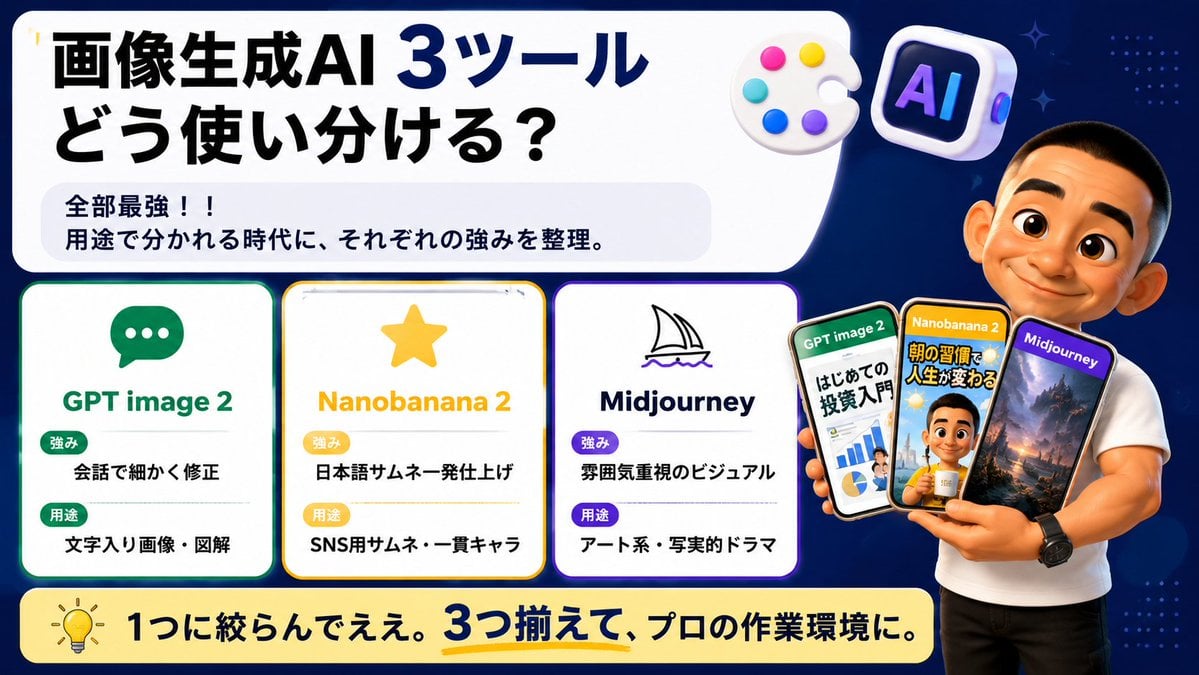
Japanese AI Tool Comparison Thumbnail

Japanese Udemy Course Sale Thumbnail
Explosive Japanese AI Threat Thumbnail
Japanese Katsudon Diet Thumbnail
Make it yours
Japanese X Monetization Thumbnail works as-is. These are the safest ways to change it without losing the look.
Change one field
Copy a single group, rewrite it, and generate again so you can see what that field is doing.
Keep the frame, change the subject
Hold the composition and light of Japanese X Monetization Thumbnail, then swap wardrobe, props or the person for a new take.
| If the result… | Why | Fix |
|---|---|---|
| The result drifts from the preview | Too many fields changed at once. | Reuse Japanese X Monetization Thumbnail as-is first, then change one group — subject, light, or setting. |
| The model over-stylizes the scene | The prose prompt leaves finish and camera underspecified. | Add one camera or lighting sentence and stay on GPT Image 2. |
More GPT Image 2 templates
Other prompts made for GPT Image 2.

Six VTuber Japanese Logo Sheet

Realistic Portrait of Woman and Deer

The Vista Modular Condo Poster

AI Model Routing Comparison Infographic

2.5D Anime Art Board

Isometric Productivity Desk Scene

New York Double Exposure Poster

Four-Panel AI Landscape Comparison

Japanese Tatami Lifestyle Magazine Cover

NESCAFÉ Coffee Map Poster
More image prompts
Fresh picks from across the catalog.
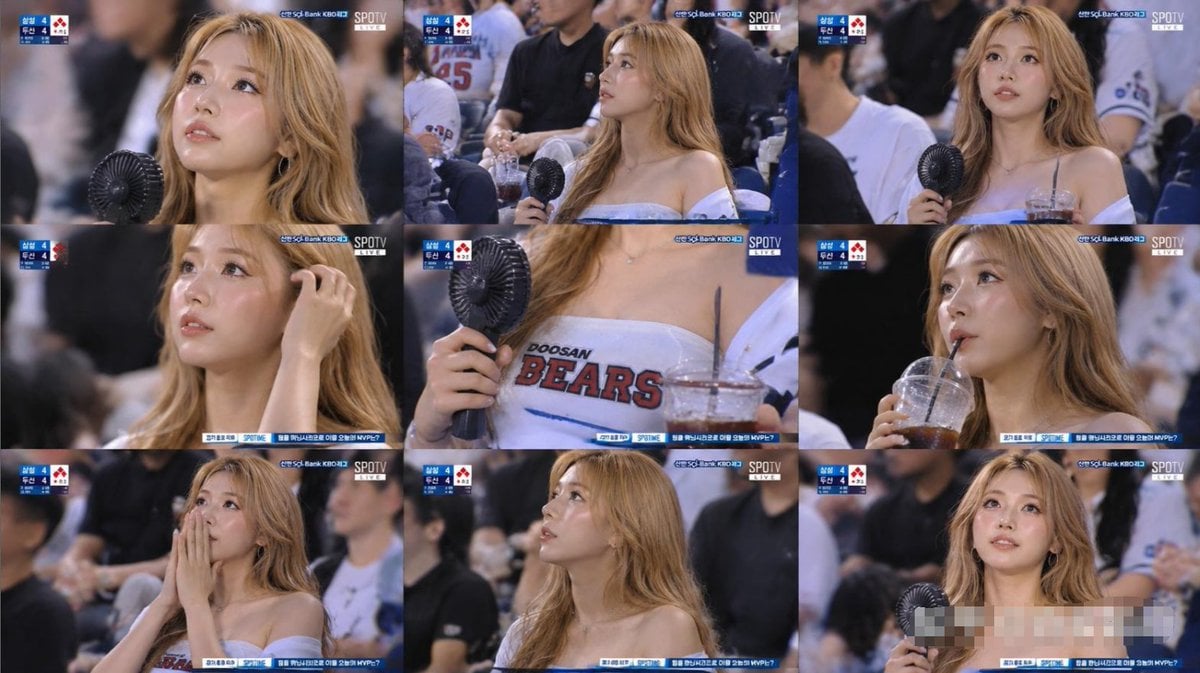
KBO Baseball Fan Television Broadcast Storyboard
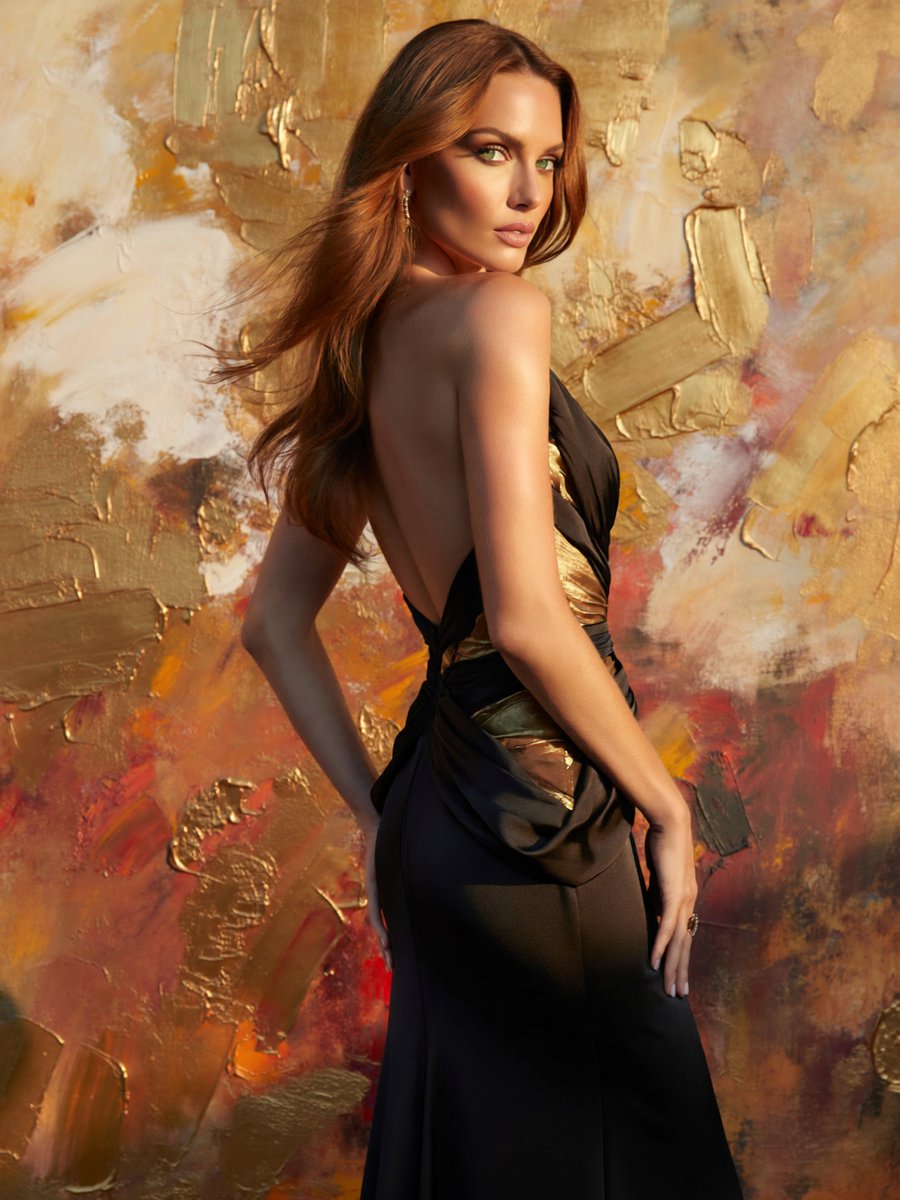
Glamorous Backless Gown Portrait
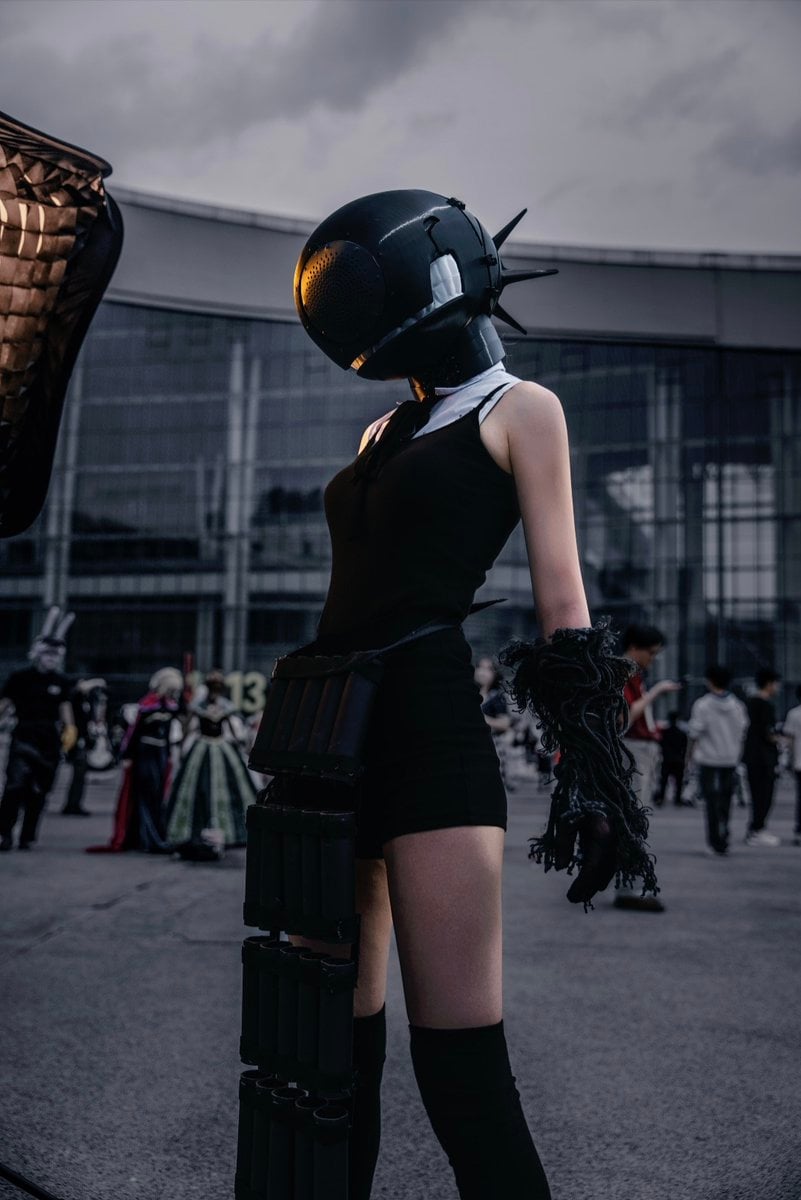
Cyberpunk Cinematic Photo Edit

Graphic Novel Ink Splatter Portrait

Nano Banana Image Generation Prompt Schema (JSON Format)

Archival Film Still of a Glamorous Femme Fatale

Night Portrait by Fairy Light Tree
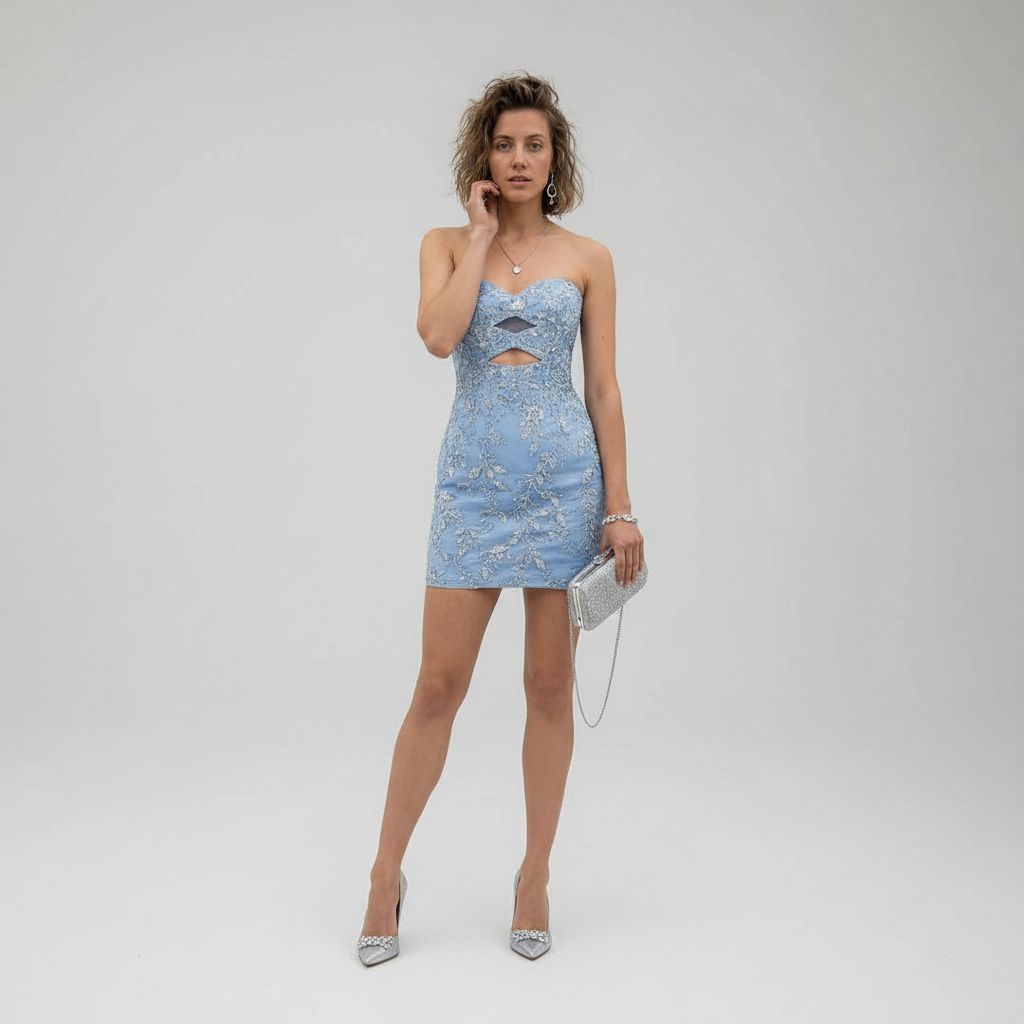
Luxury Studio Outfit Transformation
Luxury Skincare Product Macro Shot in Water
Coastal Motorcycle Anime Girl
Browse template categories
Japanese X Monetization Thumbnail questions
How do I use the Japanese X Monetization Thumbnail template?
Add your photo if the template asks for one, edit the prompt if you like — the template's model and format are already selected — and press Generate. Your version opens in PicX Studio.
Can I customize the Japanese X Monetization Thumbnail template?
Yes. You can change the subject, setting, lighting, mood, format, and available model controls before creating your image.
Is the Japanese X Monetization Thumbnail template free?
Opening and editing this template is free. Generating uses credits, shown on the Generate button when you are signed in.
Which AI model should I use?
Start with GPT Image 2, which is the model associated with this template. You can compare another compatible model for a different finish.
Looking for something else? Browse all templates.

Your photo, any look
Thousands of ready templates for every top image and video model, from one credit balance.