
Explosive Japanese X Monetization Thumbnail
This prompt generates a high-energy anime-style Japanese marketing thumbnail for social media or YouTube promotions about fast X monetization and bonus offers.

- Prompt included
- Model and format preset
- Premium template
The prompt behind this image
Copy the exact prompt behind Explosive Japanese X Monetization Thumbnail, or open it in the studio and make it yours.
Create a flashy Japanese YouTube thumbnail in a high-impact anime marketing style, 16:9 landscape, packed with neon green energy effects, gold sparkles, speed lines, lens flares, and thick black drop shadows. The composition is split with bold promotional text dominating the left and center, and a cute chibi anime boy on the right pointing directly at the viewer with an enthusiastic smile. He has tousled dark brown hair with vivid {argument name="accent hair color" default="neon green"} streaks, large bright green eyes, soft blush on his cheeks, and wears a black hoodie layered with a green-trimmed jacket over an orange inner shirt. Use glossy cel-shaded rendering, crisp outlines, high contrast, and exaggerated depth for a clickable social-media-thumbnail look. At the very top, place a curved red ribbon banner with gold trim and a gift box icon on the left; inside the banner put the Japanese headline text {argument name="top banner text" default="無料10大特典プレゼント"} in bold white and yellow lettering. In the main center-left area, place huge Japanese text with dramatic 3D styling and metallic gradients: a giant gold "10", a white "日で", a massive neon green "X", then silver-white "収益化", and gold-orange "達成", reading exactly {argument name="main headline" default="10日でX収益化達成"}. Surround this headline with upward green arrows, starburst glints, and explosive light effects. Add 4 floating platform-style icons around the headline area: 1 pink social-like icon with a white heart, 1 blue speech-bubble icon with a white user silhouette, 1 tilted black smartphone displaying a white X logo, and 1 stack of gold coins with a yen symbol coin in front. Along the bottom, place 3 glowing green feature boxes aligned horizontally, each with a distinct icon and Japanese copy: box 1 has a beginner mark icon and text {argument name="feature text 1" default="X初心者でも簡単収益化"}, box 2 has a clock icon and text "1日1時間の作業でOK", box 3 has a calendar icon and text "最短10日で収益化条件達成". At the bottom right, add a large glossy red rounded call-to-action button with a white border glow, white Japanese text {argument name="button text" default="今すぐ受け取る"}, a white play triangle on the right side of the button, and a clicking hand cursor near the lower-right edge. The entire image should feel explosive, urgent, and optimized for high click-through rate, using saturated greens, reds, golds, black shadows, and metallic highlights.
How to use Explosive Japanese X Monetization Thumbnail in 3 steps
- 1Upload ImagePNG, JPG or paste
Add your photo
Upload the photo the template builds on. The prompt, model and format are already set.
- 2…a portrait of your subject in softgolden-hour light, 85mm…
Personalize
Edit the subject and creative details for your destination.
- 3Generate
Generate
Press Generate — your image is created in PicX Studio, so you can compare it with the original and refine one variable at a time.
More like this
Templates with the same subject, style or setup. Open one to see its prompt.

Japanese X Monetization Thumbnail
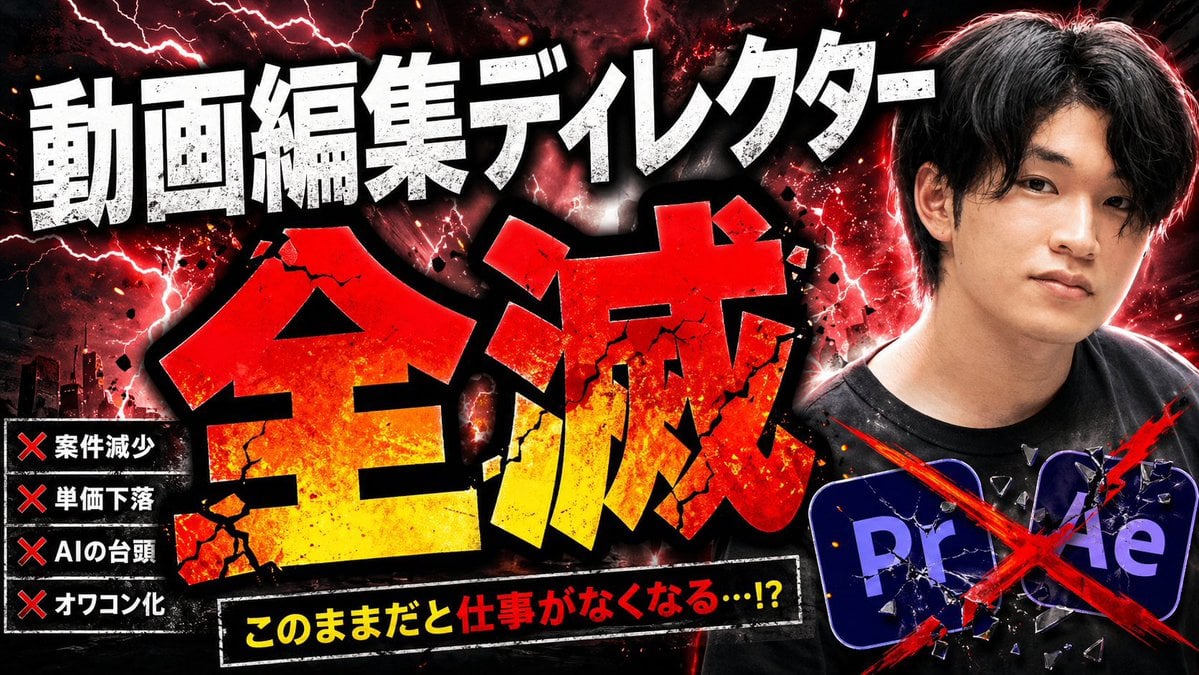
Explosive Japanese AI Threat Thumbnail

Minecraft Japanese Research Lab Exploration

Japanese Architectural Concrete Studio Fashion Campaign

Japanese Minimalist Concrete Studio Fashion Editorial

Blue Backdrop Luxury Fashion Portrait Campaign

Explosive Anime Launch Thumbnail

Japanese Film Reflection Idol
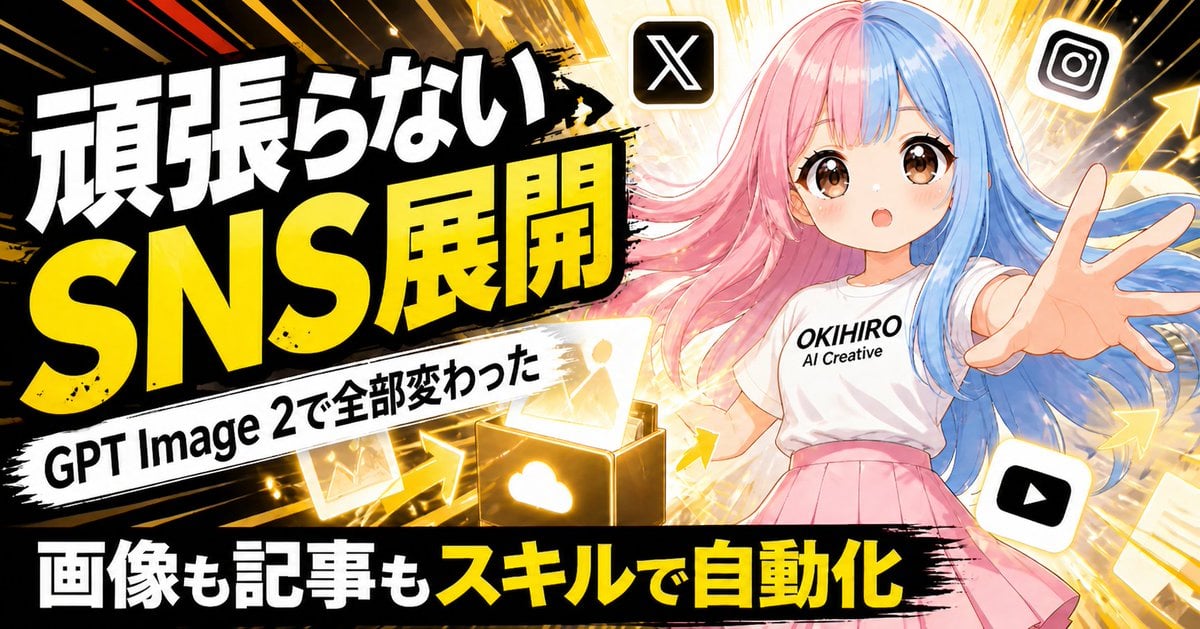
Japanese SNS Automation Thumbnail
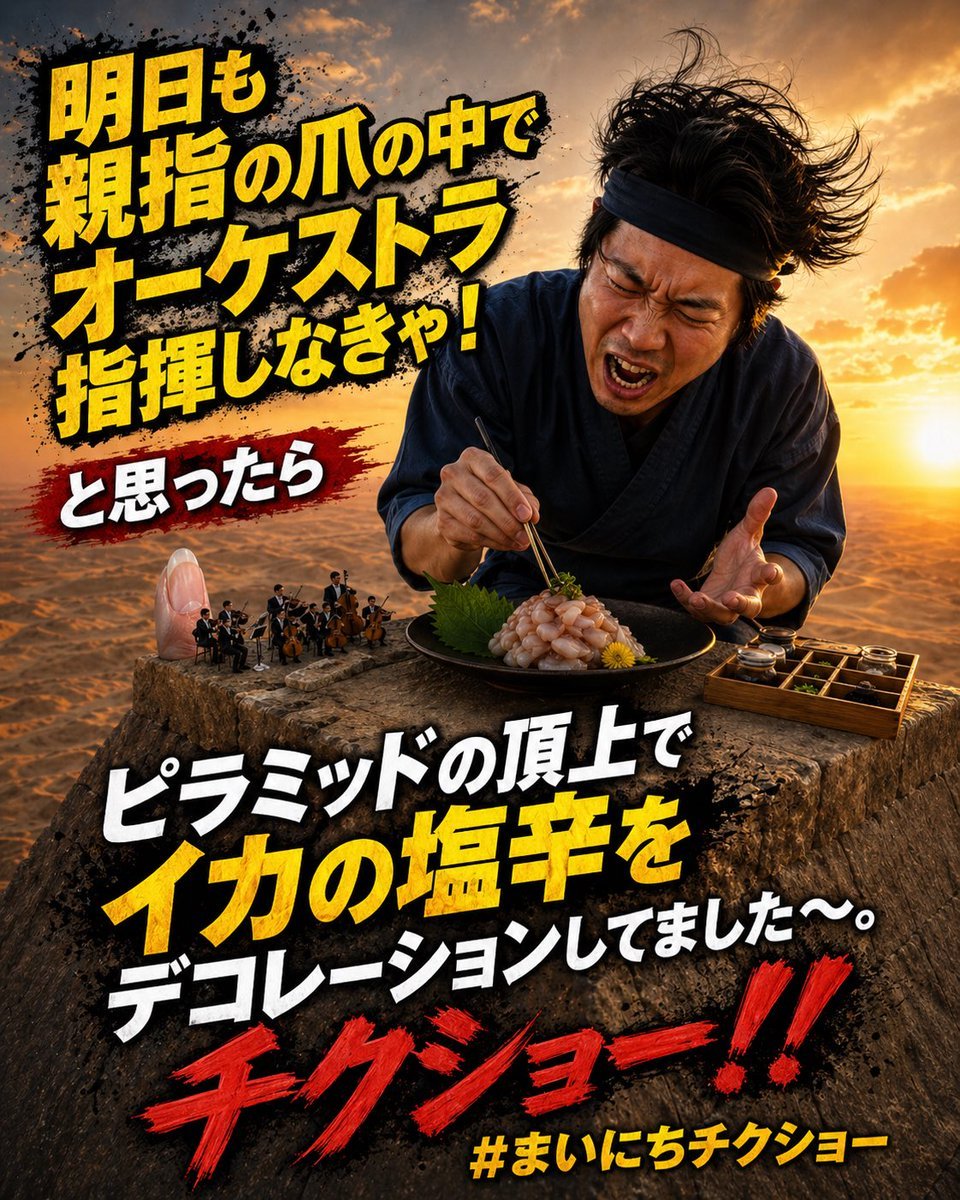
Surreal Japanese Meme Thumbnail at Pyramid
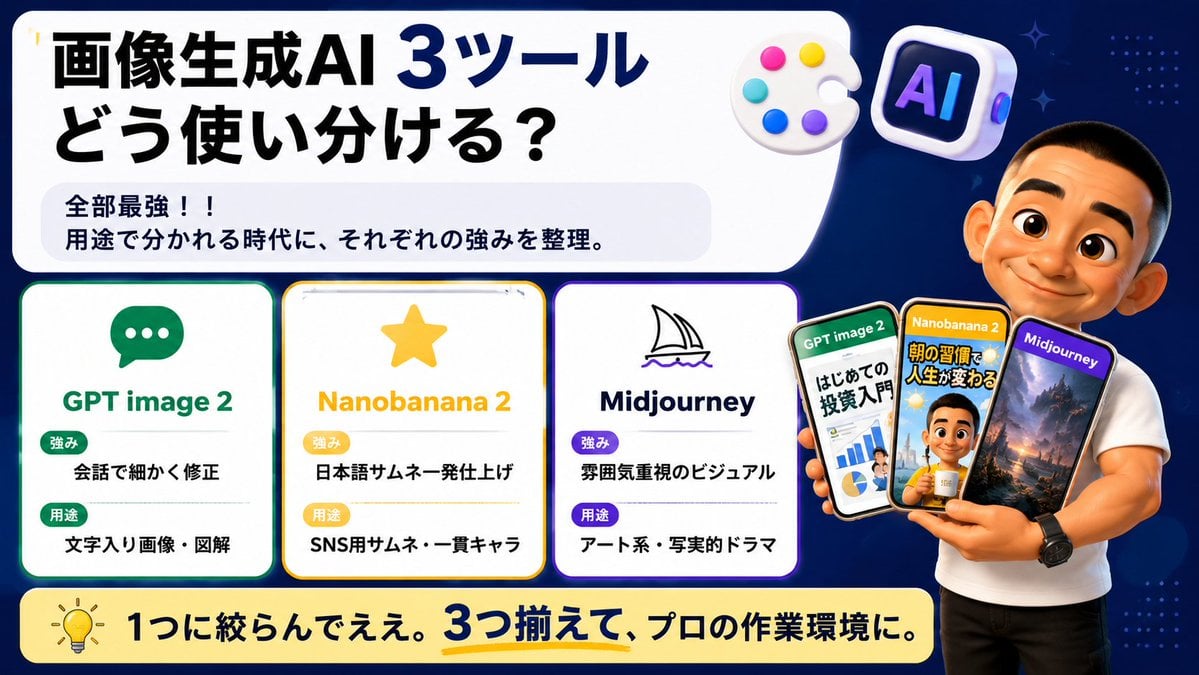
Japanese AI Tool Comparison Thumbnail

Japanese Udemy Course Sale Thumbnail
Make it yours
Explosive Japanese X Monetization Thumbnail works as-is. These are the safest ways to change it without losing the look.
Change one field
Copy a single group, rewrite it, and generate again so you can see what that field is doing.
Keep the frame, change the subject
Hold the composition and light of Explosive Japanese X Monetization Thumbnail, then swap wardrobe, props or the person for a new take.
| If the result… | Why | Fix |
|---|---|---|
| The result drifts from the preview | Too many fields changed at once. | Reuse Explosive Japanese X Monetization Thumbnail as-is first, then change one group — subject, light, or setting. |
| The model over-stylizes the scene | The prose prompt leaves finish and camera underspecified. | Add one camera or lighting sentence and stay on GPT Image 2. |
More GPT Image 2 templates
Other prompts made for GPT Image 2.

Six VTuber Japanese Logo Sheet

Realistic Portrait of Woman and Deer

The Vista Modular Condo Poster

AI Model Routing Comparison Infographic

2.5D Anime Art Board

Isometric Productivity Desk Scene

New York Double Exposure Poster

Four-Panel AI Landscape Comparison

Japanese Tatami Lifestyle Magazine Cover

NESCAFÉ Coffee Map Poster
More image prompts
Fresh picks from across the catalog.

SaaS AI Dashboard Landing Page
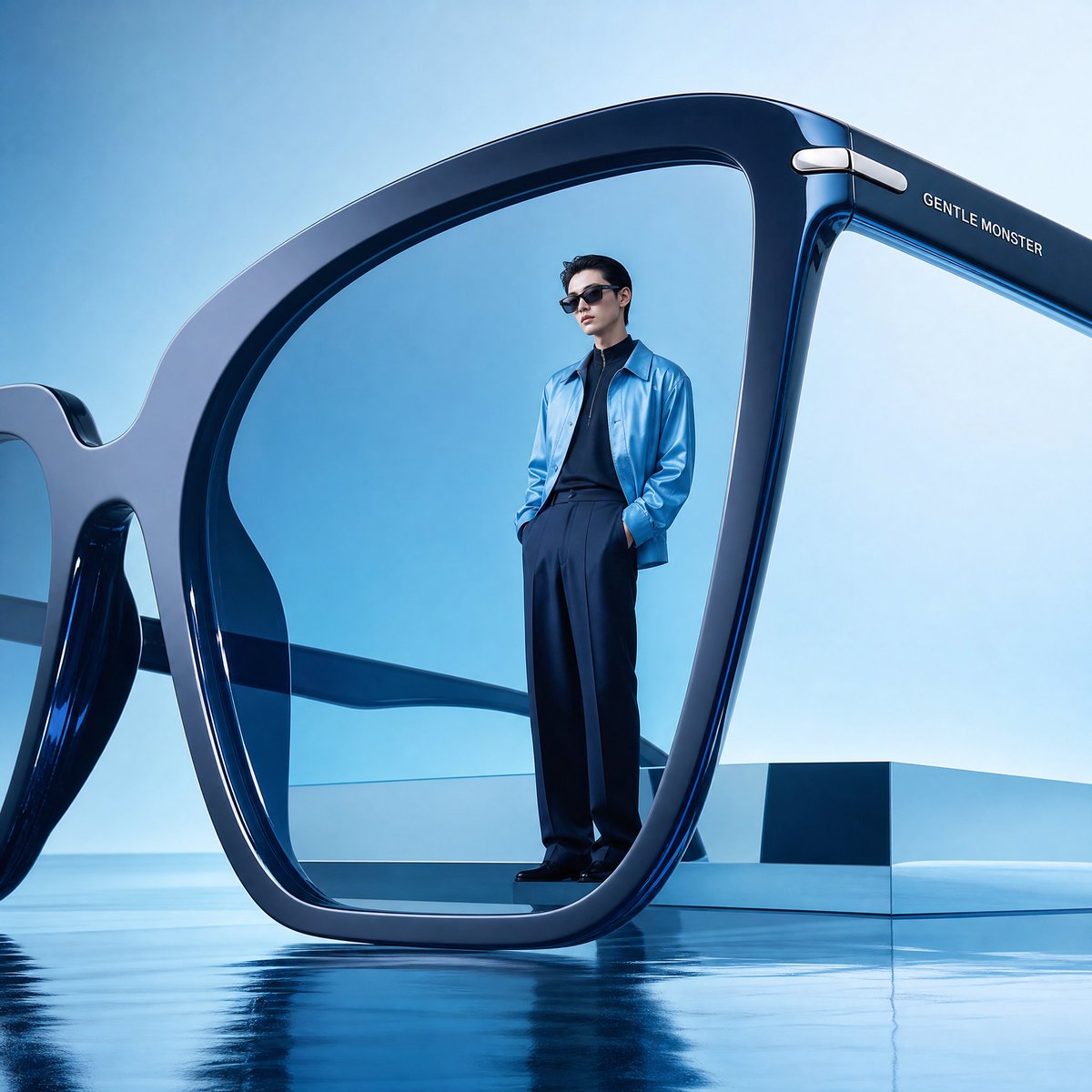
Futuristic Surreal Eyewear Advertisement
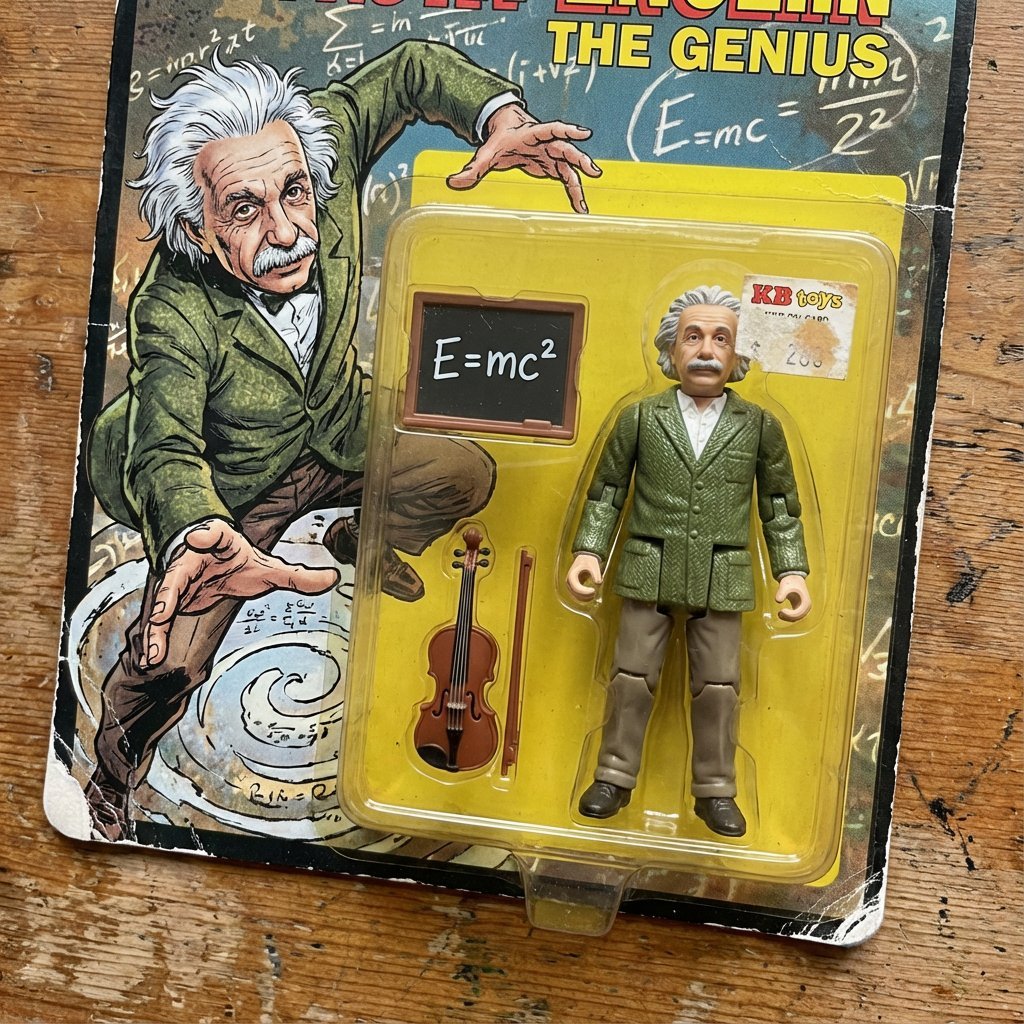
Vintage Action Figure Toyification Prompt

Studio Ghibli Photo Transformation
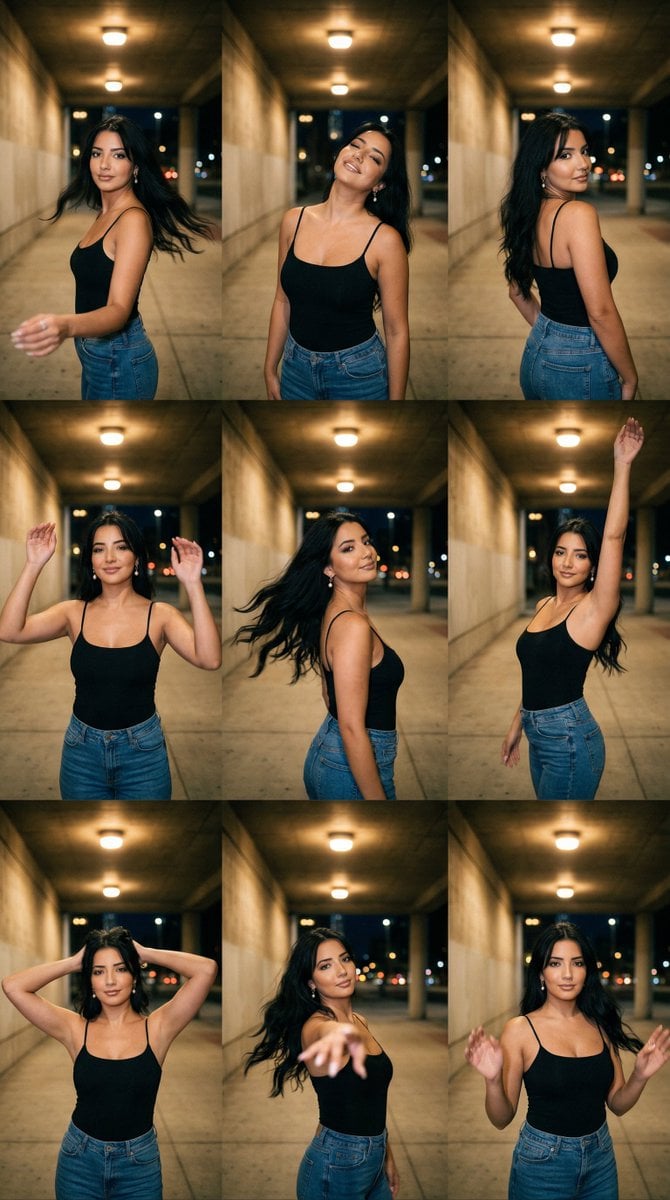
Urban Underpass Motion Portrait Series 3x3 Grid

Beach Club Portrait with Identity Preservation Prompt

3x3 Christmas Collage of a Woman on a Couch
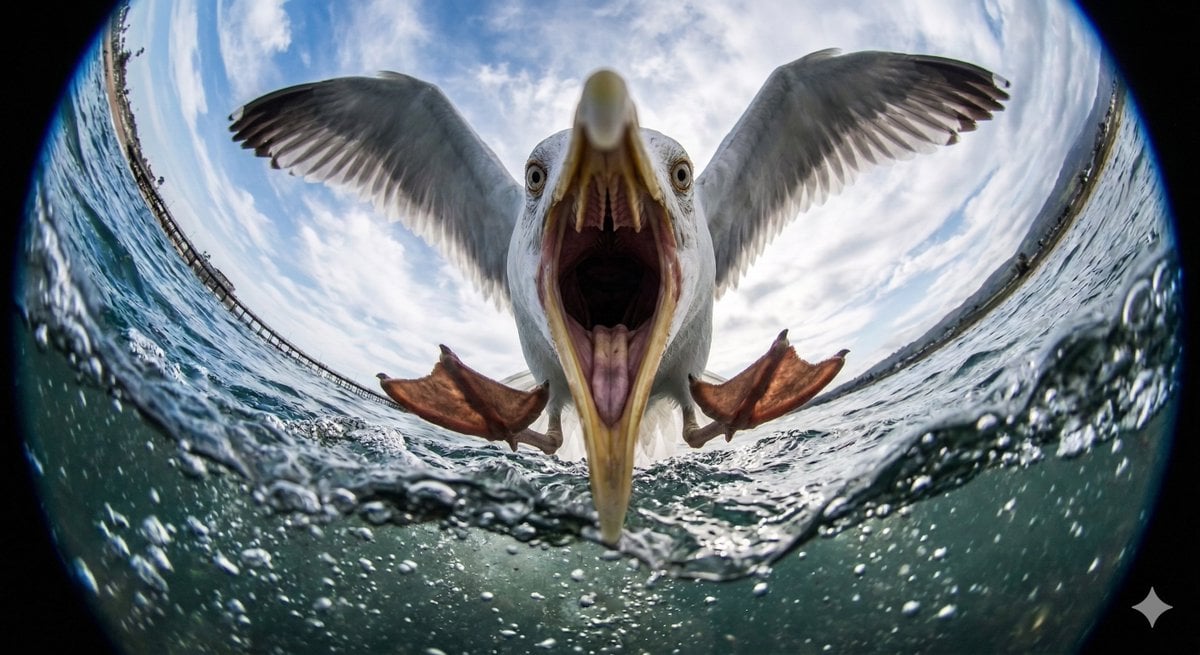
Fisheye Perspective of a Fish
Humorous Game Character Caricature

Soft Cafe Portrait of Young Woman
Browse template categories
Explosive Japanese X Monetization Thumbnail questions
How do I use the Explosive Japanese X Monetization Thumbnail template?
Add your photo if the template asks for one, edit the prompt if you like — the template's model and format are already selected — and press Generate. Your version opens in PicX Studio.
Can I customize the Explosive Japanese X Monetization Thumbnail template?
Yes. You can change the subject, setting, lighting, mood, format, and available model controls before creating your image.
Is the Explosive Japanese X Monetization Thumbnail template free?
Opening and editing this template is free. Generating uses credits, shown on the Generate button when you are signed in.
Which AI model should I use?
Start with GPT Image 2, which is the model associated with this template. You can compare another compatible model for a different finish.
Looking for something else? Browse all templates.

Your photo, any look
Thousands of ready templates for every top image and video model, from one credit balance.