
Urban Underpass Motion Portrait Series 3x3 Grid
A complex JSON prompt for image-to-image generation, requesting a 3x3 grid contact sheet showing the same woman in motion (dance-like poses) within an urban underpass.
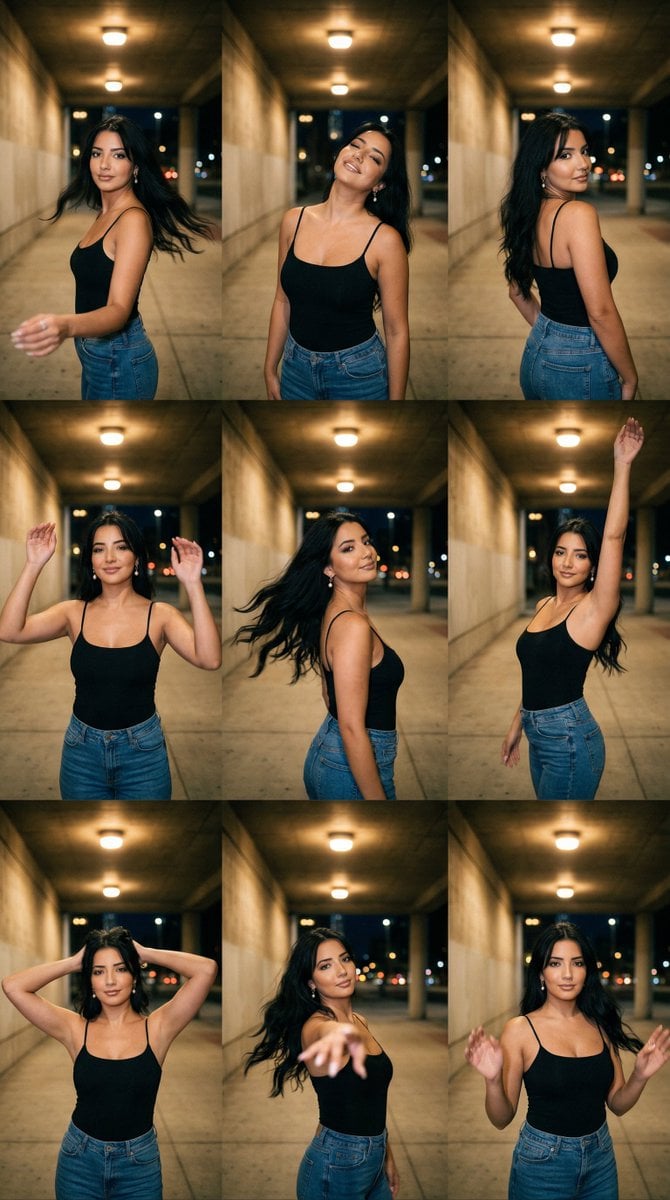
- Prompt included
- Model and format preset
- Free template
The prompt behind this image
Copy the exact prompt behind Urban Underpass Motion Portrait Series 3x3 Grid, or open it in the studio and make it yours.
{ "generation_request": { "meta_data": { "tool": "NanoBanana Pro", "task_type": "urban_underpass_tungsten_motion_series_grid_3x3_no_text", "language": "en", "priority": "highest", "version": "v1.0_URBAN_UNDERPASS_TUNGSTEN_MOTION_3X3_LOCKED" }, "input": { "mode": "image_to_image", "reference_image_usage": "very_high", "preserve_identity": true, "preserve_facial_features": true, "preserve_hairstyle": true, "preserve_wardrobe": true, "notes": "Use the reference as the primary anchor. Create a 3x3 grid (9 panels) with the SAME adult woman identity and the SAME urban underpass location in every panel. Keep background architecture and lighting consistent. Each panel must show a different motion pose (dance-like) with realistic hair movement and slight motion blur ONLY on hair/arms. No text, no logos, no watermark." }, "output_settings": { "aspect_ratio": "4:5", "orientation": "portrait", "resolution_target": "ultra_high_res", "num_images": 1, "layout": { "type": "grid", "rows": 3, "cols": 3, "gutter": "thin", "outer_border": "none", "panel_consistency": "very_high" }, "sharpness": "cinematic_crisp_faces", "grain": "subtle_film", "render_style": "cinematic_lowlight_street" }, "scene": { "concept": "night underpass motion portrait series", "environment": "urban underpass / corridor with concrete walls, repeating ceiling lights, deep background perspective, city hints outside", "lighting": { "style": "tungsten overhead practical lights", "key_light": "warm overhead pools of light", "fill": "low ambient, soft", "shadows": "soft but directional, realistic falloff", "avoid": "flash, HDR, bright daylight" }, "camera": { "lens": "35mm", "distance": "waist-up to mid shots across panels", "focus": "face and eyes sharp, background slightly soft", "motion": "allow slight motion blur on hair and hands only" }, "subject": { "type": "adult woman", "wardrobe": "black spaghetti-strap tank top + blue jeans, no logos", "hair": "medium-long hair with natural volume, moving realistically", "makeup": "natural street glam", "anatomy_rules": "correct limb proportions, realistic hands, correct fingers" }, "motion_panel_set": { "global_rule": "every panel has movement starting immediately; no slow-motion vibe; no melted limbs; face stays coherent", "panel_01": "turning toward camera, one hand extended, subtle hair swing", "panel_02": "head tilt back, relaxed smile, shoulders open", "panel_03": "over-shoulder glance, torso twist, hand on hip", "panel_04": "both hands lifted mid-dance, playful expression", "panel_05": "hair whip to the side, chin tu
How to use Urban Underpass Motion Portrait Series 3x3 Grid in 3 steps
- 1
Open
The prompt is already in the box next to the preview, with the template's model and format selected.
- 2…a portrait of your subject in softgolden-hour light, 85mm…
Personalize
Edit the subject and creative details for your destination.
- 3Generate
Generate
Press Generate — your image is created in PicX Studio, so you can compare it with the original and refine one variable at a time.
More like this
Templates with the same subject, style or setup. Open one to see its prompt.

Korean Luxury Fashion Editorial 2x2 Grid Series
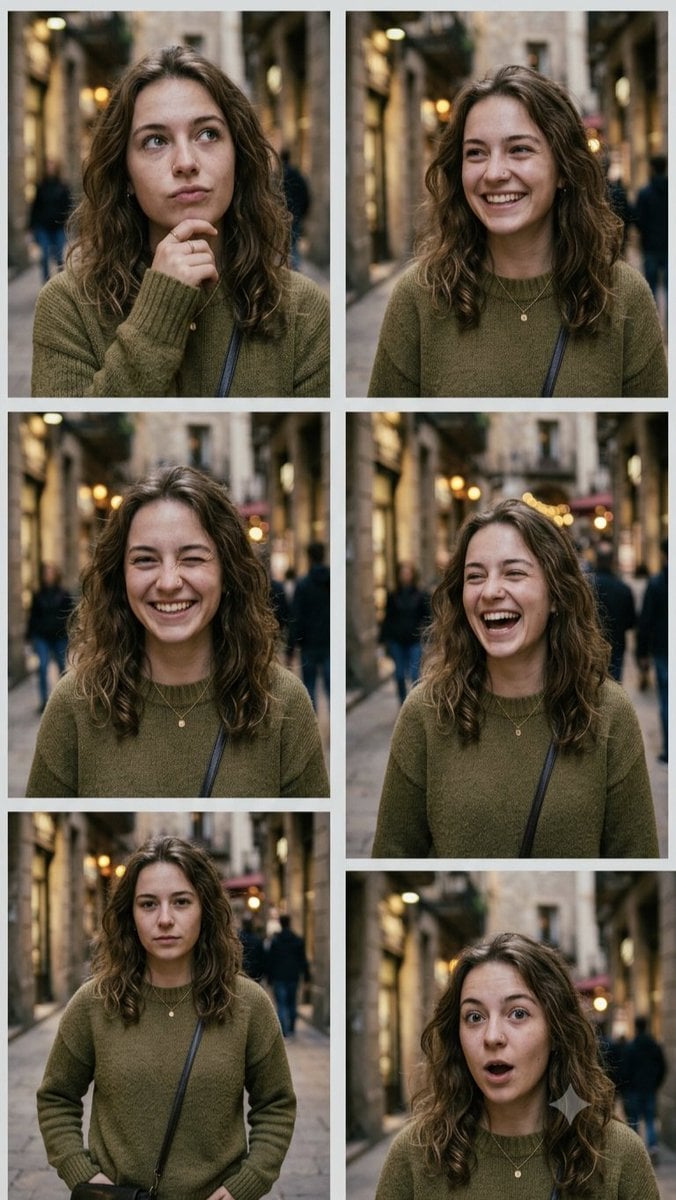
Multi-Expression Emotional Portrait Series
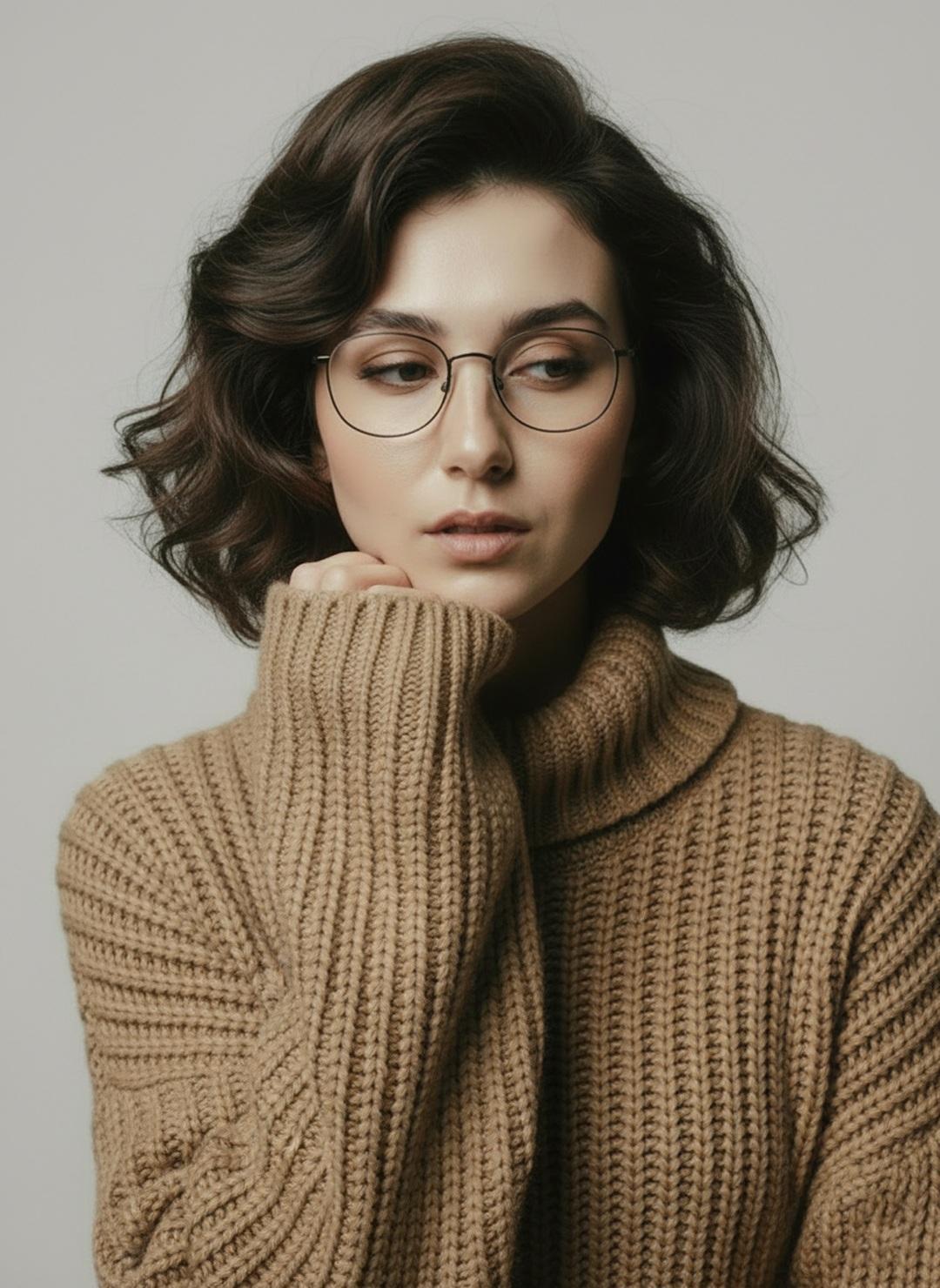
Minimalist Scandinavian Editorial Fashion Portrait Series
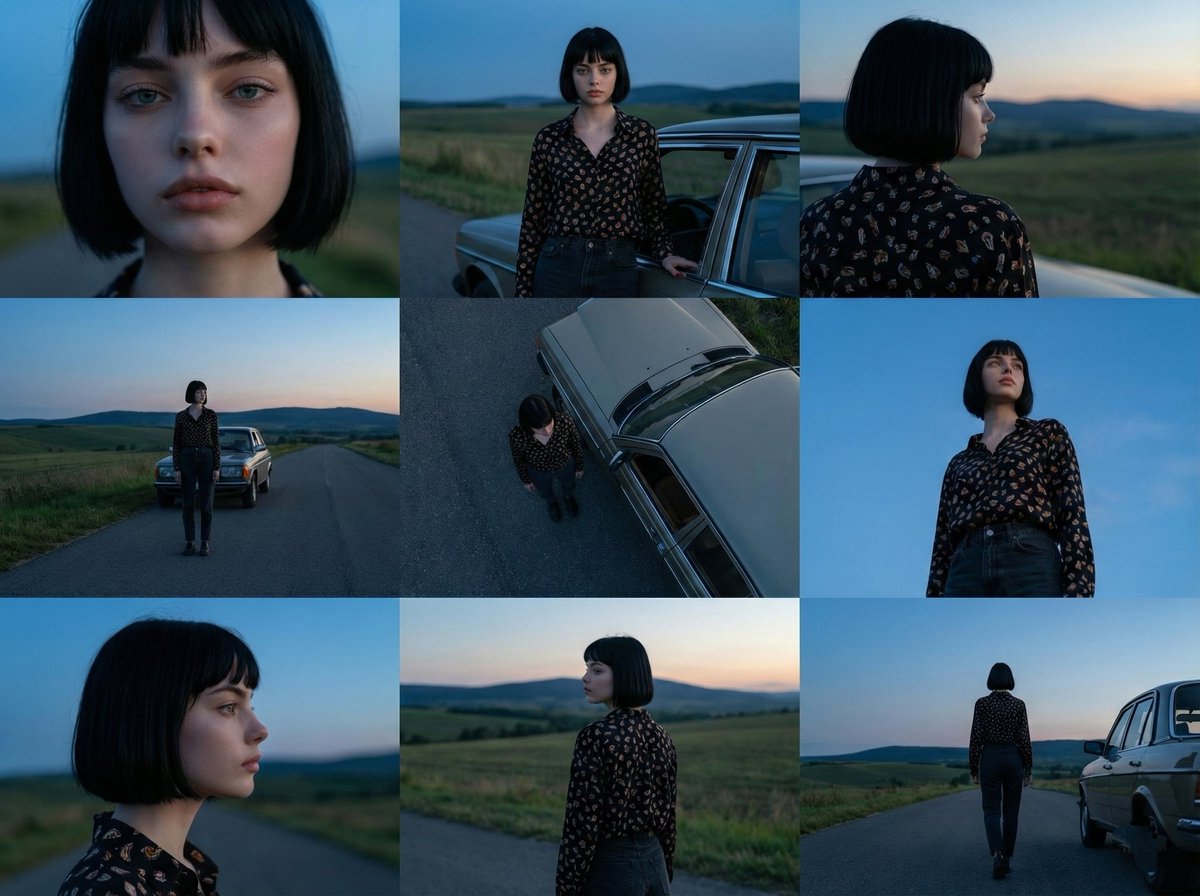
Cinematic 3x3 Grid Photo Series

3x3 Grid Collage of Emotions in 3D Cartoon Style
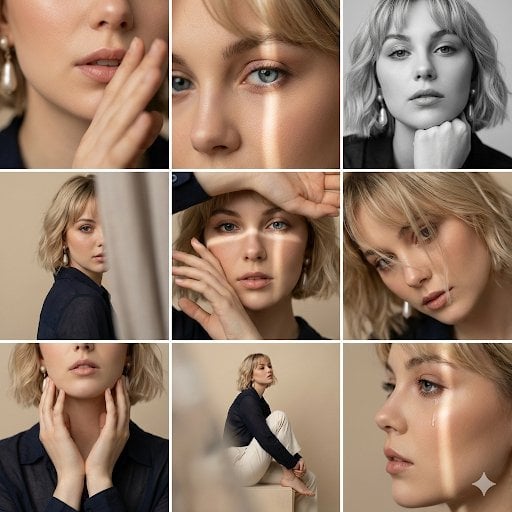
Editorial 3x3 Photo Grid of Intimate Portraits
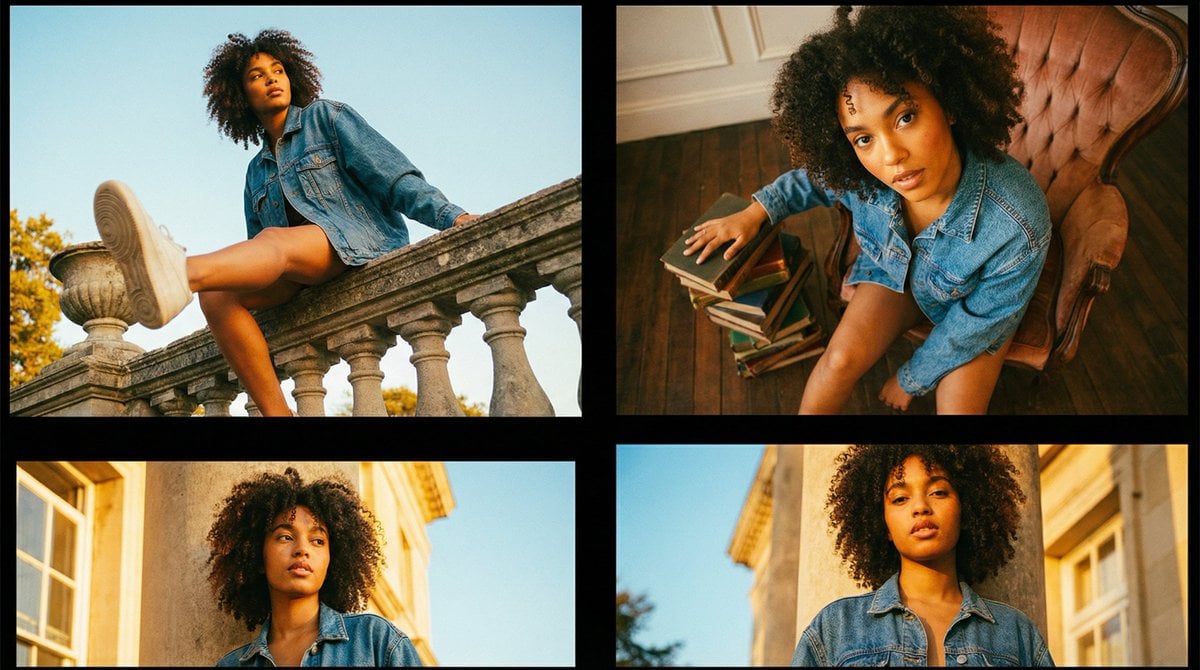
Editorial Fashion Portrait Series Grid Template
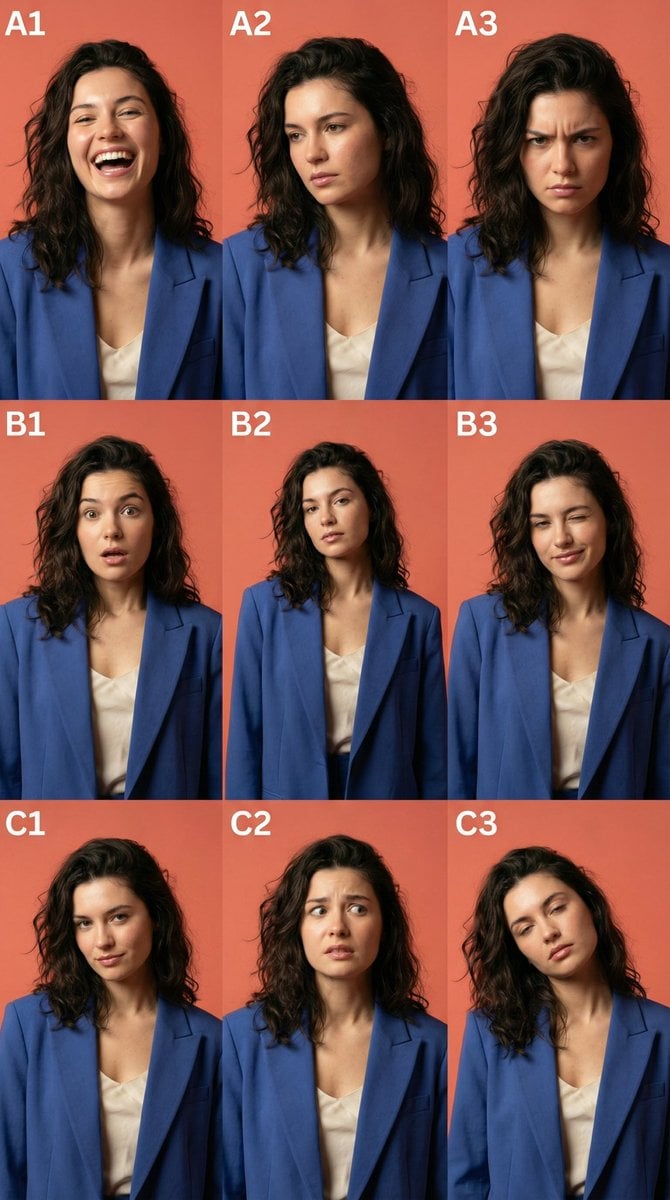
3x3 Character Emotional Expression Grid Prompt
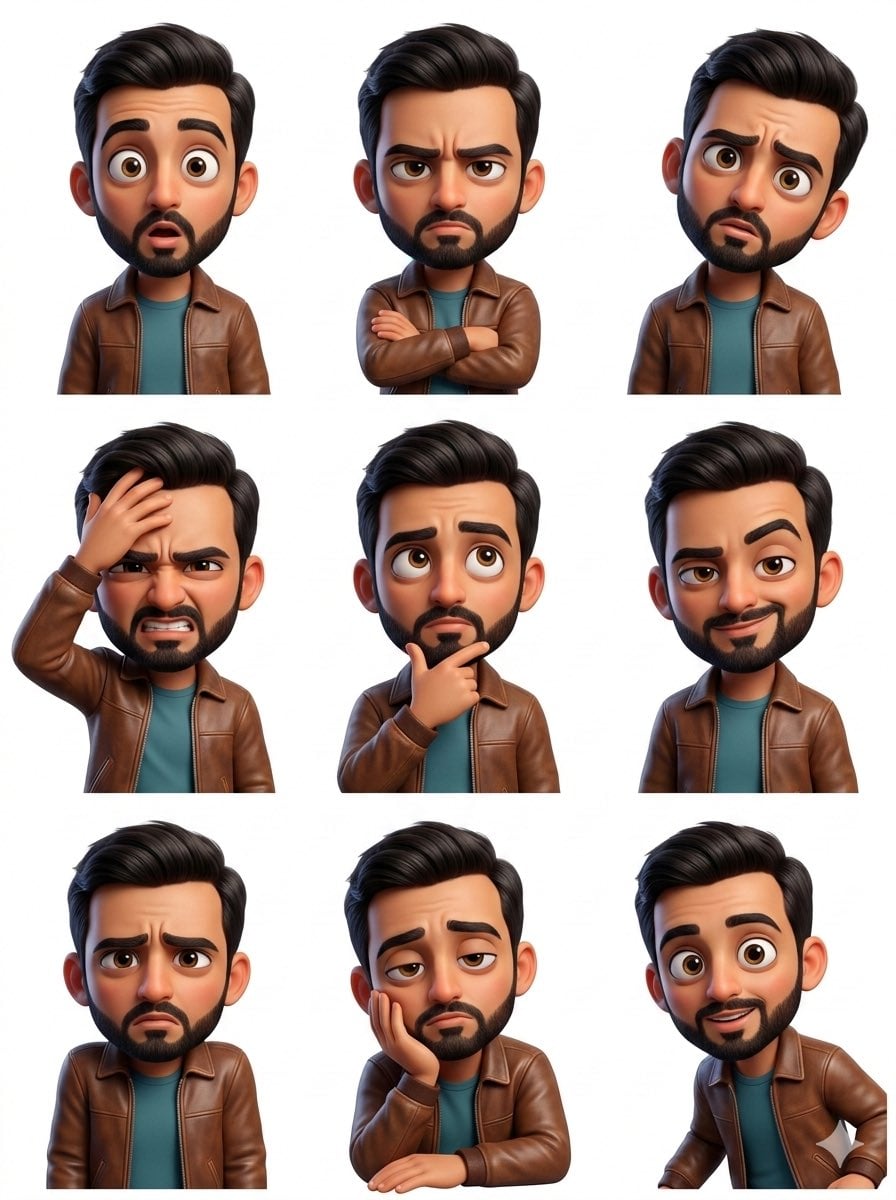
Pixar Sticker Set 3x3 Grid of Emotions
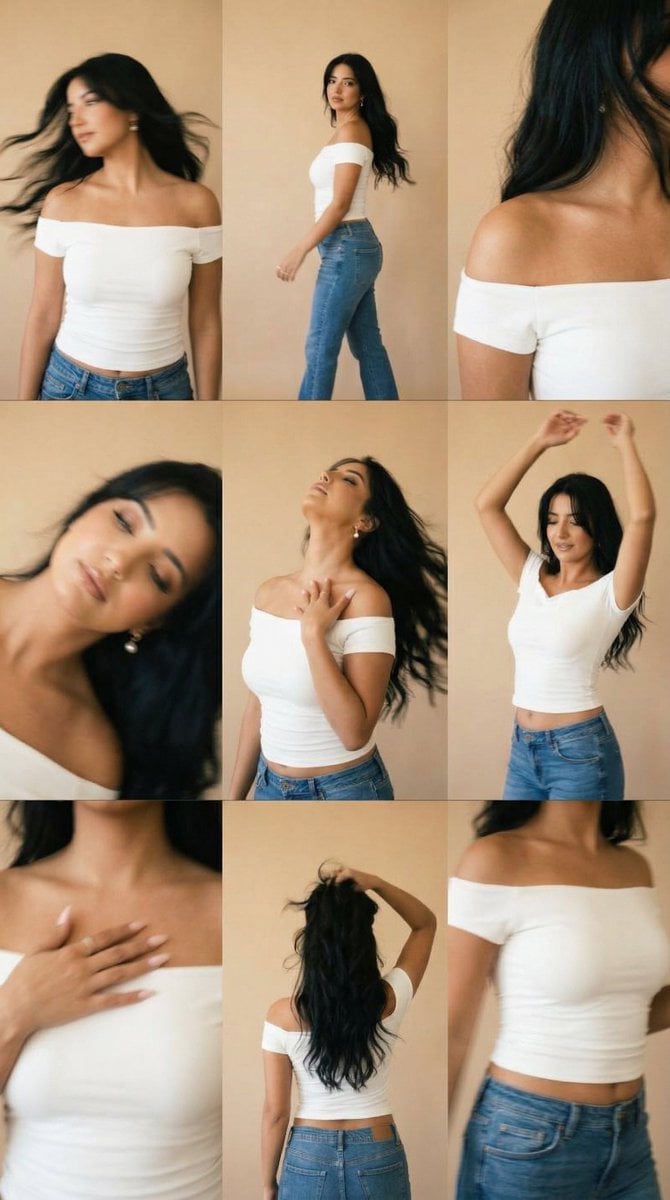
Lo-Fi Warm Studio Motion Contact Sheet 3x3 Grid

B&W Photobooth Expression Grid 4x4 — Nano Banana

Gen Z TikTok Viral Expression Grid 4x4 — Nano Banana
Make it yours
Urban Underpass Motion Portrait Series 3x3 Grid works as-is. These are the safest ways to change it without losing the look.
Change one field
Copy a single group, rewrite it, and generate again so you can see what that field is doing.
Keep the frame, change the subject
Hold the composition and light of Urban Underpass Motion Portrait Series 3x3 Grid, then swap wardrobe, props or the person for a new take.
| If the result… | Why | Fix |
|---|---|---|
| The result drifts from the preview | Too many fields changed at once. | Reuse Urban Underpass Motion Portrait Series 3x3 Grid as-is first, then change one group — subject, light, or setting. |
| The model over-stylizes the scene | The prose prompt leaves finish and camera underspecified. | Add one camera or lighting sentence and stay on Nano Banana 2. |
More Nano Banana 2 templates
Other prompts made for Nano Banana 2.

Photorealistic Leaf Shaped Like a Dragon

K-Pop Idol Portrait Grid for Rapid Selection

Poetic Rain Forest Portrait During Golden Hour

Urban Street Portrait with Cartoon Inner Self Duo

Candid Nighttime Photo with Cat Prompt

High-Concept 3D Diorama Generation Prompt

Cinematic Futuristic Studio Portrait Template

Skincare Editorial Photography Collage Prompt

Hyper-Realistic Commercial Product Photography (Splash Effect)

Hyper-Realistic Nightclub Portrait Prompt
More image prompts
Fresh picks from across the catalog.
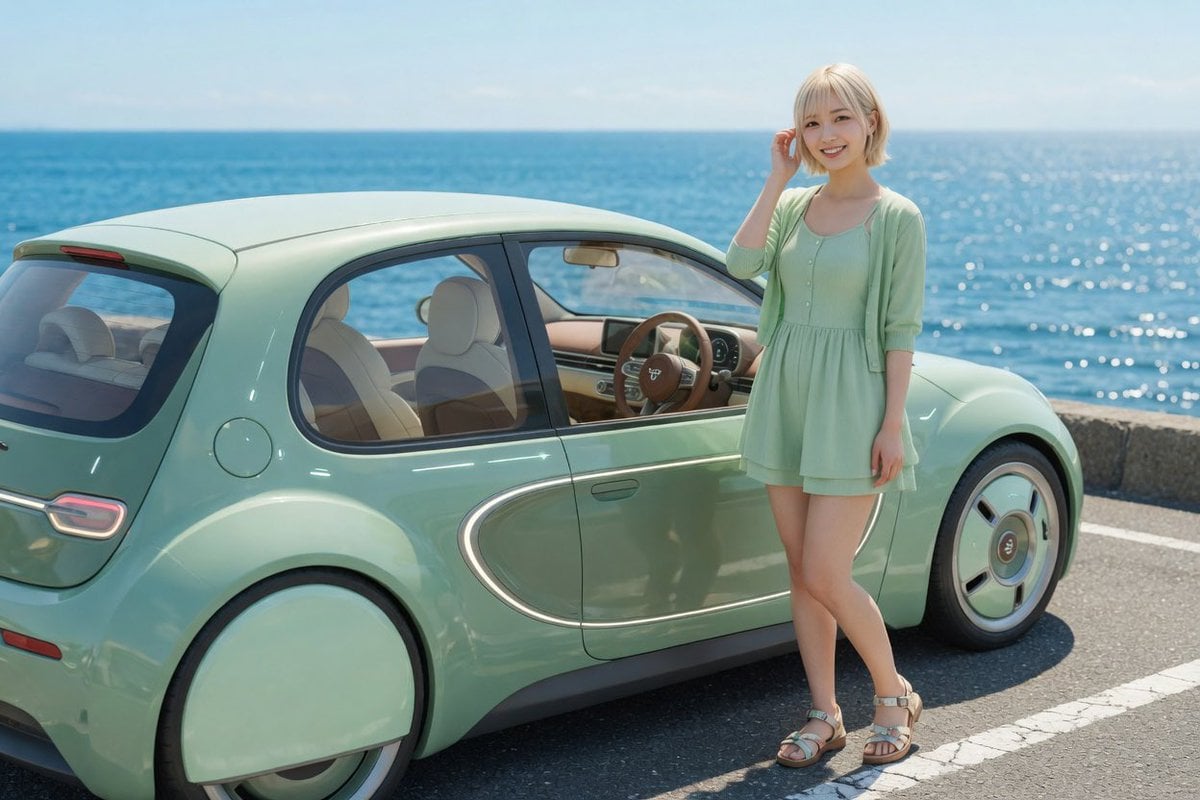
Mint Retro EV by the Sea
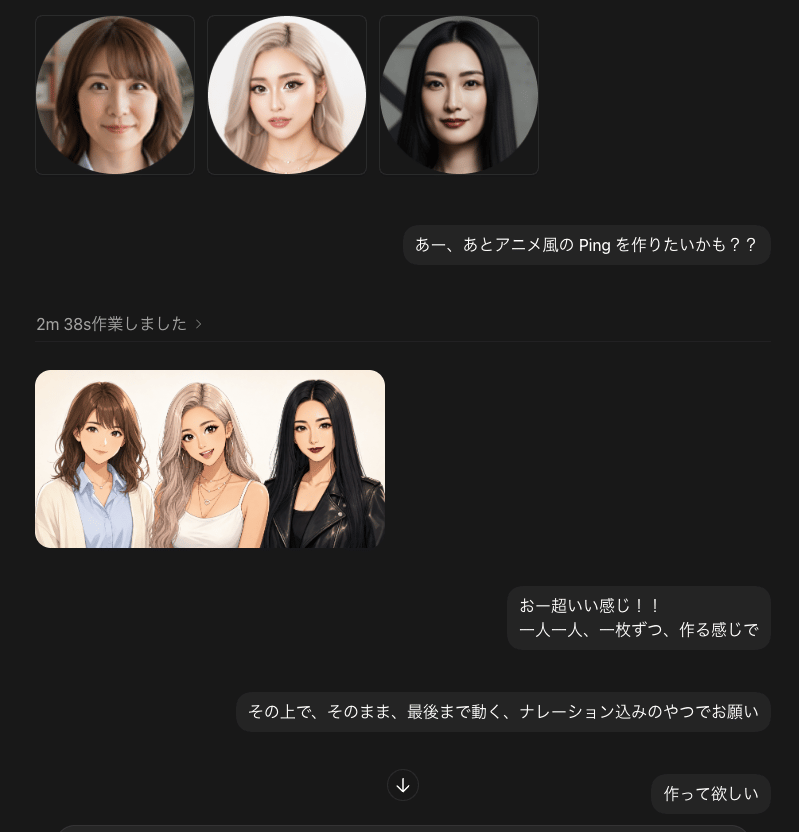
Dark Chat UI Anime Conversion Screenshot

Image-to-Image: Changing Background to Anti-AI Protest
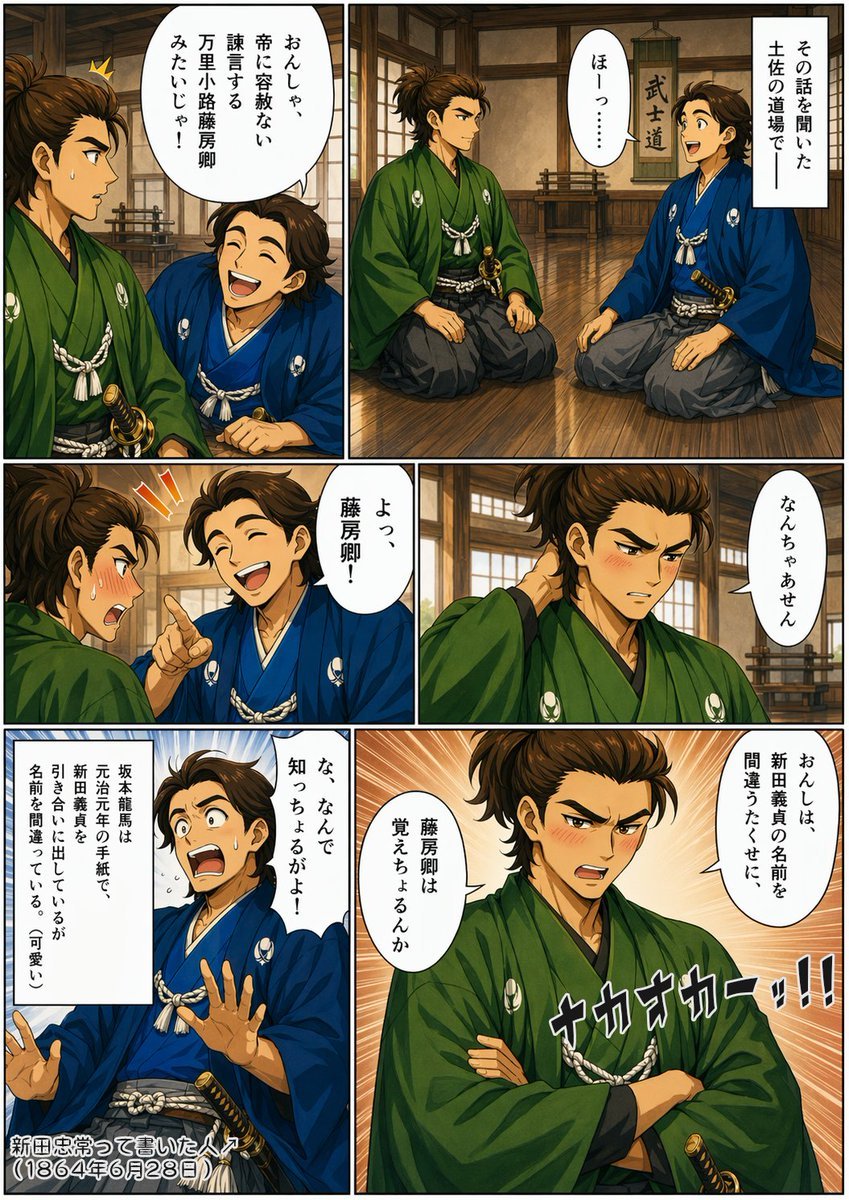
Bakumatsu Samurai Dojo Manga Page
Vintage Newspaper Ink Sketch
Luxury Fashion Mural Portrait
3D Abstract Liquid Art Poster
Cinematic Lumberjack Portrait Prompt
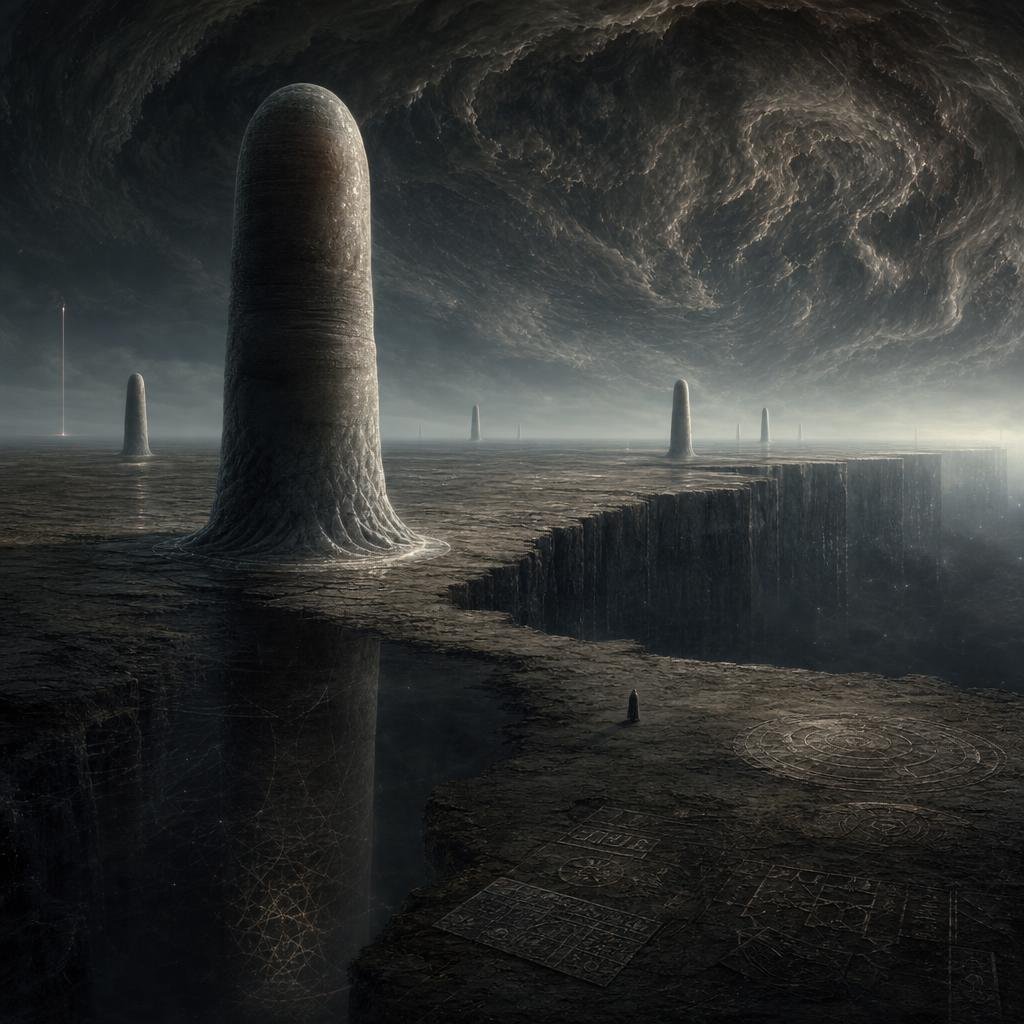
Cosmic Horror Monolith Landscape
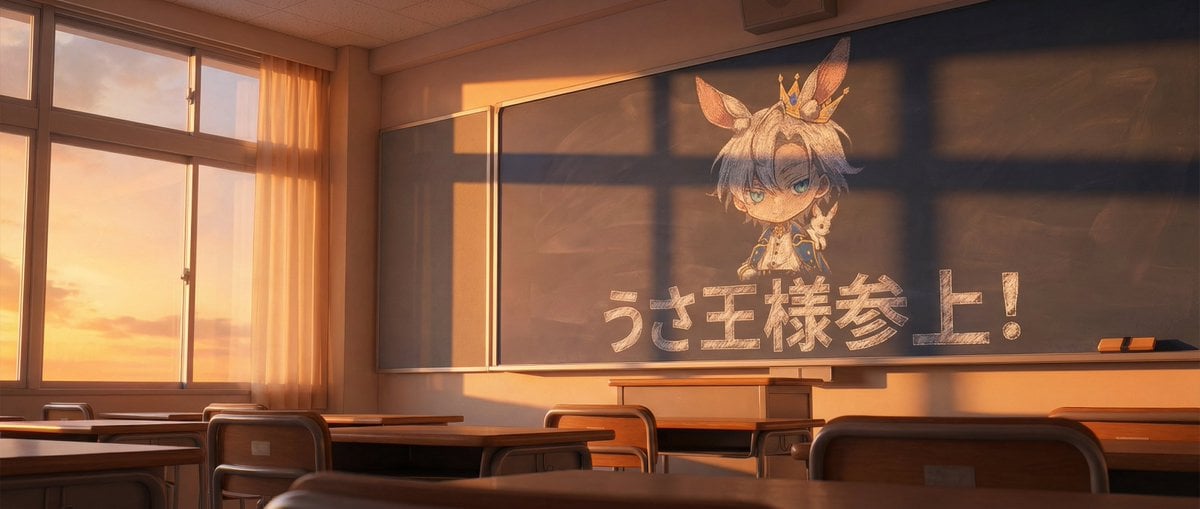
Chalkboard king rabbit illustration at sunset
Browse template categories
Urban Underpass Motion Portrait Series 3x3 Grid questions
How do I use the Urban Underpass Motion Portrait Series 3x3 Grid template?
Add your photo if the template asks for one, edit the prompt if you like — the template's model and format are already selected — and press Generate. Your version opens in PicX Studio.
Can I customize the Urban Underpass Motion Portrait Series 3x3 Grid template?
Yes. You can change the subject, setting, lighting, mood, format, and available model controls before creating your image.
Is the Urban Underpass Motion Portrait Series 3x3 Grid template free?
Opening and editing this template is free. Generating uses credits, shown on the Generate button when you are signed in.
Which AI model should I use?
Start with Nano Banana 2, which is the model associated with this template. You can compare another compatible model for a different finish.
Looking for something else? Browse all templates.

Your photo, any look
Thousands of ready templates for every top image and video model, from one credit balance.