
Cosmic Horror Monolith Landscape
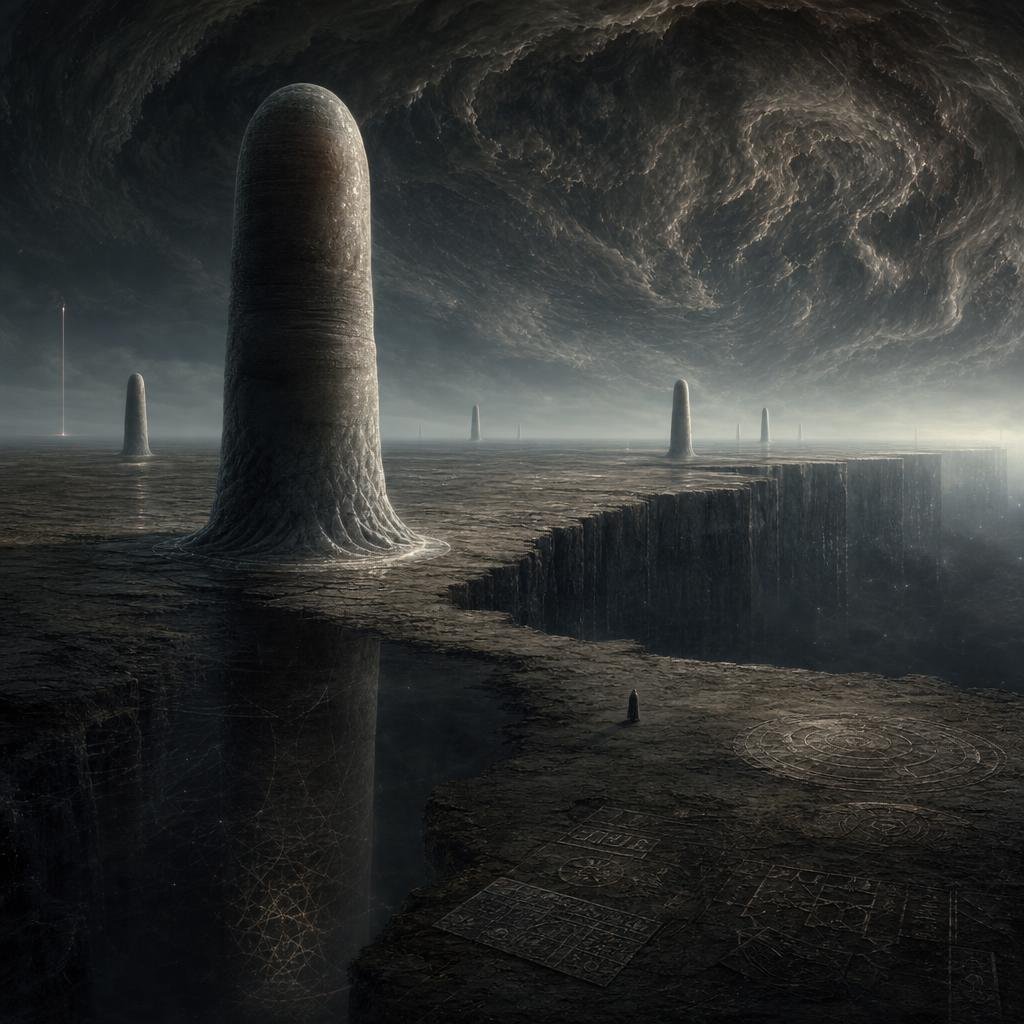
A cinematic dark fantasy prompt for generating an alien plateau with towering monoliths, engraved glyphs, a vast chasm, and a storm vortex sky.
- Prompt included
- Model and format preset
- Free template
The prompt behind this image
Copy the exact prompt behind Cosmic Horror Monolith Landscape, or open it in the studio and make it yours.
Create a dark cosmic-horror alien landscape in a cinematic square composition: a vast cracked obsidian plateau under an enormous swirling storm ceiling, with a gigantic rounded monolithic pillar rising from the left foreground like a smooth weathered stone tower. Add exactly 6 vertical structures across the horizon and terrain: 1 huge foreground rounded monolith at left, 1 smaller rounded monolith far left near the horizon, 1 needle-thin glowing spire at the far left edge, 1 distant thin central pillar, 1 medium rounded monolith right of center, and 1 slim rounded pillar farther right. The ground should be barren, charcoal-gray, eroded, and etched with faint geometric glyphs and circular diagrams; include exactly 4 visible engraved diagram areas: a large circular sigil in the lower right, two rectangular grid-like inscription panels near the bottom center, and one faint web-like geometric lattice on the shadowed cliff wall at lower left. A massive chasm cuts through the right side of the plateau with sheer vertical walls descending into darkness. Place a tiny solitary hooded figure near the lower center-right edge of the plateau for scale, facing the vast landscape. The sky should feel apocalyptic and otherworldly, dominated by a huge rotating vortex of dark clouds with subtle cold silver highlights and misty atmospheric haze near the horizon. Use muted monochrome tones, deep blacks, slate gray, ash brown, dim silver light, high detail, realistic matte-painting texture, epic scale, Lovecraftian mood, no readable text, no modern buildings, no bright colors, no watermark.
How to use Cosmic Horror Monolith Landscape in 3 steps
- 1Upload ImagePNG, JPG or paste
Add your photo
Upload the photo the template builds on. The prompt, model and format are already set.
- 2…a portrait of your subject in softgolden-hour light, 85mm…
Personalize
Edit the subject and creative details for your destination.
- 3Generate
Generate
Press Generate — your image is created in PicX Studio, so you can compare it with the original and refine one variable at a time.
More like this
Templates with the same subject, style or setup. Open one to see its prompt.

Teen Girl Alpine Lake Mountain View

Mountain Lake Sunset Landscape

Ghibli Final Takeoff Field

Ghibli Rainy Tram Interior

Ghibli Star Observatory

Ghibli Tiny House On Back

Ghibli Lantern River Festival

Ghibli Whale Bone Beach

Ghibli Abandoned Amusement

Ghibli Shadow Puppet Theater

Ghibli Bakery Morning Rush

Ghibli Paper Crane Flock
Make it yours
Cosmic Horror Monolith Landscape works as-is. These are the safest ways to change it without losing the look.
Change one field
Copy a single group, rewrite it, and generate again so you can see what that field is doing.
Keep the frame, change the subject
Hold the composition and light of Cosmic Horror Monolith Landscape, then swap wardrobe, props or the person for a new take.
| If the result… | Why | Fix |
|---|---|---|
| The result drifts from the preview | Too many fields changed at once. | Reuse Cosmic Horror Monolith Landscape as-is first, then change one group — subject, light, or setting. |
| The model over-stylizes the scene | The prose prompt leaves finish and camera underspecified. | Add one camera or lighting sentence and stay on GPT Image 2. |
More GPT Image 2 templates
Other prompts made for GPT Image 2.

Six VTuber Japanese Logo Sheet

Realistic Portrait of Woman and Deer

The Vista Modular Condo Poster

AI Model Routing Comparison Infographic

2.5D Anime Art Board

Isometric Productivity Desk Scene

New York Double Exposure Poster

Four-Panel AI Landscape Comparison

Japanese Tatami Lifestyle Magazine Cover

NESCAFÉ Coffee Map Poster
More image prompts
Fresh picks from across the catalog.
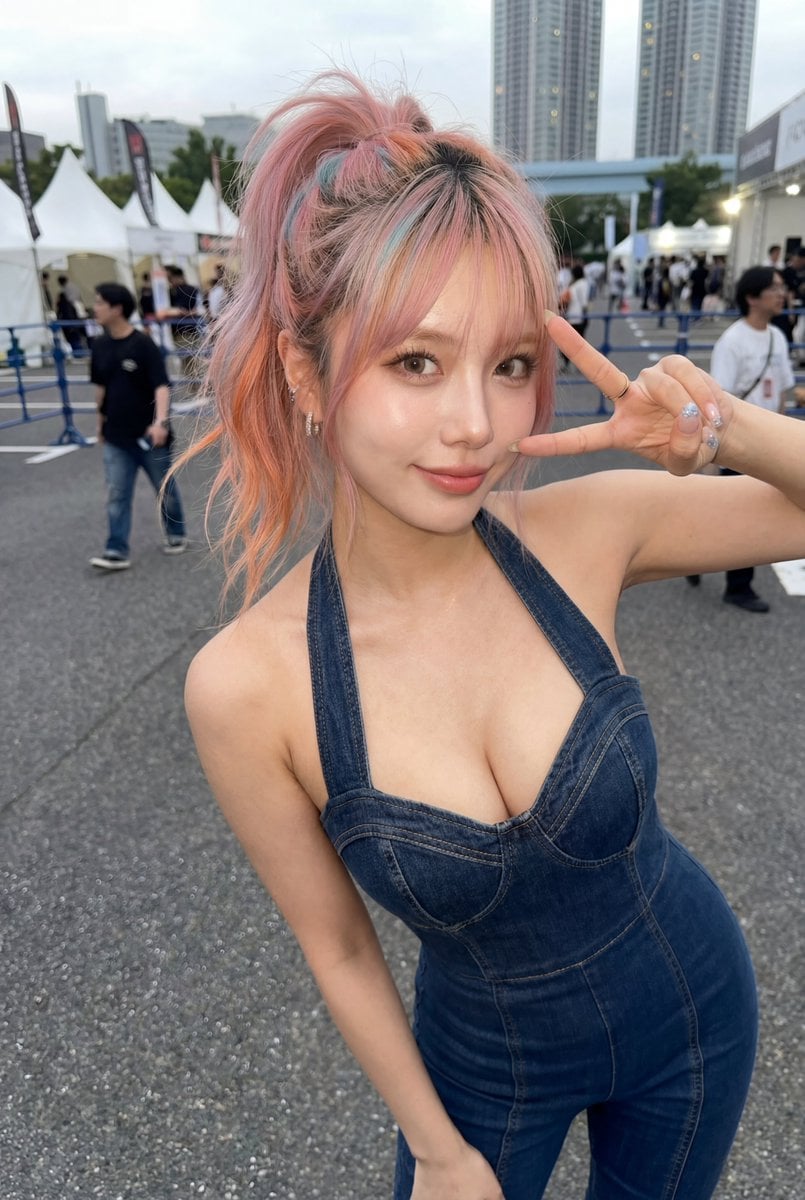
Candid Denim Overall Event Photo

Dreamy Nemophila Date Portrait
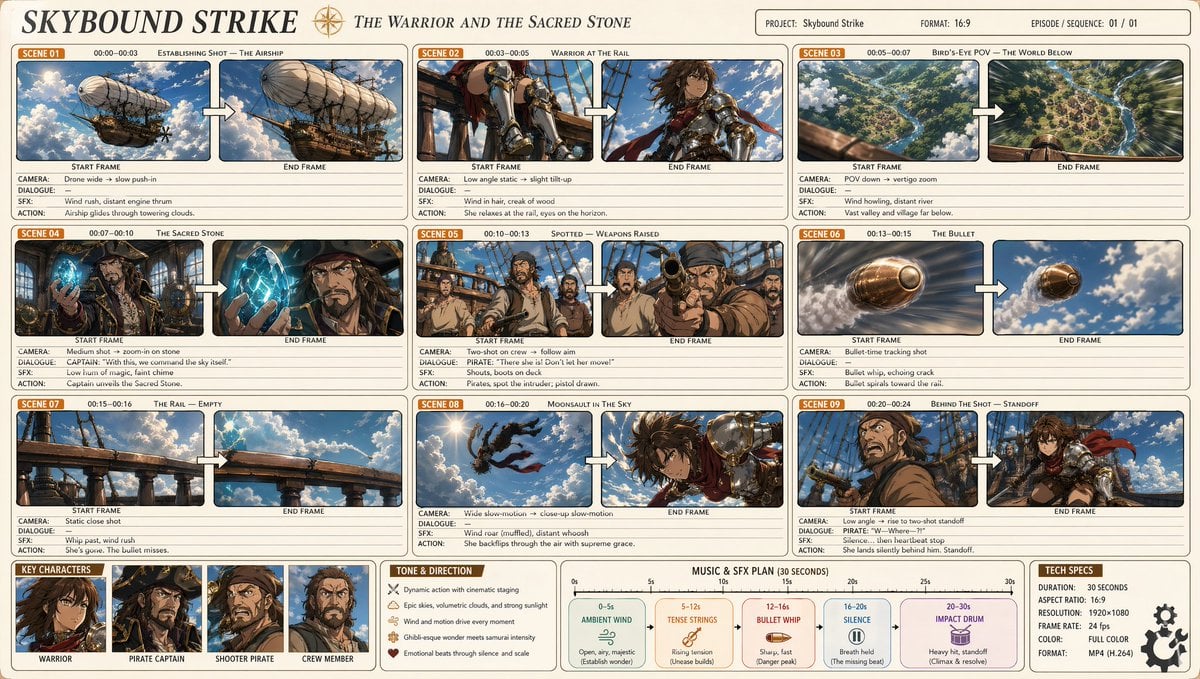
Professional Anime Cinematic Storyboard
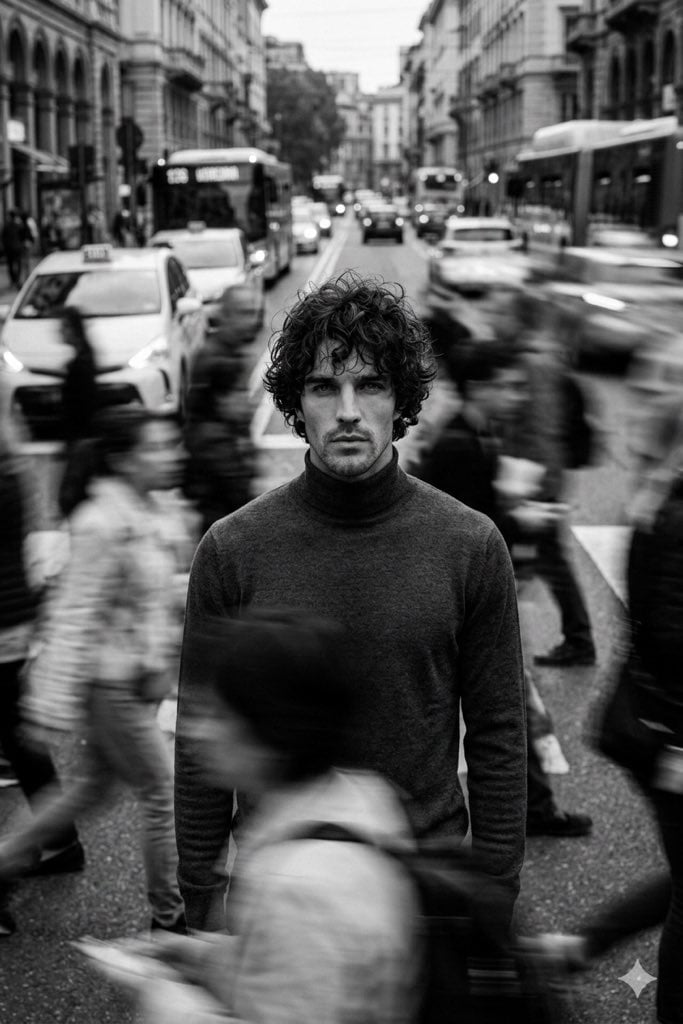
Cinematic Black and White Portrait in a Crowd
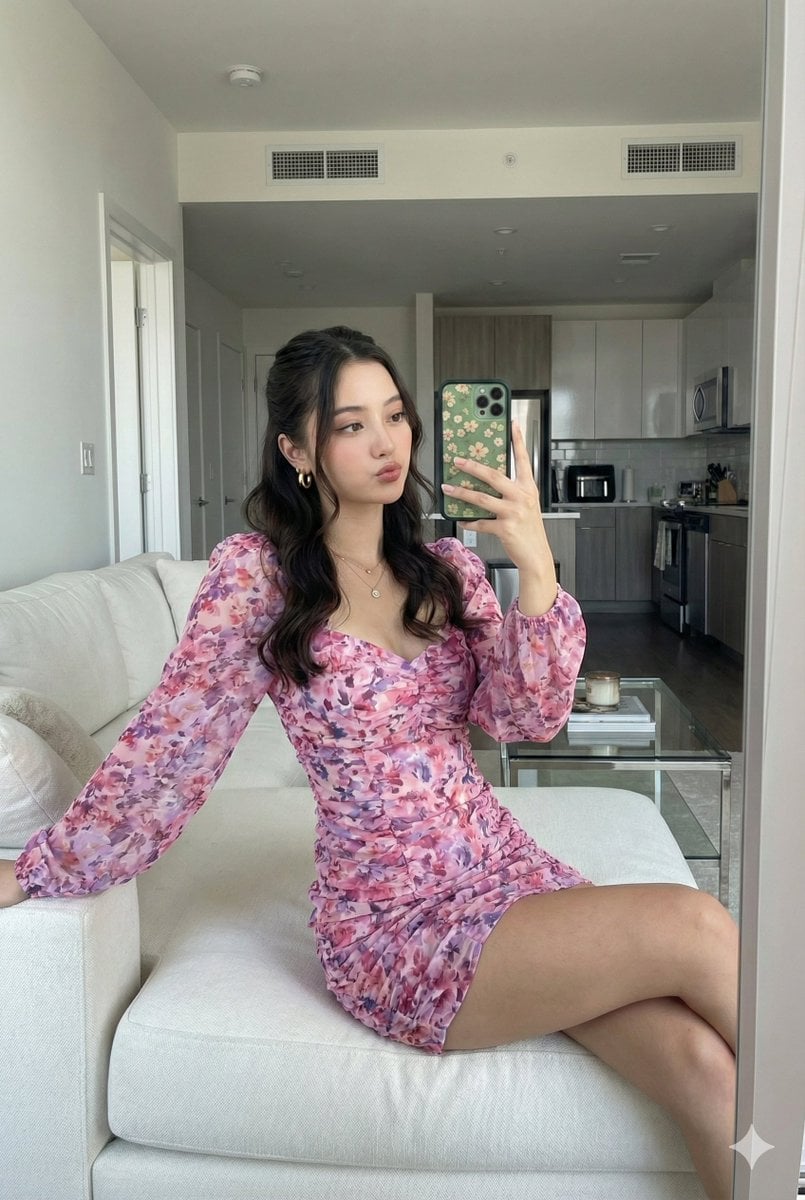
Mirror Selfie with Face Preservation Prompt

Vogue Hong Kong Yacht Editorial
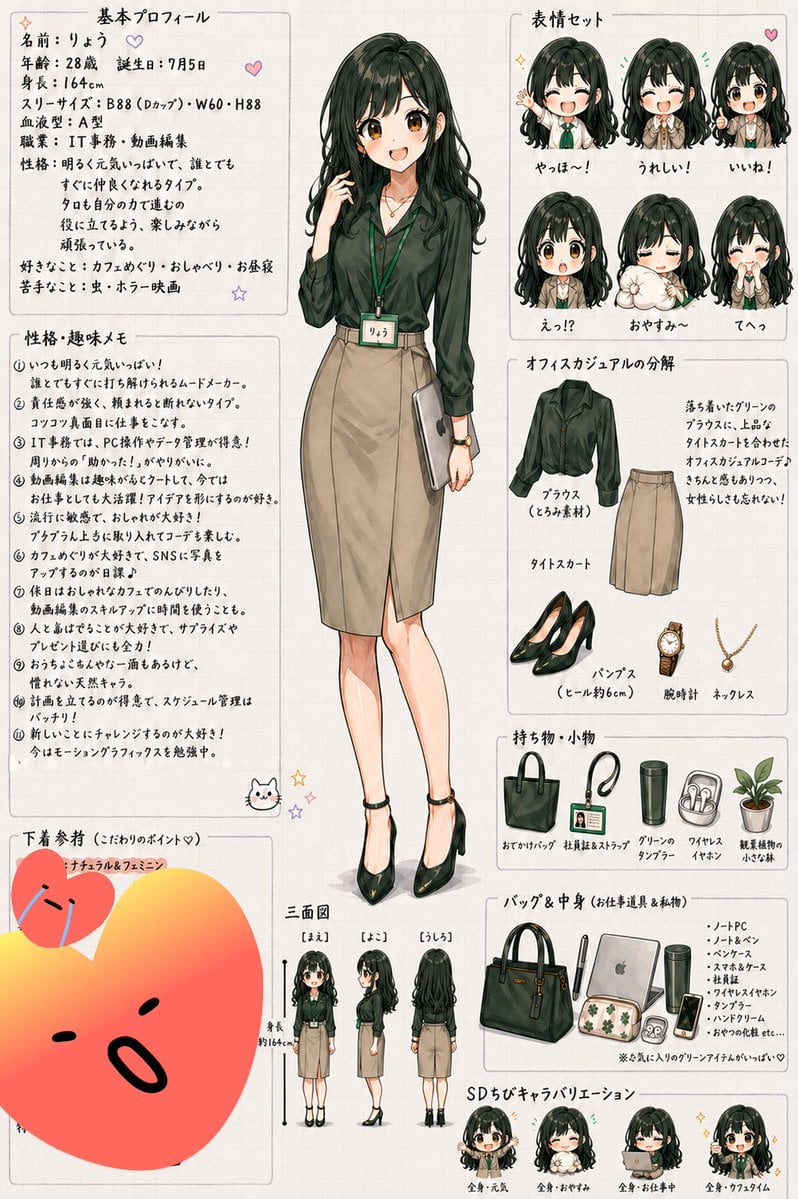
Japanese Office Lady Character Sheet
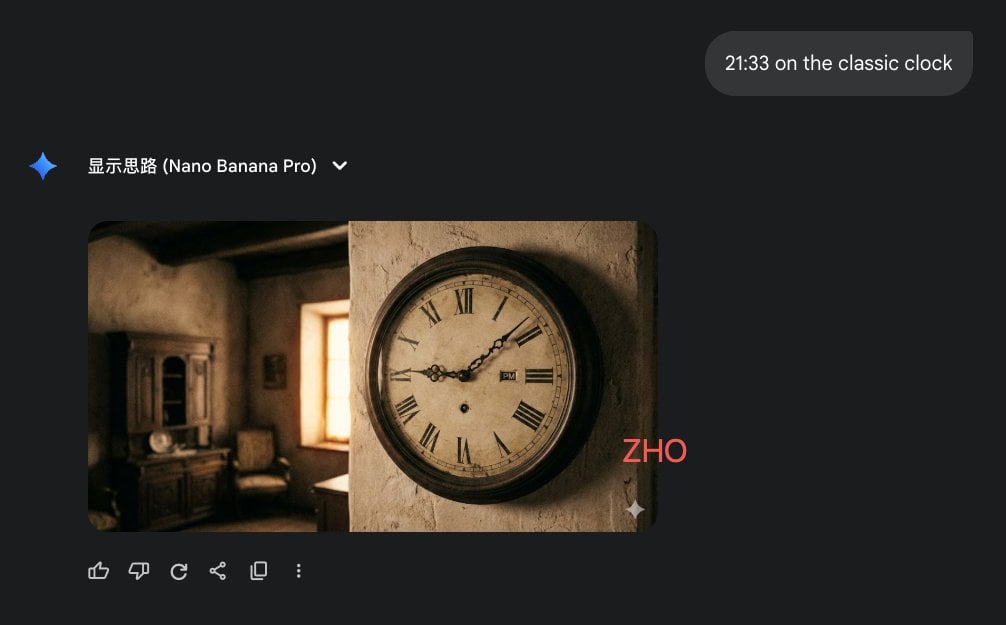
Clock face time rendering test

Watercolor Glasshouse Cafe Illustration
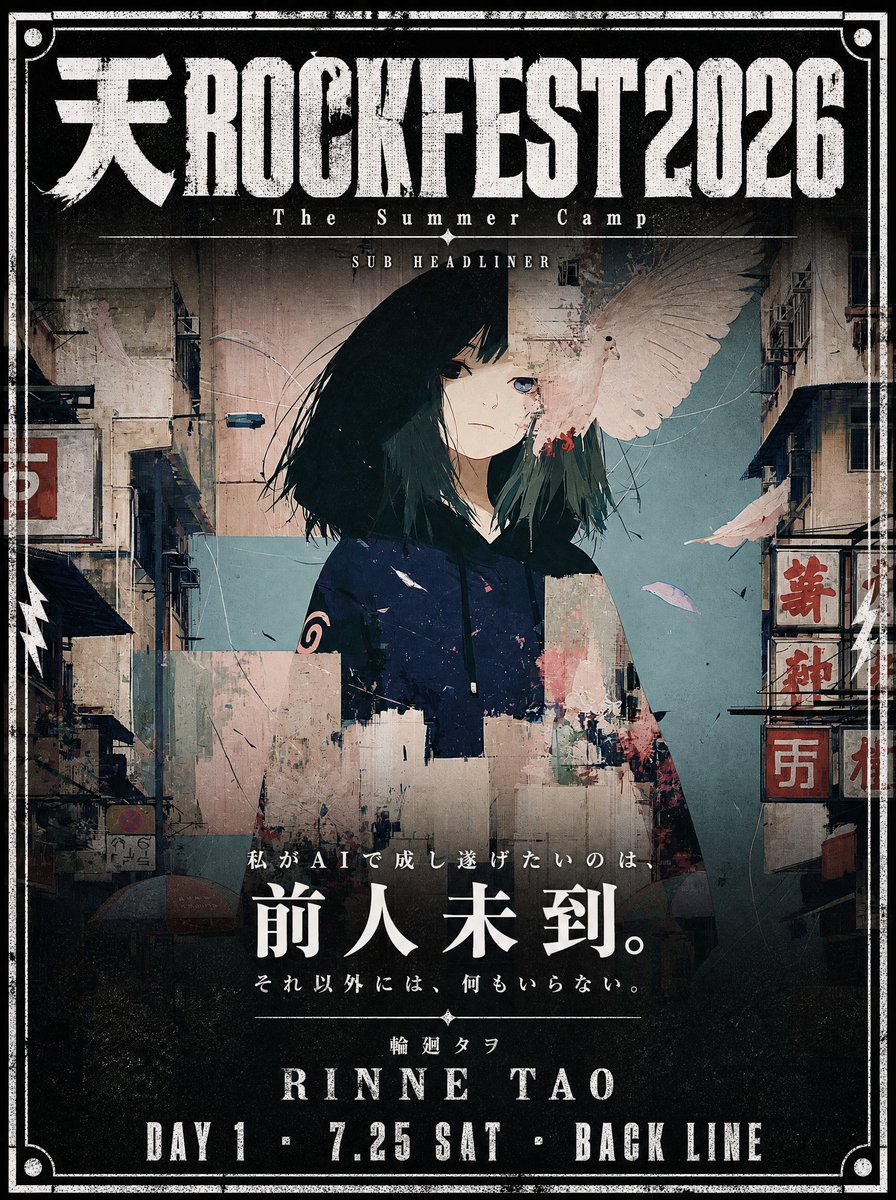
Cinematic Music Festival Poster
Browse template categories
Cosmic Horror Monolith Landscape questions
How do I use the Cosmic Horror Monolith Landscape template?
Add your photo if the template asks for one, edit the prompt if you like — the template's model and format are already selected — and press Generate. Your version opens in PicX Studio.
Can I customize the Cosmic Horror Monolith Landscape template?
Yes. You can change the subject, setting, lighting, mood, format, and available model controls before creating your image.
Is the Cosmic Horror Monolith Landscape template free?
Opening and editing this template is free. Generating uses credits, shown on the Generate button when you are signed in.
Which AI model should I use?
Start with GPT Image 2, which is the model associated with this template. You can compare another compatible model for a different finish.
Looking for something else? Browse all templates.

Your photo, any look
Thousands of ready templates for every top image and video model, from one credit balance.