
Cinematic Music Festival Poster
A comprehensive prompt for designing a dark, cinematic music festival poster featuring distressed typography and a specific layout for artist visuals.
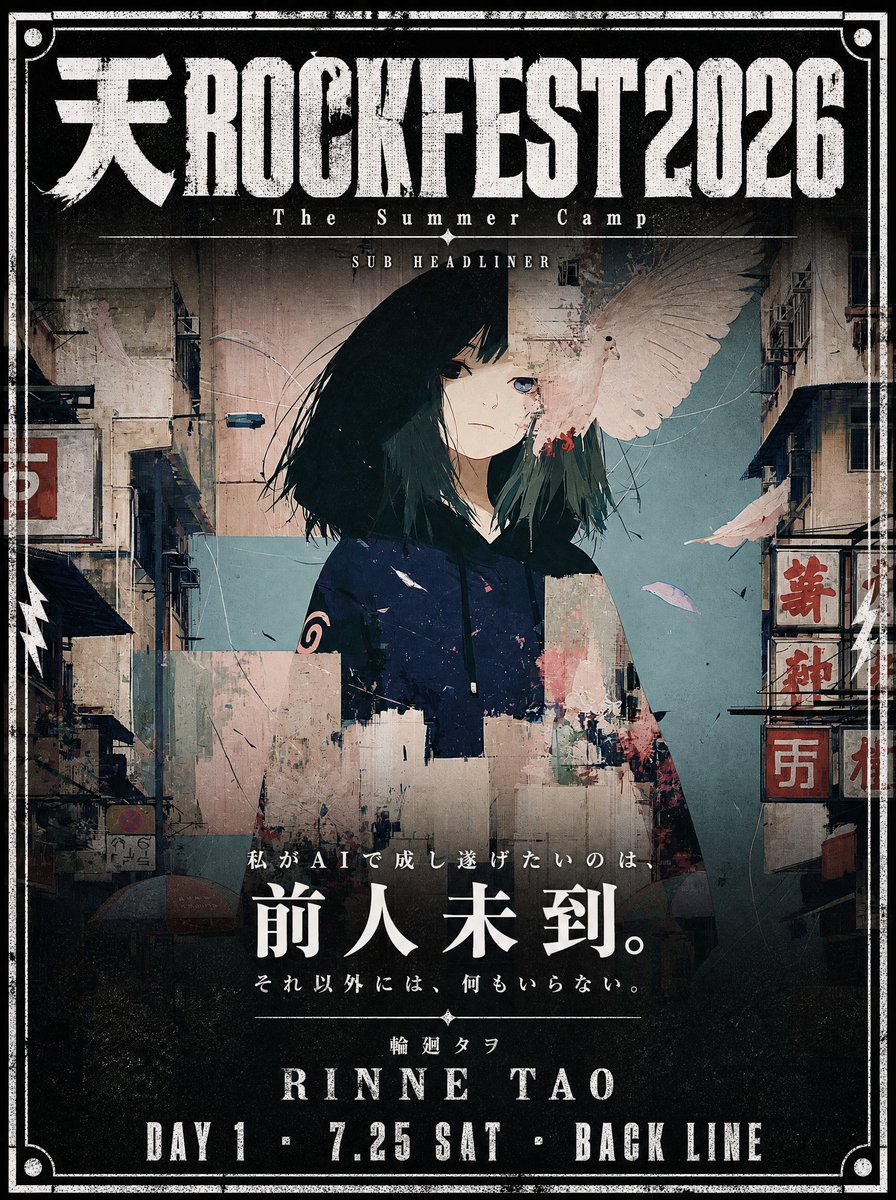
- Prompt included
- Model and format preset
- Free template
The prompt behind this image
Copy the exact prompt behind Cinematic Music Festival Poster, or open it in the studio and make it yours.
Use the attached illustration as the main visual. Do not alter the character, face, or art style in any way. Create a vertical music festival poster (portrait, 2:3 ratio) with a dark, cinematic atmosphere. --- LAYOUT: - The illustration fills the full poster as background - The character's face must be clearly visible — keep the center of the image free from heavy overlays - Dark gradient overlay at the very top (behind title text only) and at the bottom (behind artist info only) - The middle zone where the face appears should remain mostly unobscured - The illustration should occupy as much of the poster as possible — minimize the text footprint - The illustration must bleed into the catchcopy zone — the image should remain visible and partially unobscured all the way down through {argument name="catchcopy end" default="[ここにキャッチコピー最終行]"} — only the very bottom (artist name and date line) needs a solid dark background - The bottom text block must be kept as small and tight as possible — prioritize illustration space over text size - All text in white --- TOP AREA: Title logotype — "天ROCKFEST2026": Ultra-bold slab or condensed gothic hybrid font, heavily distressed with uneven ink coverage, stamp-pressed texture, roughened edges as if screen-printed on a worn surface — think overinked woodblock print meets industrial stencil. Characters should feel physically heavy and slightly irregular, NOT clean digital type. The kanji "天" and Latin "ROCKFEST2026" must read as one unified logotype with consistent damage texture throughout. Color: solid white with ink-dropout gaps revealing the dark background beneath. Below the title logotype: Small spaced text (clean, thin): The Summer Camp Thin horizontal rule with small star or diamond ornaments at center Very small all-caps text: SUB HEADLINER --- BOTTOM AREA: The entire bottom text block must occupy no more than 18% of the total poster height — keep every text element as compact and tight as possible. The dark gradient at the bottom should begin only below {argument name="catchcopy line" default="[ここにキャッチコピー最終行]"} — the catchcopy lines sit directly over the illustration with only a very subtle dark veil, not a solid overlay. The solid dark background applies only to the artist name and date line at the very bottom. Line 1 — very small size, wide letter-spacing, distressed display font — worn ink texture and rough edges, consistent with the title logotype: {argument name="first catchcopy" default="[ここにキャッチコピー1行目]"} Line 2 — small Japanese mincho/serif, heavy weight, clean (no distress): {argument name="main catchcopy" default="[ここにキャッチコピーのメインフレーズ(最も印象的な一文)]"} [Generous vertical margin between Line 2 and Line 3] Line 3 — small size, wide letter-spacing, thin weight, clean: {argument name="final catchcopy" default="[ここにキャッチコピー最終行]"} Thin horizontal rule with small diamond ornament at center Line 4 — very small, wide letter-spacing: {argument name="artist name" default="[ここにアーティスト名(日本語)]"} Line 5 — very large display font, elegant tracking, distressed weight
How to use Cinematic Music Festival Poster in 3 steps
- 1Upload ImagePNG, JPG or paste
Add your photo
Upload the photo the template builds on. The prompt, model and format are already set.
- 2…a portrait of your subject in softgolden-hour light, 85mm…
Personalize
Edit the subject and creative details for your destination.
- 3Generate
Generate
Press Generate — your image is created in PicX Studio, so you can compare it with the original and refine one variable at a time.
More like this
Templates with the same subject, style or setup. Open one to see its prompt.

Neon Glitch Cyber Symbiote Music Poster
Synthwave Retro Superhero Music Poster

Gpt2 Youtube Thumbnail Anime Music Bootcamp Promo Poster
Gradient Music Festival Poster

Our Song was on a Cassette

Japan Travel Brochure Poster

Cartoon TV Show Poster Pack

Trendy Cafe Drink Promo Poster

Urban Fashion Editorial Collage Streetwear Poster

Premium Fashion Editorial Cover Layout System

Polo Ralph Lauren Luxury American Heritage Fashion Campaign

Monochrome Halftone Editorial Fashion Poster
Make it yours
Cinematic Music Festival Poster works as-is. These are the safest ways to change it without losing the look.
Change one field
Copy a single group, rewrite it, and generate again so you can see what that field is doing.
Keep the frame, change the subject
Hold the composition and light of Cinematic Music Festival Poster, then swap wardrobe, props or the person for a new take.
| If the result… | Why | Fix |
|---|---|---|
| The result drifts from the preview | Too many fields changed at once. | Reuse Cinematic Music Festival Poster as-is first, then change one group — subject, light, or setting. |
| The model over-stylizes the scene | The prose prompt leaves finish and camera underspecified. | Add one camera or lighting sentence and stay on GPT Image 2. |
More GPT Image 2 templates
Other prompts made for GPT Image 2.

Six VTuber Japanese Logo Sheet

Realistic Portrait of Woman and Deer

The Vista Modular Condo Poster

AI Model Routing Comparison Infographic

2.5D Anime Art Board

Isometric Productivity Desk Scene

New York Double Exposure Poster

Four-Panel AI Landscape Comparison

Japanese Tatami Lifestyle Magazine Cover

NESCAFÉ Coffee Map Poster
More image prompts
Fresh picks from across the catalog.
Long Stretching Tabby Cat
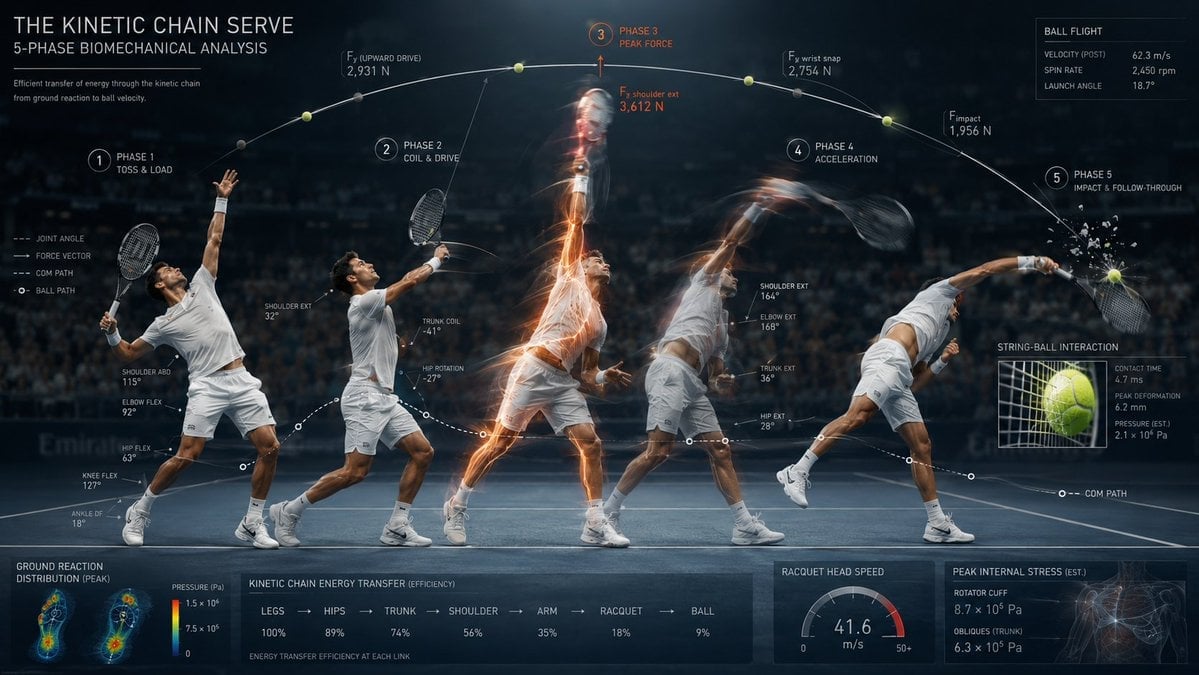
Stroboscopic Multi-Exposure Sports Action
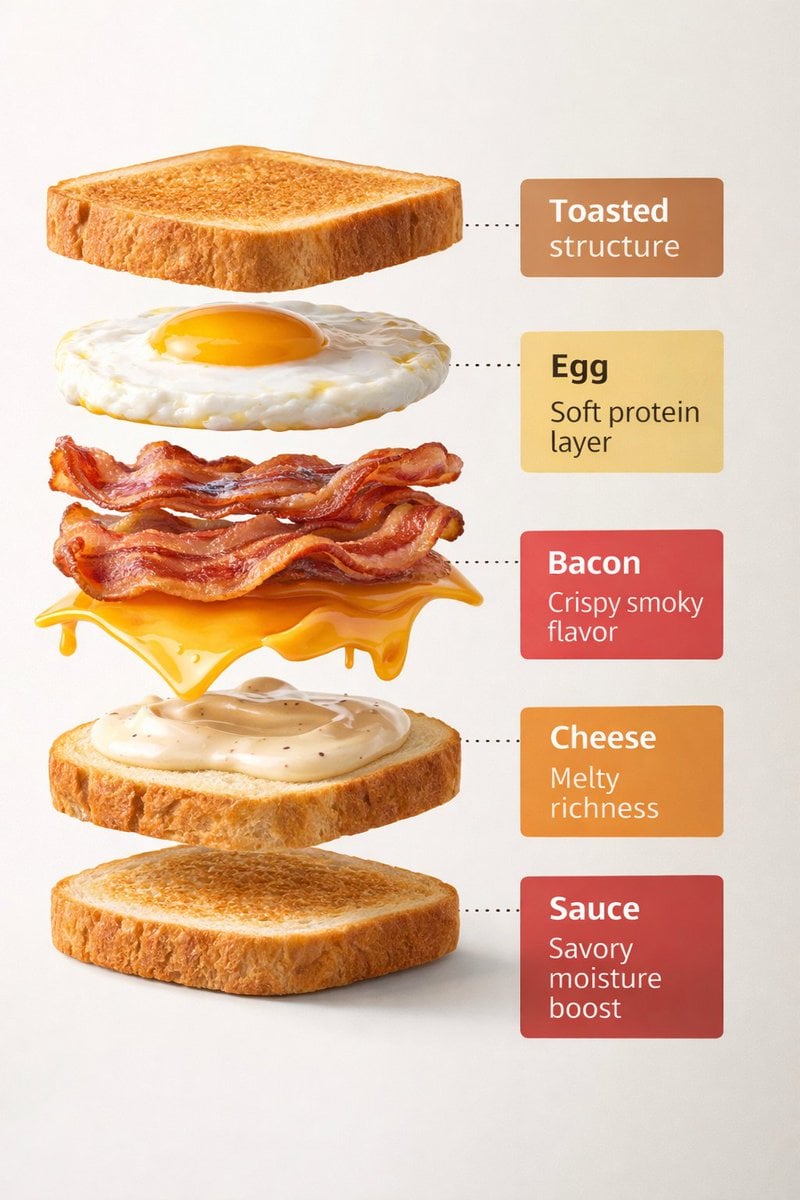
Exploded View Sandwich Animation Prompt
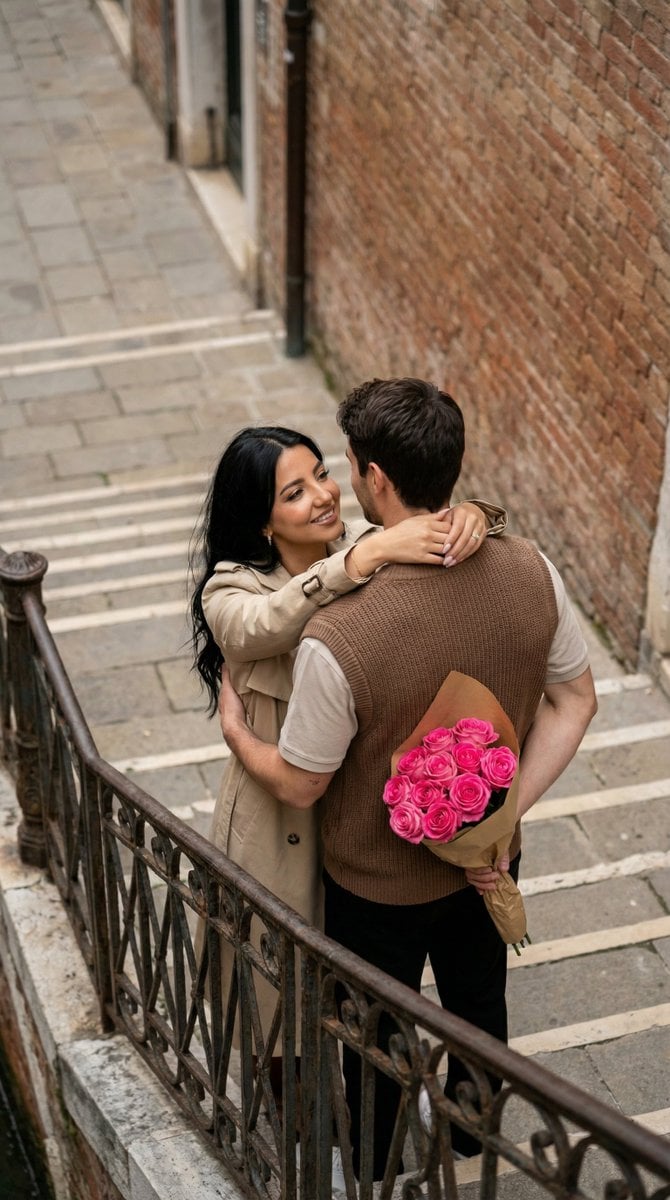
Photo to Watercolor Illustration of Couple
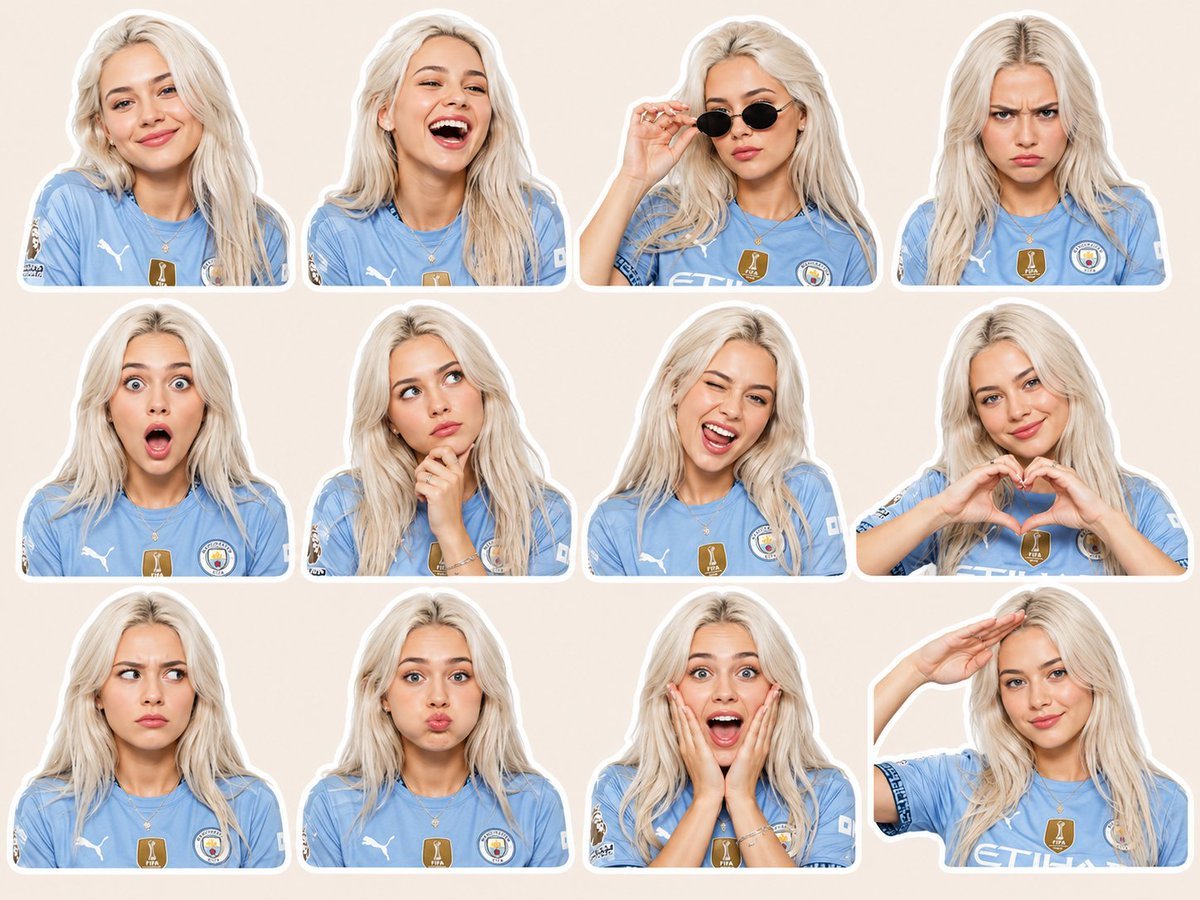
Football Jersey Sticker Pack Design
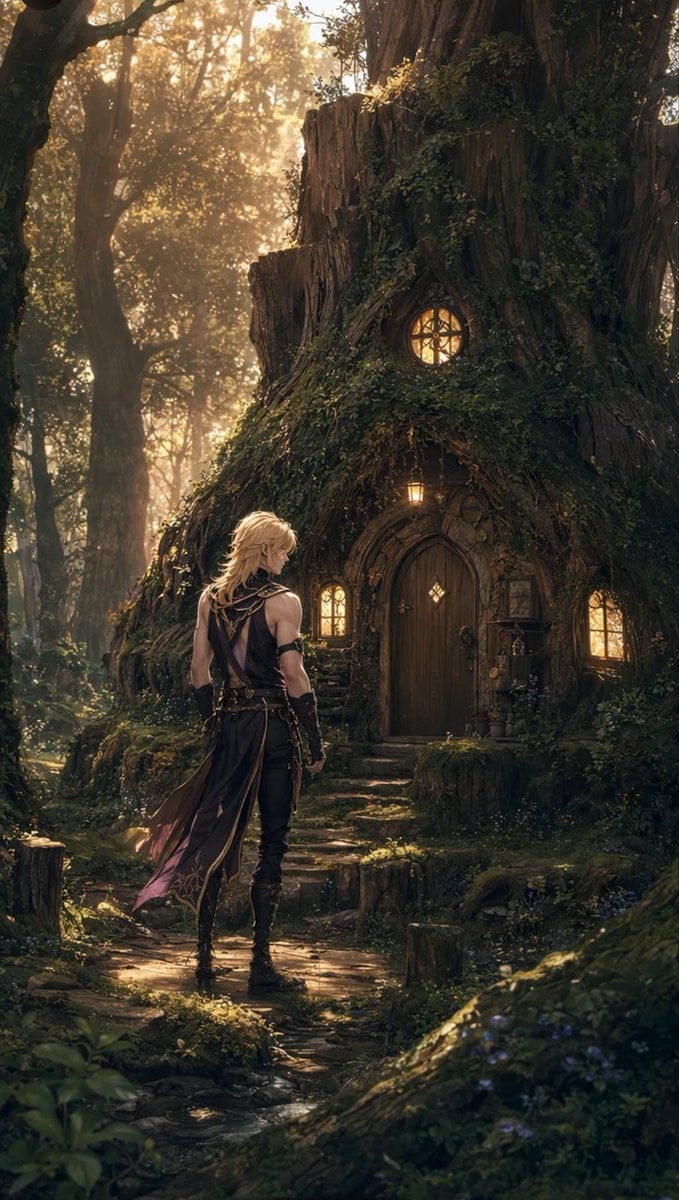
Blond Adventurer at Tree Cottage
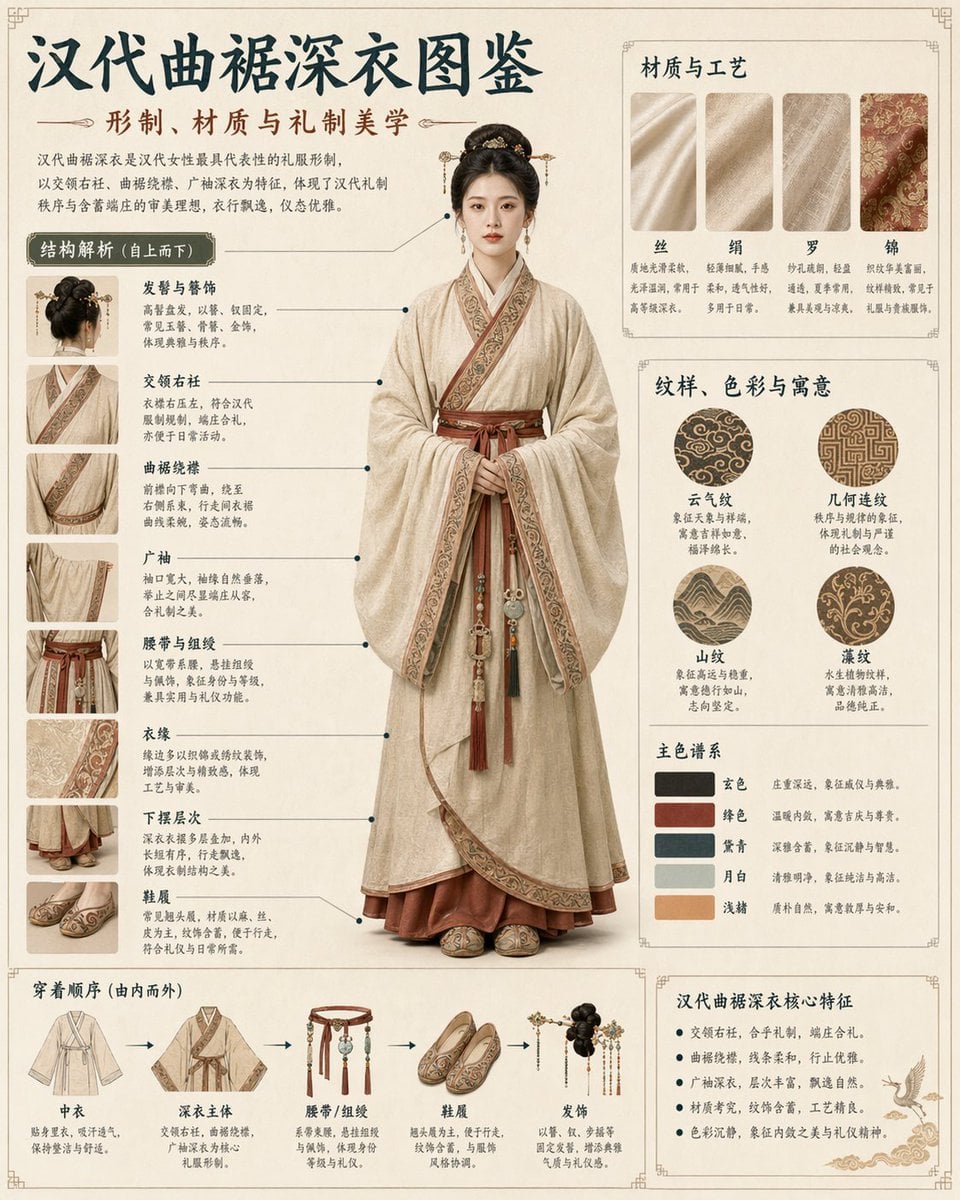
Cultural Garment Infographic
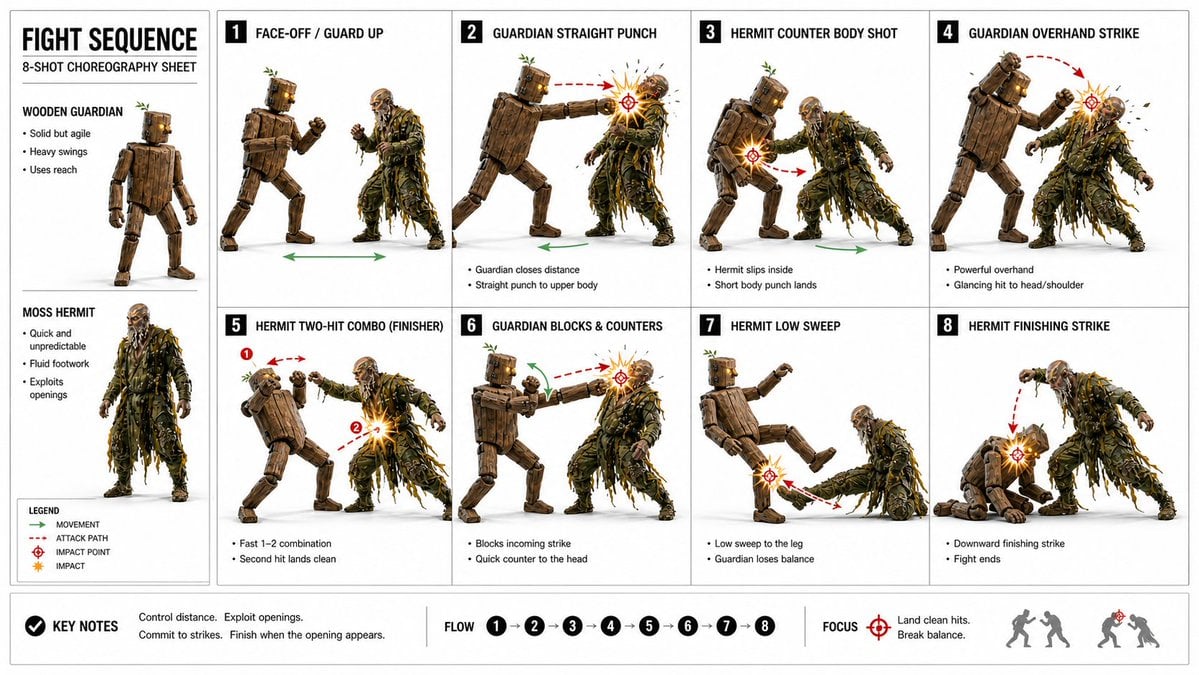
Action Storyboard Simplification
Prompt: Transform the reference photo into an auth
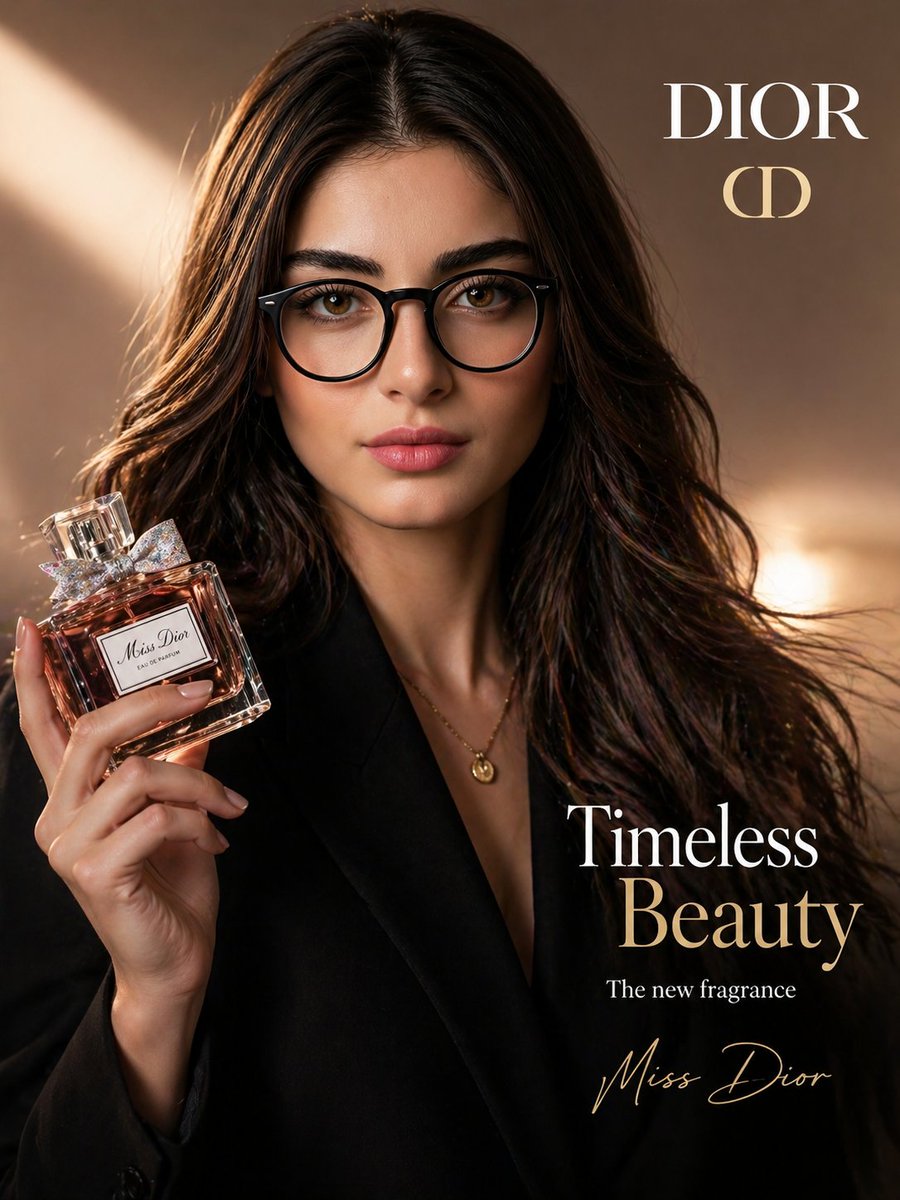
Luxury Beauty Brand Advertisement
Browse template categories
Cinematic Music Festival Poster questions
How do I use the Cinematic Music Festival Poster template?
Add your photo if the template asks for one, edit the prompt if you like — the template's model and format are already selected — and press Generate. Your version opens in PicX Studio.
Can I customize the Cinematic Music Festival Poster template?
Yes. You can change the subject, setting, lighting, mood, format, and available model controls before creating your image.
Is the Cinematic Music Festival Poster template free?
Opening and editing this template is free. Generating uses credits, shown on the Generate button when you are signed in.
Which AI model should I use?
Start with GPT Image 2, which is the model associated with this template. You can compare another compatible model for a different finish.
Looking for something else? Browse all templates.

Your photo, any look
Thousands of ready templates for every top image and video model, from one credit balance.