
Gradient Music Festival Poster
Generates a vibrant, high-energy vertical music festival poster with a 3D abstracted guitar and fluid liquid gradients.
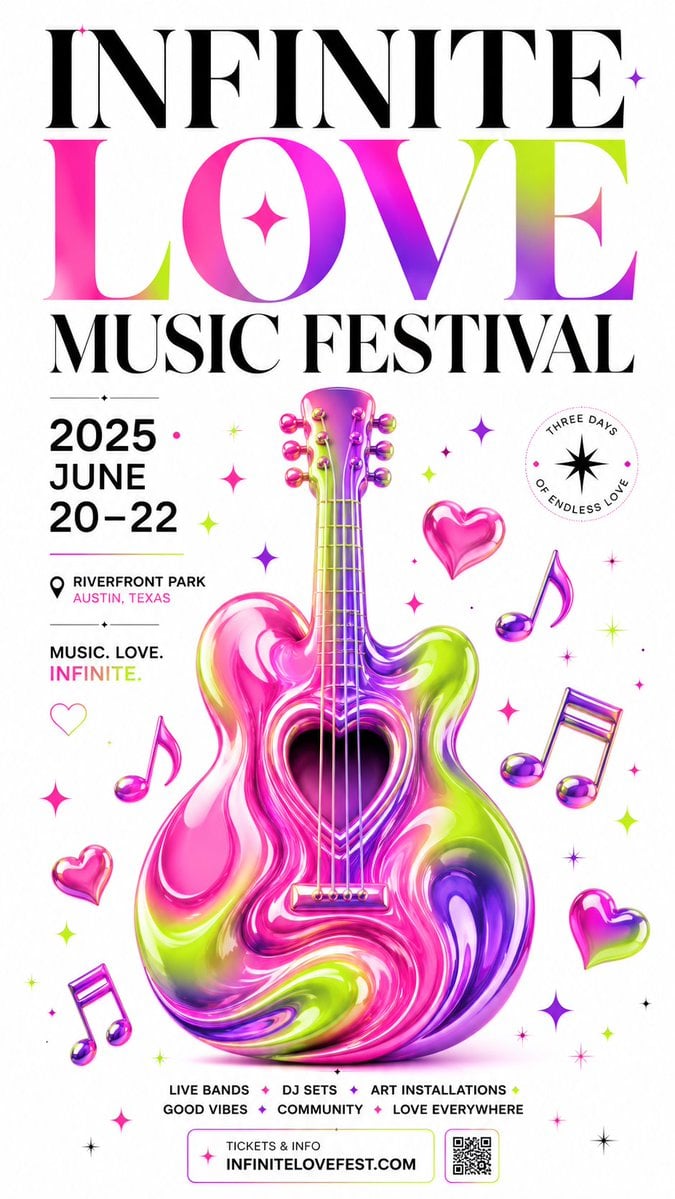
- Prompt included
- Model and format preset
- Free template
The prompt behind this image
Copy the exact prompt behind Gradient Music Festival Poster, or open it in the studio and make it yours.
A stunning music festival vertical social media poster with a clean white background, at the center a large beautifully rendered 3D acoustic guitar shape filled with a flowing liquid gradient in {argument name="colors" default="electric pink magenta lime green and violet"}, the guitar form slightly abstracted and organic with a glossy smooth inflated aesthetic, surrounded by floating gradient music notes hearts and sparkle diamond symbols in matching fluorescent colors, bold large serif display typography at the top reading "{argument name="festival name" default="INFINITE LOVE MUSIC FESTIVAL"}" mixing oversized black and gradient-colored letters, date and location info "{argument name="event details" default="2025 · JUNE 20–22"}" in clean minimal sans-serif below, tiny decorative star and spark motifs scattered across the white background, overall composition elegant yet high-energy, premium event poster quality, 9:16 vertical ratio
How to use Gradient Music Festival Poster in 3 steps
- 1
Open
The prompt is already in the box next to the preview, with the template's model and format selected.
- 2…a portrait of your subject in softgolden-hour light, 85mm…
Personalize
Edit the subject and creative details for your destination.
- 3Generate
Generate
Press Generate — your image is created in PicX Studio, so you can compare it with the original and refine one variable at a time.
More like this
Templates with the same subject, style or setup. Open one to see its prompt.

Neon Glitch Cyber Symbiote Music Poster
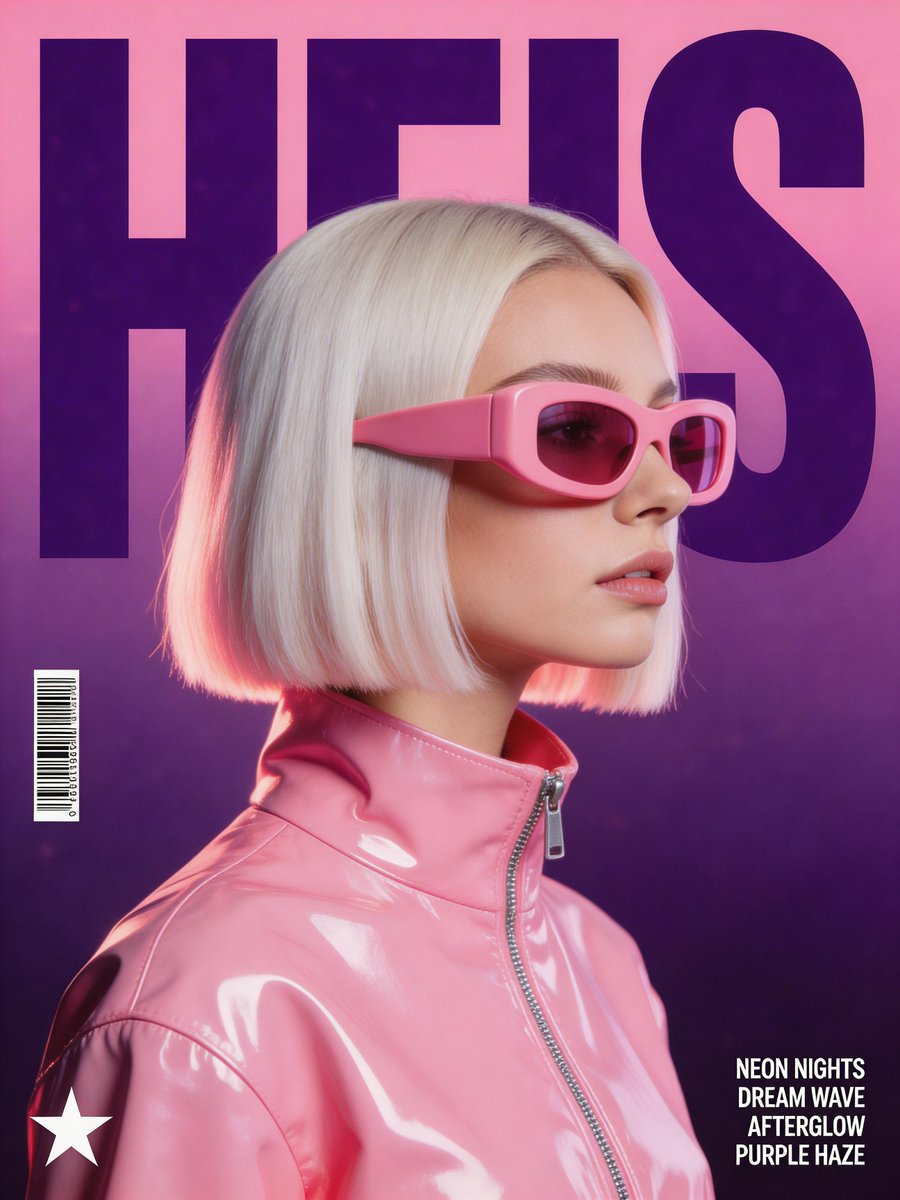
Synthwave Retro Superhero Music Poster
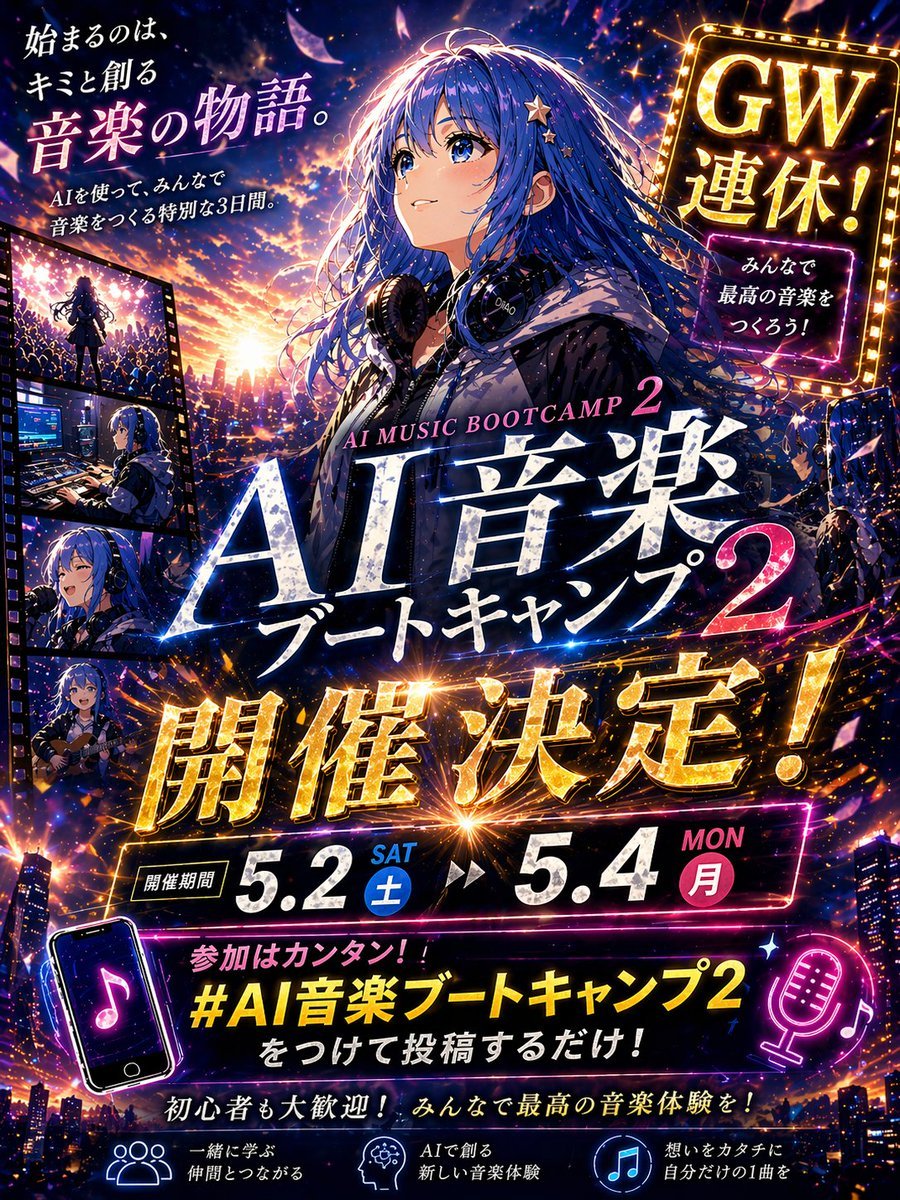
Gpt2 Youtube Thumbnail Anime Music Bootcamp Promo Poster

Our Song was on a Cassette

Japan Travel Brochure Poster

Cartoon TV Show Poster Pack

Trendy Cafe Drink Promo Poster

Urban Fashion Editorial Collage Streetwear Poster

Premium Fashion Editorial Cover Layout System

Polo Ralph Lauren Luxury American Heritage Fashion Campaign

Monochrome Halftone Editorial Fashion Poster

Retro Mirror Luxury Fashion Campaign Poster
Make it yours
Gradient Music Festival Poster works as-is. These are the safest ways to change it without losing the look.
Change one field
Copy a single group, rewrite it, and generate again so you can see what that field is doing.
Keep the frame, change the subject
Hold the composition and light of Gradient Music Festival Poster, then swap wardrobe, props or the person for a new take.
| If the result… | Why | Fix |
|---|---|---|
| The result drifts from the preview | Too many fields changed at once. | Reuse Gradient Music Festival Poster as-is first, then change one group — subject, light, or setting. |
| The model over-stylizes the scene | The prose prompt leaves finish and camera underspecified. | Add one camera or lighting sentence and stay on GPT Image 2. |
More GPT Image 2 templates
Other prompts made for GPT Image 2.

Six VTuber Japanese Logo Sheet

Realistic Portrait of Woman and Deer

The Vista Modular Condo Poster

AI Model Routing Comparison Infographic

2.5D Anime Art Board

Isometric Productivity Desk Scene

New York Double Exposure Poster

Four-Panel AI Landscape Comparison

Japanese Tatami Lifestyle Magazine Cover

NESCAFÉ Coffee Map Poster
More image prompts
Fresh picks from across the catalog.
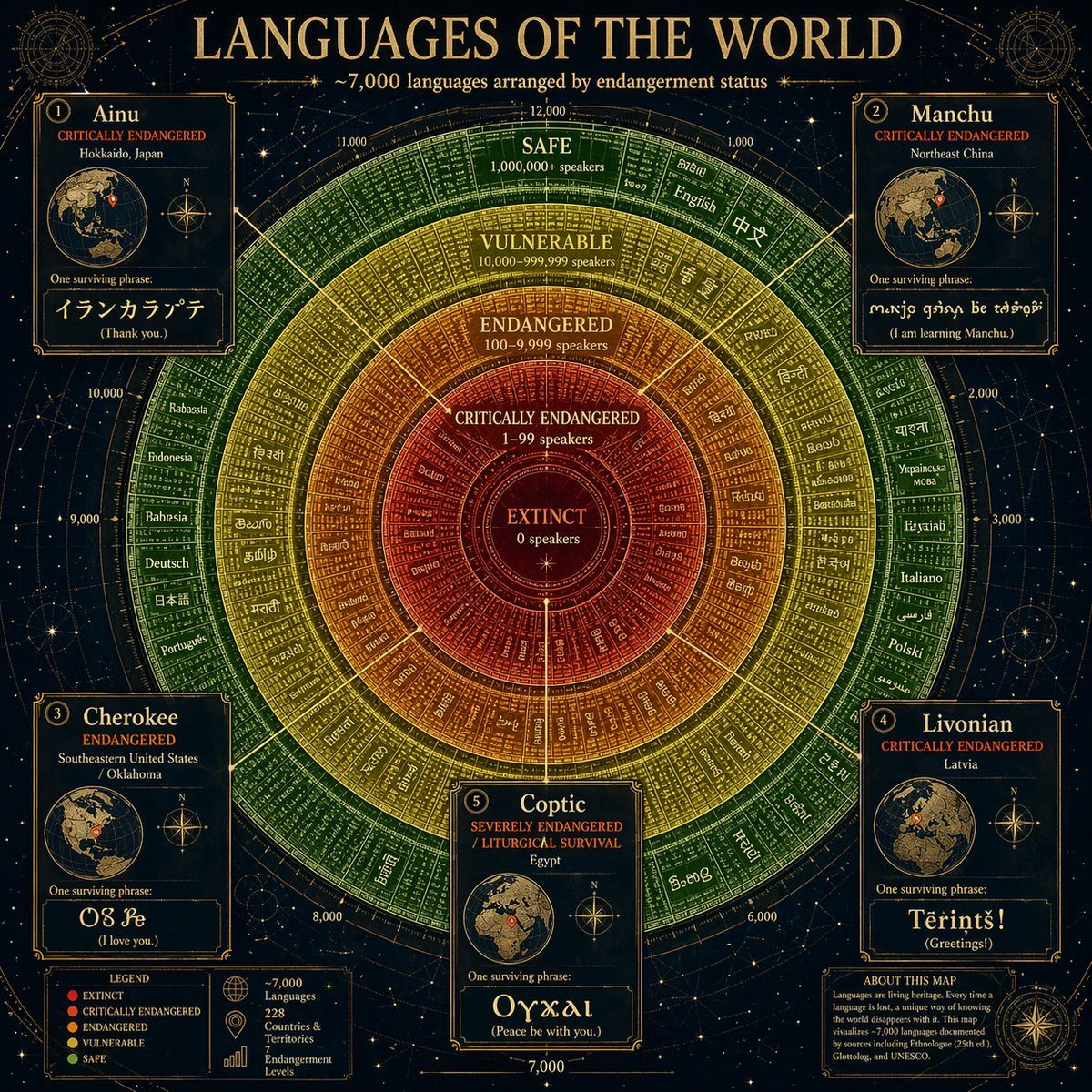
Circular Language Infographic
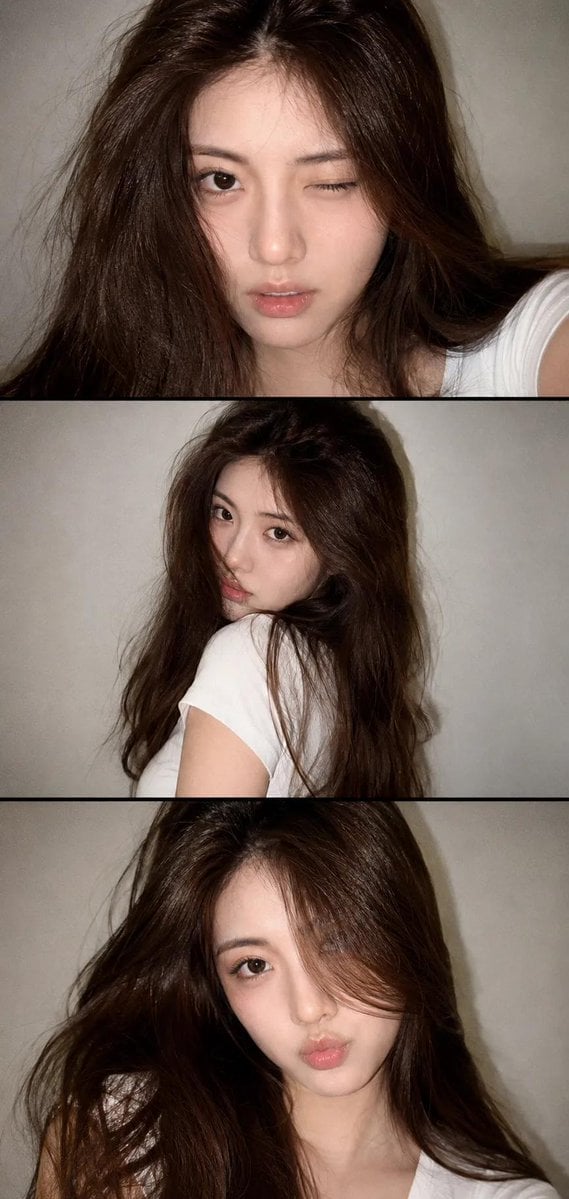
Vintage Style Selfie Collage
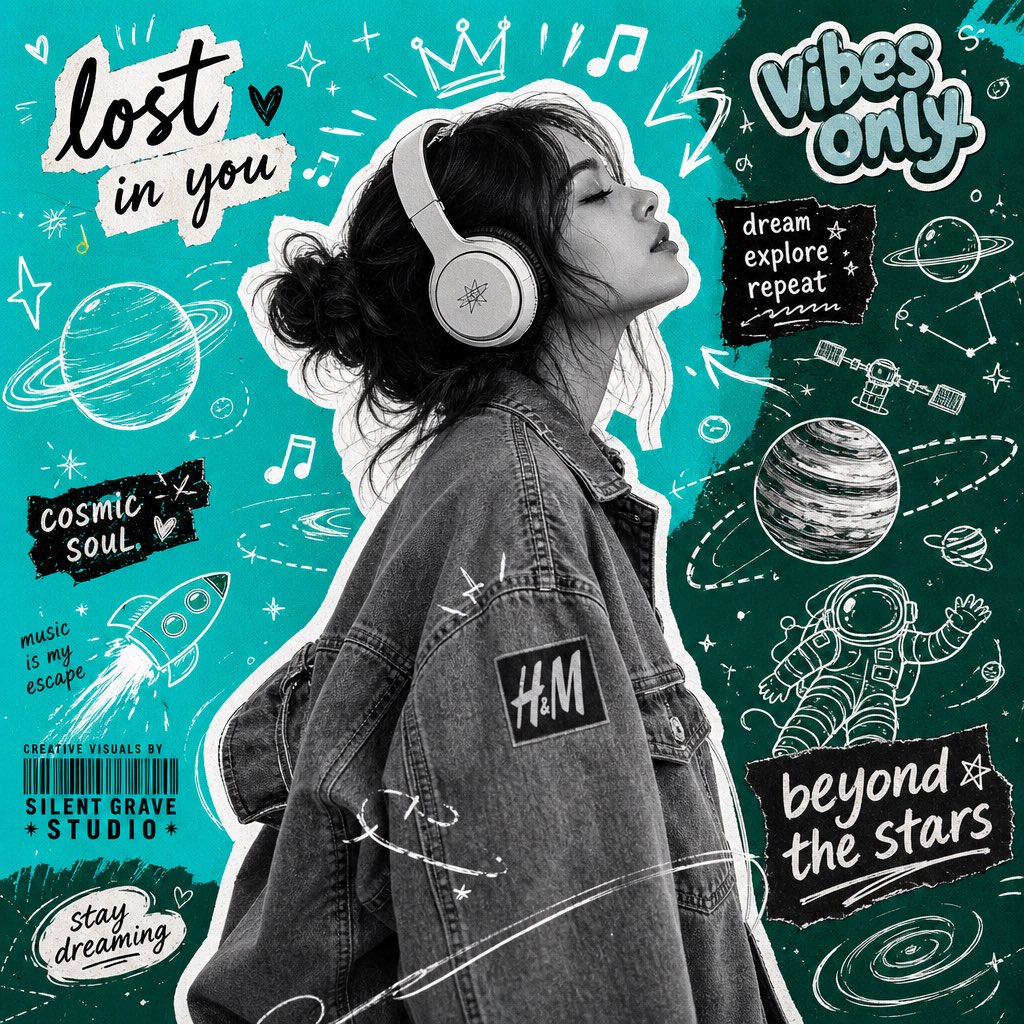
Y2K Scrapbook Collage Poster
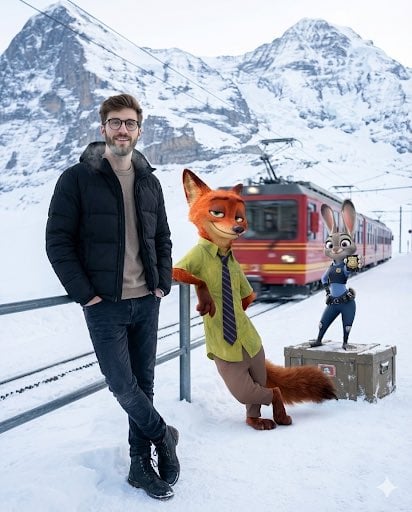
Cinematic Winter Travel Scene with Zootopia Characters

Stylized Pop Art Vector Portrait
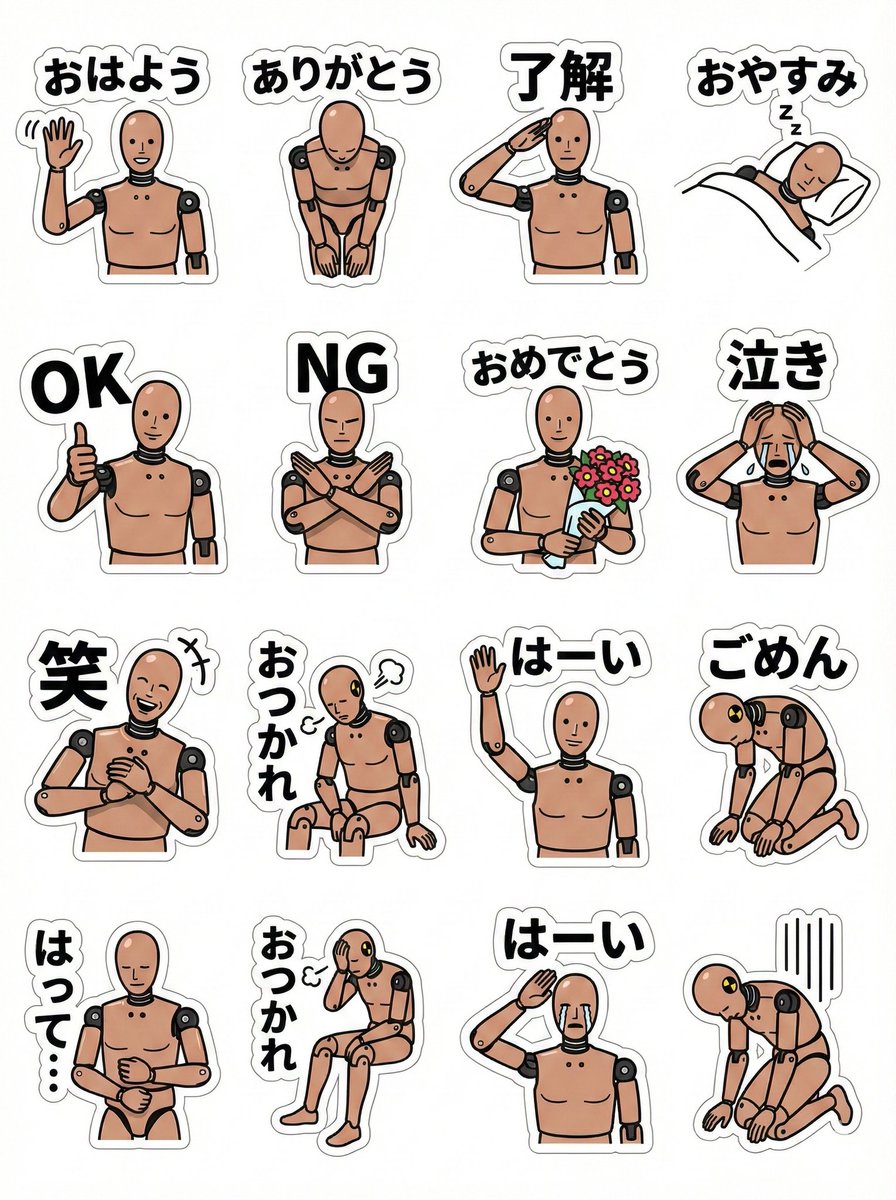
LINE sticker sheet for standing doll character (Japanese)
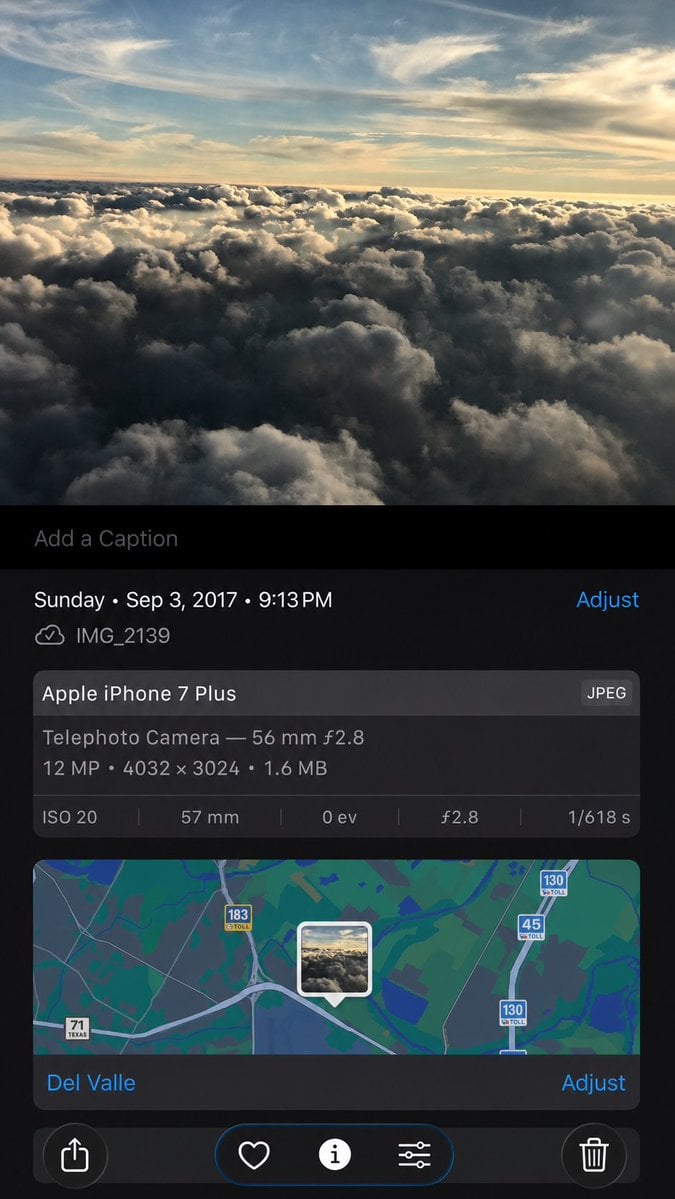
Synthetic iPhone Photos Metadata Screenshot
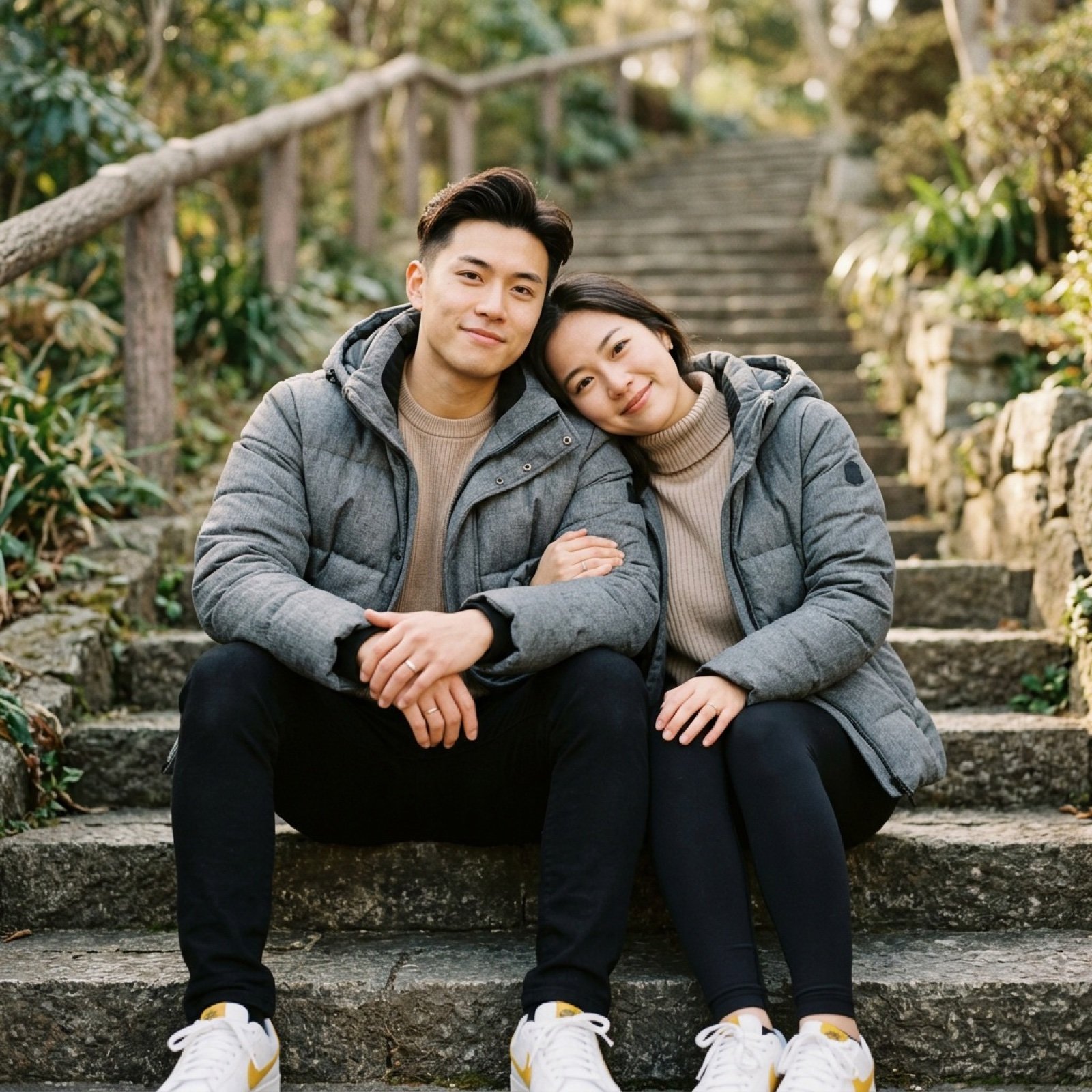
Ultra-realistic lifestyle portrait prompt for a modern couple
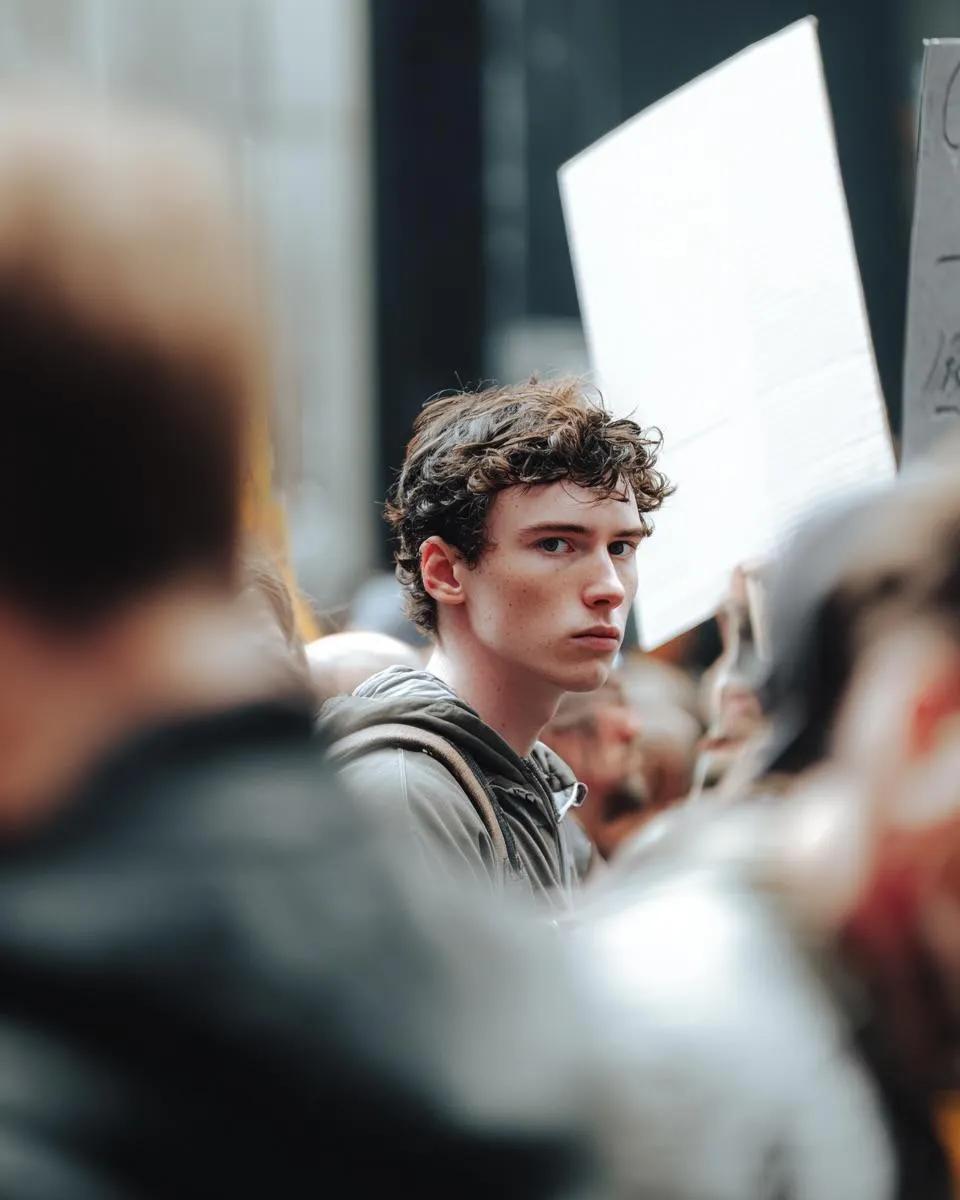
Cinematic Photojournalism of a Protest Subject
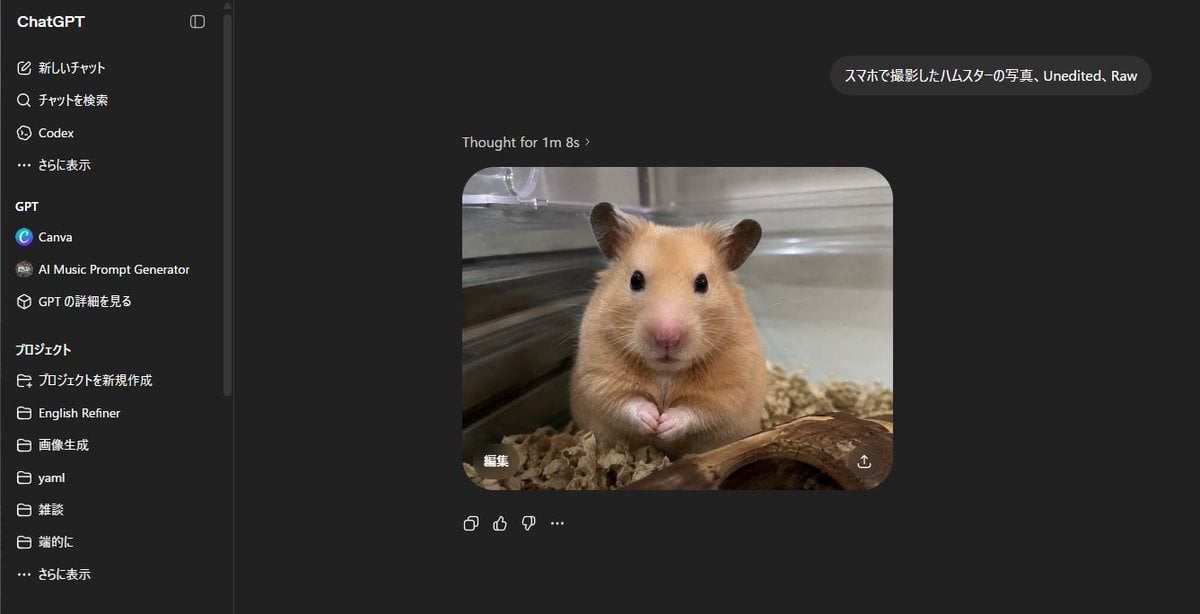
ChatGPT Hamster Image Screenshot
Browse template categories
Gradient Music Festival Poster questions
How do I use the Gradient Music Festival Poster template?
Add your photo if the template asks for one, edit the prompt if you like — the template's model and format are already selected — and press Generate. Your version opens in PicX Studio.
Can I customize the Gradient Music Festival Poster template?
Yes. You can change the subject, setting, lighting, mood, format, and available model controls before creating your image.
Is the Gradient Music Festival Poster template free?
Opening and editing this template is free. Generating uses credits, shown on the Generate button when you are signed in.
Which AI model should I use?
Start with GPT Image 2, which is the model associated with this template. You can compare another compatible model for a different finish.
Looking for something else? Browse all templates.

Your photo, any look
Thousands of ready templates for every top image and video model, from one credit balance.