
ChatGPT Hamster Image Screenshot
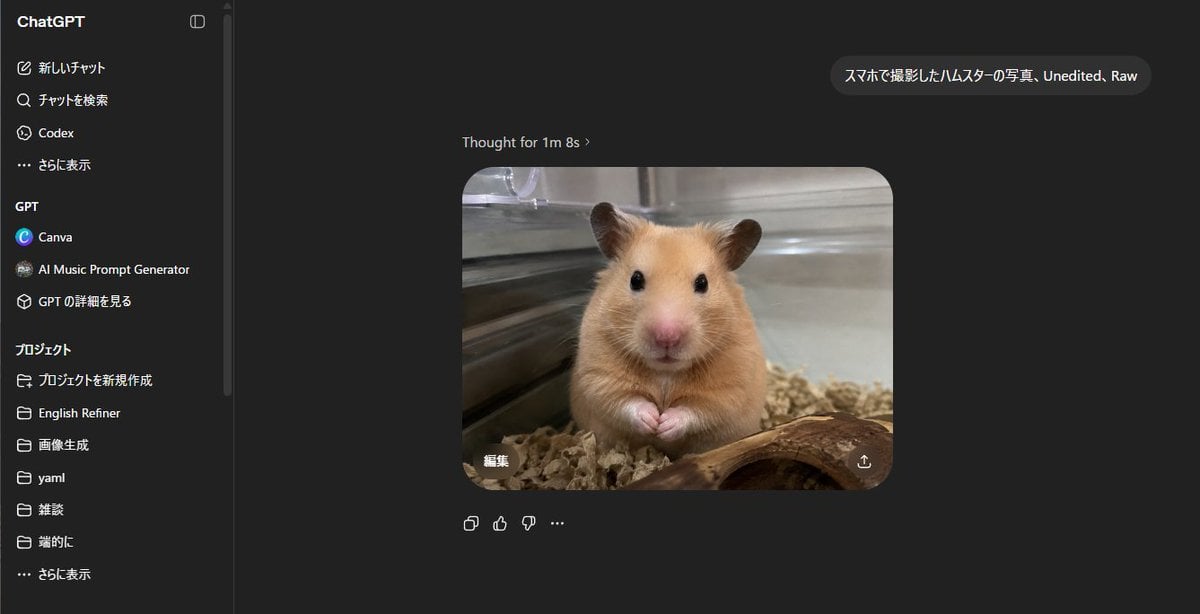
Generates a realistic dark-mode ChatGPT screenshot showing a Japanese prompt and a raw smartphone-style hamster photo result.
- Prompt included
- Model and format preset
- Free template
The prompt behind this image
Copy the exact prompt behind ChatGPT Hamster Image Screenshot, or open it in the studio and make it yours.
- Type
- realistic desktop screenshot of the ChatGPT web interface in dark mode
- Canvas
- wide 16:9 screenshot, approximately 1200x645, crisp UI capture, no browser chrome visible
- Main Scene › Description
- A ChatGPT conversation page showing a generated image result in the center: a realistic smartphone-style photo of a golden Syrian hamster inside a glass enclosure, facing the camera with tiny paws together, black glossy eyes, pink nose, tan fur, bedding below, a curved piece of wood in the foreground, metal or glass cage walls behind, shallow depth of field, unedited raw photo look.
- Main Scene › User Prompt Bubble
- {argument name="user prompt text" default="スマホで撮影したハムスターの写真、Unedited、Raw"}
- Main Scene › Assistant Status Text
- Thought for 1m 8s ›
- Main Scene › Generated Image › Position
- center-right of chat area
- Main Scene › Generated Image › Shape
- rounded rectangle
- Main Scene › Generated Image › Count
- 1
- Main Scene › Generated Image › Content
- hamster photo
- Main Scene › Generated Image › Style
- realistic, slightly soft phone camera photo, natural indoor lighting, warm tan animal fur, transparent enclosure reflections
- Main Scene › Generated Image › Overlay Controls Count
- 2
- Main Scene › Generated Image › Overlay Controls
- small Japanese edit button reading 編集 at lower left of the generated image, download/share icon at lower right of the generated image
- Layout › Background
- nearly black ChatGPT dark theme
- Layout › Left Sidebar › Position
- left
- Layout › Left Sidebar › Width
- about one fifth of the image
- Layout › Left Sidebar › Title
- ChatGPT
- Layout › Left Sidebar › Visible Top Navigation Count
- 4
- Layout › Left Sidebar › Visible Top Navigation
- 新しいチャット, チャットを検索, Codex, さらに表示
- Layout › Left Sidebar › Gpt Section › Title
- GPT
- Layout › Left Sidebar › Gpt Section › Visible Items Count
- 3
- Layout › Left Sidebar › Gpt Section › Items
- Canva, AI Music Prompt Generator, GPT の詳細を見る
- Layout › Left Sidebar › Projects Section › Title
- プロジェクト
- Layout › Left Sidebar › Projects Section › Visible Items Count
- 7
- Layout › Left Sidebar › Projects Section › Items
- プロジェクトを新規作成, English Refiner, 画像生成, yaml, 雑談, 端的に, さらに表示
Raw JSON
{"type":"realistic desktop screenshot of the ChatGPT web interface in dark mode","canvas":"wide 16:9 screenshot, approximately 1200x645, crisp UI capture, no browser chrome visible","main_scene":{"description":"A ChatGPT conversation page showing a generated image result in the center: a realistic smartphone-style photo of a golden Syrian hamster inside a glass enclosure, facing the camera with tiny paws together, black glossy eyes, pink nose, tan fur, bedding below, a curved piece of wood in the foreground, metal or glass cage walls behind, shallow depth of field, unedited raw photo look.","user_prompt_bubble":"{argument name=\"user prompt text\" default=\"スマホで撮影したハムスターの写真、Unedited、Raw\"}","assistant_status_text":"Thought for 1m 8s ›","generated_image":{"position":"center-right of chat area","shape":"rounded rectangle","count":1,"content":"hamster photo","style":"realistic, slightly soft phone camera photo, natural indoor lighting, warm tan animal fur, transparent enclosure reflections","overlay_controls_count":2,"overlay_controls":["small Japanese edit button reading 編集 at lower left of the generated image","download/share icon at lower right of the generated image"]}},"layout":{"background":"nearly black ChatGPT dark theme","left_sidebar":{"position":"left","width":"about one fifth of the image","title":"ChatGPT","visible_top_navigation_count":4,"visible_top_navigation":["新しいチャット","チャットを検索","Codex","さらに表示"],"gpt_section":{"title":"GPT","visible_items_count":3,"items":["Canva","AI Music Prompt Generator","GPT の詳細を見る"]},"projects_section":{"title":"プロジェクト","visible_items_count":7,"items":["プロジェクトを新規作成","English Refiner","画像生成","yaml","雑談","端的に","さらに表示"]},"details":"thin vertical divider and scroll bar near the sidebar edge"},"chat_area":{"position":"right of sidebar, dark empty workspace","message_count":2,"messages":["one user message bubble near the upper right containing the Japanese/English prompt text","one assistant generated-image response centered below with status text above"],"below_image_action_icons_count":4,"below_image_action_icons":["copy icon","thumbs up icon","thumbs down icon","more options ellipsis"]}},"style_directives":"Make the interface look like an authentic ChatGPT web app screenshot in Japanese locale, with clean sans-serif UI text, dark gray panels, white and light gray text, subtle rounded corners, accurate spacing, and a photorealistic hamster image embedded as the main output. Avoid decorative borders or extra annotations.","customization":{"animal":"{argument name=\"animal\" default=\"golden Syrian hamster\"}","photo style":"{argument name=\"photo style\" default=\"smartphone photo, unedited, raw\"}","interface language":"{argument name=\"interface language\" default=\"Japanese\"}"}}How to use ChatGPT Hamster Image Screenshot in 3 steps
- 1Upload ImagePNG, JPG or paste
Add your photo
Upload the photo the template builds on. The prompt, model and format are already set.
- 2…a portrait of your subject in softgolden-hour light, 85mm…
Personalize
Edit the subject and creative details for your destination.
- 3Generate
Generate
Press Generate — your image is created in PicX Studio, so you can compare it with the original and refine one variable at a time.
More like this
Templates with the same subject, style or setup. Open one to see its prompt.

Minecraft Next-Gen Voxel World Screenshot
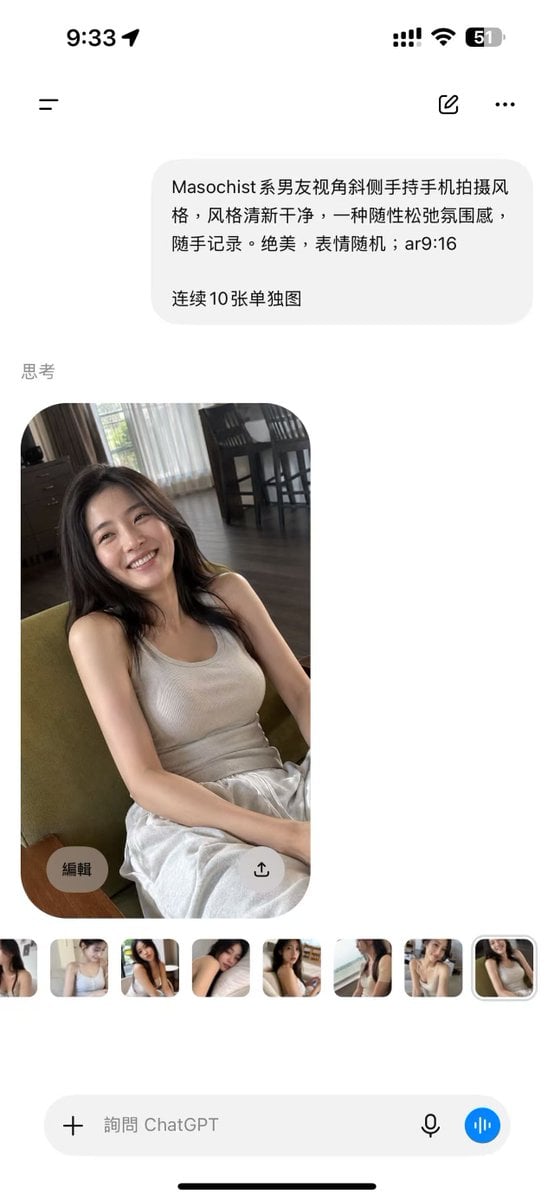
ChatGPT Mobile Photo Carousel Screenshot

ChatGPT Bonus Banner Screenshot

Floraverse Botanical Fusion

FLORAVERSE BOTANICAL FUSION

Face-Locked Train Window Lifestyle Portrait
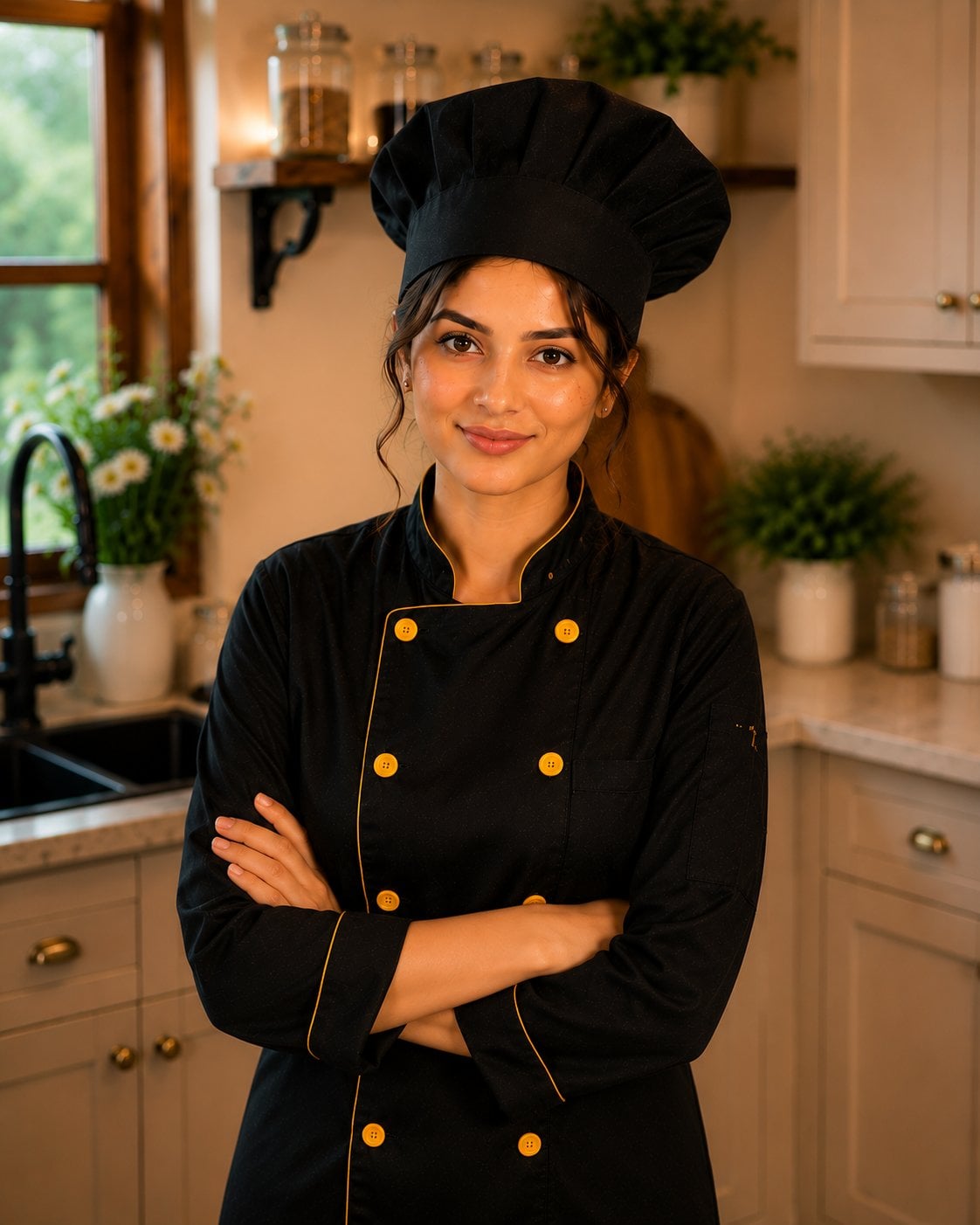
Female Chef Chicken Biryani Luxury Kitchen
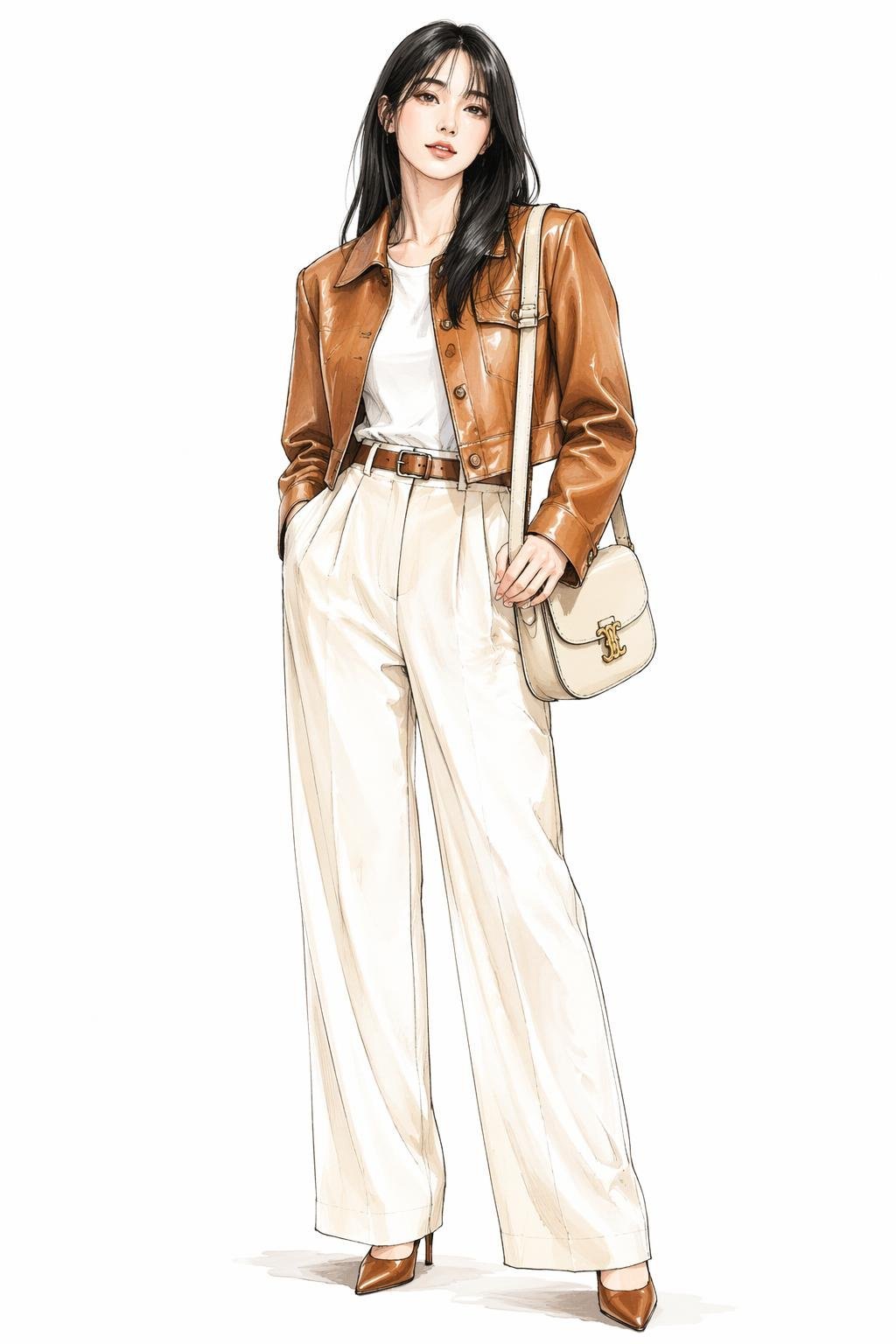
Leather Jacket Cream Trousers Fashion Sketch

Golden Hour Fedora Bar Doorway Street Style

Luxury Toothpaste Commercial Storyboard

Unfinished Sketch Comes Alive Portrait
Surreal Minimalist Dark Collage Poster II
Make it yours
ChatGPT Hamster Image Screenshot works as-is. These are the safest ways to change it without losing the look.
Swap the setting
Keep the rest of the prompt and replace the location block. The current setting is “nearly black ChatGPT dark theme”.
Change one field
Copy a single group, rewrite it, and generate again so you can see what that field is doing.
Keep the frame, change the subject
Hold the composition and light of ChatGPT Hamster Image Screenshot, then swap wardrobe, props or the person for a new take.
| If the result… | Why | Fix |
|---|---|---|
| The result drifts from the preview | Too many fields changed at once. | Reuse ChatGPT Hamster Image Screenshot as-is first, then change one group — subject, light, or setting. |
| GPT Image 2 ignores part of the JSON | Some models flatten or skip nested keys. | Keep the same values and paste them as a short paragraph instead. |
More GPT Image 2 templates
Other prompts made for GPT Image 2.

Six VTuber Japanese Logo Sheet

Realistic Portrait of Woman and Deer

The Vista Modular Condo Poster

AI Model Routing Comparison Infographic

2.5D Anime Art Board

Isometric Productivity Desk Scene

New York Double Exposure Poster

Four-Panel AI Landscape Comparison

Japanese Tatami Lifestyle Magazine Cover

NESCAFÉ Coffee Map Poster
More image prompts
Fresh picks from across the catalog.
X Iamrealsnow Cinematic Motion Blur Photography Editorial
Klimt-Style Character Art
Street Style Portrait with Identity Lock and Specific Pose
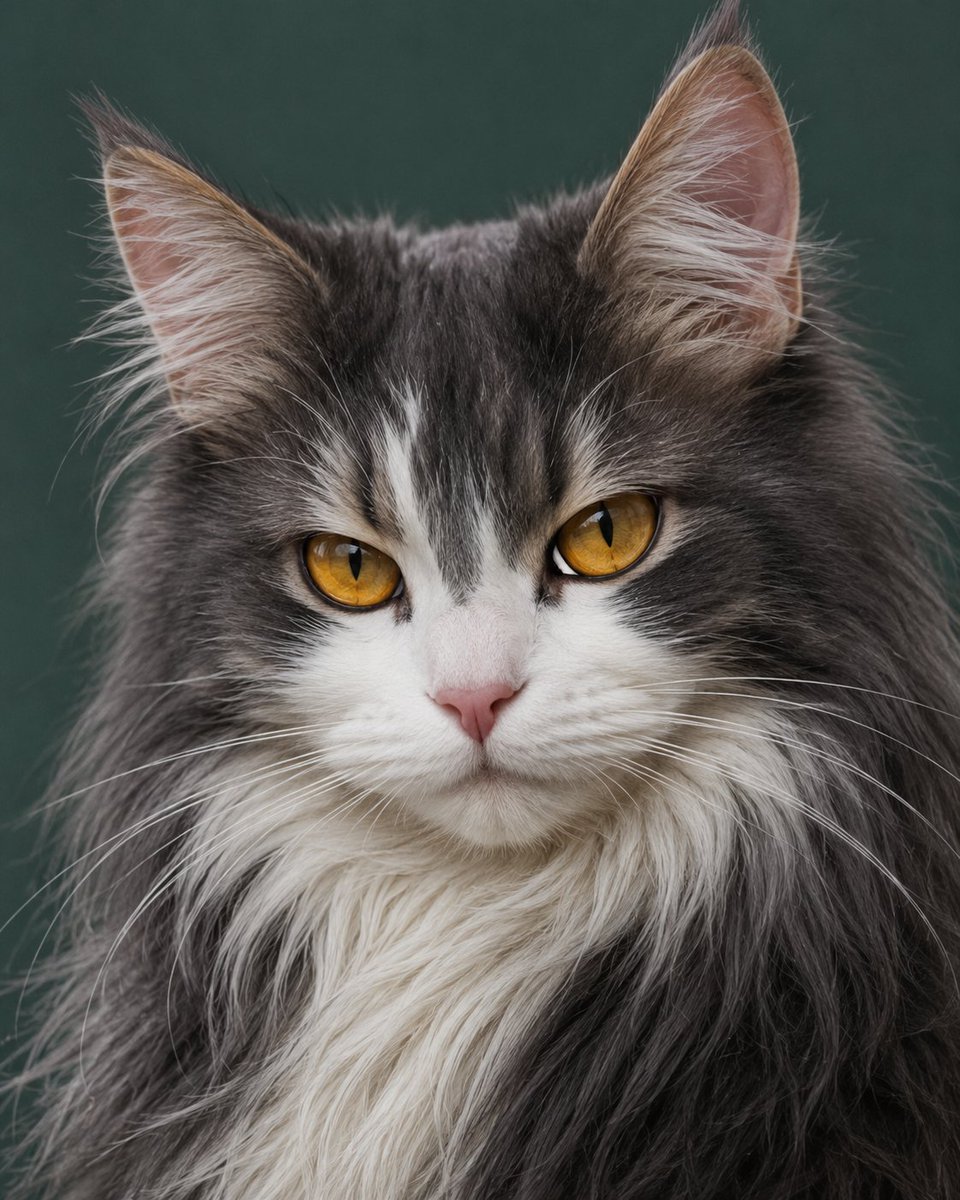
Photorealistic Amber-Eyed Cat Portrait
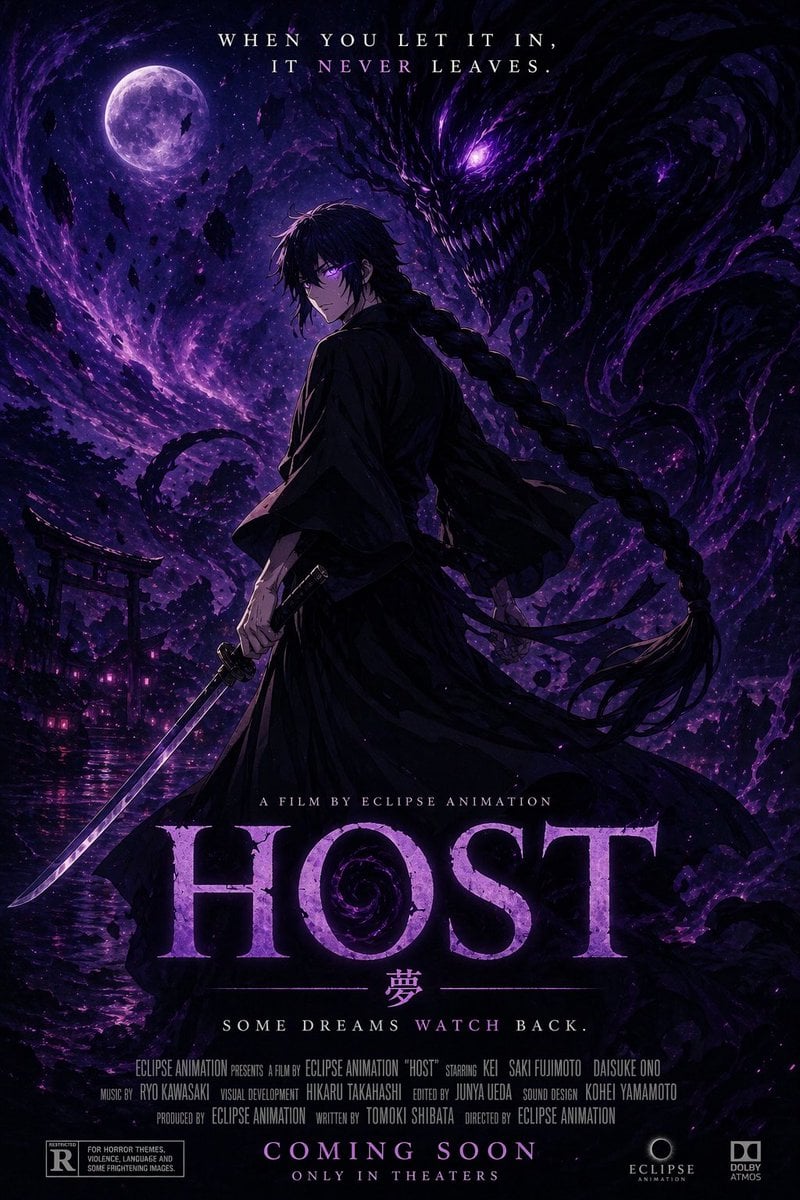
Horror Anime Movie Poster
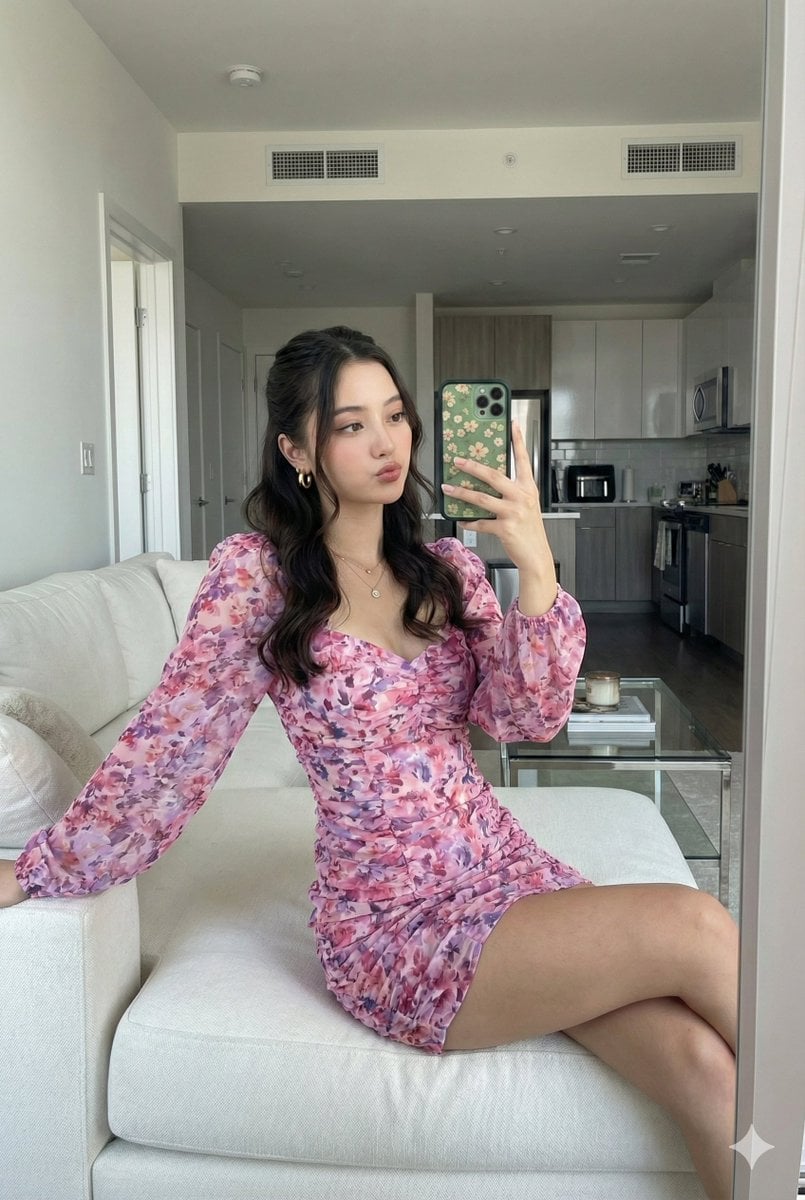
Mirror Selfie with Face Preservation Prompt
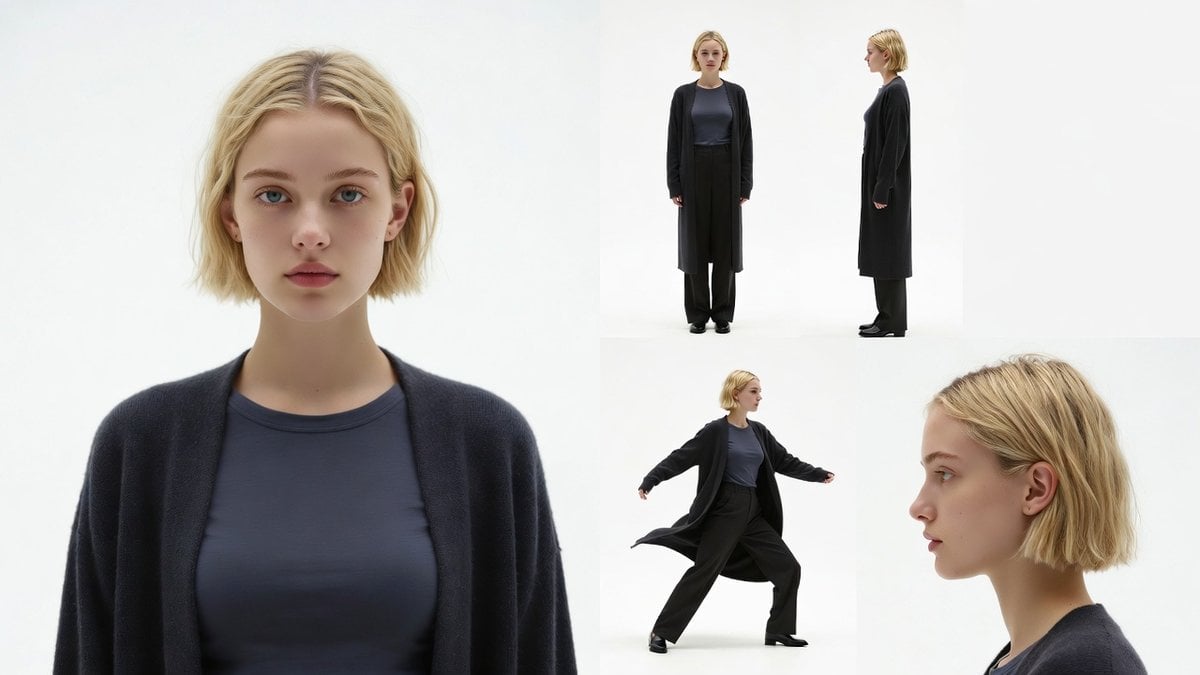
Character Reference Sheet Prompt for Nano Banana
Nostalgic Japanese Gal Grid Images
Notebook Ink Sketch Transformation
Dynamic Panettone Food Photography Prompt
Browse template categories
ChatGPT Hamster Image Screenshot questions
How do I use the ChatGPT Hamster Image Screenshot template?
Add your photo if the template asks for one, edit the prompt if you like — the template's model and format are already selected — and press Generate. Your version opens in PicX Studio.
Can I customize the ChatGPT Hamster Image Screenshot template?
Yes. You can change the subject, setting, lighting, mood, format, and available model controls before creating your image.
Is the ChatGPT Hamster Image Screenshot template free?
Opening and editing this template is free. Generating uses credits, shown on the Generate button when you are signed in.
Which AI model should I use?
Start with GPT Image 2, which is the model associated with this template. You can compare another compatible model for a different finish.
Looking for something else? Browse all templates.

Your photo, any look
Thousands of ready templates for every top image and video model, from one credit balance.