
Nostalgic Japanese Gal Grid Images
A prompt designed to generate a 3x3 grid of nostalgic, emotional snapshots themed around 90s-2000s Japanese subculture (Heisei Gal) with a film camera aesthetic.
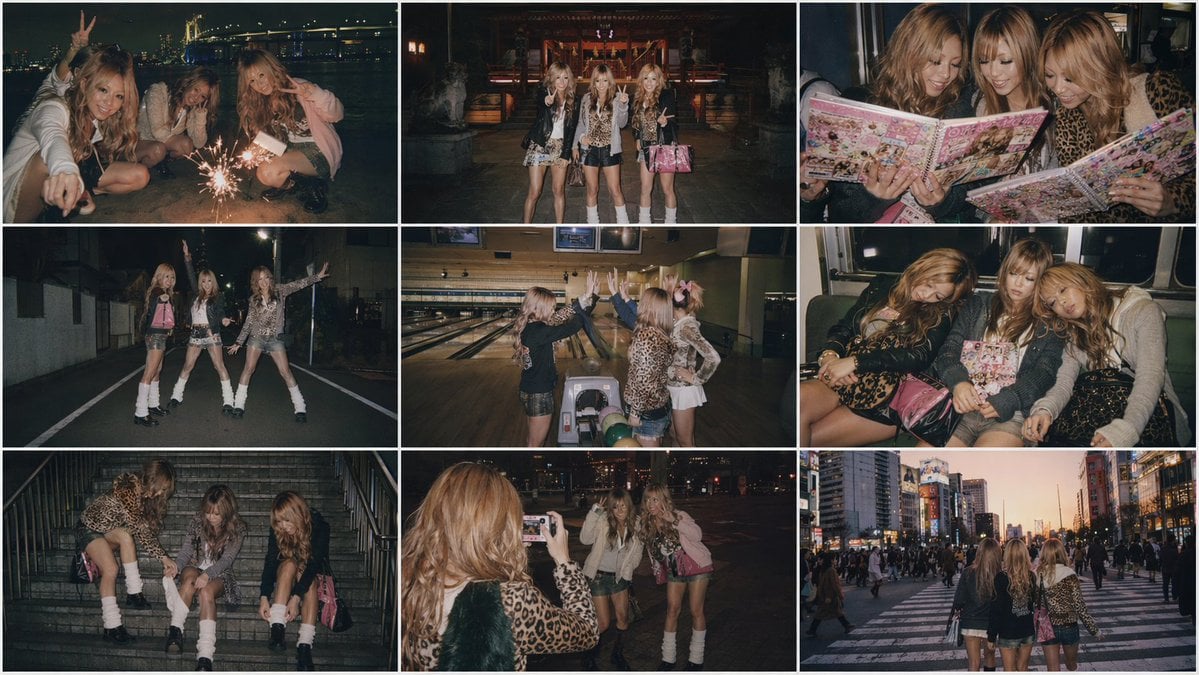
- Prompt included
- Model and format preset
- Free template
The prompt behind this image
Copy the exact prompt behind Nostalgic Japanese Gal Grid Images, or open it in the studio and make it yours.
Create four 3×3 grid images in 16:9 2K resolution based on the following prompt. Emotional images themed around {argument name="theme" default="Heisei-era gal (gyaru)"}, set from late night to early morning. However, randomly select the photo situations from <theme> without repeating any. A snapshot style shot on a film camera with direct flash. Characterized by film grain, vignetting, and warm faded tones. Has the texture of a 90s–2000s compact camera. Nostalgic, fleeting photos. <Theme> ・Late-night downtown entertainment district ・A bench on the street — toasting with canned chu-hi ・A park at midnight ・In front of a game center — showing off a prize won from a UFO catcher ・Inside a purikura (photo sticker) booth ・A dance game at the arcade ・A crane game ・A tatami room at an izakaya — a toast photo with peace signs ・A karaoke box — belting out a song with a mic in one hand and a tambourine in the other ・A family restaurant (Gusto/Denny's) late at night ・Ramen from a food stall — slurping down the last ramen of the night ・A VIP booth at a club ・A bar counter — a cocktail in hand, talking on a cell phone ・A gyudon (beef bowl) shop (Yoshinoya/Sukiya) — a meal before dawn ・The subway on the last train ・The back seat of a taxi ・A station platform just before the last train — running in platform boots ・An internet café waiting for the first train — wrapped in a blanket ・The passenger seat of a modified car (VIP car) — a fur dashboard cover and LEDs ・A taxi stand ・A Ferris wheel — a shot inside the gondola with the night view behind ・The night view from the Rainbow Bridge — leaning against a railing by the sea ・A sign in a love-hotel district — an alley lit in neon pink ・A rooftop parking lot — chatting while looking down at the night view ・A swing in the park — swinging late at night, phone glowing ・The beach (Shonan/Odaiba) — fireworks on the sand at night ・The grounds of a shrine — a late-night test of courage ・A selfie with a flip phone ・Exchanging purikura books — showing off heavily decorated photo albums ・Practicing parapara dance moves on the street — matching choreography under a streetlight ・A bowling alley — a high five lit by the lane lighting ・The first train home at dawn — exhausted and asleep, a purikura bag on the lap ・Inside an elevator ・Fixing loose socks while sitting — sitting on the station stairs ・A video (DVD) rental shop — picking out a horror movie late at night ・Playing a chaku-uta (ringtone) song on a flip phone ・Shibuya Scramble Crossing at sunrise
How to use Nostalgic Japanese Gal Grid Images in 3 steps
- 1Upload ImagePNG, JPG or paste
Add your photo
Upload the photo the template builds on. The prompt, model and format are already set.
- 2…a portrait of your subject in softgolden-hour light, 85mm…
Personalize
Edit the subject and creative details for your destination.
- 3Generate
Generate
Press Generate — your image is created in PicX Studio, so you can compare it with the original and refine one variable at a time.
More like this
Templates with the same subject, style or setup. Open one to see its prompt.

4x4 Grid - Candid Nostalgic Vacation Selfies

Japanese Negative Film Rooftop Summer Portrait

Minecraft Japanese Research Lab Exploration
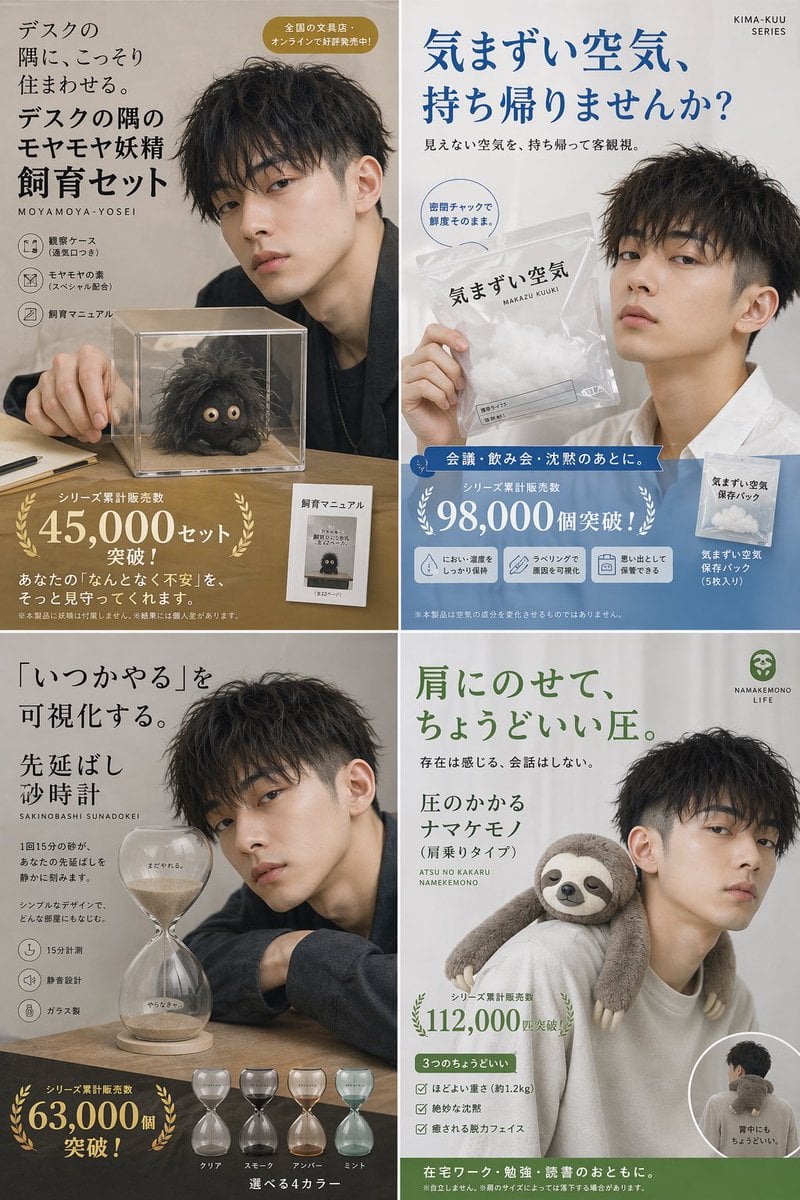
Japanese Absurd Lifestyle Ad Grid
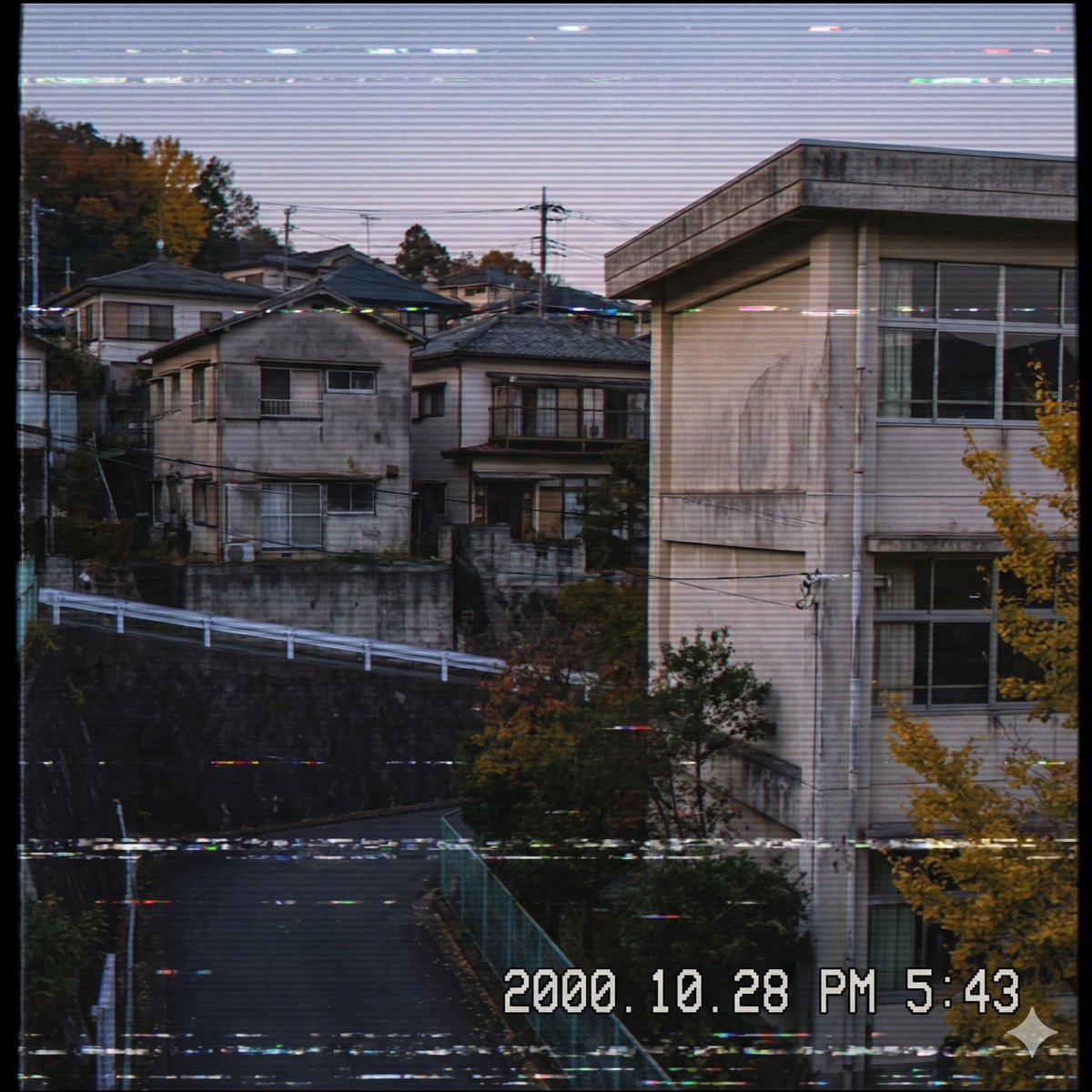
Nostalgic Japanese Suburb Footage

Japanese Architectural Concrete Studio Fashion Campaign

Japanese Minimalist Concrete Studio Fashion Editorial

Korean Luxury Fashion Editorial 2x2 Grid Series

Blue Backdrop Luxury Fashion Portrait Campaign

Minimalist Fashion Editorial Split Layout

Ultra-Realistic Vogue-Style Editorial Fashion Grid

Nostalgic Digicam Café Afternoon Portrait
Make it yours
Nostalgic Japanese Gal Grid Images works as-is. These are the safest ways to change it without losing the look.
Change one field
Copy a single group, rewrite it, and generate again so you can see what that field is doing.
Keep the frame, change the subject
Hold the composition and light of Nostalgic Japanese Gal Grid Images, then swap wardrobe, props or the person for a new take.
| If the result… | Why | Fix |
|---|---|---|
| The result drifts from the preview | Too many fields changed at once. | Reuse Nostalgic Japanese Gal Grid Images as-is first, then change one group — subject, light, or setting. |
| The model over-stylizes the scene | The prose prompt leaves finish and camera underspecified. | Add one camera or lighting sentence and stay on GPT Image 2. |
More GPT Image 2 templates
Other prompts made for GPT Image 2.

Six VTuber Japanese Logo Sheet

Realistic Portrait of Woman and Deer

The Vista Modular Condo Poster

AI Model Routing Comparison Infographic

2.5D Anime Art Board

Isometric Productivity Desk Scene

New York Double Exposure Poster

Four-Panel AI Landscape Comparison

Japanese Tatami Lifestyle Magazine Cover

NESCAFÉ Coffee Map Poster
More image prompts
Fresh picks from across the catalog.
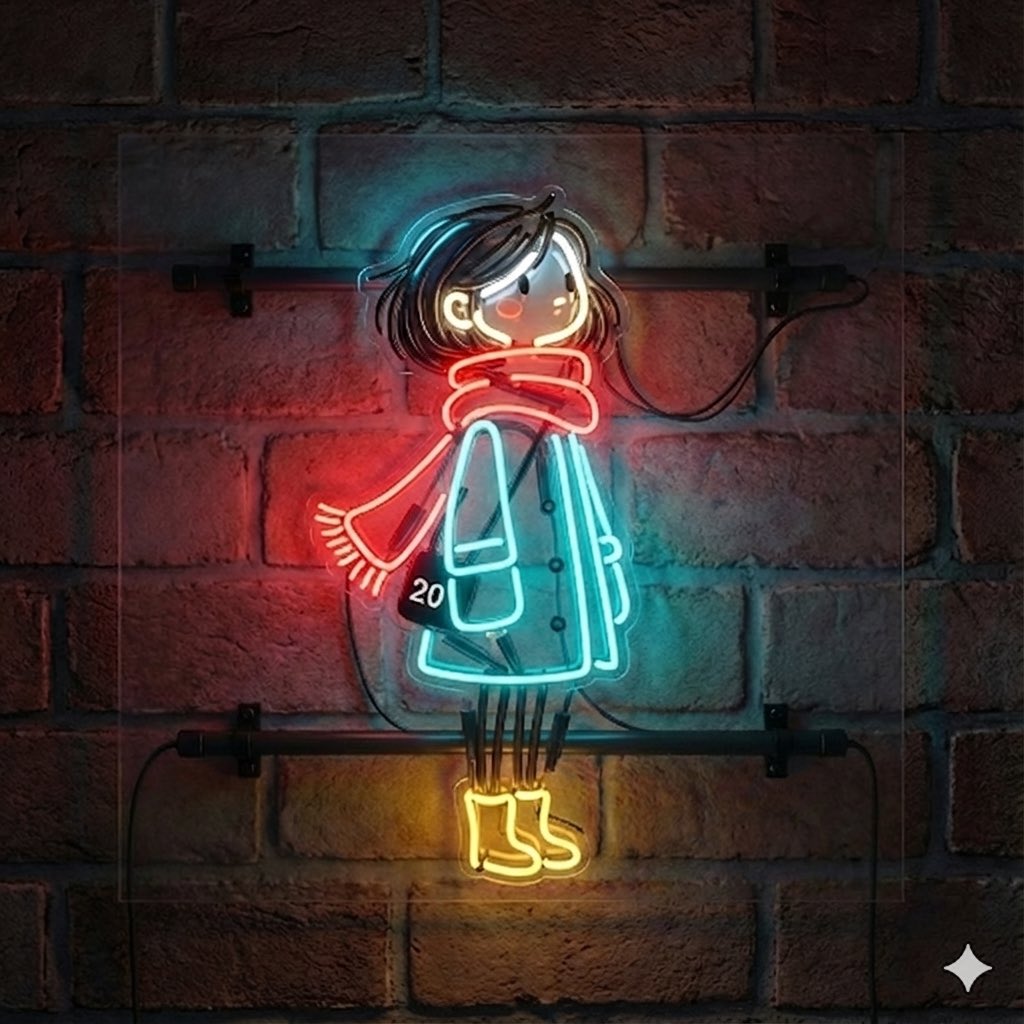
Image-to-Neon Light Transformation
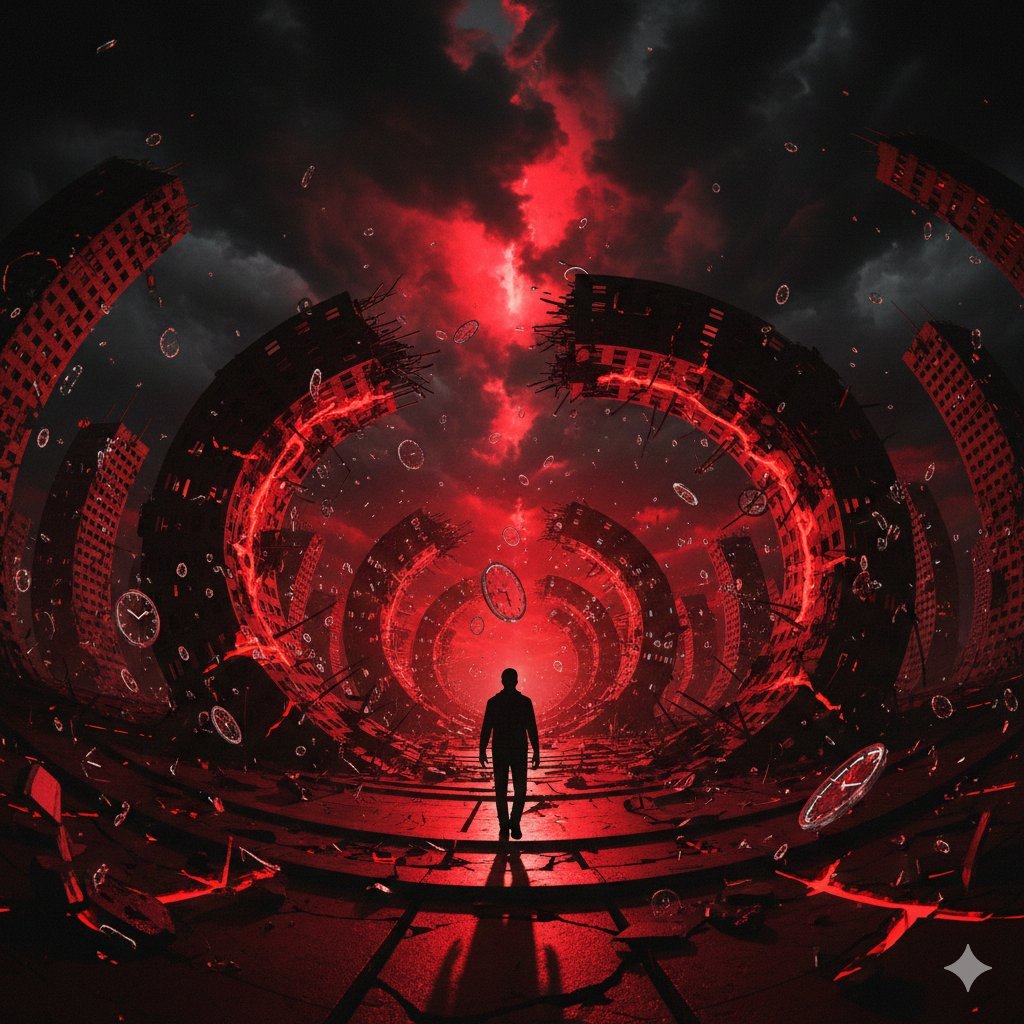
Surreal Physics Dystopia Image Generation Prompt
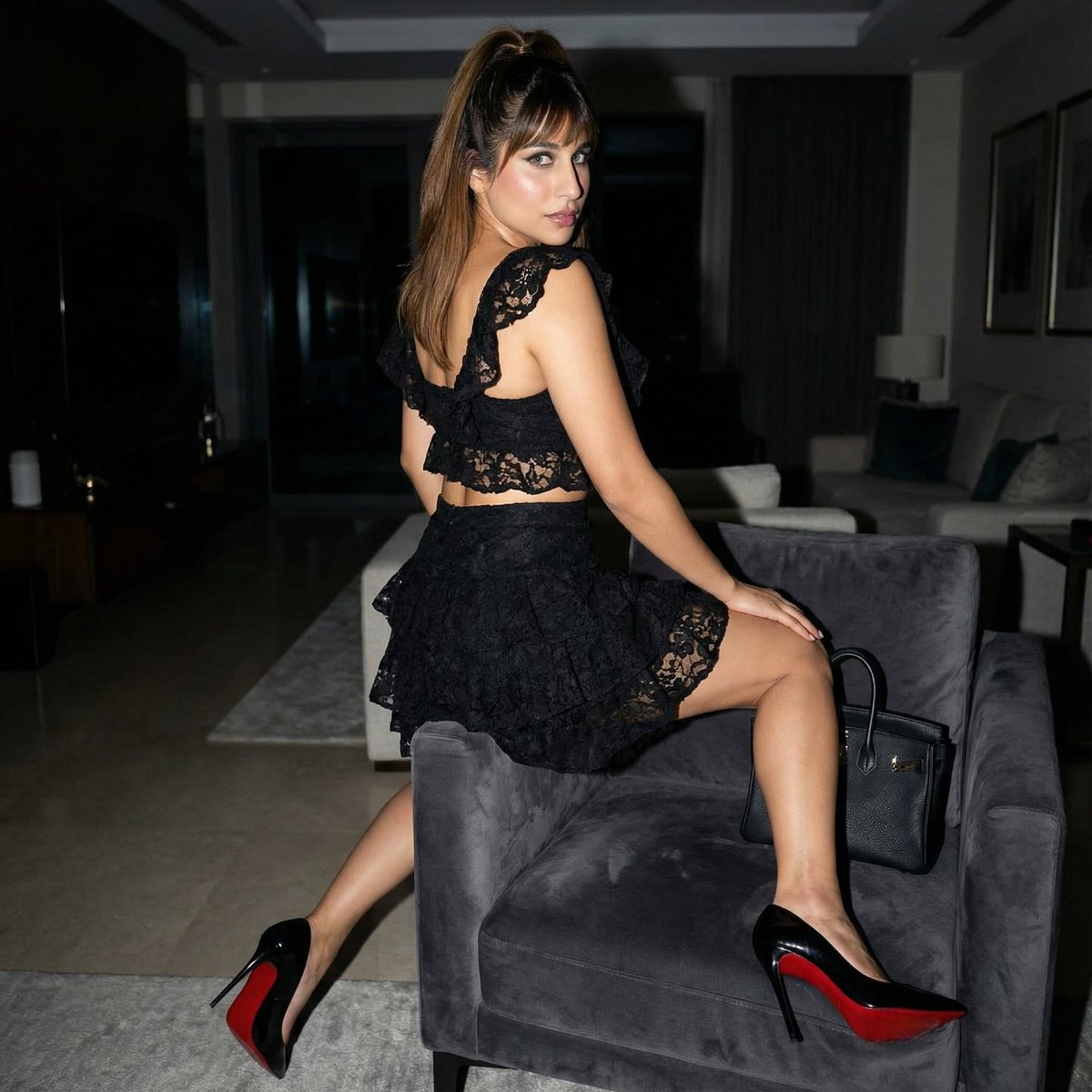
Simple Armchair Perch Prompt
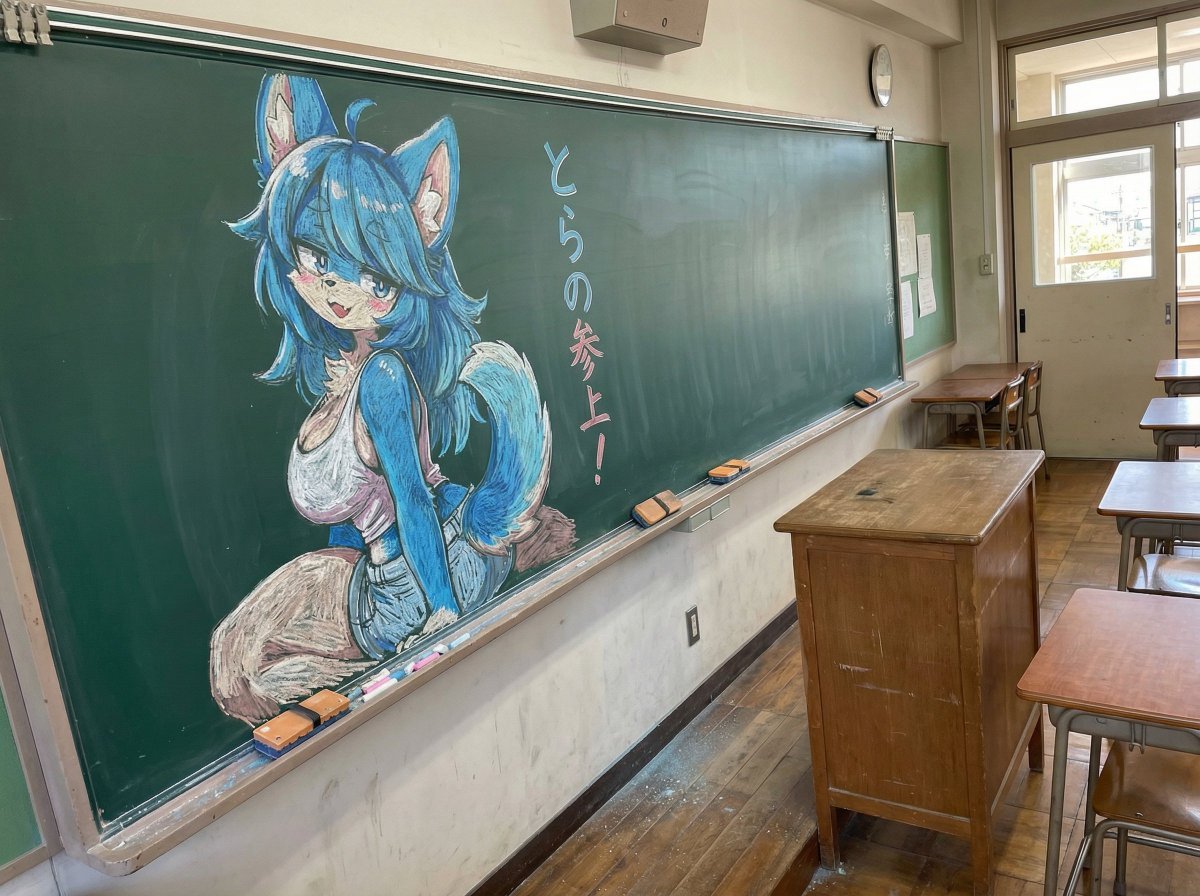
Chalk drawing of an illustration on a classroom blackboard
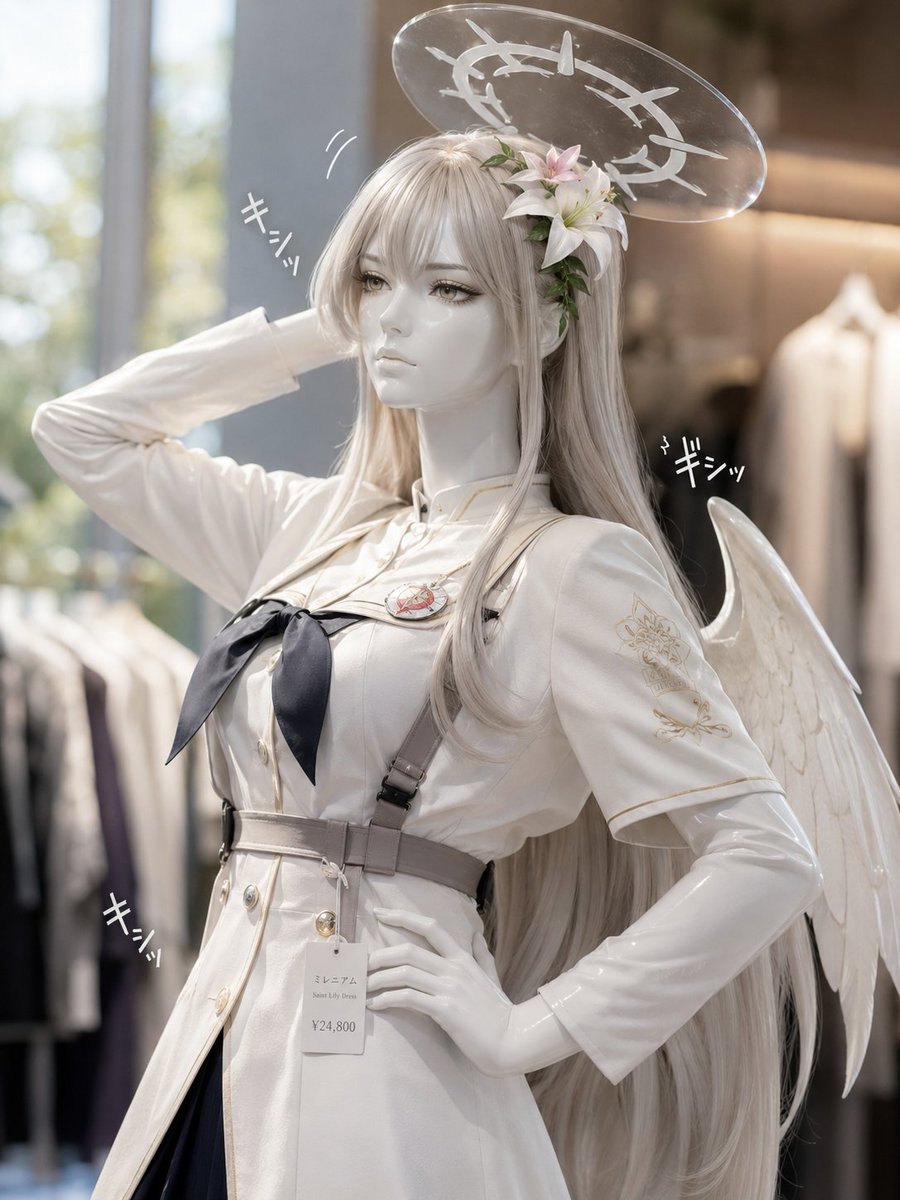
Realistic Angel Mannequin Boutique Display
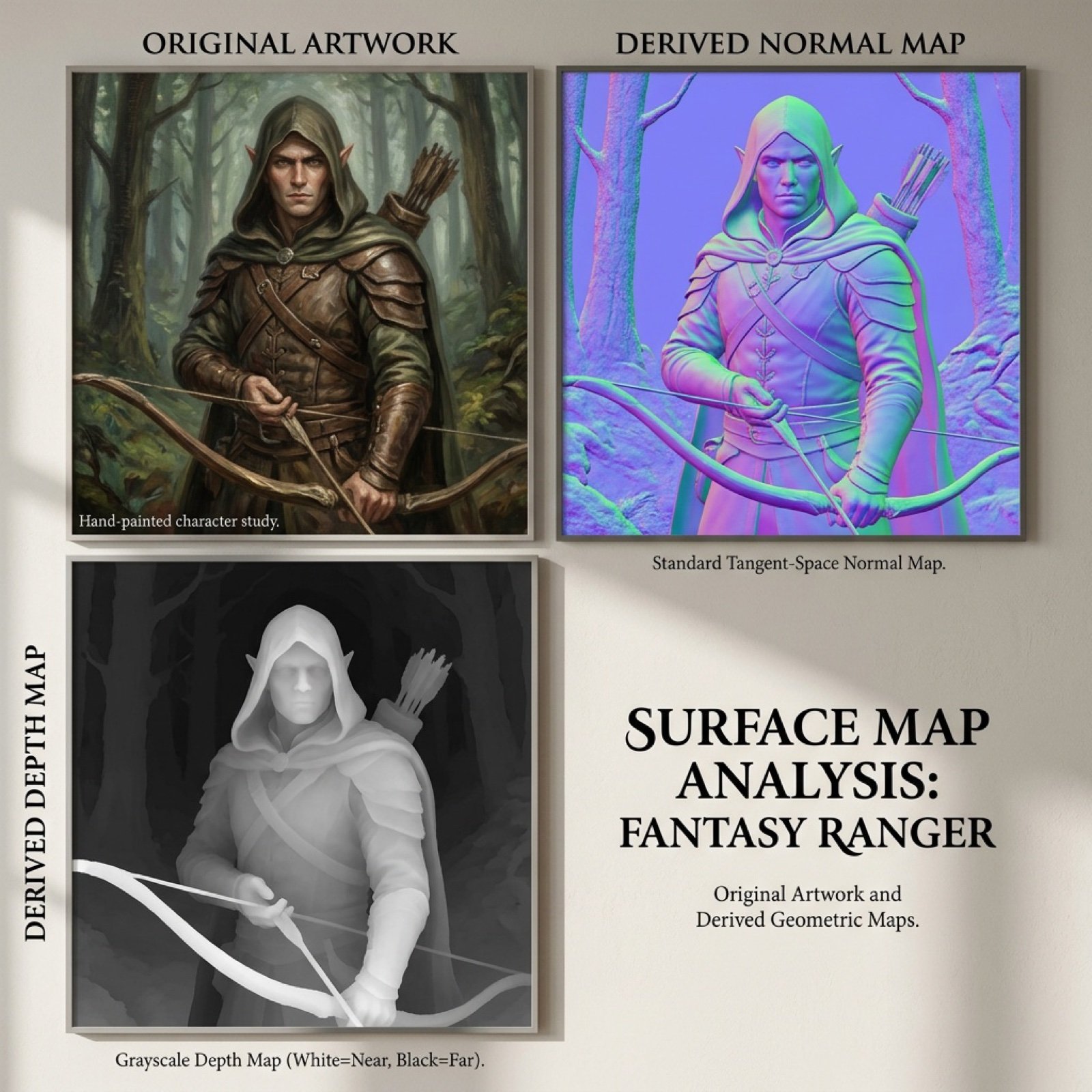
Normal and depth map generation prompts for Nano Banana Pro
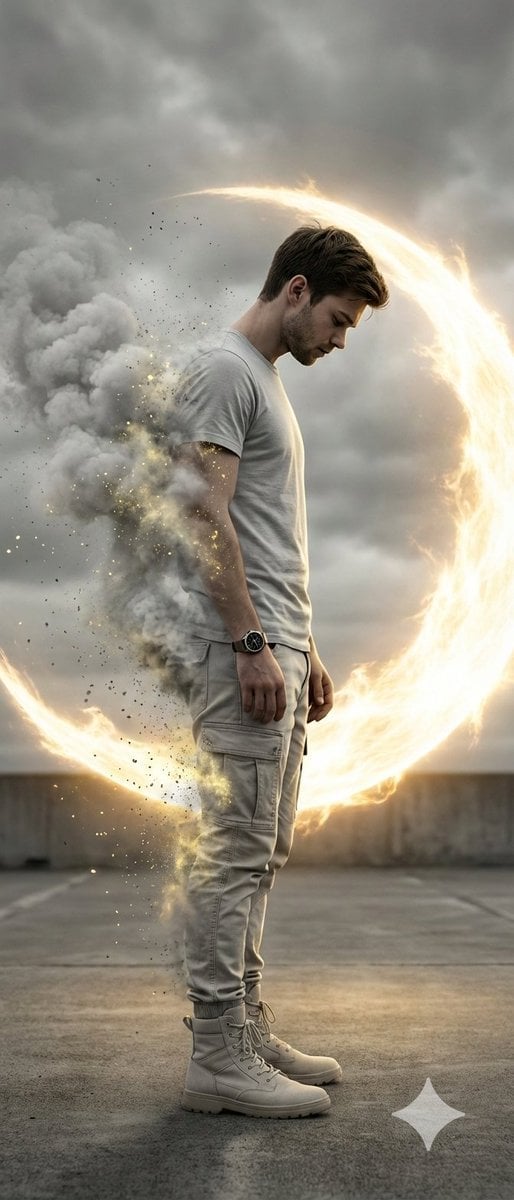
Cinematic Disintegration Portrait with Energy Aura

Ultra-Realistic Professional Headshot for Creator Economy

Photorealistic High-Fashion Editorial Portrait Prompt Template

Anime Scene Reconstruction and Expansion
Browse template categories
Nostalgic Japanese Gal Grid Images questions
How do I use the Nostalgic Japanese Gal Grid Images template?
Add your photo if the template asks for one, edit the prompt if you like — the template's model and format are already selected — and press Generate. Your version opens in PicX Studio.
Can I customize the Nostalgic Japanese Gal Grid Images template?
Yes. You can change the subject, setting, lighting, mood, format, and available model controls before creating your image.
Is the Nostalgic Japanese Gal Grid Images template free?
Opening and editing this template is free. Generating uses credits, shown on the Generate button when you are signed in.
Which AI model should I use?
Start with GPT Image 2, which is the model associated with this template. You can compare another compatible model for a different finish.
Looking for something else? Browse all templates.

Your photo, any look
Thousands of ready templates for every top image and video model, from one credit balance.