
Minimalist Fashion Editorial Split Layout
Minimalist Fashion Editorial Split Layout

- Prompt included
- Model and format preset
- Free template
The prompt behind this image
Copy the exact prompt behind Minimalist Fashion Editorial Split Layout, or open it in the studio and make it yours.
Fashion editorial layout, split design with model photo on the left and styled outfit board on the right, modern minimal magazine aesthetic. A woman with long soft waves wearing a deep navy blue bodysuit, light wash oversized denim jacket, high-waisted cream straight-leg jeans, beige slide sandals, and a structured woven leather handbag. Neutral city street background, soft natural lighting. On the right: neatly arranged outfit flat lay (denim jacket, navy bodysuit, cream jeans, sandals, handbag, gold hoop earrings, sunglasses), color palette swatches (navy, cream, denim blue, beige, muted gold, grey), fabric texture samples, and clean typography sections like “Style Notes,” “Why You’ll Love It,” and “Perfect For.” Editorial typography, muted tones, luxury minimalist branding, balanced grid layout, high-end fashion magazine style, ultra-realistic, sharp details, soft shadows. 2. Bold Red Contrast Editorial Prompt: High-end fashion editorial board with a split layout: model on the left, outfit breakdown on the right. A woman with long wavy hair wearing a bold red lightweight jacket, white bodysuit, high-waisted white straight-leg jeans, and woven white flats, holding a soft woven handbag. Urban street setting, neutral architecture, soft daylight. Right side includes outfit flat lay (red jacket, white bodysuit, white jeans, flats, bag, silver earrings, sunglasses), color palette (white, cream, bold red, ivory, silver, beige), fabric textures (nylon, denim, mesh, leather), and editorial sections with clean serif fonts. Minimalist magazine layout, strong contrast styling, polished and modern aesthetic, luxury fashion campaign look, crisp lighting, refined composition. 3. Neutral Olive Contrast Editorial Prompt: Minimalist fashion editorial layout with a soft neutral palette. Split composition: full-body model on the left, outfit breakdown grid on the right. A woman with long natural waves wearing an olive green ribbed tank top, beige tailored blazer, white straight-leg jeans, brown sneakers, and a structured brown leather shoulder bag, with a matching olive cap. Right side features outfit flat lay (blazer, olive tank, white jeans, sneakers, bag, gold hoops, cap), color palette (beige, olive green, white, deep brown, muted gold, taupe), fabric textures (ribbed cotton, blazer fabric, denim, suede, leather), and editorial text sections. Clean magazine aesthetic, earthy tones, soft lighting, neutral background, elegant grid layout, modern typography, lifestyle fashion branding, ultra-realistic and highly detailed.
How to use Minimalist Fashion Editorial Split Layout in 3 steps
- 1
Open
The prompt is already in the box next to the preview, with the template's model and format selected.
- 2…a portrait of your subject in softgolden-hour light, 85mm…
Personalize
Edit the subject and creative details for your destination.
- 3Generate
Generate
Press Generate — your image is created in PicX Studio, so you can compare it with the original and refine one variable at a time.
More like this
Templates with the same subject, style or setup. Open one to see its prompt.

Nano Banana - Paris Cafe Editorial

01 Skincare Split Portrait — Nano Banana 2

untitled

Google Gemini Nano Banana Pro

Conceptual Fashion Portrait in Spider We

24 The Getty Center — California Series

21 Glass Floor Skyscraper — California Series

19 Luxury Helicopter Travel — California Series

08 Rodeo Drive Luxury Exit — California Series

03 Beverly Hills Convertible — California Series

Gpt Image 2 Fashion Portrait

Caution Tape Fashion — Industrial Editorial
Make it yours
Minimalist Fashion Editorial Split Layout works as-is. These are the safest ways to change it without losing the look.
Change one field
Copy a single group, rewrite it, and generate again so you can see what that field is doing.
Keep the frame, change the subject
Hold the composition and light of Minimalist Fashion Editorial Split Layout, then swap wardrobe, props or the person for a new take.
| If the result… | Why | Fix |
|---|---|---|
| The result drifts from the preview | Too many fields changed at once. | Reuse Minimalist Fashion Editorial Split Layout as-is first, then change one group — subject, light, or setting. |
| The model over-stylizes the scene | The prose prompt leaves finish and camera underspecified. | Add one camera or lighting sentence and stay on PicX Studio. |
More image prompts
Fresh picks from across the catalog.
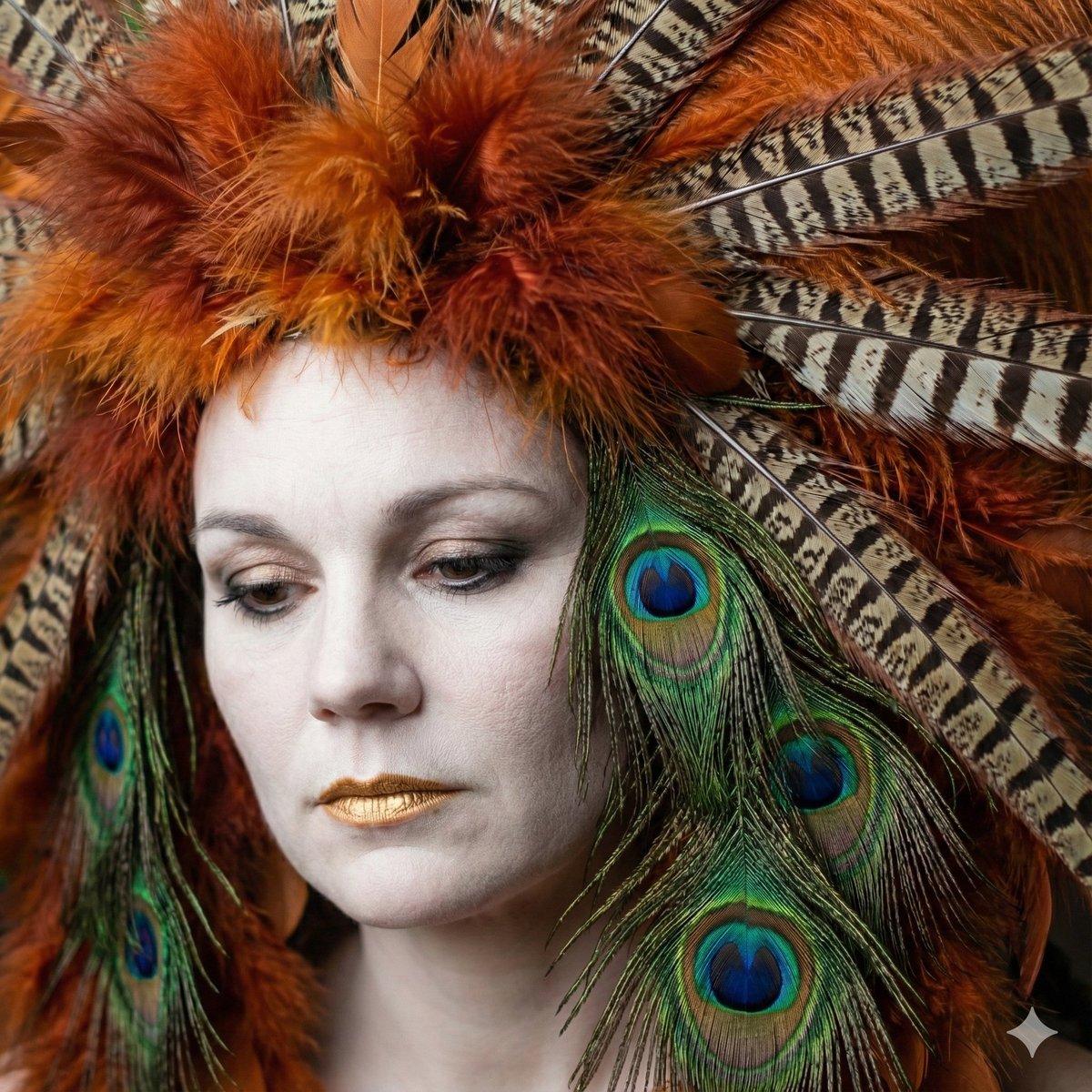
Avant-Garde Feather Headdress Portrait
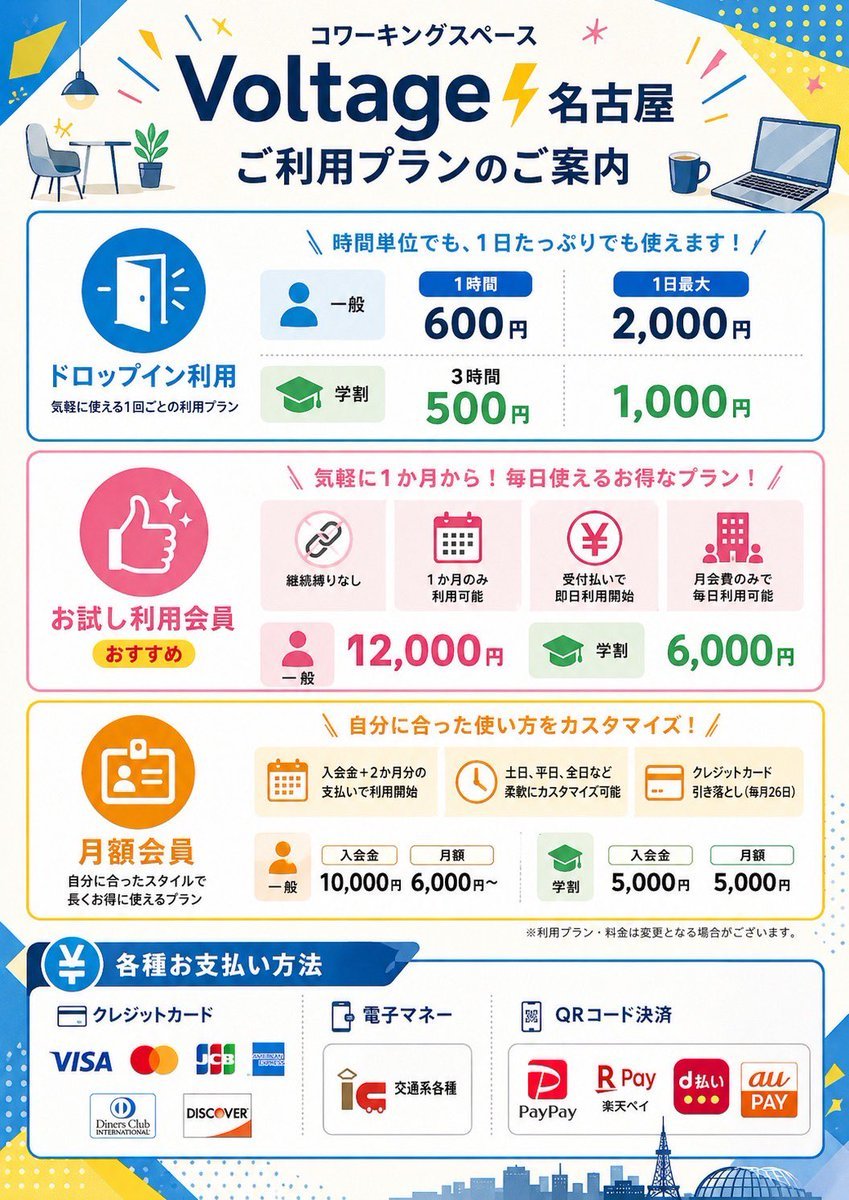
Japanese Coworking Pricing Flyer
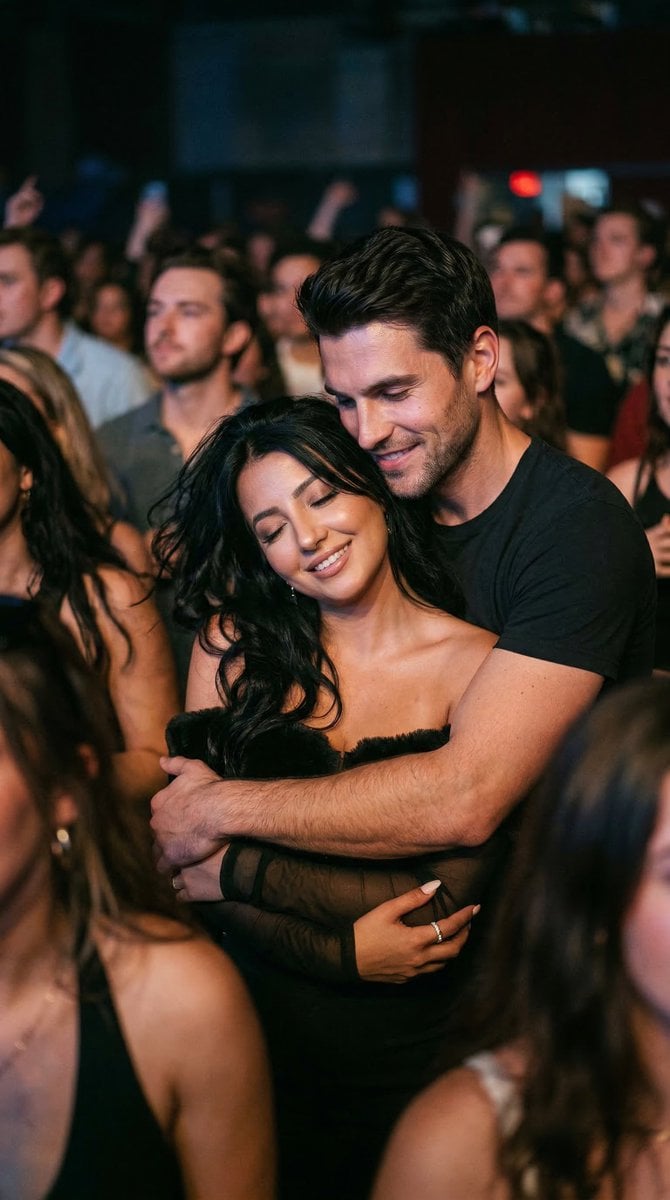
Photorealistic Concert Embrace Scene
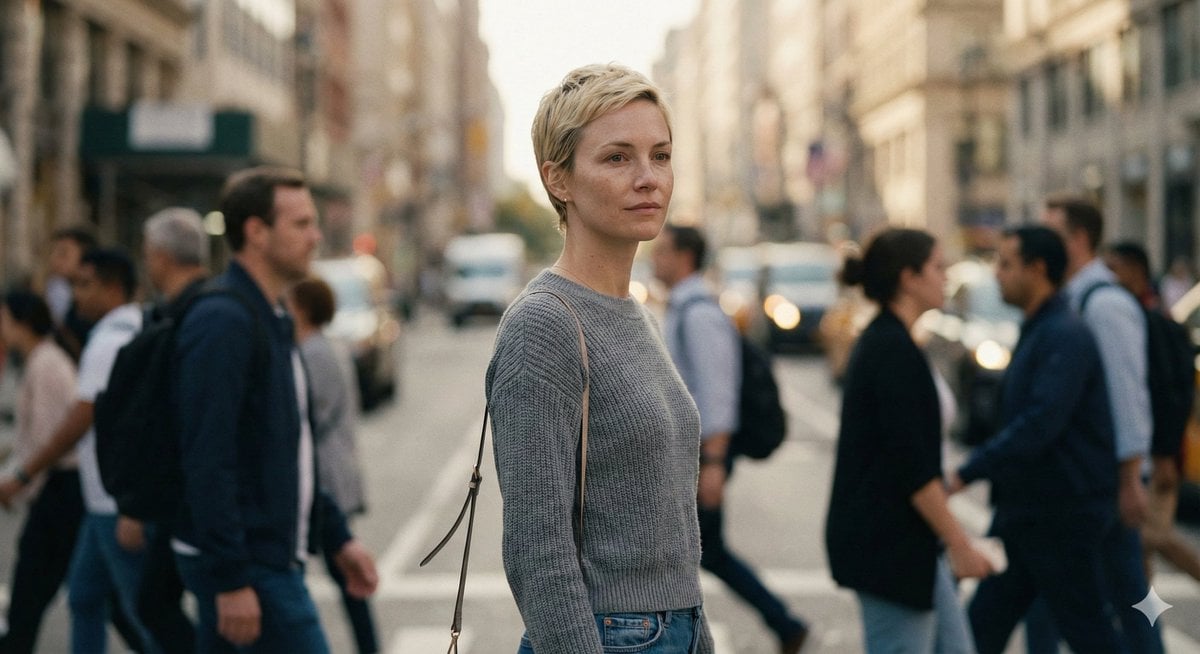
Ultra-Realistic 8K Candid Street Portrait Prompt
Prismatic Rainbow Light High Fashion Portrait
Image-to-Storyboard prompt
Minimal Luxury Brand Concept Slide
Luxury Black and Gold Sneaker Ad
Surreal Optical Illusion Portrait
Editorial Perfume Bottle in Golden Fur
Browse template categories
Minimalist Fashion Editorial Split Layout questions
How do I use the Minimalist Fashion Editorial Split Layout template?
Add your photo if the template asks for one, edit the prompt if you like — the template's model and format are already selected — and press Generate. Your version opens in PicX Studio.
Can I customize the Minimalist Fashion Editorial Split Layout template?
Yes. You can change the subject, setting, lighting, mood, format, and available model controls before creating your image.
Is the Minimalist Fashion Editorial Split Layout template free?
Opening and editing this template is free. Generating uses credits, shown on the Generate button when you are signed in.
Which AI model should I use?
Choose a compatible model in PicX Studio based on the style, speed, and output controls your project needs.
Looking for something else? Browse all templates.

Your photo, any look
Thousands of ready templates for every top image and video model, from one credit balance.