
Editorial Perfume Bottle in Golden Fur
This prompt generates a high-end editorial beauty product shot of a perfume bottle surrounded by warm textured fur, ideal for luxury fragrance advertising and social media campaigns.
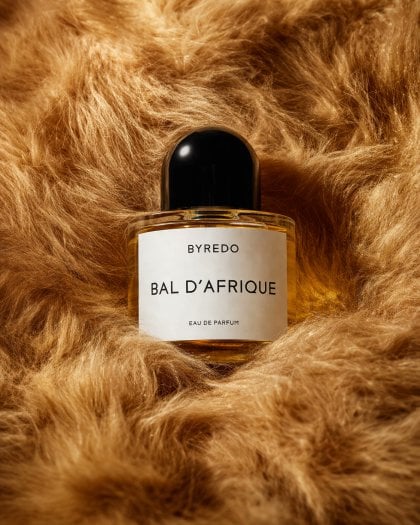
- Prompt included
- Model and format preset
- Free template
The prompt behind this image
Copy the exact prompt behind Editorial Perfume Bottle in Golden Fur, or open it in the studio and make it yours.
A luxurious editorial product photograph of a single perfume bottle nestled into dense, plush faux fur in rich golden caramel and honey-brown tones. Center the composition on one clear oval glass bottle filled with warm amber liquid, with a glossy rounded black cap and a clean white rectangular label. The label text should read {argument name="brand name" default="BYREDO"} at the top, {argument name="product name" default="BAL D’AFRIQUE"} large in the middle, and {argument name="product type" default="EAU DE PARFUM"} in small text near the bottom. Shoot it as a close-up still life with soft studio lighting, subtle highlights on the glass and cap, gentle shadows in the folds of the fur, and a warm cinematic color palette. The bottle should sit slightly embedded in the fur so the surrounding texture frames it from all sides, creating a premium fashion editorial mood, minimal composition, shallow depth of field, crisp focus on the label, and a high-end beauty campaign aesthetic.
How to use Editorial Perfume Bottle in Golden Fur in 3 steps
- 1Upload ImagePNG, JPG or paste
Add your photo
Upload the photo the template builds on. The prompt, model and format are already set.
- 2…a portrait of your subject in softgolden-hour light, 85mm…
Personalize
Edit the subject and creative details for your destination.
- 3Generate
Generate
Press Generate — your image is created in PicX Studio, so you can compare it with the original and refine one variable at a time.
More like this
Templates with the same subject, style or setup. Open one to see its prompt.
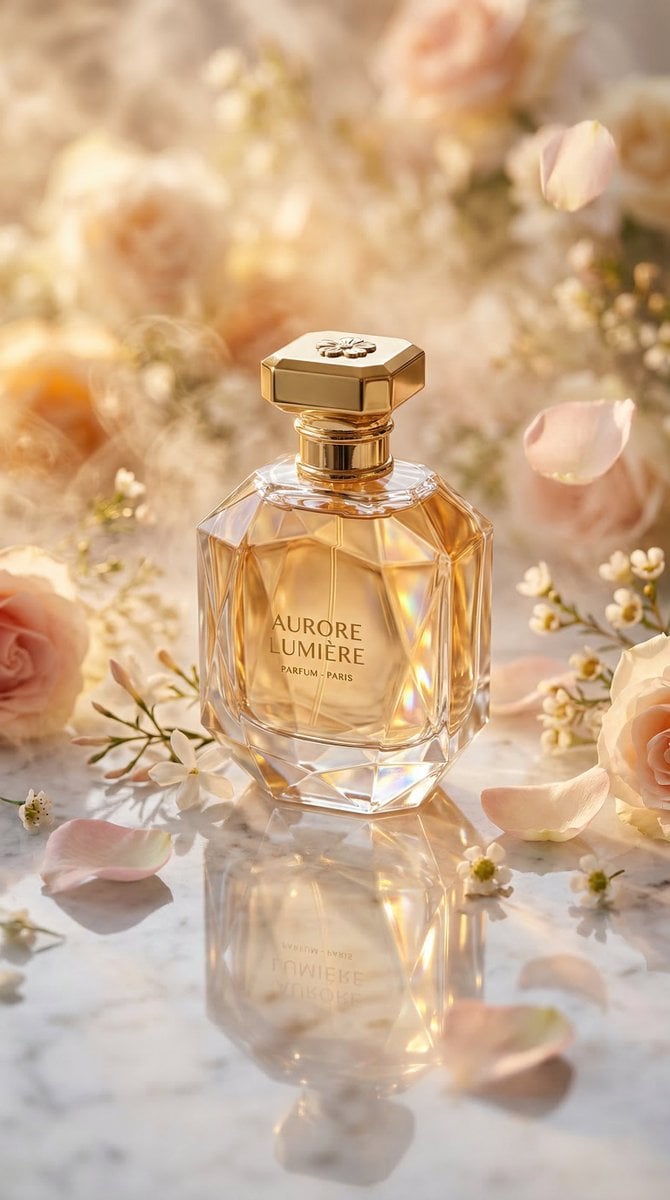
Luxury Perfume Bottle Editorial Image Prompt
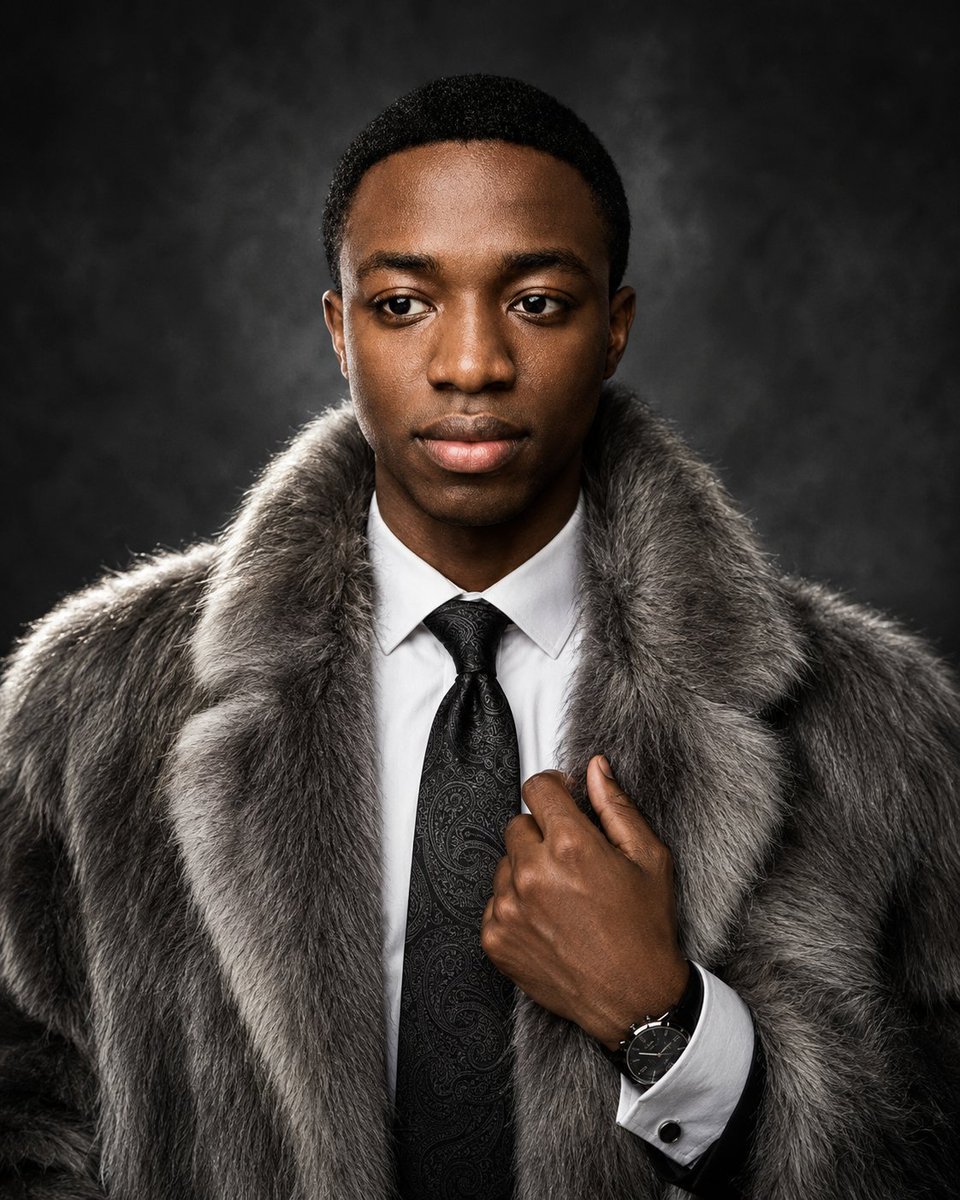
Luxury Fur Coat Editorial Portrait
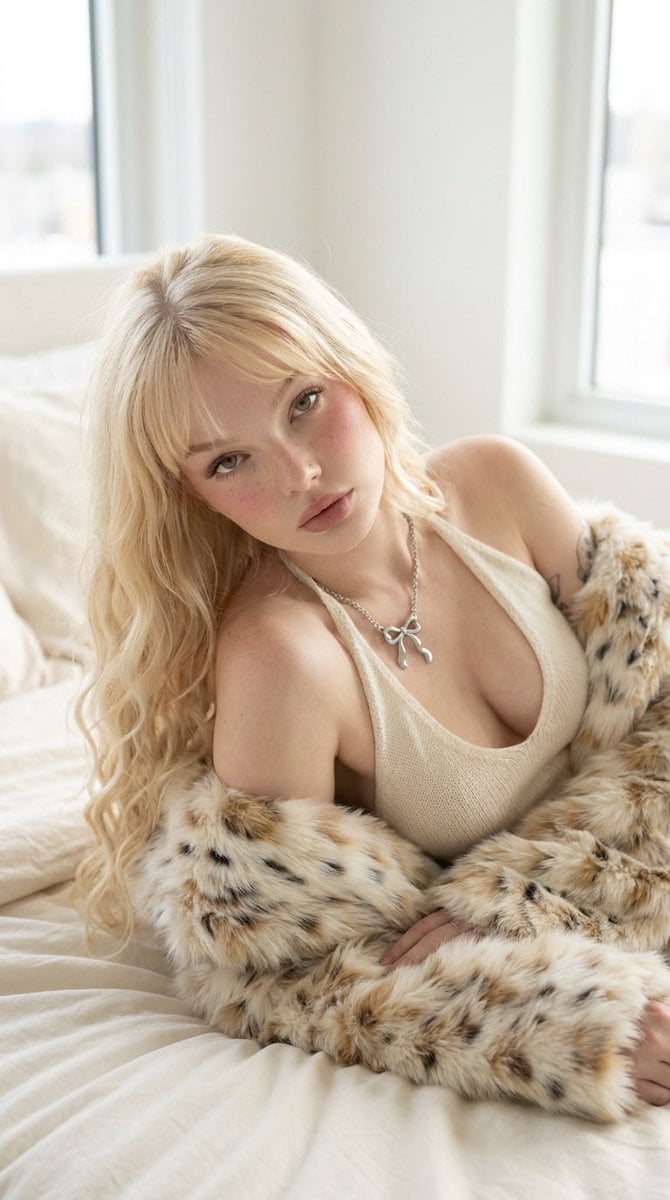
Platinum Blonde Fur Coat Editorial

Urban Fashion Editorial Collage Streetwear Poster

Monochrome Hypebeast Street Fashion Editorial Motion

Elegant Green Evening Gown Studio Fashion Portrait

Artistic Patchwork Fashion Portrait Spring Festival

Japanese Architectural Concrete Studio Fashion Campaign

Monroe and Ash Mediterranean Luxury Fashion Campaign

Premium Fashion Editorial Cover Layout System

Korean Luxury Fashion Editorial 2x2 Grid Series

Monochrome Halftone Editorial Fashion Poster
Make it yours
Editorial Perfume Bottle in Golden Fur works as-is. These are the safest ways to change it without losing the look.
Change one field
Copy a single group, rewrite it, and generate again so you can see what that field is doing.
Keep the frame, change the subject
Hold the composition and light of Editorial Perfume Bottle in Golden Fur, then swap wardrobe, props or the person for a new take.
| If the result… | Why | Fix |
|---|---|---|
| The result drifts from the preview | Too many fields changed at once. | Reuse Editorial Perfume Bottle in Golden Fur as-is first, then change one group — subject, light, or setting. |
| The model over-stylizes the scene | The prose prompt leaves finish and camera underspecified. | Add one camera or lighting sentence and stay on GPT Image 2. |
More GPT Image 2 templates
Other prompts made for GPT Image 2.

Six VTuber Japanese Logo Sheet

Realistic Portrait of Woman and Deer

The Vista Modular Condo Poster

AI Model Routing Comparison Infographic

2.5D Anime Art Board

Isometric Productivity Desk Scene

New York Double Exposure Poster

Four-Panel AI Landscape Comparison

Japanese Tatami Lifestyle Magazine Cover

NESCAFÉ Coffee Map Poster
More image prompts
Fresh picks from across the catalog.
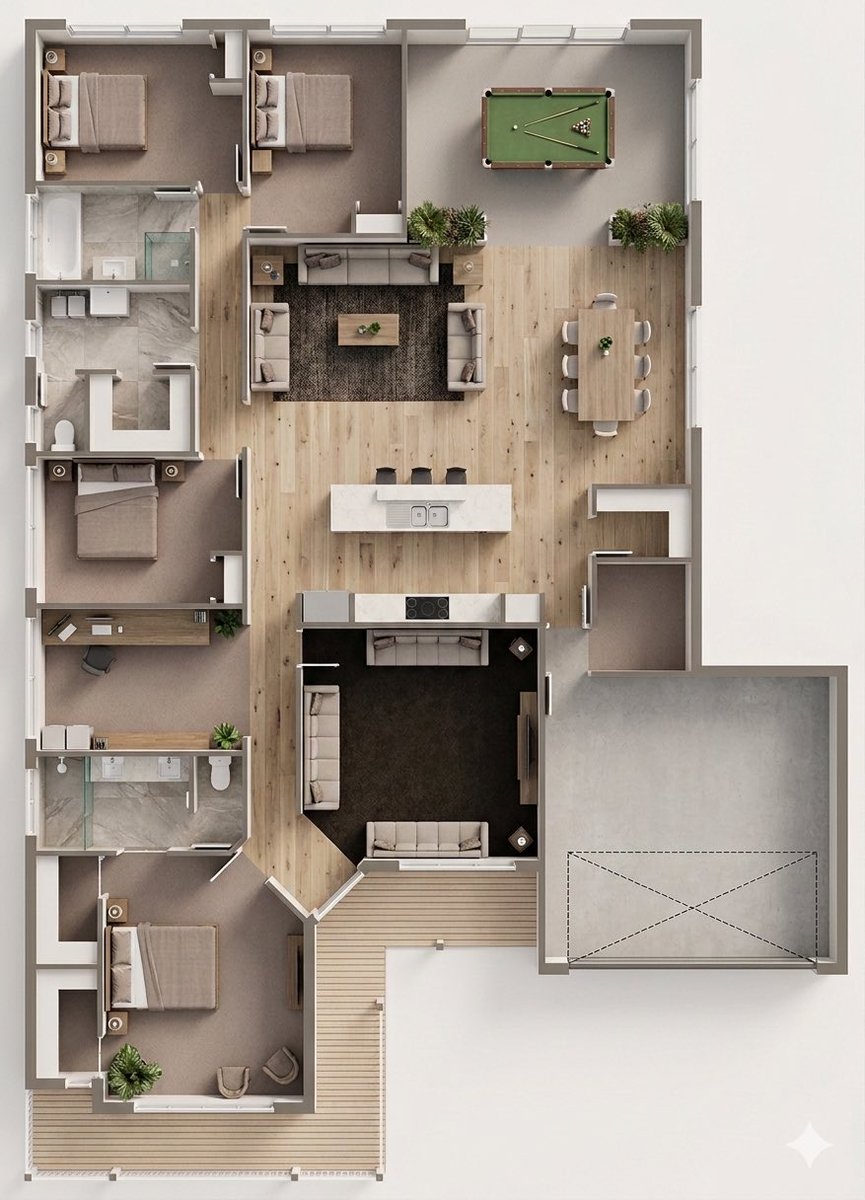
Floor Plan to Photorealistic 3D Render Conversion
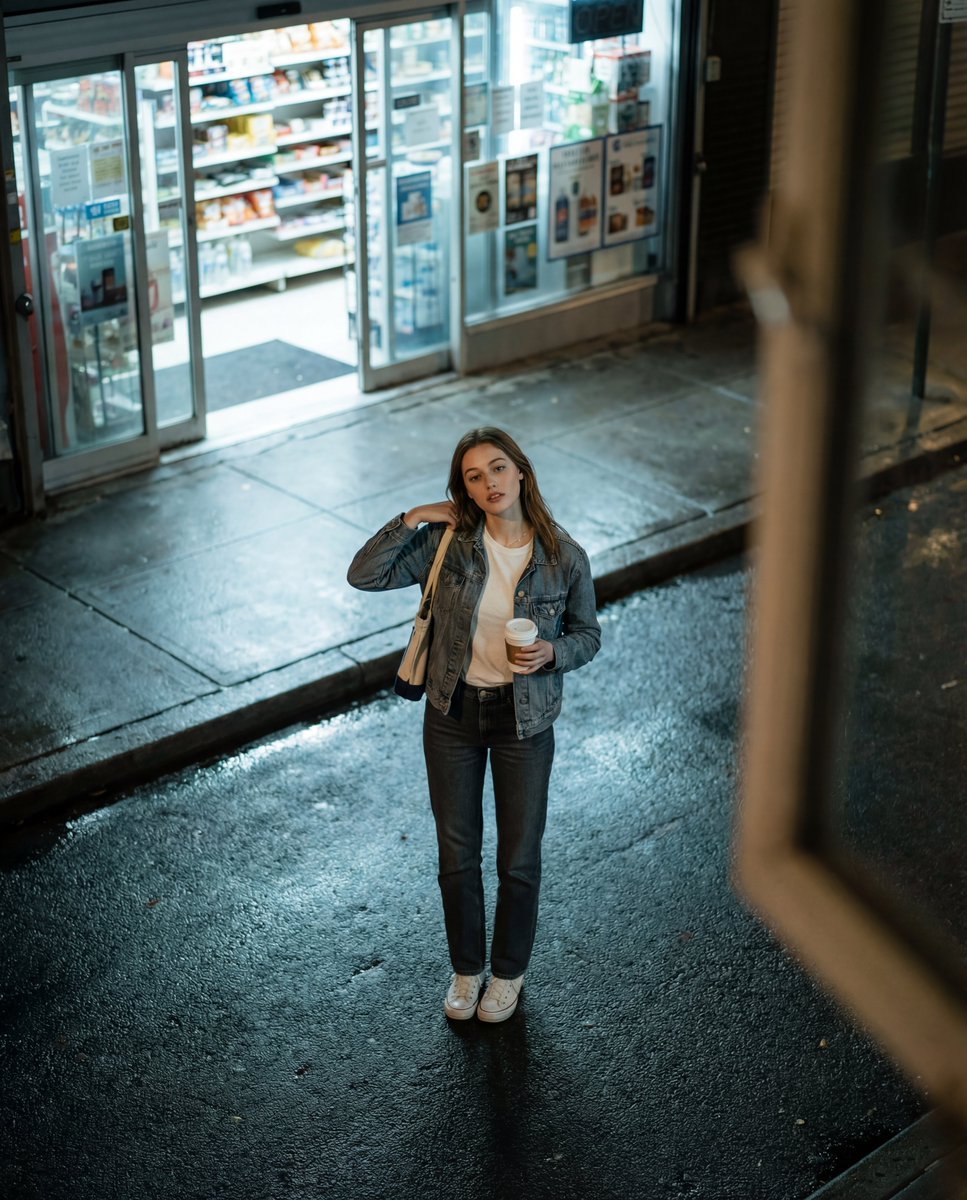
Candid Night Street Fashion Photograph
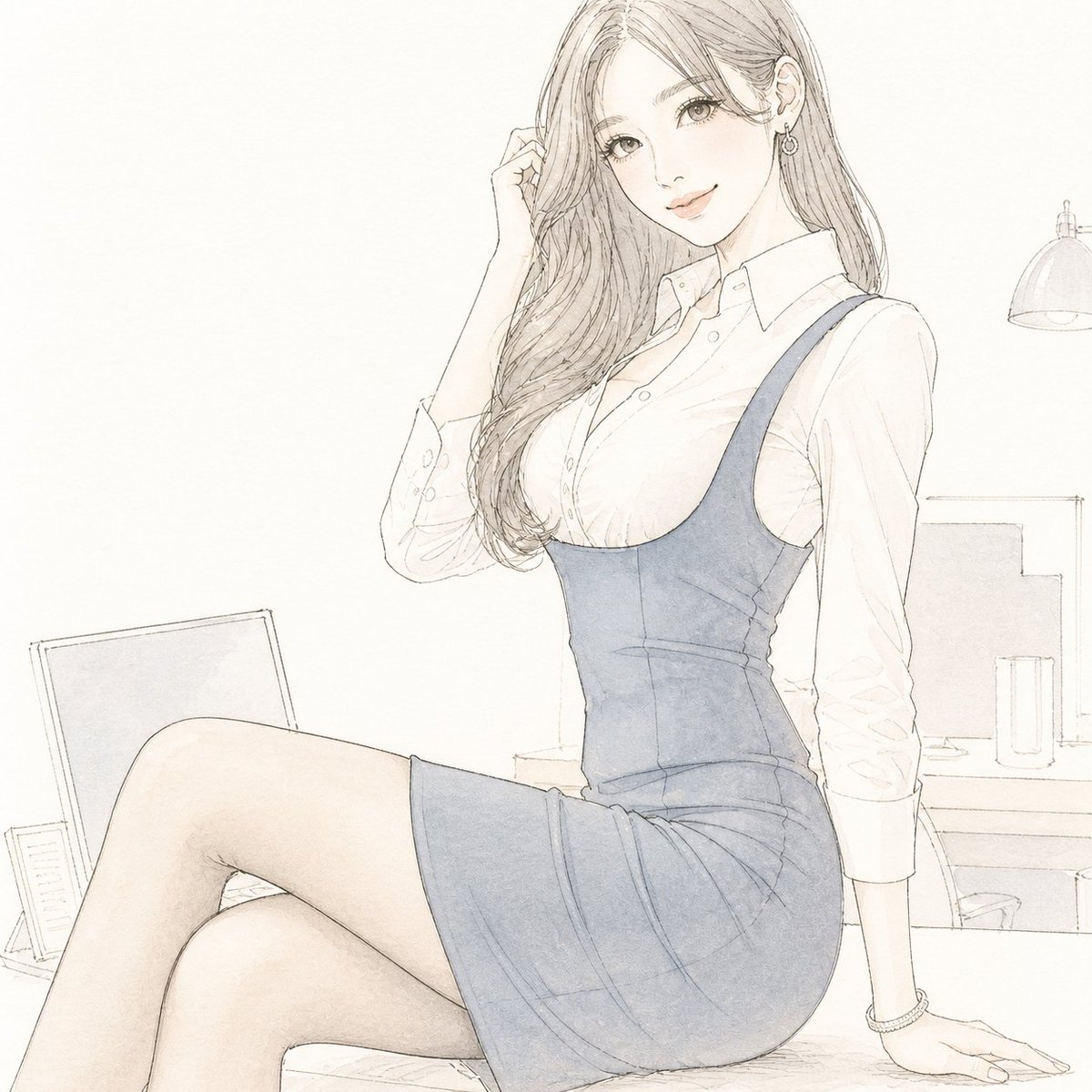
Pale Watercolor Line Art Transformation
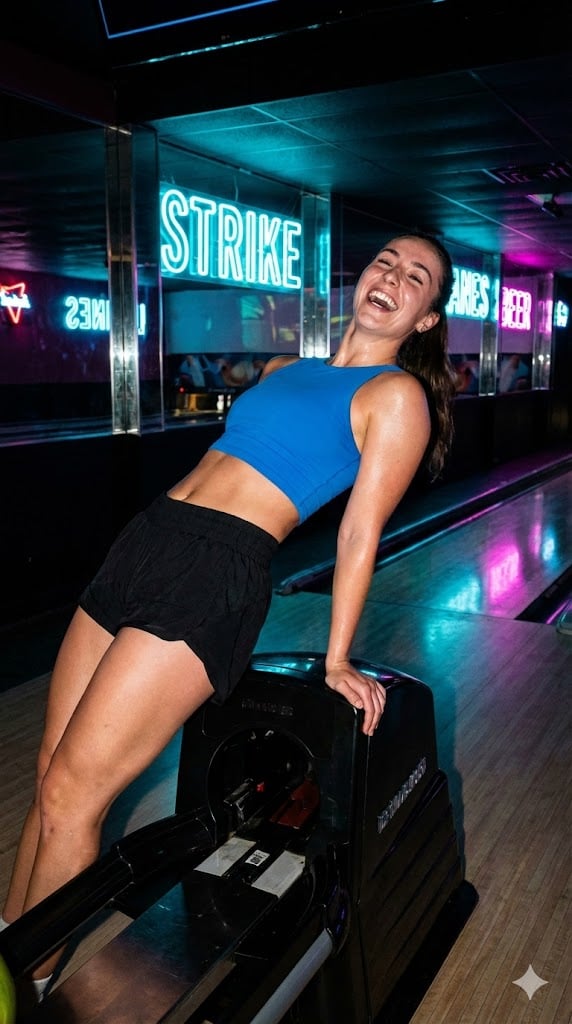
iPhone Flash Aesthetic of Woman in Bowling Alley
Abstract Brand Illustration for Innovation and Clarity
Crayon Style Image Transformation
Old Photo Restoration to DSLR Quality
Cute Cat Selfie
Pastel Anime Girl at Shibuya Crossing
Low-key monochrome editorial portrait
Browse template categories
Editorial Perfume Bottle in Golden Fur questions
How do I use the Editorial Perfume Bottle in Golden Fur template?
Add your photo if the template asks for one, edit the prompt if you like — the template's model and format are already selected — and press Generate. Your version opens in PicX Studio.
Can I customize the Editorial Perfume Bottle in Golden Fur template?
Yes. You can change the subject, setting, lighting, mood, format, and available model controls before creating your image.
Is the Editorial Perfume Bottle in Golden Fur template free?
Opening and editing this template is free. Generating uses credits, shown on the Generate button when you are signed in.
Which AI model should I use?
Start with GPT Image 2, which is the model associated with this template. You can compare another compatible model for a different finish.
Looking for something else? Browse all templates.

Your photo, any look
Thousands of ready templates for every top image and video model, from one credit balance.