
iPhone Flash Aesthetic of Woman in Bowling Alley
A prompt designed to simulate high-contrast, raw mobile phone photography (iPhone Pro Max, Influencer Flash Aesthetic).
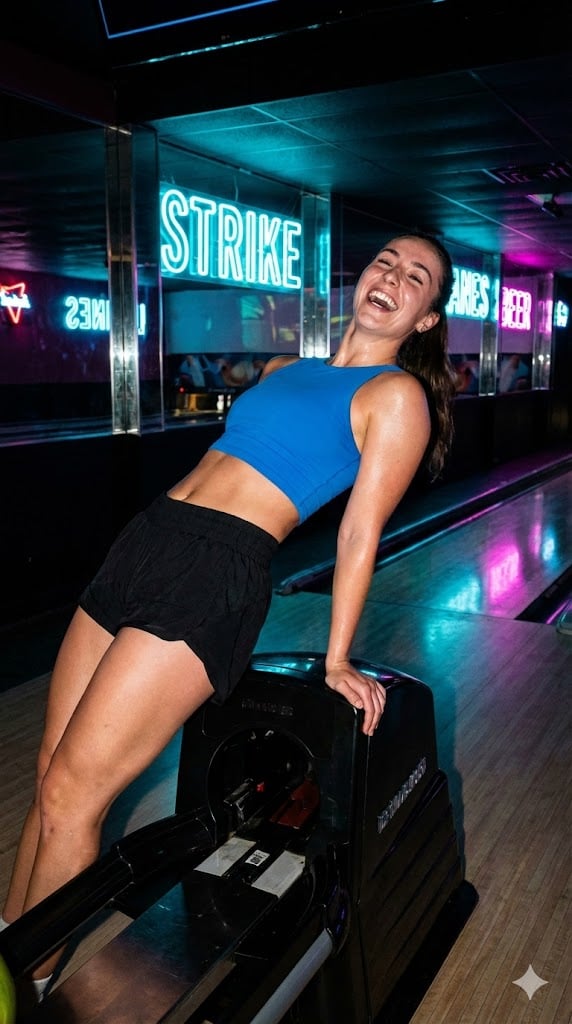
- Prompt included
- Model and format preset
- Free template
The prompt behind this image
Copy the exact prompt behind iPhone Flash Aesthetic of Woman in Bowling Alley, or open it in the studio and make it yours.
{ "meta_data": { "style": "iPhone Pro Max Photography (Influencer Flash Aesthetic)", "aspect_ratio": "9:16" }, "prompt_components": { "subject": "Athletic woman, early 20s, in electric blue crop-top and high-cut black sport shorts, captured in a raw, explosive moment of triumphant, unrestrained laughter. She is leaning dynamically backward, spine arched over the glossy black bowling ball return machine. Fine sheen of sweat on skin, radiating raw, unfiltered joy.", "environment": "Nocturnal, slightly worn, humid indoor bowling alley. Background features highly reflective neon signs (cyan, magenta, electric blue) and polished black surfaces. Vertical snapshot POV.", "lighting": "Extremely high-contrast direct mobile flash (hard light), coupled with ambient Smart HDR capture of the intense cyan and magenta neon light sources. Specular highlights on wet skin and polished surfaces. Deep, but visible, computational shadows.", "camera_gear": "iPhone 16 Pro Max, Main Camera 24mm f/1.78, using Computational Portrait Mode depth effect.", "processing": "Apple ProRAW color science, Deep Fusion textural detail, Sharp focus on the ecstatic laughing face, Shot on iPhone.", "imperfections": "Visible digital noise (not film grain) in the deep shadows, slight halo artifacting from the aggressive HDR, realistic skin texture, harsh flash reflections on the glossy surfaces, slight motion blur in the rapidly moving limbs." }, "full_prompt_string": "iPhone 16 Pro Max snapshot, 9:16 vertical orientation, athletic young woman in electric blue crop-top, triumphant unrestrained laughter, dynamic backbend over a glossy black bowling ball return machine, late-night neon-soaked bowling alley environment. Captured using hard direct mobile flash photography. Intense cyan and magenta neon reflections on wet skin texture. Computational Portrait Mode depth of field. Apple ProRAW color, Deep Fusion detail, Sharp focus on the ecstatic expression. High digital noise in the shadows, realistic skin texture, Smart HDR dynamic range.", "negative_prompt": "professional camera, DSLR, bokeh balls, anamorphic lens, cinema lighting, studio lighting, vintage film grain, smooth skin, low quality, cartoon, painting, watercolor, text, logo" }
How to use iPhone Flash Aesthetic of Woman in Bowling Alley in 3 steps
- 1
Open
The prompt is already in the box next to the preview, with the template's model and format selected.
- 2…a portrait of your subject in softgolden-hour light, 85mm…
Personalize
Edit the subject and creative details for your destination.
- 3Generate
Generate
Press Generate — your image is created in PicX Studio, so you can compare it with the original and refine one variable at a time.
More like this
Templates with the same subject, style or setup. Open one to see its prompt.
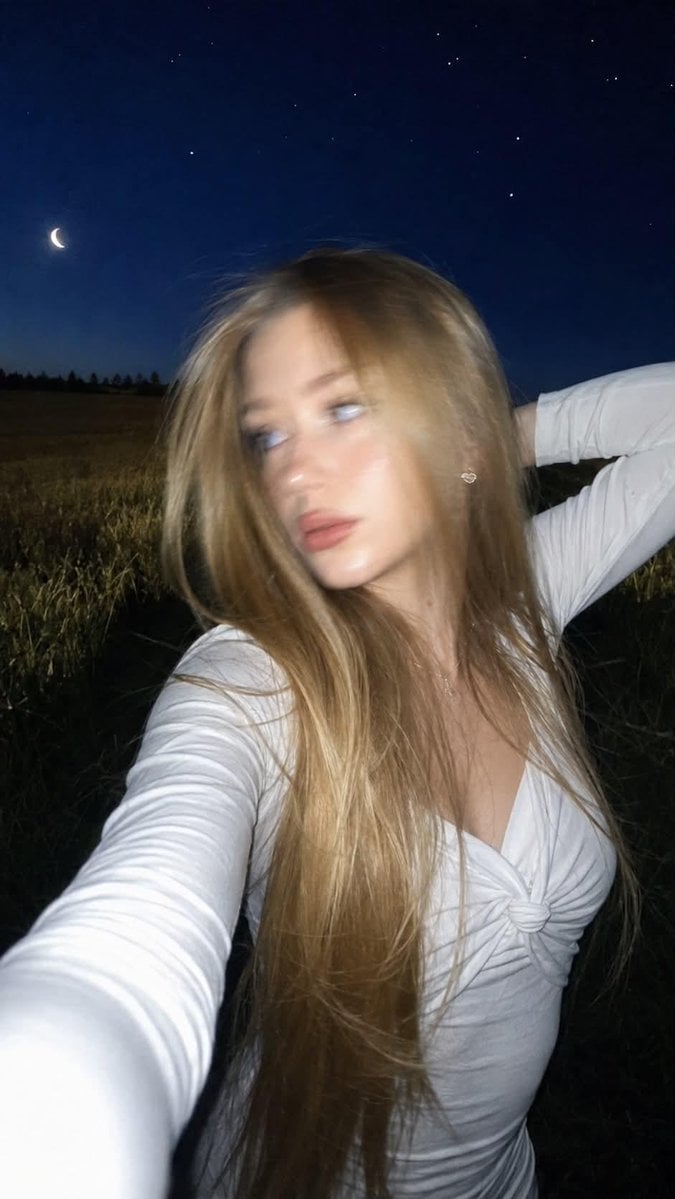
Night Flash iPhone Selfie with Motion Blur
Bowling Shirt Portrait Flash
Bowling Alley Retro League

Nostalgic Digicam Café Afternoon Portrait
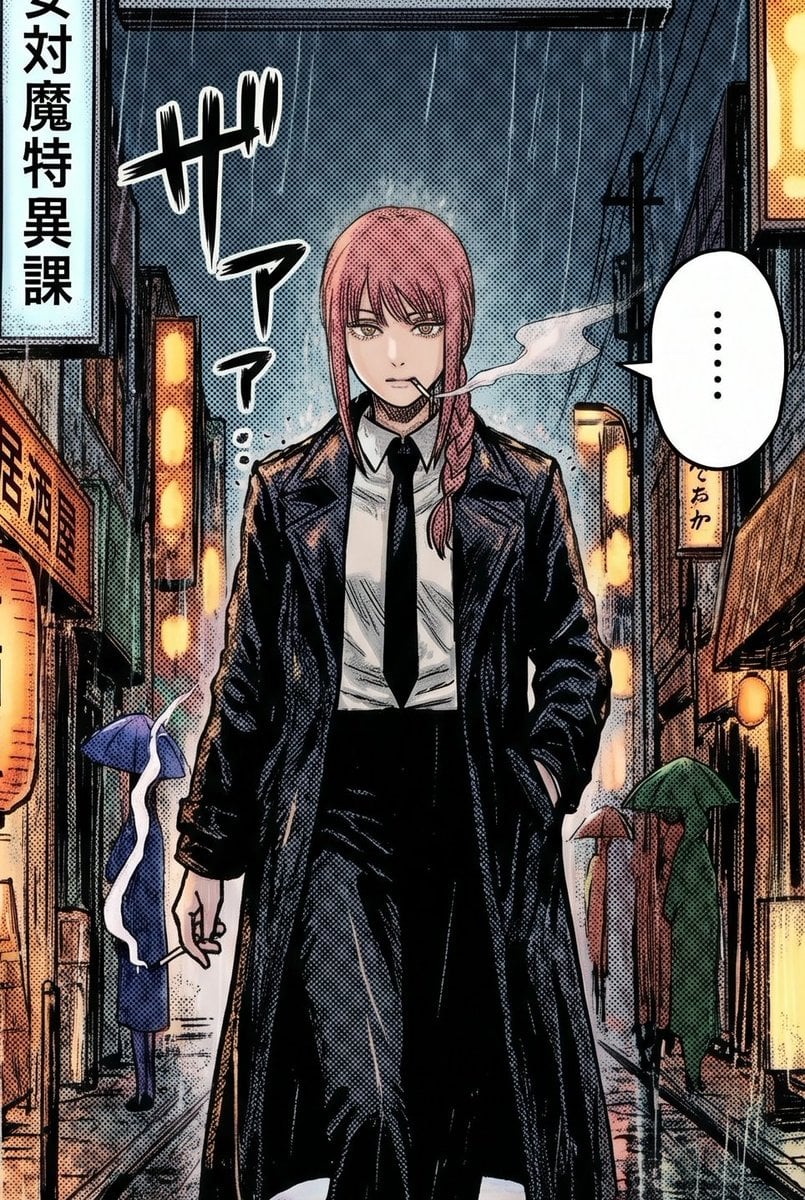
Rainy Manga Alley Woman Portrait
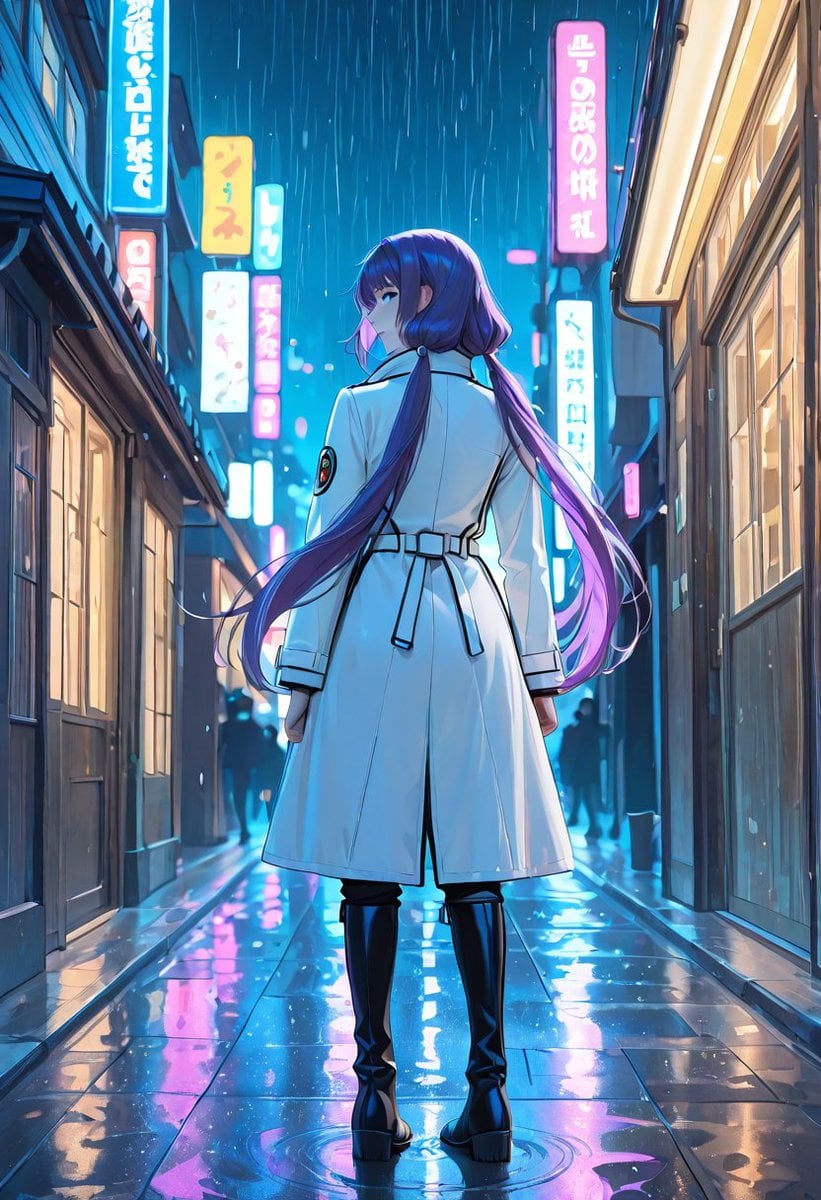
Rainy Neon Anime Alley Woman
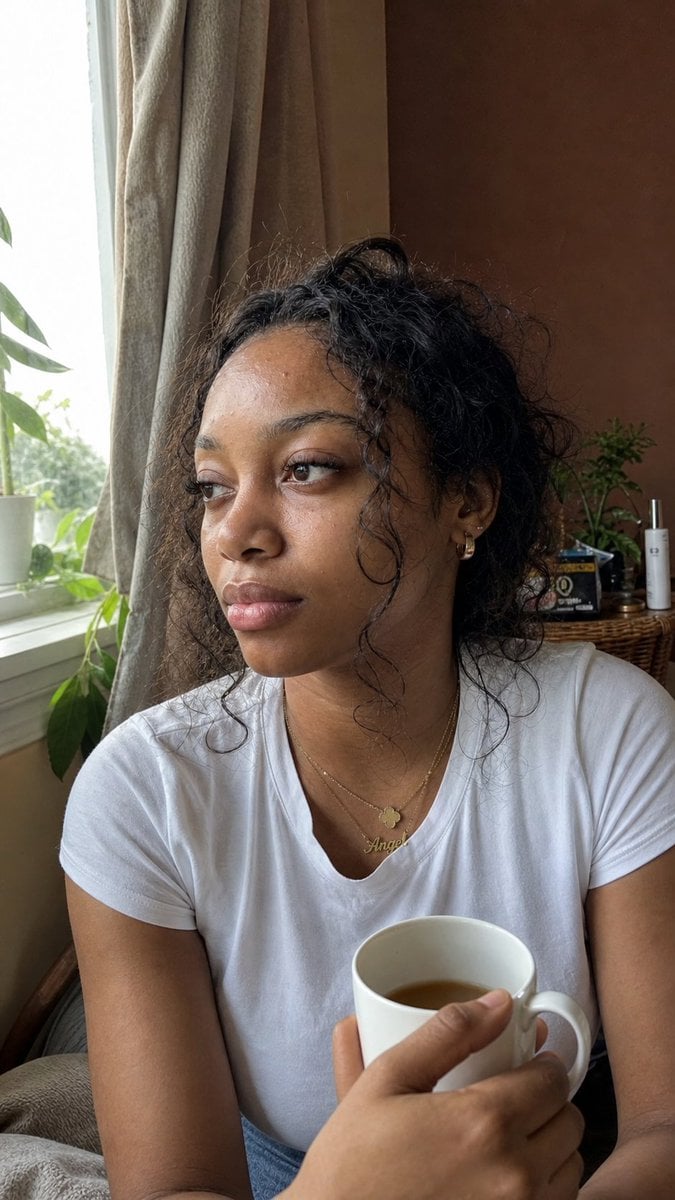
Authentic iPhone Portrait of African Woman

Woman in Mall with Chanel Bag - Heart Gesture

4x4 Grid - Candid Nostalgic Vacation Selfies

Floating Woman Above Cityscape with Notifications

Outdoor Cafe Portrait — White Ruched Top Nano Banana

Tropical Hammock Latte — Nano Banana iPhone Style
Make it yours
iPhone Flash Aesthetic of Woman in Bowling Alley works as-is. These are the safest ways to change it without losing the look.
Change one field
Copy a single group, rewrite it, and generate again so you can see what that field is doing.
Keep the frame, change the subject
Hold the composition and light of iPhone Flash Aesthetic of Woman in Bowling Alley, then swap wardrobe, props or the person for a new take.
| If the result… | Why | Fix |
|---|---|---|
| The result drifts from the preview | Too many fields changed at once. | Reuse iPhone Flash Aesthetic of Woman in Bowling Alley as-is first, then change one group — subject, light, or setting. |
| The model over-stylizes the scene | The prose prompt leaves finish and camera underspecified. | Add one camera or lighting sentence and stay on Nano Banana 2. |
More Nano Banana 2 templates
Other prompts made for Nano Banana 2.

Photorealistic Leaf Shaped Like a Dragon

K-Pop Idol Portrait Grid for Rapid Selection

Poetic Rain Forest Portrait During Golden Hour

Urban Street Portrait with Cartoon Inner Self Duo

Candid Nighttime Photo with Cat Prompt

High-Concept 3D Diorama Generation Prompt

Cinematic Futuristic Studio Portrait Template

Skincare Editorial Photography Collage Prompt

Hyper-Realistic Commercial Product Photography (Splash Effect)

Hyper-Realistic Nightclub Portrait Prompt
More image prompts
Fresh picks from across the catalog.
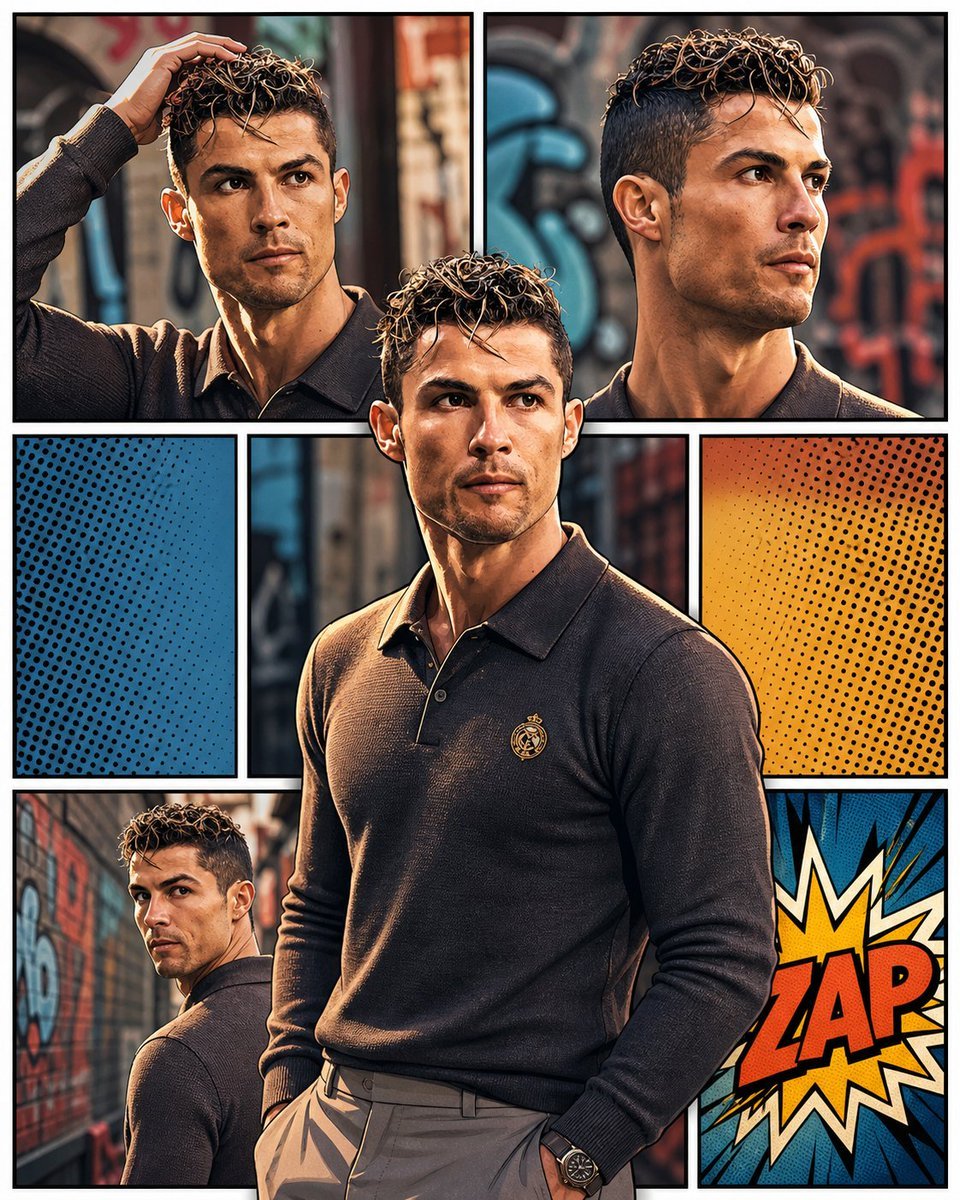
3D Pop-Art Comic Grid
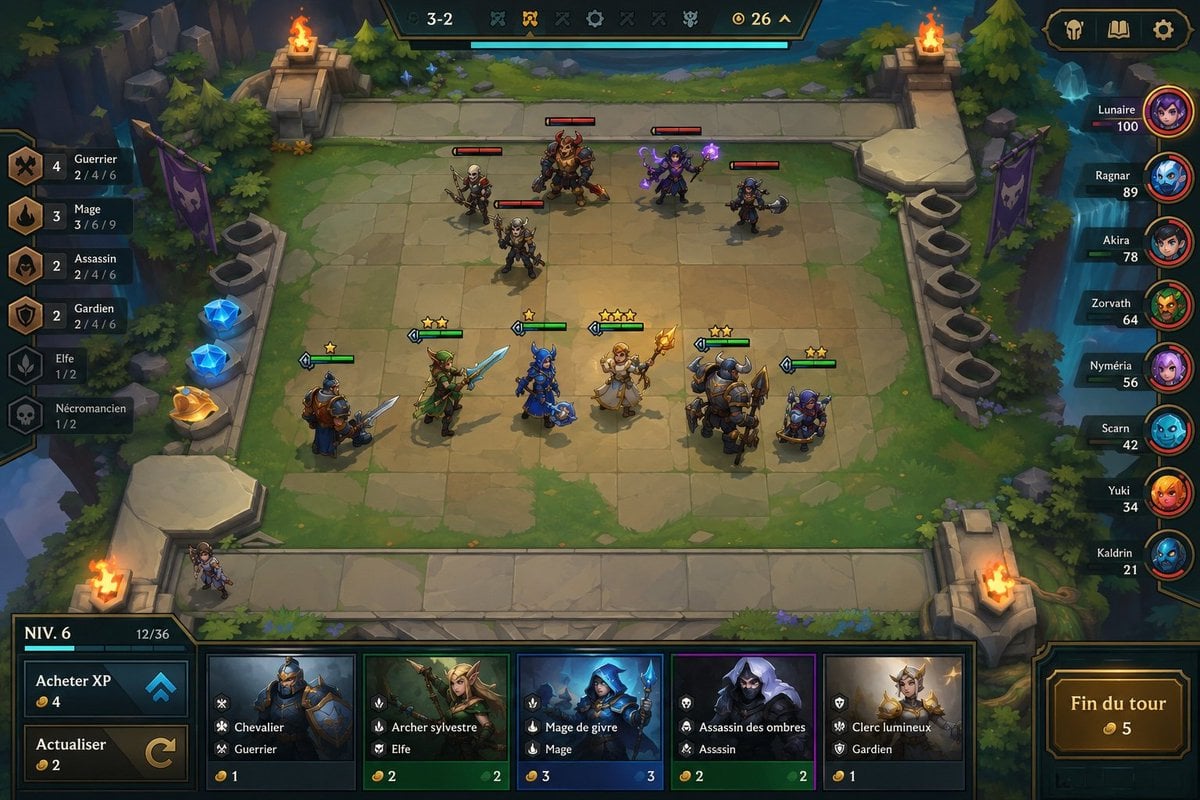
Fantasy Auto-Battler Gameplay UI
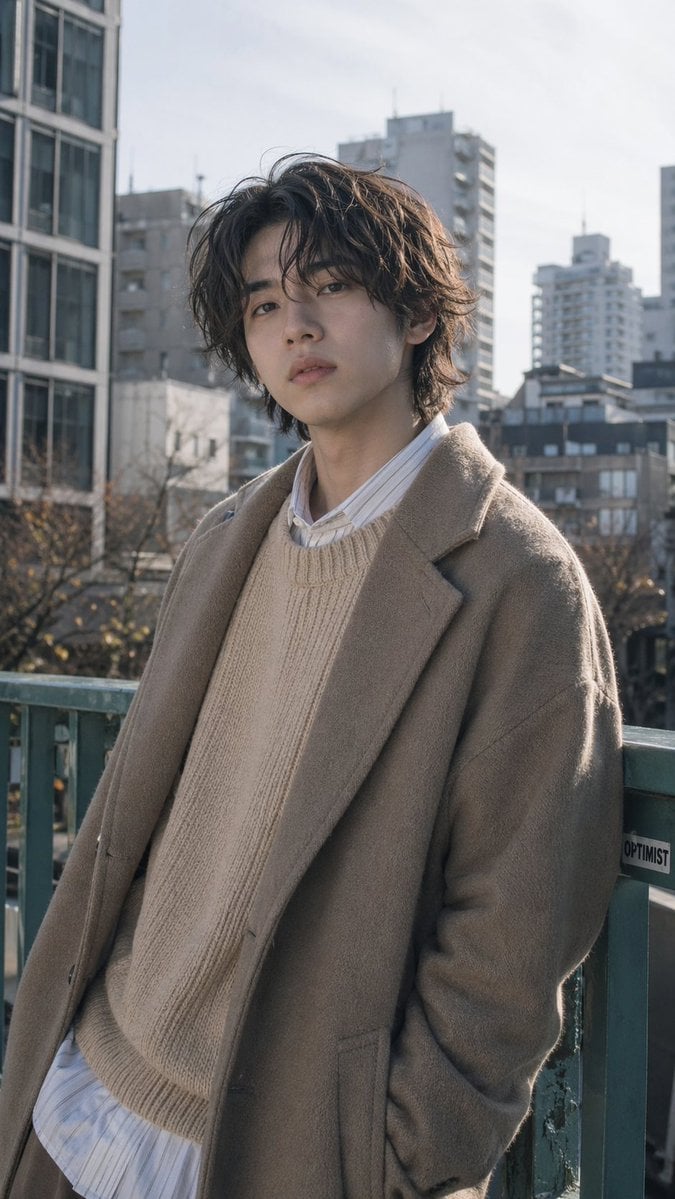
Urban Menswear Portrait on Overpass
Cinematic Portrait in a Wildflower Meado
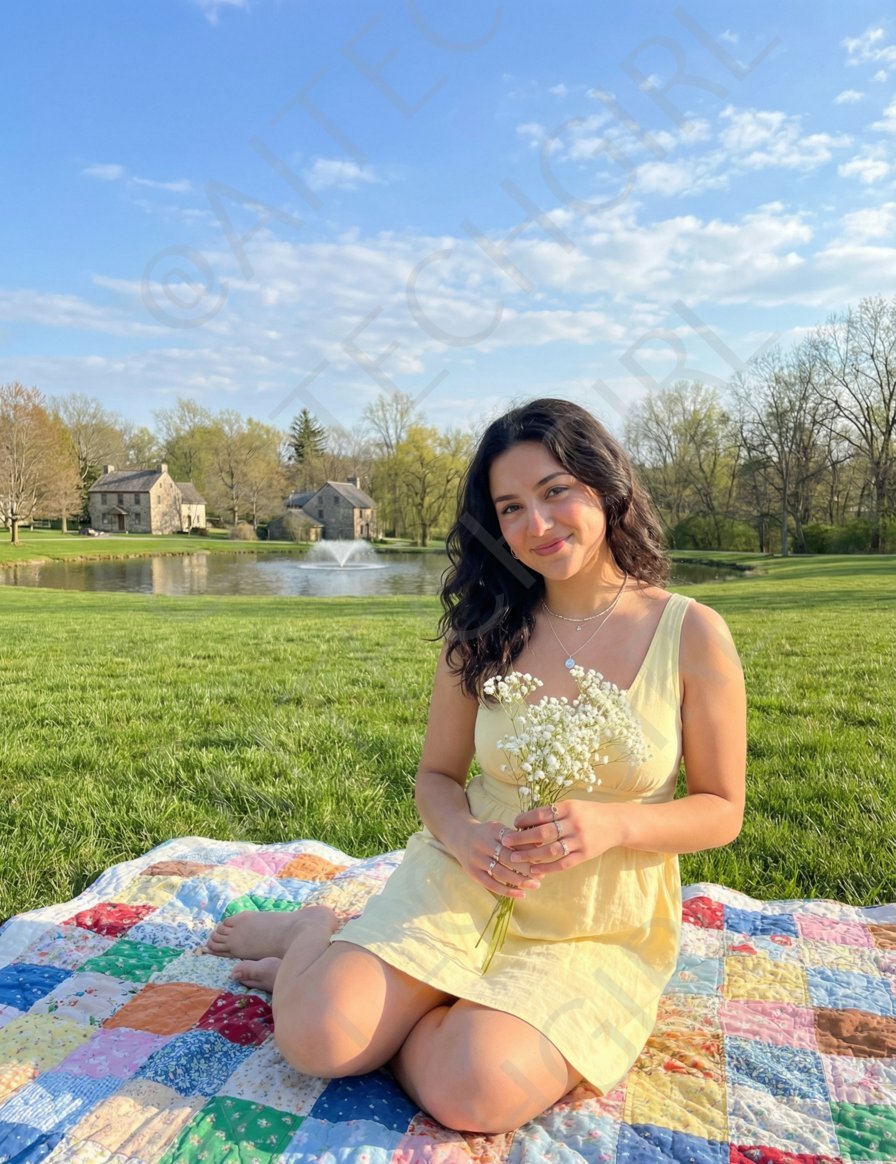
Nano Banana Pro Image Prompt for a Young Woman on a Picnic
Layered Layout Style Prompt

Ultra-Realistic McDonald's Lifestyle Portrait (Two Scenes)
Photorealistic 4K Coffee Image Prompt
Quiet Luxury Travel Photography on the Amalfi Coast

OpenAI CEO Announcement Mockup
Browse template categories
iPhone Flash Aesthetic of Woman in Bowling Alley questions
How do I use the iPhone Flash Aesthetic of Woman in Bowling Alley template?
Add your photo if the template asks for one, edit the prompt if you like — the template's model and format are already selected — and press Generate. Your version opens in PicX Studio.
Can I customize the iPhone Flash Aesthetic of Woman in Bowling Alley template?
Yes. You can change the subject, setting, lighting, mood, format, and available model controls before creating your image.
Is the iPhone Flash Aesthetic of Woman in Bowling Alley template free?
Opening and editing this template is free. Generating uses credits, shown on the Generate button when you are signed in.
Which AI model should I use?
Start with Nano Banana 2, which is the model associated with this template. You can compare another compatible model for a different finish.
Looking for something else? Browse all templates.

Your photo, any look
Thousands of ready templates for every top image and video model, from one credit balance.