
Rainy Neon Anime Alley Woman
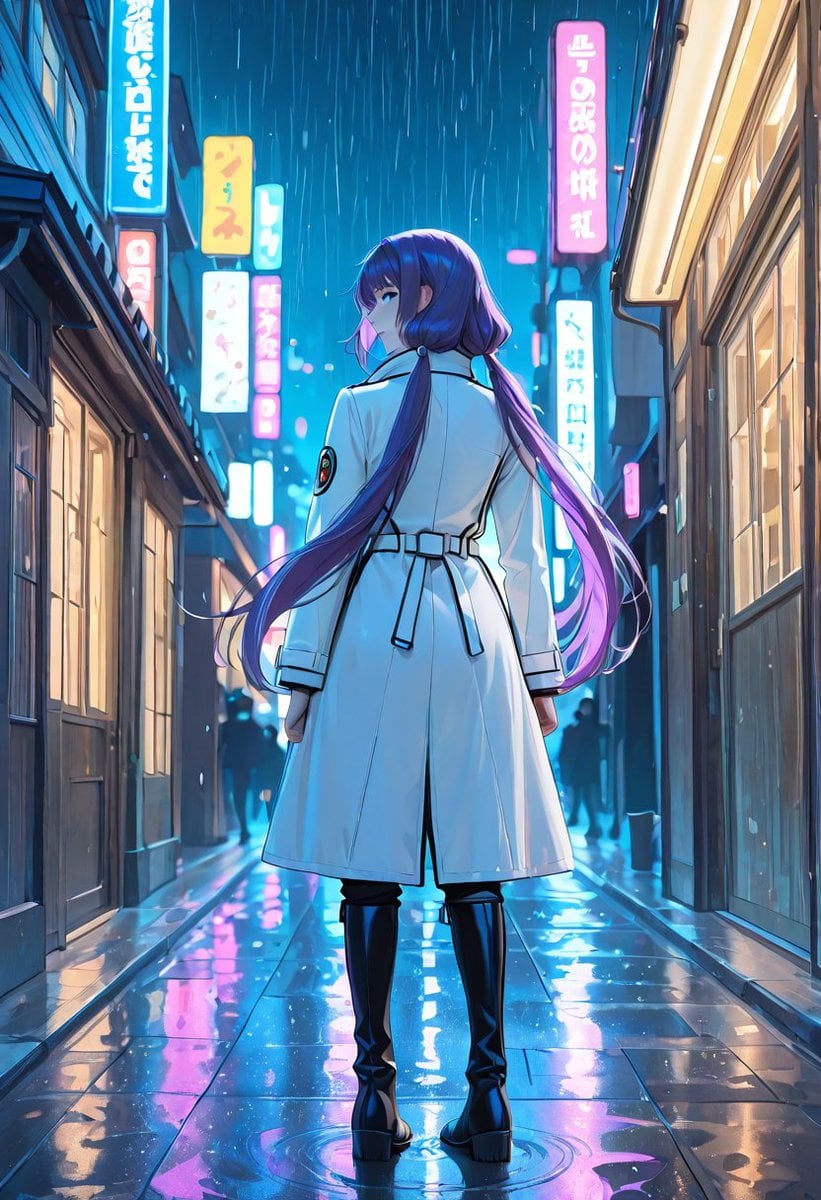
A cinematic anime illustration prompt for creating a purple-haired woman in a white trench coat standing in a rain-soaked neon Japanese alley.
- Prompt included
- Model and format preset
- Free template
The prompt behind this image
Copy the exact prompt behind Rainy Neon Anime Alley Woman, or open it in the studio and make it yours.
Create a polished anime-style vertical illustration of a lone young woman standing in the center of a narrow Japanese city alley at night during heavy rain. She is seen mostly from behind, full body, centered, with her head turned slightly over her left shoulder so one eye and part of her face are visible. She has very long flowing {argument name="hair color" default="deep purple hair with blue and magenta highlights"}, tied into low side sections, with long strands trailing dramatically in the rain. She wears a crisp {argument name="coat color" default="white"} long belted trench coat with black piping, shoulder seams, cuff straps, a back belt, and a small circular sleeve patch, paired with black pants and glossy black knee-high platform boots. The setting is a wet neon-lit alley in Tokyo at night, with shopfronts on both sides, warm window light on the right, darker storefronts on the left, and exactly 9 visible glowing vertical signs in cyan, pink, yellow, and white with stylized Japanese-like characters; the text can be decorative and not fully readable. Rain falls in long vertical streaks, puddles cover the pavement, and the ground creates vivid reflections of blue, cyan, pink, and white neon. Add a few distant dark pedestrian silhouettes in the background for depth, but keep the woman as the clear focal point. Use cinematic composition, low eye-level perspective, strong rim lighting, saturated cyberpunk colors, clean linework, detailed anime rendering, glossy reflections, soft depth of field in the distance, and a moody romantic rainy-night atmosphere. No watermark, no frame, no extra foreground characters.
How to use Rainy Neon Anime Alley Woman in 3 steps
- 1Upload ImagePNG, JPG or paste
Add your photo
Upload the photo the template builds on. The prompt, model and format are already set.
- 2…a portrait of your subject in softgolden-hour light, 85mm…
Personalize
Edit the subject and creative details for your destination.
- 3Generate
Generate
Press Generate — your image is created in PicX Studio, so you can compare it with the original and refine one variable at a time.
More like this
Templates with the same subject, style or setup. Open one to see its prompt.
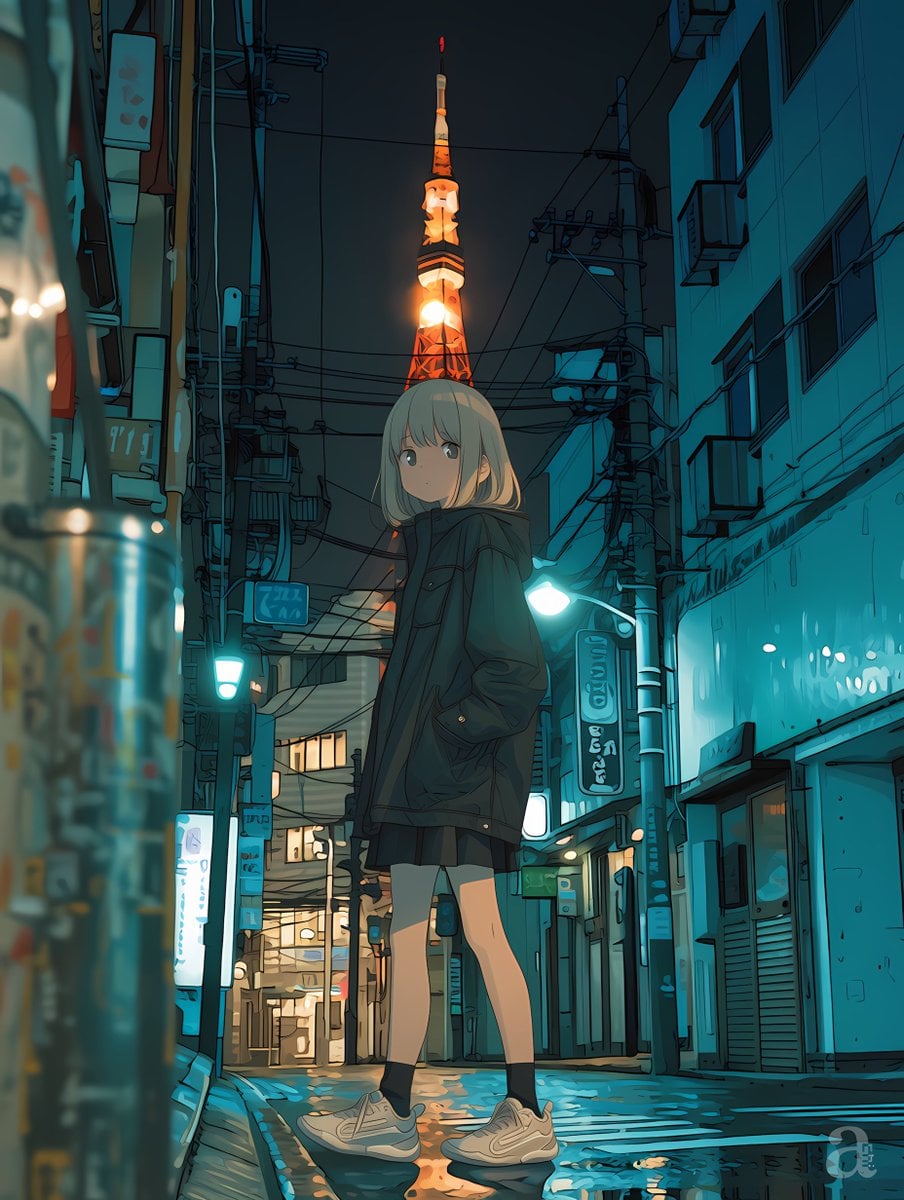
Anime Girl in Rainy Tokyo Alley

Cel 2D Rainy Bus Stop

Ghibli Rainy Tram Interior

Pixar Anime Rainy Window
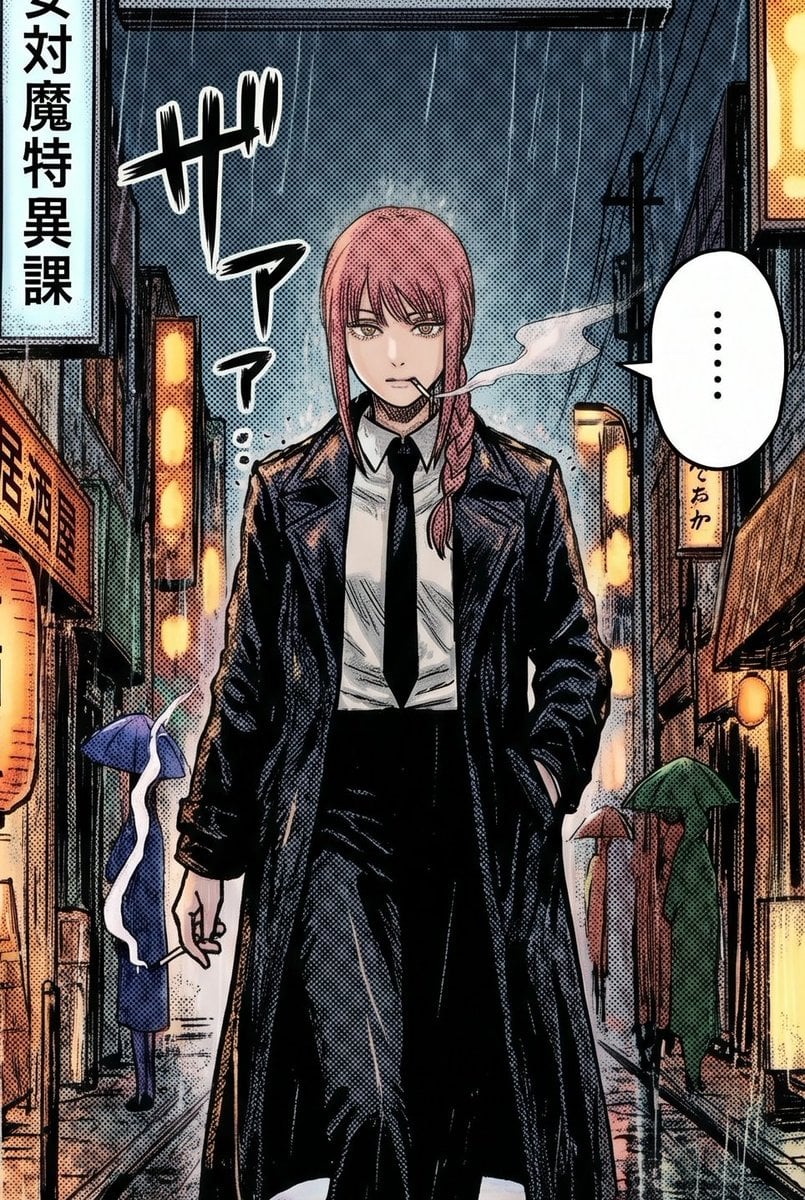
Rainy Manga Alley Woman Portrait

80s Neon Disco Night

Anime Alley Kick Transformation
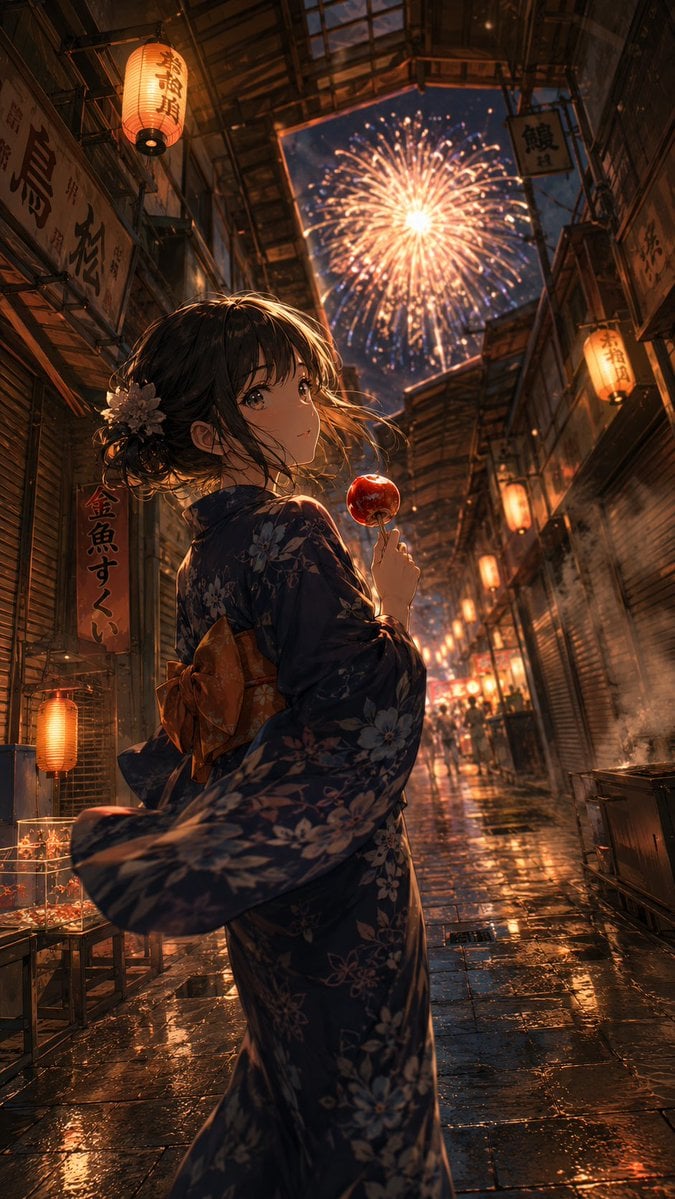
Anime Yukata Festival Alley

Neon Anime Fireworks Magazine Cover

Cel 2D Finale Fireworks

Cel 2D Garden Maze

Cel 2D Rooftop Concert
Make it yours
Rainy Neon Anime Alley Woman works as-is. These are the safest ways to change it without losing the look.
Change one field
Copy a single group, rewrite it, and generate again so you can see what that field is doing.
Keep the frame, change the subject
Hold the composition and light of Rainy Neon Anime Alley Woman, then swap wardrobe, props or the person for a new take.
| If the result… | Why | Fix |
|---|---|---|
| The result drifts from the preview | Too many fields changed at once. | Reuse Rainy Neon Anime Alley Woman as-is first, then change one group — subject, light, or setting. |
| The model over-stylizes the scene | The prose prompt leaves finish and camera underspecified. | Add one camera or lighting sentence and stay on GPT Image 2. |
More GPT Image 2 templates
Other prompts made for GPT Image 2.

Six VTuber Japanese Logo Sheet

Realistic Portrait of Woman and Deer

The Vista Modular Condo Poster

AI Model Routing Comparison Infographic

2.5D Anime Art Board

Isometric Productivity Desk Scene

New York Double Exposure Poster

Four-Panel AI Landscape Comparison

Japanese Tatami Lifestyle Magazine Cover

NESCAFÉ Coffee Map Poster
More image prompts
Fresh picks from across the catalog.
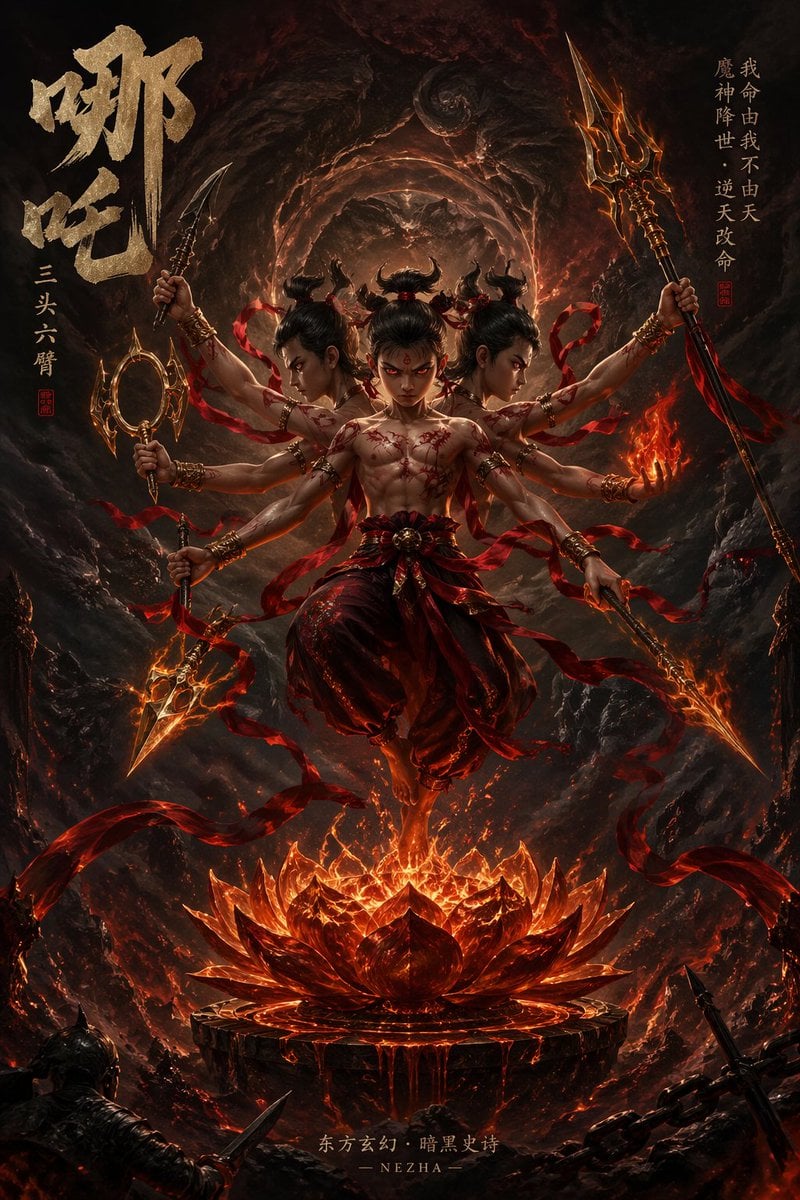
Epic Fantasy Novel Cover for Nezha

Video Game Magazine Cover

Golden Hour Sailboat Portrait
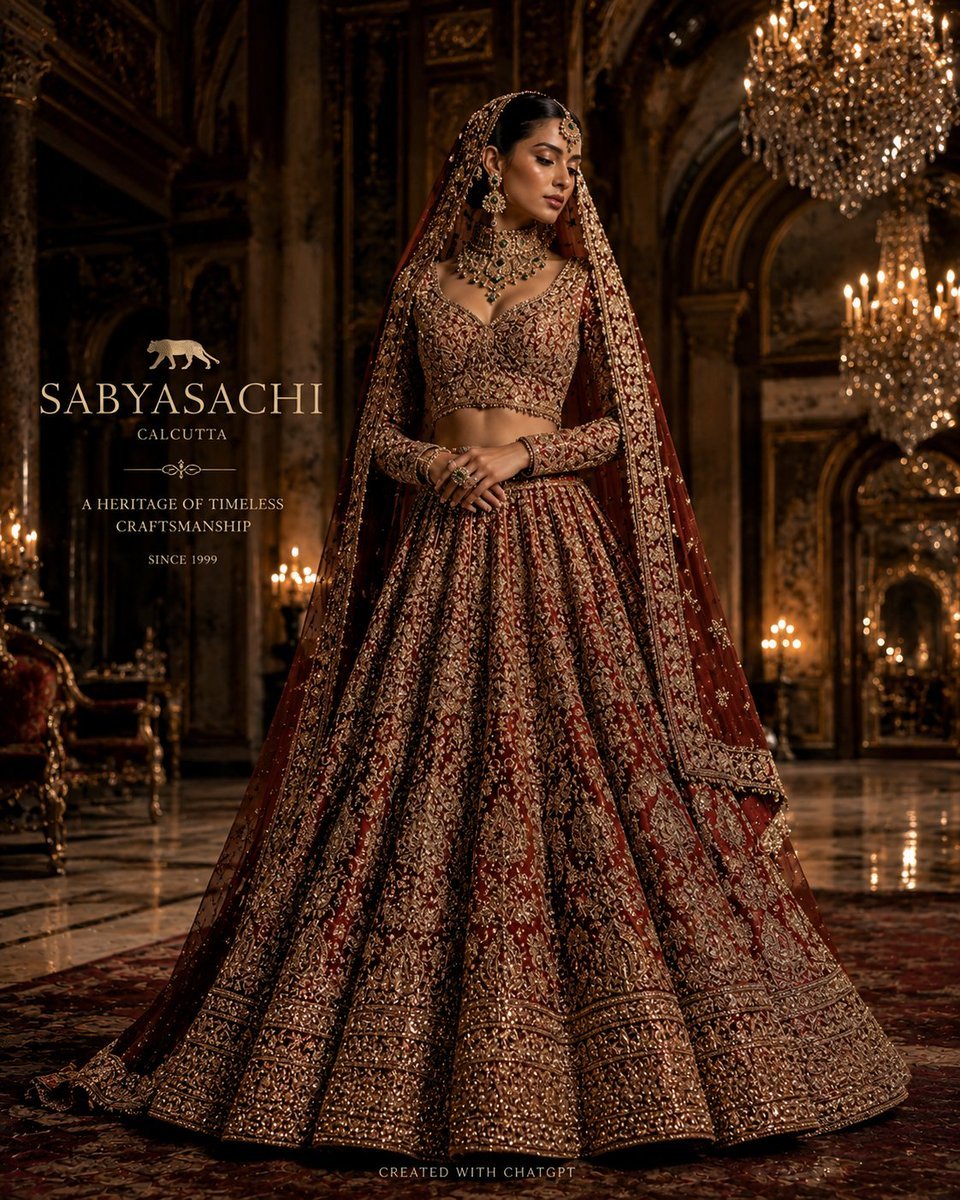
Luxury Bridal Fashion Empire Poster

Red Studio Fashion Editorial with Motion Echo Effect
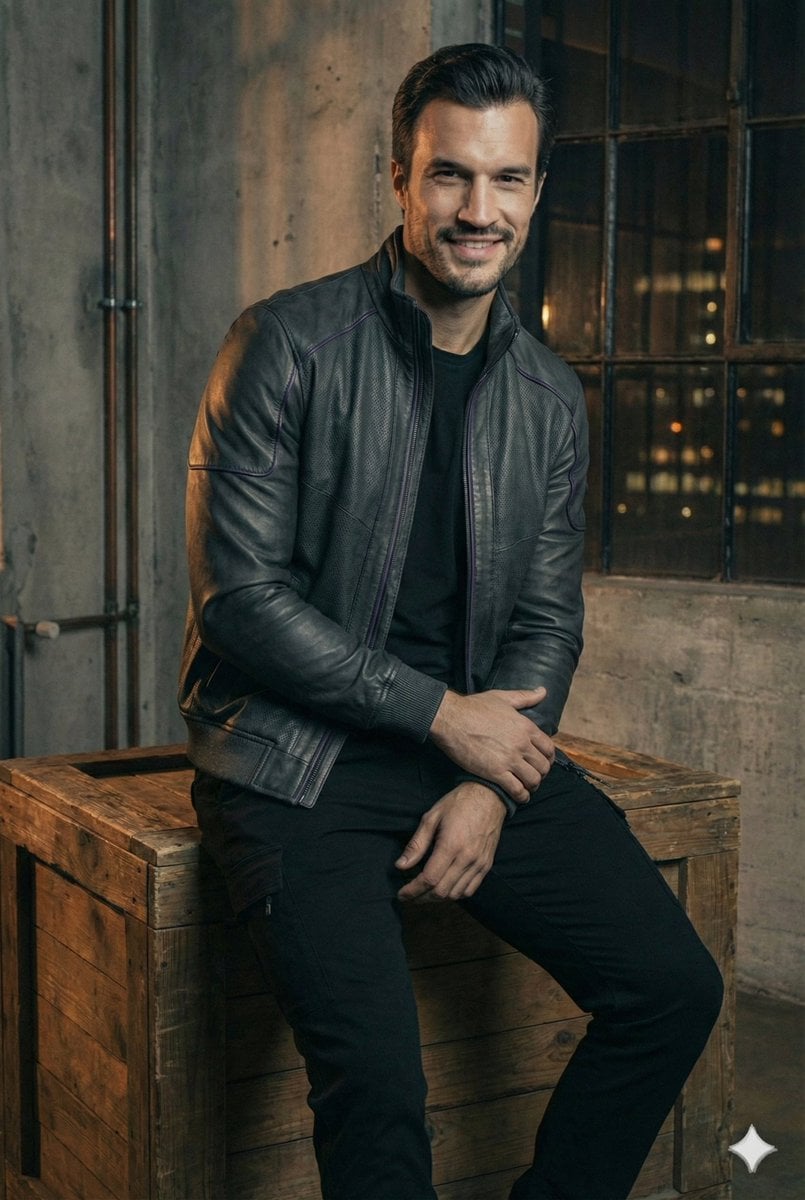
Ultra-Realistic Futuristic Studio Photoshoot
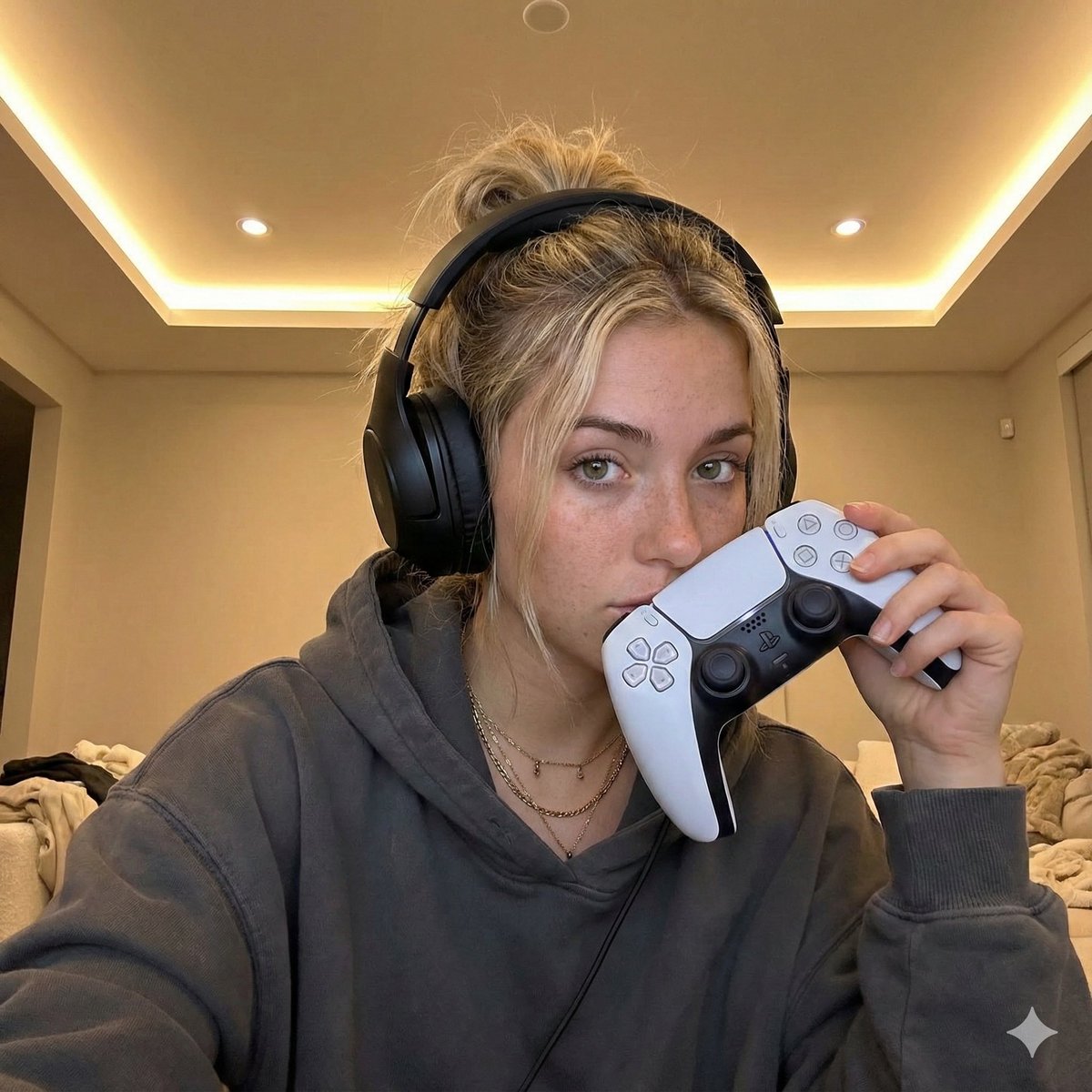
Casual Gamer Selfie Portrait

Tiny Man Lounging in Giant Rose
Iridescent Liquid Ripple Wallpaper
Cinematic Disintegration Portrait Prompt
Browse template categories
Rainy Neon Anime Alley Woman questions
How do I use the Rainy Neon Anime Alley Woman template?
Add your photo if the template asks for one, edit the prompt if you like — the template's model and format are already selected — and press Generate. Your version opens in PicX Studio.
Can I customize the Rainy Neon Anime Alley Woman template?
Yes. You can change the subject, setting, lighting, mood, format, and available model controls before creating your image.
Is the Rainy Neon Anime Alley Woman template free?
Opening and editing this template is free. Generating uses credits, shown on the Generate button when you are signed in.
Which AI model should I use?
Start with GPT Image 2, which is the model associated with this template. You can compare another compatible model for a different finish.
Looking for something else? Browse all templates.

Your photo, any look
Thousands of ready templates for every top image and video model, from one credit balance.