
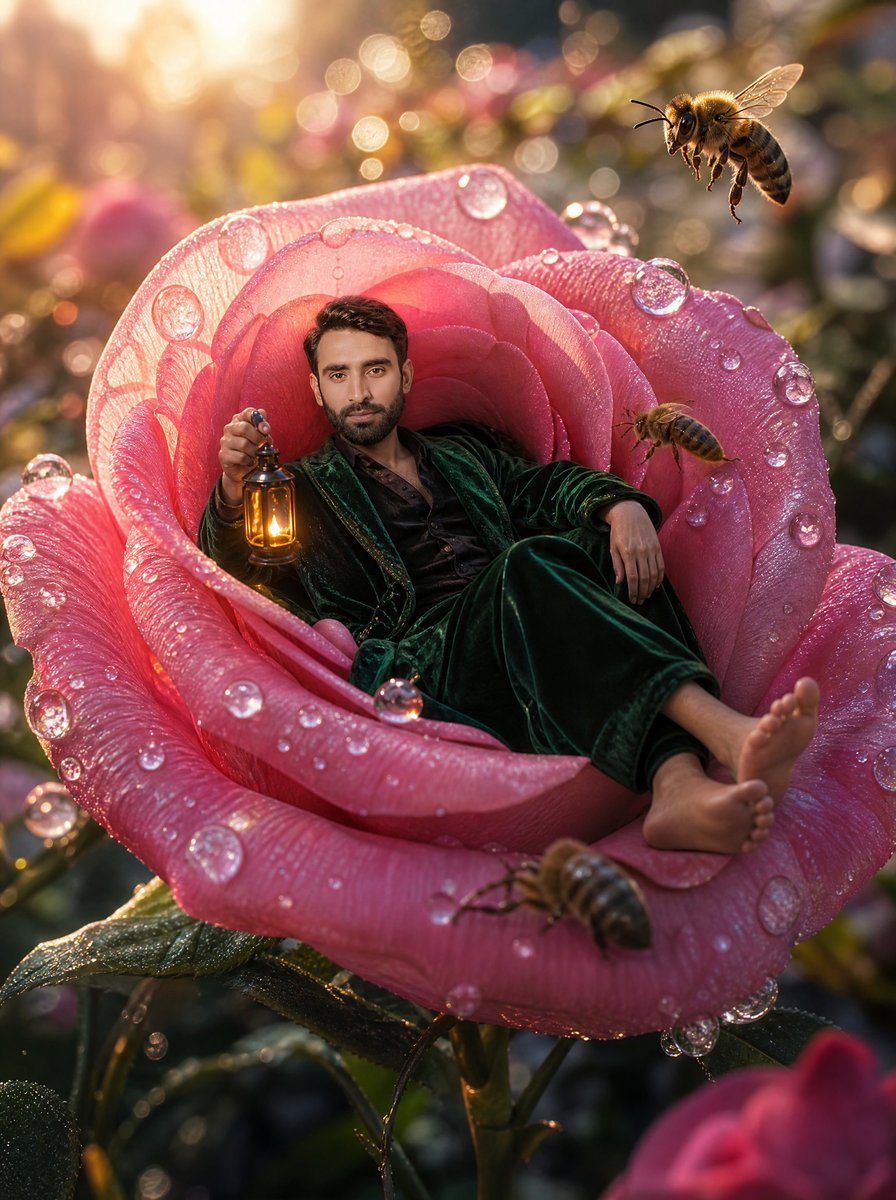
Tiny Man Lounging in Giant Rose
A surreal cinematic garden portrait prompt for placing a person inside a dew-covered giant rose with bees and golden sunrise lighting.
- Prompt included
- Model and format preset
- Free template
The prompt behind this image
Copy the exact prompt behind Tiny Man Lounging in Giant Rose, or open it in the studio and make it yours.
Create a cinematic macro-fantasy photo-real scene of {argument name="character description" default="a relaxed adult man with short dark hair"} lounging inside the open center of an enormous pink rose as if it were a velvet armchair. He wears a dark emerald green velvet robe or pajama suit with a black shirt, bare feet stretched toward the front petal, one arm resting casually on the rose and the other hand holding a small antique brass lantern glowing warm amber. The rose is giant, richly detailed, and covered with sparkling morning dew: translucent droplets cling to the petals and catch the sunlight like glass beads. Include exactly 4 visible bees: one large sharply focused bee hovering in the upper right, one smaller bee flying near the right inner petal, one bee crawling or hovering on the front lower petal, and one softly blurred partial bee at the far right edge. The setting is a magical garden at sunrise with golden backlight, warm lens flare, shallow depth of field, circular bokeh, blurred flowers and leaves in the background, and a dreamy enchanted atmosphere. Use a vertical 3:4 composition, low macro viewpoint, ultra-detailed textures on petals, dew, velvet fabric, bee wings, and lantern metal. The mood should feel whimsical, luxurious, cozy, and surreal, with warm highlights and soft pink-and-gold color grading. Keep the face natural and visible unless replaced by {argument name="face source" default="the subject's uploaded face"}; do not add text, borders, logos, or extra people.
How to use Tiny Man Lounging in Giant Rose in 3 steps
- 1Upload ImagePNG, JPG or paste
Add your photo
Upload the photo the template builds on. The prompt, model and format are already set.
- 2…a portrait of your subject in softgolden-hour light, 85mm…
Personalize
Edit the subject and creative details for your destination.
- 3Generate
Generate
Press Generate — your image is created in PicX Studio, so you can compare it with the original and refine one variable at a time.
More like this
Templates with the same subject, style or setup. Open one to see its prompt.
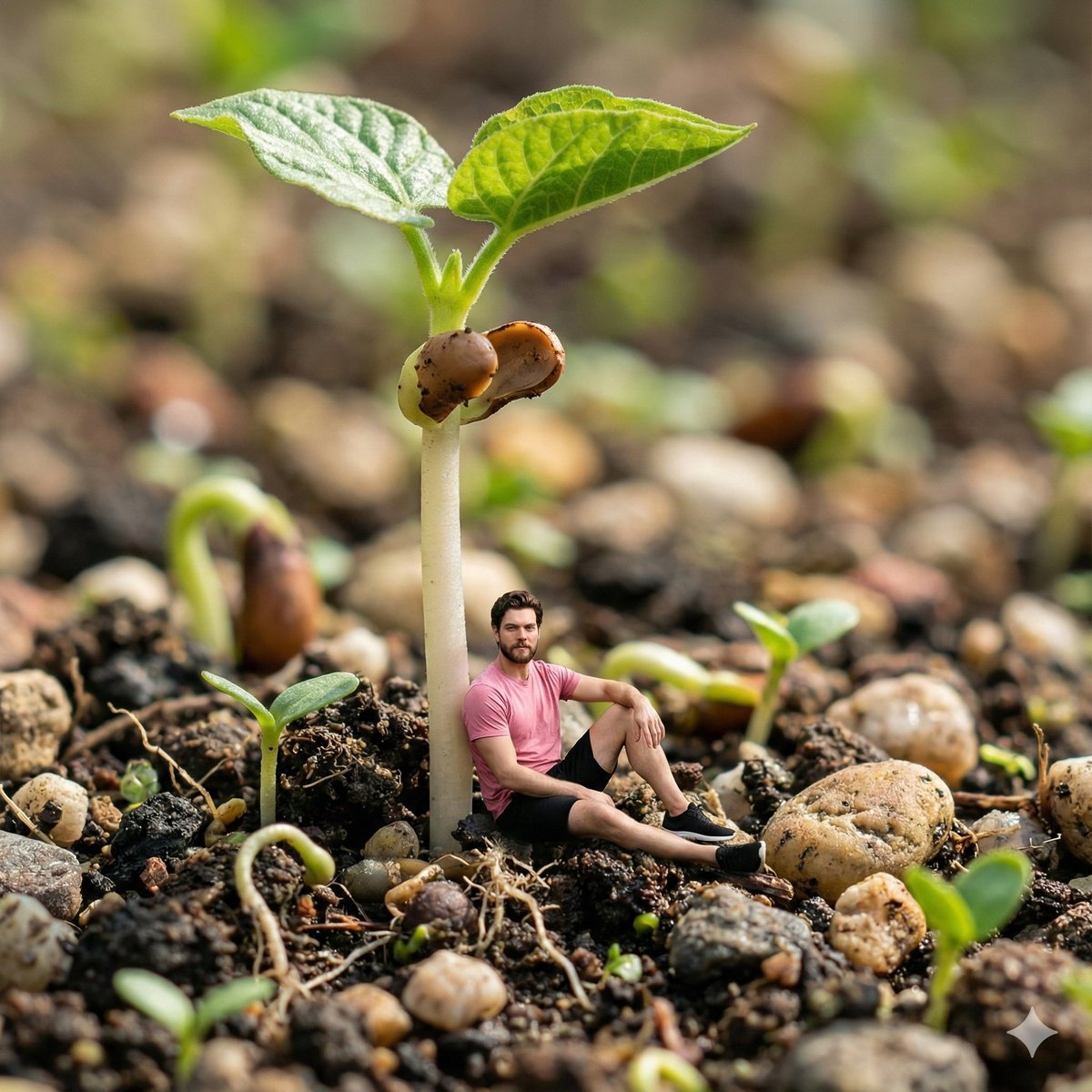
Surreal Macro-Fantasy: Tiny Man and Giant Bean Sprout
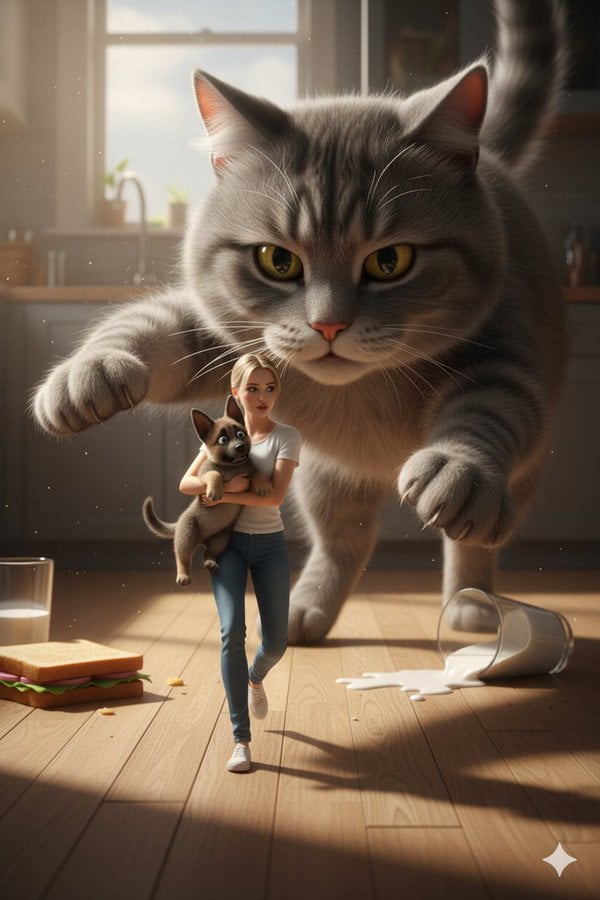
Cinematic Giant Cat Chasing Tiny Woman
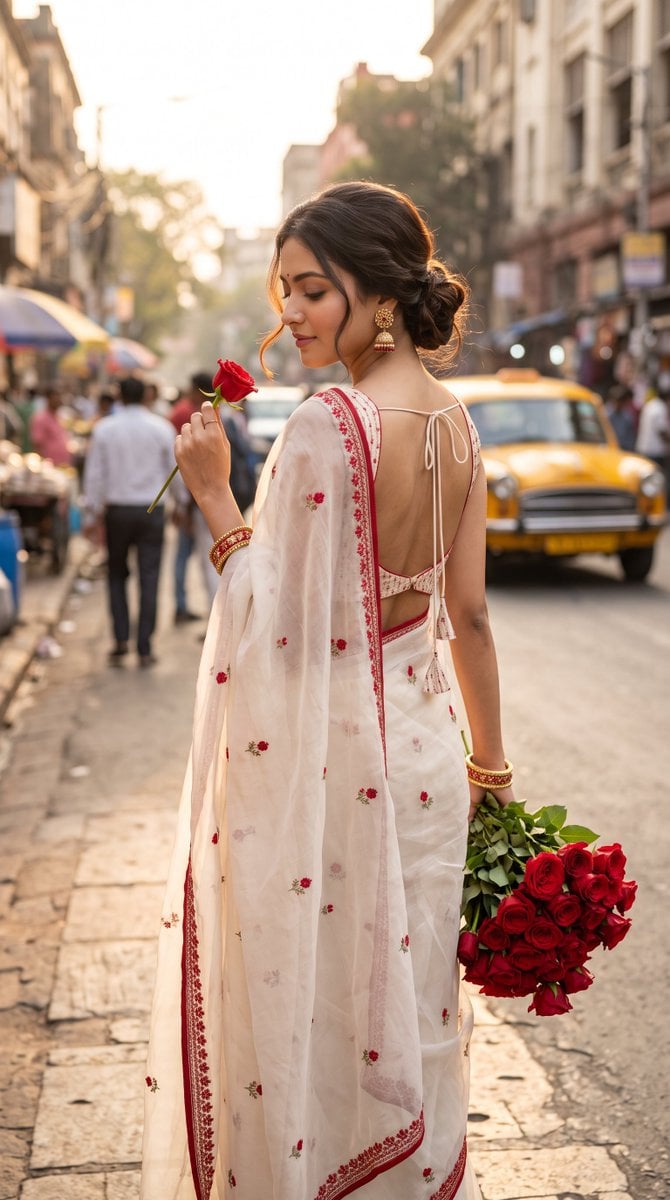
Ultra-Photorealistic Indian Woman with Roses

Giant Woman Forced Perspective Street Photo

Tiny Toddler Hugging Giant Chocolate Bar

Cinematic Man and Giant Wolf Companion

Tiny Woman Miniature Fantasy Macro Scene

Rose Spirit Ocean Manhwa Portrait

TinyToes Giant Baby Shoes Ad
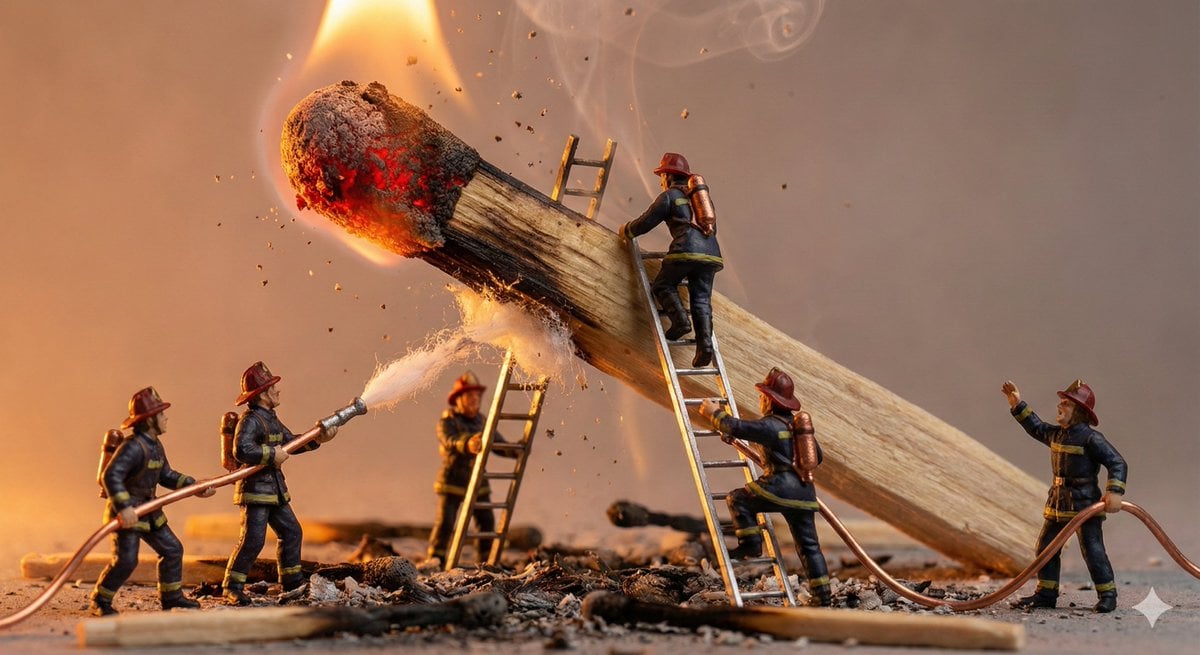
Tiny People, Giant Problem Diorama Prompt
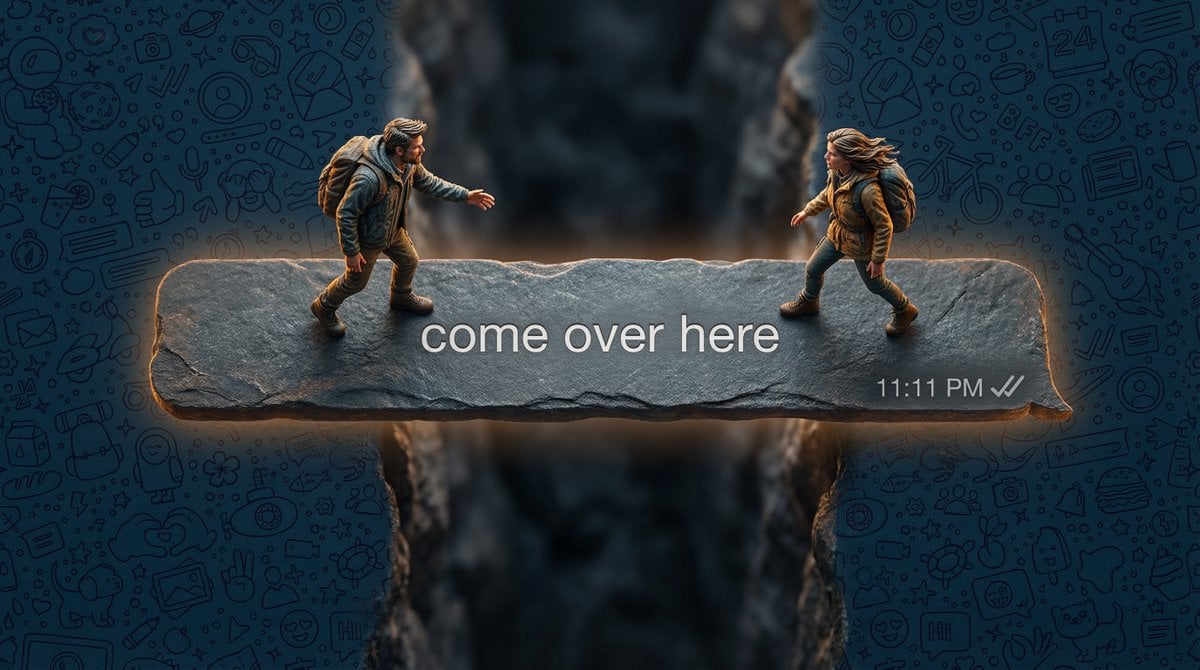
Hyper-realistic macro photography of tiny humans on a WhatsApp speech bubble bridge
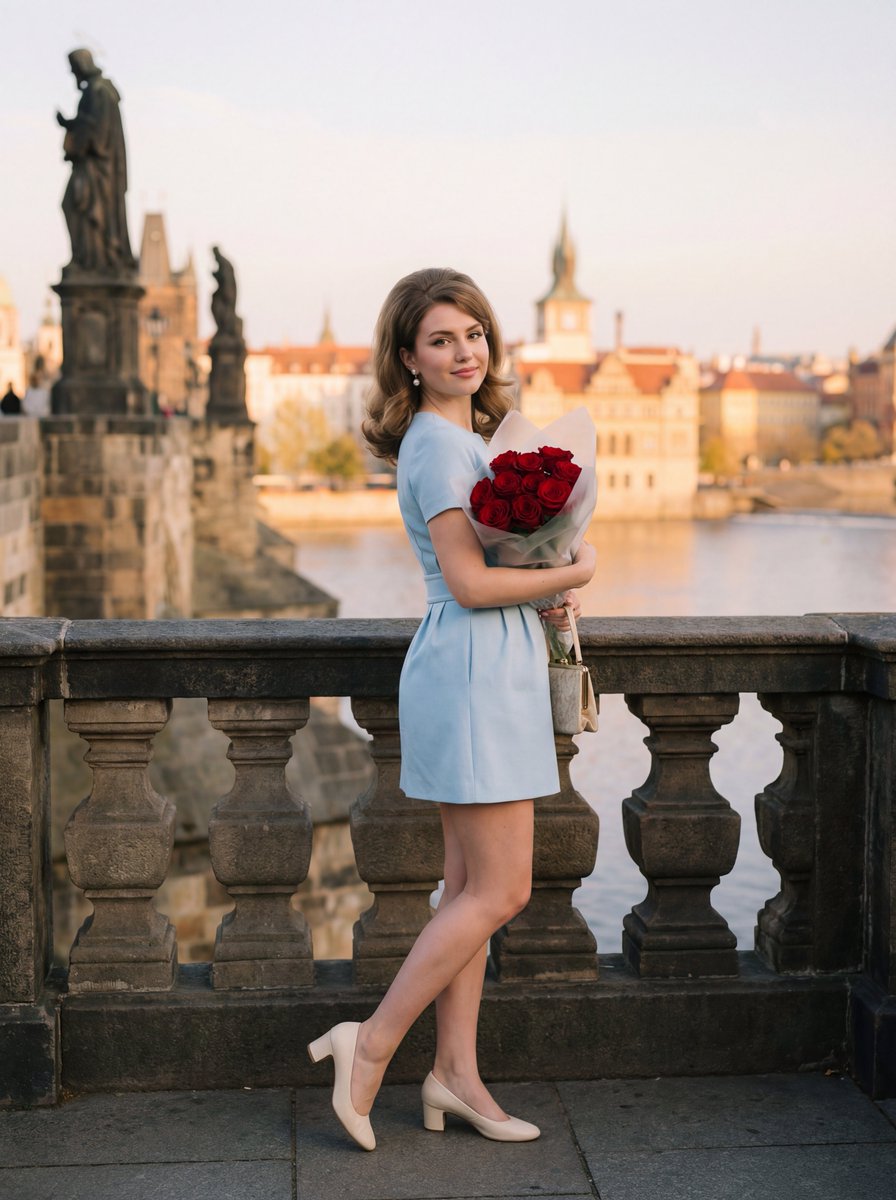
Editorial Photograph of Woman with Roses in Prague (JSON)
Make it yours
Tiny Man Lounging in Giant Rose works as-is. These are the safest ways to change it without losing the look.
Change one field
Copy a single group, rewrite it, and generate again so you can see what that field is doing.
Keep the frame, change the subject
Hold the composition and light of Tiny Man Lounging in Giant Rose, then swap wardrobe, props or the person for a new take.
| If the result… | Why | Fix |
|---|---|---|
| The result drifts from the preview | Too many fields changed at once. | Reuse Tiny Man Lounging in Giant Rose as-is first, then change one group — subject, light, or setting. |
| The model over-stylizes the scene | The prose prompt leaves finish and camera underspecified. | Add one camera or lighting sentence and stay on GPT Image 2. |
More GPT Image 2 templates
Other prompts made for GPT Image 2.

Six VTuber Japanese Logo Sheet

Realistic Portrait of Woman and Deer

The Vista Modular Condo Poster

AI Model Routing Comparison Infographic

2.5D Anime Art Board

Isometric Productivity Desk Scene

New York Double Exposure Poster

Four-Panel AI Landscape Comparison

Japanese Tatami Lifestyle Magazine Cover

NESCAFÉ Coffee Map Poster
More image prompts
Fresh picks from across the catalog.
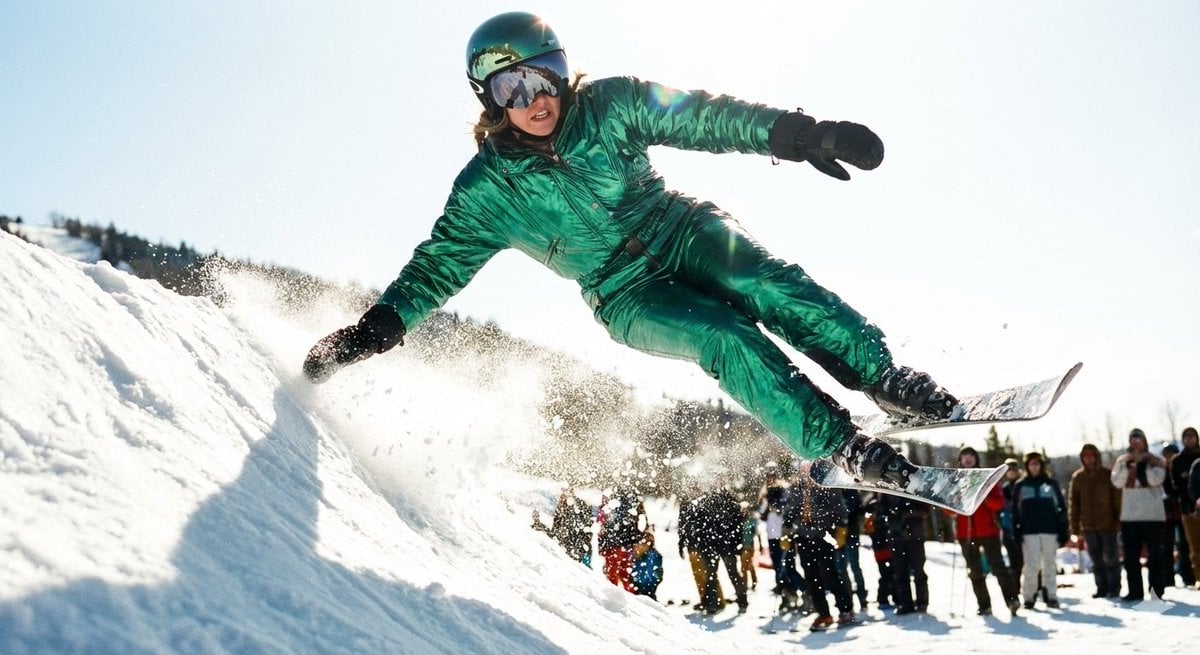
Extreme Ski Jump Action Shot (Cinestill Film Style)
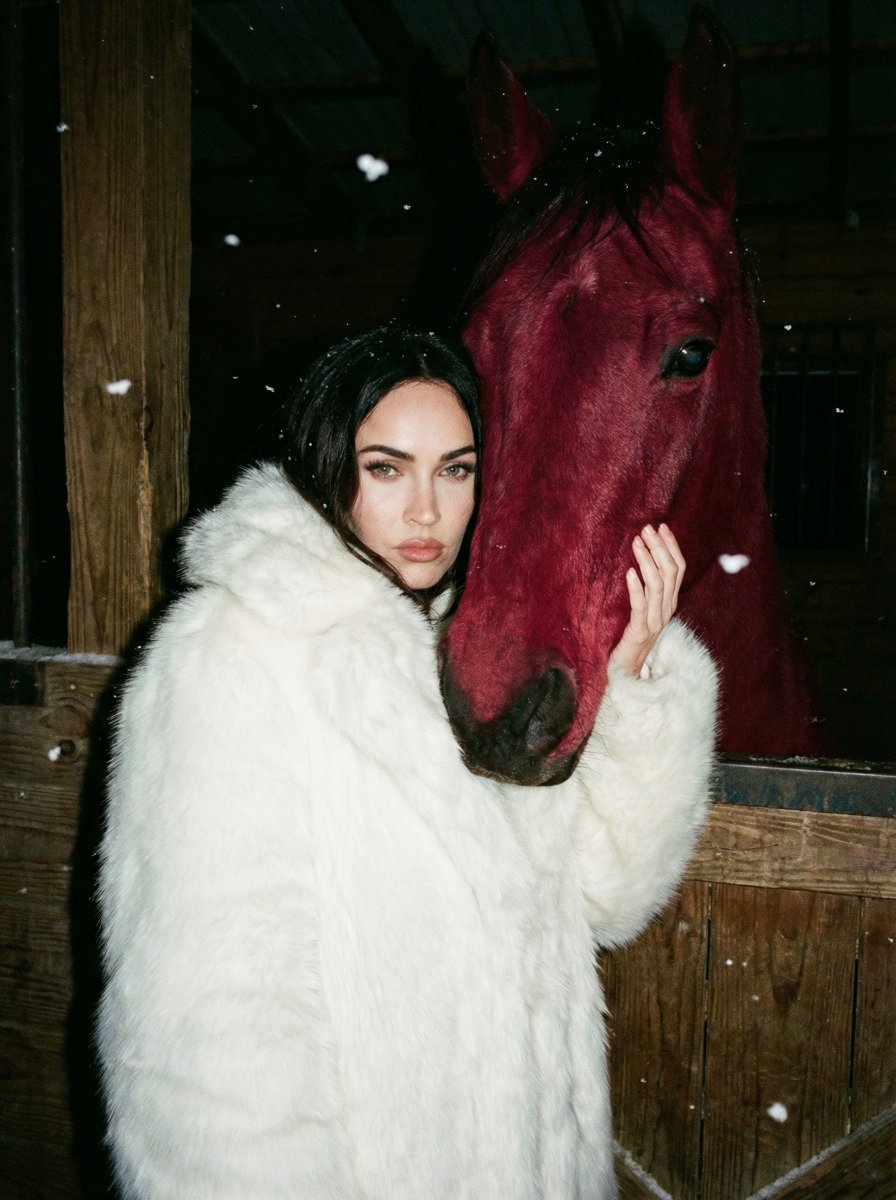
Ultra-Realistic Nighttime Photograph Prompt for Nano Banana 2 Pro
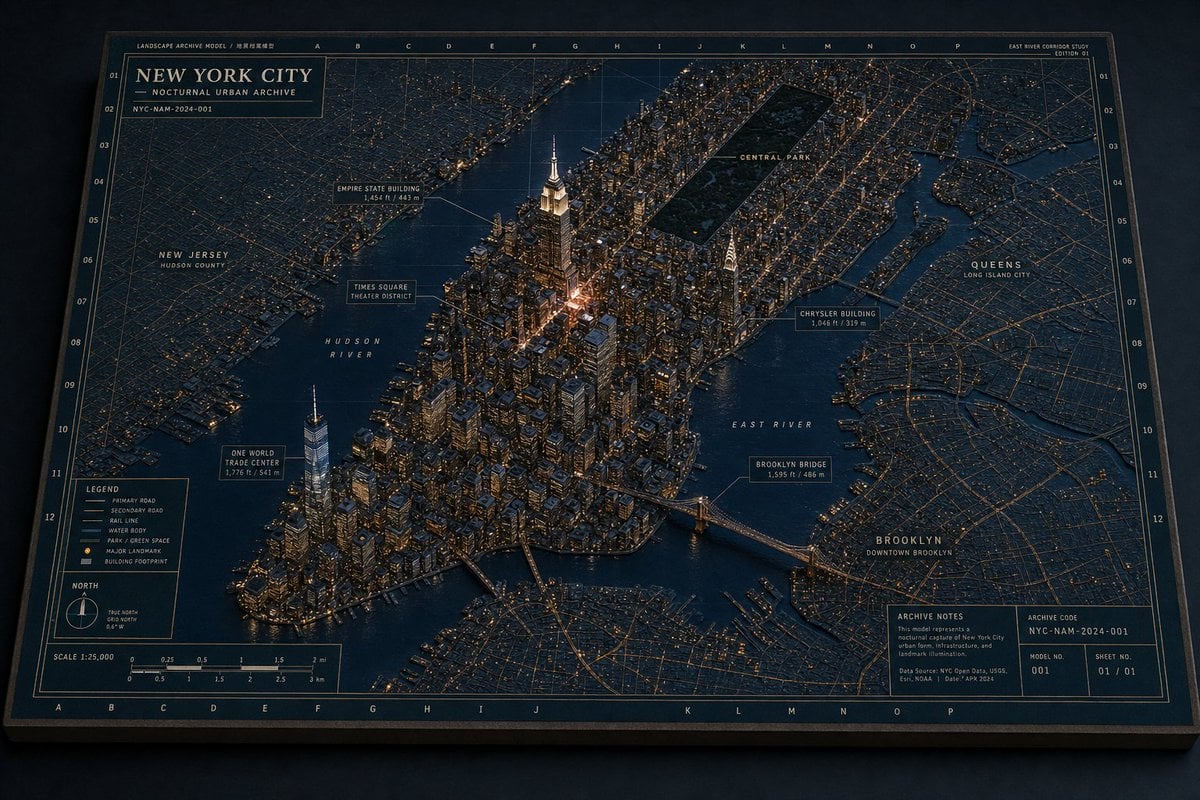
New York Night Archive Diorama
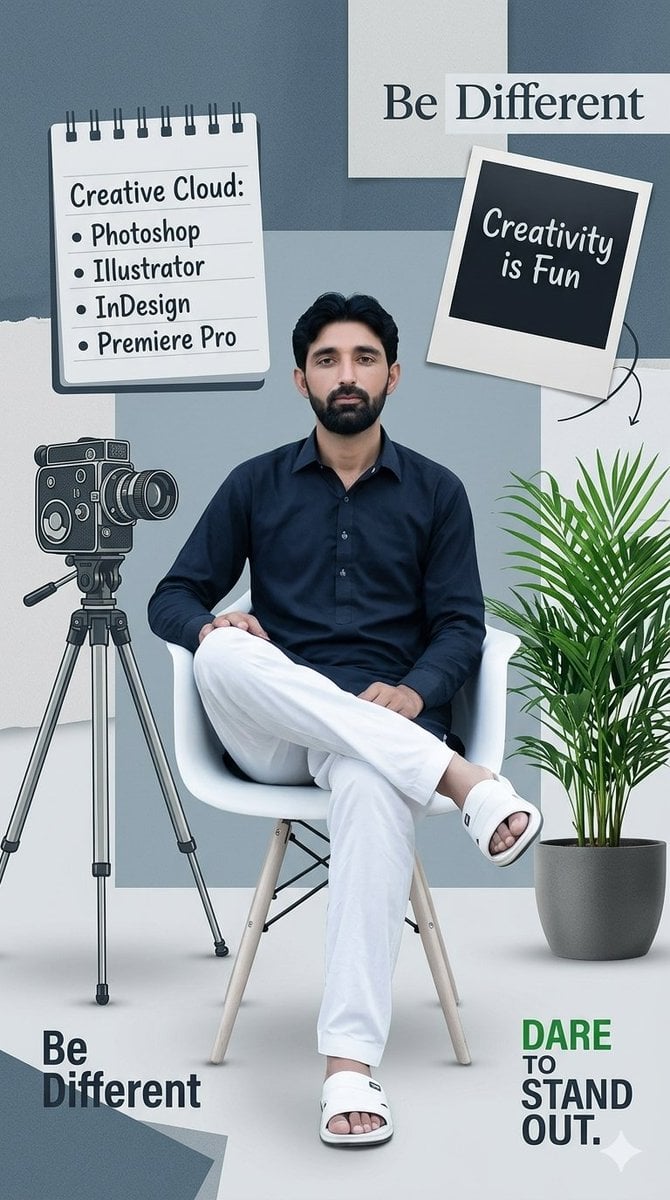
Creative Design Mood Board Portrait
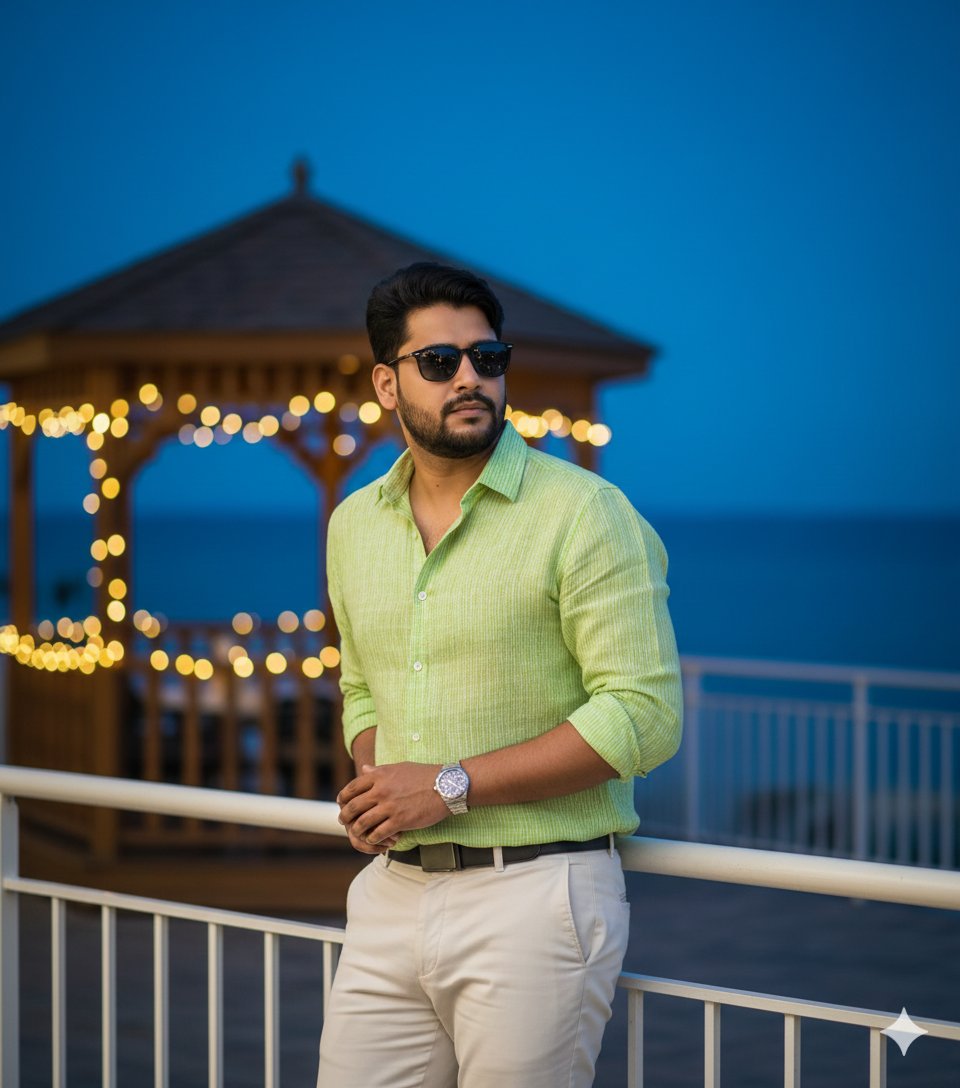
Hyper-Realistic Portrait of Man at Seaside Resort Prompt
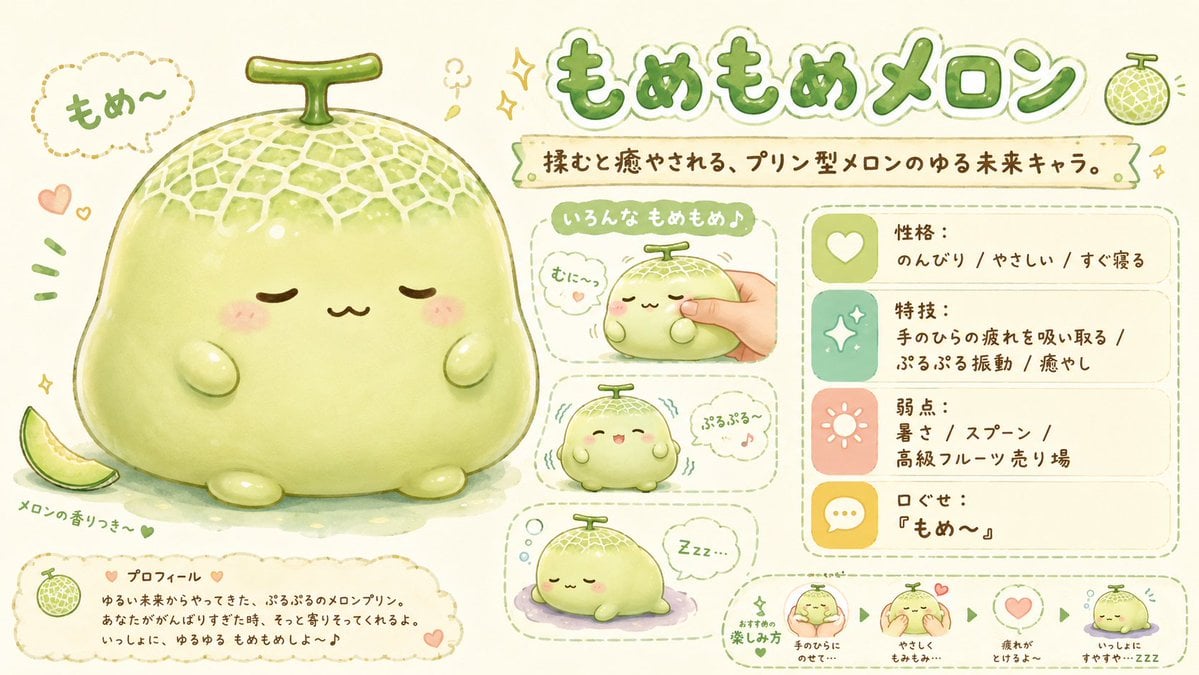
Kawaii Melon Mascot Character Sheet
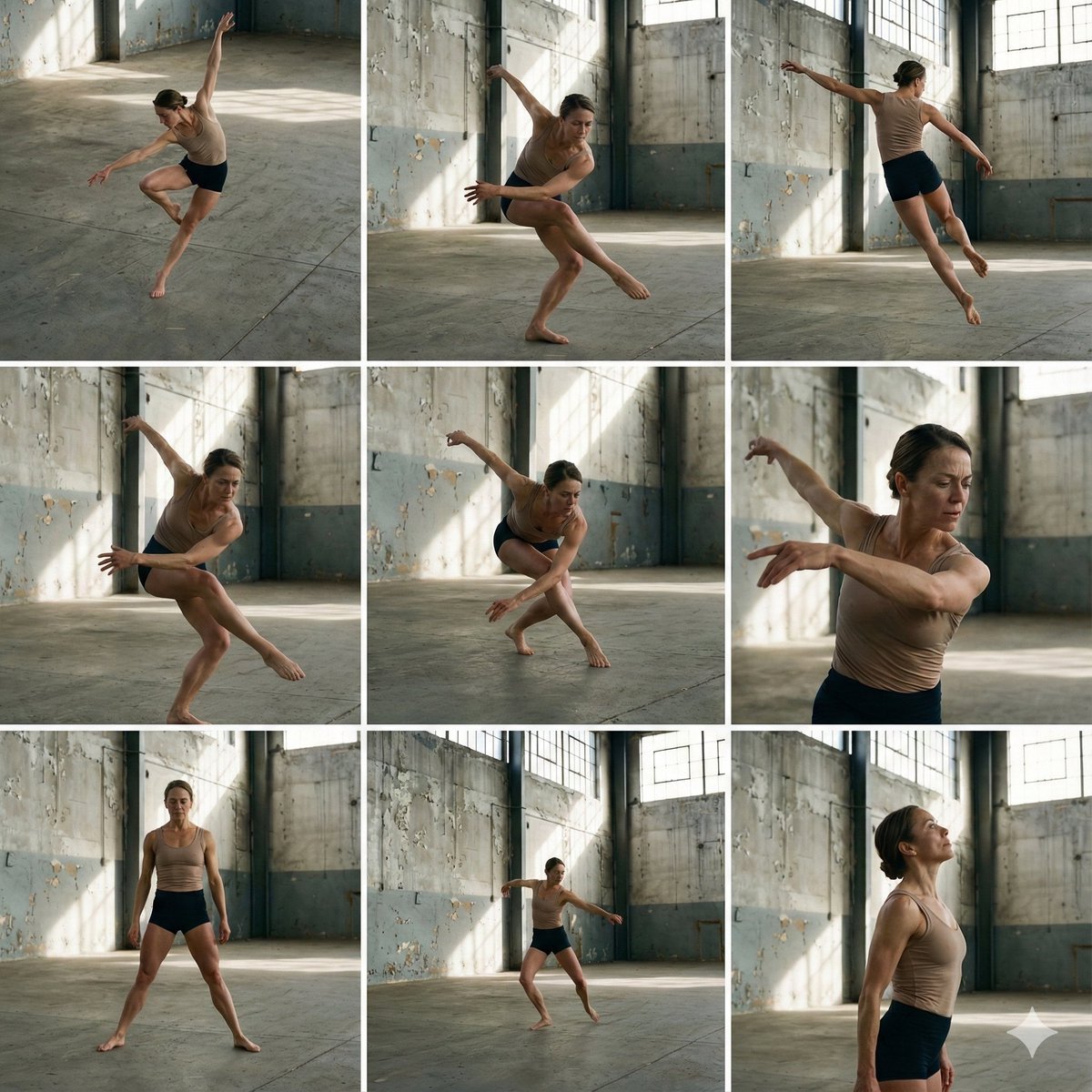
3x3 Grid of Dancer in Random Poses

2x2 Grid of Online School Banner Ads
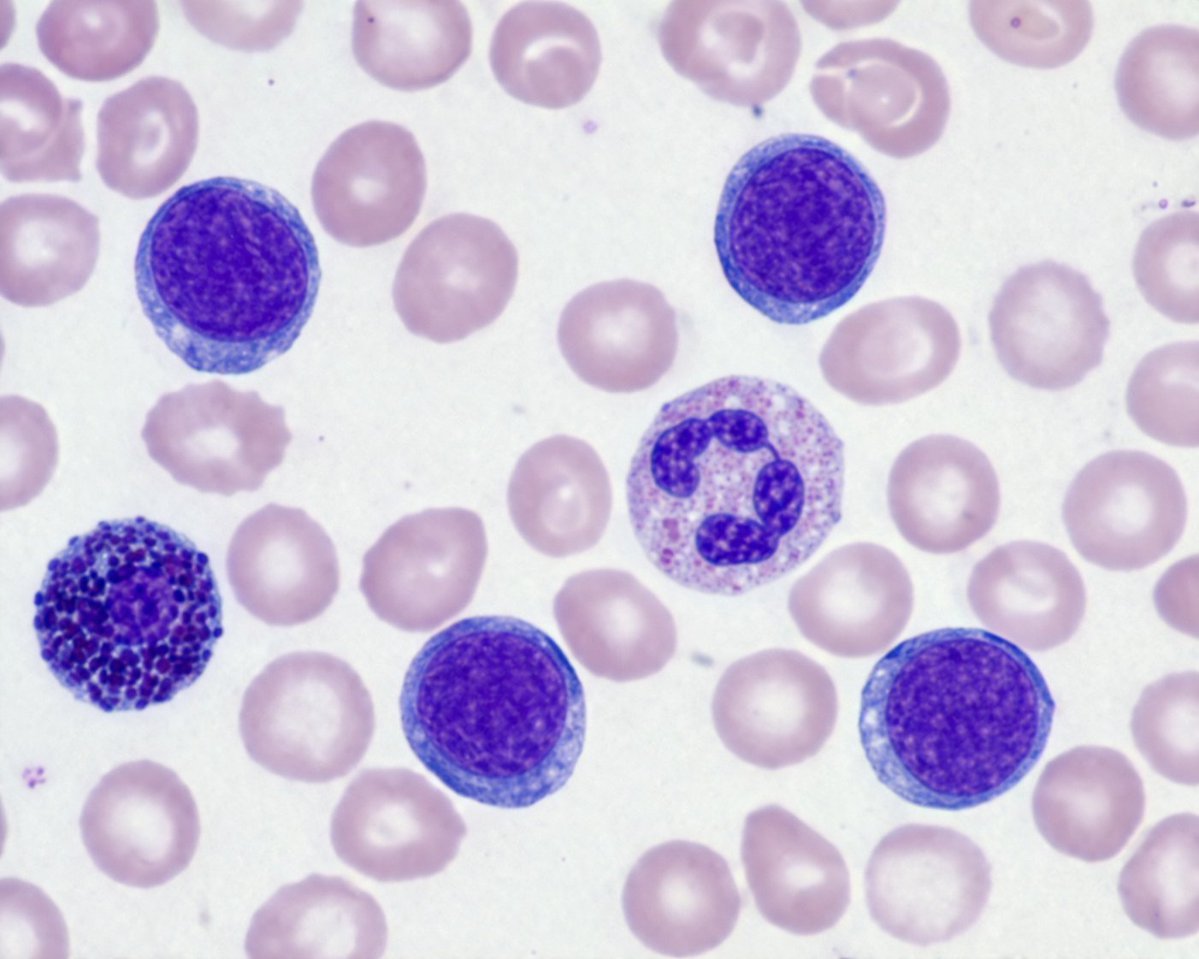
Biological Specimen Microscopy Prompt
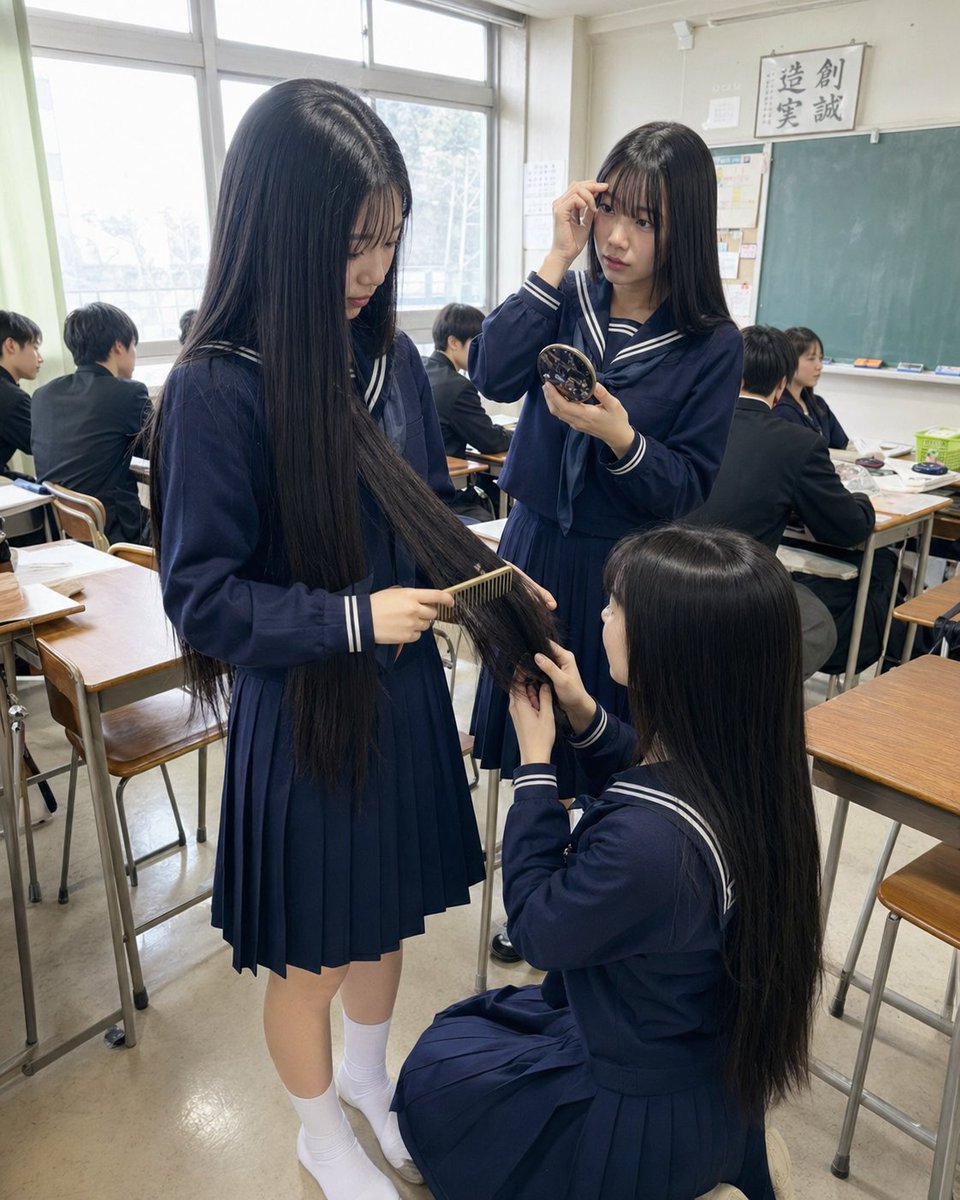
Gpt2 Profile Avatar Japanese Classroom Long Hair Snapshot
Browse template categories
Tiny Man Lounging in Giant Rose questions
How do I use the Tiny Man Lounging in Giant Rose template?
Add your photo if the template asks for one, edit the prompt if you like — the template's model and format are already selected — and press Generate. Your version opens in PicX Studio.
Can I customize the Tiny Man Lounging in Giant Rose template?
Yes. You can change the subject, setting, lighting, mood, format, and available model controls before creating your image.
Is the Tiny Man Lounging in Giant Rose template free?
Opening and editing this template is free. Generating uses credits, shown on the Generate button when you are signed in.
Which AI model should I use?
Start with GPT Image 2, which is the model associated with this template. You can compare another compatible model for a different finish.
Looking for something else? Browse all templates.

Your photo, any look
Thousands of ready templates for every top image and video model, from one credit balance.