
Tiny Toddler Hugging Giant Chocolate Bar
An ultra-realistic fantasy macro portrait of a chocolate-smeared toddler embracing an oversized Cadbury Dairy Milk bar for whimsical advertising-style imagery.
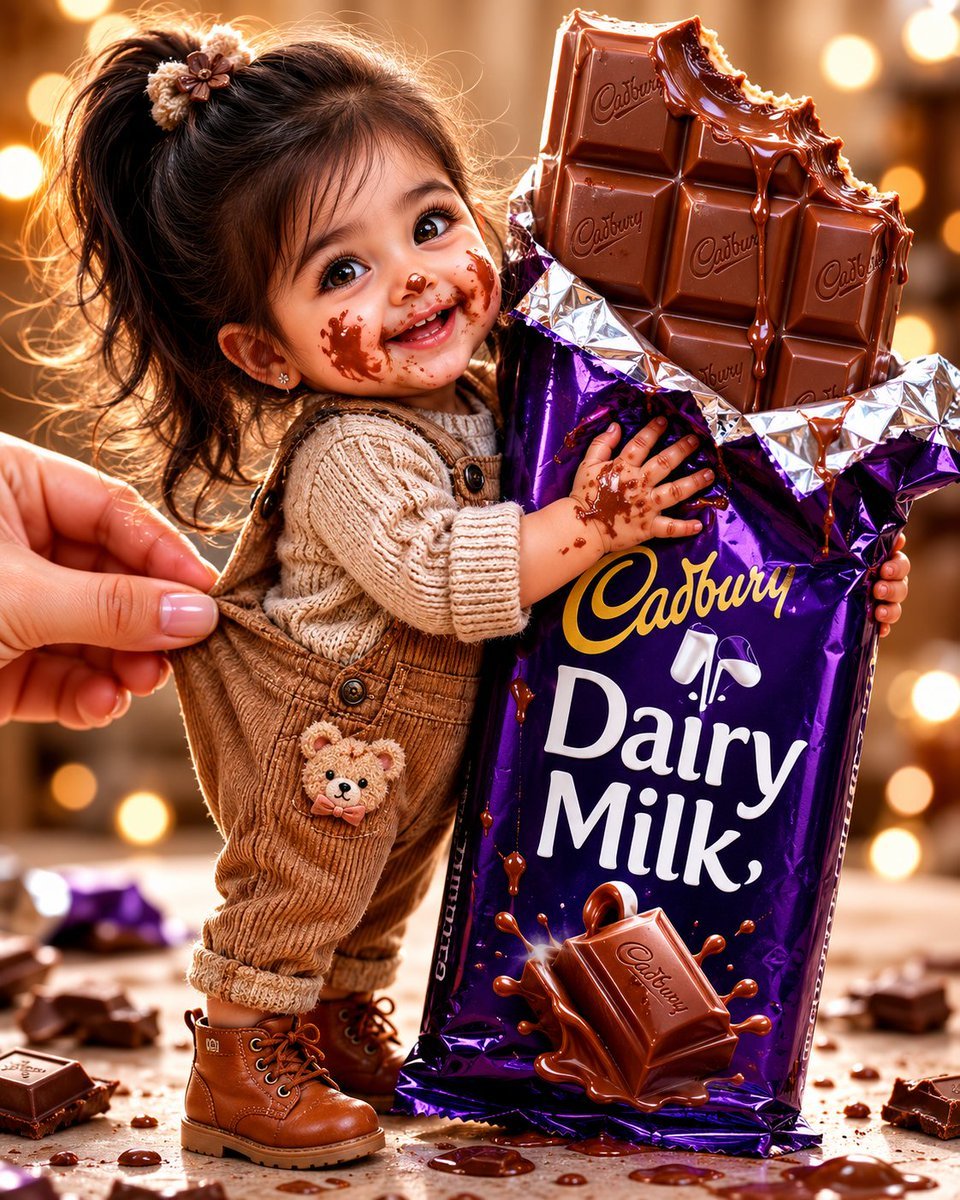
- Prompt included
- Model and format preset
- Free template
The prompt behind this image
Copy the exact prompt behind Tiny Toddler Hugging Giant Chocolate Bar, or open it in the studio and make it yours.
Create an ultra-realistic macro fantasy portrait of a tiny toddler girl standing and happily hugging an enormous {argument name="chocolate brand" default="Cadbury Dairy Milk"} chocolate bar that is nearly twice her height. The child has adorable chubby cheeks, large sparkling brown eyes, a joyful open smile, long dark black-brown hair tied in a high ponytail with small flower hair clips, and chocolate smeared across her cheeks, nose, lips, hands, and sweater. She wears a cream chunky-knit sweater, brown corduroy overalls with buttons and a small teddy-bear patch on the front pocket, and tan lace-up toddler boots. Show one adult hand entering from the left, gently holding or adjusting the back of the toddler’s overall strap for scale. The giant chocolate bar is partially unwrapped: glossy metallic purple wrapper with crinkled silver foil at the top, large readable yellow and white text saying {argument name="wrapper text" default="Cadbury Dairy Milk"}, and a raised milk splash graphic. The top of the bar is exposed as thick glossy milk chocolate squares embossed with {argument name="embossed text" default="Cadbury"}; the upper right edge has a big bite taken out of it, with melted chocolate dripping down the squares and wrapper. Include exactly 10 large visible chocolate squares on the exposed bar, scattered broken chocolate pieces and crumbs on the tabletop, and shiny chocolate puddles around the base. Use warm golden studio lighting, creamy circular bokeh lights in the background, shallow depth of field, macro lens realism, high detail skin texture, realistic fabric fibers, reflective crinkled foil, rich purple packaging, playful fantasy scale, cozy celebratory atmosphere, vertical 4:5 composition, toddler positioned left-center and giant chocolate bar right-center. Avoid extra people, avoid distorted hands, avoid incorrect text, and keep the image photorealistic rather than cartoonish.
How to use Tiny Toddler Hugging Giant Chocolate Bar in 3 steps
- 1Upload ImagePNG, JPG or paste
Add your photo
Upload the photo the template builds on. The prompt, model and format are already set.
- 2…a portrait of your subject in softgolden-hour light, 85mm…
Personalize
Edit the subject and creative details for your destination.
- 3Generate
Generate
Press Generate — your image is created in PicX Studio, so you can compare it with the original and refine one variable at a time.
More like this
Templates with the same subject, style or setup. Open one to see its prompt.
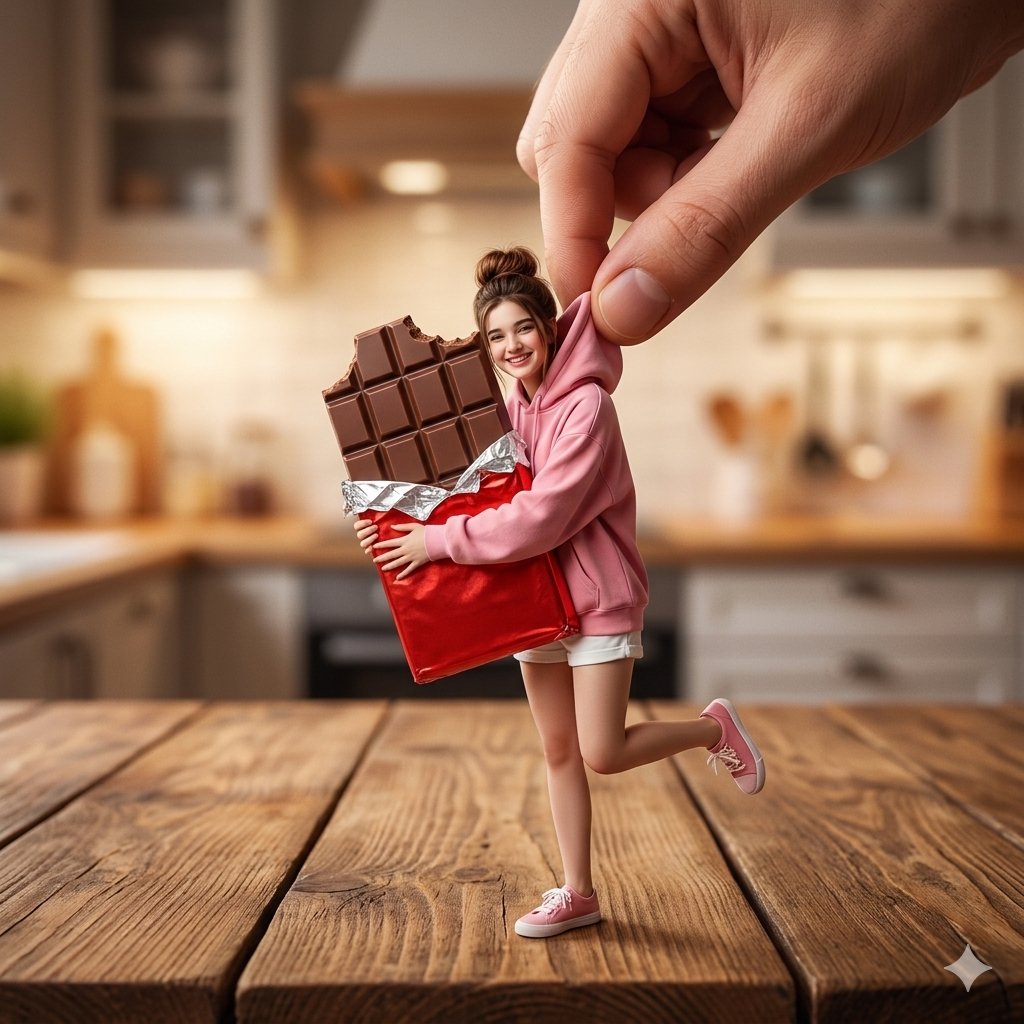
Tiny Woman Hugging Giant Chocolate
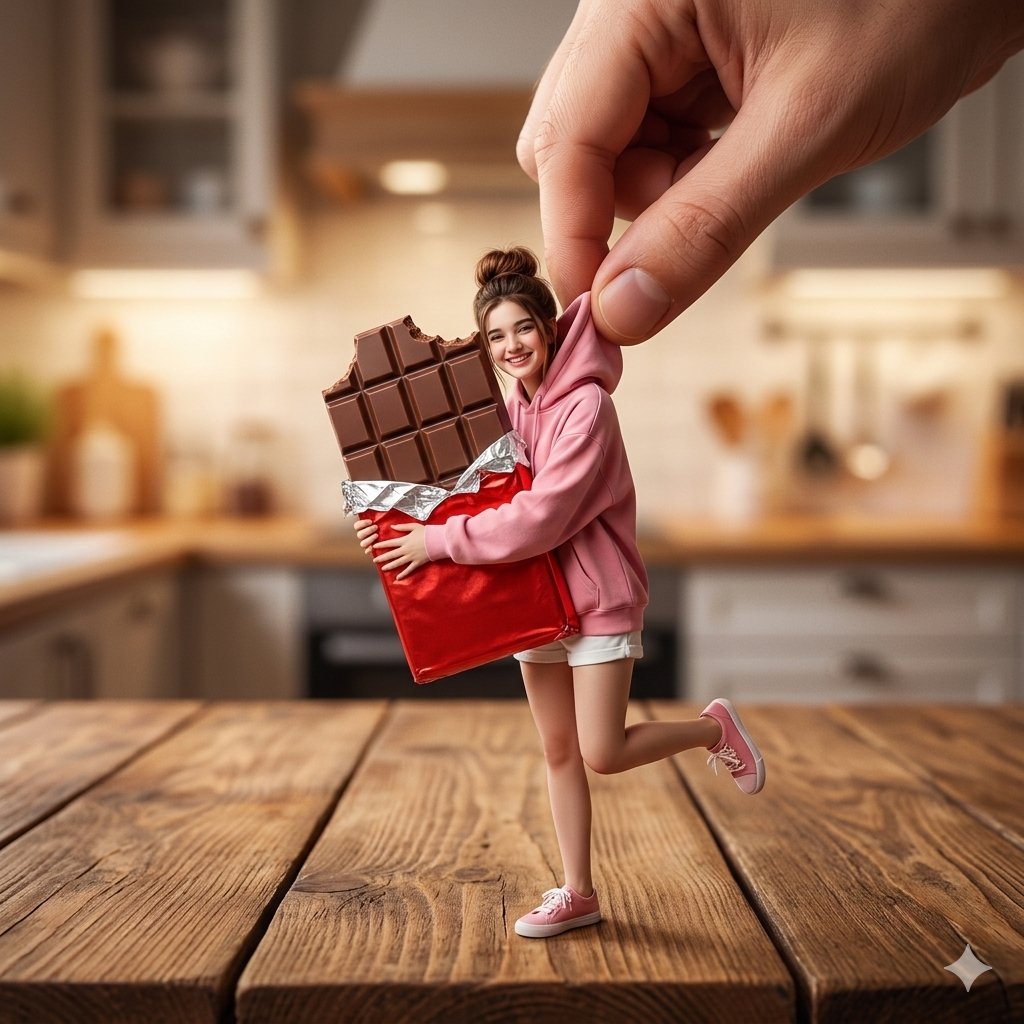
Miniature Woman Hugging Giant Chocolate
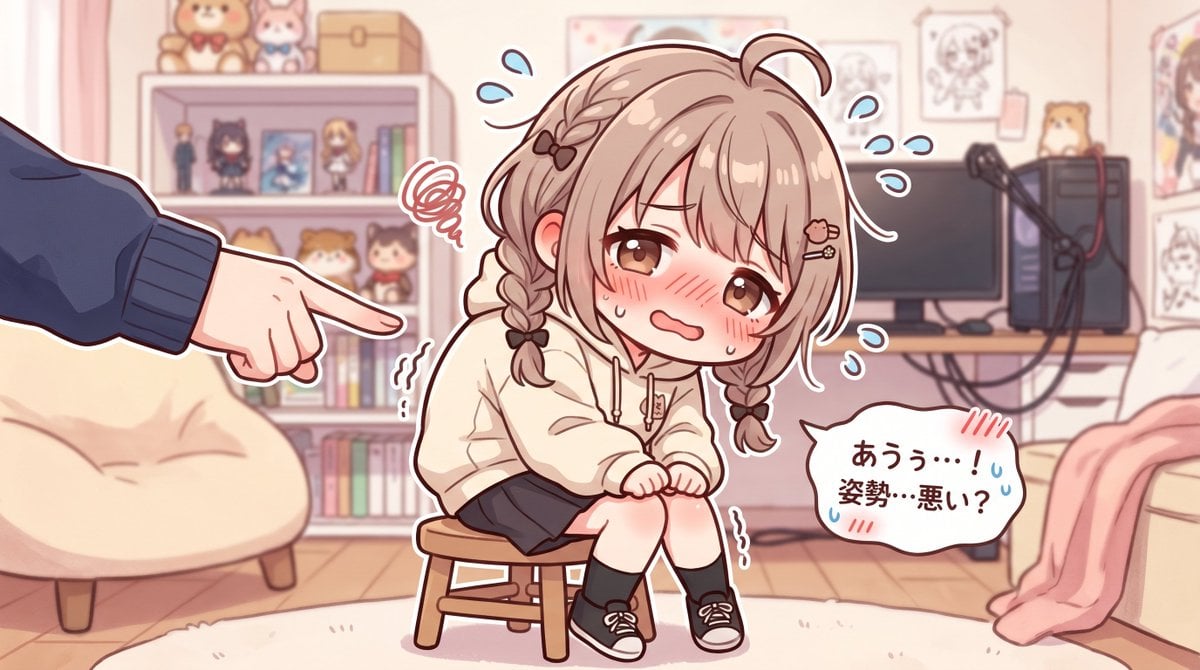
Embarrassed Anime Girl on Tiny Stool
TinyToes Giant Baby Shoes Ad

Tiny Man Lounging in Giant Rose
Giant Hugging Tokyo Tower Photo Prompt

Tiny People, Giant Problem Diorama Prompt
Advertising Visual Prompt: Chocolate Bar Process Display
Surreal Macro-Fantasy: Tiny Man and Giant Bean Sprout
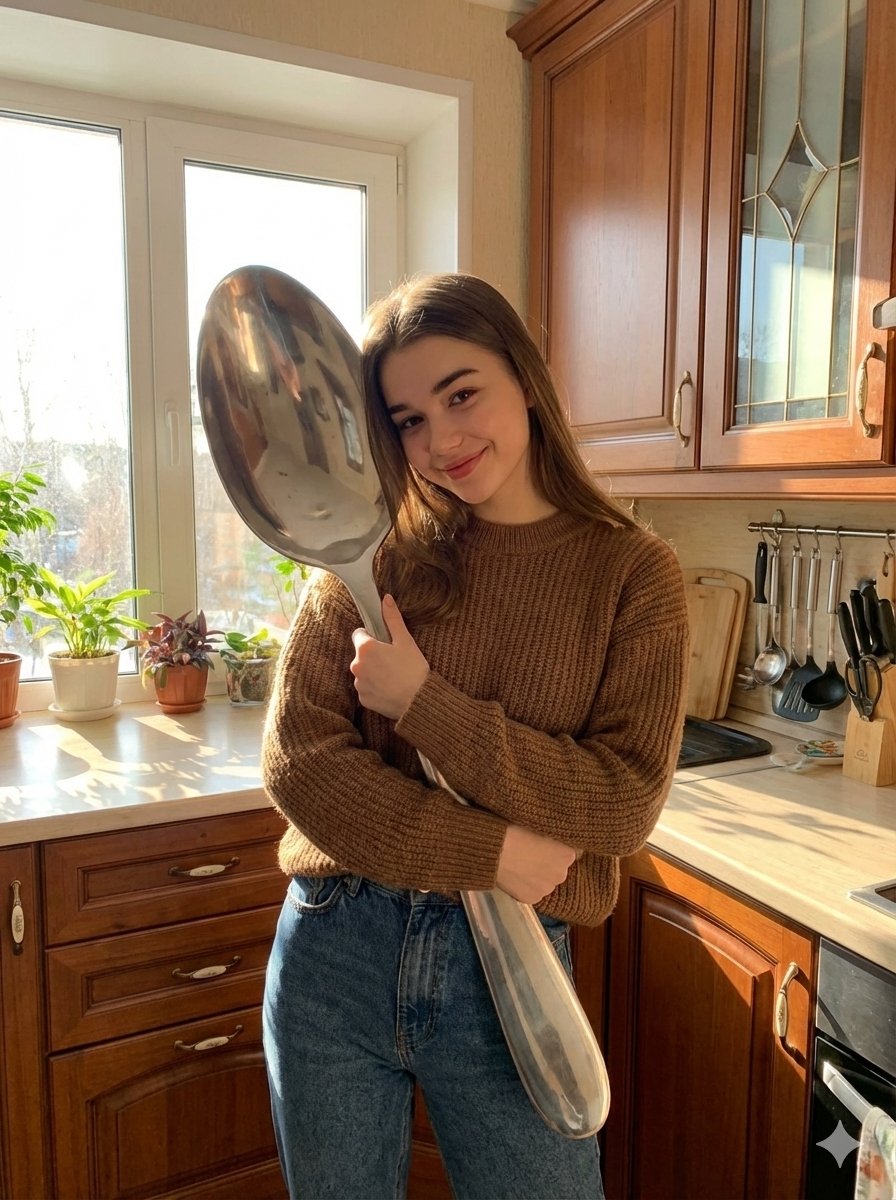
Photorealistic Woman Hugging Giant Spoon in Kitchen Prompt
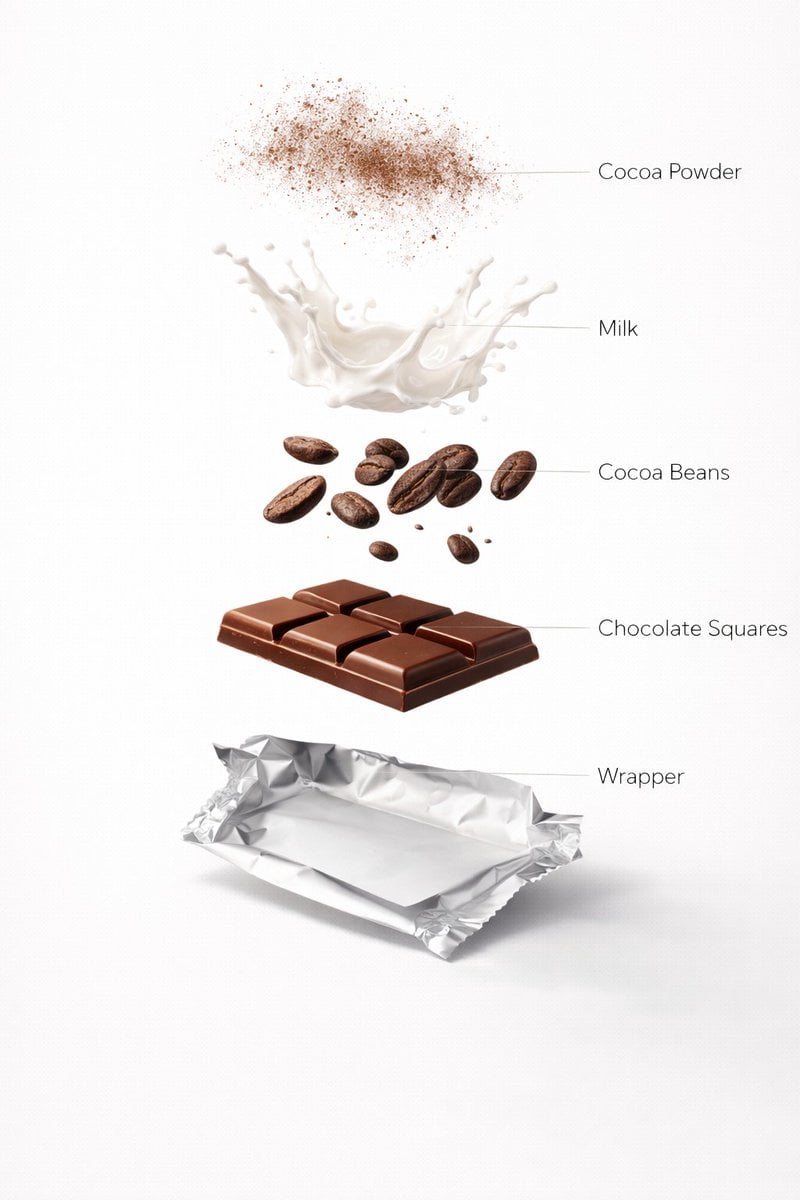
Ultra-Realistic Chocolate Bar Advertising Prompts (Motion and Exploded View)
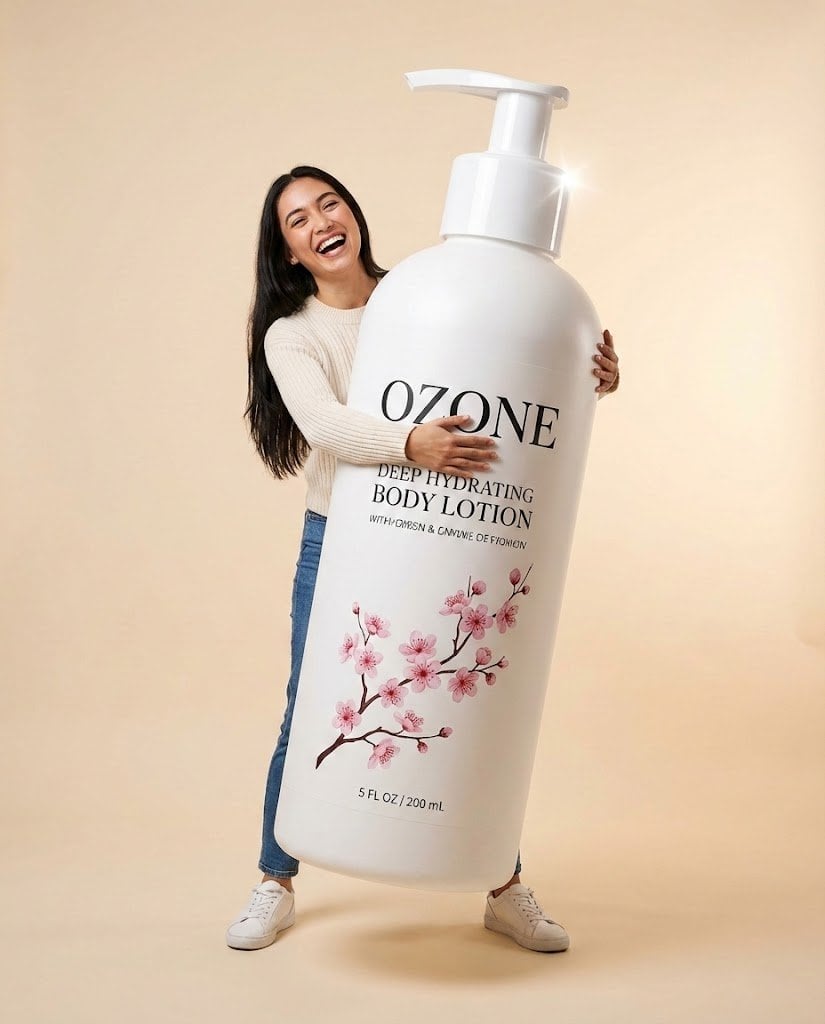
Studio Commercial Shot of Woman Hugging Giant Lotion Bottle
Make it yours
Tiny Toddler Hugging Giant Chocolate Bar works as-is. These are the safest ways to change it without losing the look.
Change one field
Copy a single group, rewrite it, and generate again so you can see what that field is doing.
Keep the frame, change the subject
Hold the composition and light of Tiny Toddler Hugging Giant Chocolate Bar, then swap wardrobe, props or the person for a new take.
| If the result… | Why | Fix |
|---|---|---|
| The result drifts from the preview | Too many fields changed at once. | Reuse Tiny Toddler Hugging Giant Chocolate Bar as-is first, then change one group — subject, light, or setting. |
| The model over-stylizes the scene | The prose prompt leaves finish and camera underspecified. | Add one camera or lighting sentence and stay on GPT Image 2. |
More GPT Image 2 templates
Other prompts made for GPT Image 2.

Six VTuber Japanese Logo Sheet

Realistic Portrait of Woman and Deer

The Vista Modular Condo Poster

AI Model Routing Comparison Infographic

2.5D Anime Art Board

Isometric Productivity Desk Scene

New York Double Exposure Poster

Four-Panel AI Landscape Comparison

Japanese Tatami Lifestyle Magazine Cover

NESCAFÉ Coffee Map Poster
More image prompts
Fresh picks from across the catalog.
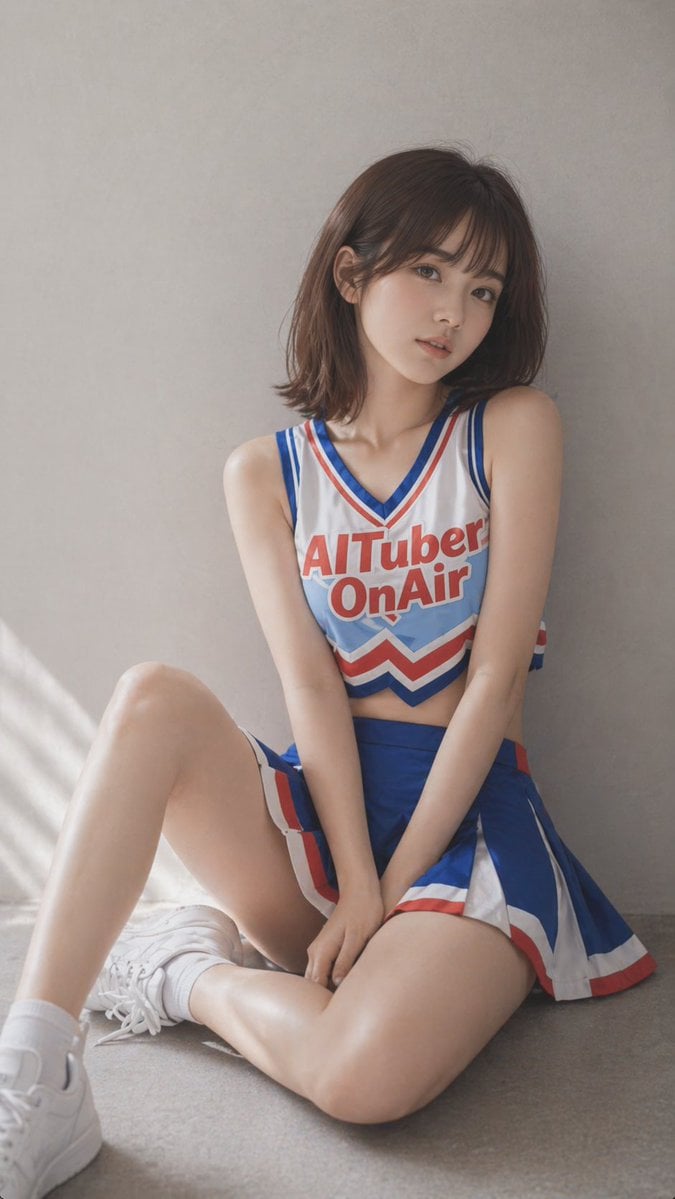
Realistic Cheerleader Portrait
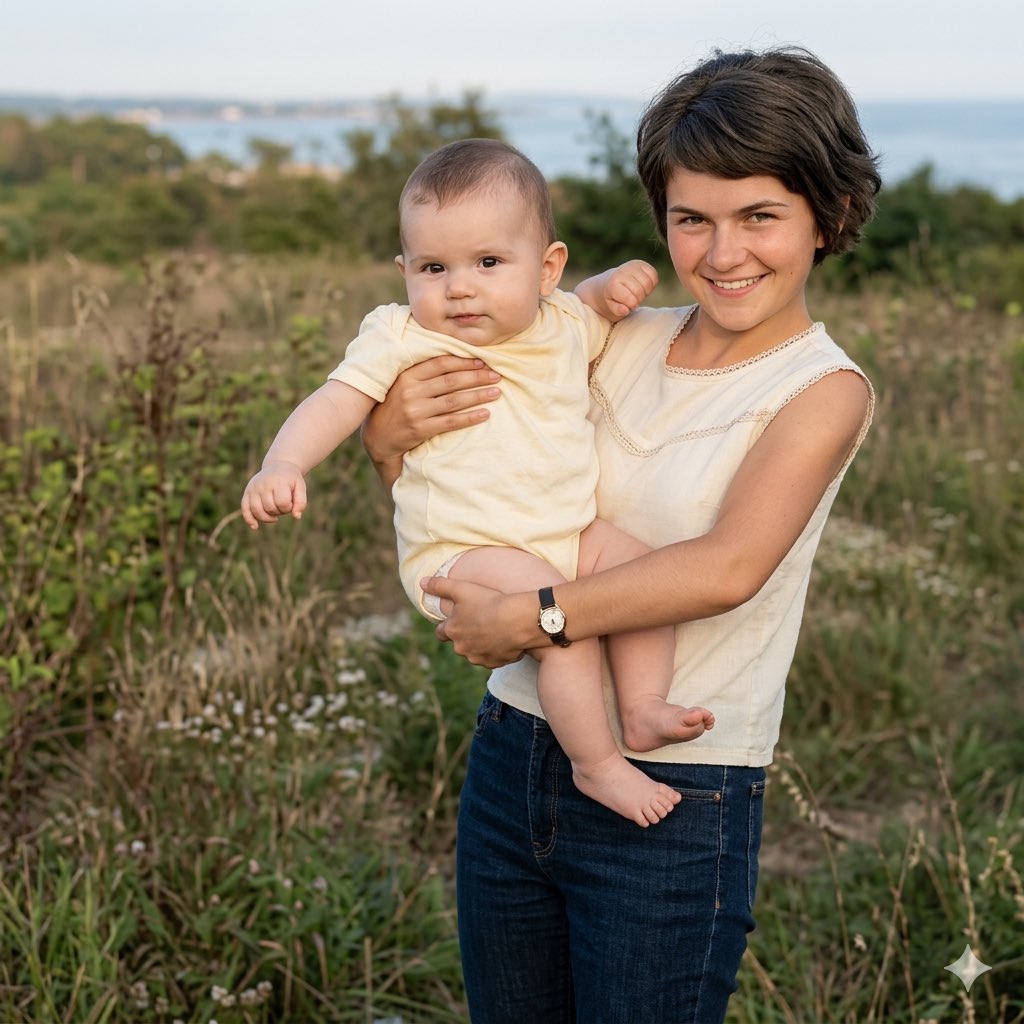
Vintage Keepsake Photo Restoration
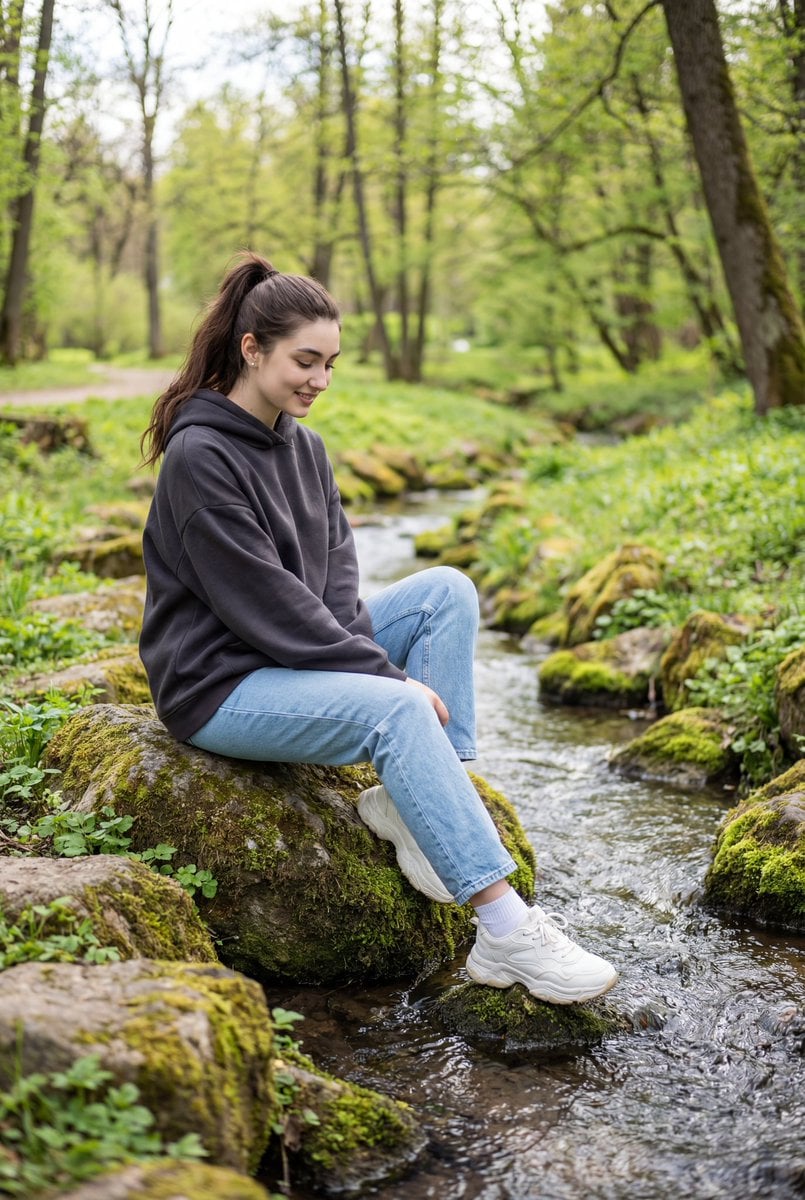
Candid Outdoor Portrait by a Creek
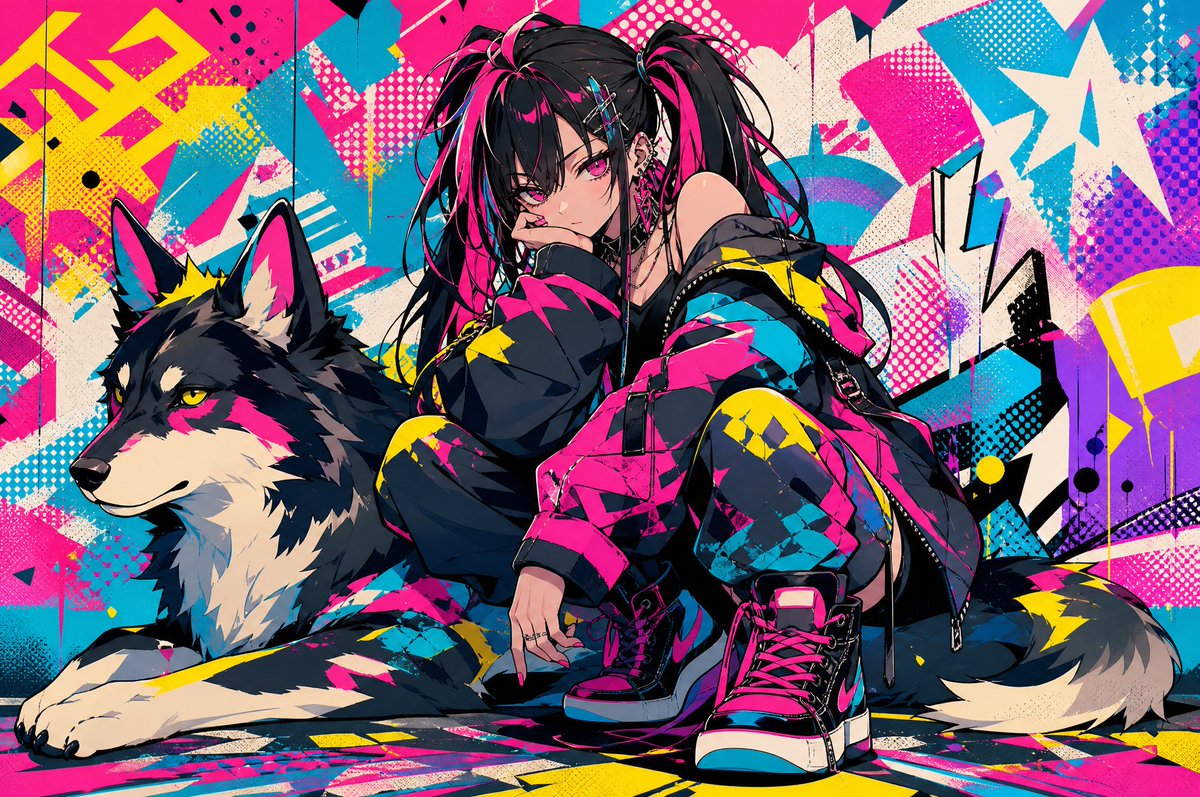
Neon Punk Girl with Husky
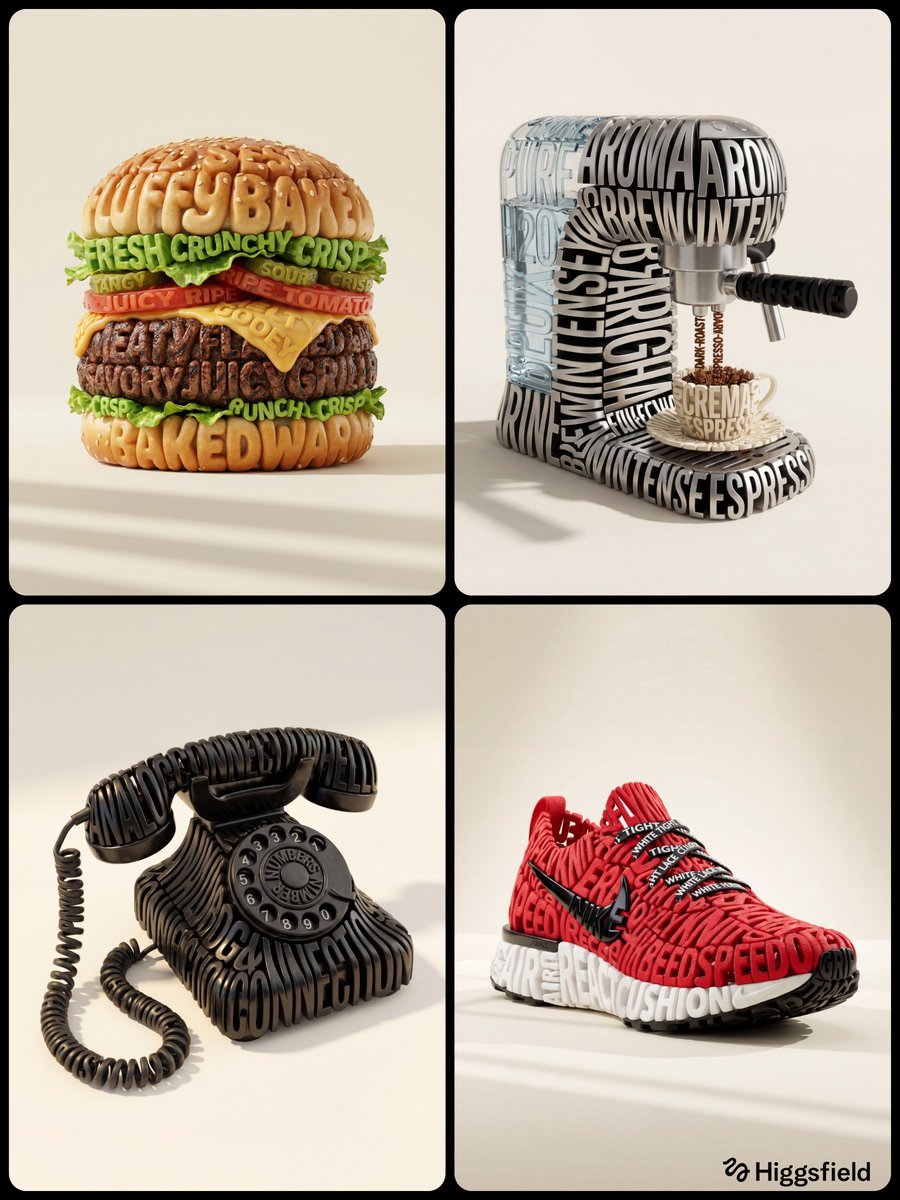
Hyper-Realistic 3D Typographic Sculpture Product Concept
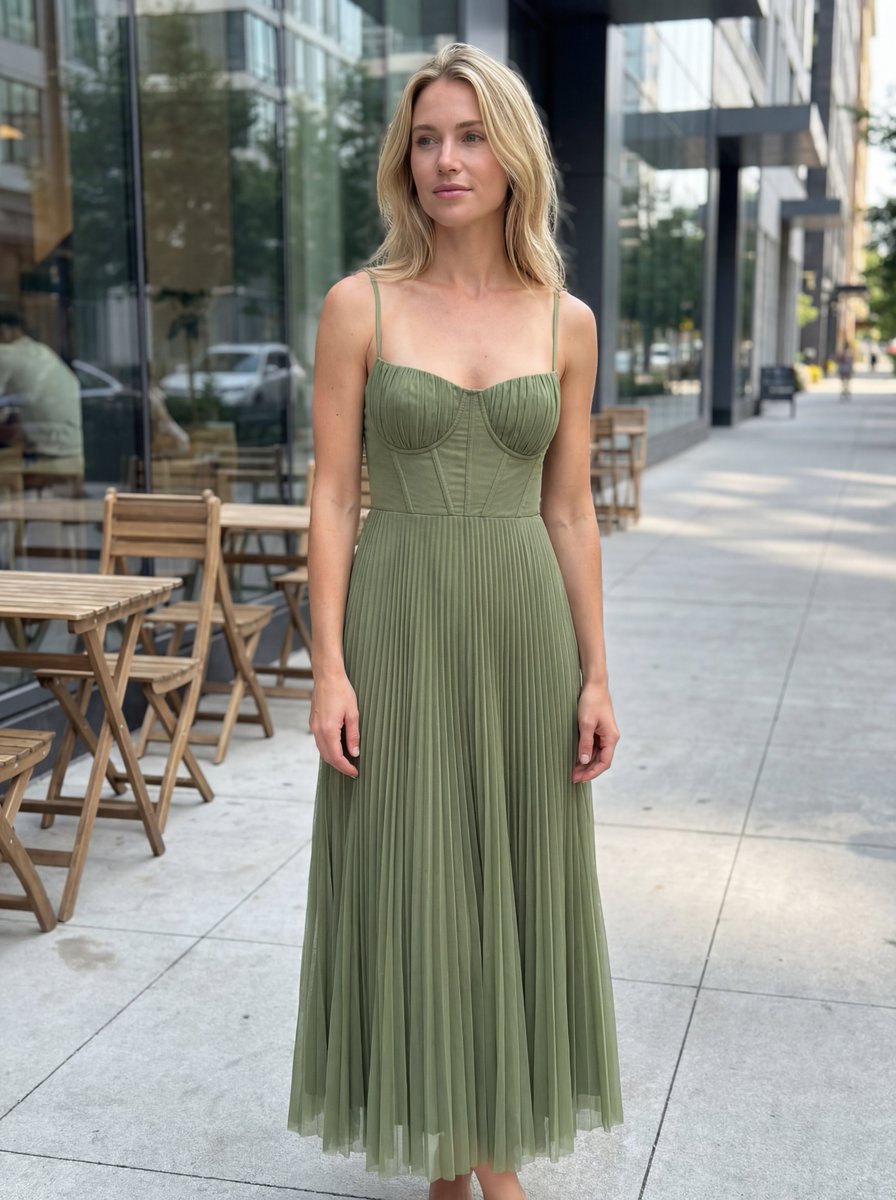
E-commerce Product Listing: Realistic UGC Dress Photo

Gpt2 Social Media Post Handwritten Realistic Letter
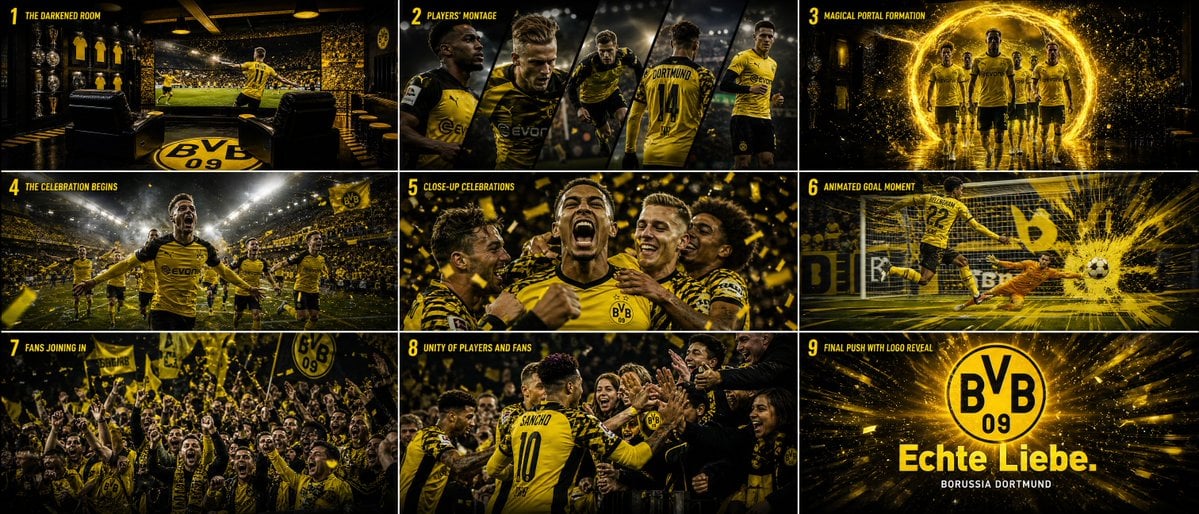
Cinematic Sports Storyboard
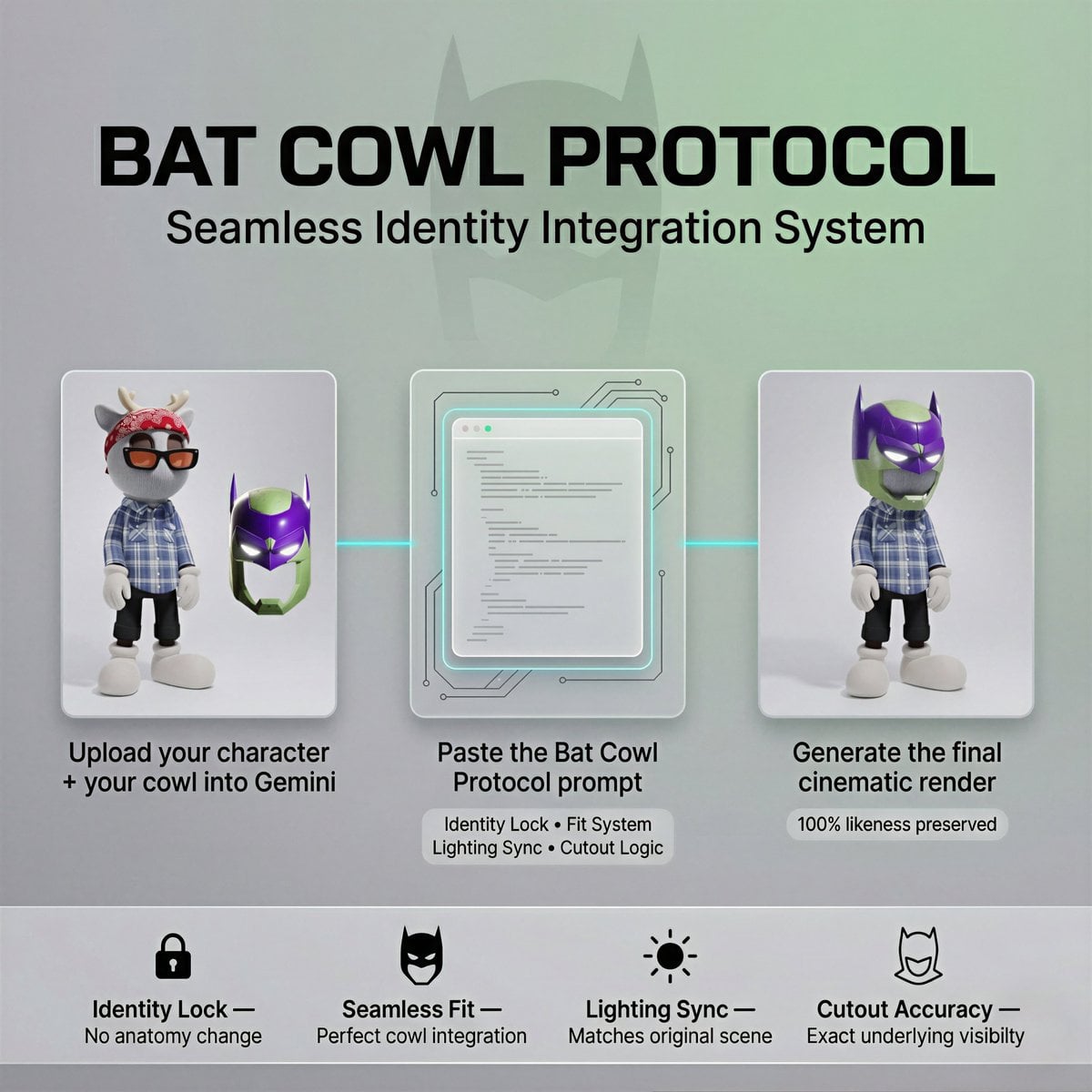
Bat Cowl Protocol Character Prompt
Minimalist Melancholic Cosmic Anime
Browse template categories
Tiny Toddler Hugging Giant Chocolate Bar questions
How do I use the Tiny Toddler Hugging Giant Chocolate Bar template?
Add your photo if the template asks for one, edit the prompt if you like — the template's model and format are already selected — and press Generate. Your version opens in PicX Studio.
Can I customize the Tiny Toddler Hugging Giant Chocolate Bar template?
Yes. You can change the subject, setting, lighting, mood, format, and available model controls before creating your image.
Is the Tiny Toddler Hugging Giant Chocolate Bar template free?
Opening and editing this template is free. Generating uses credits, shown on the Generate button when you are signed in.
Which AI model should I use?
Start with GPT Image 2, which is the model associated with this template. You can compare another compatible model for a different finish.
Looking for something else? Browse all templates.

Your photo, any look
Thousands of ready templates for every top image and video model, from one credit balance.