
Tiny Woman Hugging Giant Chocolate
A macro photorealistic scene of a miniature woman on a kitchen table hugging an oversized chocolate bar while a human hand gently lifts her hoodie.

- Prompt included
- Model and format preset
- Free template
The prompt behind this image
Copy the exact prompt behind Tiny Woman Hugging Giant Chocolate, or open it in the studio and make it yours.
Create a warm, cozy macro-realistic photograph in a softly lit home kitchen. On a rustic wooden table, show a tiny miniature {argument name="character age and gender" default="20-year-old woman"} standing at doll-like scale, wearing a pastel pink oversized hoodie, white shorts, and pink low-top sneakers, with brown hair in a messy high bun. She is hugging a giant oversized chocolate bar wrapped in glossy red foil with crinkled silver foil at the top; the chocolate has visible square segments and one bitten corner. Pose her joyfully and playfully, standing on one leg with the other leg bent back. A large realistic human hand enters from the upper right, gently pinching and lifting the hood of her hoodie between thumb and forefinger, emphasizing her miniature size. Use shallow depth of field, sharp focus on the tiny woman, chocolate, hand, and wooden tabletop, with a creamy blurred kitchen background containing warm under-cabinet lights, cabinets, countertop objects, and hanging utensils. Lighting should be golden, soft, and cinematic, with natural skin texture on the hand, realistic fabric folds, detailed wood grain, and whimsical scale contrast. Keep the composition square, centered, high-resolution, photorealistic, no text, no logos, no watermark.
How to use Tiny Woman Hugging Giant Chocolate in 3 steps
- 1Upload ImagePNG, JPG or paste
Add your photo
Upload the photo the template builds on. The prompt, model and format are already set.
- 2…a portrait of your subject in softgolden-hour light, 85mm…
Personalize
Edit the subject and creative details for your destination.
- 3Generate
Generate
Press Generate — your image is created in PicX Studio, so you can compare it with the original and refine one variable at a time.
More like this
Templates with the same subject, style or setup. Open one to see its prompt.

Miniature Woman Hugging Giant Chocolate

Tiny Toddler Hugging Giant Chocolate Bar
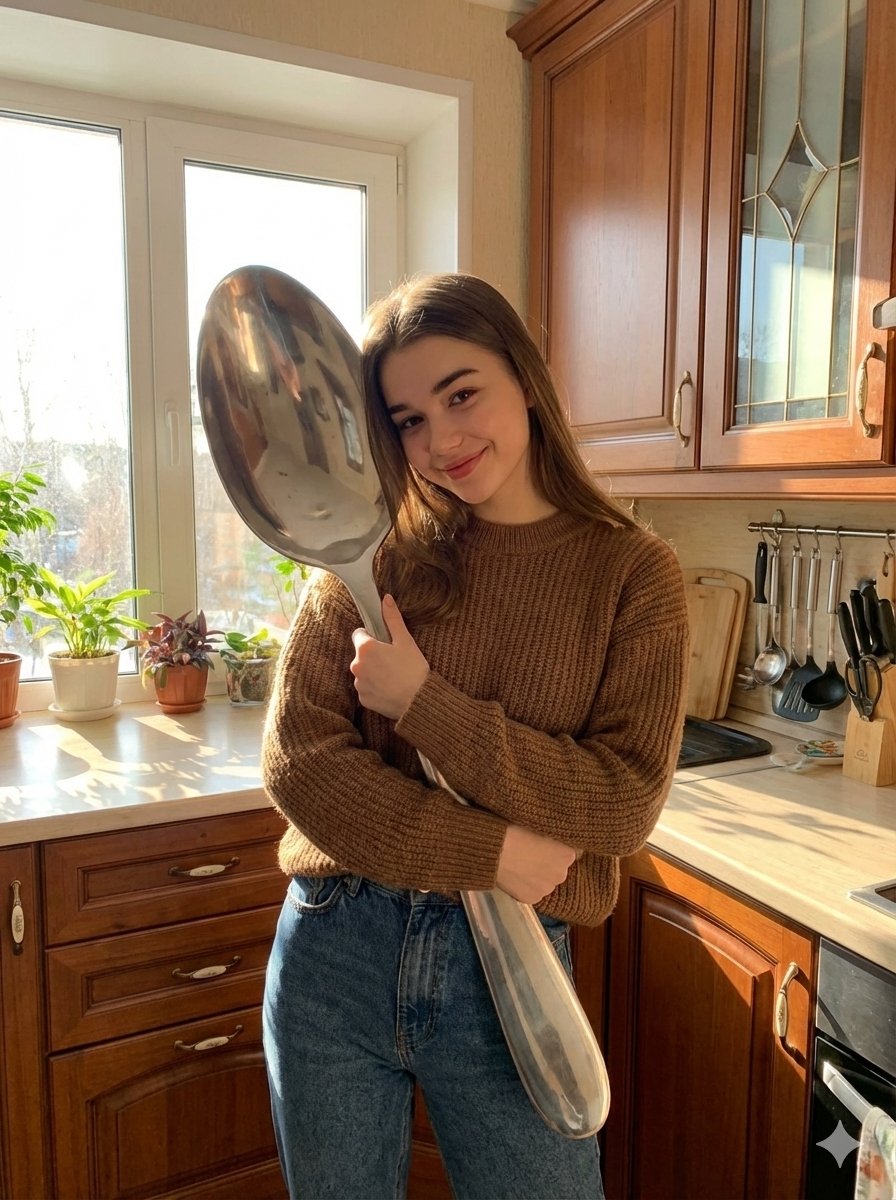
Photorealistic Woman Hugging Giant Spoon in Kitchen Prompt

Studio Commercial Shot of Woman Hugging Giant Lotion Bottle
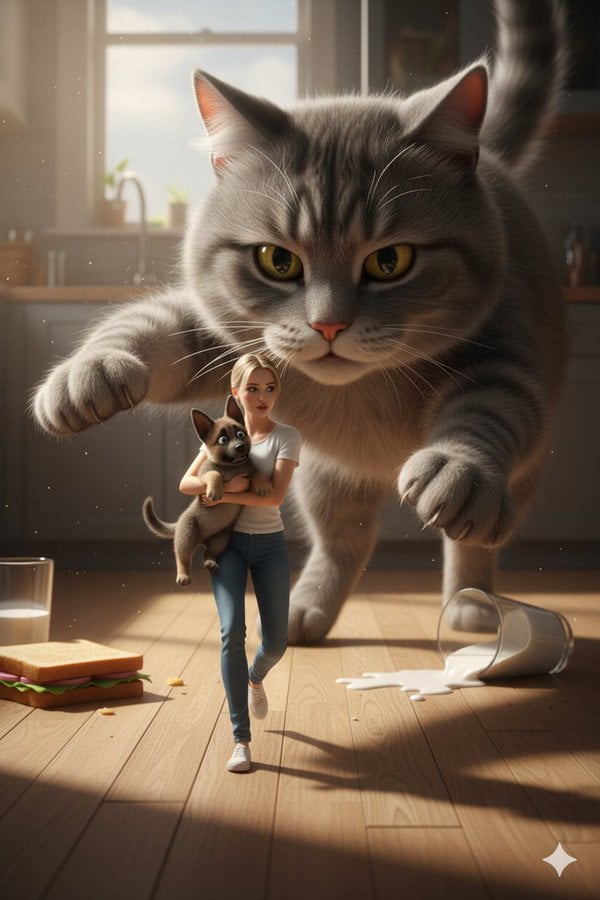
Cinematic Giant Cat Chasing Tiny Woman

Giant Woman Forced Perspective Street Photo

Tiny Woman Miniature Fantasy Macro Scene
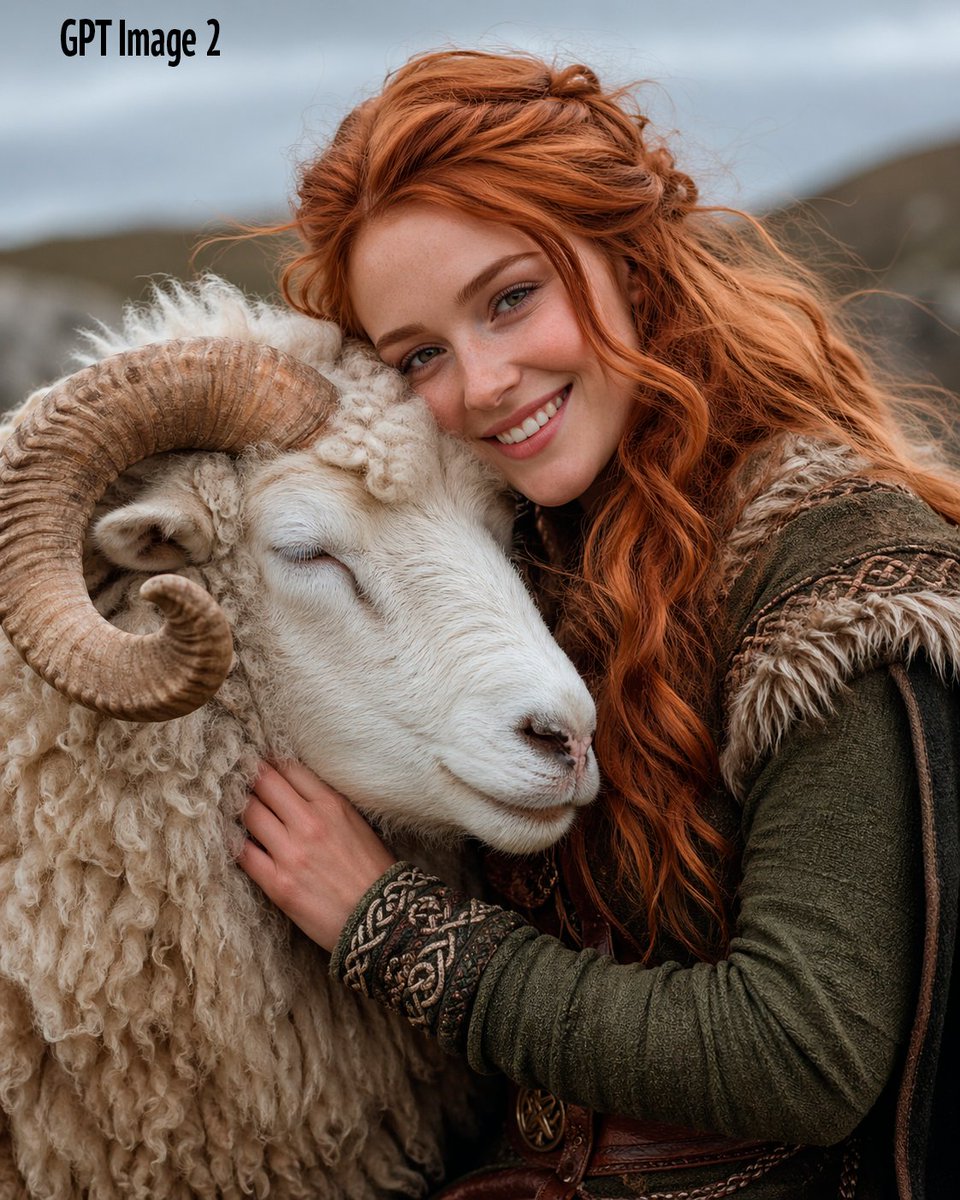
Fantasy Woman Hugging a White Ram
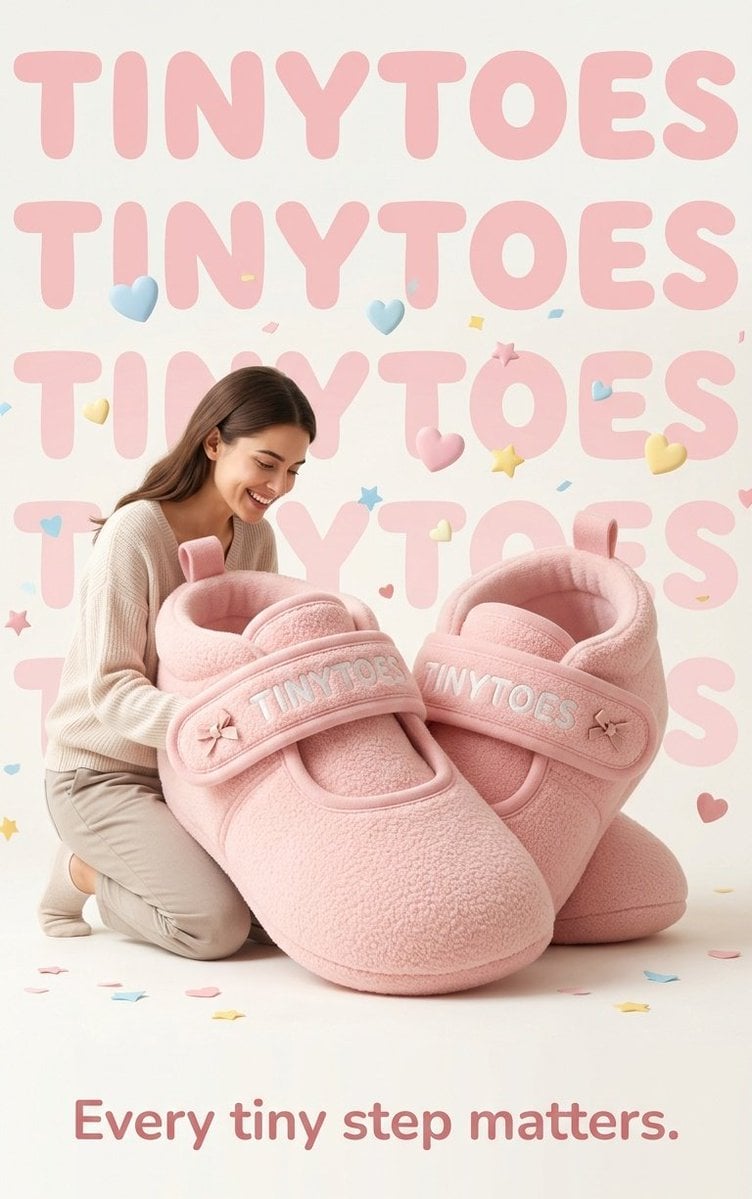
TinyToes Giant Baby Shoes Ad

Tiny Man Lounging in Giant Rose

Woman in Mall with Chanel Bag - Heart Gesture

Floating Woman Above Cityscape with Notifications
Make it yours
Tiny Woman Hugging Giant Chocolate works as-is. These are the safest ways to change it without losing the look.
Change one field
Copy a single group, rewrite it, and generate again so you can see what that field is doing.
Keep the frame, change the subject
Hold the composition and light of Tiny Woman Hugging Giant Chocolate, then swap wardrobe, props or the person for a new take.
| If the result… | Why | Fix |
|---|---|---|
| The result drifts from the preview | Too many fields changed at once. | Reuse Tiny Woman Hugging Giant Chocolate as-is first, then change one group — subject, light, or setting. |
| The model over-stylizes the scene | The prose prompt leaves finish and camera underspecified. | Add one camera or lighting sentence and stay on GPT Image 2. |
More GPT Image 2 templates
Other prompts made for GPT Image 2.

Six VTuber Japanese Logo Sheet

Realistic Portrait of Woman and Deer

The Vista Modular Condo Poster

AI Model Routing Comparison Infographic

2.5D Anime Art Board

Isometric Productivity Desk Scene

New York Double Exposure Poster

Four-Panel AI Landscape Comparison

Japanese Tatami Lifestyle Magazine Cover

NESCAFÉ Coffee Map Poster
More image prompts
Fresh picks from across the catalog.

Anonymous Schoolgirl by Window

Cinematic Dark Thriller Movie Poster

Champion Monster Adventure Poster
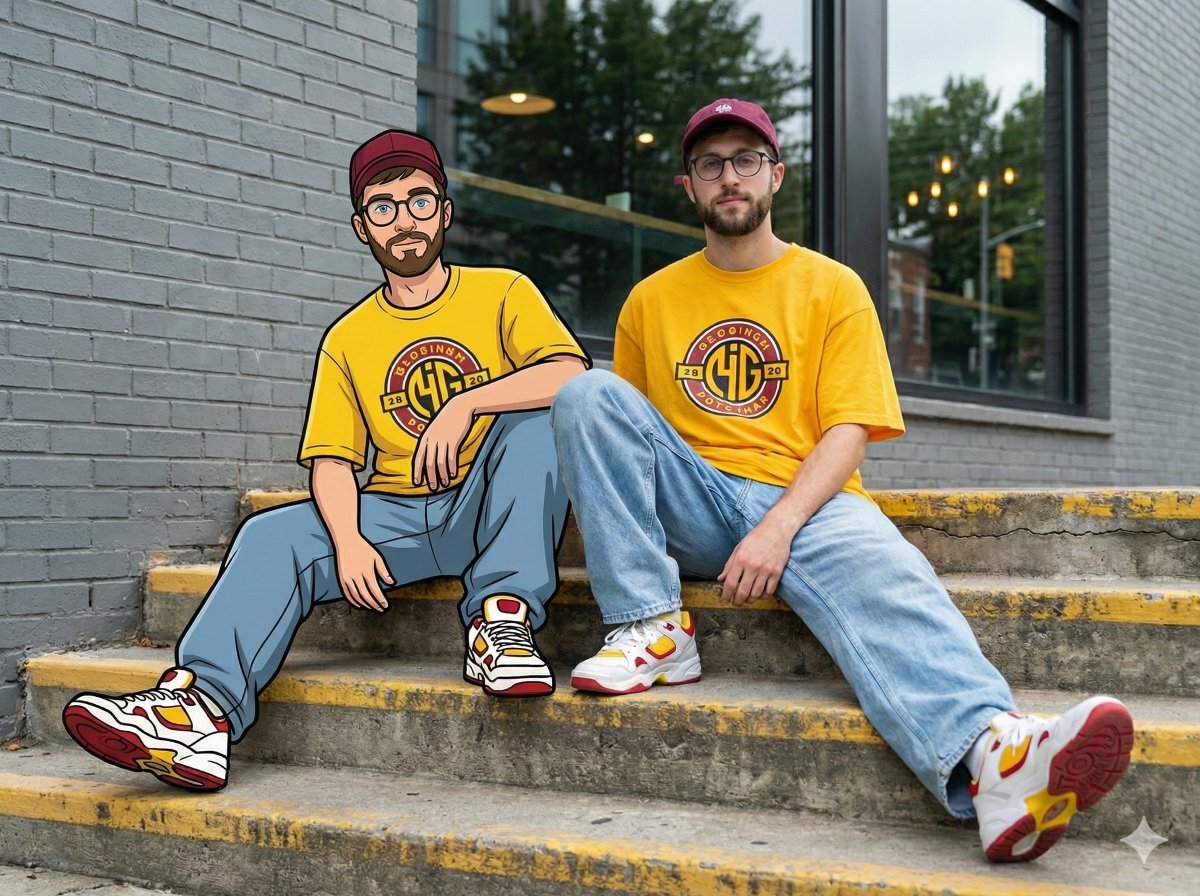
Mixed-Reality Street Portrait (Real Person with Cartoon Twin)
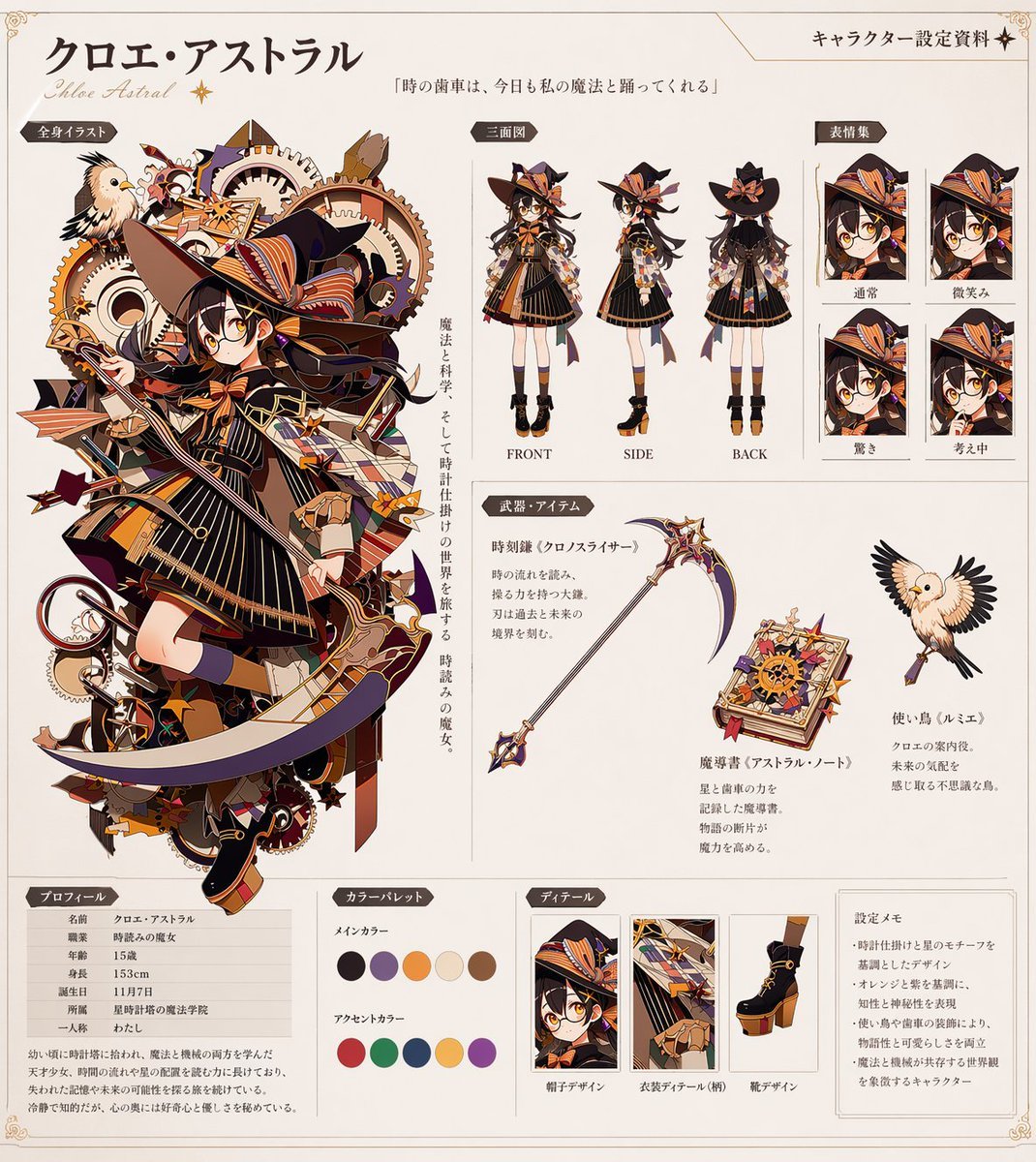
Anime Character Reference Sheet Generator
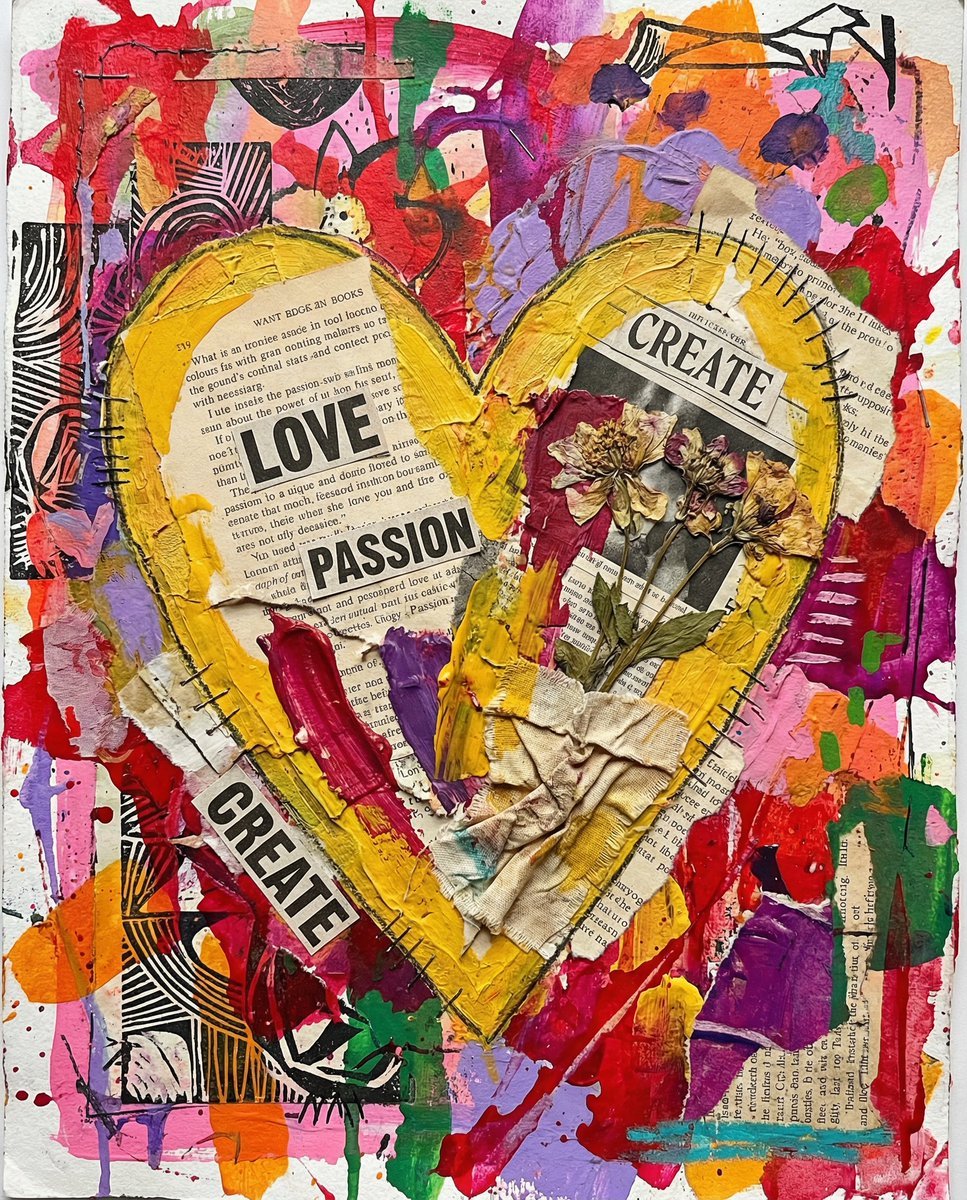
Nano Banana Pro prompt for a 3D, cute, cartoon character

Image Time Travel to 2025 (Reference)

Ultra-realistic cinematic portrait of a young woman
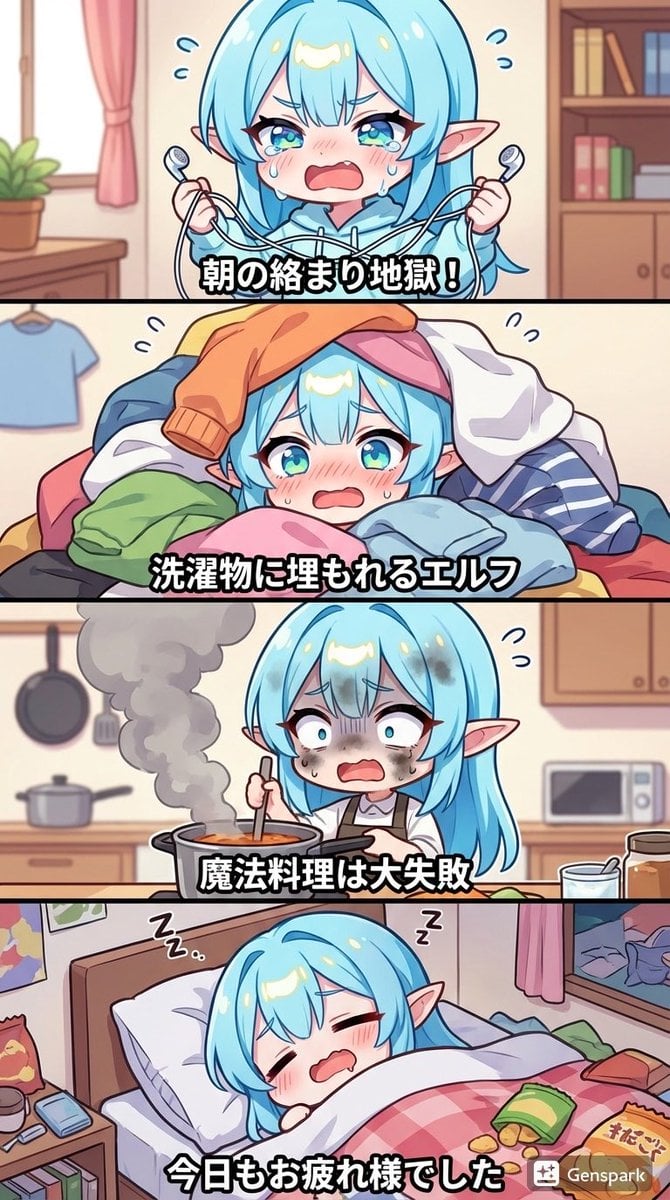
Four-panel comic about a clumsy elf
Minimal Clay Animal Trio
Browse template categories
Tiny Woman Hugging Giant Chocolate questions
How do I use the Tiny Woman Hugging Giant Chocolate template?
Add your photo if the template asks for one, edit the prompt if you like — the template's model and format are already selected — and press Generate. Your version opens in PicX Studio.
Can I customize the Tiny Woman Hugging Giant Chocolate template?
Yes. You can change the subject, setting, lighting, mood, format, and available model controls before creating your image.
Is the Tiny Woman Hugging Giant Chocolate template free?
Opening and editing this template is free. Generating uses credits, shown on the Generate button when you are signed in.
Which AI model should I use?
Start with GPT Image 2, which is the model associated with this template. You can compare another compatible model for a different finish.
Looking for something else? Browse all templates.

Your photo, any look
Thousands of ready templates for every top image and video model, from one credit balance.