
Champion Monster Adventure Poster
A cinematic vertical anime-realism poster featuring a chosen heroine, five digital monster companions, and collectible editorial typography for nostalgic fantasy game artwork.
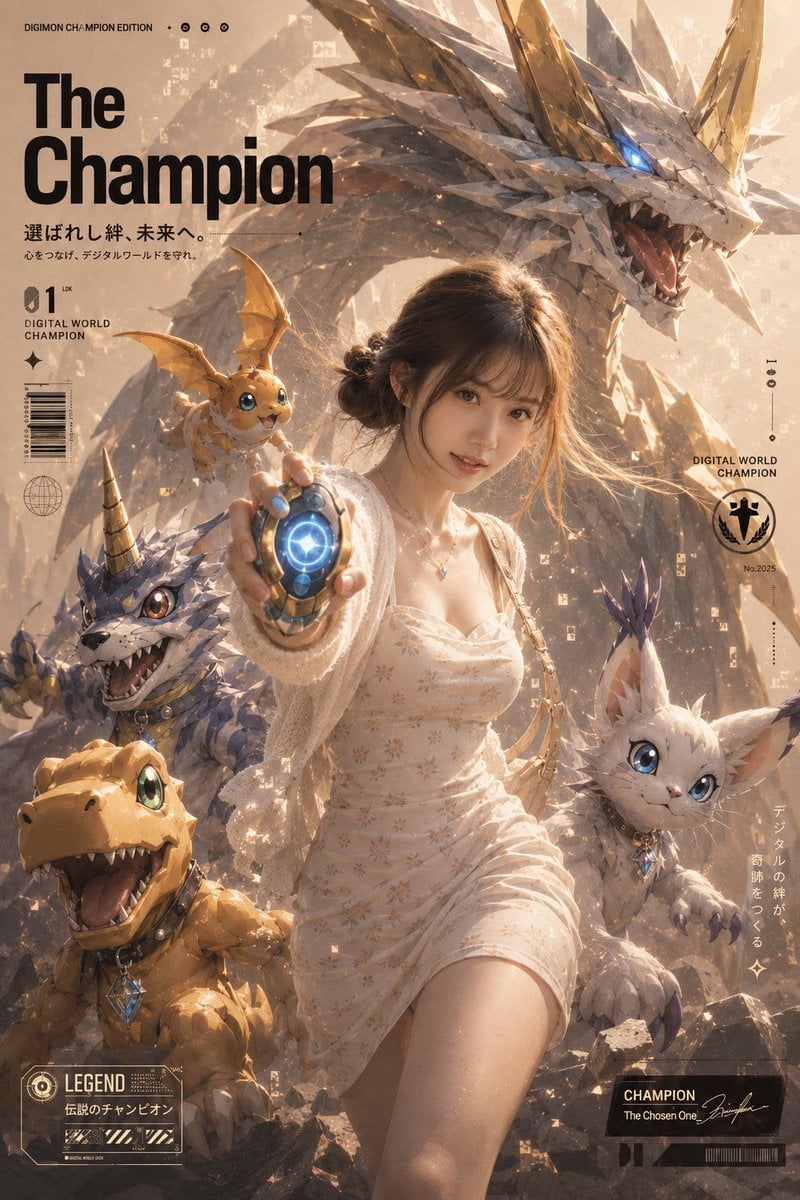
- Prompt included
- Model and format preset
- Free template
The prompt behind this image
Copy the exact prompt behind Champion Monster Adventure Poster, or open it in the studio and make it yours.
Goal: Create a cinematic vertical anime/fantasy collectible poster for {argument name="poster title" default="The Champion"}, styled like a nostalgic monster-partner adventure magazine cover, blending realistic lighting with high-detail creature design. Canvas: Tall portrait poster, 2:3 aspect ratio, warm beige and gold color grading, dusty sunlit atmosphere, dramatic backlight, floating digital pixel fragments, subtle paper-grain texture, premium key visual composition. Main subject: A young woman hero stands in the center foreground, running forward and reaching one hand toward the viewer. Her face is intentionally obscured by a plain medium-brown rectangular censor block. She has dark brown hair in a loose low bun, soft flyaway strands, a delicate necklace, a cream floral summer dress, and a loose white cardigan. In her outstretched hand she holds a glowing round digital device with a bright blue circular core and metallic gold casing. Creature count: Include exactly 5 monster companions. 1) A huge crystalline white-and-gold dragon fills the upper background, arcing behind the hero, with jagged crystal armor, long golden horns, open roaring mouth, sharp teeth, and one glowing electric-blue eye. 2) A tiny orange winged mascot sits near the hero’s raised hand, cute face, blue eyes, small bat-like wings, and cheerful expression. 3) A blue-gray horned wolf/reptile creature crouches on the lower left behind the hero, spiky fur scales, one striped horn, open snarling mouth, collar, and gem pendant. 4) An orange dinosaur-like creature occupies the bottom left foreground, big green eye, open happy roaring mouth, rounded snout, collar, and blue gem pendant. 5) A white cat-rabbit creature on the lower right, blue eyes, purple-tipped ear tufts, fluffy body, collar, gem pendant, and alert pose. Layout and typography: Place large bold black sans-serif title text in the upper left reading {argument name="poster title" default="The Champion"}. Above it, add small text reading “DIGIMON CHAMPION EDITION” with tiny circular icons. Under the title, add Japanese subtitle text: 「選ばれし絆、未来へ。」 and a smaller Japanese line beneath it. Add left-side editorial markings: “01”, “DIGITAL WORLD CHAMPION”, a vertical barcode, and a small globe icon. Add right-side markings: a circular champion emblem, “DIGITAL WORLD CHAMPION”, “No.2025”, vertical Japanese text, and thin measurement-line graphics. Add bottom-left collectible card panel with “LEGEND” and Japanese text 「伝説のチャンピオン」. Add bottom-right black label panel with “CHAMPION”, “The Chosen One”, a signature scribble, and barcode-like decoration. Visual style: Ultra-detailed anime-realism, cinematic fantasy poster, high-end game promotional art, glossy creature eyes, crystalline scales, warm dust particles, volumetric sunlight, shallow depth of field, dynamic diagonal composition, heroic nostalgic adventure mood. Constraints: Keep the composition crowded but readable, use exactly the 5 listed creatures, preserve the obscured face block, avoid extra characters, avoid logos or watermarks beyond the designed fictional poster text.
How to use Champion Monster Adventure Poster in 3 steps
- 1Upload ImagePNG, JPG or paste
Add your photo
Upload the photo the template builds on. The prompt, model and format are already set.
- 2…a portrait of your subject in softgolden-hour light, 85mm…
Personalize
Edit the subject and creative details for your destination.
- 3Generate
Generate
Press Generate — your image is created in PicX Studio, so you can compare it with the original and refine one variable at a time.
More like this
Templates with the same subject, style or setup. Open one to see its prompt.
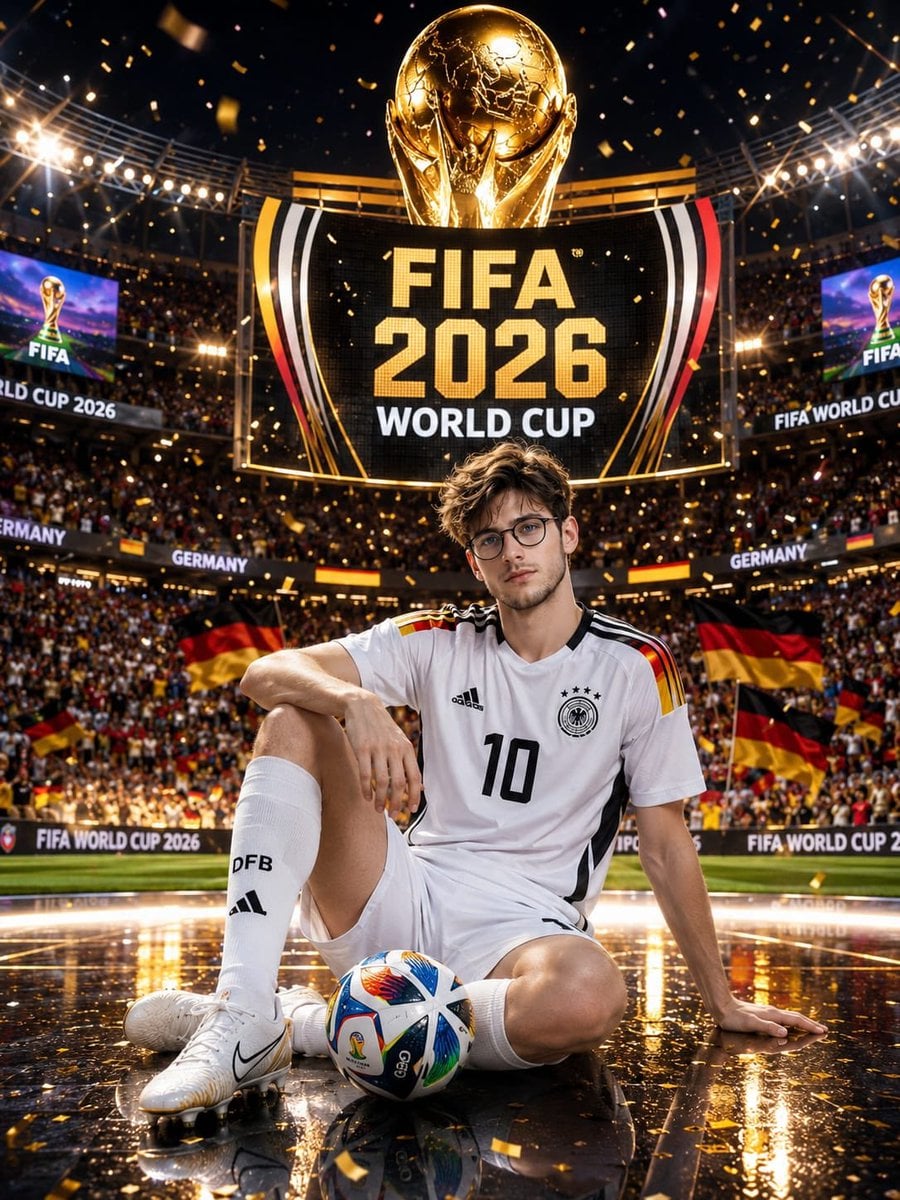
Germany 10 Championship Celebration Poster

Japan Travel Brochure Poster

Cartoon TV Show Poster Pack

Trendy Cafe Drink Promo Poster

Urban Fashion Editorial Collage Streetwear Poster

Premium Fashion Editorial Cover Layout System

Polo Ralph Lauren Luxury American Heritage Fashion Campaign

Monochrome Halftone Editorial Fashion Poster

Retro Mirror Luxury Fashion Campaign Poster

Luxury Fashion Campaign Typography Poster System

Premium Fashion Editorial Campaign Poster System

Ultra-Stylized High-Fashion Streetwear Poster
Make it yours
Champion Monster Adventure Poster works as-is. These are the safest ways to change it without losing the look.
Change one field
Copy a single group, rewrite it, and generate again so you can see what that field is doing.
Keep the frame, change the subject
Hold the composition and light of Champion Monster Adventure Poster, then swap wardrobe, props or the person for a new take.
| If the result… | Why | Fix |
|---|---|---|
| The result drifts from the preview | Too many fields changed at once. | Reuse Champion Monster Adventure Poster as-is first, then change one group — subject, light, or setting. |
| The model over-stylizes the scene | The prose prompt leaves finish and camera underspecified. | Add one camera or lighting sentence and stay on GPT Image 2. |
More GPT Image 2 templates
Other prompts made for GPT Image 2.

Six VTuber Japanese Logo Sheet

Realistic Portrait of Woman and Deer

The Vista Modular Condo Poster

AI Model Routing Comparison Infographic

2.5D Anime Art Board

Isometric Productivity Desk Scene

New York Double Exposure Poster

Four-Panel AI Landscape Comparison

Japanese Tatami Lifestyle Magazine Cover

NESCAFÉ Coffee Map Poster
More image prompts
Fresh picks from across the catalog.
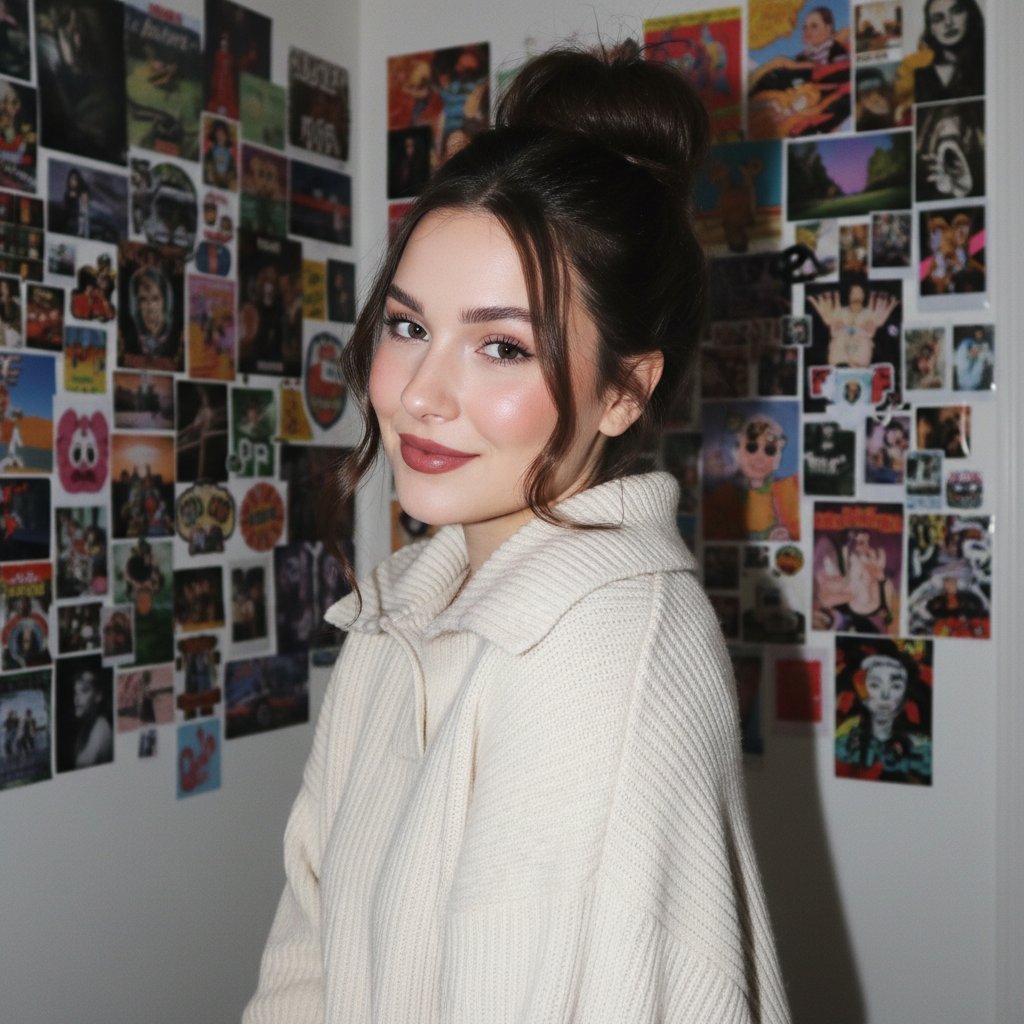
Gen Z/Y2K Flash Portrait in Poster-Covered Bedroom
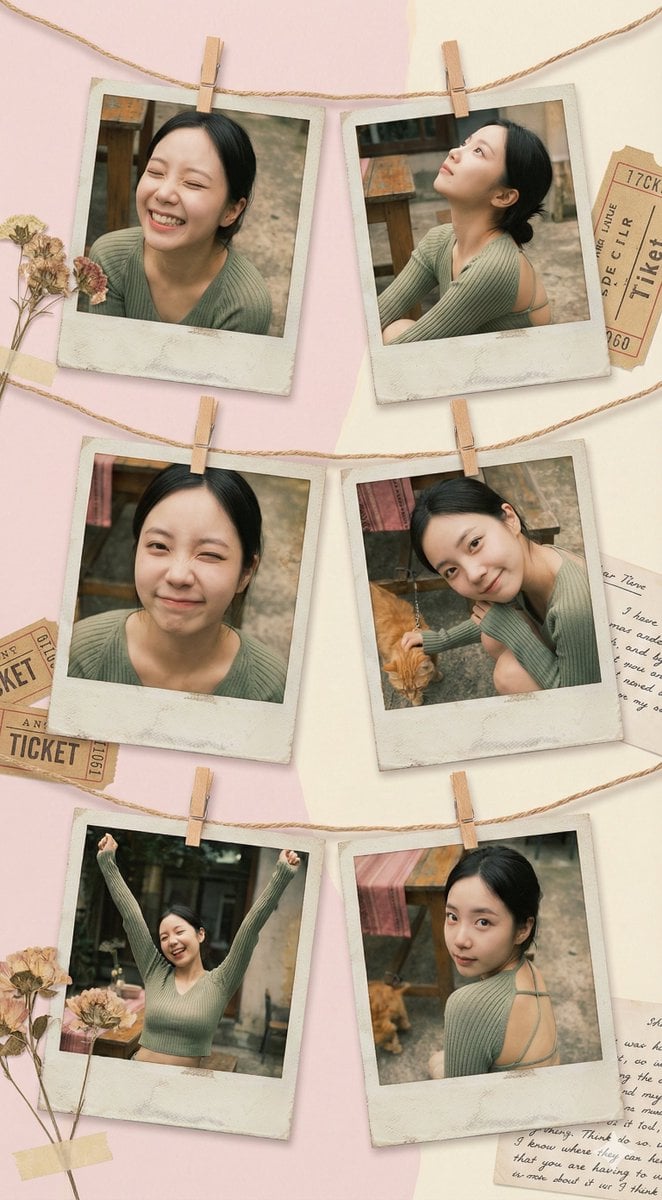
Vintage Polaroid collage portrait prompt
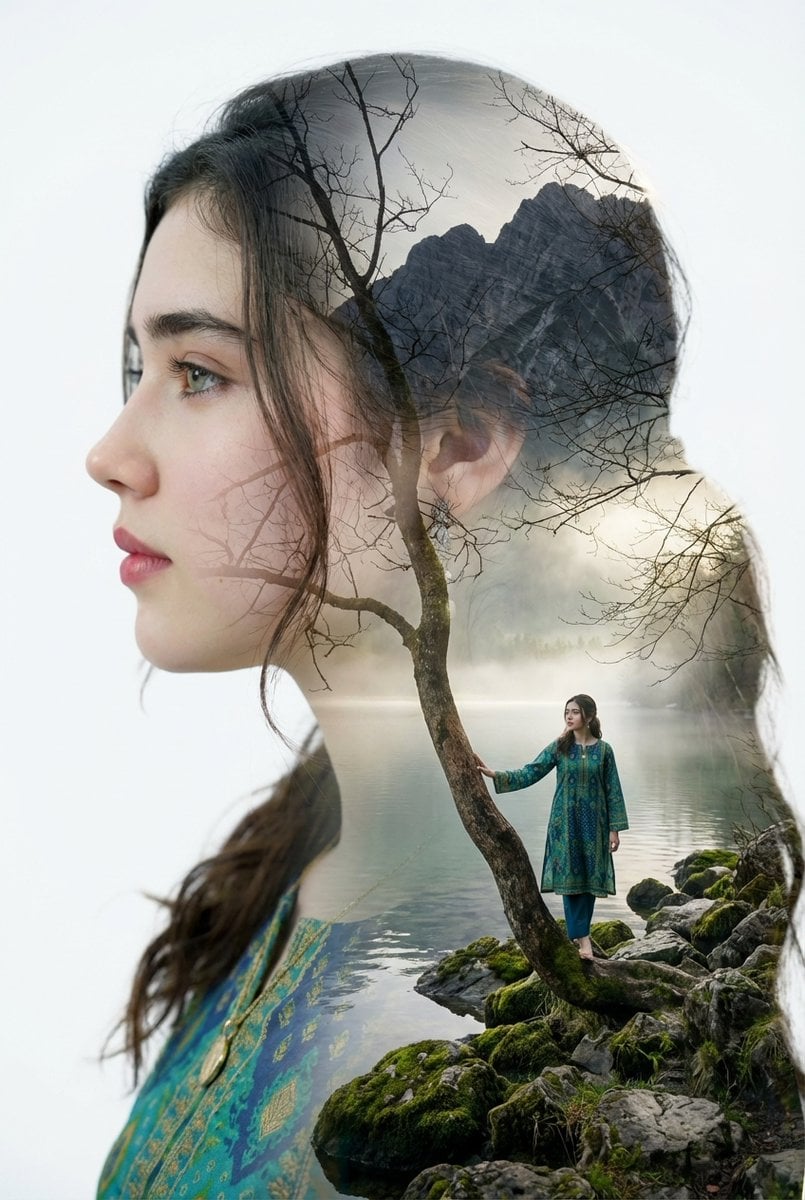
Double Exposure Portrait with Tree Branches and Landscape
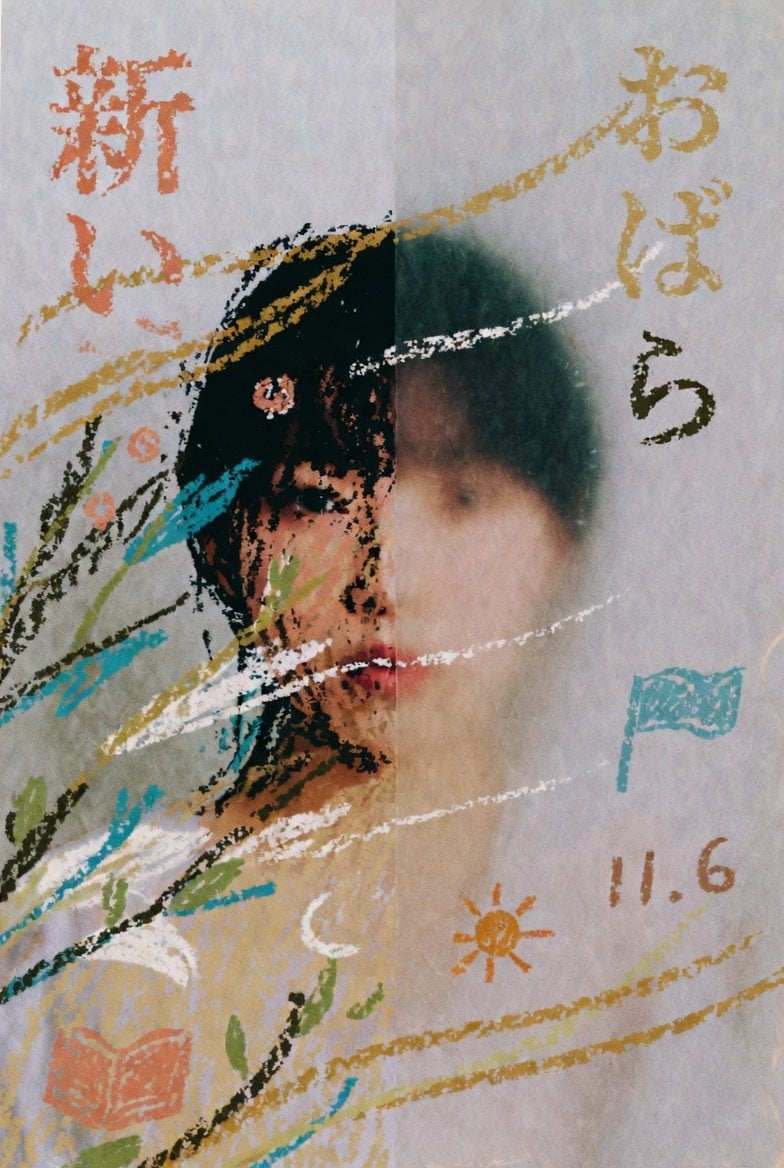
Childlike Pastel Portrait Collage

Studio Quality Portrait Generation Using

Nano Banana 2 Tulip Field
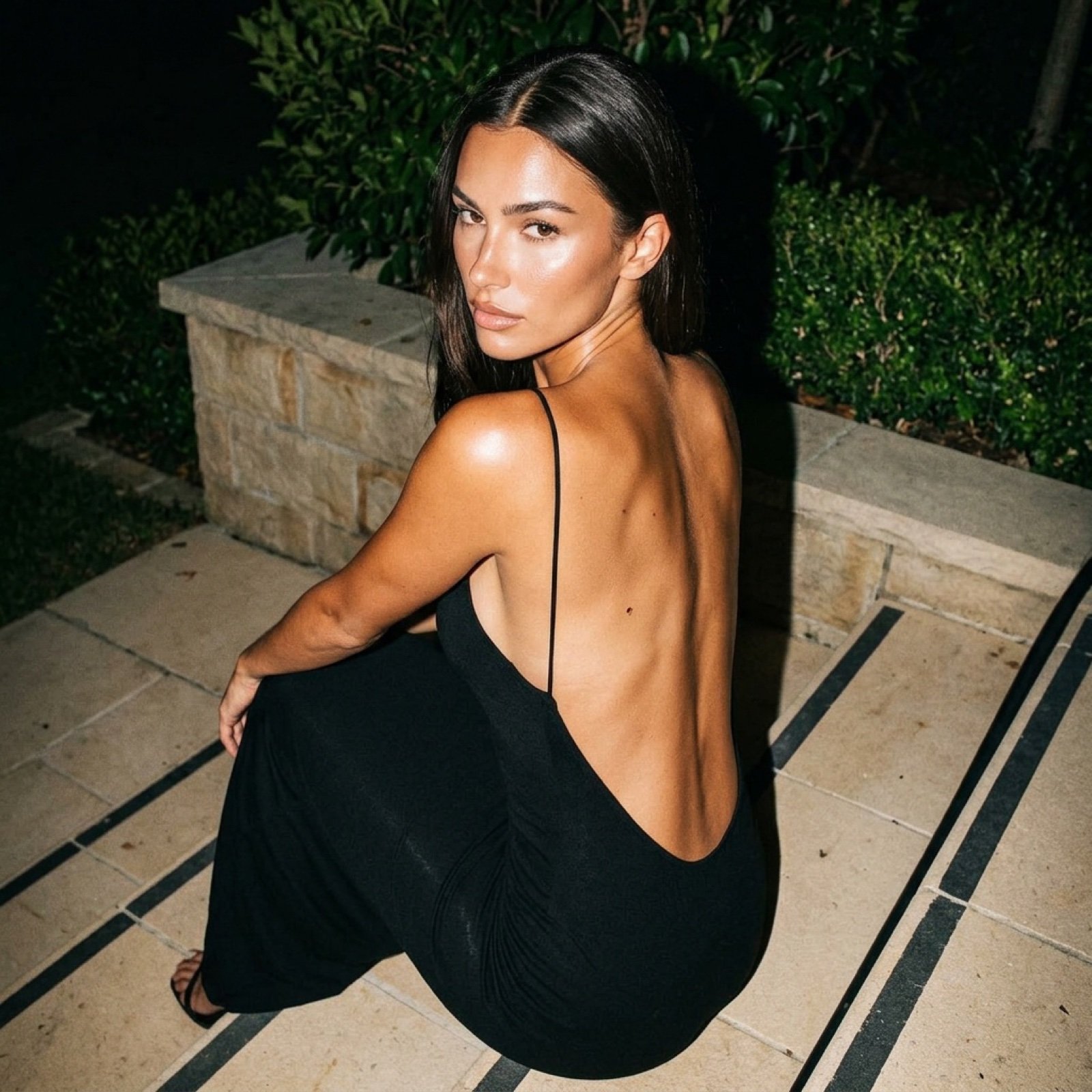
Hard Flash Backless Dress Night Photo Prompt
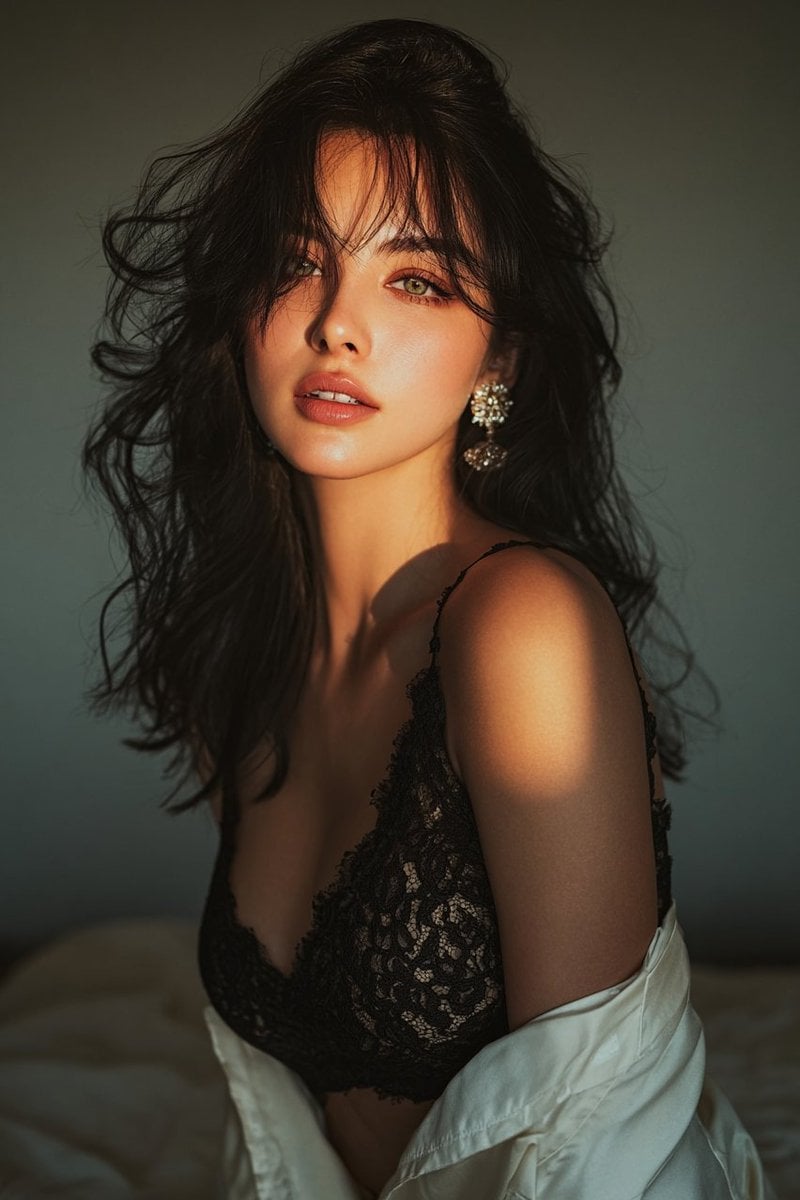
Golden hour portrait of a woman in black lace dress
Anime Countryside iPhone Lock Screen
Cinematic Street Portrait
Browse template categories
Champion Monster Adventure Poster questions
How do I use the Champion Monster Adventure Poster template?
Add your photo if the template asks for one, edit the prompt if you like — the template's model and format are already selected — and press Generate. Your version opens in PicX Studio.
Can I customize the Champion Monster Adventure Poster template?
Yes. You can change the subject, setting, lighting, mood, format, and available model controls before creating your image.
Is the Champion Monster Adventure Poster template free?
Opening and editing this template is free. Generating uses credits, shown on the Generate button when you are signed in.
Which AI model should I use?
Start with GPT Image 2, which is the model associated with this template. You can compare another compatible model for a different finish.
Looking for something else? Browse all templates.

Your photo, any look
Thousands of ready templates for every top image and video model, from one credit balance.