
Golden hour portrait of a woman in black lace dress
A portrait photography-style prompt for generating a warm golden-hour image of a beautiful woman based on a provided reference face and hairstyle, with luxurious black lace clothing and mysterious expression.
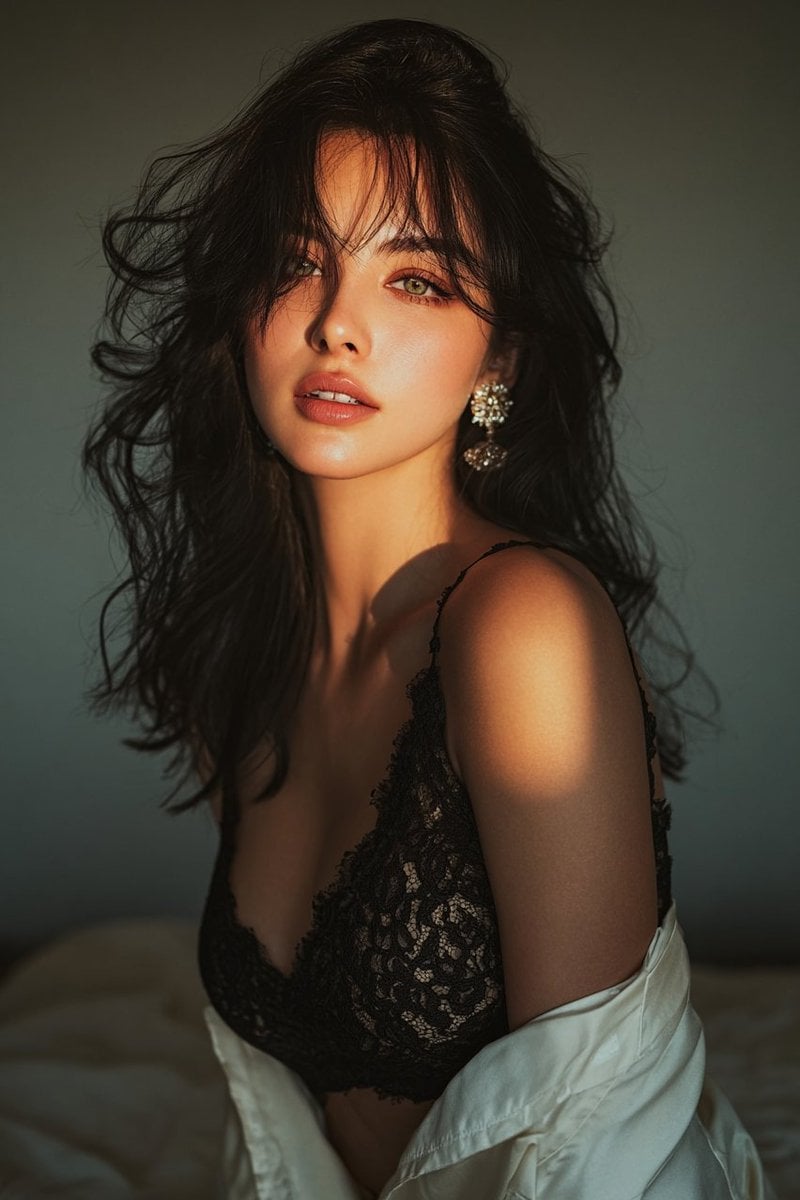
- Prompt included
- Model and format preset
- Free template
The prompt behind this image
Copy the exact prompt behind Golden hour portrait of a woman in black lace dress, or open it in the studio and make it yours.
拍攝一張金色時刻的暖色調光線,模特是一位美麗的女士,使用提供的照片中的面部特徵和髮型。她身穿一件奢華的黑色蕾絲吊帶,袖子上有一個時尚的鏤空設計。優雅自信的姿態,她回眸一瞥,眼神優雅而神秘。她有一雙灰色的眼睛,一頭烏黑的長髮如瀑布般傾瀉而下。
How to use Golden hour portrait of a woman in black lace dress in 3 steps
- 1
Open
The prompt is already in the box next to the preview, with the template's model and format selected.
- 2…a portrait of your subject in softgolden-hour light, 85mm…
Personalize
Edit the subject and creative details for your destination.
- 3Generate
Generate
Press Generate — your image is created in PicX Studio, so you can compare it with the original and refine one variable at a time.
More like this
Templates with the same subject, style or setup. Open one to see its prompt.

80s Golden Hour Cinema

Rooftop Fisheye — Cat-Ear Balaclava at Golden Hour
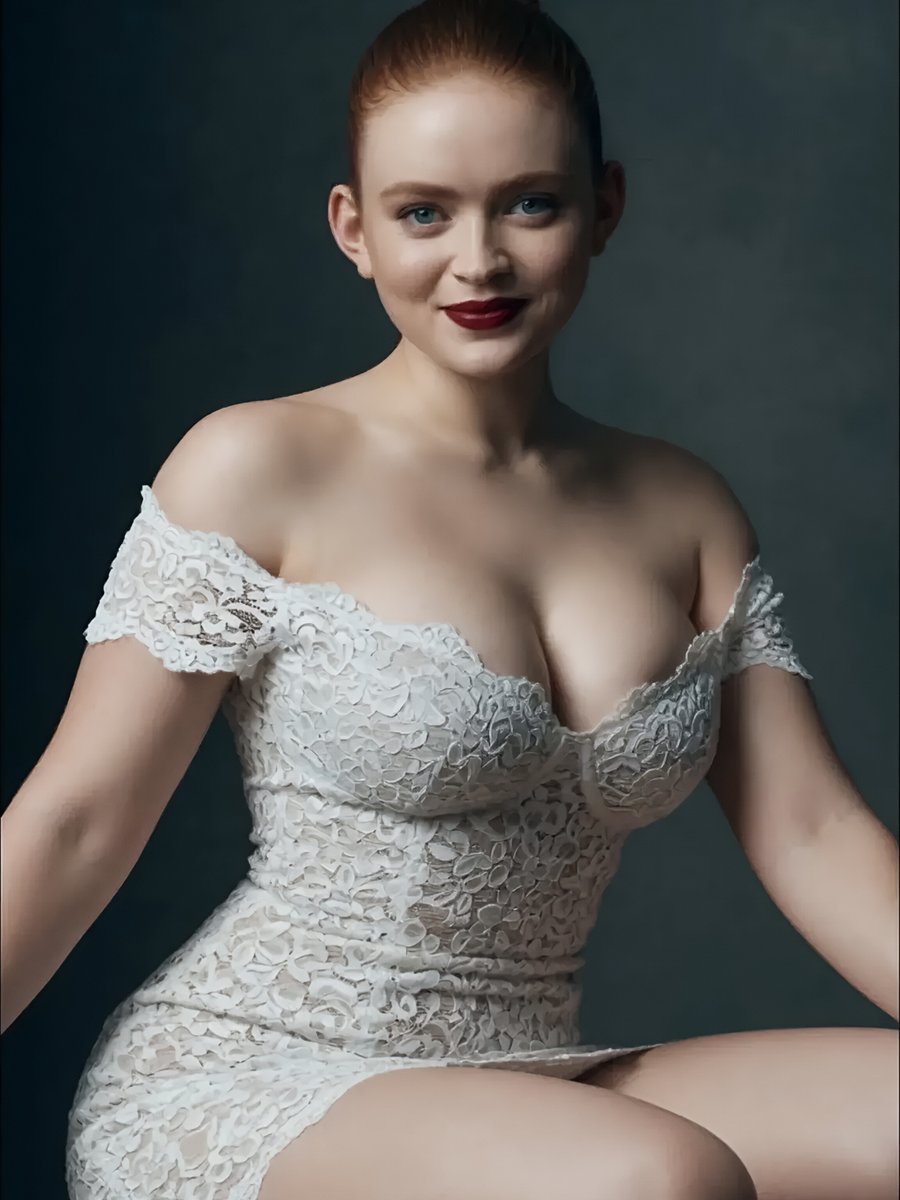
Studio Portrait of Woman in Lace Dress
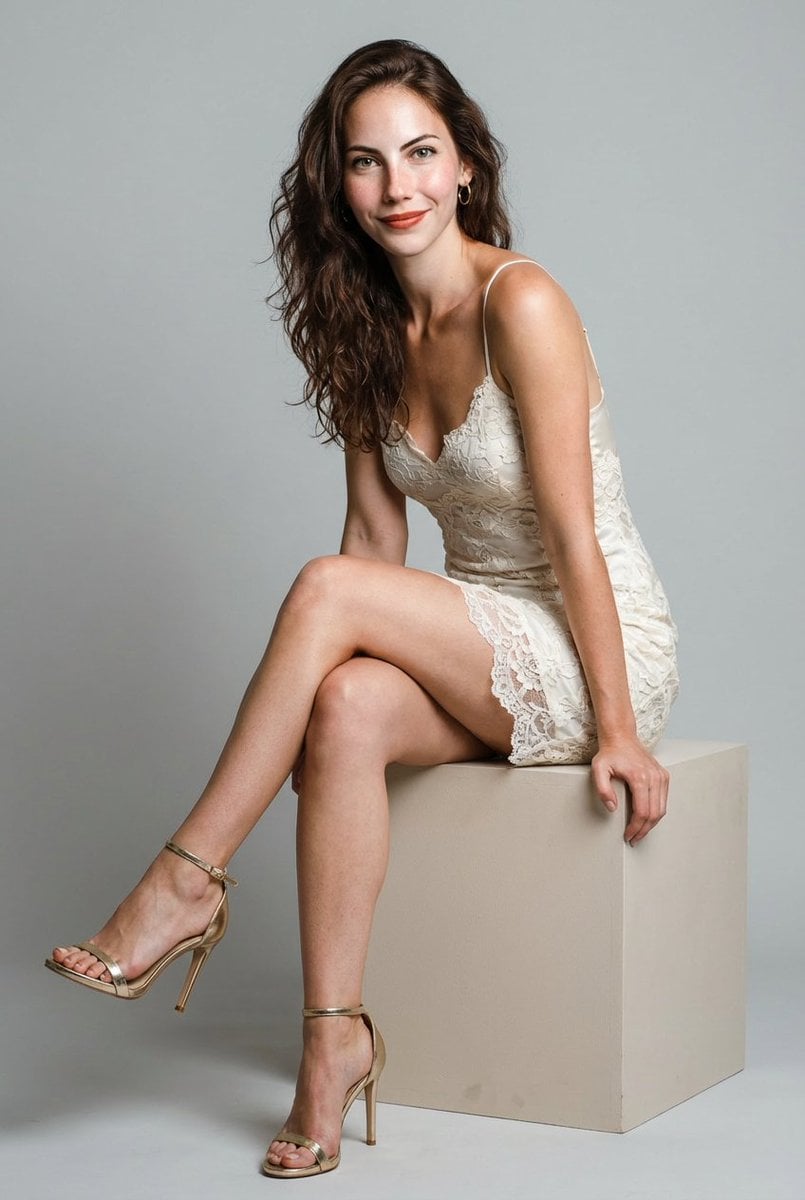
Hyper-Realistic Studio Shoot of Woman in Lace Minidress

Couture Fashion Editorial Woman and Drag

Cinematic Golden Hour Garden Portrait

Cinematic Golden Hour Urban Portrait

Golden Hour Redhead Portrait

Golden Hour Cinematic Boss Energy Portrait

Golden Hour Cinematic Portrait
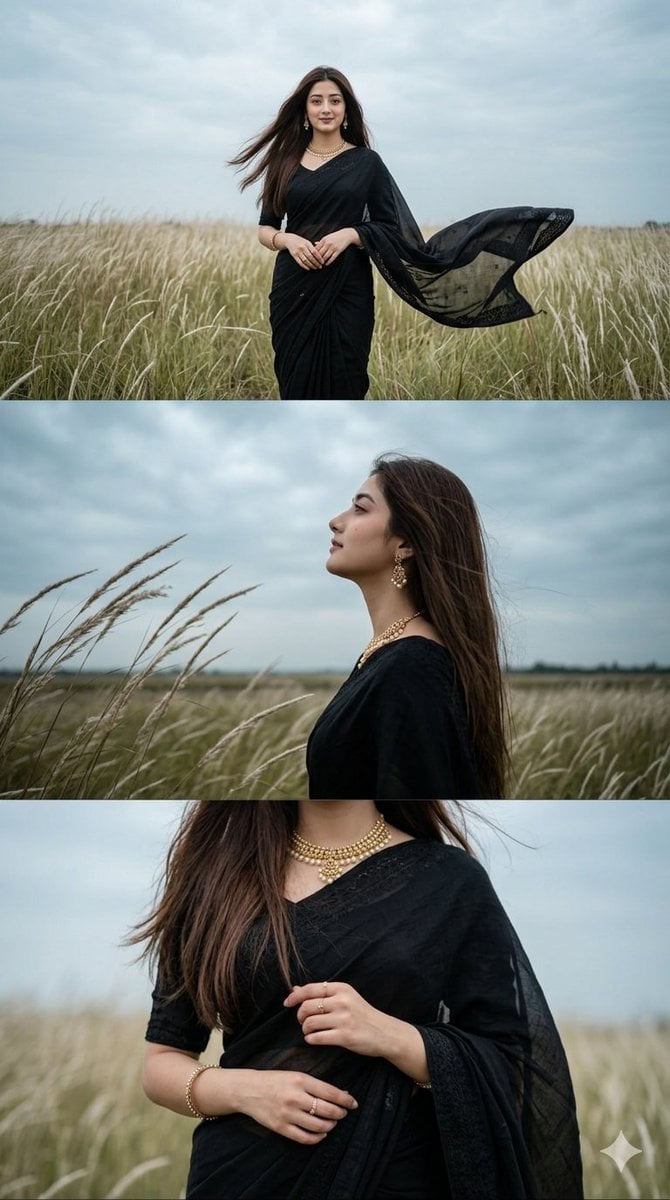
Black Saree Triptych Woman Portrait
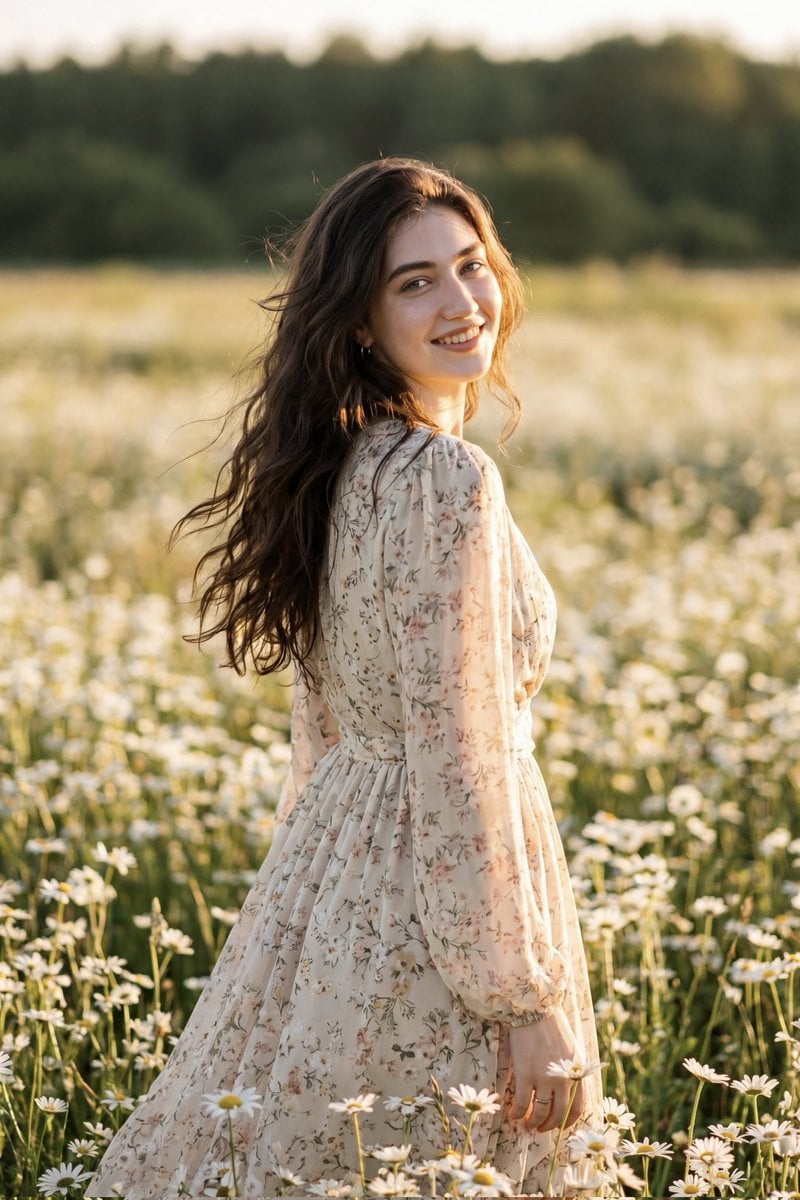
Golden Hour Daisy Field Portrait
Make it yours
Golden hour portrait of a woman in black lace dress works as-is. These are the safest ways to change it without losing the look.
Change one field
Copy a single group, rewrite it, and generate again so you can see what that field is doing.
Keep the frame, change the subject
Hold the composition and light of Golden hour portrait of a woman in black lace dress, then swap wardrobe, props or the person for a new take.
| If the result… | Why | Fix |
|---|---|---|
| The result drifts from the preview | Too many fields changed at once. | Reuse Golden hour portrait of a woman in black lace dress as-is first, then change one group — subject, light, or setting. |
| The model over-stylizes the scene | The prose prompt leaves finish and camera underspecified. | Add one camera or lighting sentence and stay on Nano Banana 2. |
More Nano Banana 2 templates
Other prompts made for Nano Banana 2.

Photorealistic Leaf Shaped Like a Dragon

K-Pop Idol Portrait Grid for Rapid Selection

Poetic Rain Forest Portrait During Golden Hour

Urban Street Portrait with Cartoon Inner Self Duo

Candid Nighttime Photo with Cat Prompt

High-Concept 3D Diorama Generation Prompt

Cinematic Futuristic Studio Portrait Template

Skincare Editorial Photography Collage Prompt

Hyper-Realistic Commercial Product Photography (Splash Effect)

Hyper-Realistic Nightclub Portrait Prompt
More image prompts
Fresh picks from across the catalog.

Kawaii Bento Inspired by Futures Trading Debacle
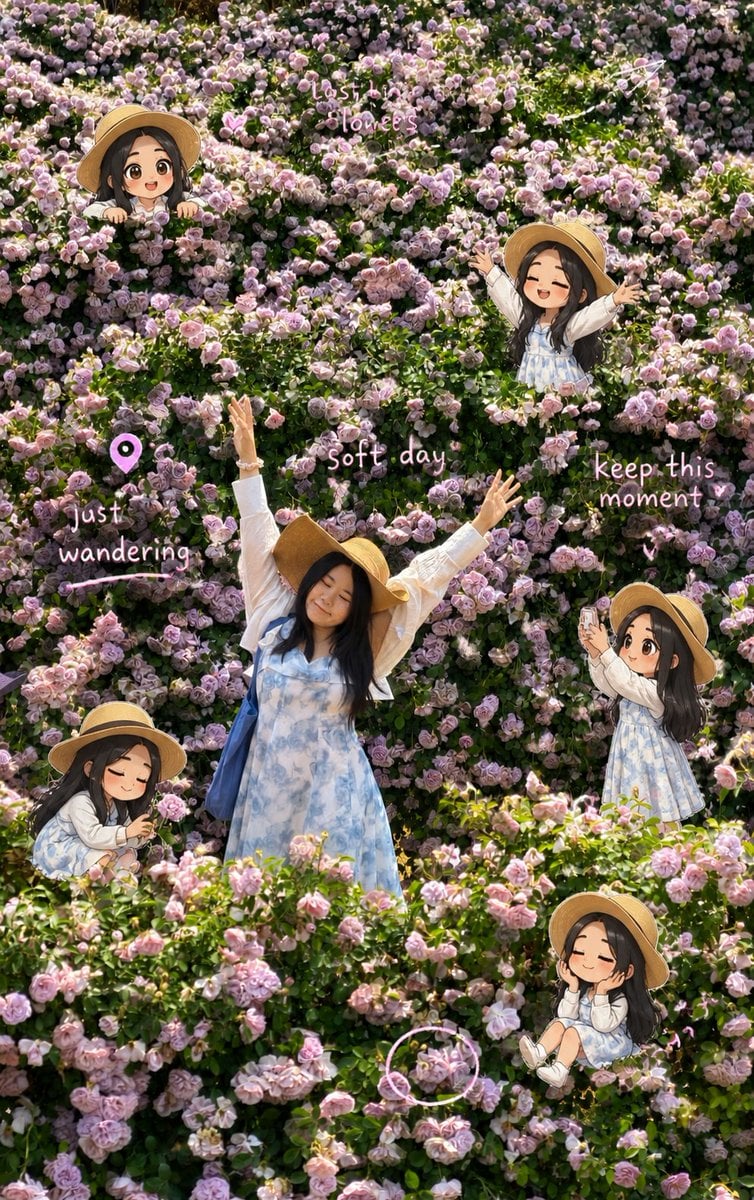
Travel Scrapbook Chibi Collage Creator

Anime Starry Night Sky with Custom Neon Text
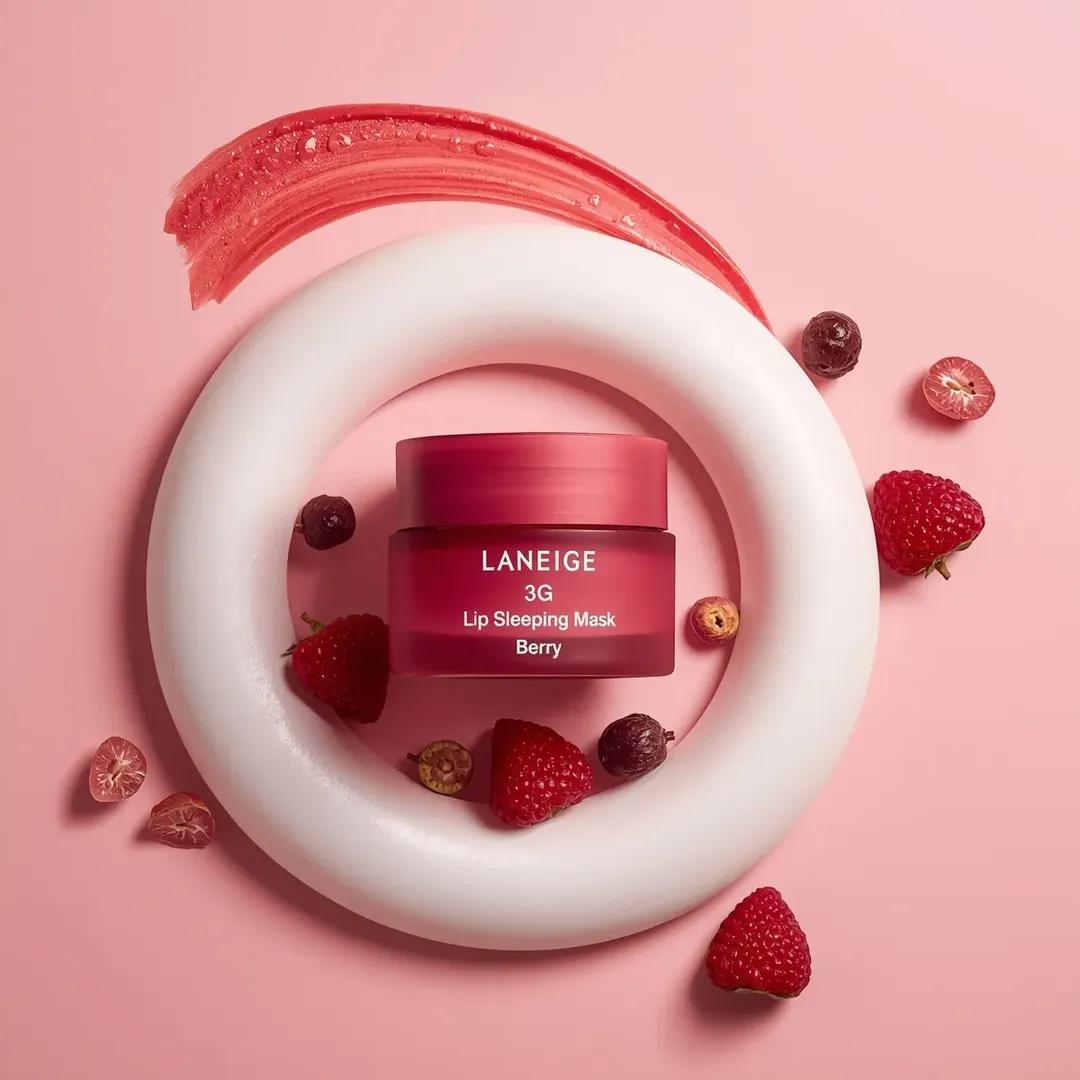
Commercial Cosmetic Product Photography Prompt
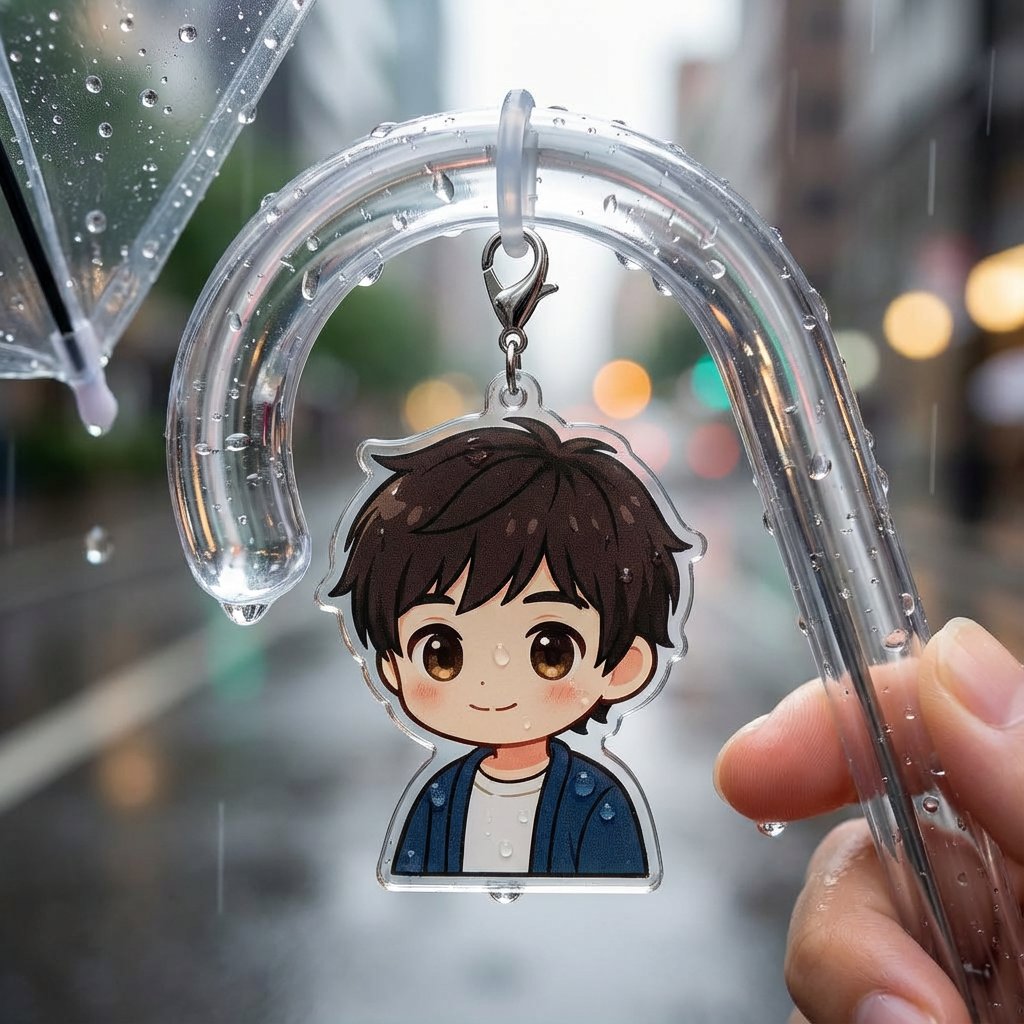
Umbrella Marker Accessory Generation
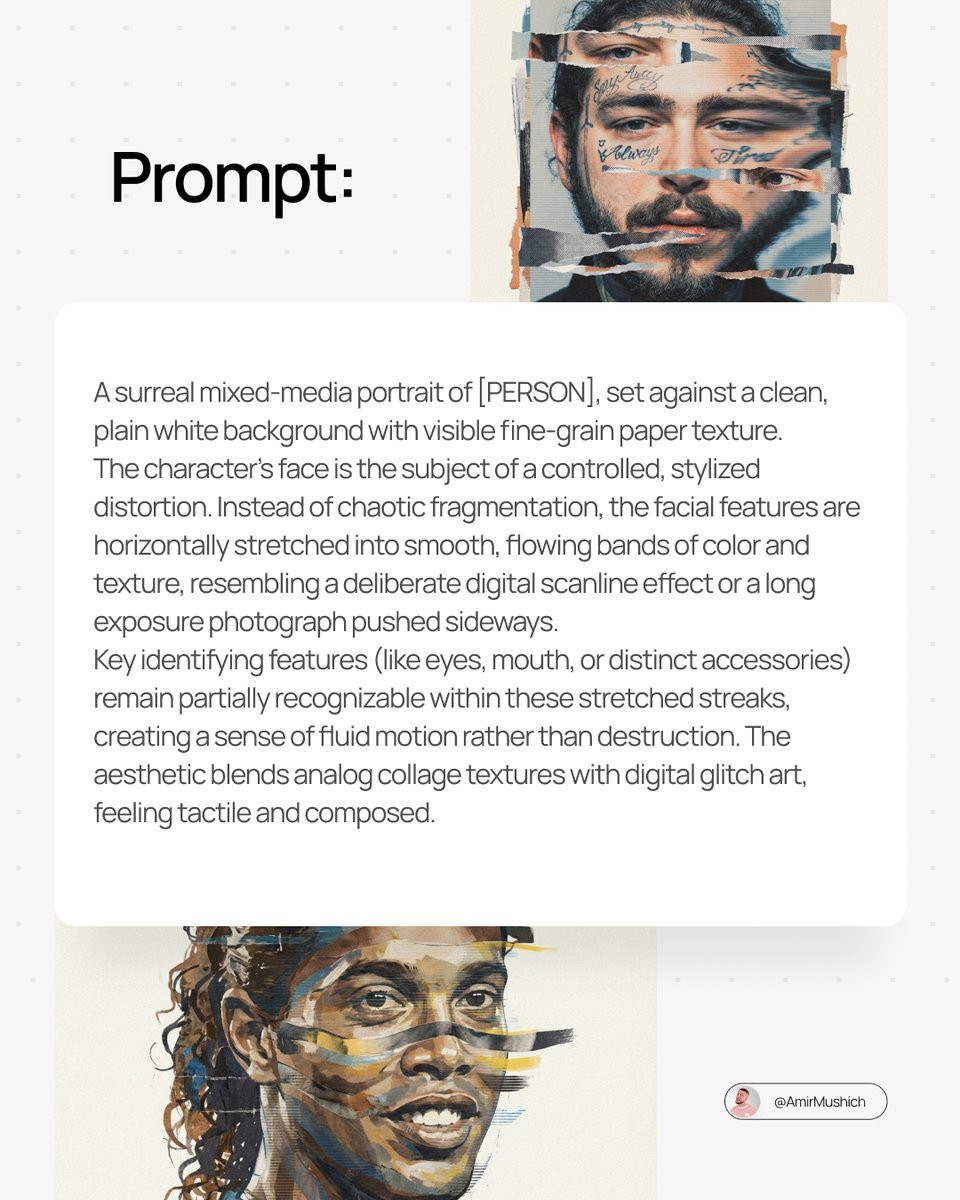
Surreal Mixed-Media Glitch Portrait Prompt
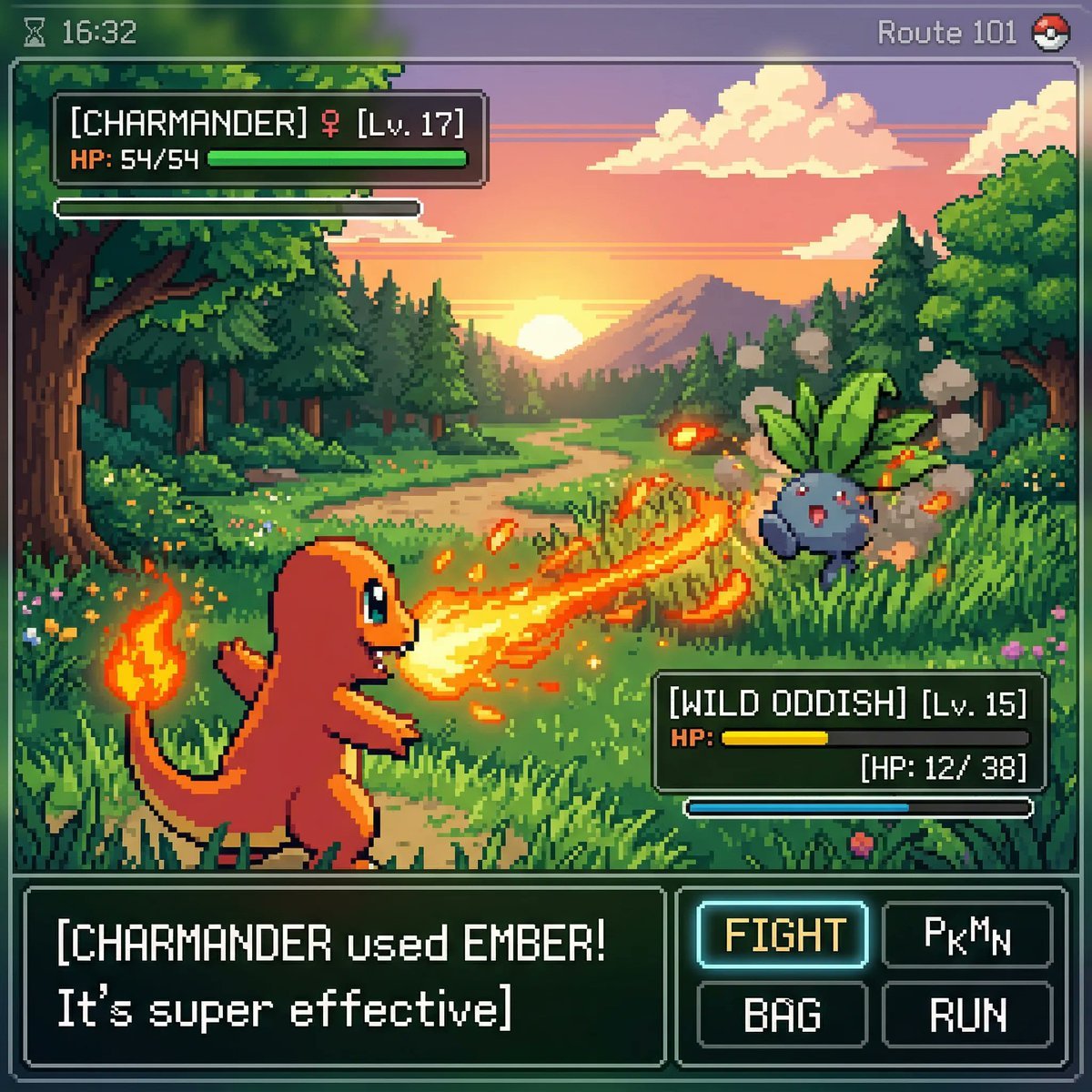
Retro Game Pixel Art Battle
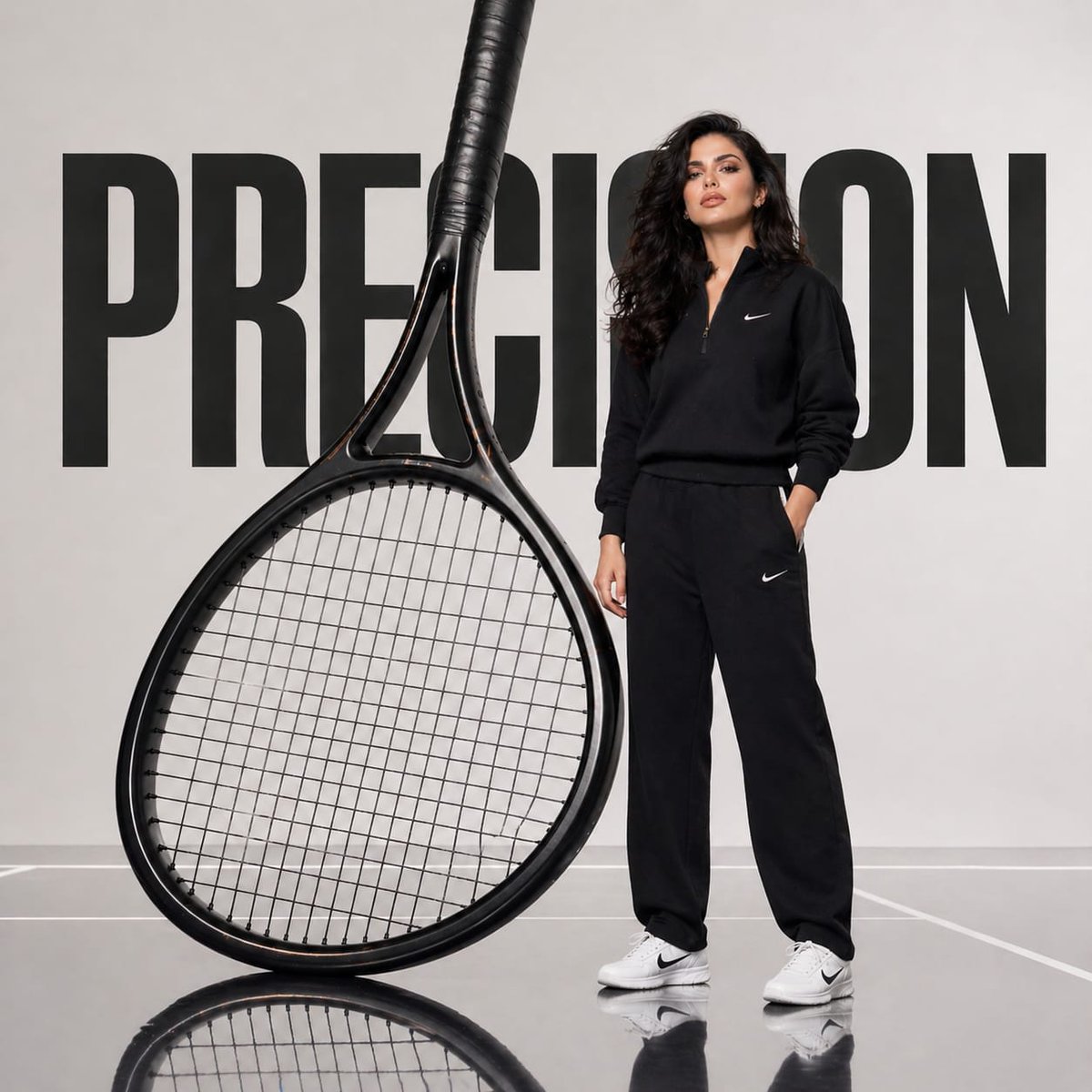
Avant-Garde Athletic Fashion Campaign
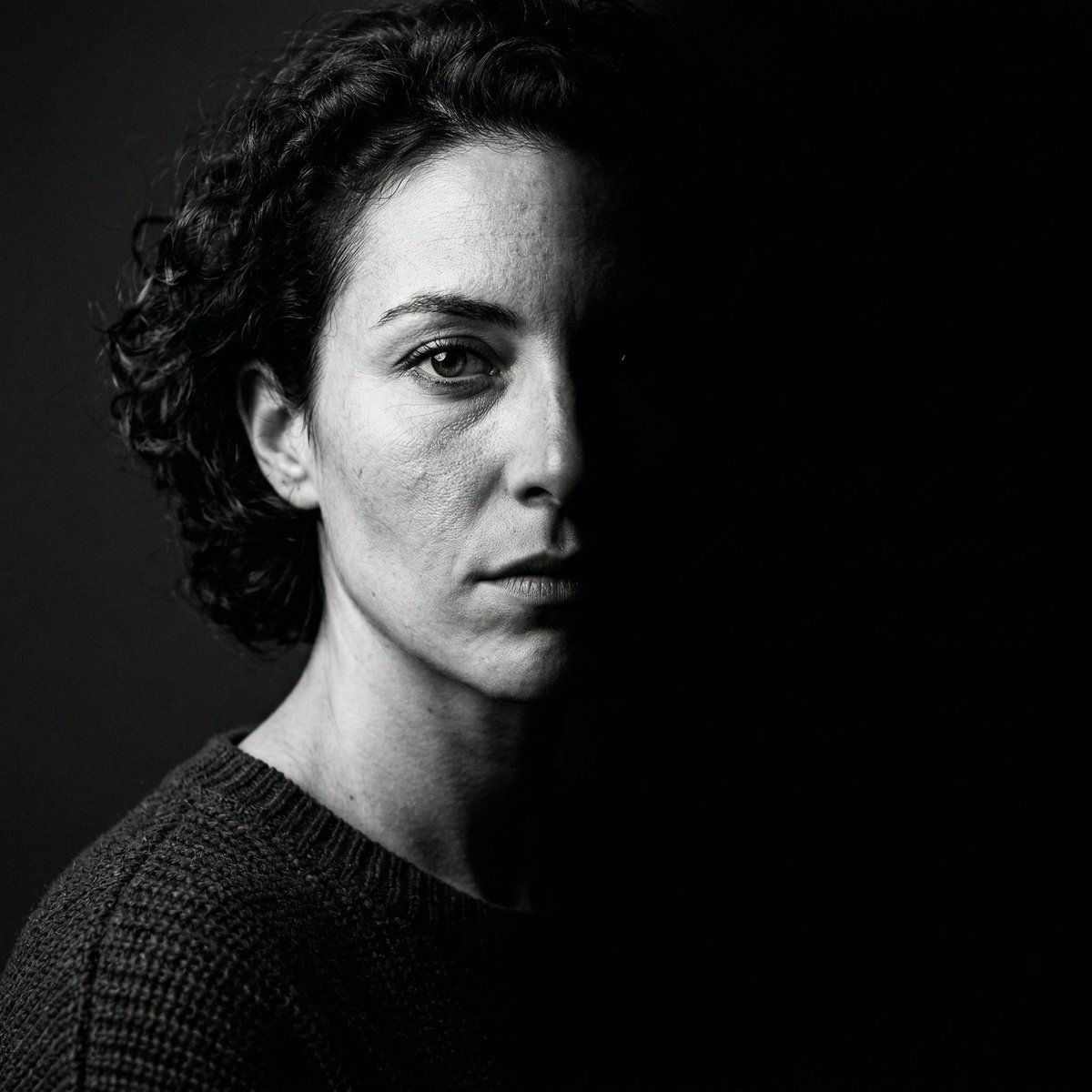
Nano Banana 2 Generation Examples and Prompts

Floating Woman Above Cityscape with Notifications
Browse template categories
Golden hour portrait of a woman in black lace dress questions
How do I use the Golden hour portrait of a woman in black lace dress template?
Add your photo if the template asks for one, edit the prompt if you like — the template's model and format are already selected — and press Generate. Your version opens in PicX Studio.
Can I customize the Golden hour portrait of a woman in black lace dress template?
Yes. You can change the subject, setting, lighting, mood, format, and available model controls before creating your image.
Is the Golden hour portrait of a woman in black lace dress template free?
Opening and editing this template is free. Generating uses credits, shown on the Generate button when you are signed in.
Which AI model should I use?
Start with Nano Banana 2, which is the model associated with this template. You can compare another compatible model for a different finish.
Looking for something else? Browse all templates.

Your photo, any look
Thousands of ready templates for every top image and video model, from one credit balance.