
Travel Scrapbook Chibi Collage Creator
A detailed prompt for creating cute chibi-style overlays for travel photos, maintaining the original background while adding charming character illustrations in a scrapbook aesthetic.
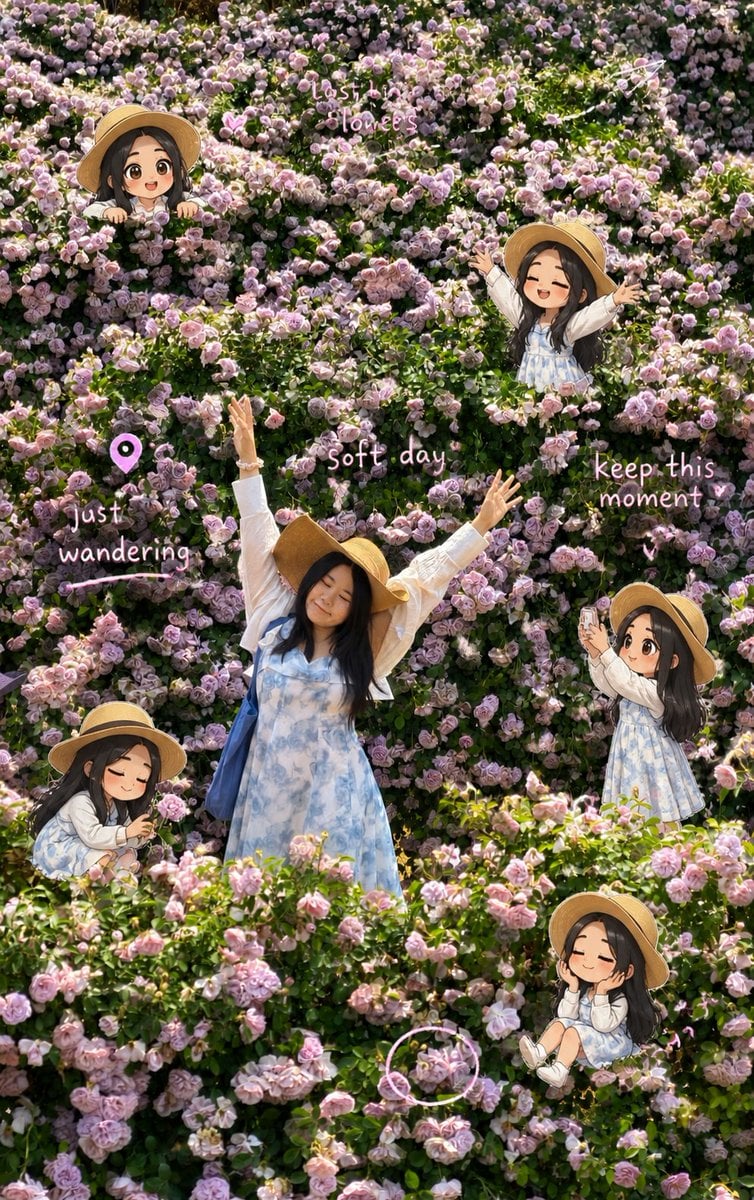
- Prompt included
- Model and format preset
- Free template
The prompt behind this image
Copy the exact prompt behind Travel Scrapbook Chibi Collage Creator, or open it in the studio and make it yours.
Transform the uploaded travel photo into a playful travel scrapbook chibi collage while preserving the original photo as the base image. Keep the original photo recognizable and structurally intact. Preserve the main person's facial features, expression, body shape, pose, outfit, lighting, and real background. Do not replace the person, change their identity, redraw their face, or alter the actual travel setting. The edit should feel like illustration and scrapbook elements have been layered on top of a real photo. Add 4 to 7 cute chibi-style mini versions of the person from the uploaded photo. Each mini character should be based on the same person, keeping consistent facial traits, hairstyle, outfit details, and overall personality. Use big-head chibi proportions, lively expressions, refined details, and a light cartoon-rendered look. Make every mini character do a different natural travel action. Choose varied candid moments such as taking photos, walking while looking around, reading a map, checking navigation, pulling luggage, drinking coffee, gazing at scenery, posing near a landmark, crouching to notice flowers or street details, filming with a phone, having hair blown by the wind, looking around while slightly lost, or jumping happily. The poses should feel spontaneous and life-like, as if captured during a real trip, not staged. Overlay hand-drawn doodles, handwritten notes, and sticker-like details to create a relaxed travel journal scrapbook style. Use mainly white and soft pink accents, with slightly uneven hand-drawn lines. Include elements such as arrows, stars, hearts, sparkles, tiny airplanes, location pins, dashed route lines, hand-drawn circles, tape pieces, stickers, and small decorative marks. Add 3 to 6 short handwritten English phrases related to travel mood and memories. Vary the phrases each time instead of using a fixed set. Examples of the tone include: "go somewhere new", "chase the horizon", "little moments matter", "memory unlocked", "lost but happy", "soft days", "just wandering", "no plans, just go", "take it slow", "follow the sun", "breathe and see", "quiet joy", and "this feels right". Place the handwritten phrases near the person, mini characters, or travel actions so the text interacts naturally with the image. Avoid neat or formal typography. The writing should feel casual, personal, and spontaneously added to a travel journal. The final image should feel light, healing, airy, cute, and relaxed, with a sense of freedom and travel nostalgia. Keep a balanced mix of real photo and subtle illustration enhancement. The viewer should first recognize it as a real travel photo, then notice the charming chibi characters and scrapbook details.
How to use Travel Scrapbook Chibi Collage Creator in 3 steps
- 1Upload ImagePNG, JPG or paste
Add your photo
Upload the photo the template builds on. The prompt, model and format are already set.
- 2…a portrait of your subject in softgolden-hour light, 85mm…
Personalize
Edit the subject and creative details for your destination.
- 3Generate
Generate
Press Generate — your image is created in PicX Studio, so you can compare it with the original and refine one variable at a time.
More like this
Templates with the same subject, style or setup. Open one to see its prompt.

Travel Poster Graphic Collage

Paris Travel Collage Grid - Face Reference

Japan Travel Brochure Poster

Miniature Travel Diorama Postcard

Boardwalk Fashion Portrait
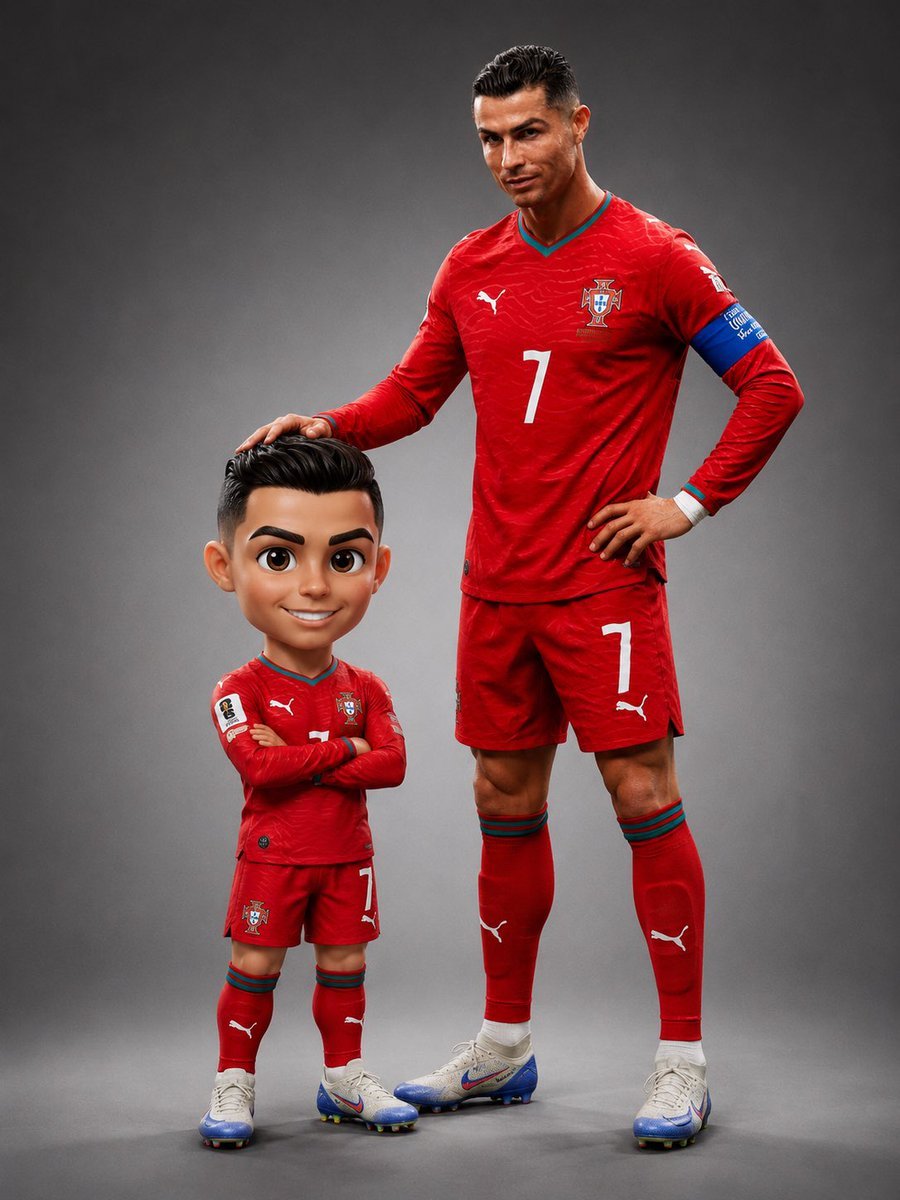
Pixar Style Chibi Figurine Creator
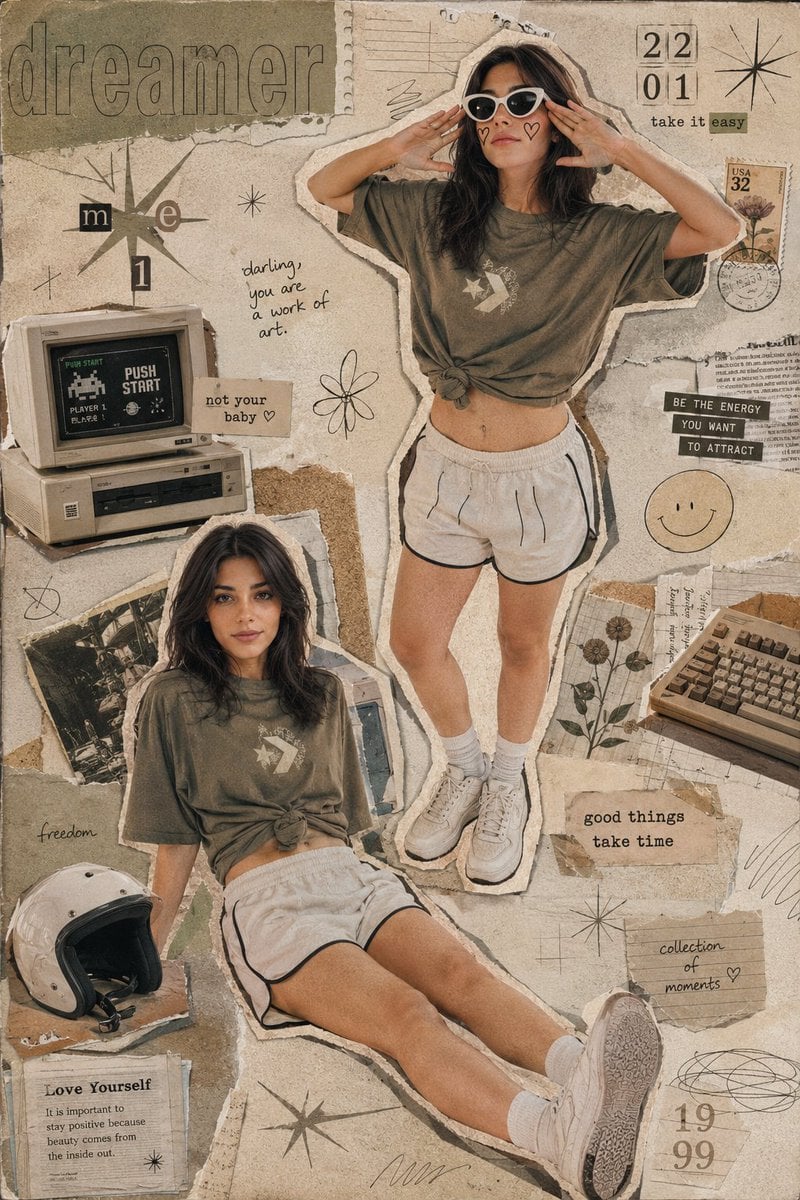
Y2K Retro Scrapbook Collage Poster
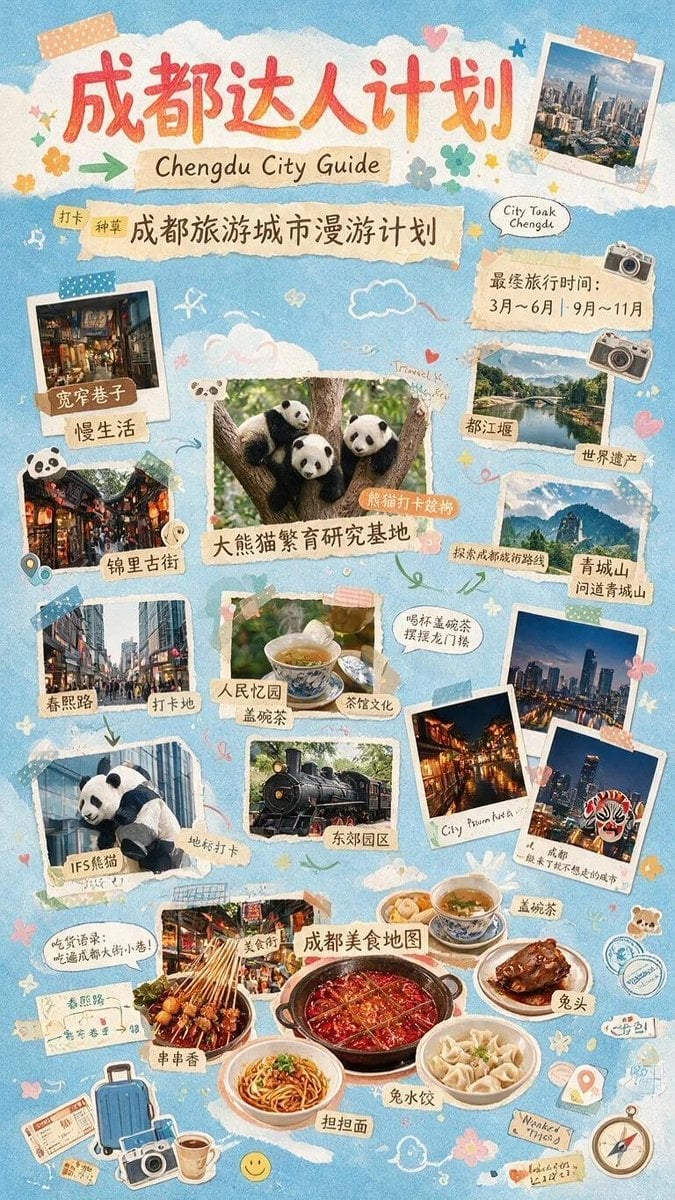
Chengdu Scrapbook Travel Guide Poster

Cute Layered Paper Cut Chibi Girl
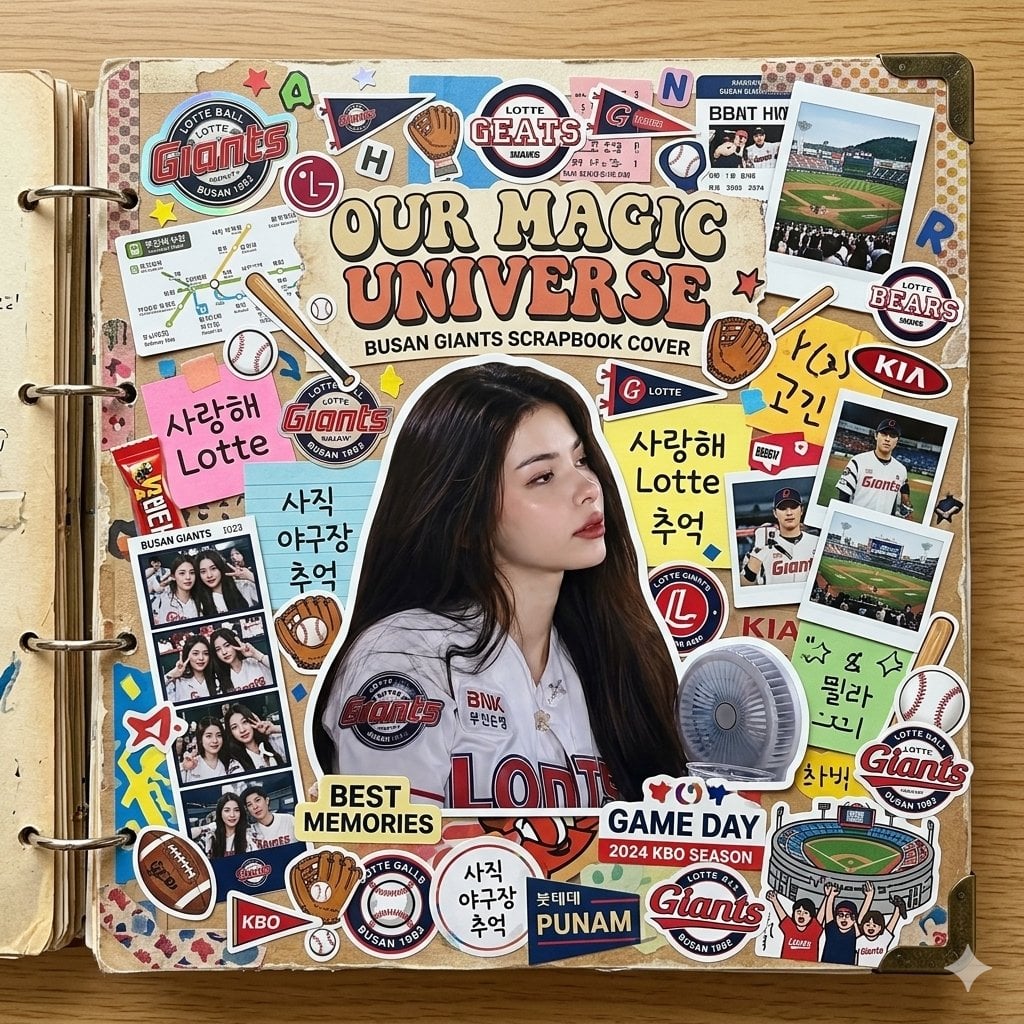
Scrapbook Cover Sticker Collage Effect
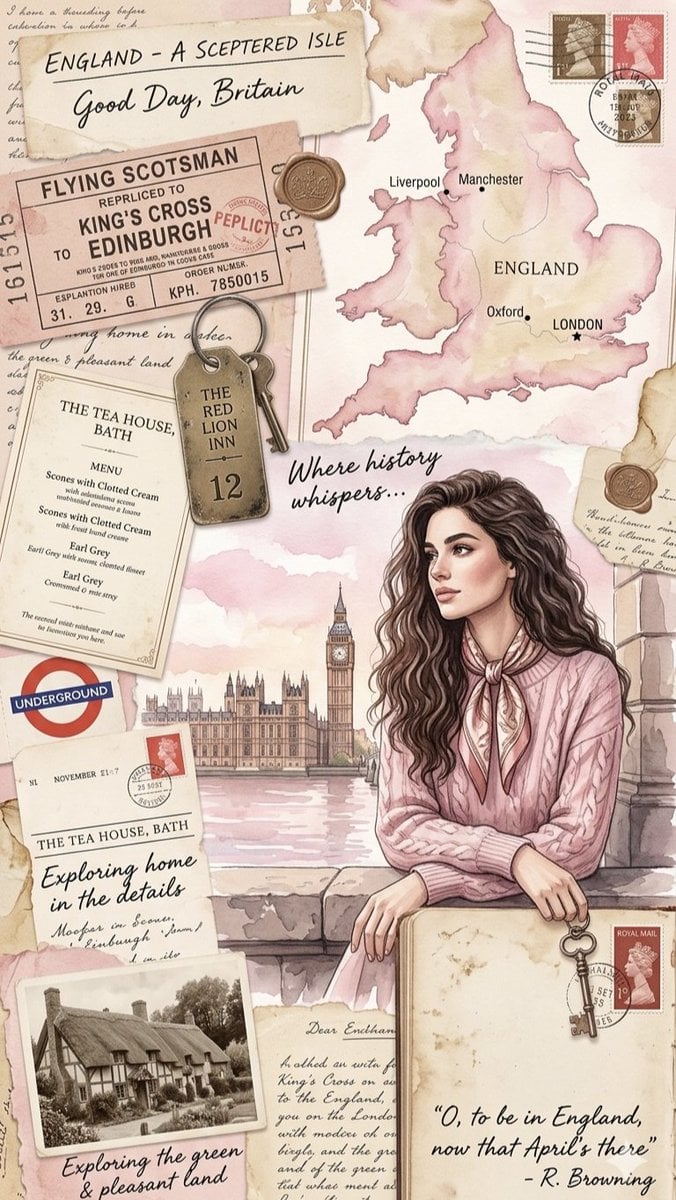
Vintage England Travel Scrapbook

Paper Cut Finale Fireworks
Make it yours
Travel Scrapbook Chibi Collage Creator works as-is. These are the safest ways to change it without losing the look.
Change one field
Copy a single group, rewrite it, and generate again so you can see what that field is doing.
Keep the frame, change the subject
Hold the composition and light of Travel Scrapbook Chibi Collage Creator, then swap wardrobe, props or the person for a new take.
| If the result… | Why | Fix |
|---|---|---|
| The result drifts from the preview | Too many fields changed at once. | Reuse Travel Scrapbook Chibi Collage Creator as-is first, then change one group — subject, light, or setting. |
| The model over-stylizes the scene | The prose prompt leaves finish and camera underspecified. | Add one camera or lighting sentence and stay on GPT Image 2. |
More GPT Image 2 templates
Other prompts made for GPT Image 2.

Six VTuber Japanese Logo Sheet

Realistic Portrait of Woman and Deer

The Vista Modular Condo Poster

AI Model Routing Comparison Infographic

2.5D Anime Art Board

Isometric Productivity Desk Scene

New York Double Exposure Poster

Four-Panel AI Landscape Comparison

Japanese Tatami Lifestyle Magazine Cover

NESCAFÉ Coffee Map Poster
More image prompts
Fresh picks from across the catalog.
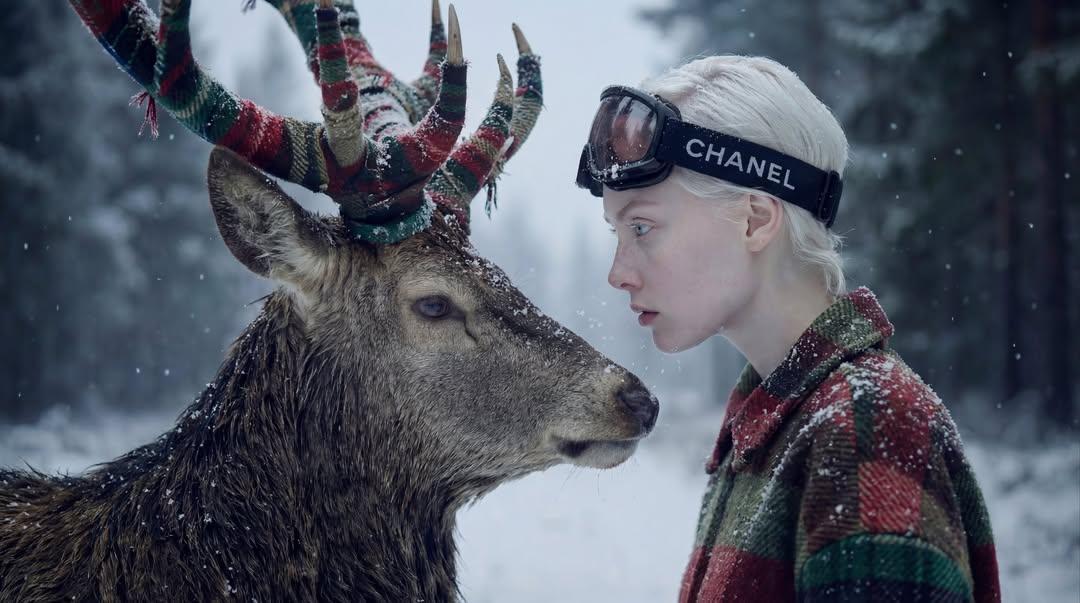
Hyper-Realistic Winter Fantasy Portrait Prompt
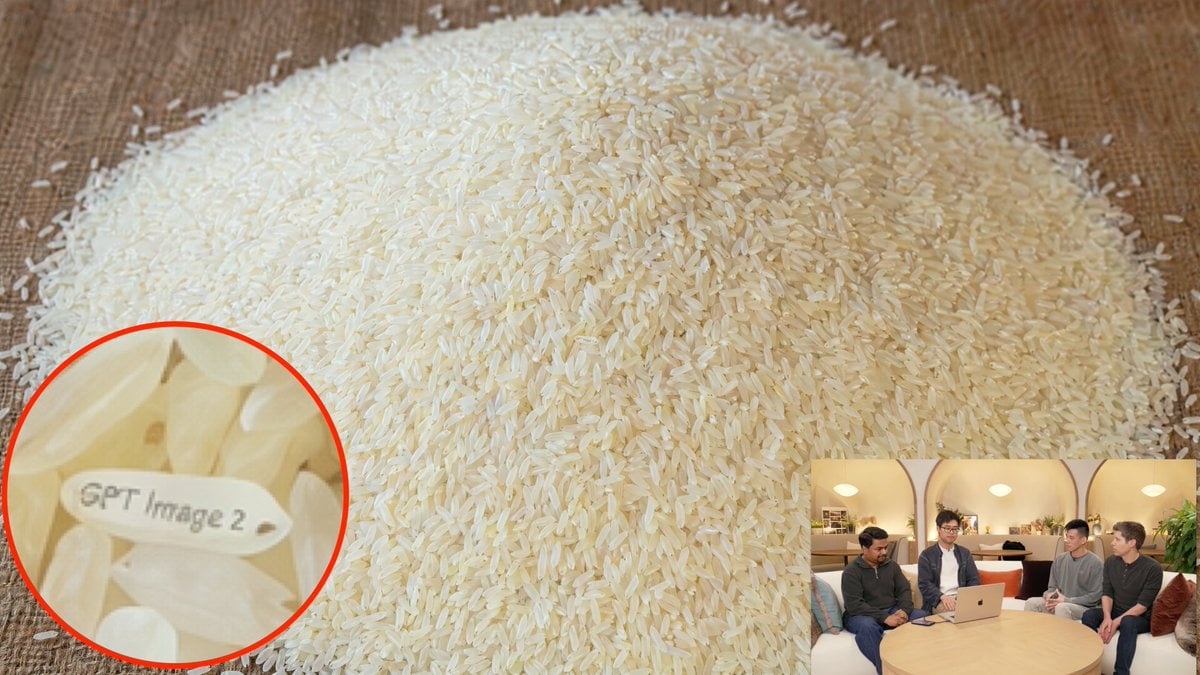
Hidden Engraved Rice Grain

MS Paint Selfie Doodle

Realistic 35mm Candid Film Portrait
Bad MS Paint Cat Redraw

Moody Cinematic Portrait on Snowy Mountain Ridge

Travel Editorial Portrait on Railay Beach
Ultra-Realistic Full-Body Subway Portrait Prompt

X Sheldon056 Ultra Realistic Fashion Campaign Poster Featuring
Japanese Line-Art Portrait Illustration
Browse template categories
Travel Scrapbook Chibi Collage Creator questions
How do I use the Travel Scrapbook Chibi Collage Creator template?
Add your photo if the template asks for one, edit the prompt if you like — the template's model and format are already selected — and press Generate. Your version opens in PicX Studio.
Can I customize the Travel Scrapbook Chibi Collage Creator template?
Yes. You can change the subject, setting, lighting, mood, format, and available model controls before creating your image.
Is the Travel Scrapbook Chibi Collage Creator template free?
Opening and editing this template is free. Generating uses credits, shown on the Generate button when you are signed in.
Which AI model should I use?
Start with GPT Image 2, which is the model associated with this template. You can compare another compatible model for a different finish.
Looking for something else? Browse all templates.

Your photo, any look
Thousands of ready templates for every top image and video model, from one credit balance.