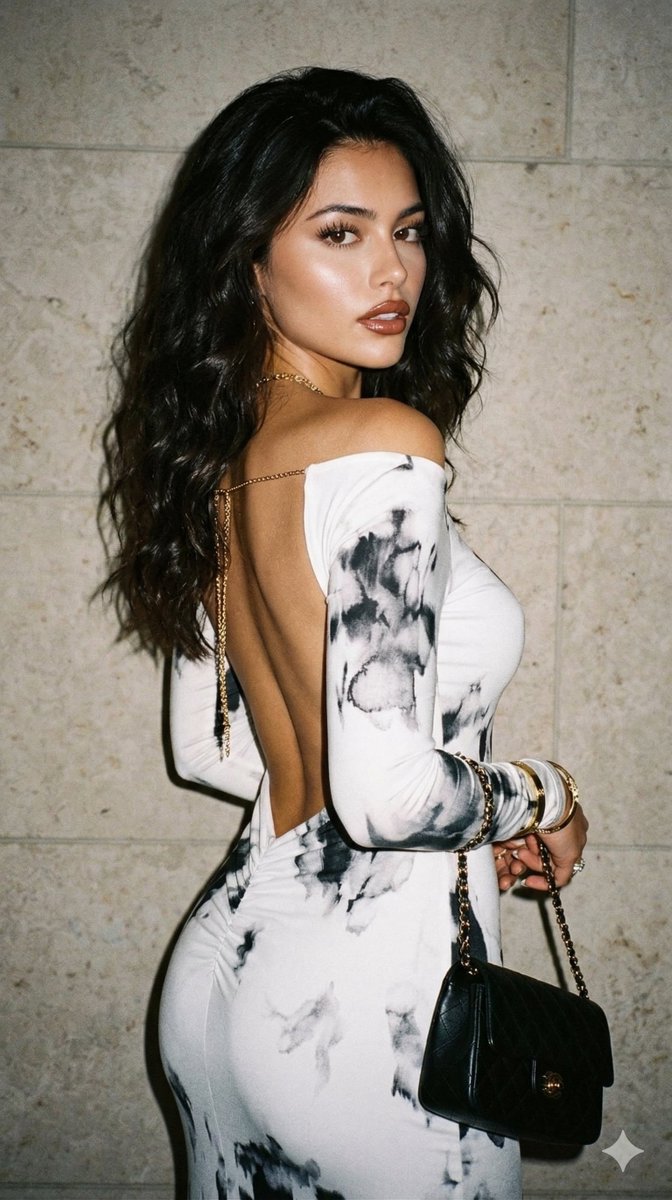
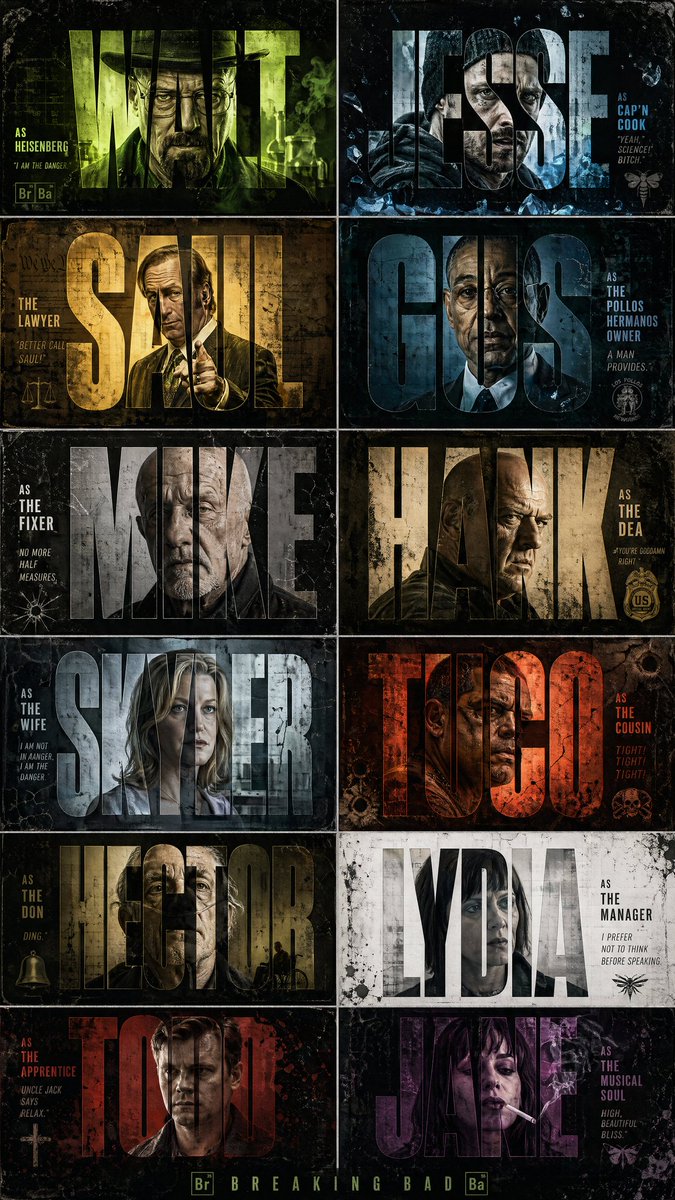
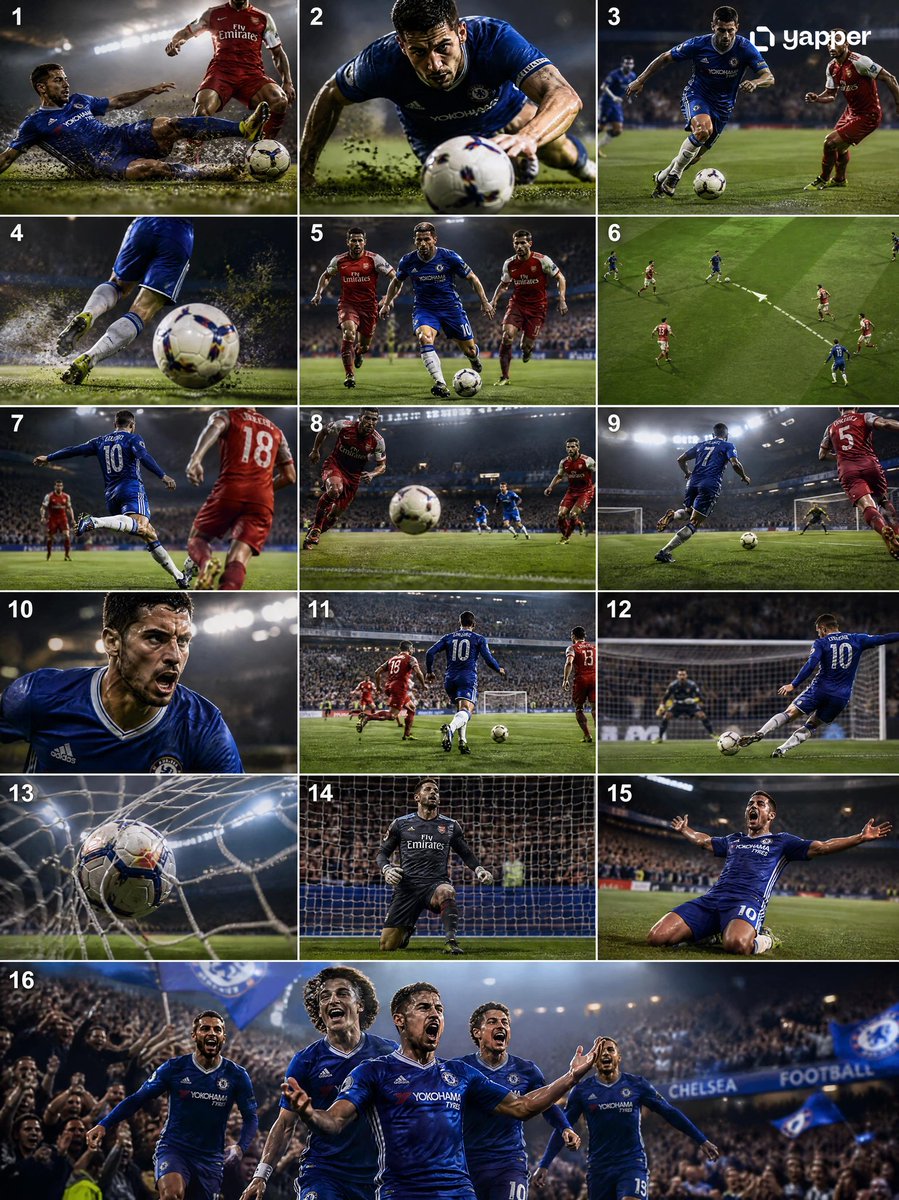
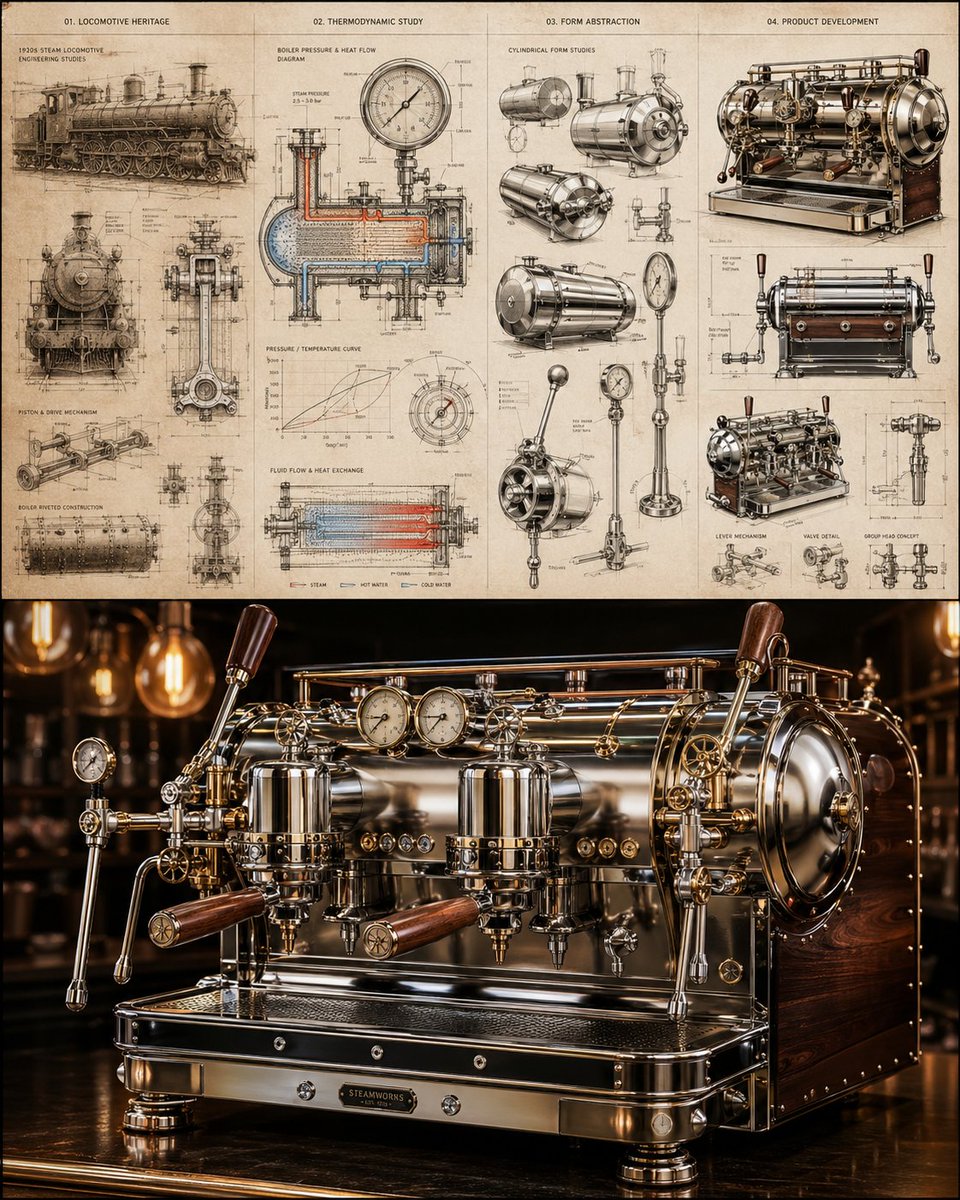
How do I use the Scrapbook Cover Sticker Collage Effect template?
Choose the primary action to open PicX Studio with the available template settings. Review the model and format, personalize the creative direction, and generate when ready.
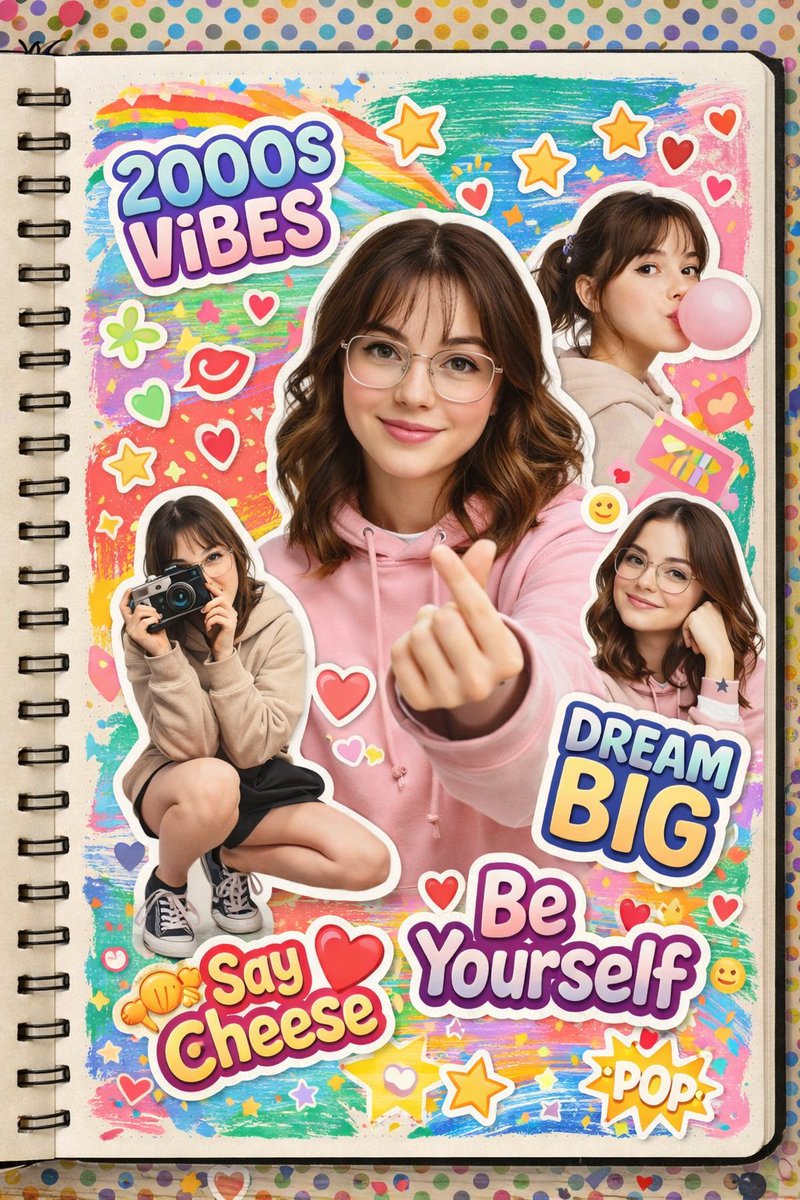
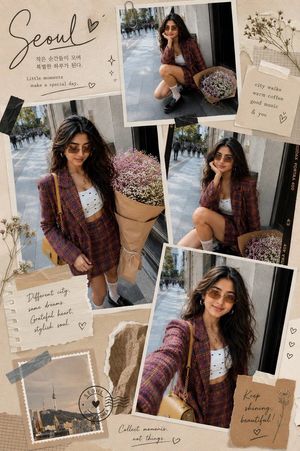
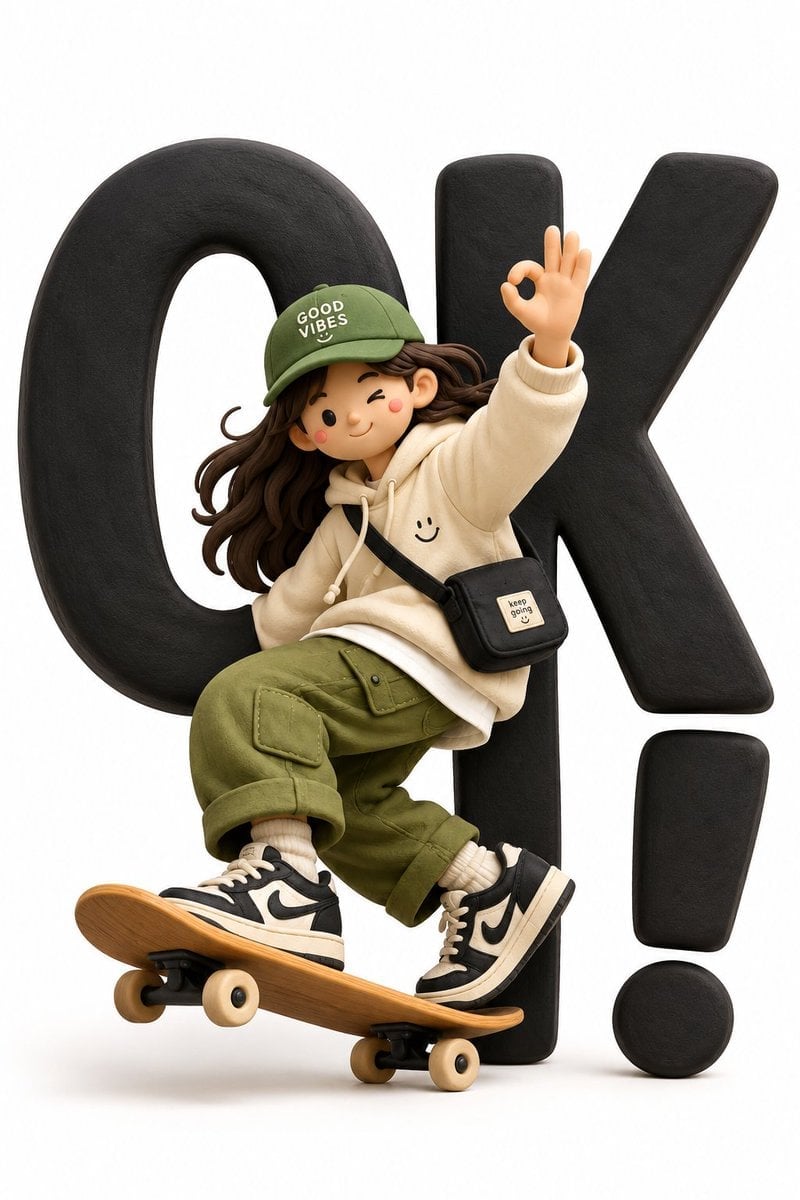
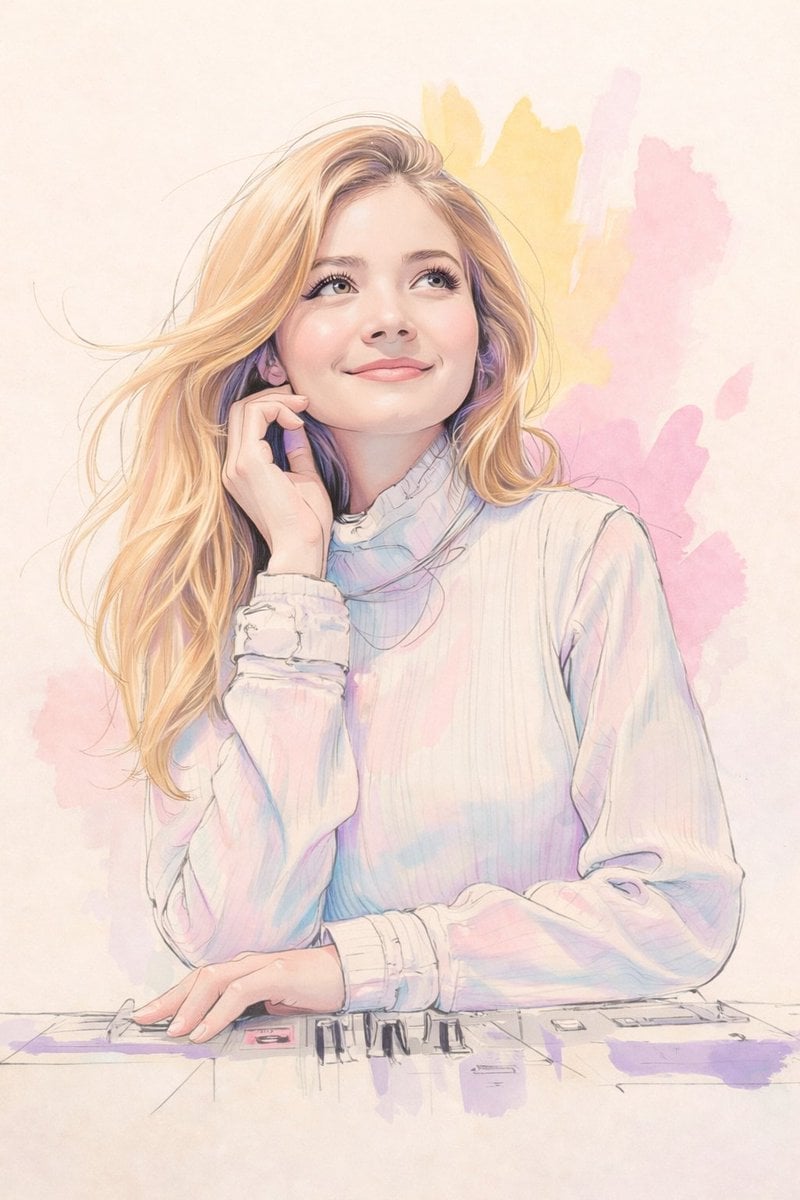
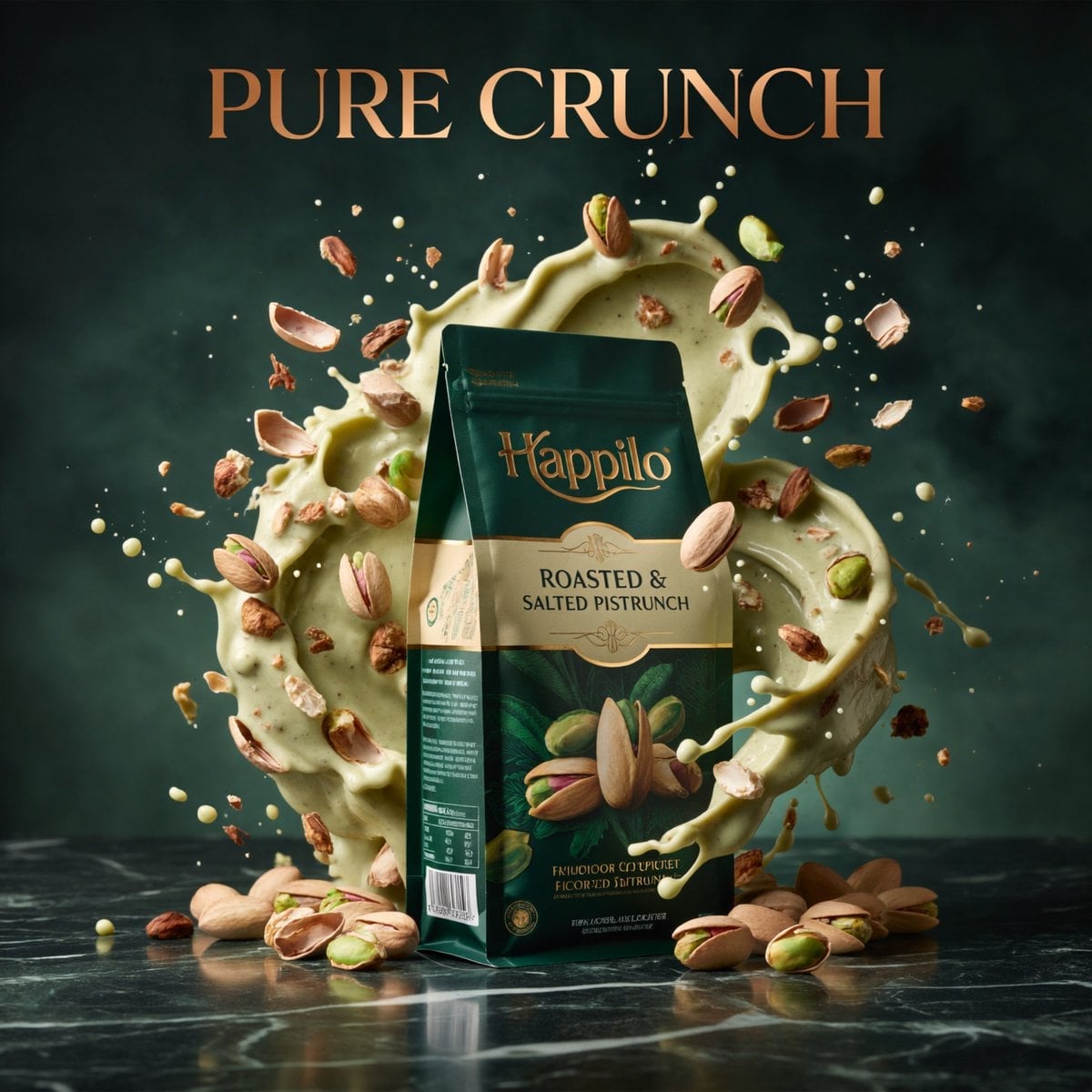
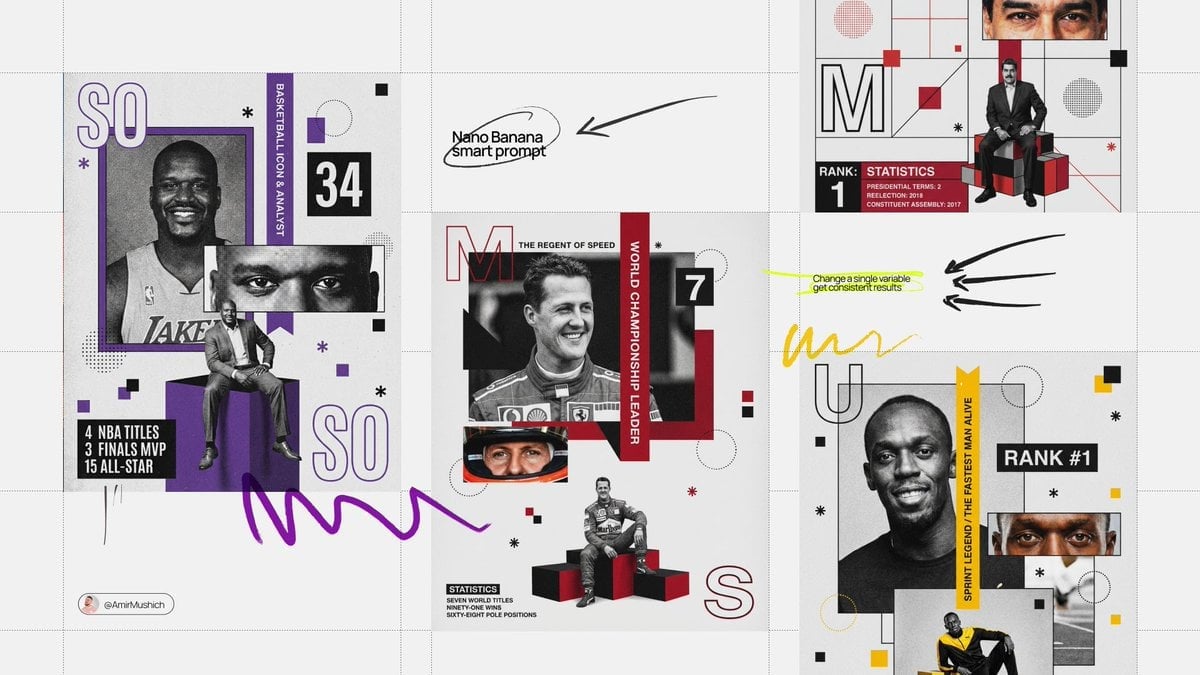
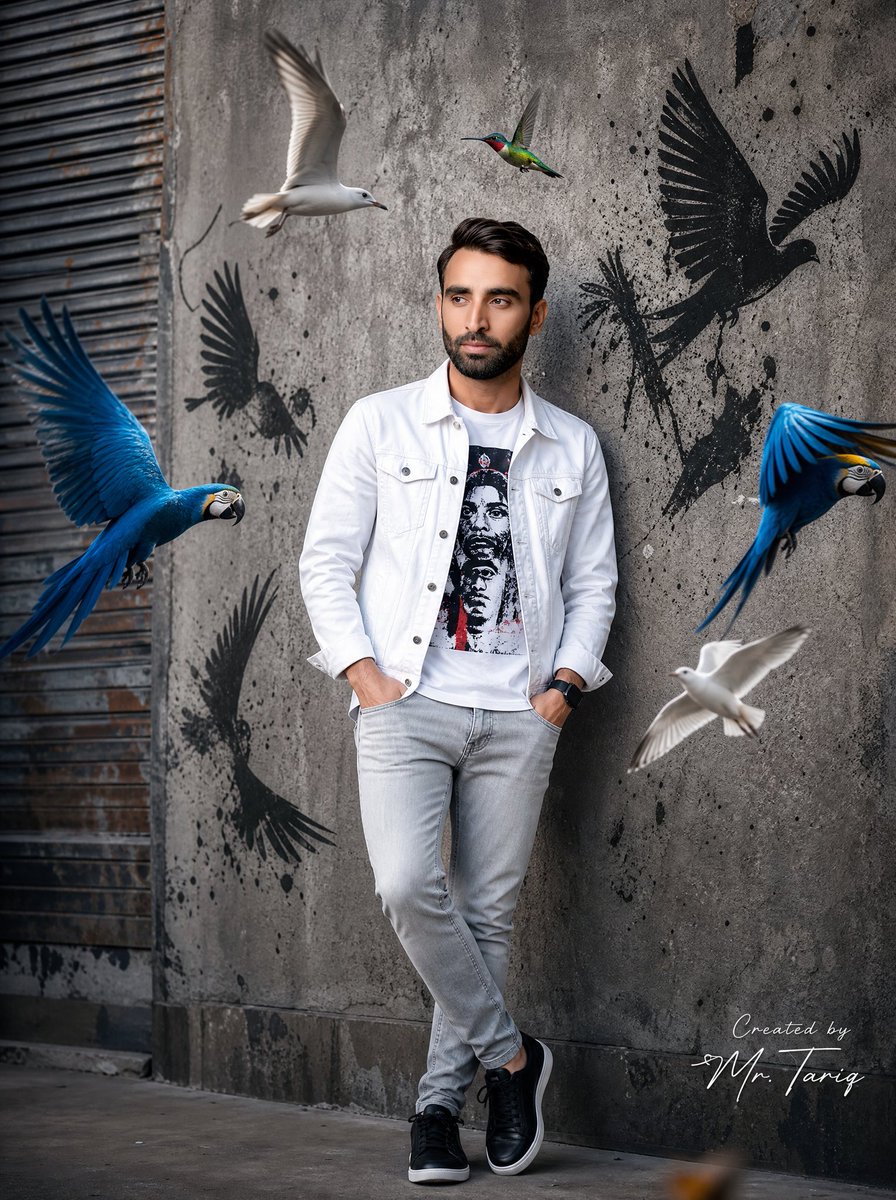
A style transfer prompt that transforms an uploaded photo into a polished, premium sticker collage scrapbook cover while strictly preserving the subject's ident
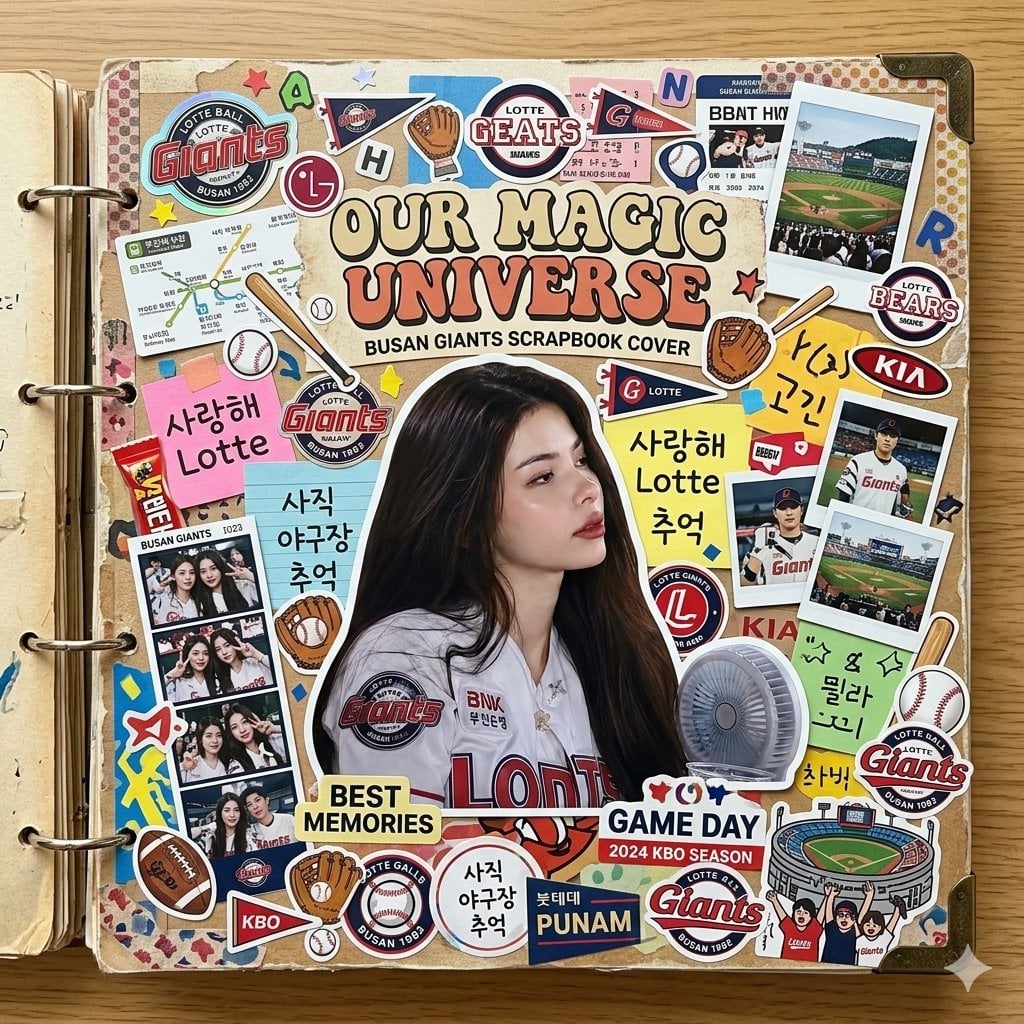
Transform the {argument name="source image" default="uploaded photo"} into {argument name="visual style" default="Sticker Collage Scrapbook Cover Effect"}. Use the {argument name="source image" default="uploaded image"} as the ONLY identity reference for the subject. Preserve identity, face shape, hairstyle, expression, outfit cues, and overall recognizability while rendering the final concept in a polished, premium, highly shareable way. Build the full scene around the exact visual language implied by the title. Keep the subject clearly readable. Add the right atmosphere, props, and composition cues to make the concept instantly understandable. Negative constraints. No identity drift, no extra people, no broken anatomy, no muddy rendering, no generic AI artifacts, and no irrelevant mixed styles.
Choose the primary action to open PicX Studio with the available template settings. Review the model and format, personalize the creative direction, and generate when ready.
Yes. You can change the subject, setting, lighting, mood, format, and available model controls before creating your image.
This template is free to open and customize. Generation usage is shown in PicX Studio before you create.
Start with Nano Banana 2, which is the model associated with this template. You can compare another compatible model for a different finish.
Follow a topic to a crawlable collection of related PicX Studio templates.