
Cinematic Photograph of Man on Countryside Road
A detailed prompt for Google Gemini Nano Banana Pro to generate a highly realistic cinematic photograph of a young man standing on a quiet countryside road during spring, focusing on lighting, clothing, and the serene…
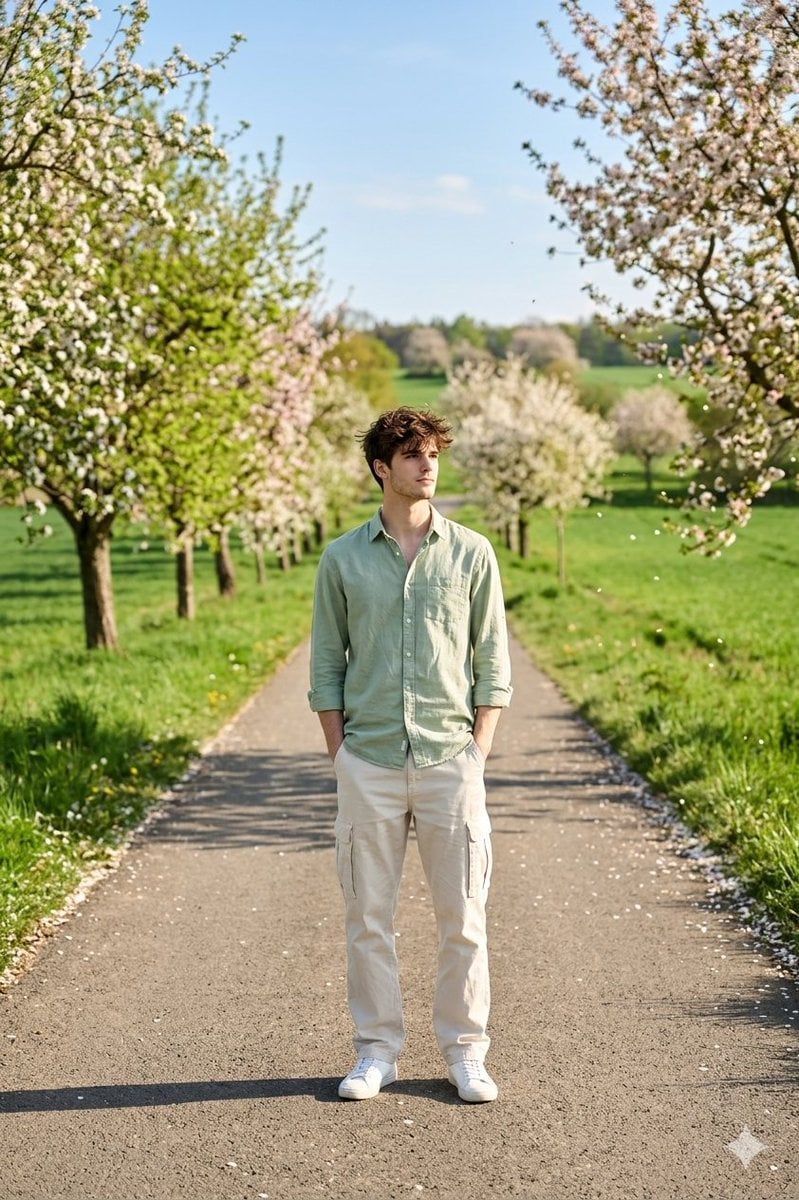
- Prompt included
- Model and format preset
- Free template
The prompt behind this image
Copy the exact prompt behind Cinematic Photograph of Man on Countryside Road, or open it in the studio and make it yours.
A highly realistic cinematic photograph of a young man standing alone on a quiet countryside road during the spring season in daytime. The narrow paved road stretches into the distance, surrounded by lush green fields and rows of trees on both sides. The trees are filled with fresh green leaves and soft blossoms, with a few petals scattered along the roadside and gently drifting in the breeze. The atmosphere feels calm and bright under clear natural daylight. The young man stands casually in the middle of the road with a relaxed posture, both hands in his pockets while looking toward the horizon with a calm thoughtful expression. His slightly messy hair moves softly in the spring breeze. He is wearing a light green cotton shirt with rolled sleeves, beige dim white cargo baggie trousers, and simple white sneakers. The fabric moves slightly with the wind, adding natural motion. The background shows rolling green hills, blooming trees with white and pink flowers, and a clear blue sky with light clouds. Sunlight creates warm highlights on his hair and shoulders and soft shadows on the road and grass. Professional DSLR photography style, 50mm lens, shallow depth of field, ultra photorealistic lighting, natural skin texture, cinematic color grading, highly detailed, 8k resolution.
How to use Cinematic Photograph of Man on Countryside Road in 3 steps
- 1
Open
The prompt is already in the box next to the preview, with the template's model and format selected.
- 2…a portrait of your subject in softgolden-hour light, 85mm…
Personalize
Edit the subject and creative details for your destination.
- 3Generate
Generate
Press Generate — your image is created in PicX Studio, so you can compare it with the original and refine one variable at a time.
More like this
Templates with the same subject, style or setup. Open one to see its prompt.
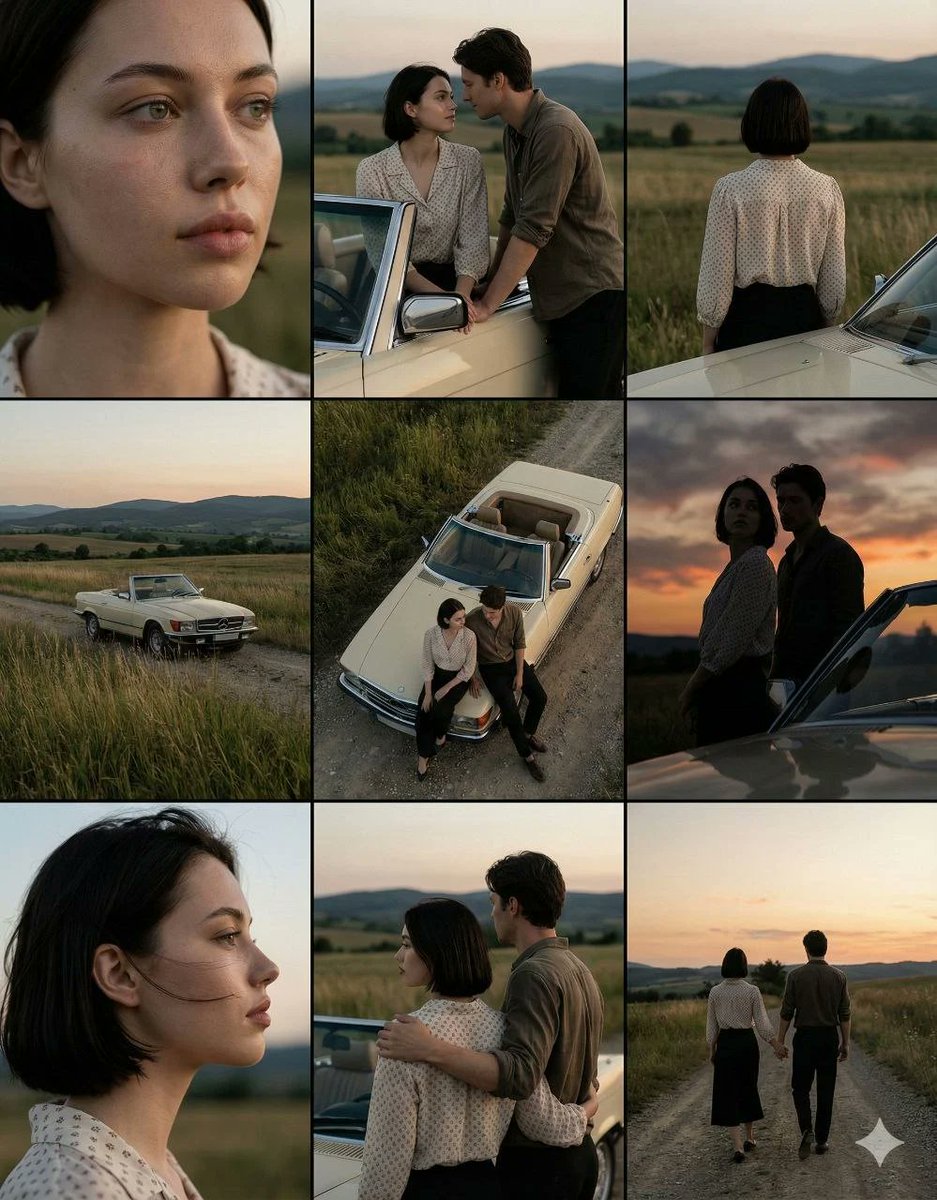
Cinematic Countryside Road Stop Film Still Grid
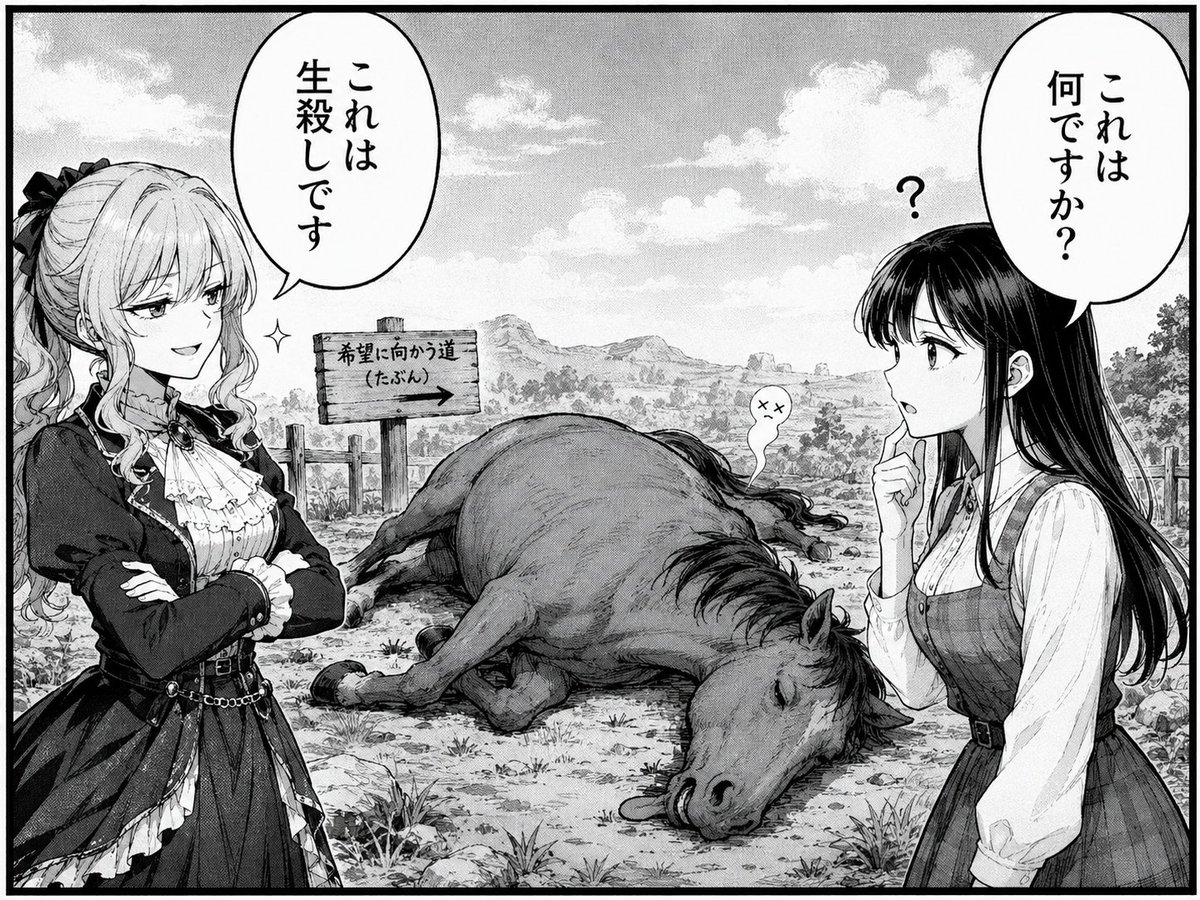
Comedic Manga Roadside Horse Scene
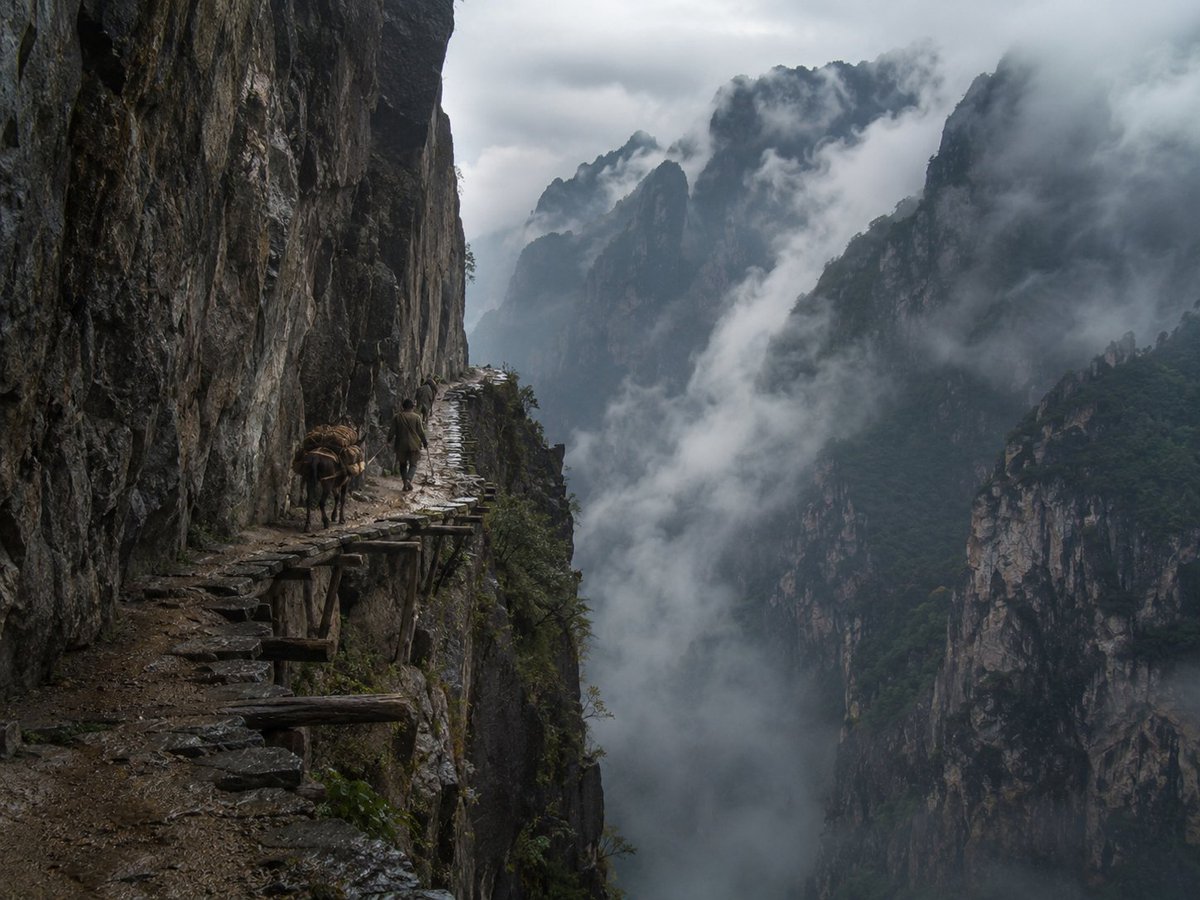
Misty Cliff Plank Road Photograph
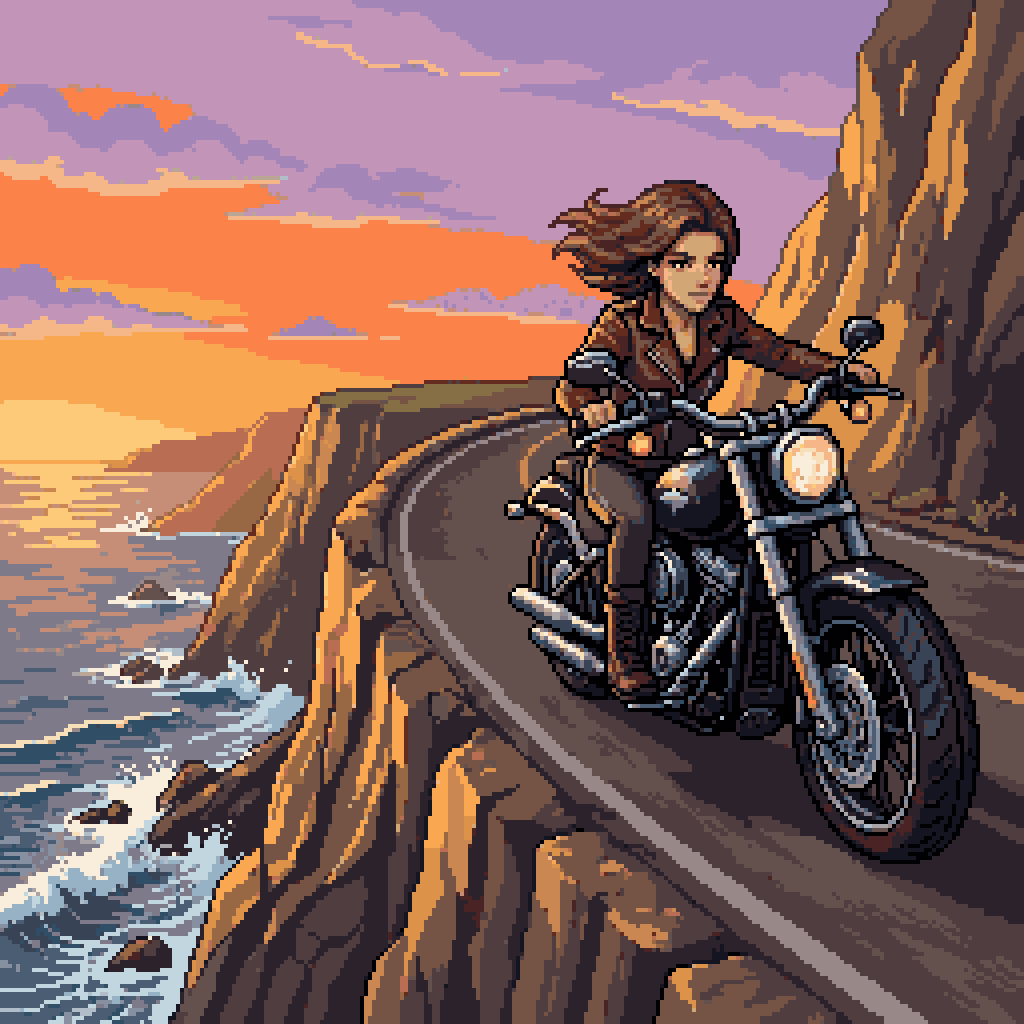
Woman Riding Motorcycle on Cliff Road
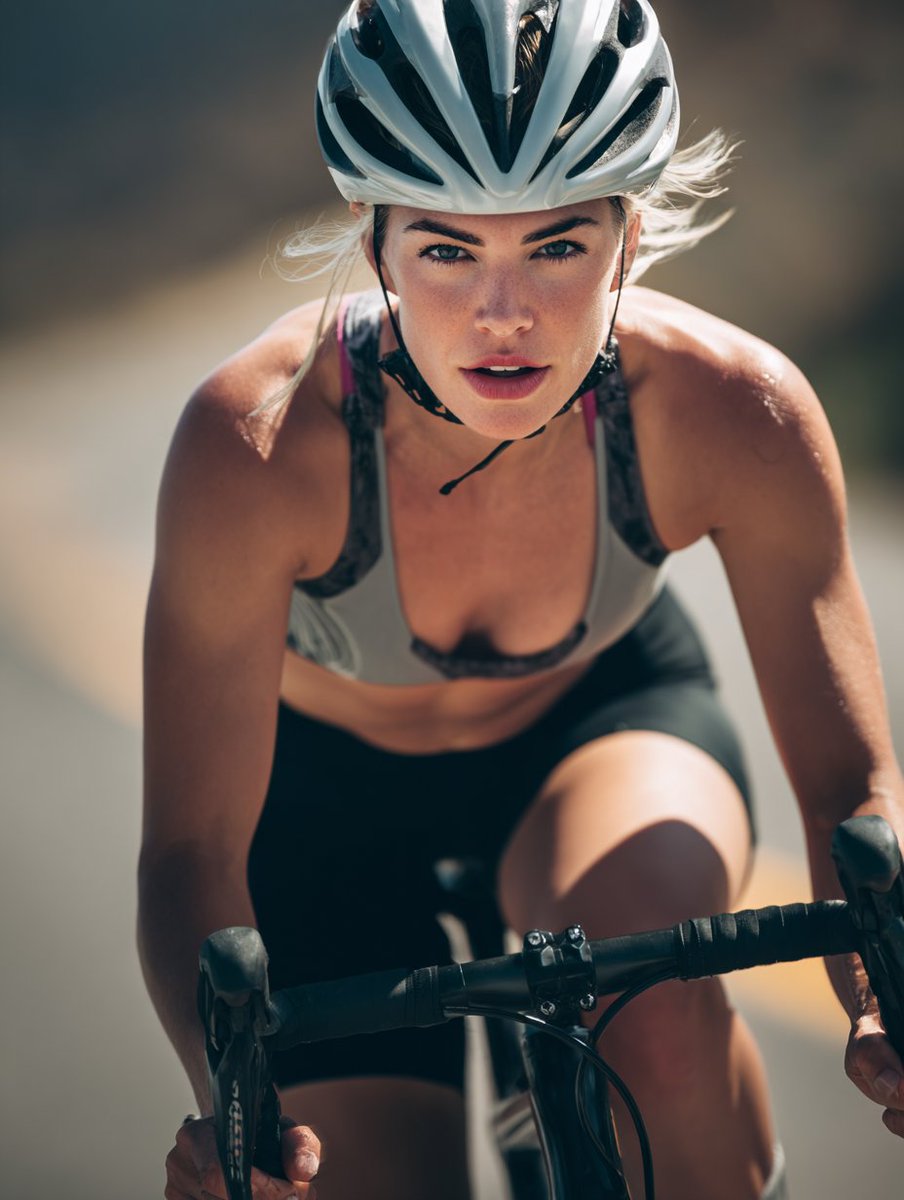
High-End Sports Photography: Competitive Road Cyclist
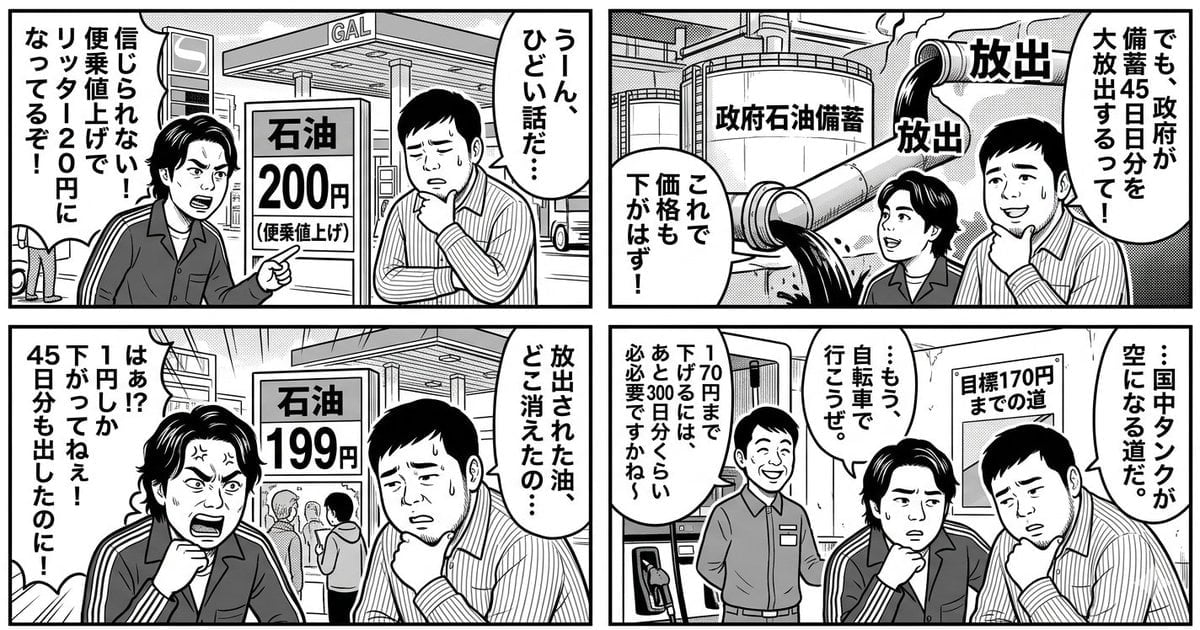
Panel Manga: The Long Road to 170 Yen Gasoline Price

Found Photograph: Us, 1970
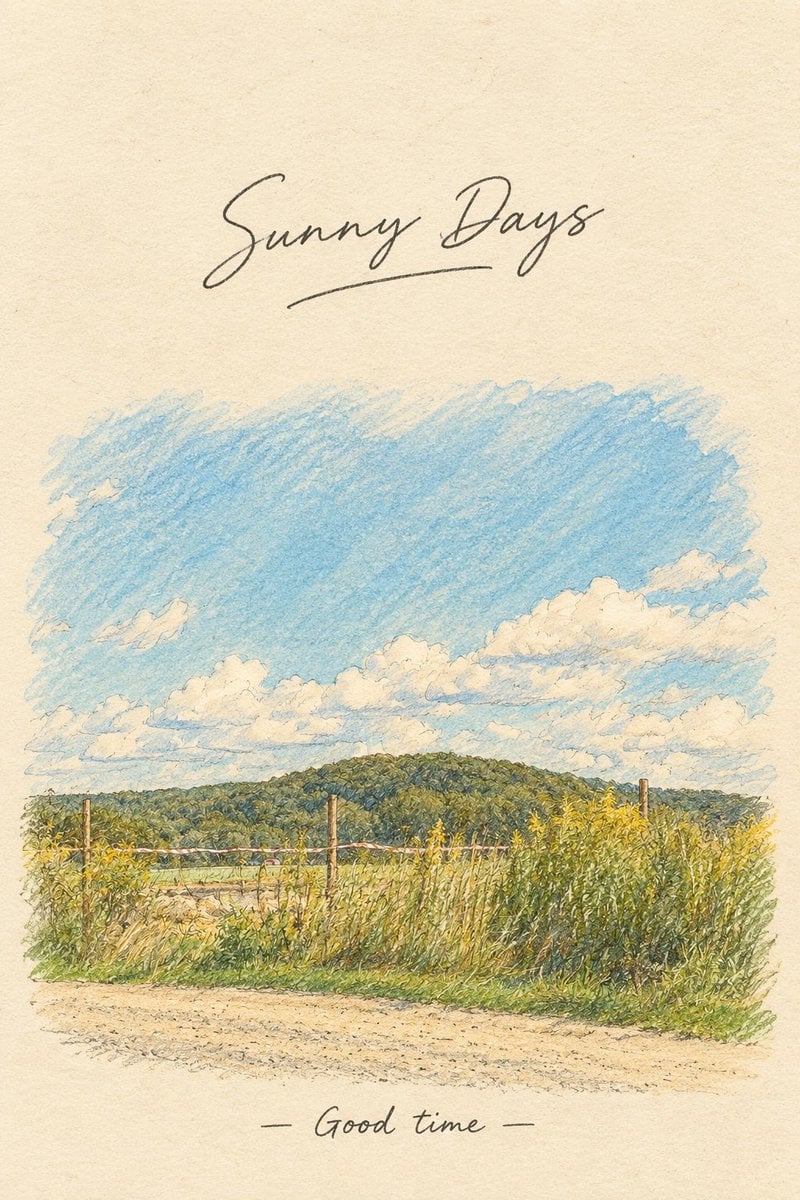
Vintage Countryside Postcard

Quiet Hamster Manga Page
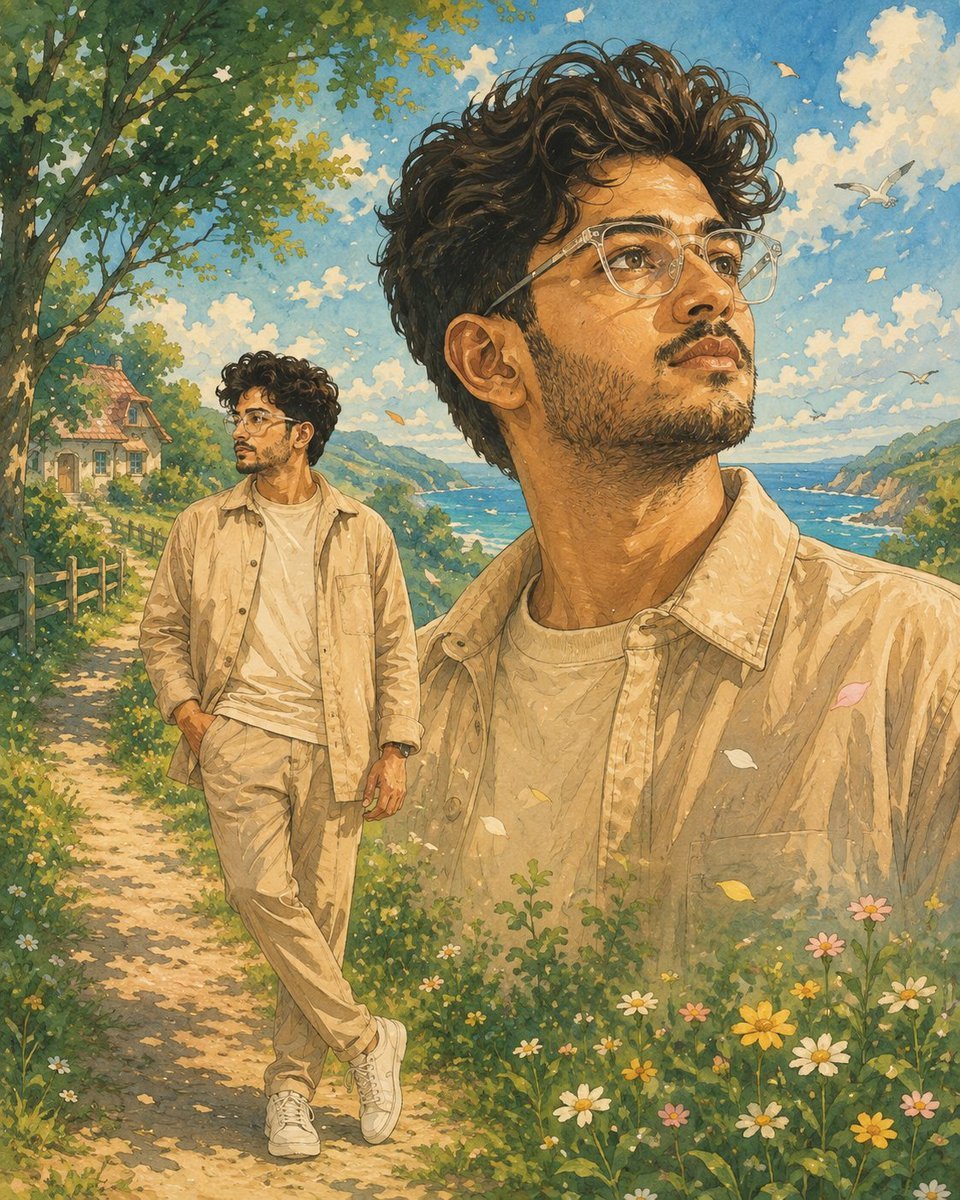
Dreamy Watercolor Countryside Illustration
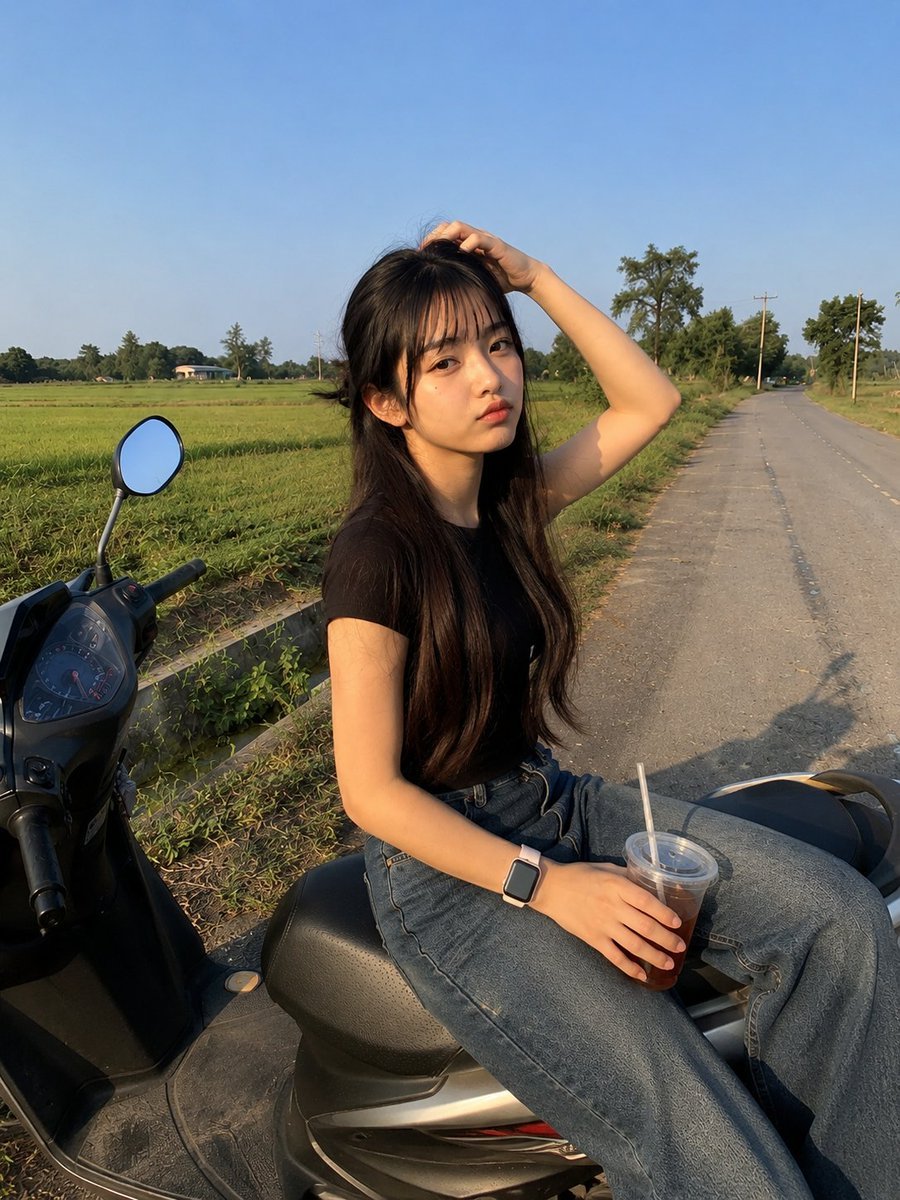
Candid Smartphone Countryside Scooter Photo

Rural Countryside Lifestyle Portrait
Make it yours
Cinematic Photograph of Man on Countryside Road works as-is. These are the safest ways to change it without losing the look.
Change one field
Copy a single group, rewrite it, and generate again so you can see what that field is doing.
Keep the frame, change the subject
Hold the composition and light of Cinematic Photograph of Man on Countryside Road, then swap wardrobe, props or the person for a new take.
| If the result… | Why | Fix |
|---|---|---|
| The result drifts from the preview | Too many fields changed at once. | Reuse Cinematic Photograph of Man on Countryside Road as-is first, then change one group — subject, light, or setting. |
| The model over-stylizes the scene | The prose prompt leaves finish and camera underspecified. | Add one camera or lighting sentence and stay on Nano Banana 2. |
More Nano Banana 2 templates
Other prompts made for Nano Banana 2.

Photorealistic Leaf Shaped Like a Dragon

K-Pop Idol Portrait Grid for Rapid Selection

Poetic Rain Forest Portrait During Golden Hour

Urban Street Portrait with Cartoon Inner Self Duo

Candid Nighttime Photo with Cat Prompt

High-Concept 3D Diorama Generation Prompt

Cinematic Futuristic Studio Portrait Template

Skincare Editorial Photography Collage Prompt

Hyper-Realistic Commercial Product Photography (Splash Effect)

Hyper-Realistic Nightclub Portrait Prompt
More image prompts
Fresh picks from across the catalog.
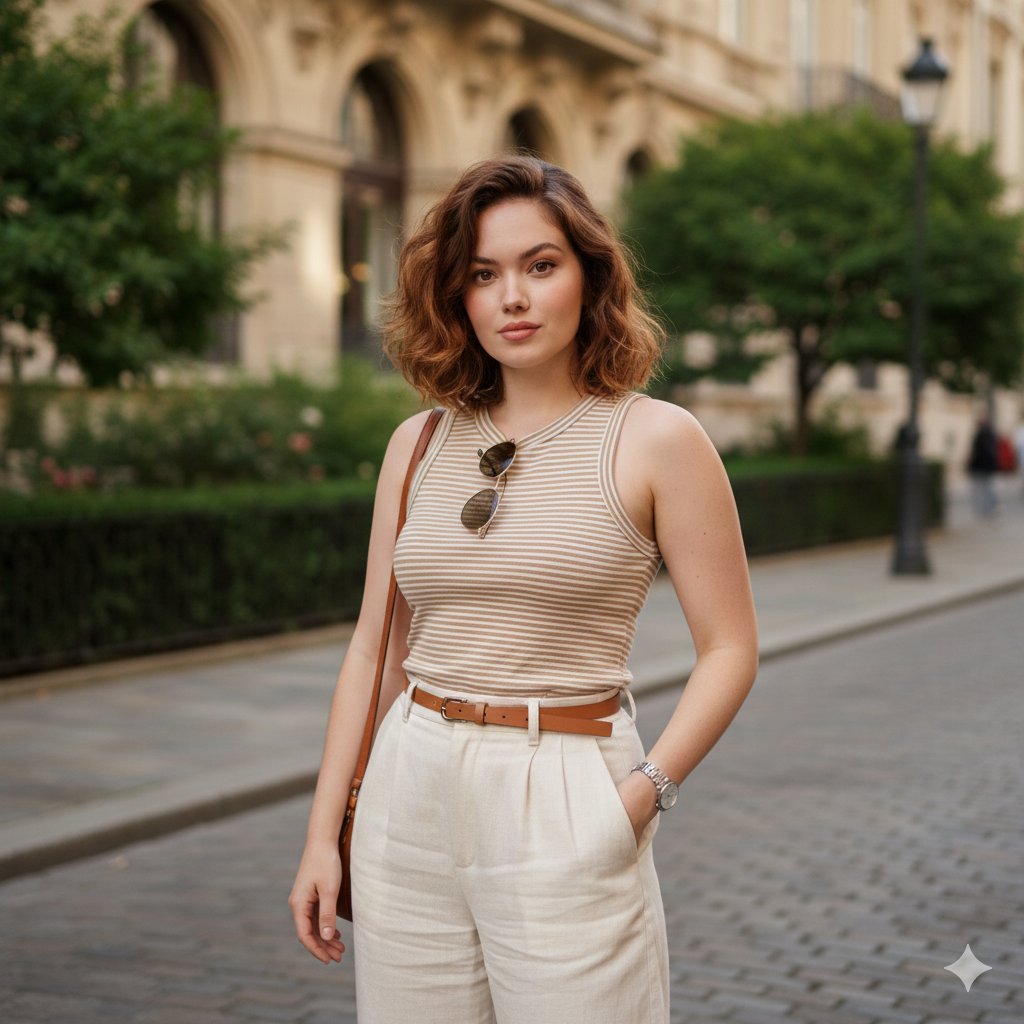
Urban Street Portrait with Baggy Pants Prompt
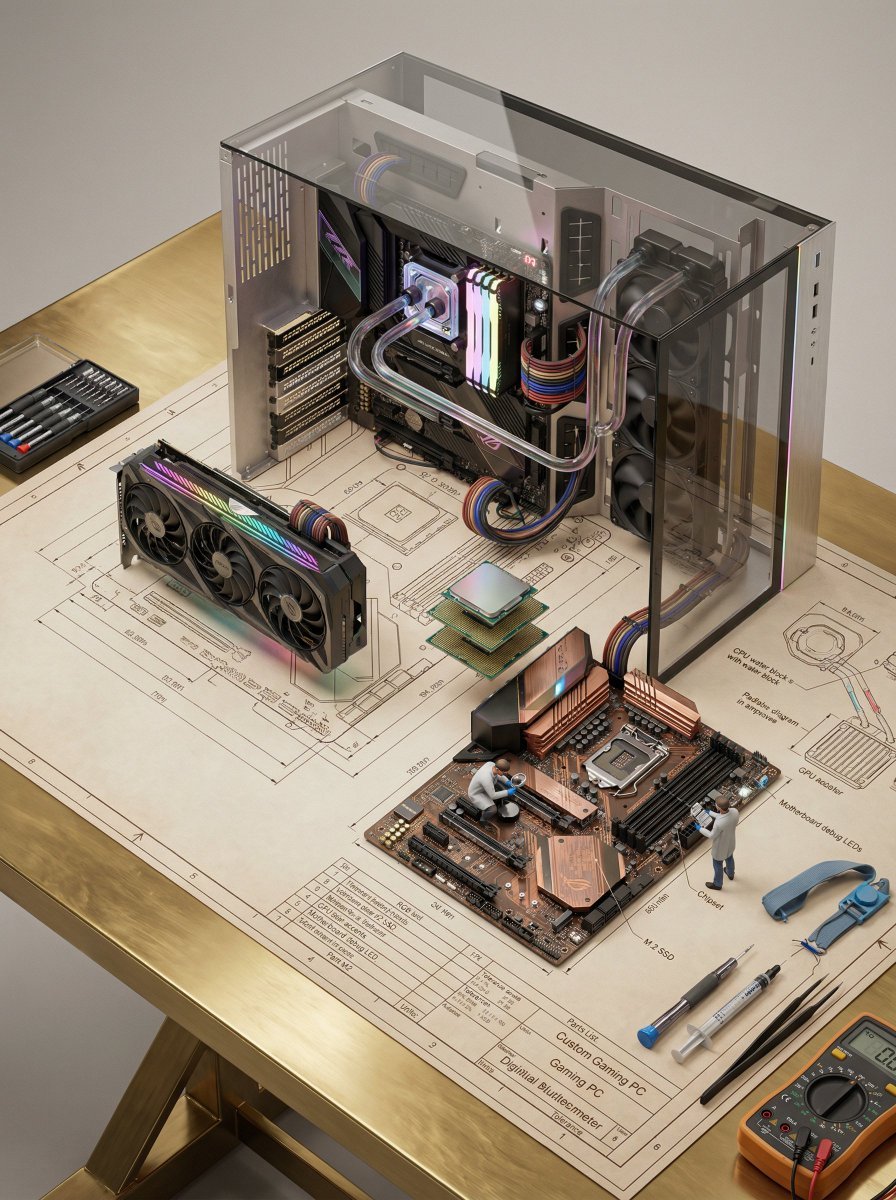
Technical Blueprint of an AI GPU Cluster
Street Dancer Concept Sheet

Kawaii Bento Inspired by Futures Trading Debacle

Michael Jordan Sports Graphic Wallpaper

Crusader propaganda fresco painting

Hyper-real Miniature Diorama Pop Culture Prompt for Nano Banana 2

Gemini Nano Banana Portrait

Image Restoration and Enhancement Prompt

Japanese Streetwear Editorial Poster
Browse template categories
Cinematic Photograph of Man on Countryside Road questions
How do I use the Cinematic Photograph of Man on Countryside Road template?
Add your photo if the template asks for one, edit the prompt if you like — the template's model and format are already selected — and press Generate. Your version opens in PicX Studio.
Can I customize the Cinematic Photograph of Man on Countryside Road template?
Yes. You can change the subject, setting, lighting, mood, format, and available model controls before creating your image.
Is the Cinematic Photograph of Man on Countryside Road template free?
Opening and editing this template is free. Generating uses credits, shown on the Generate button when you are signed in.
Which AI model should I use?
Start with Nano Banana 2, which is the model associated with this template. You can compare another compatible model for a different finish.
Looking for something else? Browse all templates.

Your photo, any look
Thousands of ready templates for every top image and video model, from one credit balance.