
Comedic Manga Roadside Horse Scene
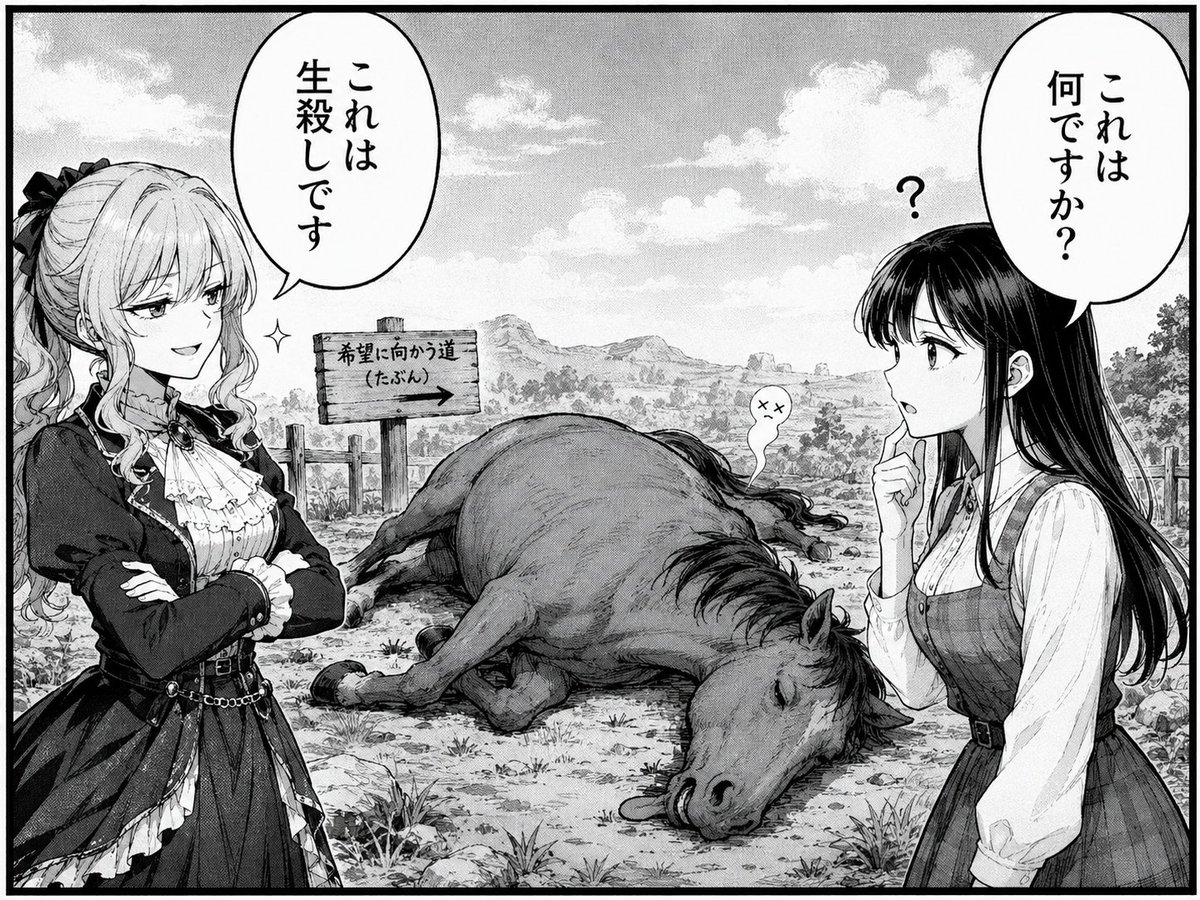
Generates a single-panel black-and-white manga gag scene with two women, Japanese speech bubbles, a sign, and a collapsed horse.
- Prompt included
- Model and format preset
- Free template
The prompt behind this image
Copy the exact prompt behind Comedic Manga Roadside Horse Scene, or open it in the studio and make it yours.
Create a black-and-white manga page panel in detailed seinen line art with halftone shading and a thick black rectangular border. The scene is a rural fantasy roadside under a bright cloudy sky, with distant hills, trees, fence posts, rocks, grass tufts, and a wooden sign pointing right that reads {argument name="road sign text" default="希望に向かう道(たぶん)→"}. In the center foreground lies one large dead horse collapsed on its side, eyes closed, legs bent, with a tiny ghost-like soul puff rising from its back showing a dizzy dead expression. On the left stands one elegant blonde noblewoman in a frilled gothic-lolita dress, dark jacket, corseted waist, ribbons, and curled hair tied with a bow; her face is obscured by a soft gray rectangular blur, she folds her arms confidently, and a sparkle mark near her suggests smug certainty. Above her is one oval vertical Japanese speech bubble containing {argument name="left speech bubble text" default="これは生殺しです"}. On the right stands one long black-haired young woman in a simple blouse and pinafore dress, also with her face obscured by a soft gray rectangular blur; she raises one finger to her chin in confusion, with a small question mark above her head. Above her is one oval vertical Japanese speech bubble containing {argument name="right speech bubble text" default="これは何ですか?"}. Include exactly 2 human characters, exactly 2 large speech bubbles, exactly 1 question mark symbol, exactly 1 sparkle symbol, exactly 1 wooden sign, exactly 1 dead horse, and exactly 1 ghost puff. Use crisp ink outlines, expressive manga composition, realistic background texture, comedic absurd fantasy tone, and high-resolution monochrome print style.
How to use Comedic Manga Roadside Horse Scene in 3 steps
- 1Upload ImagePNG, JPG or paste
Add your photo
Upload the photo the template builds on. The prompt, model and format are already set.
- 2…a portrait of your subject in softgolden-hour light, 85mm…
Personalize
Edit the subject and creative details for your destination.
- 3Generate
Generate
Press Generate — your image is created in PicX Studio, so you can compare it with the original and refine one variable at a time.
More like this
Templates with the same subject, style or setup. Open one to see its prompt.
Manga Inspired Horse Racing
Bleak Manga Panel with Dead Horse
Surreal comedic scene inside a modern kitchen a young man bends backward
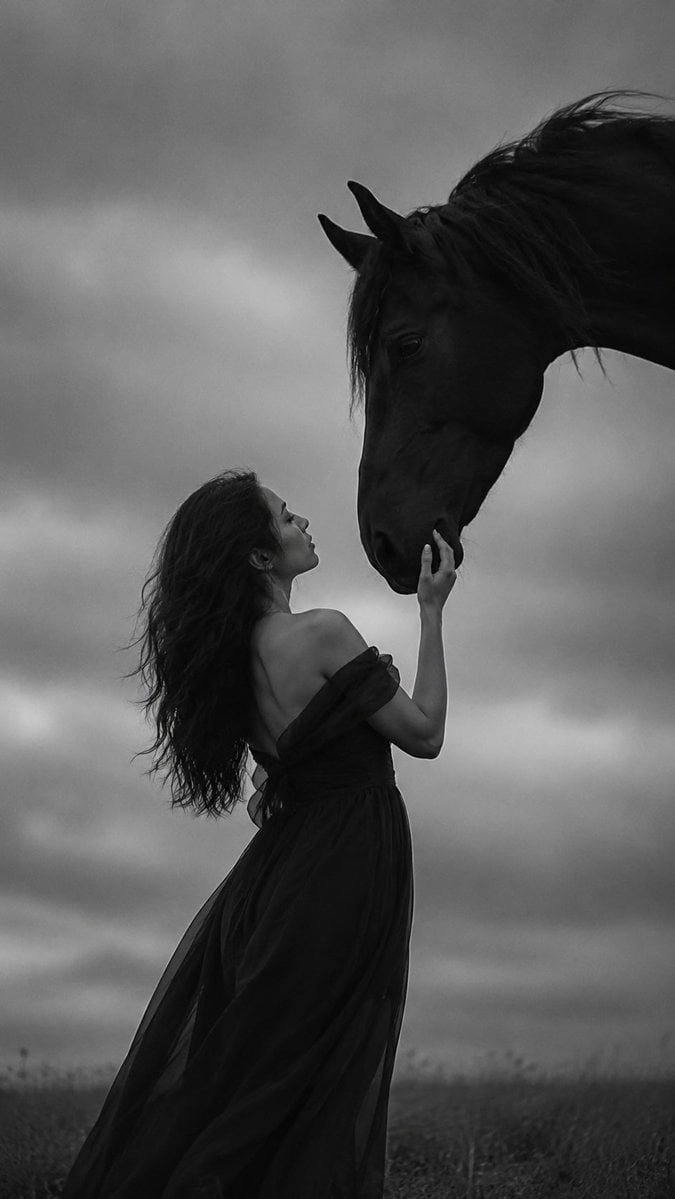
Monochrome Woman and Black Horse
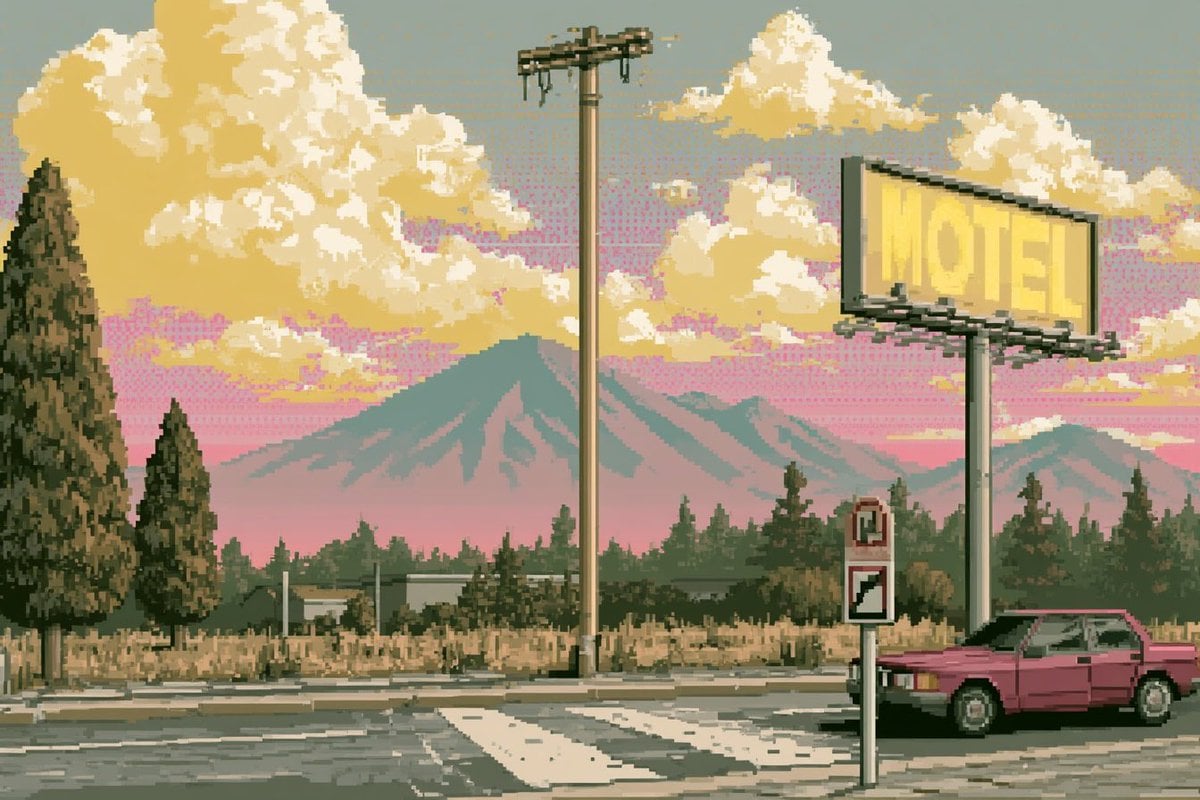
Pixel Art Retrowave Motel Roadside
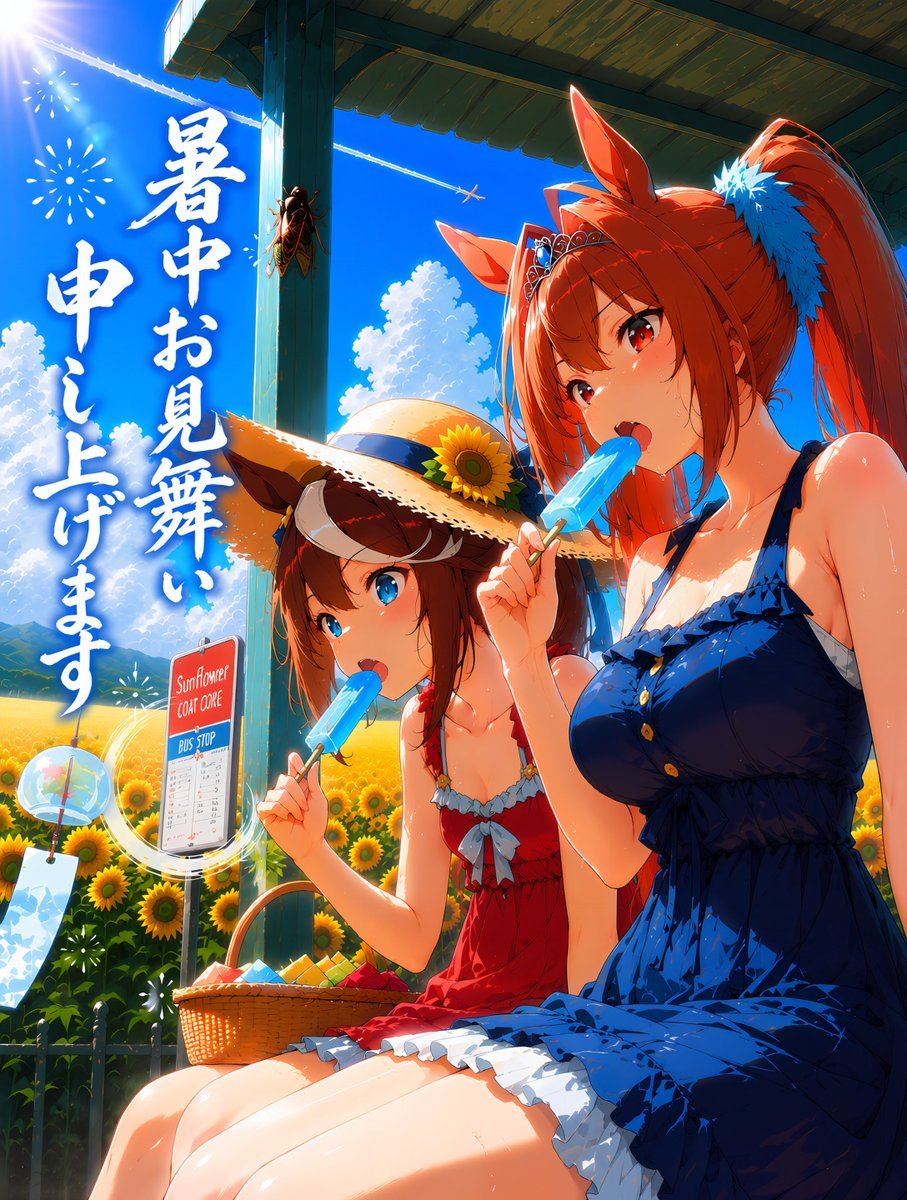
Summer Horse Girls at Bus Stop
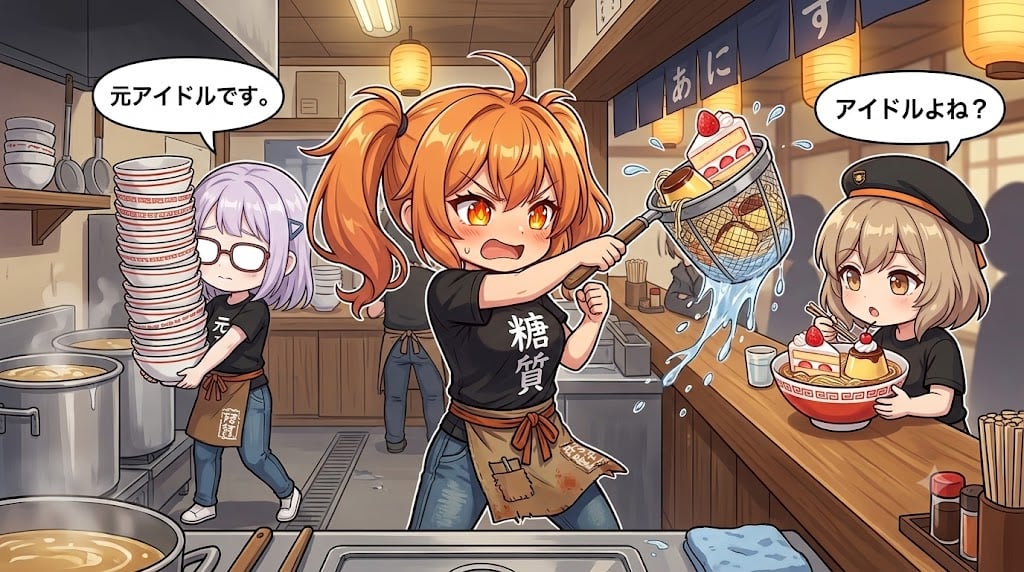
Comedic Anime Ramen Shop Chaos

Retro Manga StackChan Concept Sheet

Late-Night Hamster Manga Page
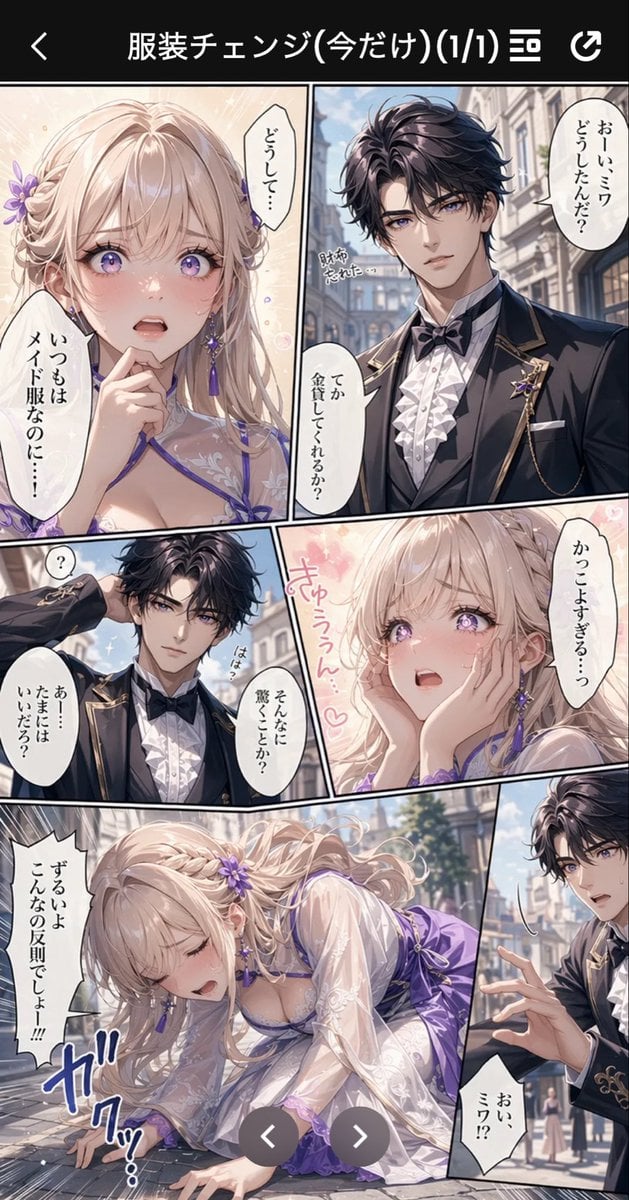
Anime Butler Date Manga Screenshot
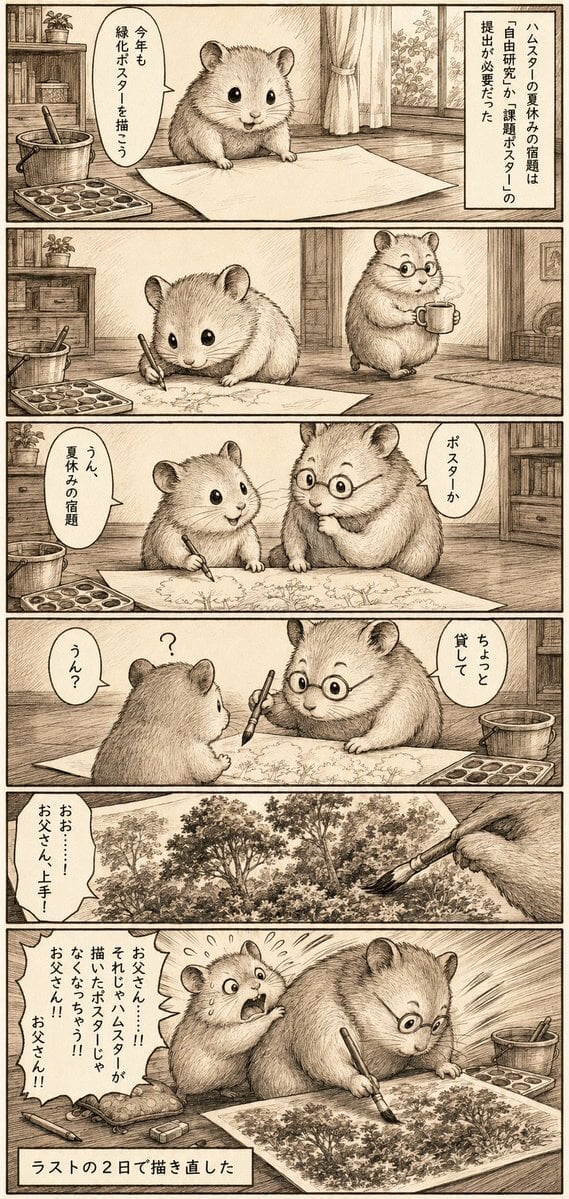
Sepia Hamster Summer Homework Manga
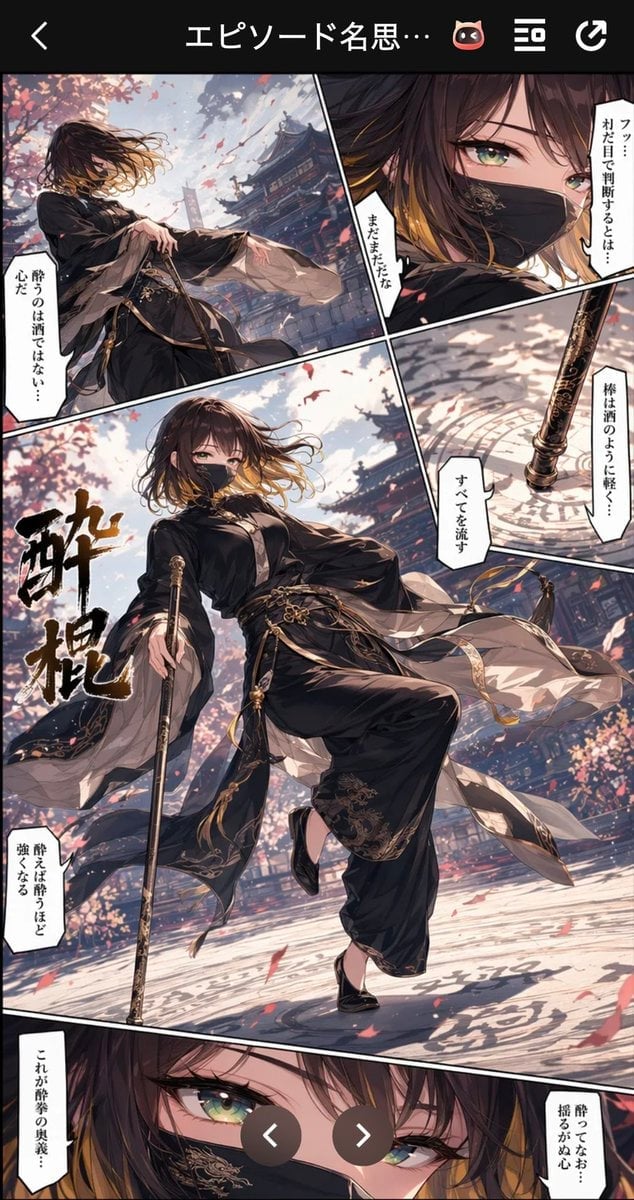
Drunken Staff Manga Screenshot
Make it yours
Comedic Manga Roadside Horse Scene works as-is. These are the safest ways to change it without losing the look.
Change one field
Copy a single group, rewrite it, and generate again so you can see what that field is doing.
Keep the frame, change the subject
Hold the composition and light of Comedic Manga Roadside Horse Scene, then swap wardrobe, props or the person for a new take.
| If the result… | Why | Fix |
|---|---|---|
| The result drifts from the preview | Too many fields changed at once. | Reuse Comedic Manga Roadside Horse Scene as-is first, then change one group — subject, light, or setting. |
| The model over-stylizes the scene | The prose prompt leaves finish and camera underspecified. | Add one camera or lighting sentence and stay on GPT Image 2. |
More GPT Image 2 templates
Other prompts made for GPT Image 2.

Six VTuber Japanese Logo Sheet

Realistic Portrait of Woman and Deer

The Vista Modular Condo Poster

AI Model Routing Comparison Infographic

2.5D Anime Art Board

Isometric Productivity Desk Scene

New York Double Exposure Poster

Four-Panel AI Landscape Comparison

Japanese Tatami Lifestyle Magazine Cover

NESCAFÉ Coffee Map Poster
More image prompts
Fresh picks from across the catalog.

Luxury Botanical Skincare Forest Ad

Ultra-Photorealistic Race Event Portrait (9:16)
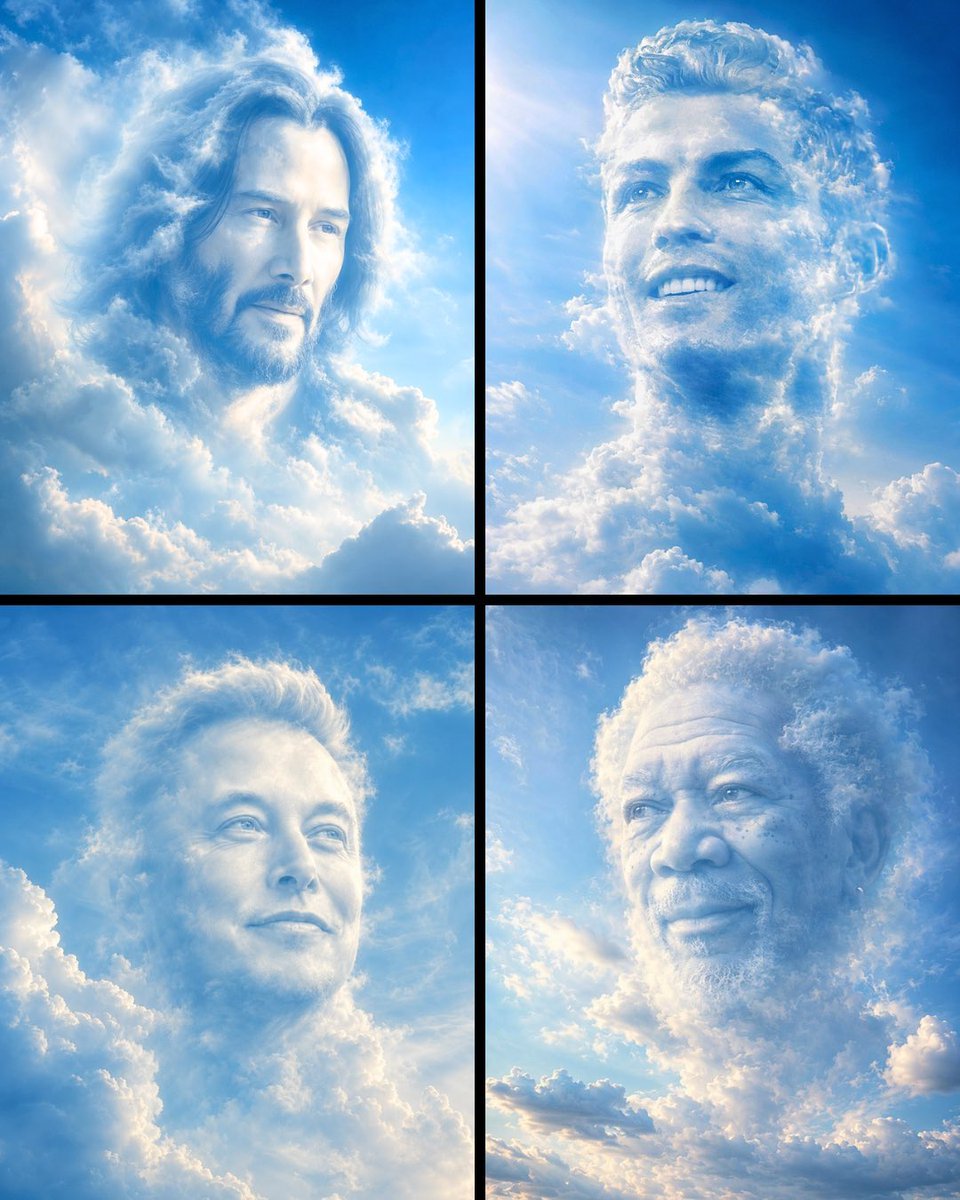
Ethereal Cloud Portrait Reimaging
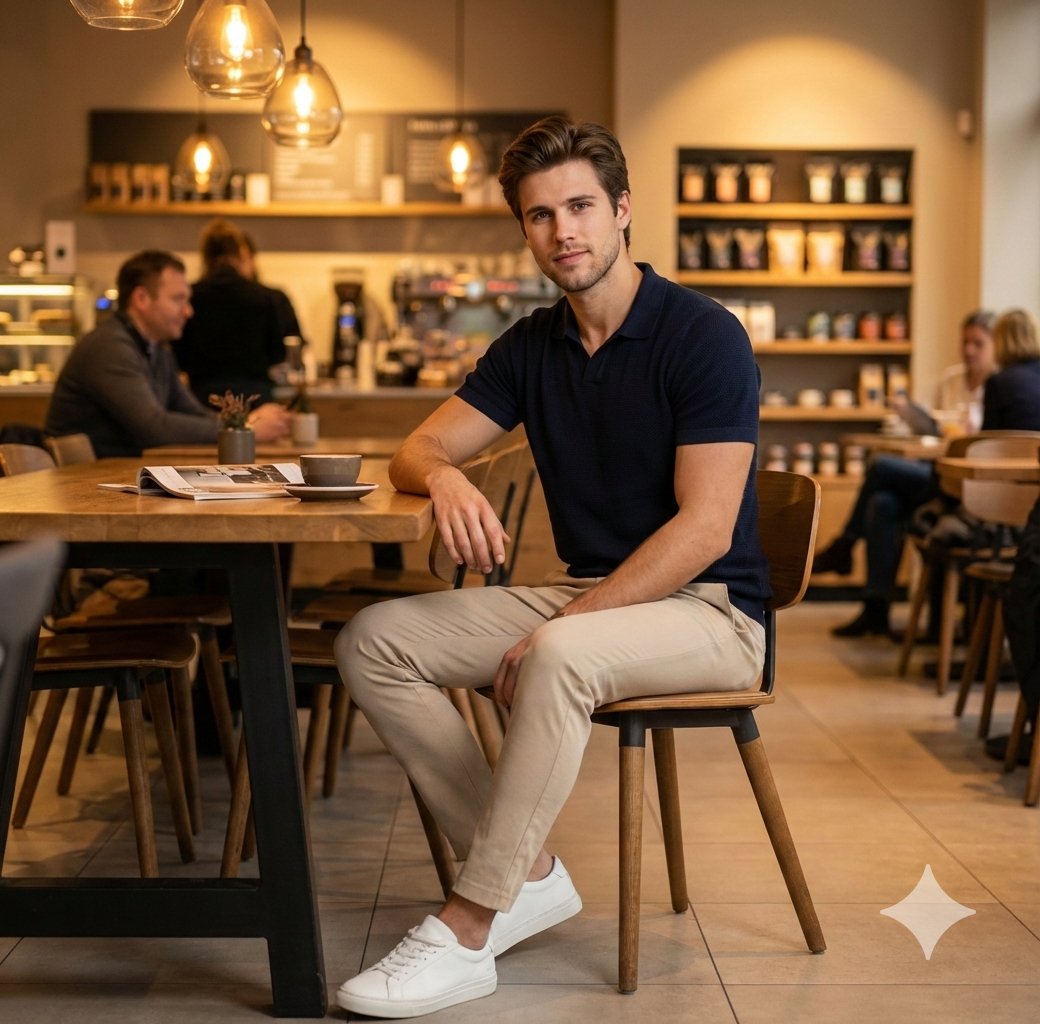
Photorealistic Café Lifestyle Shot Prompt
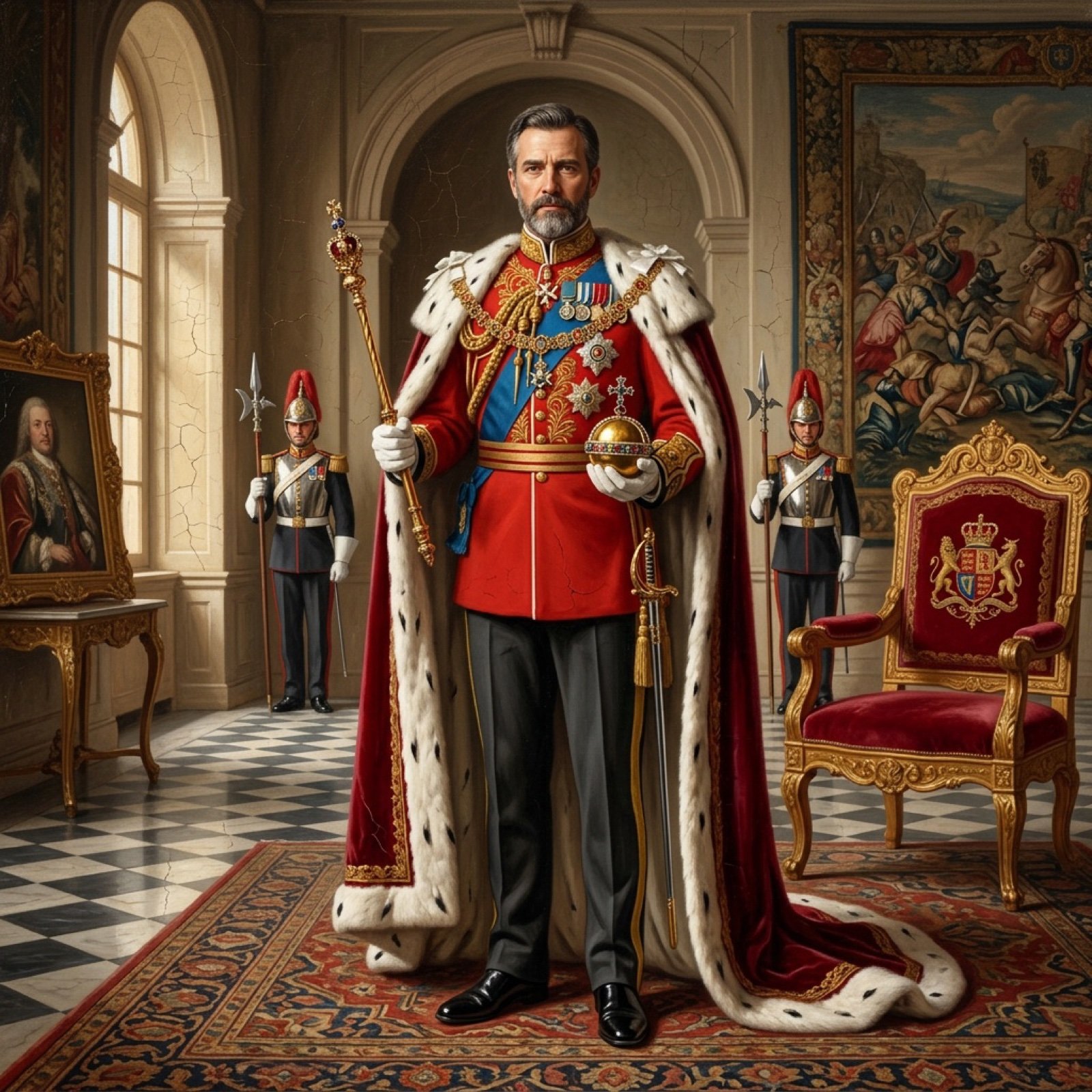
Detailed Oil Painting Prompt for a Regal King Portrait
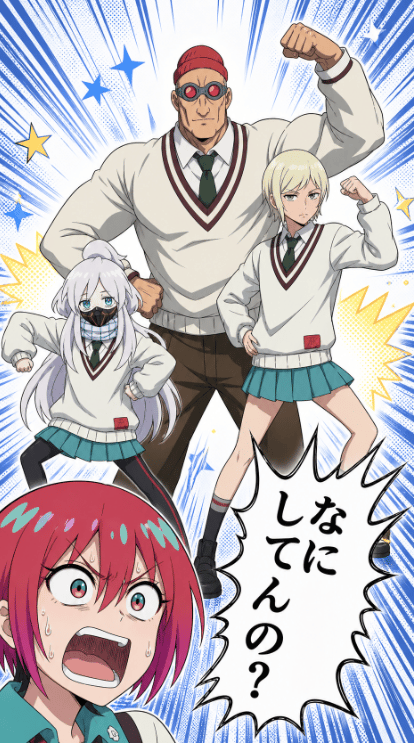
Colored Anime Manga Splash Panel
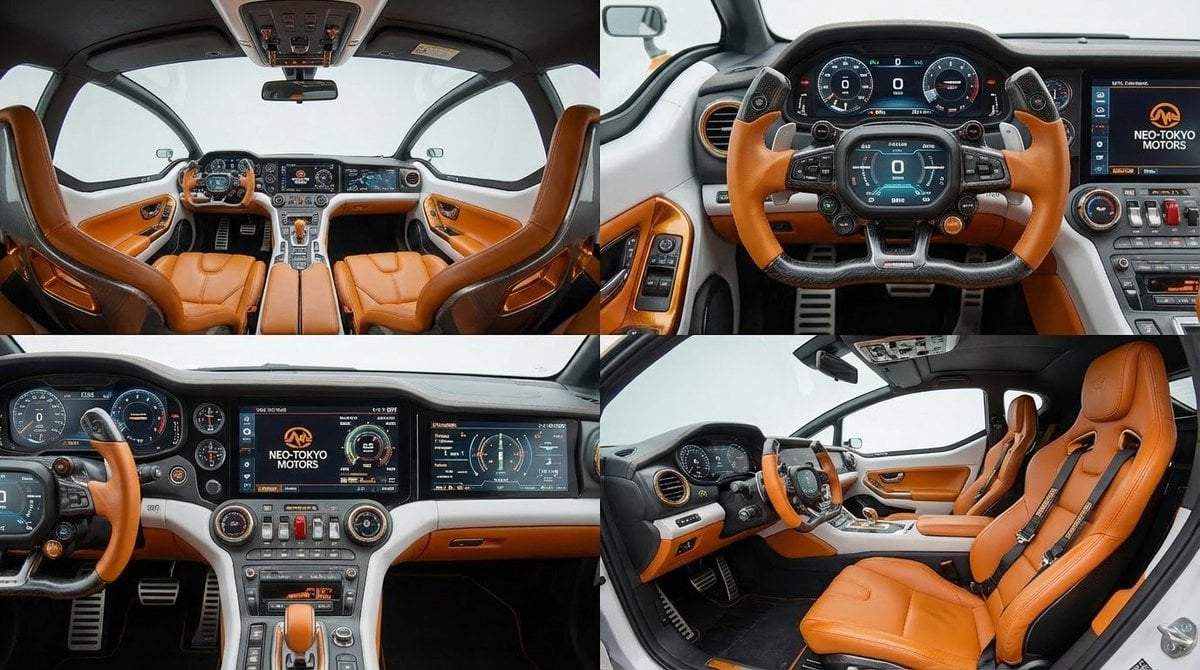
Cockpit Interior Grid View
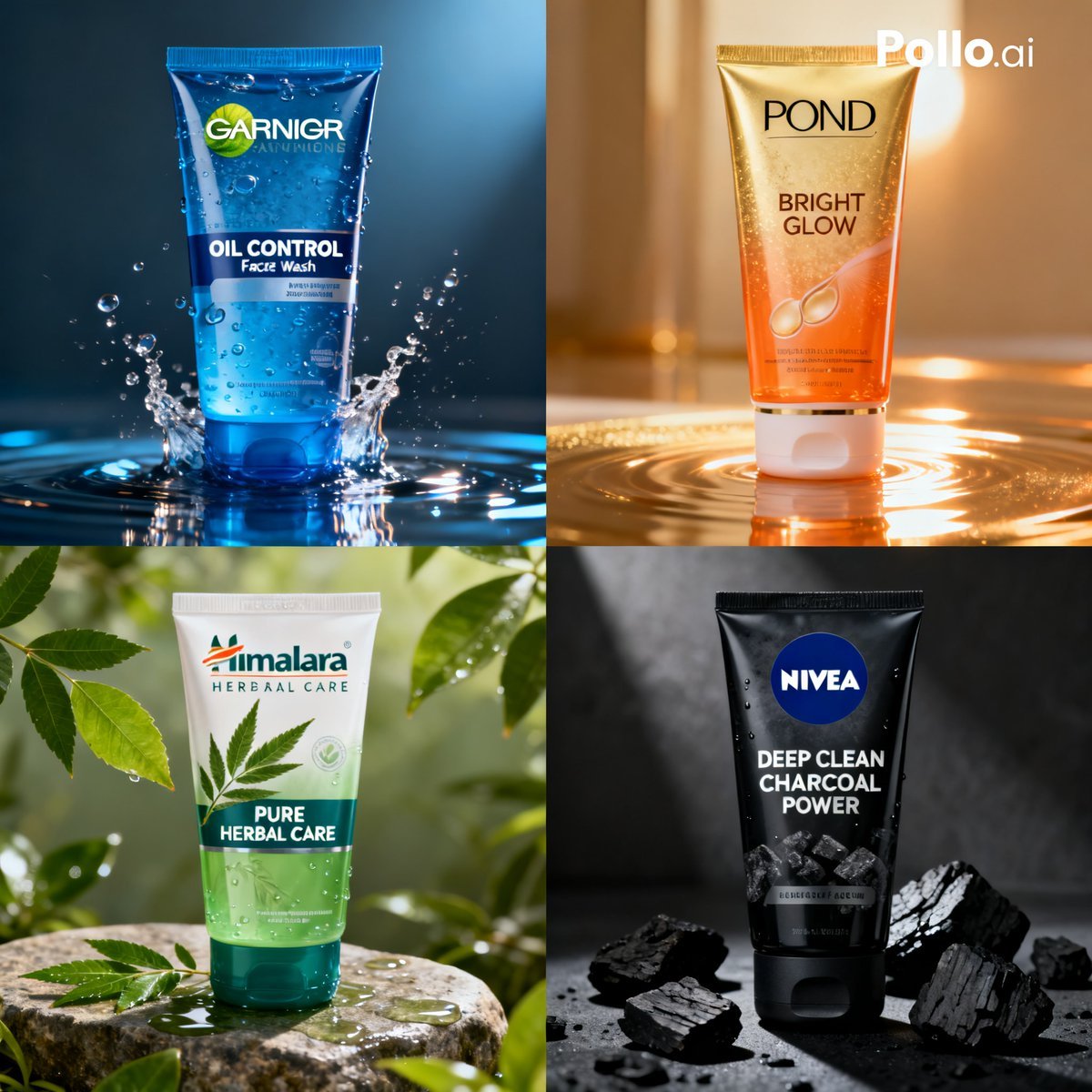
Panel Face Wash Ad Grid
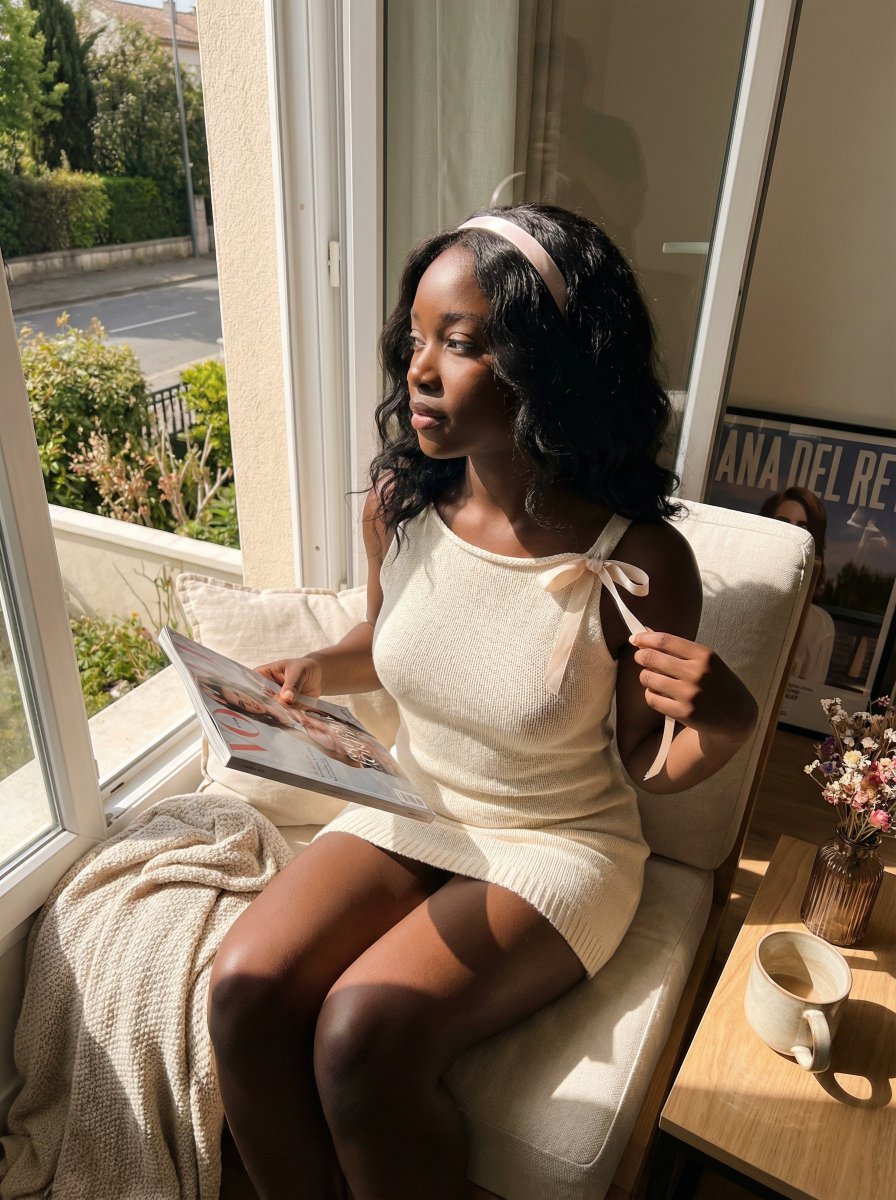
Sun-Kissed Coquette Candid Portrait Prompt (Black Woman)

Minimalist Product Photography with Sketch Illustration
Browse template categories
Comedic Manga Roadside Horse Scene questions
How do I use the Comedic Manga Roadside Horse Scene template?
Add your photo if the template asks for one, edit the prompt if you like — the template's model and format are already selected — and press Generate. Your version opens in PicX Studio.
Can I customize the Comedic Manga Roadside Horse Scene template?
Yes. You can change the subject, setting, lighting, mood, format, and available model controls before creating your image.
Is the Comedic Manga Roadside Horse Scene template free?
Opening and editing this template is free. Generating uses credits, shown on the Generate button when you are signed in.
Which AI model should I use?
Start with GPT Image 2, which is the model associated with this template. You can compare another compatible model for a different finish.
Looking for something else? Browse all templates.

Your photo, any look
Thousands of ready templates for every top image and video model, from one credit balance.