
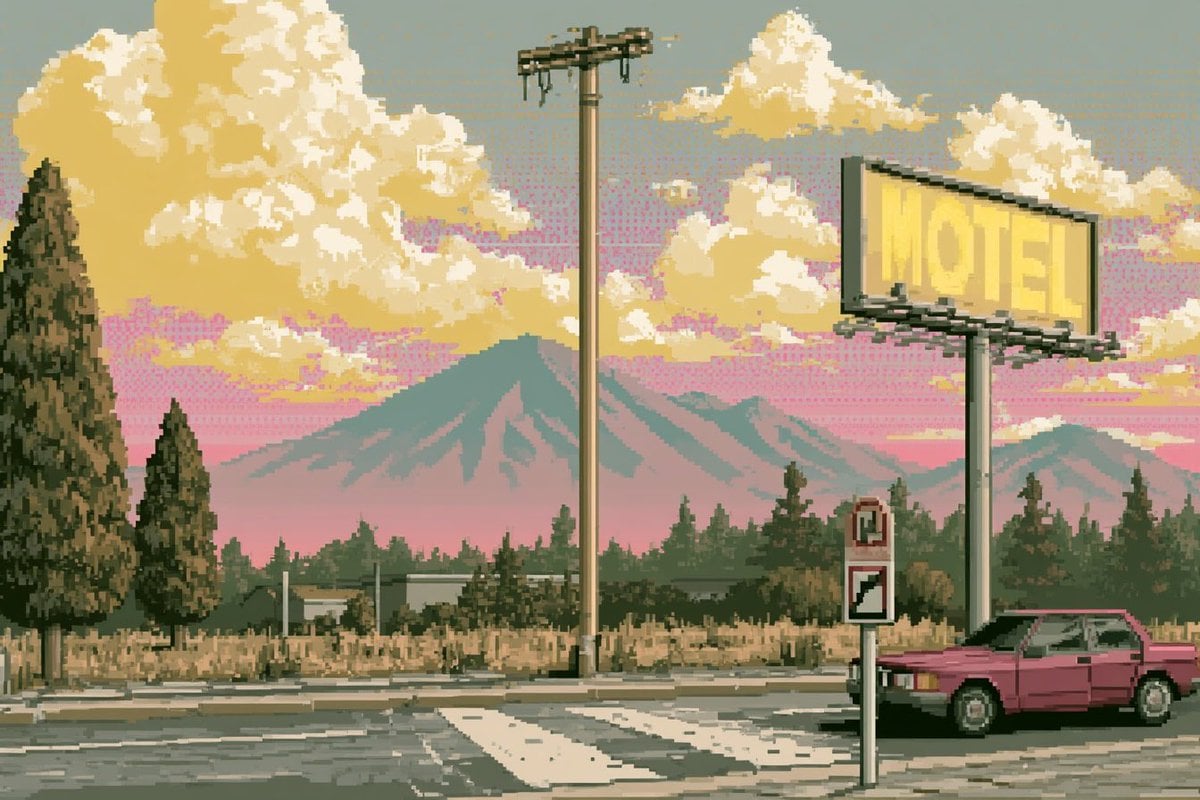
Pixel Art Retrowave Motel Roadside
Generates a crisp 16-bit style roadside motel landscape with vaporwave colors, mountains, a billboard, and a retro car for nostalgic game-background art.
- Prompt included
- Model and format preset
- Free template
The prompt behind this image
Copy the exact prompt behind Pixel Art Retrowave Motel Roadside, or open it in the studio and make it yours.
Create a 3:2 wide pixel-art landscape in the style of a 1990s console JRPG background: a quiet roadside motel scene at sunset with crisp hand-placed pixels, a limited muted palette, no anti-aliasing, and subtle retrowave / vaporwave atmosphere. The foreground shows an asphalt road intersection with a white zebra crossing and cracked pavement. On the right, place a pink retro two-door sedan parked beside the road, partly cropped by the edge of the frame. Above it, a large elevated yellow billboard sign reads {argument name="billboard text" default="MOTEL"} in faint block letters, mounted on a tall pole with dark pixel shadows and braces. Near the center, include one tall utility pole with a small transformer crossbar and dangling wires. Add two small roadside signs in front of the car: one narrow sign with a red symbol and one diagonal stripe sign. The midground contains dry beige grass, low motel-like buildings, fences, and a dense row of dark evergreen trees. The left side has exactly 2 prominent pine trees: one very tall tree at the far left edge and one smaller tree just right of it. The background features layered blue-green mountains with a large central peak, set under a pink-to-gray sky filled with large golden cream clouds. Use {argument name="sky color mood" default="pink sunset with gray haze"}, {argument name="car color" default="magenta pink"}, {argument name="overall palette" default="muted pastel vaporwave yellows, pinks, sage greens, and dusty grays"}, and {argument name="art style" default="crisp 16-bit pixel art, retro JRPG game sprite background, lo-fi synthwave, no anti-aliasing"}. Keep the image purely environmental with no people, no modern UI, no watermark, and maintain visible square pixel structure throughout.
How to use Pixel Art Retrowave Motel Roadside in 3 steps
- 1Upload ImagePNG, JPG or paste
Add your photo
Upload the photo the template builds on. The prompt, model and format are already set.
- 2…a portrait of your subject in softgolden-hour light, 85mm…
Personalize
Edit the subject and creative details for your destination.
- 3Generate
Generate
Press Generate — your image is created in PicX Studio, so you can compare it with the original and refine one variable at a time.
More like this
Templates with the same subject, style or setup. Open one to see its prompt.

Pixel Limited Finale Fireworks

Pixel Limited Garden Maze

Pixel Limited Rooftop Concert

Pixel Limited Bicycle Coast

Pixel Limited Castle Gate

Pixel Limited Kitchen Chaos

Pixel Limited Carnival Ride

Pixel Limited Rainy Bus Stop

Pixel Limited Space Dock

Pixel Limited Cafe Morning

Pixel Limited Mountain Summit

Pixel Limited Underwater Reef
Make it yours
Pixel Art Retrowave Motel Roadside works as-is. These are the safest ways to change it without losing the look.
Change one field
Copy a single group, rewrite it, and generate again so you can see what that field is doing.
Keep the frame, change the subject
Hold the composition and light of Pixel Art Retrowave Motel Roadside, then swap wardrobe, props or the person for a new take.
| If the result… | Why | Fix |
|---|---|---|
| The result drifts from the preview | Too many fields changed at once. | Reuse Pixel Art Retrowave Motel Roadside as-is first, then change one group — subject, light, or setting. |
| The model over-stylizes the scene | The prose prompt leaves finish and camera underspecified. | Add one camera or lighting sentence and stay on GPT Image 2. |
More GPT Image 2 templates
Other prompts made for GPT Image 2.

Six VTuber Japanese Logo Sheet

Realistic Portrait of Woman and Deer

The Vista Modular Condo Poster

AI Model Routing Comparison Infographic

2.5D Anime Art Board

Isometric Productivity Desk Scene

New York Double Exposure Poster

Four-Panel AI Landscape Comparison

Japanese Tatami Lifestyle Magazine Cover

NESCAFÉ Coffee Map Poster
More image prompts
Fresh picks from across the catalog.
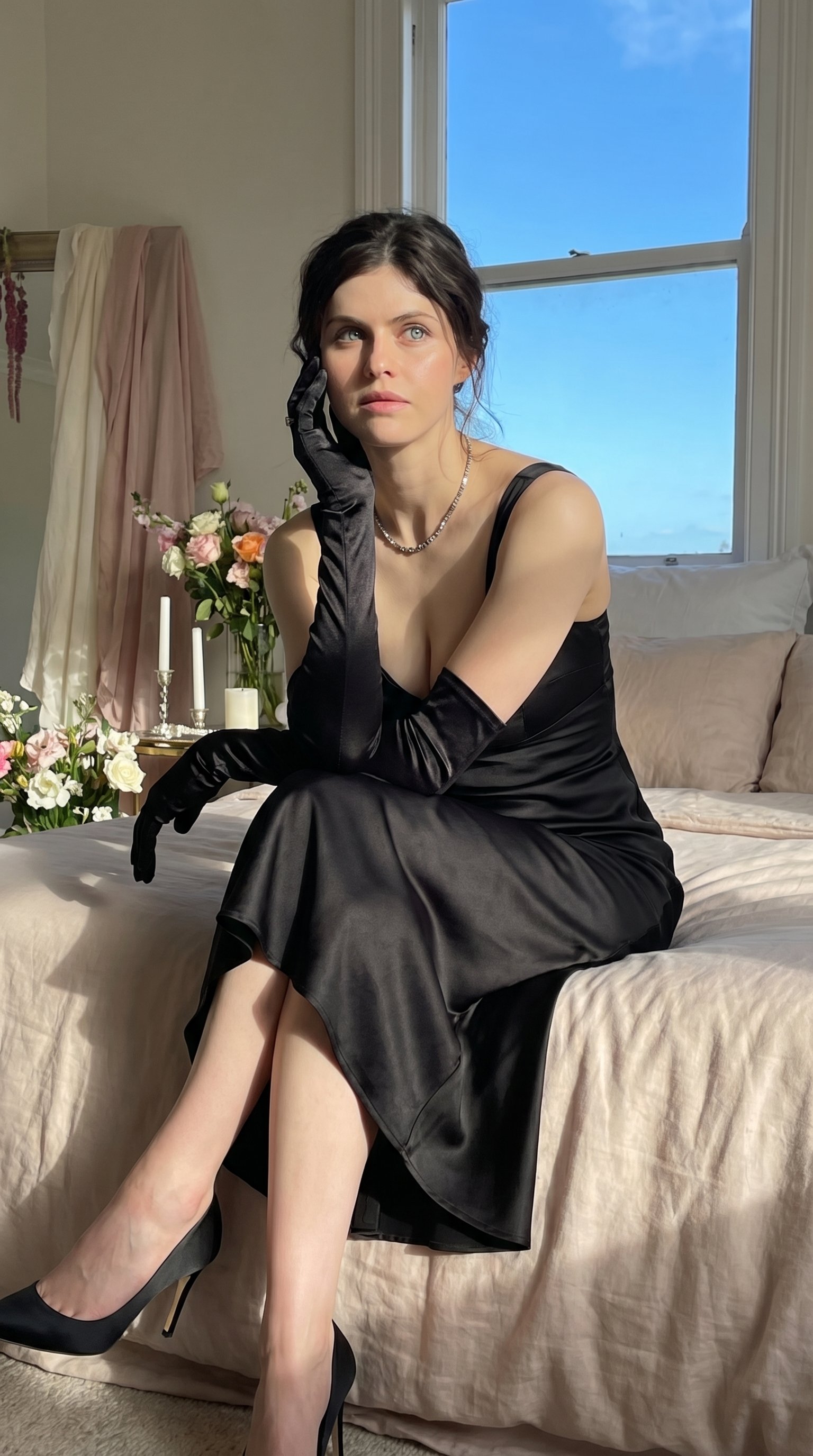
Quiet Luxury - Alexandra Daddario (Nano Banana)
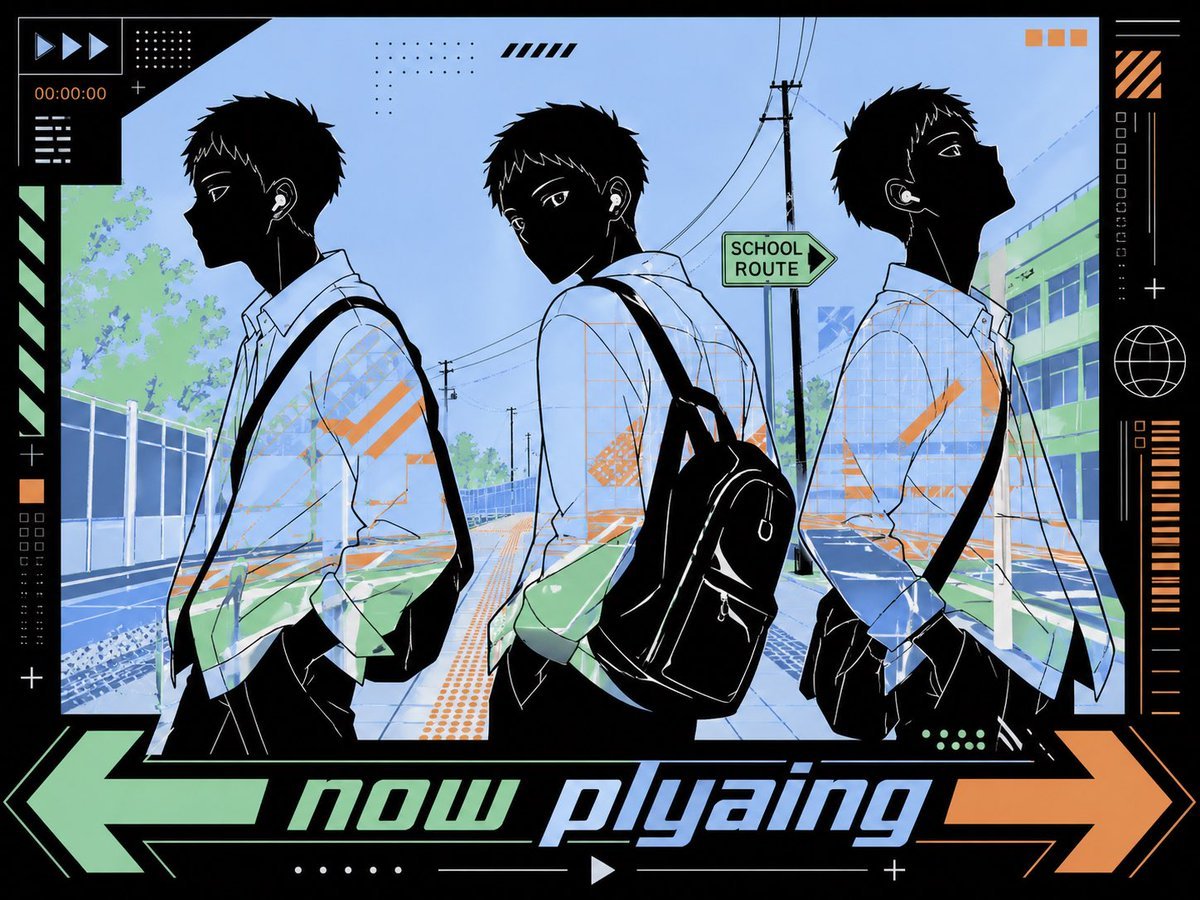
Anime Now Playing School Street Poster

Minimalist Saint Augustine Book Cover
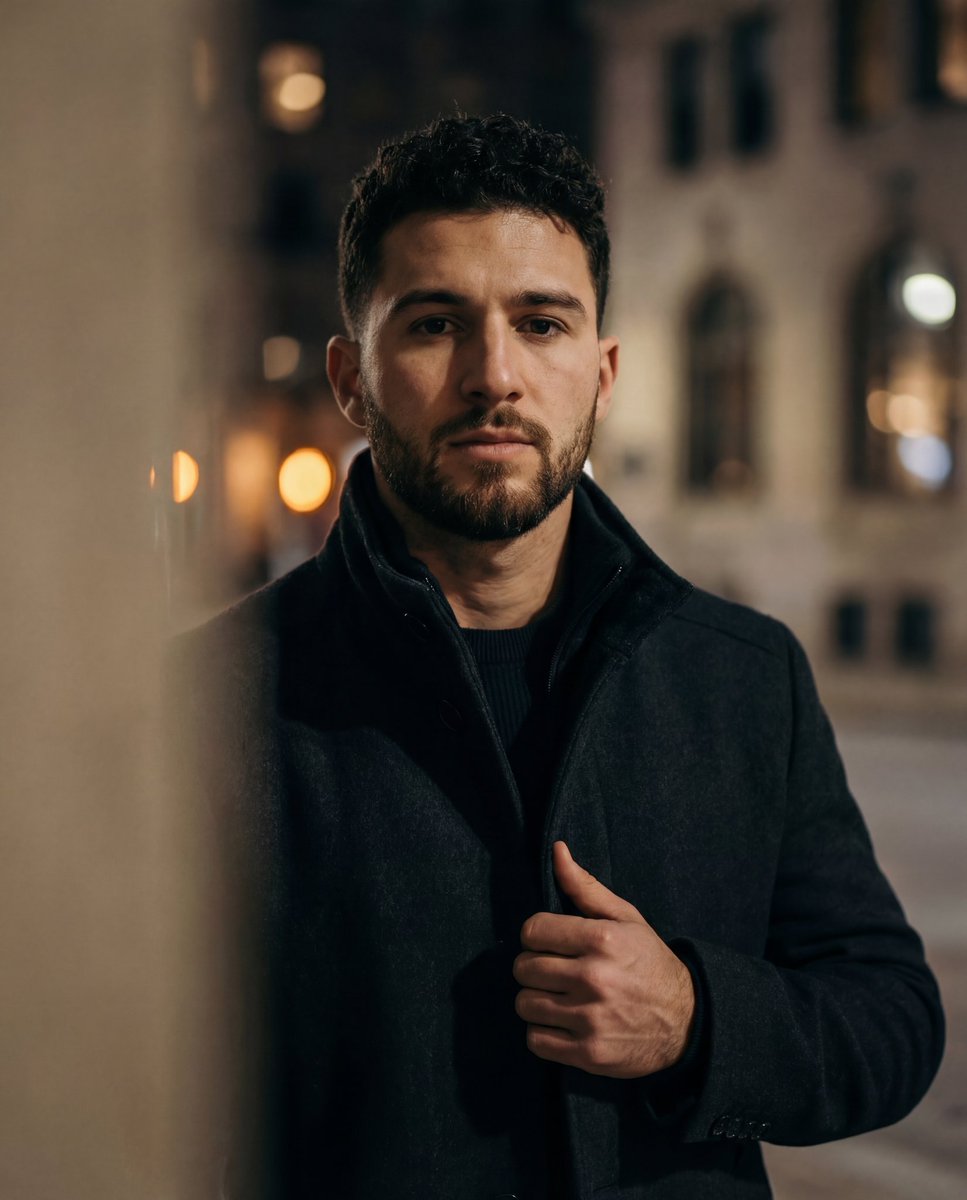
Cinematic low-key urban portrait prompt
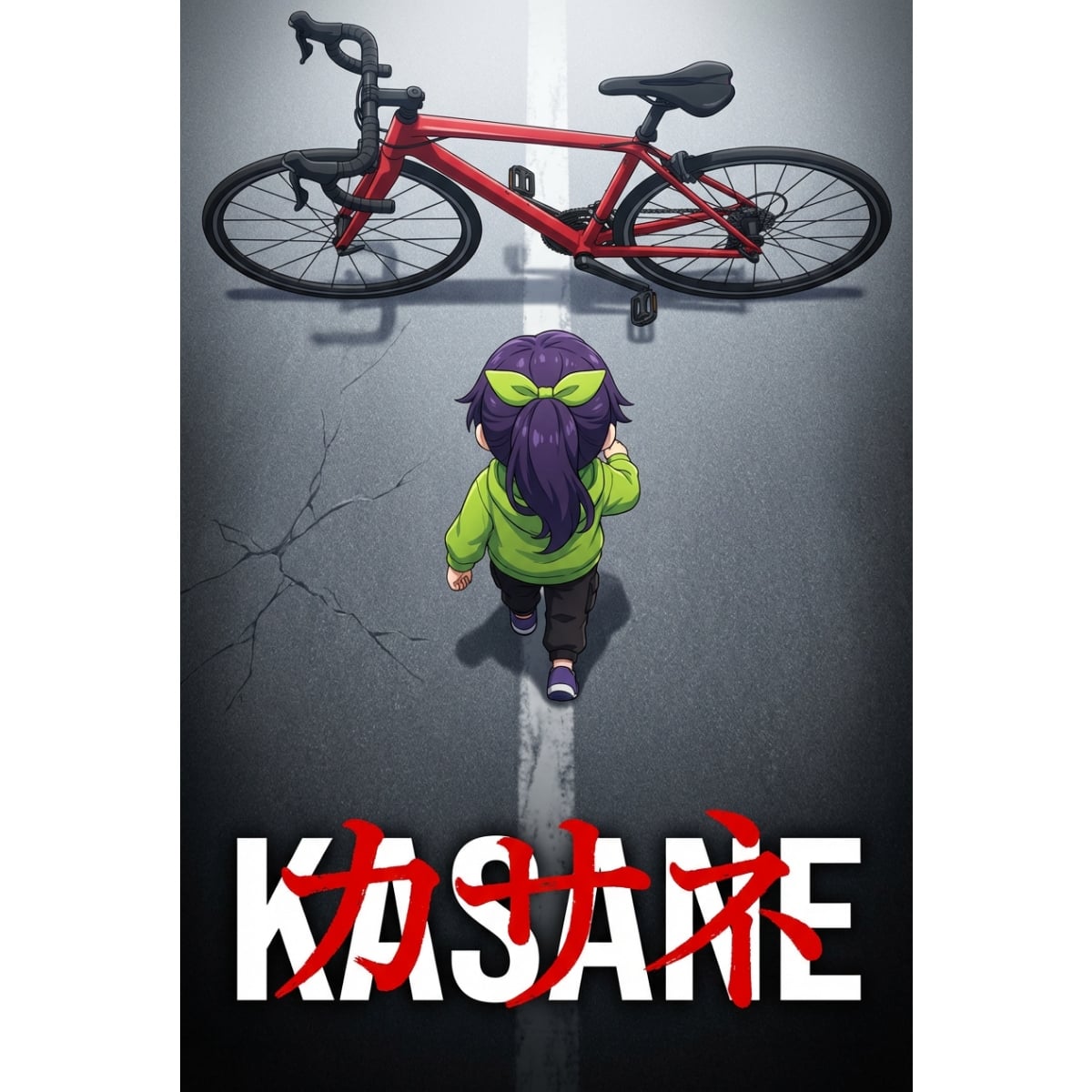
Anime Movie Poster Prompt: Chibi Character and Road Bike
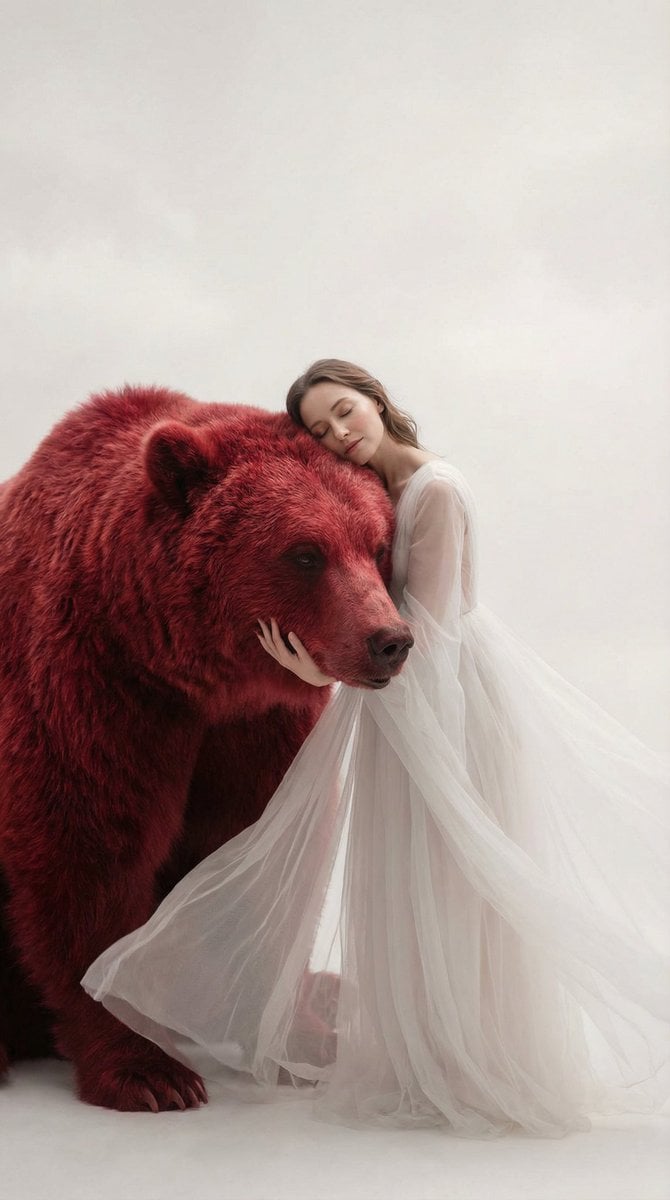
Surreal Scene of Human Embracing Massive Red Bear Prompt
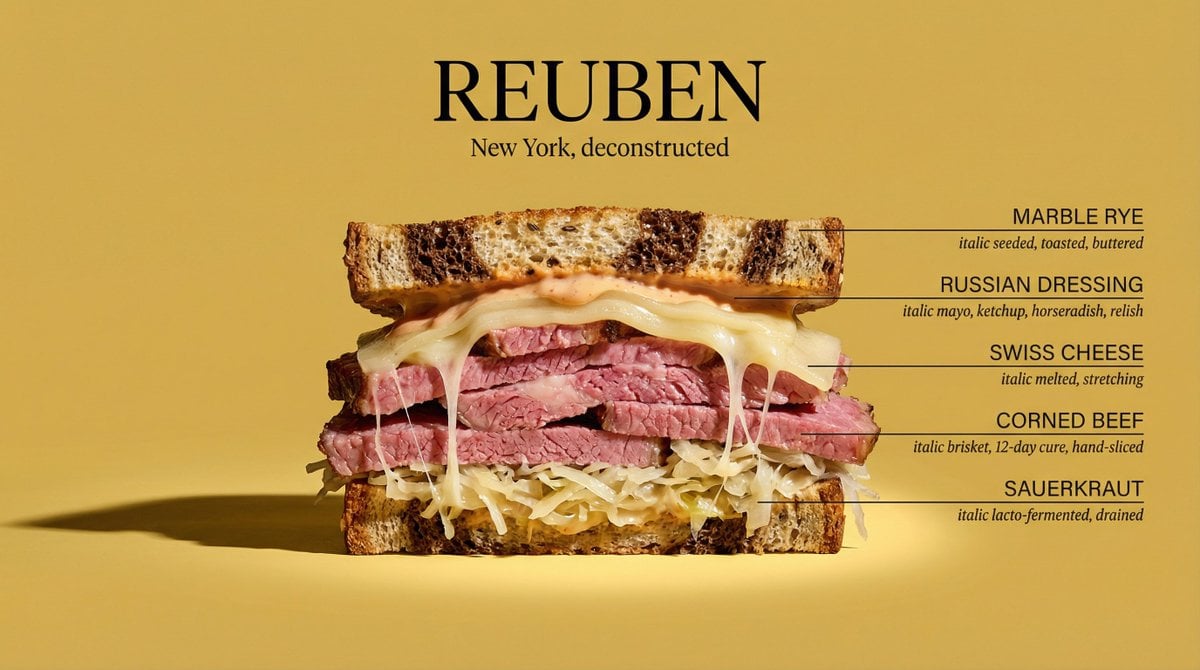
Architectural Food Photography Cross-Section Prompt
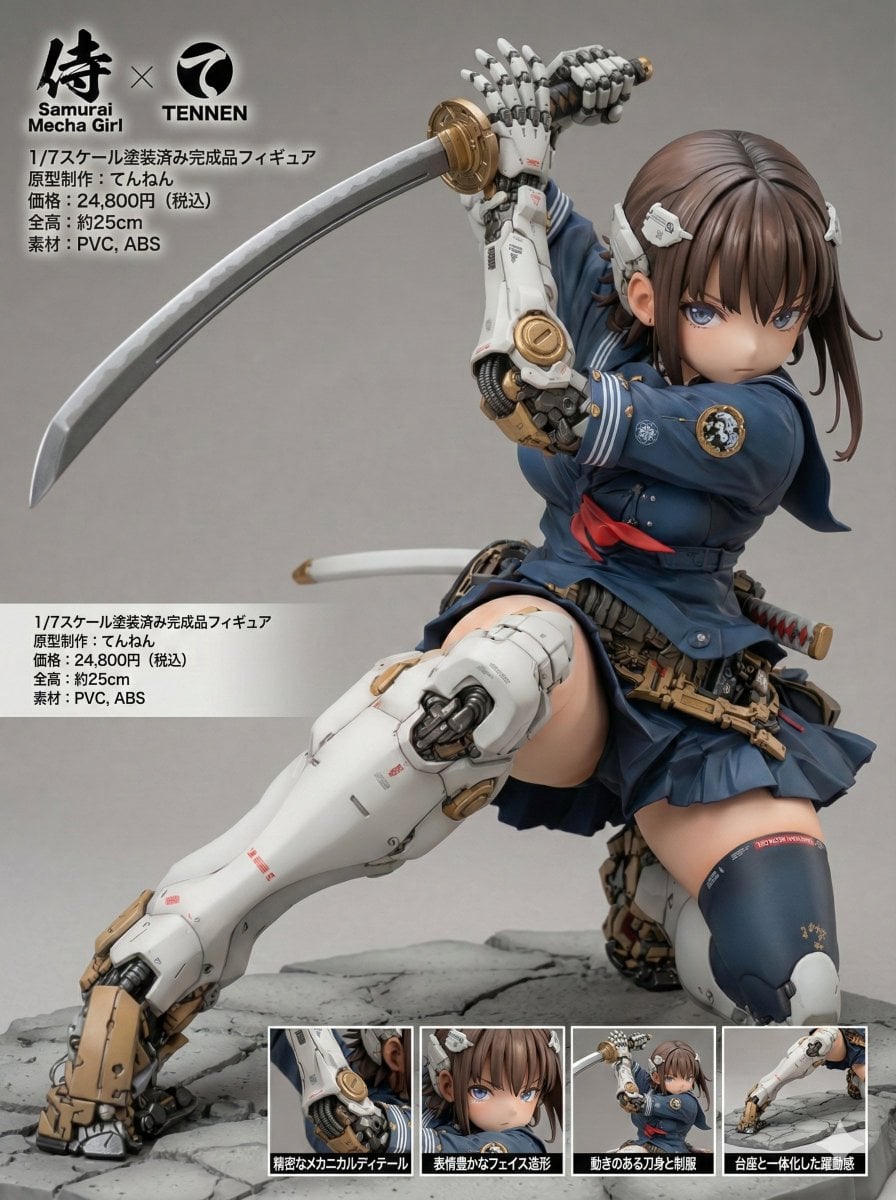
Multilingual Figure Product Introduction Layout Prompt for Nano Banana Pro
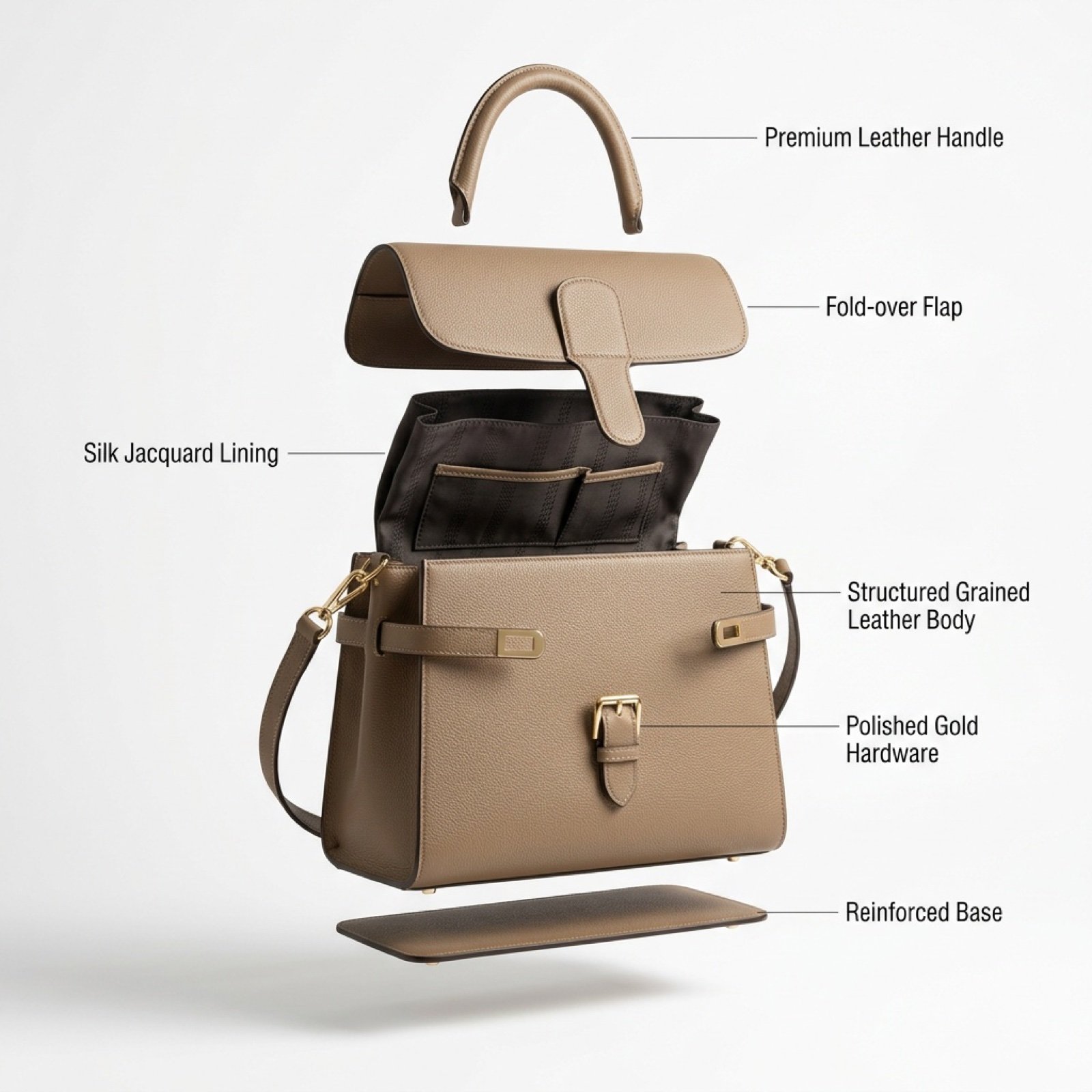
Luxury Handbag Exploded View Animation Prompt
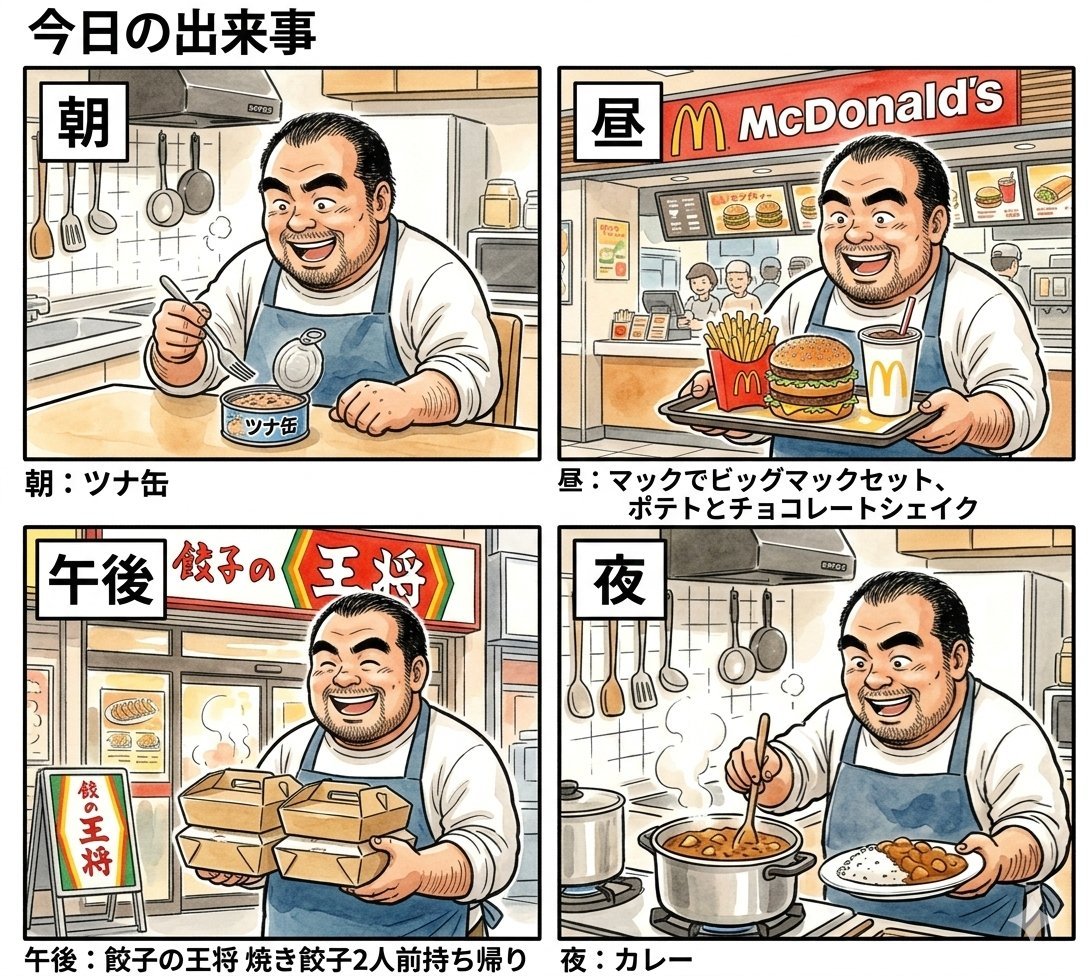
Panel Manga Prompt: A Day's Meals
Browse template categories
Pixel Art Retrowave Motel Roadside questions
How do I use the Pixel Art Retrowave Motel Roadside template?
Add your photo if the template asks for one, edit the prompt if you like — the template's model and format are already selected — and press Generate. Your version opens in PicX Studio.
Can I customize the Pixel Art Retrowave Motel Roadside template?
Yes. You can change the subject, setting, lighting, mood, format, and available model controls before creating your image.
Is the Pixel Art Retrowave Motel Roadside template free?
Opening and editing this template is free. Generating uses credits, shown on the Generate button when you are signed in.
Which AI model should I use?
Start with GPT Image 2, which is the model associated with this template. You can compare another compatible model for a different finish.
Looking for something else? Browse all templates.

Your photo, any look
Thousands of ready templates for every top image and video model, from one credit balance.