
Pixel Limited Kitchen Chaos
Curated animation-type template.

- Prompt included
- Model and format preset
- Free template
The prompt behind this image
Copy the exact prompt behind Pixel Limited Kitchen Chaos, or open it in the studio and make it yours.
Limited-animation / pixel-aware stylized frame, chunky readable shapes, dithering or limited palette, retro game-cinematic hybrid. Scene: chaotic kitchen with flying ingredients and laughs. Strong silhouettes, snap poses, nostalgic CRT softness optional, 1:1
How to use Pixel Limited Kitchen Chaos in 3 steps
- 1
Open
The prompt is already in the box next to the preview, with the template's model and format selected.
- 2…a portrait of your subject in softgolden-hour light, 85mm…
Personalize
Edit the subject and creative details for your destination.
- 3Generate
Generate
Press Generate — your image is created in PicX Studio, so you can compare it with the original and refine one variable at a time.
More like this
Templates with the same subject, style or setup. Open one to see its prompt.

Pixel Limited Finale Fireworks

Pixel Limited Garden Maze

Pixel Limited Rooftop Concert

Pixel Limited Bicycle Coast

Pixel Limited Castle Gate

Pixel Limited Carnival Ride

Pixel Limited Rainy Bus Stop

Pixel Limited Space Dock

Pixel Limited Cafe Morning

Pixel Limited Mountain Summit

Pixel Limited Underwater Reef

Pixel Limited Street Festival
Make it yours
Pixel Limited Kitchen Chaos works as-is. These are the safest ways to change it without losing the look.
Change one field
Copy a single group, rewrite it, and generate again so you can see what that field is doing.
Keep the frame, change the subject
Hold the composition and light of Pixel Limited Kitchen Chaos, then swap wardrobe, props or the person for a new take.
| If the result… | Why | Fix |
|---|---|---|
| The result drifts from the preview | Too many fields changed at once. | Reuse Pixel Limited Kitchen Chaos as-is first, then change one group — subject, light, or setting. |
| The model over-stylizes the scene | The prose prompt leaves finish and camera underspecified. | Add one camera or lighting sentence and stay on PicX Studio. |
More image prompts
Fresh picks from across the catalog.

Anonymous Legends in Red Grid

Luxury Fashion Magazine Corridor
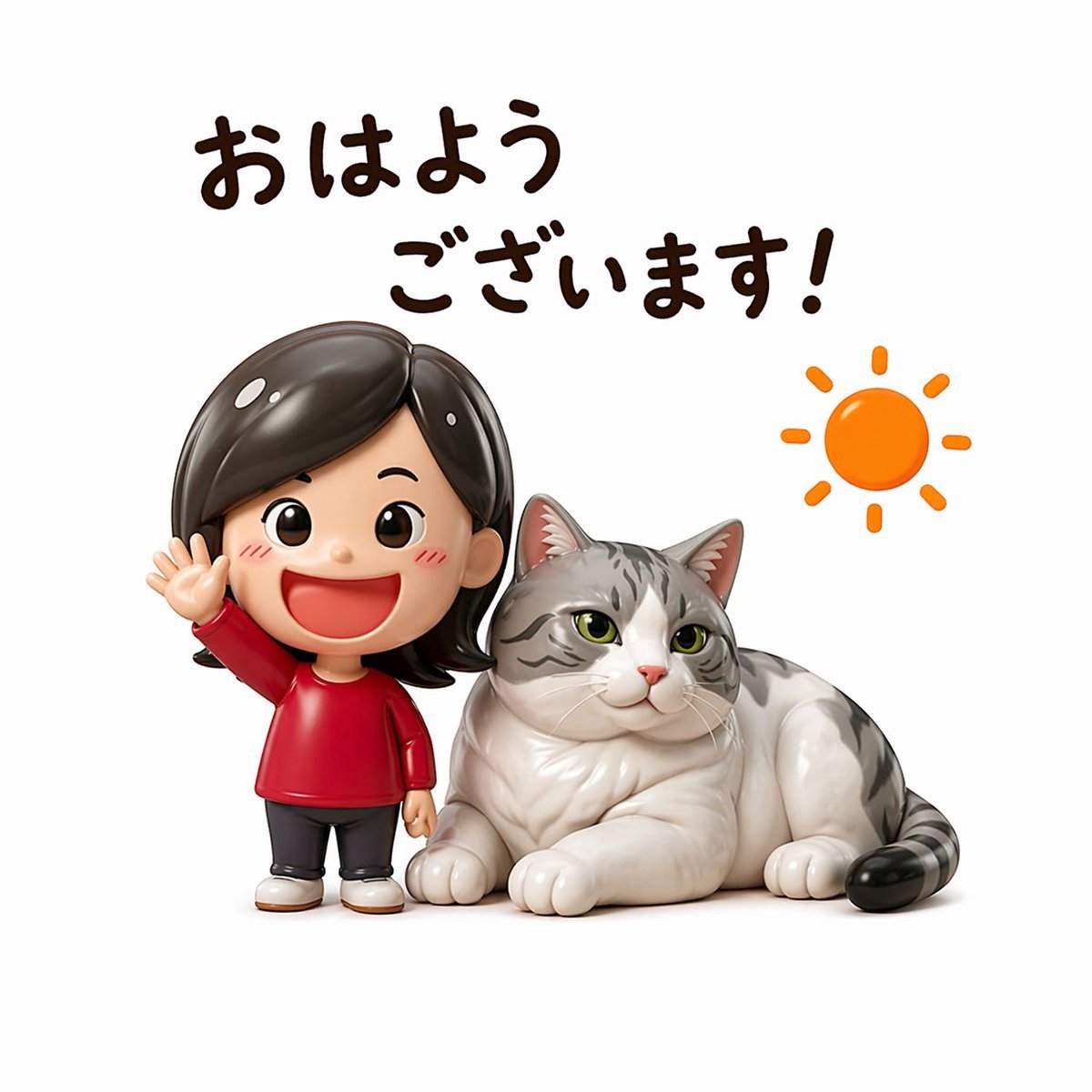
Cute Morning Greeting Figure Sticker
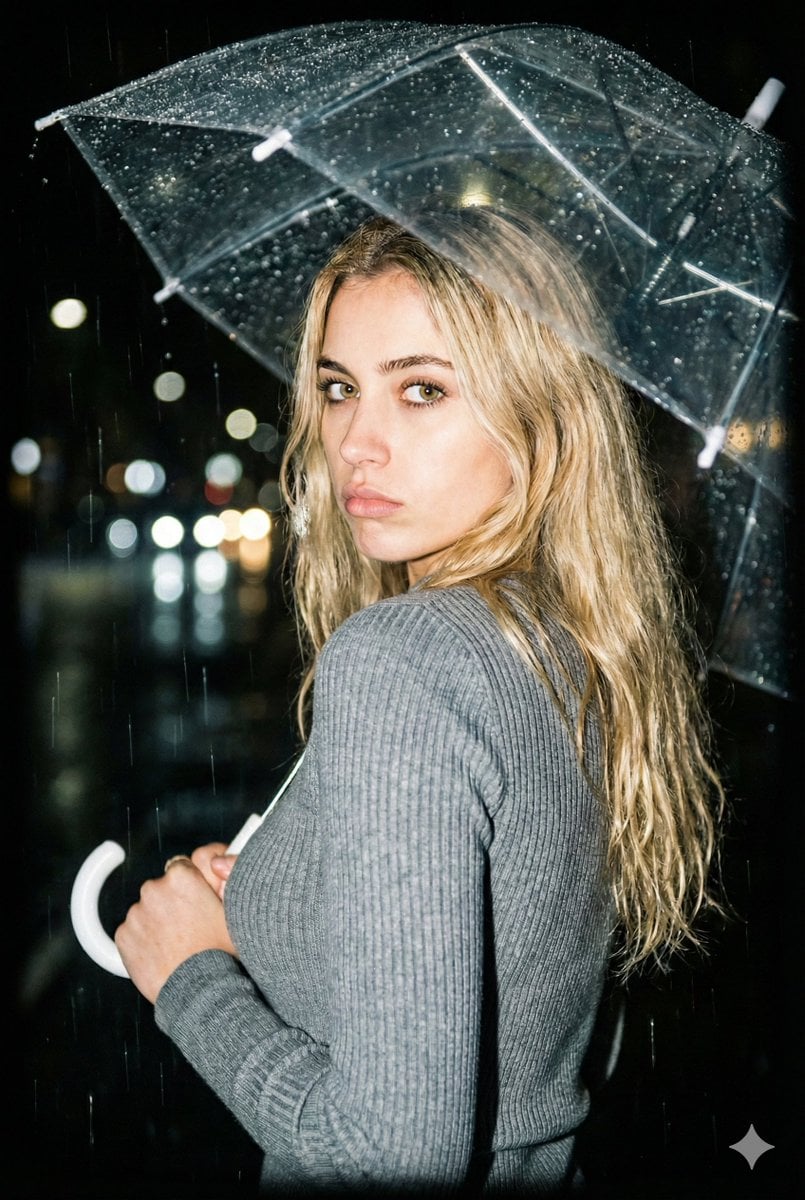
Nighttime Rainy Umbrella Portrait Prompt

Surreal Map Dress Fashion Editorial
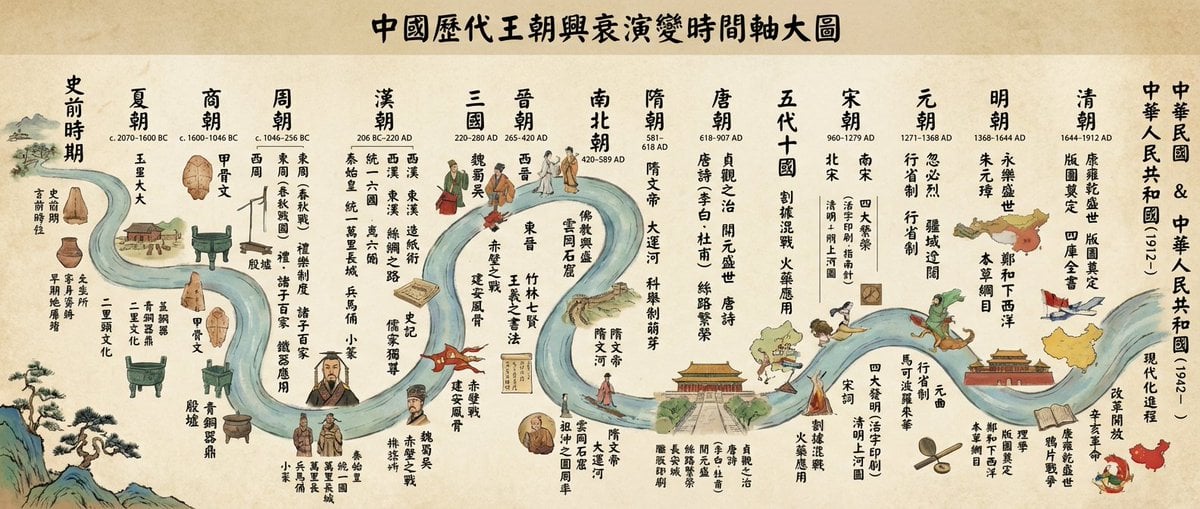
Chinese dynasties infographic timeline in traditional Chinese
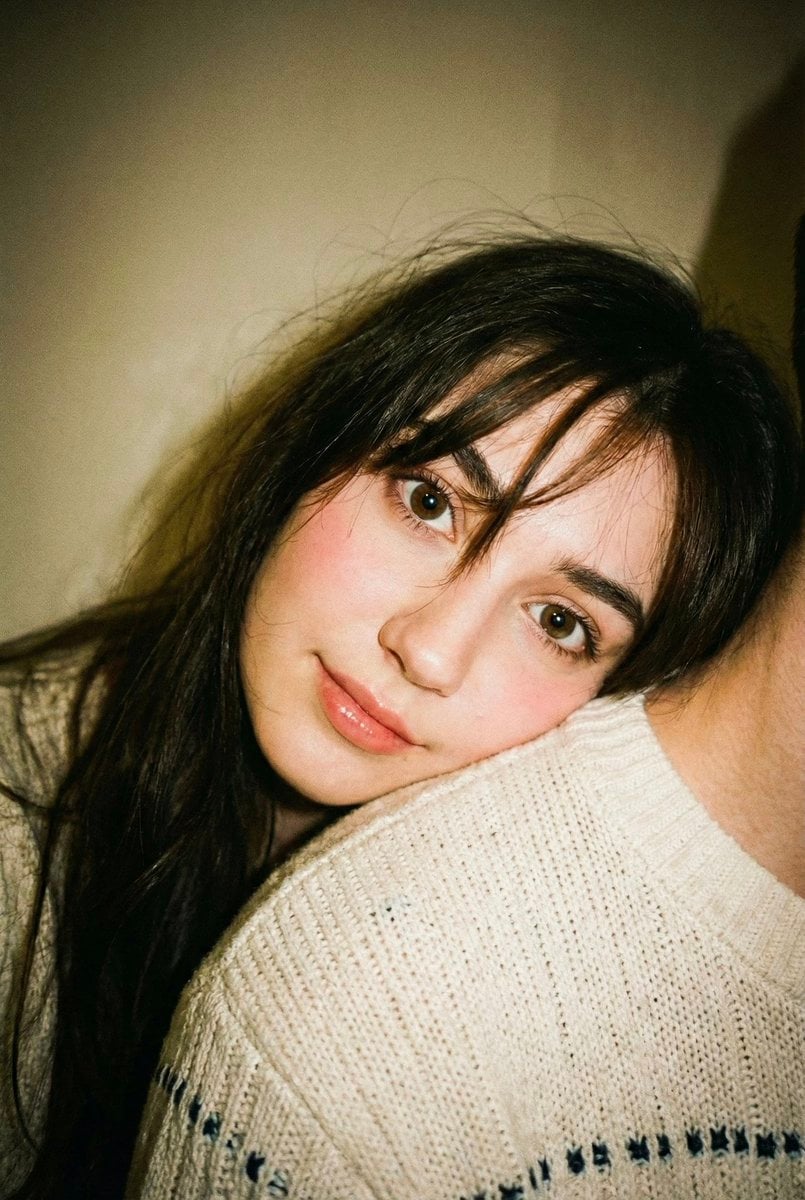
Disposable Camera Aesthetic Portrait with Intimate Pose
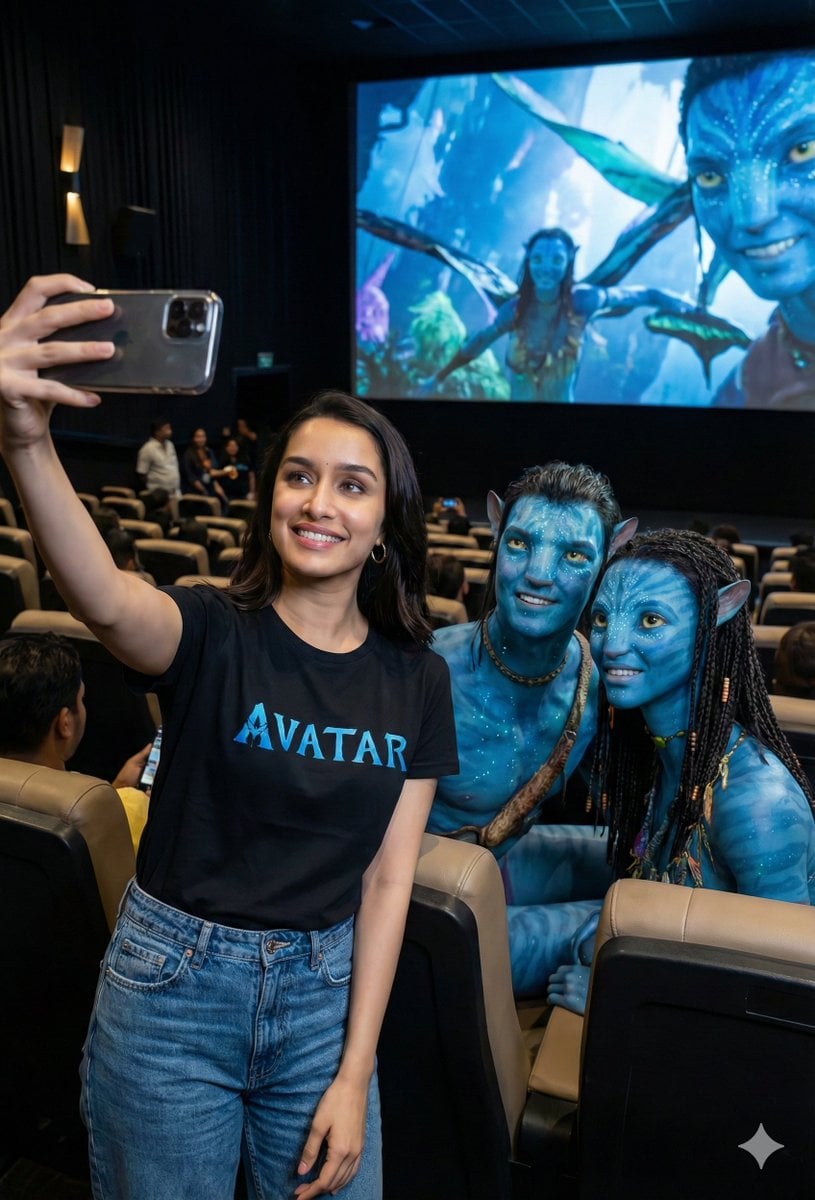
Avatar Movie Selfie in a Cinema Hall
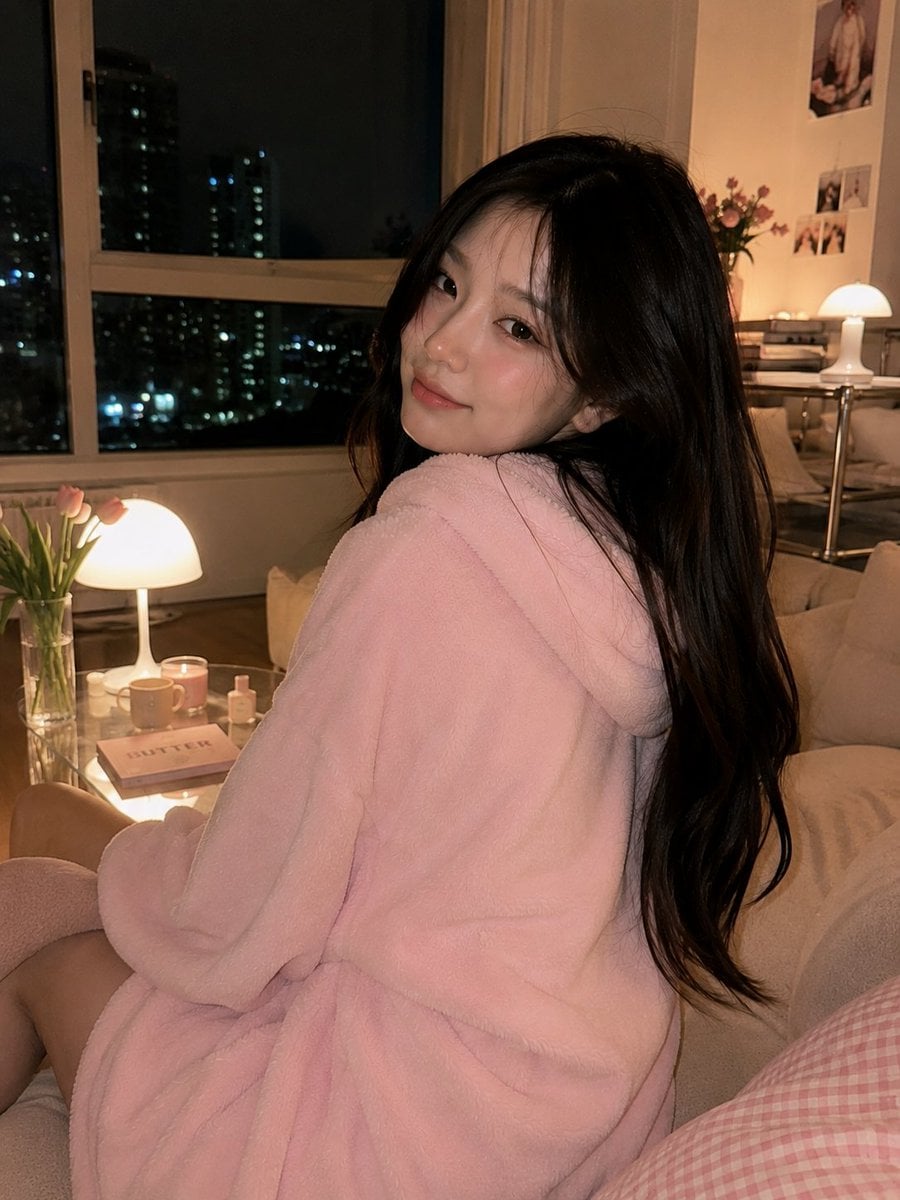
Cozy Korean Living Room Portrait

Chibi Witch Owl Figurine
Browse template categories
Pixel Limited Kitchen Chaos questions
How do I use the Pixel Limited Kitchen Chaos template?
Add your photo if the template asks for one, edit the prompt if you like — the template's model and format are already selected — and press Generate. Your version opens in PicX Studio.
Can I customize the Pixel Limited Kitchen Chaos template?
Yes. You can change the subject, setting, lighting, mood, format, and available model controls before creating your image.
Is the Pixel Limited Kitchen Chaos template free?
Opening and editing this template is free. Generating uses credits, shown on the Generate button when you are signed in.
Which AI model should I use?
Choose a compatible model in PicX Studio based on the style, speed, and output controls your project needs.
Looking for something else? Browse all templates.

Your photo, any look
Thousands of ready templates for every top image and video model, from one credit balance.