
Anonymous Legends in Red Grid
Creates a dramatic four-panel cinematic portrait grid of anonymous legendary figures with red lighting and face-obscuring censor blocks.
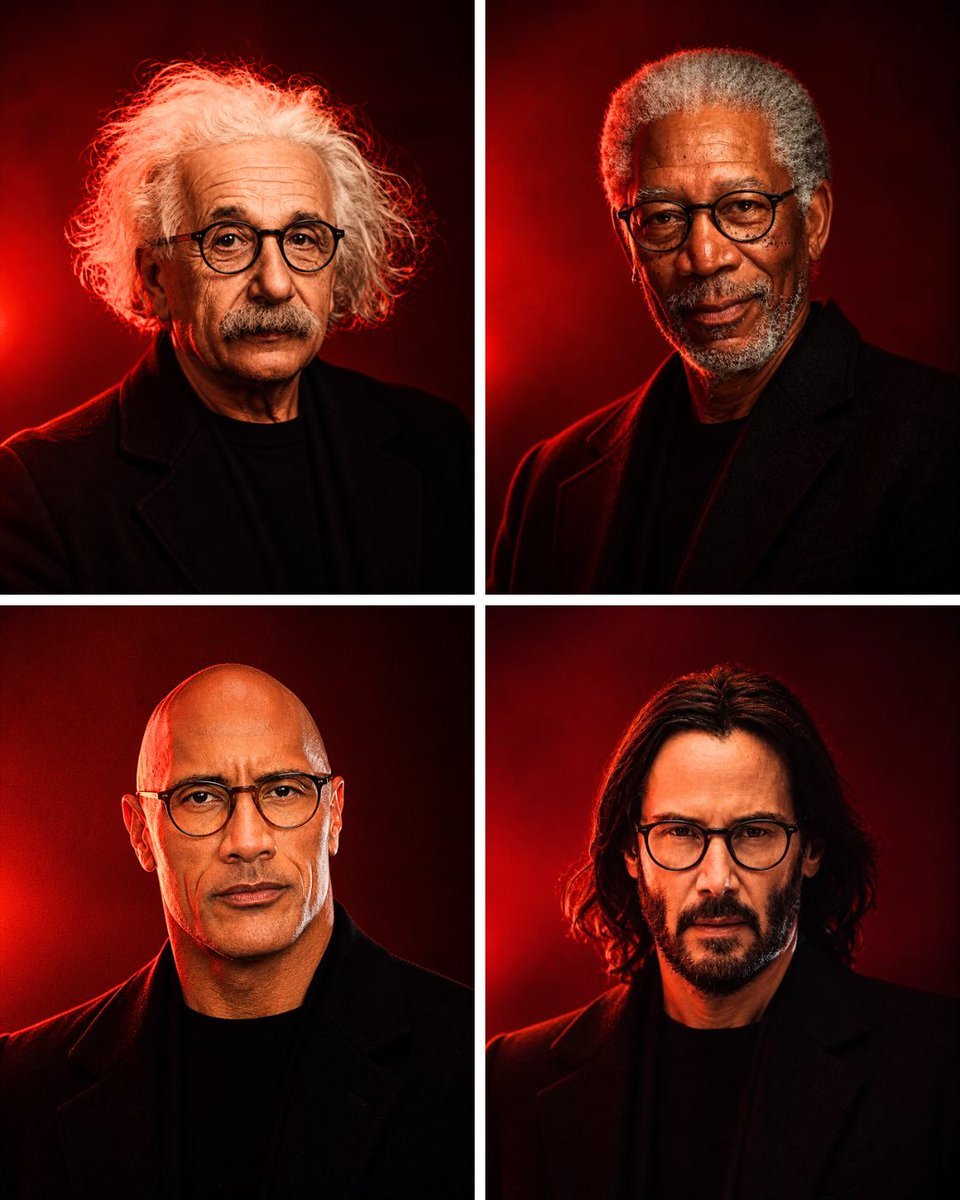
- Prompt included
- Model and format preset
- Free template
The prompt behind this image
Copy the exact prompt behind Anonymous Legends in Red Grid, or open it in the studio and make it yours.
Goal: Create a cinematic 2×2 portrait grid titled by mood only, showing four anonymous legendary figures in dramatic red lighting, with their faces intentionally hidden by opaque rectangular censor blocks so they are recognizable only by silhouette, hair, posture, and styling. Canvas: Vertical 3:4 image, four equal panels separated by thick clean white gutters forming a cross. Each panel is a tight chest-up studio portrait against a dark crimson-to-black background with a vivid red rim light or glowing red spotlight behind the subject. Layout: Exactly 4 portraits total: top-left, top-right, bottom-left, bottom-right. Keep all subjects centered, cropped from upper chest to just above the head, wearing dark black coats or jackets over black shirts. Use high-contrast shadows, moody editorial photography, shallow depth of field, realistic skin and hair texture, and a premium magazine-cover look. Subject details: Top-left portrait: an elderly figure with wild, voluminous white curly hair spreading outward, black overcoat, red halo light behind the hair. Top-right portrait: an older figure with short gray hair, dark beard or facial hair visible around the lower face, black coat, strong red side light. Bottom-left portrait: a bald middle-aged figure with glasses partly visible at the edges of the censor block, black coat, red rim light on shoulders. Bottom-right portrait: a younger-to-middle-aged figure with shoulder-length dark wavy hair, black coat, red light glowing behind the head. Face concealment: Place exactly 4 opaque rectangular blocks, one centered over each face. The blocks should be vertical rectangles in warm brown skin-tone colors, covering the eyes, nose, and mouth while leaving hair, ears, neck, and clothing partly visible. Make the censor blocks flat, untextured, and deliberately artificial. Style: Photorealistic studio portrait photography, dramatic red and black color palette, cinematic contrast, subtle film grain, sharp clothing edges, glowing red backlight, serious and iconic mood, no typography, no logos, no watermark. Customizable direction: Use {argument name="color theme" default="deep crimson red and black"}, {argument name="portrait count" default="4"}, {argument name="subject theme" default="anonymous legendary figures"}, {argument name="censor block color" default="warm brown skin-tone"}, and {argument name="lighting style" default="dramatic red rim lighting"}.
How to use Anonymous Legends in Red Grid in 3 steps
- 1Upload ImagePNG, JPG or paste
Add your photo
Upload the photo the template builds on. The prompt, model and format are already set.
- 2…a portrait of your subject in softgolden-hour light, 85mm…
Personalize
Edit the subject and creative details for your destination.
- 3Generate
Generate
Press Generate — your image is created in PicX Studio, so you can compare it with the original and refine one variable at a time.
More like this
Templates with the same subject, style or setup. Open one to see its prompt.

Bold Red Contrast Fashion Editorial Newspaper Room

Korean Luxury Fashion Editorial 2x2 Grid Series

Minimalist Fashion Editorial Split Layout

Ultra-Realistic Vogue-Style Editorial Fashion Grid

Panning Motion Soccer Kick Poster

Headphones Lifestyle Nine Panel Grid
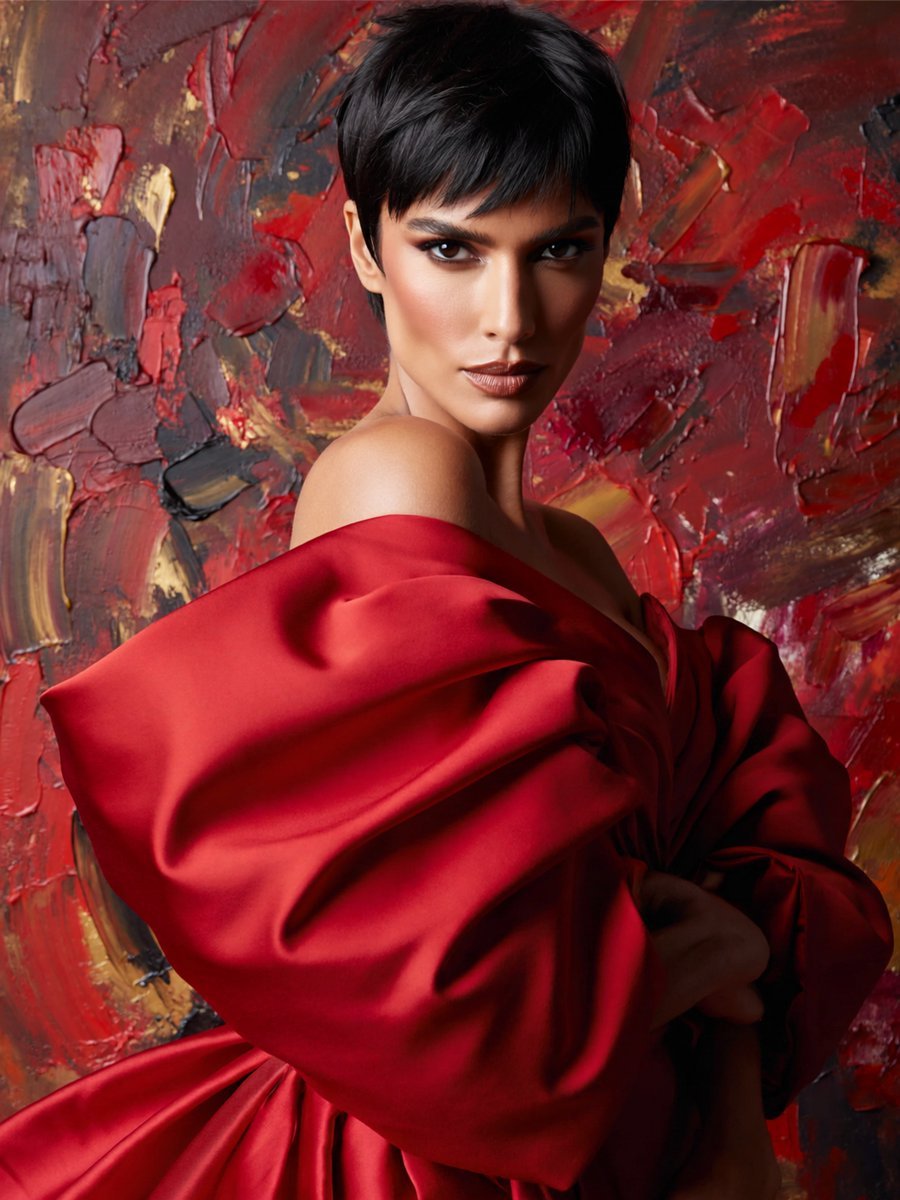
Anonymous Red Couture Portrait

Dancer Character - Four View Reference Sheet

4x4 Grid - Candid Nostalgic Vacation Selfies

Movement Sheet - Dance Reference (Seedance 2.0)

Paris Travel Collage Grid - Face Reference
Instagram Feed Grid
Make it yours
Anonymous Legends in Red Grid works as-is. These are the safest ways to change it without losing the look.
Change one field
Copy a single group, rewrite it, and generate again so you can see what that field is doing.
Keep the frame, change the subject
Hold the composition and light of Anonymous Legends in Red Grid, then swap wardrobe, props or the person for a new take.
| If the result… | Why | Fix |
|---|---|---|
| The result drifts from the preview | Too many fields changed at once. | Reuse Anonymous Legends in Red Grid as-is first, then change one group — subject, light, or setting. |
| The model over-stylizes the scene | The prose prompt leaves finish and camera underspecified. | Add one camera or lighting sentence and stay on GPT Image 2. |
More GPT Image 2 templates
Other prompts made for GPT Image 2.

Six VTuber Japanese Logo Sheet

Realistic Portrait of Woman and Deer

The Vista Modular Condo Poster

AI Model Routing Comparison Infographic

2.5D Anime Art Board

Isometric Productivity Desk Scene

New York Double Exposure Poster

Four-Panel AI Landscape Comparison

Japanese Tatami Lifestyle Magazine Cover

NESCAFÉ Coffee Map Poster
More image prompts
Fresh picks from across the catalog.
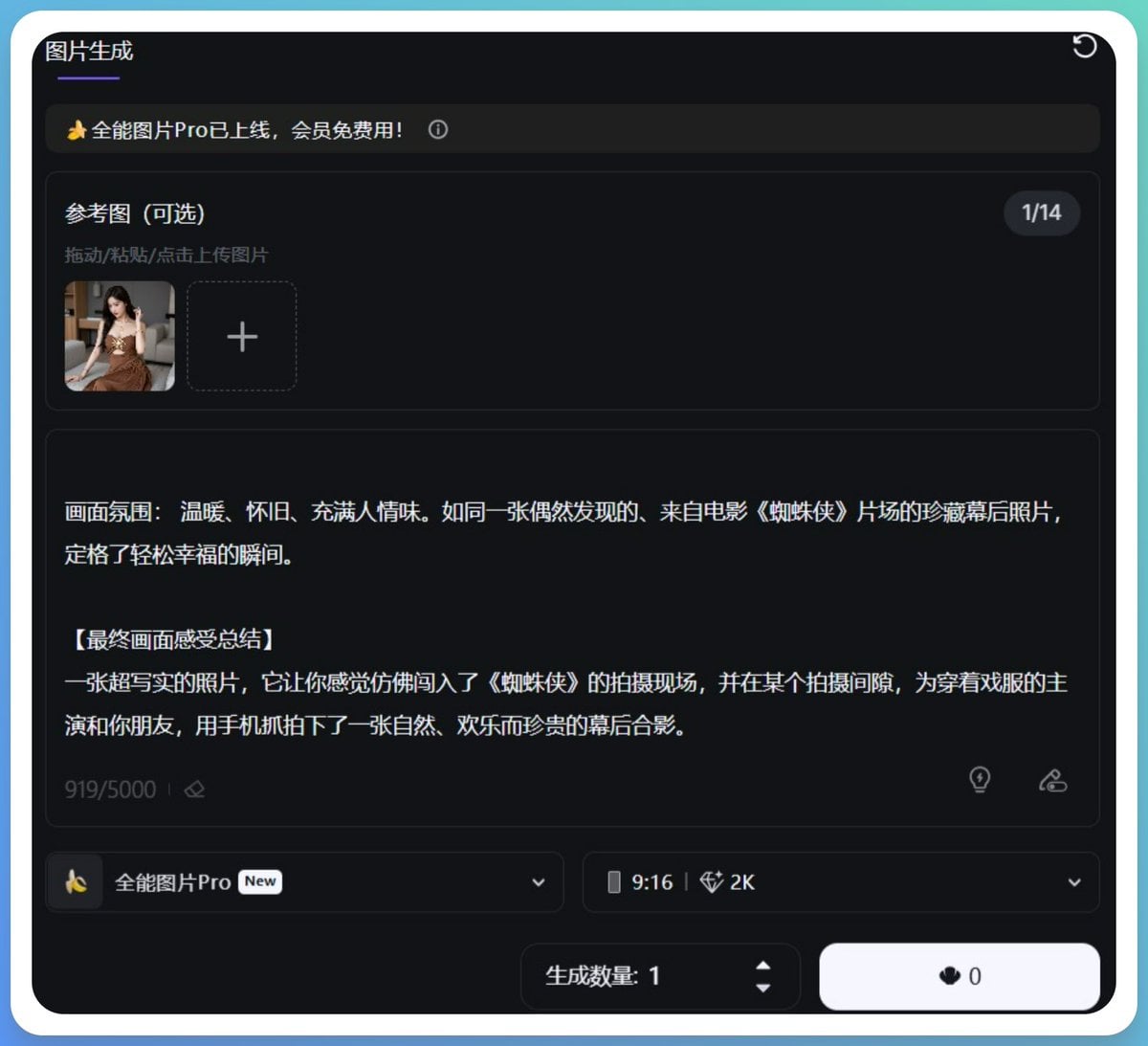
Generating Hollywood Detective Scene Images with Character Reference
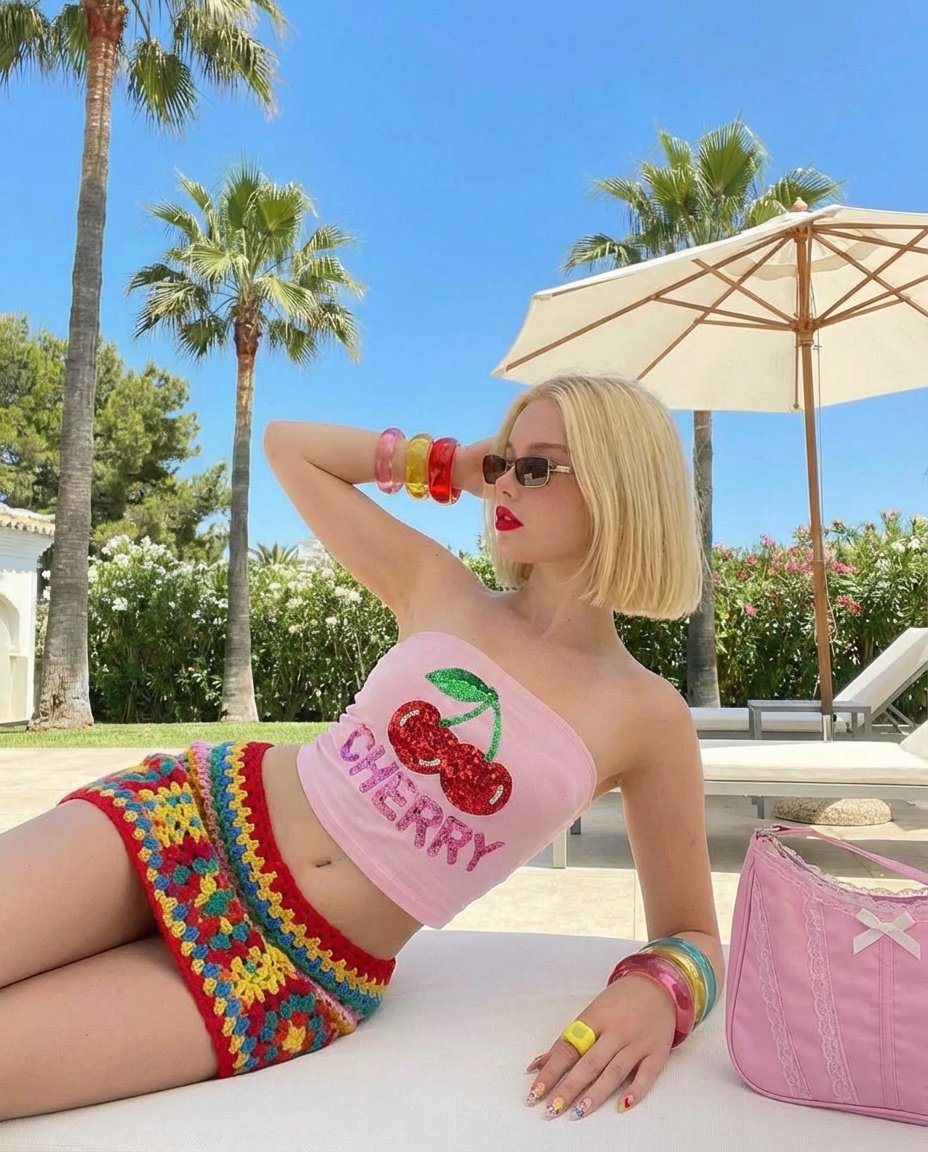
Stylish Poolside Retro Fashion Prompt
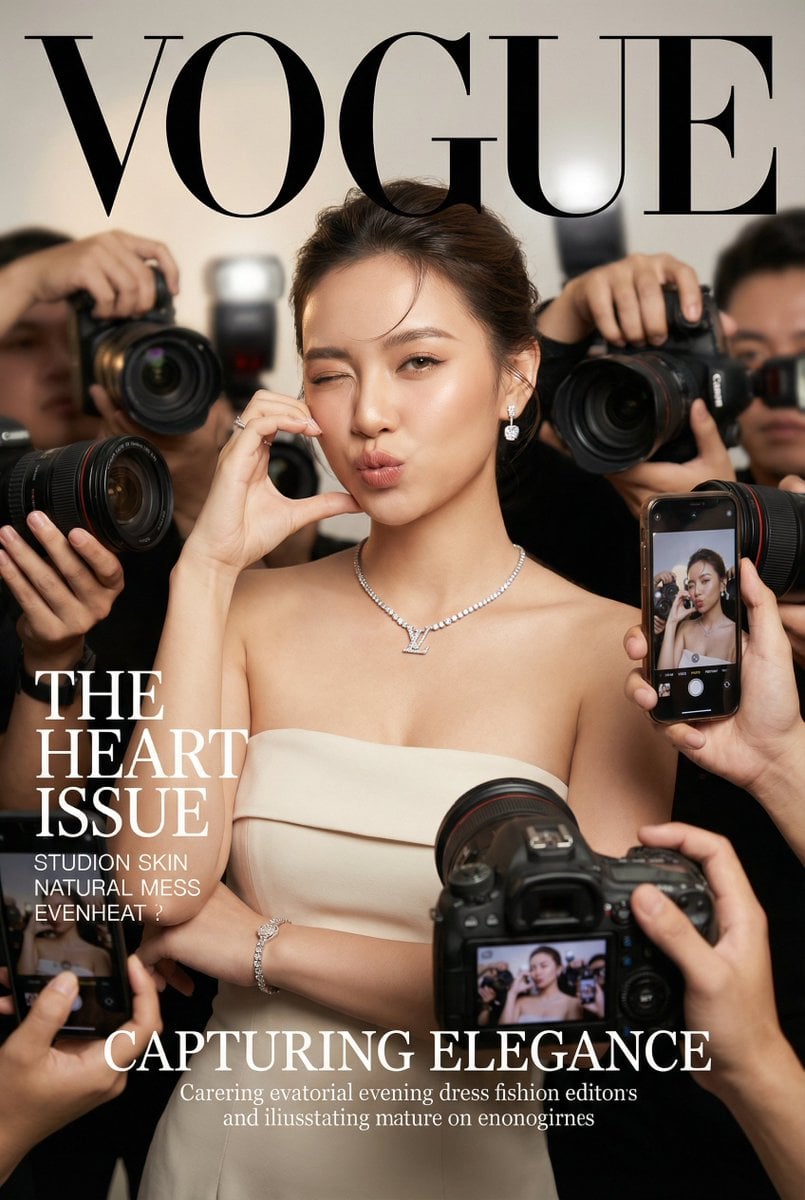
Vogue Cover Face Swap Portrait with Paparazzi
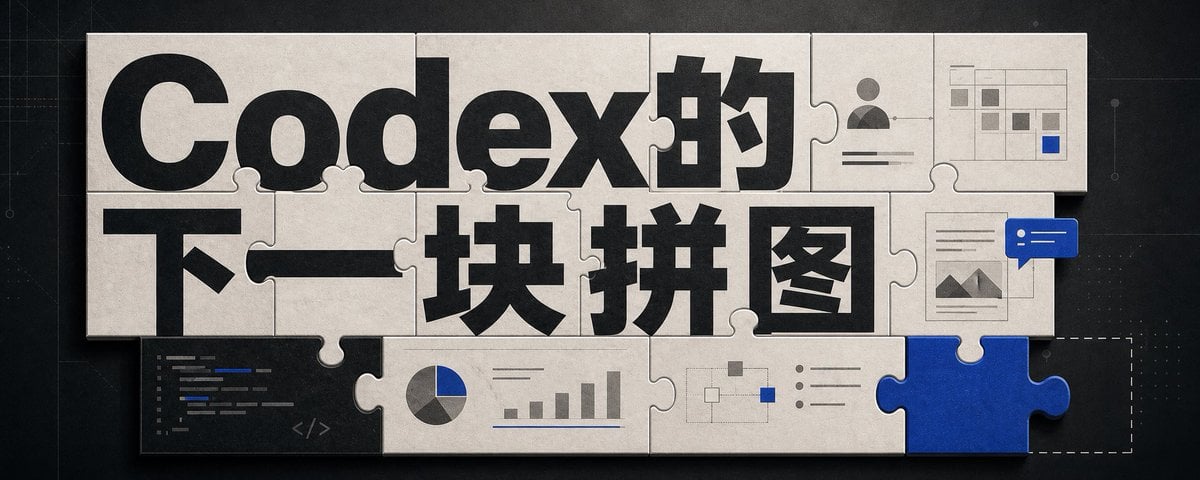
Codex Jigsaw Puzzle Tech Banner
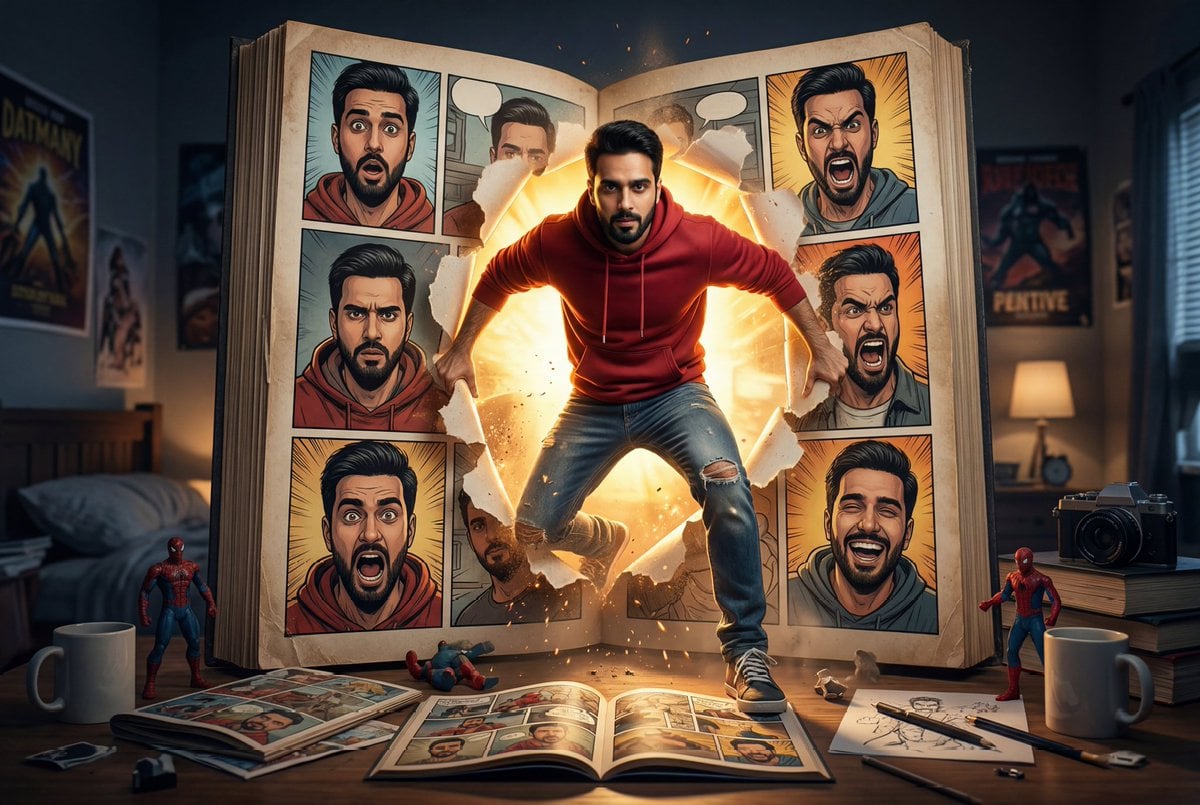
Cinematic Comic Book Step-Out Scene
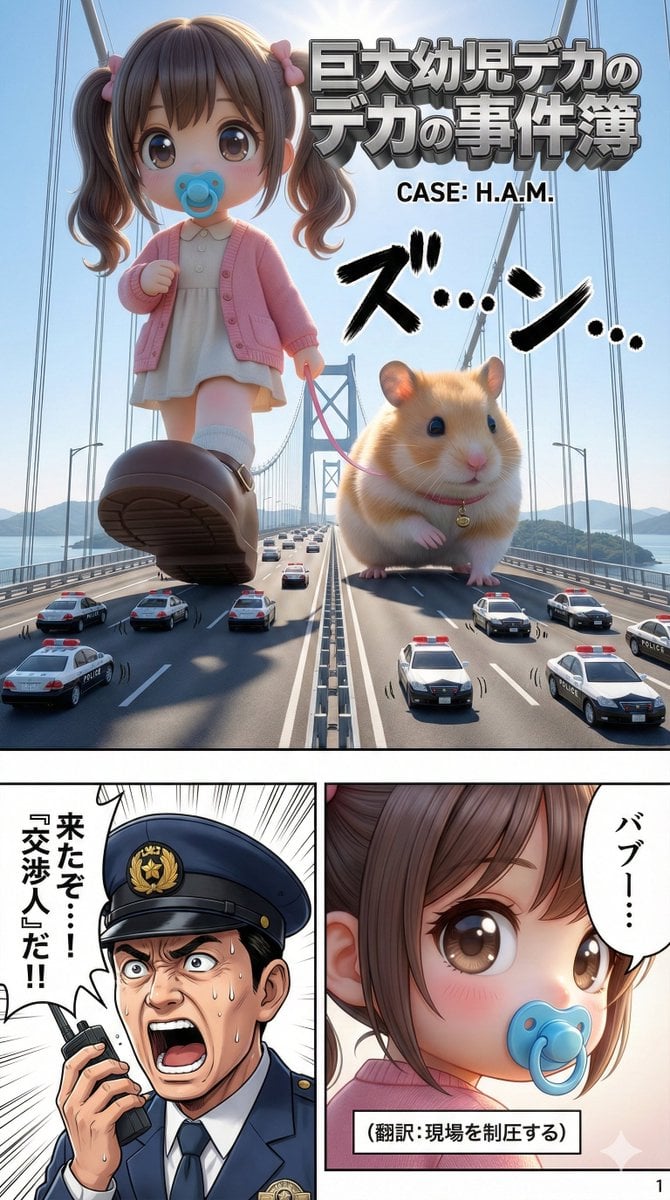
Advanced 10-Page Manga Generation Prompt (LLM System Prompt)

Urban Street Portrait with Cartoon Inner Self Duo
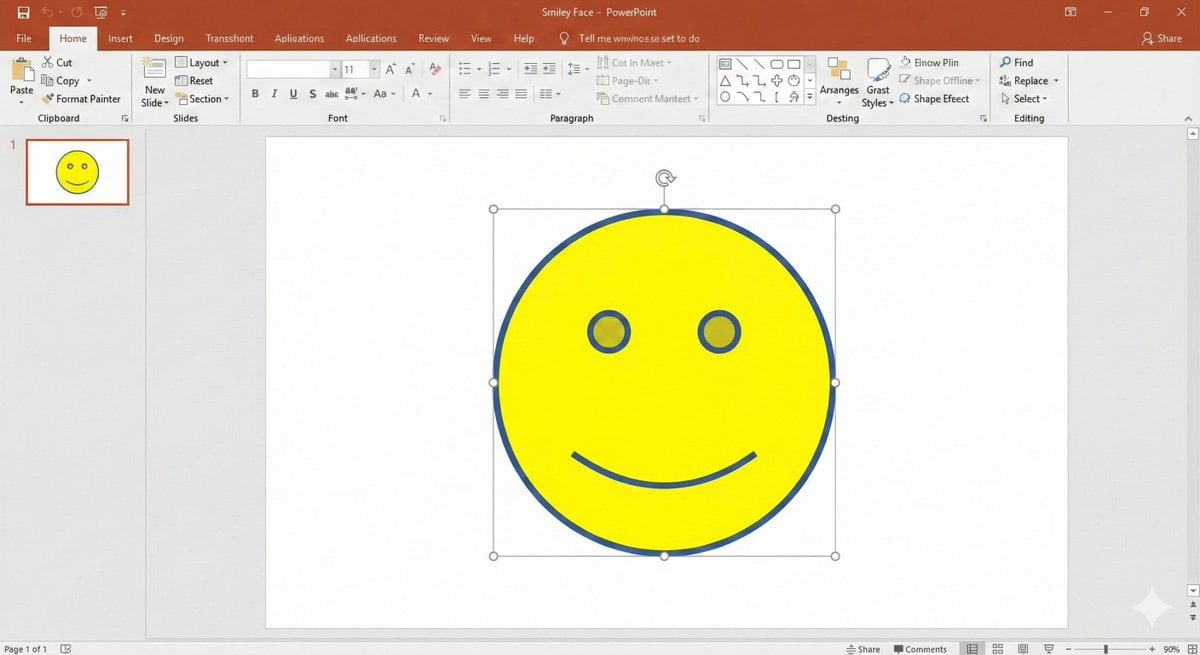
Nano Banana Pro PowerPoint Smile Mark Prompt
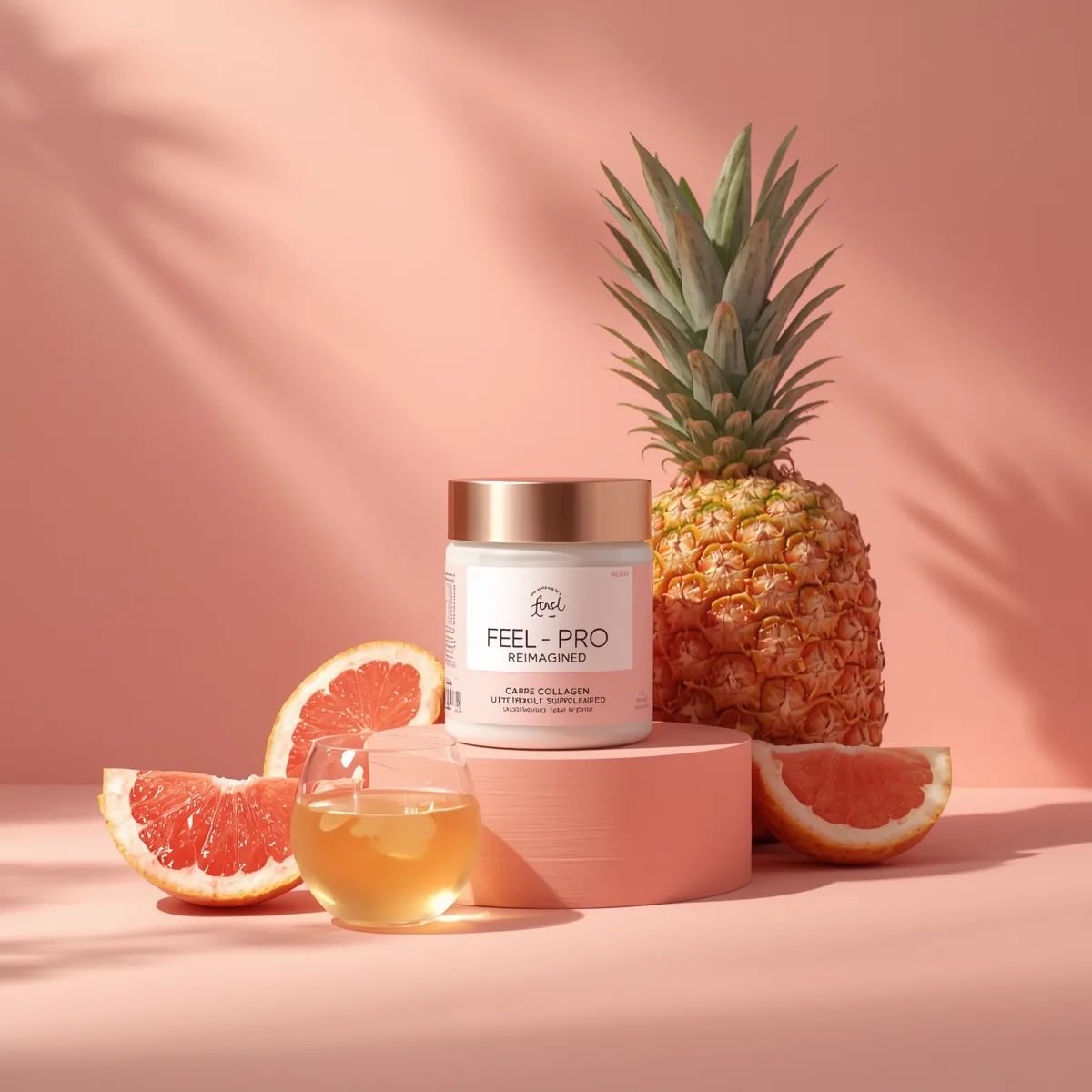
Minimalist Luxury Product Photography Prompts
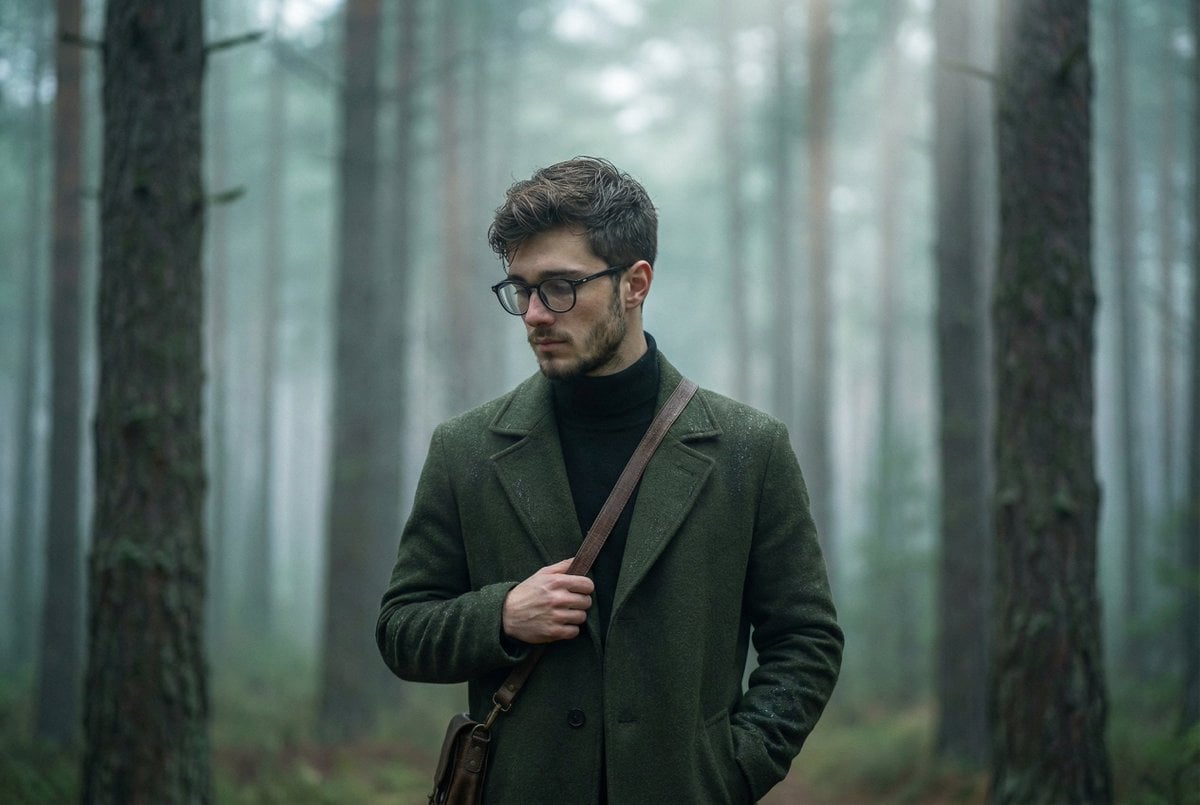
Foggy pine forest cinematic portrait
Browse template categories
Anonymous Legends in Red Grid questions
How do I use the Anonymous Legends in Red Grid template?
Add your photo if the template asks for one, edit the prompt if you like — the template's model and format are already selected — and press Generate. Your version opens in PicX Studio.
Can I customize the Anonymous Legends in Red Grid template?
Yes. You can change the subject, setting, lighting, mood, format, and available model controls before creating your image.
Is the Anonymous Legends in Red Grid template free?
Opening and editing this template is free. Generating uses credits, shown on the Generate button when you are signed in.
Which AI model should I use?
Start with GPT Image 2, which is the model associated with this template. You can compare another compatible model for a different finish.
Looking for something else? Browse all templates.

Your photo, any look
Thousands of ready templates for every top image and video model, from one credit balance.