
Codex Jigsaw Puzzle Tech Banner
A wide editorial tech banner using interlocking puzzle pieces, bold Chinese headline typography, and small AI workflow UI motifs to illustrate Codex as the next missing piece.
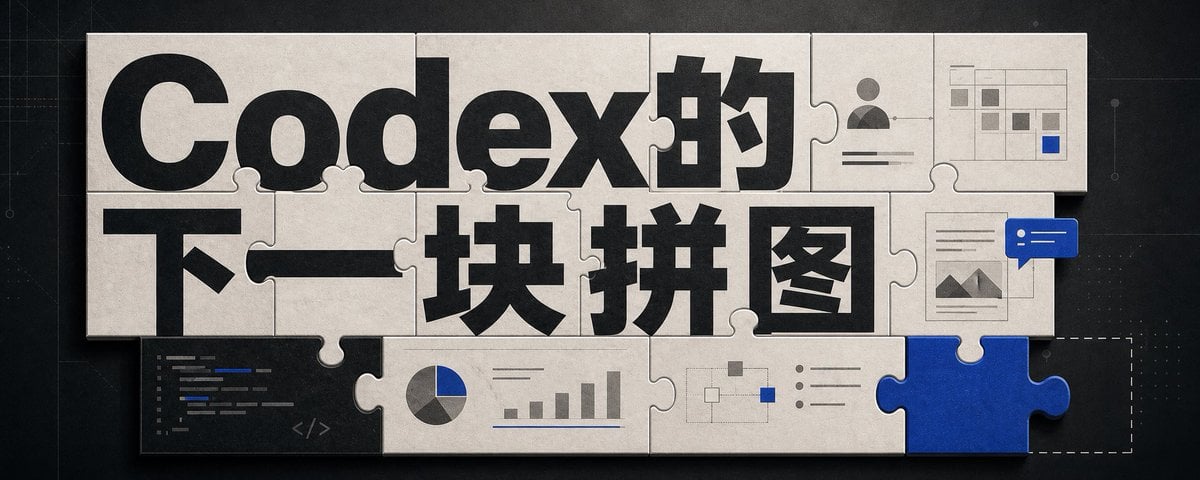
- Prompt included
- Model and format preset
- Free template
The prompt behind this image
Copy the exact prompt behind Codex Jigsaw Puzzle Tech Banner, or open it in the studio and make it yours.
Goal: Create a wide editorial hero banner about {argument name="headline topic" default="Codex的下一块拼图"}, showing a jigsaw-puzzle metaphor for AI coding, visual design, and missing capabilities. Canvas: Ultra-wide horizontal banner, approximately 5:2 aspect ratio, dark charcoal technical background with faint grid lines, subtle blueprint marks, tiny dots, and thin circuit-like guide lines. Center the artwork with a large off-white paper/cardboard jigsaw puzzle assembly casting soft shadows. Layout: Use exactly 15 visible puzzle elements: 13 off-white connected puzzle pieces forming a rectangular mosaic, 1 vivid cobalt-blue puzzle piece inserted at the bottom-right edge, and 1 dashed-outline empty missing-piece slot immediately to the right of the blue piece. The puzzle should look physical, with rounded tabs and sockets, slight bevels, paper texture, seams, grime, and realistic shadowing. Text content: The main typography dominates the puzzle surface. Use huge bold black sans-serif Chinese type reading {argument name="main title text" default="Codex的"} across the top row and {argument name="subtitle text" default="下一块拼图"} across the middle row. Make the letters oversized, cropped slightly by puzzle seams, and integrated into the tile layout. Keep the text crisp and high contrast. Visible graphic elements: Include exactly 7 small embedded UI/diagram motifs on puzzle pieces: 1 dark code editor panel in the lower-left with short colored code lines and a small </> symbol; 1 pie chart combined with a small bar chart along the lower middle; 1 simple node-and-connector flow diagram near the lower center-right; 1 bullet-list panel with three round bullets to the right of the flow diagram; 1 user profile card in the upper-right with avatar icon and horizontal text lines; 1 small spreadsheet/dashboard grid in the top-right corner with gray cells and one blue highlighted cell; 1 document/image card on the right side with small mountain thumbnail lines, overlapped by a blue chat bubble containing two white dots and two white horizontal lines. Visual style: Premium tech editorial illustration, cinematic lighting, tactile paper puzzle texture, muted monochrome palette of black, warm off-white, gray, and accent cobalt blue {argument name="accent color" default="cobalt blue"}. Add subtle scratches, dust, and paper grain. Use realistic shadows between pieces, but keep the whole image clean and readable. Constraints: No people, no extra logos, no watermark, no random English words beyond tiny unreadable code strokes, and no additional large text. The blue puzzle piece should feel like the key missing component that completes the system, while the dashed empty slot hints that another piece is still absent.
How to use Codex Jigsaw Puzzle Tech Banner in 3 steps
- 1Upload ImagePNG, JPG or paste
Add your photo
Upload the photo the template builds on. The prompt, model and format are already set.
- 2…a portrait of your subject in softgolden-hour light, 85mm…
Personalize
Edit the subject and creative details for your destination.
- 3Generate
Generate
Press Generate — your image is created in PicX Studio, so you can compare it with the original and refine one variable at a time.
More like this
Templates with the same subject, style or setup. Open one to see its prompt.
Glossy Codex vs Hermes Tech Thumbnail

Coffee Boba Product Poster
Greyscale Puzzle Portrait with Color Accent
Photorealistic Codex Token Coins
Futuristic AI 2026 Tech Poster
Felt GPT Image 2 Apple Design Banner
13enBus iPhone Launch Banner

ChatGPT Bonus Banner Screenshot
Felt Craft Apple Design UI Banner

Flashy AI Appearance Consulting Sales Banner
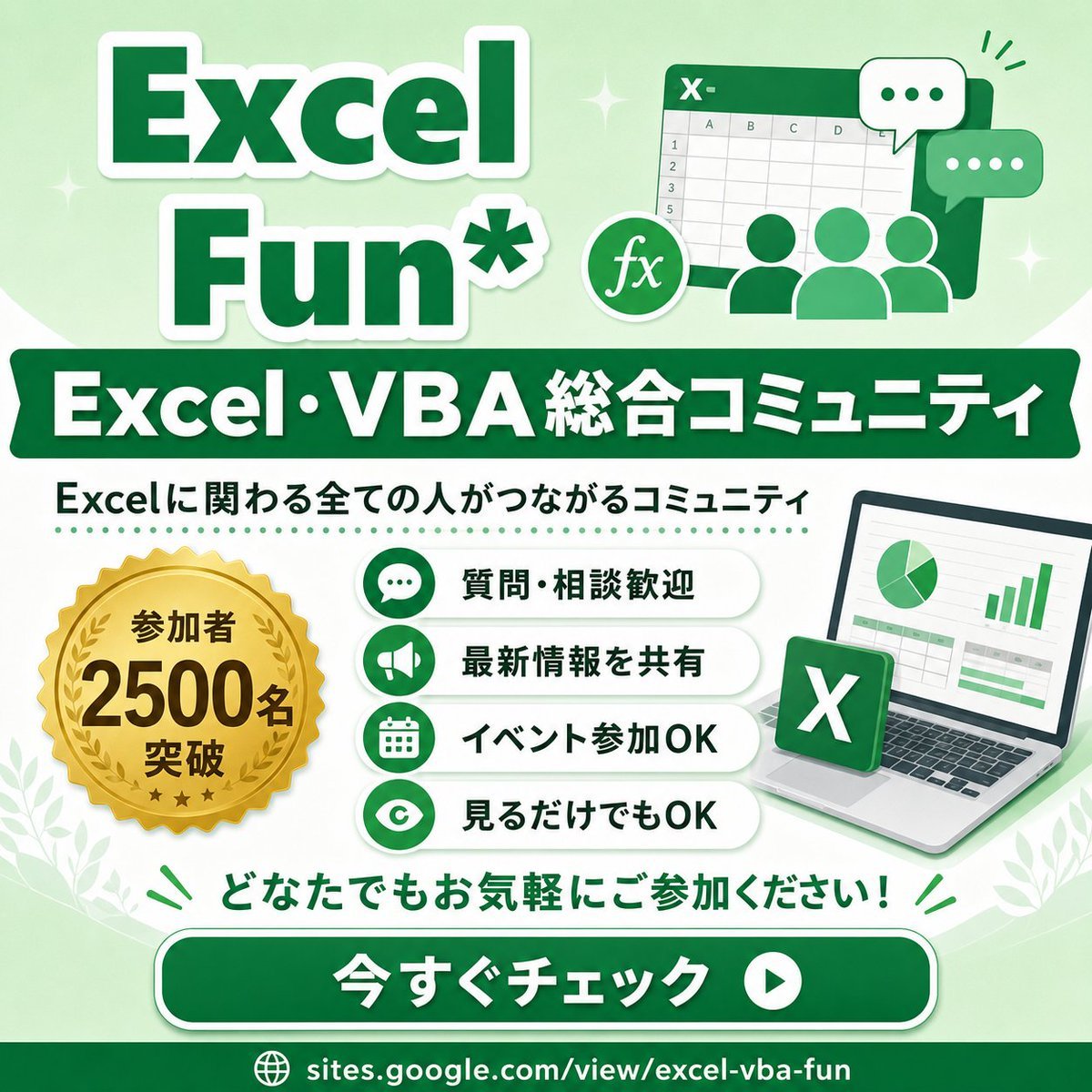
Excel VBA Community Promo Banner
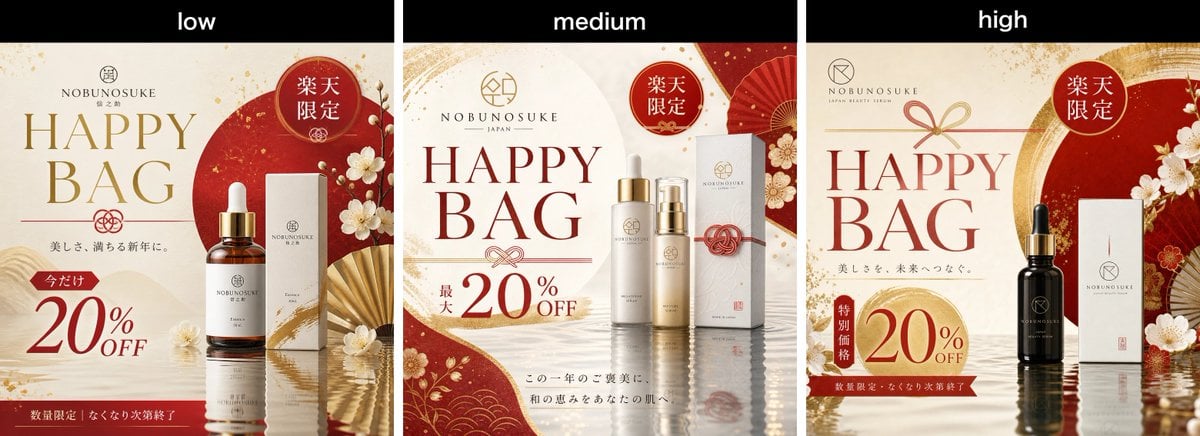
Rakuten Happy Bag Banner Comparison
Make it yours
Codex Jigsaw Puzzle Tech Banner works as-is. These are the safest ways to change it without losing the look.
Change one field
Copy a single group, rewrite it, and generate again so you can see what that field is doing.
Keep the frame, change the subject
Hold the composition and light of Codex Jigsaw Puzzle Tech Banner, then swap wardrobe, props or the person for a new take.
| If the result… | Why | Fix |
|---|---|---|
| The result drifts from the preview | Too many fields changed at once. | Reuse Codex Jigsaw Puzzle Tech Banner as-is first, then change one group — subject, light, or setting. |
| The model over-stylizes the scene | The prose prompt leaves finish and camera underspecified. | Add one camera or lighting sentence and stay on GPT Image 2. |
More GPT Image 2 templates
Other prompts made for GPT Image 2.

Six VTuber Japanese Logo Sheet

Realistic Portrait of Woman and Deer

The Vista Modular Condo Poster

AI Model Routing Comparison Infographic

2.5D Anime Art Board

Isometric Productivity Desk Scene

New York Double Exposure Poster

Four-Panel AI Landscape Comparison

Japanese Tatami Lifestyle Magazine Cover

NESCAFÉ Coffee Map Poster
More image prompts
Fresh picks from across the catalog.

Ultra-Realistic South Asian Woman in Saree Portrait
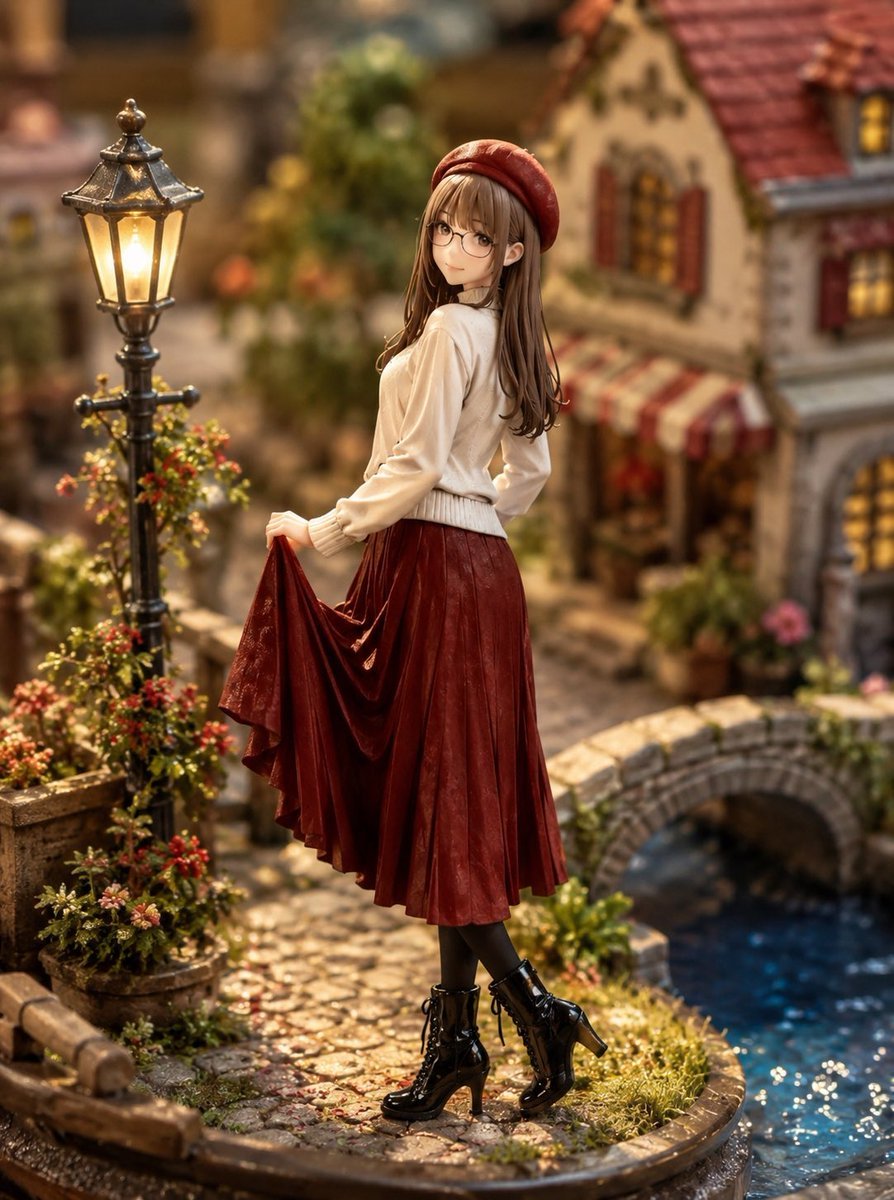
Miniature Diorama Style Transformation
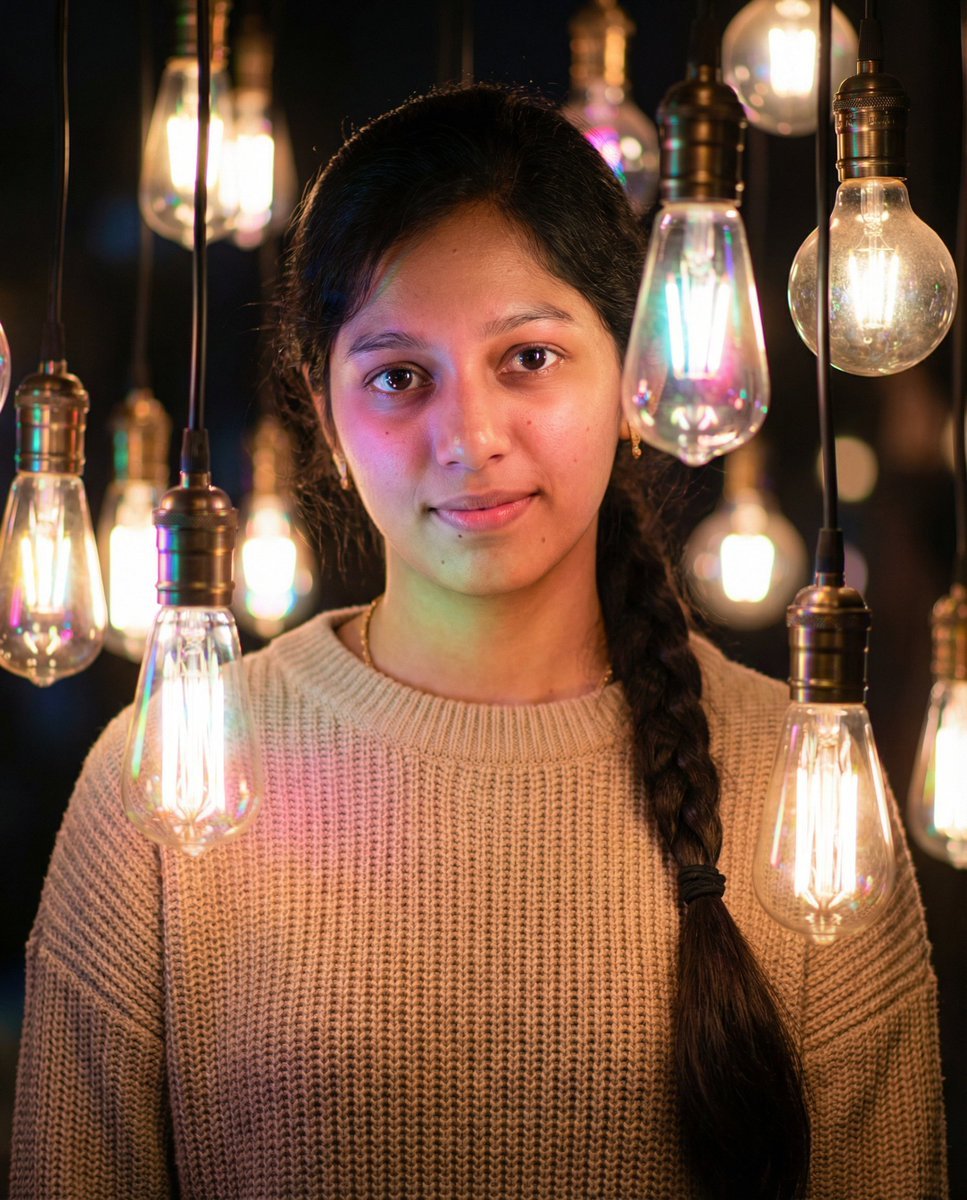
Cinematic Golden Glow Close-up Prompt

Photorealistic Cinematic Kitchen Scene Prompt (JSON structure)
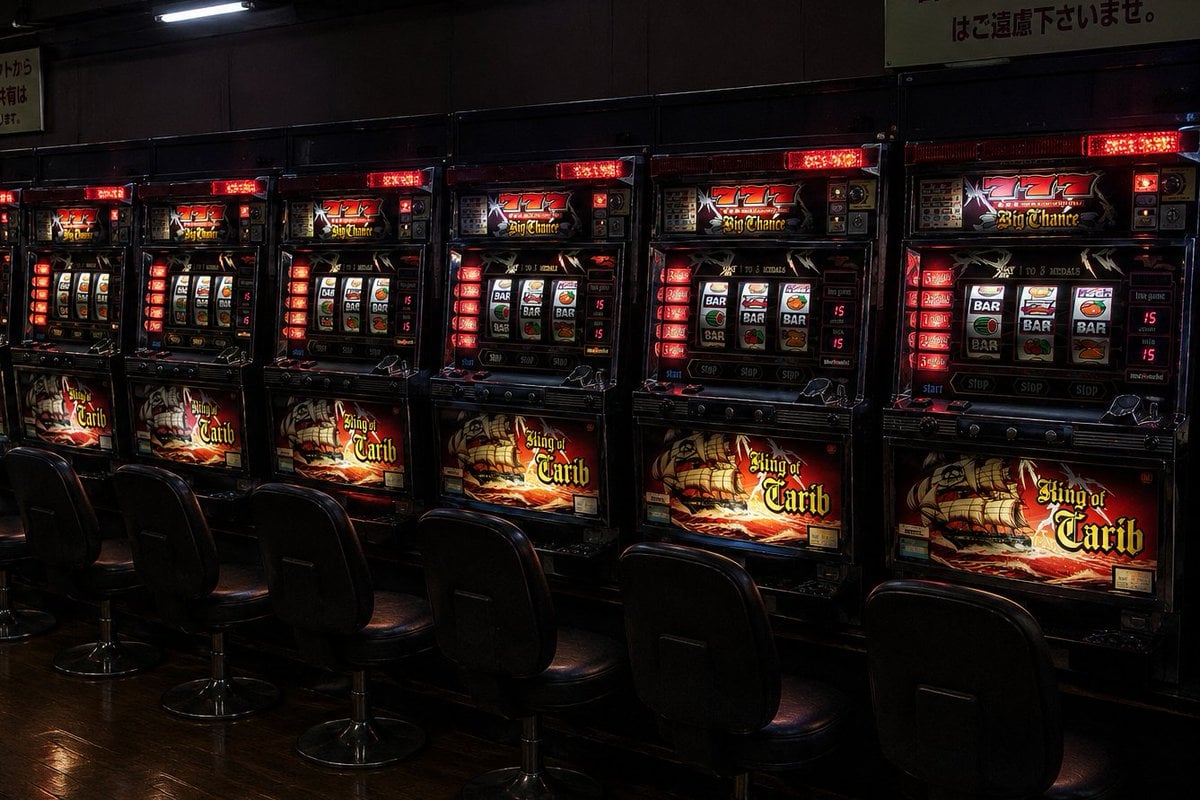
Empty Japanese Pachislot Parlor Row
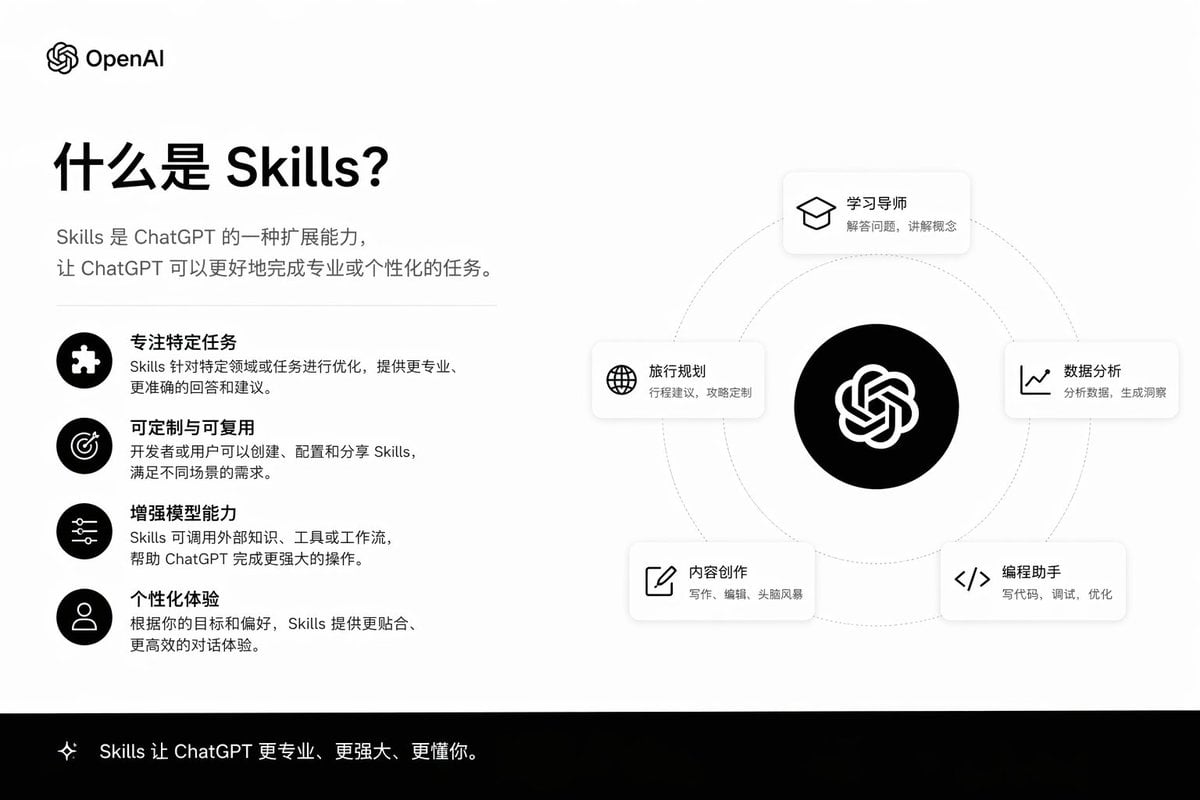
Skills Introduction PPT Slide
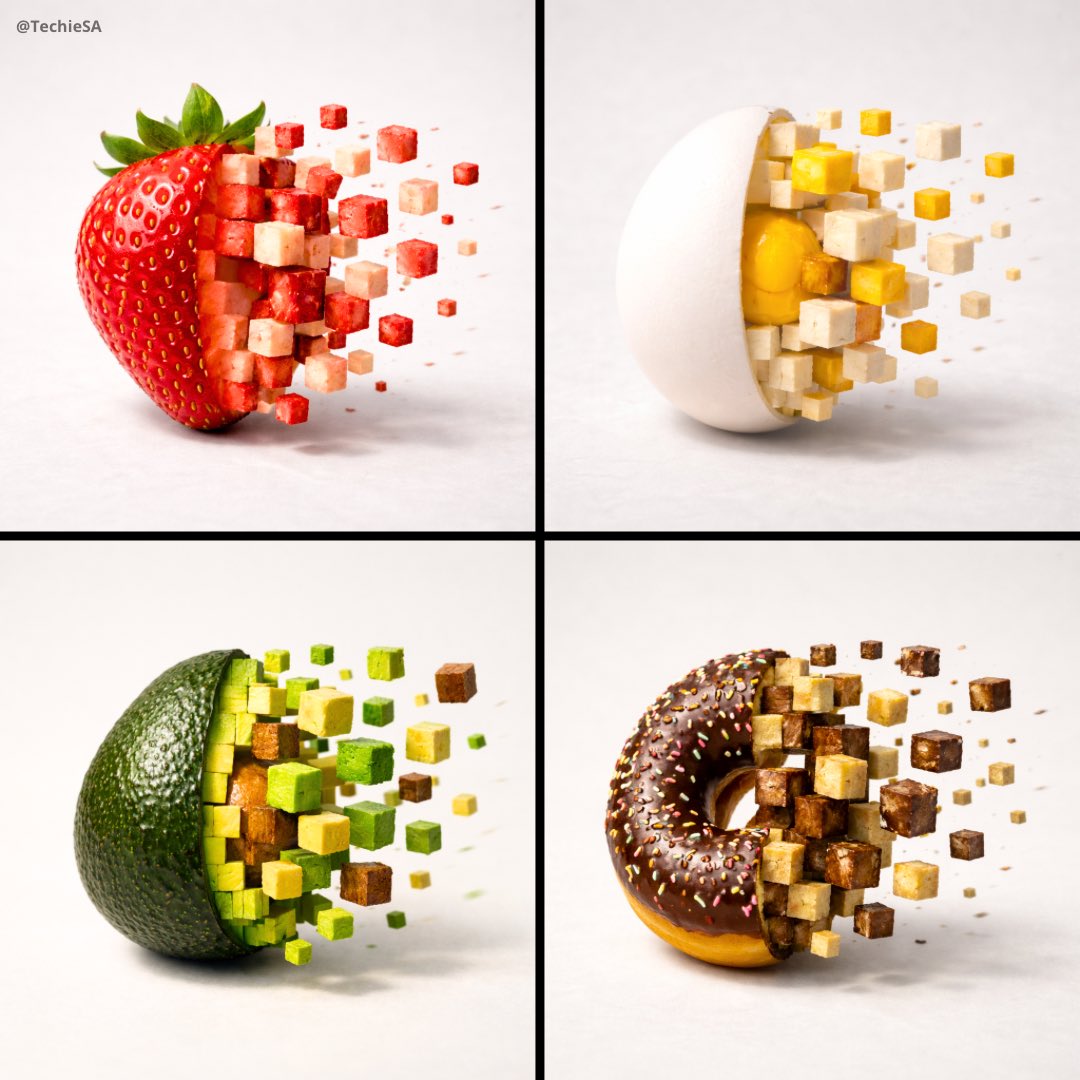
3D Pixel Food Disintegration
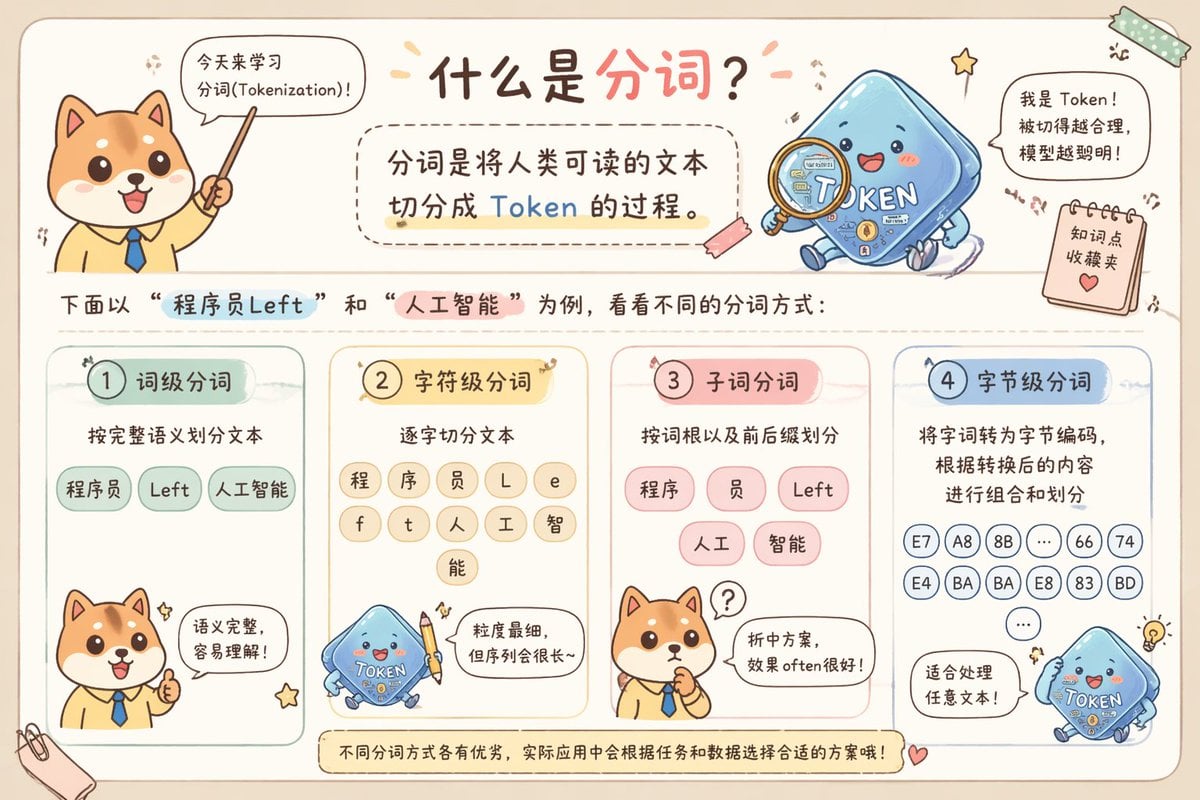
Cute Chinese Tokenization Infographic
Seedance - Epic Fight Scene

Luxury x E-commerce Split Poster
Browse template categories
Codex Jigsaw Puzzle Tech Banner questions
How do I use the Codex Jigsaw Puzzle Tech Banner template?
Add your photo if the template asks for one, edit the prompt if you like — the template's model and format are already selected — and press Generate. Your version opens in PicX Studio.
Can I customize the Codex Jigsaw Puzzle Tech Banner template?
Yes. You can change the subject, setting, lighting, mood, format, and available model controls before creating your image.
Is the Codex Jigsaw Puzzle Tech Banner template free?
Opening and editing this template is free. Generating uses credits, shown on the Generate button when you are signed in.
Which AI model should I use?
Start with GPT Image 2, which is the model associated with this template. You can compare another compatible model for a different finish.
Looking for something else? Browse all templates.

Your photo, any look
Thousands of ready templates for every top image and video model, from one credit balance.