
Luxury x E-commerce Split Poster
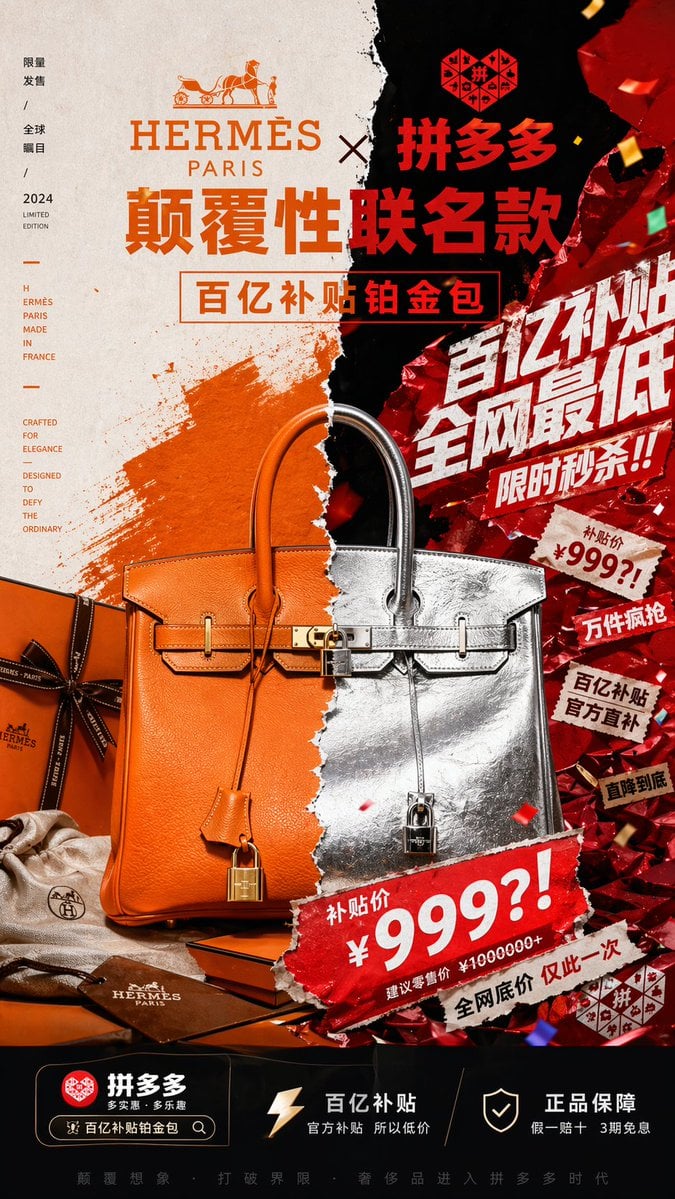
This prompt generates a high-impact vertical campaign poster that collides luxury fashion branding with chaotic discount-platform promotion for a provocative co-branded product ad.
- Prompt included
- Model and format preset
- Free template
The prompt behind this image
Copy the exact prompt behind Luxury x E-commerce Split Poster, or open it in the studio and make it yours.
Create a vertical 9:16 luxury-campaign poster for a fictional crossover product, a disruptive co-branded handbag advertisement between {argument name="brand one" default="HERMÈS PARIS"} and {argument name="brand two" default="拼多多"}. The composition is a violently split, collage-style fashion key visual with a torn-paper seam running vertically down the center, dividing two clashing aesthetics: on the left, refined premium luxury branding in warm Hermes orange, cream paper, and elegant editorial minimalism; on the right, aggressive Chinese e-commerce promotion energy in black and metallic red foil, with loud sale graphics, confetti, ripped stickers, and explosive discount typography. At the top center, place both brands prominently with a large collaboration headline in Chinese, the left logo area styled like a classic luxury house with serif typography and horse-and-carriage emblem, the right logo area in bold red Chinese branding. Below that, add the main headline text in huge Chinese characters: {argument name="headline text" default="颠覆性联名款"}, and a boxed subheadline: {argument name="subheadline text" default="百亿补贴铂金包"}. The centerpiece is one Birkin-style luxury handbag shown front-facing and large, perfectly centered but visually split in half along the torn seam: the left half is orange pebbled leather with gold hardware, the right half is crinkled metallic silver leather with silver hardware, both halves seamlessly merged into one surreal bag. The bag should include 5 clearly visible accessory/product elements around or on it: 1 orange clochette hanging on the left, 1 metallic silver hanging strap with lock on the right, 1 central turn-lock closure with padlock, 1 orange Hermes-style gift box with dark ribbon at lower left, and 1 beige dust bag with small logo near the bottom left. Behind the bag on the left is a painterly orange brushstroke on textured cream paper; behind the bag on the right is a crushed reflective red metallic wrapper surface with spark-like highlights and falling confetti. On the right half, add 8 aggressive promotional text bursts and stickers layered diagonally like an online shopping festival poster: 1 giant white Chinese slogan "百亿补贴 全网最低", 2 "限时秒杀!!", 3 a torn price sticker reading "补贴价 ¥999?!", 4 "万件疯抢", 5 "百亿补贴 官方直补", 6 "直降到底", 7 a large bottom torn banner repeating "补贴价 ¥999?!", and 8 small text "建议零售价 ¥1000000+". On the left margin, add a slim vertical editorial text column with 4 grouped text blocks in a luxury layout: 1 "限量发售 / 全球瞩目 / 2024 LIMITED EDITION", 2 "HERMÈS PARIS MADE IN FRANCE", 3 "CRAFTED FOR ELEGANCE", and 4 "DESIGNED TO DEFY THE ORDINARY". At the bottom, create a black app-like information bar with 3 feature blocks from left to right: 1 a red brand icon with "拼多多" and a search-bar style pill containing "百亿补贴铂金包", 2 a lightning icon with the text "百亿补贴 官方补贴 所以低价", and 3 a shield icon with the text "正品保障 假一赔十 3期免息". Add a thin final slogan line across the very bottom in small Chinese text. Use hyper-detailed commercial product photography, premium graphic design, sharp lighting, embossed textures, foil reflections, paper tears, and strong depth. The overall mood must feel like a world-class art director forced a heritage luxury campaign and a chaotic discount-shopping poster to collide in one image, producing extreme visual tension, irony, and high-impact contrast.
How to use Luxury x E-commerce Split Poster in 3 steps
- 1Upload ImagePNG, JPG or paste
Add your photo
Upload the photo the template builds on. The prompt, model and format are already set.
- 2…a portrait of your subject in softgolden-hour light, 85mm…
Personalize
Edit the subject and creative details for your destination.
- 3Generate
Generate
Press Generate — your image is created in PicX Studio, so you can compare it with the original and refine one variable at a time.
More like this
Templates with the same subject, style or setup. Open one to see its prompt.

Luxury Sliced Wordmark Player Poster
Brazil Versus Japan Knockout Split Rivalry Poster
Gpt2 E Commerce Main Image Tropical Citrus Soda Ad Poster
Geometric Split Poster Design

Japan Travel Brochure Poster

Luxury ABKR Portrait Poster
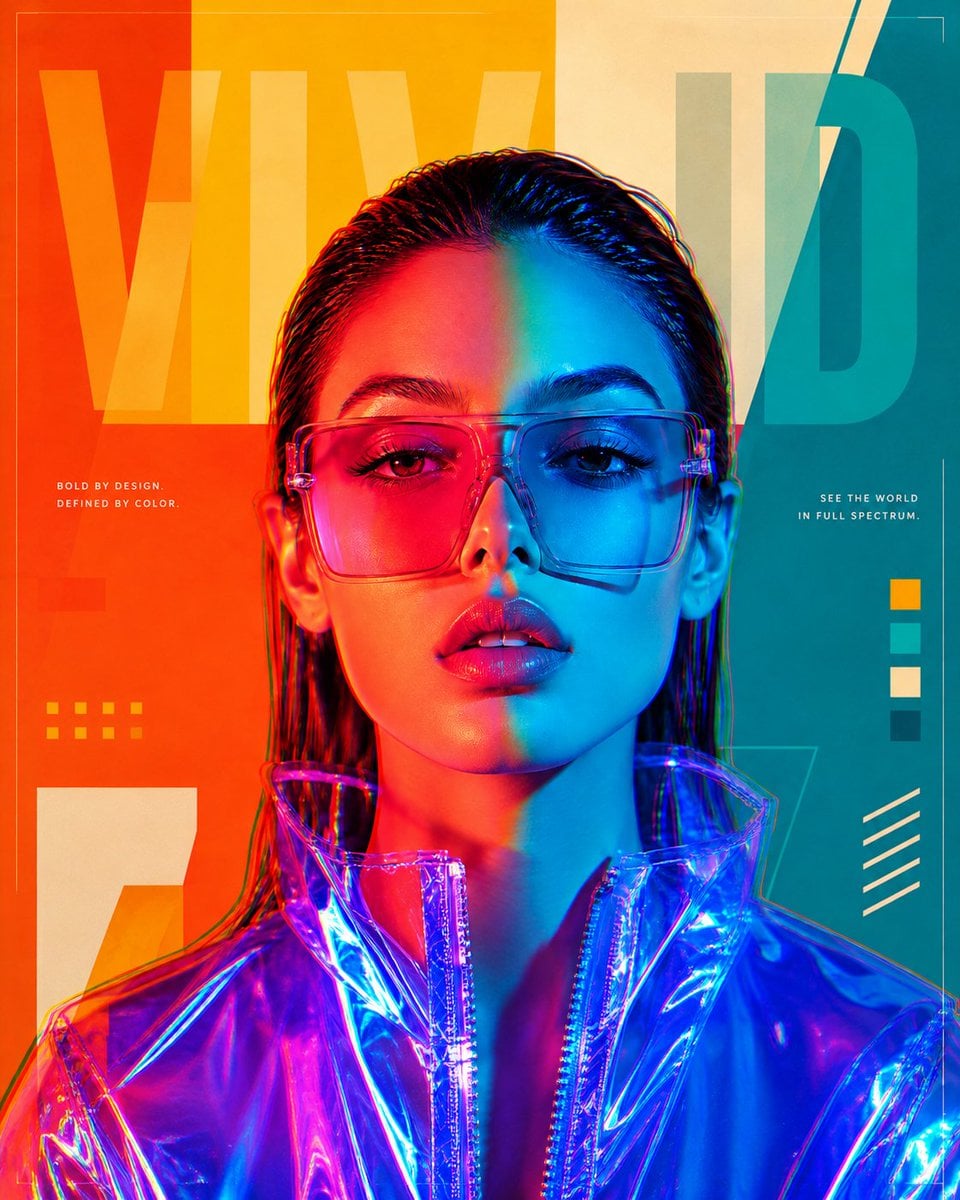
Futuristic Split-Lighting Editorial Poster
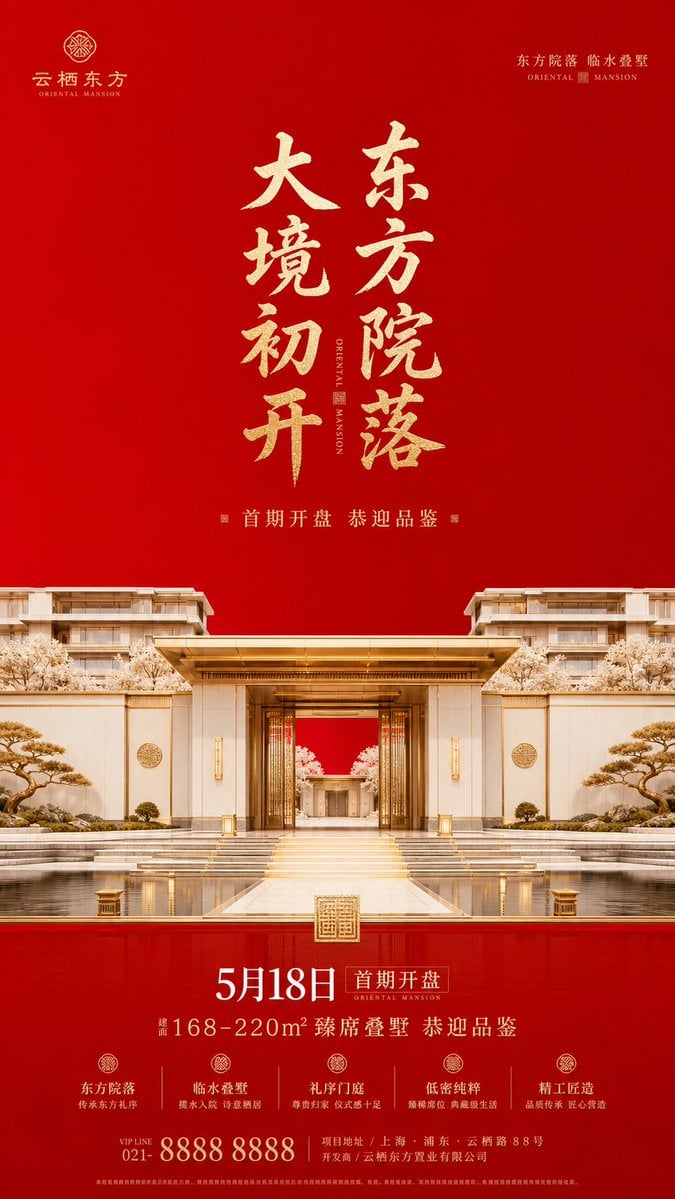
Luxury Oriental Mansion Opening Poster

Doctor Doom Luxury Armor Poster
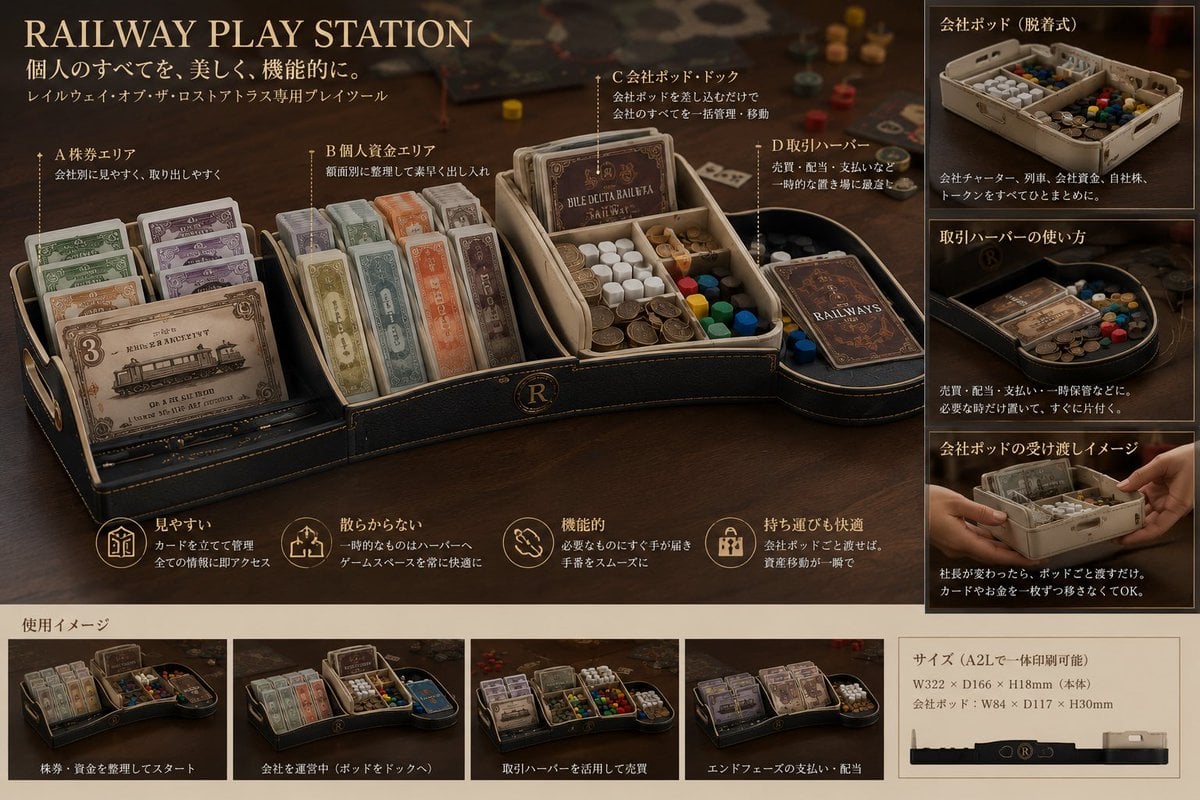
Luxury Railway Board Game Organizer Poster
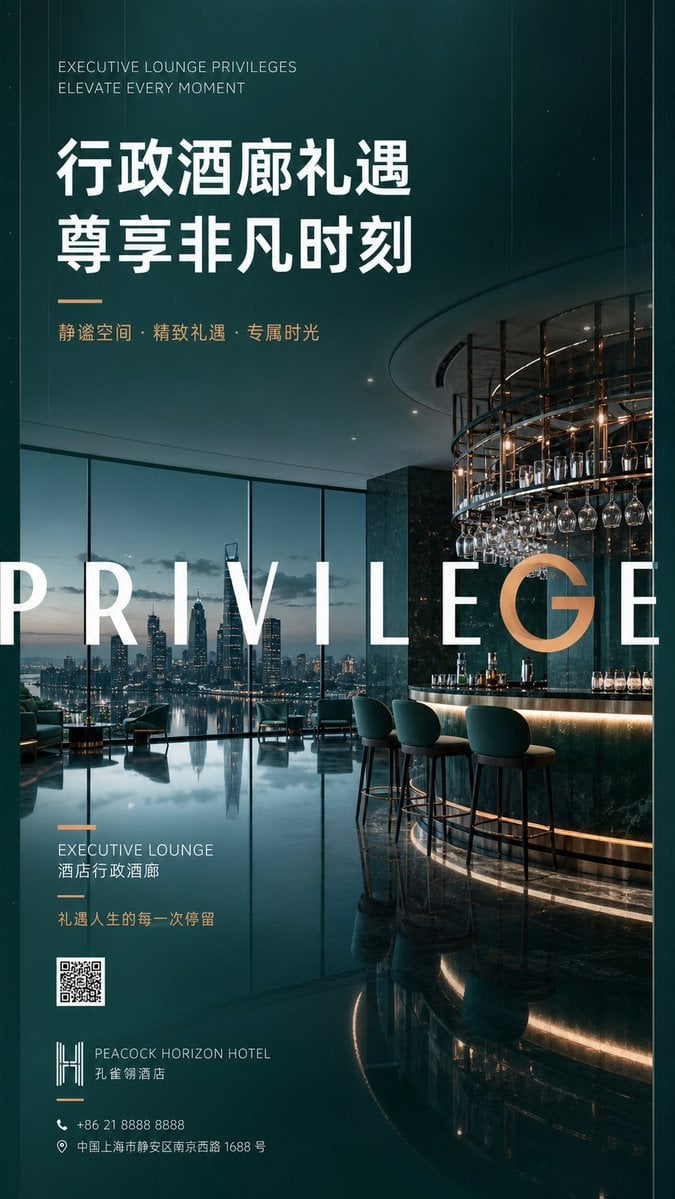
Luxury Executive Lounge Hotel Poster
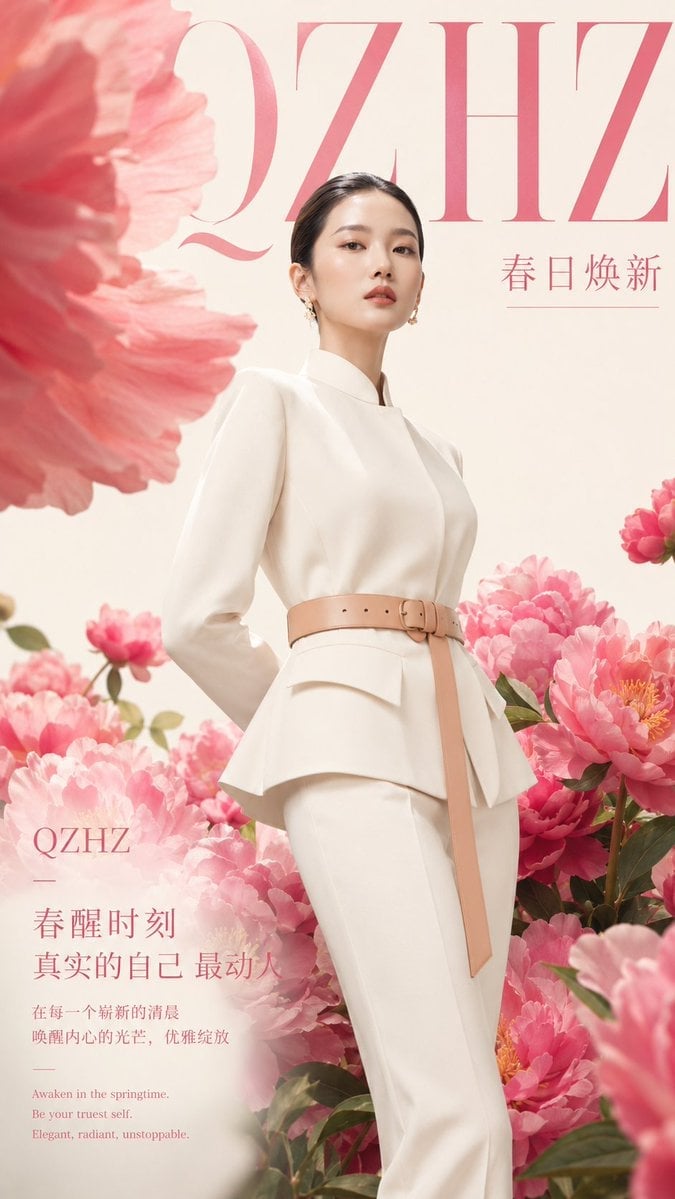
Luxury Spring Peony Fashion Poster
Make it yours
Luxury x E-commerce Split Poster works as-is. These are the safest ways to change it without losing the look.
Change one field
Copy a single group, rewrite it, and generate again so you can see what that field is doing.
Keep the frame, change the subject
Hold the composition and light of Luxury x E-commerce Split Poster, then swap wardrobe, props or the person for a new take.
| If the result… | Why | Fix |
|---|---|---|
| The result drifts from the preview | Too many fields changed at once. | Reuse Luxury x E-commerce Split Poster as-is first, then change one group — subject, light, or setting. |
| The model over-stylizes the scene | The prose prompt leaves finish and camera underspecified. | Add one camera or lighting sentence and stay on GPT Image 2. |
More GPT Image 2 templates
Other prompts made for GPT Image 2.

Six VTuber Japanese Logo Sheet

Realistic Portrait of Woman and Deer

The Vista Modular Condo Poster

AI Model Routing Comparison Infographic

2.5D Anime Art Board

Isometric Productivity Desk Scene

New York Double Exposure Poster

Four-Panel AI Landscape Comparison

Japanese Tatami Lifestyle Magazine Cover

NESCAFÉ Coffee Map Poster
More image prompts
Fresh picks from across the catalog.
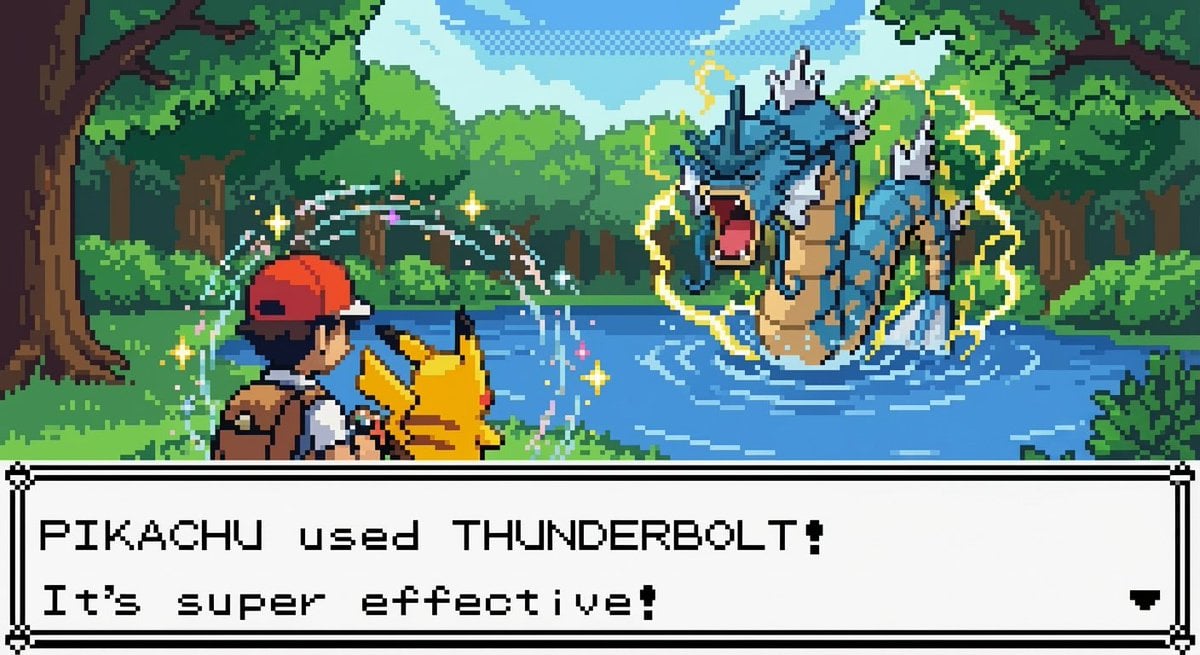
New Pokémon pixel art battle scene
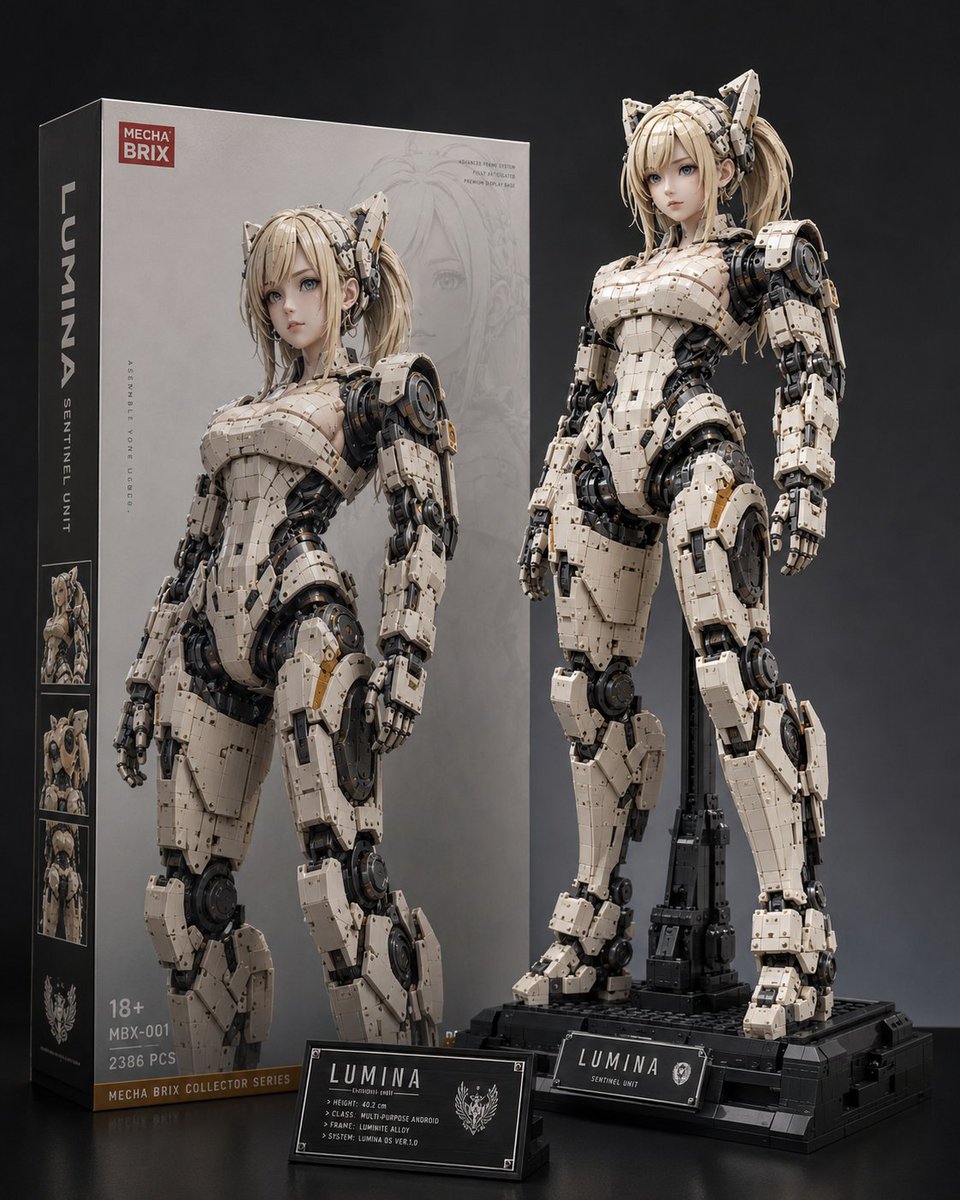
Lumina Mecha Figure Product Shot
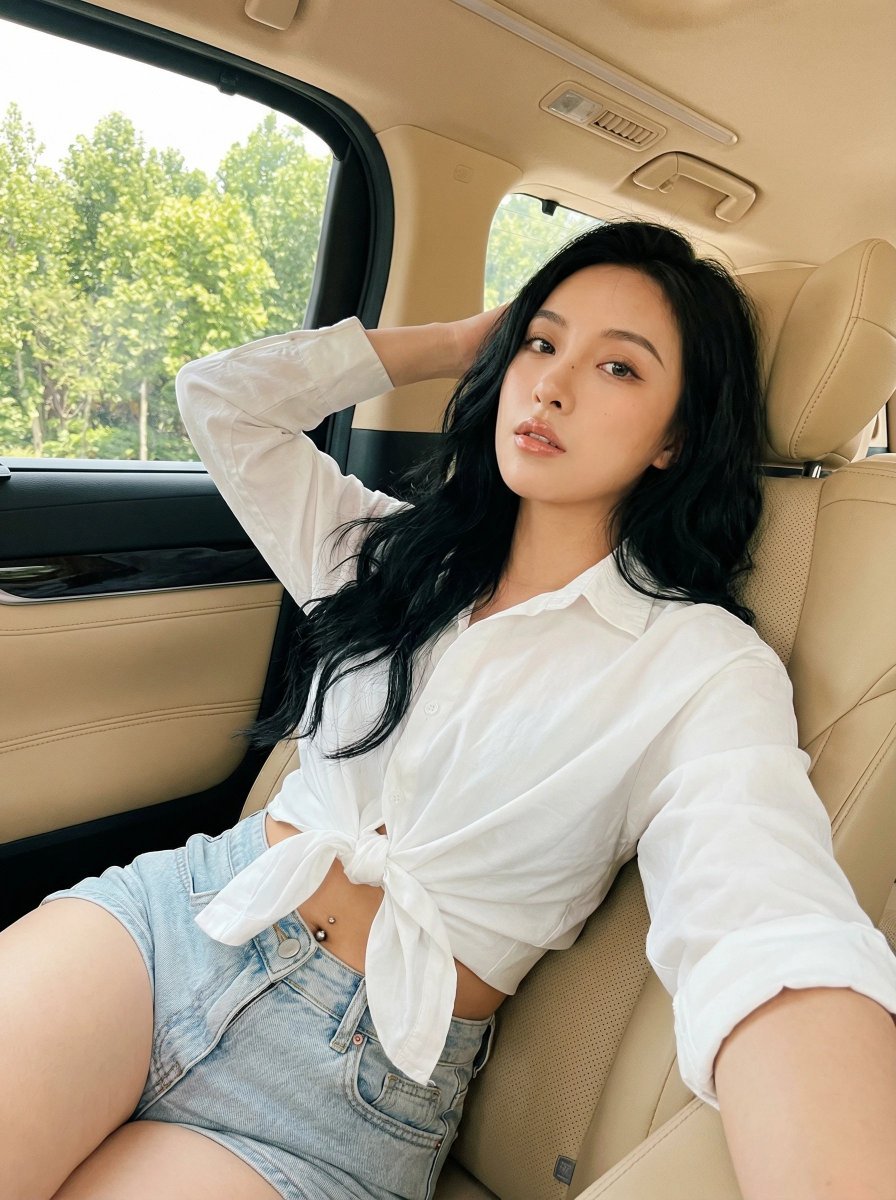
Natural Instagram-style car selfie prompt
Pool Prompt for Realistic Image Generation
Tiny Man Lounging in Giant Rose
Extract frame and modify expression and weather

Nano Banana Pro prompt for generating a blog eye-catch image
Disposable Film Sailor Cosplay Portrait
Photorealistic Portrait of Zhao Lusi (Rosy Zhao) with Cottagecore Vibe

Hyper-realistic Transportation Evolution Panoramic Landscape Prompt
Browse template categories
Luxury x E-commerce Split Poster questions
How do I use the Luxury x E-commerce Split Poster template?
Add your photo if the template asks for one, edit the prompt if you like — the template's model and format are already selected — and press Generate. Your version opens in PicX Studio.
Can I customize the Luxury x E-commerce Split Poster template?
Yes. You can change the subject, setting, lighting, mood, format, and available model controls before creating your image.
Is the Luxury x E-commerce Split Poster template free?
Opening and editing this template is free. Generating uses credits, shown on the Generate button when you are signed in.
Which AI model should I use?
Start with GPT Image 2, which is the model associated with this template. You can compare another compatible model for a different finish.
Looking for something else? Browse all templates.

Your photo, any look
Thousands of ready templates for every top image and video model, from one credit balance.