
Luxury Spring Peony Fashion Poster
Creates an elegant vertical women’s fashion advertisement with a poised model, pink peonies, and refined Chinese luxury-brand typography.
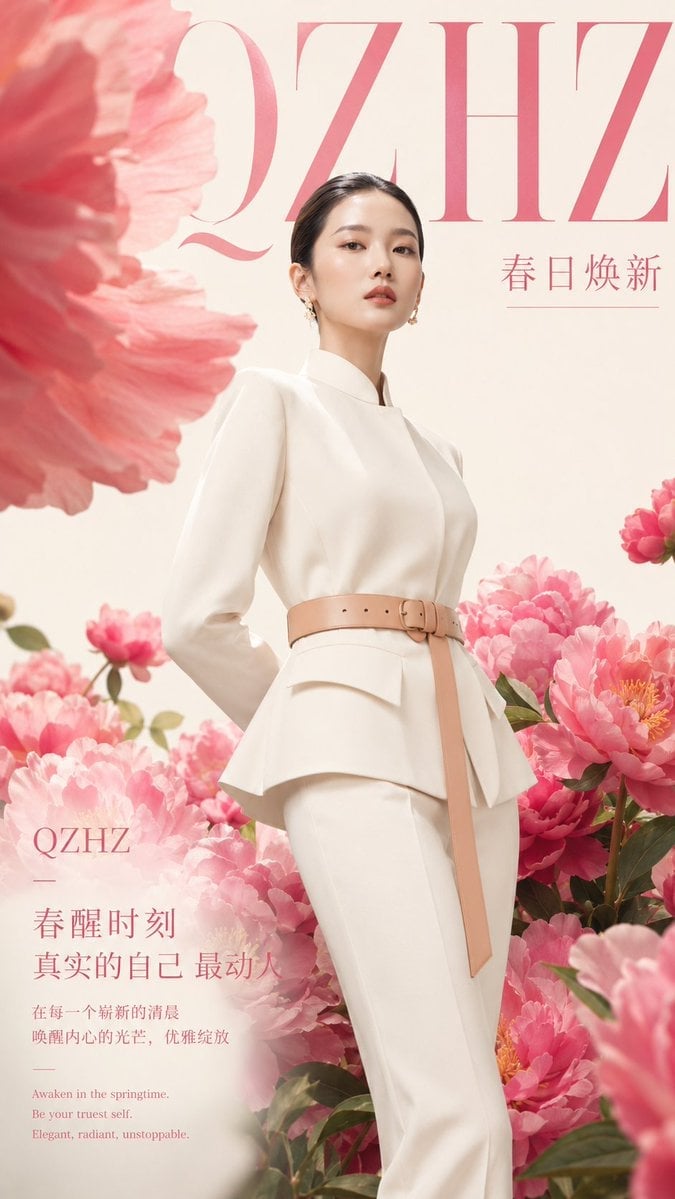
- Prompt included
- Model and format preset
- Premium template
The prompt behind this image
Copy the exact prompt behind Luxury Spring Peony Fashion Poster, or open it in the studio and make it yours.
Goal: Create a vertical high-end women’s fashion commercial poster for {argument name="brand name" default="QZHZ"}, combining luxury editorial photography with a romantic spring floral theme. Canvas: Tall vertical poster, 2:3 ratio, soft ivory cream background, premium magazine-ad composition, airy negative space at the top and dense flowers at the bottom. Main subject: A young East Asian woman model standing slightly right of center in a confident elegant pose, viewed from about mid-thigh upward. She has smooth fair skin, refined natural makeup, soft red lips, dark hair slicked back into a low neat bun, and small gold floral earrings. Her expression is calm, poised, and slightly distant, looking toward the viewer. She wears a sculptural ivory-white high-fashion suit: long-sleeve fitted top with high collar, layered peplum waist, slim white trousers, and a pale beige leather belt with a rectangular buckle and one long hanging strap. Hands are held behind her back, posture tall and graceful. Floral environment: Surround the model with abundant pink peony blossoms. Use one very large blurred pink peony petal mass in the upper left foreground, many sharp pink peonies clustered across the lower half, several flowers on the right side, green leaves and stems visible among the blossoms, and a soft misty pink foreground blur near the bottom edge. The flowers should feel lush, fresh, and springlike, framing the model without hiding her face or outfit. Layout and typography: Use refined rose-pink serif typography with a luxury fashion magazine feel. Place an oversized cropped brand masthead across the top reading {argument name="top masthead text" default="QZHZ"}, very large, thin high-contrast serif letters, partially behind the model’s head. Place a small Chinese seasonal slogan on the upper right reading {argument name="season slogan" default="春日焕新"} with a thin horizontal line underneath. Place a lower-left text block over the flowers with elegant spacing. Text content: Include exactly 7 visible text elements: 1) oversized top masthead “QZHZ”; 2) upper-right slogan “春日焕新”; 3) lower-left small brand “QZHZ”; 4) lower-left main headline {argument name="main Chinese headline" default="春醒时刻"}; 5) lower-left subheadline {argument name="Chinese subheadline" default="真实的自己 最动人"}; 6) a smaller Chinese body copy block reading “在每一个崭新的清晨\n唤醒内心的光芒,优雅绽放”; 7) a small English tagline at the bottom of the lower-left block reading “Awaken in the springtime.\nBe your truest self.\nElegant, radiant, unstoppable.” Visual style: Luxury fashion photography, soft natural studio lighting, warm cream and blush-pink palette, polished skin, high detail clothing texture, shallow depth of field, foreground flower blur, delicate romantic atmosphere, clean commercial poster design, premium women’s fashion brand aesthetic. Constraints: Keep the composition uncluttered and elegant, with the model dominant and flowers forming a frame. Do not add extra text, logos, watermarks, borders, or additional people. Maintain accurate readable typography and the exact 7 text elements listed.
How to use Luxury Spring Peony Fashion Poster in 3 steps
- 1Upload ImagePNG, JPG or paste
Add your photo
Upload the photo the template builds on. The prompt, model and format are already set.
- 2…a portrait of your subject in softgolden-hour light, 85mm…
Personalize
Edit the subject and creative details for your destination.
- 3Generate
Generate
Press Generate — your image is created in PicX Studio, so you can compare it with the original and refine one variable at a time.
More like this
Templates with the same subject, style or setup. Open one to see its prompt.
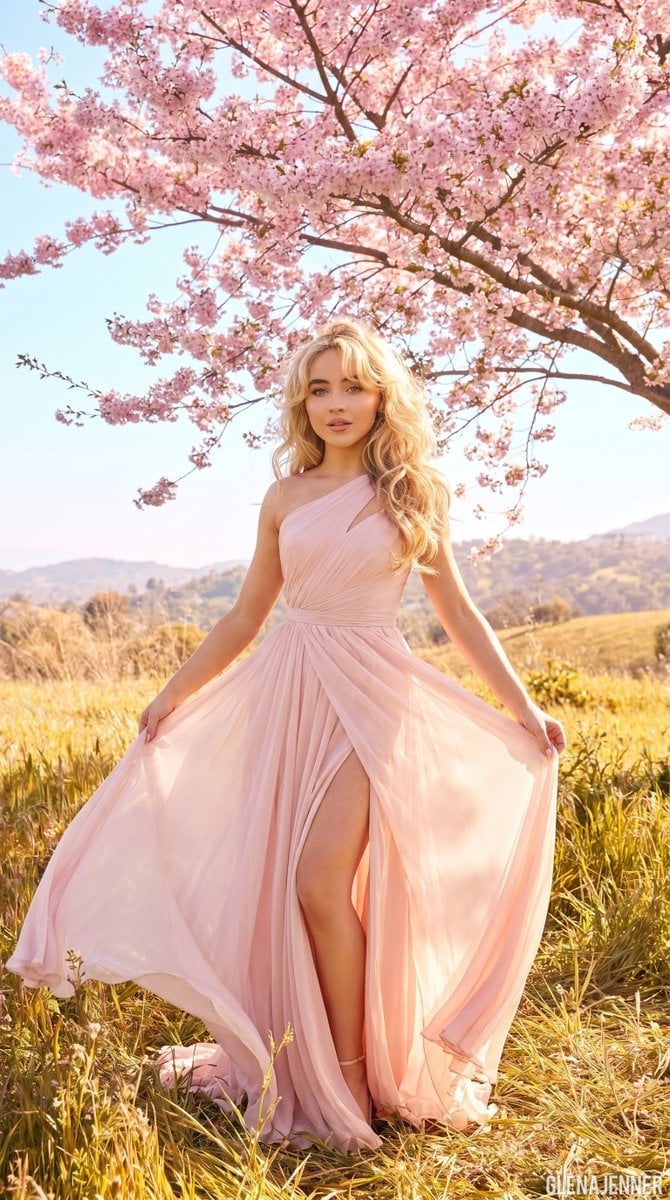
Luxury Fashion Editorial Spring Portrait

Artistic Patchwork Fashion Portrait Spring Festival

19 Luxury Helicopter Travel — California Series

08 Rodeo Drive Luxury Exit — California Series

80s College Gate

1988 Mall Style

80s Polka Dot Saree

Japan Travel Brochure Poster

Luxury ABKR Portrait Poster
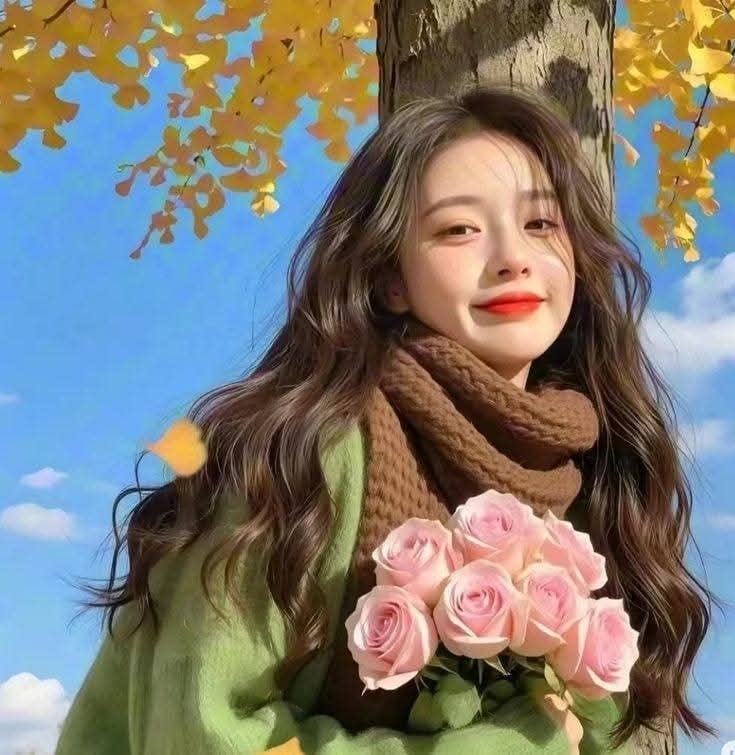
Spring Fashion Garden Editorial

Luxury Fashion Editorial Portrait
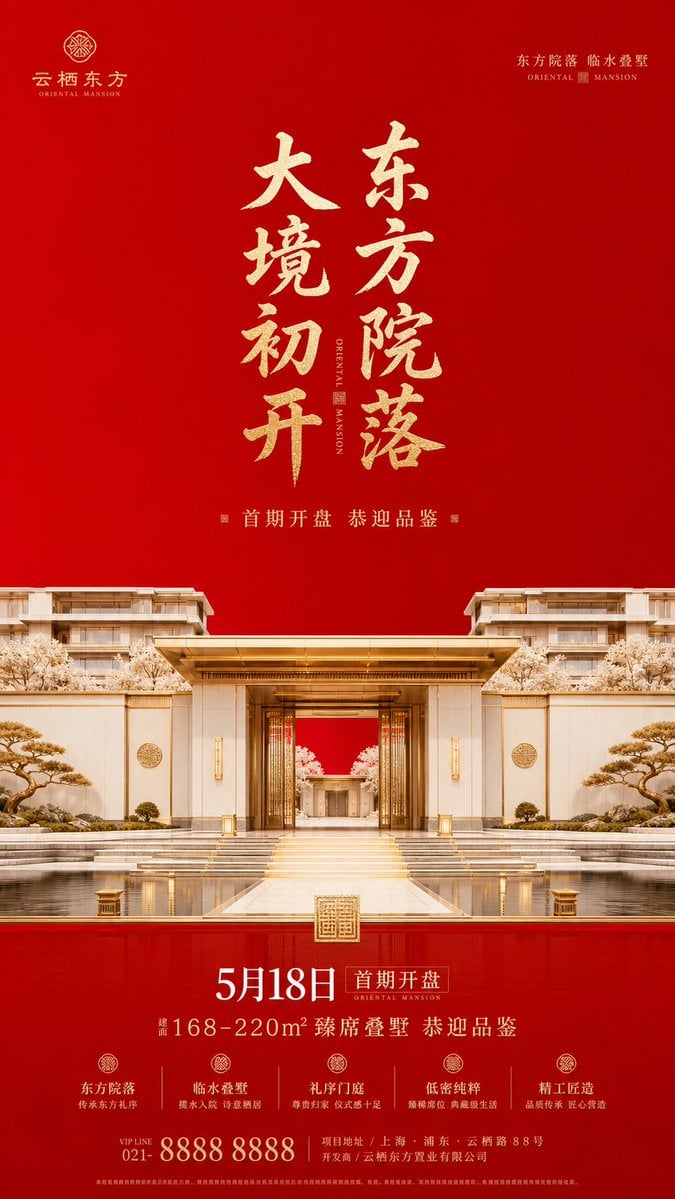
Luxury Oriental Mansion Opening Poster
Make it yours
Luxury Spring Peony Fashion Poster works as-is. These are the safest ways to change it without losing the look.
Change one field
Copy a single group, rewrite it, and generate again so you can see what that field is doing.
Keep the frame, change the subject
Hold the composition and light of Luxury Spring Peony Fashion Poster, then swap wardrobe, props or the person for a new take.
| If the result… | Why | Fix |
|---|---|---|
| The result drifts from the preview | Too many fields changed at once. | Reuse Luxury Spring Peony Fashion Poster as-is first, then change one group — subject, light, or setting. |
| The model over-stylizes the scene | The prose prompt leaves finish and camera underspecified. | Add one camera or lighting sentence and stay on GPT Image 2. |
More GPT Image 2 templates
Other prompts made for GPT Image 2.

Six VTuber Japanese Logo Sheet

Realistic Portrait of Woman and Deer

The Vista Modular Condo Poster

AI Model Routing Comparison Infographic

2.5D Anime Art Board

Isometric Productivity Desk Scene

New York Double Exposure Poster

Four-Panel AI Landscape Comparison

Japanese Tatami Lifestyle Magazine Cover

NESCAFÉ Coffee Map Poster
More image prompts
Fresh picks from across the catalog.
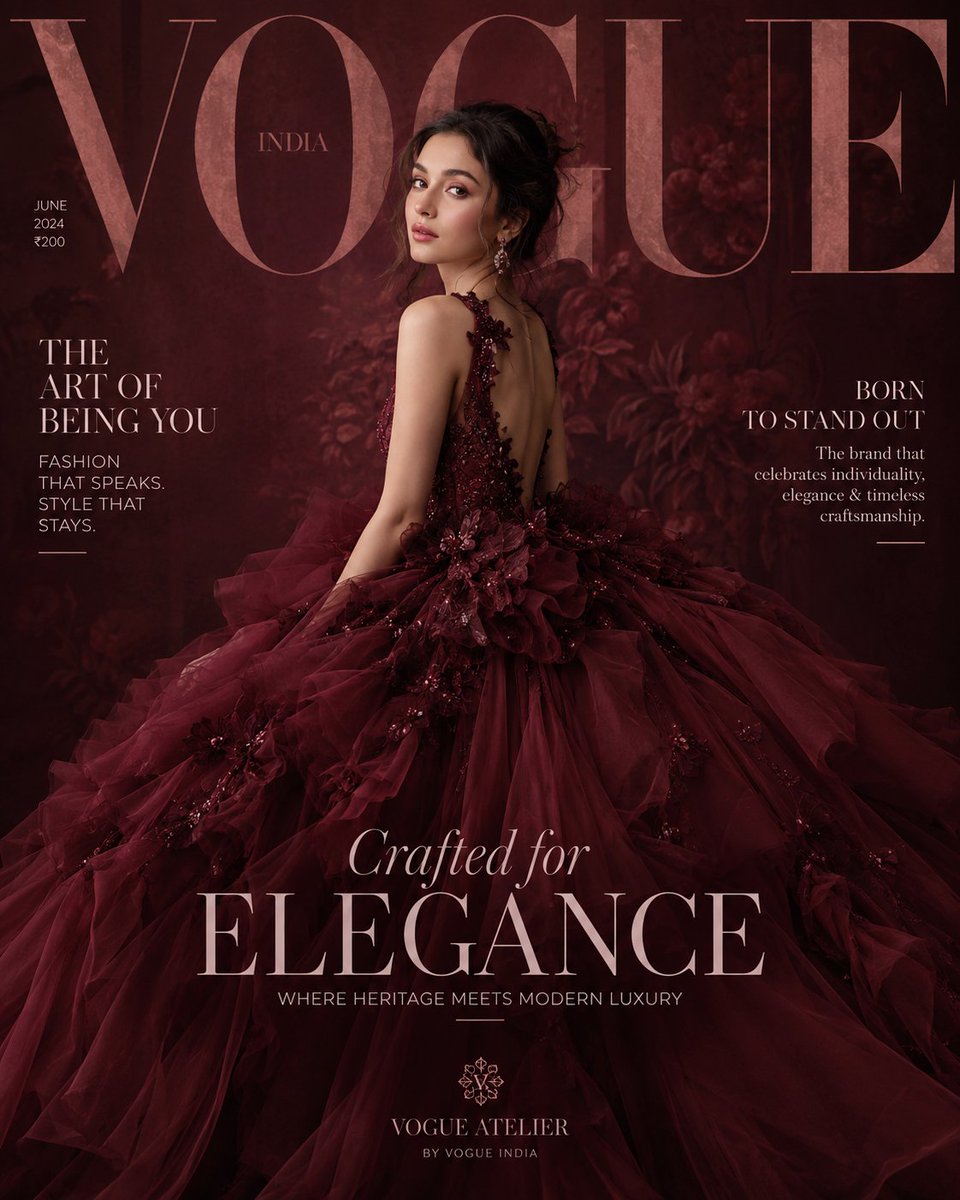
Maroon Dress Fashion Magazine Cover
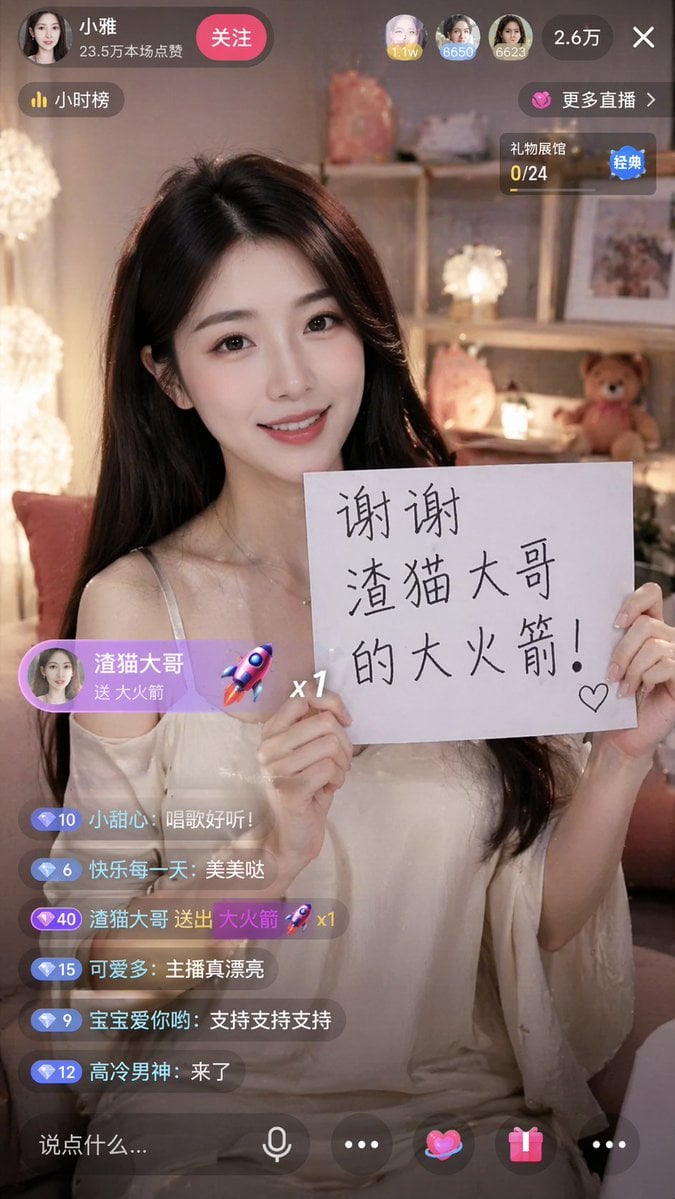
Live Stream App Screenshot Generator
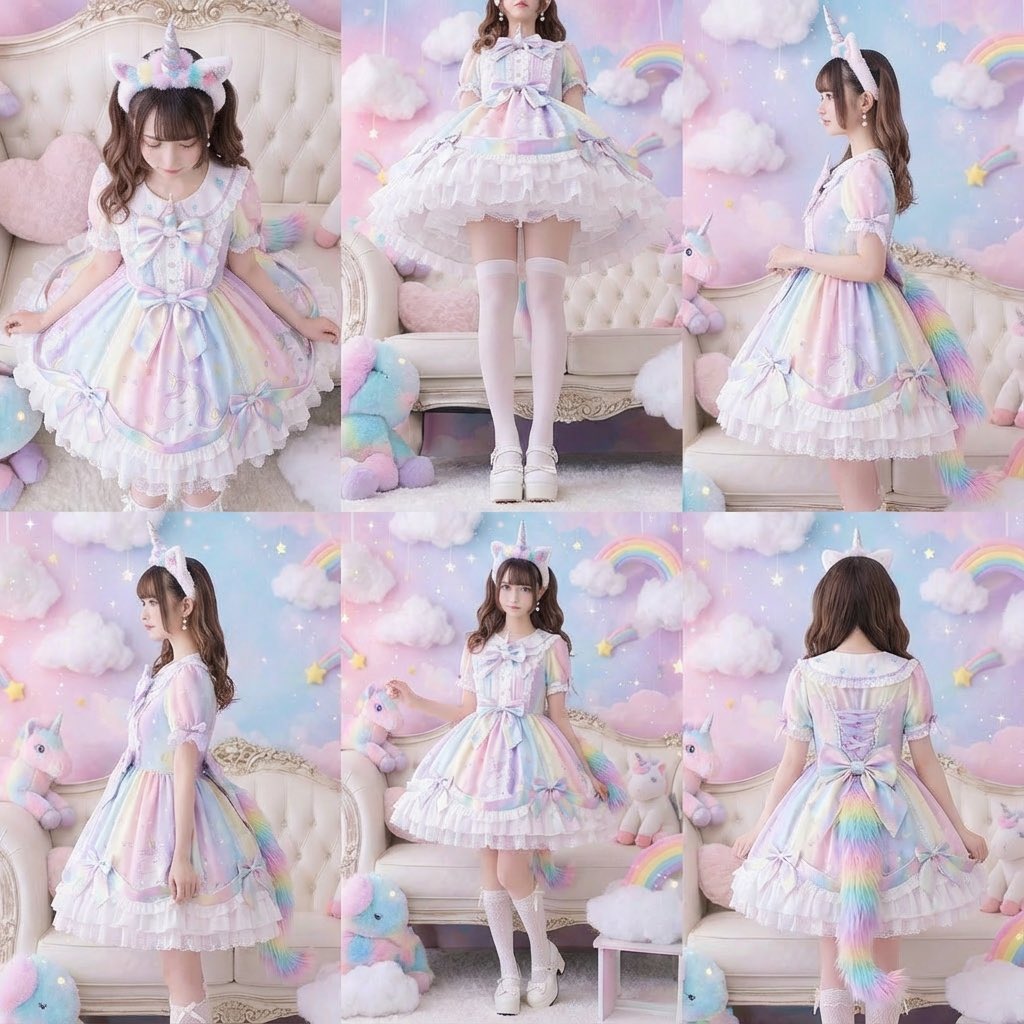
Generate a beautiful woman from six different angles in a single, six-panel image
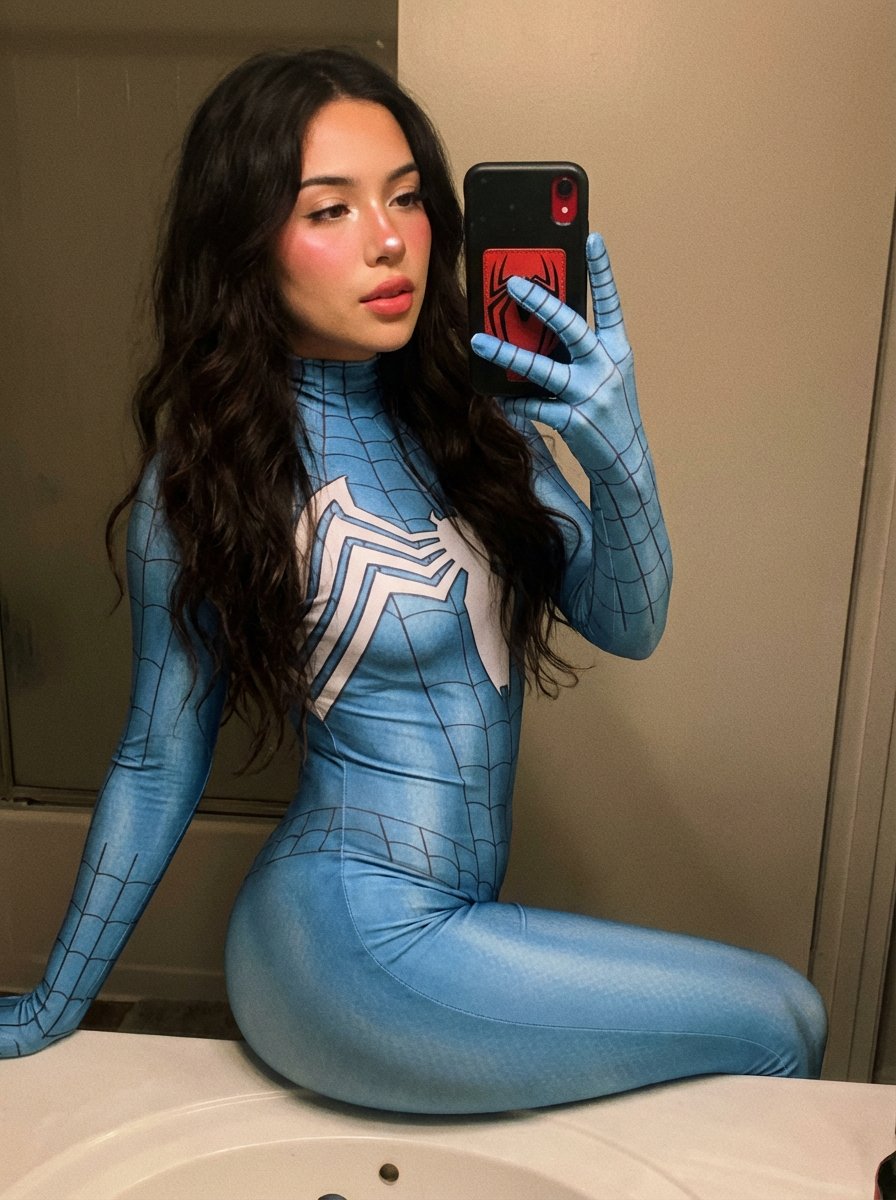
Spider-Woman Symbiote Mirror Selfie Prompt
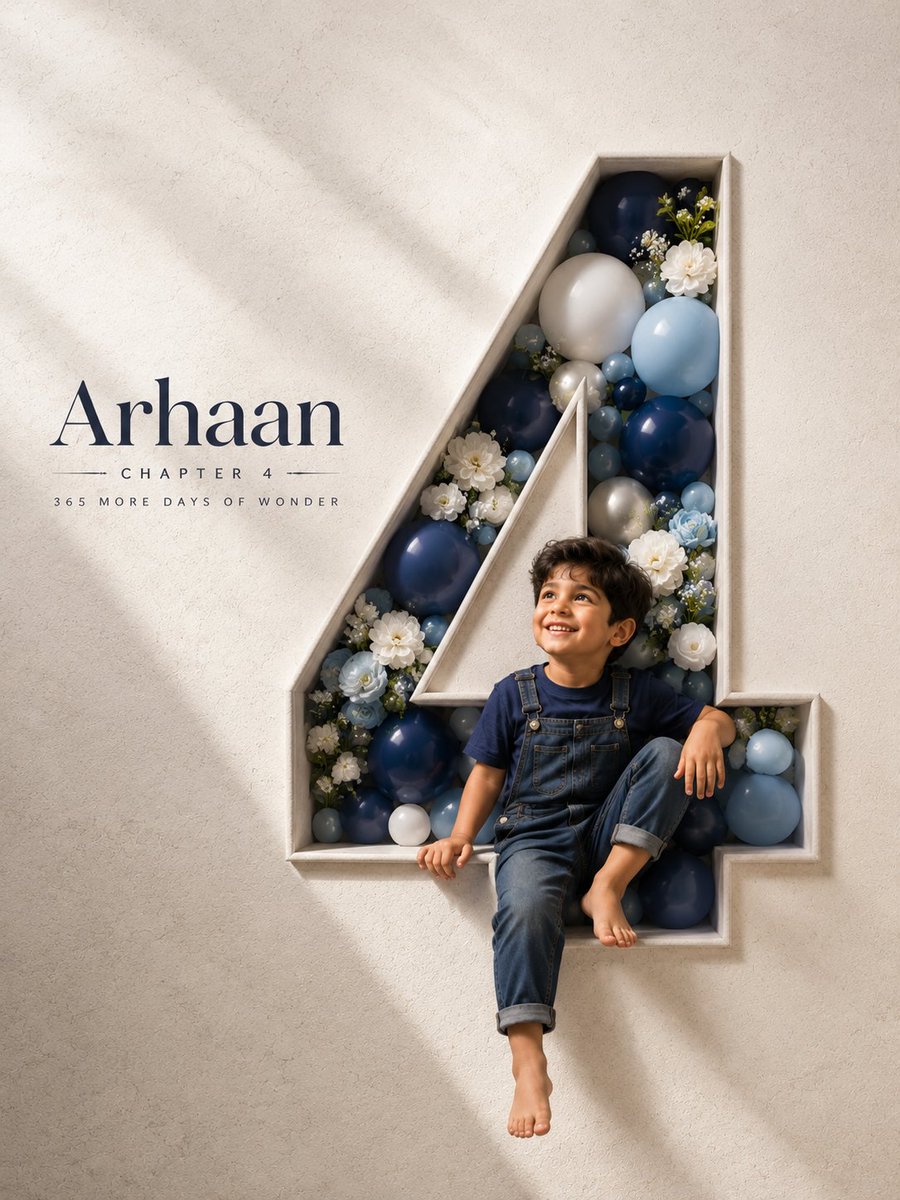
3D Carved Luxury Birthday Poster

Minimalist Traveler Airport Scene
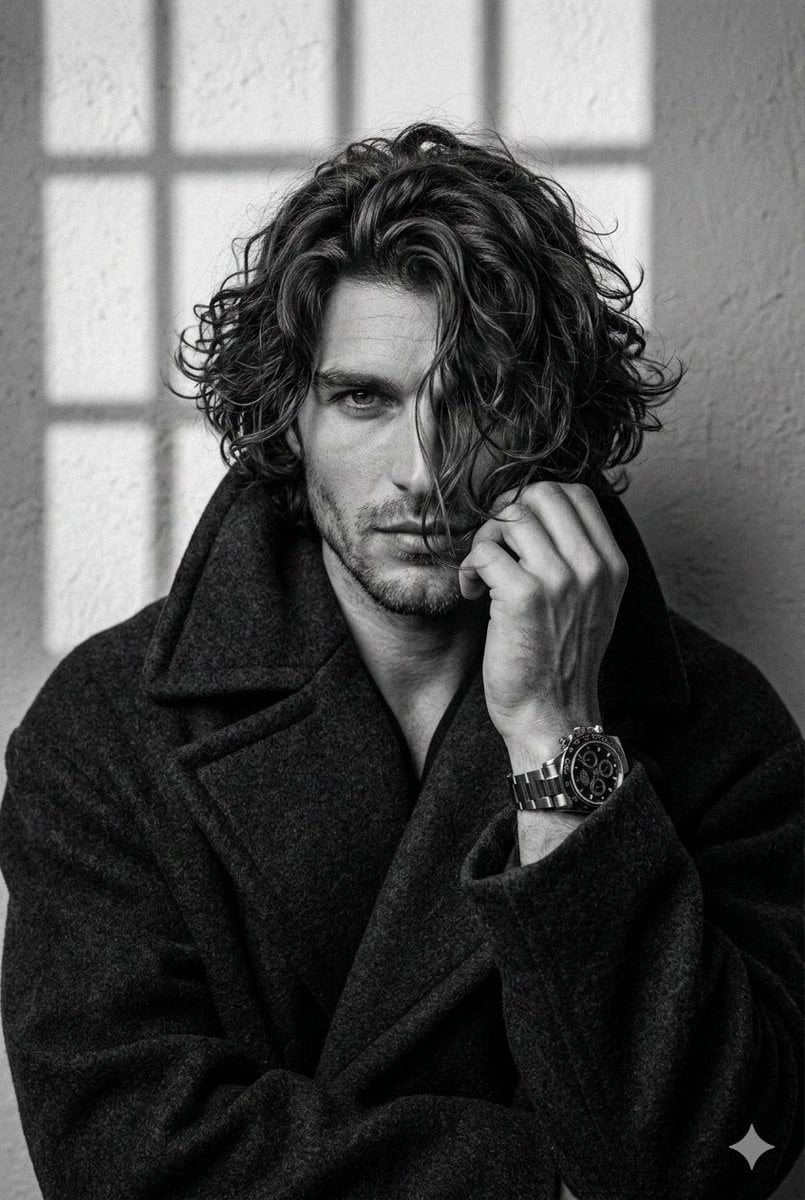
Black and White Aesthetic Close-up Portrait
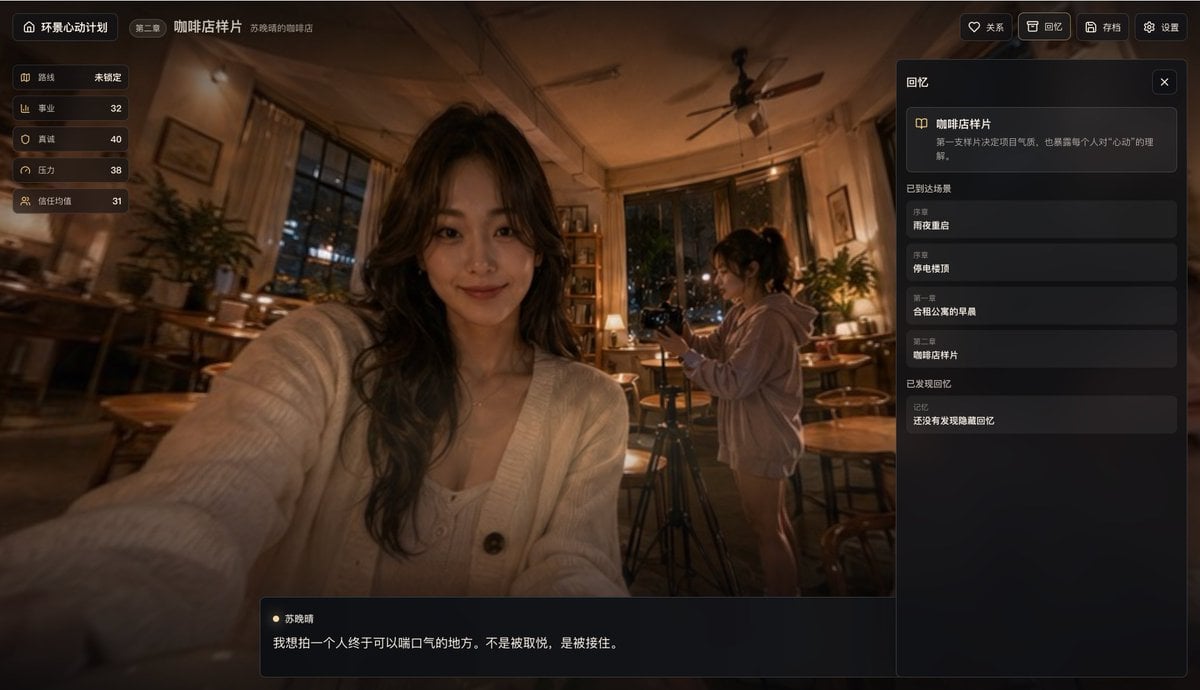
Cinematic Cafe Visual Novel UI
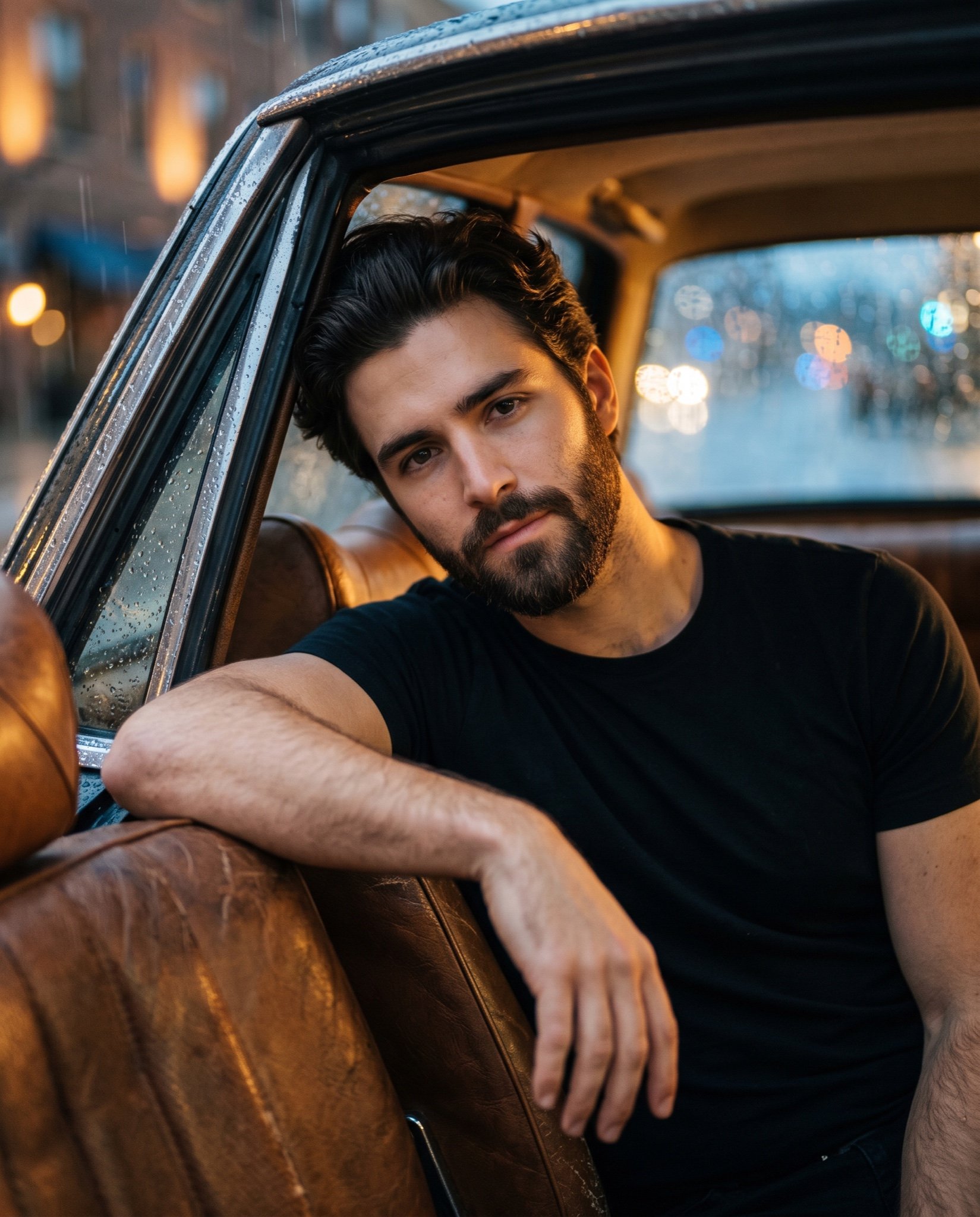
Cinematic Ultra-Realistic Portrait in a Vintage Car
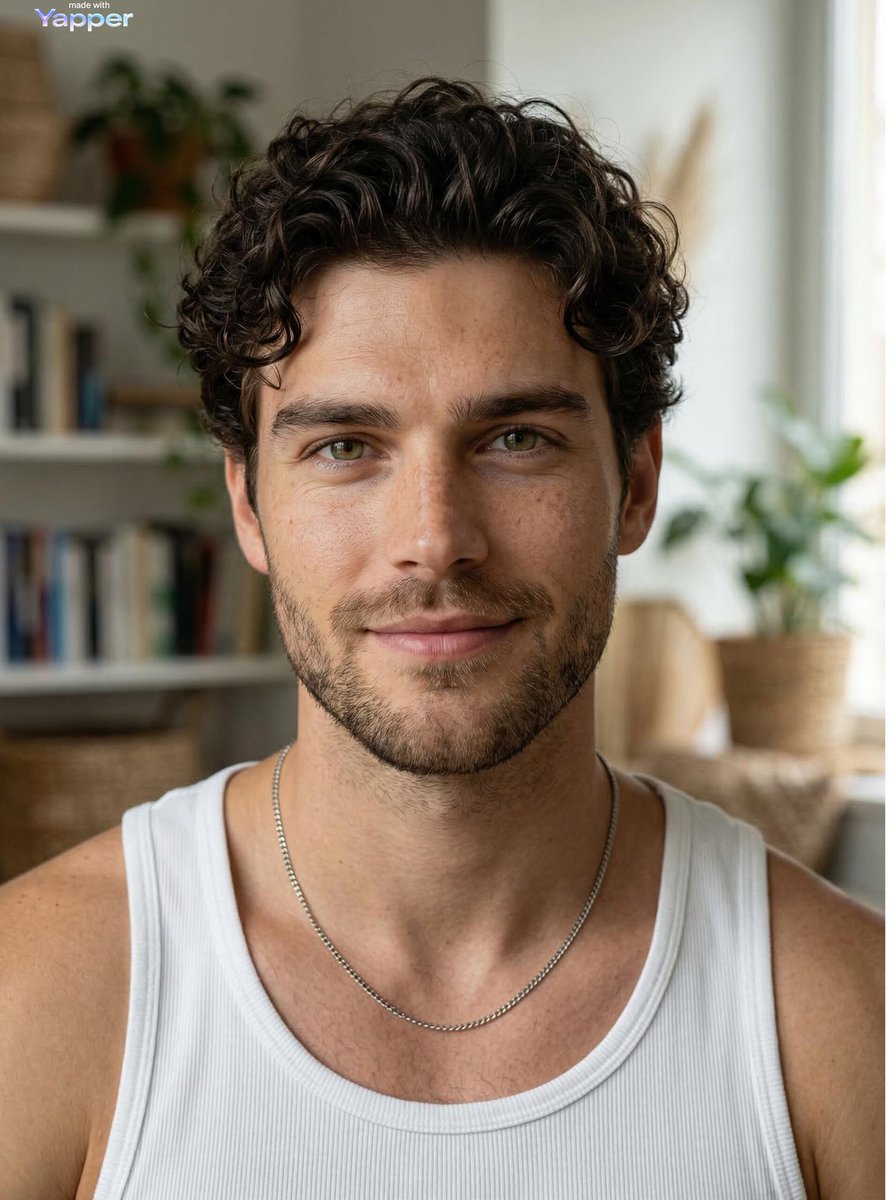
Ultra-realistic Portrait of a Young Man
Browse template categories
Luxury Spring Peony Fashion Poster questions
How do I use the Luxury Spring Peony Fashion Poster template?
Add your photo if the template asks for one, edit the prompt if you like — the template's model and format are already selected — and press Generate. Your version opens in PicX Studio.
Can I customize the Luxury Spring Peony Fashion Poster template?
Yes. You can change the subject, setting, lighting, mood, format, and available model controls before creating your image.
Is the Luxury Spring Peony Fashion Poster template free?
Opening and editing this template is free. Generating uses credits, shown on the Generate button when you are signed in.
Which AI model should I use?
Start with GPT Image 2, which is the model associated with this template. You can compare another compatible model for a different finish.
Looking for something else? Browse all templates.

Your photo, any look
Thousands of ready templates for every top image and video model, from one credit balance.