
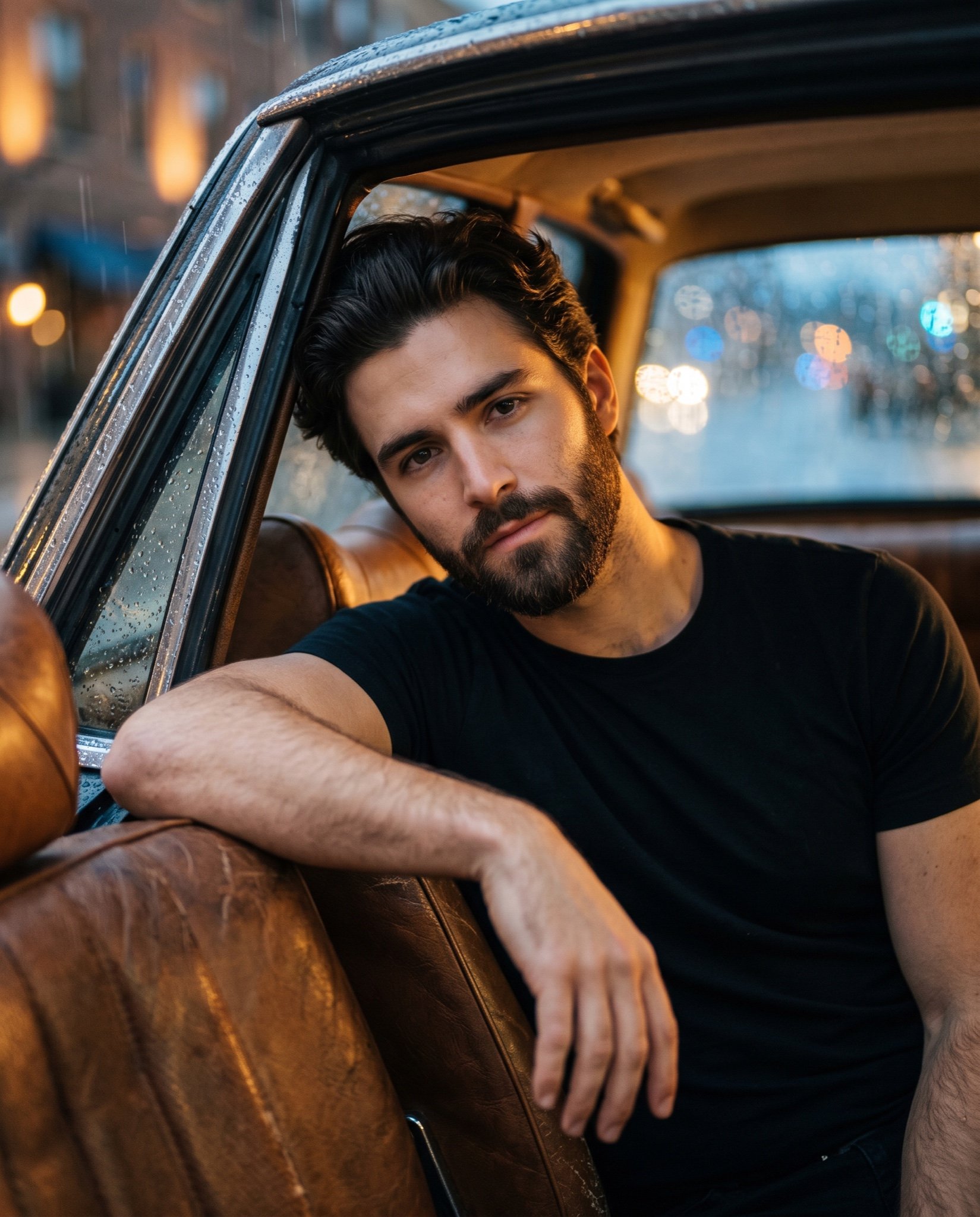
Cinematic Ultra-Realistic Portrait in a Vintage Car
A highly detailed cinematic prompt for generating an ultra-realistic portrait of a handsome young man sitting inside a vintage car on a rainy evening, emphasizing dramatic lighting, texture realism, and a moody…
- Prompt included
- Model and format preset
- Free template
The prompt behind this image
Copy the exact prompt behind Cinematic Ultra-Realistic Portrait in a Vintage Car, or open it in the studio and make it yours.
- Model
- nano-banana
- Prompt
- Cinematic ultra-realistic portrait of a handsome young man sitting inside a vintage car on a rainy evening. He leans his head against the car window frame, one arm resting over a rich brown leather seat. Thick dark hair styled naturally, well-groomed full beard, deep expressive eyes looking directly at the camera with a calm, introspective mood. Wearing a fitted black t-shirt. Warm golden light softly illuminates one side of his face, creating dramatic contrast with gentle shadows on the other. Raindrops visible on the window and door frame. Interior shows detailed leather texture and realism. Background lights softly blurred with moody bokeh. Shallow depth of field, cinematic color grading, warm amber tones blended with cool rainy ambience, soft film grain, realistic skin texture with natural pores. Professional DSLR photography, 85mm lens look, low-light portrait, emotional storytelling, ultra-detailed, 8K cinematic realism, modern editorial aesthetic.
- Negative Prompt
- cartoon, anime, illustration, CGI, plastic skin, artificial lighting, overexposed, underexposed, low resolution, blurry face, distorted anatomy, extra limbs, oversharpened, harsh shadows
- Aspect Ratio
- 4:5
- Quality
- ultra
- Style Preset
- cinematic
- Steps
- 30
- Cfg Scale
- 7.5
Raw JSON
{
  "model": "nano-banana",
  "prompt": "Cinematic ultra-realistic portrait of a handsome young man sitting inside a vintage car on a rainy evening. He leans his head against the car window frame, one arm resting over a rich brown leather seat. Thick dark hair styled naturally, well-groomed full beard, deep expressive eyes looking directly at the camera with a calm, introspective mood. Wearing a fitted black t-shirt. Warm golden light softly illuminates one side of his face, creating dramatic contrast with gentle shadows on the other. Raindrops visible on the window and door frame. Interior shows detailed leather texture and realism. Background lights softly blurred with moody bokeh. Shallow depth of field, cinematic color grading, warm amber tones blended with cool rainy ambience, soft film grain, realistic skin texture with natural pores. Professional DSLR photography, 85mm lens look, low-light portrait, emotional storytelling, ultra-detailed, 8K cinematic realism, modern editorial aesthetic.",
  "negative_prompt": "cartoon, anime, illustration, CGI, plastic skin, artificial lighting, overexposed, underexposed, low resolution, blurry face, distorted anatomy, extra limbs, oversharpened, harsh shadows",
  "aspect_ratio": "4:5",
  "quality": "ultra",
  "style_preset": "cinematic",
  "seed": null,
  "steps": 30,
  "cfg_scale": 7.5
}How to use Cinematic Ultra-Realistic Portrait in a Vintage Car in 3 steps
- 1
Open
The prompt is already in the box next to the preview, with the template's model and format selected.
- 2…a portrait of your subject in softgolden-hour light, 85mm…
Personalize
Edit the subject and creative details for your destination.
- 3Generate
Generate
Press Generate — your image is created in PicX Studio, so you can compare it with the original and refine one variable at a time.
More like this
Templates with the same subject, style or setup. Open one to see its prompt.

Found Photograph: Us, 1970

80s Couple Studio Portrait

80s Bollywood Star

80s Golden Hour Cinema
Ultra Detailed 3d Plush Cartoon Characte
Casual Portrait with Vintage Rally Car

Two Tickets, One Night

If We Met in 1985
One Dance Before Midnight
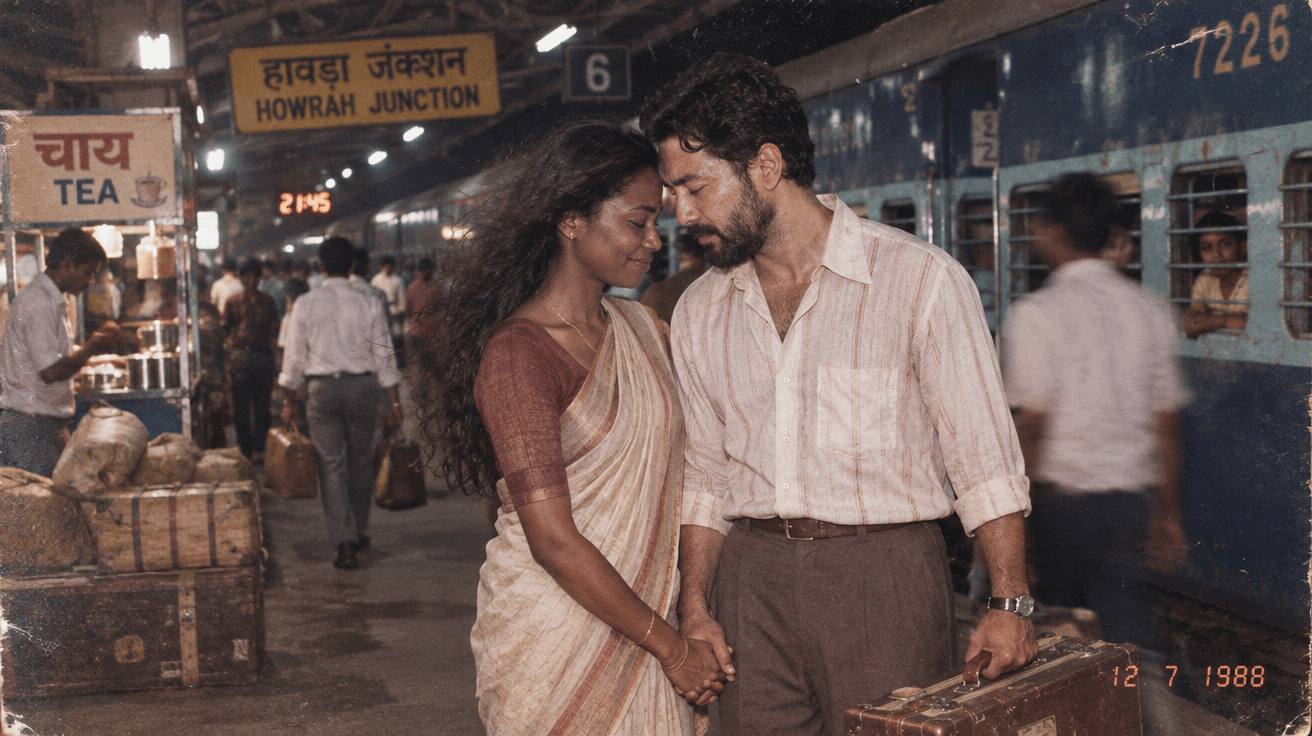
Before We said Goodbye

Our Song was on a Cassette

Meet Me When It Rains
Make it yours
Cinematic Ultra-Realistic Portrait in a Vintage Car works as-is. These are the safest ways to change it without losing the look.
Change one field
Copy a single group, rewrite it, and generate again so you can see what that field is doing.
Keep the frame, change the subject
Hold the composition and light of Cinematic Ultra-Realistic Portrait in a Vintage Car, then swap wardrobe, props or the person for a new take.
| If the result… | Why | Fix |
|---|---|---|
| The result drifts from the preview | Too many fields changed at once. | Reuse Cinematic Ultra-Realistic Portrait in a Vintage Car as-is first, then change one group — subject, light, or setting. |
| Nano Banana 2 ignores part of the JSON | Some models flatten or skip nested keys. | Keep the same values and paste them as a short paragraph instead. |
More Nano Banana 2 templates
Other prompts made for Nano Banana 2.

Photorealistic Leaf Shaped Like a Dragon

K-Pop Idol Portrait Grid for Rapid Selection

Poetic Rain Forest Portrait During Golden Hour

Urban Street Portrait with Cartoon Inner Self Duo

Candid Nighttime Photo with Cat Prompt

High-Concept 3D Diorama Generation Prompt

Cinematic Futuristic Studio Portrait Template

Skincare Editorial Photography Collage Prompt

Hyper-Realistic Commercial Product Photography (Splash Effect)

Hyper-Realistic Nightclub Portrait Prompt
More image prompts
Fresh picks from across the catalog.
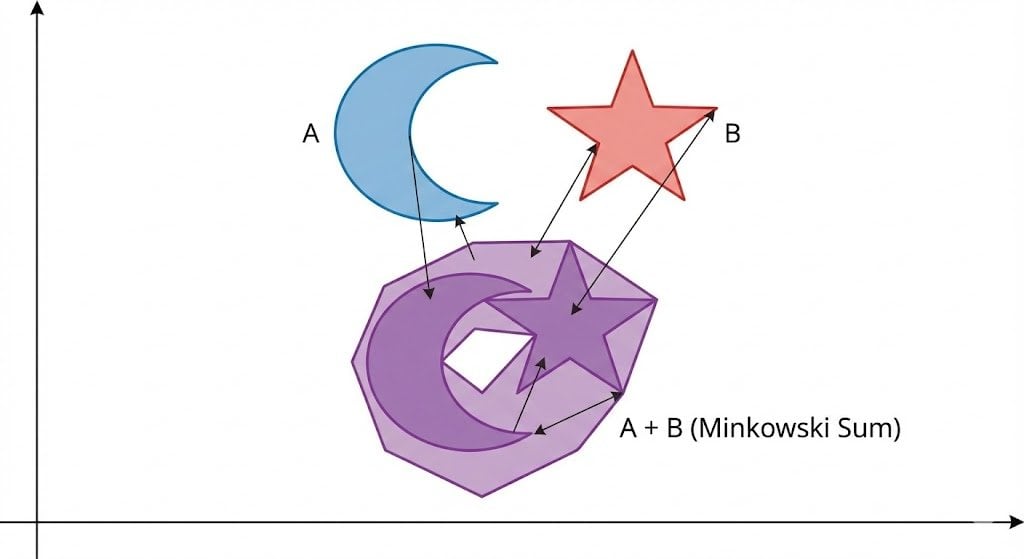
Minkowski sum of two non-convex sets
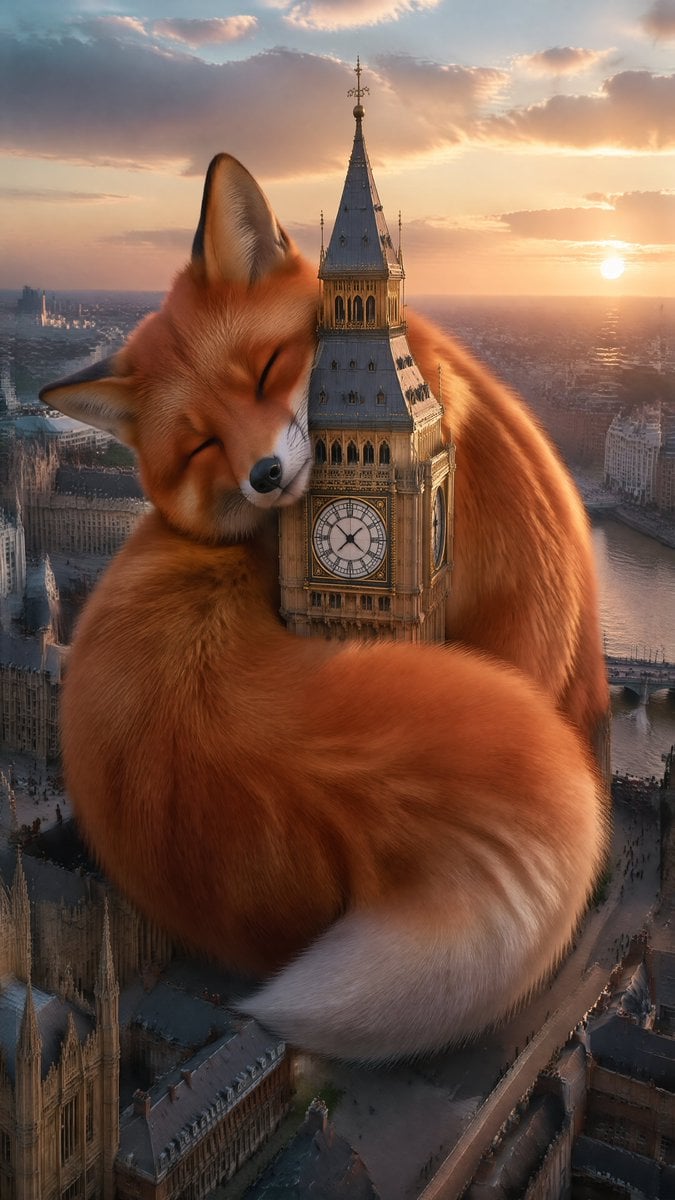
Wholesome Giant Animal in Cityscape
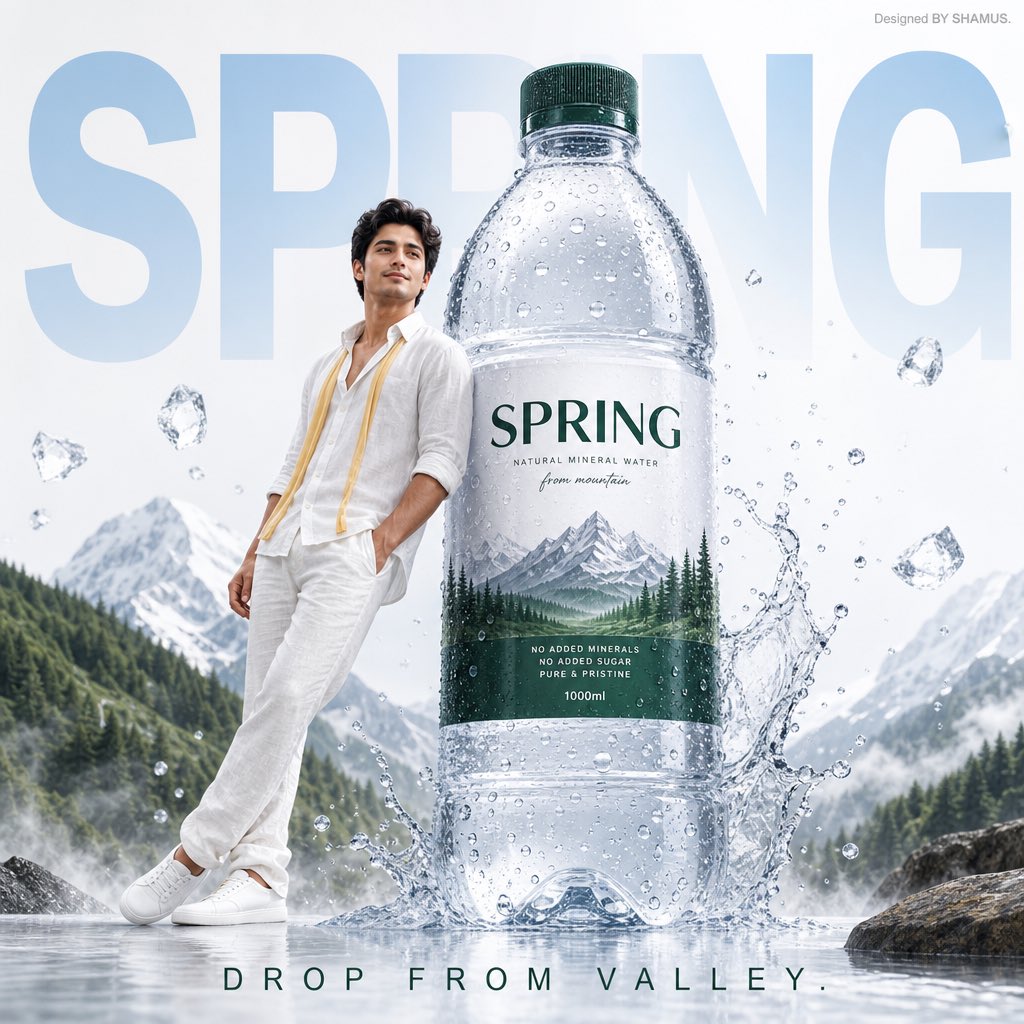
Premium Mineral Water Advertisement

Anime Rock Band Beverage Collab Poster
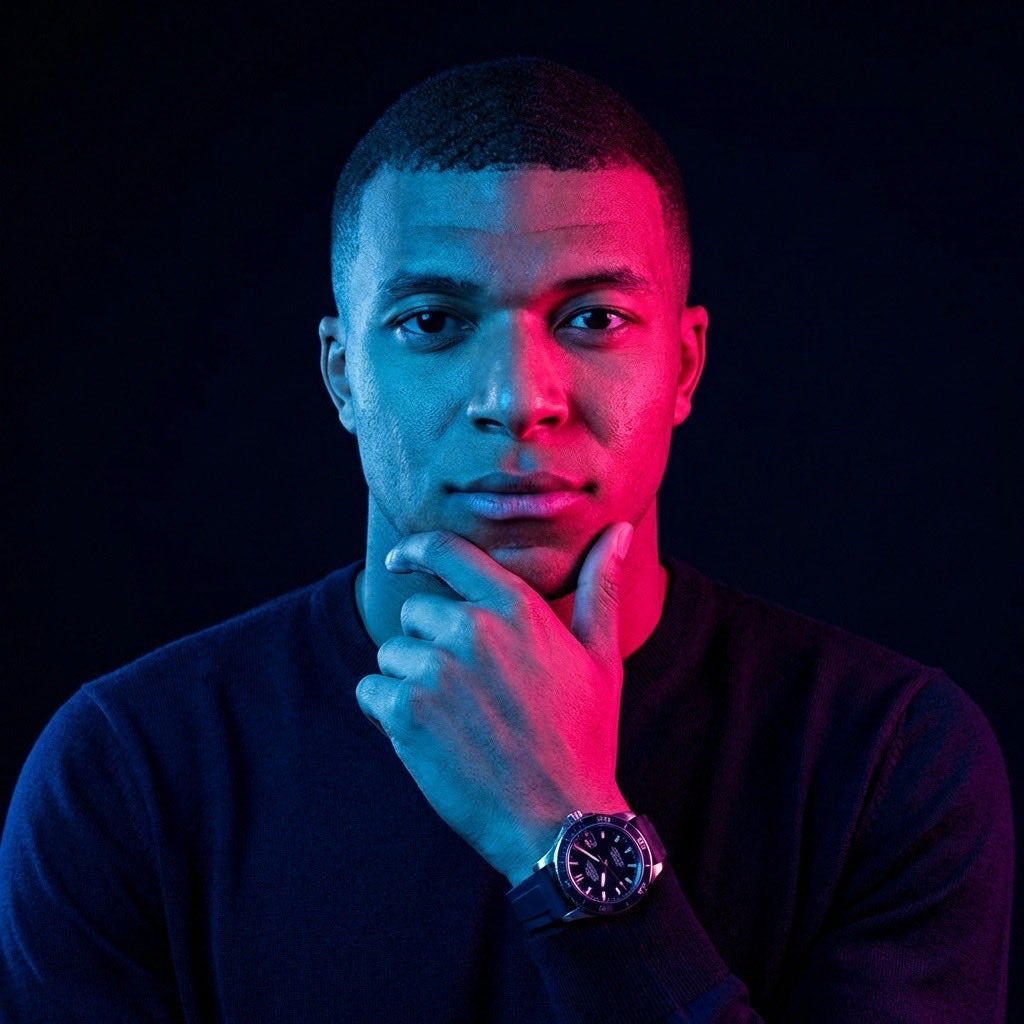
Neon Split Lighting Studio Portraits (Male and Female)
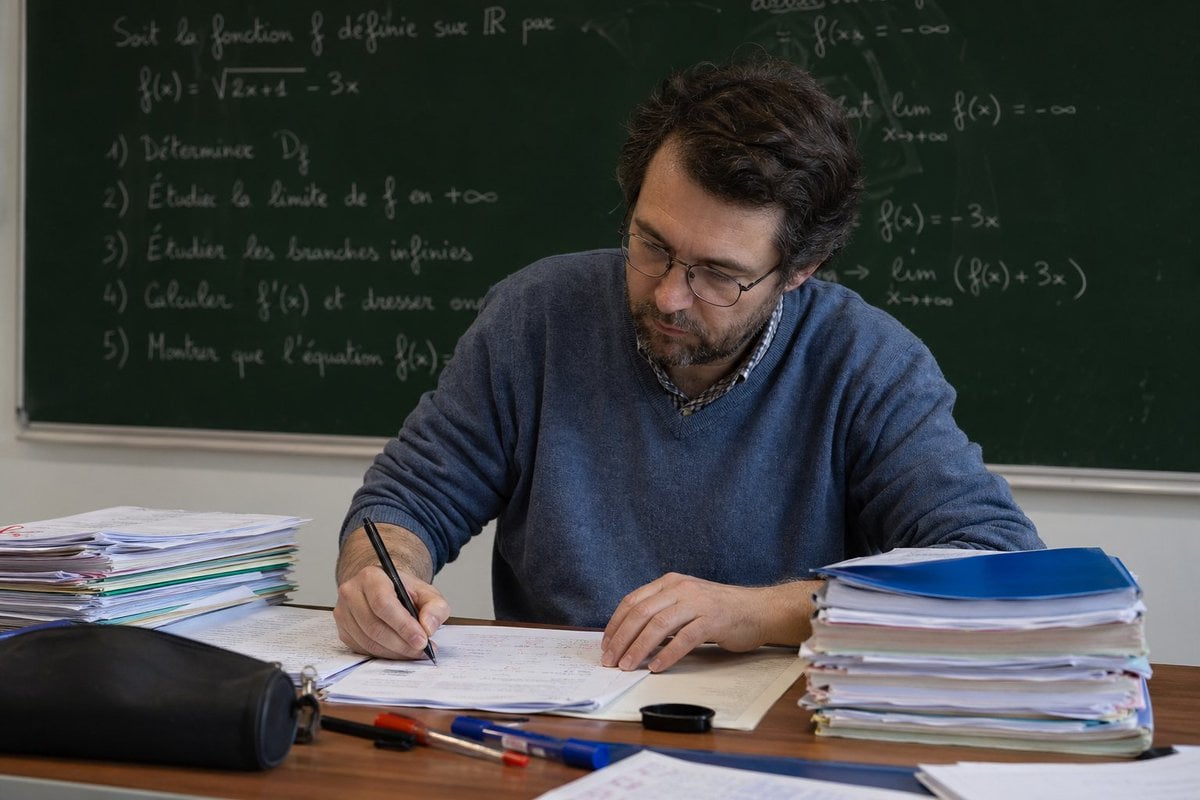
Math Teacher Grading Papers in Classroom
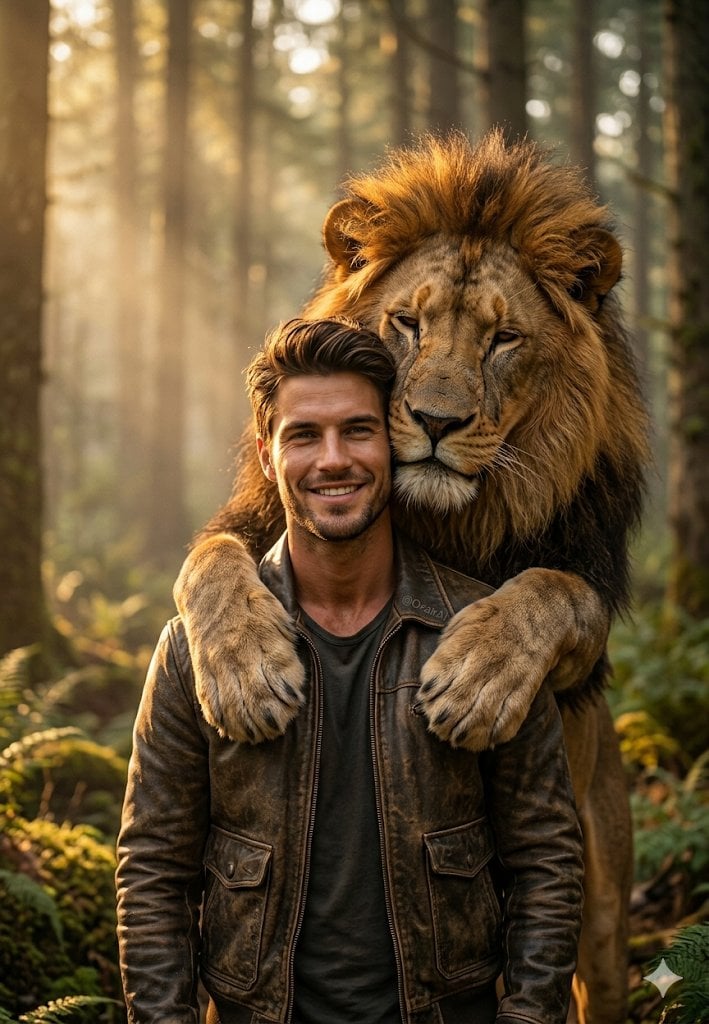
Man and Lion Forest Portrait
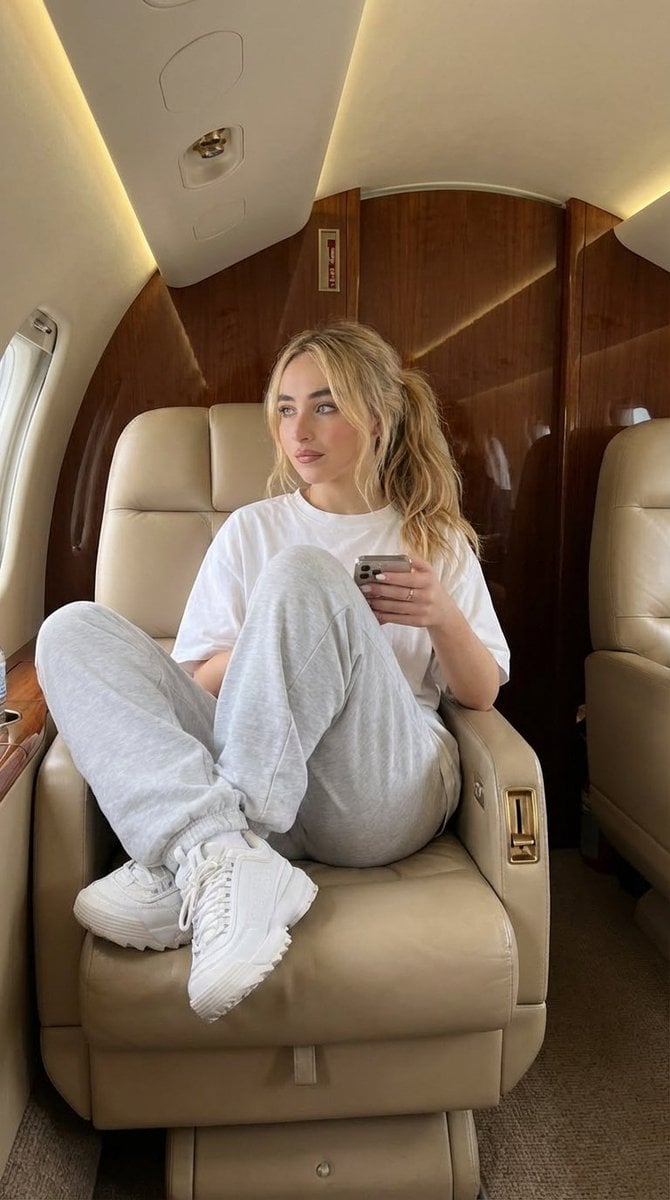
Luxury Private Jet Photoshoot Prompt for Stylish Young Woman
Hyper faithful image remaster
Cinematic Sport Logo Render in Midjourne
Browse template categories
Cinematic Ultra-Realistic Portrait in a Vintage Car questions
How do I use the Cinematic Ultra-Realistic Portrait in a Vintage Car template?
Add your photo if the template asks for one, edit the prompt if you like — the template's model and format are already selected — and press Generate. Your version opens in PicX Studio.
Can I customize the Cinematic Ultra-Realistic Portrait in a Vintage Car template?
Yes. You can change the subject, setting, lighting, mood, format, and available model controls before creating your image.
Is the Cinematic Ultra-Realistic Portrait in a Vintage Car template free?
Opening and editing this template is free. Generating uses credits, shown on the Generate button when you are signed in.
Which AI model should I use?
Start with Nano Banana 2, which is the model associated with this template. You can compare another compatible model for a different finish.
Looking for something else? Browse all templates.

Your photo, any look
Thousands of ready templates for every top image and video model, from one credit balance.