
08 Rodeo Drive Luxury Exit — California Series
Nano Banana 2 Scene 8: Rodeo Drive Luxury Exit

- Prompt included
- Model and format preset
- Free template
The prompt behind this image
Copy the exact prompt behind 08 Rodeo Drive Luxury Exit — California Series, or open it in the studio and make it yours.
Use the reference woman. Place her walking out of a luxury boutique on Rodeo Drive. She is holding high-end shopping bags. The moment feels like paparazzi captured but styled like a fashion campaign. She is not posing directly — confident natural walk, slightly ignoring the camera. Outfit: tailored luxury blazer dress or fitted monochrome set, sharp silhouette, premium fabric. Scene: Rodeo Drive luxury boutique exterior with clean storefronts and polished street. Lighting: bright California daylight with soft shadows. Mood: powerful, elite, high-fashion street presence. Color palette: beige, black, gold accents, luxury neutrals. Aspect ratio: 4:5. Must-have: Rodeo Drive setting, luxury shopping bags, designer styling, confident walk, same identity, perfect anatomy, no text. Avoid: crowded messy street, cheap brands, casual outfit, bad anatomy, extra limbs, over-posed, text, logo, watermark.
How to use 08 Rodeo Drive Luxury Exit — California Series in 3 steps
- 1
Open
The prompt is already in the box next to the preview, with the template's model and format selected.
- 2…a portrait of your subject in softgolden-hour light, 85mm…
Personalize
Edit the subject and creative details for your destination.
- 3Generate
Generate
Press Generate — your image is created in PicX Studio, so you can compare it with the original and refine one variable at a time.
More like this
Templates with the same subject, style or setup. Open one to see its prompt.
08 Rodeo Drive Luxury Exit — California Series

19 Luxury Helicopter Travel — California Series
19 Luxury Helicopter Travel — California Series

24 The Getty Center — California Series
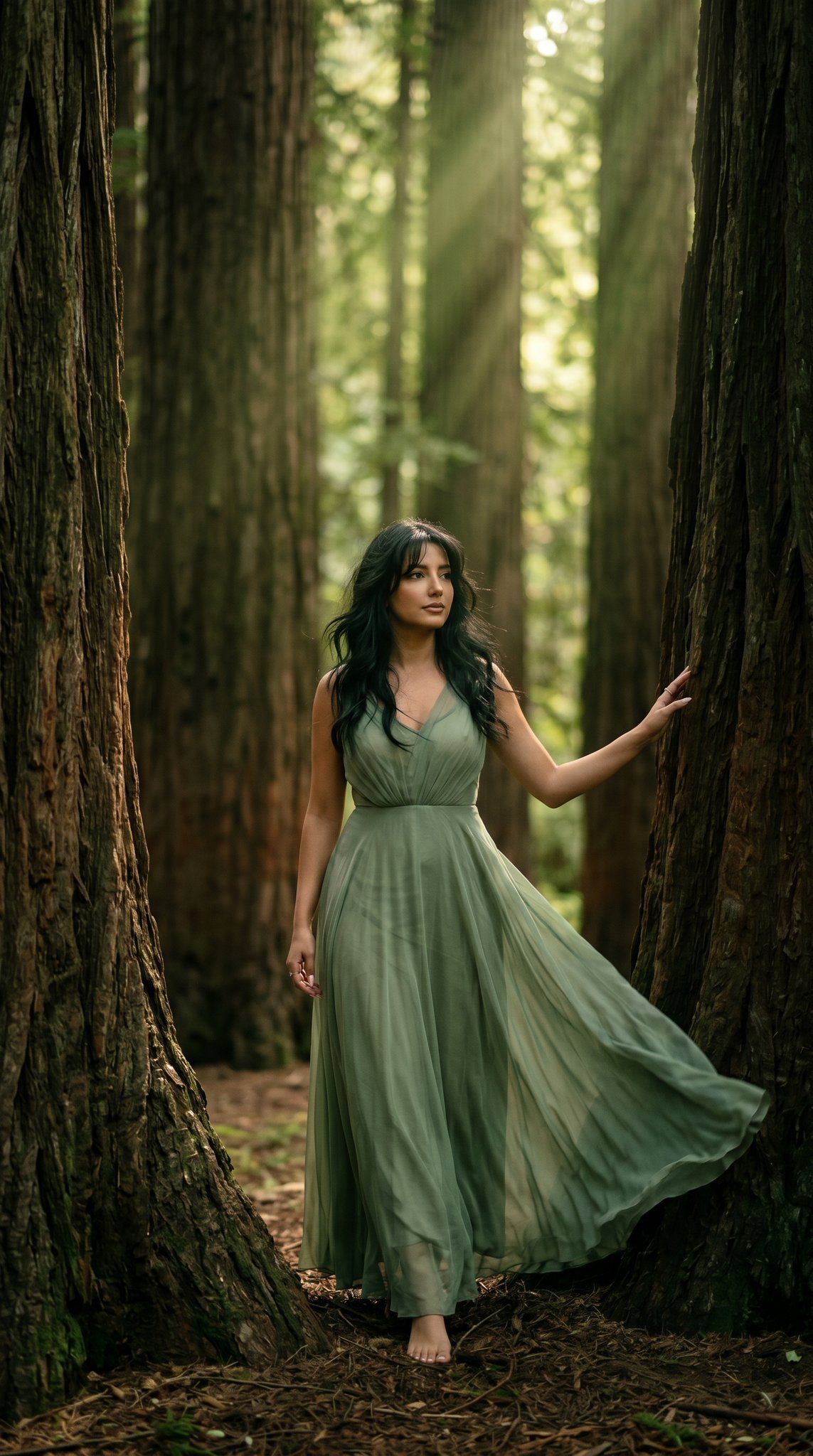
23 California Redwood Forest — California Series

21 Glass Floor Skyscraper — California Series
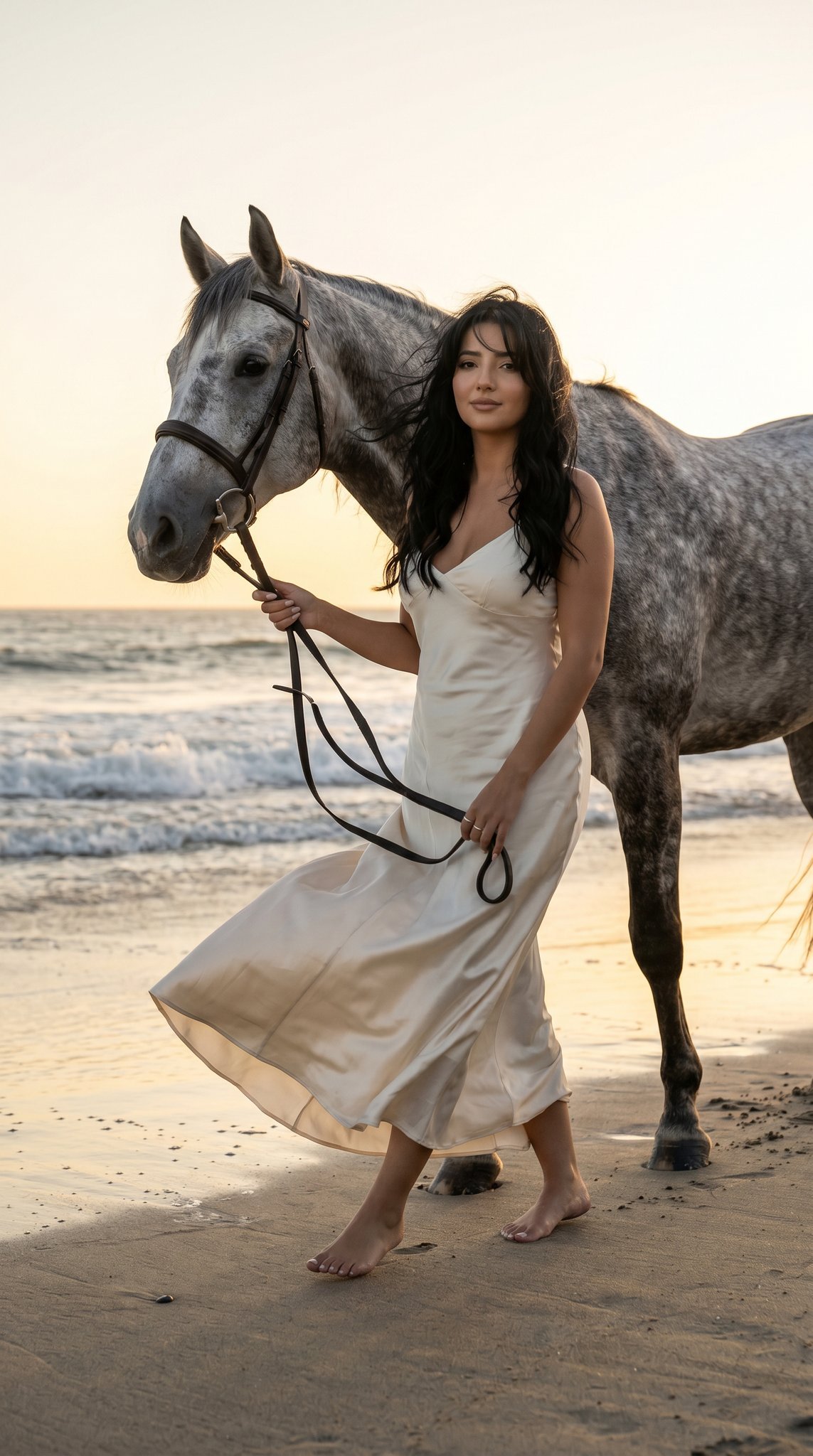
16 Malibu Beach Horse — California Series
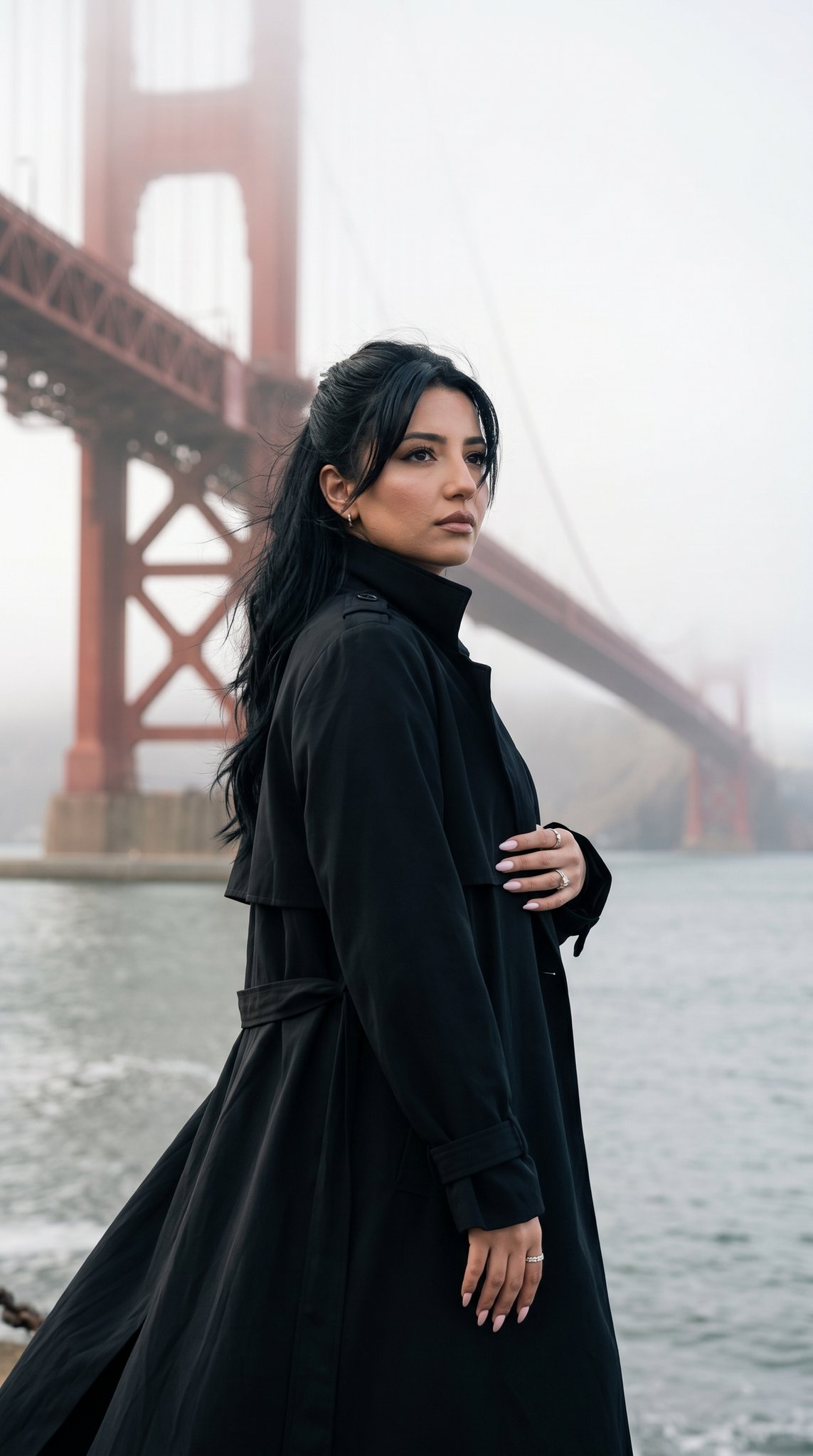
15 Golden Gate Bridge — California Series
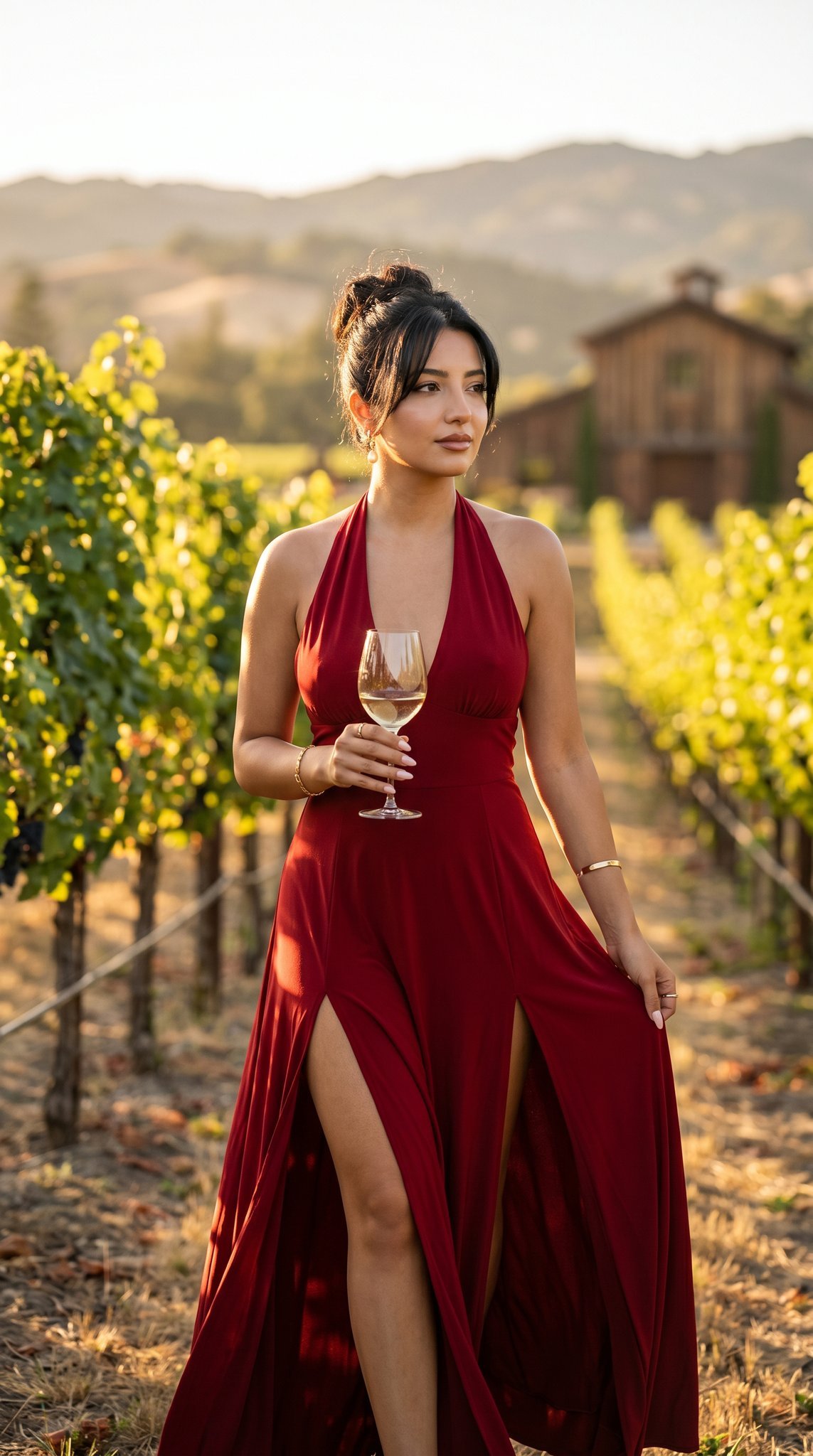
14 Napa Valley Vineyard — California Series
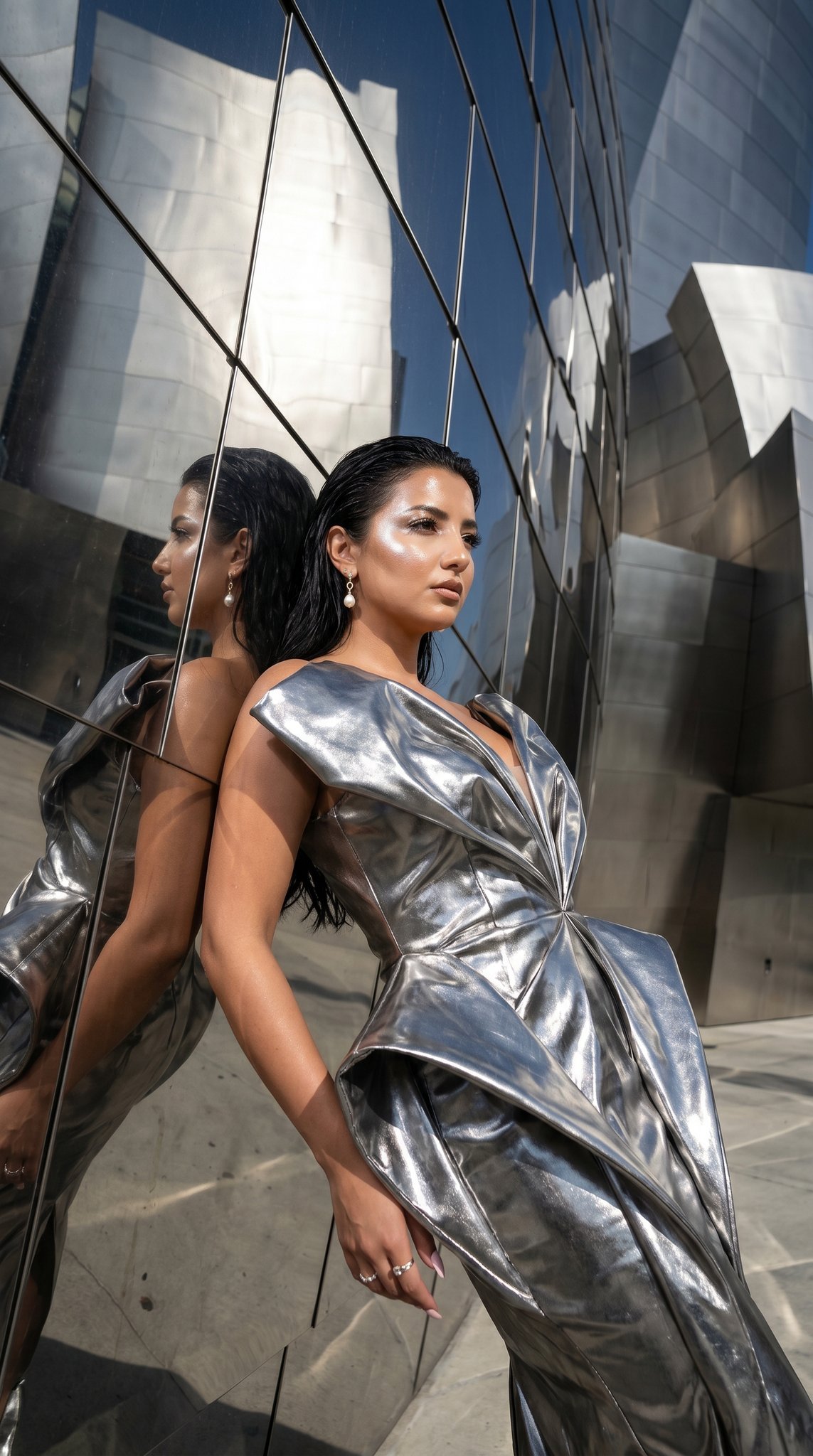
11 Walt Disney Concert Hall — California Series
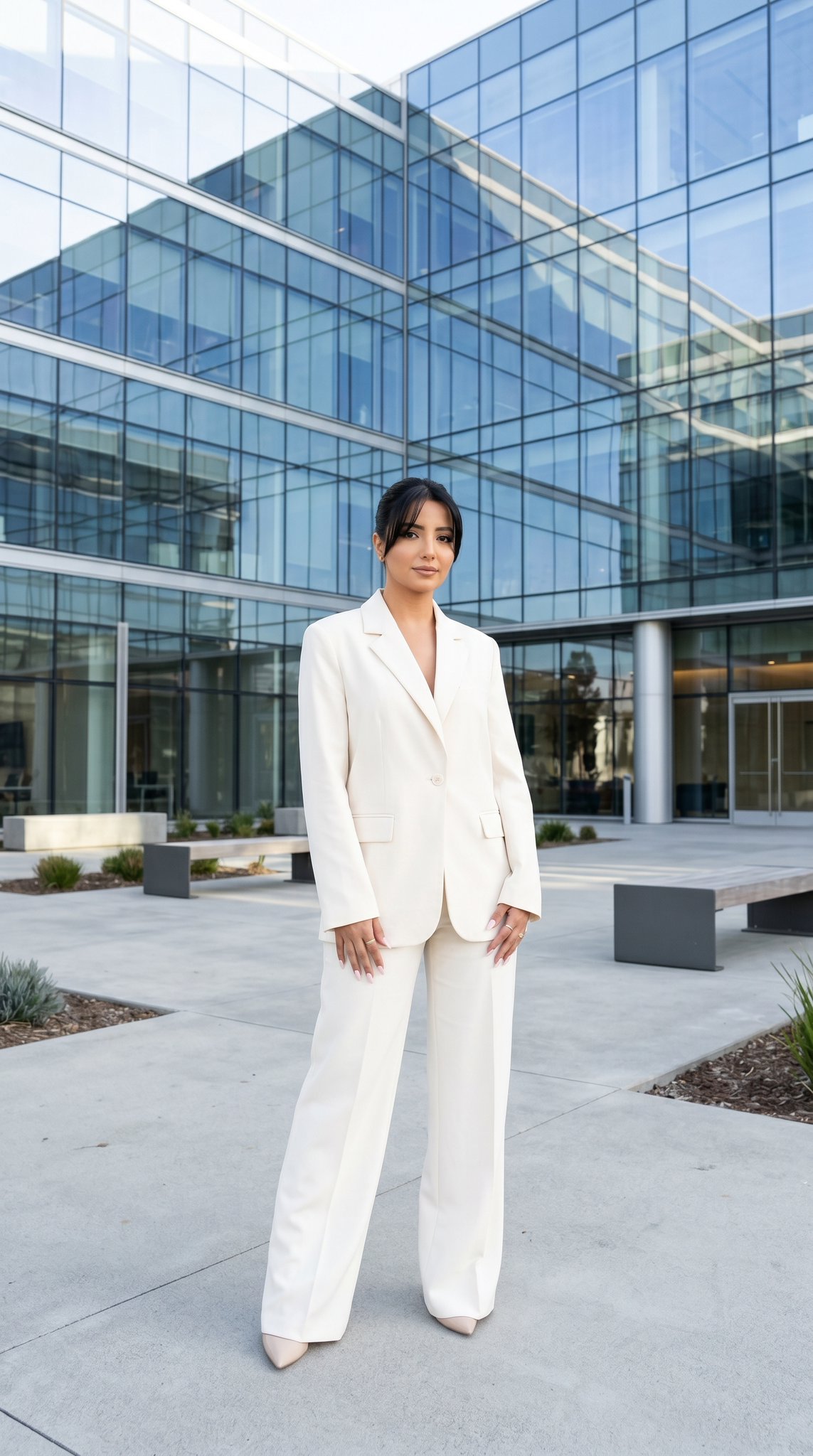
10 Modern Glass HQ Building — California Series
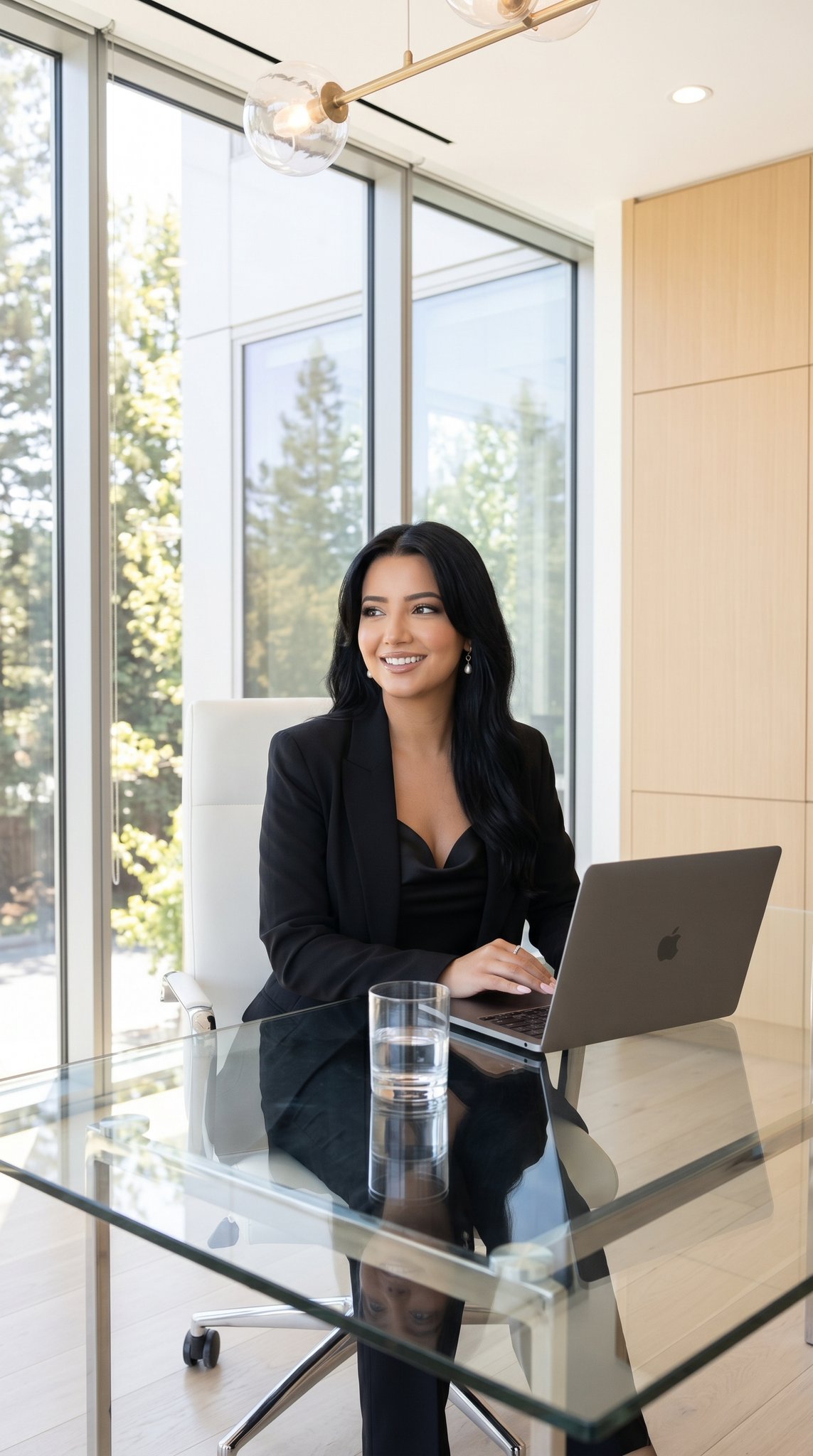
09 Silicon Valley Startup — California Series
Make it yours
08 Rodeo Drive Luxury Exit — California Series works as-is. These are the safest ways to change it without losing the look.
Change one field
Copy a single group, rewrite it, and generate again so you can see what that field is doing.
Keep the frame, change the subject
Hold the composition and light of 08 Rodeo Drive Luxury Exit — California Series, then swap wardrobe, props or the person for a new take.
| If the result… | Why | Fix |
|---|---|---|
| The result drifts from the preview | Too many fields changed at once. | Reuse 08 Rodeo Drive Luxury Exit — California Series as-is first, then change one group — subject, light, or setting. |
| The model over-stylizes the scene | The prose prompt leaves finish and camera underspecified. | Add one camera or lighting sentence and stay on Nano Banana. |
More Nano Banana templates
Other prompts made for Nano Banana.










More image prompts
Fresh picks from across the catalog.
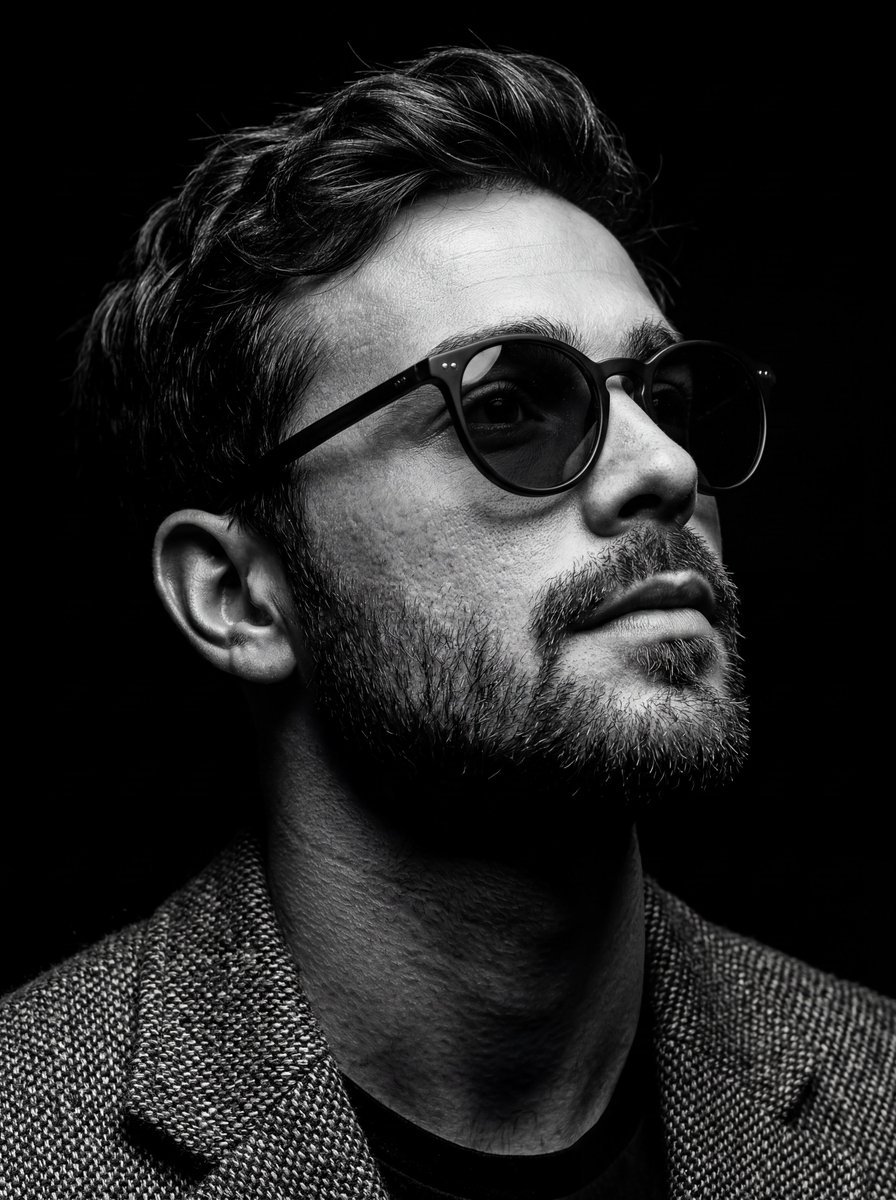
B&W Chiaroscuro Portrait
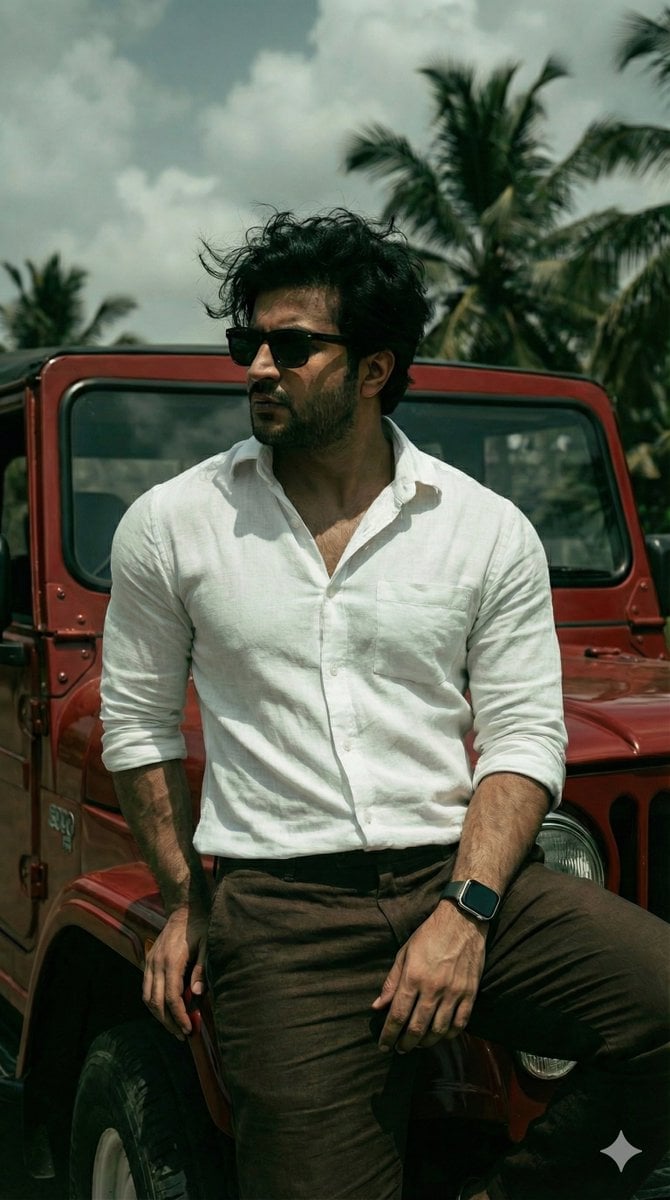
Hyper-Realistic Dark Green Cinematic Portrait (JSON)
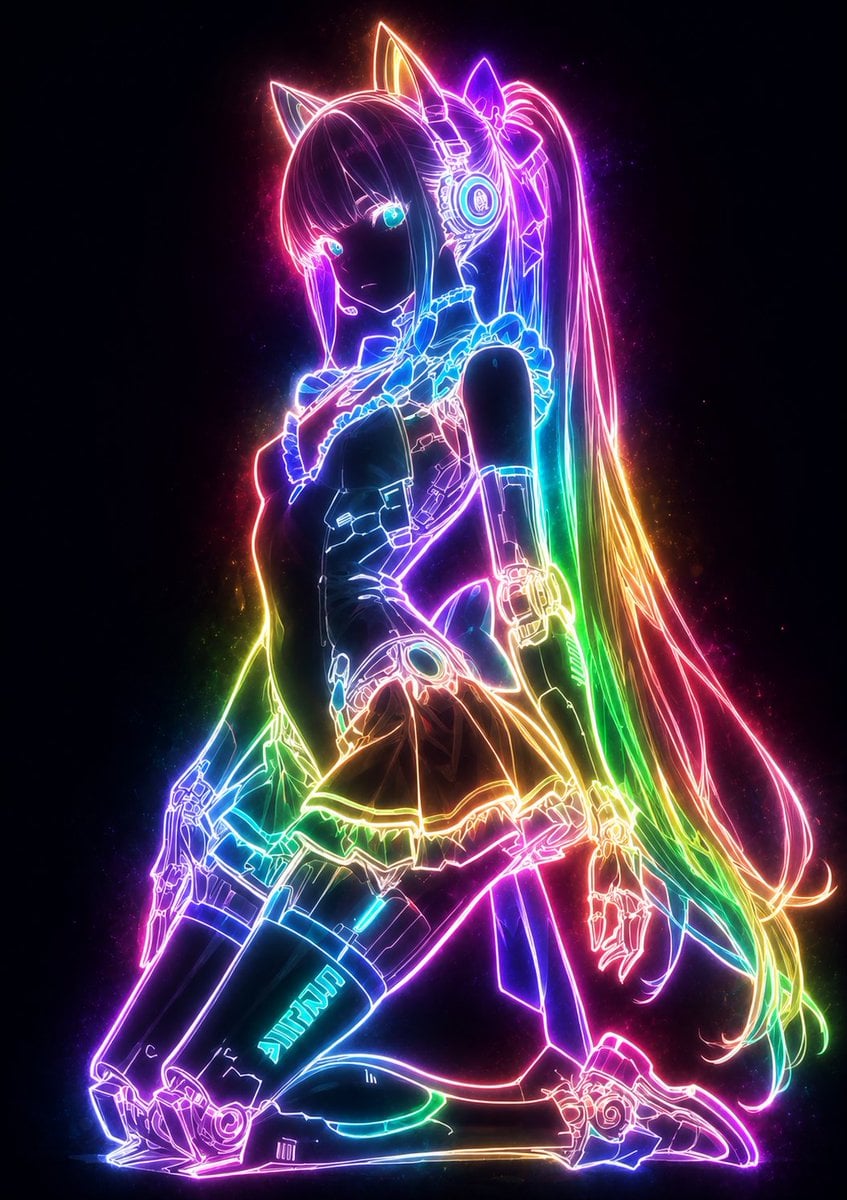
Mystical Luminous Outline Style
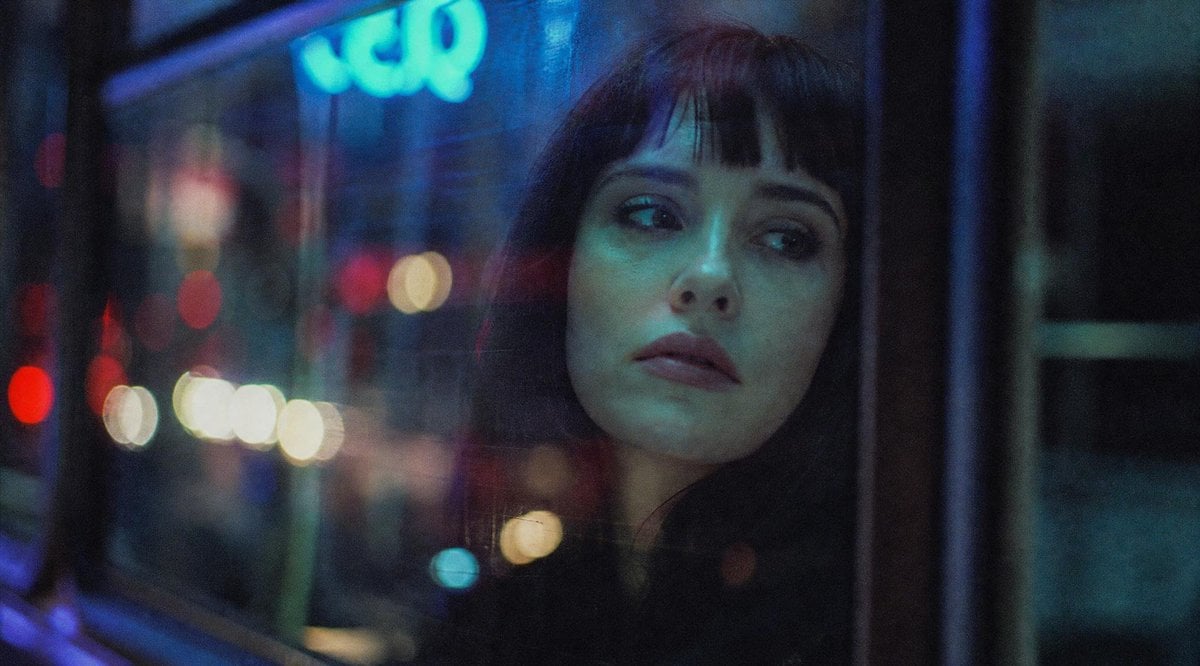
Censored Night Bus Window Scene
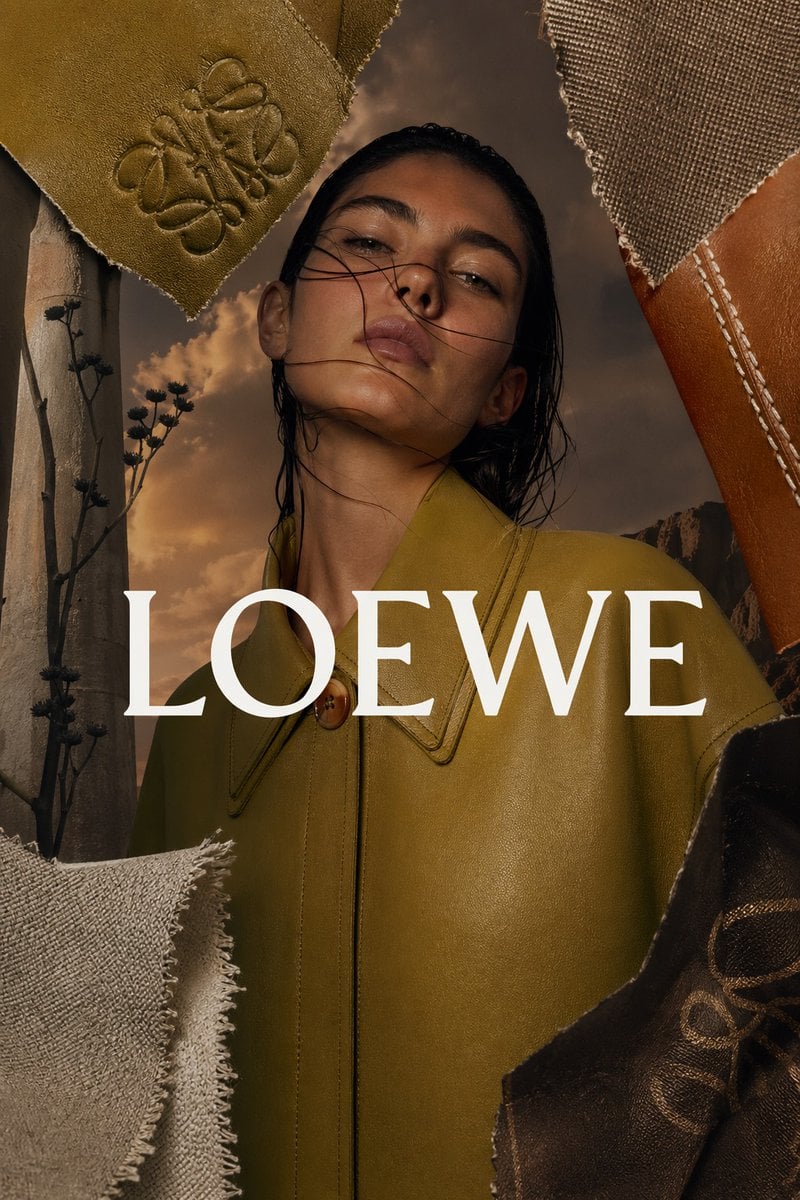
Luxury Leather Fashion Ad Poster

Ultra-Photorealistic Saree Mirror Selfie Prompt
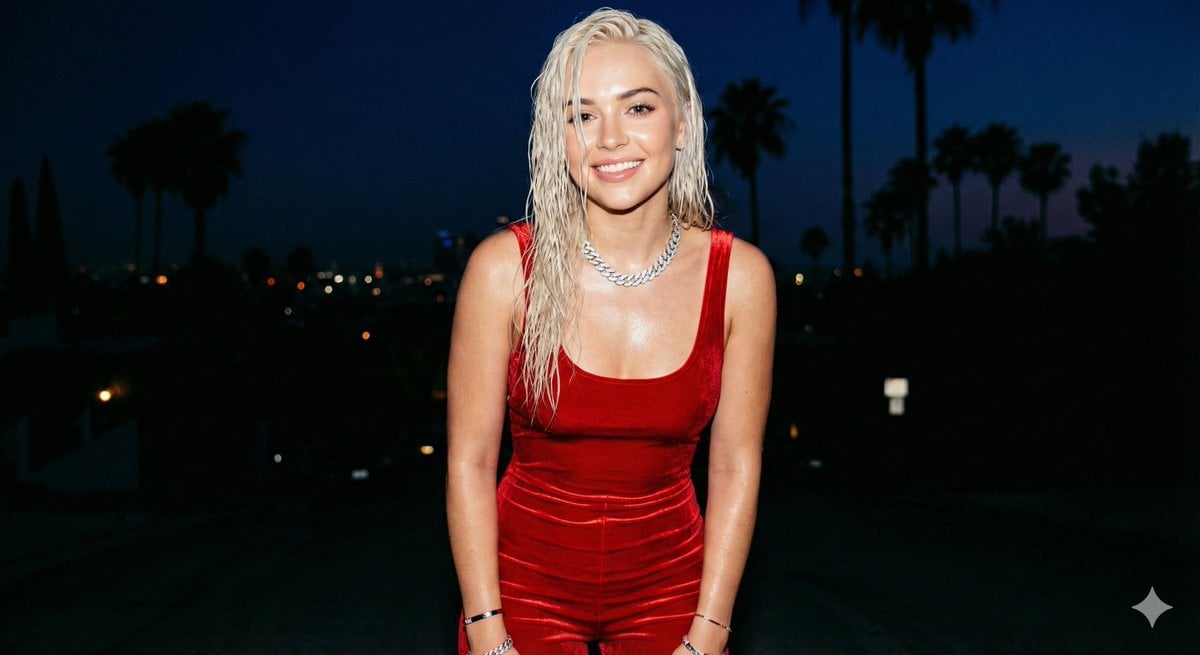
Hyper-realistic smartphone flash photo prompt for AI image generation
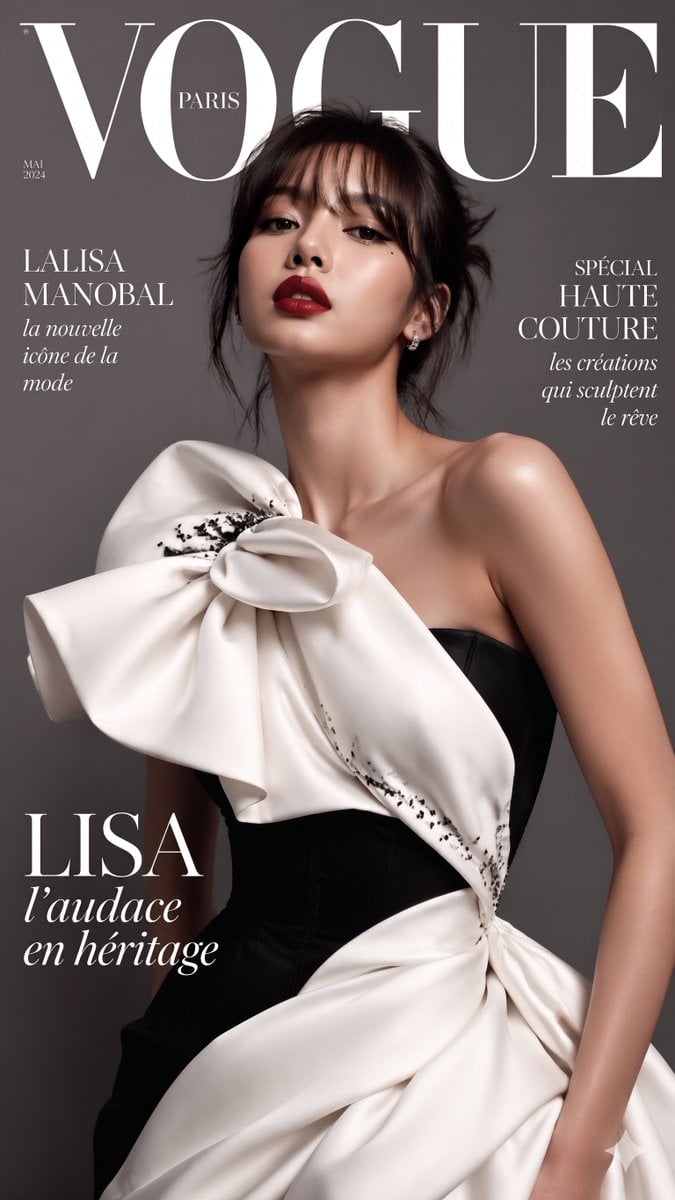
VOGUE Paris Haute Couture Cover
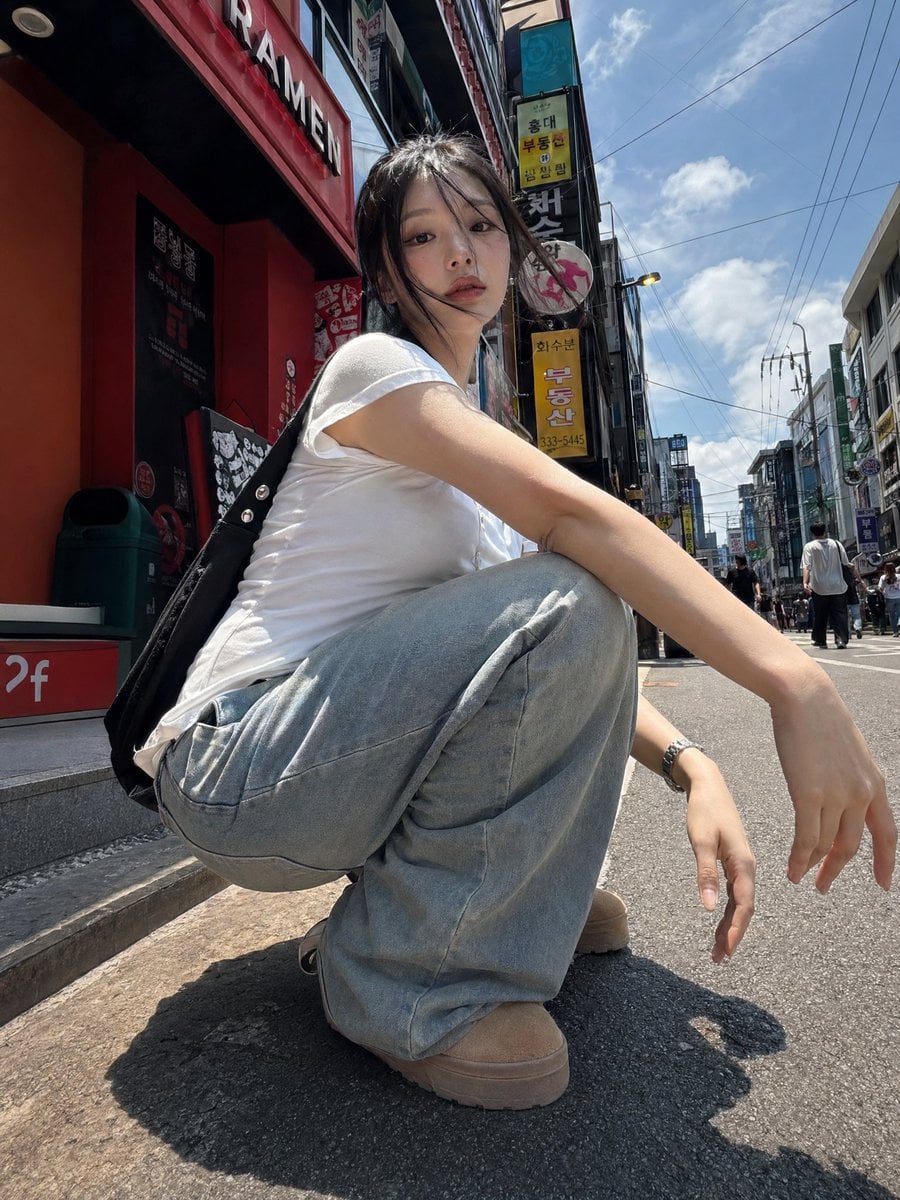
Korean Girl Street Photography
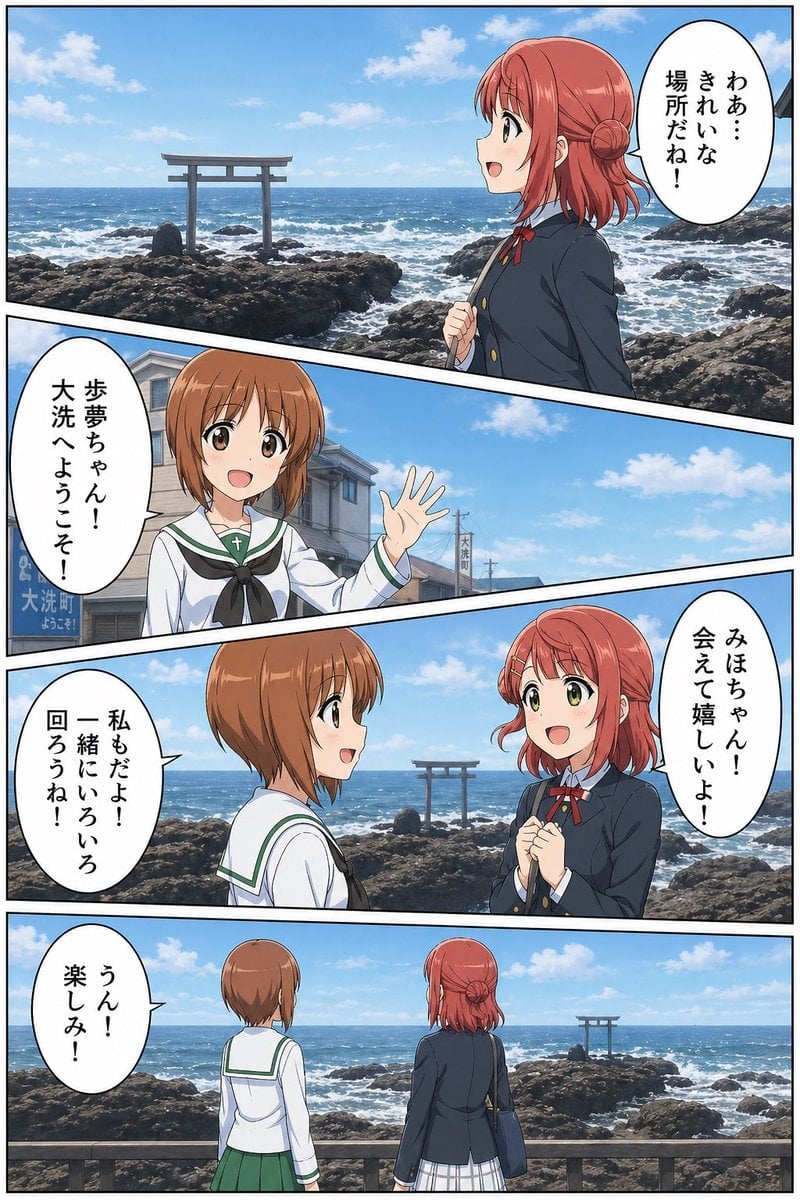
Seaside Anime Crossover Manga Page
Browse template categories
08 Rodeo Drive Luxury Exit — California Series questions
How do I use the 08 Rodeo Drive Luxury Exit — California Series template?
Add your photo if the template asks for one, edit the prompt if you like — the template's model and format are already selected — and press Generate. Your version opens in PicX Studio.
Can I customize the 08 Rodeo Drive Luxury Exit — California Series template?
Yes. You can change the subject, setting, lighting, mood, format, and available model controls before creating your image.
Is the 08 Rodeo Drive Luxury Exit — California Series template free?
Opening and editing this template is free. Generating uses credits, shown on the Generate button when you are signed in.
Which AI model should I use?
Start with Nano Banana, which is the model associated with this template. You can compare another compatible model for a different finish.
Looking for something else? Browse all templates.

Your photo, any look
Thousands of ready templates for every top image and video model, from one credit balance.