
Hyper-realistic smartphone flash photo prompt for AI image generation
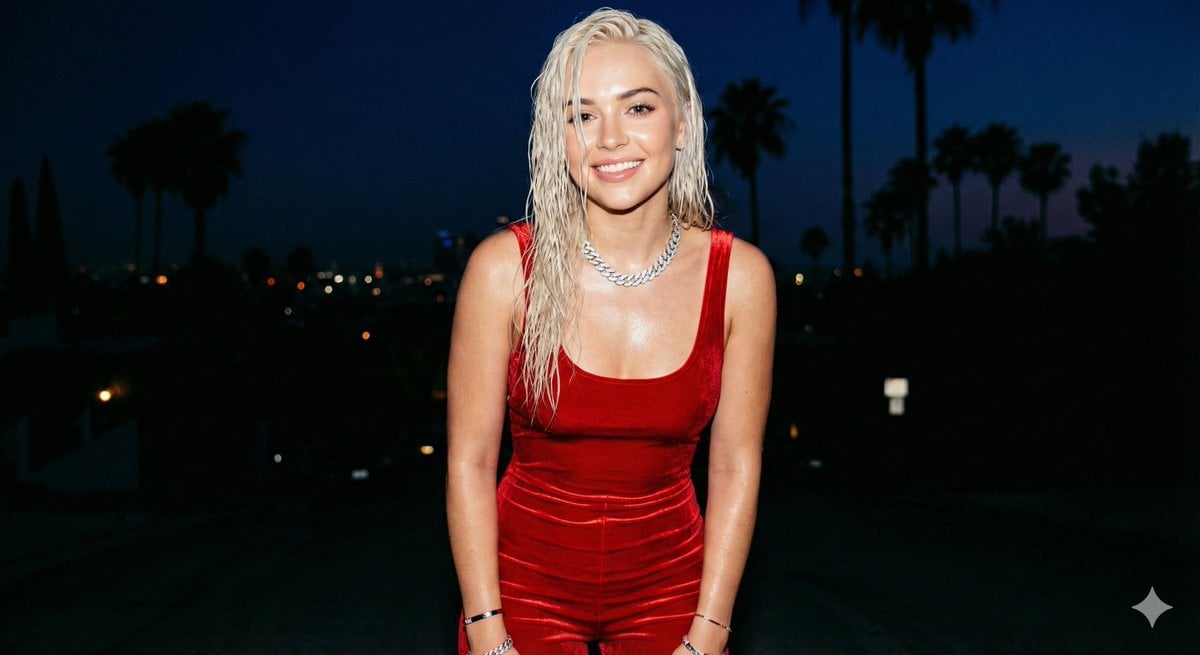
A detailed image generation prompt designed to mimic the aesthetic of a hyper-realistic, amateur smartphone photo taken with a harsh, direct flash.
- Prompt included
- Model and format preset
- Free template
The prompt behind this image
Copy the exact prompt behind Hyper-realistic smartphone flash photo prompt for AI image generation, or open it in the studio and make it yours.
GENERAL DESCRIPTION: Amateur photo taken with a smartphone, captured in a handheld camera flash style. A young woman poses facing the camera with a smile. The harsh flash creates bright, specular highlights on her skin and clothing, with very sharp shadows and slight grain in the dark areas of the background. SUBJECT DETAILS: Attractive young woman with {argument name="hair color" default="platinum blonde"} hair, styled loose with a wet, glossy effect under the flash. Realistic skin with visible pores, small natural imperfections, and a slight sheen from sweat or makeup. OUTFIT: Sleeveless jumpsuit with thin straps of vibrant {argument name="outfit color" default="red"} velvet, very form-fitting. The fabric shows natural wrinkles from movement and an intense satin sheen in the areas directly hit by the flash. ACCESSORIES: An iced-out Cuban link necklace that sparkles brightly in the flash, along with several thin bracelets. SETTING & COMPOSITION: Background with dark palm trees and distant hills under a deep night sky. FRAMING: Aspect ratio 4:5. Medium shot from head to calves. She looks directly at the lens, revealing the characteristic circular white reflection of the flash in her eyes. TECHNICAL QUALITY: High-end phone camera aesthetic, with slightly warm white balance, high contrast, sharp focus on the subject, and very subtle motion blur in the background to give the impression of a quick snapshot.
How to use Hyper-realistic smartphone flash photo prompt for AI image generation in 3 steps
- 1
Open
The prompt is already in the box next to the preview, with the template's model and format selected.
- 2…a portrait of your subject in softgolden-hour light, 85mm…
Personalize
Edit the subject and creative details for your destination.
- 3Generate
Generate
Press Generate — your image is created in PicX Studio, so you can compare it with the original and refine one variable at a time.
More like this
Templates with the same subject, style or setup. Open one to see its prompt.
Ultra-Realistic Smartphone Flash Portrait

Nostalgic Digicam Café Afternoon Portrait

Floating Woman Above Cityscape with Notifications
Ultra-Realistic 16K Smartphone Flash Selfie
Realistic Smartphone Flash Selfie at Night Beach

Nano Banana Pro 2.0 — 3x3 Travel Profile Grid
Nano Banana 2 Portrait Gemini

Paris Travel Collage Grid - Face Reference

Night Sports Car Portrait — Cinematic Moody
Realistic Chinese Street Smartphone Photo
Candid Winter Smartphone Portrait
Candid Indoor Smartphone Portrait
Make it yours
Hyper-realistic smartphone flash photo prompt for AI image generation works as-is. These are the safest ways to change it without losing the look.
Change one field
Copy a single group, rewrite it, and generate again so you can see what that field is doing.
Keep the frame, change the subject
Hold the composition and light of Hyper-realistic smartphone flash photo prompt for AI image generation, then swap wardrobe, props or the person for a new take.
| If the result… | Why | Fix |
|---|---|---|
| The result drifts from the preview | Too many fields changed at once. | Reuse Hyper-realistic smartphone flash photo prompt for AI image generation as-is first, then change one group — subject, light, or setting. |
| The model over-stylizes the scene | The prose prompt leaves finish and camera underspecified. | Add one camera or lighting sentence and stay on Nano Banana 2. |
More Nano Banana 2 templates
Other prompts made for Nano Banana 2.

Photorealistic Leaf Shaped Like a Dragon

K-Pop Idol Portrait Grid for Rapid Selection

Poetic Rain Forest Portrait During Golden Hour

Urban Street Portrait with Cartoon Inner Self Duo

Candid Nighttime Photo with Cat Prompt

High-Concept 3D Diorama Generation Prompt

Cinematic Futuristic Studio Portrait Template

Skincare Editorial Photography Collage Prompt

Hyper-Realistic Commercial Product Photography (Splash Effect)

Hyper-Realistic Nightclub Portrait Prompt
More image prompts
Fresh picks from across the catalog.
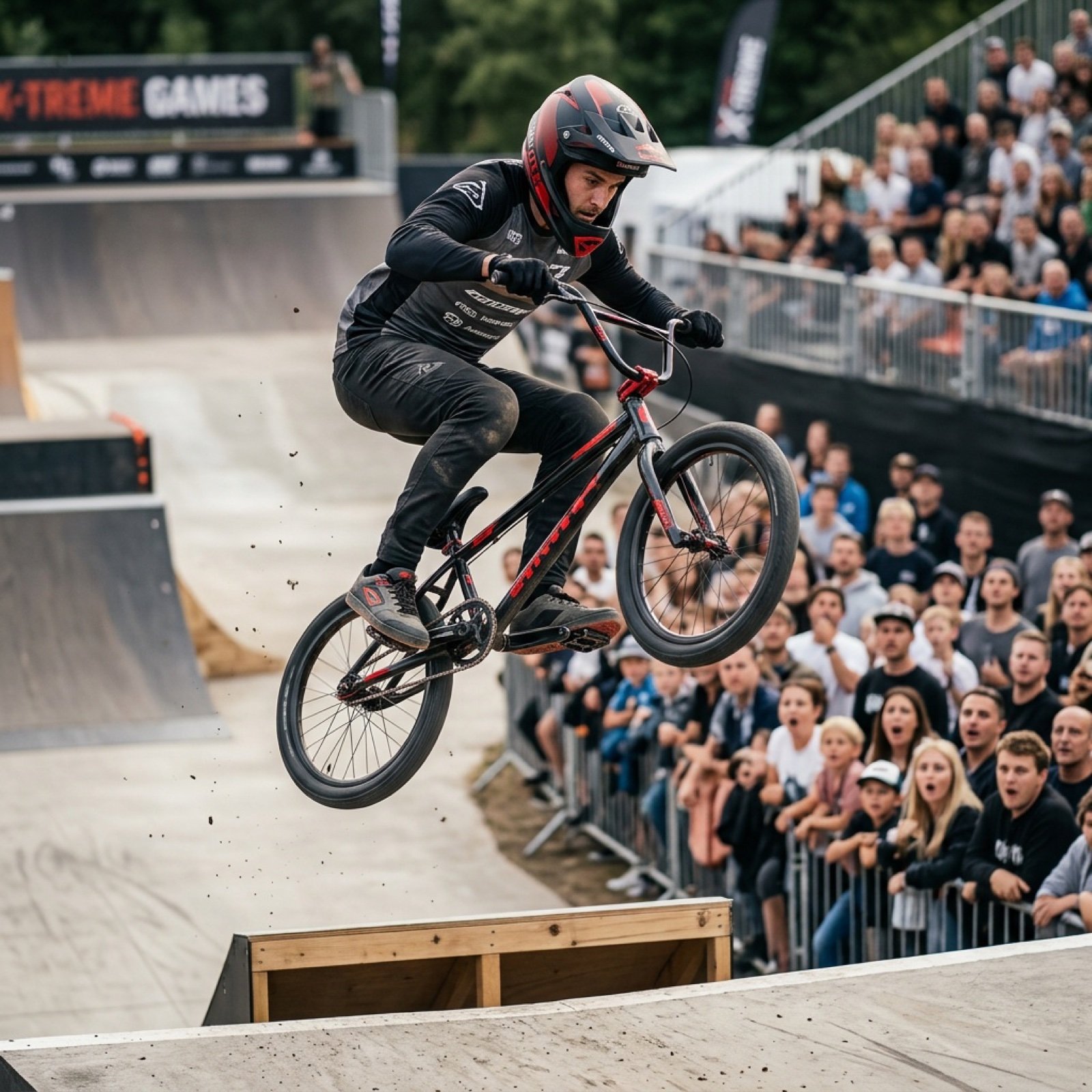
Grok Video Prompt: High-Speed Bike Stunt Action
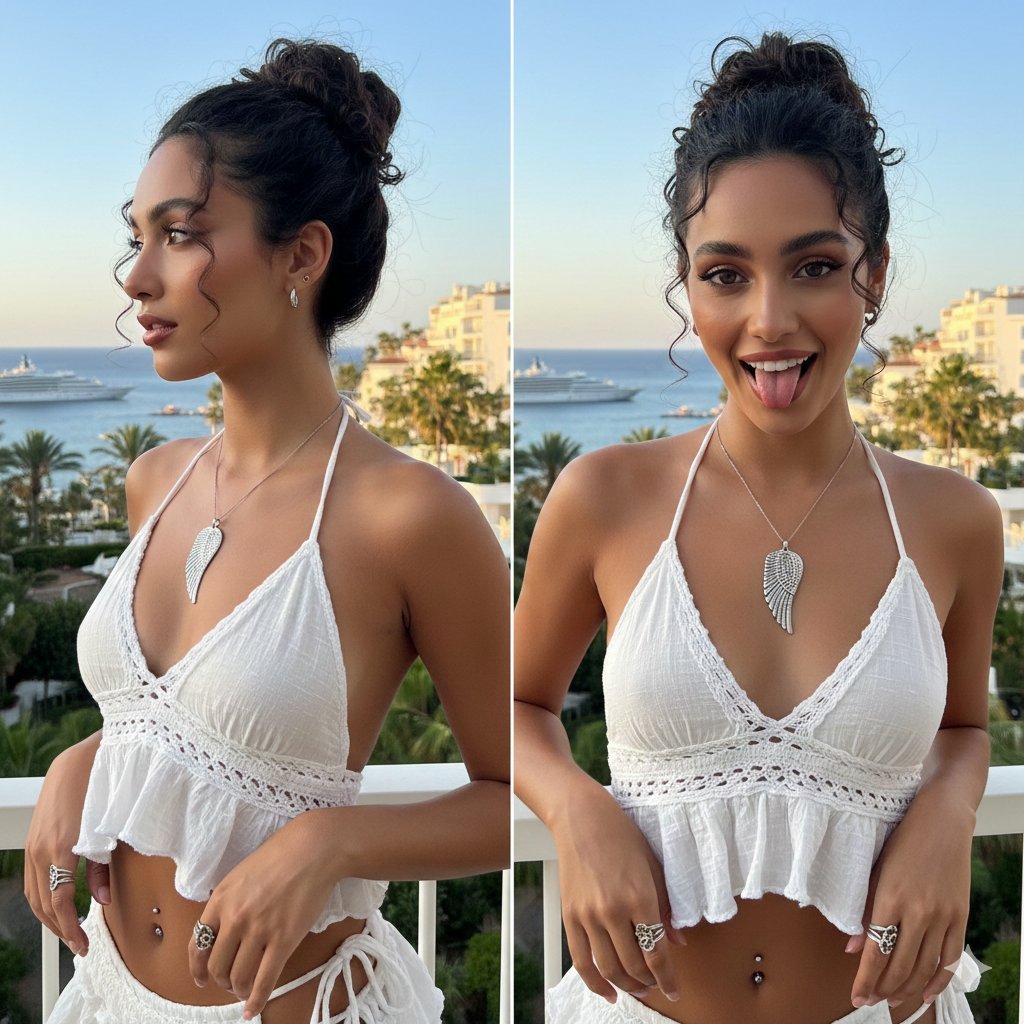
Coastal Chic Two-Panel Collage Portrait
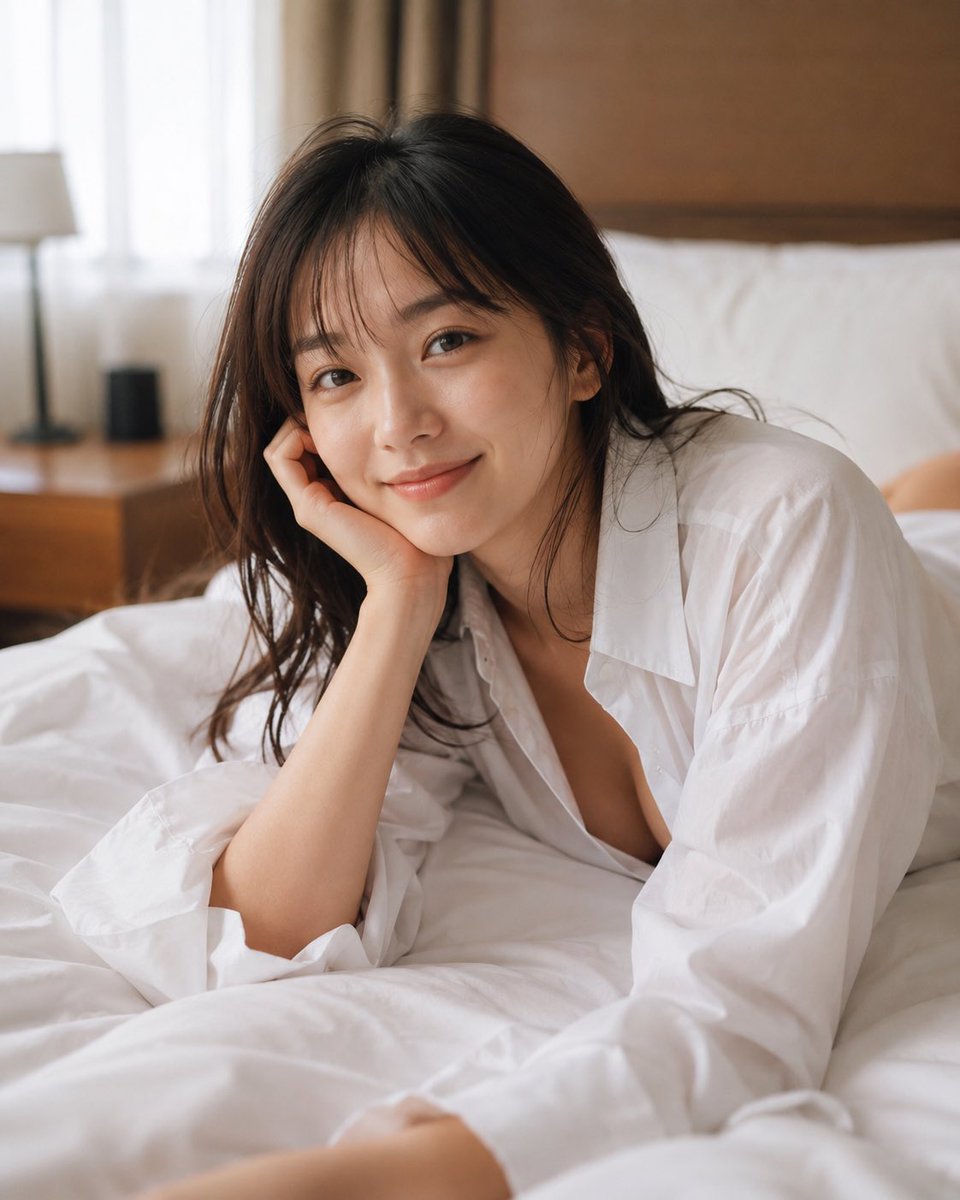
Censored Bedroom Lifestyle Portrait
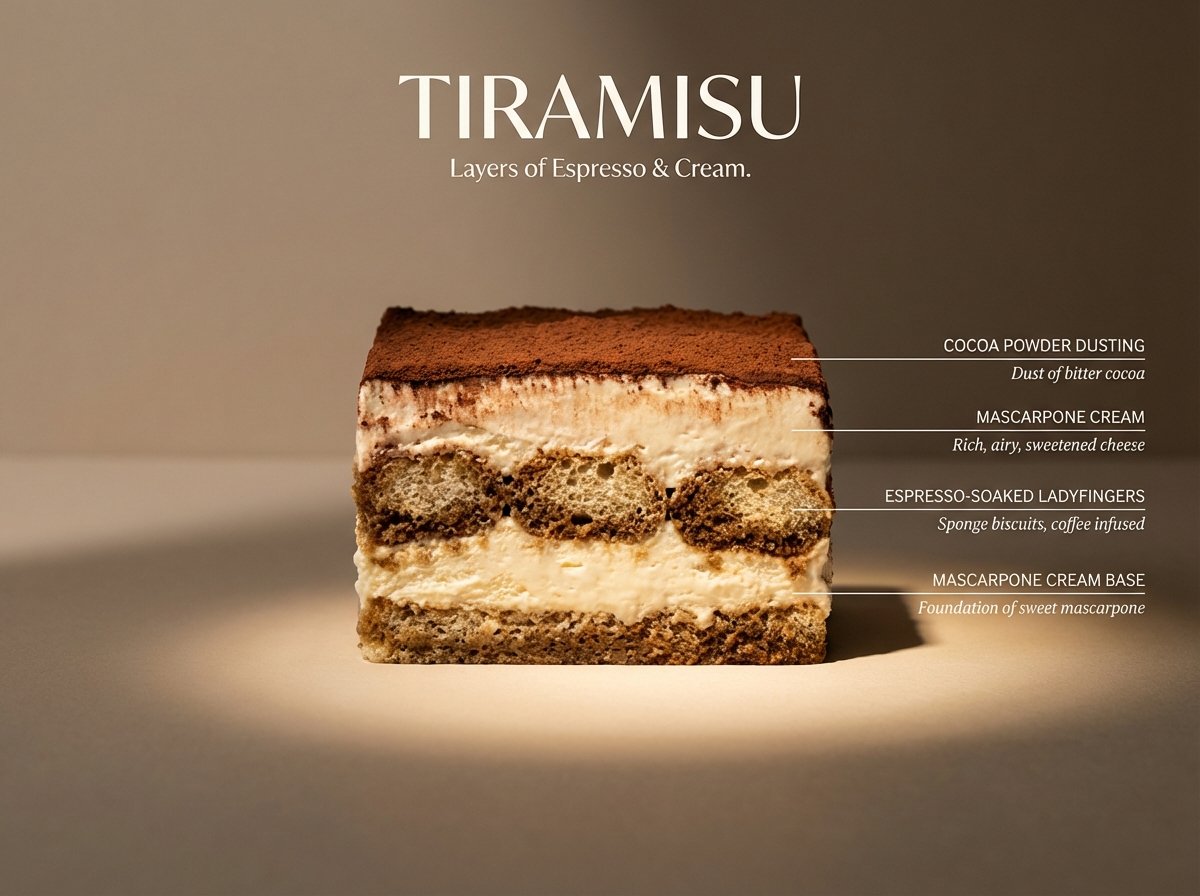
Architectural Tiramisu Cross-Section
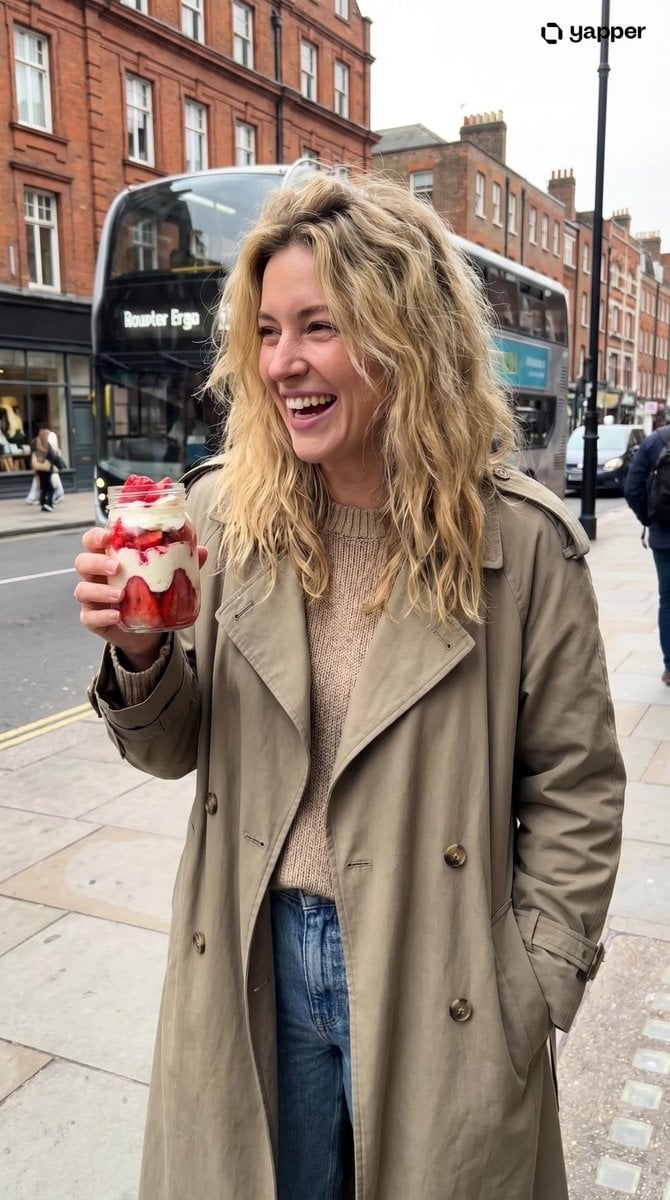
Urban Lifestyle Portrait
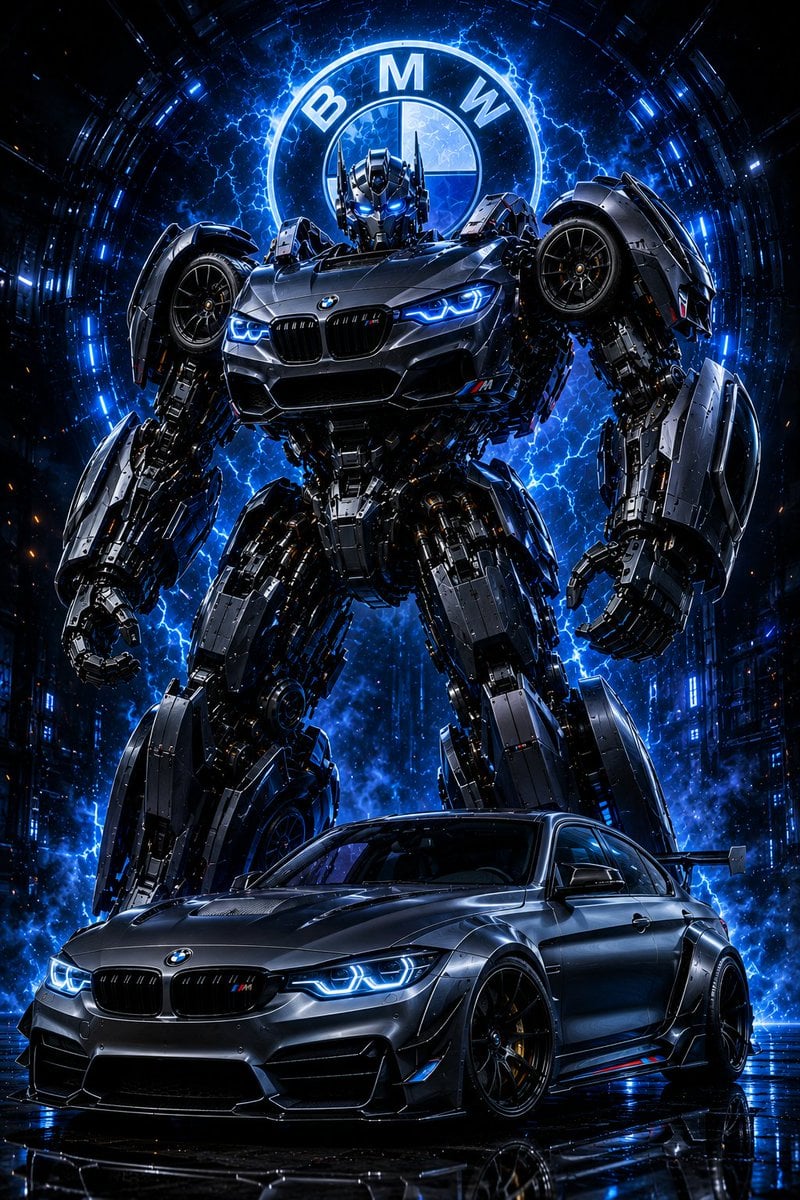
BMW Transformer Robot Advertisement
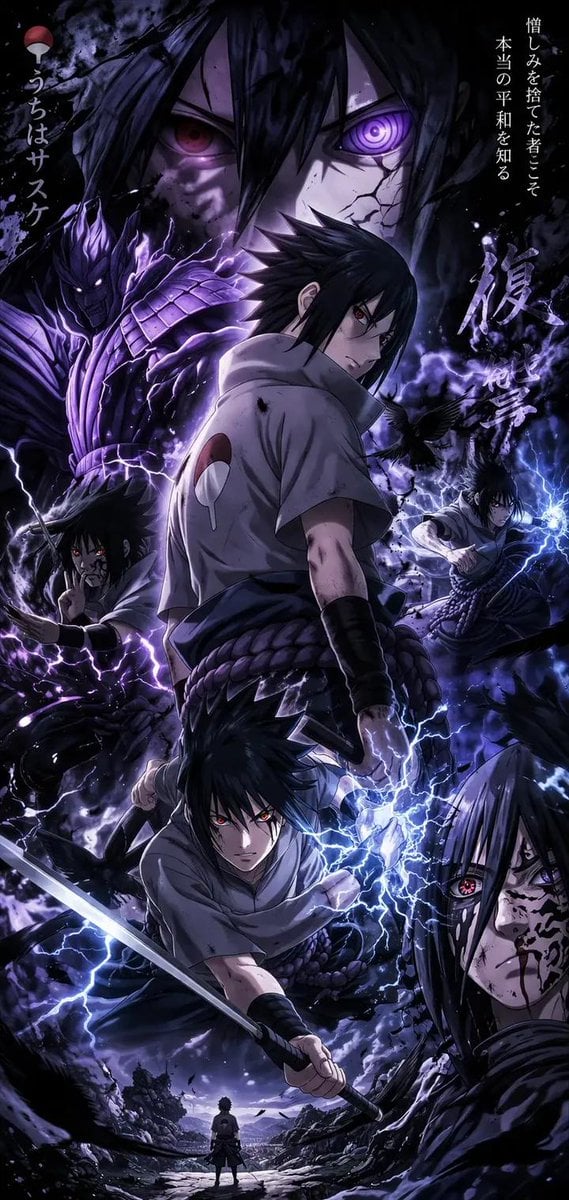
Anime Character Mobile Wallpaper
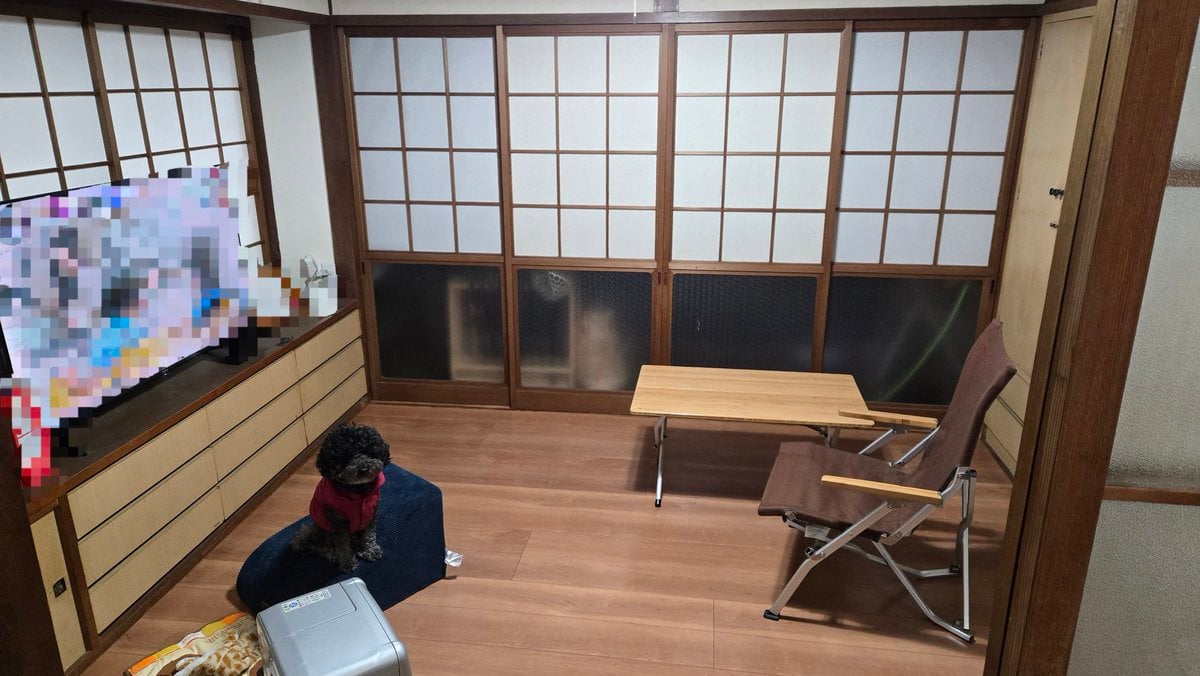
Interior Design Simulation Prompt for Nano Banana
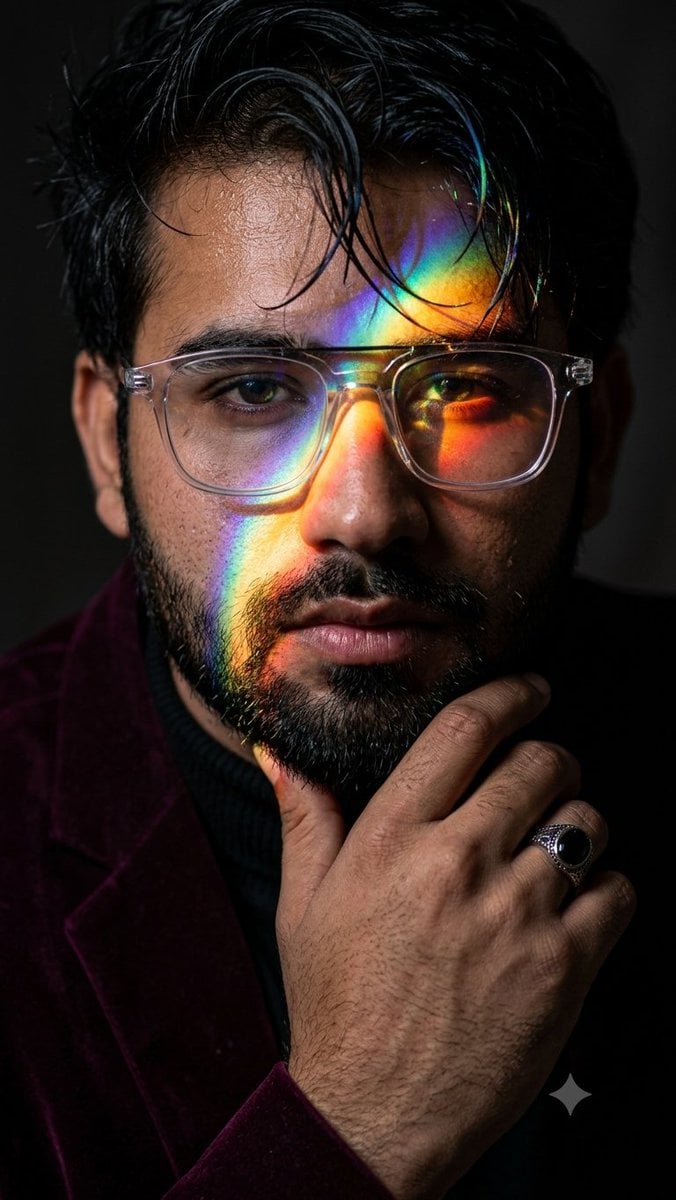
Prismatic Rainbow Light High Fashion Portrait
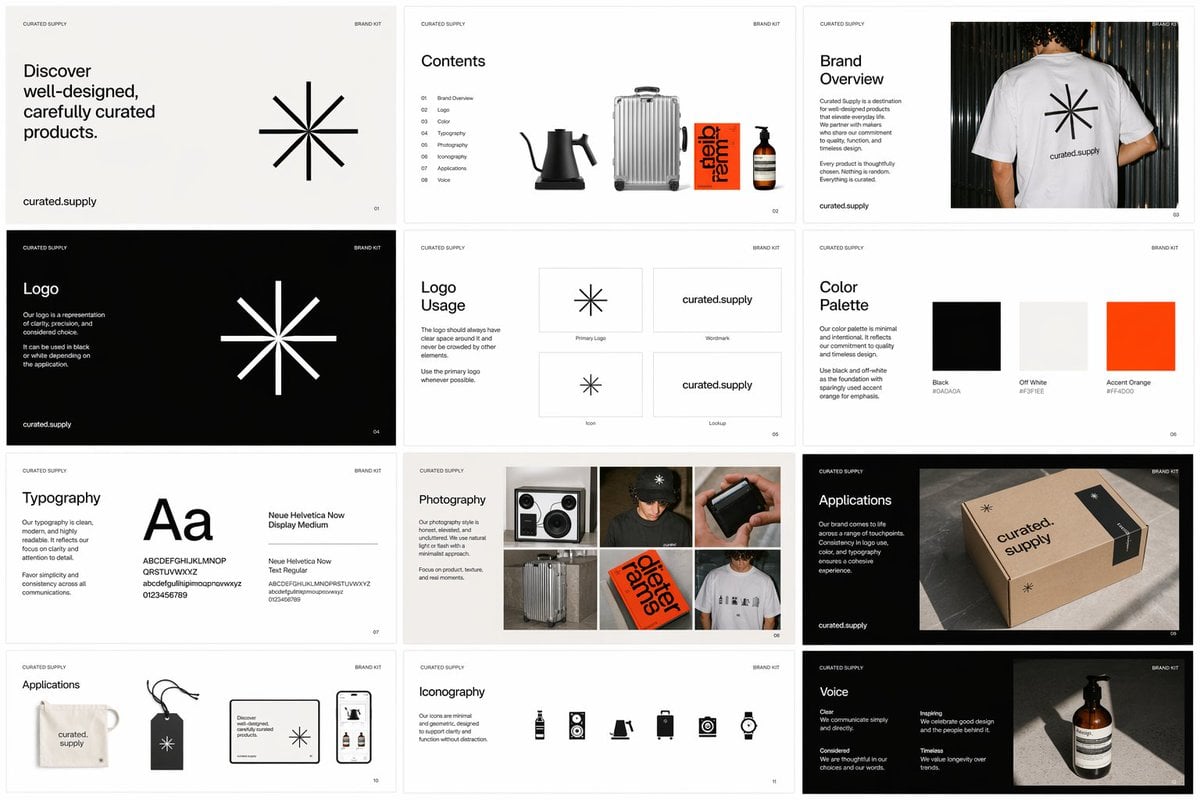
Brand Kit Design Prompt
Browse template categories
Hyper-realistic smartphone flash photo prompt for AI image generation questions
How do I use the Hyper-realistic smartphone flash photo prompt for AI image generation template?
Add your photo if the template asks for one, edit the prompt if you like — the template's model and format are already selected — and press Generate. Your version opens in PicX Studio.
Can I customize the Hyper-realistic smartphone flash photo prompt for AI image generation template?
Yes. You can change the subject, setting, lighting, mood, format, and available model controls before creating your image.
Is the Hyper-realistic smartphone flash photo prompt for AI image generation template free?
Opening and editing this template is free. Generating uses credits, shown on the Generate button when you are signed in.
Which AI model should I use?
Start with Nano Banana 2, which is the model associated with this template. You can compare another compatible model for a different finish.
Looking for something else? Browse all templates.

Your photo, any look
Thousands of ready templates for every top image and video model, from one credit balance.