
BMW Transformer Robot Advertisement
A high-end cinematic prompt for creating a luxury BMW vehicle alongside its massive Transformer-style robot counterpart, featuring intricate mechanical details and atmospheric studio lighting.
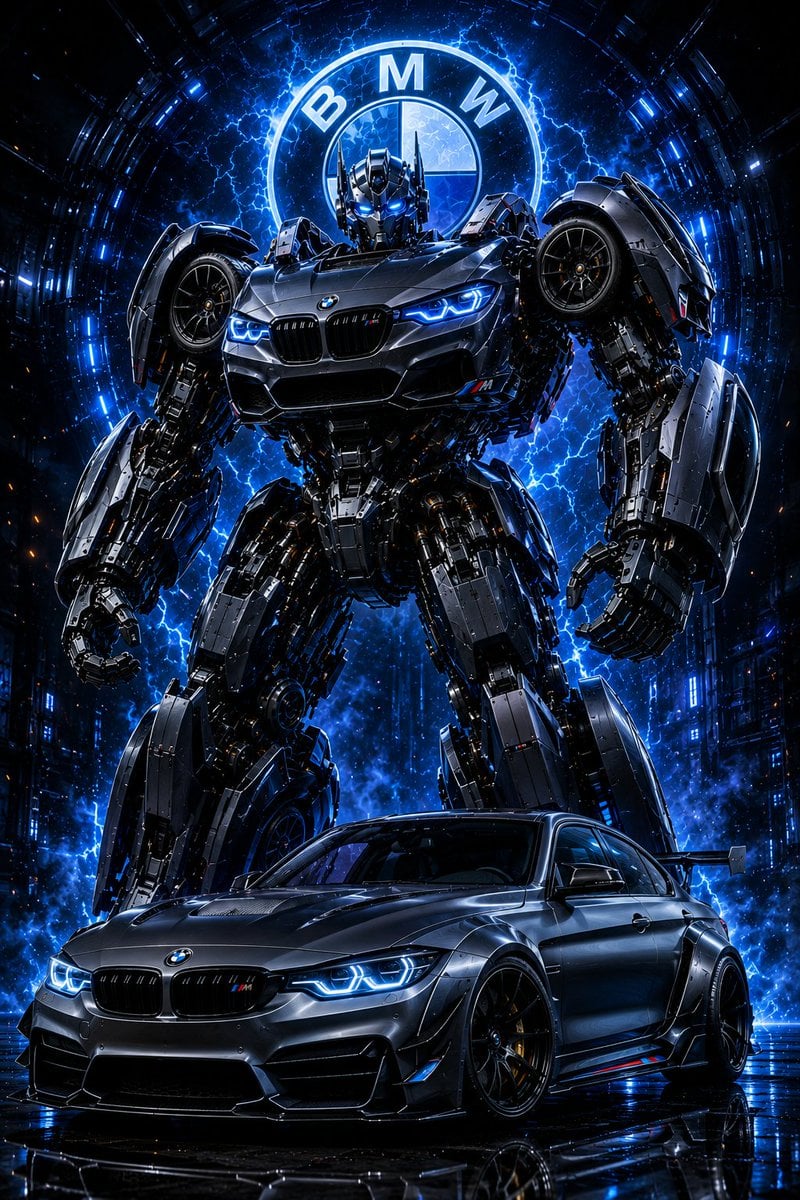
- Prompt included
- Model and format preset
- Free template
The prompt behind this image
Copy the exact prompt behind BMW Transformer Robot Advertisement, or open it in the studio and make it yours.
Transform the uploaded {argument name="car model" default="BMW"} into a premium Transformers-style giant robot while preserving 100% of the original vehicle identity and all visible details. Maintain the exact original {argument name="car model" default="BMW"} paint color, metallic finish, {argument name="car model" default="BMW"} badges, model branding, kidney grille design, headlights, taillights, alloy wheels, mirrors, windows, roofline, body kit, stickers, accessories, and every modification exactly as shown in the uploaded image. Do not include any registration number plate on either the vehicle or the robot.\n\nCreate a massive futuristic Transformer robot constructed entirely from authentic {argument name="car model" default="BMW"} vehicle components. The robot must clearly resemble the same {argument name="car model" default="BMW"}, with recognizable hood panels forming the chest, headlights integrated into the shoulders, doors transformed into armored limbs, wheels positioned naturally on the shoulders and legs, kidney grille and {argument name="car model" default="BMW"} emblem prominently displayed, and original body panels seamlessly converted into advanced mechanical armor. Preserve the exact color scheme on both the vehicle and robot. No number plate should be visible anywhere.\n\nComposition: Hero-shot automotive advertisement. The real {argument name="car model" default="BMW"} is parked in the foreground while its towering Transformer form stands directly behind it in a powerful battle-ready stance. The robot should appear {argument name="robot height" default="30–50 feet"} tall, dominating the scene while remaining visually connected to the original vehicle.\n\nEnvironment: Dark cinematic studio environment with deep black background, {argument name="energy color" default="electric blue"} energy field, blue gradient lighting, volumetric fog, atmospheric smoke, floating sparks, glowing particles, energy arcs, and futuristic mechanical ambience. Massive glowing {argument name="car model" default="BMW"} roundel emblem integrated into the blue energy field behind the robot.\n\nUltra-detailed mechanical engineering with exposed pistons, gears, hydraulic systems, servo motors, armor plating, cybernetic components, illuminated circuitry, dark chrome metal surfaces, brushed steel textures, and glowing blue robotic eyes. Luxury automotive commercial styling with photorealistic materials and engineering precision.\n\nLighting: HDR cinematic lighting, dramatic rim light, powerful backlight, ray-traced reflections, realistic shadow depth, blue energy glow reflections across metal surfaces, studio-grade automotive lighting, Unreal Engine 5 quality, Octane Render, hyper-realistic CGI.\n\nFloor: Wet reflective black floor with realistic mirror reflections of both the {argument name="car model" default="BMW"} and its Transformer form.\n\nCamera: Low-angle hero perspective, dramatic movie-poster composition, ultra-wide cinematic framing, strong depth, premium luxury advertisement look, ultra-sharp focus.\n\nStyle Tags: Transformers movie aesthetic, luxury automotive campaign, premium concept art, photorealistic CGI, cinematic science-fiction, award-winning vehicle design, mechanical masterpiece, ultra-detailed engineering, futuristic robot, high-end commercial photography, 8K, masterpiece quality.\n\nAspect Ratio: 9:16 vertical (1080×1920 or 1440×25
How to use BMW Transformer Robot Advertisement in 3 steps
- 1Upload ImagePNG, JPG or paste
Add your photo
Upload the photo the template builds on. The prompt, model and format are already set.
- 2…a portrait of your subject in softgolden-hour light, 85mm…
Personalize
Edit the subject and creative details for your destination.
- 3Generate
Generate
Press Generate — your image is created in PicX Studio, so you can compare it with the original and refine one variable at a time.
More like this
Templates with the same subject, style or setup. Open one to see its prompt.
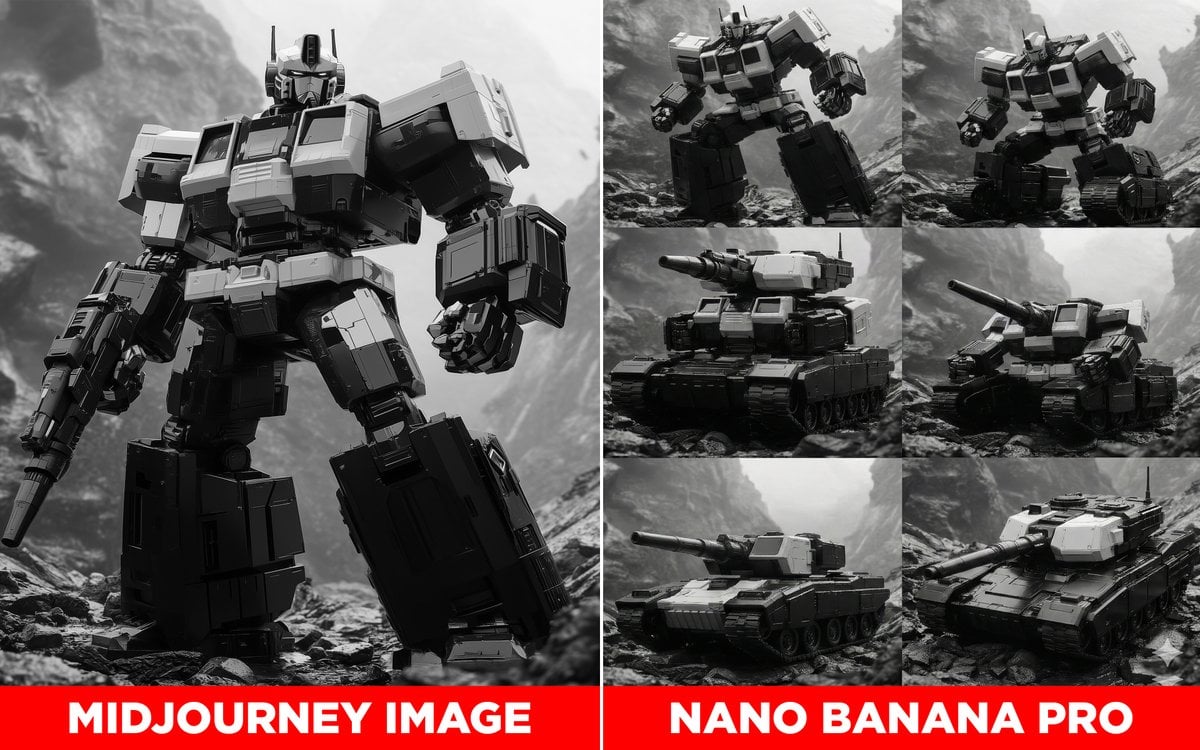
Transformer Robot to Tank Transition Prompt

Newspaper Advertisement Campaign Template

Newspaper Advertisement Template
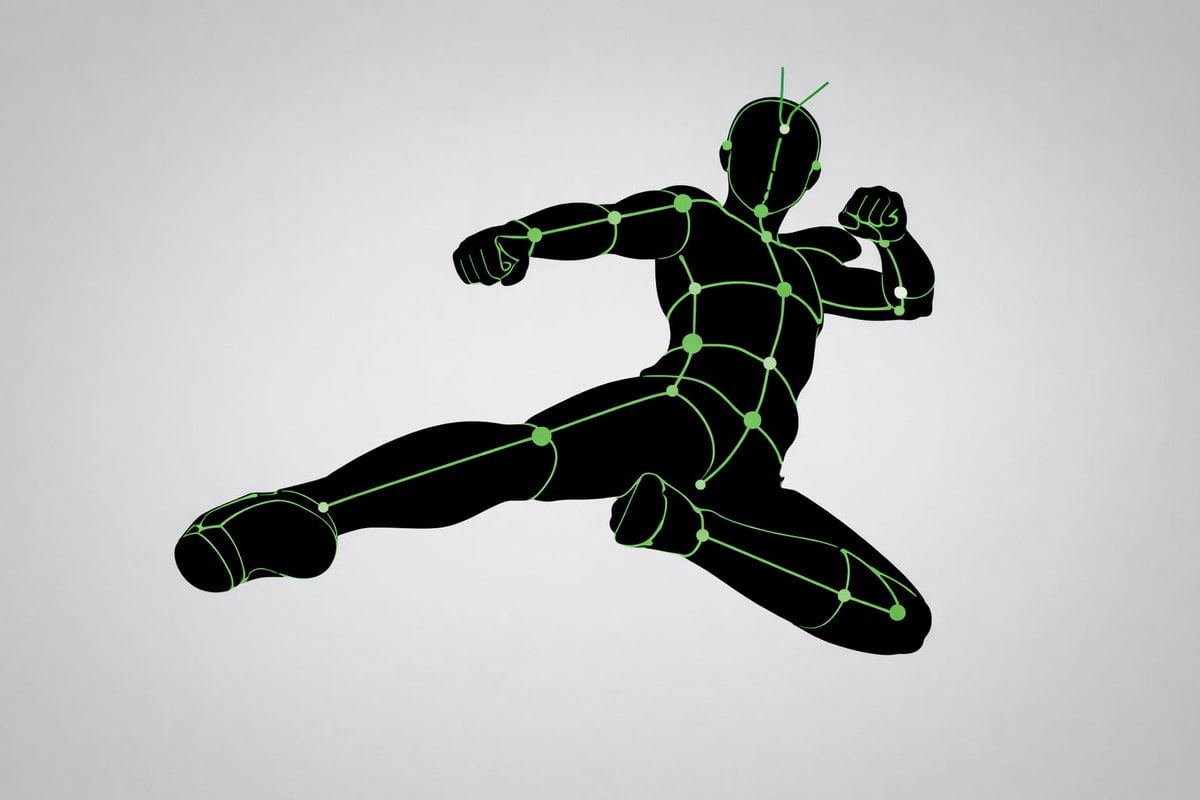
Pose and Lighting Analysis Sheet Transformer
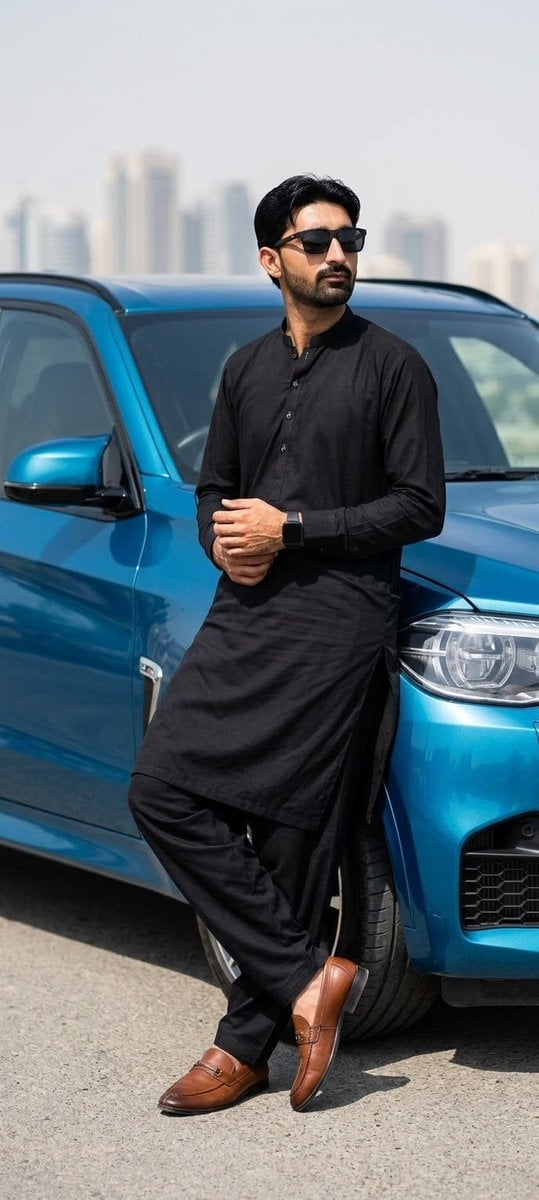
Pakistani Man with Luxury BMW
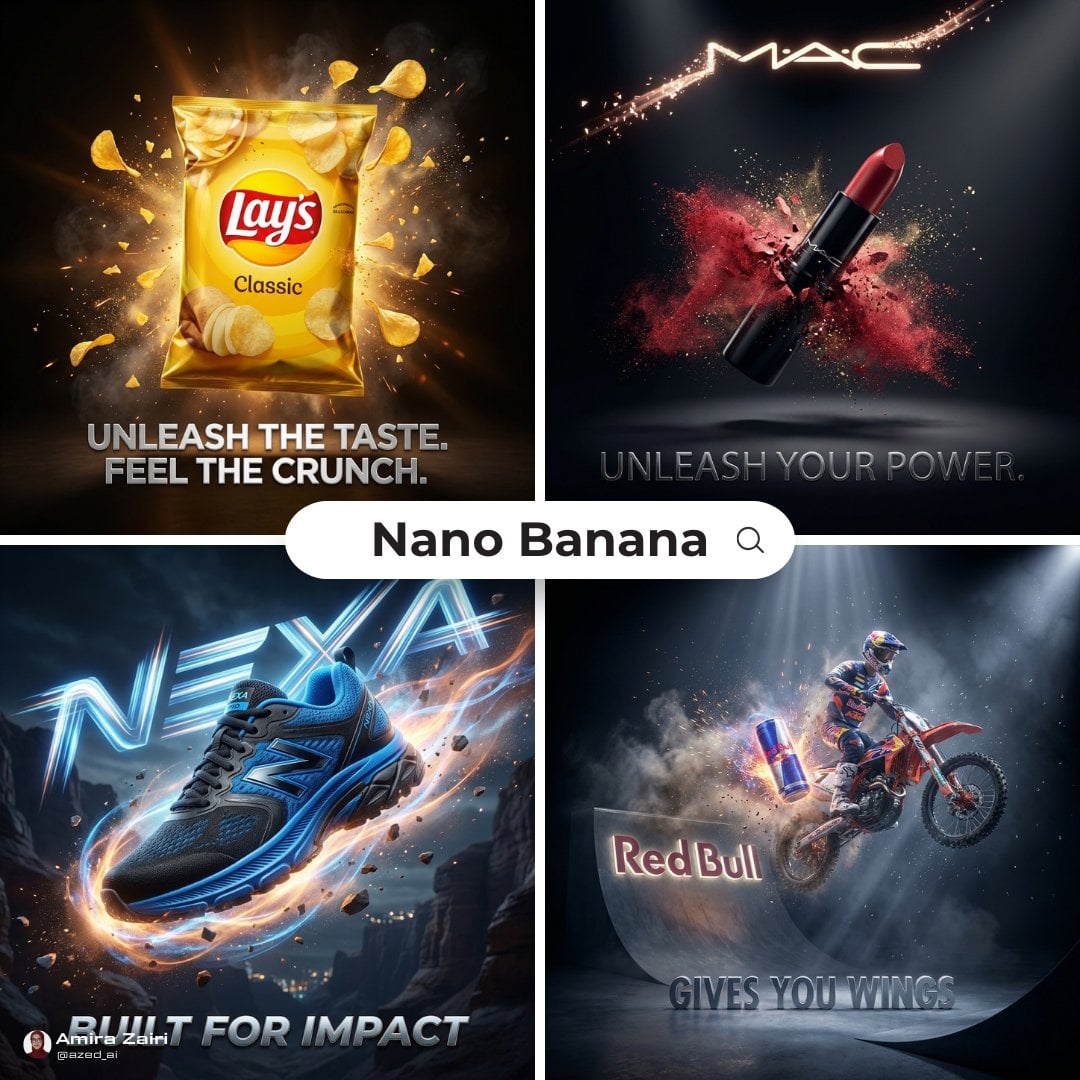
Cinematic 3D action-packed advertisement captured in an intense

A luxury brand advertisement featuring three stylish arranged
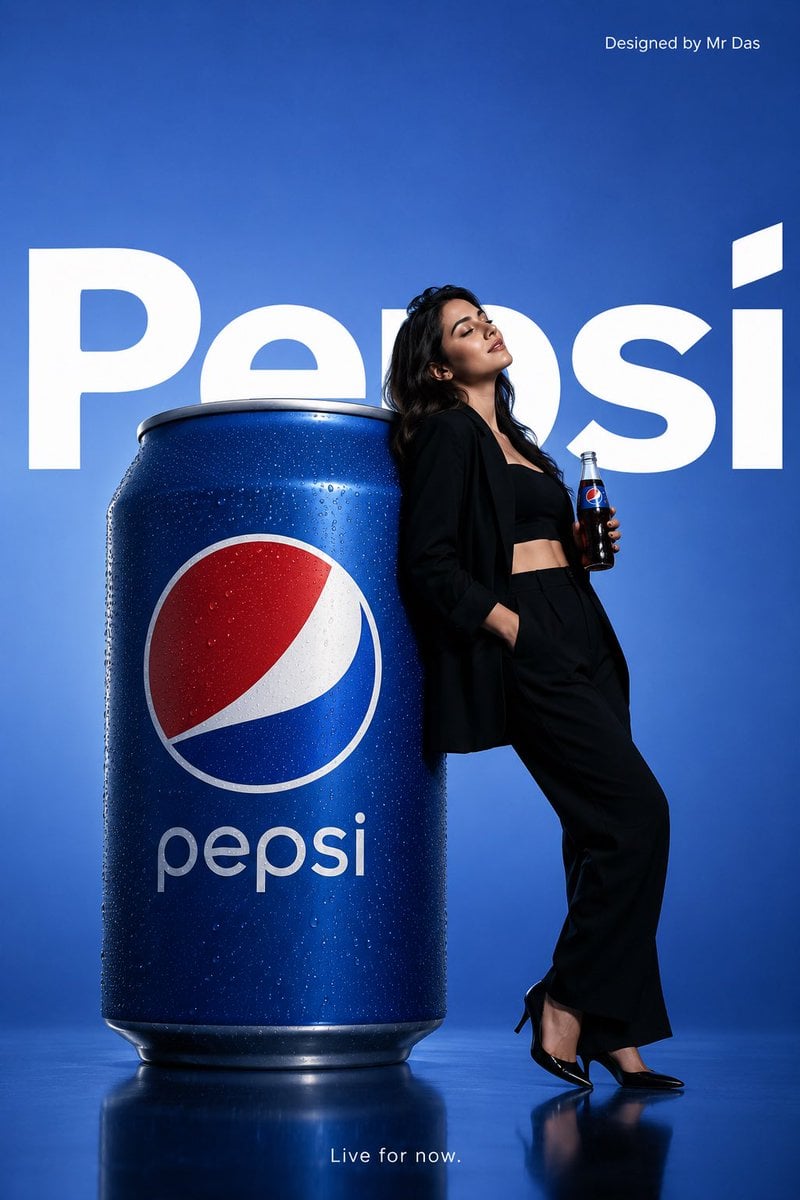
Minimalist Pepsi Commercial Advertisement
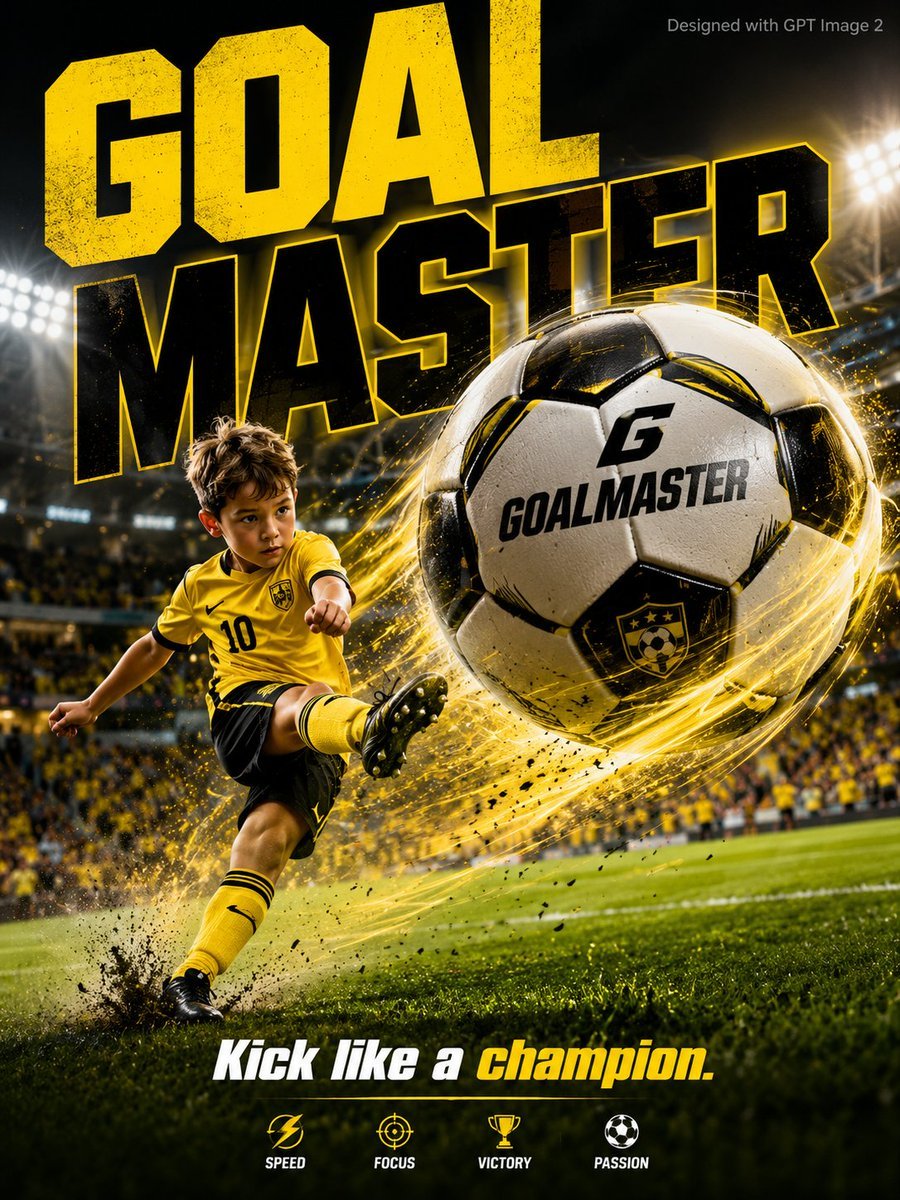
Vibrant Sports Advertisement Poster
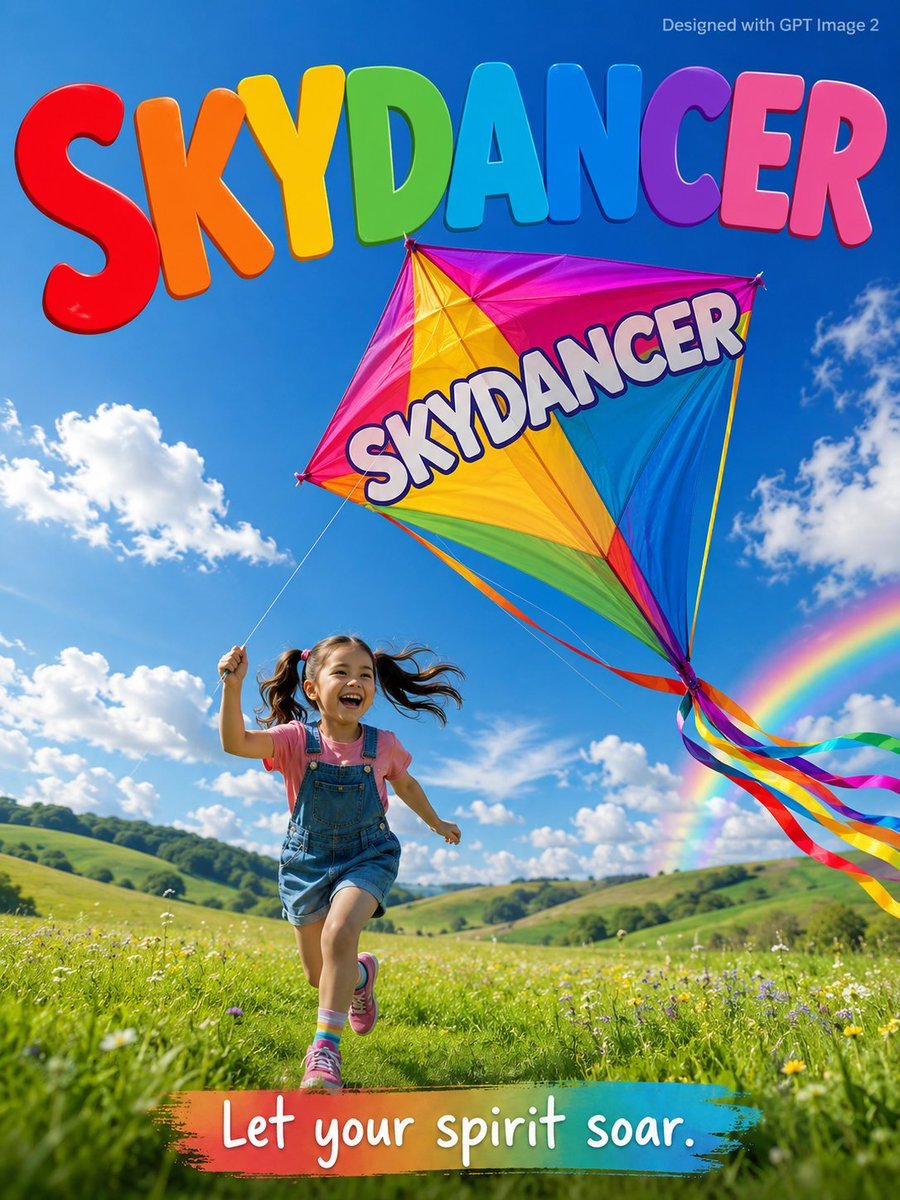
Skydancer Kite Advertisement Poster
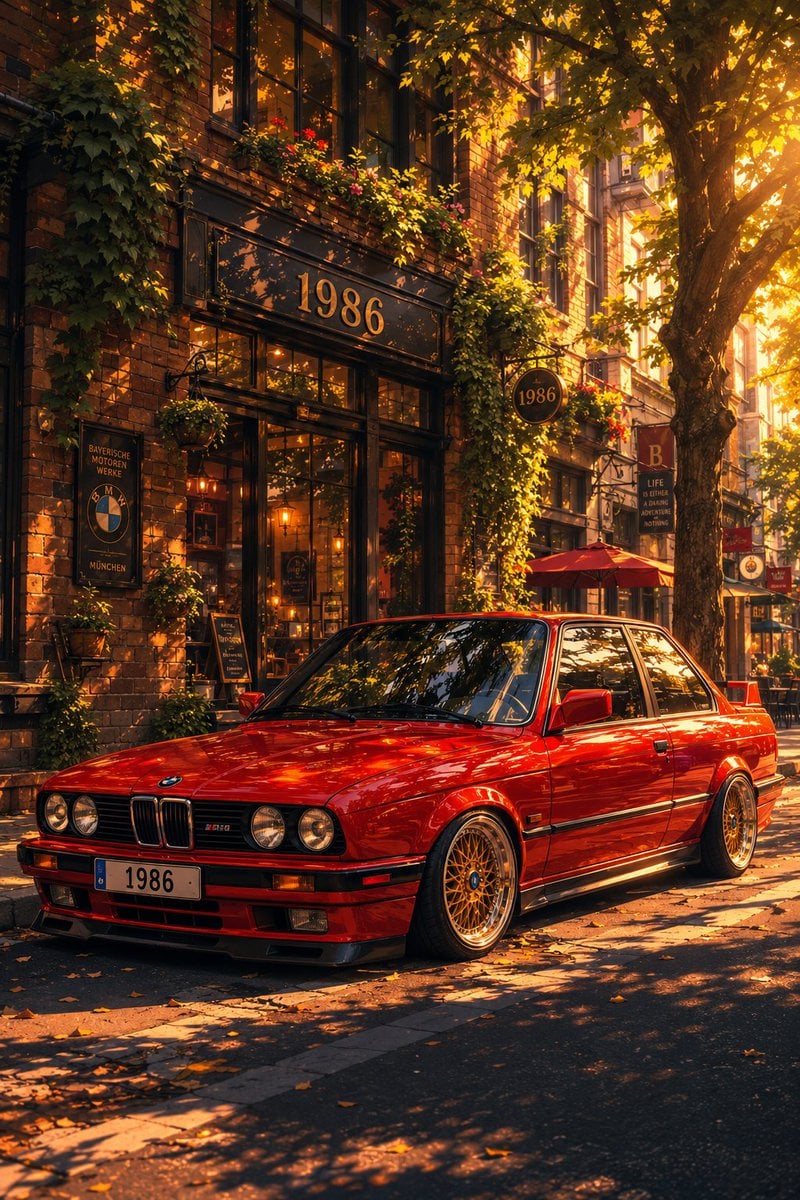
Classic BMW E30 Urban Illustration

Puppy and Robot Dog Ice Cream Scene
Make it yours
BMW Transformer Robot Advertisement works as-is. These are the safest ways to change it without losing the look.
Change one field
Copy a single group, rewrite it, and generate again so you can see what that field is doing.
Keep the frame, change the subject
Hold the composition and light of BMW Transformer Robot Advertisement, then swap wardrobe, props or the person for a new take.
| If the result… | Why | Fix |
|---|---|---|
| The result drifts from the preview | Too many fields changed at once. | Reuse BMW Transformer Robot Advertisement as-is first, then change one group — subject, light, or setting. |
| The model over-stylizes the scene | The prose prompt leaves finish and camera underspecified. | Add one camera or lighting sentence and stay on GPT Image 2. |
More GPT Image 2 templates
Other prompts made for GPT Image 2.

Six VTuber Japanese Logo Sheet

Realistic Portrait of Woman and Deer

The Vista Modular Condo Poster

AI Model Routing Comparison Infographic

2.5D Anime Art Board

Isometric Productivity Desk Scene

New York Double Exposure Poster

Four-Panel AI Landscape Comparison

Japanese Tatami Lifestyle Magazine Cover

NESCAFÉ Coffee Map Poster
More image prompts
Fresh picks from across the catalog.
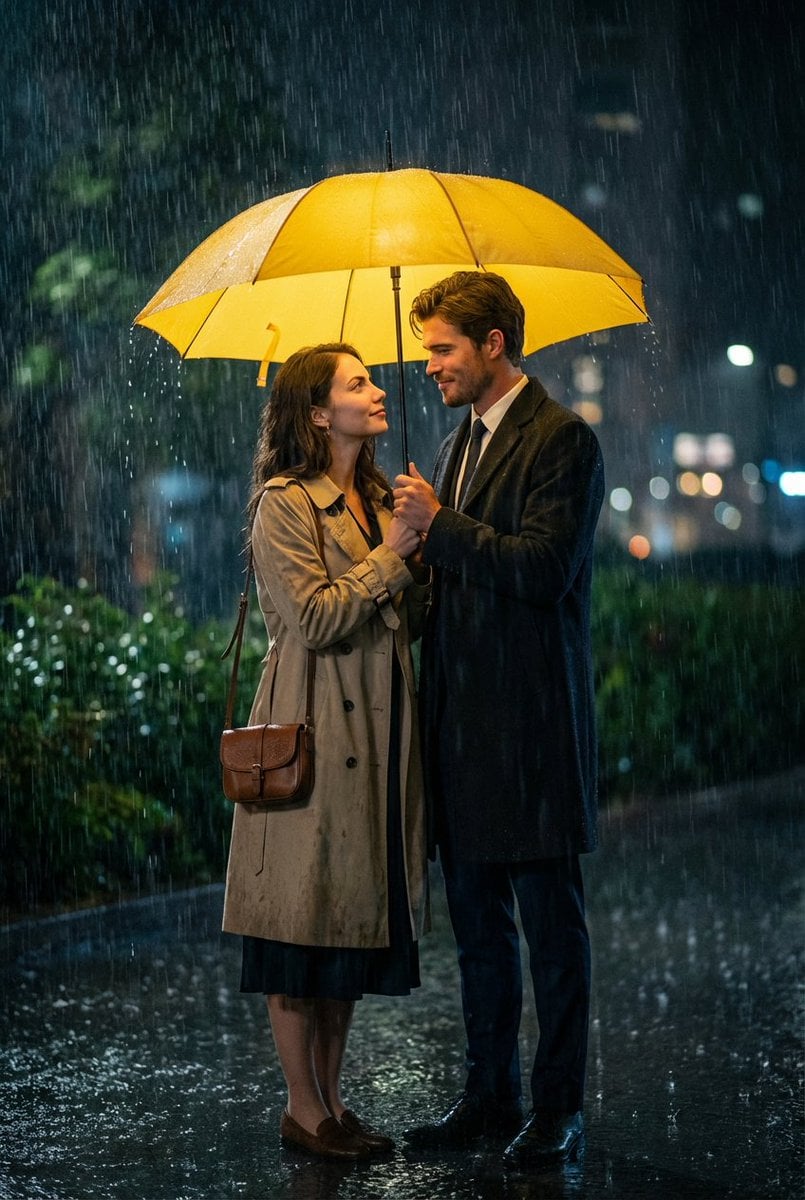
Cinematic HIMYM Yellow Umbrella Matchshot Prompt
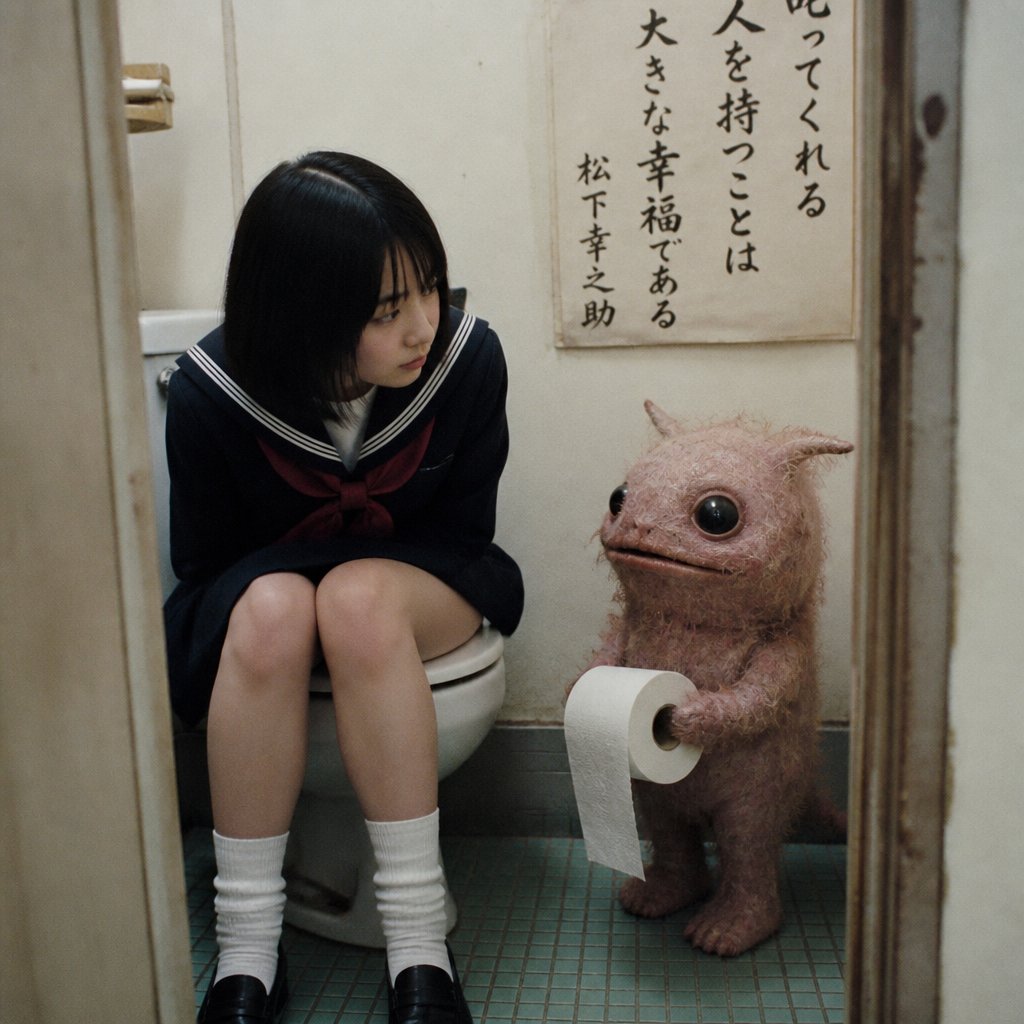
Schoolgirl and Toilet Paper Creature
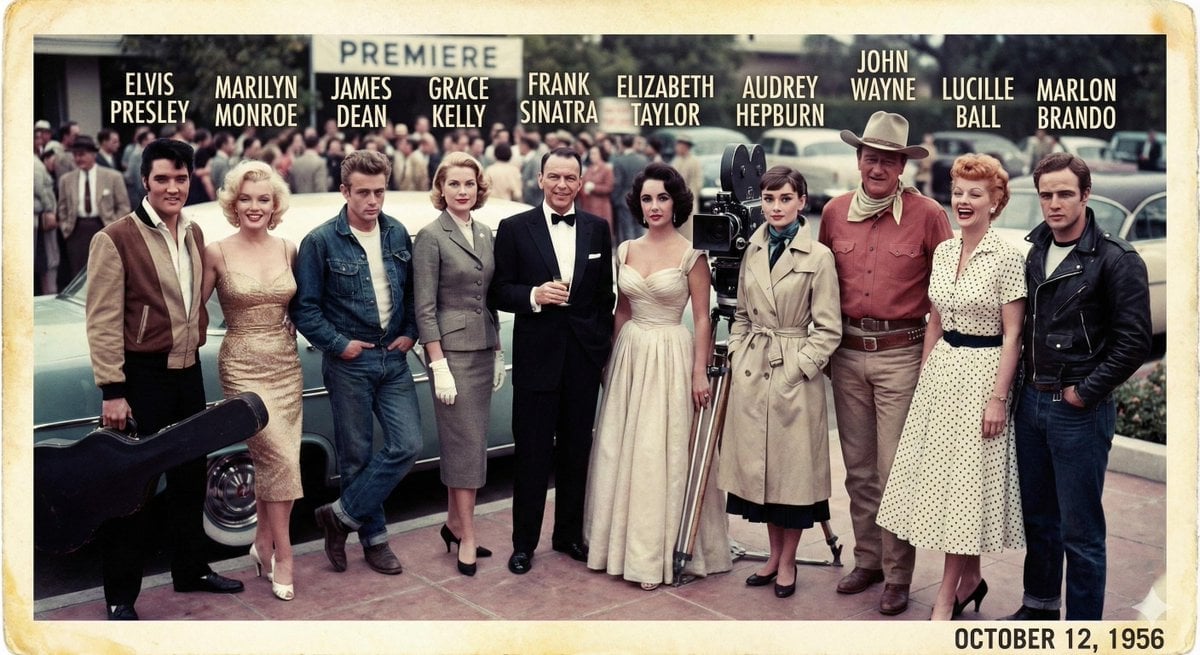
1956 Famous People Group Photo
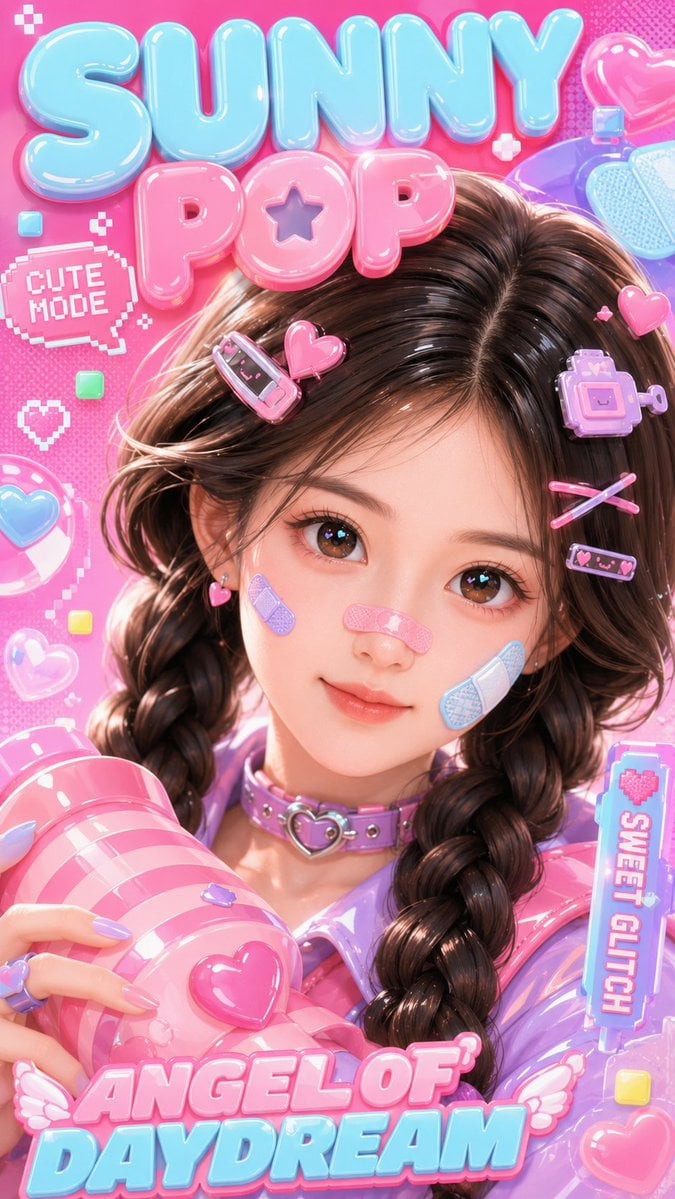
3D Kawaii Y2K Portrait Conversion
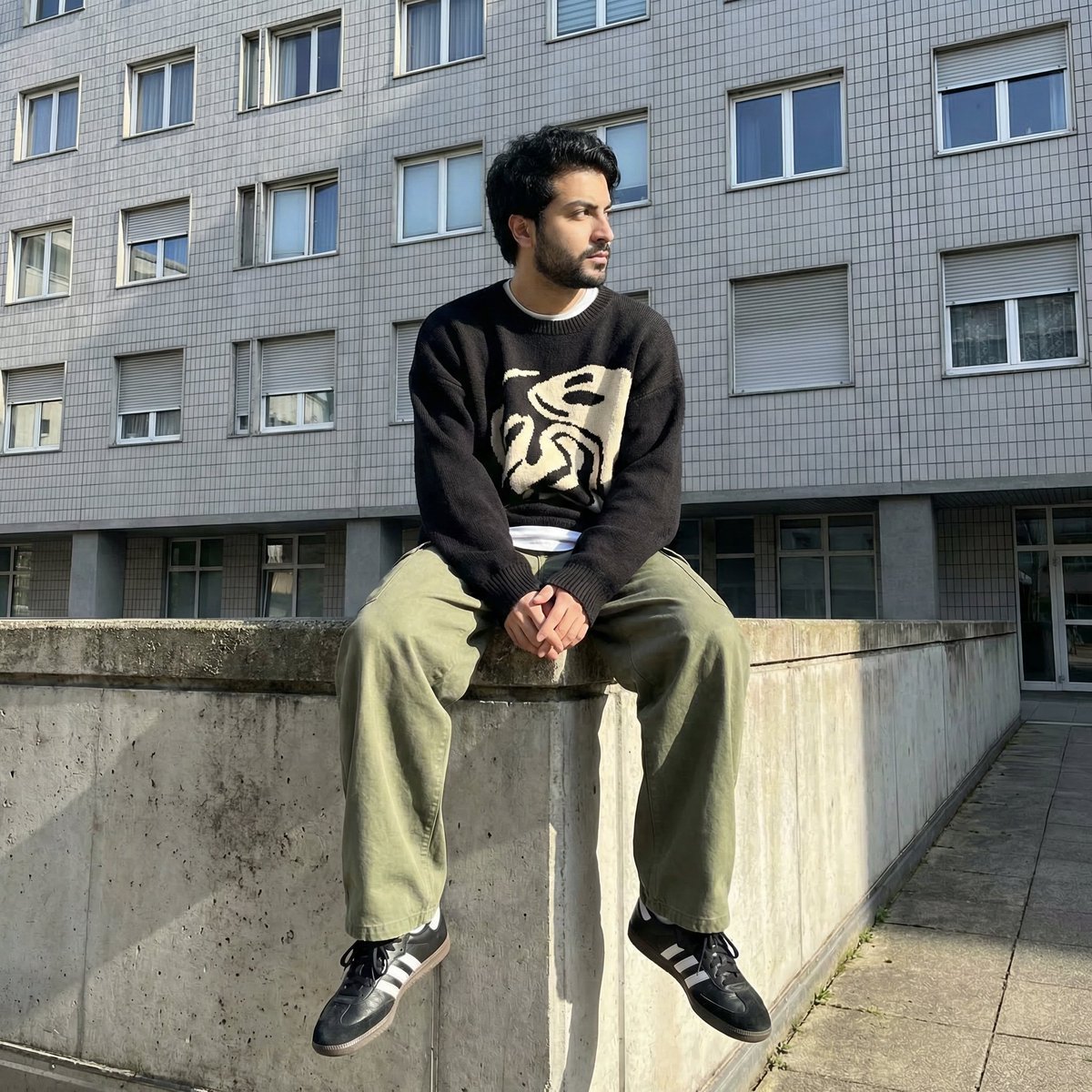
Photorealistic Urban Portrait from Reference Image
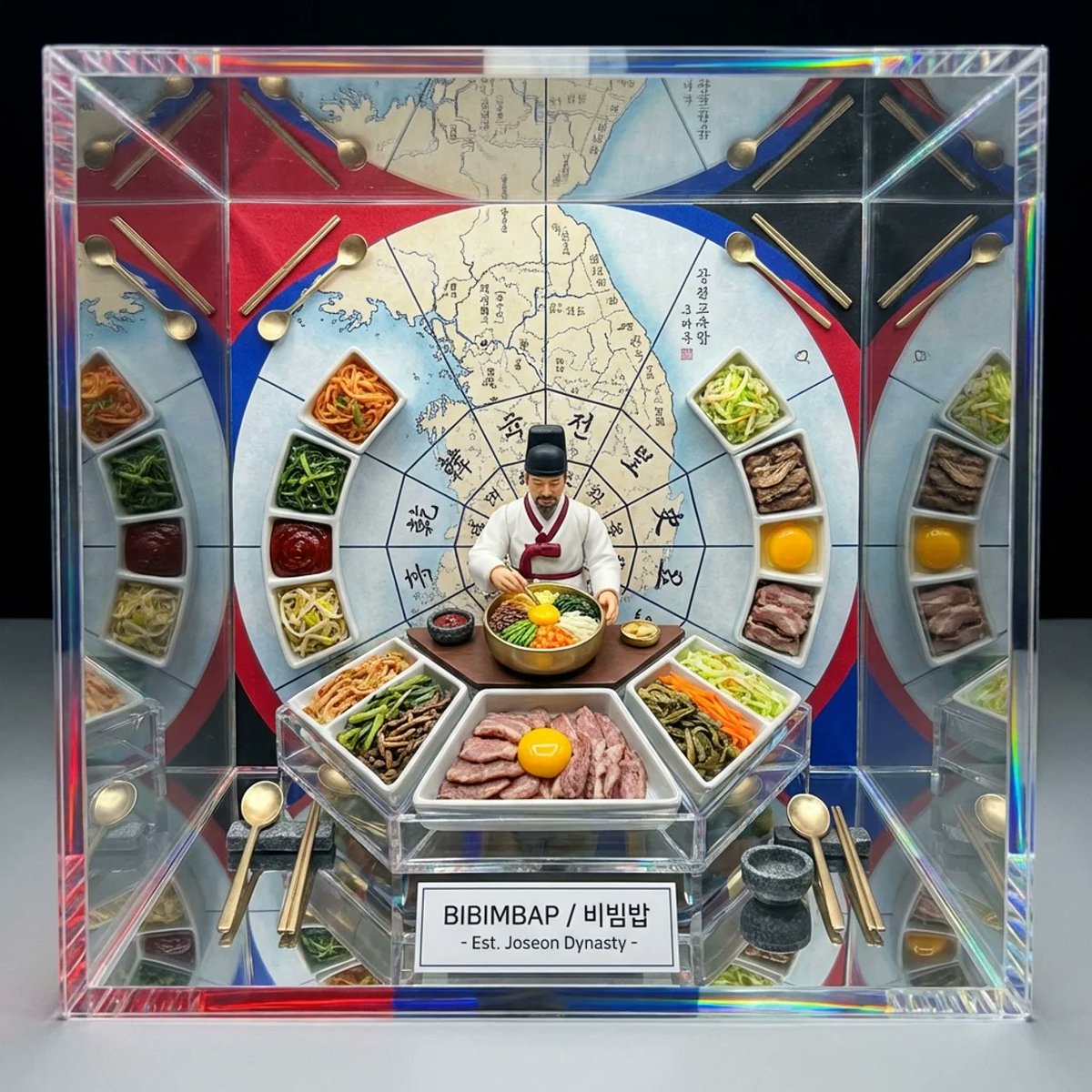
Kaleidoscopic Food Diorama in Acrylic Box
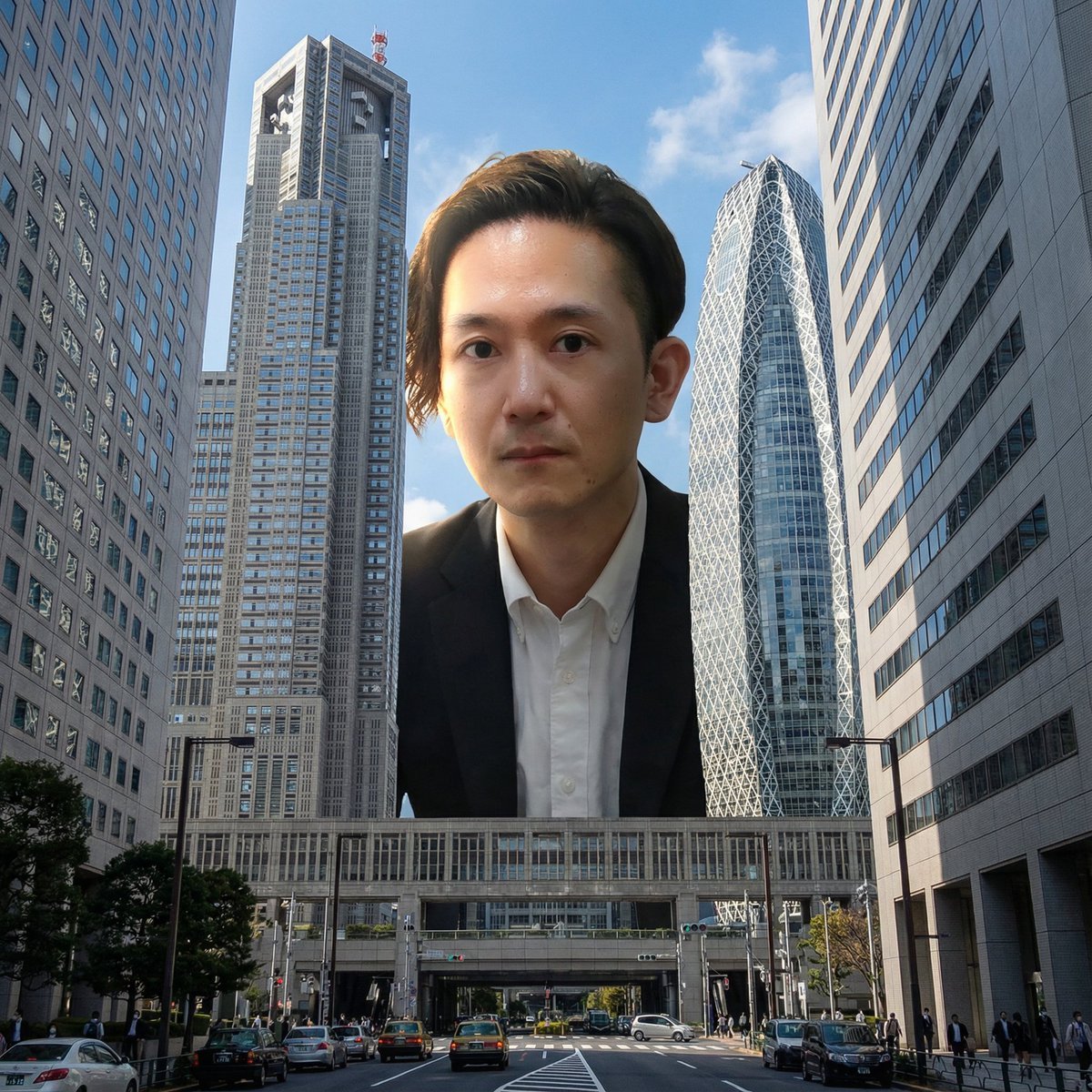
Giant Peering into Shinjuku Prompt
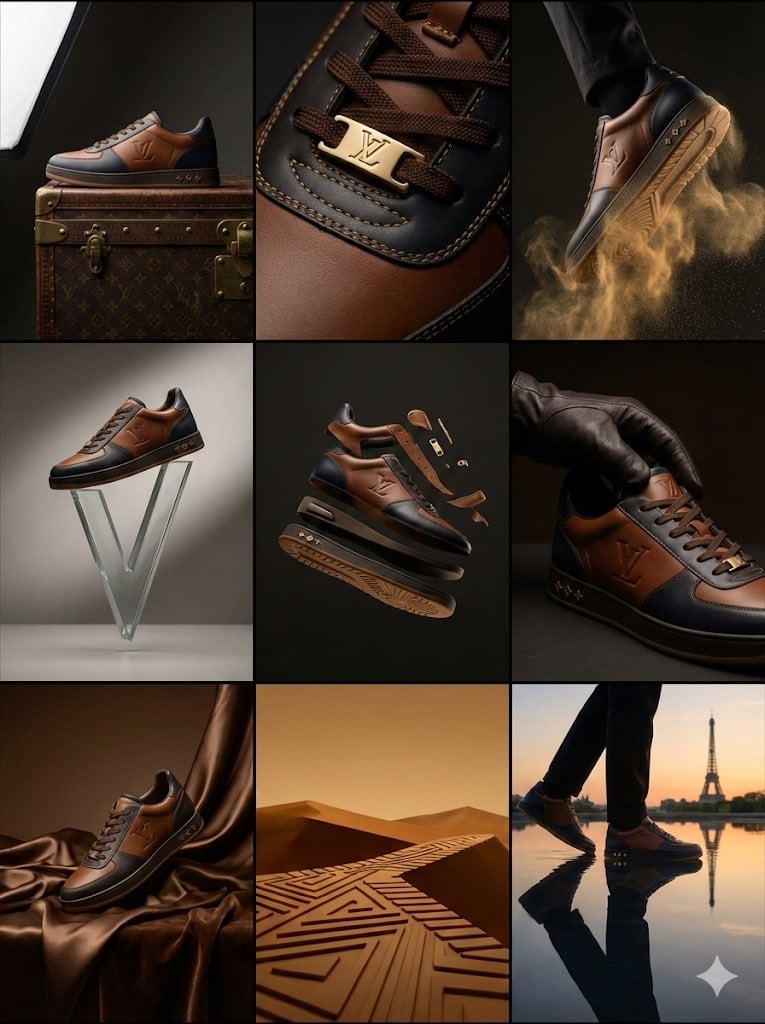
Louis Vuitton Sneaker Editorial Grid (9-Panel Concept)

Dark Fantasy Stage Poster

Watercolor Travel Poster
Browse template categories
BMW Transformer Robot Advertisement questions
How do I use the BMW Transformer Robot Advertisement template?
Add your photo if the template asks for one, edit the prompt if you like — the template's model and format are already selected — and press Generate. Your version opens in PicX Studio.
Can I customize the BMW Transformer Robot Advertisement template?
Yes. You can change the subject, setting, lighting, mood, format, and available model controls before creating your image.
Is the BMW Transformer Robot Advertisement template free?
Opening and editing this template is free. Generating uses credits, shown on the Generate button when you are signed in.
Which AI model should I use?
Start with GPT Image 2, which is the model associated with this template. You can compare another compatible model for a different finish.
Looking for something else? Browse all templates.

Your photo, any look
Thousands of ready templates for every top image and video model, from one credit balance.