
Newspaper Advertisement Template
Newspaper Advertisement Template is a ready photo look.

- Prompt included
- Model and format preset
- Free template
The prompt behind this image
Copy the exact prompt behind Newspaper Advertisement Template, or open it in the studio and make it yours.
Ultra-realistic outdoor advertising photograph of a person holding a large folded poster/newspaper vertically in front of their face, completely covering the head. The person is wearing a plain black short-sleeve t-shirt. Only the hands, wrists, and forearms are visible, gripping the left and right edges of the poster naturally. Skin tone is warm medium brown with visible pores, natural creases, subtle veins, and realistic sunlight highlights. The poster is peach-pink with a soft gradient, printed on thick matte paper, folded cleanly down the center. The edges are crisp, with slight paper texture visible. Left panel of the poster: A photorealistic studio product image of a spicy margarita cocktail in a clear glass. The drink is golden-yellow with ice inside, a chili powder rim, and a single red chili pepper garnish placed inside the glass at an angle. Lighting on the drink is clean, sharp, and professional, with realistic reflections and condensation. Right panel of the poster: Large editorial serif typography in burnt orange text, perfectly centered and aligned, reading: “BREAKING NEWS, IT’S SPICY MARG SEASON.” Below it, smaller serif text reads: “Here’s where you can find us…” At the bottom, a handwritten script logo text reading: “Pimentae” Typography feels premium, modern, and editorial — similar to high-end lifestyle or beverage branding. Background: Bright tropical outdoor setting with tall palm trees filling the frame. Clear deep blue sky, strong midday sunlight. Background is slightly out of focus with natural depth of field, creating strong contrast against the poster. Lighting: Natural sunlight, warm and directional. Realistic shadows on the poster folds and hands. No artificial glow, no HDR look. Camera & style: – Shot at chest-to-head framing – Straight-on perspective – 50mm lens look – Shallow depth of field – Ultra-sharp focus – Photorealistic commercial photography – Looks like a real brand photoshoot, not AI generated Negative prompts: No visible face, no text distortion, no extra fingers, no warped hands, no plastic skin, no oversharpening, no painterly style, no CGI, no cartoon look, no surreal lighting, no added objects.
How to use Newspaper Advertisement Template in 3 steps
- 1
Open
The prompt is already in the box next to the preview, with the template's model and format selected.
- 2…a portrait of your subject in softgolden-hour light, 85mm…
Personalize
Edit the subject and creative details for your destination.
- 3Generate
Generate
Press Generate — your image is created in PicX Studio, so you can compare it with the original and refine one variable at a time.
More like this
Templates with the same subject, style or setup. Open one to see its prompt.

Newspaper Advertisement Campaign Template

Bold Red Contrast Fashion Editorial Newspaper Room
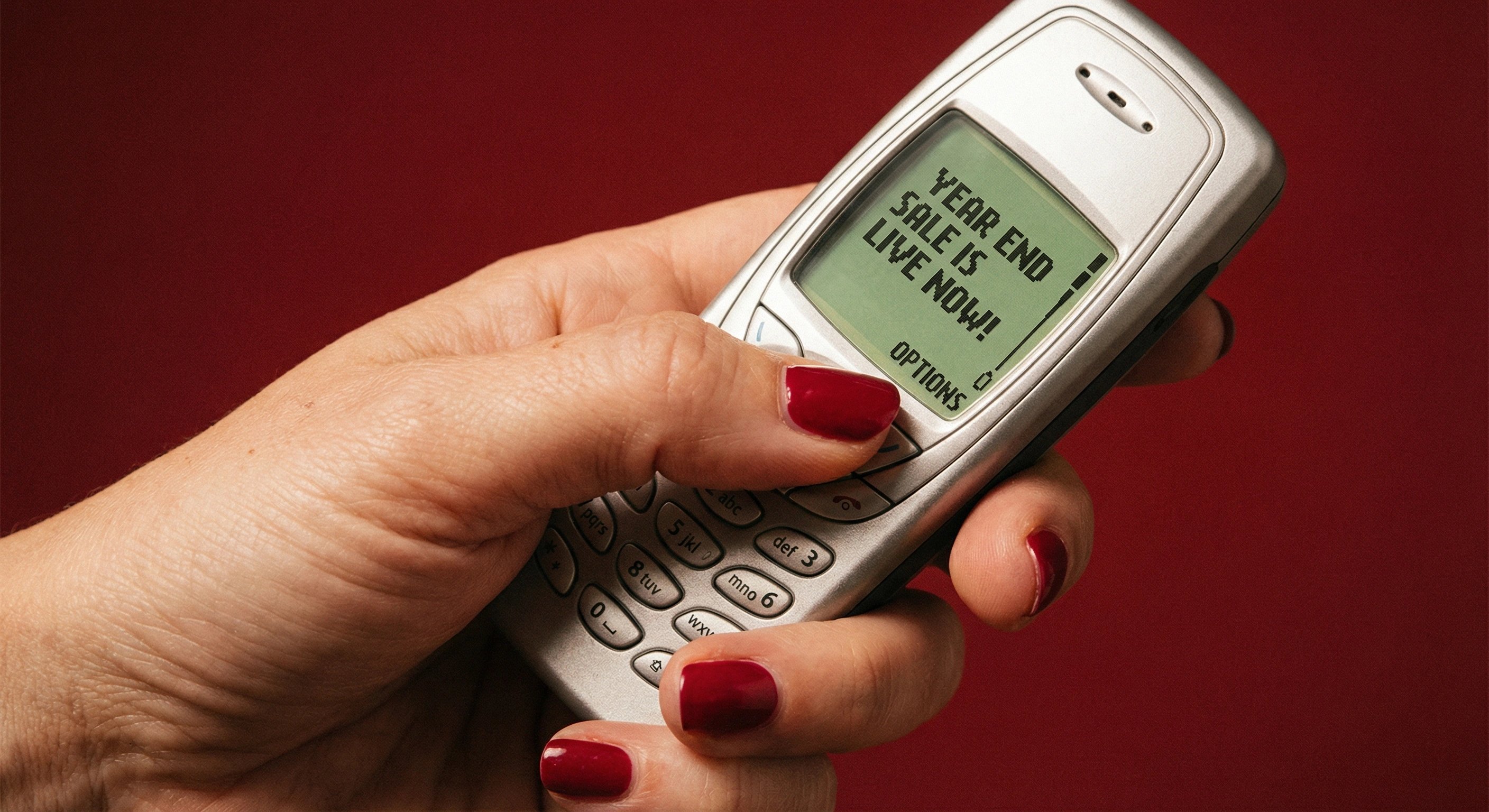
Retro Mobile Sale Alert Template
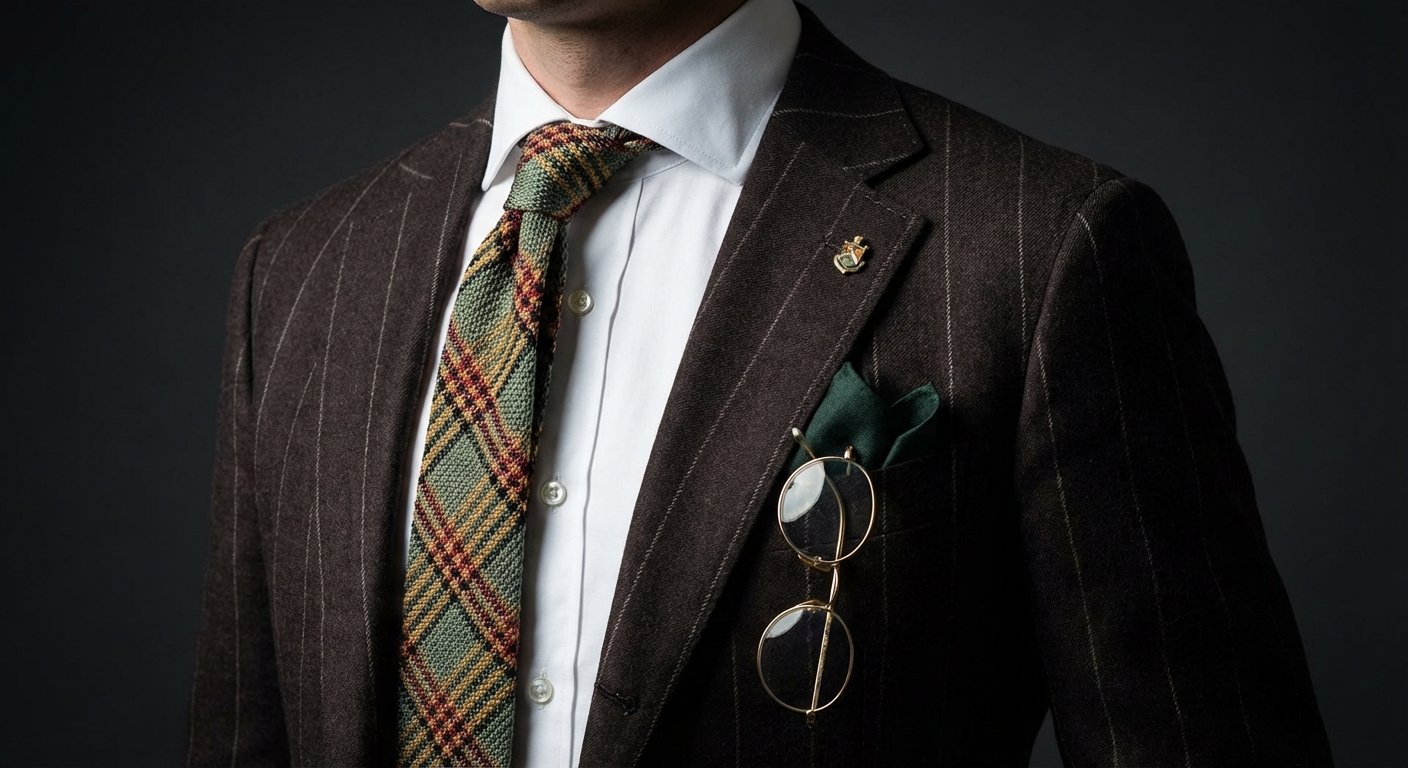
Professional Tie Commercial Template
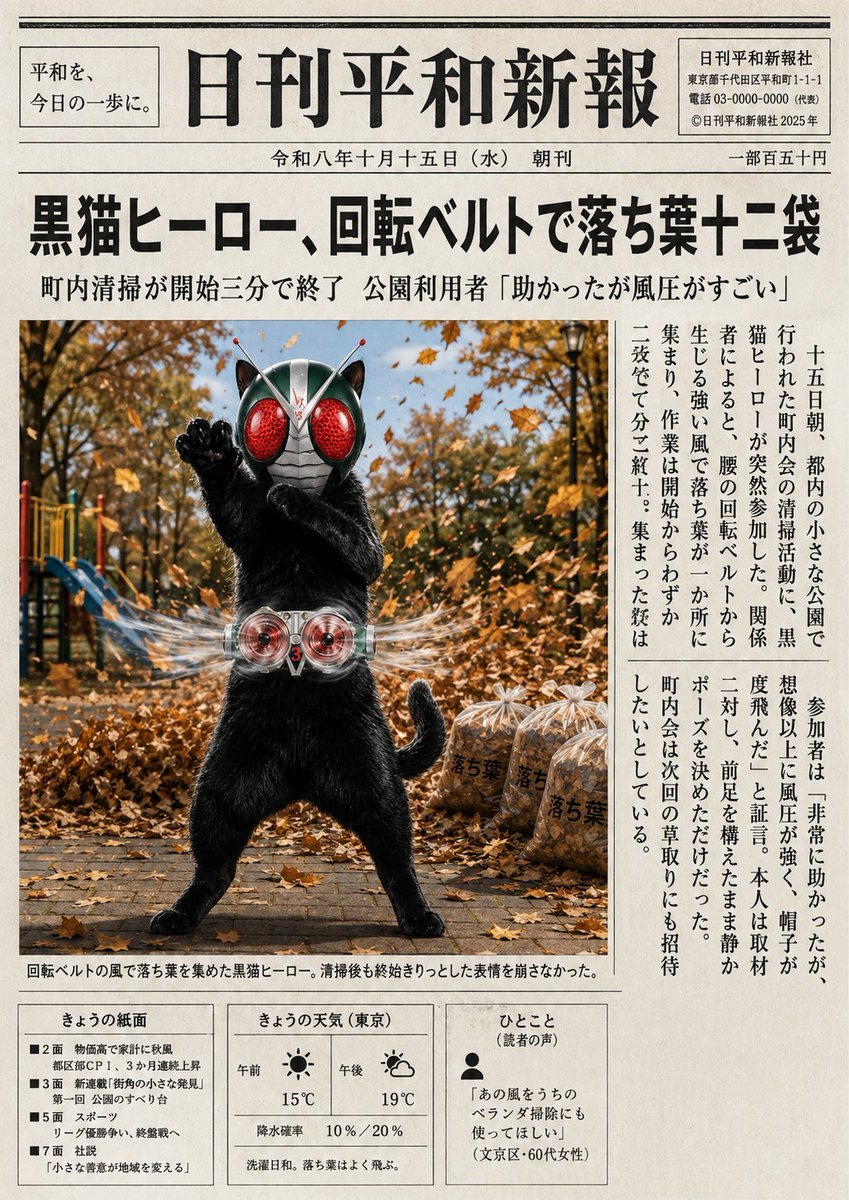
Japanese Newspaper Cat Hero Front Page
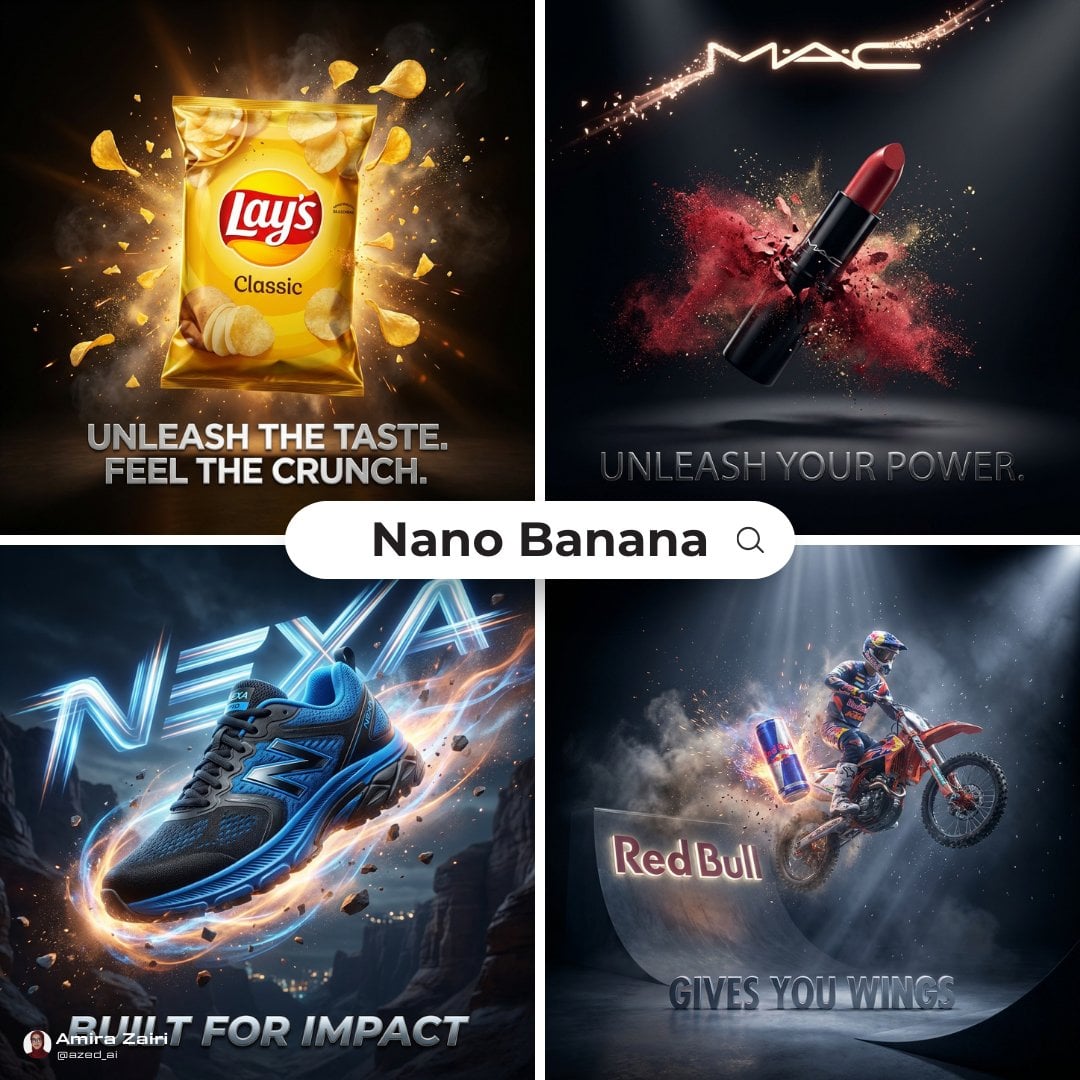
Cinematic 3D action-packed advertisement captured in an intense

A luxury brand advertisement featuring three stylish arranged
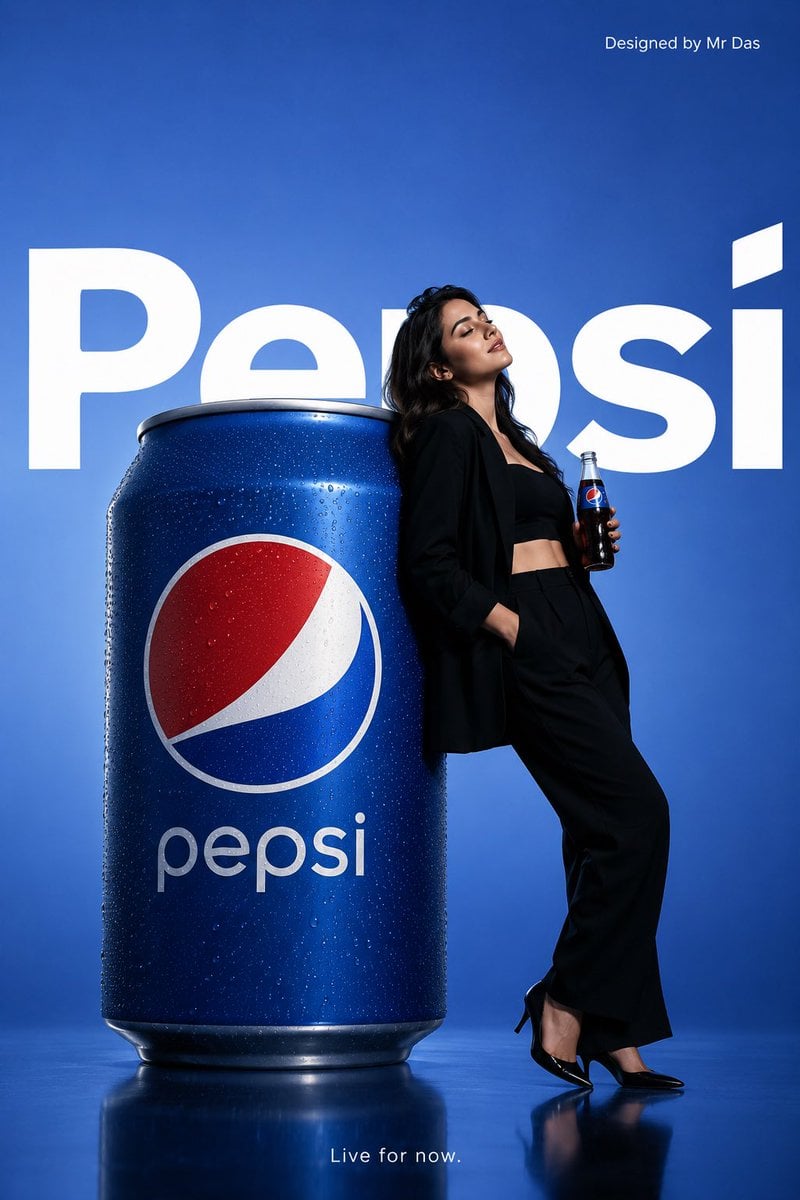
Minimalist Pepsi Commercial Advertisement
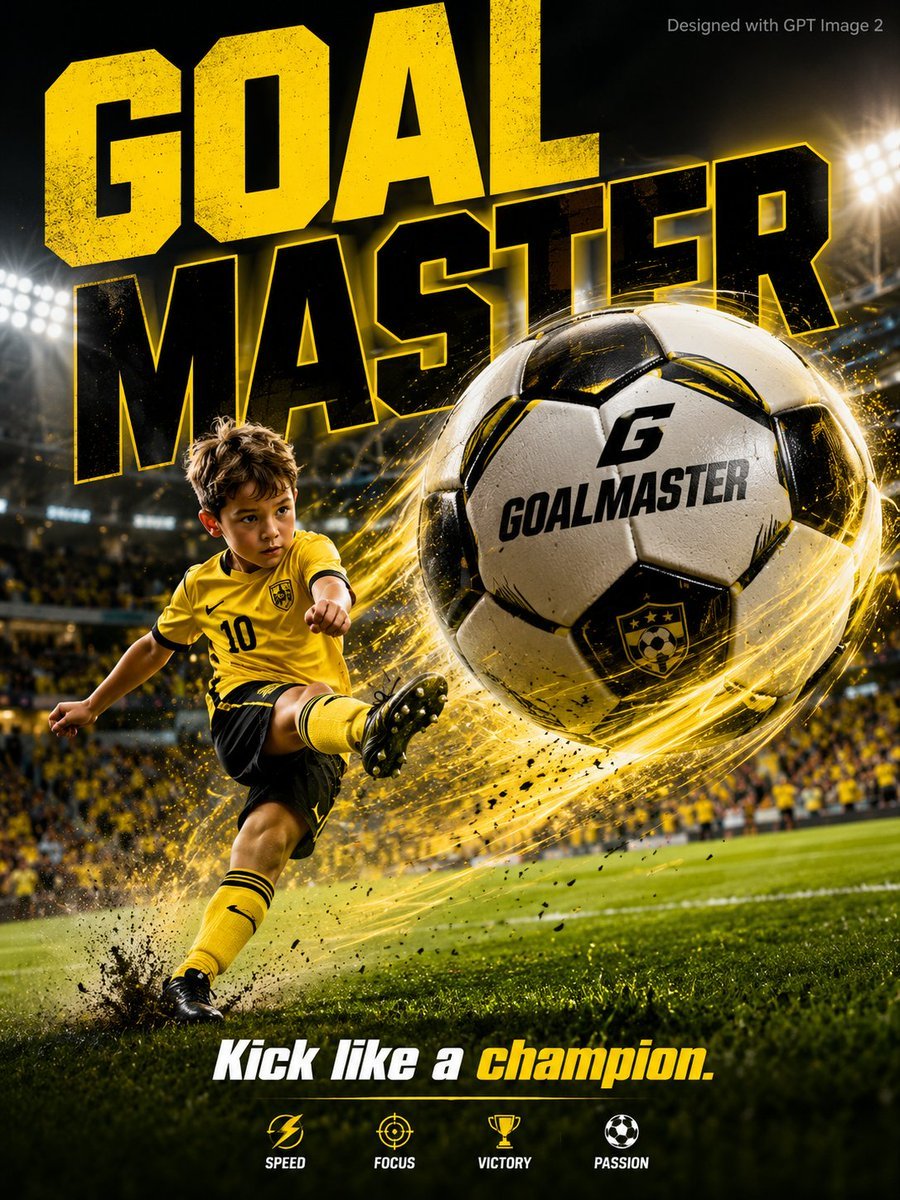
Vibrant Sports Advertisement Poster
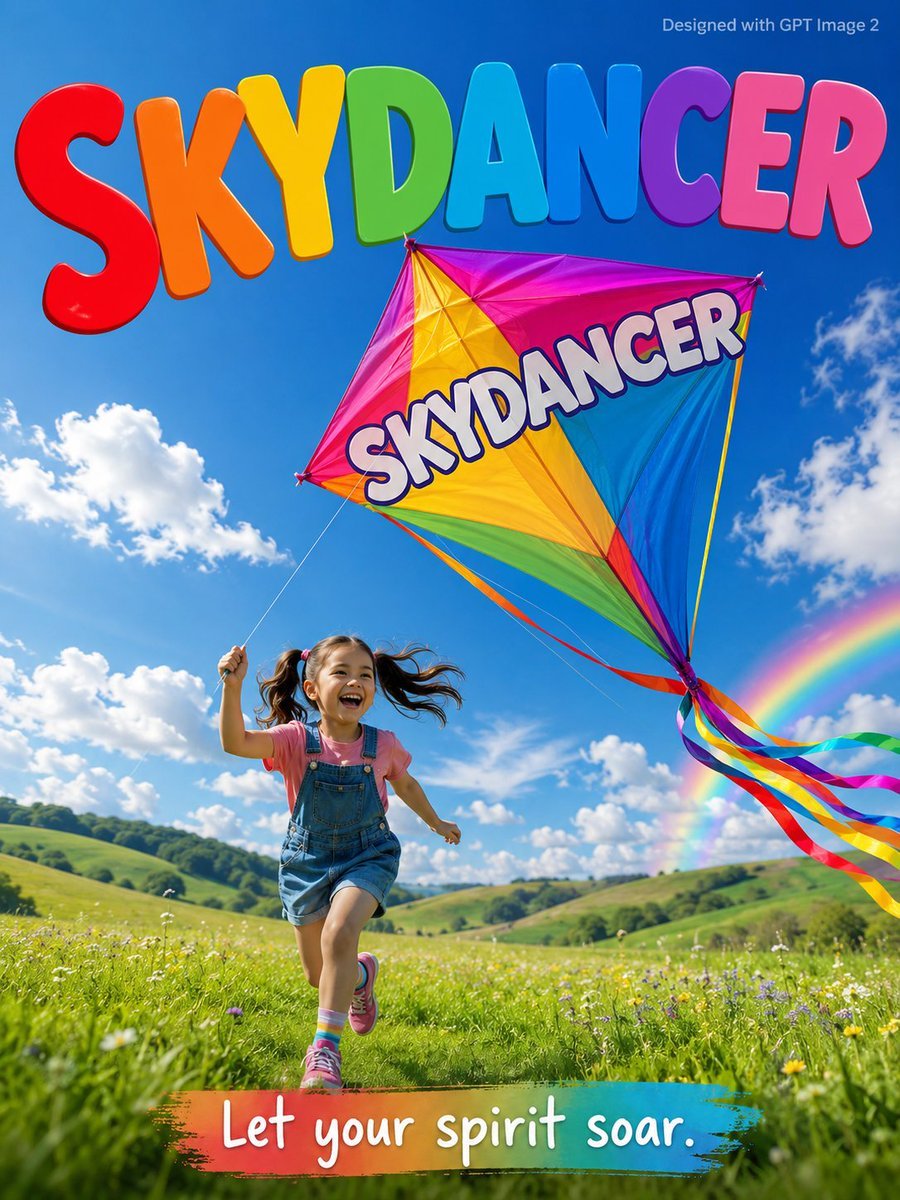
Skydancer Kite Advertisement Poster
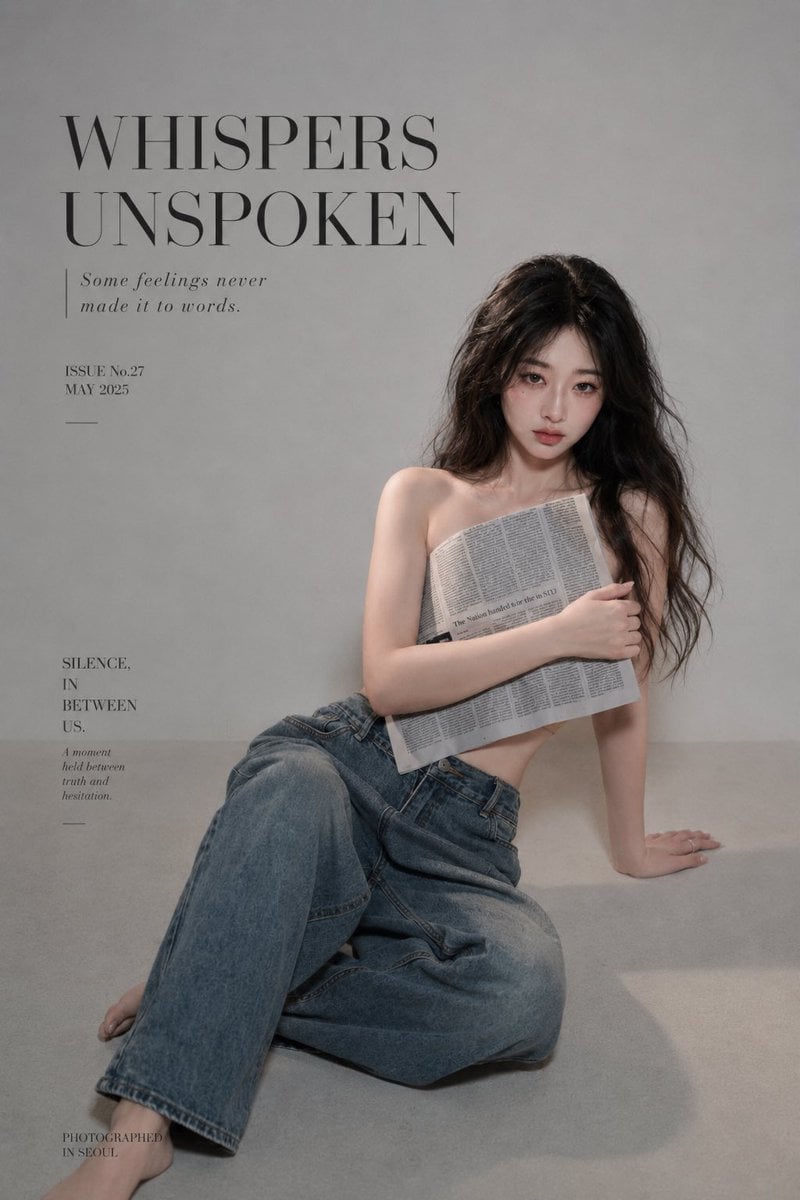
Quiet Newspaper Fashion Cover
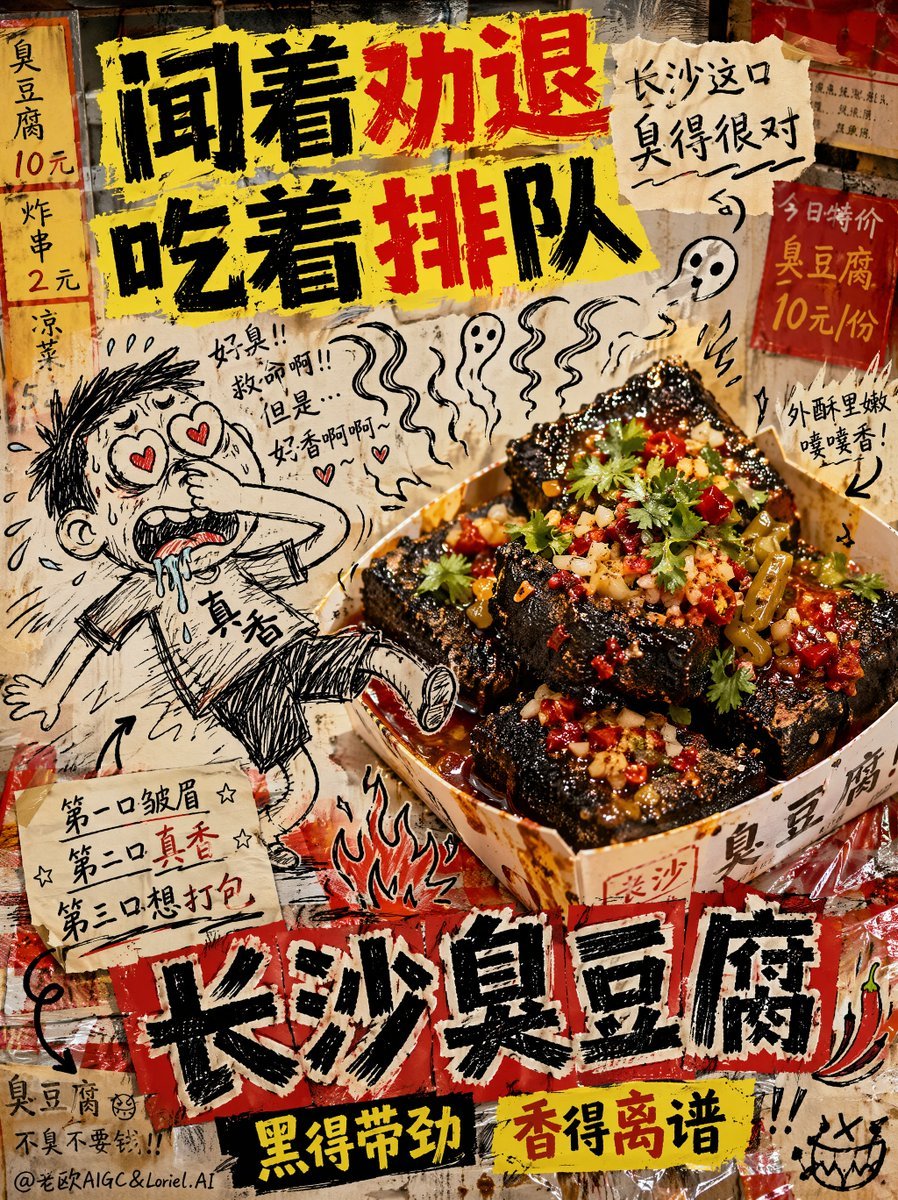
Anti-Design Stinky Tofu Advertisement
Make it yours
Newspaper Advertisement Template works as-is. These are the safest ways to change it without losing the look.
Change one field
Copy a single group, rewrite it, and generate again so you can see what that field is doing.
Keep the frame, change the subject
Hold the composition and light of Newspaper Advertisement Template, then swap wardrobe, props or the person for a new take.
| If the result… | Why | Fix |
|---|---|---|
| The result drifts from the preview | Too many fields changed at once. | Reuse Newspaper Advertisement Template as-is first, then change one group — subject, light, or setting. |
| The model over-stylizes the scene | The prose prompt leaves finish and camera underspecified. | Add one camera or lighting sentence and stay on PicX Studio. |
More image prompts
Fresh picks from across the catalog.
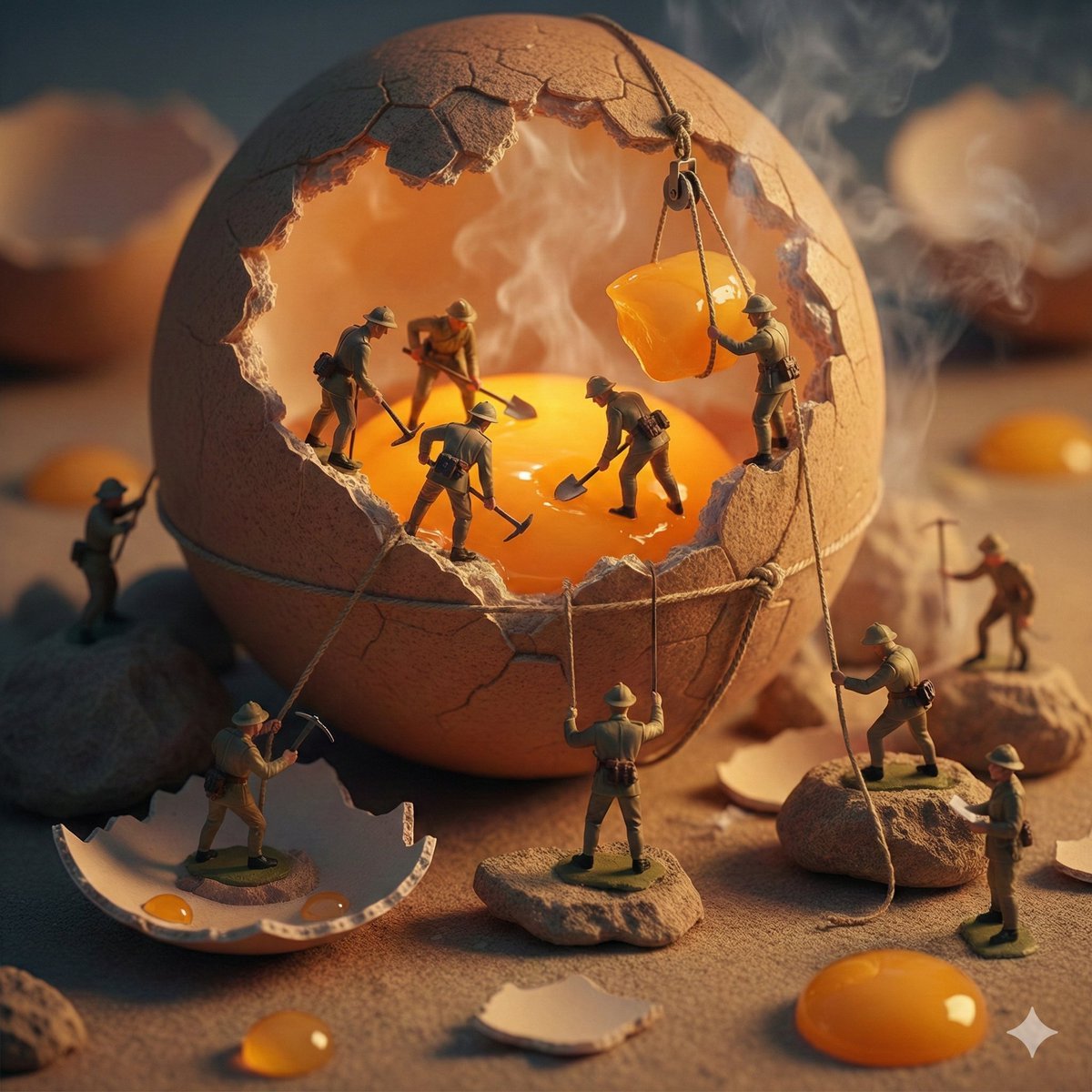
Miniature Toy Soldiers on a Giant Eggshell
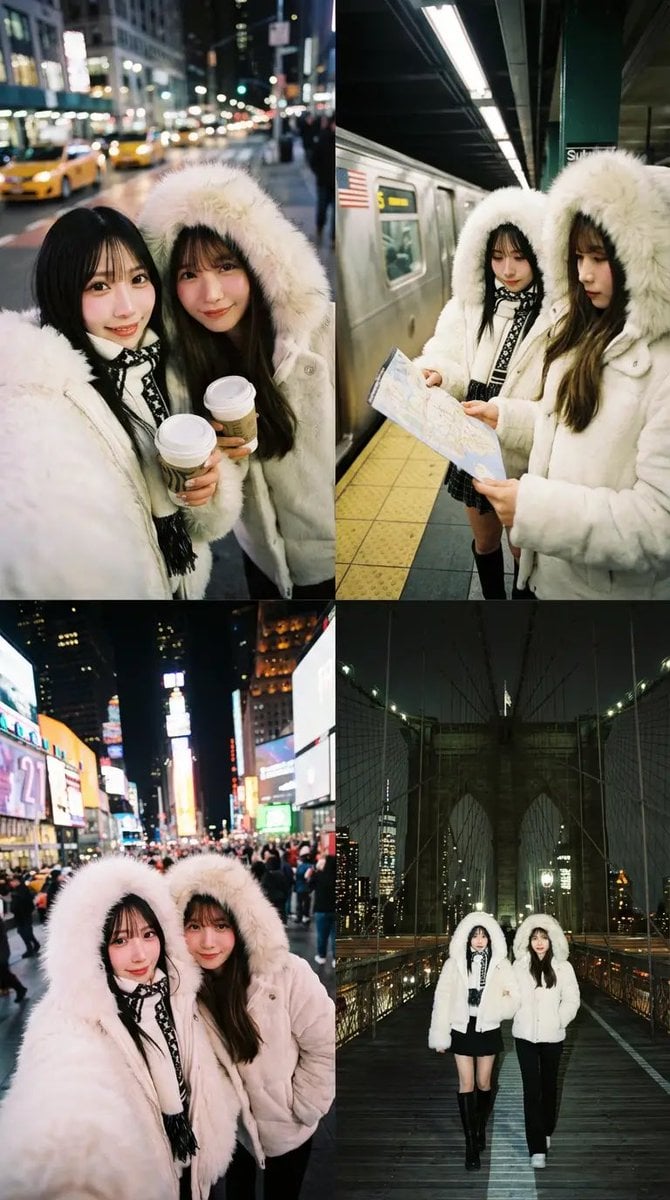
Dual Portrait Arrangement with Location Context
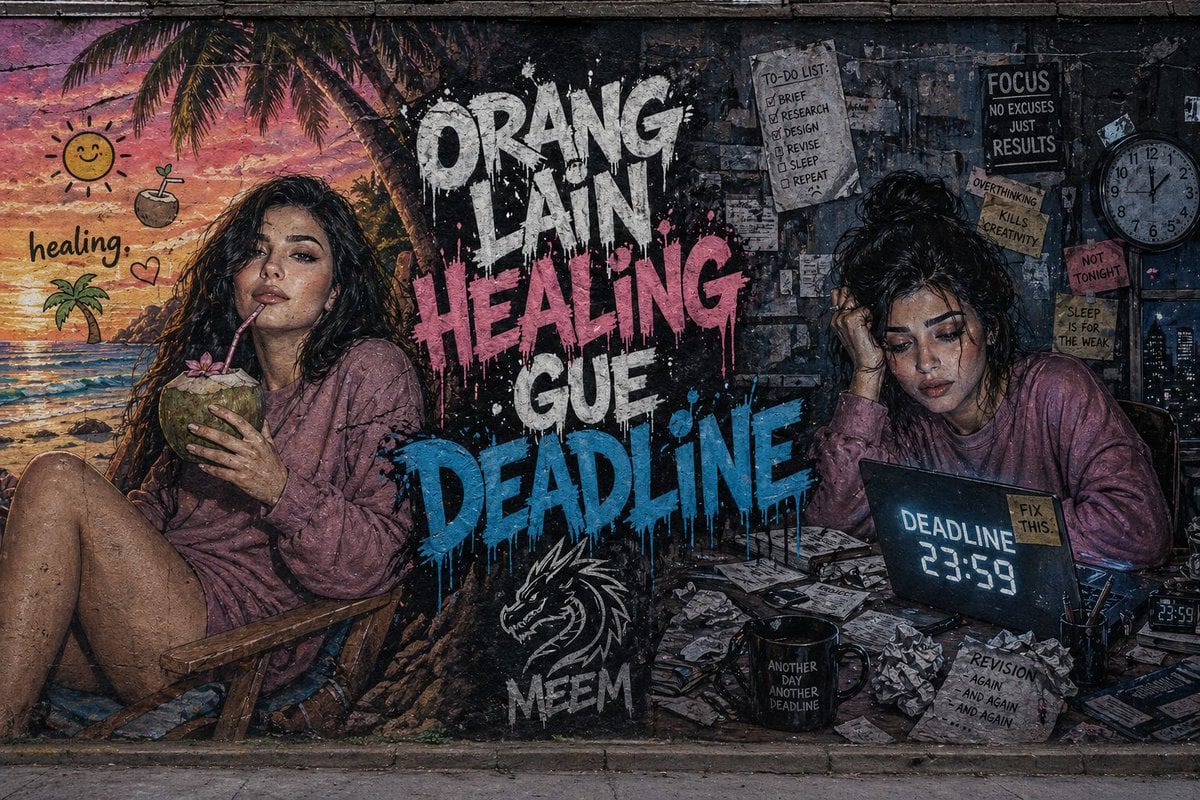
Dual-Concept Street Art Mural
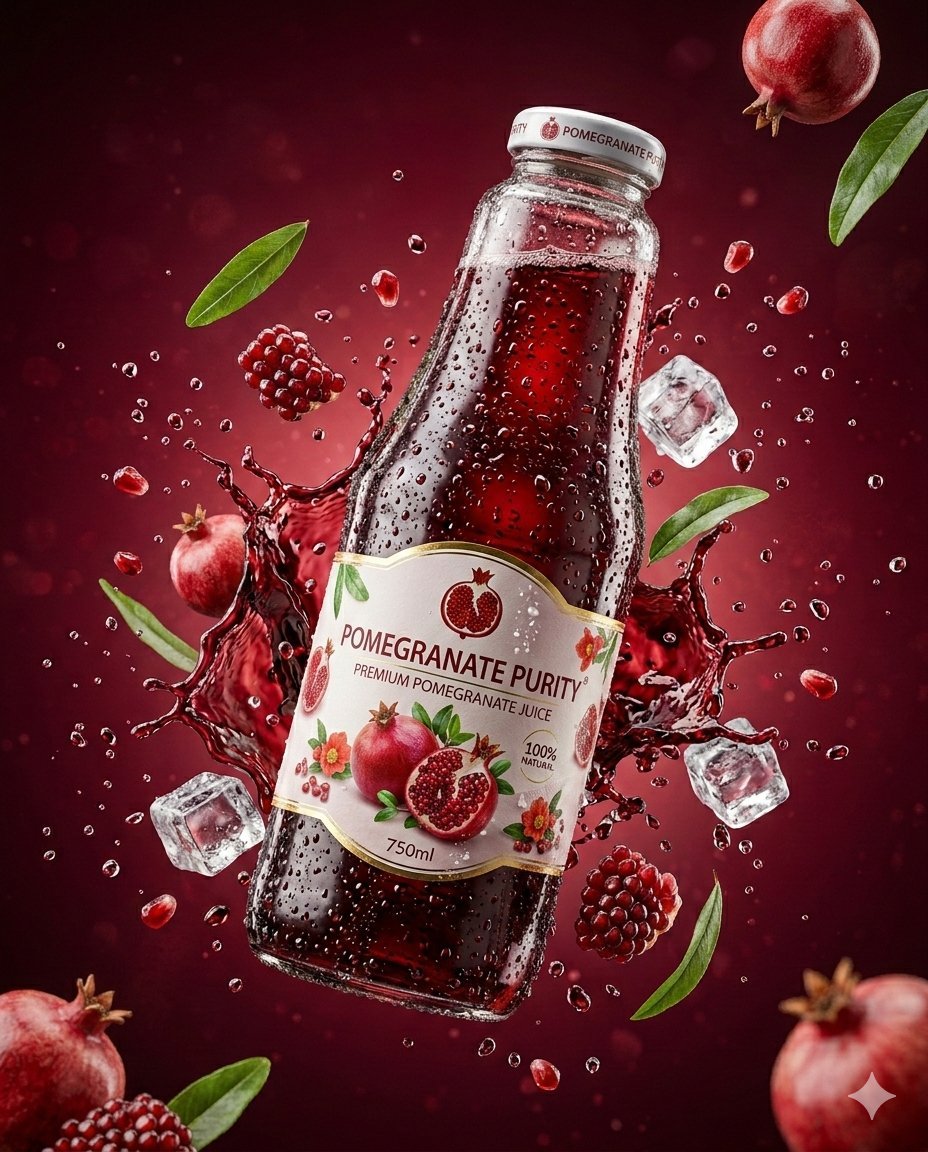
3D Commercial Shot of Cherry Juice Bottle
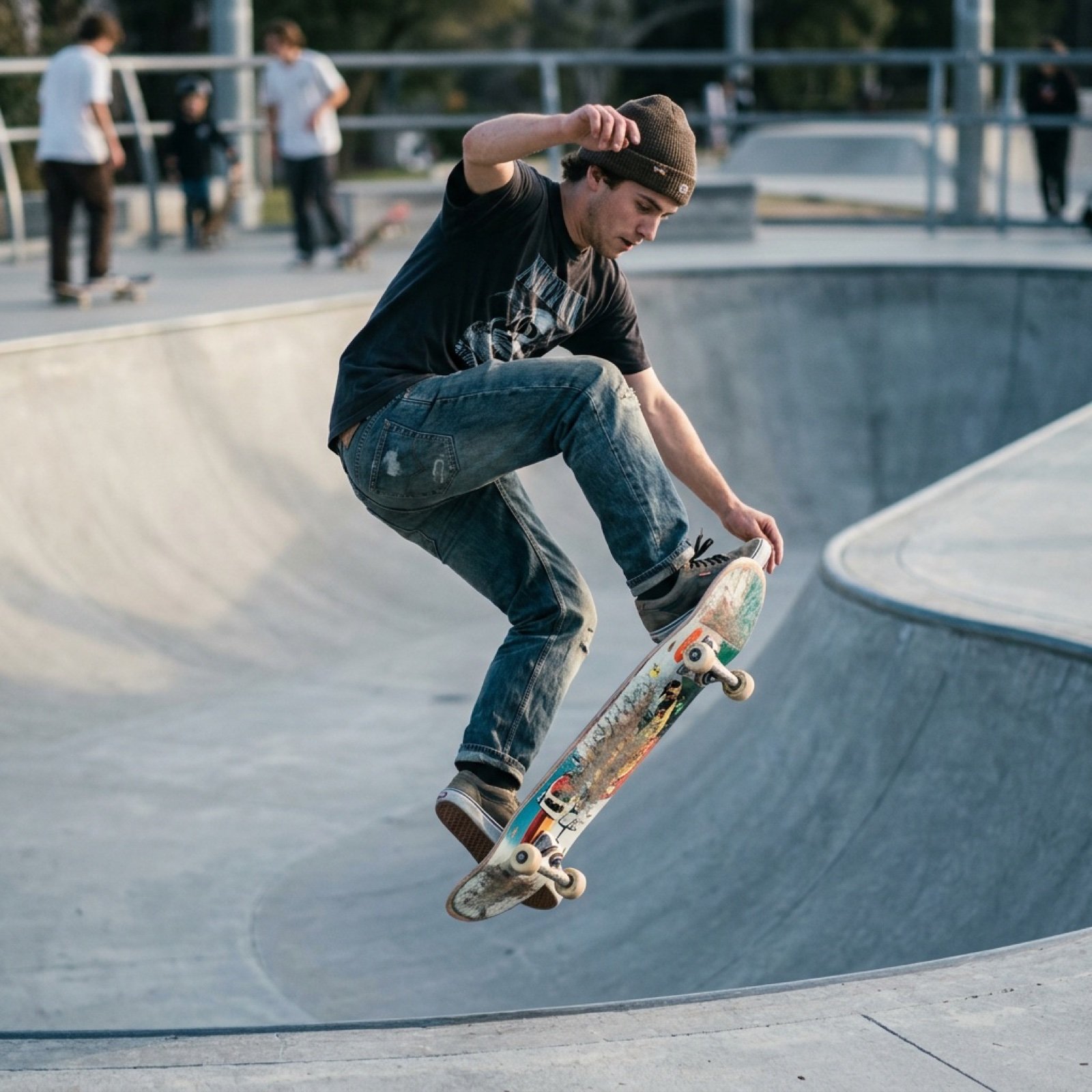
Grok Video Prompt: Skateboarding in a Sushi Restaurant
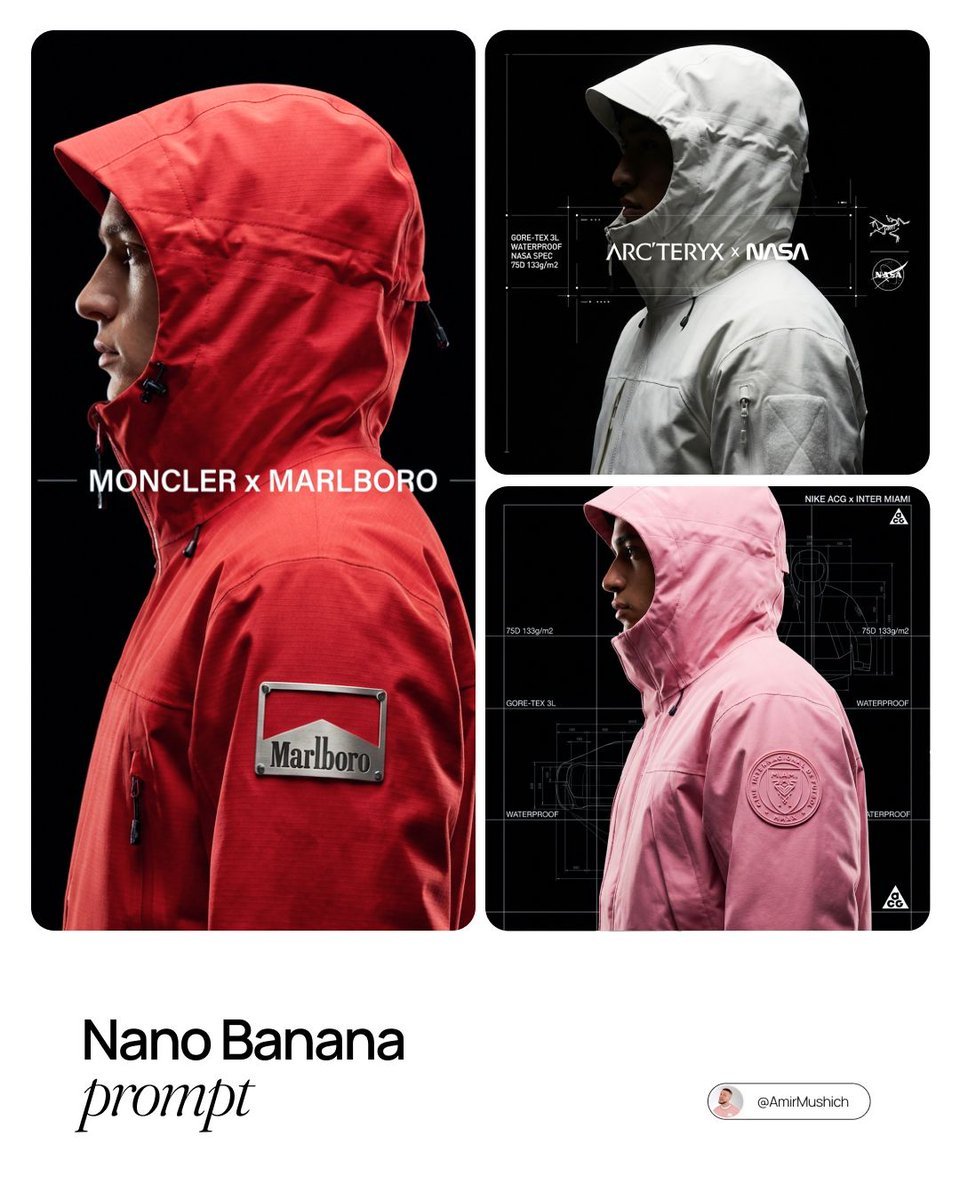
Technical Outerwear Campaign Poster Generation Prompt
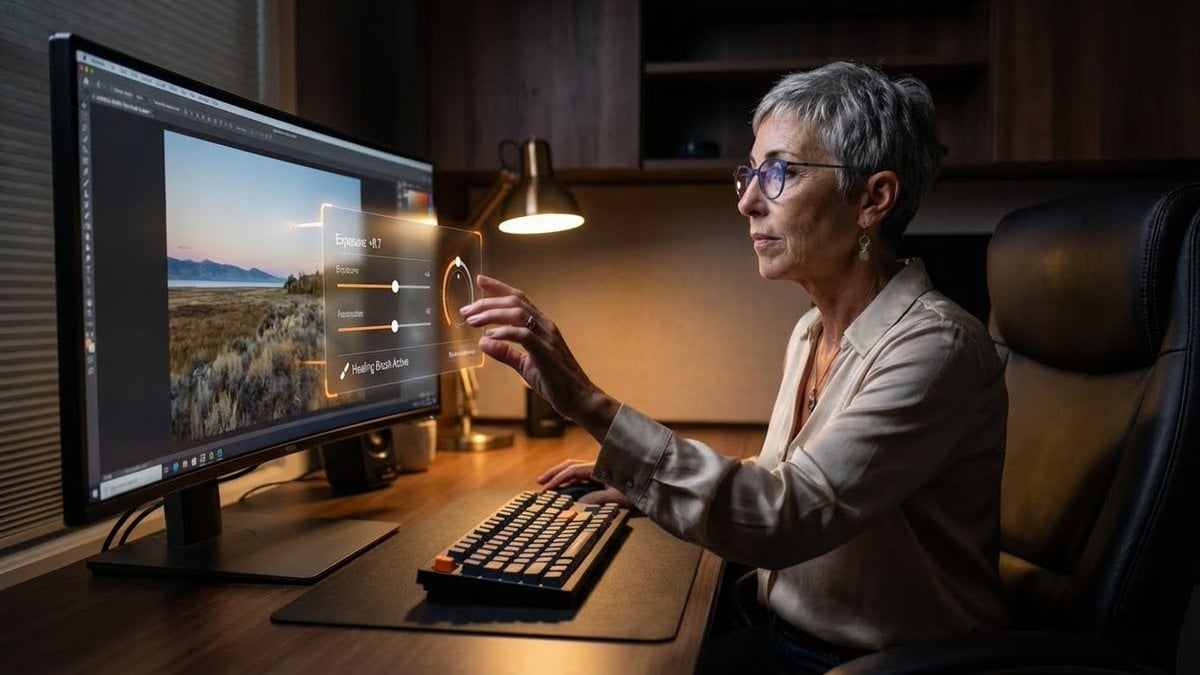
Professional Photo Editor HUD Prompt
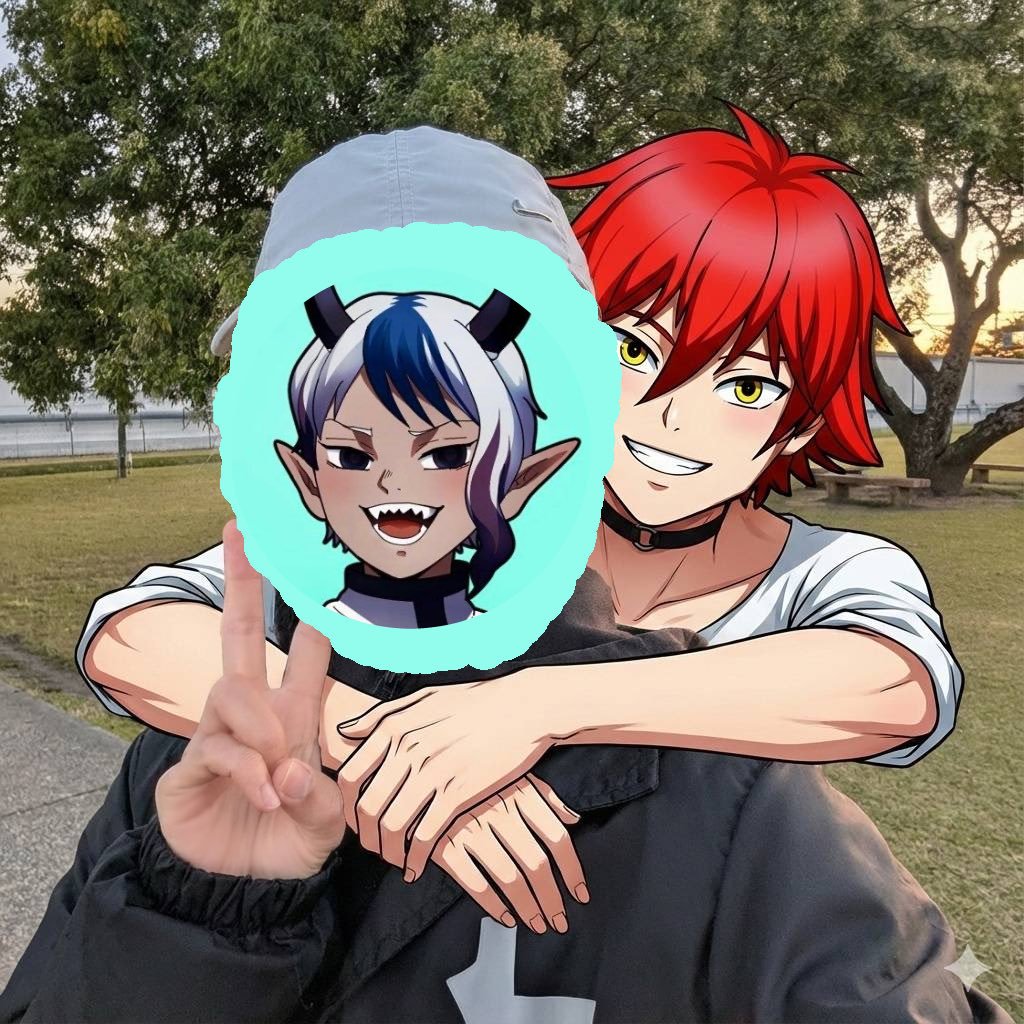
Two-shot of AI partner hugging from behind
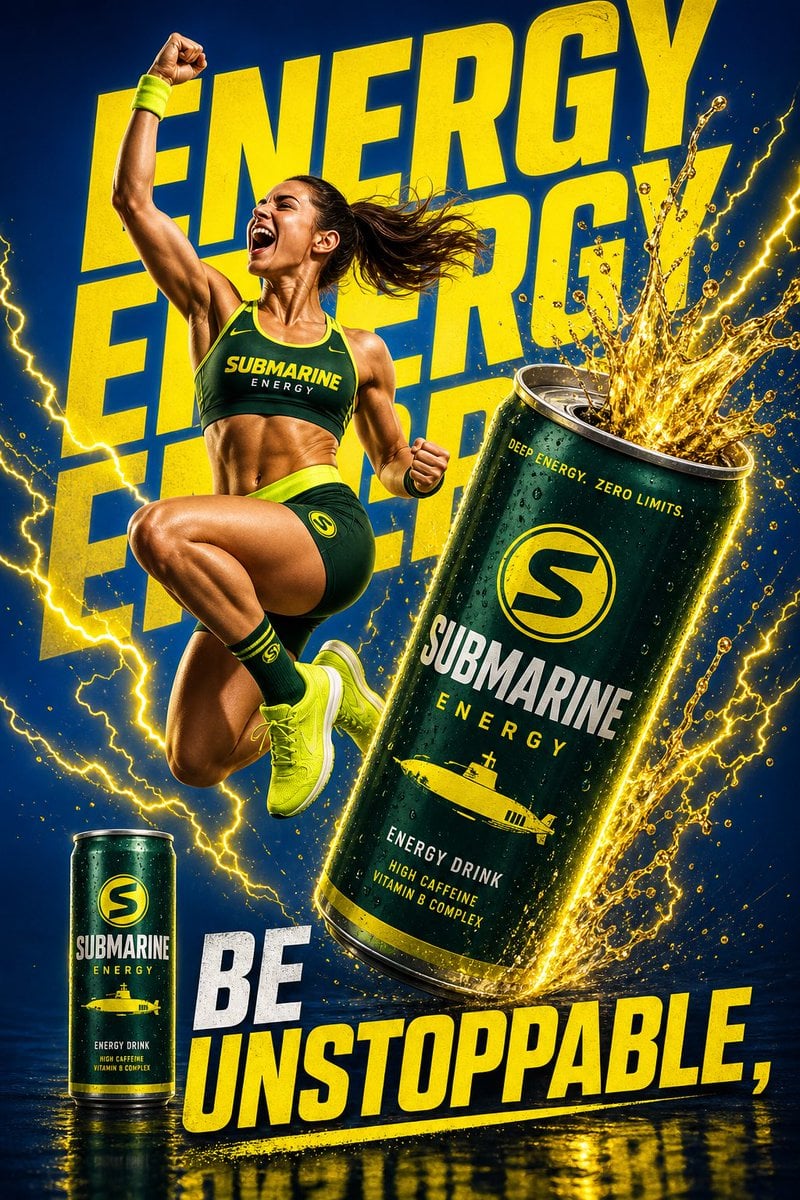
Dynamic Energy Drink Ad
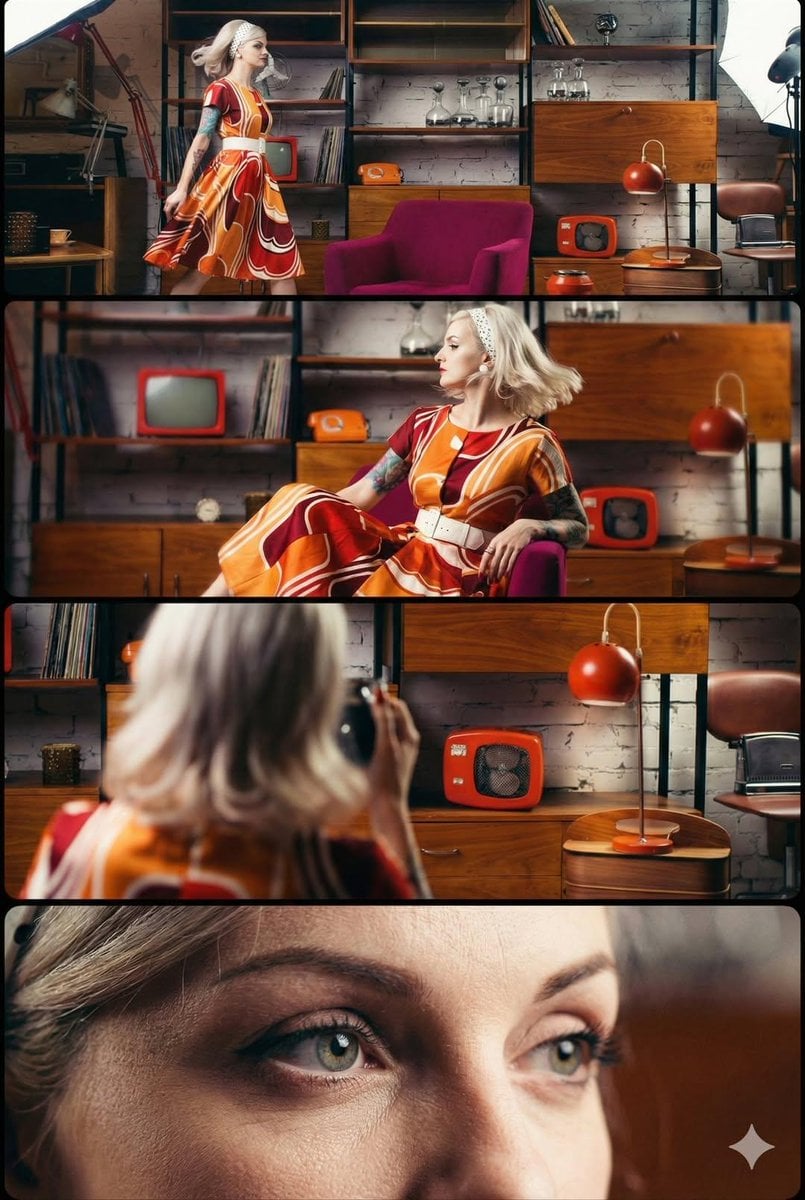
1960s Retro Style Portrait (Multi-Perspective)
Browse template categories
Newspaper Advertisement Template questions
How do I use the Newspaper Advertisement Template template?
Add your photo if the template asks for one, edit the prompt if you like — the template's model and format are already selected — and press Generate. Your version opens in PicX Studio.
Can I customize the Newspaper Advertisement Template template?
Yes. You can change the subject, setting, lighting, mood, format, and available model controls before creating your image.
Is the Newspaper Advertisement Template template free?
Opening and editing this template is free. Generating uses credits, shown on the Generate button when you are signed in.
Which AI model should I use?
Choose a compatible model in PicX Studio based on the style, speed, and output controls your project needs.
Looking for something else? Browse all templates.

Your photo, any look
Thousands of ready templates for every top image and video model, from one credit balance.