
Dual-Concept Street Art Mural
A complex split-composition prompt for a city wall mural contrasting a relaxing tropical healing theme with a stressful work deadline.
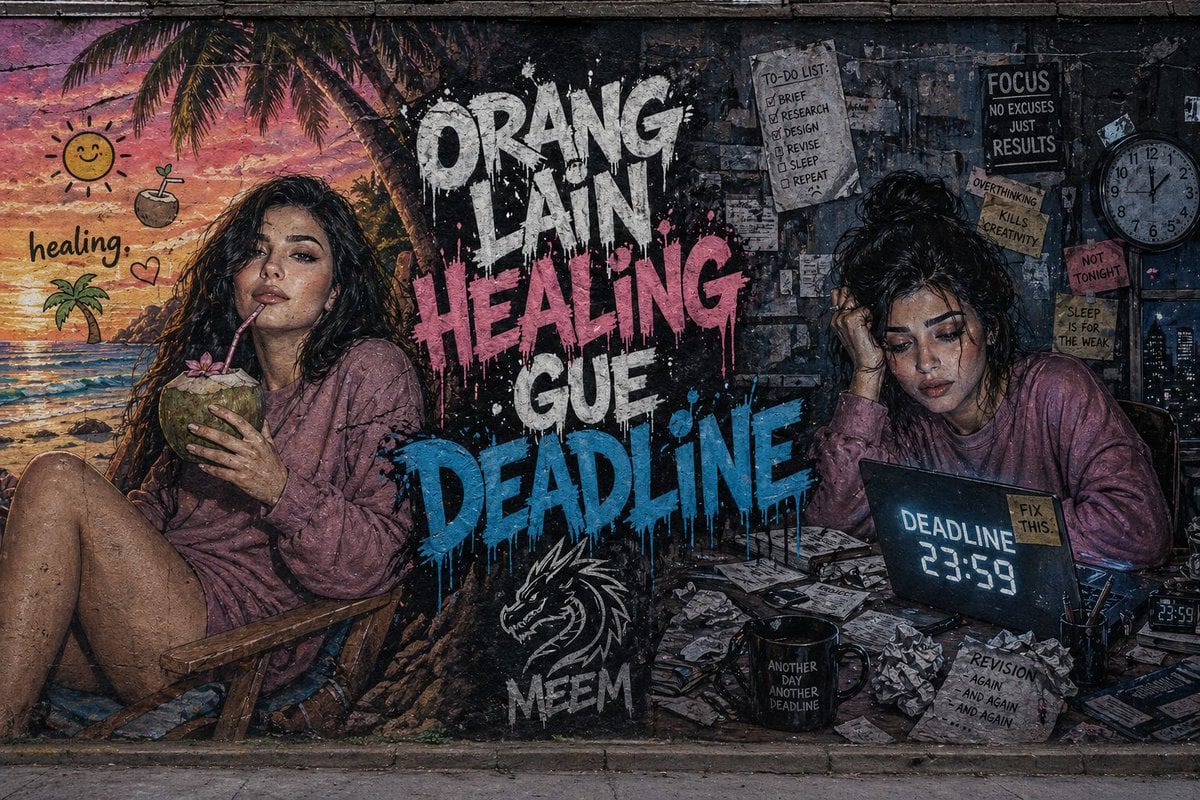
- Prompt included
- Model and format preset
- Free template
The prompt behind this image
Copy the exact prompt behind Dual-Concept Street Art Mural, or open it in the studio and make it yours.
Ultra-detailed wide street art mural painted on a rough concrete city wall with a split composition. On the {argument name="left side" default="left side, a vibrant tropical beach scene in warm pastel tones shows a young woman (same face as reference) relaxing on a chair, sipping a coconut under a sunset sky"}, with playful tropical emojis and the caption “healing.” On the {argument name="right side" default="right side, a dark and messy workspace in cold bluish-gray tones shows the same woman stressed at a desk surrounded by scattered papers, a coffee mug, and a glowing laptop displaying “DEADLINE 23:59”"}. In the center, {argument name="main text" default="bold graffiti text reads “ORANG LAIN HEALING” and “GUE DEADLINE”"} in a dripping paint style with high contrast colors. Include a “MEEM” tag with a stylized dragon logo beneath. Cinematic lighting, gritty textures, hyper-realistic style, strong emotional contrast, 8K detail.
How to use Dual-Concept Street Art Mural in 3 steps
- 1Upload ImagePNG, JPG or paste
Add your photo
Upload the photo the template builds on. The prompt, model and format are already set.
- 2…a portrait of your subject in softgolden-hour light, 85mm…
Personalize
Edit the subject and creative details for your destination.
- 3Generate
Generate
Press Generate — your image is created in PicX Studio, so you can compare it with the original and refine one variable at a time.
More like this
Templates with the same subject, style or setup. Open one to see its prompt.

Two Tickets, One Night

Meet Me When It Rains

Two Hearts. One Scooter.

1986 Street Couple

1985 Street Scene

Cinematic Street Fashion Portrait Motion Blur Crowd

Blue Hour Editorial Fashion Portrait

Glass Brand Logo Volcanic Landscape

Blueprint Split Reality Archetype Prompt
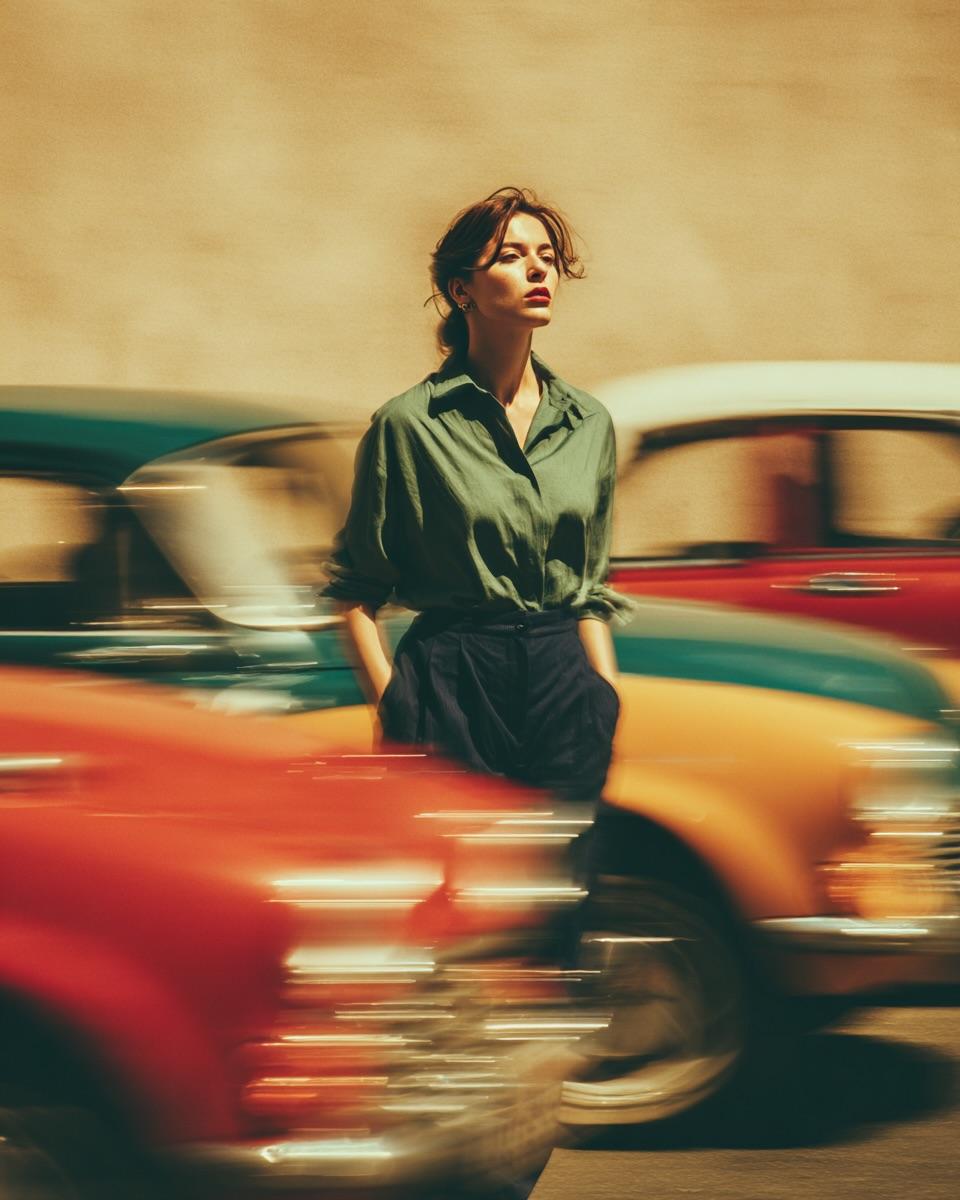
Golden Hour Street Motion Portrait

Real Illustration Split Portrait Transition

Face-Locked Cream Half-Zip Street Walk
Make it yours
Dual-Concept Street Art Mural works as-is. These are the safest ways to change it without losing the look.
Change one field
Copy a single group, rewrite it, and generate again so you can see what that field is doing.
Keep the frame, change the subject
Hold the composition and light of Dual-Concept Street Art Mural, then swap wardrobe, props or the person for a new take.
| If the result… | Why | Fix |
|---|---|---|
| The result drifts from the preview | Too many fields changed at once. | Reuse Dual-Concept Street Art Mural as-is first, then change one group — subject, light, or setting. |
| The model over-stylizes the scene | The prose prompt leaves finish and camera underspecified. | Add one camera or lighting sentence and stay on GPT Image 2. |
More GPT Image 2 templates
Other prompts made for GPT Image 2.

Six VTuber Japanese Logo Sheet

Realistic Portrait of Woman and Deer

The Vista Modular Condo Poster

AI Model Routing Comparison Infographic

2.5D Anime Art Board

Isometric Productivity Desk Scene

New York Double Exposure Poster

Four-Panel AI Landscape Comparison

Japanese Tatami Lifestyle Magazine Cover

NESCAFÉ Coffee Map Poster
More image prompts
Fresh picks from across the catalog.
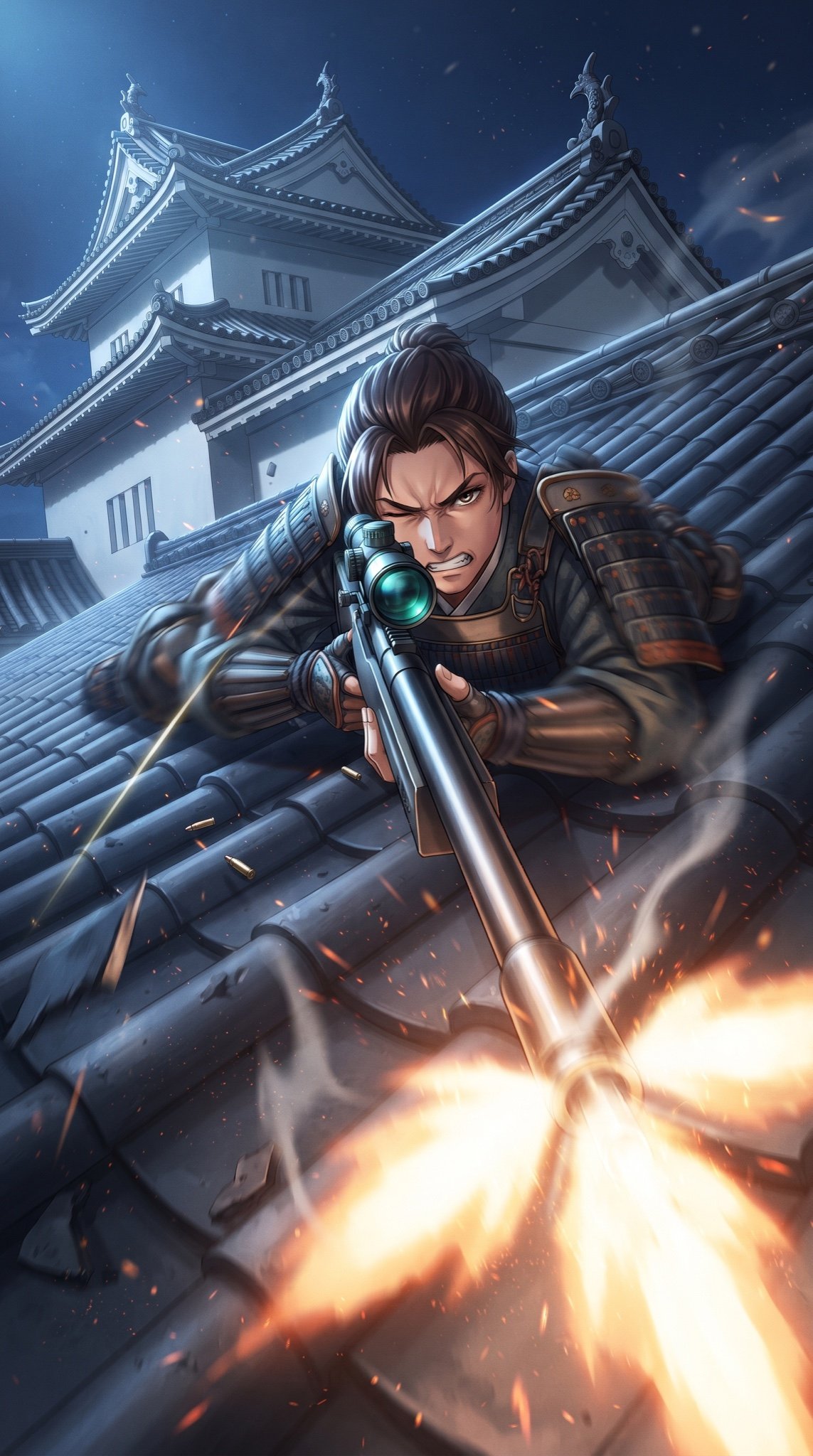
Samurai Sniper Dynamic Battle Scene Prompt
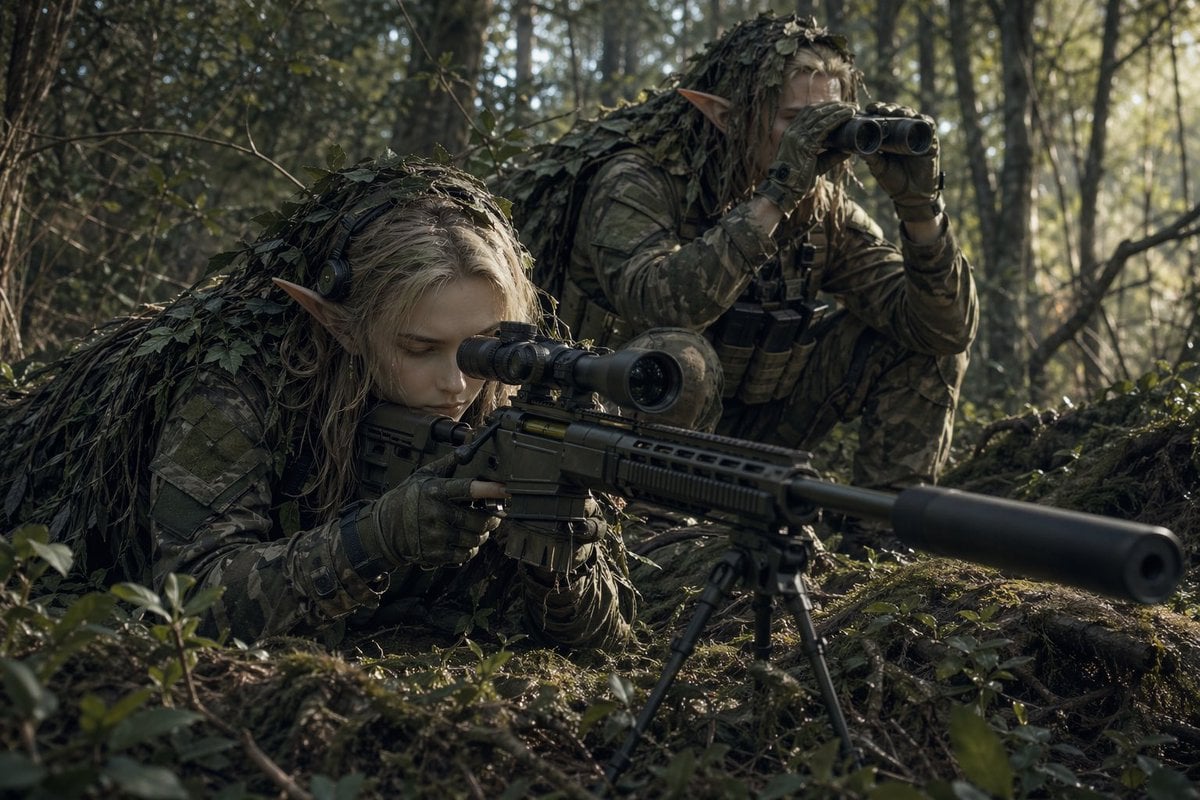
Elf Sniper Team in Forest Ambush
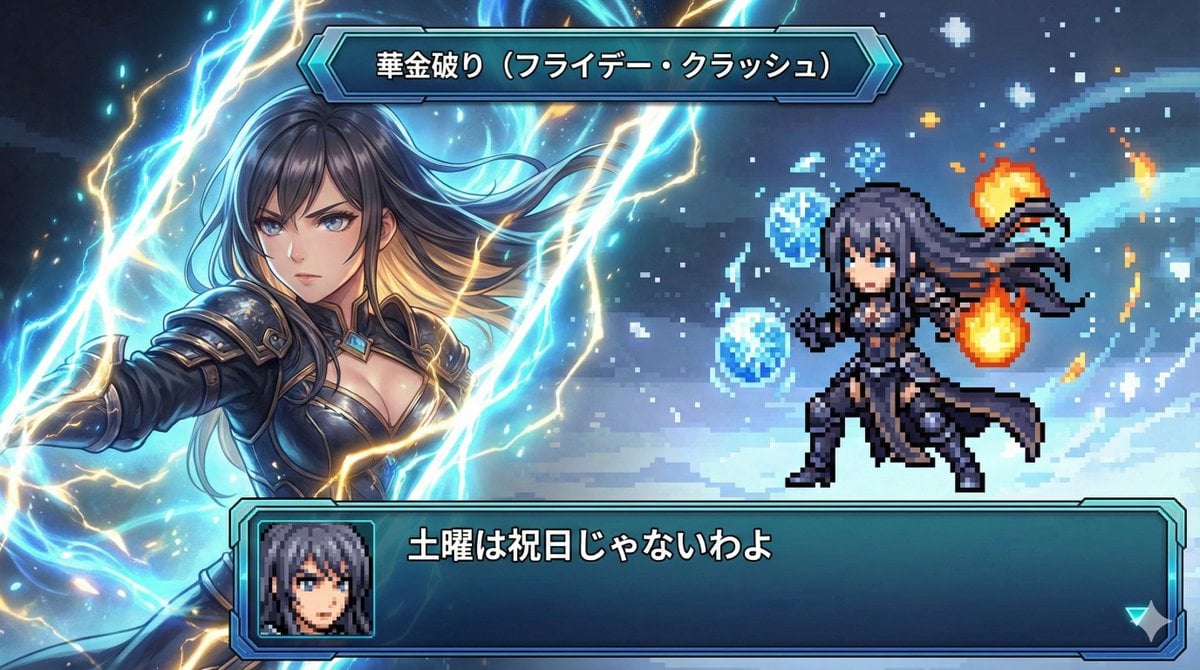
Super Robot Wars Style Witch Rejecting Friday

AI Coding English Learning Poster
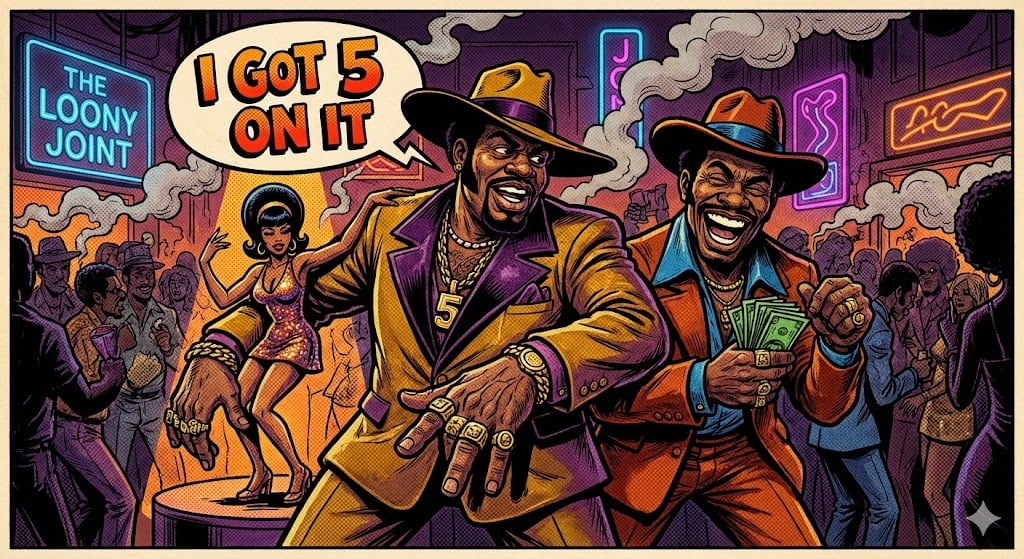
Blaxploitation Comic Art 'I Got 5 On It' Prompt
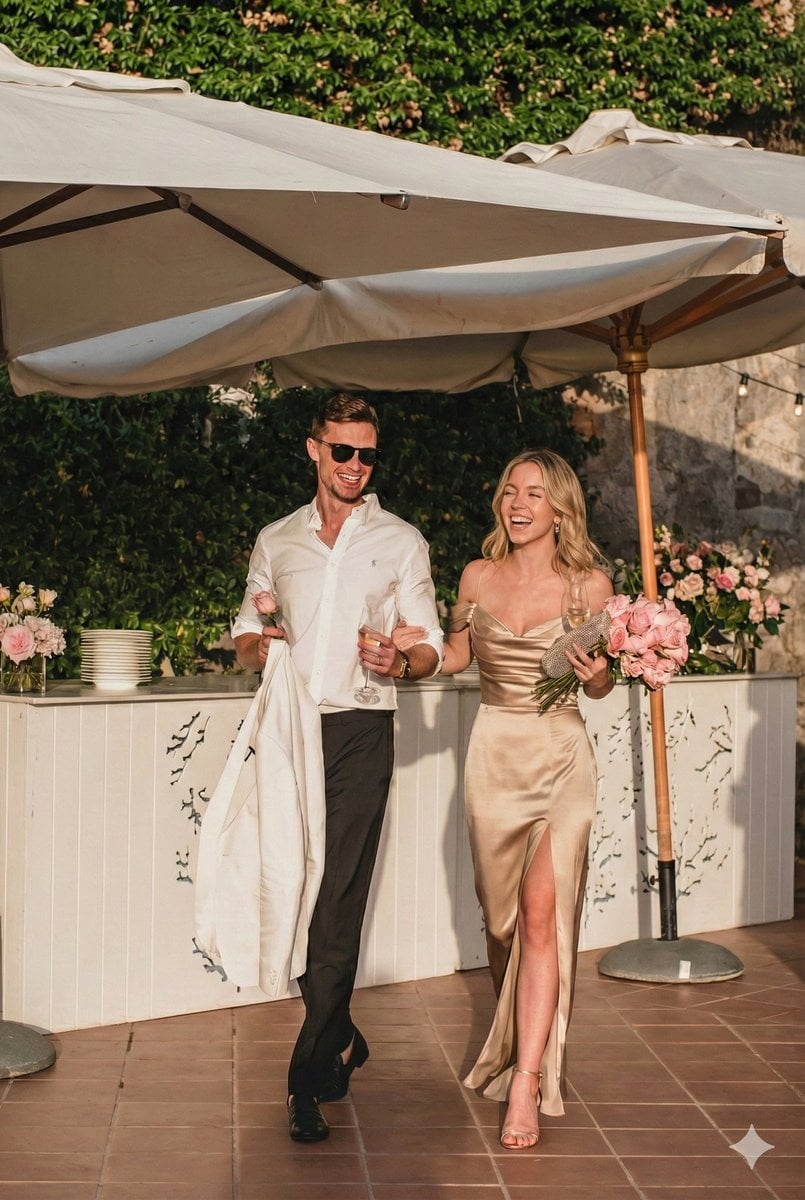
Ultra-Realistic Mediterranean Couple Portrait Prompt
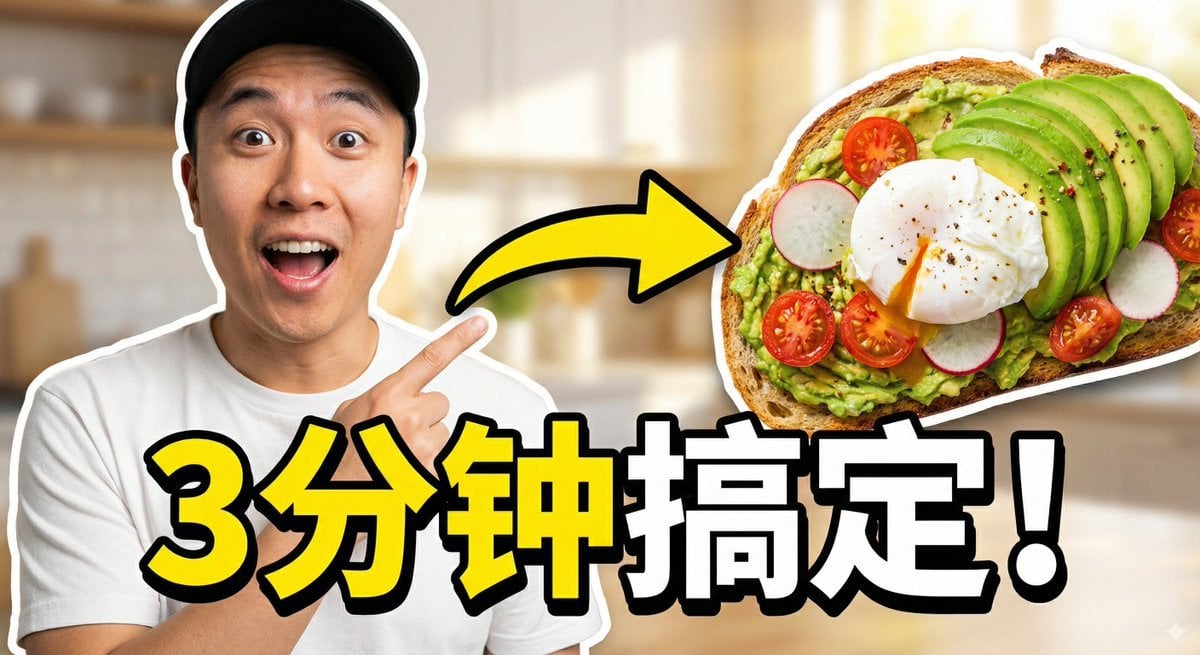
Viral Thumbnail: Excited pointing, avocado toast, “Done in 3 Minutes!”
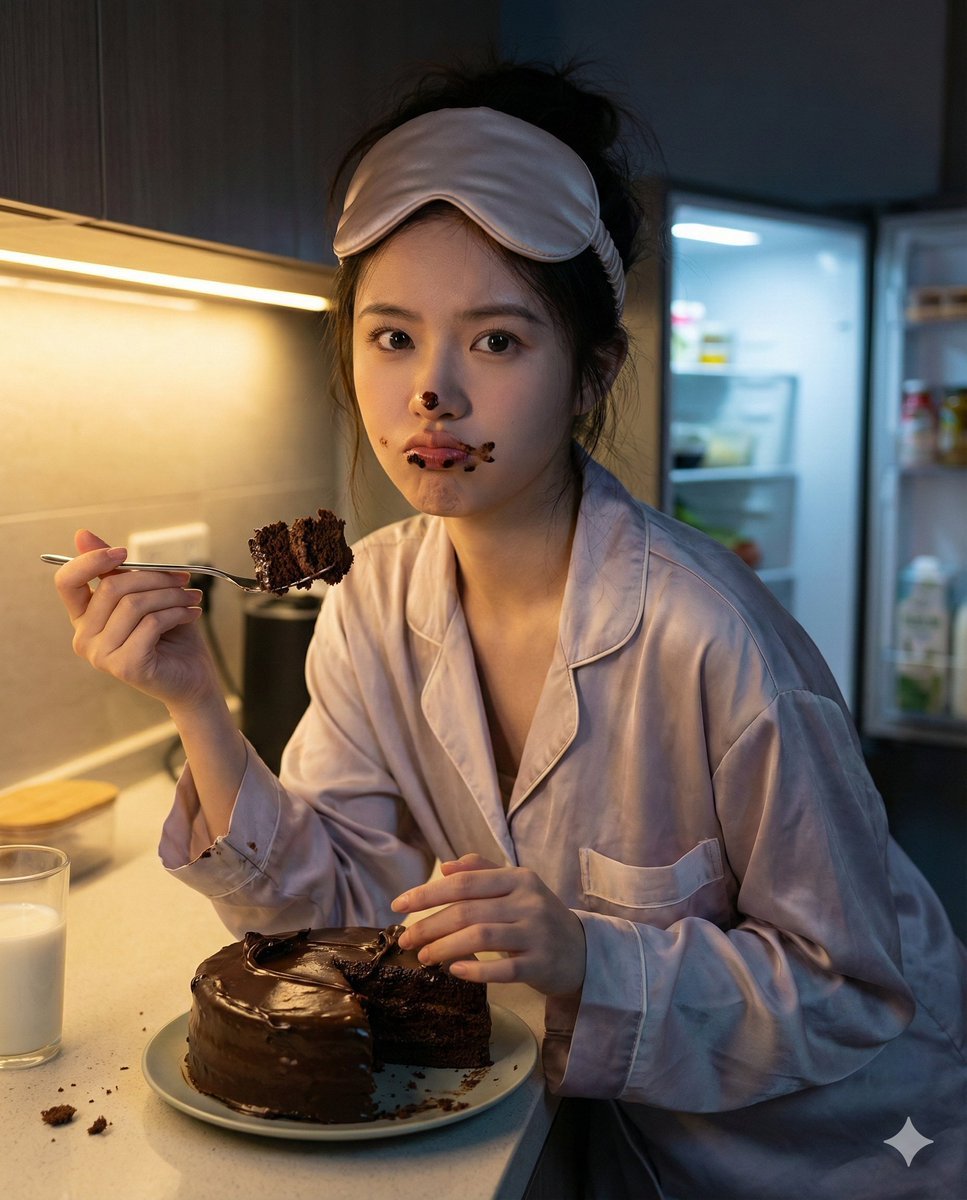
Nano Banana Pro Hyper-Realistic Midnight Snack Portrait Prompt
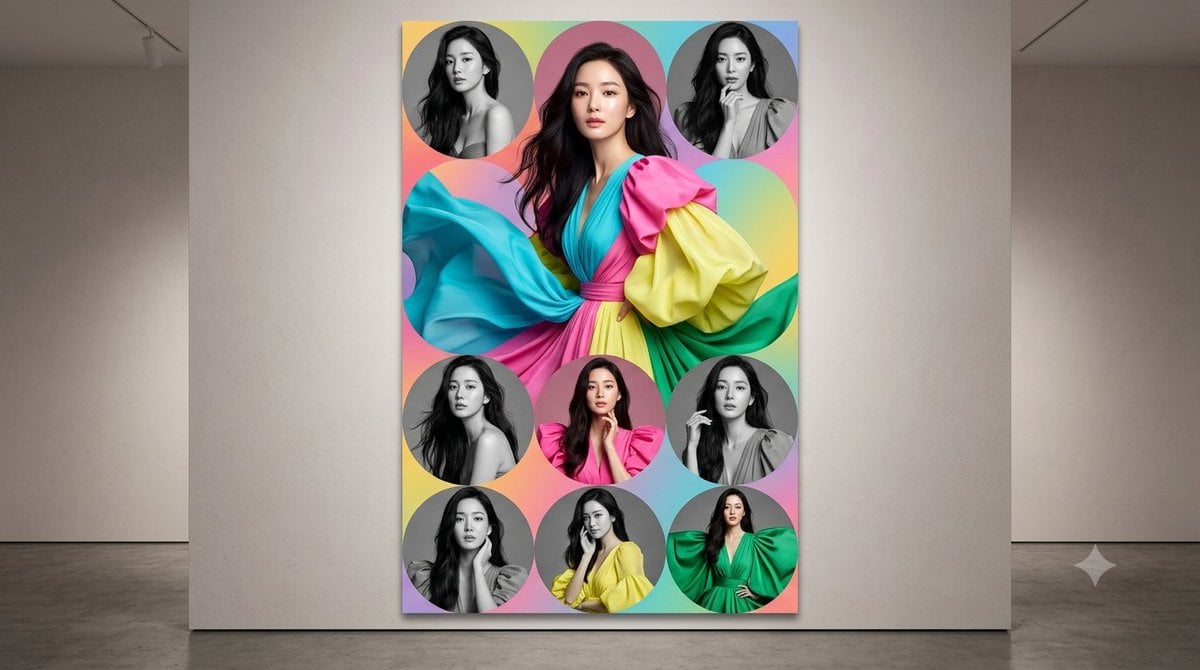
Anonymized Fashion Collage Poster
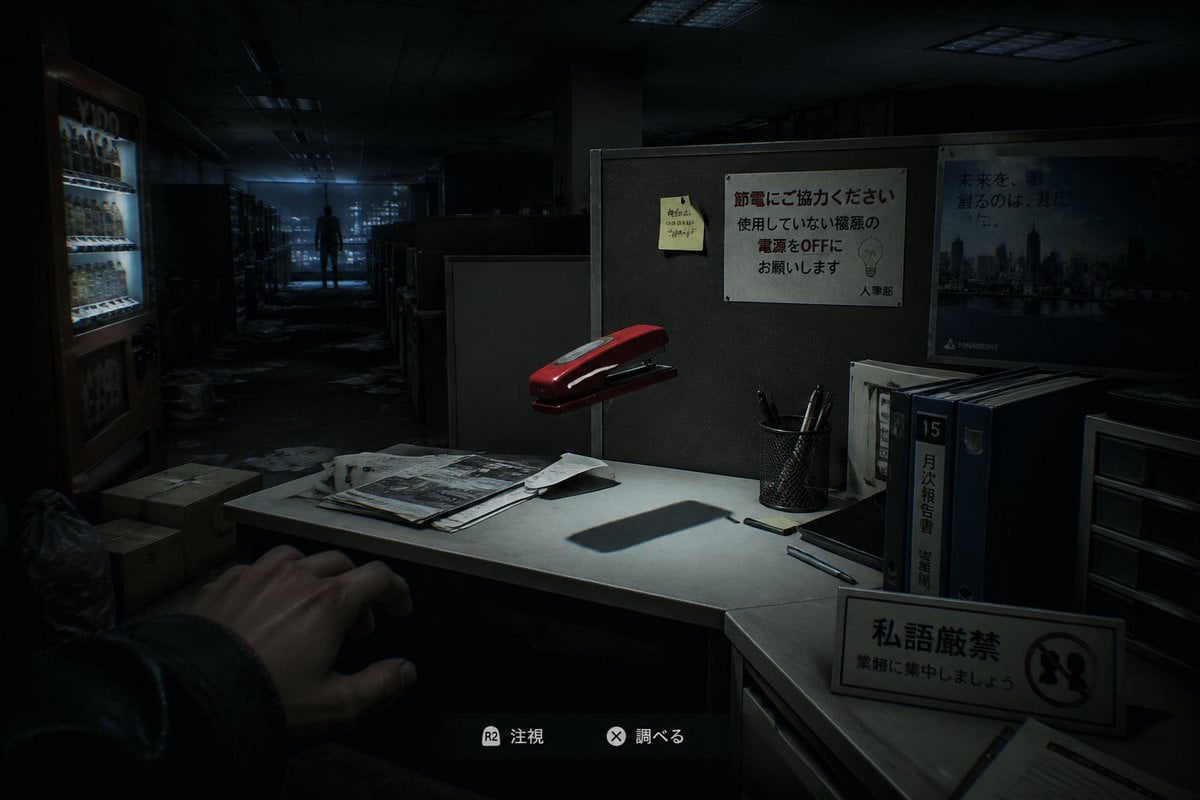
Japanese Office Horror Game Screenshot
Browse template categories
Dual-Concept Street Art Mural questions
How do I use the Dual-Concept Street Art Mural template?
Add your photo if the template asks for one, edit the prompt if you like — the template's model and format are already selected — and press Generate. Your version opens in PicX Studio.
Can I customize the Dual-Concept Street Art Mural template?
Yes. You can change the subject, setting, lighting, mood, format, and available model controls before creating your image.
Is the Dual-Concept Street Art Mural template free?
Opening and editing this template is free. Generating uses credits, shown on the Generate button when you are signed in.
Which AI model should I use?
Start with GPT Image 2, which is the model associated with this template. You can compare another compatible model for a different finish.
Looking for something else? Browse all templates.

Your photo, any look
Thousands of ready templates for every top image and video model, from one credit balance.