
AI Coding English Learning Poster
Generates a dense Japanese anime-style educational poster for practical English phrases used with AI coding assistants and AI IDE workflows.
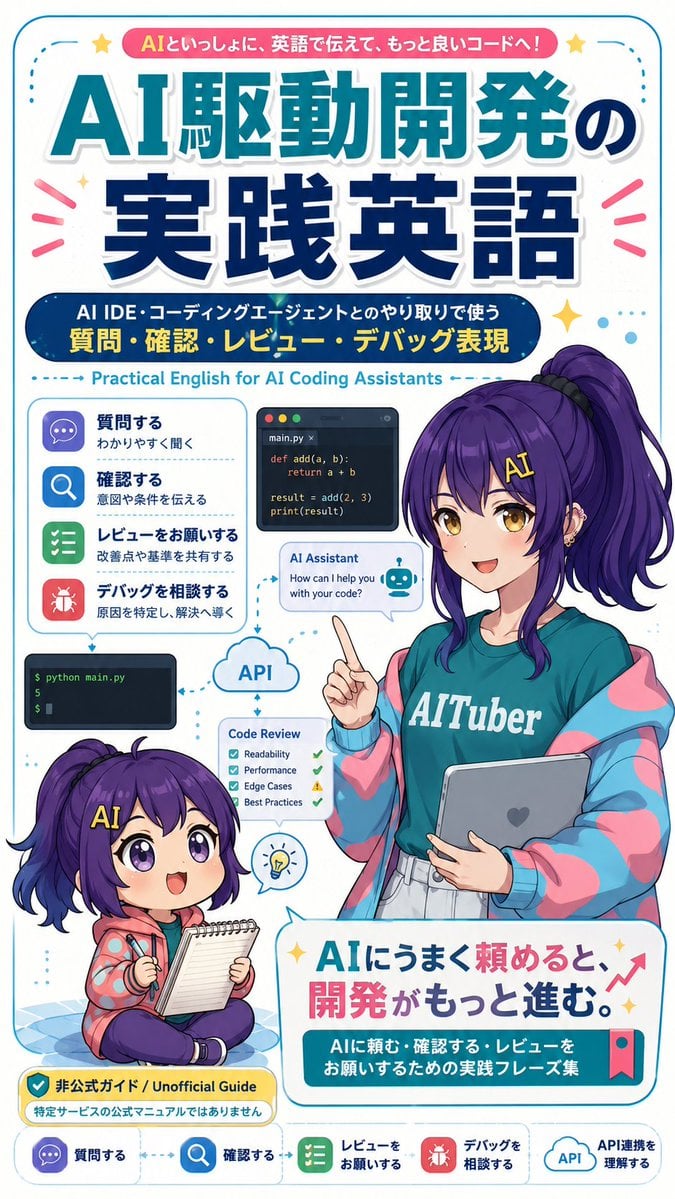
- Prompt included
- Model and format preset
- Free template
The prompt behind this image
Copy the exact prompt behind AI Coding English Learning Poster, or open it in the studio and make it yours.
- Type
- vertical Japanese educational poster / magazine-cover infographic for English learning with AI coding assistants
- Format
- tall smartphone-friendly poster, 2:3 aspect ratio, rounded cyan border, clean white background, dense but playful layout, glossy anime + flat infographic hybrid style
- Main Text › Top Ribbon
- {argument name="top ribbon text" default="AIといっしょに、英語で伝えて、もっと良いコードへ!"}
- Main Text › Main Headline
- {argument name="main headline" default="AI駆動開発の実践英語"}
- Main Text › Subheadline
- {argument name="subheadline" default="AI IDE・コーディングエージェントとのやり取りで使う 質問・確認・レビュー・デバッグ表現"}
- Main Text › English Subtitle
- Practical English for AI Coding Assistants
- Main Text › Bottom Slogan
- {argument name="bottom slogan" default="AIにうまく頼めると、開発がもっと進む。"}
- Main Text › Bottom Caption
- AIに頼む・確認する・レビューをお願いするための実践フレーズ集
- Characters › Count
- 2
- Characters › Adult Character › Position
- right side, occupying the middle and lower-right
- Characters › Adult Character › Description
- anime-style young woman instructor with long high ponytail, deep purple hair, teal T-shirt reading 'AITuber', oversized pastel pink and cyan jacket, light skirt, holding a tablet with a heart mark, raising one index finger as if teaching; her face is covered by a soft blurred rectangular censor block
- Characters › Adult Character › Hair Color
- {argument name="hair color" default="deep purple"}
- Characters › Chibi Character › Position
- lower-left
- Characters › Chibi Character › Description
- small chibi version of the same purple-haired character sitting cross-legged on a blue checkered mat, smiling with big violet eyes, yellow 'AI' hair clip, holding a pen and notepad, wearing a coral hoodie with blue dots and dark pants
- Layout › Sections › 0 › Title
- left phrase category list
- Layout › Sections › 0 › Position
- left-middle
- Layout › Sections › 0 › Count
- 4
- Layout › Sections › 0 › Items › 0 › Label
- 質問する
- Layout › Sections › 0 › Items › 0 › Subtext
- わかりやすく聞く
- Layout › Sections › 0 › Items › 0 › Icon
- purple chat bubble
- Layout › Sections › 0 › Items › 1 › Label
- 確認する
- Layout › Sections › 0 › Items › 1 › Subtext
- 意図や条件を伝える
- Layout › Sections › 0 › Items › 1 › Icon
- blue magnifying glass
- Layout › Sections › 0 › Items › 2 › Label
- レビューをお願いする
Raw JSON
{"type":"vertical Japanese educational poster / magazine-cover infographic for English learning with AI coding assistants","format":"tall smartphone-friendly poster, 2:3 aspect ratio, rounded cyan border, clean white background, dense but playful layout, glossy anime + flat infographic hybrid style","main_text":{"top_ribbon":"{argument name=\"top ribbon text\" default=\"AIといっしょに、英語で伝えて、もっと良いコードへ!\"}","main_headline":"{argument name=\"main headline\" default=\"AI駆動開発の実践英語\"}","subheadline":"{argument name=\"subheadline\" default=\"AI IDE・コーディングエージェントとのやり取りで使う 質問・確認・レビュー・デバッグ表現\"}","english_subtitle":"Practical English for AI Coding Assistants","bottom_slogan":"{argument name=\"bottom slogan\" default=\"AIにうまく頼めると、開発がもっと進む。\"}","bottom_caption":"AIに頼む・確認する・レビューをお願いするための実践フレーズ集"},"characters":{"count":2,"adult_character":{"position":"right side, occupying the middle and lower-right","description":"anime-style young woman instructor with long high ponytail, deep purple hair, teal T-shirt reading 'AITuber', oversized pastel pink and cyan jacket, light skirt, holding a tablet with a heart mark, raising one index finger as if teaching; her face is covered by a soft blurred rectangular censor block","hair_color":"{argument name=\"hair color\" default=\"deep purple\"}"},"chibi_character":{"position":"lower-left","description":"small chibi version of the same purple-haired character sitting cross-legged on a blue checkered mat, smiling with big violet eyes, yellow 'AI' hair clip, holding a pen and notepad, wearing a coral hoodie with blue dots and dark pants"}},"layout":{"sections":[{"title":"left phrase category list","position":"left-middle","count":4,"items":[{"label":"質問する","subtext":"わかりやすく聞く","icon":"purple chat bubble"},{"label":"確認する","subtext":"意図や条件を伝える","icon":"blue magnifying glass"},{"label":"レビューをお願いする","subtext":"改善点や基準を共有する","icon":"green checklist"},{"label":"デバッグを相談する","subtext":"原因を特定し、解決へ導く","icon":"red bug"}]},{"title":"coding workflow mini panels","position":"center-left to center","count":5,"items":[{"description":"dark code editor card with filename main.py and simple Python function add(a, b), return a + b, result = add(2, 3), print(result)"},{"description":"AI Assistant chat bubble saying 'How can I help you with your code?' with a small robot icon"},{"description":"dark terminal panel showing '$ python main.py' and output '5'"},{"description":"cloud labeled 'API' connected by dotted arrows"},{"description":"Code Review checklist card with four checks: Readability, Performance, Edge Cases, Best Practices"}]},{"title":"guide label","position":"bottom-left above footer","count":1,"items":[{"label":"非公式ガイド / Unofficial Guide","subtext":"特定サービスの公式マニュアルではありません","style":"yellow rounded warning badge with shield check icon"}]},{"title":"footer navigation","position":"very bottom","count":5,"items":[{"label":"質問する","icon":"purple chat bubble"},{"label":"確認する","icon":"blue magnifying glass"},{"label":"レビューをお願いする","icon":"green checklist"},{"label":"デバッグを相談する","icon":"red bug"},{"label":"API連携を理解する","icon":"API cloud"}]}],"decorations":"cyan dotted arrows linking panels, pink attention rays around headline, yellow sparkle stars, small blue dots, red upward growth arrow near bottom slogan, bookmark ribbon on bottom card"},"typography":"large bold Japanese display headline with teal upper line and navy lower line, white stroke and drop shadow; rounded sans-serif captions; strong cyan, navy, pink, yellow palette","rendering":"crisp vector-like poster design, high-resolution, polished Japanese learning-material cover, cheerful and educational, no photorealism"}How to use AI Coding English Learning Poster in 3 steps
- 1Upload ImagePNG, JPG or paste
Add your photo
Upload the photo the template builds on. The prompt, model and format are already set.
- 2…a portrait of your subject in softgolden-hour light, 85mm…
Personalize
Edit the subject and creative details for your destination.
- 3Generate
Generate
Press Generate — your image is created in PicX Studio, so you can compare it with the original and refine one variable at a time.
More like this
Templates with the same subject, style or setup. Open one to see its prompt.

Japan Travel Brochure Poster

Cartoon TV Show Poster Pack

Trendy Cafe Drink Promo Poster

Urban Fashion Editorial Collage Streetwear Poster

Premium Fashion Editorial Cover Layout System

Polo Ralph Lauren Luxury American Heritage Fashion Campaign

Monochrome Halftone Editorial Fashion Poster

Retro Mirror Luxury Fashion Campaign Poster

Luxury Fashion Campaign Typography Poster System

Premium Fashion Editorial Campaign Poster System

Ultra-Stylized High-Fashion Streetwear Poster

Urban Fashion Editorial Collage Poster
Make it yours
AI Coding English Learning Poster works as-is. These are the safest ways to change it without losing the look.
Change one field
Copy a single group, rewrite it, and generate again so you can see what that field is doing.
Keep the frame, change the subject
Hold the composition and light of AI Coding English Learning Poster, then swap wardrobe, props or the person for a new take.
| If the result… | Why | Fix |
|---|---|---|
| The result drifts from the preview | Too many fields changed at once. | Reuse AI Coding English Learning Poster as-is first, then change one group — subject, light, or setting. |
| GPT Image 2 ignores part of the JSON | Some models flatten or skip nested keys. | Keep the same values and paste them as a short paragraph instead. |
More GPT Image 2 templates
Other prompts made for GPT Image 2.

Six VTuber Japanese Logo Sheet

Realistic Portrait of Woman and Deer

The Vista Modular Condo Poster

AI Model Routing Comparison Infographic

2.5D Anime Art Board

Isometric Productivity Desk Scene

New York Double Exposure Poster

Four-Panel AI Landscape Comparison

Japanese Tatami Lifestyle Magazine Cover

NESCAFÉ Coffee Map Poster
More image prompts
Fresh picks from across the catalog.
Infographic Poster Creation Prompt
Celestial Archer in Golden Star Temple
Modern Ad Layout Design
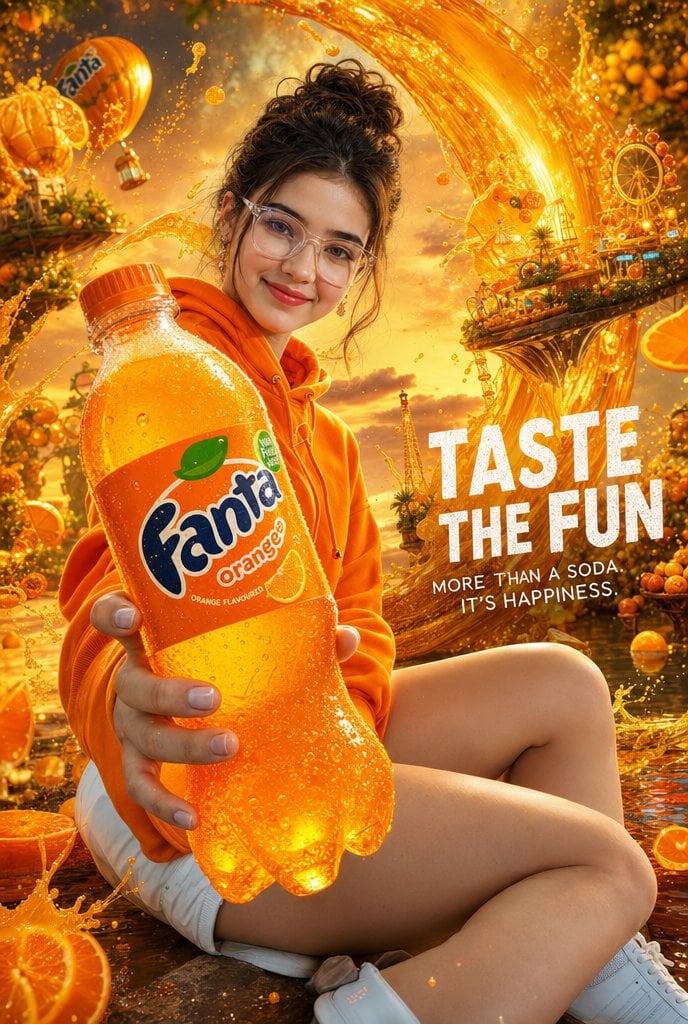
Cinematic Orange Soda Ad Poster
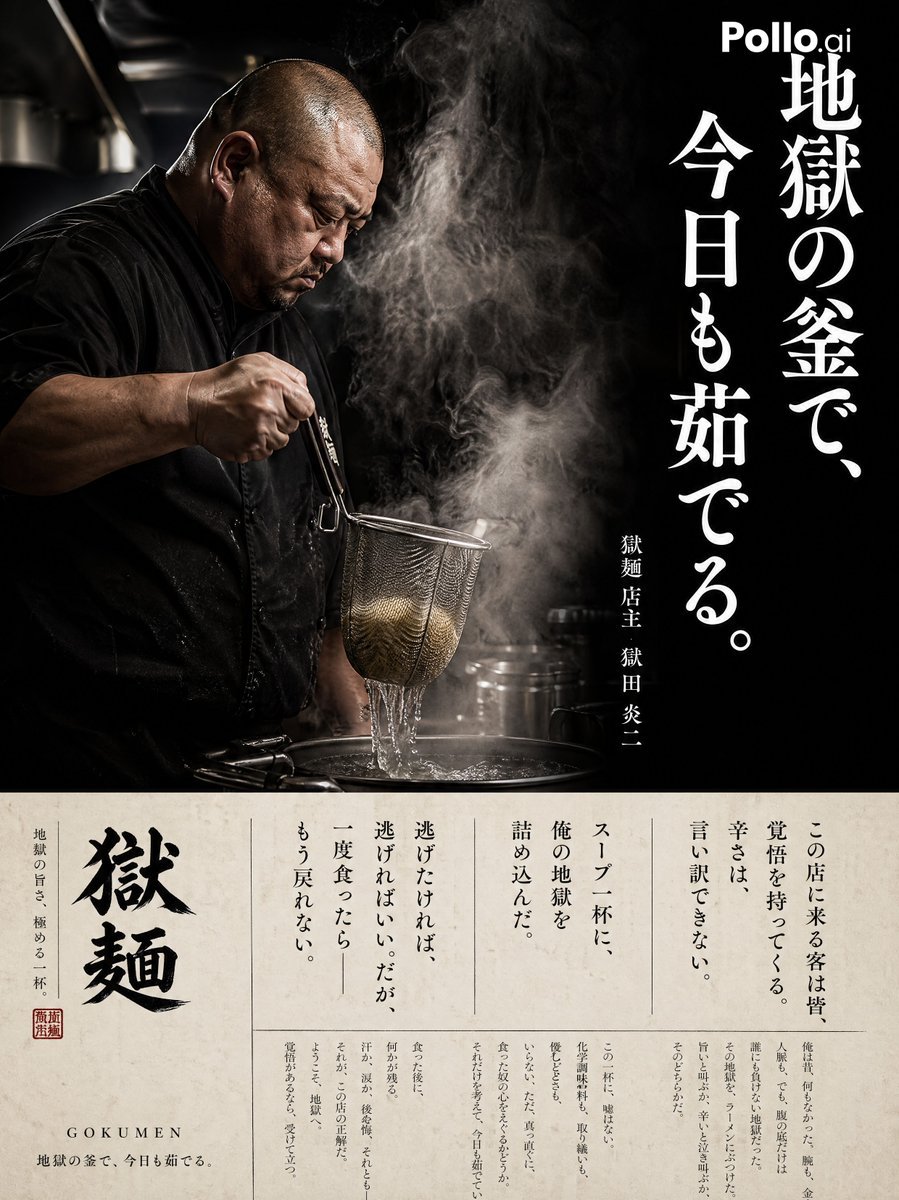
Cinematic Ramen Shop Commercial Poster
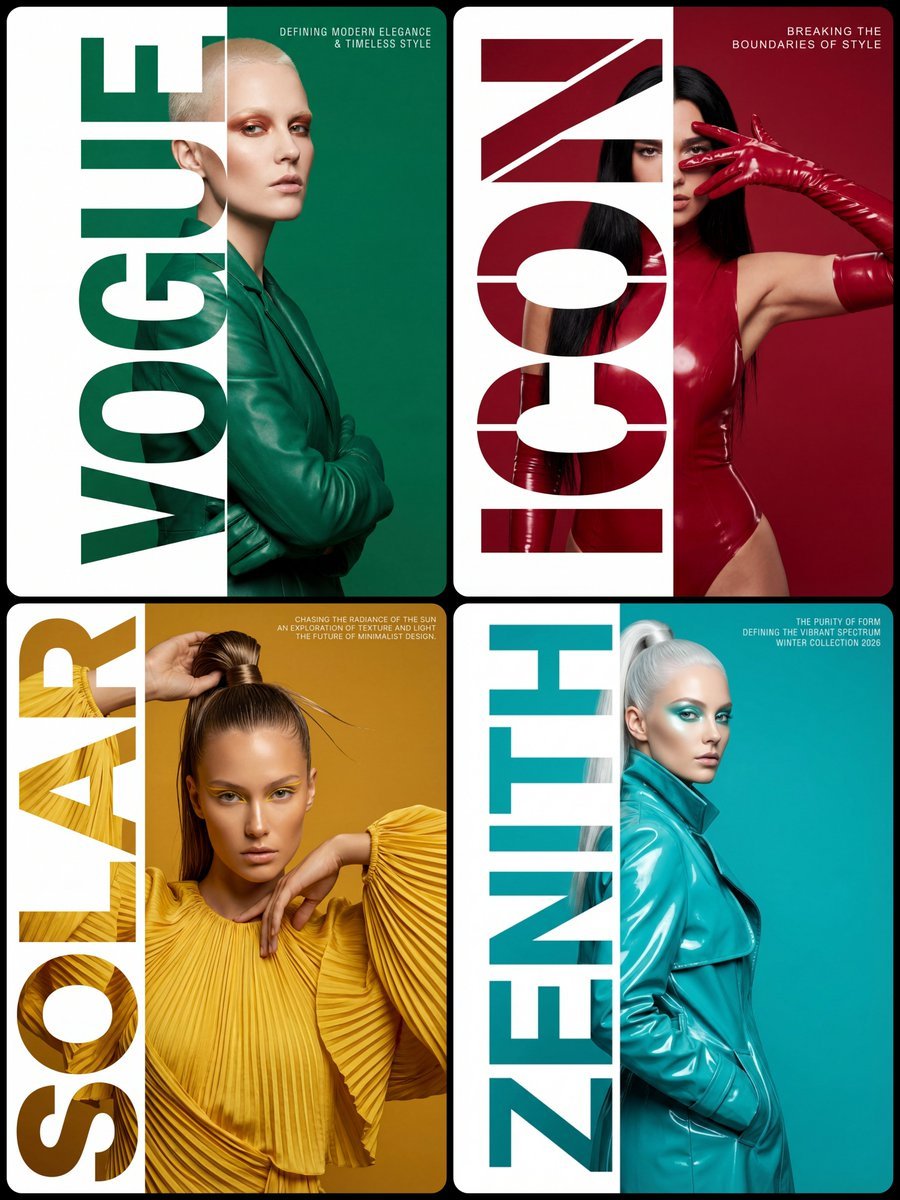
High-Fashion Typography Poster Template
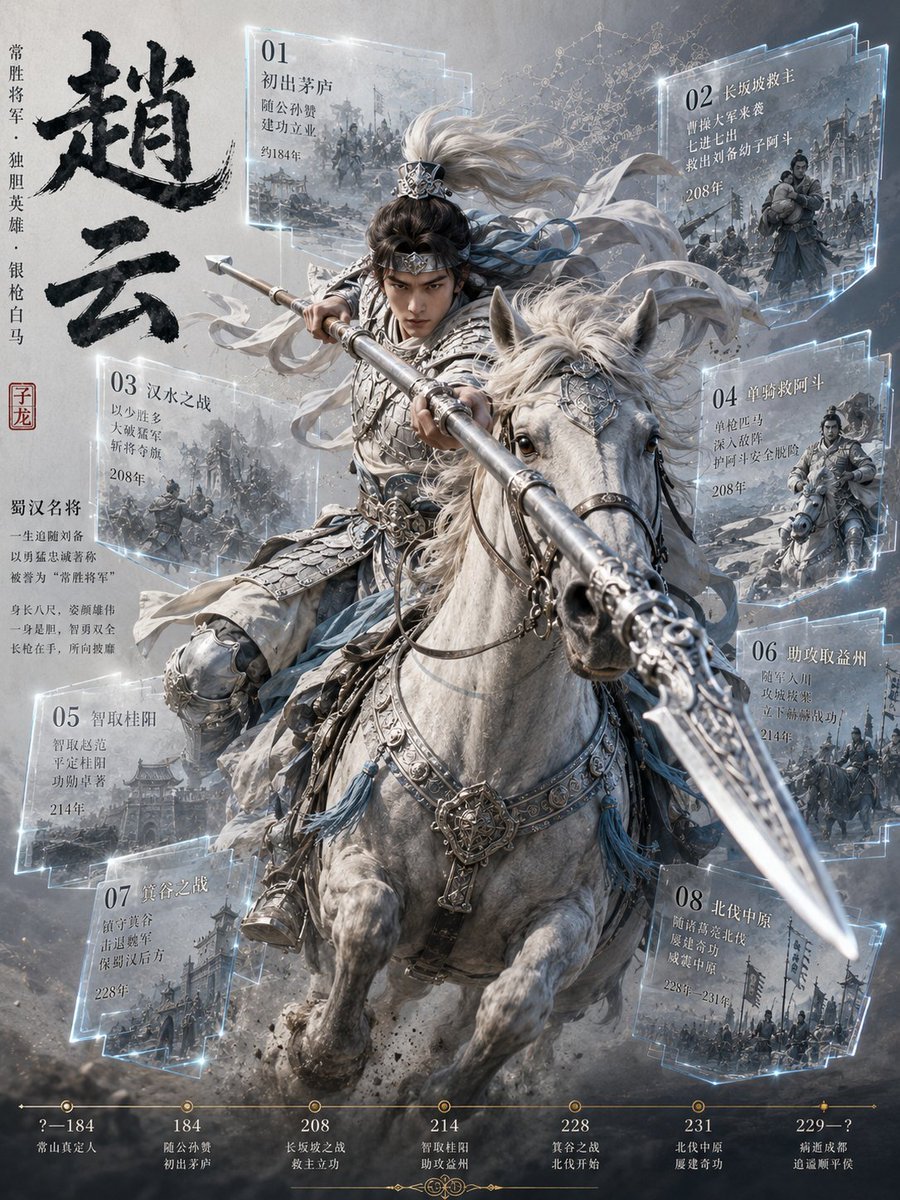
Zhao Yun Cavalry Infographic Poster
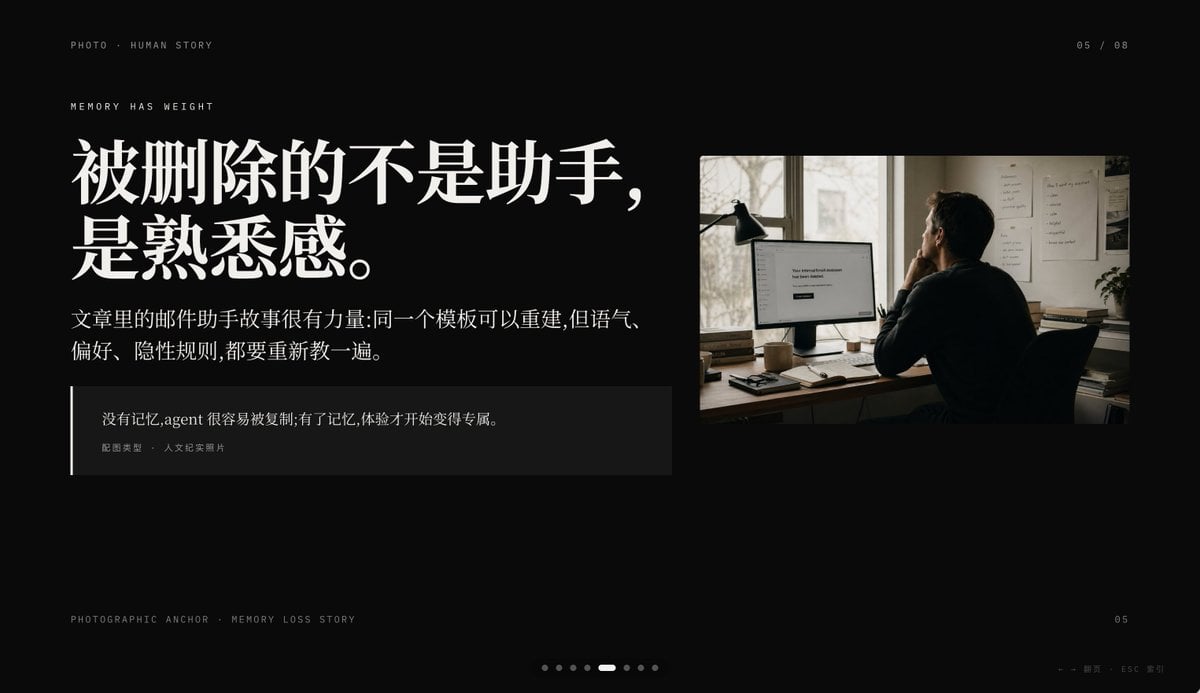
Cinematic Memory Loss PPT Slide

Watercolor Portrait with Hibiscus Prompt

Realistic Portrait of a Woman in a Garden
Browse template categories
AI Coding English Learning Poster questions
How do I use the AI Coding English Learning Poster template?
Add your photo if the template asks for one, edit the prompt if you like — the template's model and format are already selected — and press Generate. Your version opens in PicX Studio.
Can I customize the AI Coding English Learning Poster template?
Yes. You can change the subject, setting, lighting, mood, format, and available model controls before creating your image.
Is the AI Coding English Learning Poster template free?
Opening and editing this template is free. Generating uses credits, shown on the Generate button when you are signed in.
Which AI model should I use?
Start with GPT Image 2, which is the model associated with this template. You can compare another compatible model for a different finish.
Looking for something else? Browse all templates.

Your photo, any look
Thousands of ready templates for every top image and video model, from one credit balance.